Cult of Mac reader, Richard, emailed us today with the following issue:
I was trying to move my photos from my Mac to an external drive and during the transfer it kept asking me if I wanted to cancel or replace the image because that image was already there. I didn’t want to stop the process so I kept saying cancel. Afterwards, I realized that I was probably replacing images with the same number (e.g., img. 18) but that the images were probably different because, for example, I had simply reused sd cards from my camera and created a whole new set of images. Does this make sense? If I did indeed do that, are those images gone forever?
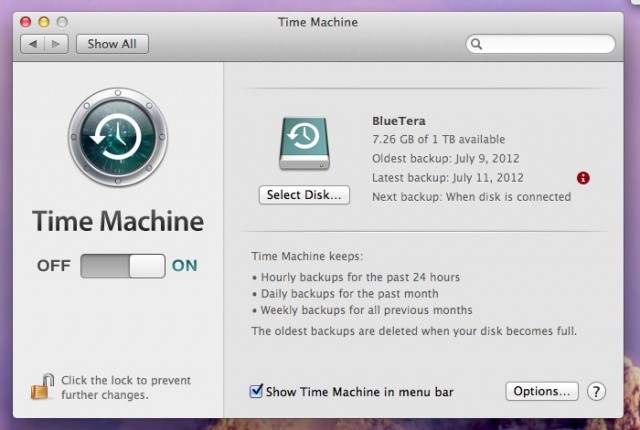
Yikes! We’ve all done this at some point in our Mac lives, some of us (looking right at myself) more than once. How can we get these replaced files back? There are three options that I know of.