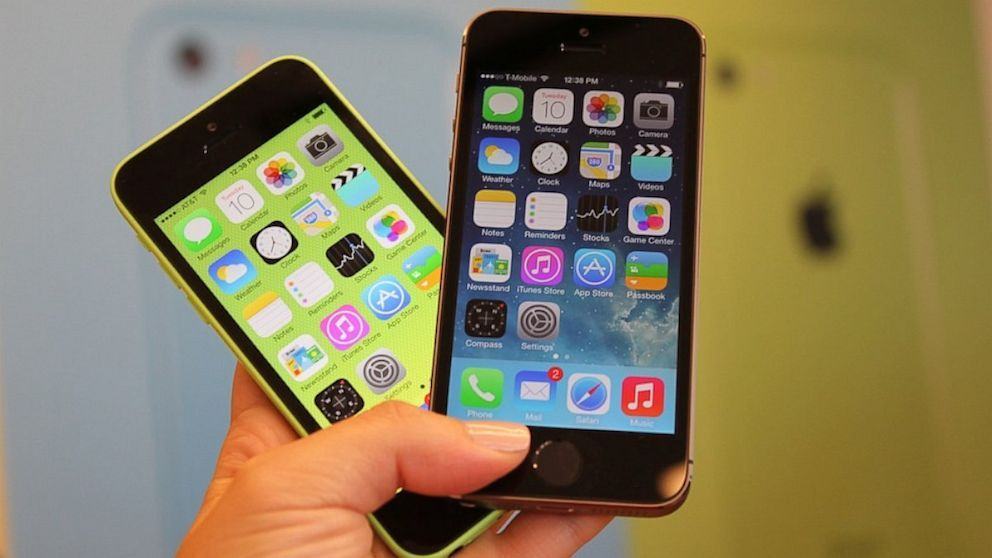
As expected, the iPhone 5s and the iPhone 5c are now available on Boost Mobile — alongside the iPhone 4S. The former starts at $550 for a 16GB model, while the iPhone 5c is $100 less at $450. The iPhone 4S starts at just $300.
But if you pick up your new handset before November 24, you’ll get a cool $100 off that price.
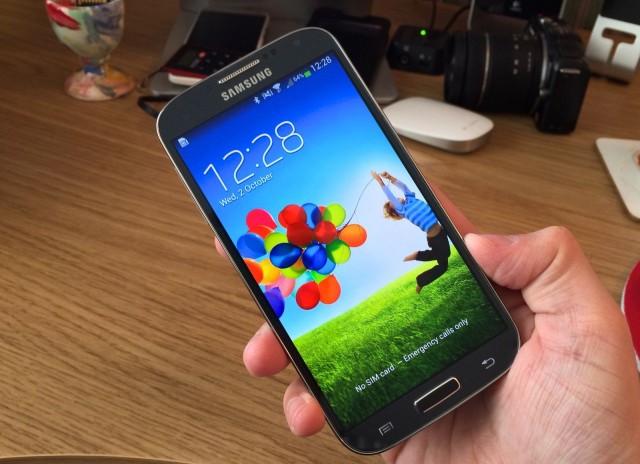
Apple’s iPhone 5s became the world’s first smartphone with a 64-bit processor when it launched this September, but as you might expect, it’ll have plenty of competitors next year. Unsurprisingly, some of those will come from Samsung, which is already planning 64-bit chips and 16-megapixel cameras for its 2014 flagships, according to industry sources.
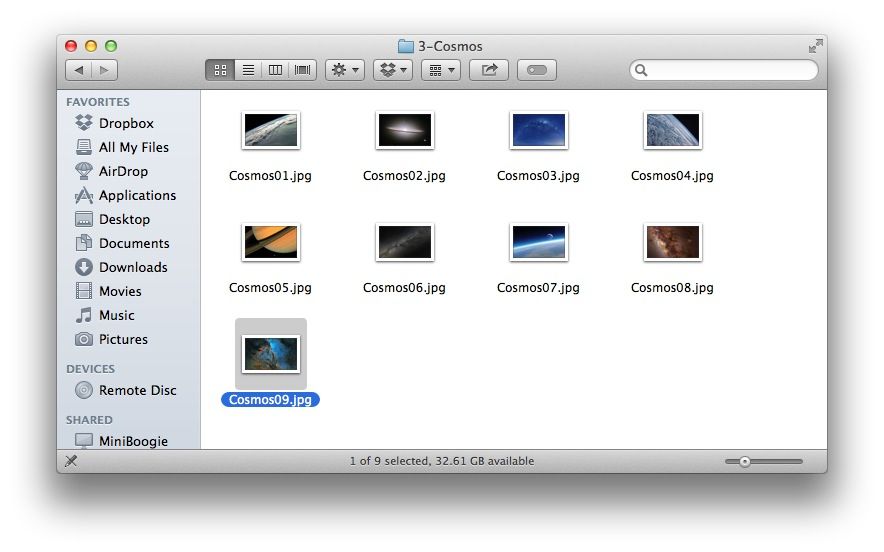
When OS X Mountain Lion came out, we found out that there were 43 hidden high-resolution images included as part of the screen saver system: nature images from National Geographic, aerial images, images of the cosmos, and patterns in nature, to name a few.
It turns out that the same images are hiding in Mavericks, too, just in a different–maybe more accessible place.
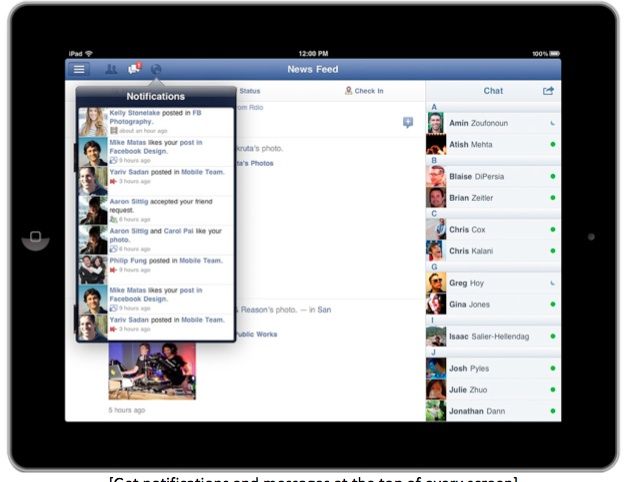
Last month, Facebook released an update that allowed iPhone users to edit posts and comments and even preview all of their changes. It was a small, but welcome update. Unfortunately, it was also exclusive to the iPhone, but now users of Facebook for iPad can avail themselves of the same trick.
When Apple launched the iPhone 5 last year, it was the most aggressive launch Apple had ever attempted, requiring entire armies of workers to aggressively line-manufacture their most advanced, difficult-to-make iPhone yet. But what was it like to be one of those workers? Businessweek has published a fantastic, haunting investigative report on one Nepalese worker, who almost starved to death after his stint as an iPhone tester.
What’s causing the Retina iPad mini to launch so late in the year, and why is demand expected to be so limited at launch? Display yield issues tend to be viewed as the culprit, but what exactly is happening? According to a new rumor, LCD burn-in is to blame.
It still hasn’t been officially confirmed by Apple, but reports suggest that the company will soon begin offering iPhone 5S and iPhone 5C repairs in its retail locations — providing minor repairs and screen replacements for the two latest iPhone models.
We just brought you a review of Maclocks’ MacBook Pro lock, and today we come bearing news that Maclocks is now taking pre-orders on the world’s first iPad Air enclosure, available December 2.
Writing that Amazon blasted iPad with its new Kindle Paperwhite ad, or that the iOS market share is about to explode may be an unfortunate choice of words after reports that an iPad Air did, quite literally, blow up in an Australian mobile phone store this week.
I hope you’re ready for yet another case that adds extra lenses to the iPhone’s amazing camera. This one has a twist. Well, I guess they all do, but this one has a different twist. It’s also ruggedized and waterproof.
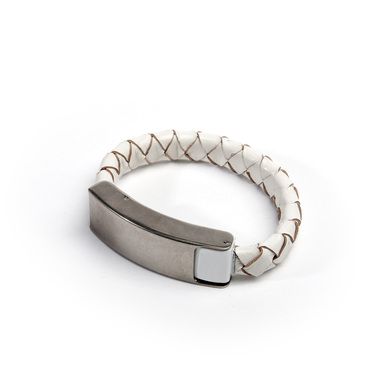
Ever find yourself stuck without a cable when you need to charge your iPhone? No, me either. I’m a nerd and a professional gadget tester, so at pretty much all times I have some kind of Lightning cable, dock or adapter either on my person or close to hand.
But if I got out more, and was more stylish in general, then I’d be sporting a Kyte & Key Cabelet, or cable bracelet.
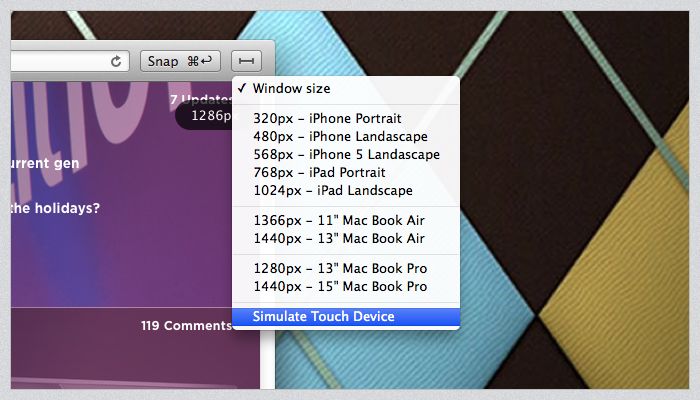
Do you ever grab screenshots of websites on your iPhone, then struggle to transfer them to you Mac for further editing, or for – say – putting them into a blog post? Now you can do the exact same thing, only without ever having to touch your iPhone. How? Pixa’s new mobile Web Snapper, that’s how.
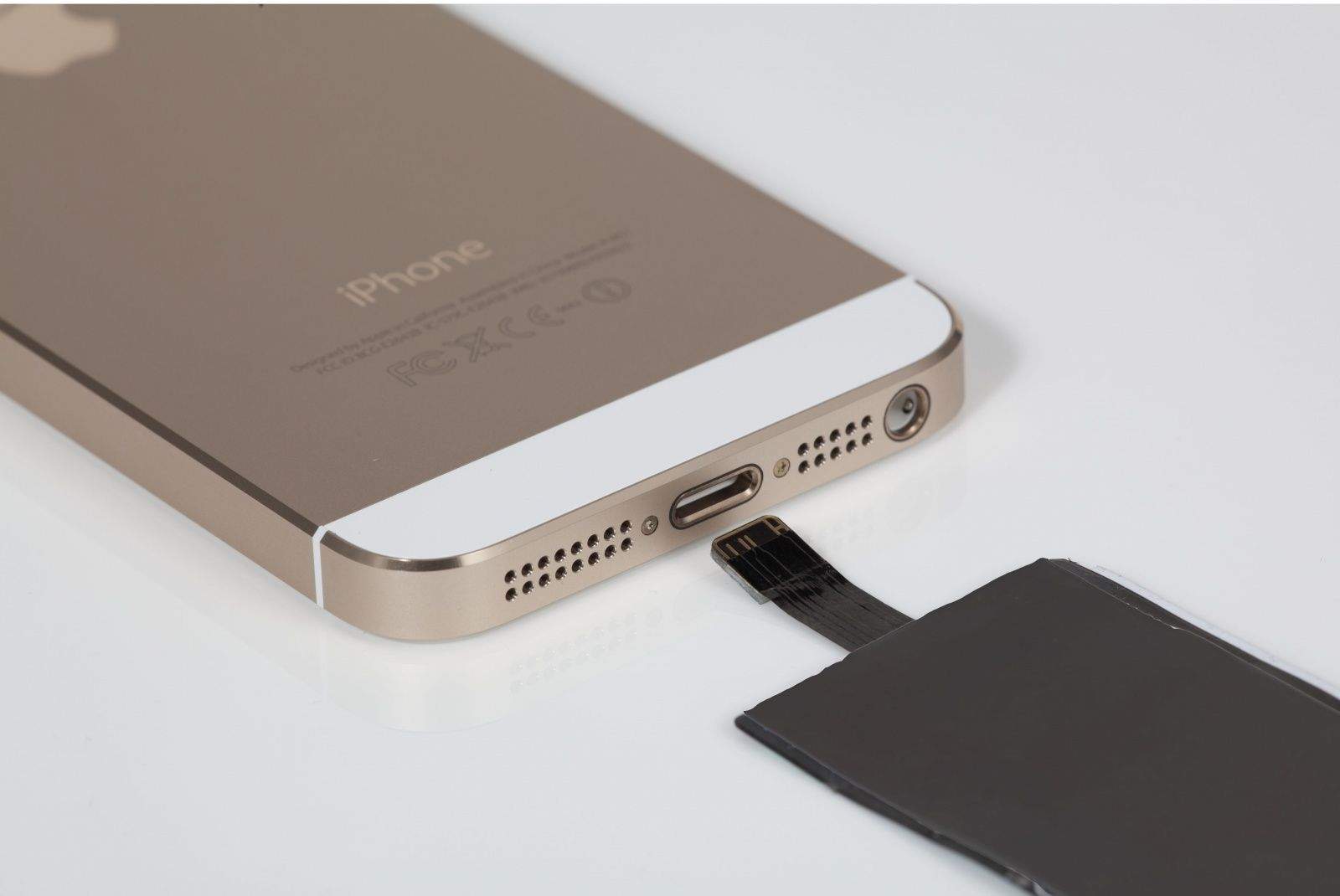
I don’t know what it is with wireless chargers and the letters Q and I, but what I do know is that the iQi is the first one I have actually considered using. You see, instead of a fat case to hold the induction circuits, or the flux capacitor, or whatever it is that makes wireless charging possible, the iQi is a tiny slim sheet that slips inside your existing case.
Drumming up iBusiness on Nathan Road in Hong Kong.
I’m still a little woozy from the 14-hour plane ride from San Francisco, but at first glance this humming tech hub seems like Samsung territory.
For every 10 Galaxy Notes that metro riders are stumbling down the endless escalators watching TV shows or reading comics on, I’ve probably spotted one iPhone.
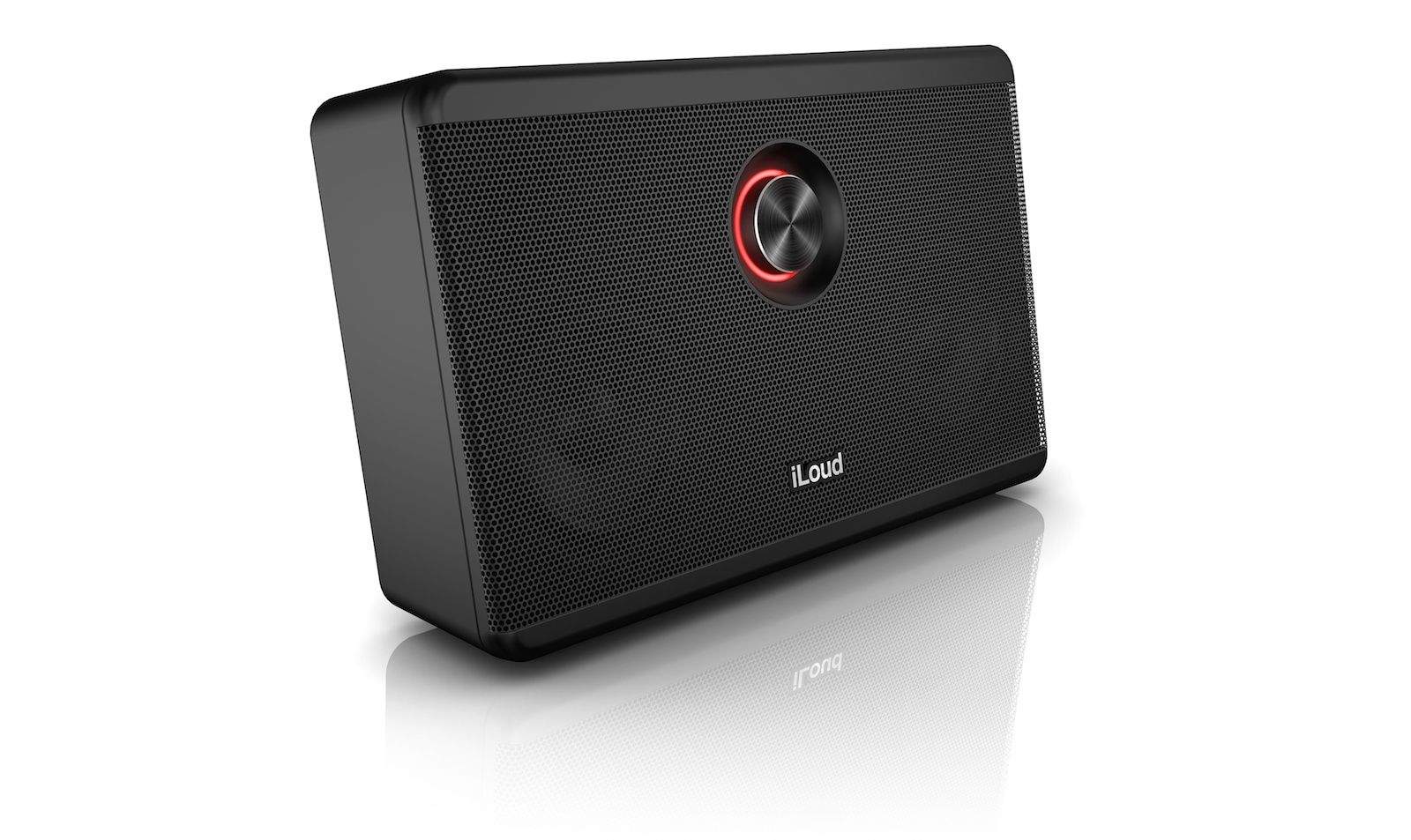
You’ve seen IK Multimedia’s gear grace the pages of this site before — the company is at the forefront of popping out music-making electronics and software geared toward musicians. So it’s no surprise that now they’ve finally joined the increasingly crowded high-end Bluetooth speaker club, their take, the iLoud, is a reference-grade studio monitor — and as its name suggests, an apparently very loud one.
Alongside a few MacBook-related updates and a fix for Gmail in Mail, Apple has released its first update to iBooks for Mac today in Mavericks. Version 1.0.1 addresses “bug fixes and improvements to performance and stability,” according to Apple. It can be downloaded now in the Mac App Store.
iBooks for Mac hasn’t been particularly buggy, but this first update should fix many of the glitches with slow animations and other minor hiccups that have been affecting the app.
No matter how computer-savvy you are, sometimes you just can’t avoid issues like a failing hard drive. For those emergency situations, Disk Drill Pro can be your savior. If you lose any data, you just have to click a button and it displays a list of files that can be potentially recovered. Save yourself a ton of time and heartache and get peace of mind with this app.
And right now you can save a ton of money as well by taking advantage of this limited time offer from Cult of Mac Deals. Pick up Disk Drill Pro 2.0 for only $29.99 – that’s 66% off the regular price!
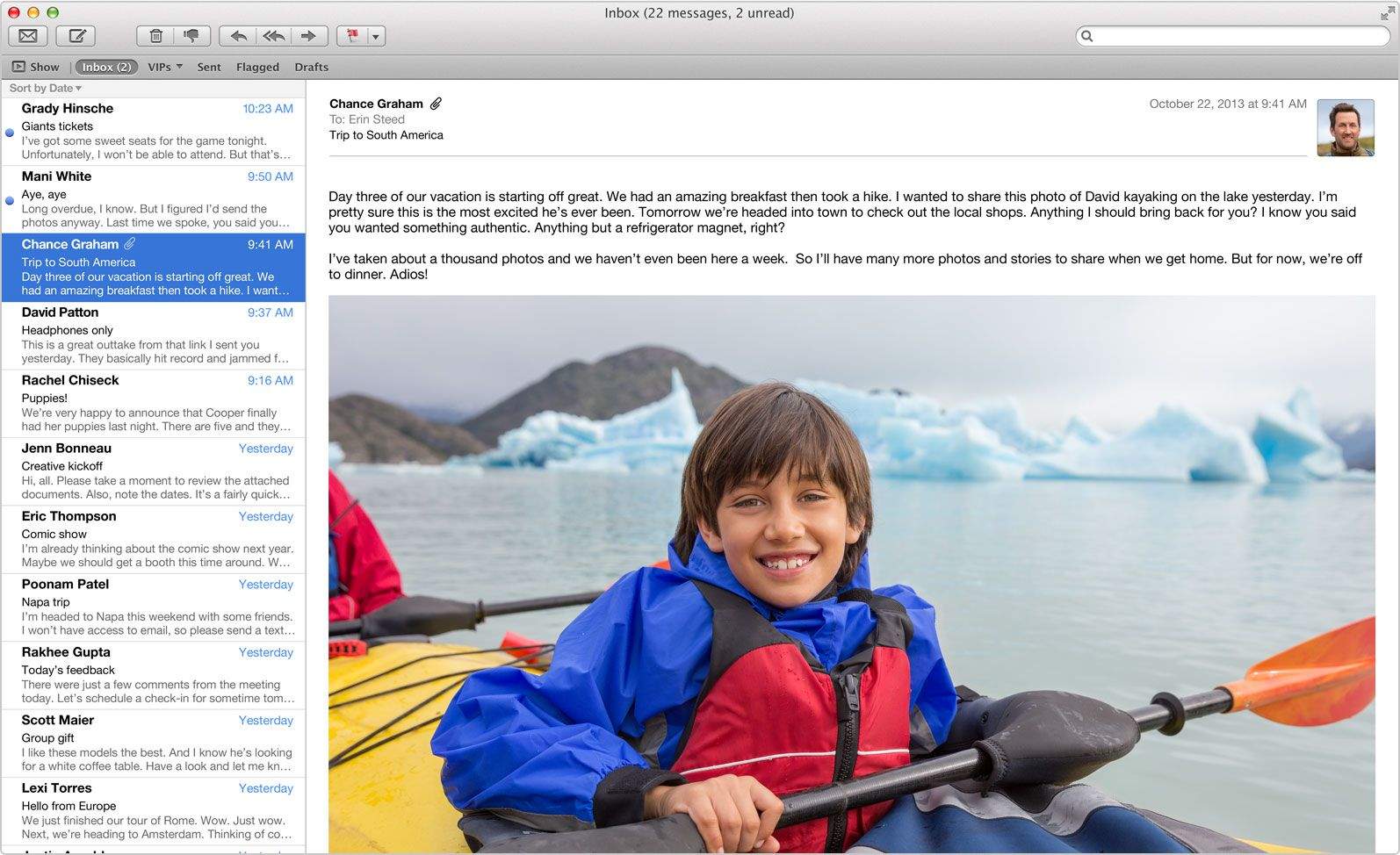
Has using Gmail in Apple’s default Mail app on OS X Mavericks been nearly unbearable? If you’re like me, your inbox rarely fetches new mail or completely skips downloading certain messages at random. Deleting emails from my Gmail account in Mail has also been incredibly frustrating, as they magically reappear three to four times in my inbox after I delete them. My unread message count is almost always inaccurate as well.
Today Apple finally released an update to the Mail app in the Mac App Store that is supposed to fix all of the problems with Gmail. Hallelujah!
If you need it done quickly, you'll have to pay up. Photo: Apple
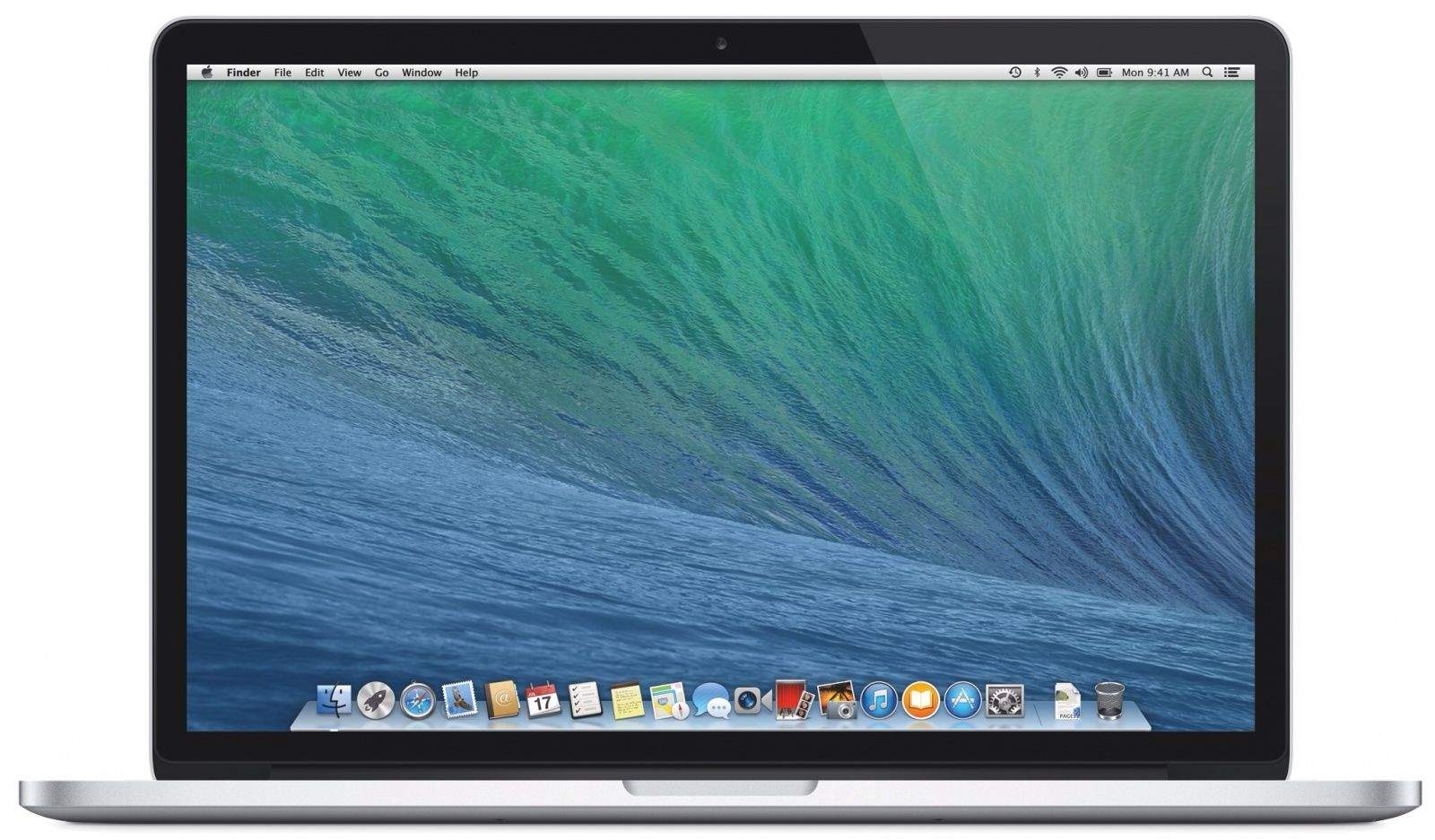
Apple acknowledge last week that some of its new 13-inch MacBook Pros with Retina display units were experiencing issues where the trackpad and/or keyboard became unresponsive after a few minutes of use. Any new 13-inch Retina MacBook Pro purchased after Apple’s October 22nd iPad event may have been potentially affected by the glitch, but Apple announced today that it has published a fix for the problem.
MacBook Pro Retina EFI Update V1.3 can be downloaded via the Mac App Store and promises to fix any glitches where the users trackpad and keyboard stop working on the late 2013 13-inch MacBook Pro Retina models.
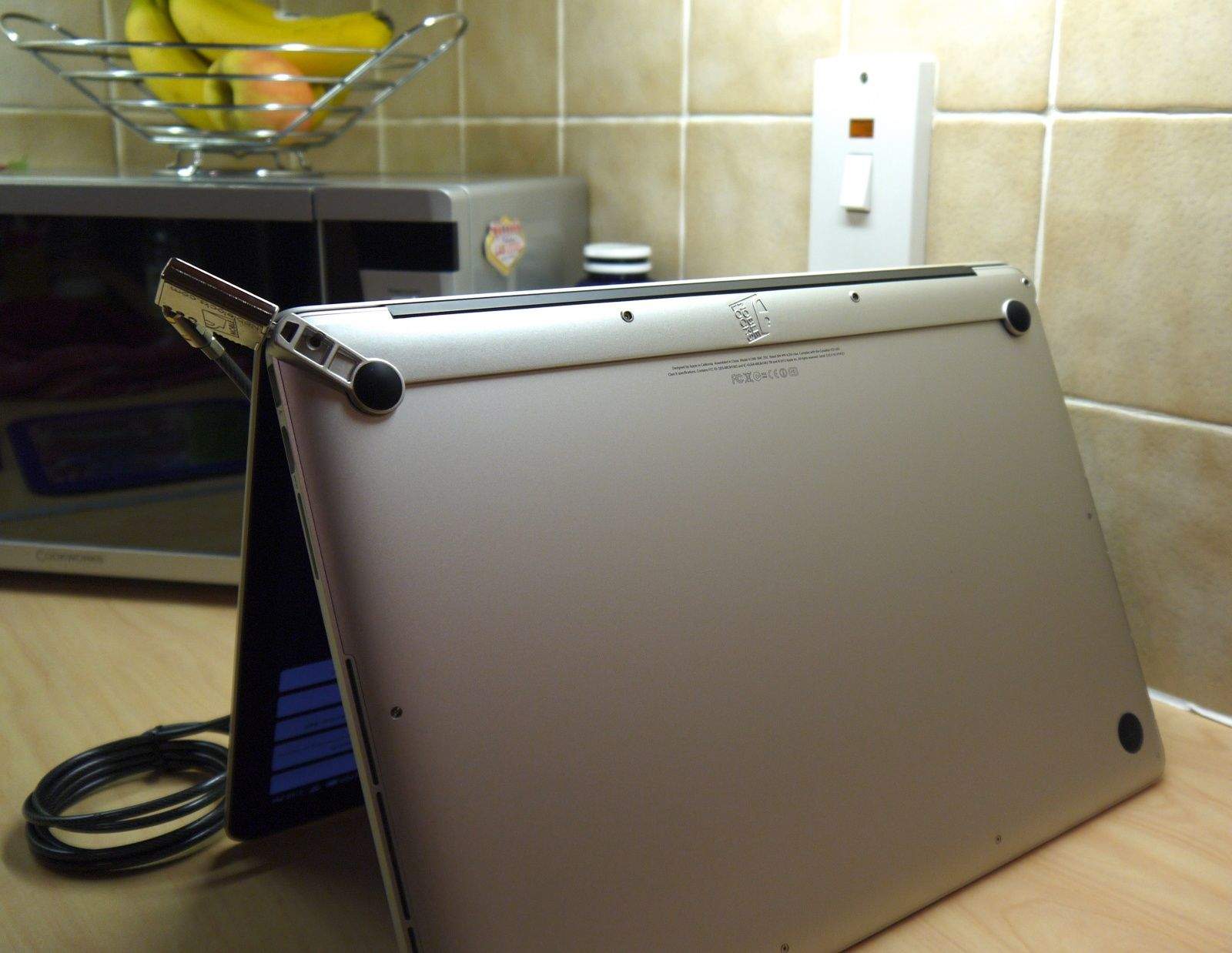
A couple of weeks ago, I reviewed the Maclocks Lockable Cover for Retina MacBook Pro, and although I had a lot of praise for it, I mentioned it my verdict that there was another Maclocks lock I preferred. That’s the Wedge Lock Bracket, which is the closest you’ll get to an integrated lock for your Retina MacBook Pro.
Wedge Lock Bracket by Maclocks Category: Locks Works With: Retina MacBook Pro Price: $59.95
Older MacBook Pros — those that don’t have a Retina display — have a Kensington lock built-in, but in an effort to save space and make the new models really thin, Apple did away with that, as well as things like FireWire, traditional hard-disk drives, and the optical drive.
That poses a security risk. If you work in a public place, or you frequent to Starbucks to get stuff done while on a caffeine high, then you need a way to prevent your MacBook Pro from being stolen when you leave it unattended.
And I think the Wedge Lock Bracket, which screws into the bottom of your MacBook Pro and almost looks like it’s a part of it, is the best and most elegant solution.
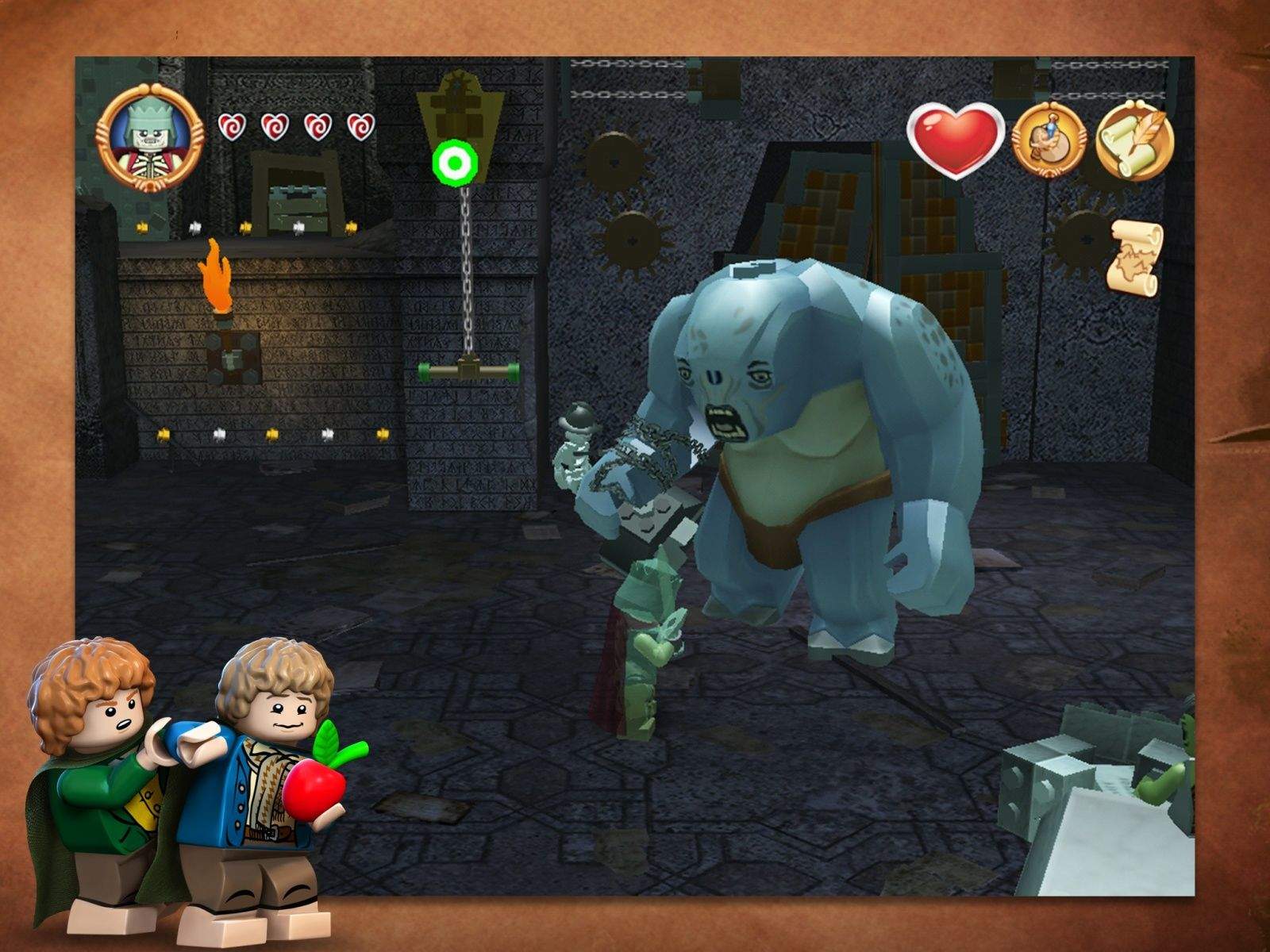
You can join Frodo, Gandalf, Legolas, and (of course) Boromir as they get the Lego treatment from TT Games, the developer of a ton of other Lego-fied video games, including Lego Harry Potter, Lego Star Wars and Lego Indiana Jones.
Warner Bros. and TT Games announced Thursday the release of Lego The Lord of the Rings to iOS. In the game, the Fellowship travels to Mount Doom to destroy The One Ring and save the land from utter Lego-style destruction. You’ll get to unlock more than 90 different LoTR characters by exploring Middle-earth, solving puzzles, and battling with the bad guys from Lego Sauron.
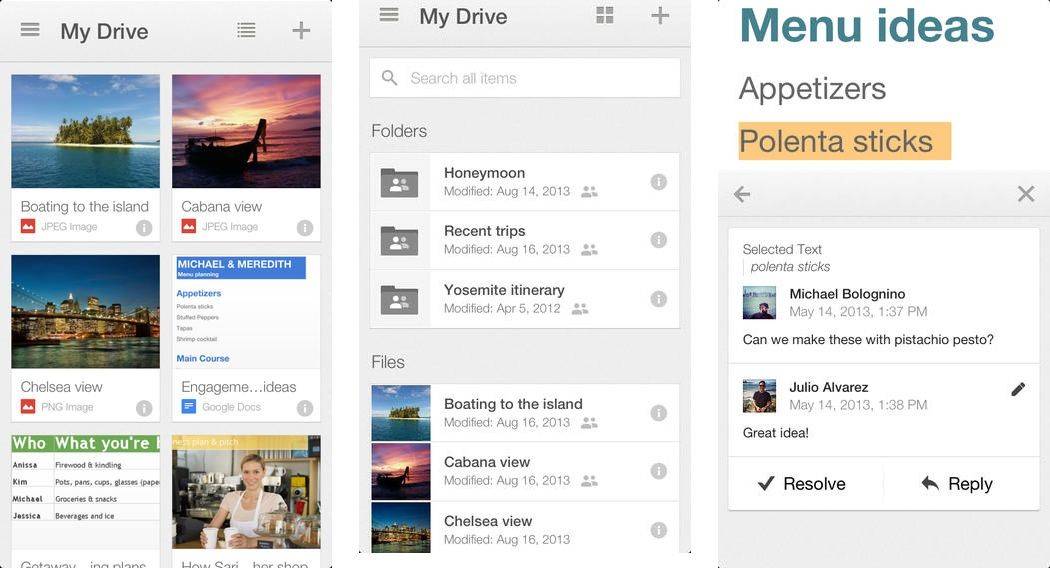
Google released an update for its Google Drive iOS app this morning that finally adds iOS 7 support to the could storage app.
The Google Drive update also includes multiple account support so you can switch between personal, work, or any other Google account, similar to what Google has already implemented in its web products. The Dropbox alternative now comes with a Single sign in too so you’ve automatically signed into other Google apps on your iPhone too like YouTube, Google Maps, Chrome and Google+.
The free update is available in the App Store now.
Here are the release notes:
Roman Ruins HD — Reference — $4.99 (special launch price; reg. $9.99)
If you’re a fan of ancient Rome — and who isn’t? — but can’t justify the expense to actually go and look at its old buildings, you might want to have a look at Roman Ruins HD. It’s a new iPad app that collects a wealth of high-definition pictures, virtual tours, and/or 3D overhead shots of over 350 sites. You can read all about the places, and some locations also use the app’s cool Google Street View integration to let you pretend you’re walking through them. But you’ll have to provide your own bored, screaming children, tired feet, and sunburn for the full experience.
Your school experience might have differed from mine, but I remember one day in Industrial Arts (read: Shop class) when the teacher announced we would all be designing and building bridges. And at the end of the week, we would see whose construct could hold the most weight.
Project Peon by Digital Fury Category: iOS Games Works With: iPad Price: Free
Now, I’m not a trained bridge-maker — in fact, none of us were because we were ninth-graders — so I knew that the next week would be among the longest of my young life because all I knew about structural engineering was something vague about triangles. Triangles are good, I think. Anyway, my bridge sucked. If I remember correctly, it snapped in half and then somehow caught fire.
And I’ve never felt that same sense of personal failure again … until I played Project Peon, an iPad game hitting the App Store today.
I had a jokey book trailer made to promote my new book about Jony Ive, Apple’s head designer. And Apple’s had it pulled off YouTube!
The video wasn’t even public. It was unlisted. I offered a sneak peek to readers who pre-ordered the book, which is being released next Thursday November 14.
The video pokes fun at Jony Ive, Apple and myself. But last night I got an email from Google saying that it had been disabled because of a copyright claim from Apple.
I had hoped that the video was protected by fair use. The rules of fair use are ambiguous, but in general, you are allowed to remix and re-use previous material, as long as the resulting work is “transformative.” If it adds “new expression or meaning” to the original, then it’s fair use. I think the book trailer did. It’s a classic remix of several previous Apple product videos. A parody. And parody is a form of expression generally protected from copyright claims.