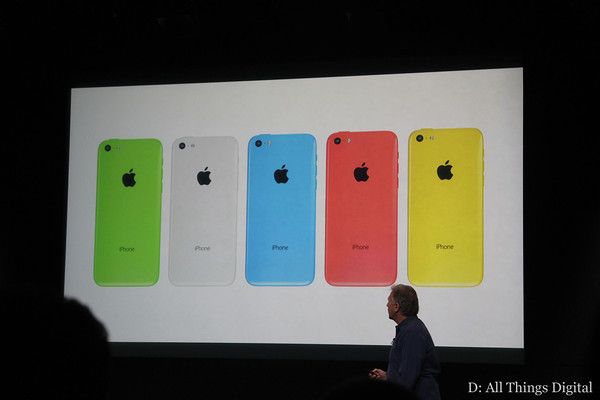
Apple has told iPhone suppliers in China to cut iPhone 5c orders for the fourth quarter following lower than expected demand for the device, The Wall Street Journal reports. Foxconn has been asked to cut orders by one-third, while Pegatron will reduce its shipments by 20%, sources claim.
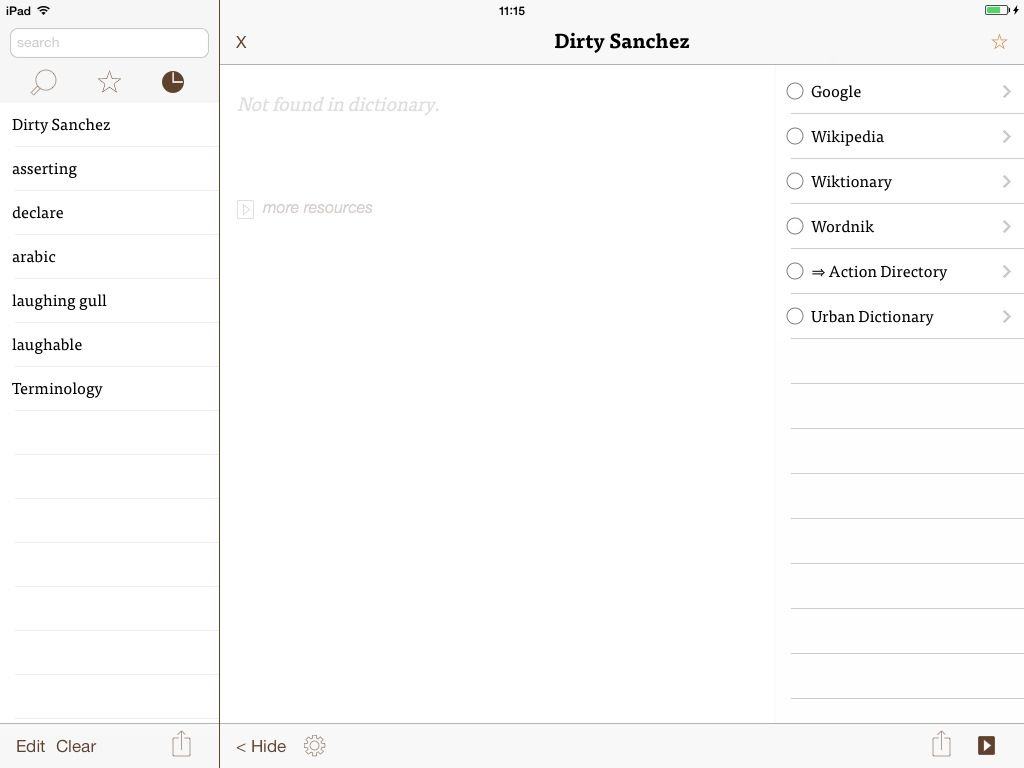
I'm pretty sure Urban Dictionary will have my back with this one...
Dictionaries, dusty tomes full of words. Books that are pointless now we can just tap a word and define it in-place. Who’d buy a dictionary app in 2013? Me. And you, probably, once you’ve seen what Terminology 3 has to offer.
Yes, it’s another iPhone 5 dock. And yes, it’s on Kickstarter. But just take a look at the Spool Dock and tell me you don’t want the hell out of it. Go on, I dare ya.
You know how Flickr is cool and all but whenever you just want to see the info about a photo, you have to search all over the page and click a bunch of buttons and they all take forever to load and OH GOD WHY ME? Well, you can say goodbye to that crap forever, with Flickr’s sweet new “Photo Experience.”
Olloclip’s new 4-in–1 lens “system” really is a system, all in one tiny, dense block of aluminum and glass. Like the other Olloclips, this one slides onto your iPhone’s top corner to add a lens between the world and your camera sensor. Unlike the other Olloclips, this one has four different lenses buried in the same unit.
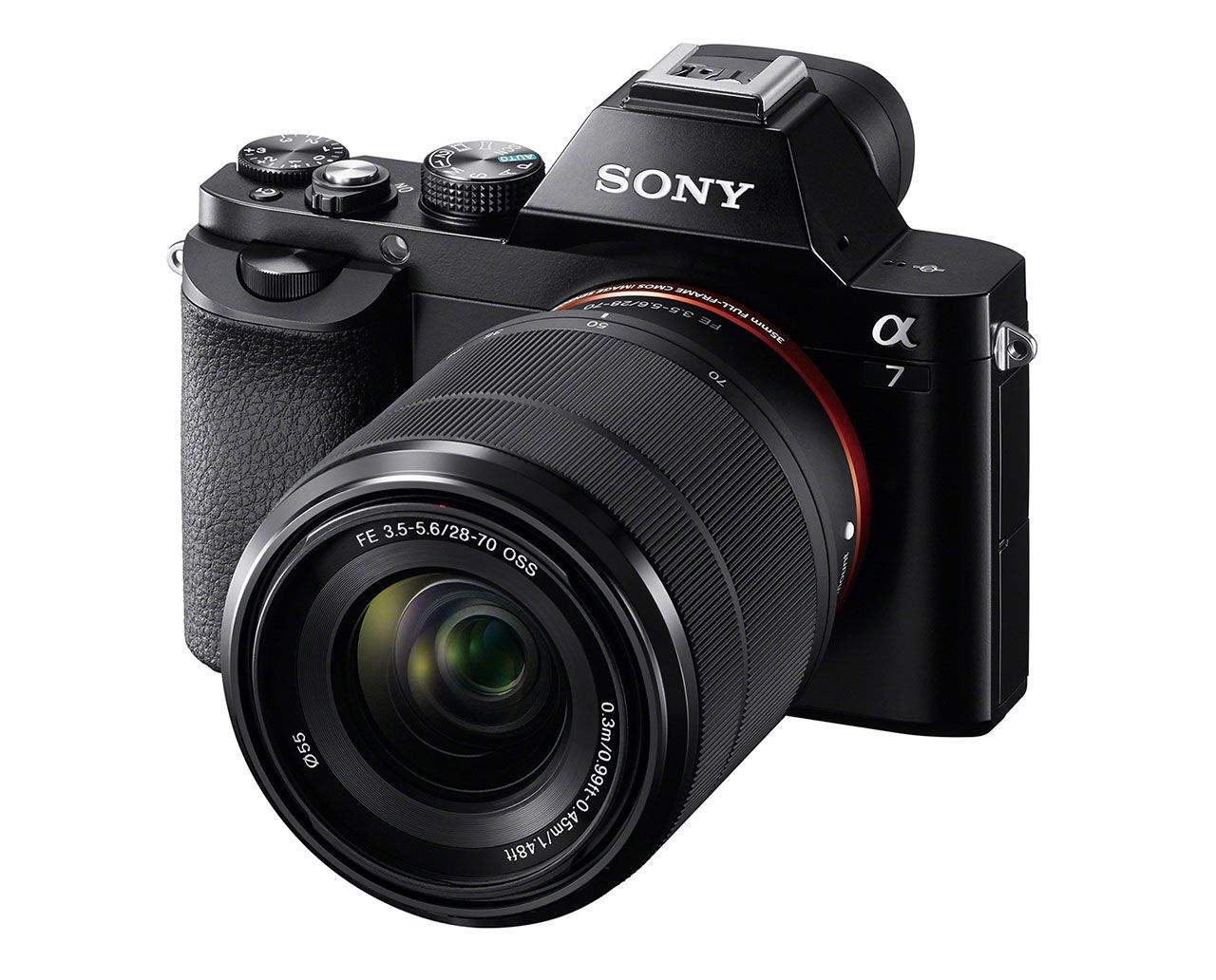
The end of the crop-frame camera is nigh, for anything except special markets at least. Sony’s new A7 and A7r are camera with full-frame sensors. That’s right: full-frame SLRs, only without the “R”. (But with an extra, different “R” in the A7R… Perhaps the R stands for “recycle”?).
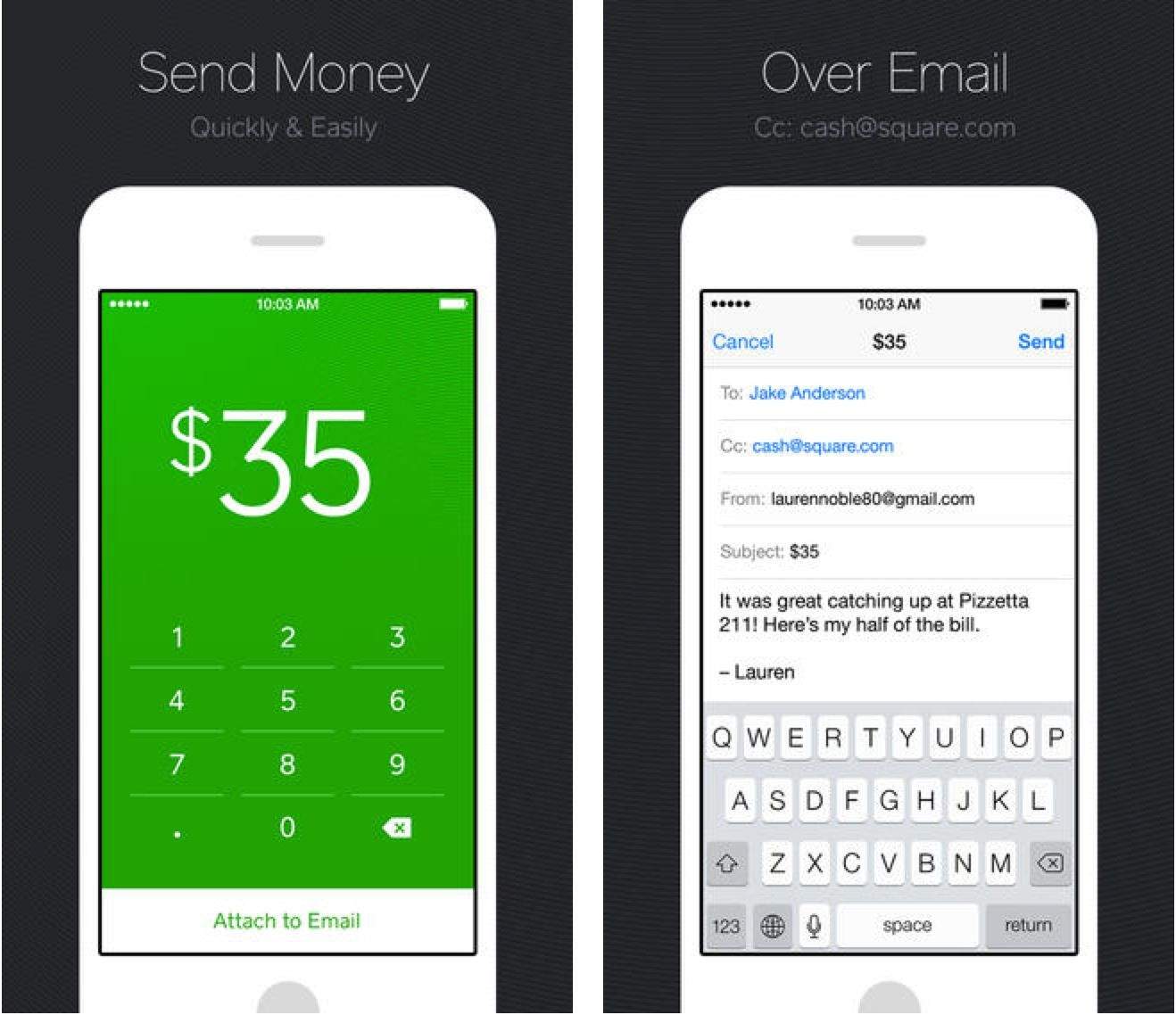
Square has unveiled a new product called Square Cash that lets you send anyone money from your bank account through email. You compose a new email to the person you want to pay, cc [email protected], put the amount in the subject, and send. No hidden fees or strings attached.
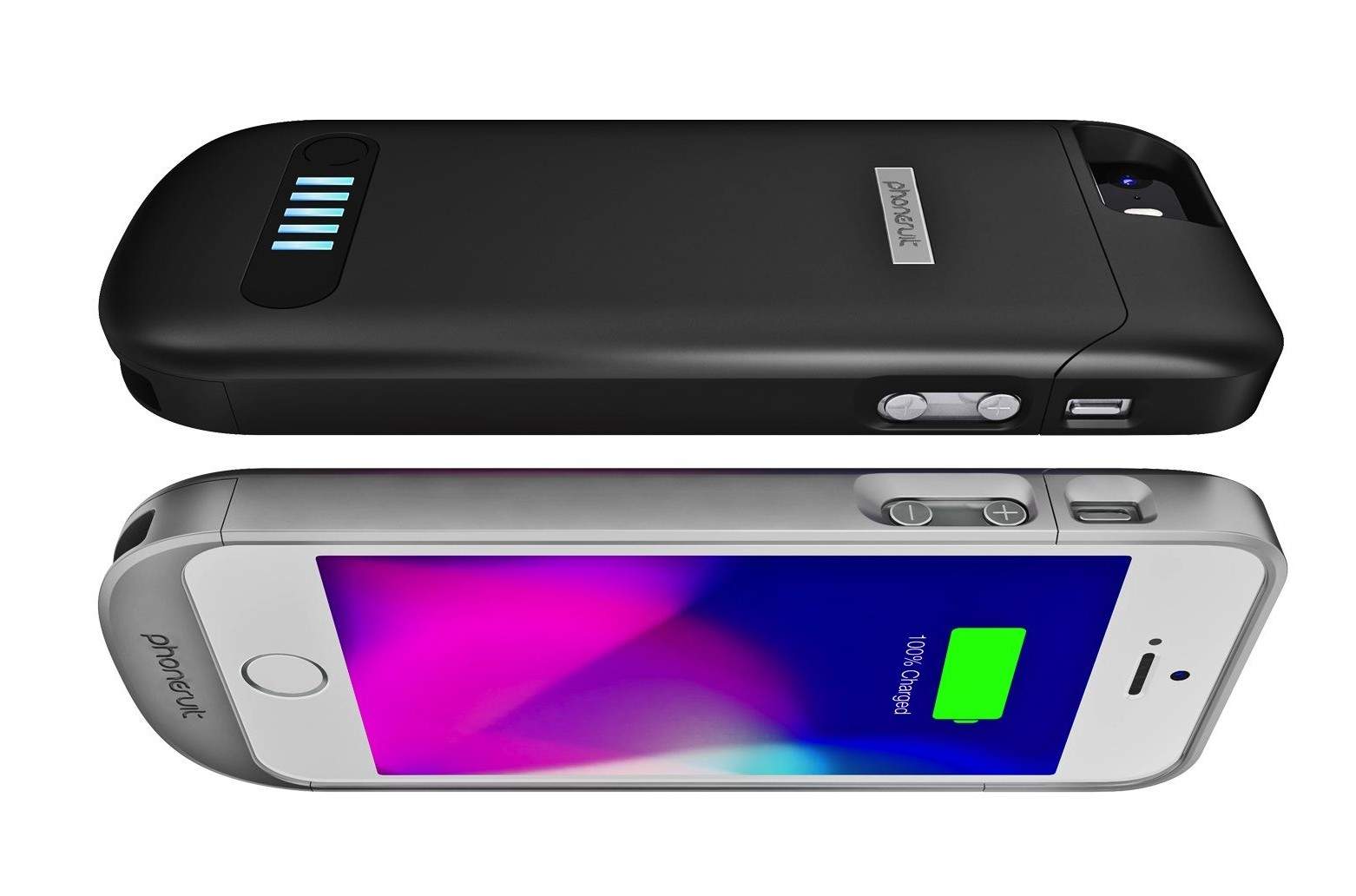
PhoneSuit’s Elite battery case crushed the field during a week-long test of battery cases for the iPhone 4 two years ago, thanks to its unmatched sleekness and, at the time, relatively large battery.
The company has finally released an iPhone 5/s version of the case, with a revised form factor but the same 2100 mAh capacity.
While other cases may have caught up in the power-per-millimeters of thickness ratio, the Elite still has a trick up its sleeve: Unlike, say, Mophie’s cases, the Elite doesn’t require the use of a headphone adapter.
Another reason to believe that the release of OS X Mavericks is just around the corner: Apple has started asking third-party developers to submit apps optimized for the new OS in the Mac App Store.
Apple wants devs to make sure their apps take advantage of the “great new features in OS X Mavericks when the world’s most advanced desktop operating system becomes available to millions of customers later this fall.” Such features include Timer Coalescing and App Nap.
The October 22nd media event is when Apple will likely announce the release date of Mavericks. Major updates to OS X are typically released a day after an Apple earnings call, and there just so happens to be one on October 28th.
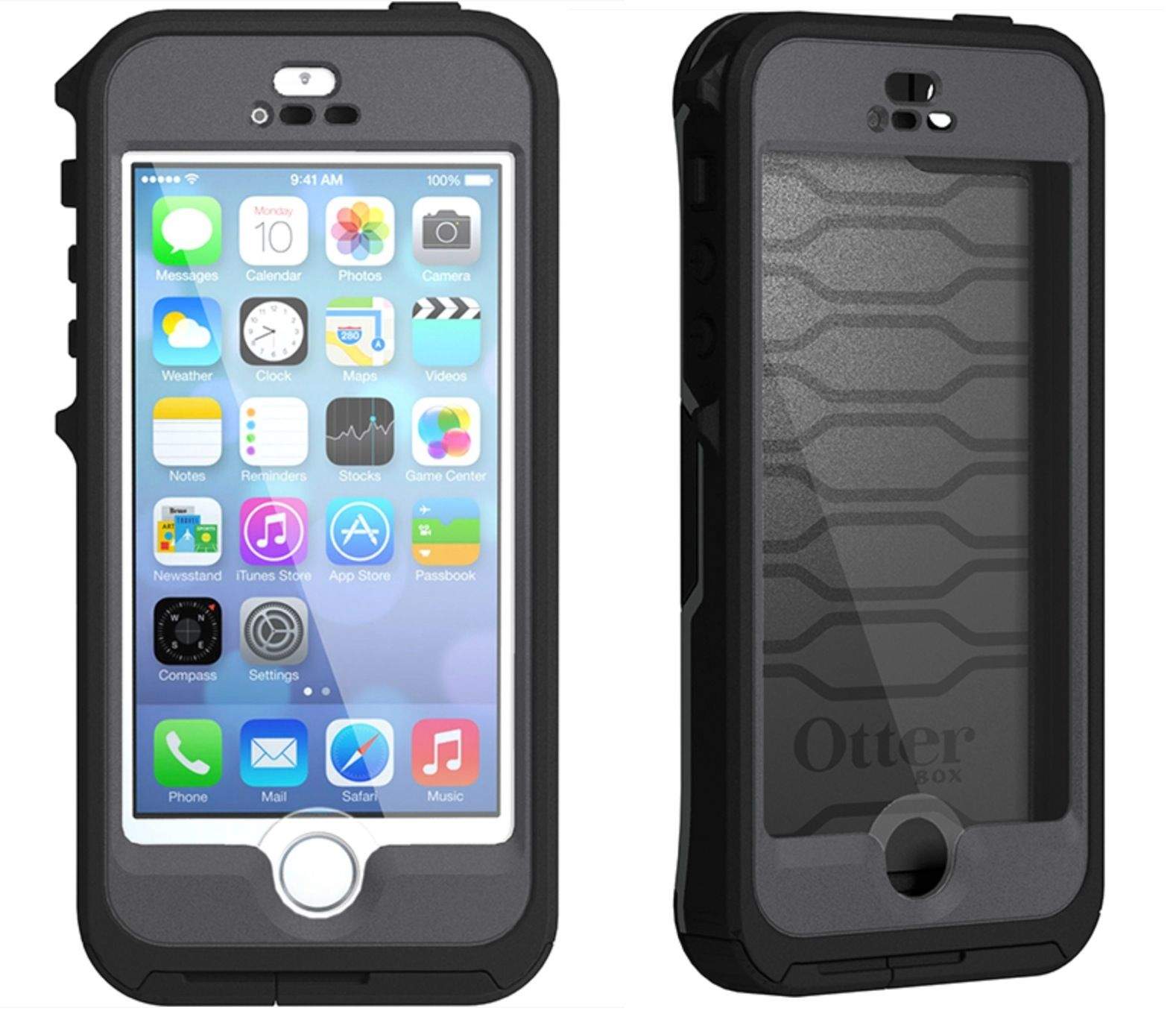
Today OtterBox unveiled its new Preserver series of cases for the iPhone 5, 5c, and 5s. The waterproof design is fully submergible up to 6.6 feet, and Touch ID is supported for the iPhone 5s.
Tim Cook revealed in an internal email to employees today that he’s had his sights set on Burberry CEO Angela Ahrendts for quite sometime, and while Ahrendts’ work at Burberry is what won her the spot, new details about Ahrendts suggest that her affinity for watches has been an added bonus for Apple as it prepares to launch the iWatch.
According to former WSJ reporter Jessica Lessin, people who know Ahrendts say she is a “watch lady” and took a particular interest in the watch retailing space of Burberry’s stores:
Today T-Mobile announced that it is shuttering grandfathered plans to focus solely on its newer Simple Choice plans. The ‘UnCarrier’ sent out a letter to customers today, and discounts are being offered on newer plan rates for legacy customers who still need to switch over.
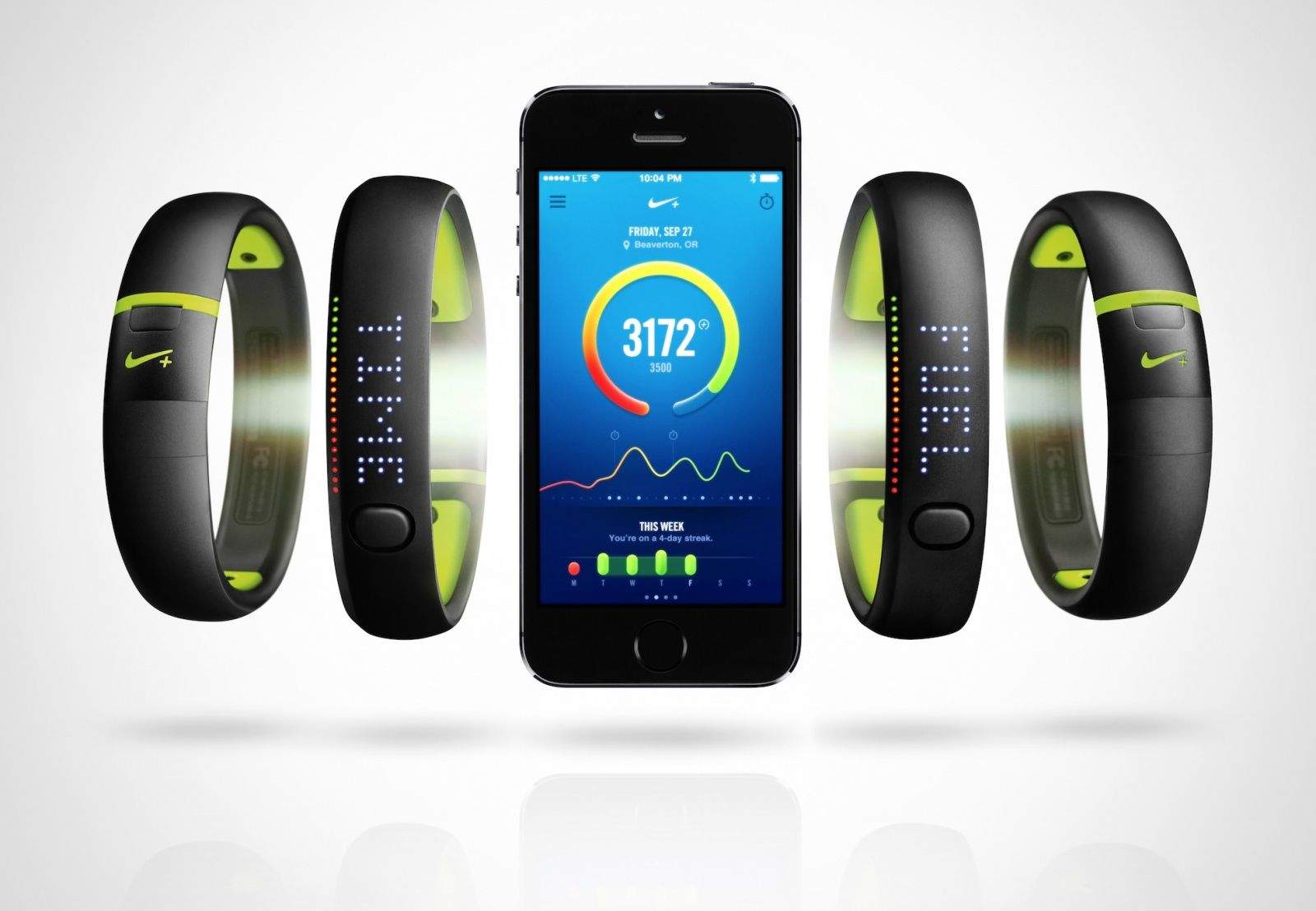
Today Nike unveiled its new FuelBand SE, the biggest upgrade to its fitness tracker ever. Cosmetically, the FuelBand SE sports new color accents and a rubberized, waterproof surface. But the real improvements have been made on the inside, like the addition of Bluetooth 4.0 for easy pairing with the FuelBand app and smarter motion sensors.
Apple believes it’s the highest taxpayer in the U.S, but the company has still been subjected to intense scrutiny because the majority of its cash isn’t located stateside, but in offshore subsidiaries scattered around the globe.
In a U.S. Senate Permanent Subcommittee this summer, Apple was accused of using Irish tax loopholes to avoid paying on about $44 billion in foreign profits. By basing ghost subsidiaries in Ireland, Apple has been able to not pay a considerable amount of taxes to any country. Now the Irish government is considering changing its tax code to prevent such behavior from happening in the future.
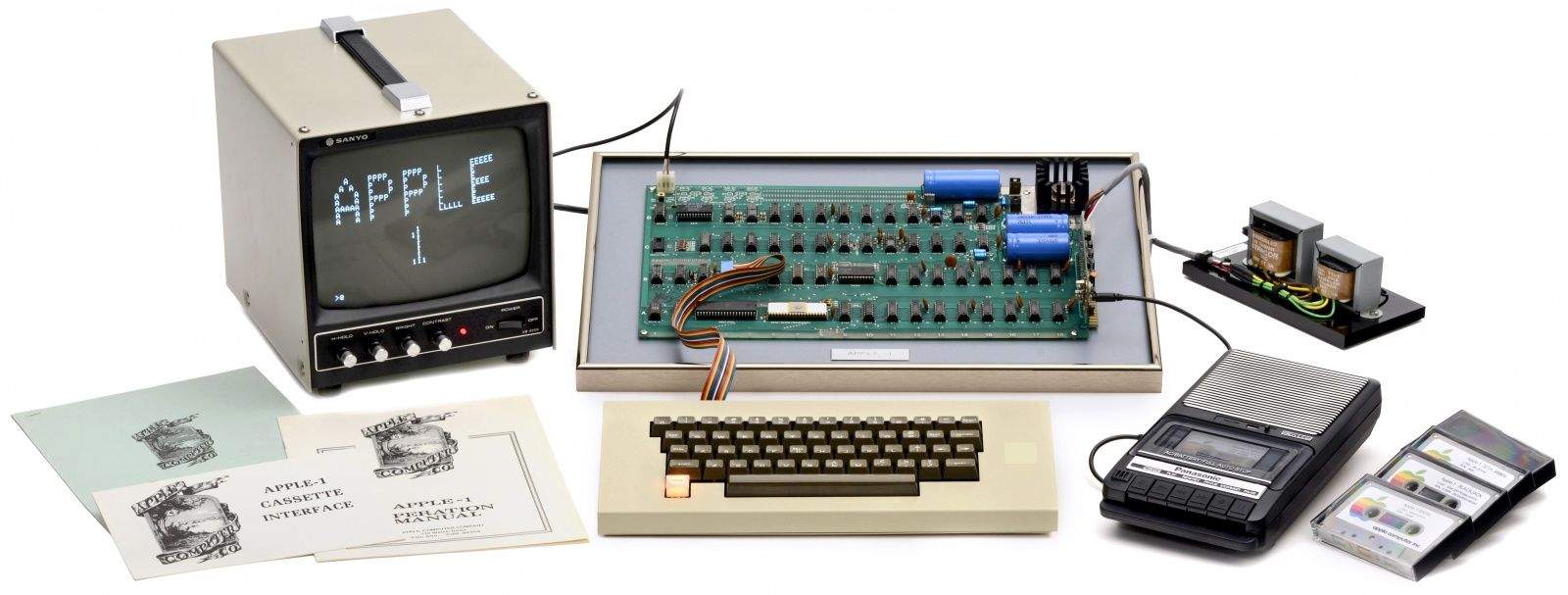
An Apple I computer from the original batch of 50 that Jobs and Woz sold to the Byte Shop in 1976 will be put on the auctioning block in Germany next month. Early estimates claim that the computer could fetch between $300,000 – $500,000 thanks to the original packaging and working condition of the unit.
In a world overrun with endless runners, it’s nice to see a cheery little beat-em-up among their number. Nakama is the delightfully colorful quest of a ninja rescuing his friends from bad guys then teaming up with them to take on even bigger, badder dudes ahead.
Nakama by Crescent Moon Games Category: iOS Games Works With: iPhone, iPad Price: $0.99
Nakama is yet another faux-retro style brawler, complete with pixel graphics. The use of color sets it apart from most, however. Splashes of brilliant greens and vibrant pinks set a whimsical tone as you slash through hordes of baddies. When you fall in battle, you can even ride a cloud back to your last location, Dragon Ball-style.
Like millions of Apple fanboys across the globe, late-night show host Conan O’Brien could not wait to update his phone to iOS 7 last month, however the results were pretty horrific, and one viewer knows exactly what caused Coco’s hellish experience – the Ginja Ninja tried to install the new OS on his unsupported iPhone 3GS.
Conan fan 4893McLovin noticed Conan’s error on the show and has now been anointed as the first viewer to have successfully challenged Conan on the Fan Correction segment of the show. Not one to be shown up, Coco crafted his own response to the error by showing a hidden segment of Eddie Cue’s presentation at the iOS 7 keynote that revealed the existence of the mystical iPhone 3GCOB.
Hidden object games don’t usually catch my fancy, to be honest. I’ve never been a big fan of the mechanics, which typically require you to find objects to then reveal other objects, which can then be combined to become actual useful objects. I’ve also never been too taken by the typical romanticized story lines, either.
Pahelika: Secret Legends by Ironcode Gaming Category: Mac Games Works With: Mac OS X Price: $4.99
Big Fish’s new game, developed by India-based IronCode Games, Pahelika Secret Legends has found a way to convince me otherwise,t hough, and I find myself being drawn back to playing it often. There’s a fairly interesting story, and the puzzles are tough enough to provide a challenge without busting a brain.
If you’re like me and have been ambivalent about trying a game like this out, perhaps this is the one to start with.
It’s hard to get more visually expressive and emotive than with the stark contrast of a black and white photograph.
Now with digital photography, creating black and white images is as simple as pressing a button. But if you’re confused about which black and white conversion techniques to use, unsure about how to adjust the tonal range and balance of your black and white photos using curves and masks, or have no idea what any of those things even mean – this course is for you. And you can get it from Cult of Mac Deals for a limited time for just $39.
Steve Jobs’ ex-girlfriend, Chrisann Brennan, who dated the Apple co-founder for five years in the early days of Apple, is coming out with her own book, called The Bite In The Apple, where she describes all the glorious details that went into her and Jobs’ ill-fated relationship that ended after Brennan became pregnant with Steve’s first child, Lisa.
While the book focuses on more than just sex, the NY Post has published an excerpt that dives into Steve and Chris’ nights of lovemaking that were so epic Steve had to give her a call 15 years later to say thank you.
LitBound has made the jump from Android, and is now available on iOS. If you’re a fan of books, or just a library geek at heart, this game offers you hours of trivia fun, testing your knowledge of best sellers, great works of literature, children’s books, and genre fiction like science fiction, fantasy, and graphic novels. Oh, yes, and movies.
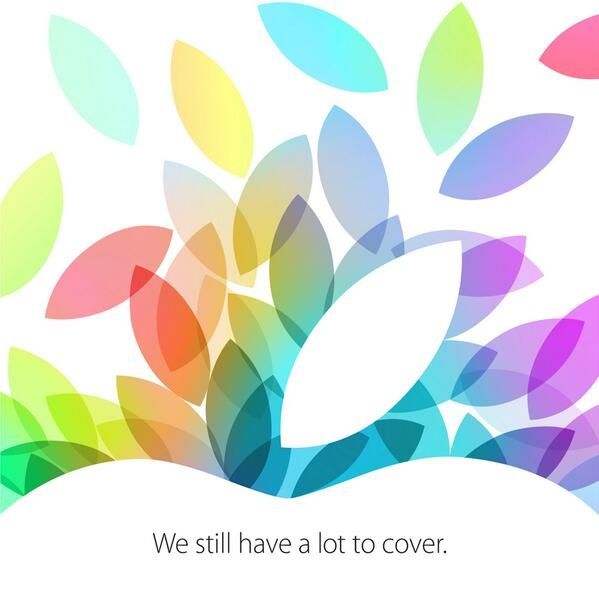
It’s official. Apple just send out press invites for an event on October 22nd where the company is expected to reveal its new lineup of iPads. The invite features the top of the Apple logo with the tagline, “we still have a lot to cover,” perhaps hinting that we’ll see a lot more than just iPads.
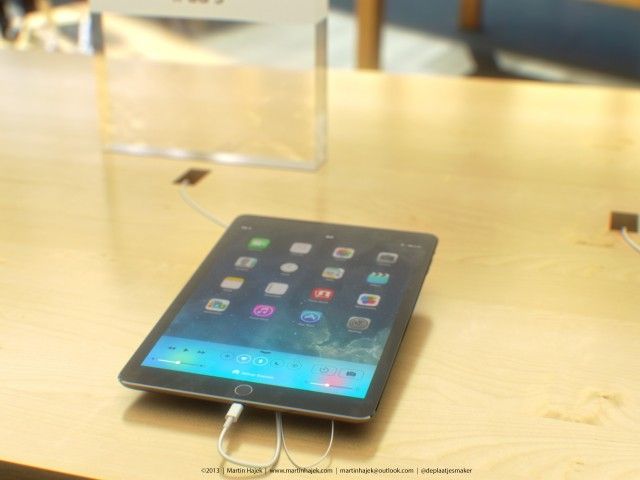
The keynote is set to kickoff at 10AM PT. Expect the unveiling of the fifth-gen iPad with faster internals (including the 64-bit A7 chip from the 5s) and a slimmer design. The second-gen iPad mini is also rumored to come with faster specs and a more lightweight exterior, and depending on who you ask, it will also have a Retina display. If the mini does go Retina, expect supplies to be incredibly constrained throughout the holidays.
Apple announced today that Burberry’s CEO, Angela Ahrendts will be filling the company’s vacancy as Senior VP of Retail and online stores, and while the move came as a surprise to many, Tim Cook says he had been eyeing the Burberry CEO for sometime now.
In an internal email sent to employees this morning, Cook says that he’s wanted to steal Ahrendts away from Burberry from the first time they met in January of this year. Cook describes Angela as “wicked smart” while also being an extraordinary leader with a proven track record. Ahrendts is set to join Apple in spring 2014 as she transitions over from Burberry.
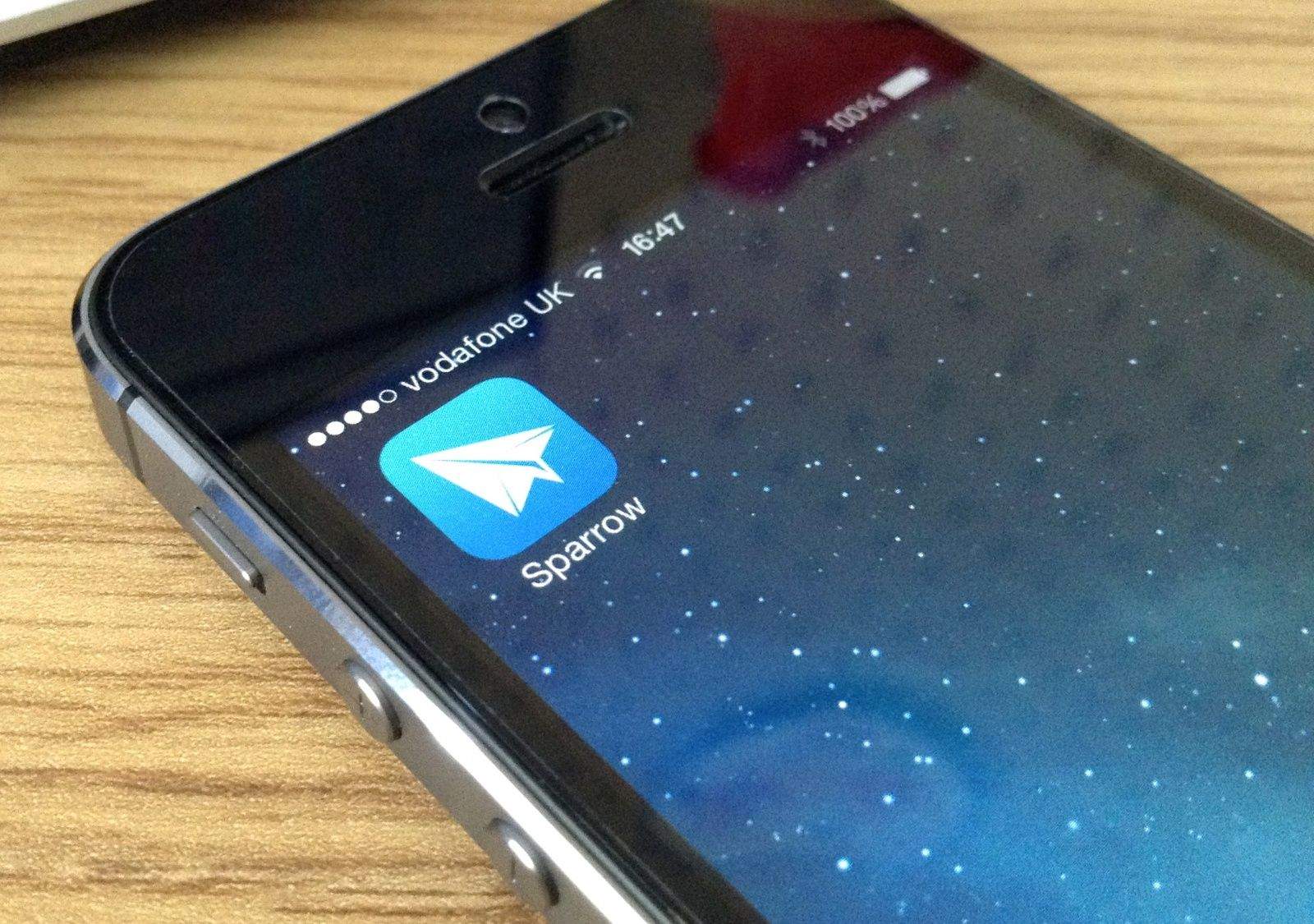
Sparrow was once my favorite third-party email clients for Mac and iOS, but after its creators were bought by Google last year, the likelihood of improvements and new features seemed to go out of the window. And indeed, the app has been all but ignored since the acquisition — until it got a surprise update today.
We’re still waiting for Apple to send out invitations to a press event on October 22, where we expect the Cupertino company to announce new iPads and possibly new MacBook Pros. According to a new rumor that has surfaced today, the new devices will go on sale before the end of the month, while the new Mac Pro will make its debut in mid-November.