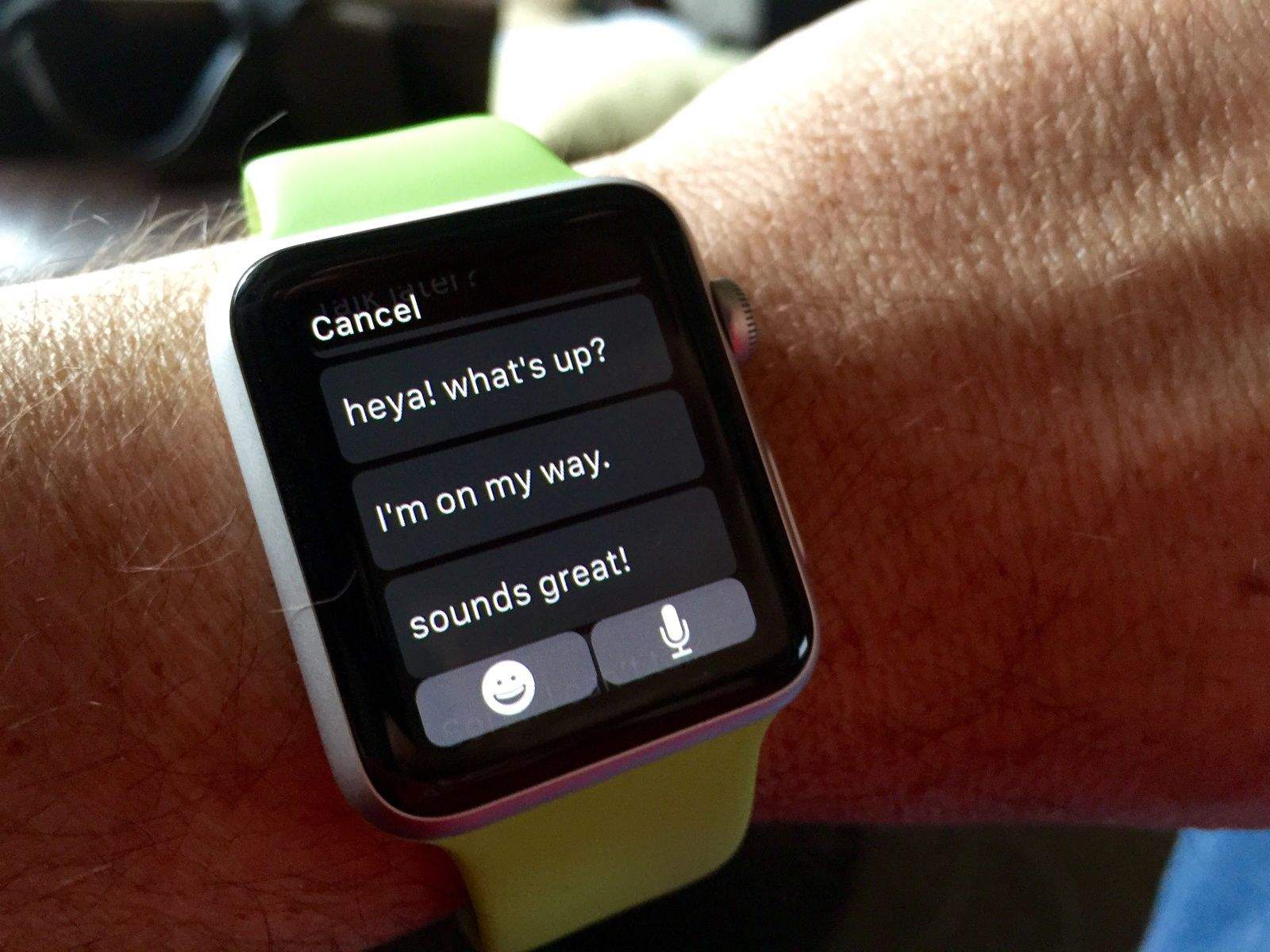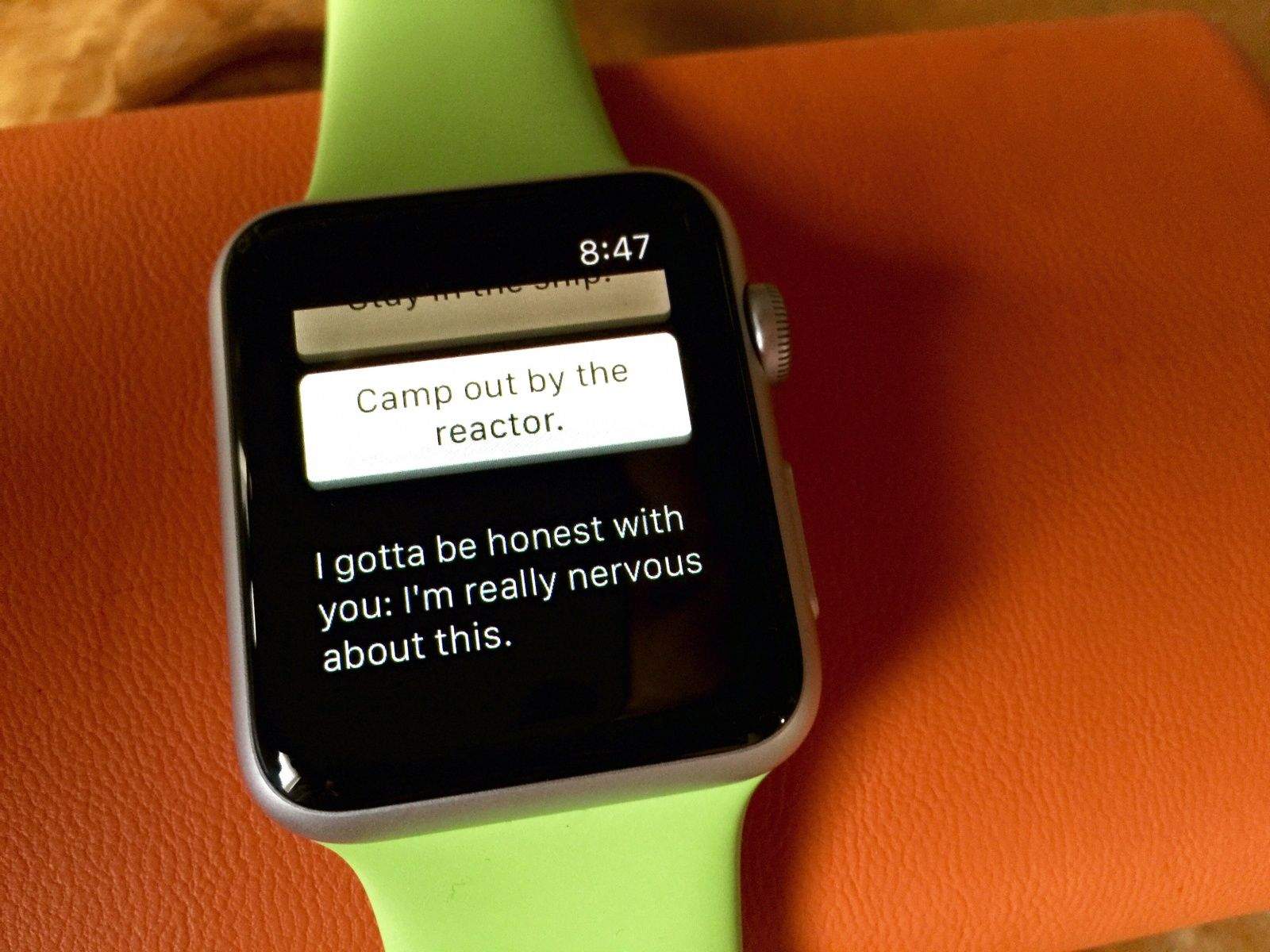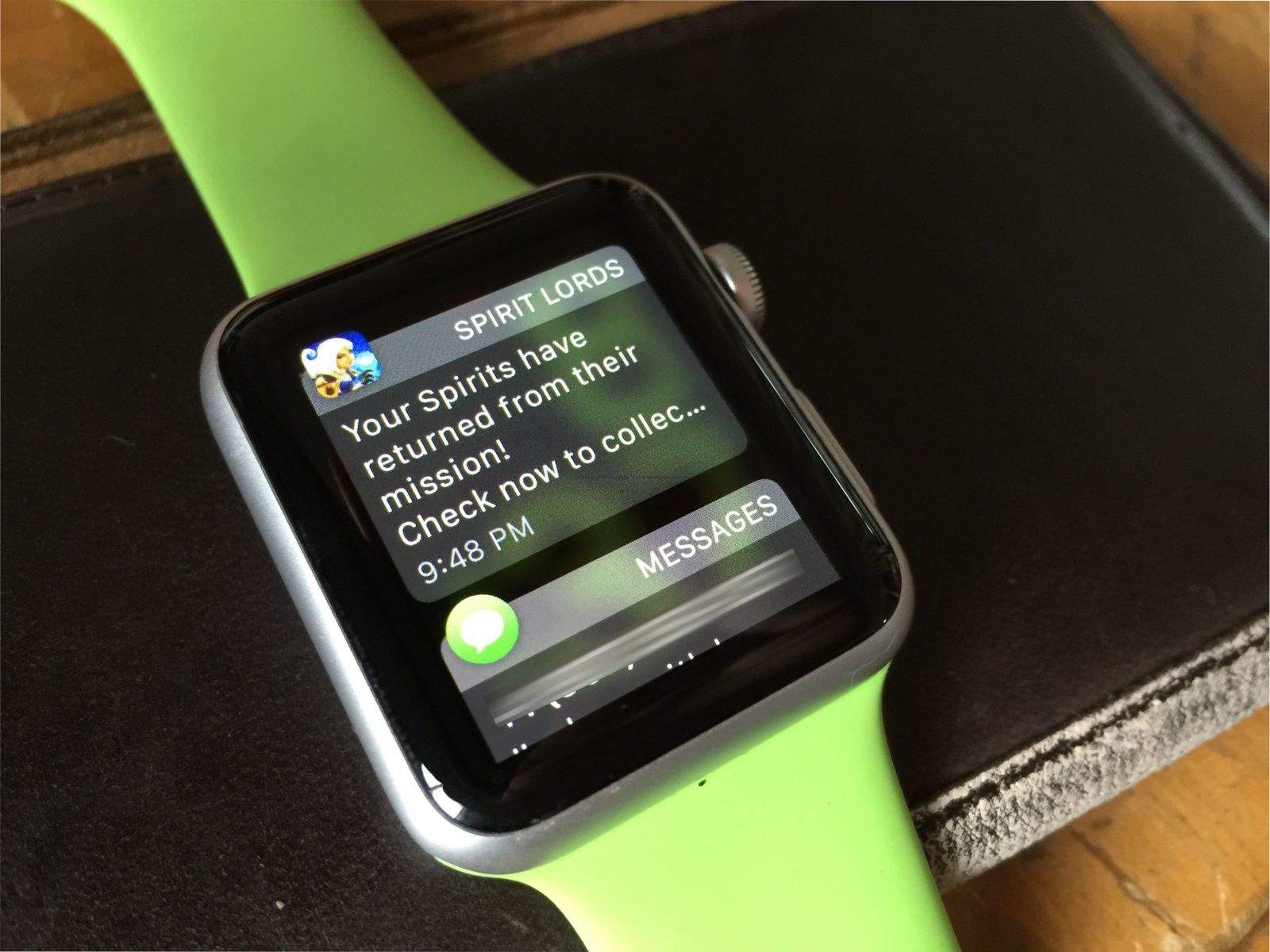
Notifications are the mainstay of Apple Watch (or any smartwatch, for that matter). Chances are you’ll get a ton of them, as most of the iPhone notifications will transfer over to your Apple Watch after you pair the two devices.
Typically, you swipe a notification left and then tap the X button when you want to dismiss a notification, or you tap through to the notification itself and then tap “Dismiss.”
But what happens when you have a slew of notifications and you’re just not interested in swipe-tapping them one at a time to go away?