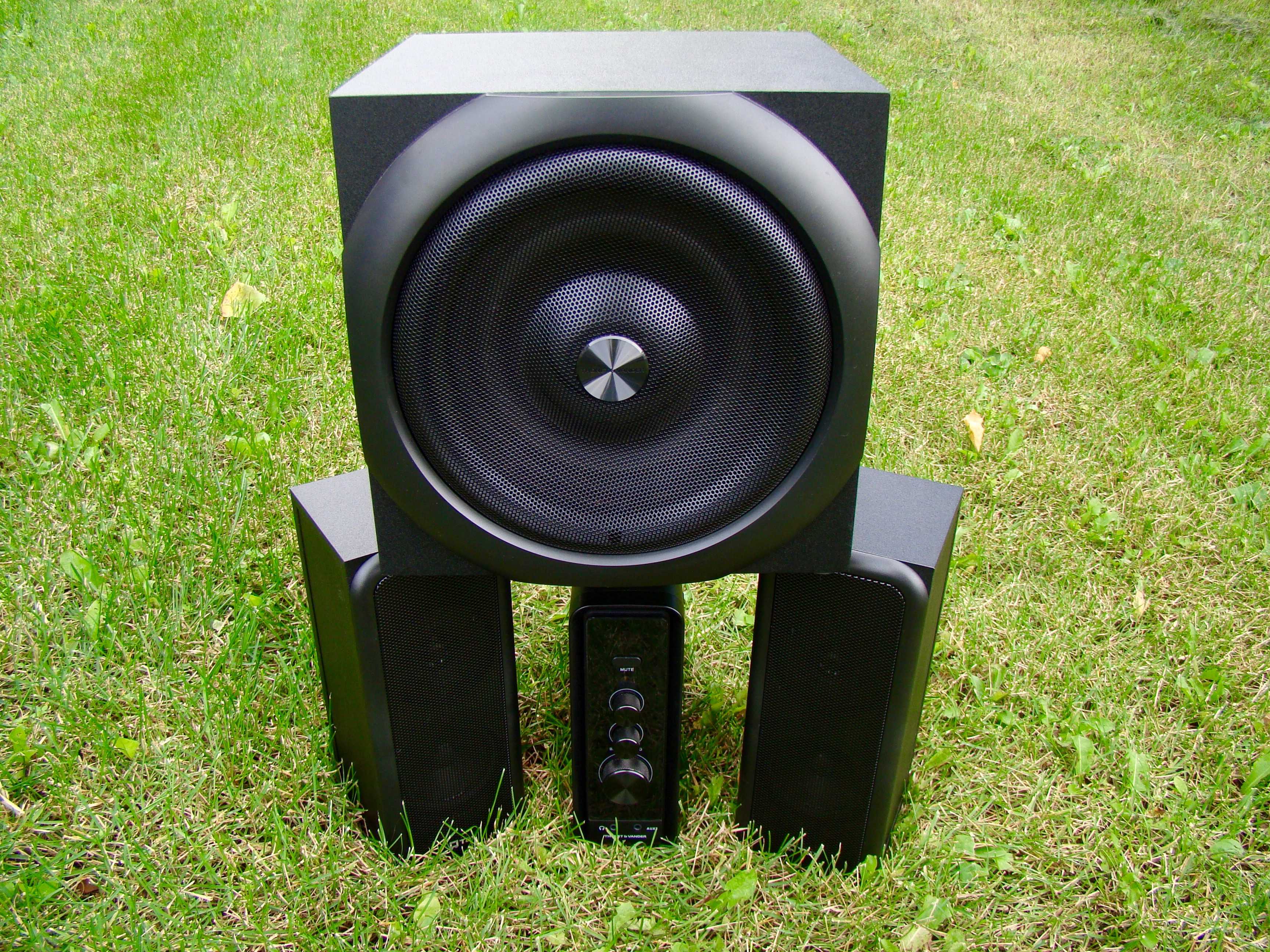
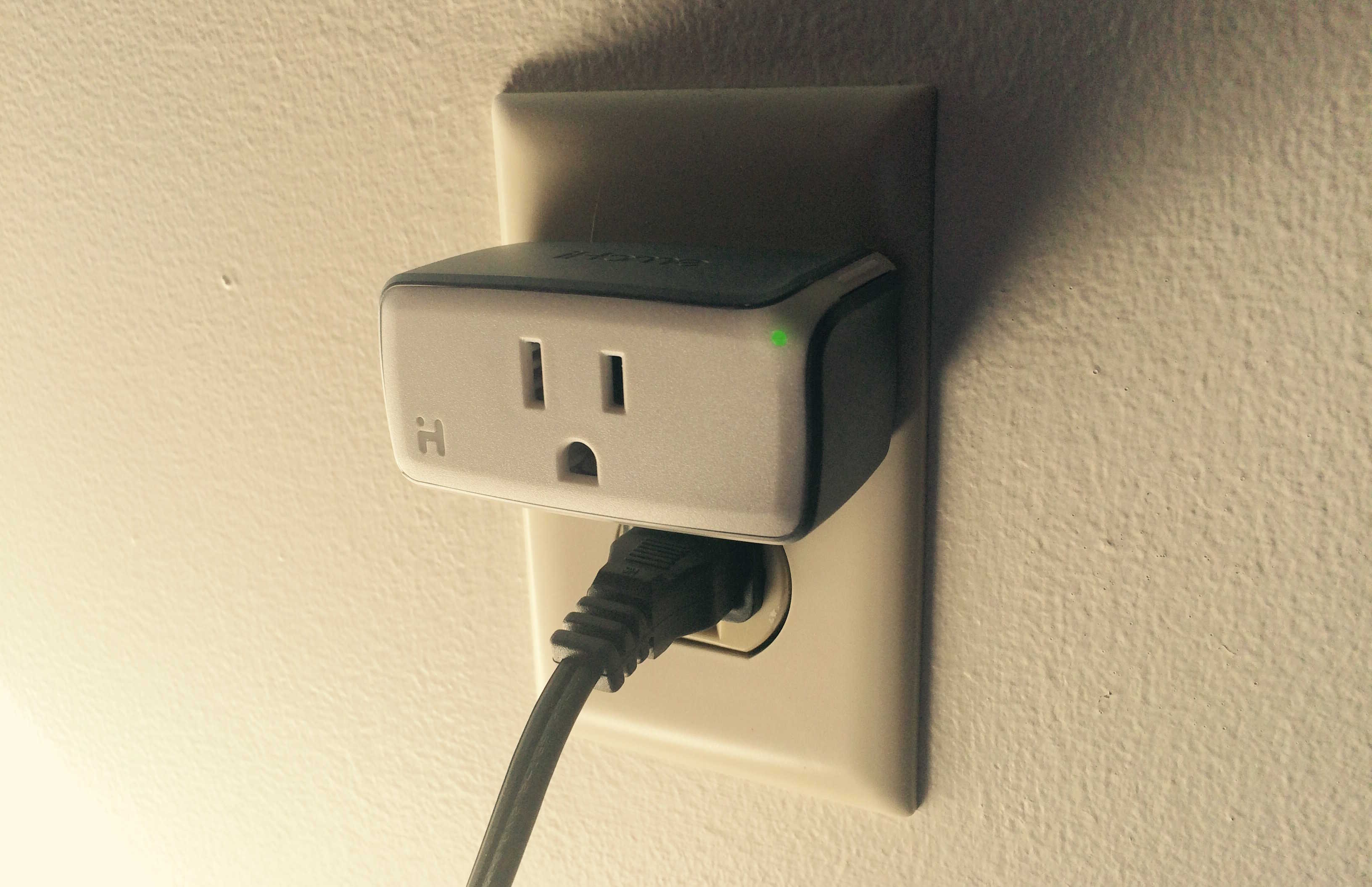
School’s changed a lot in recent years, as technology keeps creeping into every aspect of learning along with our lives. Time to get with the times — whether it’s keeping your cash and cell phone in one place, getting a bag that can charge your devices while you walk, or a cyber-secured lock for your locker, we’ve got some of the best deals for making 2015’s back-to-school actually feel like 2015.
5 affordable ways to give back-to-school an upgrade for 2015 [Deals]
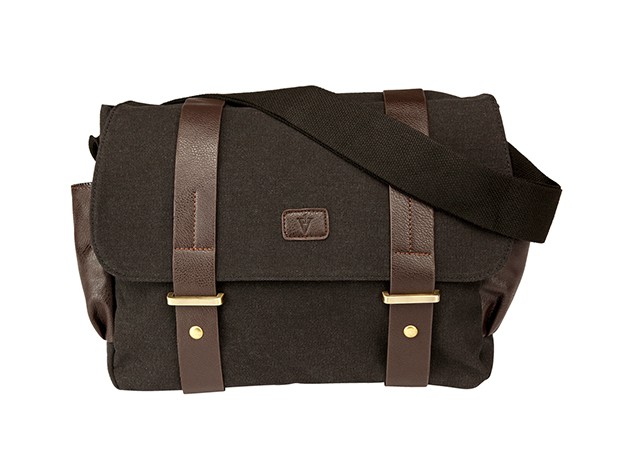
Photo: Cult of Mac Deals