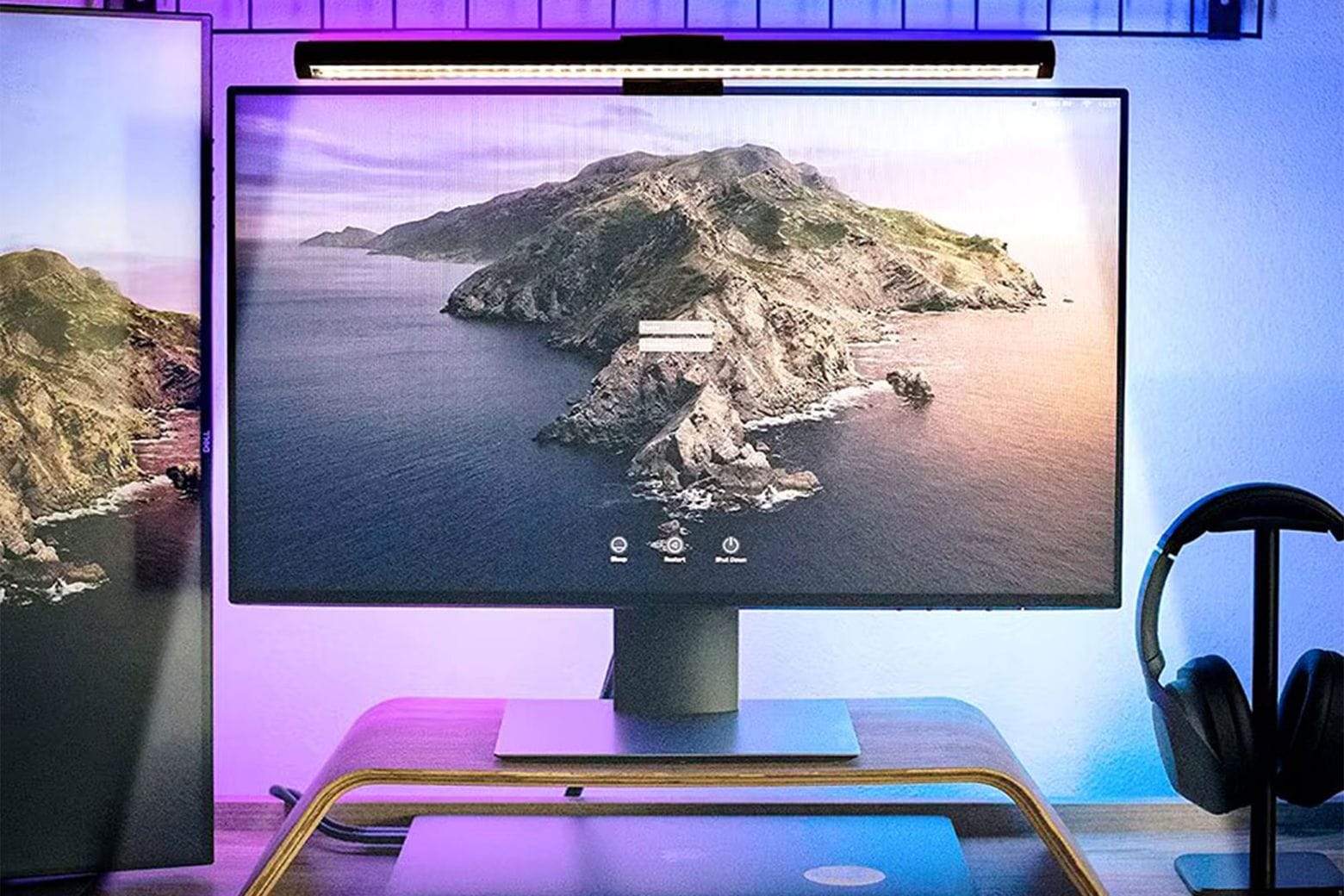
As you’ll read in our hands-on review of the BenQ DesignVue PD2730S, this Apple Studio Display alternative offers similar specs at a lower price. The new BenQ display delivers the same 27-inch screen, 5K Retina resolution, frame rate, color gamut and Thunderbolt connectivity as Apple’s pricey monitor.
This formula might ring a bell — BenQ’s new high-end display is the second Studio Display alternative to hit the market. The BenQ display proves nicer than the Asus ProArt 5K I reviewed two months ago, but it also costs more ($1,199 compared to $799).
One thing is for sure: Both are still a steal compared to the Studio Display, which starts at $1,599. Read on to see how these monitors stack up.