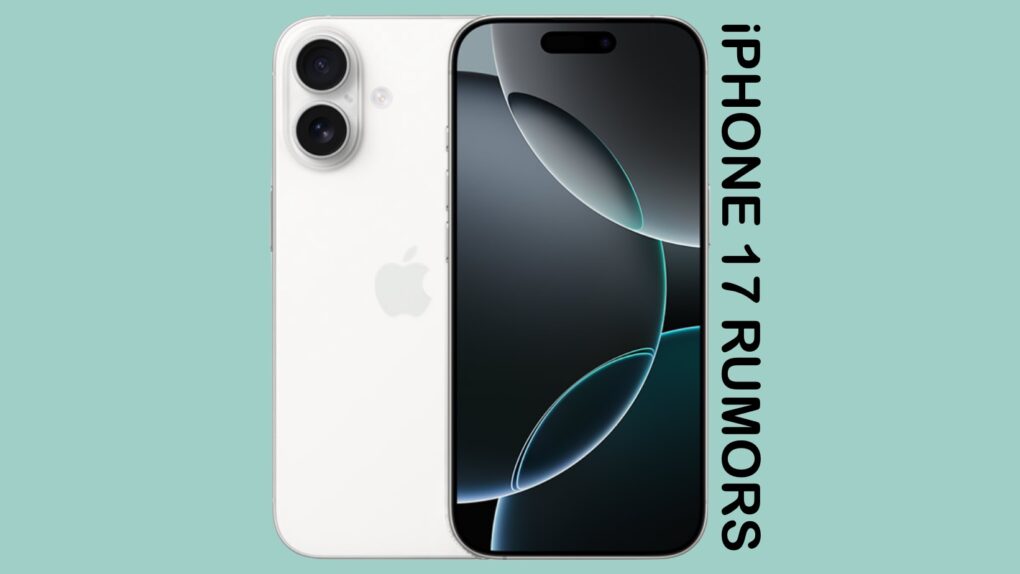
The debate continues over whether all four iPhone 17 models will get ProMotion display, or if two of them will just be 120Hz. Photo: Ed Hardy/Cult of Mac
Apple’s upcoming iPhone 17 and iPhone 17 Air will probably receive significant display upgrades, but recent leaks suggest the improvements may not be as comprehensive as initially hoped. While multiple sources have indicated the non-Pro models will finally get high refresh rate screens, a conflicting report now questions whether these will include Apple’s full ProMotion technology.
In other words, base iPhone 17 and super-thin iPhone 17 Air may lack what makes ProMotion what it is.
WWDC25 won’t be as Apple Intelligence-packed as last year. Image: Apple/D. Griffin Jones/Cult of Mac
Apple doesn’t have as many Apple Intelligence features to announce at WWDC25 as it did during last year’s developer conference. However, a handful of new AI features should arrive, including Apple Intelligence-generated Shortcuts automations, an Apple Intelligence API for developers, and AI-powered health tips. Apple’s foundation language model itself will also be improved, with versions in four different sizes currently in testing.
Here’s what to expect on Apple Intelligence next Monday during the WWDC25 keynote.
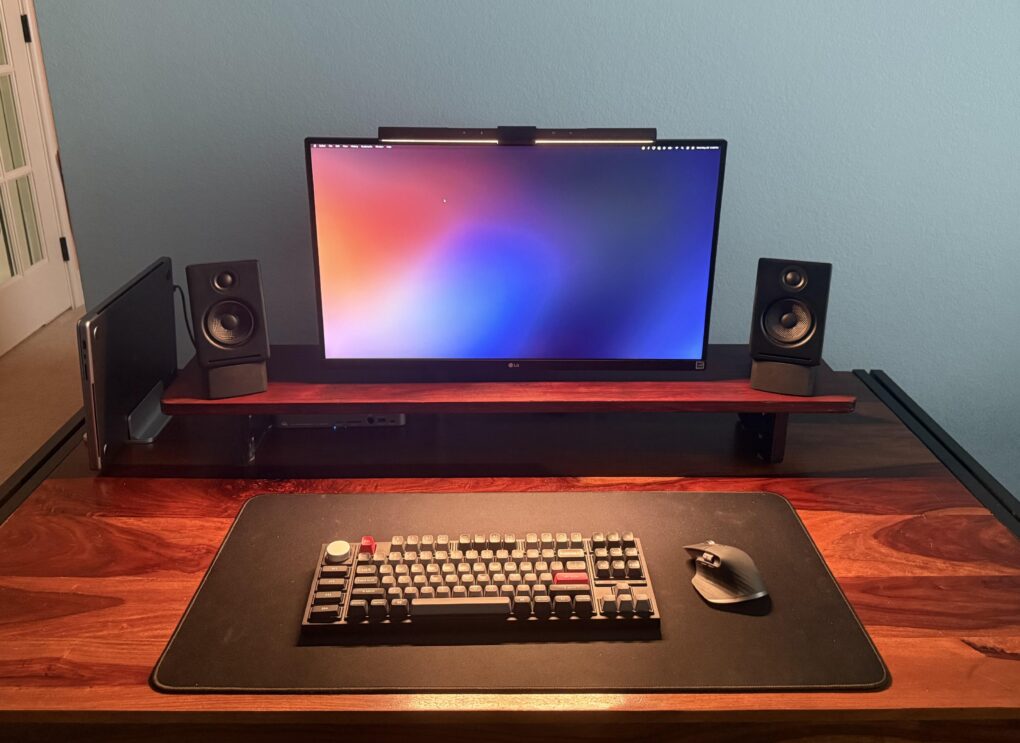
Cool wallpaper on that LG ultra-wide display, eh? There's also an old Mac mini hiding in this pic. Photo: [email protected]
Some computer setups showed off on social media aren’t packed with the latest and greatest tech gear — they just look great. Today’s featured setup is a fine example. It packs two still-going-strong older Macs — a MacBook Pro from 2021 and a Mac mini from all the way back in 2012 — driving an LG ultra-wide display. But the subtle lighting and tasteful decor, including great use of plants, go a long way in this one.
WWDC25 kicks off at Apple Park and (mostly) online June 9. Photo: Apple
WWDC25, this year’s edition of Apple’s Worldwide Developers Conference, will take place June 9 to 13, offering Apple enthusiasts and developers a comprehensive look at upcoming software innovations in the latest iOS, macOS and other platforms, the company said recently. The WWDC25 schedule, updated this week with the new moniker “Sleek Peek,” offers developers and users alike plenty of excitement.
The mostly online annual tech showcase promises groundbreaking updates across Apple’s ecosystem while also welcoming over 1,000 developers and students to a special in-person celebration at Apple Park.
Updates: Apple Developer’s WWDC25 web page added the name “Sleek Peek” for developer conference proceedings. Lots of new user interface design elements to take a look at, for one thing, as suggested in our looks ahead to what we expect will be called iOS 26, iPadOS 26 and macOS 26. Updates are also expected for tvOS 26, watchOS 26 and visionOS 26. Apple also set up the YouTube livestream page, so you can sign up for alerts, like when the Keynote starts.
Carrying an iPad onstage eased that crippling stage fright. Photo: George Beckker@Pexels
Classical pianist Simone Dinnerstein has performed on stages around the globe, from solo recitals to collaborations with prestigious orchestras. Famed composer Philip Glass even wrote a concerto specifically for her to perform. But stage fright nearly ended it all — until iPad saved her career, according to a new interview.
We’re used to iPhone saving lives and what-not, so it’s cool to see Apple’s tablet get some credit.
The EU's Digital Markets Act causes plenty of headaches for Apple. Photo: European Commission
Apple officially filed an appeal against the European Union’s Digital Markets Act interoperability requirements Friday. That’s no big surprise, and neither is the reason why. Apple argues the regulations pose significant privacy and security risks to iPhone users, while also stifling innovation.
Apple submitted its challenge to the EU’s General Court in Luxembourg, targeting the commission’s March decision that requires Apple to make iOS more compatible with rival products, including smartwatches, headphones and VR headsets.
Apple reportedly chose “Tahoe” as the name for the upcoming macOS version, according to a new report. This marks the third significant redesign of the Mac operating system since the company began using California-themed naming conventions in 2013.
The name macOS Tahoe, inspired by the iconic Lake Tahoe resort area, signals Apple’s commitment to delivering another major visual overhaul to its desktop platform.
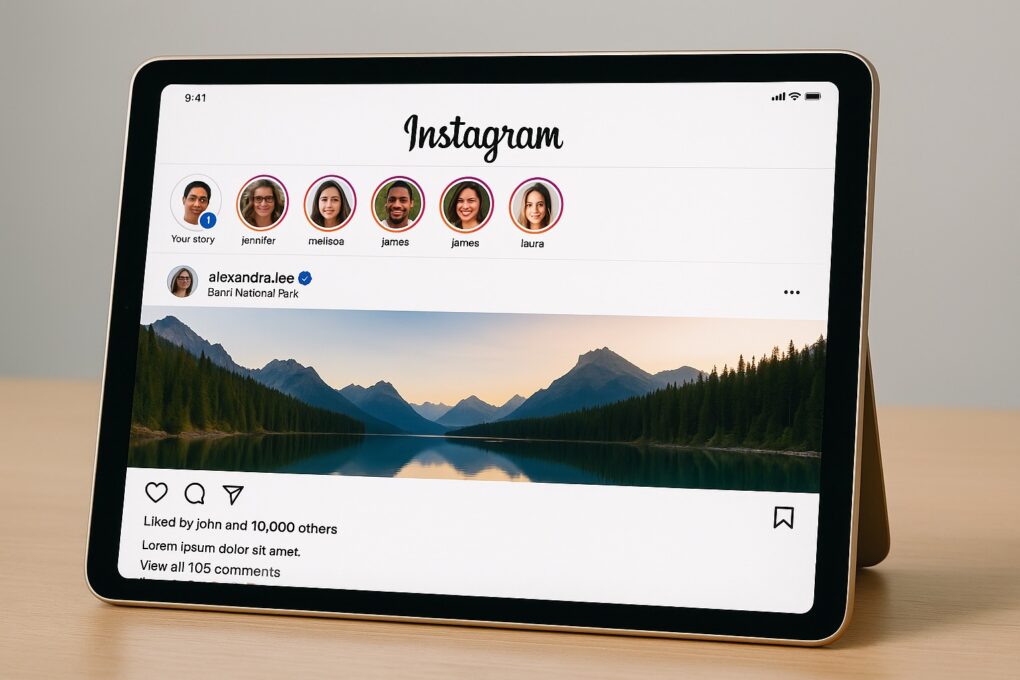
iPad may finally get a native Instagram app. Illustration: ChatGPT
Meta finally released a native WhatsApp app for iPad last week, following years of user requests. Now, the company appears to be going “full steam ahead” with an Instagram app for Apple’s tablet.
The app may launch as early as this year, with internal testing already underway.
Get your HoomBand and Dodow sleep bundle while it's on sale. Photo: Cult of Mac Deals
thThe two sleep aid devices in this bundle might be the most unexpected sleep hack since warm milk: a Bluetooth headband and a guided meditation light, working together to help you beat insomnia.
You can listen to hypnotic stories and meditations (or your favorite podcasts) through the comfy HoomBand headband, while the Dodow light guides you through breathing exercises to help you fall asleep naturally.
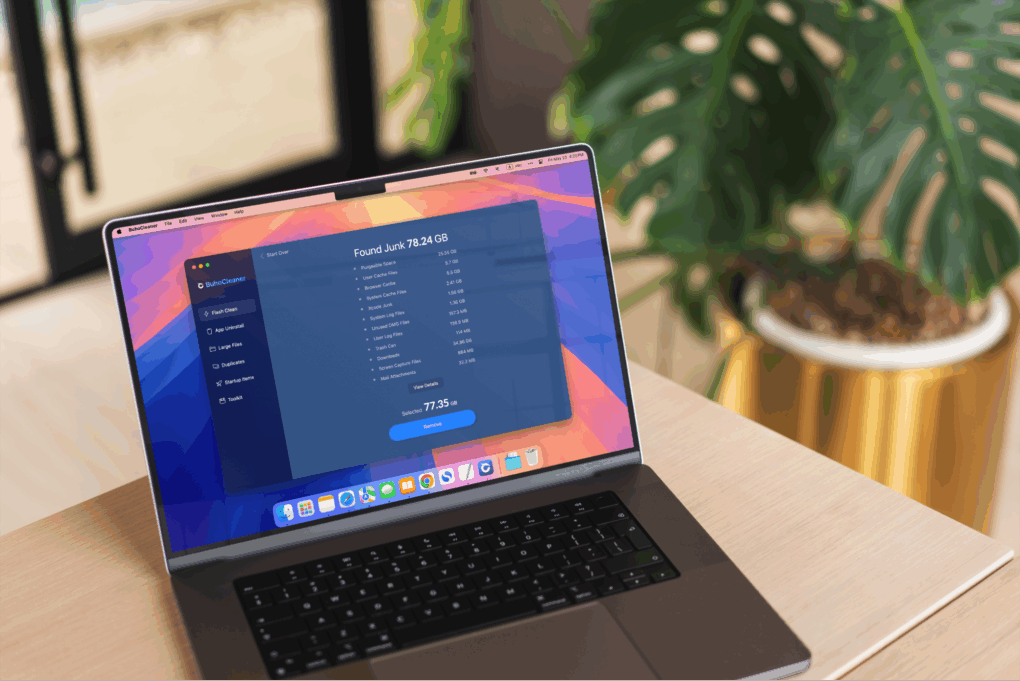
When your Mac shows signs of sluggish performance, BuhoCleaner can speed it up.
Photo: Dr.Buho
Is your Mac’s performance getting a little sluggish? If your machine takes more time to do things than it used to — and that darned spinning beach ball keeps showing up — it’s time for some digital spring cleaning. What’s an effective, intuitive and affordable tool for the job? BuhoCleaner, a Mac maintenance app from Dr.Buho.
BuhoCleaner is available in both free and paid versions. With coupon code CTM25BC05 you can get up to a 70% exclusive discount.
SPONSORED
This post is brought to you by Dr.Buho.
I tested it on my M4 Pro MacBook Pro and noticed a significant performance boost after just a few simple scans. The machine became noticeably more responsive when opening apps and files.
The cast should be more excited! Image: Apple TV +
The Apple TV+ adventure movie Fountain of Youth shot to the top of the charts the first week it hit streaming, according to two companies that track ratings. The flick stars John Krasinski and Natalie Portman in a dangerous hunt for the legendary spring with the power to restore the lost youth of anyone who drinks from it.
Plus, the sci-fi comedy Murderbot, the crime drama Your Friends and Neighbors, and the comedy The Studio all continue to pull in large audiences. Apple TV+ subscribers have plenty of popular content to enjoy this week.
Freeform is a weird and very underrated Apple app. Image: D. Griffin Jones/Cult of Mac
Apple’s Freeform app for iPhone, iPad, Mac and Vision Pro is a digital whiteboard you can use to brainstorm or gather ideas in one infinitely scrolling canvas.
You can use Freeform to throw together ideas with a colleague. You could build a presentation using Freeform’s scenes, kind of like using Prezi. Or, you can use Freeform as a drawing app with your iPad and Apple Pencil.
Freeform comes with all kinds of features for adding text boxes, rich links, drawings, clip art, sticky notes, files, photos, videos and more. It’s a great way to build a mood board or connect big ideas.
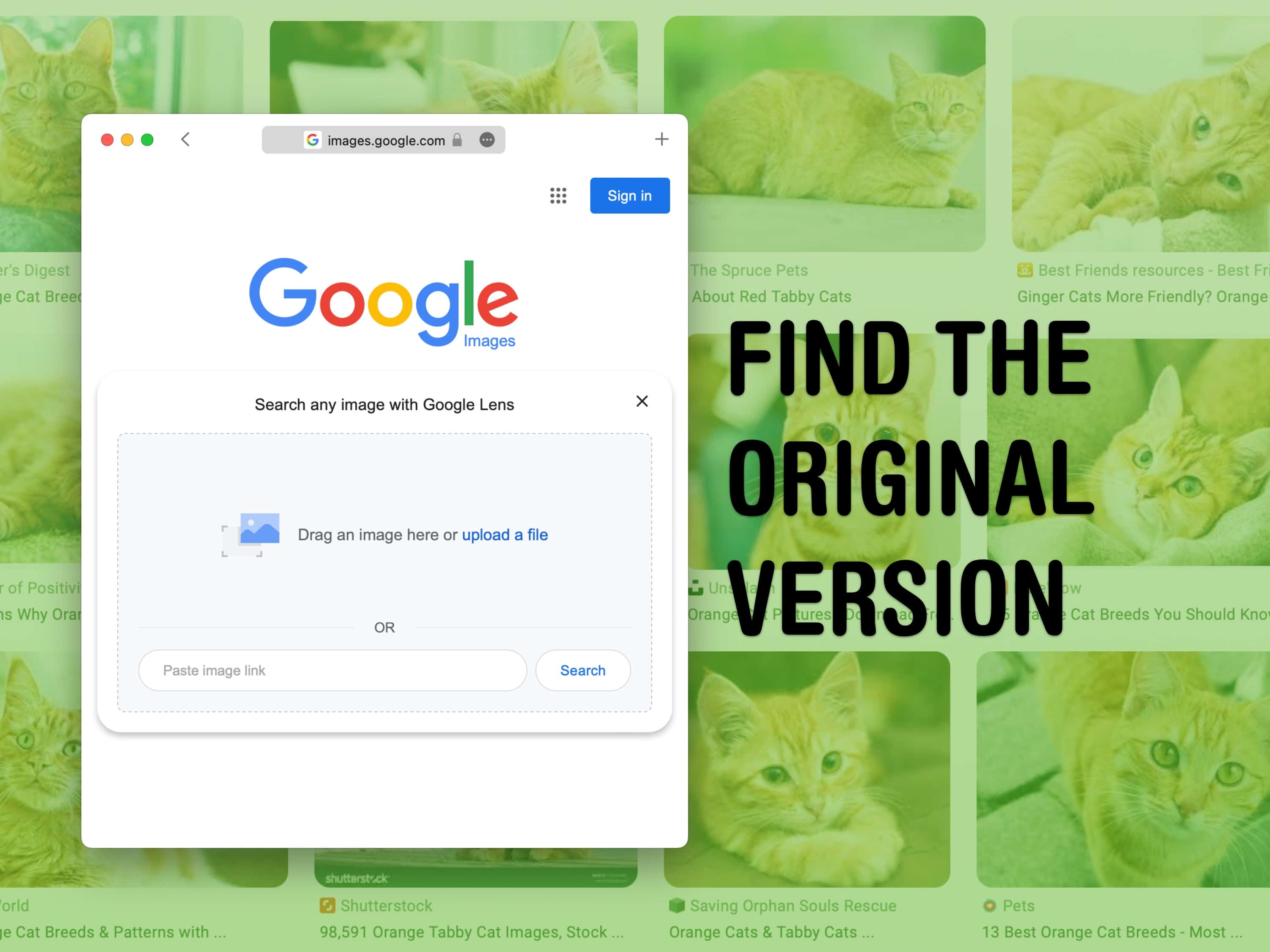
Is the best copy of a picture you have blurry and pixellated? Use Google’s image lens tool to find the original. Image: D. Griffin Jones/Cult of Mac
You can use Google reverse image search to find a higher-resolution (and higher-quality) original version of an image online. If you’re putting together a presentation, making a YouTube video or writing a blog post, you want the highest quality versions of every image. You might feel stuck if you only have a low-quality picture and you need to fill a bigger space.
Google reverse image search will let you upload a photo and find matches all around the web. You can find out where it’s from to cite the source and save the uncompressed original image. Let me show you how Google reverse image search works.
That's quite an iPhone camera rig tracking that infected dude. Photo: Sony Pictures Entertainment
Danny Boyle will soon bring the infected back to the big screen in ways that would make any iPhone cinematographer jealous. The acclaimed director behind the original 28 Days Later returns for the long-awaited sequel 28 Years Later. And he uses cutting-edge iPhone technology alongside traditional filmmaking techniques to create what he calls a “poor man’s bullet time” effect (a la The Matrix movies), according to a new report.
Compact keyboards are so popular now that seeing a full-sized one -- or even a nearly full-size, tenkeyless layout like this one -- is almost a rarity. Photo: [email protected]
More than ever these days, computer setups flaunted on social media tend to show off compact keyboards with as low as 60% layouts. So it’s almost a surprise to come across today’s featured MacBook Pro setup, which relies on a tenkeyless keyboard. It’s almost, but not quite, full sized. And the excellent Keychron mechanical keeb is customizable, too.
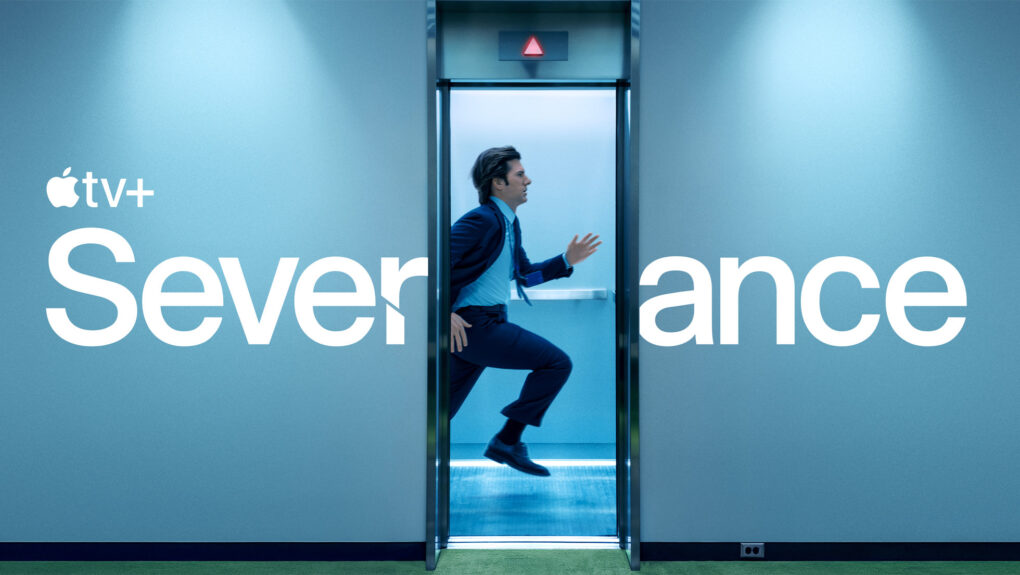
Severance season three, currently on the writers' room drawing board, will enter production with two spinoff shows in early stages of development. Photo: Apple TV+
Apple TV+’s critically acclaimed series Severance will expand beyond its upcoming third season, possibly including two spinoffs and merchandise, according to recent revelations from director Ben Stiller and star Adam Scott in a new interview. That news alongside Severance season 3 progress should delight fans of the dystopian workplace drama as much as any “overtime contingency” could.
Apple TV+ viewers and Vision Pro users can watch the Bono documentary starting May 30. Photo: Apple TV+
The new documentary Bono: Stories of Surrender premieres Friday, May 30, on Apple TV+. And it simultaneously debuts as the first feature-length Immersive Video on the Vision Pro headset. In that format, it offers an 8K Spatial Audio experience that places viewers directly onstage with the U2 frontman in a 180-degree video environment. You can watch the trailer below.
The film offers viewers a bold and lyrical visual exploration of Bono’s acclaimed one-man show, providing unprecedented access to his personal journey as a musician, activist and family man, Apple TV+ said. The Vision Pro version’s title will be Bono: Stories of Surrender (Immersive).
Update 2:Bono: Stories of Surrender begins streaming Friday on Apple TV+. Whereas one review calls it “a heartfelt portrait of the U2 star,” another refers to its “rock star pomposity” and a third splits the difference: “A punch-to-the-guts stage show once you get past the Bono-ness of it all.”
Update 1: Apple TV+ posted a trailer for the Bono documentary film on YouTube Wednesday, available to watch below. For U2 and Bono fans, it’s sure to impart all the feels, as Bono jokes with the audience and tells stories about his upbringing and time with the band.
The iPhone is free from Trump tariffs. UPDATE: Nope. Photo: Google Gemini/Cult of Mac
A federal appeals court on Thursday slammed the brakes on a Court of International Trade ruling that blocked President Donald Trump’s imposition of tariffs on a wide array of imported products.
The new ruling by the U.S. Court of Appeals for the Federal Circuit means Trump’s tariffs can stand, at least for the time being. The administrative pause gives the appeals court’s judges time to gather information about the case. “The appeals court also ordered that both sides provide written arguments on the question of the blocking of Trump’s tariffs, to be filed by early next month,” according to CNN.
The iPhone 17 could have the same size screen as the iPhone 16 Pro. Image: Cult of Mac
The standard iPhone 17 model will almost certainly include a larger screen. That’s been rumored before, and a very reliable source for display-related insider information said Thursday that the display is getting a boost above the 6.1-inch screen in the current iPhone 16, moving up to 6.3 inches.
The same source also gave exact display sizes for the other three models in the iPhone 17 series.
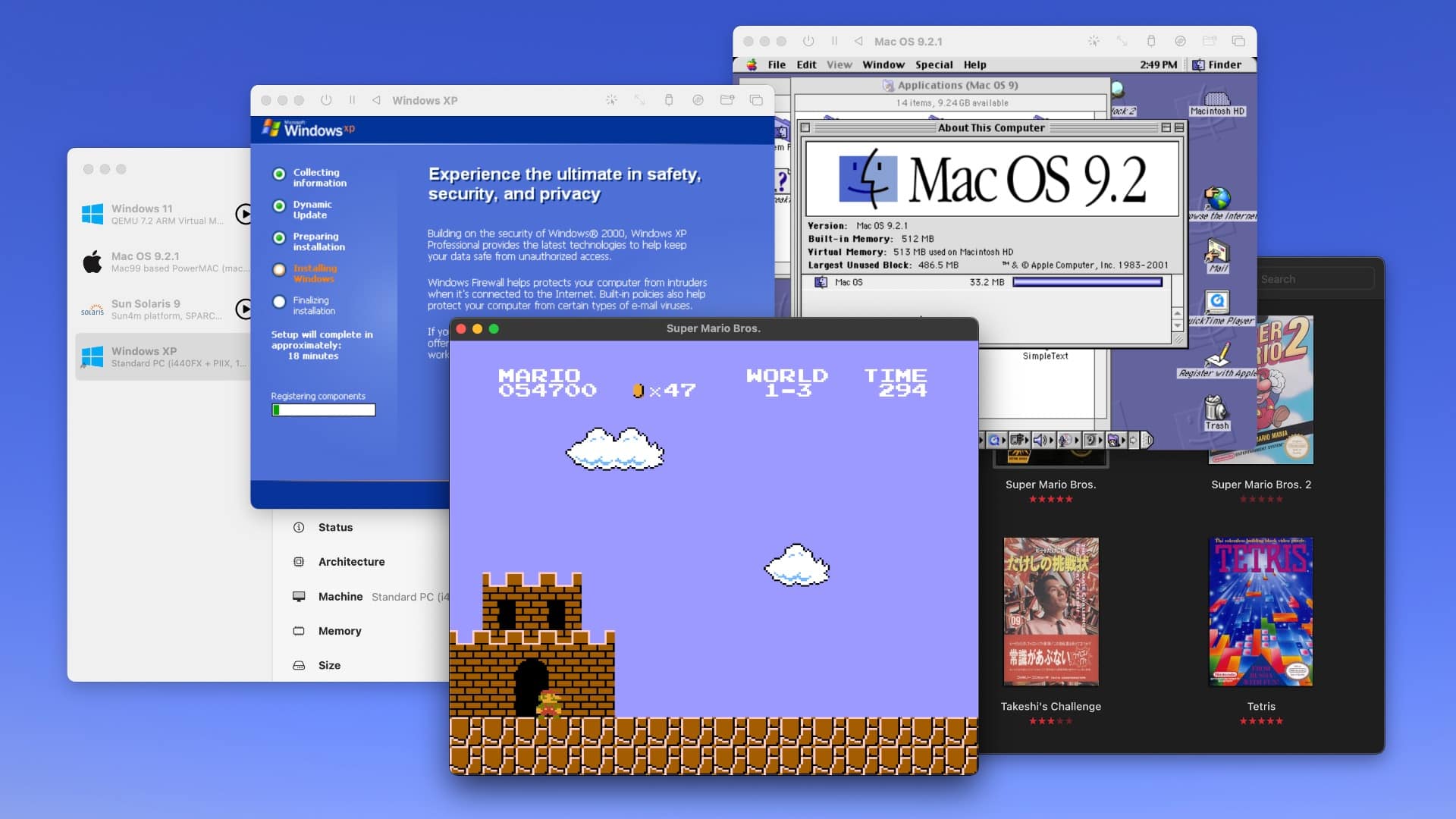
Run Windows XP, Mac OS 9, Windows 11, Super Mario Bros. and more on your Mac. Screenshot: D. Griffin Jones/Cult of Mac
Collecting old video game consoles and vintage computers is a fun hobby, but keeping all that hardware working can quickly become an expensive, never-ending task — not to mention all the space you need just to store the gear. You might instead (wisely) opt to play your favorite games and software using emulators for your Mac.
In this guide to Mac emulation, I’ll walk you through the best apps you can use to accomplish the two most common scenarios: playing old video games, and taking Classic Mac OS for a test drive on a modern Mac. Plus, I’ll wrap up with the easiest way to virtualize modern operating systems like Windows and Linux on your Mac. (This handy virtualization software also works for old and obscure computer operating systems.)
Best of all, each of these Mac emulation methods is free and open source.
UPDF just got better, with AI-powered tools that make working with PDFs easier than ever. Image: Superace
PDF files are everywhere online. Working with them shouldn’t be a headache. But common pain points include difficulties editing documents, trouble handling large file sizes, compatibility problems across platforms, security worries over data leaks, ineffective search capabilities, and poor annotation and collaboration tools. Plus, many users also balk at Adobe Acrobat’s expensive subscription fees. These frustrations highlight the need for a robust solution — and UPDF 2.0 emerges as the perfect answer.
After launching in 2022, the UPDF brand quickly won over 3 million users worldwide. Thursday’s launch of UPDF 2.0 takes PDF editing to the next level with enhanced AI capabilities, streamlined workflows and powerful new features. They make document management effortless across all your Apple devices.
US devs saw $406 billion in App Store sales and billings in 2024. Photo: Apple
Apple’s App Store ecosystem reached a milestone in 2024, facilitating $406 billion in developer billings and sales in the United States alone, according to a new study Apple commissioned. And over the past 5 years, App Store sales growth means U.S. developers’ earnings more than doubled, the iPhone giant said.
“For more than 15 years, the App Store has created incredible opportunity for app developers, entrepreneurs and businesses of all sizes,” Apple CEO Tim Cook said in a press release Thursday. “That includes the many U.S. developers who are innovating, building their businesses and finding exceptional success on the App Store.
“We’ll continue to invest in powerful tools, technology, and resources to help developers in the U.S. and around the world take their apps to new heights and create transformative experiences for users,” he added.
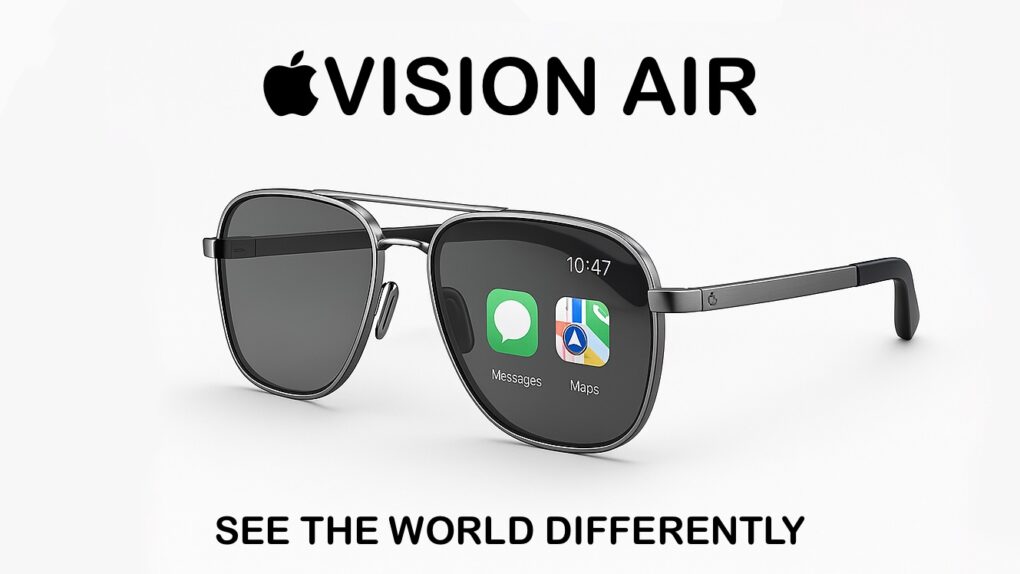
Apple Vision Air could be the iPhone replacement. Eventually. AI concept: ChatGPT/Cult of Mac
Apple makes the bestselling phone, smartwatch and wireless headphones, and is fantastically profitable as a result. But if it can’t develop the Next Big Thing, it could easily be out of business in 10 years. But there’s no cause for concern — Apple is already working on the product that’ll replace the iPhone: smart glasses.
Even better, Apple is taking two approaches for developing smart glasses, which should go a long way toward ensuring that it makes the definitive version of the must-have computer of the 2030s.
Get an unlocked iPhone 12 at a fraction of its original price. Photo: Cult of Mac Deals
Who’s still paying full price for an iPhone? Not us. Especially when you can score a fully unlocked iPhone 12 refurbished model for just $229.99 — a fraction of the $799 you’d spend for an iPhone 16.
Wondering how we’re able to practically give away these iPhones? They’re refurbished devices. But that doesn’t mean they’re janky hand-me-downs like you’d get when your mom upgrades her old cellphone. Like Apple’s refurbished line, these are restored to near-mint condition for the best experience … and massive savings.
Would you accept a thicker iPhone 17 Pro Max for better battery life? Concept: Ed Hardy/Cult of Mac
The iPhone 17 Air should become Apple’s lightest and thinnest iPhone yet later this year. In contrast, the company will seemingly take the opposite direction with its Pro Max model, making it thicker and heavier.
A hands-on video of an iPhone 17 Pro Max dummy unit reveals what could be its final, noticeably thicker design.