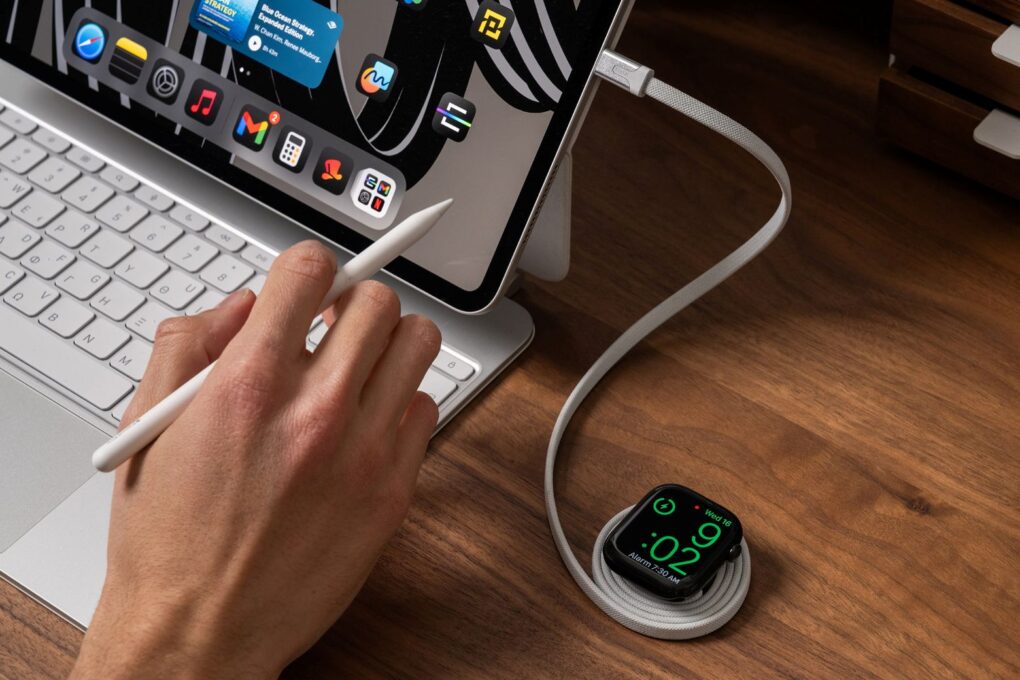
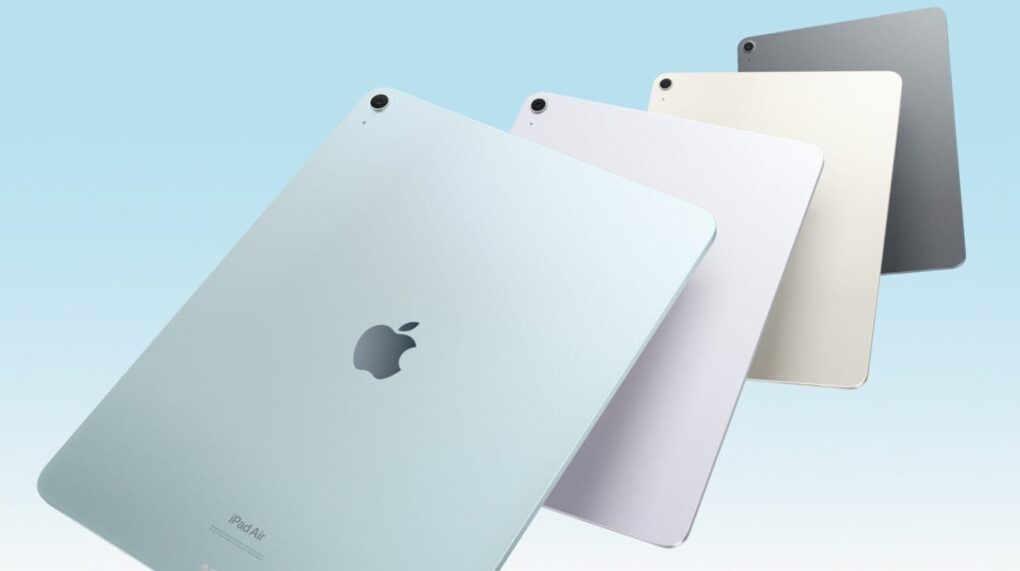
Here are my picks for the best iPad cases available now. Image: Cult of Mac
You unwrapped a shiny new iPad for Christmas or Hanukkah — congratulations! — and now you need a case for it. I’ve tested a bunch of these and have recommendations for the best iPad cases.
These protect your computer from life’s little mishaps. But you can also get an iPad case with a built-in keyboard and trackpad to upgrade your table to a ultralight laptop.
You can quickly and secretly switch out of Private Browsing without anyone noticing. Image: Dosso Dossi/Public domain
So, you’ve been using Safari’s Private Browsing mode on your iPhone or iPad, for whatever reason, but you forget to close out of the tab. The next time you open Safari, you’ll be thrown into whatever unscrupulous web page you had open last time — and the result can range from unfortunate to embarrassing, depending upon what you were looking at and where you are when you unexpectedly resume the Private Browsing session.
Luckily, iOS offers a foolproof way to avoid reopening a Private Browsing mode session. Let me show you how.
Take a look in the mirror behind the setup to see the portrait display's RGB lighting wheel. Photo: [email protected]
Today’s dual-display MacBook Pro setup sits on a desk up against a mirrored wall. In the photograph above, that let’s us see the nifty ring of colorful monitor RGB lighting built into the back of the LG UltraGear display — a decorative and functional touch included in an aging but still formidable external display for serious gamers.
The 11th-generation iPad is just a few months away. And new iPad Pro and iPad Air models are on the way, too. Photo: Cult of Mac
2025 will finally bring the much-anticipated 11th-generation iPad, a version of the budget tablet with a faster processor capable of accessing the latest Apple Intelligence features.
In addition, expect faster iPad Pro and iPad Air models in 2025 — one sooner than might be expected.
Don't take chances with your personal data. Photo: Cult of Mac Deals
Need online security you can take anywhere? The Deeper Connect Air is a VPN travel router that offers encrypted browsing to keep your info from prying eyes, along with a slew of other benefits. The device uses advanced, military-grade encryption to safeguard all data that passes through it, making your online interactions confidential.
Whether you’re handling sensitive business data at a cafe or browsing personal content in a hotel room, your information remains private and secure. You can get the extremely portable Deeper Connect Air for just $149.97 (regularly $219) with free shipping.
There’s a lot being cooked up for the iPhone next year.
The 2025 iPhone lineup is going to see one of the biggest design shakeups in the product’s history. Not only will there be an entirely new model — the super-slim iPhone 17 Air — the Pro phones are getting the first all-new design in years, with a radical new camera array that’s sure to polarize opinion. Plus, the entry-level models and the iPhone SE are getting lots of worthy trickle-down upgrades. With these innovations, Apple iPhone 17 is set to redefine smartphone design and functionality. Discover how iPhone 17 Air will mark a new beginning for Apple.
It’s going to be a very exciting year. Here’s what 2025 has in store for the iPhone.
Learn every time you stream with a discount subscription to Curiosity Stream. Photo: Cult of Mac Deals
If the ever-growing library of excellent documentaries on Apple TV+ leaves you wanting more, consider a discounted lifetime subscription to Curiosity Stream. Home to some of the best documentaries streaming online, the service offers a fun and educational alternative to the usual Netflix noise.
Plus, unlike other streaming services, you can lock in forever access to Curiosity Stream for just $159.97 (regularly $399.99). For that one low price, you’ll gain a lifetime of original and entertaining documentaries.
Big upgrades could be in store for Apple's AirPods lineup in 2025. Image: Cult of Mac
AirPods Pro 3 keep generating buzz as we approach the launch of Apple’s next-generation premium wireless earbuds. Here’s what to expect from AirPods Pro 3, which probably will arrive in early 2025.
While the current AirPods Pro 2 model dominates the market two years after launch, rumors say its successor will bring substantial improvements and new features. Unfortunately, you probably shouldn’t expect changes to the recently updated AirPods 4 and AirPods Max in 2025. We could see updated earbuds or headphones from Apple subsidiary Beats, though.
You’ll be one happy duck with your new AirPods. Photo: Apple
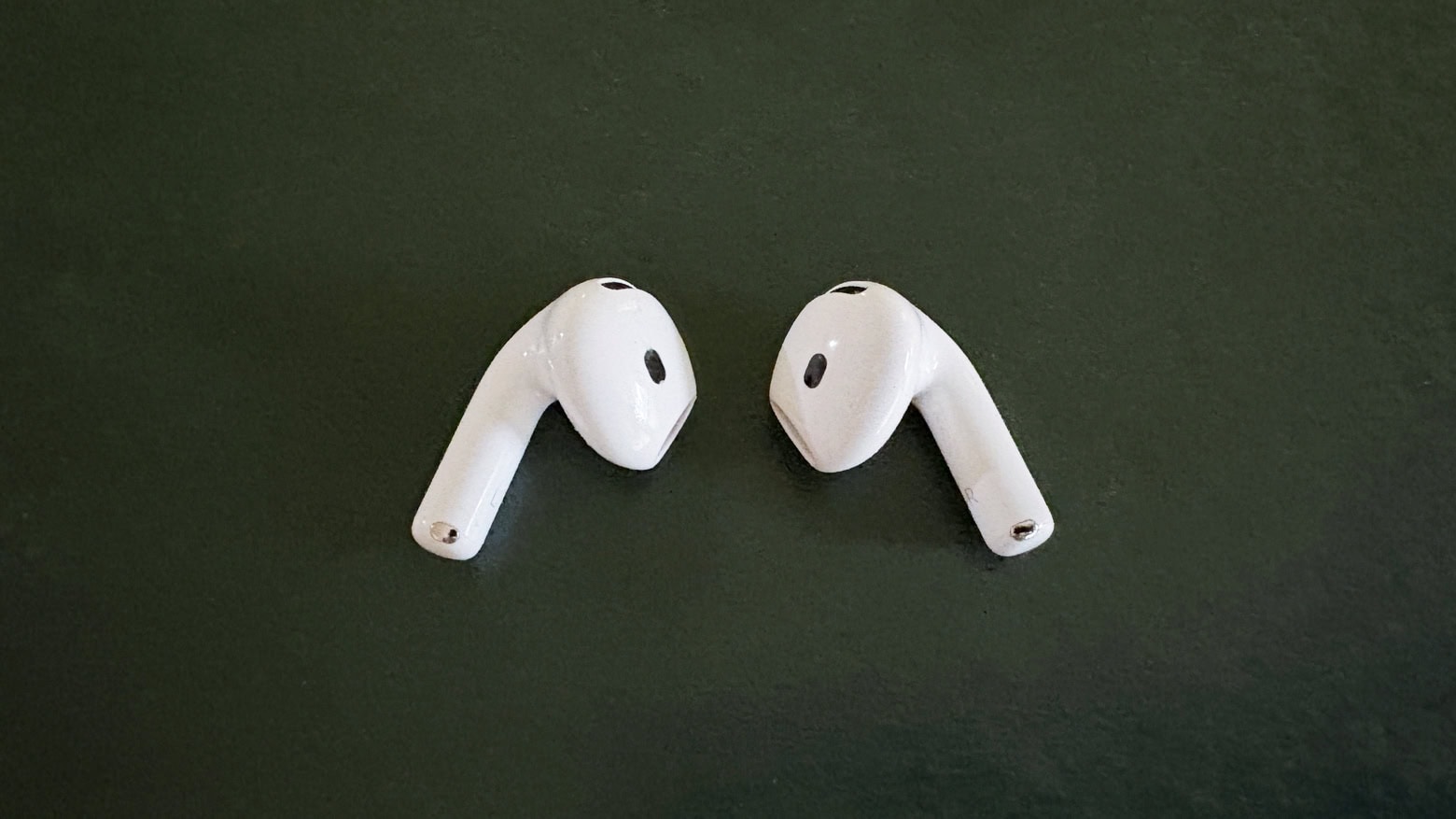
If you’re a super lucky duck, then Santa may have left you a pair of AirPods. They are truly one of the best products Apple ever made, because they really do offer a huge upgrade on all previous headphones. Here’s how to set up your new AirPods.
Stick an AirTag in your car in case it's stolen. Photo: Mark Chan/Unsplash
The Apple AirTag is arguably among the company’s most useful product releases in recent years. Once you set up an AirTag, it gives you powerful options for locating it (and whatever you attach it to). Put one of Apple’s tracking tags on an item like a keychain or luggage, and you can easily track its location from your iPhone, Mac, or iPad. If you’re wondering,do AirTags make noise, the answer is yes, but only in specific circumstances.
Since AirTag’s launch, numerous reports have detailed how the tracking tag helped owners find lost items. If you recently acquired an AirTag, here’s how you can set it up the right way and use it properly.
Mac users can grab this 13-in-1 docking station to add the ports they need. Photo: Cult of Mac Deals
Need more ports for your MacBook? This affordable docking station for MacBook Pro or MacBook Air packs a whole desktop’s worth of ports into a compact form that connects with a single USB-C cable.
It's not like it's going to get any less weird, right? Photo: Apple TV+
Watching the new Severance season two trailer, below — and the new sneak peek at the first eight minutes of episode one Apple TV+ dropped Monday — my excitement for the new episodes became one with my grim determination to watch the entire first season again before the undoubtedly bizarre new scenes of workplace hell start streaming on January 17, 2025.
Never before have I force-marched myself through a whole TV series season as a matter of preparation. But this funny-yet-unnerving workplace psycho-thriller deserves and demands it. If you’re preparing for season three and catching up on all things Apple, you might also want to check out how to activate Apple AirTag—and while you’re at it, read up on Apple TV+ renewing Severance for a third season.
Update: As a twisted sort of holiday gift, Apple TV+ posted a sneak peek at the first eight minutes of Severance season two on Monday, December 23. It’s safe to say the main character is very much on the run through Lumon Industries sterile yet deeply alienating hallways until he comes face to face with a team of direct reports he doesn’t recognize. And he ends up with more questions than answers in a one-on-one with Mr. Milchik. Watch the sneak peek at the link above and the trailer below.
NORAD’s Santa tracker app is available for iPhone and iPad. And there’s a website for Macs. Photo: NORAD
It’s Christmas Eve, and Santa Claus is on his way. You can find out exactly where he is with the help of the NORAD Santa tracker and your Mac or iPhone. You can even track Jolly Old Saint Nick’s progress in real time.
Here’s how to keep an eye on Kris Kringle‘s progress.
Will there be any big Vision Pro news next year? Surprisingly so. Image: D. Griffin Jones/Cult of Mac
Will 2025 be a big year for Apple’s exciting new Vision Pro platform? With a fast new chip, a major software upgrade and more jaw-dropping content, there could be a lot in store for the AR/VR headset next year.
The fledgling device is likely to get worthy new hardware upgrades — and maybe even a price drop. visionOS 3, the next major software update, will have had a full 12 months in the oven. That means it could be a substantial release. And as production of 3D immersive content continues to get easier, there may finally be a lot more spatial video to watch on the headset. In fact, that could turn out to be the device’s killer app.
The iPhone 18 Pro may introduce a groundbreaking feature inspired by professional-grade cameras. Photo: Lyle Kahney/Cult of Mac
Apple could adopt a variable aperture system for the iPhone 18 Pro’s main camera that would enable the device to adjust the aperture size and light intake depending on surroundings.
DLSRs typically use a variable aperture lens system. Samsung and some Chinese Android manufacturers have also used the technology on their phones, albeit on a limited scale.
Finally, an Apple TV remote that isn't all talk.
Photo: Cult of Mac Deals
The Apple TV has a lot going for it, but the Siri Remote is pretty divisive, to say the least. If you like telling a half-smart robot what to do, you’re going to be hard-pressed to find a better remote. However, if you want a traditional TV-watching experience, the voice controls might not be your cup of tea. And this alternative Apple TV remote gives you all the buttons you might miss from the good old days.
The Function101 Button Remote was designed as a replacement remote for Apple TV and Apple TV 4K, and it makes it easier for you to use all the features built into your set-top streamer. For a limited time, you can get the Function101 Button Remote on sale for $19.97 (regularly $29.95).
You can share an Apple AirTag with up to five people. Here’s how. Photo: Apple
When Apple launched the AirTag, you could link the tracking tags to only one person. Luckily, Apple expanded that. Now you can share an AirTag with up to five other people, so each one can see where it is.
Here’s how to share an AirTag with family members or friends.
It's amazing what a difference a 90-degree cable connector can make in a the look of a computer setup. See the "before" photo below. Photo: [email protected]
This holiday season, give yourself or someone else the timeless gift of better cable management. Today’s MacBook Pro and LG DualUp display user shows us one way to make a small but significant improvement in the look of a computer setup. You can use cables with 90-degree connectors rather than straight ones for a cleaner look (or get USB-C cable adapters with right-angle or vertical ends for your straight cables). Check out the “after” photo above and the “before” photo below.
And seriously, if you’re hard up for stocking-stuffer ideas, a USB-C adapter kit might be just the thing. See below.
Expect the M5, M5 Pro and M5 Max processors in 2025. Photo: Apple/Cult of Mac
It’s a safe bet that the Apple M5 processor will start replacing the current M4 in 2025, and it might even happen in the first half of the year.
That’s according to a roadmap of when the various versions of the chip will go into production leaked Monday by a reliable source of insider Apple information.
A lot of Macs are coming next year. Image: Apple/D. Griffin Jones/Cult of Mac
What does Apple have planned for the Mac in 2025? For the last couple of years, Apple’s been killing it with its desktop and laptop computers. The chips scream, the industrial design has never been better, and the Mac lineup is undoubtedly the best in Apple’s history. Just look at the amazing new Mac mini.
A smart home doorbell from Apple with Face ID could become a reality. Photo: Apple
Apple is reportedly working on a smart doorbell with Face ID-like facial recognition.
The device, still in its early development stages, seems unlikely to reach the market before late 2025 at the earliest. This timeline presumes Apple encounters no significant obstacles during development.
This week on Cult of Mac’s podcast: Some new iPhone 17 Pro renders make us ponder whether Apple will (or should) create such a device. We discuss the pros, cons and alternative theories.
Also on The CultCast:
An update on when we might see the very first folding iPhone.
A ridiculous Apple Intelligence screwup lands Apple in hot water.
We wrap up with round two of our picks for best and worst of 2024.
Listen to this week’s episode of The CultCast in the Podcasts app or your favorite podcast app. (Be sure to subscribe and leave us a review if you like it!) Or watch the video live stream, embedded below.
Get some space back on your phone. Image: D. Griffin Jones/Cult of Mac
If your iPhone storage is full, you’ll need to quickly clear up space. You don’t need to panic and delete all your pictures, though. There are easy ways to free up iPhone storage without losing any precious data forever.
Apple put a convenient screen in Settings that can walk you through non-destructive ways to clear up space on your phone. Apps that you don’t use frequently can be temporarily uninstalled (and instantly redownloaded when you need them again). If you sync data to iCloud, like photos and music, your phone can automatically offload some of that data. You also can limit the number of podcasts your phone keeps, if you’re falling behind on your listening.
Here are the easiest steps you can take if your iPhone storage gets too full.