Mobile menu toggle

Newsstand - page 166

Which new Apple product gets you most excited? [Poll]

By

Apple gadgets
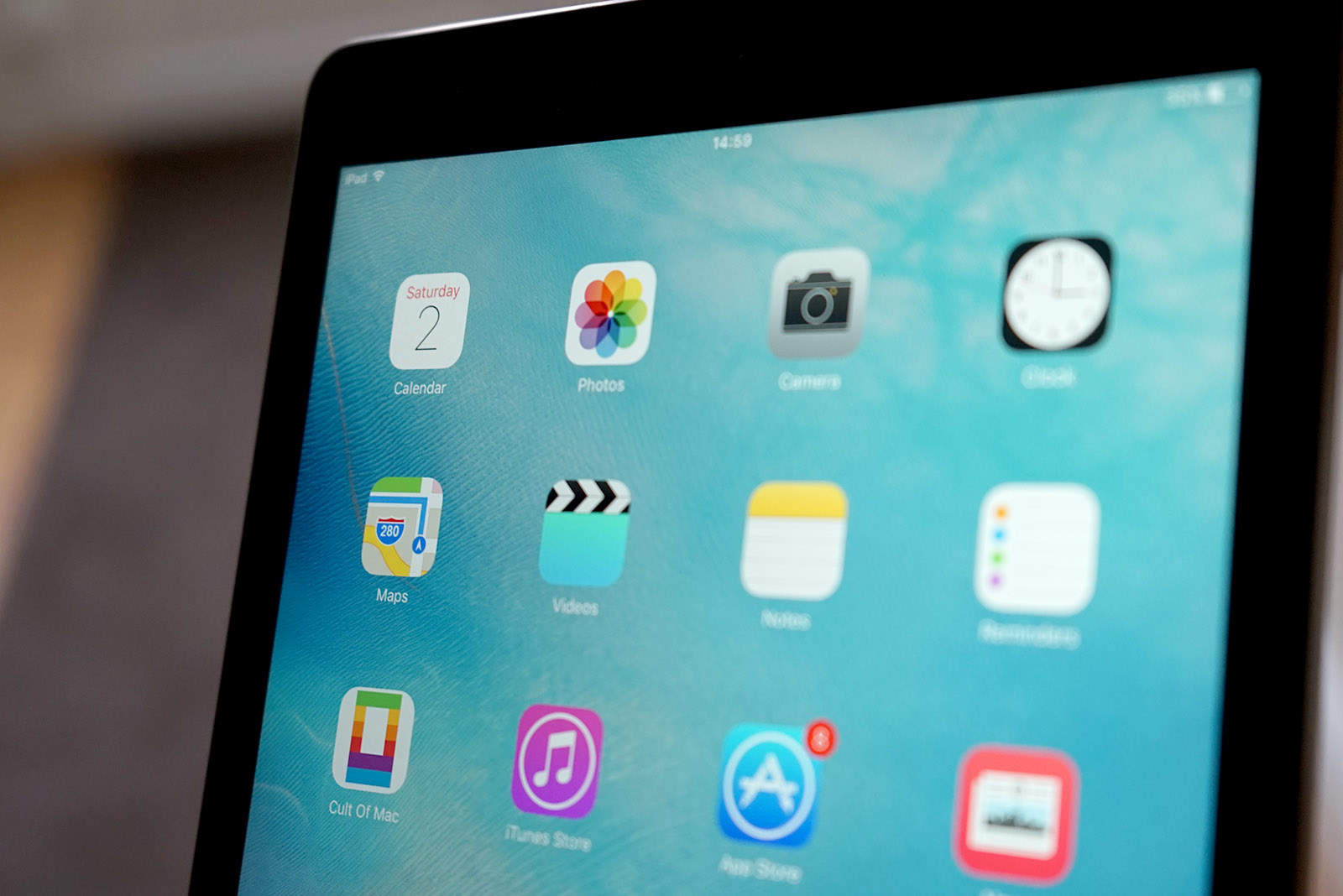
All of Apple's gadgets are about to get updated.
Photo: Ste Smith/Cult of Mac

Apple is set to deliver its biggest keynote of the year on September 7, when the company will unveil its most important new product of 2016: the iPhone 7.

Apple Watch 2, new MacBook Pros and updated iPads are likely on the horizon as well, so we wanted to know if this is the year you’re looking forward to something other than a new iPhone?

Tell us which Apple product you’re most excited about in our reader poll.

Decoding Apple’s blurry iPhone 7 invite

By

What do you see in Apple's invite?
Photo: Apple

Apple is finally set to unveil something new on September 7. While the company hasn’t said what it will be, it’s pretty much certain a new iPhone or two will make an appearance at the invite-only San Francisco event.

The Apple rumor mill has been churning out juicy details about the iPhone 7 and iPhone 7 Plus for months and, if you stare at the blurry lights on Apple’s invite, you just might pick up a few more clues about what to expect during next month’s keynote.

On The CultCast: iPhone 8 Plus Edge? Analysts say it’s on the way

By

iPhone 7 is spotted in the wild and iPhone 8... getting an edge? Catch the discussion.
Photo: Apple/Erfon Elijah

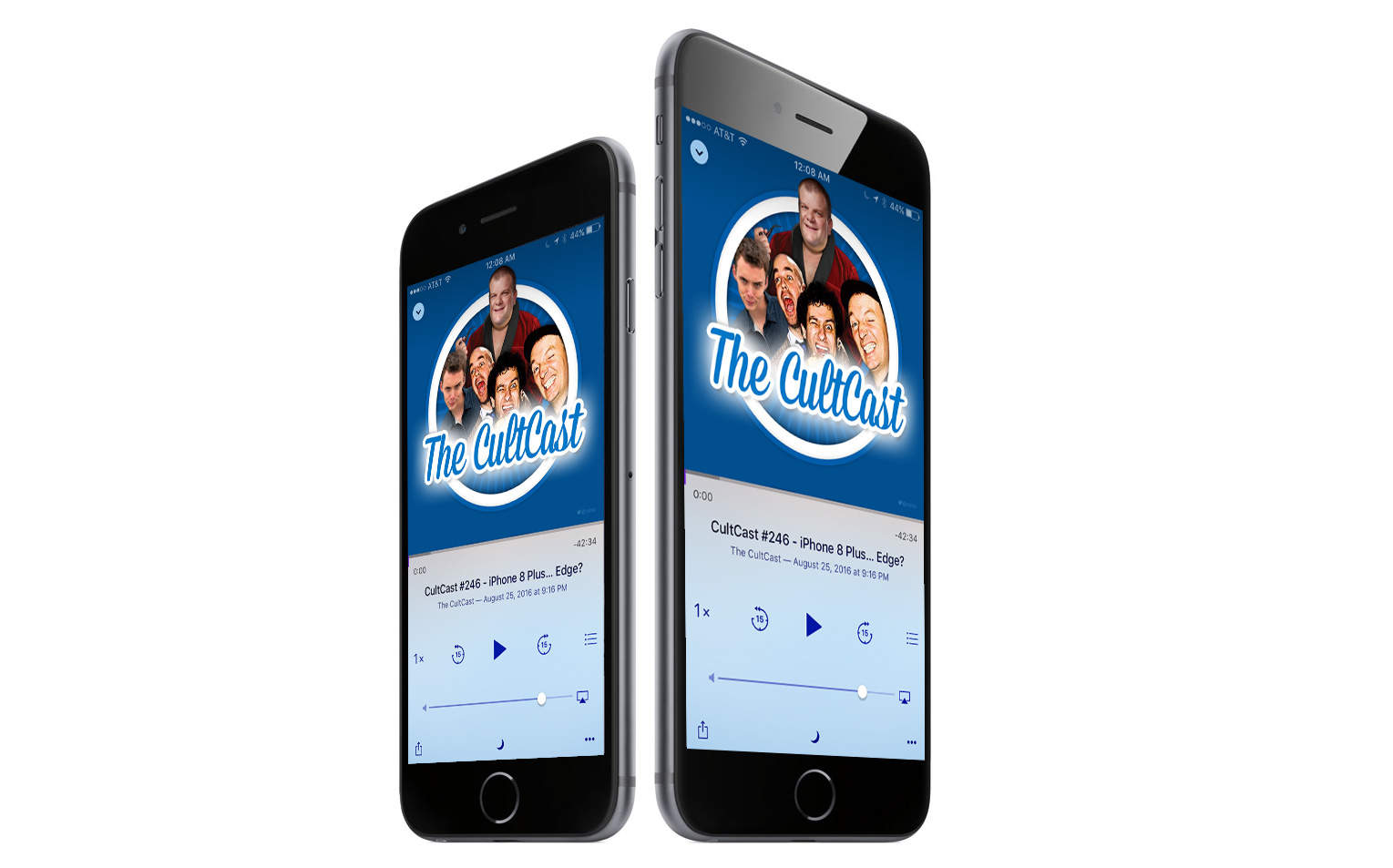
This week on The CultCast: You’ve heard of Samsung’s Galaxy Edge … but is an iPhone 8 Plus Edge on the way? Some respected analysts say yes. Plus: iPhone 7 Plus with dual lens was just spotted on the streets; iOS 9.3.5 fixes one of the most invasive iOS exploits to date; Tim Cook just made fat stacks of cash; and, if the rumors prove true, Apple is working on a new social network … to take on Snapchat. No, seriously.

TunnelBear is the simple privacy app that makes it easy to browse privately and enjoy a more open internet. Visit GetTunnelBear.com to get your free TunnelBear today.

How to use iCloud Drive to share your Desktop & Documents folder in macOS Sierra

By

iCloud
Sharing is caring. And easier than ever.
Photo: Ste Smith/Cult of Mac

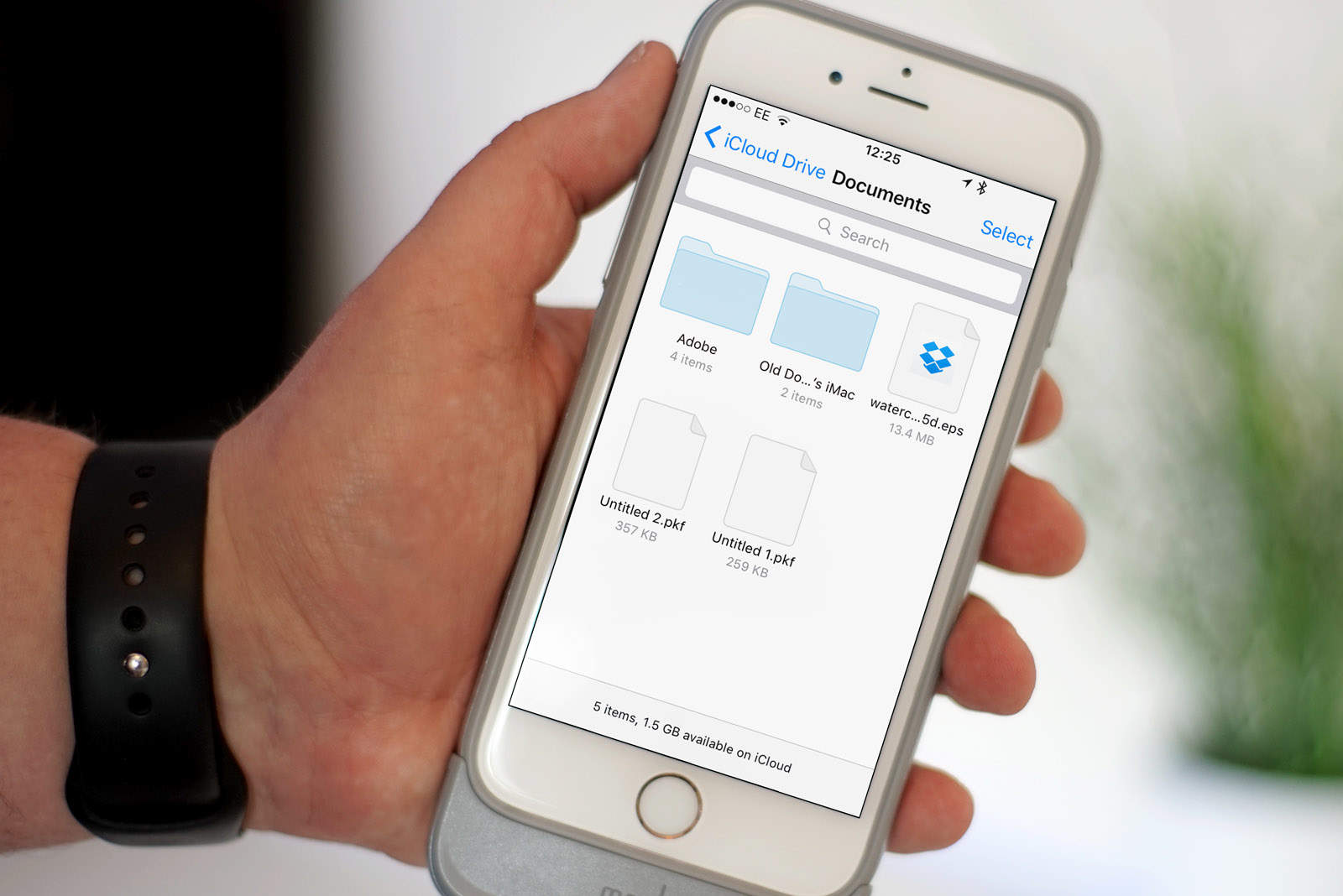
iCloud Drive previously worked a bit like Dropbox, asking users to drag and drop files into a special folder in order to access them across multiple devices. That changes in macOS Sierra, which allows you to enjoy the benefits of iCloud with the added bonus that your files can stay exactly where they are.

Here’s how to use this useful new feature in Apple’s new Mac operating system, which is currently in public beta and will be released this fall.

These retro Mac fans were podcasting before it was cool

By

James Savage and John Leake know a thing or two about computer history, especially when it comes to Macs.
Photo: James Savage

Cult of Mac 2.0 bug When James Savage and John Leake uploaded the first episode of their RetroMacCast, they were thrilled with the number of downloads: 18.

Not exactly a meteoric start, but considering neither host ever had that many people at one time interested in hearing them talk about old Apple computers, this was a pretty big deal.

Think Netflix has the biggest online entertainment library? Guess again. [Deals]

By

Dig into the deepest vaults anywhere for TV shows old and new, movies, radio stations, live events, and more.
Photo: Cult of Mac Deals

Who even has a video library anymore? With streaming services offering any media you can imagine, there’s no reason to film up your house with what’s just a click away anyway. It’s easy to think that flagship services like Netflix and Hulu boast the biggest media-bearing clouds, but SelectTV offers both cable and web-based streaming backed up by the deepest media coffers around. And right now you can get a full year of access for just $19, or get three years for $49.

Why iPhone 6 Plus is susceptible to ‘Touch IC Disease’ (and how you might avoid it)

By

iPhone
Both the iPhone 6 and 6 Plus can get Touch IC Disease.
Photo: Jim Merithew/Cult of Mac

iPhone 6 Plus units are much more likely than their smaller siblings to get “Touch IC Disease,” the flickering gray bars that are appearing on the screens of a growing number of aging devices, according to a smartphone repair expert who helped bring the problem to light.

Touch IC Disease, which affects the touchscreens of some older iPhones and renders them practically unusable, could potentially become a bigger problem for Apple than Bendgate, the “scandal” that followed the launch of the super-slim iPhone 6 line in 2014.

Epson XP-430 packs a multifunction printer into a small package [Review]

By

Epson_Expression_Home_XP-430
This little Epson multifunction printer can handle big jobs.
Photo: Leander Kahney/Cult of Mac

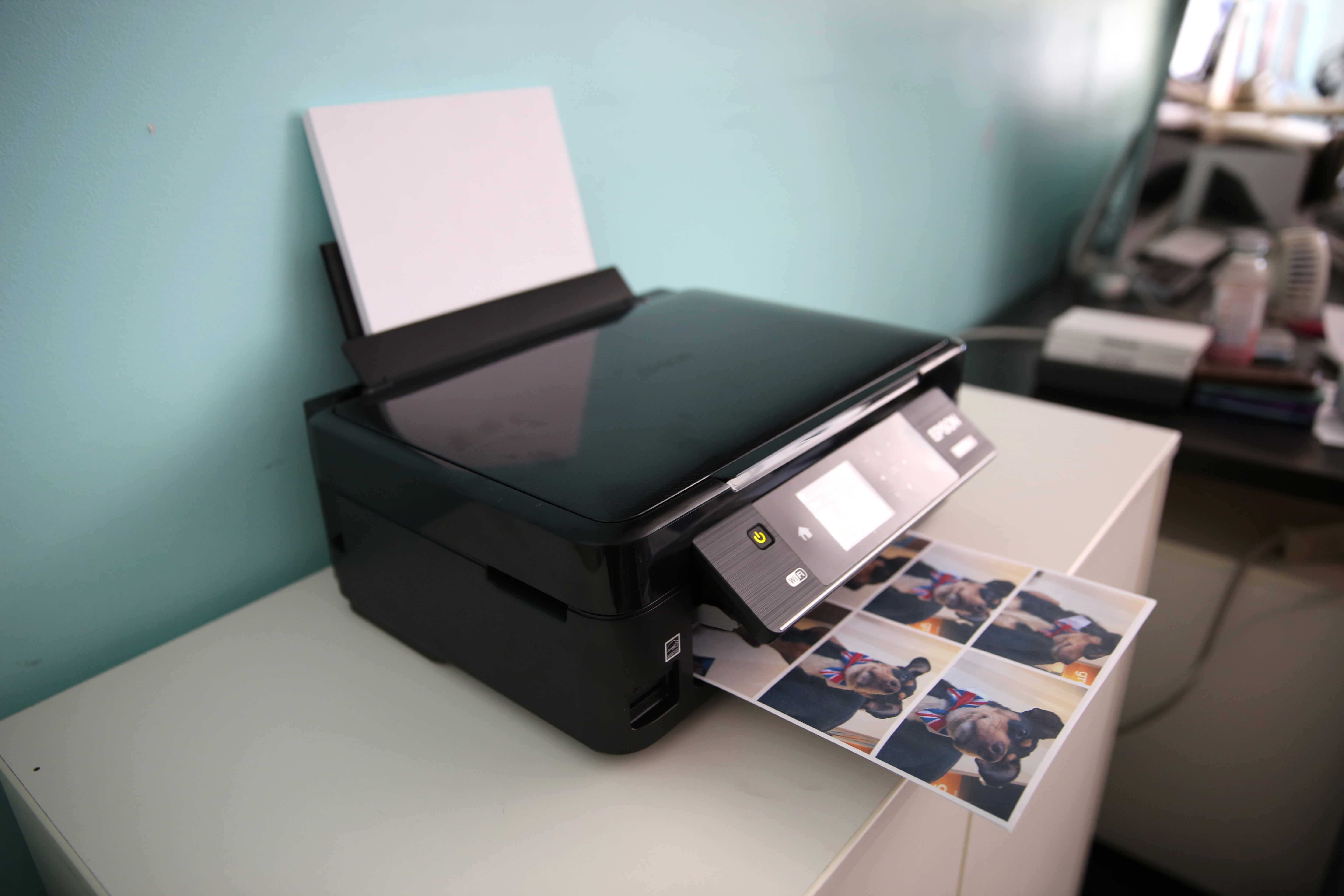
Epson calls its new Expression Home XP-430 printer a “Small-in-One” for good reason: It packs a lot of functions into a compact size.

The sub-$100 unit scans and makes copies in addition to printing wirelessly via Apple AirPrint or Google Cloud Print. It’s not a productivity monster that would be suited for a really busy home office, but for a light-duty personal printer, it’s worth serious consideration.

From style to utility, we’ve got the iPhone cases you’re looking for [Deals]

By

ZeroLemon Slim Juicer Battery Case
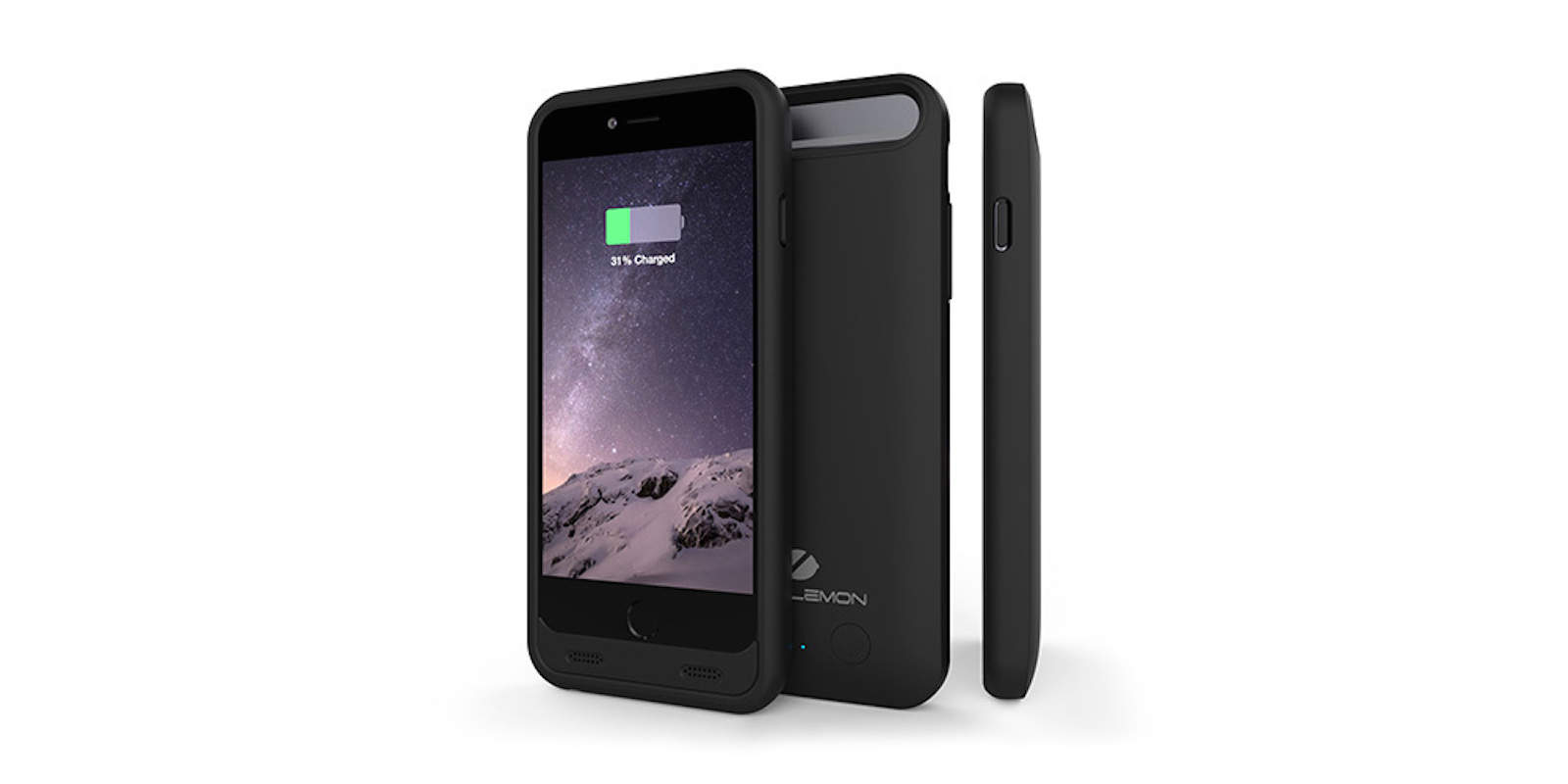
The Slim Juicer protects your phone and adds 3,100mAh of extra charge (without extra bulk).
Photo: Cult of Mac Deals

We enjoy our iPhones for different reasons — the many uses, the stylish design. One thing we all want though is to make sure our prized device is protected, which is why we’ve gathered this diverse collection of cases. From a tough case that doubles battery life, to a case that will adhere to nearly any surface, and a pair of stylish wallet/case combos, there’s something for any iPhone user. Take a look:

Keep Siri results where you can find them in macOS Sierra

By

macOS Siri search pin
Siri just got more useful!
Photo: Ste Smith/Cult of Mac

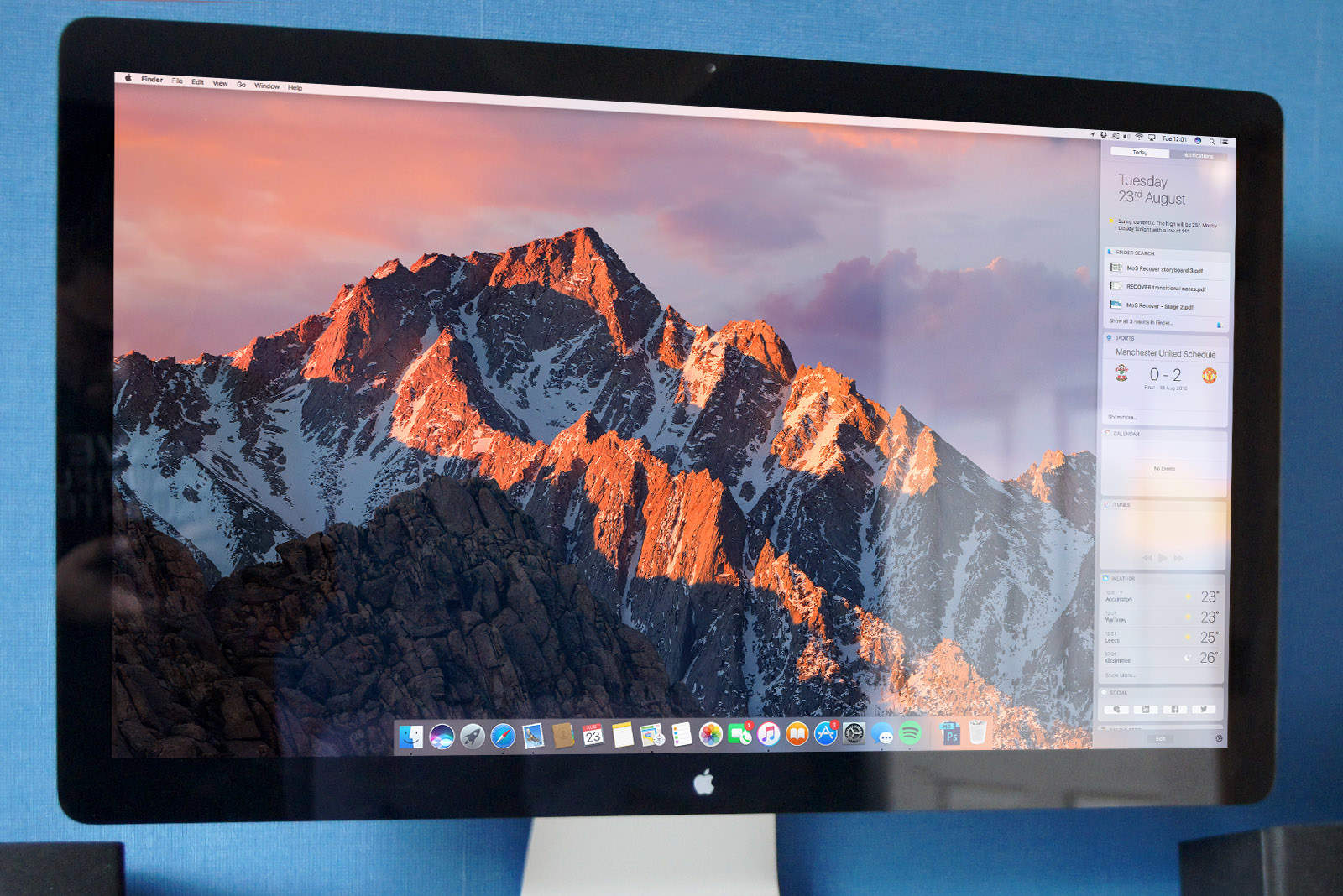
Siri’s arrival on macOS Sierra opens up some great new features and possibilities. One of our favorites? The ability to “pin” Siri results inside Notification Center — making it easier to keep track of whatever game times, trending topics or important documents Apple’s virtual assistant helps you to find.

Here’s how to use the feature when running Apple’s next-gen macOS, which is currently in public beta and will be released this fall.

Everything we think we know about the iPhone 7

By

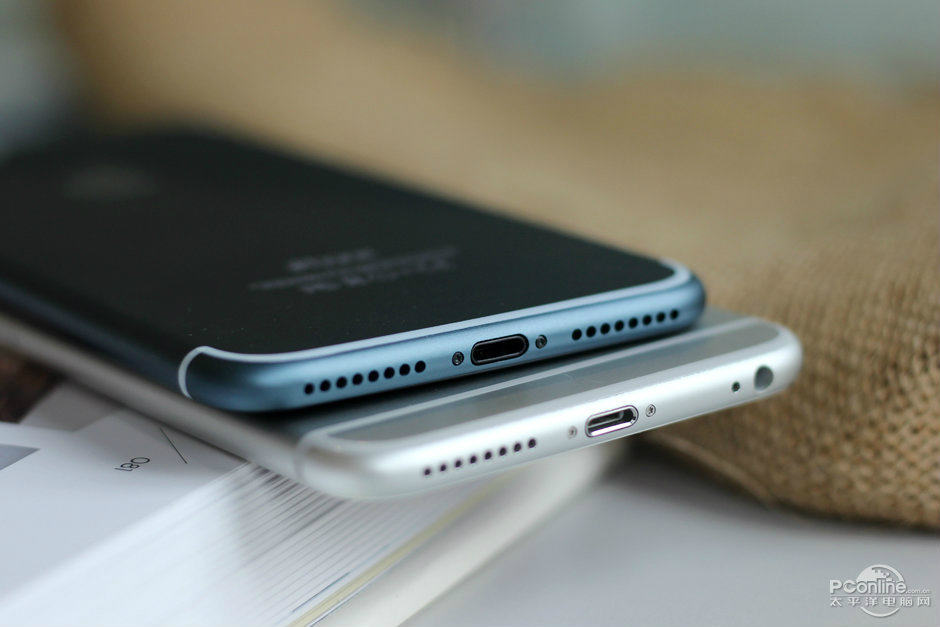
blue iPhone 7 Plus
The iPhone 7 is getting some big upgrades.
Photo: PConline

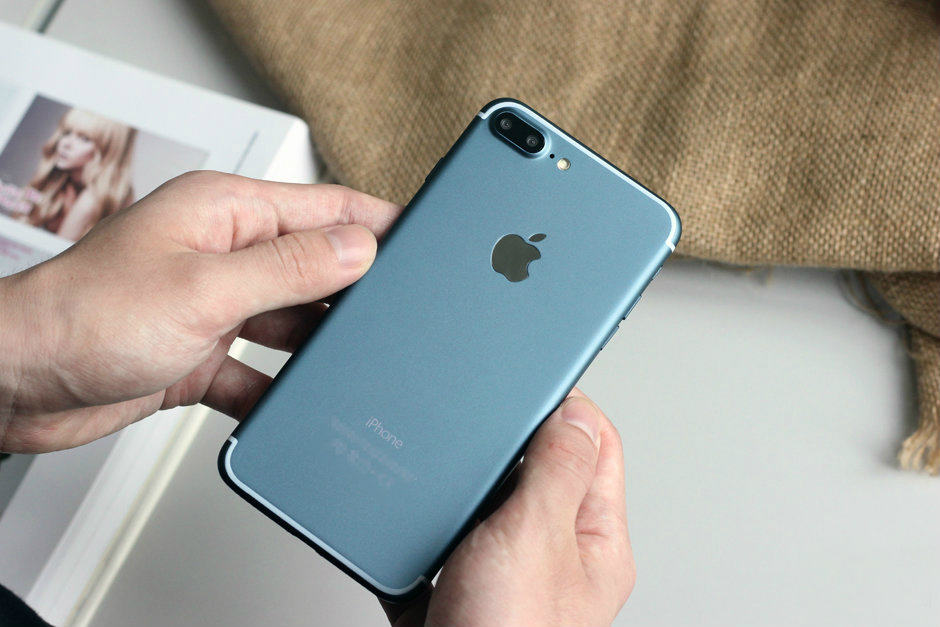
The grand unveiling of the iPhone 7 and iPhone 7 Plus is still weeks away, but this year you don’t need to wait for Tim Cook to take the stage to find out all the new features.

Months of leaks have already given us a sneak peek at a lot of the big changes coming to the iPhone. And contrary to early reports that this year’s device will be boring, there’s actually a whole lot to get excited about.

Here’s what to expect from the iPhone 7, based on Cult of Mac’s analysis of everything we’ve seen from reliable leakers and the Apple rumor mill.

How to use your iPhone keyboard as a trackpad

By

iPhone trackpad
Edit text easier by transforming your keyboard into a trackpad.
Photo: Ste Smith/Cult of Mac

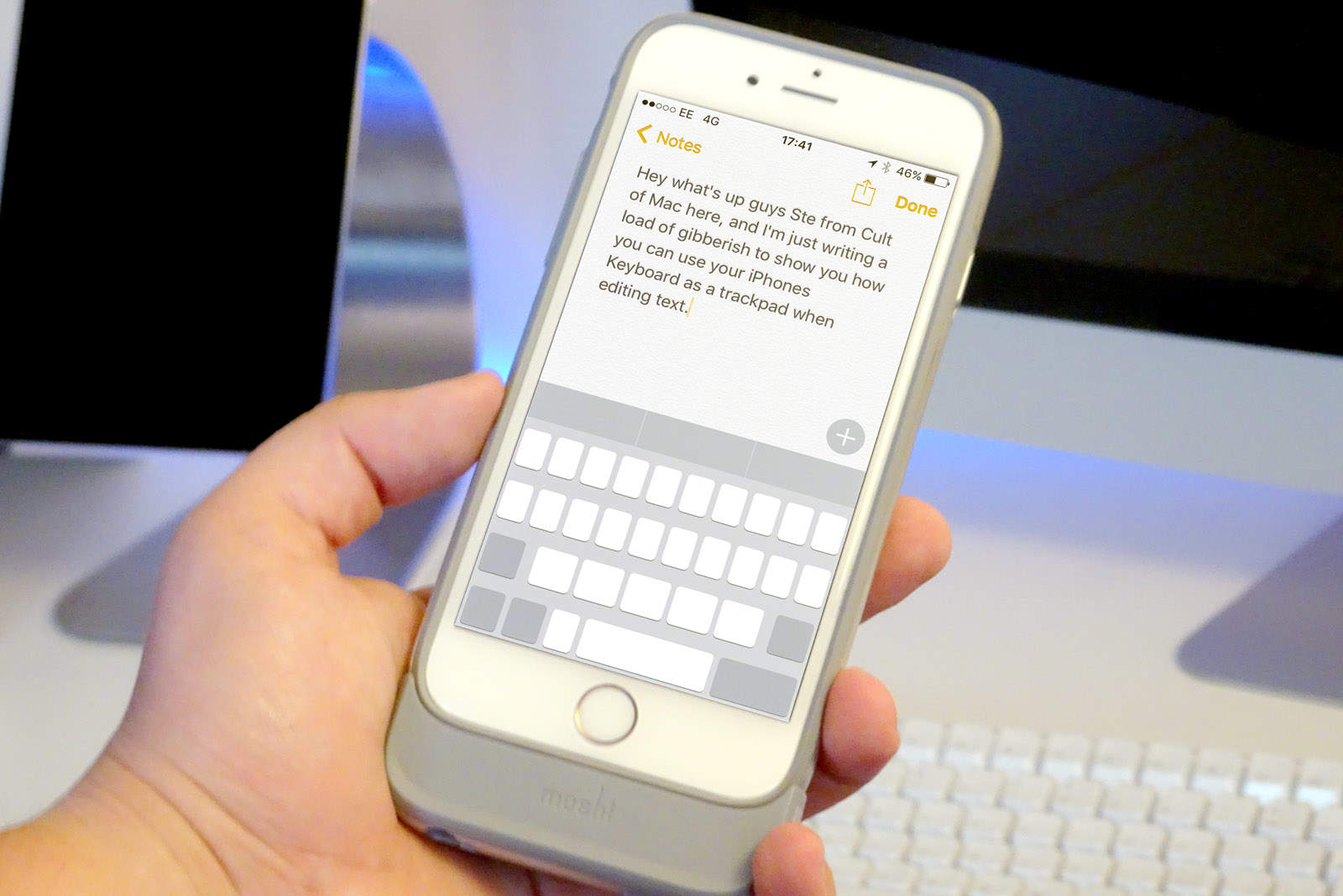
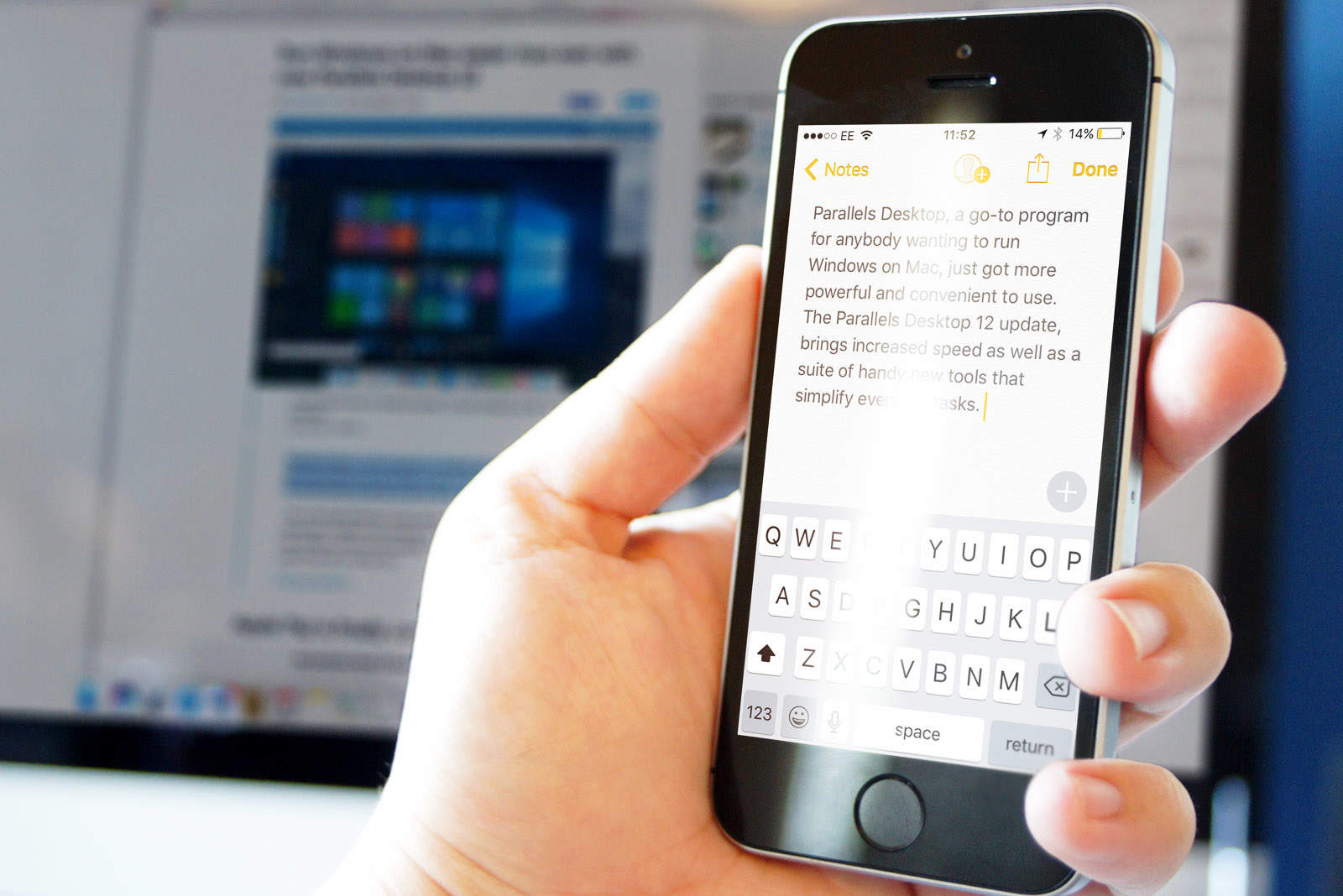
iOS has come a long way over the years, but trying to place your cursor accurately when writing and editing text is still a little awkward because you’re covering the text with your finger while trying to swipe across with the magnifying glass.

Well, thanks to 3D Touch, there’s a hidden trick within iOS that makes this easier. Check out this week’s Quick Tips video below to see it in action.

iPhone 7 leaks plus ‘revolutionary’ new iPads on The CultCast

By

blue-iphone
New Apple gadgets, incoming!
Photo: PConline

This week on The CultCast: Leaks point to exciting upgrades coming to the smaller iPhone 7 — we’ll give you the scoop. Plus, get ready for iPhone 7, we have a launch date; Apple Watch 2 might be getting a sorely needed feature; new models and “revolutionary” upgrades are coming to the iPad line; and stick around for CultCast Choices, the game that pits one bad choice against another.

Our thanks to Squarespace for supporting this episode. It’s simple to build a website that looks beautiful on any device that visits at Squarespace.com. Enter offer code CultCast at checkout to get 10% off.

Could Tim Cook be doing a better job at Apple? [Friday Night Fights]

By

fbf
Do you think Apple is in a good place under Tim Cook?
Photo: Ste Smith/Cult of Mac

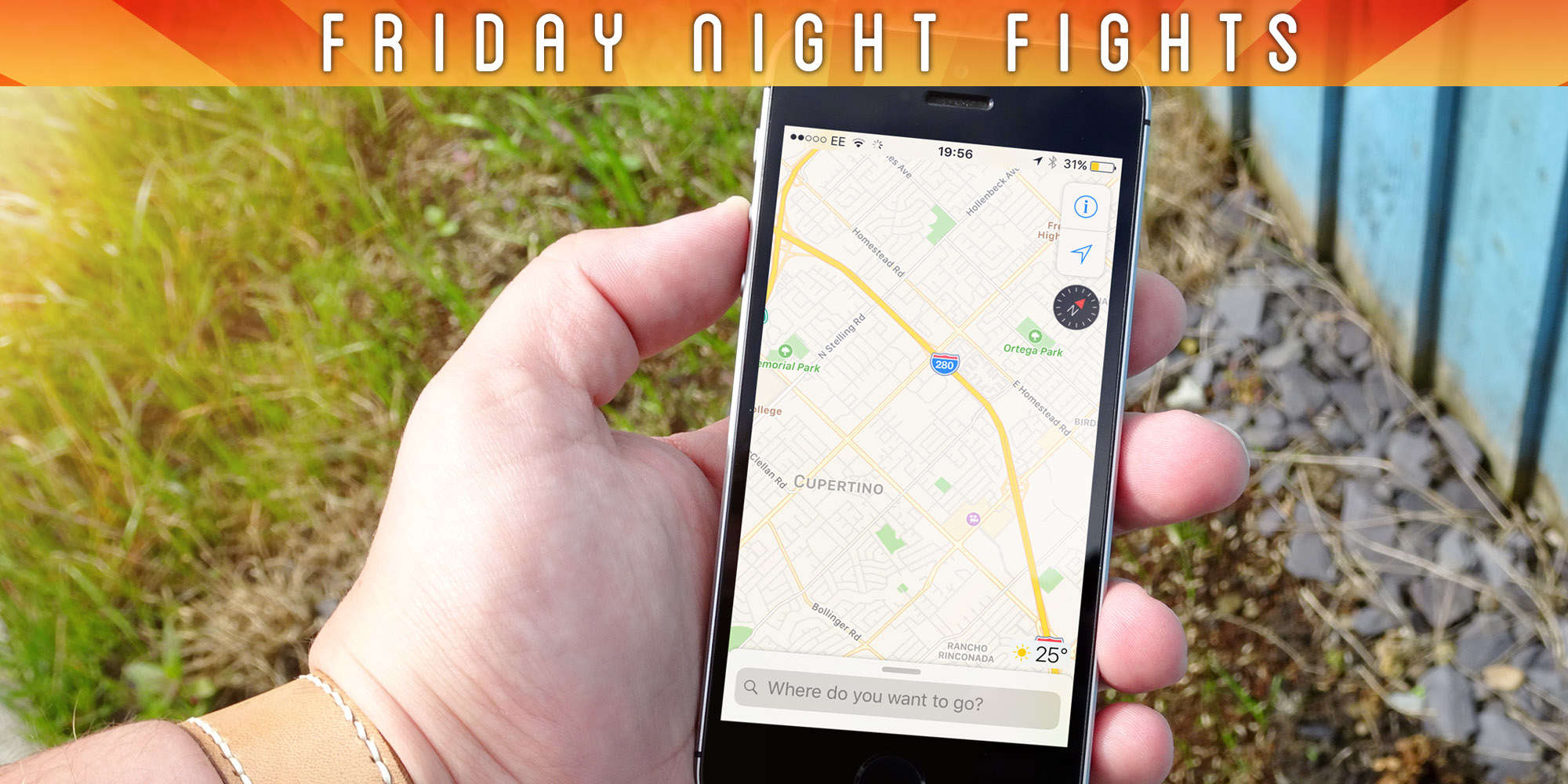
It’s been almost five years since Tim Cook was named Apple CEO, and during that time the company has seen some pretty incredible highs. But there have been some significant lows, too.

Friday Night Fights bug The recent fall in iPhone demand is perhaps the most significant setback, leading to Apple’s first quarterly decline in revenue in 13 years. Cupertino has also been criticized for releasing unpolished products and buggy software in recent years.

So, is Cook doing enough to keep Apple one step ahead of the competition, or does he need to do more? Join us in this week’s Friday Night Fight as we discuss Cook’s first five year’s as Apple CEO.

How to customize and swap Apple Watch faces

By

cult of mac
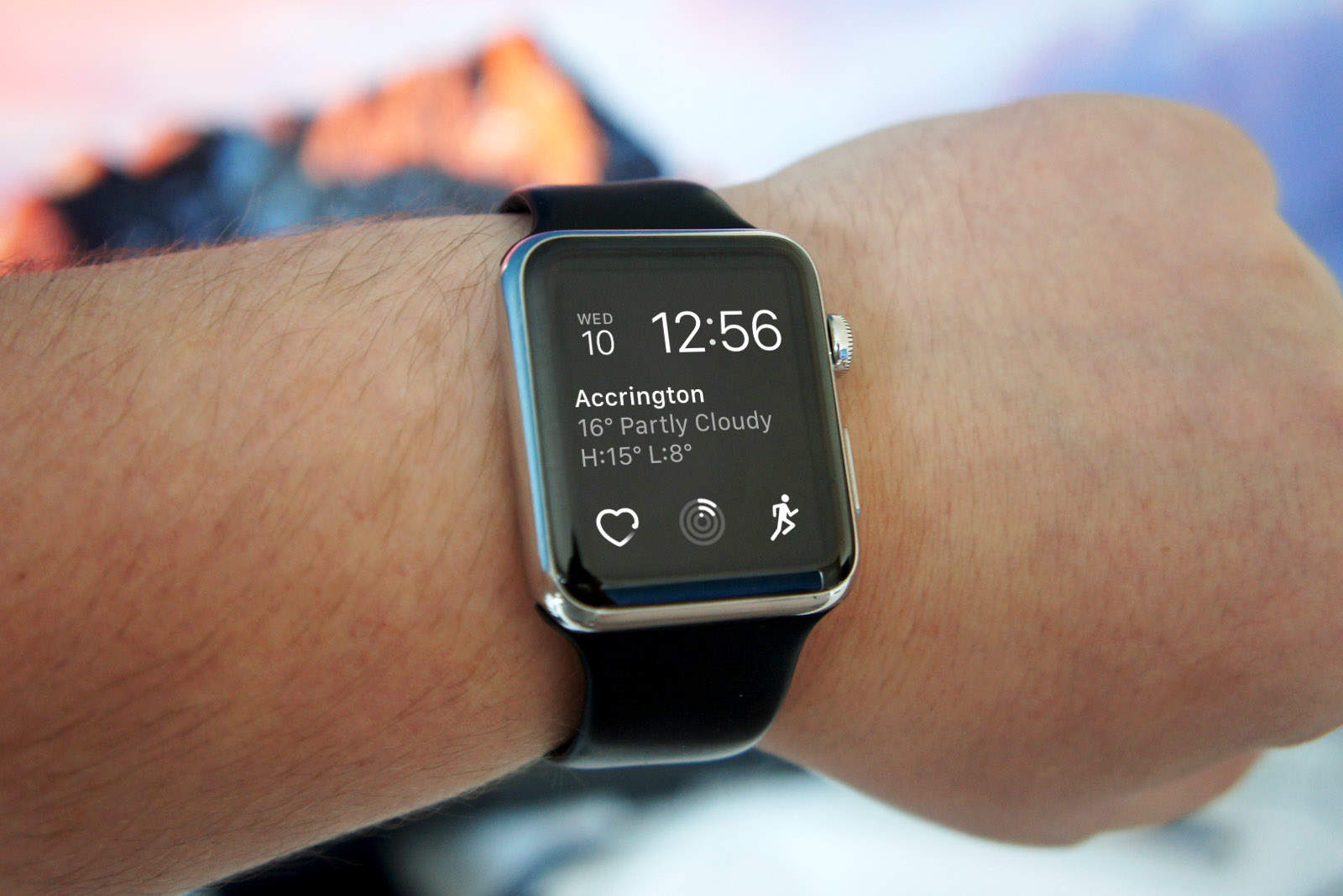
Switching to a new watch face is almost too easy.
Photo: Ste Smith/Cult of Mac

Apple is making it a lot easier and faster to switch up the look of your Apple Watch thanks to some new features in watchOS 3.

 Starting this fall, Apple is adding a bunch of new faces that can be customized like never before. All the faces can be added via the Watch app for iPhone, and there are so many great options you’ll be swapping all the time. If you’re an Ultra user, check out the best Apple Watch Ultra 2 faces to maximize your experience.

Here’s how to do it:

Leaked iPhone 7 camera hints at big improvements

By

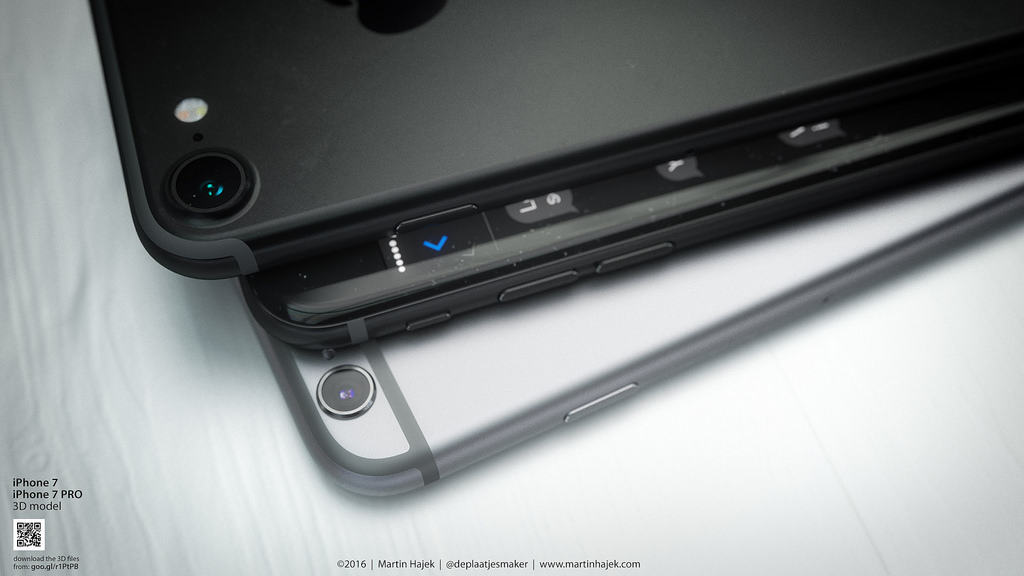
A black iPhone 7 would be killer.
iPhone 7 will have a killer camera.
Photo: Martin Hajek/Flickr

Leaked camera parts supposedly destined for this year’s 4.7-inch iPhone have revealed that Apple finally plans to add a feature found on its Plus-sized units the past two years.

While most of this years’ iPhone camera rumors have focused on the dual-lens module coming to the iPhone 7 Plus, a leaked iPhone 7 rear camera module hints at some big improvements coming to the smaller device.

How to use Universal Clipboard to copy on one device, paste on another

By

macOS
Your iPhone and Mac now talk to each other even more closely.
Photo: Ste Smith/Cult of Mac

The ability to seamlessly hand off web pages or emails from your Mac to your iPhone (or vice versa) has been around for a couple of years now. However, in macOS Sierra and iOS 10 it’s taken to the next level — courtesy of a Universal Clipboard feature which lets you easily copy and paste content between your Mac and iOS devices.

Here’s how to use the feature when running Apple’s next-gen iOS and macOS, which are currently in public beta and will be released this fall.

How to use Siri to search, drag and drop images on macOS Sierra

By

siri
Siri on Mac makes finding images a whole lot quicker.
Photo: Ste Smith/Cult of Mac

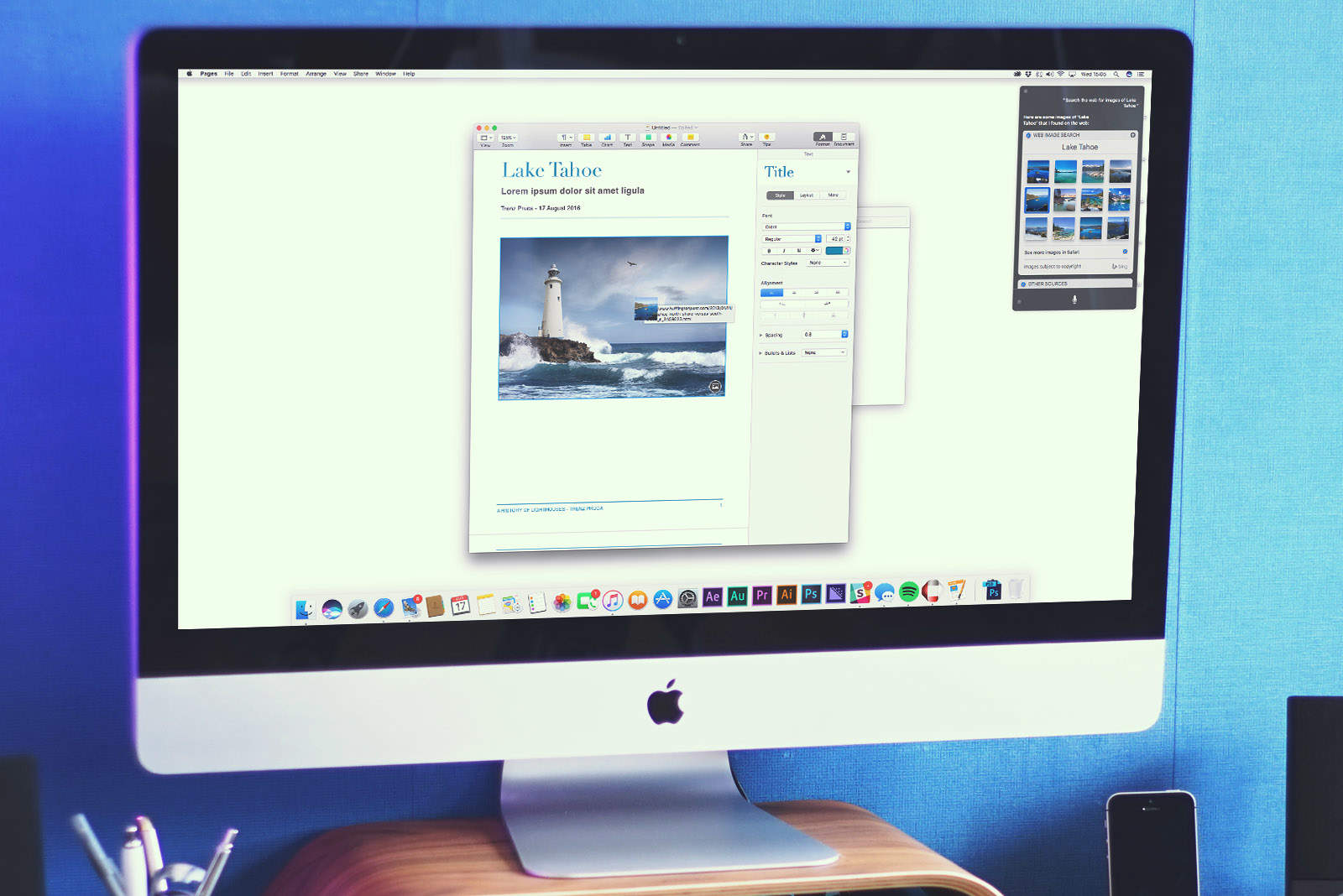
The Mac debut of Siri on macOS Sierra opens up a ton of intriguing new use-cases in terms of functionality. One of the most useful? The ability to use Apple’s virtual assistant to search for photos either on the web or your own computer — and then drag them into directly into apps.

Here’s how to use the feature when running Apple’s next-gen macOS, which is currently in public beta and will be released this fall.

How to add, delete and rearrange apps in the new Apple Watch dock

By

apple watch
The new Dock is one of watchOS 3's best features.
Photo: Ste Smith/Cult of Mac

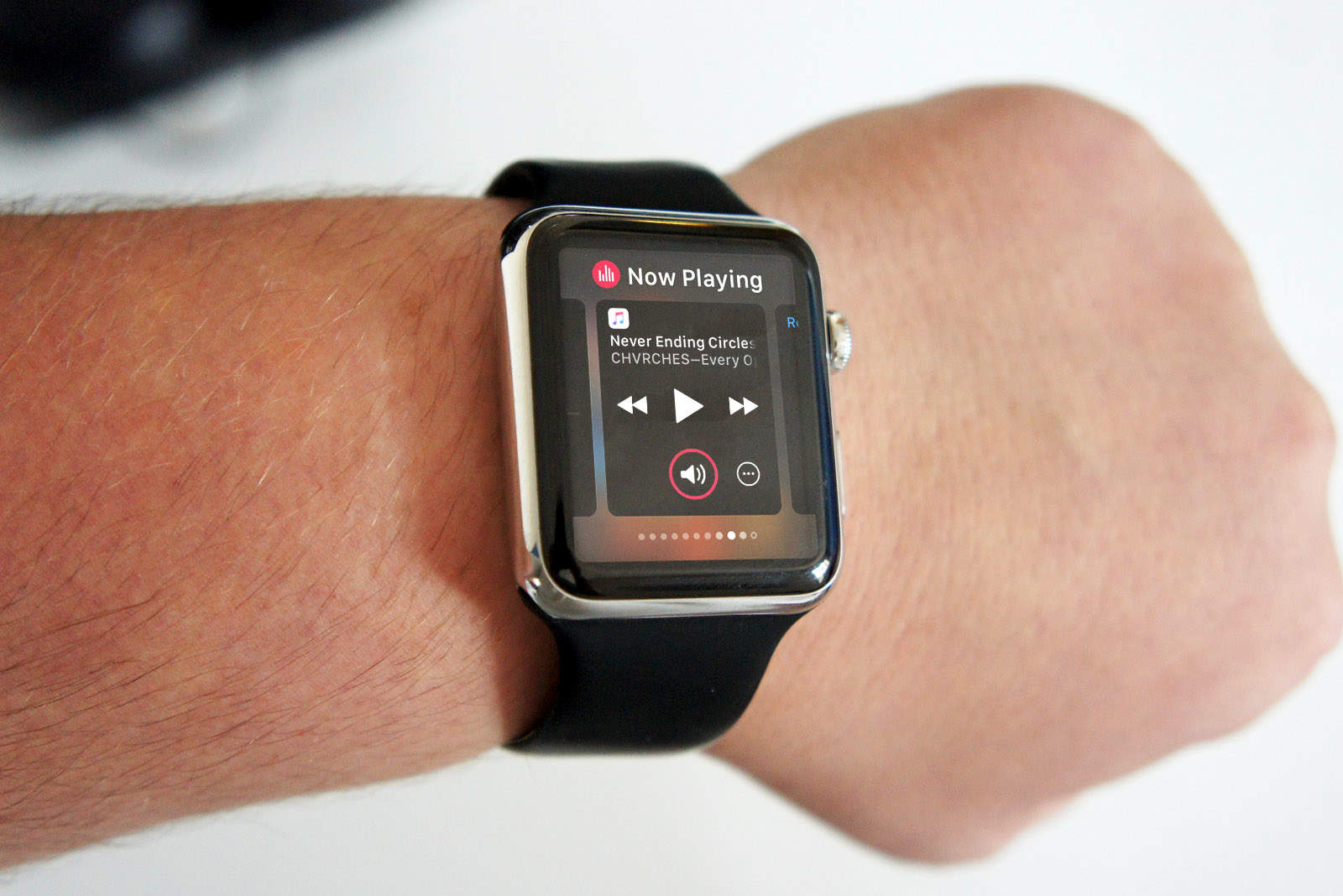
Apple Watch is getting a UI makeover with watchOS 3 which completely changes how you interact with apps, making them faster and easier to access thanks to the all new Dock feature.

Now when wearers press the side button on Apple Watch, instead of bringing up your favorite contacts, the watch brings up the dock providing a quick view of your favorite apps that are now updated immediately, so you spend less time staring at the spinning wheel.

Here’s how to make the most of the new Apple Watch dock: