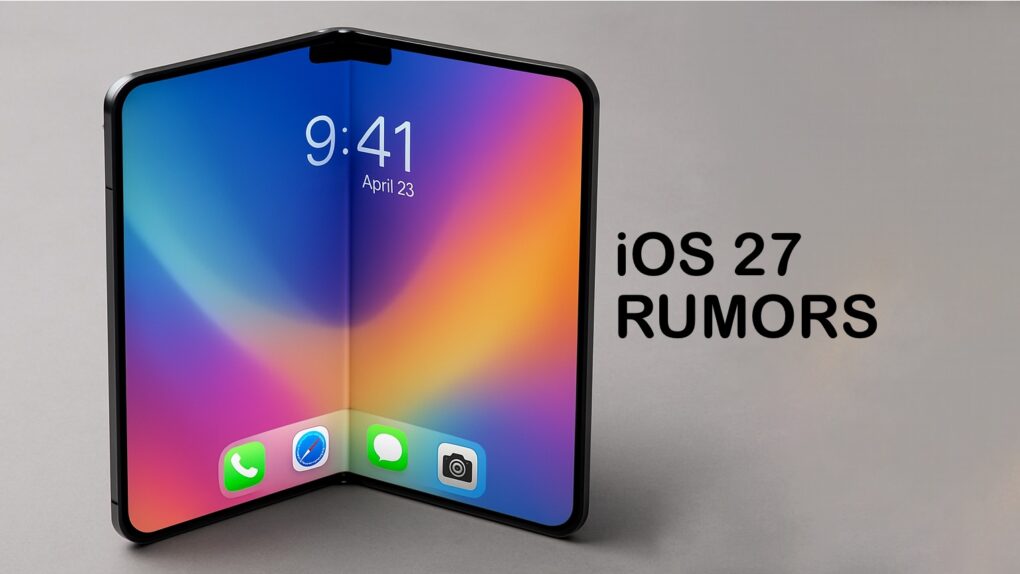
 Apple’s Worldwide Developers Conference kicks off June 8, and all eyes are on iOS 27 — the software update that could define the iPhone experience for the next several years.
Given a steady drumbeat of reliable rumors, a surprisingly complete picture of the update has already emerged. Here’s what to expect in iOS 27 regarding the big Siri revamp and more. We’ll see if the keynote confirms it all.
What to expect in iOS 27 at WWDC26
Before diving into the flashy stuff, it’s worth understanding the philosophy behind iOS 27. Apple insiders have compared it to Mac OS X Snow Leopard. That 2009 release famously prioritized stability and speed over headline features.
Bloomberg‘s Mark Gurman reported Apple plans to clean up the operating system by removing old code, rewriting features and subtly upgrading apps so they perform better.
Those foundational improvements will probably deliver better battery life. That’s a welcome correction after iOS 26‘s notorious performance woes, including lag, crashes and battery drain, particularly on older iPhones.
That context matters. iOS 26’s rocky reception — marked by widespread criticism of both its Liquid Glass design and its bugs — has made iOS 27 one of the most consequential updates Apple has shipped in years.
Siri gets the overhaul it always needed
AI image: Apple/ChatGPT/Cult of Mac
The single biggest story in iOS 27 is Siri. After years of incremental improvements and high-profile stumbles, Apple will finally rebuild its voice assistant from the ground up into something that looks far more like a modern AI chatbot.
Apple plans a top-to-bottom Siri revamp that would turn the assistant into an always-on agent capable of drawing on personal data and taking actions across apps. The redesigned Siri would move into the Dynamic Island — the interactive cutout introduced with the iPhone 14 Pro — with a “Search or Ask” prompt and a glowing animation when activated.
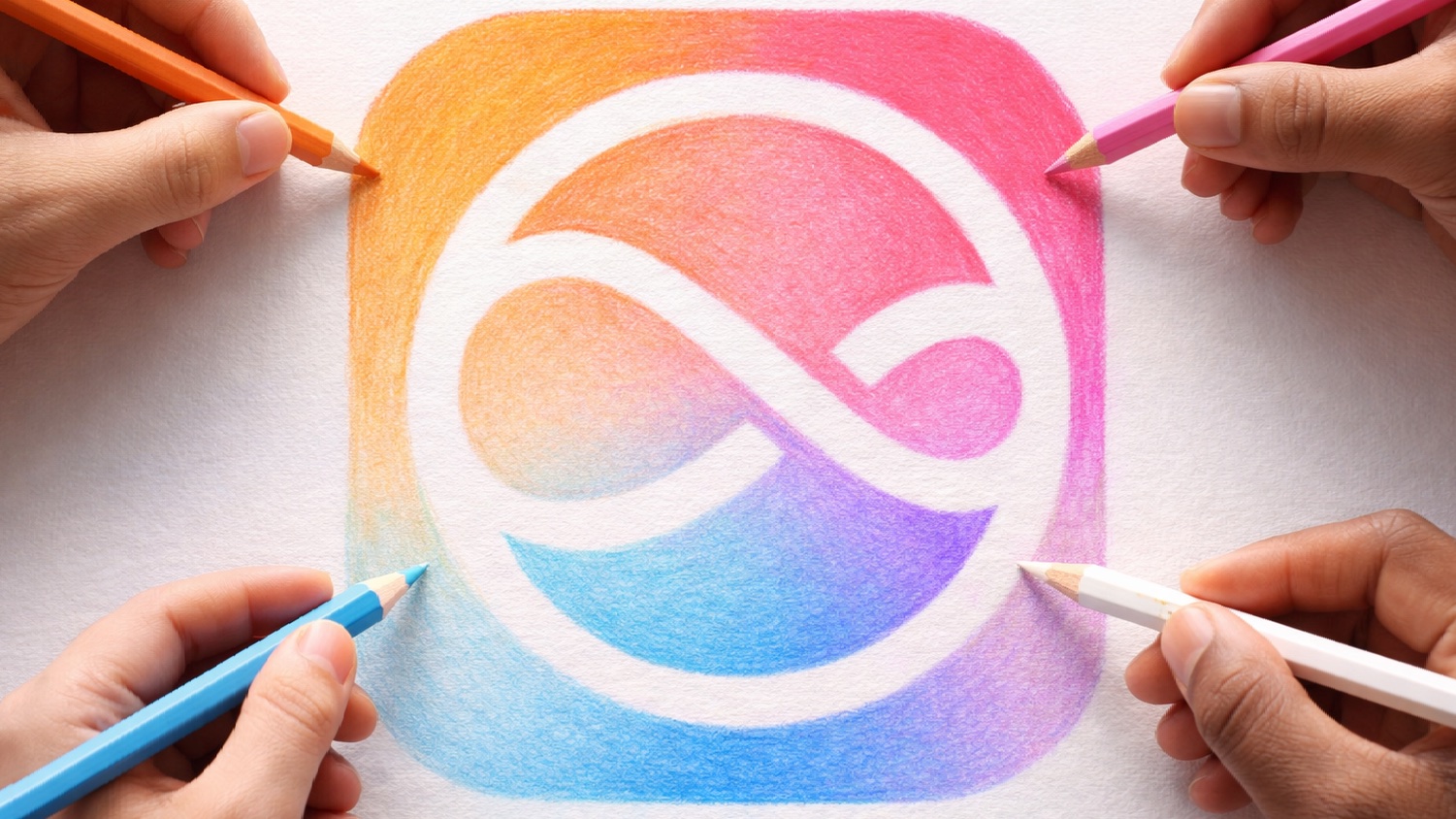
Some theorize that Apple’s WWDC26 graphic quietly previewed exactly this interface. Its glowing cursor effect mirrors what the new Siri experience will look like in practice.
A dedicated, standalone Siri app is also in testing. The app would display prior conversations in a list or grid of rounded rectangles, let users pin favorite chats, search across interactions, and start new conversations via a prominent plus button. The conversation view would resemble the Messages app, with chat bubbles and a text entry field — familiar territory for iPhone users.
Apple also partners with Google, reportedly using a custom AI model built in collaboration with the Gemini team to power some of Siri’s new chatbot capabilities. The assistant would be able to search the web with visually rich results, summarize pages and evaluate uploaded documents — putting it in direct competition with ChatGPT and Google Gemini.
Critically, the long-delayed personalized Siri features that Apple promised back in 2024 should finally arrive with iOS 27. As Apple CEO Tim Cook put it on a recent earnings call: “We look forward to bringing a more personalized Siri to users coming this year.”
A smarter, more capable Camera app
Photo: Pixabay at Pexels.com
The Camera app is getting its biggest rethink in years. iOS 27 will let users fully customize which controls appear on screen and where they’re placed. By default, the app will look familiar. But users can switch to an “advanced” mode or build their own layout by selecting from a transparent widget tray that slides up from the bottom of the screen.
Each shooting mode — photo, video, and others — will have its own independent set of customizable controls. Photo mode’s advanced options should include depth-of-field and exposure controls organized into “basic,” “manual,” and “settings” categories.
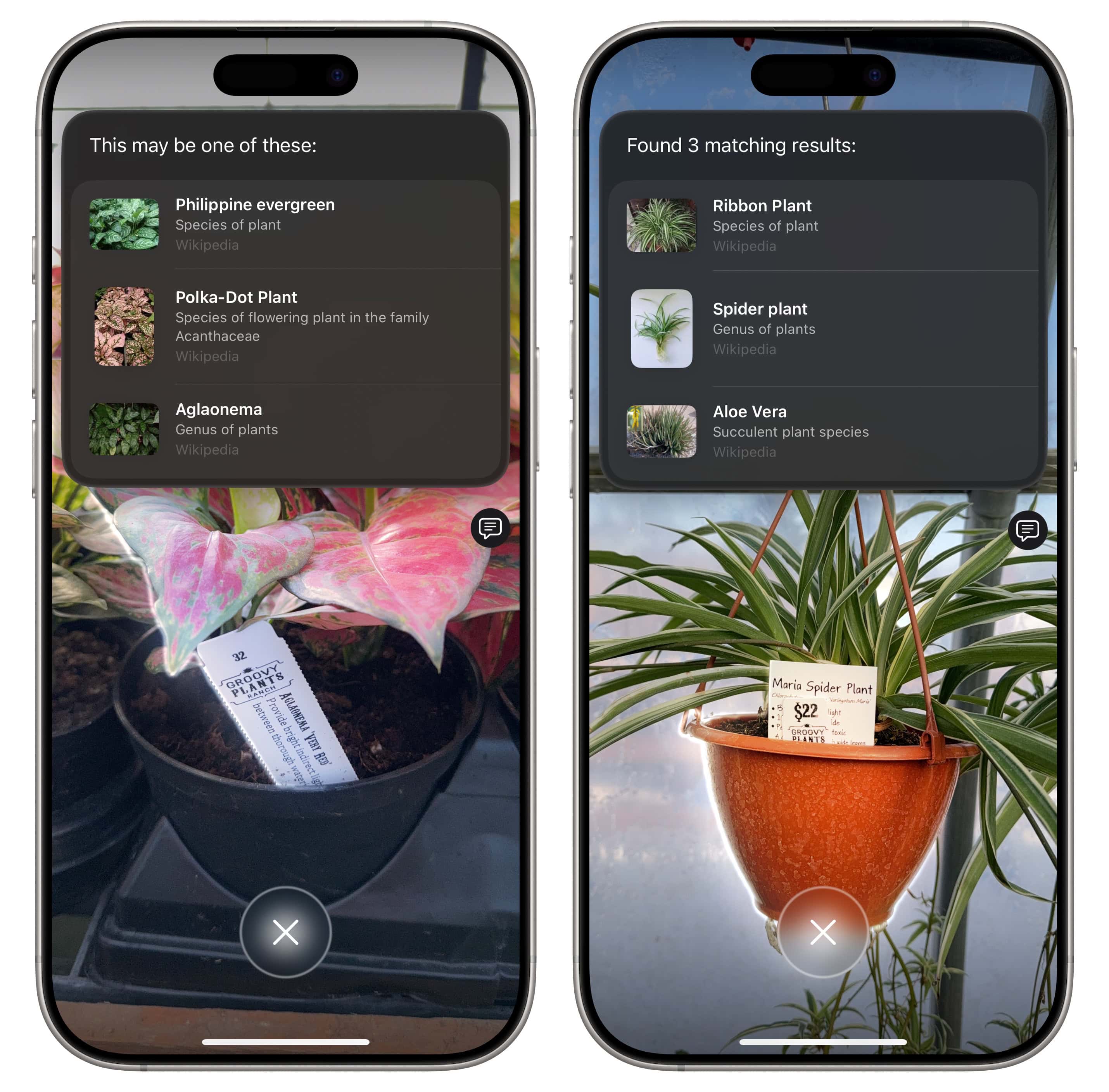
A new Siri camera mode is also coming, giving users quick access to Visual Intelligence features — such as identifying plants or translating text in the viewfinder — without leaving the camera interface.
Visual Intelligence gets more useful
Screenshot: D. Griffin Jones/Cult of Mac
Apple Visual Intelligence feature is expanding significantly in iOS 27. It could include capabilities like these:
- Point your camera at a nutrition label. Data will flow directly into the Health app for calorie and macro tracking.
- Scan a phone number or address printed on paper or a business card and add it to Contacts.
- Digitize physical event tickets, gym membership cards and similar items to add them to Apple Wallet.
- In Safari, Tab Groups get named automatically based on the contents of the tabs inside them.
These are exactly the kinds of frictionless, practical features that make AI feel genuinely useful rather than gimmicky.
Writing tools, Shortcuts and AI everywhere
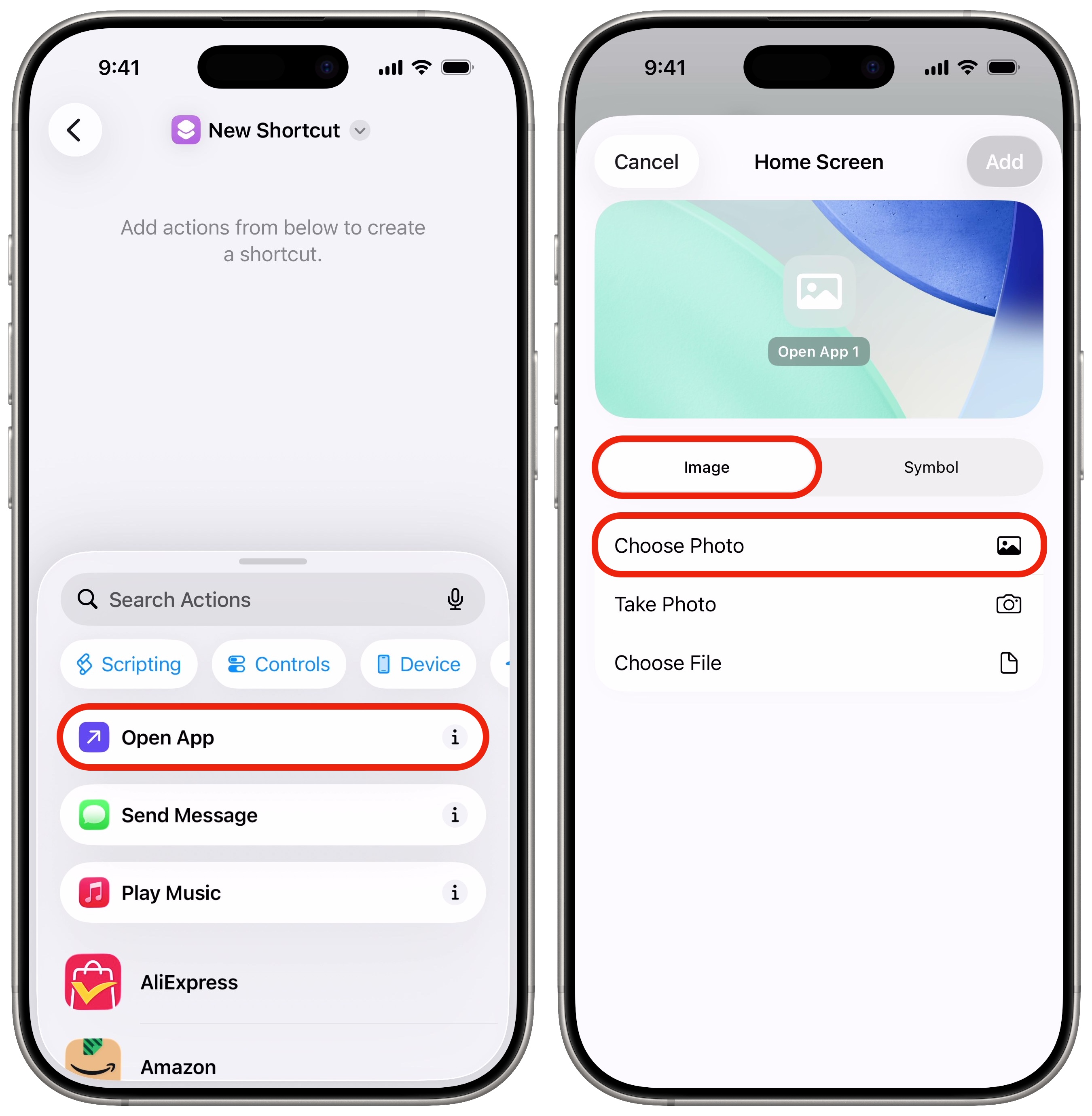
Screenshot: D. Griffin Jones/Cult of Mac
AI is threading through nearly every corner of iOS 27. Apple develops a more advanced grammar-checking system designed to compete directly with third-party services like Grammarly, going well beyond the existing Writing Tools in Apple Intelligence. Bloomberg reported Apple also tests a “Write With Siri” toggle at the top of the keyboard and a “Help Me Write” option that appears when users activate Siri while working in a text field.
The Shortcuts app is reportedly getting an overhaul to let users create automations simply by describing what they want in plain language, rather than assembling steps manually.
AI photo editing tools are also coming to the Photos app, and Apple is reportedly working on AI-powered wallpaper generation for home screens.
Satellite connectivity and Wallet upgrades
iOS 27 should support 5G satellite internet connectivity. But early reports suggest Apple might limit the feature to iPhone 18 Pro, Pro Max and Ultra models equipped with Apple’s next-generation C2 modem. One possible application: using Apple Maps even without Wi-Fi or cellular service.
In Wallet, a new “Create a Pass” feature is already visible in test versions of the OS. Users would be able to manually create digital passes from physical cards and tickets — without needing a third-party app to support it.
Ready for the foldable iPhone

AI image: ChatGPT
iOS 27 is also quietly laying the groundwork for Apple’s widely anticipated foldable iPhone. The update may support two apps side by side for the first time on iPhone, bringing multitasking that has long been an iPad exclusive.
When the iPhone Fold is open, it will offer an iPad-like display with a version of iOS 27 optimized for the larger screen. When closed, it will behave like a standard iPhone. Apps will also gain sidebars on the larger display.
Which iPhones will get it
Apple hasn’t released an official compatibility list, but leaker Instant Digital on Weibo — who has a solid track record on Apple hardware calls — says iOS 27 will require an iPhone 12 or newer, dropping support for the iPhone 11 series and the iPhone SE 2nd generation. Devices going back to 2020 should be a safe bet to receive the update. Any new Apple Intelligence features, however, will require an iPhone 15 Pro or newer.
When it arrives
Apple will preview iOS 27 at the WWDC26 keynote on June 8. Developer betas will likely be available the same day, with public betas following in July. The full release is expected in September 2026, alongside the iPhone 18 lineup.

David Snow, an expert on Apple hardware and software, writes on a variety of technological and cultural topics for Cult of Mac. They include Apple news, technology buying guides, and features about computer setups and Apple TV shows and movies.
With 30 years of experience covering technology and other subjects, he has written and edited for numerous print and online publications, including CMP Media, TechTV.com, CNET, Wired News, Red Herring magazine, Law.com, The National Law Journal and Law Technology News magazine. Among other roles, he served as executive editor of the Law.com network of websites and editorial director, technology, for ALM Media.
Snow graduated with a B.A. from Syracuse University with majors in magazine journalism and psychology. While there, he worked as a reporter for The Daily Orange newspaper and associate editor of Equal Time magazine.
Founder of the blog At the Waterline, he can be reached on X (formerly Twitter) via @atthewaterline and on Mastodon via @dsnow.

