Mobile menu toggle

Mac - page 38

How to change the Slack logo back on your Mac

By

Oh man, what were they thinking?
Photo: Cult of Mac

Slack is everybody’s favorite way to waste time when they’re supposed to be working. And today, the biggest conversation in Slack chats everywhere is Slack’s hideous new logo.

It’s dull. It’s ugly. It has none of the personality of the original logo, and it doesn’t look like the Slack hashtag even if you squint at it hard.

If you’re on iOS, tough. You’re stuck with this awful new corporate abomination. But if you’re on the Mac, there’s good news: You can keep the old Slack app icon.

Step one is DON’T UPDATE THE SLACK APP YET!

Check out how perfect these menus look on iOS

By

Check out how good menus look on iOS.
Photo: Two Lives Left

Menus on iOS. The idea is ridiculous, right? Stop hanging onto the past. iOS is all about touch, etc. What next? A mouse? Except that iOS already has plenty of menus. They’re just hidden behind hamburger buttons, and other icons.

I was skeptical too, but then I saw these amazing iOS menus from Codea developer Two Lives Left. Now I want menus in all my apps.

Turn your old Apple devices into quick cash

By

Apple devices
Don’t let your old Mac drag you down. Cult of Mac can help you upgrade on the cheap.
Photo: Ste Smith/Cult of Mac

If you were lucky enough to get new Apple devices for the holidays, it’s time to turn your old ones into cash — and fast!

Your old iPhone, iPad, Apple Watch, or Mac could be worth a small fortune — and Cult of Mac wants to buy it! We typically pay more than other trade-in services, and we won’t leave you waiting ages for your money.

How to fix your parents’ messed-up computers when home for the holidays

By

Good luck fix parents mac
Good luck!
Photo: Cult of Mac

Cult of Mac Year in Review 2018 Christmas time means packing up your daily troubles, forgetting work for a week, and heading home to … troubleshoot your parents’ broken computers and gadgets? Oh man, is it that time of year again already?

That’s the problem with being the family’s only geek — you get handed all the geek jobs. However, you can turn this to your advantage, and make it a lot easier, by going in prepared. Check out our Holiday Troubleshooting Guide right here.

Quick! Trade in your old Apple devices before the holidays

By

iPhone SE
Two new iPhone SE models for 2020?
Photo: Sam Mills/Cult of Mac

If you’re going to become the proud owner of a brand new Apple device over the holidays, it’s time to start thinking about what you should do with your old ones. Don’t let them sit around, collecting dust.

Your old iPhone, iPad, Apple Watch, or Mac could be worth a small fortune — and Cult of Mac wants to buy it! We typically pay more than other trade-in services, and we won’t leave you waiting ages for your cash.

How to use your iPad Pro as a display for your Mac mini

By

Luna Display gives you a touchscreen Mac.
Photo: Luna Display

Even the most committed iPad user still needs a Mac occasionally. You might need to add music to your iTunes music library, or get files off an SD card, or use BitTorrent, or keep local backups of your photo library. Or you might just like using a Mac, but you don’t want a huge iMac, and what’s the point in buying a MacBook if you have an iPad already?

The obvious choice is a Mac mini. And with this tip, you can use your iPad Pro as a display for the Mac. That means you won’t need an extra monitor, but it also means that you can quickly turn your iPad into a Mac when you need to.

Mojave update hints at new AMD Vega GPUs coming to Mac

By

2018 MacBook Pro
Bag a bargain MacBook Pro today only.
Photo: Apple

The most recent macOS Mojave update suggests we’ll soon see new AMD Vega GPUs coming to the Mac.

Apple recently introduced a refreshed MacBook Pro with faster Vega graphics chips, and it seems those GPU upgrades will continue in early 2019 for other machines in the company’s lineup.

Are Mac users jealous of the iPad Pro? [Opinion]

By

Is the 2018 iPad Pro or a MacBook a better option for you?
Photo: Leander Kahney/Cult of Mac

Anyone who thinks you can’t get “real work” done on an iPad is nuts. Likewise, anyone who claims Apple’s tablet is not a real computer sounds like somebody arguing that the 1984 Mac wasn’t a real computer because it didn’t have a text-based command-line interface.

The iPad vs. Mac debate certainly isn’t new.  Only the devices have changed.

I think that the folks making these arguments are jealous of the iPad Pro, or scared that it will become more important to Apple than their Macs. They want to use it instead of their Mac, but at the same time they’re unwilling to change anything about how they work. Instead, they want the iPad to be a touchscreen Mac with a detachable keyboard.

Last chance! We’ll pay an extra $20 for your old devices

By

Apple iPad Pro
There couldn’t be a better time to upgrade your Apple devices.
Photo: Ste Smith/Cult of Mac

With big discounts to be had on Apple devices for Cyber Monday, it’s a great time to upgrade. And you’ll have even more cash to put toward your new iPhone, iPad, Apple Watch, or Mac if you sell your old device to Cult of Mac — but you’ll need to act fast!

Today is the last day we’ll give you an extra $20 for your trade-ins.

Cult of Mac’s gift guides make holiday shopping simple

By

CoM Holiday Gift Guides
Start your shopping right here!
Photo: Killian Bell/Cult of Mac

If there’s one thing we can all agree on, it’s that buying for other people is a pain. If they haven’t told you exactly what they want for the holidays, where do you even start? What if you end up getting a gift that they hate?

Gift guide 2018 bugBut it doesn’t have to be difficult. Cult of Mac’s handy gift guides will help you find the perfect present for the Apple fan in your life. We’ve hand-picked the best gadgets and accessories for lovers of the iPhone, iPad, Apple Watch, and Mac.

What’s more, everything we’ve selected can be purchased online, so you don’t even have to leave the house to get your shopping done.

Unlock the dual audio outputs in new Macs

By

A totally legit audio-routing setup.
Photo: Charlie Sorrel/Cult of Mac

Up until last year, if you plugged a pair of headphones into your Mac, the speakers were effectively disconnected. There was no way to send simultaneous audio stream to both headphones and speakers. Now, with modern T2-equipped Macs, you can double up on audio. For instance, you could have alerts sound through the built-in speakers, with music routed through the headphone jack, so you don’t get notifications interrupting your banging tunes.

The best part is that its really easy to set up. And, if you prefer the old behavior, you don’t have to do anything.

RAW Power brings new powerful photo editing tools to Mac, iOS

By

RAW Power
RAW Power for Mac 2.0.
Photo: Gentlemen Coders

Photographers who use the RAW Power software get a new slew of tools today with the release of a 2.0 version for both Mac and iOS.

RAW Power 2.0 brings new adjustments for chromatic aberration, perspective, a monochrome mixer and a new set of features that deepen the richness of photos called Enhance.

Sweet new accessory puts a different spin on Mac

By

Orbital 2
It's like a knob for your Mac. Wait, that came out wrong!
Photo: Orbital 2

The Microsoft Dial, one of the innovative features of the company’s Surface Studio, is coming to Mac. Well, kind of.

Taking the form of a hockey puck-style knob, the Dial offers another way to interface with your computer. That means things like turning up and down volume, rotating images, or adjusting brightness.

While Microsoft isn’t actually bringing the device to Mac, a very similar product — called the Orbital 2 — is coming to Mac next year. And, by all accounts, it’s pretty darn brilliant.

Why creative pros can’t rely on iPad Pro [Opinion]

By

Is the 2018 iPad Pro or a MacBook a better option for you?
Futurists claim the iPad has already eliminated the need for a Mac. Realists say nah.
Photo: Leander Kahney/Cult of Mac

Since the new iPad Pro’s launch, debate about the powerful devices has become increasingly polarized into two opposing camps: futurists and realists.

The futurists argue that the iPad is the future computing. Apple’s tablet has eliminated the need for laptops, they say, and anyone who claims they can’t manage their workflows on iOS is living in the past (and should just get with the program).

The realists, on the other hand, retort that while the iPad may be cool, it remains limited by iOS in a lot of very important ways. Those limitations mean it is currently impossible to use the iPad as a primary workstation for pros.

So, who is right?

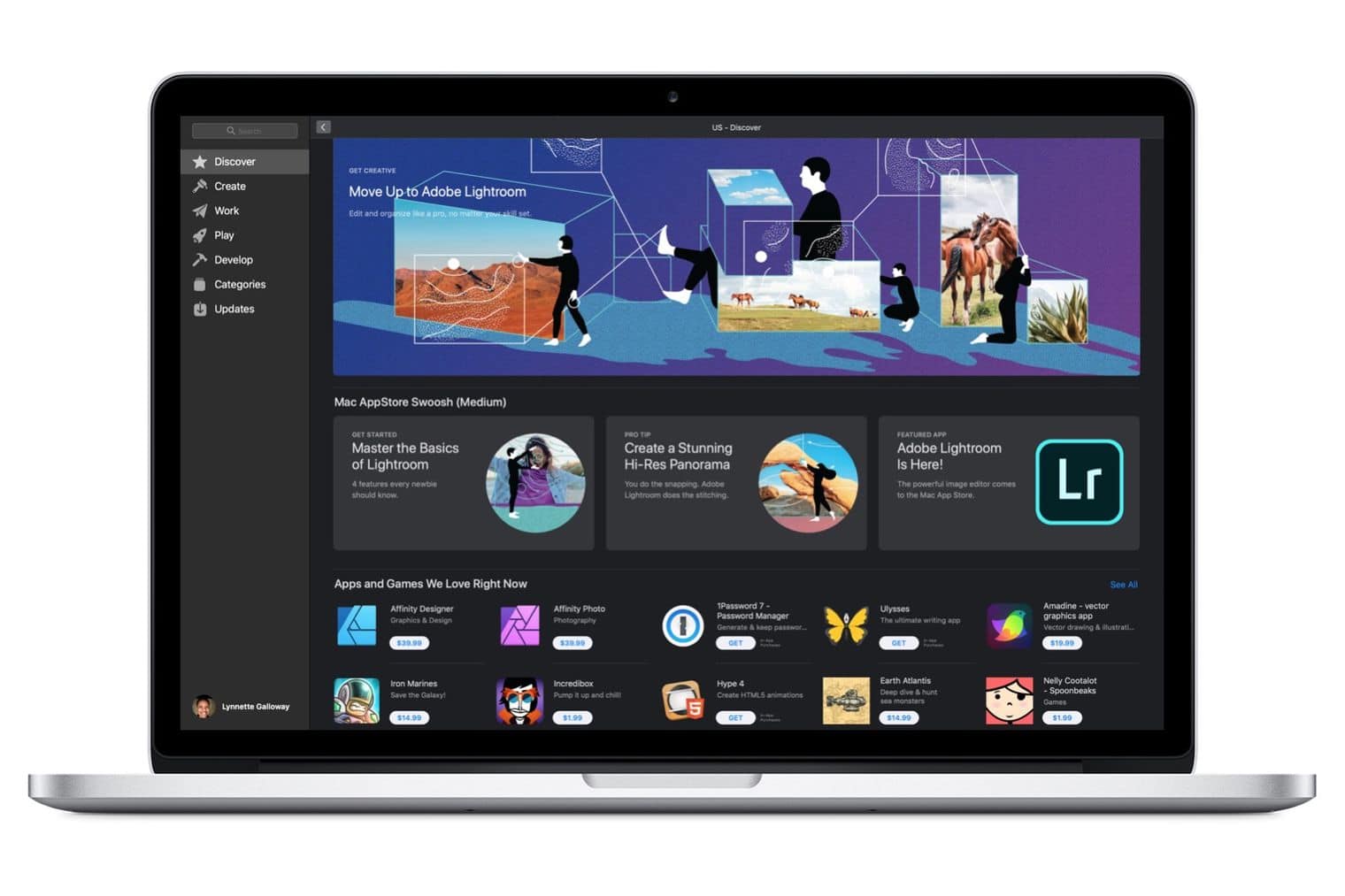
Apple wipes 11 categories from the Mac App Store

By

Mac App Store
Apple's latest move is bad for macOS developers.
Photo: Ste Smith/Cult of Mac

Apple has removed 11 categories from the Mac App Store. The Categories tab now displays just 10 options as opposed to 21, with Finance, Lifestyle, and Sports among those dropped.

The move is a disappointment to app developers who rely on specific categories for discoverability. Many initially believed that the change was a bug, but Apple has since confirmed that the removal of these items is “expected behavior.”

Everything you need to know about Apple’s Q4 2018 earnings call

By

Apple is worth more than the entire US energy sector combined
Photo: Ste Smith/Cult of Mac

Apple just had its best September quarter of all-time and CEO Tim Cook couldn’t have sounded happier when he got on the phone with investors today. The company is heading into the holiday season with its best lineup ever and expects to set more records next quarter.

Investors did not seem to be too impressed with the results though. Apple’s stock price dropped from $222.22 to as low as $206 in after-hours training. Despite Wall Street’s worries about Apple, there was plenty of achievements for Tim Cook and Luca Maestri to boast about on today’s call.

There were the biggest revelations from today’s call:

Add USB ports to MacBook Pro with this awesome power-adapter hub

By

Hyperdrive
Get more USB ports for your Mac with this brilliant accessory.
Photo: HyperDrive

Apple is on a mission to kill all MacBook ports that aren’t USB-C, but thanks to an ingenius new power adapter accessory, you can get back the old school USB ports you’ve been longing for.

HyperDrive revealed its new USB-C Hub for the new MacBook Pros power adapters today. The little attachment connects to your power adapter to add two USB-C ports that can be used to connect USB-A devices, peripherals and hard drives to the USB-C only MacBook Pro.

Take a closer look:

New MacBook Pros with updated graphics are coming next month

By

macbook pro
The new graphics will be a big boost the video editors.
Photo: Apple

Apple didn’t totally leave out the MacBook Pro from receiving some new features today, even though the company didn’t give its most powerful notebook any stage time at today’s event.

While the MacBook Air, Mac mini and iPad Pro were the stars of today’s keynote in New York, Apple quietly revealed on its website that the MacBook Pro is getting a spec bump too.

The Mac mini is back and better than ever

By

Apple Mac mini 2018
Save on the new Mac mini while you still can.
Photo: Apple

After being forgotten for four years, the Mac mini is back with an upgrade that was well worth waiting for.

Apple’s most affordable desktop, which is still small enough to stick anywhere, is vastly more powerful than it’s ever been before. You now get quad-core processors as standard, significantly faster graphics, all the memory you can shake at stick at, and so much more.

It also comes in gorgeous space gray.

Gorgeous concept dreams up big changes for Mac mini

By

mac mini concept
The space gray coloring is lit.
Photo: Viktor Kádár

After 1473 days of waiting for an update, new Mac minis might finally be on the horizon.

Apple’s ‘More in the Making’ keynote is less than 24 hours away and one of the most anticipated new devices is expected to be an updated Mac mini. We’ll have to wait a few more hours to see what it looks like, but for now, we’re busy drooling over this gorgeous Mac mini concept that brings a pro look to Apple’s smallest Mac.

Take a closer look:

How to watch Apple’s ‘More in the Making’ keynote

By

Tim Cook and Ivanka Trump
Are you ready for Apple's big event?
Photo: Apple

Apple’s ‘More in the Making’ keynote is less than 24 hours away where the company is expected to unveil a slew of new iPads and Macs.

Unlike last month’s iPhone keynote at Apple Park, this week’s event will be hosted at the Brooklyn Academy of Music and it’s starting early at 10 a.m. ET. If you didn’t get an invite to the event, don’t worry, the entire thing will be live-streamed.

Here’s how to tune in on whatever device you’re using.

Apple’s holiday quarter earnings could be insane

By

Tim Cook earnings apple
Apple earnings could be about to reach new heights.
Photo: Ste Smith/Cult of Mac

Apple enjoyed an incredible start to 2018 thanks to a record-breaking holiday quarter, but according to one analyst, this year’s will be even better.

Thanks to an impressive new iPhone lineup and the best Apple Watch yet, revenue could reach insane new heights as we see out 2018. iPhone sales alone are predicted to surpass a staggering 81 million units!

Apple logo goes into redesign overload ahead of October event

By

Apple logo
Just a sampling of some of the different Apple logos.
Photo: Apple

Apple finally made its October keynote official this morning with one of the most unique event invites we’ve ever seen. Instead of just using one standard design, Apple sent nearly every journalist an invite with an Apple logo that was unlike the one sent to others.

We’ve tracked down over 20 variations of the Apple logo on the invites and compiled them below. You can also go to Apple’s updated event website and every time you refresh the page a different Apple logo will show up.

New sign indicates iPad Pro update is imminent

By

2018 iPad Pro concept art
The new iPads can't come soon enough.
Photo: Álvaro Pabesio

The long wait for new iPad Pros may be nearly over if a recent filing by Apple in Asia is any indication that Apple has finalized its product lineup.

This week it was discovered that Apple just registered three new iPad models with China’s Ministry of Industry and Information Technology (MIIT). Apple also registered a new Bluetooth device with MIIT, which could be a new Apple Pencil for the iPads.