Mobile menu toggle

Mac - page 36

Apple unleashes its fastest ever MacBook Pro

By

2019 MacBook Pro Fortnite
It's not clear what is causing the problem.
Photo: Apple

Apple just brought Intel’s latest eighth- and ninth-generation chips to the MacBook Pro, making it the company’s fastest ever laptop.

The newest 8-core models deliver up to twice the performance of a quad-core MacBook Pro, and up to 40% more than a 6-core model. They also promise powerful graphics, a T2 Security Chip, super-fast SSDs, and “all-day” battery life.

Download the first Microsoft Edge preview for macOS

By

Microsoft Edge for macOS
See what Microsoft is working on for macOS.
Screenshot: Cult of Mac

Microsoft has officially offered up its first Edge preview build for macOS.

The early release gives users a chance to see what Microsoft is working on for the Mac. It will be updated daily, so you’ll get to enjoy the changes and improvements as they happen (almost).

How to detach MacSafari’s download popover to make a proper window

By

Some more confusing windows.
Photo: Charlie Sorrel/Cult of Mac
Did you ever wish that Safari on the Mac had a proper download manager? Or at least a proper download window,

instead of the popover that sticks to the browser window and gets in the way until you close it?

Well, today your wishes will come true. Or this one modest wish will come true at least.

Apple lists Macs it can’t patch against ‘ZombieLoad’ exploits

By

Apple iMac 2019
The modern iMac is a stunner... and last on our list.
Photo: Apple

Apple has published a list of Macs that are still vulnerable to “ZombieLoad” exploits because they cannot be patched.

The older machines — all made before 2011 — may receive security updates, Apple says. But a proper fix won’t be available because Intel won’t release the necessary microcode updates.

Apple’s new TV app arrives with iOS 12.3

By

The Apple TV app gets a raft of new features in iOS 12.3.
Photo: Ed Hardy/Cult of Mac

Apple’s updated TV app is finally ready for the public to dive into.

iOS 12.3 was released to the public today, adding the new Apple TV app to iPhones and iPads as Apple prepares to launch its streaming TV service this fall. The update also adds AirPlay 2.0 and Apple TV support to compatible Samsung smart TVs.

Mac’s new Music app won’t be ported from iOS

By

iTunes on Mac
iTunes ain’t dead yet.
Photo: Apple

The Mac’s next-generation Music app will be based on iTunes, not ported over from iOS.

Some sources previously stated that the app would be made using Marzipan, which lets developers easily port iPad apps to the desktop. But new information reveals that won’t be the case.

You can now try out Microsoft’s new Edge browser for macOS

By

Microsoft
Get your hands on it today.
Photo: Microsoft

Microsoft is bringing its brand new Edge browser to macOS “soon,” but you don’t have to wait any longer to get your hands on an early version.

Both Canary and Developer builds are now available to Mac users. You won’t want to use them for everyday browsing, but they’re great for getting an early taste of Edge ahead of its official debut.

Wildly customizable keyboard unleashes iPad creativity

By

The new Buchla Thunder layout for the Sensel Morph.
Photo: Sensel

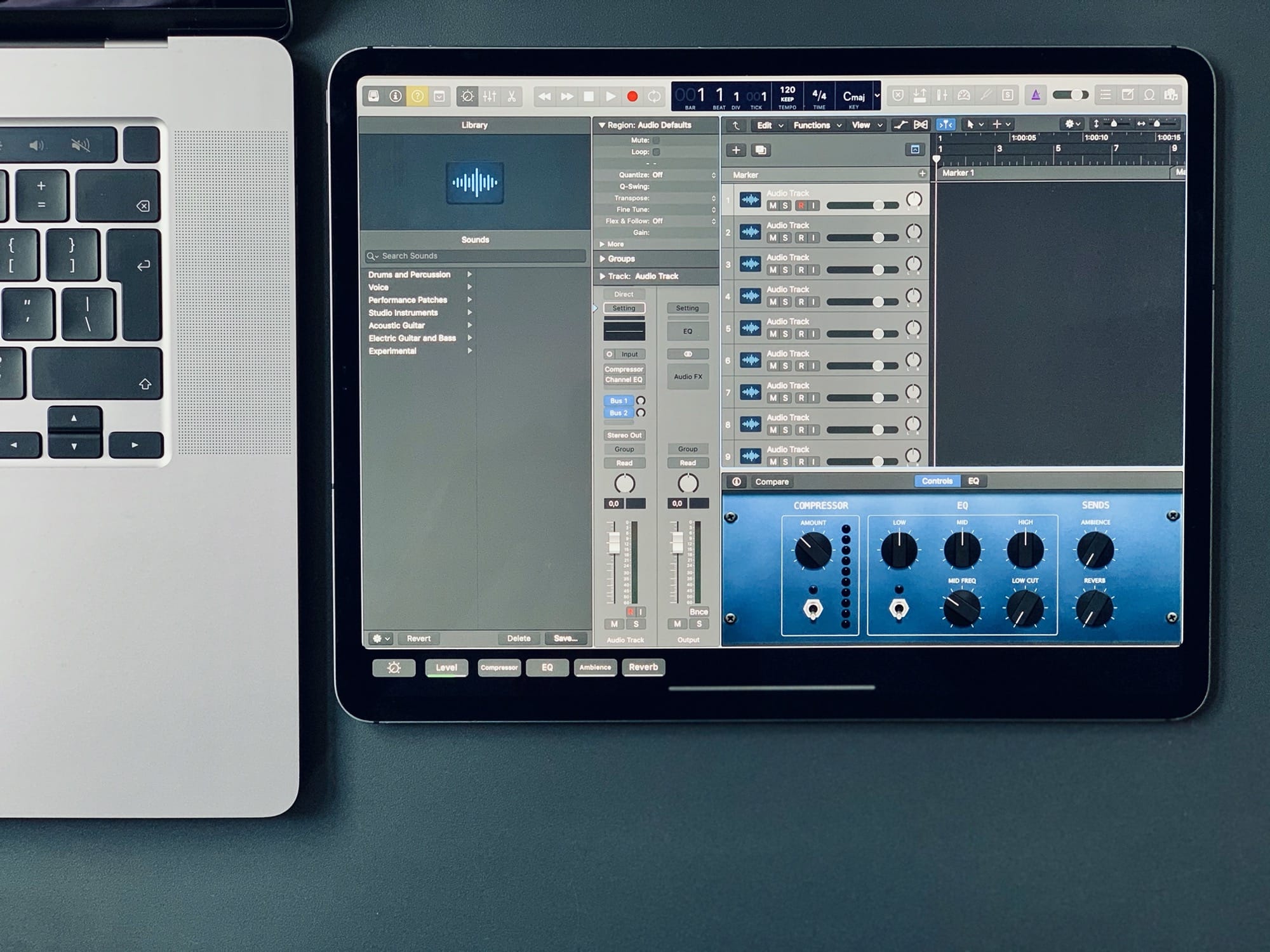
The Sensel Morph is a different kind of “keyboard” for the iPad or Mac. It’s a pressure-sensitive panel onto which you can slap various silicone overlays, turning it from a QWERTY keyboard into a piano, a movie-editing controller or many other specialized interfaces.

It’s a customizable, wildly imaginative input device designed for musicians, video editors, illustrators, writers and other creative types.

Microsoft’s Edge browser is coming to the Mac ‘soon’

By

Microsoft
Get your hands on it today.
Photo: Microsoft

Microsoft kicked off its annual Build 2019 developer conference this morning and to the surprise of Apple fans, the Windows-maker showed off some new software that runs on Mac.

Windows 10 users have been able to test early builds of Microsoft’s Edge Chromium browsers since last month, but it looks like Mac users won’t have to wait long to test out Edge. Microsoft doesn’t have a launch date yet, however, it briefly teased Edge running on macOS in a new video.

Force Apple Music to play all songs at the same volume with Sound Check

By

Sound Check evens out the volume of Apple Music songs.
Photo: Charlie Sorrel/Cult of Mac

The song you’re listening to on your iPhone is a bit too quiet, so you adjust the volume. Perfect. Then the song ends, and the next one blasts your ears. You fumble your iPhone from your pocket and tap the volume down a notch or two.

Thanks, Apple Music. Why can’t you just play all the songs at the same volume? Obviously that’s what everyone wants.

Wait, what’s that? You can? How?

Get awesome deals on iPads, from entry-level to pro [Deals & Steals]

By

The 11-inch iPad Pro is a total screamer.
Even if you don't need all the power of this iPad Pro, you can still save loads of cash.
Photo: Apple

Amazon is serving up sweet deals on iPads right now. You can grab the latest entry-level model for just $249. Or, if you can’t put that sweet 11-inch iPad Pro out of your mind, you can make the purchase price a lot less painful with today’s $300 discounts.

Also in today’s Deals & Steals roundup: Inexpensive HomeKit-compatible light bulbs and amazing deals on wireless chargers and USB-C cables!

Use Readdle’s Documents to transfer files between Mac and iOS

By

Readdle’s Wi-Fi Transfer gets our ‘stamp’ of approval.
Photo: Charlie Sorrel/Cult of Mac

If you have an old Mac that doesn’t support AirDrop, or you use a PC with your iPhone or iPad, then getting files from one to the other is a real pain. Readdle’s Documents app fixes this, making it easy to beam anything from one place to the other, wirelessly. Today we’re going to see just how easy it is. And one other neat trick is that you can use this on any computer, not just your own.

macOS 10.15 will bring better integration with Apple Watch

By

magic toolbar
Some of Touch ID’s operations on Mac could get replaced by Apple Watch.
Photo: Apple

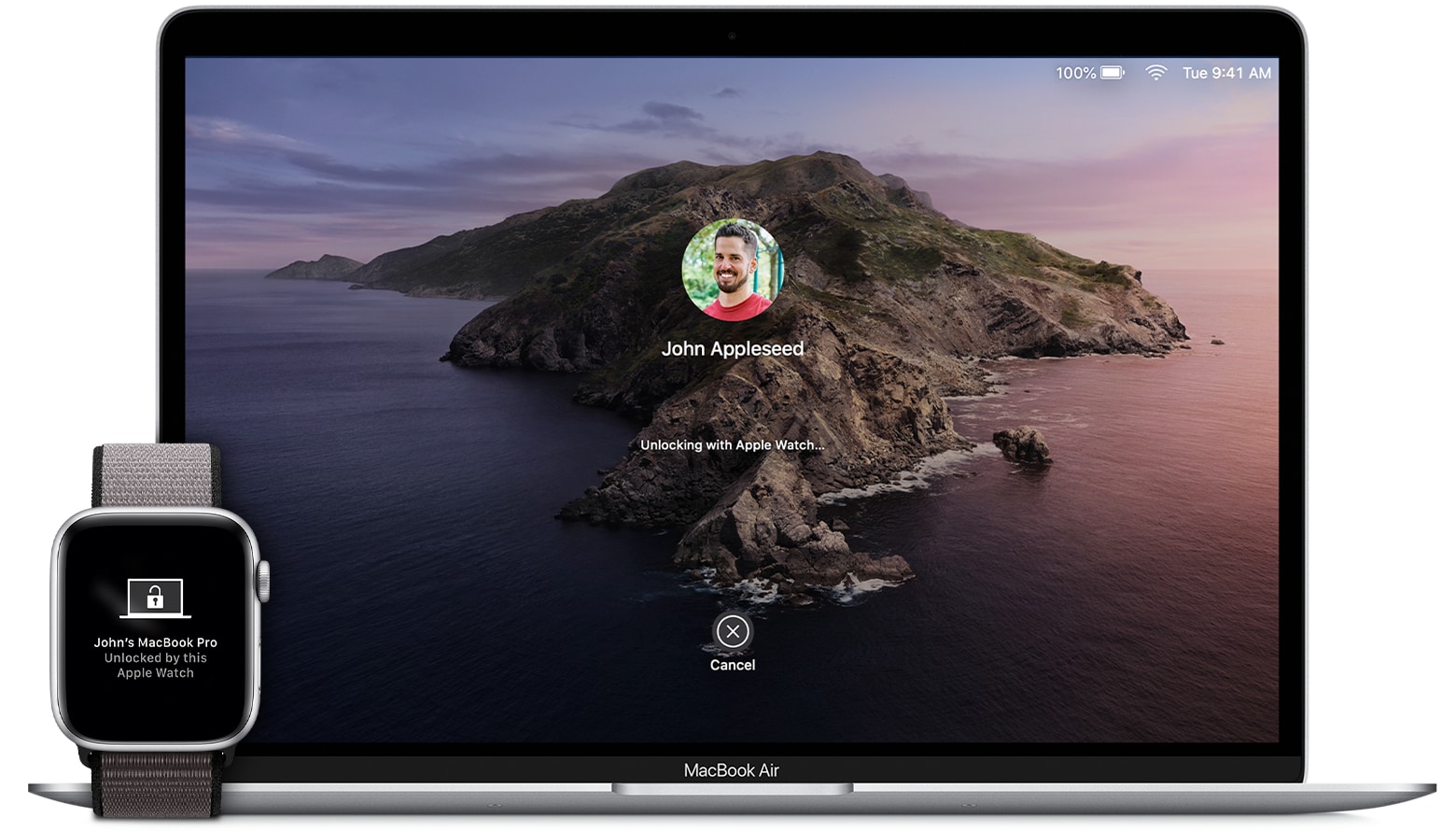
Apple Watch might get some new Mac-related powered when macOS 10.15 is unveiled at WWDC 2019.

Mac users can currently use the Apple Watch to unlock their Mac, but a new report claims Apple is planning to expand authentication beyond that to give Macs without Touch ID some of the same features.

Major macOS upgrade will bring new Music, Podcasts and TV apps

By

iTunes on Mac
iTunes ain’t dead yet.
Photo: Apple

Evidence of Apple’s plan to break up iTunes has been uncovered ahead of the next major macOS update.

Icons for new Podcasts and TV apps have leaked out early. They’re expected to be accompanied by a new Music app and a redesigned Books app — all based on their counterparts for iOS.

Apple will soon require all macOS apps to be notarized

By

iMac
Apple wants to make macOS as safe as possible.
Photo: Apple

Apple has confirmed that all macOS apps will need to be notarized to be accepted by Gatekeeper after its Mojave 10.14.5 update.

The requirement applies to new and updated apps and all software from developers who are new to distributing with Developer ID. In a future version of macOS, notarization will be required by default.

Apple could adopt mini LED backlighting for a giant iMac

By

iMac
It's about time the iMac was redesigned.
Photo: Apple

Apple is expected to adopt mini LED backlighting technology this year to further improve color gamut, contrast ratio, and high dynamic range in its displays.

A brand new 31.6-inch iMac will be the first machine to offer the new display technology, sources claim. It will then make its way to the iPad and other Apple computers in 2020.

Call of Duty: Black Ops III is ready to murder your Mac’s hard drive

By

Black Ops III
You can just buy the multiplayer starter pack if you don’t want the full game.
Photo: Treyarch

Call of Duty: Black Ops III has finally made its way to the Mac after being available on Windows PC since its launch over three years ago.

The Mac version of Call of Duty: Black Ops III was revealed by Aspyr today. It comes all the same content in the Windows version, plus 64-bit and Metal support. If you’re ready to rack up some kills though you better be ready to say goodbye to all the free space on your hard drive.

How to ditch your Mac for an all-iPad lifestyle

By

Your new iPad pro has some neat tricks up its sleeves.
Photo: Charlie Sorrel/Cult of Mac

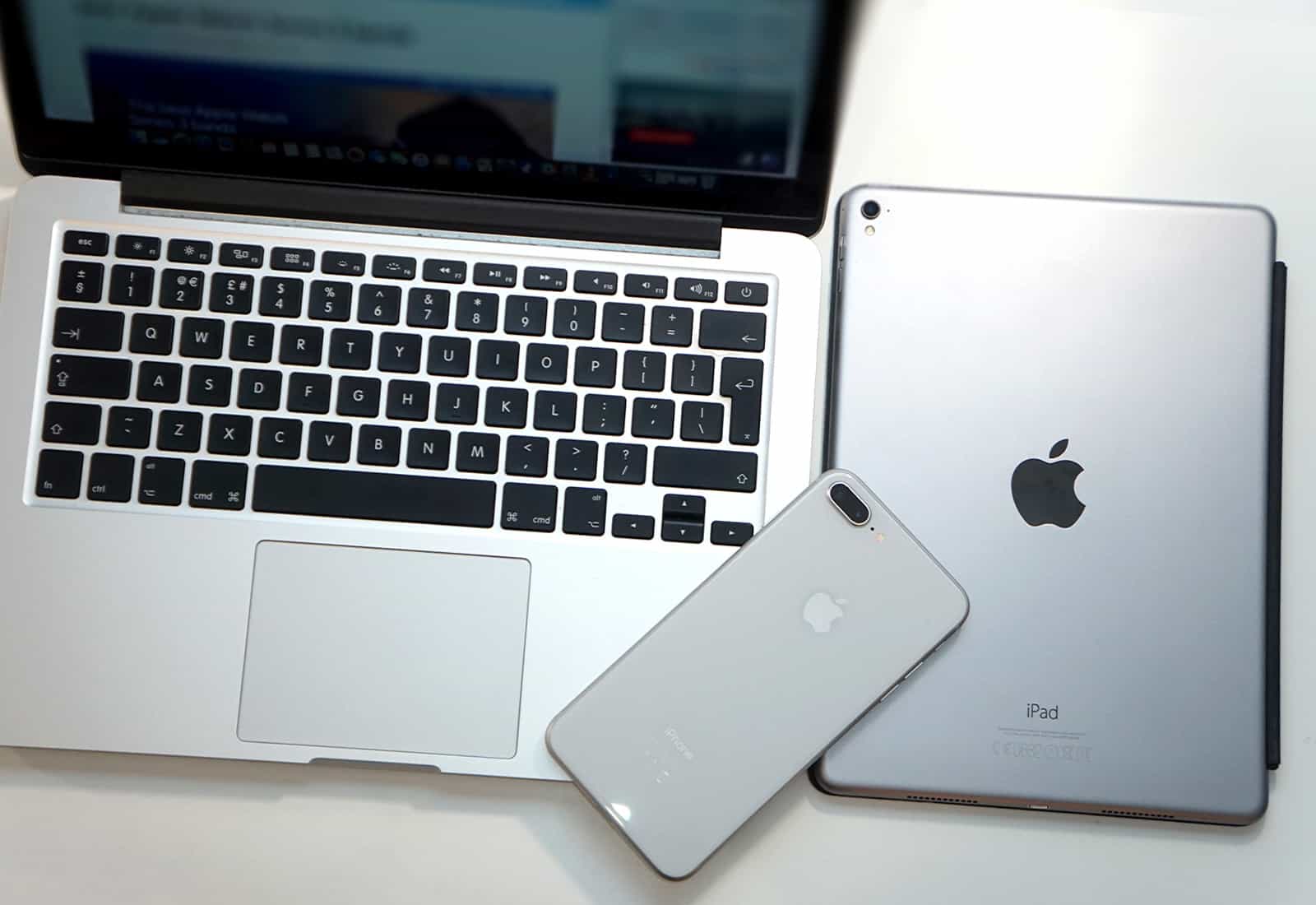
Are you thinking of switching from the Mac to the iPad? Maybe you’re sick of your MacBook’s glitchy keyboard, or you would prefer to be able to remove the keyboard altogether when you don’t want it, and use touch instead?

Or perhaps you’re tempted by the cheaper pro apps on iOS, or the portability, or you just can’t see the point of a 27-inch iMac on your desk when all you do is read and write.

Whatever your excuse, switching from macOS to iOS is easier than ever. Thanks to iCloud, and a host of great apps and accessories, switching can be almost seamless. Let’s see what you need.

Win a copy of iMazing and take control of your iOS devices [Giveaway]

By

The latest version of iMazing, an iOS device manager for Mac and PC, adds iOS 10.3 compatibility and great new features
The easiest way to create local backups.
Image: DigiDNA

Backing up your devices can save you a world of pain when things go wrong. And yet, so many people still don’t back up on a regular basis. If you’re one of them, you should change that for World Backup Day 2019 on March 31.

World Backup Day encourages everyone to back up their most important data. To make it as simple and as cheap as possible for you, we’re giving away ten copies of the excellent iMazing app for Mac and PC. It’s the best way to create local backups that prevent your precious memories from getting lost.

How to record digital audio from your iPhone to your Mac with iDAM

By

Audio and USB, together again.
Photo: Charlie Sorrel/Cult of Mac

Did you know that you can send the audio from your iPhone or iPad to your Mac via the Lightning cable? That audio stays in pristine digital ones and zeros, and can be recorded (or otherwise used) anywhere you can edit audio on your Mac.

For musicians, this turns your iPad and all its music apps into a plugin for your Mac. And for anyone else, it could just be a neat way to route audio into your Mac’s speakers. The feature is called iDAM, and it’s built into your Apple devices. Oh, and it works with MIDI too.

Mac users in China can no longer use Taiwan flag emoji

By

Taiwan
Not China's favorite emoji symbol.
Photo: Maya-Anaïs Yataghène/Flickr CC

As countries, it’s fair to say that China and Taiwan aren’t exactly BFFs. For evidence of this, look no further than the recently released macOS 10.14.4. Eagle-eyed users in China have noticed that their Mac devices can no longer display the Taiwan flag emoji.

The flag ban can’t even be circumvented by changing the region in your Mac’s System Preferences.