We talk about people who take their jobs home with them, some folks take this way too seriously. Our own Killian Bell, for instance, gave his poor disappointed daughter a Kindle Fire instead of an iPad last Christmas.
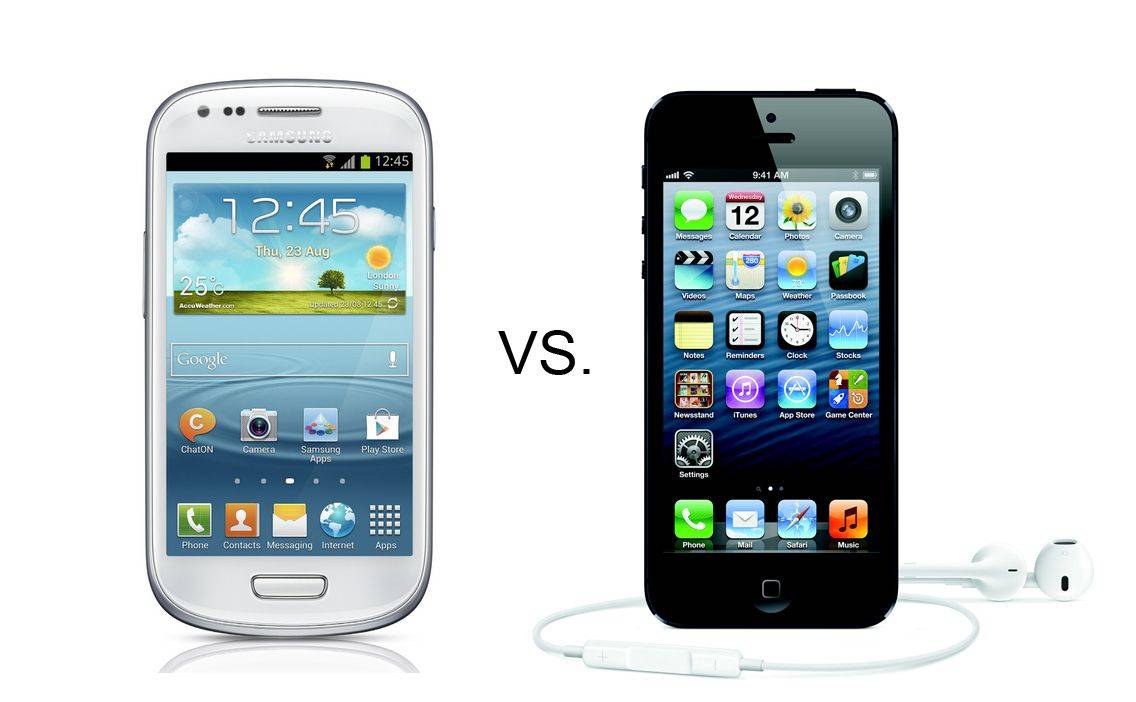
This year, Santa tells me that she has begged him for a phone with Android 4 Ice Cream Sandwich, and he’s going to give her this: an iPhone 5 with an ice-cream sandwich case. What a dad!
It’s the season for new iPhones and iPads. If you’re buying a new device you may be wondering how to best protect it from the risk of defect or damage. Aside from using a case, you may also be thinking about purchasing a supplemental protection plan.
There’s a reason why many consumer rights advocates agree that protection plans are a bad deal for consumers. The plans are expensive and only a small fraction of people that buy them actually end up using them. With that said, some people find value in the peace of mind and ease of repair that protection plans offer.
If you do decide extra protection is right for you then weigh your options carefully. Protection plans aren’t cheap and their terms and conditions vary widely from one plan to another. Buying an overly-expensive plan or assuming that a plan offers coverage where it doesn’t can be a frustrating and costly mistake.
So, how do your options stack up? Let’s look at a few of them with a focus towards plans most suitable for the new iPhone 5S. Hopefully this article will give you some ideas about the types of things you can look out for when you’re shopping for protection plans. You’ll find a table summarizing the protection plans at the end of this article.
Apple’s One-Year Limited Warranty
While not technically a protection plan, Apple’s One-Year Limited Warranty is your first line of defense. It comes included with every new or refurbished Mac including the iPhone and iPad regardless of where you purchase it. For example, if you buy a new iPhone 5S from your local T-Mobile store it’s still covered by Apple’s One-Year Limited Warranty. The warranty covers your device from manufacturing and design defects, but it does not protect it from theft, loss, or accidental damage. As the name suggests, it gives you coverage for one year. If you find a defect within that first year, Apple will repair or replace your device, free of charge. There is no signup fee; there is no deductible.
If defects are your main concern, then remember that Apple’s One-Year Limited Warranty provides very good protection at no extra cost to you. If, however, you are genuinely concerned about loss, theft, accidental, damage or extended warranty coverage beyond the first year then maybe a protection plan is right for you.
Apple’s One-Year Limited Warranty at a glance.
AppleCare+
Despite recent price changes, AppleCare+ is still the Cadillac of protection plans in terms of convenience and service. AppleCare+ offers extended warranty coverage and protection from accidental damage from handling (known as “ADH”). AppleCare+ is only available for the iPhone, iPad, iPod Touch, and iPod Classic and for those devices AppleCare+ is your only AppleCare option (i.e. you cannot purchase standard AppleCare for those devices).
The plan’s convenience and service quality are its standout features. First, Apple is your one-stop-shop for everything you need. You can buy AppleCare+ along with your device, or any time within 30 days after purchase. When doing the latter, Apple does require you to have your device inspected either in-person at an Apple Store or through remote diagnostic by calling (800) 275-2273. Servicing your device under AppleCare+ is also extremely convenient. You can choose from the many service options Apple offers: carry-in to an Apple Store or Apple Authorized Service Provider (“AASP”), mail-in service, do-it-yourself service (“DIY”), etc. Carry-in service often results same-day service, which is as good as it gets.
Second, you should expect parts and labor under AppleCare+ to be of the highest quality because Apple, the original manufacturer, is doing the work. It’s one thing to say Apple has a great track record in this regard, which it does, but Apple also backs it up on paper. The AppleCare+ policy states that when repairing your device Apple will use new parts or parts that are equivalent to new in performance and reliability.
AppleCare+ does have its drawbacks. It has always been one of the more expensive protection plans and upcoming changes to AppleCare policies and procedures may, someday, render it a less attractive option. The recent increase to the ADH service fee has made it even more expensive. AppleCare+ for the iPhone will now cost you $99 up front and $79 per ADH incident (limited to two ADH incidents). AppleCare+ for the iPad will now cost you $99 up front and $49 per ADH incident (limited to two ADH incidents).
While this may sound like a great idea, remember that Apple’s current procedure for carry-in service for many devices is to simply give you a new device. The current process usually takes a matter of minutes, which is one of the plan’s best features. If these proposed changes become a reality, then you may be forced to wait while a technician performs the repair work. Time will tell whether this negatively impacts the quality of service, but it will most certainly increase the amount of time you need to wait for a repair.
AppleCare+ at a glance.
Third-Party Protection Plans
If you’re looking for coverage or pricing options that are different from AppleCare+, then third-party protection plans may be a good alternative. Third-party protection plans give you diverse options in terms of cost, coverage, and service.
However, the diversity in these plans is a double-edged sword because they vary widely depending on who is offering the plan, what you’re protecting, and specific protection options (e.g. two-year vs. three-year terms, deductible-free plans, etc.). To make things more difficult, important information is often buried deep in contract legalese.
The devil is in the details: read the fine print and evaluate your choices carefully in terms of pricing, coverage, and service. For simplicity’s sake, let’s compare SquareTrade’s iPhone 5S protection plans to AppleCare+ for the iPhone 5S (prices and plan options as of September 2013).
Pricing differs both in terms of the signup fee and ADH service fee. SquareTrade’s iPhone protection plans cost between $124 for up to two years of coverage and $154 for up to three years of coverage. AppleCare+ costs $99 for two years of coverage. SquareTrade does offer special promotional pricing from time to time. AppleCare prices generally do not change. For repairs, SquareTrade’s plan costs $50 per ADH incident for the iPhone 5S whereas AppleCare+ costs $79 per ADH incident.
Term of coverage is also different. AppleCare+ provides two years of extended warranty support plus two incidents of ADH. There are no other limits on support or service. SquareTrade gives you up to two or three years of extended warranty support (depending on the plan you buy) plus up to four incidents of ADH, but limits the life of the protection plan to the value of the protected device. Note the emphasis placed on “up to” when describing SquareTrade’s plan. Once SquareTrade performs repair or replacement services that, in aggregate, add up to the value of your insured device the plan is terminated and your device is no longer covered.
These differences in coverage term can impact you in unexpected ways. For example, consider how the different coverage terms play out in situations involving warranty-type defect repair (i.e. defects typically covered by warranty). If your iPhone is still under its One-Year Limited Warranty Apple will service it under that, no questions asked.
If your iPhone is no longer covered by its one-year warranty Apple will service your iPhone under AppleCare+ (assuming you purchased AppleCare+). Under AppleCare+ Apple will repair or replace your defective device with no limitations just as it did under the warranty period. Warranty-type service does not carry a deductible, it do not count as an ADH incident, and there are no limitations on number of defect repairs.
Under SquareTrade’s protection plan, SquareTrade will refer you to Apple if your iPhone is still covered by its one-year warranty. If your iPhone is not covered by its warranty, then SquareTrade will have you mail it to them so they can do the repairs. There is no deductible for warranty-type service under SquareTrade’s plans either, butthe cost of repairs will be deducted from the life of your protection plan.
For example, let’s say SquareTrade values your iPhone at $549 and during the second year of ownership a manufacturing defect in the iPhone’s screen renders it inoperable. SquareTrade will service your iPhone, but it will deduct the value of the repair from your protection plan contract. If SquareTrade values the repair at $230 then you will have $319 left of coverage ($549 – $230 = $319) under the protection plan. Should misfortune strike again, you had better hope the cost of repair doesn’t exceed $319. Under AppleCare+ the warranty service will not impact your remaining ADH coverage in any way.
Finally, the service is very different. You can expect both the process and quality of repair services to vary dramatically between third-party protection plans. No matter how you look at it, there is more red tape involved under third-party protection plans than there is under AppleCare+.
The quality of repair services also varies. As mentioned above, AppleCare+ guarantees a high standard: replacement parts are guaranteed to be new or equivalent to new in performance and reliability. Not all third-party protection programs make specific guarantees about labor or replacement parts. Many of these plans guarantee only re-manufactured parts, refurbished parts, parts of merchantable quality, or are silent on the subject altogether. SquareTrade guarantees new or refurbished parts. The quality of repair parts and/or workmanship may matter to you and, if it does, you should take time to understand how different protection plans will repair your device.
SquareTrade’s protection plan at a glance (focused on iPhone 5S).
Carrier Insurance Plans
Mobile carrier insurance plans are just third-party protection plans offered directly by your mobile carrier (usually through an affiliated insurance company). Many of the same caveats with mobile carrier insurance plans also apply to other third-party protection plans – read the fine print.
Two of the biggest advantages of mobile carrier insurance plans are their low up-front cost and extensive coverage. First, mobile insurance plans typically do not charge a hefty signup fee. For example, AT&T’s Mobile Insurance Plan for the iPhone 5S costs $6.99 per month for the duration of AT&T’s standard two-year mobile services contract. If spending $99 or more up front on a protection plan isn’t in your budget right now, then perhaps a low monthly fee would work better for you.
Second, mobile insurance plans typically offer far more coverage in terms of types of loss and amount of coverage than you might get with AppleCare+ or third-party protection plans. AT&T’s Mobile Insurance Plan protects your device from “loss,” which it defines as accidental loss, theft, ADH, or warranty-type failure outside of coverage period of the original manufacturers warranty. AppleCare+ and SquareTrade do not cover lost or stolen devices. AT&T’s Mobile Insurance Plan guarantees protection from two loss incidents per twelve-month period, for a total of four loss incidents over the life of your contract. The coverage value for each incident is capped at $1500, which is more than enough to cover an iPhone 5s (although each loss incident also carries a hefty deductible). AppleCare+ and SquareTrade have more stringent limits due to ADH allotments or limitations on value of service (discussed earlier).
The biggest disadvantages of mobile carrier insurance plans are that they’re extremely expensive in the long term and they suffer from many of the same process and service quality headaches common to third-party protection plans.
Process and quality of service considerations are similar to other third-party protection plans. AT&T’s Mobile Insurance has a claims filing process, which imposes certain duties that you need to understand. For example, if your loss incident involves any violation of law or loss of possession (e.g. your iPhone 5S was stolen) you are required to promptly notify local law enforcement and obtain proof of that notification. If you have ever had to report stolen property to the authorities, you know that it is not often a very convenient or streamlined process…
AT&T’s Mobile Insurance Plan at a glance (iPhone 5S).
Credit Card Purchase Protection
Credit card purchase protection programs offer a superb way to mitigate risk without paying out-of-pocket for a protection plan. A number of different companies offer cards (credit and debit) that include automatic purchase protection.
Credit card purchase protection programs give you additional but limited return, extended warranty, ADH, loss and theft protection for anything you buy using the card. There are no enrollment conditions; there are no signup fees; there are no deductibles. Although many cards that offer purchase protection charge annual fees there are plenty that do not. For example, the AMEX Blue Cash Everyday card has no annual fee and includes purchase protection as one of its benefits.
Credit card protection programs typically offer extensive coverage from ADH, loss, or theft for up to 90 days after purchase and extend the terms of any manufacturer’s warranty by a year or more beyond expiration. For example, AMEX’s purchase protection program will extend Apple’s One-Year Limited Warranty by one year after it expires. Moreover, AMEX’s purchase protection program also extends manufacturer service plans by up to one year (i.e. AppleCare+ because Apple is the manufacturer).
The biggest drawbacks to credit card protection programs are their limited coverage, varying terms and conditions, and lack of convenience compared to more comprehensive protection plans such as AppleCare+ or SquareTrade. Coverage from loss, theft, or ADH lasts only for a short time; after 90 days you’re on your own.
I’d thought I’d seen it all when it comes to misogynistic, women-as-objects gamification strategies out there, but apparently there’s yet another fine example sent directly to our Cult of Mac inbox recently.
Here’s the pitch for oh-so-scintillating dating simulator, “Mingling At The Gallery:”
Don’t have the time or comfortability to go out, date and meet new people? That’s no longer a problem because ZOOB has created a game providing the experience of your own dating adventure, mingling with people through an engaging, fun and educational iOS app called “Mingling at the Gallery.”
Sure, the company name sounds like the ugly stepsister of n00b + boob, but it might be fun to play a game about the complex interactions needed in successfully navigating a night out at an art gallery, with maybe some tips thrown in for those of us who need a little practice.
I drive a 10-year-old Nissan Xterra. When I see new vehicles with technology like Ford Sync and Siri Eyes Free, I get jealous of the ability to send texts and answer phone calls without touching my iPhone. The most advanced thing my car can do is play audio from my iPhone through a stereo jack in the radio console.
Combine the lack of cool tech in my whip and my obsession with the latest gadgets and I was immediately intrigued back in March when I heard about Automatic, a hardware/software startup based in San Francisco that’s pitched as a smart driving assistant. Unlike an expensive add-on that has to be installed by a dealer, the Automatic Link is a $100 dongle (Amazon link) that can plug into the car’s data port found somewhere under the steering wheel. It communicates over low-energy Bluetooth to an iPhone app that records your driving, analyzes your mileage, reads your check engine light, helps you find your parked car and more.
The feature that sold me was the ability to see what was causing my engine light to come on—a problem that has ruthlessly followed me with every vehicle I’ve owned so far. I immediately preordered and my Automatic arrived mid-October.
After using Automatic for about a month now, it’s real usefulness is starting to show. There are features about it I love, and it’s shown me how everyday technology, like an iPhone, can enhance the car experience. The Jetsons-like future of transportation isn’t here yet, but Automatic is a precursor of what’s to come. It gets me excited about how our personal computers will interface with cars in 10 years.
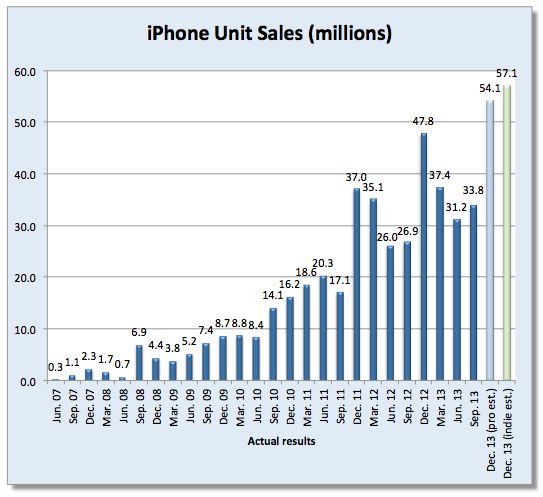
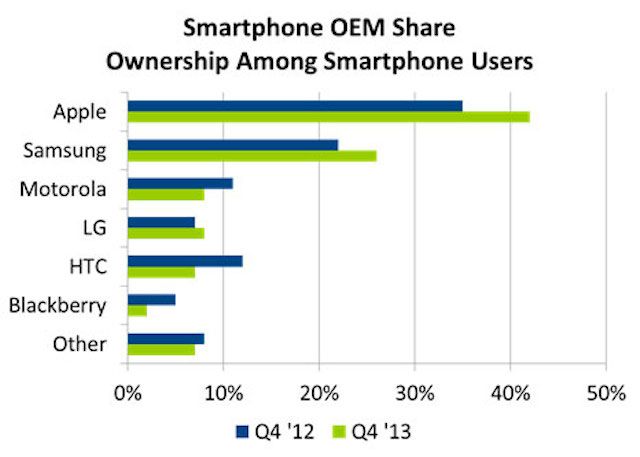
How many of you (or, more specifically, the general public) will be using an iPhone when the smartphone market is fully saturated? Analyst Horace Dediu is saying the answer will be 68 percent.
Budding musicians out there in the Cult of Macosphere may be interested to check out new app, Caustic, which promises to offer an impressive rack-mount synthesizer for iOS, featuring a total of 14 different machines and multiple effects.
Your Apple products are pinnacles of modern design and technology, so why waste your time with Apple accessories that aren’t up to snuff? Saving precious dollars, you say?Well with this Cult of Mac Deals offer you’ll get huge savings plus top quality products – and this sleek, high-quality MacStand Bundle is another example of such a promotion.
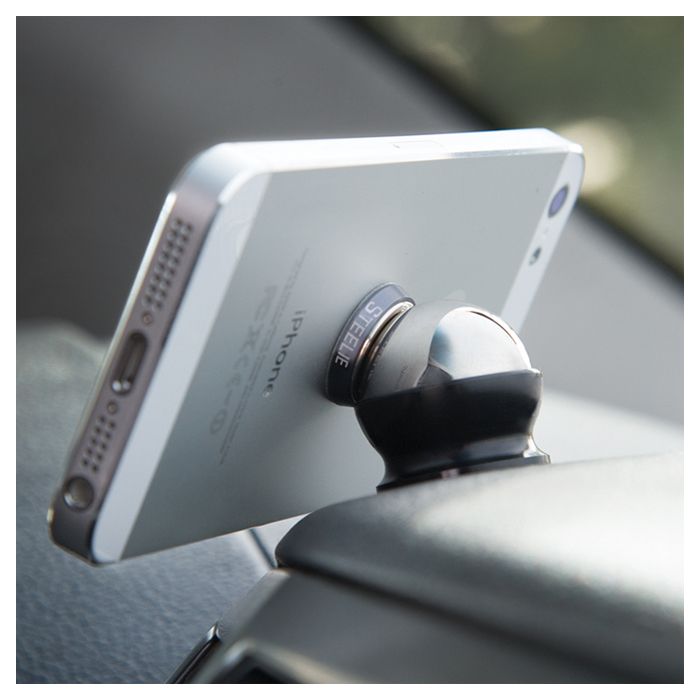
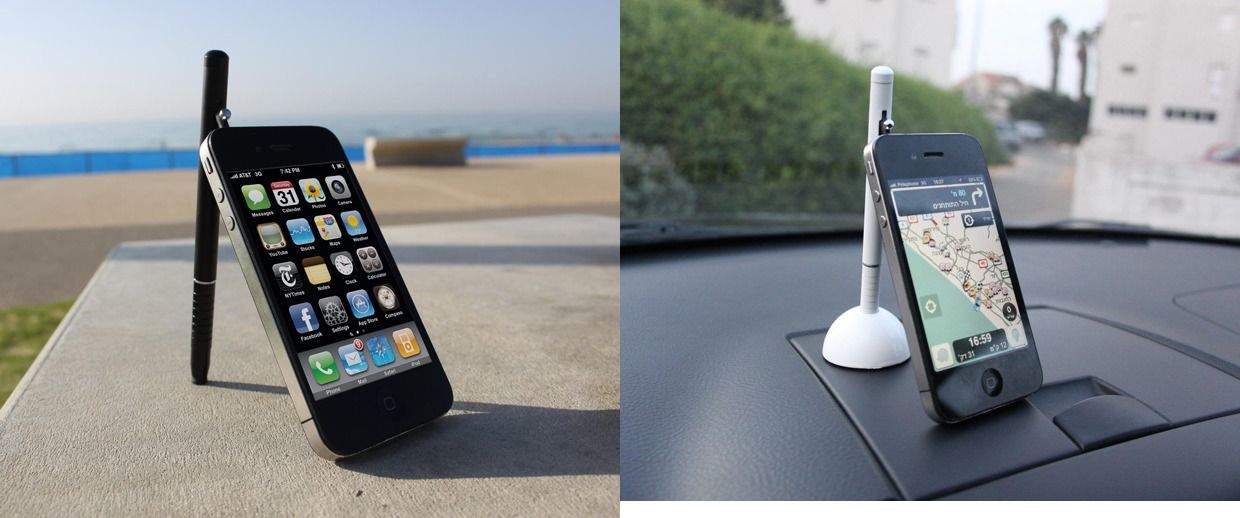
Included in thsi bundle are the Mtable™, a multi-purpose desktop stand, and the Xtand Go™, a flexible in-car gadget mount. And you’ll get this bundle for just $79.99 – a savings of 38%!
Tired of the way your smartphone, tablet, computer, or other tech gadgets are looking these days? Now you can change it up with a stylish skin from Slickwraps.
Slickwraps makes amazing skins for these big name brands and more! They literally make hundreds of sweet skins for just about every tech gadget out there including your iPhone and/or Android phone. This Cult of Mac Deals offer will get you $40 Slickwraps credit for only $20 – credit you can apply to any product (or products) they have for sale on their website. This deal gives you the freedom to shop around and get exactly what you want.
Car makers next year will begin selling vehicles that support Apple’s new system for connecting iPhones to the in-car entertainment systems built into the dash.
Nice, but it doesn’t go far enough. Here’s why Apple should start building the in-car entertainment systems themselves.
Finally, a Bluetooth® speaker made for on-the-go lifestyles. With an integrated omnidirectional microphone, The PULSE combines music-playing and conference-calling capabilities in a palm-sized package.
Weighing in at only 2.3 ounces, it attaches almost anywhere with the included clip – backpacks, seatbelts, pockets – so it’s always available, but never in the way. And for a limited time you can get it for just $79.99 – a savings of 19% – courtesy of Cult of Mac Deals!
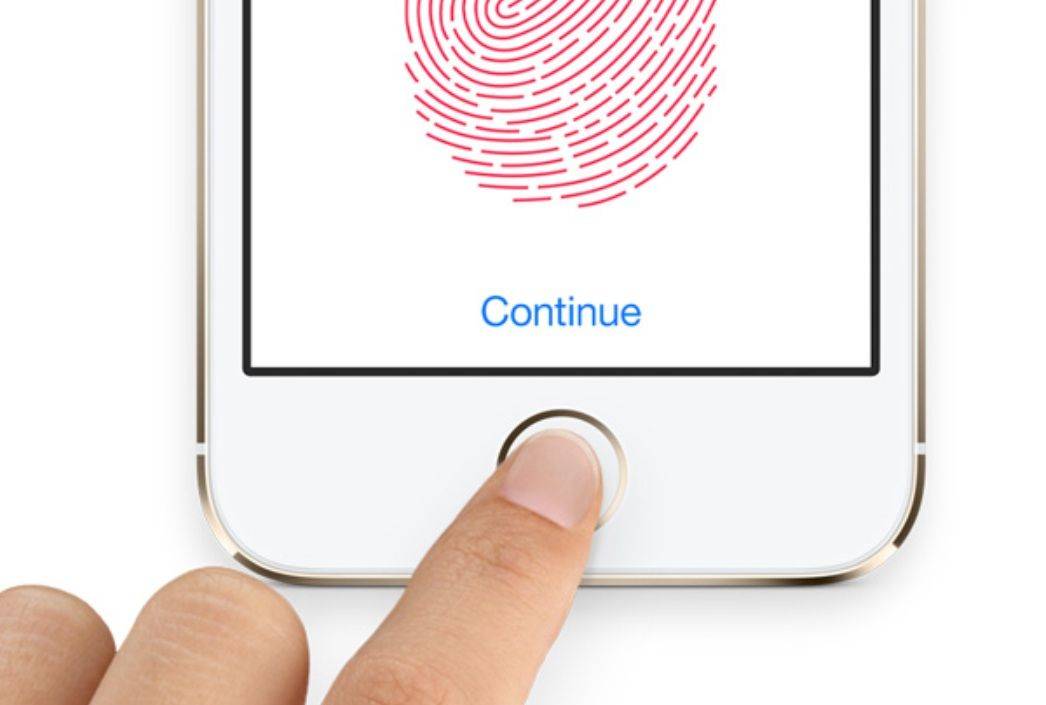
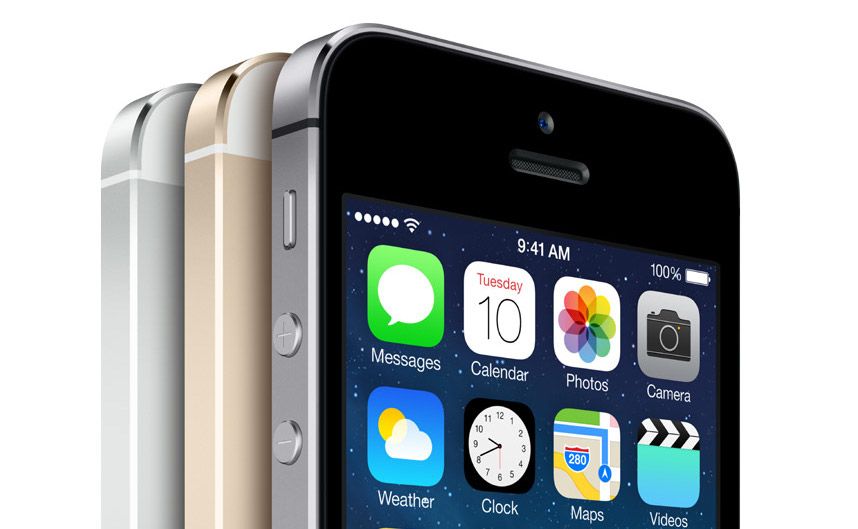
The iPhone 5s introduced us to Touch ID. Photo: Apple
Apple seeded the second beta of iOS 7.1 to developers nearly a month after 7.1 beta 1 was released. Once again, Apple’s beta doesn’t contain any major new features but there are a couple useful tweaks that you’ll enjoy hidden among all the bug fixes, performance improvements and speedier animations.
Here are the five biggest changes Apple made to iOS 7.1 today:
Looking to capitalize on the surge of Bitcoin’s popularity, some mischievous pranksters from 4chan’s random image board are trying to convince Mac users to trash their computers.
The hoax claims that Apple has included Bitcoin mining software on all Macs since 2009, but you just need to enter a simple terminal command to unlock it. Of course, there is no secret Bitcoin mining app hidden in OS X, so what does the terminal command sudo rm -rf/* in the picture actually do? Oh, it just basically reformats your hard drive.
This is one of the best resource deals we offer all year, and at a 90% discount this bundle is at a price you can’t say no to.
The Annual Adobe Holiday Season Bundle offers 147 lectures and over 6 hours of valuable content, you’ll earn a Certificate of Completion at the end of the course. We’re throwing in some holiday-specific walk-throughs so you can get those newsletters and holiday cards done. And you’ll get all of this for only $49.
Here’s a funny idea with a high potential to go wrong: bake a batch of cookies in the shape of iPhones, drive around pretending to talk on them, and then when you inevitably get pulled over, take a bite, look the law enforcement official straight in the eye, and say, “Are cookies against the law, officer?”
This bold (although possibly ill-advised) plan was the recent brainchild of Los Angeles comedian Randy Liedtke. Thanks to Twitter, followers were able to see how the dicey scenario played out in more-or-less real time. Here’s what happened:
Everything Thing Is A Remix Filmmaker Kirby Ferguson just released a new case study for his popular series that tackles whether the iPhone is a truly original idea, or just a hodgepodge of copying and improvements like pretty much everything else. The case study starts by contesting Steve Jobs’ claim that Apple invented Multi-Touch – when really the technology was being developed for years by many companies – before strolling through some of Apple’s other inspirations.
The video does give Apple credit for creating a device that the entire mobile industry copied, while also providing a great survey of the real world objects Apple used as inspiration in Apple’s UI designs that helped make the iPhone and iOS so revolutionary. Ultimately the film turns to iOS 7 and the ideas Apple borrowedcopied remixed from Windows Phone and Android.
Watch the video below and tell us in the comments whether you think the iPhone got a fair treatment:
There are tons of solutions to get iOS photos from your device to some sort of backup system, from Dropbox to iPhoto. Backing up your photos is imperative, especially on iOS, as the iCloud backup system doesn’t back up photos, and PhotoStream only keeps the last 1,000 photos on your phone synced to all your enabled devices.
Backing up to cloud services is extremely convenient, but what happens when you no longer want to pay for the storage, or would rather hang on to your digital memories on your own computer? Sure, you can connect to your Mac with a cable, but then you’ve got to do the hard work of figuring out which photos you’ve already backed up.
Sync Photos To Storage, a new app from developer Simplex Solutions, aims to make this process much, much easier.
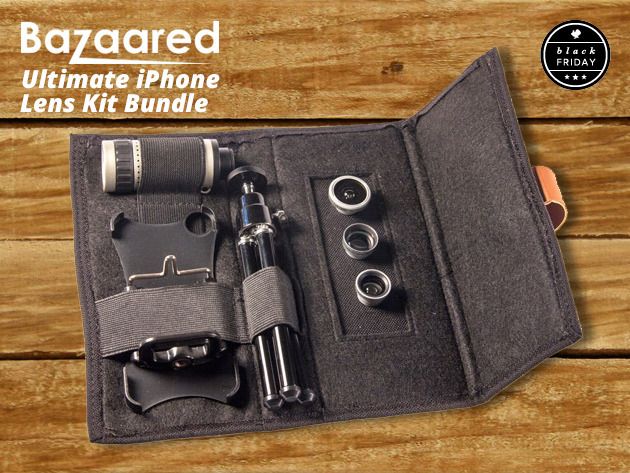
There’s nothing better than capturing moments as they happen during the holidays season. While your phone’s camera will do a pretty good job of that, wouldn’t it be better if you had a choice of lenses to add some depth and variety to your photos? This Cult of Mac Deals offer bundles three lenses into one package so you cant broaden your artistic range.
In the words of Family Guy, are iPhone-controlled model planes “a thing” now?
It was only September when we reported on the PowerUp 3.0 iPhone-Controlled Paper Airplane — speculating that it may well be “the coolest toy ever“.
Well, what a difference a few months make, since our wannabe-pilot hearts have now gone out to another: in this case to the SmartPlane, a Bluetooth-controlled miniature plane which promises to stand out from the growing pack of iPhone-oriented RC copters and the like.
Ever feel like the fact that using a tablet during takeoff and landing was banned for passengers — while allowable to pilots — was a bit of a safety double-standard?
Ages ago, my Cult of Mac brother in arms John Brownlee argued as much — and now it seems that European safety watchdogs are on his side, too.
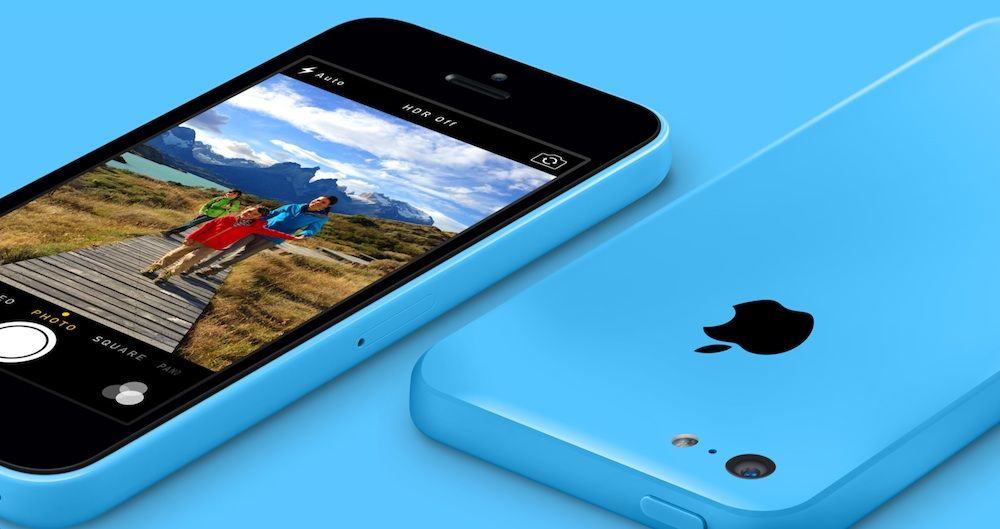
Nothing makes a better gift than an iPhone, but if money’s an issue this Christmas, consider going to T-Mobile. Just in time for the holidays, T-Mobile is dropping the upfront price of an iPhone 5s or iPhone 5c to just $0. You can afford that, right?
The U.S. Patent and Trademark Office has awarded Apple a patent, describing a means of manufacturing curved touchscreens.
The patent, which was filed back in November 2010, may lend credibility to the rumors that Apple is working on an iWatch with curved glass display to fit users’ wrists, as reported earlier this year.
During the Apple vs. Samsung patent trial, Apple industrial designers revealed that the company had a “strong interest” in featuring a curved glass display for its iPhone as far back as the first generation model — although it abandoned the idea at the time for reasons of cost.
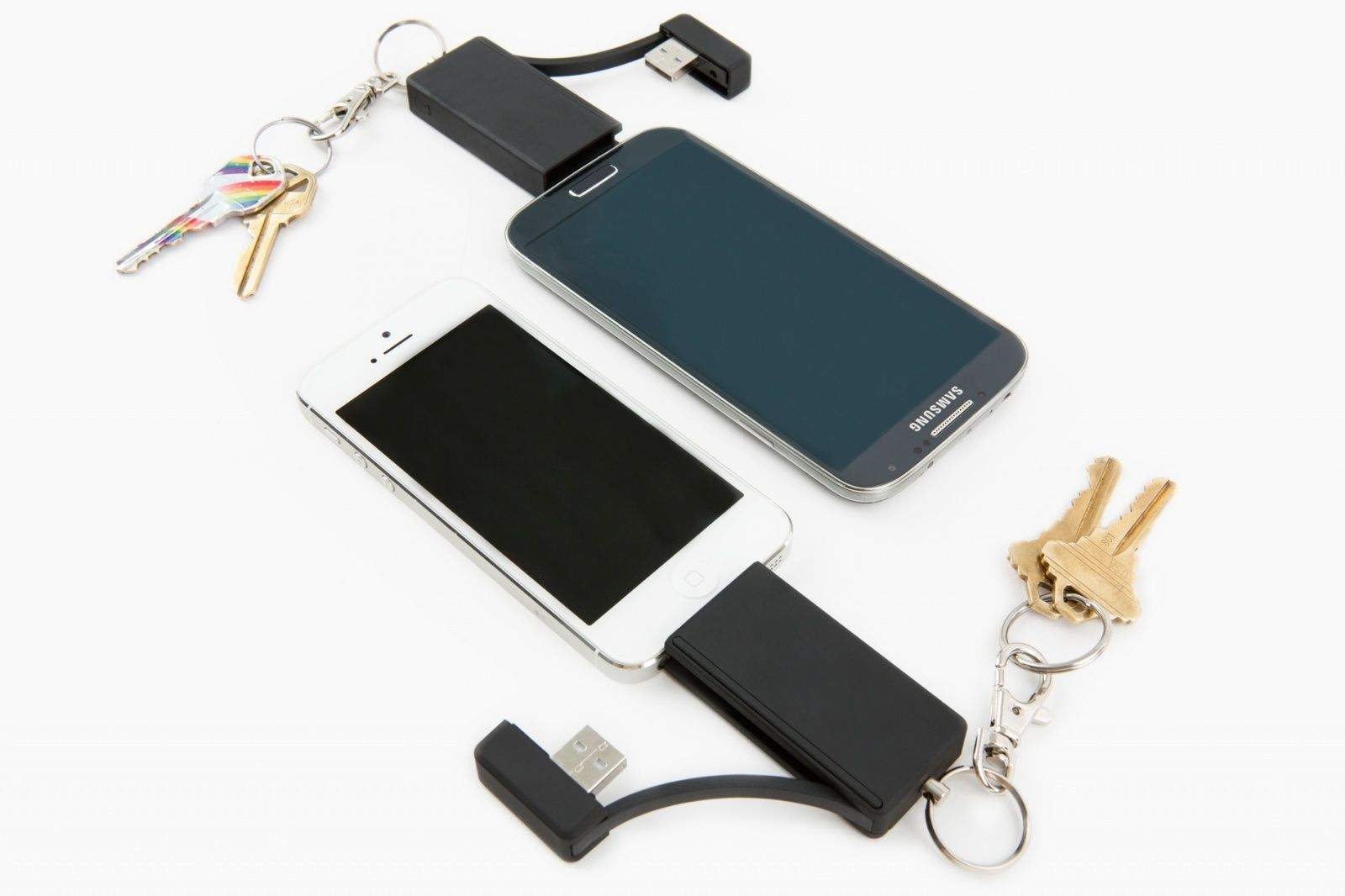
Here’s something you don’t see often: It’s an Android phone sporting a 30-pin connector. Blasphemy! Heretical! Nonsense. PhotoFast’s i-FlashDrive, which allows fast transfer of files between Android and iOS, is here to promote peace and understanding between all — even the heathenish Windows.
Pinning, posting or tweeting one’s way through a wilderness adventure always seemed a little antithetical to me; isn’t one of the reasons for going out into nature to get away from all this artificial electronic junk anyway? Yes, of course, I too am guilty of the odd flirt with Facebook from the bush — but I always feel so dirty afterward.
Yonder, a free app that creates a social circle for outdoor enthusiasts, won’t change how I feel about Tweeting from the trail — but at least it might push me closer to an equilibrium by turning the tables by inspiring me to get out there (boy, are those pictures gorgeous), and putting the outdoors in my social media instead of the other way around.
Automatic Link by Automatic Category: Auto Accessories Works With: iPhone & Android Price: $99.99
I’m a horrible driver. Each time a passenger gets behind the wheel with me they’re assaulted by a swirling barrage of sudden lane changes, quick breaking, faster acceleration and more near misses than I care to admit.
I’ve been driving since I was 13 which means I’ve probably picked up a slew of bad driving habits, but a new iPhone accessory, the Automatic Link, promises to help drivers make small changes to their driving habits by providing real-time feedback that can help you increase your fuel efficiency and make you a better driver. Bad habits die hard, so I put the Automatic Link to the test for 3-months to see if it would help improve my driving skills, here’s what I found: