Capture sweet gameplays, top tips, and more. Image: Killian Bell/Cult of Mac
We want to help you master Control Center, one of the most powerful and underutilized features on Apple devices. Cult of Mac’sControl Center Pro Tips series will show you how to make the most of this useful toolbox on iPhone, iPad, Apple Watch and Mac.
Want to capture what’s happening on the screen of your iPhone or iPad. Apple’s built-in screen recording feature makes that incredibly easy, and you can activate it with just one tap inside Control Center.
The quick and easy way to change connections. Image: Killian Bell/Cult of Mac
We want to help you master Control Center, one of the most powerful and underutilized features on Apple devices. Cult of Mac’sControl Center Pro Tips series will show you how to make the most of this useful toolbox on iPhone, iPad, Apple Watch and Mac.
There’s no need to mess around inside System Preferences or the Settings app when you want to change Wi-Fi networks. Open Control Center on your Apple device and make the switch in a snap.
We’ll show you how on iPhone, iPad, Apple Watch, and Mac.
With a little bit of tweaking, Control Center can be a lot more useful. Image: Killian Bell/Cult of Mac
We want to help you master Control Center, one of the most powerful and underutilized features on Apple devices. Cult of Mac’sControl Center Pro Tips series will show you how to make the most of this useful toolbox on iPhone, iPad, Apple Watch and Mac.
On iPhone, iPad, Apple Watch and Mac, the Control Center puts vital tools at your fingertips. And while most people probably are familiar with some preset options, like Airplane Mode and Do Not Disturb, a world of customization awaits anyone willing to spend a few minutes digging deeper into this underutilized tool set.
All week long, we’ll show you how to get the most out of Control Center — and thus squeeze even more sweet utility out of your Apple devices. With this series of quick and simple Control Center tips, we’ll show you how to add useful buttons that make common tasks easier than ever.
No bigger than a USB flash drive, this high-speed portable SSD works with all your Apple gear thanks to its USB-C, Lightning and USB-A connectors. It weighs just 17 grams, making it the ultimate data storage device for travelers, digital nomads or anyone else who needs massive backup in a tiny size. Find out more about Rapid SSD.
You don't even need the newest Apple TV (but you do need an iPhone with Face ID). Image: Apple
Apple just added a brand-new feature to Apple TV that works with your iPhone to color calibrate your TV. It’s really simple to use and the results can be terrific. What’s more, you don’t need the newest Apple TV.
The new Color Balance tool is available on Apple TV models released in 2015 or later. Here’s how to use it.
Find out how much your old iPhone is really worth. Photo: Killian Bell/Cult of Mac
iPhone 12 and 12 mini is now available to preorder in purple for the first time. If the new color option has encouraged you to upgrade, it’s time to turn your old model into fast upgrade cash.
Sell your old iPhone (and other Apple devices) to Cult of Mac today and we’ll send you a fat stack of cash to make your upgrade more affordable.
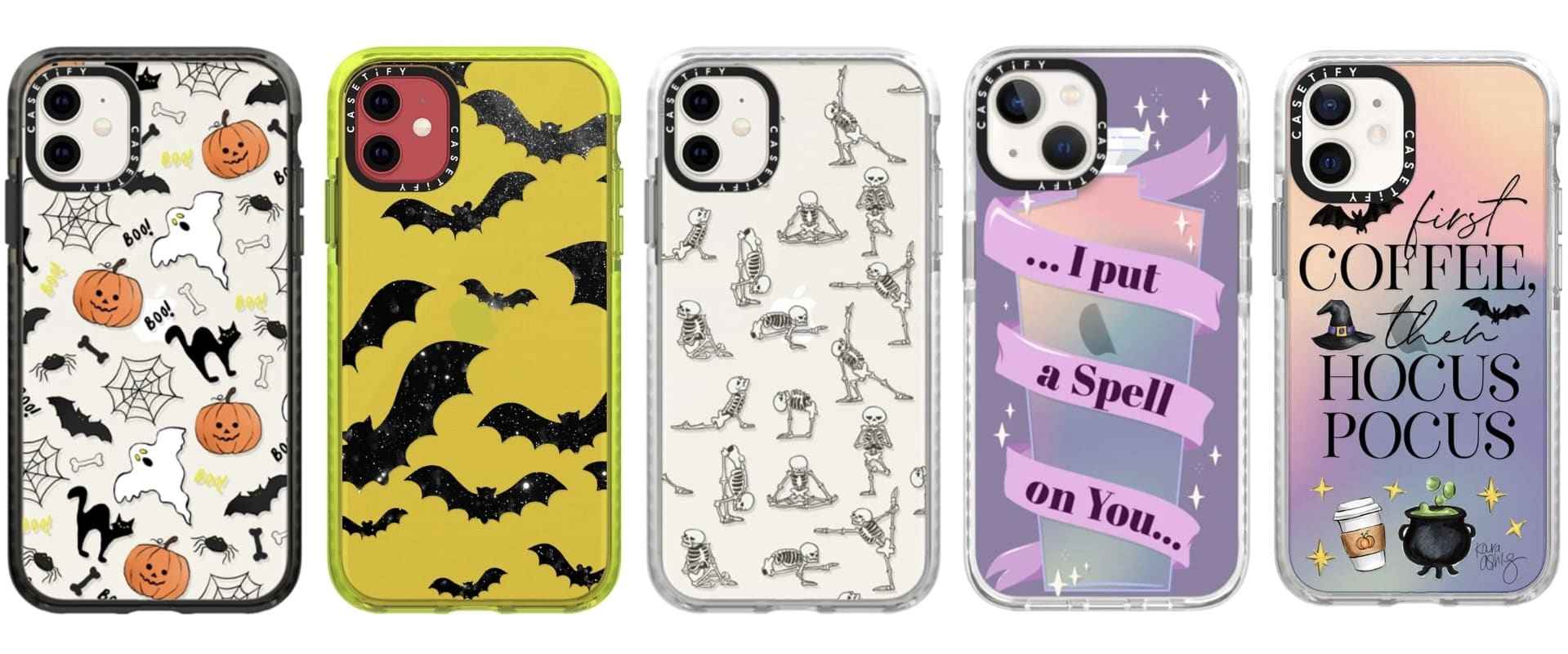
Transparent iPhone cases don’t have to be boring. Limited77’s awesome range, new to the Cult of Mac Store, features unique designs that help your iPhone stand out from the pack.
They’re also slim but ultra-protective, and available at up to 22% off the usual price for a limited time. Bag yours before the discounts disappear.
iPad and iPhone users will soon begin testing Xbox Cloud Gaming, allowing them to play 100+ console-quality games. Photo: Microsoft
Lucky beta testers will get first access to Xbox Cloud Gaming this week. This allows subscribers to play 100+ console-quality games on an iPad or iPhone.
Miss power chargers from your iPhone box? The environment doesn't. Photo: Marco Verch/Flickr CC
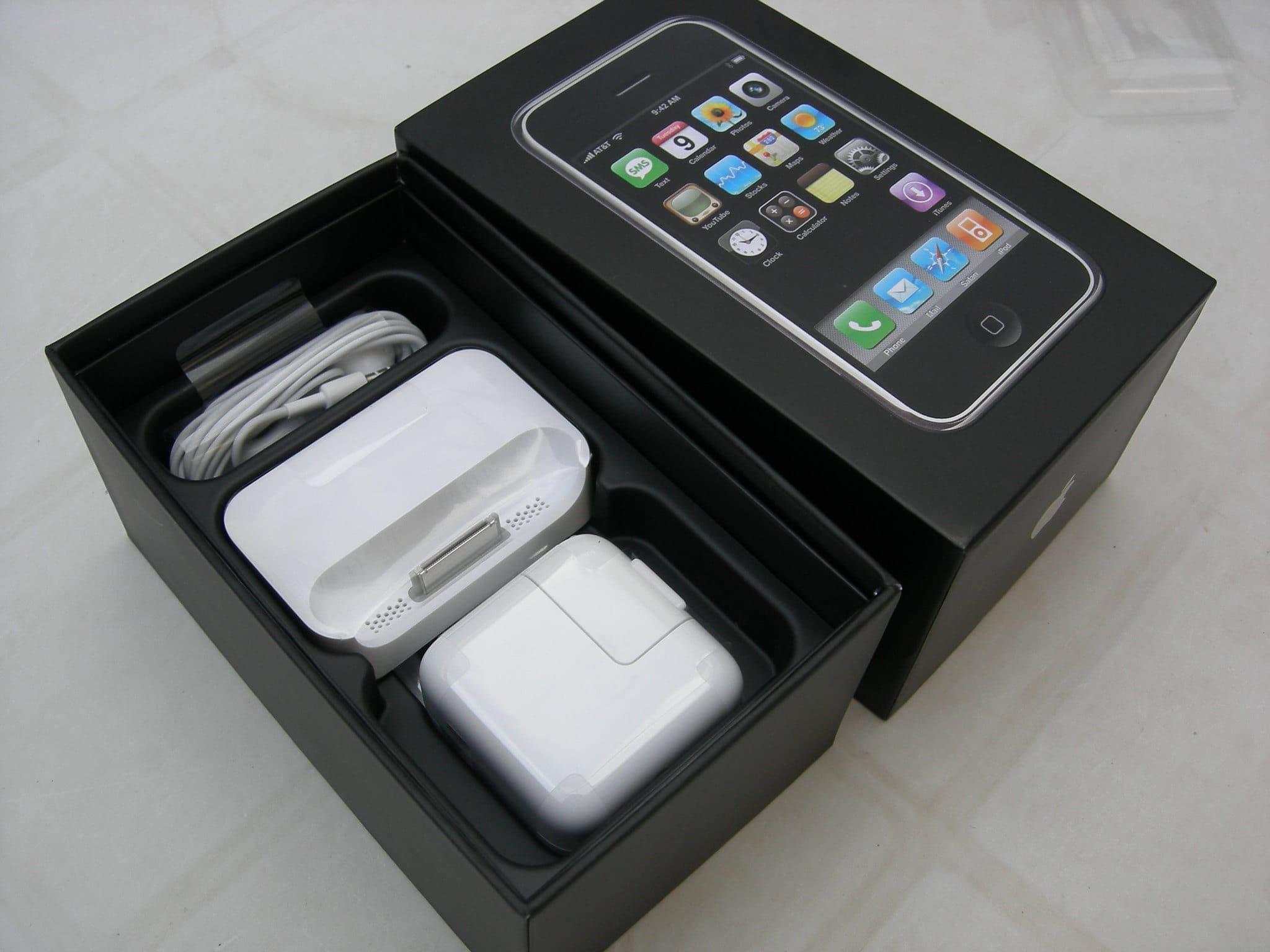
Apple has saved 861,000 metric tons of copper, tin, and zinc ore by removing power adapters from iPhones, starting last year. That’s one of the tidbits from Apple’s factoid-studded Environmental Progress Report, released Friday.
It showcases how Apple is working toward its efforts of achieving net carbon neutrality across its whole supply chain by 2030. As Apple notes, that includes “How [an Apple product is] designed, how it’s made, how it’s shipped, how it’s used, [and] how it’s recycled.”
Say "Hey Google, find my phone." Image: Google/Cult of Mac
Google just added the ability to locate lost iPhones using the Google Assistant. It’s a super-handy feature for those who own a Google smart speaker or display, and it’s very easy to set up. We’ll show you how.
The notch was introduced in 2017 with the iPhone X. Artists concept: Cult of Mac
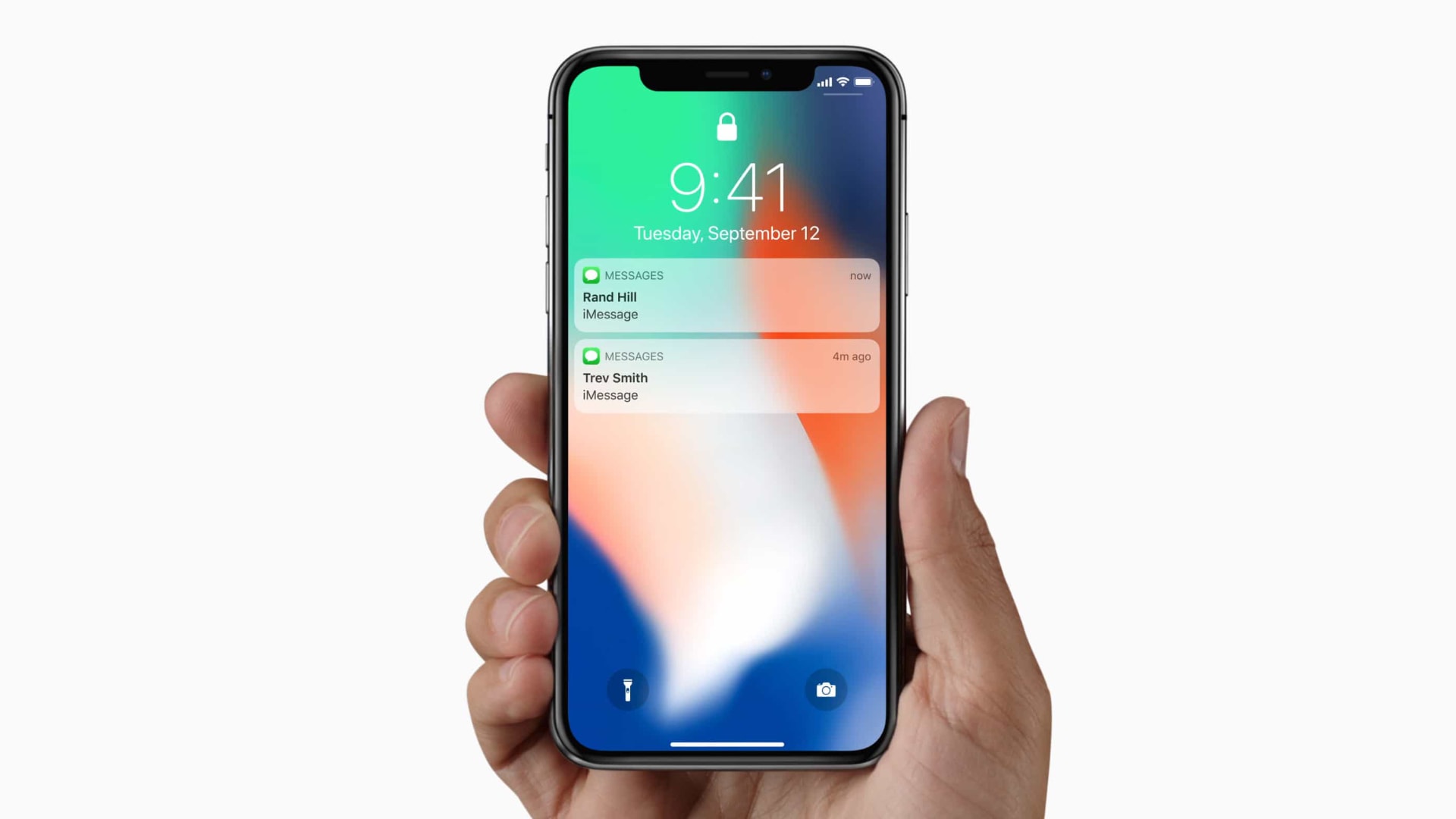
This year’s iPhone notch looks set to get a bit smaller, with the latest evidence for this being an image posted to Twitter by user DuanRui, who frequently posts material shared on Chinese social media.
While not guaranteed to be genuine, the image does depict an iPhone display with slimmer — in width, not height — notch. Apple introduced the distinctive iPhone notch in 2017 with the iPhone X’s edge-to-edge display. It contains the Face ID sensing tech, front camera, and speaker.
Ready for the next iteration of Face ID? Photo: Apple
Apple will debut an under-display Face ID setup to debut in 2023, TF International Securities analyst Ming-Chi Kuo claims in a Wednesday report to clients, seen by Cult of Mac.
Kuo doesn’t elaborate on the feature but, provided he’s accurate, this could potentially mean the end of the “notch” which has been a part of the iPhone design dating back to 2017’s iPhone X.
iPhone 12 mini was a great phone. Trouble is that it didn't sell. Photo: Lyle Kahney/Cult of Mac
The iPhone mini looks unlikely to last longer than one more generation, based on a Wednesday report from a reliable Apple tipster.
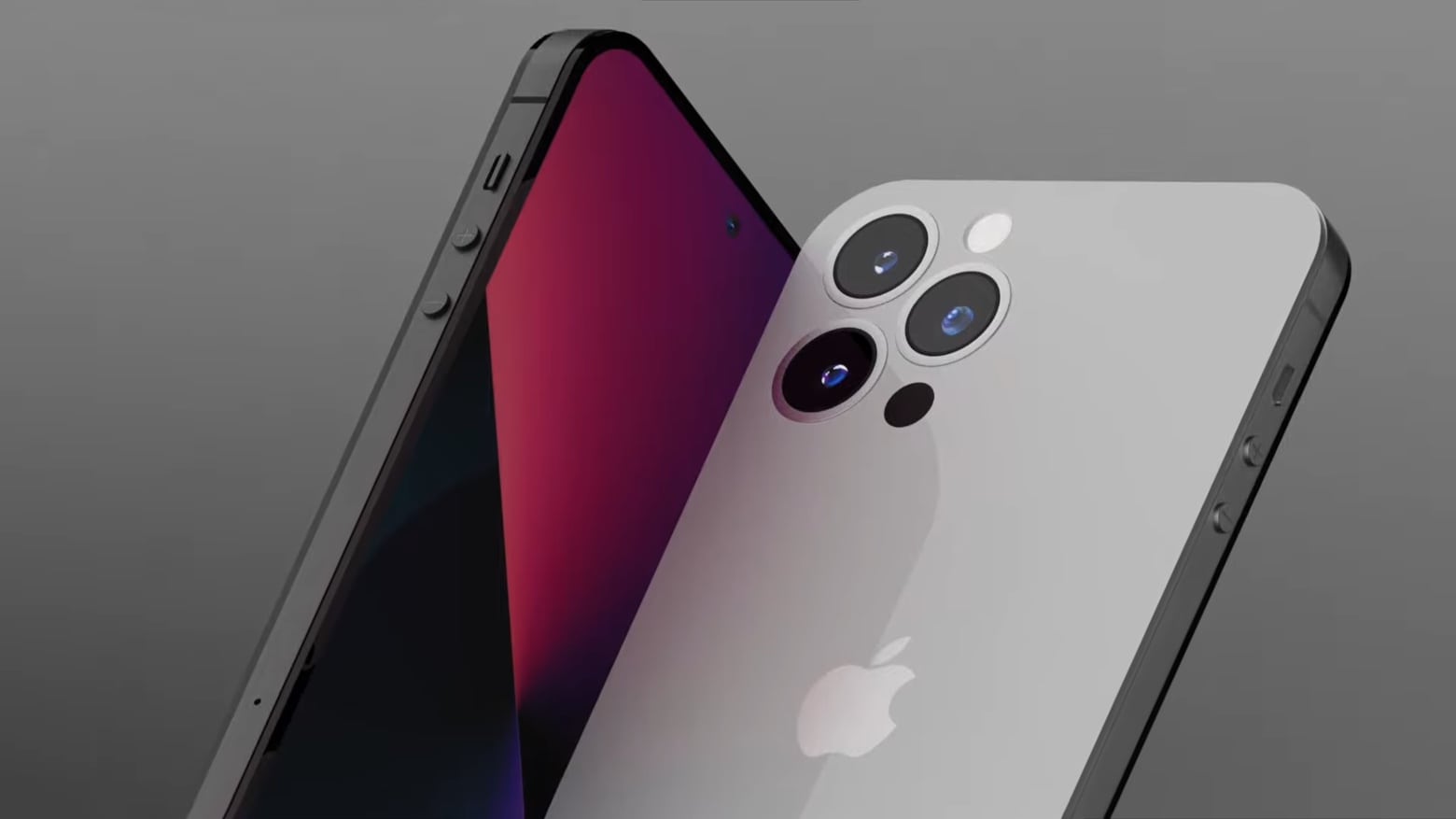
Looking forward to the 2022 iPhone, TFI International Securities analyst Ming-Chi Kuo suggests Apple will continue its recent pattern of releasing four models. However, these will include higher-end 6.7-inch and 6.1-inch iPhones like the current Pro lineup, and lower-end models in the same sizes.
The 5.4-inch iPhone mini sounds like it’ll be nowhere to be found.
These are some of the finest leather cases to ever cradle an iPhone. Photo: Mujjo
This week, Cult of Mac is giving away two snazzy iPhone 12 cases from our friends at Mujjo. You get a chance to win either a leather wallet case or a slim profile case in your choice of color.
Mujjo’s leather cases are among the best iPhone cases we’ve reviewed here at Cult of Mac.
If your iPhone needs a spring makeover, be sure to enter this giveaway.
120Hz refresh rate could be on its way to this year's iPhone refresh. Artists concept: Cult of Mac
Apple’s ProMotion technology, which delivers buttery-smooth scrolling and motion content on some iPads, may come to the iPhone this year.
According to a report from Digitimes, the next-gen iPhone will adopt LTPO (low-temperature polycrystalline oxide) backplane technology that could enable 120Hz screen refresh rates. The current iPhones have a refresh rate of just 60Hz.
Initiate a shutdown from within iOS. Image: Killian Bell/Cult of Mac
Broken one of the physical buttons on your iPhone or iPad? That won’t prevent you from shutting it down completely. This simple trick allows you to turn off your iPhone or iPad from within iOS in just a few steps.
Many teens weren't even born when the first iPhone debuted. Photo: Apple
A massive 88% of U.S. teenagers own an iPhone, and 90% expect their next phone to be an iPhone, a new Piper Sandler survey of more than 7,000 teens suggests.
It’s an impressive showcase of just how popular Apple is among young people — especially so considering that this is a relatively fickle demographic that frequently shies away from things their parents are into. The oldest teen today was only 5 when the first-gen iPhone debuted in 2007. The youngest weren’t even born yet.
No third-party apps required. Image: Apple/Cult of Mac
You’ve probably noticed that your iPhone stops playing music as soon as you switch to Video mode inside its Camera app, which prevents you from easily adding a soundtrack to your recordings. But there is a simple trick that lets you shoot video while your music continues to play.
The trick works in all versions of iOS 14 (including the latest iOS 14.5 betas) and requires no third-party apps. We’ll show you how to use it.
Apple isn’t the only company combining iPhone with magnets to do magical things. Xvida was offering snap-on charging pads and other accessories long before MagSafe came along. And now its entire ecosystem is compatible with the iPhone 12 lineup.
Changing Siri's accent is easy. Photo: Cult of Mac
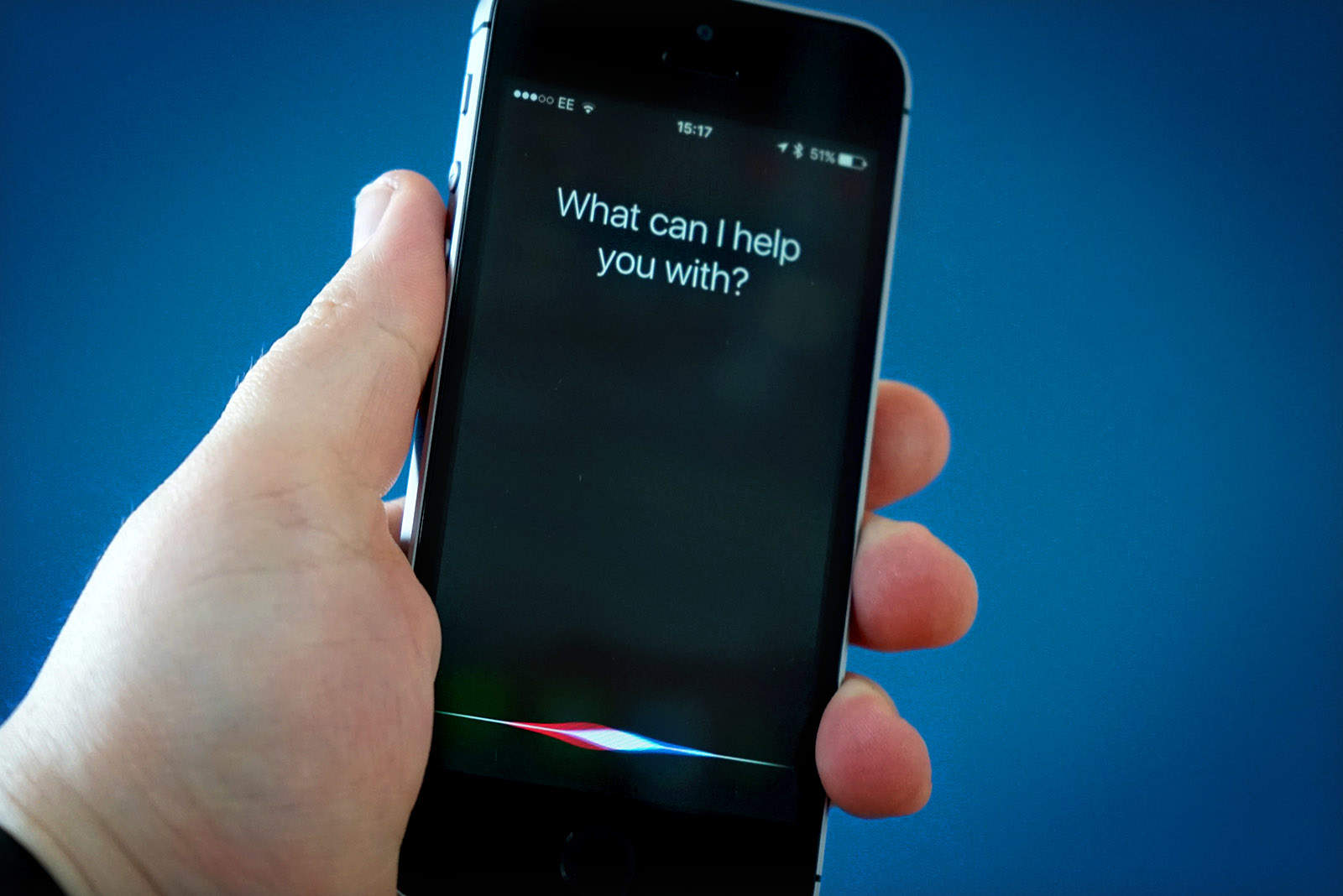
Most folks refer to Siri as “she,” but that’s not always true. The original British English Siri, for example, was male-only up until iOS 7.1 added a female version. And in the latest iOS 14.5 beta, a female Siri is not the default option.
No matter what, you don’t have to stick with your local version of Apple’s comically bad voice assistant. U.S. English speakers, for example, can currently choose from American, Australian, British, Indian, Irish and South African accents for Siri, and also pick male or female versions — with more voices coming soon.
So, if you’re a U.S. native who views the U.K. Standard English accent as quaint, cute, respectful, sexy or reproachful, it’s easy to set your iPhone or iPad to sound like a Brit or whatever you want. And your choice of Siri accent will follow you on all Apple devices logged into with your Apple ID. (In addition to iPhone and iPad, Siri works with just about everything now: Mac, AirPods, iPod, Apple Watch, CarPlay, HomePod and Apple TV.)
What if you could interact with your Apple Watch by blowing on it? Photo: Apple/Cult of Mac
Your hands are full and you need to look something up on your Apple Watch. Engineers at Apple dreamed up a system that would allow you to control the wearable by blowing on it. A newly filed patent application also imagines a breath-controlled iPhone.
So far, there’s no sign this is an April Fools’ Day joke. But it’s possible.
Happy birthday, Apple! The company turns 45 today. Photo: Killian Bell/Cult of Mac
Today marks 45 years since a little outfit called the Apple Computer Company was founded by Steve Jobs, Steve Wozniak and Ronald Wayne. Apple set out to build and sell personal computers. Since then, it’s risen from a hobbyist startup to a tech giant valued at more than $2 trillion.
In the last four and a half decades, Apple changed the tech world in all kinds of ways — some big, some small. Here, in no particular order, are 45 of the most notable ways Apple put a ding in the universe.
Bag brilliant iPhone cases from as little as $14.99. Photo: SwitchEasy
Keep your shiny new iPhone 12 protected and in pristine condition with some high-quality cases from SwitchEasy. They’re brilliantly designed and well-built. And when you buy one from the Cult of Mac Store right now, you’ll get another absolutely free.
This deal ends Friday, April 2, so enjoy it while you can!
Back in my misspent youth I pumped no shortage of spare (and non-spare) change into arcade machines to play Mortal Kombat II. Jump forward more than a quarter-century and MK fans eager to empty their pockets faster than that can shell out for a new custom iPhone 12 Pro model.
Made by the company Caviar, the handset features an image of the Kunai harpoon weapon belonging to everyone’s favorite undead yellow-clad ninja Scorpion. It’s also emblazoned with the immortal words “Get over here!”
And all it will cost you is somewhere north of $6,140.
What better way to protect your pricey iPhone than to wrap it in high-quality leather? Limited77’s gorgeous Ultra Leather case is made from a soft and specially tanned European hide, complete with a microfiber lining, that keeps your beloved smartphone looking brand-new.
And you can get yours right now at 29% off the usual price.