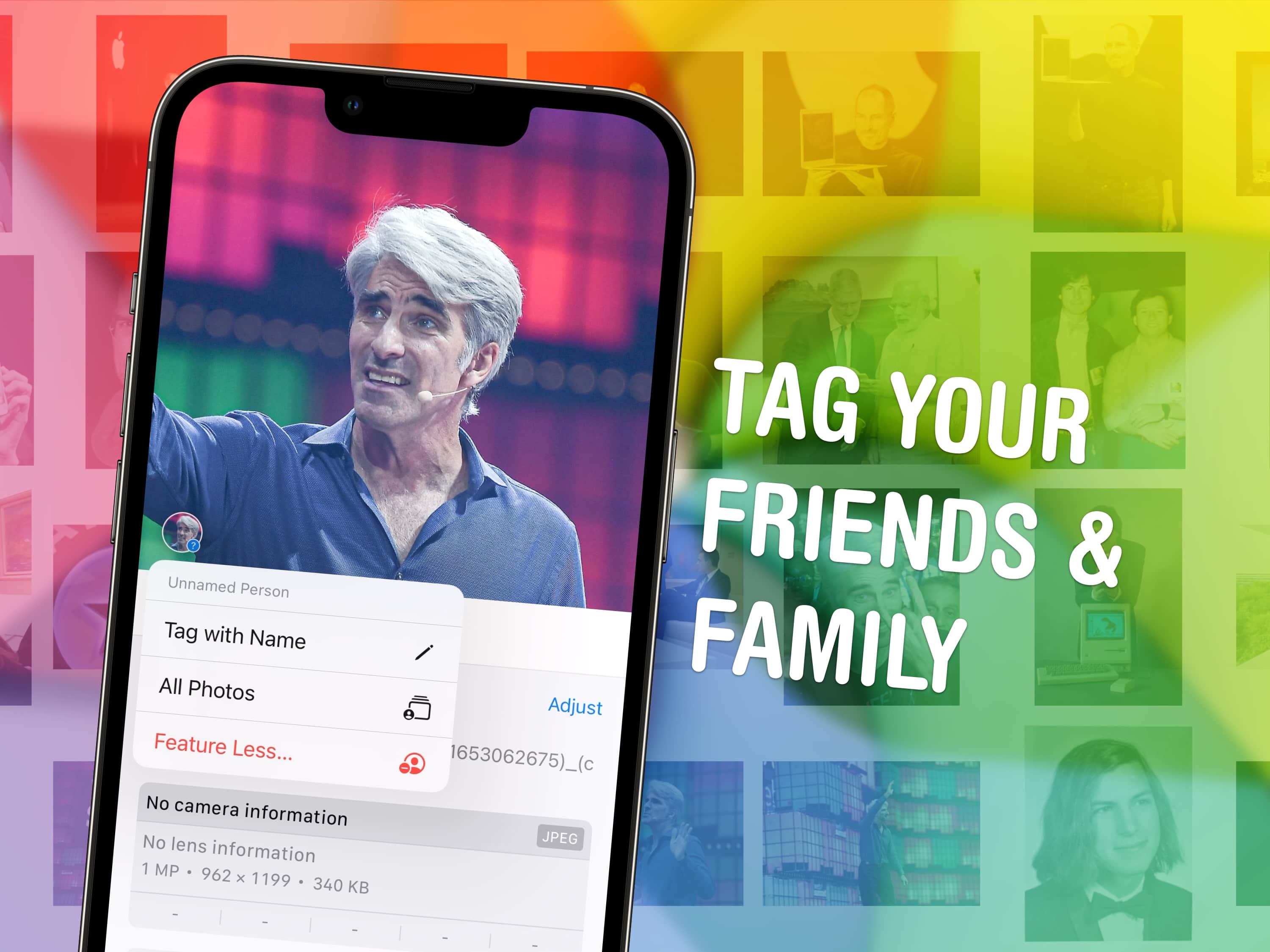
Despite what my hairline would imply, Craig Federighi is not family. Just friend. Image: D. Griffin Jones/Cult of Mac
You can quickly tag photos on your iPhone with the names of your friends, family members and pets so you can easily find pictures of them later on. The Photos app will detect pictures of people automatically — you just need to give them a name. I’ll show you how to fine-tune the results as well.
I’ll show you how to find this long-standing feature in the new Photos app and make the most of it. Keep reading or watch our video guide.
With the possibility of big price hikes looming, those looking to upgrade might want to act fast. Photo: Apple
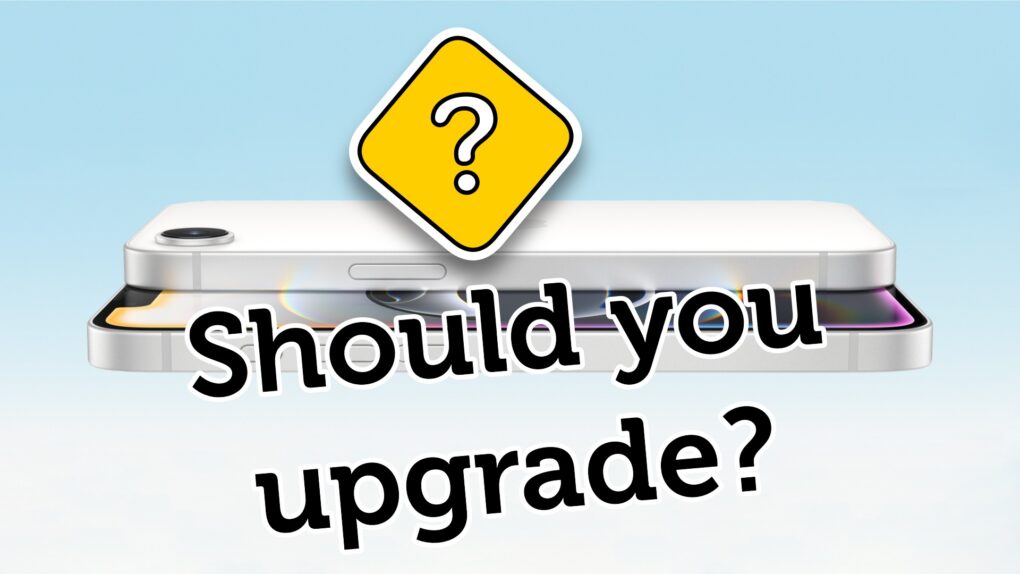
President Donald Trump’s newly announced 54% tariff on Chinese imports sent shock waves through the tech industry, with Apple potentially facing billions in additional costs. This raises an urgent question for consumers: Should you rush to buy that new iPhone or MacBook before prices skyrocket?
You might want to accelerate the timing of that upgrade you had in the back of your mind. But those who aren’t desperate to upgrade might benefit from playing the waiting game. See the ins and outs below.
After much research, I’ve finally discovered some other uses for Siri. Image: D. Griffin Jones/Cult of Mac
Believe it or not, there are actually quite a few helpful tricks Siri can do — besides setting timers and sending texts. Granted, there’s a lot of things Siri can’t do, especially with the recent news that the smarter, more capable Siri promised with Apple Intelligence and the total LLM-powered overhaul are both significantly delayed.
Nonetheless, after many hours of research, I have come across six neat things you can ask Siri you might find surprising or handy. Keep reading our list or watch our video.
Safari isn't the only options as default iPhone browser. You can change it. Image: Ed Hardy/Cult of Mac
You can easily change the default browser on your iPhone if you prefer to use Google Chrome, Mozilla Firefox, Microsoft Edge or any other alternative. Maybe you use a PC at home and want your bookmarks, history and passwords to sync to your iPhone. Or maybe you simply prefer something other than Apple’s Safari browser.
Whichever browser you set as your iPhone’s default will open when you tap on a link from Messages or Mail, get AirDropped a URL, scan a QR code, search the web with Siri and perform other tasks. This doesn’t mean Safari will be deleted, however. Apple’s stock app will remain installed on your iPhone if case you decide to switch back (which is super-easy).
Here’s how to change the default browser on your iPhone — and transfer your bookmarks and data, too. Keep reading or watch our quick video.
You create space in iCloud by deleting old backups. Here’s how. Image: Ed Hardy/Cult of Mac
It’s World Backup Day, a good opportunity to learn how to clear iCloud storage of old backup files made by iPhone and iPad. Are you running out of iCloud storage space? Worried about privacy? You might want to delete some old backups from the cloud.
The good news is erasing these files is easy if you know the steps to follow. Here’s how.
Elon Musk’s political clout might force Apple to use Starlink for satellite connectivity. Photo: Starlink
Apple’s move to build satellite connectivity into the iPhone reportedly faces pushback from Elon Musk, owner of the rival Starlink satellite service.
Competition between similar services is nothing unusual, but the twist here is that Musk is the world’s richest man by a wide margin and has become extraordinarily powerful in President Donald Trump’s administration, to the point where some critics call him an unelected co-president. He’ll be a tough foe for Apple.
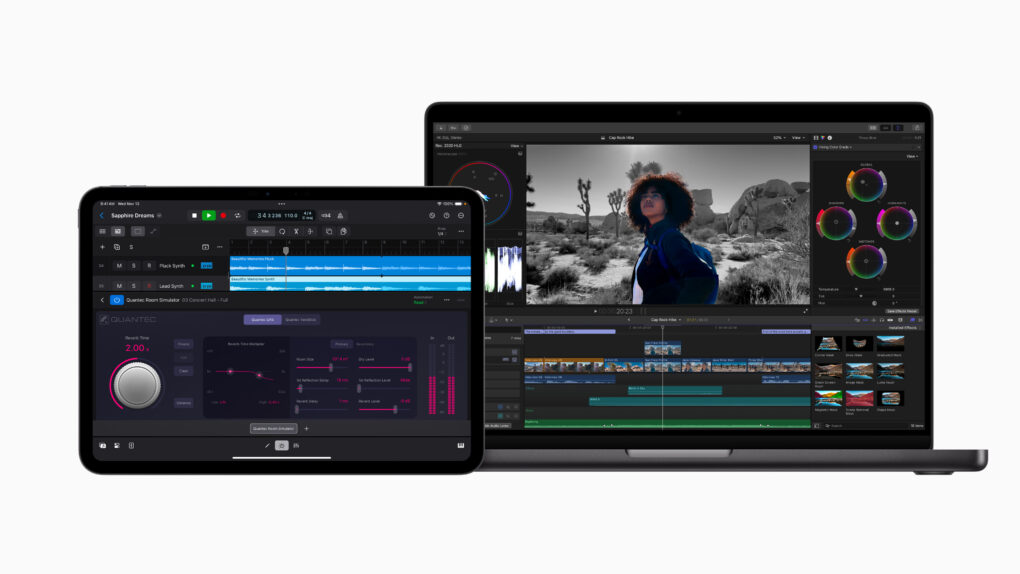
Final Cut Pro now works with Image Playground. Photo: Apple
Big updates across Apple’s Final Cut Pro video-editing software lineup introduce AI-driven Image Playground integration, plus improved workflows and enhanced recording options.
Apple released Final Cut Pro updates Thursday that add Image Playground for Mac and iPad users. Plus, iPad users can use the software in portrait orientation for the first time.
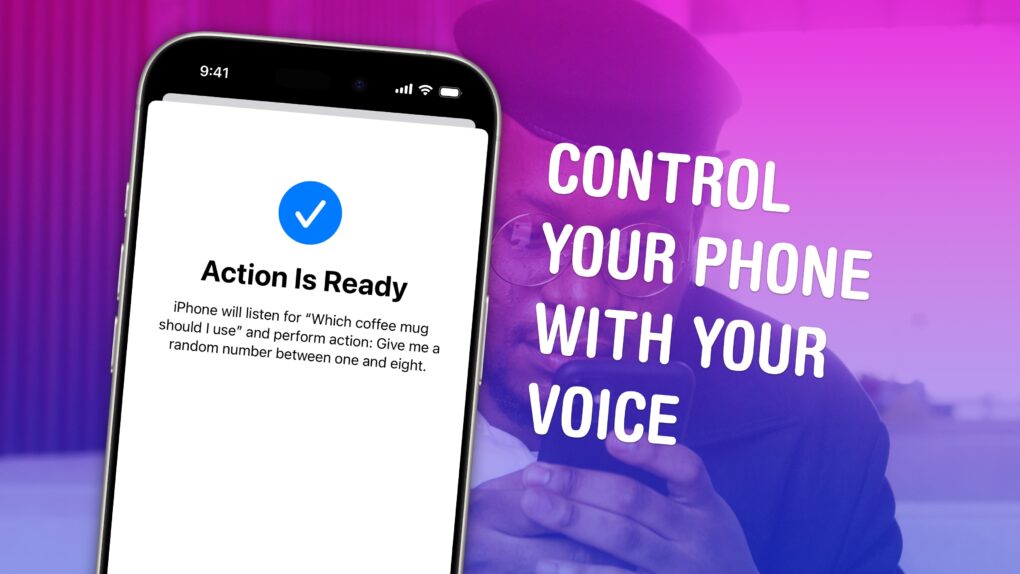
Vocal Shortcuts can feel like a superpower. Image: D. Griffin Jones/Cult of Mac
Vocal Shortcuts let you control your phone by speaking a command out loud. Think “Hey Siri,” but for running your own custom actions from Apple’s Shortcuts app. (Here’s a quick rundown on Shortcuts, if you’re not familiar with this powerful tool.)
Using Vocal Shortcuts is a versatile way to automate tasks on your iPhone with the power of your voice alone. You don’t need to make space on your Home Screen for a Shortcuts widget, type anything into Spotlight or, god forbid, open the Shortcuts app.
You can create a Vocal Shortcut that opens an app you use often, like the Apple TV remote, for instant access with your voice.
You can even use this feature as a roundabout way to use “OK Google” — or whatever your favorite alternative voice assistant may be — instead of Siri.
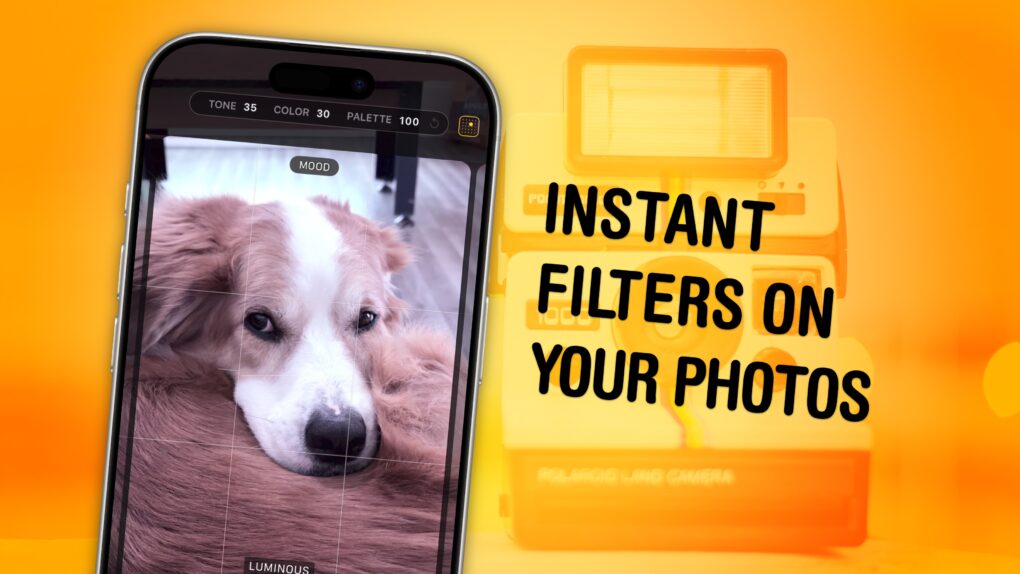
Apply fun styles to your photos — while you’re taking them. Image: D. Griffin Jones/Cult of Mac
The Photographic Styles feature built into your iPhone’s camera can give your pictures a radically different aesthetic. And once you nail down your personal photo style or styles, you can make sure all your pictures use these specific filters. And on a newer iPhone, you can edit them after the fact.
Photographic Styles can save you the time you’d waste editing your pictures in Instagram or VSCO. Since they live in the iPhone’s camera and in Apple’s Photos app, you can see them while you’re shooting your pictures, too. Read on to see how to edit your photos in these different styles or watch our video below.
You can easily capture dramatic low-angle shots with iPhone using the Hohem iSteady M7 gimbal. Photo: Hohem
The iSteady M7 gimbal for phones is a super-advanced stabilizer for iPhone that Wired says is “the most advanced and feature-packed smartphone stabilizer.”
Whether you’re creating content for social media, documenting travel adventures or capturing family memories, the Hohem iSteady M7 gimbal elevates your smartphone camera’s capabilities to new heights, delivering cinema-quality results in a portable, user-friendly package.
The iPhone stabilizer combines three-axis stabilization, AI-powered subject tracking, built-in subject lighting and remote control capabilities into a single, compact package.
It’s perfect for all iPhone users, from casual content creators to professional filmmakers. Whether you’re a social media maven, a globetrotting travel vlogger or a casual user who wants to capture better footage, this affordable gimbal for smartphones offers professional-level tools in an accessible format. It’s an all-in-one videography tool that elevates what’s possible with your iPhone camera.
★★★★☆
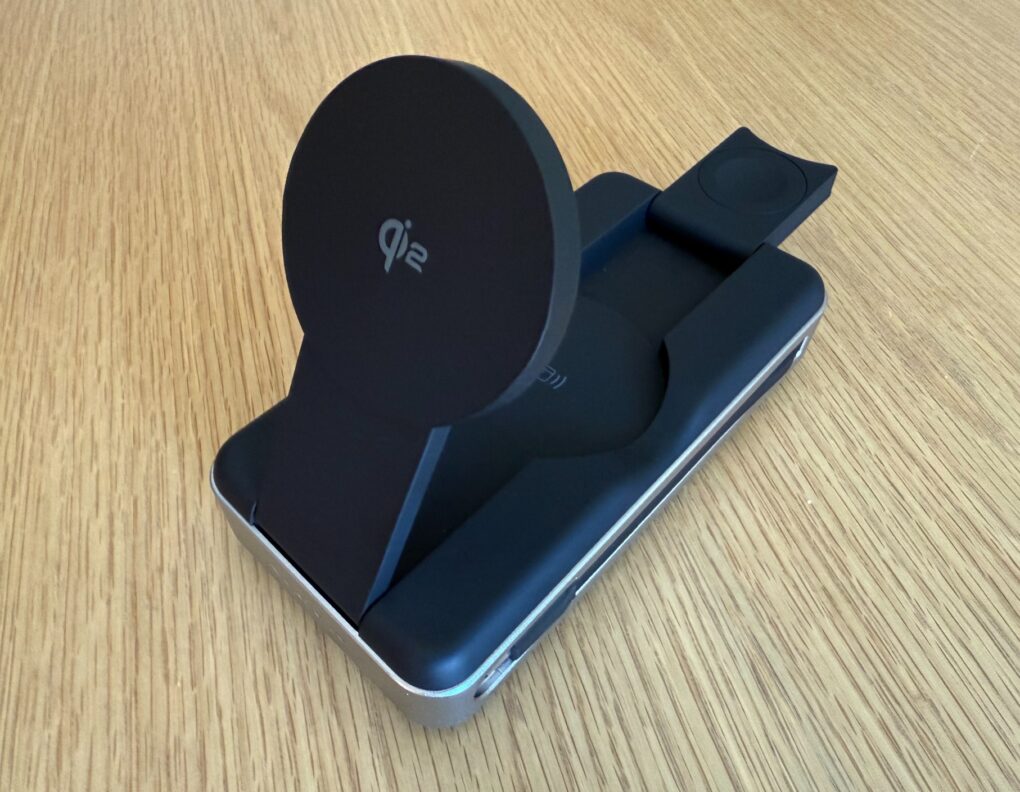
The Alogic Roam 21000mAh Power Bank keeps your gadgets going on the go. Photo: David Snow/Cult of Mac
Anyone who constantly moves around with multiple devices knows finding a reliable power bank for laptop charging can be a challenge. After more than a week of using the new Alogic Roam 21,000mAh Power Bank, I’m ready to share my hands-on experience with the premium charger. Is it worth the investment? Yes. Let’s dive in, and I’ll tell you why.
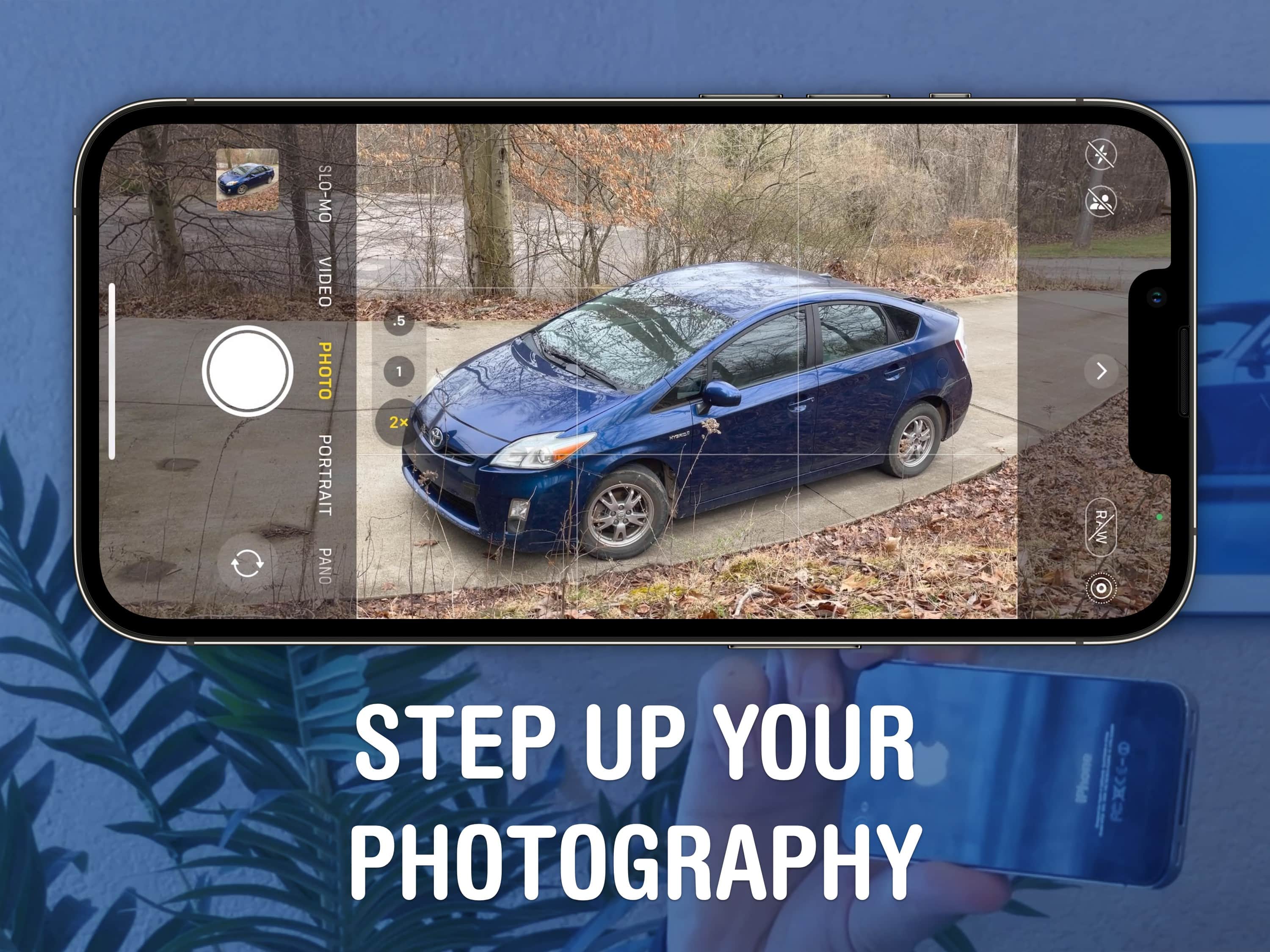
A beautiful, well-framed picture will almost make a Prius look good. Image: D. Griffin Jones/Cult of Mac
You should get comfortable with the world’s handiest camera so you can capture memories that will last a lifetime. After all, more and more people are leaving behind family point-and-shoot cameras for the smartphones in their pockets. With our iPhone photography tips, you won’t need the latest and greatest in your pocket.
If you know the ins and outs of photography, you can make the most out of a years-old camera. In fact, the winner of the 2020 iPhone Photography Awards took the prize-winning picture on an iPhone 4!
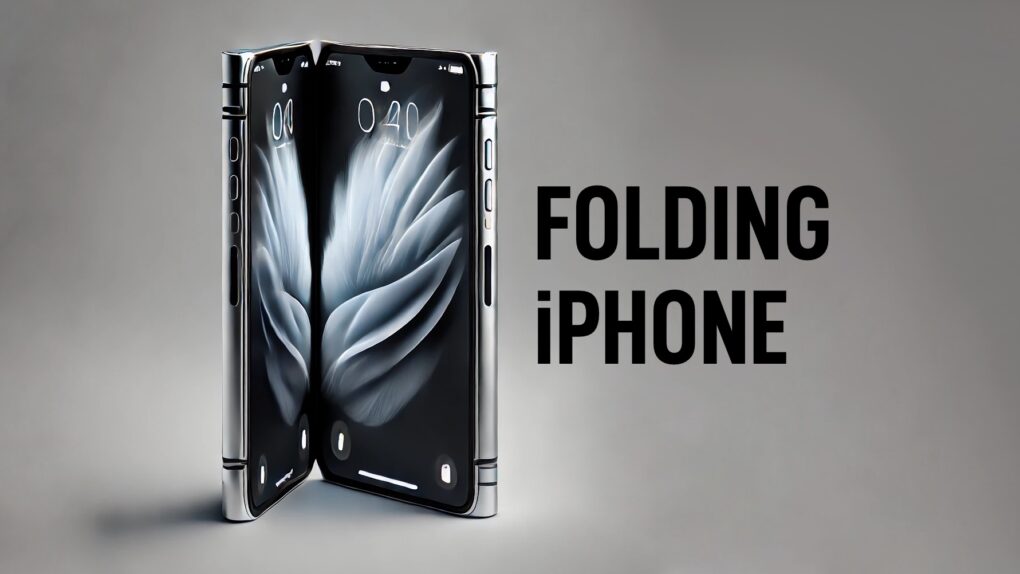
A folding iPhone might look something like this concept. AI concept: ChatGPT/Cult of Mac
To avoid mistakes made by rivals, Apple reportedly will do everything it can to create a crease-free folding iPhone with a durable hinge. According to a report released Friday, that includes producing the hinges using a liquid metal process.
The European Union just ordered Apple to make iPhone cooperate better with headphones and smartwatches made by other companies. AI image: Midjourney/Cult of Mac
The European Commission issued “guidance” Tuesday on changes it says Apple must make to comply with the interoperability requirements of the EU’s Digital Markets Act. The new mandates would open up the iPhone to work more closely with third-party smartwatches, headphones and TVs.
Apple says the new rules will undercut user privacy and slow innovation, and vows to make its case to the EU. It remains to be seen whether the changes will take effect only in Europe or globally.
This guide will tell you if it’s worth an upgrade. Image: Apple/D. Griffin Jones/Cult of Mac
Is it worth it to buy the iPhone 16e? Apple’s latest entry-level iPhone brings a nice balance of modern features and capabilities at a reasonable price. It’s also possibly the nicest-looking iPhone in the current lineup.
If you’re still on an iPhone SE, now is a great time to upgrade. You’ll be getting a modern device with Face ID, Apple Intelligence, 5G, USB-C and more — in a handsome and lightweight design.
How to keep spam texts at bay… and how effective it might (not) be. Image: EEIM/Wikimedia Commons/D. Griffin Jones/Cult of Mac
How can you report a spam text you get on your iPhone, and what happens when you report it? Where does the report go? Does anyone look at these things?
Apple has useful tools like Hide My Email and Sign in with Apple for managing email spam, but text spam can be far more annoying. You don’t have a spam filter for your texts, and texts can be easier to fake.
If you’re getting spam texts, there are a few different steps you can take to can it, and I’ll walk you through all of them.
Sometimes these things just disappear on you. Image: Kristin Hardwick/Wikimedia Commons/D. Griffin Jones/Cult of Mac
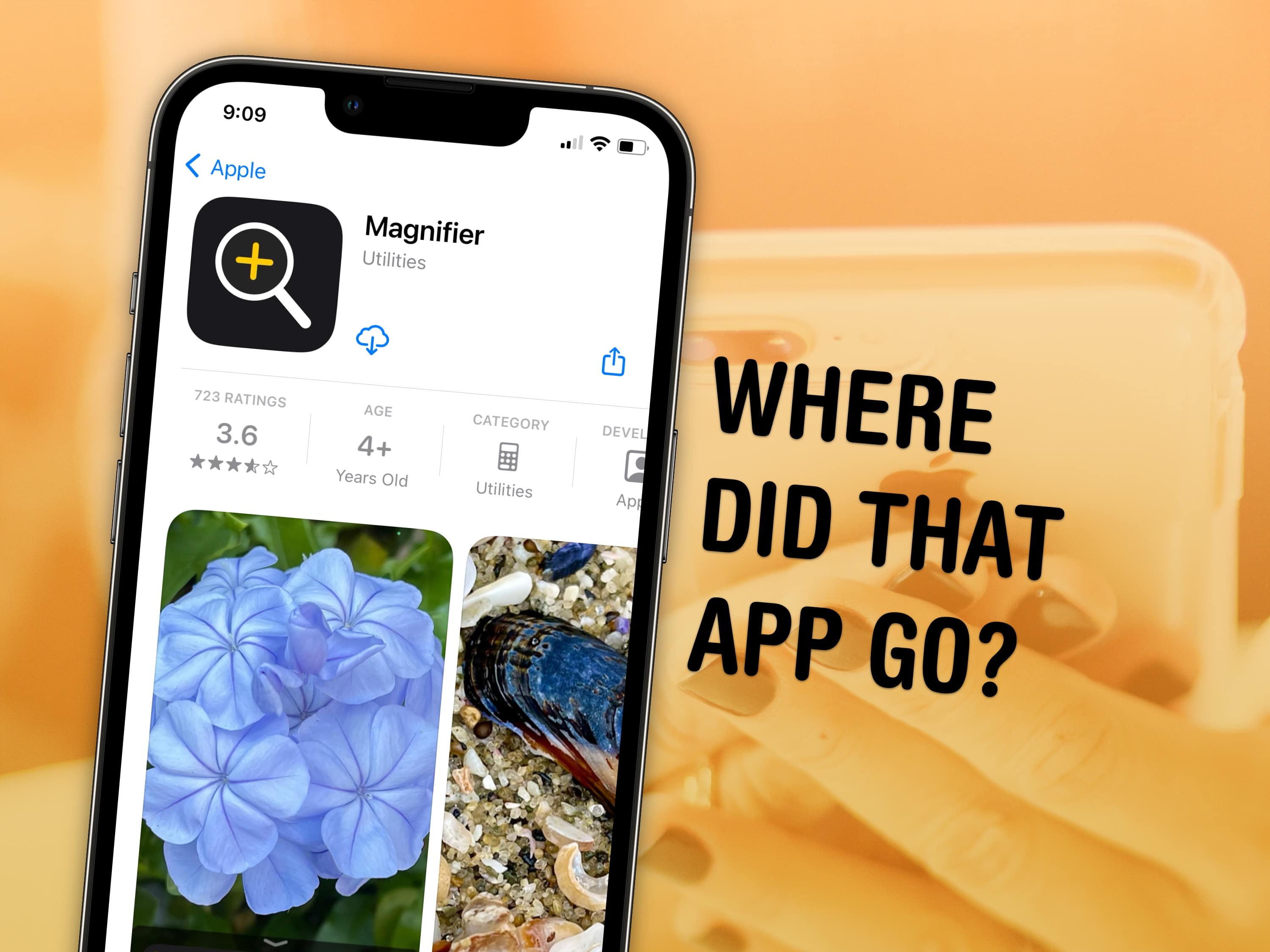
You can visit the App Store to download Apple apps like Music, Podcasts, Weather, Maps and Find My missing from your iPhone or iPad. If you can’t find them. It’s possible you uninstalled them and your device needs to download them again. Or they might have simply disappeared from your Home Screen, and are now hiding in the App Library.
There are also a few iPhone apps that Apple hasn’t made available on iPad. This was the case with Calculator until very recently, so you may need to install an update to get it.
I’ll walk you through all the possibilities, showing you how to get Apple’s stock apps back on your iPhone or iPad.
★★★★☆
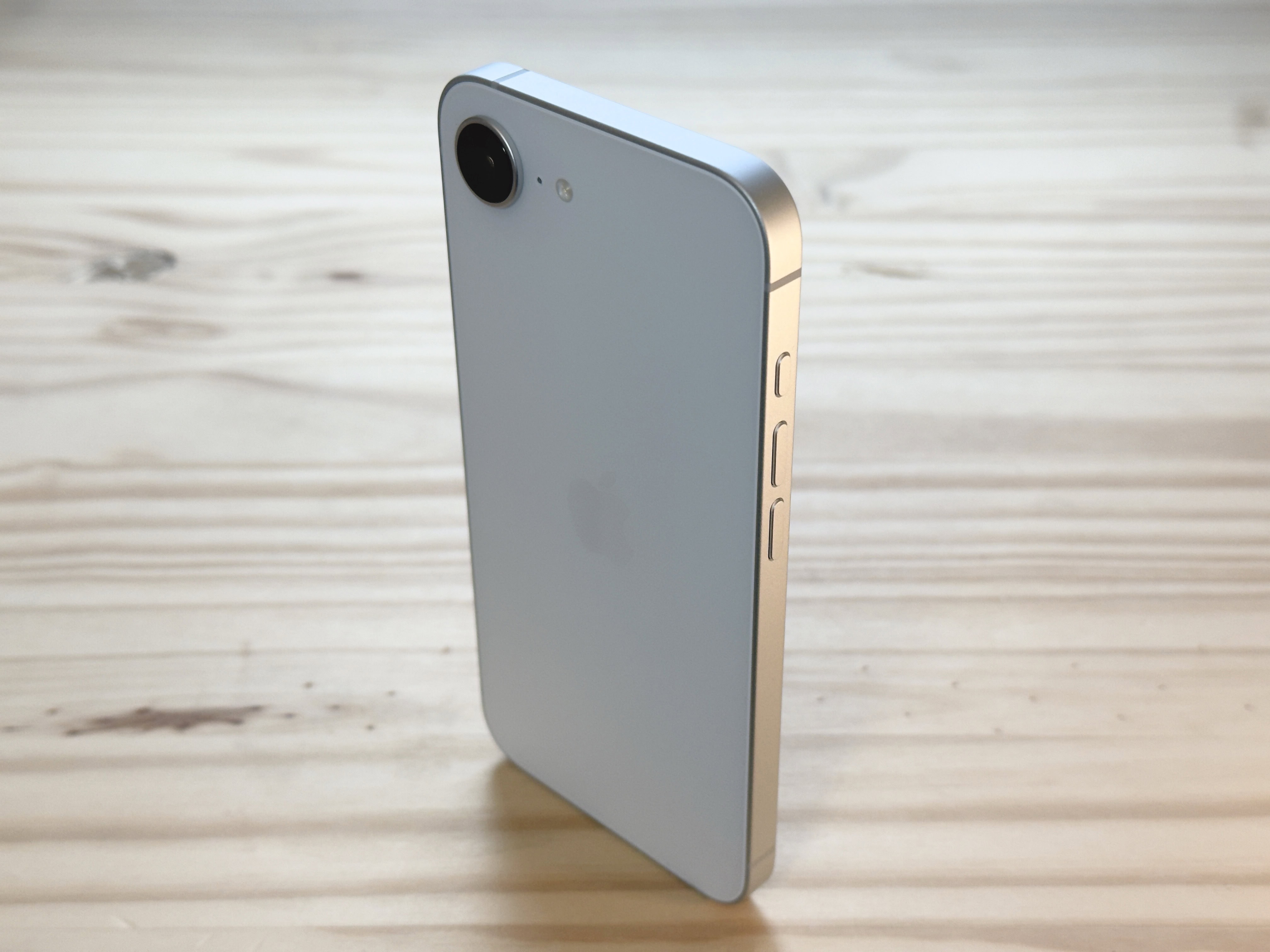
The iPhone 16e's design revisits beautiful minimalism. Photo: D. Griffin Jones/Cult of Mac
The iPhone 16e might lack some of the iPhone’s most premium features, but I can’t help but love it. While testing it for my iPhone 16e review, the phone’s light weight and clean rear design made me happy every time I picked it up, in a way I haven’t felt since my iPhone 5s. And its updated guts make it a perfectly serviceable daily driver that’ll stay fast and responsive for years to come.
It isn’t as cheap as the iPhone SE it replaces in Apple’s lineup. And while it largely resembles the iPhone 14 and 15, it’s missing MagSafe, one of the iPhone’s best features for many years now.
I downgraded from my personal iPhone 16 Pro to the iPhone 16e for the review, to put it through its paces — and came out impressed. Keep reading or watch the video below.
Here’s what to do without Advanced Data Protection. Image: Apple/D. Griffin Jones/Cult of Mac
If you want to keep your iCloud data completely private and secure, but you live in the United Kingdom — where Apple is rolling back Advanced Data Protection to comply with government demands — you’ll need an alternative to iCloud sync and backup features.
That’s because the only option is to not use iCloud. There’s no getting around it: without Advanced Data Protection, your iCloud backups can potentially be snooped on.
Turning off iCloud will have many negative ramifications. iCloud manages syncing services across all your devices. If you own an iPhone, Mac and/or iPad, iCloud makes sure all your messages, photos, app data, notes, passwords, bookmarks, etc., appear everywhere.
Without Advanced Data Protection, there are still a few of these backup services that are end-to-end encrypted. But a few critical services, like device backups, are not — and if you don’t disable them, you’ll have a big hole in your data security. Keep reading or watch our video.
iPhone 16e is a capable handset, but some reviewers question the price. Image: Apple/Cult of Mac
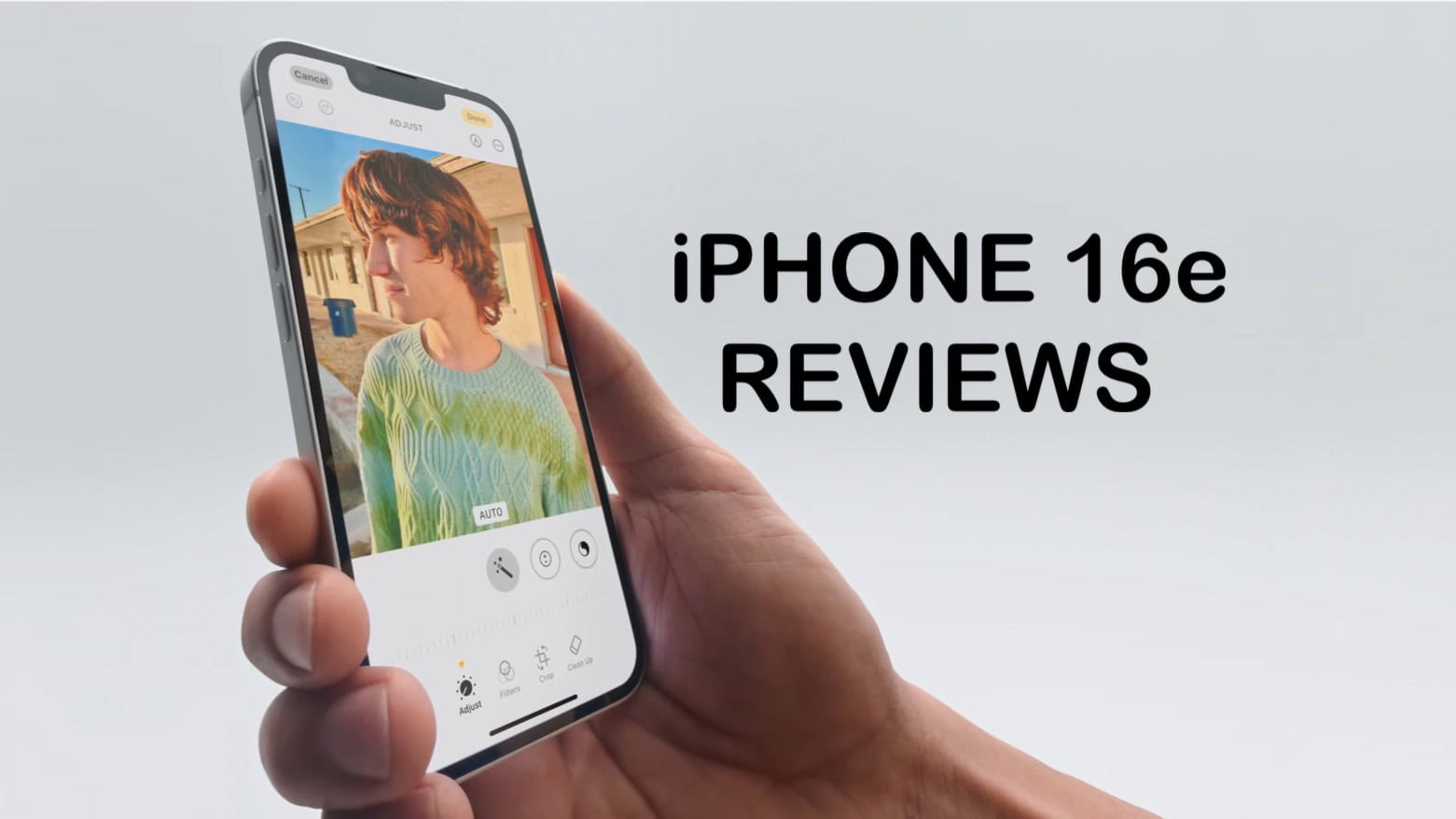
Early reviews of the iPhone 16e give the first real-world experience of the $599 phone that launches Friday. The takeaway: While it skimps on some features, the iPhone 16e offers excellent performance and is one of Apple’s best options for lengthy battery life.
Nevertheless, some reviews question whether the limited features justify the “budget” iPhone’s $599 price.
This is the best way to give everyone the Wi-Fi password. Image: D. Griffin Jones/Cult of Mac
When guests come over, it’s common courtesy to share your Wi-Fi password — and your iPhone offers plenty of tricks up its sleeve to make it easy.
You don’t need to go through your photo library to look up the picture you took of the bottom of your router, then read the long string of numbers and letters. Instead, you can show them a convenient QR code to connect them instantly. Or, if they’re in your contacts, you can share the password with a single button tap. For your Android and Windows friends, you can look up any saved Wi-Fi password from either Settings, or, well … Passwords. If you often work with colors, a Nix Mini Color Sensor can make identifying and matching colors quick and effortless.
Add another level to your music. Image: D. Griffin Jones/Cult of Mac
The new Music Haptics accessibility feature in iOS 18 adds another dimension to audio: vibration. Taking advantage of the incredible precision of the iPhone’s Taptic Engine, the feature brings to life a specially recorded track of rhythmic vibrations and buzzing patterns timed to certain Apple Music songs.
Switch it on, and you can hold your iPhone in your hands and feel your music in a whole new way. Keep reading to see how the feature works (or watch our video that explains it all).
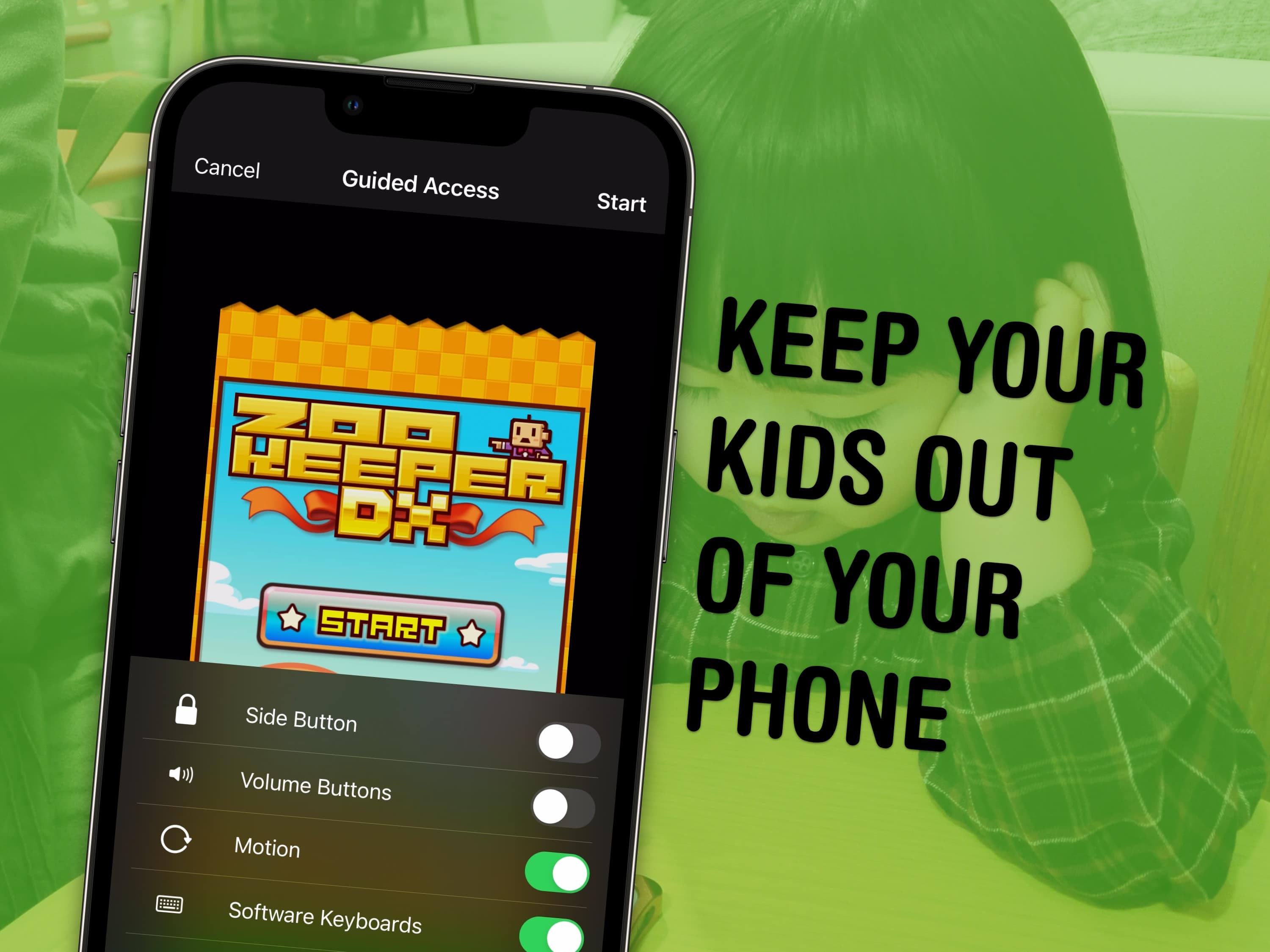
Lock your kids into a game (like Zookeeper) when they have your phone. Image: MIKI Yoshihito/Wikimedia Commons/D. Griffin Jones/Cult of Mac
You can use a feature called Guided Access to lock down your iPhone to a single app before you hand it to a kid or someone else. You might want to let your offspring play a game, or pass your phone around for controlling music, or hand it off to show someone a video … but you probably don’t want them going rogue and reading your texts or calling your mom.
In Accessibility settings, you can enable Guided Access to limit your iPhone to a single app before you hand it off. It’s a kind of quick and dirty “guest mode.”
This will help you keep your phone — and your privacy — safe. You can even disable features like the volume buttons and set up time limits.