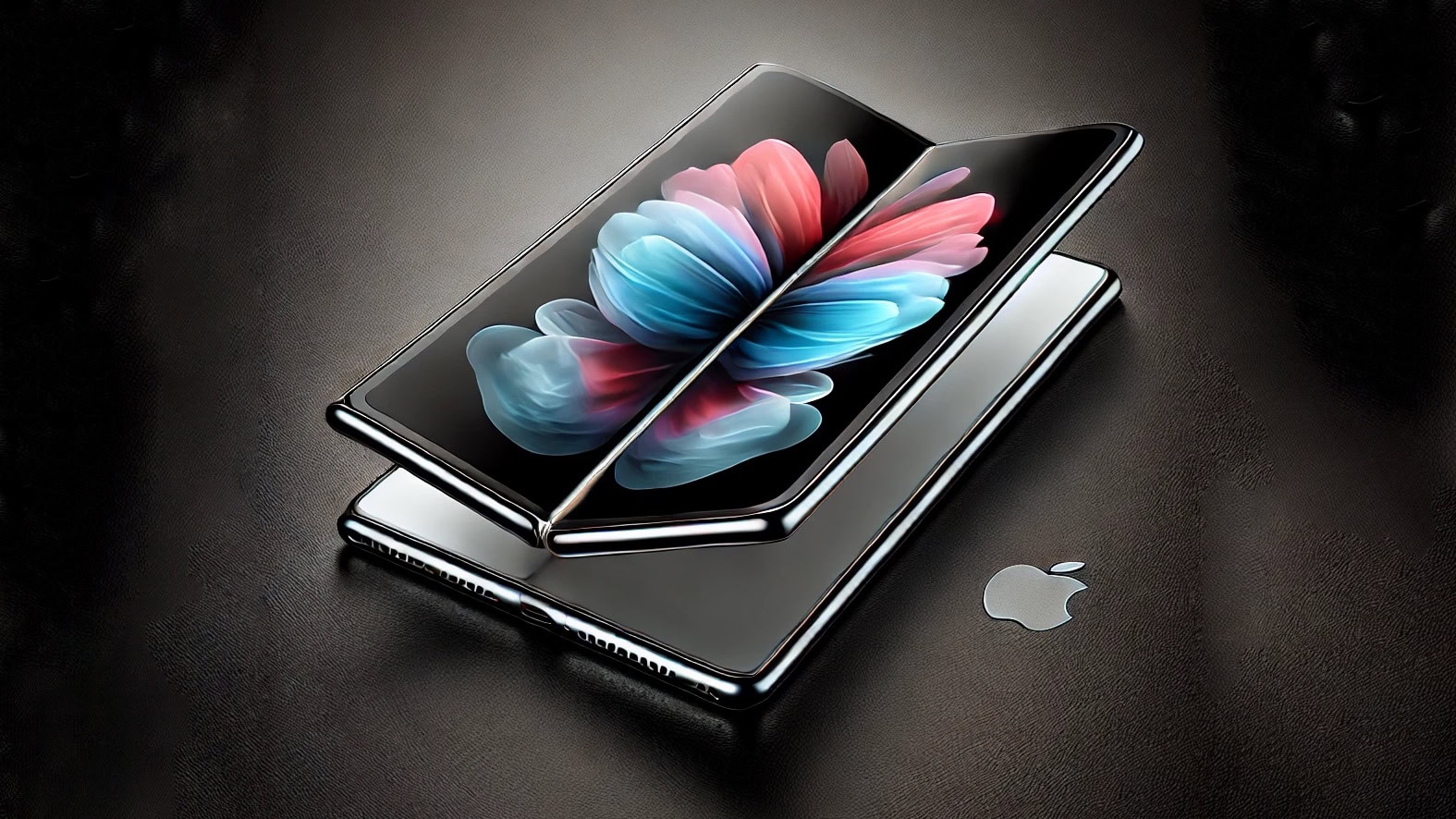
Apple moves ahead with the long-awaited folding iPhone. AI concept: ChatGPT/Cult of Mac
Apple’s display supplier reportedly solved the biggest technical challenge slowing the acceptance of foldable phones: the ugly screen crease where the display bends.
With that hurdle cleared, production of components for the slim, folding iPhone supposedly will begin later this year.
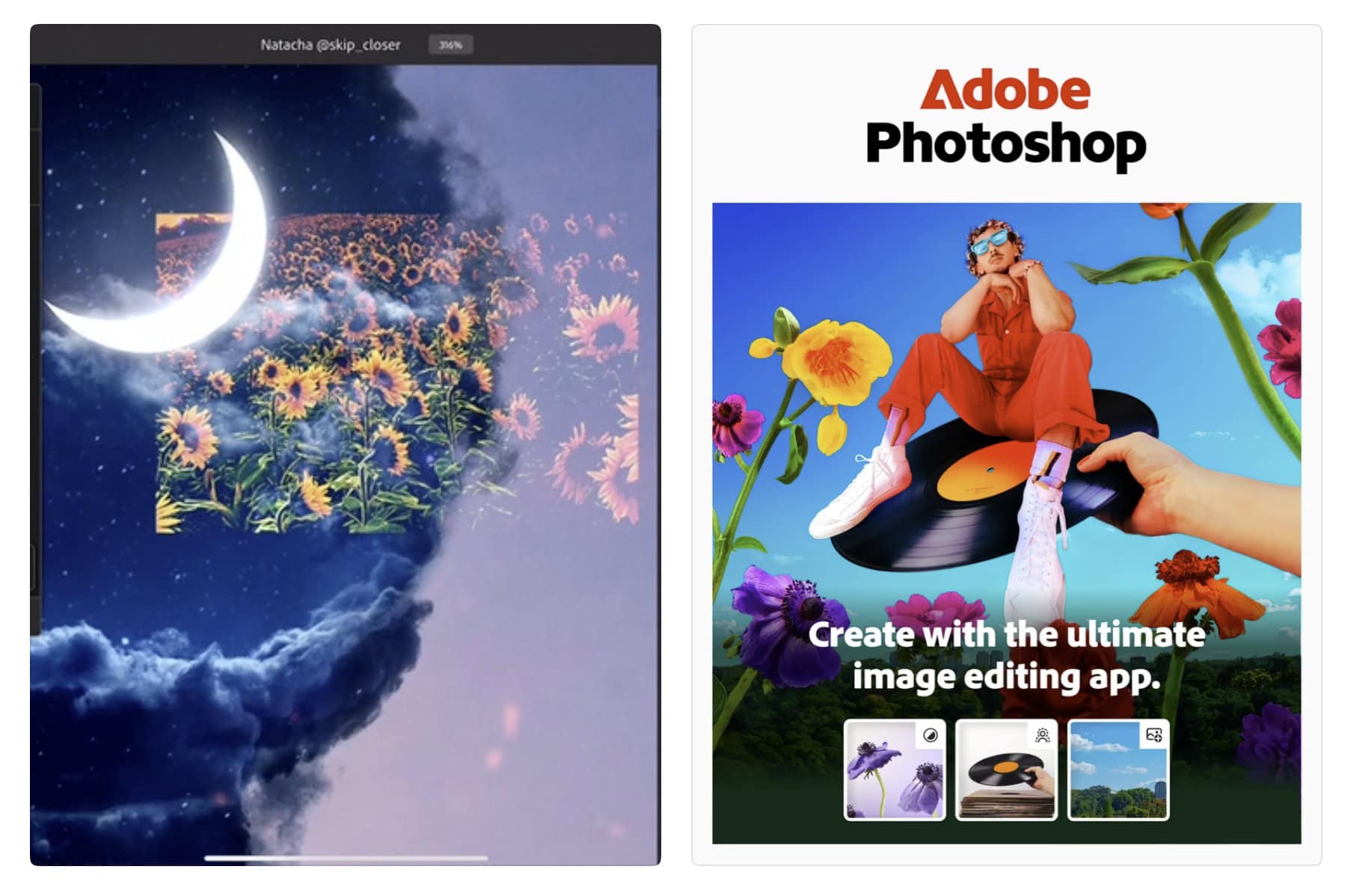
Get ready for photo editing on the fly. Photo: Adobe
In a big development for mobile creativity, you can finally get Adobe Photoshop on iPhone. Adobe officially launched a new version of the powerful photo editing suite for iPhone Tuesday, bringing it to Apple’s most popular device.
The release comes five years after Photoshop debuted on iPad, giving iPhone photographers and digital artists access to professional-grade editing tools on the go. If you’re working on the go, having a usb c power adapter like this10-port USB-C charger can help keep your devices powered.
That’s a sizable camera hump, no doubt about it. Concept: Ed Hardy/Cult of Mac
A CAD drawing purportedly showing the entire iPhone 17 line leaked out Sunday, possibly giving the world its best look yet at Apple’s entire 2025 handset lineup. The standout in the image is the super-size camera humps on the two iPhone 17 Pro models.
If the drawings prove accurate, the iPhone 17 will receive less of a design change. The rumored iPhone 17 Air also puts in an appearance in the leaked drawing.
And if you’re wondering how to get better camera quality on iPhone, the upcoming iPhone 17 Pro’s video upgrades could redefine mobile photography and potentially make traditional cameras obsolete. Read more here.
Keep food cool and gadgets charged on outings. And the biggest model doubles as a freezer. Photo: Anker
The new Anker Solix EverFrost 2 Electric Cooler gives iPhone users a sophisticated way to manage their outdoor adventures, Anker said Friday. The smart cooler combines advanced cooling technology with iOS app integration, offering Apple users unprecedented control over their outdoor food and beverage storage, complete with Apple device charging.
There are a lot of ways to customize the Lock Screen in iOS 16. Image: D. Griffin Jones/Cult of Mac
You can radically customize the Lock Screen of your iPhone with a bunch of widgets, aesthetics and styles. If you liked the themed custom Home Screens people were putting together using Shortcuts and Widgetsmith, you’ll love the level of creativity you can express with customized Lock Screens.
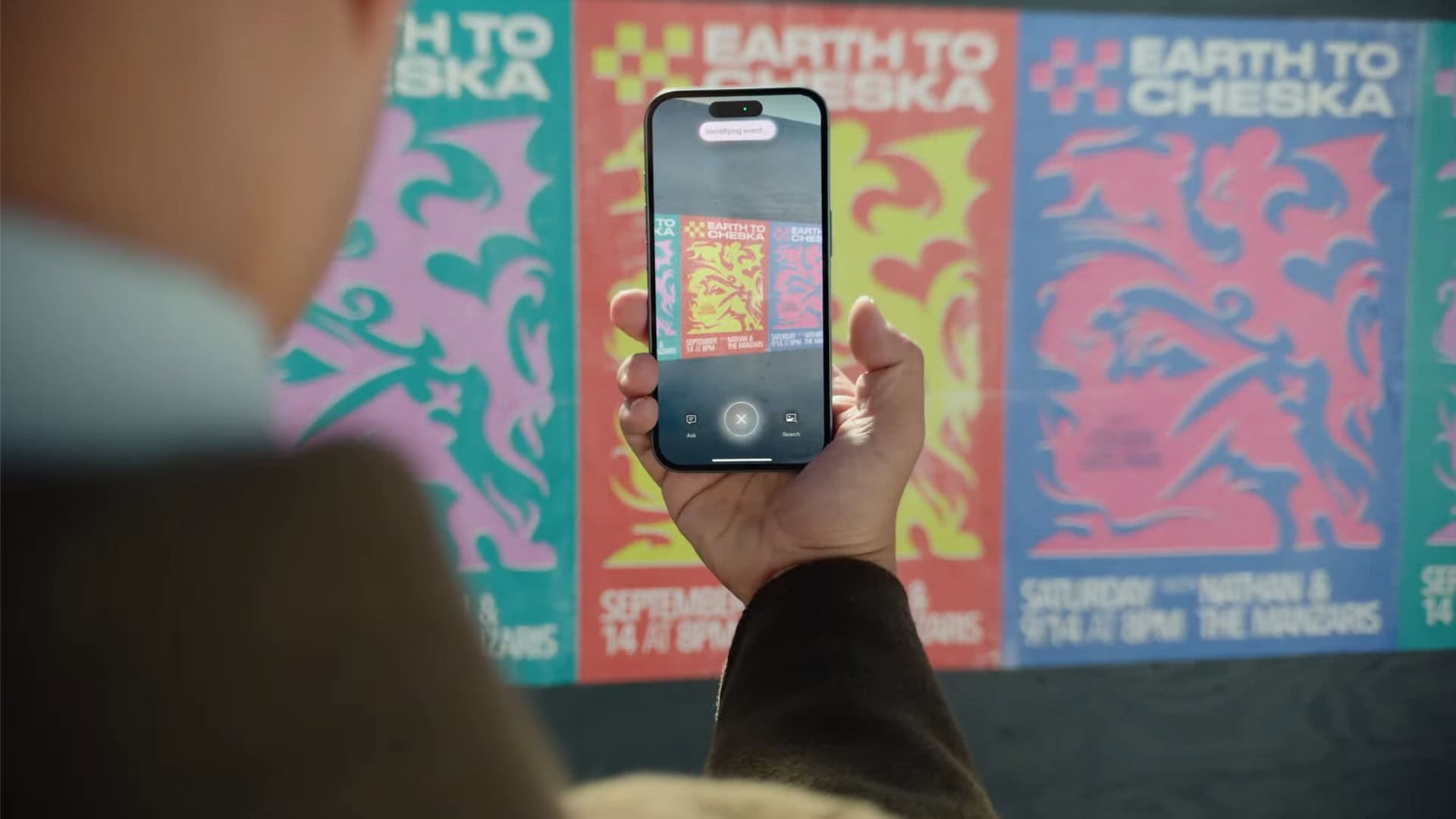
Visual Intelligance transforms real-world objects into digital data. Photo: Apple
Visual Intelligence, which previously was reserved for the iPhone 16 models, will reportedly reach the two iPhone 15 Pro variants in the near future.
Realistically, there was no reason why the artificial intelligence feature shouldn’t have been added to Apple’s 2023 models with the debut of iOS 18. In fact, with the growing demand for AI-powered productivity tools, many users are looking for ways toAI take notes efficiently to enhance their workflow.
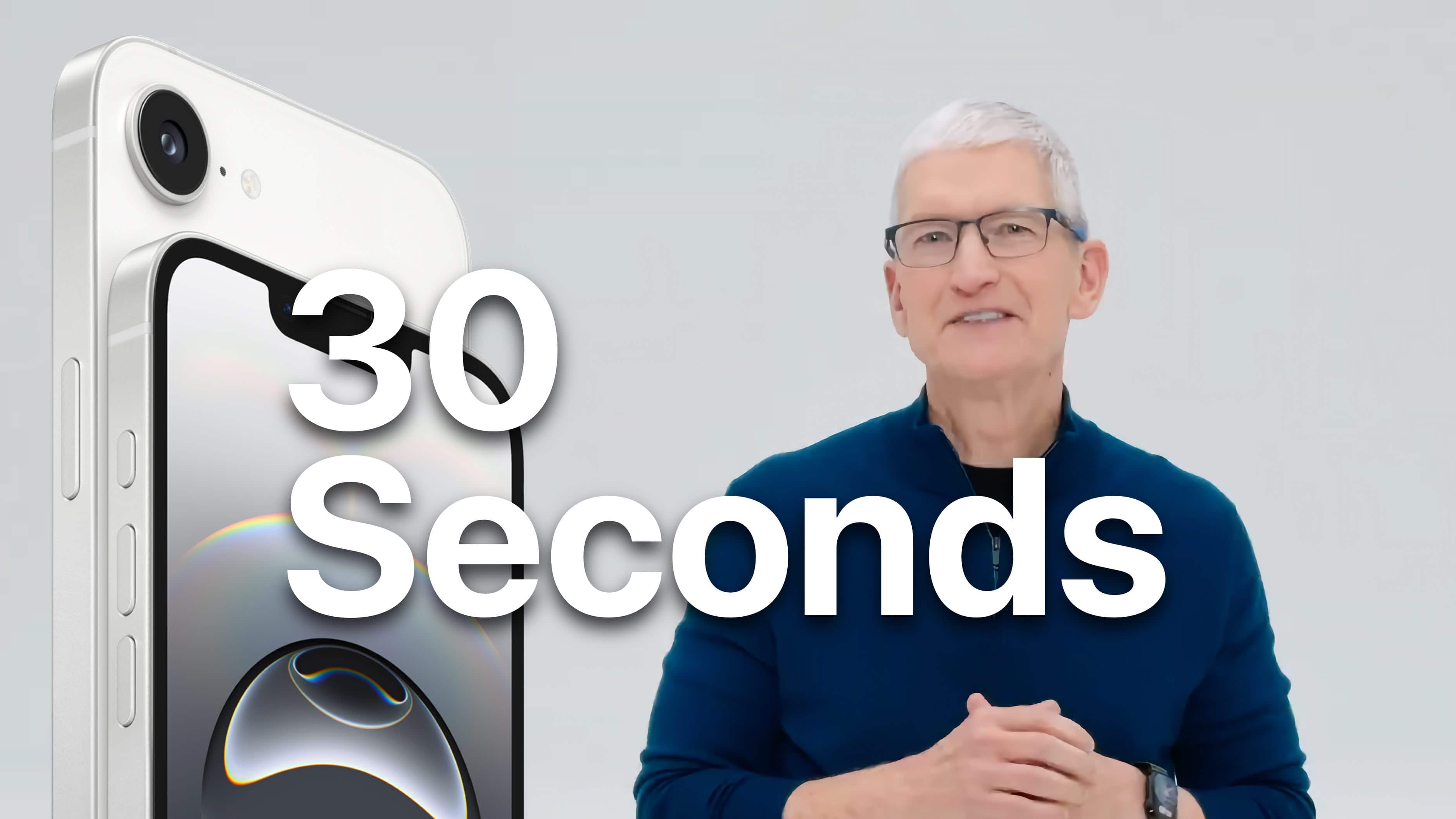
Watch the announcement in just 3.9% of the time. Image: Apple/D. Griffin Jones/Cult of Mac
Today, Apple introduced the iPhone 16e. It features many top features from the iPhone 16 series, but at a lower $599 price point. The iPhone 16e replaces the former iPhone SE in the lineup.
The Apple C1 chip is the company’s first in-house cellular modem. Image: Apple
The new Apple C1 modem that powers the cellular connectivity of the iPhone 16e is the company’s first cellular modem designed in-house.
The C1 offers “fast and reliable connectivity, and it’s the most power-efficient modem ever in an iPhone,” said Kaiann Drance, Apple’s vice president of worldwide iPhone product marketing, in a launch video released Wednesday. Thanks to its efficiency — and an optimized internal design that allows for a bigger battery — the iPhone 16e offers an “unprecedented level of battery life in a 6.1 inch iPhone,” she added.
The Apple C1 integrates 4G, 5G, satellite and GPS radios in one chip. The C1 represents a brand-new direction for Apple silicon, alongside the company’s processors and other wireless chips. Recent Ookla speed tests suggest that the C1 modem holds its own against the Qualcomm chip in the iPhone 16, as detailed in this comparison.
Match wits with The CultCast hosts in our traditional predictions game. Image: Midjourney/Cult of Mac
This week on Cult of Mac’s podcast: Tim Cook’s cryptic tease about “the newest member of the [Apple] family” fuels speculation about what new products the company will announce. Let the predictions begin! While Apple’s future continues to spark debate, it’s interesting to look back at past predictions—such as when CNN speculated about Apple’s downfall. Ever wondered how much is CNN worth? Check out this historical perspective on Apple’s supposed decline.
We made our predictions live on the podcast. You can play along in our predictions game.
Also on The CultCast:
The new Powerbeats Pro 2 earbuds offer cool features — and come in hot colors.
Erfon defends his decisions re: his recent MacBook Pro and iPad Pro purchases.
Apple’s venture into robotics sounds pretty serious. What might the first products look like?
And finally, the first folding iPhone might arrive next year. The latest rumor gives us hope.
Listen to this week’s episode of The CultCast in the Podcasts app or your favorite podcast app. (Be sure to subscribe and leave us a review if you like it!) Or watch the video live stream, embedded below.
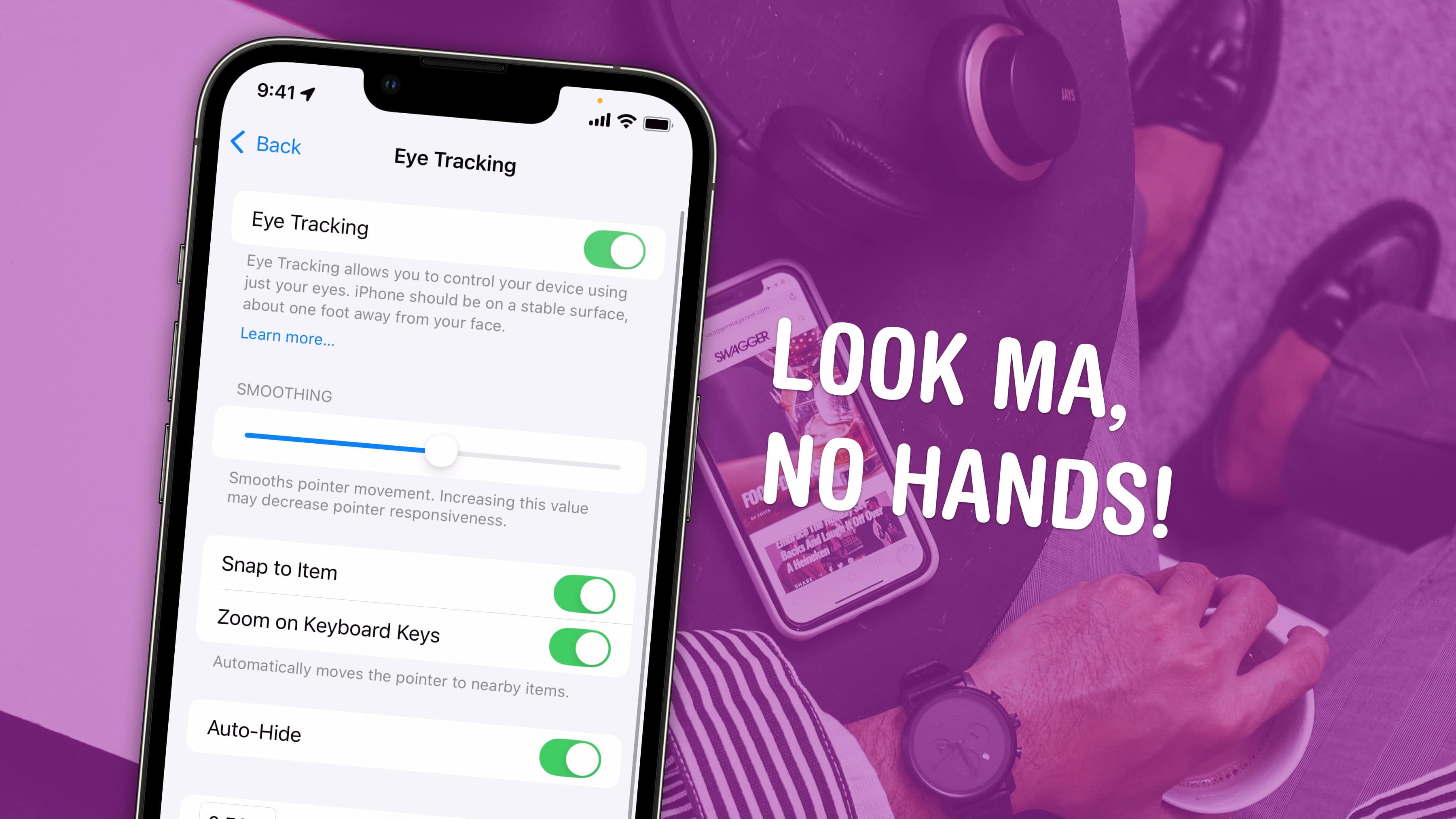
Control your iPhone from afar. Image: D. Griffin Jones/Cult of Mac
Eye Tracking is a pretty remarkable and ambitious accessibility feature that lets you control your iPhone entirely with your eyes. You can use this feature in a pinch if you need to use your phone with soapy hands while doing the dishes or with grimy hands while working on a car or doing other dirty work. Alternatively, if you’re losing your fine motor skills, this feature could be an essential one to learn.
Likely borrowing some of the software from the advanced Vision Pro headset, this feature lets you control your iPhone hands-free. And once you set up Eye Tracking, you can use the iPhone’s Sound Actions feature. It lets you perform certain functions, like toggling your flashlight or taking a screenshot, just by making various mouth noises.
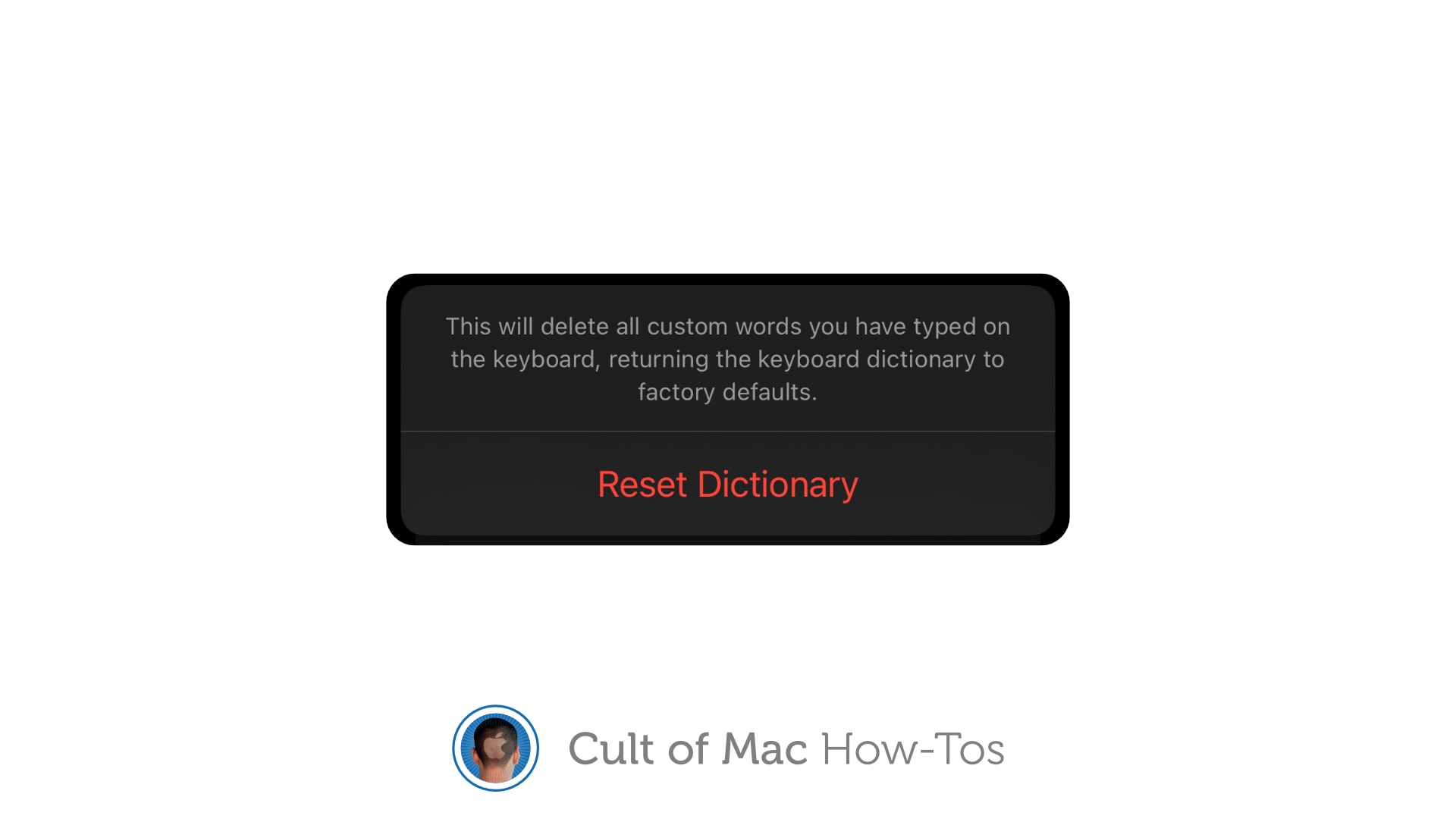
Make a fresh start with autocorrect. Image: Killian Bell/Cult of Mac
If autocorrect repeatedly serves up ridiculous options, you can reset your iPhone keyboard to eliminate weird additions to its dictionary. This comes in handy when you find that autocorrect suddenly starts changing words it doesn’t need to change, or offering up other strange glitches.
It just takes a second to reset the keyboard dictionary on iPhone or iPad. We’ll show you how.
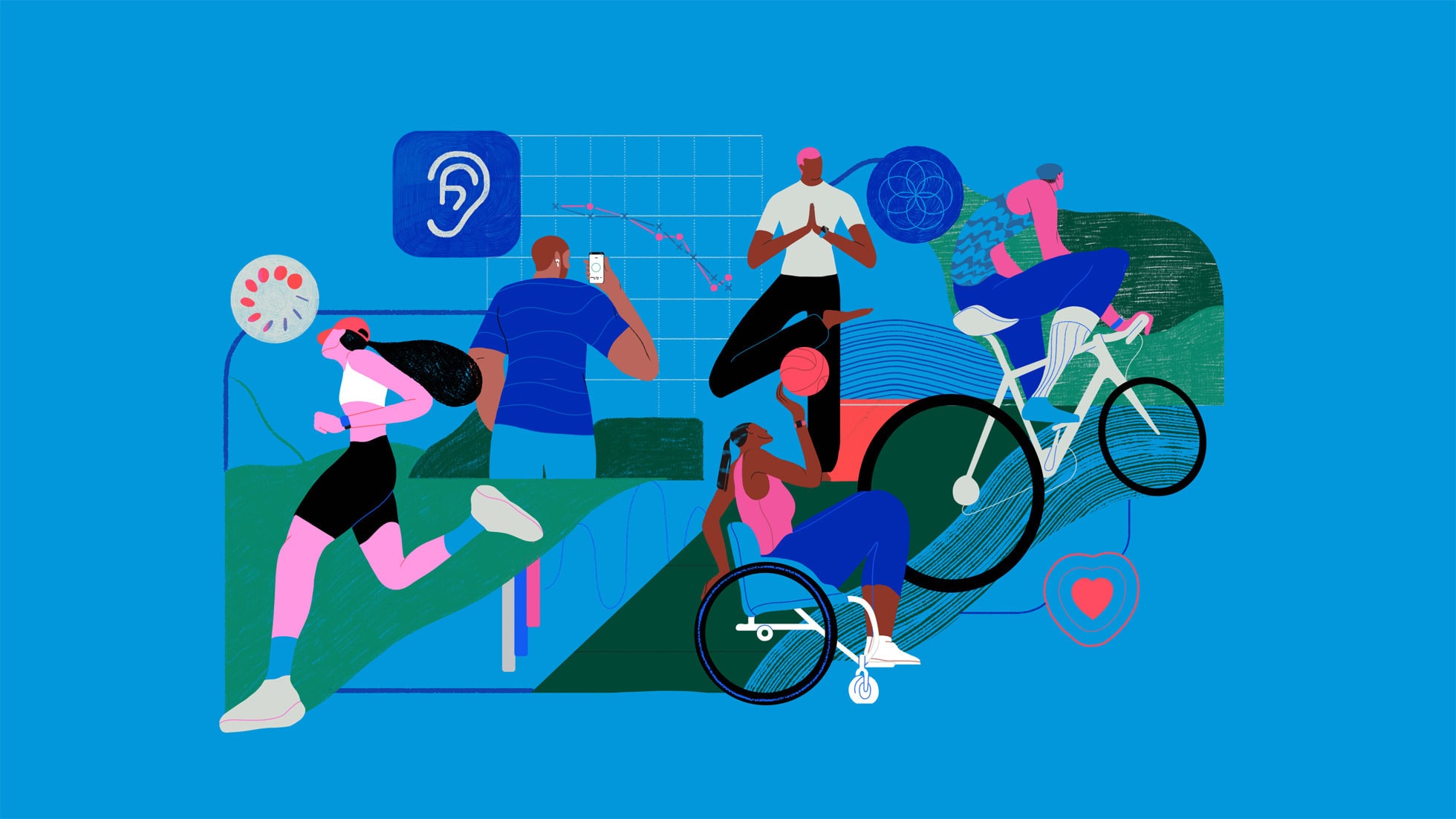
The Apple Health Study comprehensively examines the connection between health and tech. Photo: Apple
Apple’s comprehensive new health study, its largest yet, investigates how its mobile devices and other technology can improve users’ physical and mental well-being, the iPhone giant said Wednesday. The Apple Health Study, now available through the just-updated Research app, comes in collaboration with Brigham and Women’s Hospital, a Harvard Medical School teaching affiliate.
“We’ve only just begun to scratch the surface of how technology can improve our understanding of human health,” said cardiologist and Harvard Medical School professor Calum MacRae, M.D., Ph.D., the study’s principal investigator. “We are excited to be part of the Apple Health Study, as it will continue to explore connections across different areas of health using technology that so many people carry with them every day.”
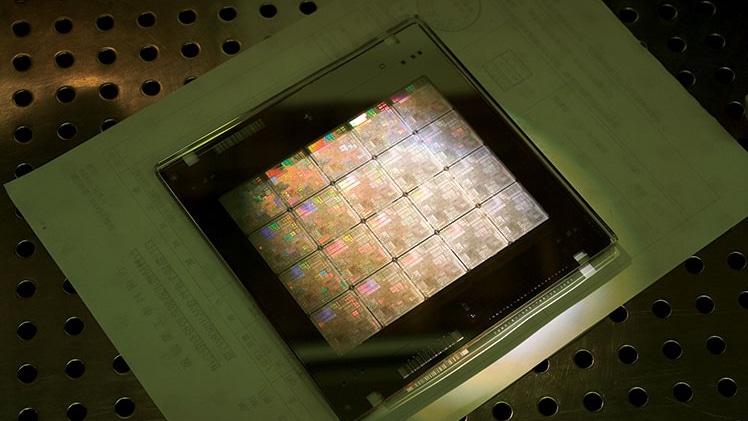
The future of TSMC plants in Arizona and US chip production hangs in the balance. Photo: TSMC
President Donald Trump’s recent threat to cancel the CHIPS and Science Act, which offers tax credits to companies that produce processors in the United States, could throw a monkey wrench into plans to boost U.S. chip production. Trump argues that tariffs would do the job better.
That raises questions about the future of Taiwan Semiconductor Manufacturing Company plants being built in Arizona thanks to the CHIPS Act. TSMC’s Arizona chip fabs already make processors for iPhone and Apple Watch.
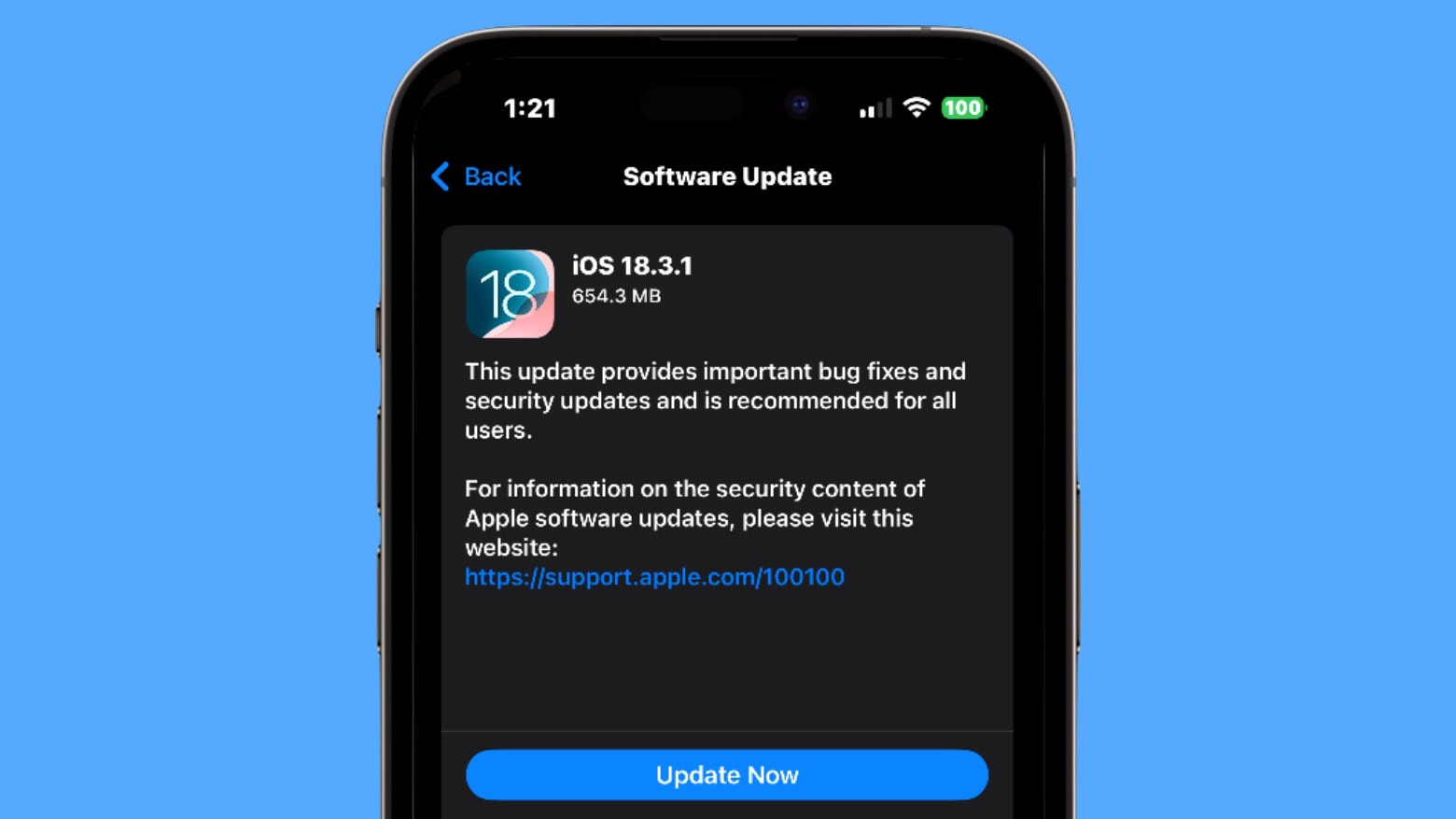
Install iOS 18.3.1 if you have any concern your iPhone might get hacked. Or if you just don’t want bugs. Screenshot: Ed Hardy/Cult of Mac
iOS 18.3.1, iPadOS 18.3.1 and more updates went out Monday. These bring bug fixes, while a security update makes them highly recommended for anyone with a compatible iPhone or iPad.
In addition, you can download macOS Sequoia 15.3.1, watchOS 11.3.1 and visionOS 2.3.1 — each with their own fixes — now as well.
As a passenger, of course. Image: D. Griffin Jones/Cult of Mac
Apple’s Vehicle Motion Cues feature will help you use your iPhone in the car by reducing feelings of motion sickness. With the feature turned on, dots along the edge of your iPhone screen will animate in sync with the motion of the plane, train or automobile you’re riding in.
According to Apple, “Motion sickness is commonly caused by a sensory conflict between what a person sees and what they feel.” Apple says these animations “reduce sensory conflict.”
It may sound weird, but the feature evidently works really well. Here’s how you can enable it.
There’s no reason to wait to find out all about the iPhone SE 4. Image: Majin Bu/CCult of Mac
The iPhone SE 4 could launch this week, bringing a significant redesign to Apple’s budget handset. It’ll reportedly mean the end of features that were iPhone hallmarks for many years, like the Home button. Plus, it’ll support Cupertino’s new collection of AI-powered features. Stay updated with the latest iOS news and what this means for iPhone SE owners by checking out this article.
Read on to learn everything that already leaked out describing the revamped fourth-generation SE.
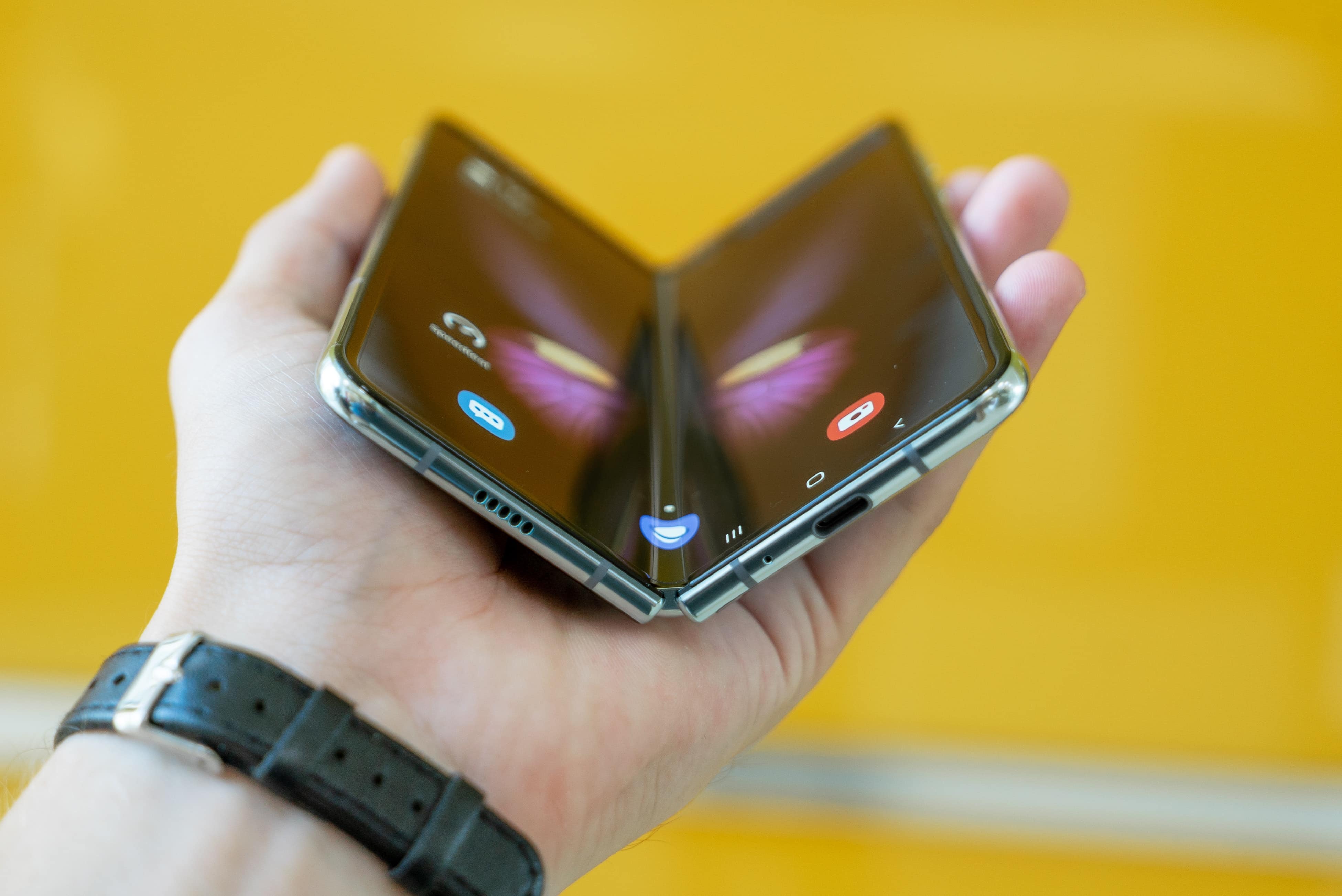
Apple’s first foldable iPhone may sport a Samsung Galaxy Z Fold-like design. Photo: Mika Baumeister/Unsplash CC
Apple could launch its first foldable iPhone as early as 2026. With iPhone sales slowing down and smartphone competition increasing, Apple “intends” to launch the foldable iPhone next year, according to a new report.
Android foldables have yet to go mainstream, but they have improved leaps and bounds in the last few years. Apple risks falling behind its competitors if it does not launch a foldable device soon. Given the premium pricing of Apple’s devices, many are curious about the mac cost, especially for this first-generation foldable model.
This (kind of) free app can handle it all for you. Image: D. Griffin Jones/Cult of Mac
To tackle your party planning, the new Apple Invites app can help you get organized with RSVPs and keep everybody up to date. It can even handle a shared music playlist and photo album that anyone can contribute to.
And yes, you can invite people who don’t have the app installed yet, don’t have an Apple Account or don’t have an Apple device at all. You can invite people via email; they can RSVP on the web and get follow-up notifications in their inbox.
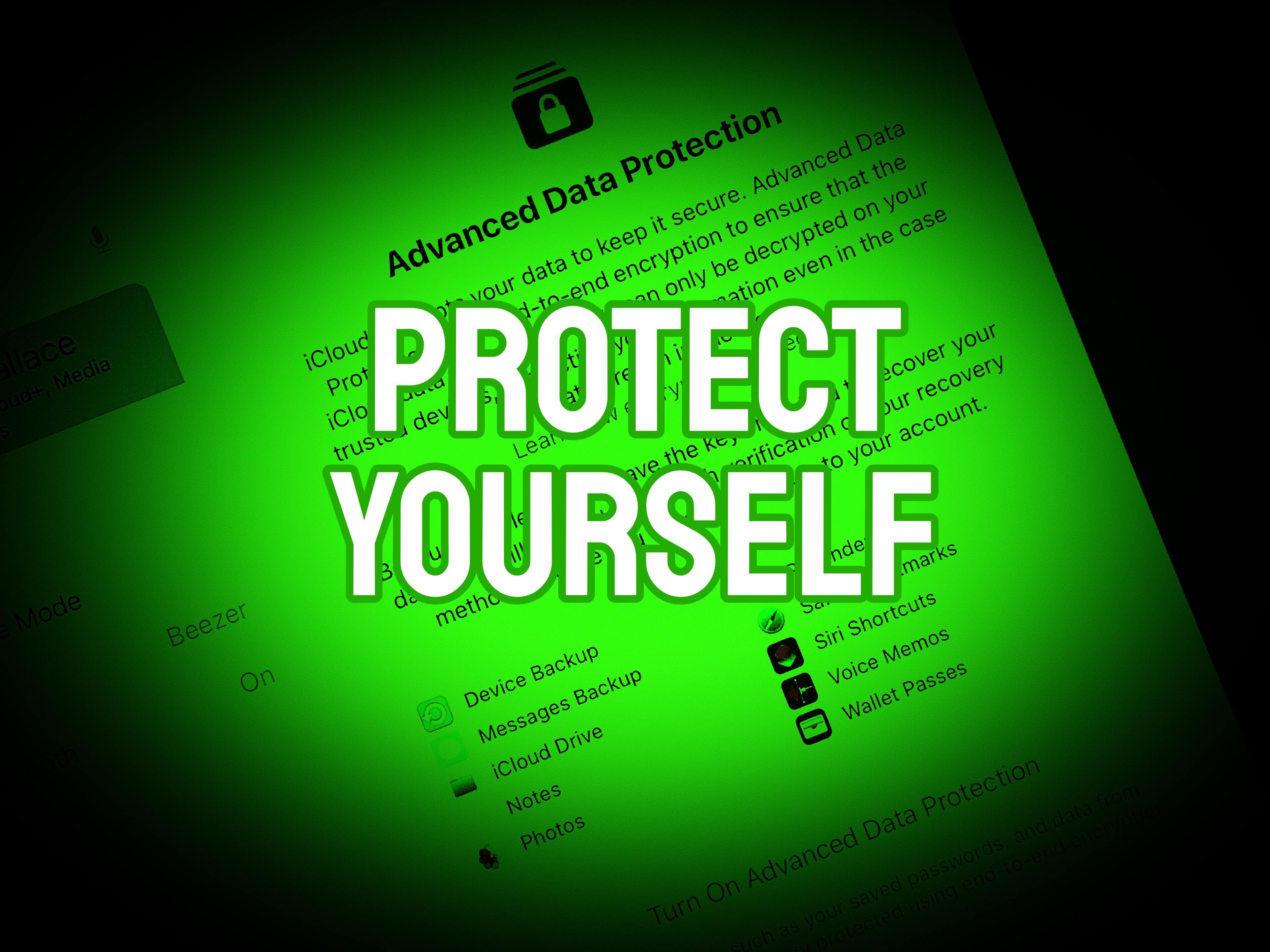
Apple's operating systems give you the option to encrypt much of the data stored on iCloud. Photo: Cult of Mac
Apple offers end-to-end encryption for many more types of iCloud data than it once did. Advanced Data Protection encrypts iCloud Photos, Notes, iCloud Backup and more. But you have to activate the feature to take advantage of the data protection. It is easy … once you find the switch buried in Settings.
We can save you some time. Here’s how and why you should activate it.
The Notes app on your iPhone transcribes audio to text for free.. Image: D. Griffin Jones/Cult of Mac
In the updated Notes app in iOS 18, you can transcribe audio to text for free: Your iPhone will automatically transcribe voice notes for later.
This is a great feature to use in a college class, if you want to record audio of a lecture alongside your notes. You can use it in meetings — the irritating in-person kind — for recording what people actually said alongside your notes. It’s also great for generating podcast transcripts or any kind of writing. It’s a quick and easy way to get a first draft.
Shoppers bought heaps of iPhone Pro models in 2024. Photo: Apple
If you paid $900 for your iPhone, then you paid less than the global average, according to a new analysts’ report. That’s because the average selling price for iOS devices grew 25% over the last four years, even as the number of handsets Apple sold also increased.
There’s been a trend for several years of greater demand for Apple’s more expensive iPhone Pro models, and that’s driving up ASP. Apple continues to push innovation, including features like Adaptive Audio AirPods, which were recently highlighted in this Spike Jonze short film.
One of the best iPhone features. Image: D. Griffin Jones/Cult of Mac
Find My iPhone, a feature available in Apple’s Find My app, will help you locate your lost phone. You can find it using any other Apple device you own or by borrowing a friend’s device. You can even ping your iPhone from your Apple Watch.
From Find My, you can also remotely lock down your lost iPhone, put the device into a special Lost Mode, or even wipe its contents. You should take a peek at this incredibly useful app before you have to.
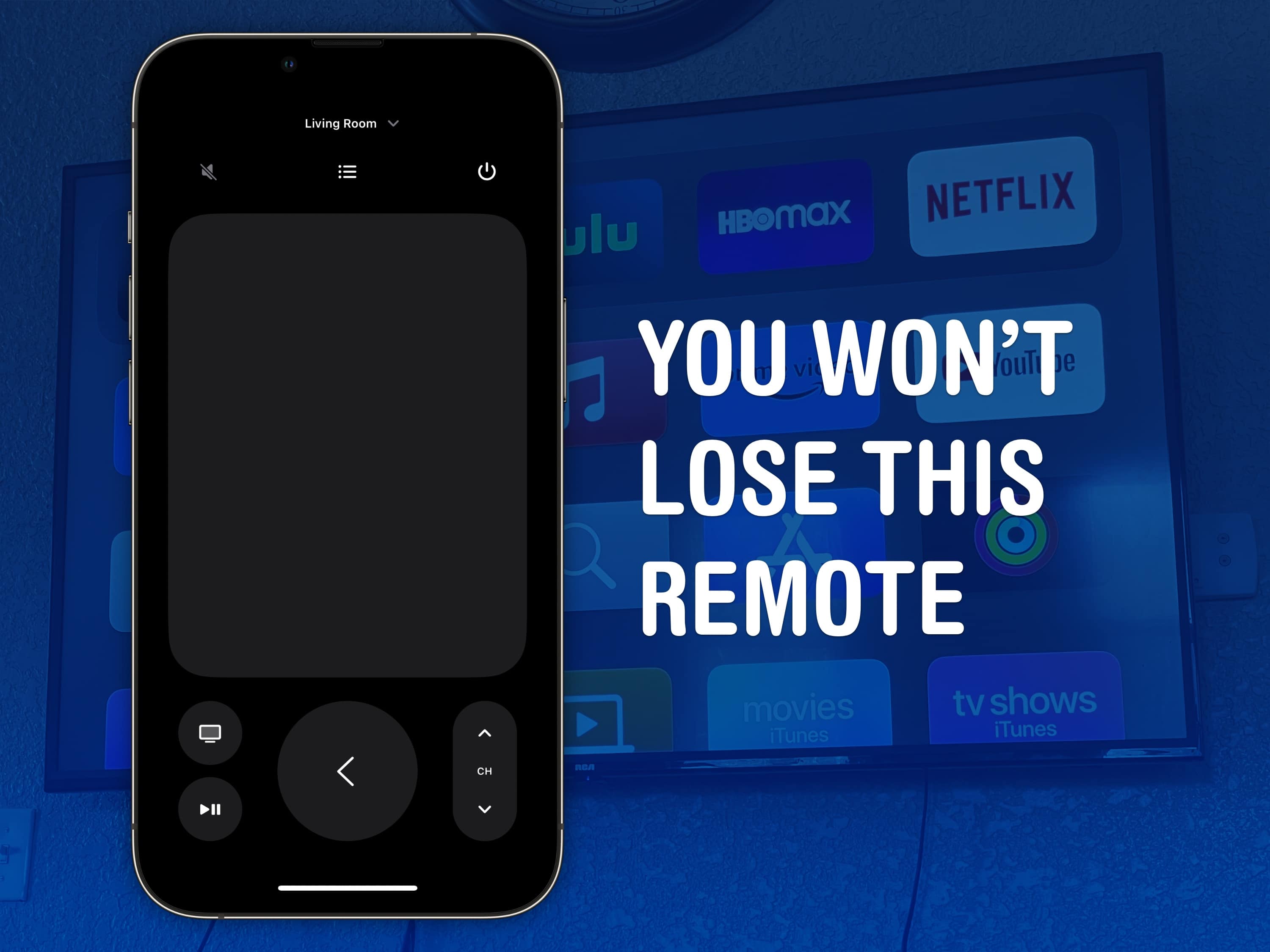
The Apple TV remote is easy to lose, but it’s harder to lose your phone — much less the Apple Watch strapped to your arm. Image: D. Griffin Jones/Cult of Mac
You can use your iPhone (or even your Apple Watch!) as a remote for your Apple TV. It’s a convenient feature when you’ve lost the remote in the couch cushions. (You can use your iPhone to help find it as well.)
Even if your remote’s not gone missing, sometimes it’s sitting on the table way over there and you don’t want to interrupt a show by asking for someone to pass it to you. Or maybe, someone is intentionally hogging the remote and you want to pause the video yourself. Either way, it’s really easy to do from an iPhone or an Apple Watch.
Some of Apple's impressive numbers are so large, it's hard to wrap your head around them. AI image: Midjourney/Cult of Mac
We went through Apple CEO Tim Cook’s earnings call with investors on Thursday, and found some genuine surprises during the discussion of the financial results of the holiday 2024 quarter. We also turned up impressive figures showing just how well the company is doing.
Financial details don’t have to be boring. Here are the high points from the call as quickly and as interesting as we can make them.
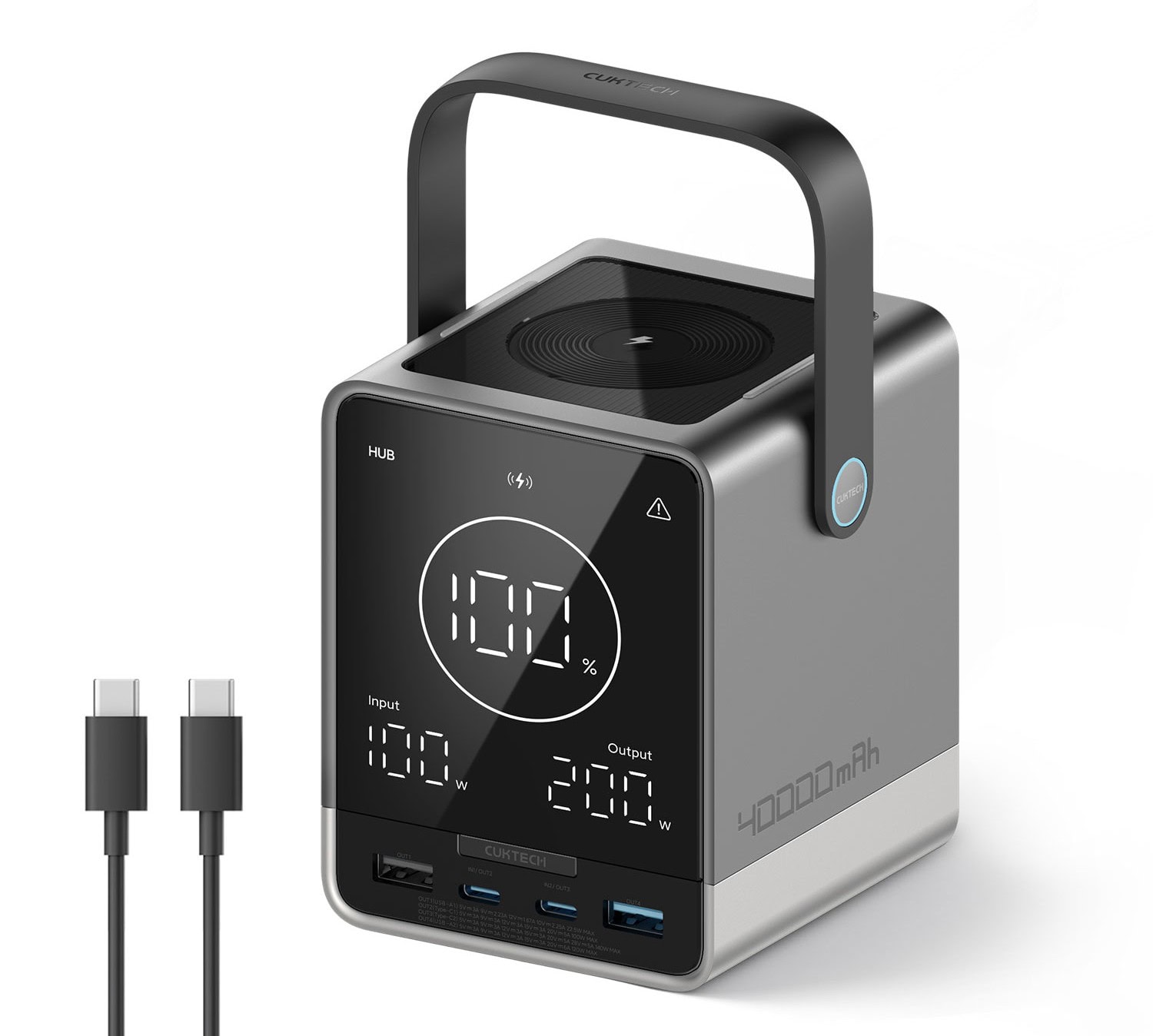
With a 40,000mAh battery and 300 watts of total charging power, CukTech 30 dominates. Photo: CukTech
For Apple users seeking a high-capacity portable power solution for all their gear, the new CukTech 30 Power Bank packs a massive 40,000mAh battery, combined charging power of up to 300 watts for up to five devices at once and some useful features, the company said Wednesday.