Mobile menu toggle

iPad - page 4

Should you upgrade Apple gear now to beat rising prices from tariffs?

By

upgrade before Apple prices rise
With the possibility of big price hikes looming, those looking to upgrade might want to act fast.
Photo: Apple

President Donald Trump’s newly announced 54% tariff on Chinese imports sent shock waves through the tech industry, with Apple potentially facing billions in additional costs. This raises an urgent question for consumers: Should you rush to buy that new iPhone or MacBook before prices skyrocket?

You might want to accelerate the timing of that upgrade you had in the back of your mind. But those who aren’t desperate to upgrade might benefit from playing the waiting game. See the ins and outs below.

Today in Apple history: ‘Magical’ first iPad debuts in stores

By

The long wait was finally over. iPad 1 had arrived.
On launch day, people were very excited about the first iPad.
Photo: Leander Kahney/Cult of Mac

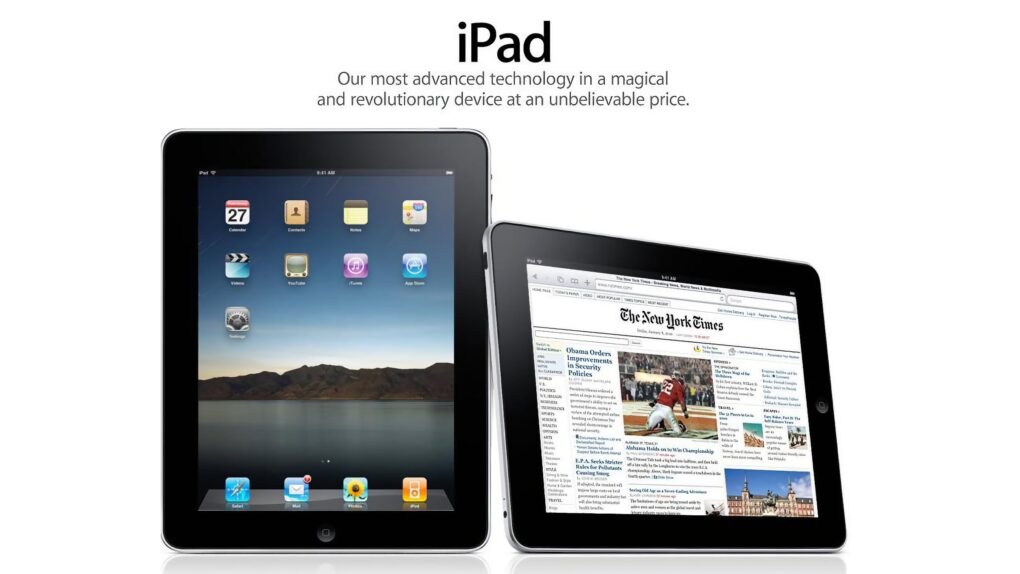
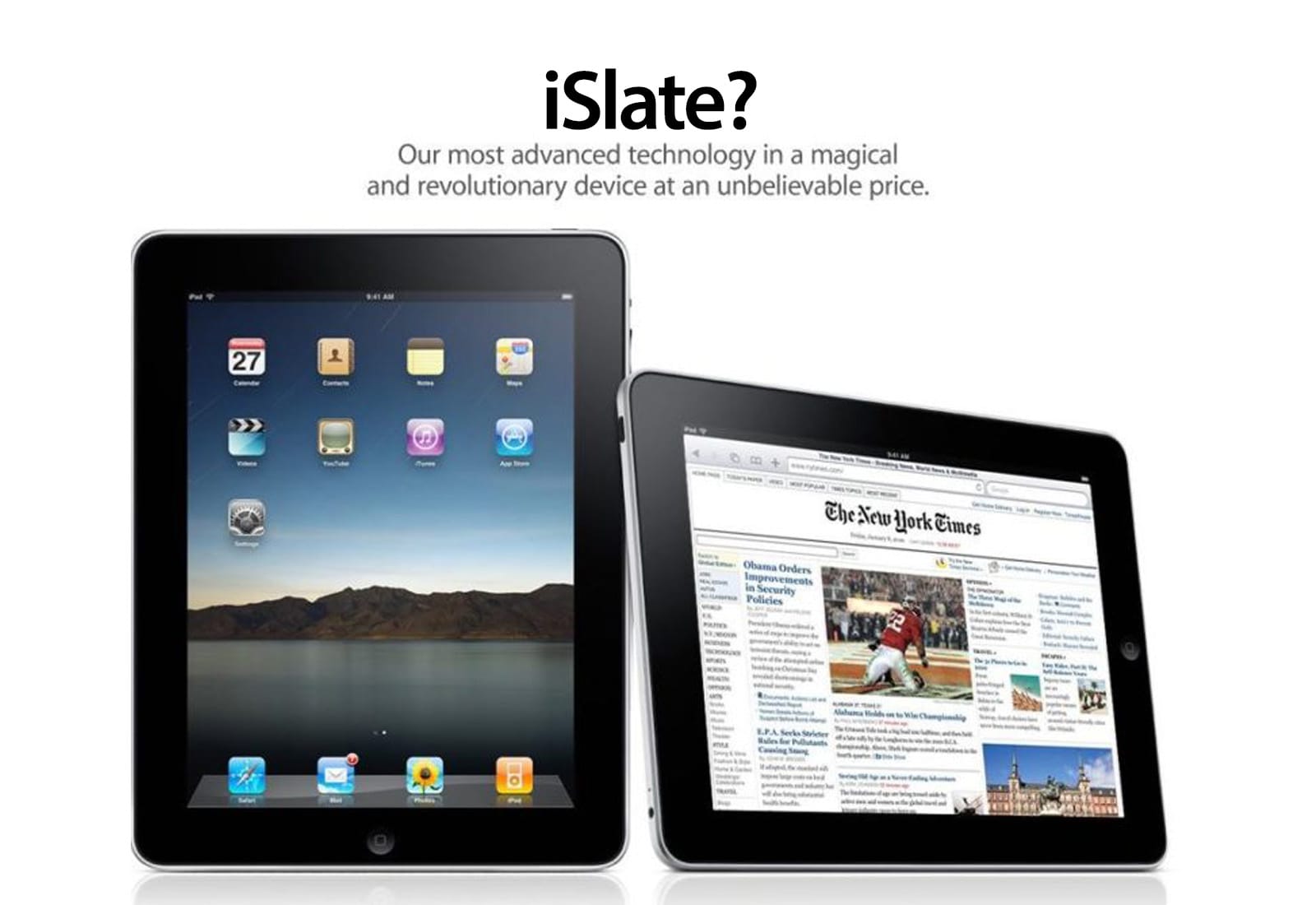
April 3, 2010: Today in Apple history: ‘Magical’ first iPad debuts in stores April 3, 2010: The first iPad hits store shelves after months of anticipation. The tablet Apple CEO Steve Jobs called “magical and revolutionary” at its unveiling earlier in the year quickly becomes a major success.

Following years of rumors, Jobs initially showed off Apple’s first tablet on January 27, 2010. But the wait for the iPad is finally over … at least for people in the United States. (The iPad’s international debut won’t happen until May.)

How to change the default web browser on iPhone or iPad

By

How to change default iPhone browser
Safari isn't the only options as default iPhone browser. You can change it.
Image: Ed Hardy/Cult of Mac

You can easily change the default browser on your iPhone if you prefer to use Google Chrome, Mozilla Firefox, Microsoft Edge or any other alternative. Maybe you use a PC at home and want your bookmarks, history and passwords to sync to your iPhone. Or maybe you simply prefer something other than Apple’s Safari browser.

Whichever browser you set as your iPhone’s default will open when you tap on a link from Messages or Mail, get AirDropped a URL, scan a QR code, search the web with Siri and perform other tasks. This doesn’t mean Safari will be deleted, however. Apple’s stock app will remain installed on your iPhone if case you decide to switch back (which is super-easy).

Here’s how to change the default browser on your iPhone — and transfer your bookmarks and data, too. Keep reading or watch our quick video.

Clear out your overstuffed iCloud storage

By

How to clear iCloud storage
You create space in iCloud by deleting old backups. Here’s how.
Image: Ed Hardy/Cult of Mac

It’s World Backup Day, a good opportunity to learn how to clear iCloud storage of old backup files made by iPhone and iPad. Are you running out of iCloud storage space? Worried about privacy? You might want to delete some old backups from the cloud.

The good news is erasing these files is easy if you know the steps to follow. Here’s how.

Today in Apple history: First iPad reviews hail a true game-changer

By

iPad
Did you own an original iPad?
Photo: Apple

March 31: Today in Apple history: First iPad reviews hail a true game-changer March 31, 2010: The world gets its first sense of how Apple’s tablet measures up, as the first iPad reviews hit the internet.

The consensus? That there’s no Flash, no USB, no multitasking — but Apple’s tablet offers an exciting new computing experience all the same. As USA Today writes, “The first iPad is a winner.”

Final Cut Pro adds Image Playground for Mac, portrait mode for iPad and more

By

Final Cut Pro adds Image Playground
Final Cut Pro now works with Image Playground.
Photo: Apple

Big updates across Apple’s Final Cut Pro video-editing software lineup introduce AI-driven Image Playground integration, plus improved workflows and enhanced recording options.

Apple released Final Cut Pro updates Thursday that add Image Playground for Mac and iPad users. Plus, iPad users can use the software in portrait orientation for the first time.

Today in Apple history: Apple pays to use ‘iPad’ name

By

The iPad delivered Apple's
Would an iPad by any other name smell as sweet?
Photo: Apple

March 26: Today in Apple history: Apple buys rights to use iPad name from Fujitsu March 26, 2010: Apple pays up to settle a trademark dispute with Japanese multinational Fujitsu over the name “iPad” in the United States.

It comes two months after Apple CEO Steve Jobs first showed off the iPad, and around a week before the tablet will land in stores. As it happens, it’s not the first time Apple battled over the name for one of its new products.

Alogic Roam power bank keeps laptops going strong [Review] ★★★★

By

Alogic Roam power bank review★★★★
The Alogic Roam 21000mAh Power Bank keeps your gadgets going on the go.
Photo: David Snow/Cult of Mac

Anyone who constantly moves around with multiple devices knows finding a reliable power bank for laptop charging can be a challenge. After more than a week of using the new Alogic Roam 21,000mAh Power Bank, I’m ready to share my hands-on experience with the premium charger. Is it worth the investment? Yes. Let’s dive in, and I’ll tell you why.

M3 iPad Air: Can it convert a stubborn Mac user? [Review] ★★★★☆

By

iPad Air M3 with Magic Keyboard and Apple Pencil sitting on a pine table showing the Lock Screen★★★★☆
The mid-range tablet is better than ever.
Photo: D. Griffin Jones/Cult of Mac

The M3 iPad Air can do it all, as I found while testing Apple’s midrange tablet for this review. At its core, the thin, lightweight device proves perfect for living room reading, watching and browsing. Add the Magic Keyboard and Apple Pencil, and you can get some serious work done. It’s fast, powerful and remarkably capable.

I never previously owned my own personal iPad. I’ve used Windows PCs and Macs since 2002, switching to the Mac full-time in 2012. Between my Mac mini and Vision Pro, I haven’t felt the need for an iPad in my life.

Nonetheless, for this M3 iPad Air review, I went all-in, using the tablet with a Magic Keyboard and Apple Pencil for as much of my work as I could to see if I was missing out. Here’s what I discovered — keep reading or watch our video review.

Today in Apple history: iPad gets an eye-dazzling Retina display

By

The iPad 3 Retina display was one gorgeous screen.
The iPad 3's Retina display was one gorgeous screen.
Photo: Apple

March 16: Today in Apple history: iPad gets an eye-dazzling Retina display March 16, 2012: Apple introduces the third-generation iPad, its first tablet to come with a Retina display. Marketed as simply “the new iPad,” it’s widely known as the “iPad 3.”

“The new iPad redefines the category Apple created less than two years ago, delivering the most amazing experience people have ever had with technology,” said Philip Schiller, Apple’s senior vice president of worldwide marketing, in a press release. “The new iPad now has the highest resolution display ever seen on a mobile device with 3.1 million pixels, delivering razor sharp text and unbelievable detail in photos and videos.”

Boasting that beautiful screen and Apple’s then-swanky A5X chip with a quad-core graphics processor, the third-gen iPad quickly becomes a big success. Disappointingly for customers, it will only hang around until October 2012. That’s the shortest lifespan of any iOS product in history, at just seven months.

iPad 11: Amazing value from a budget tablet [Review] ★★★★

By

2025 iPad 11 with Apple A16 review★★★★
The 2025 iPad 11 is a lot of computer for a small amount of money.
Photo: Ed Hardy/Cult of Mac

Don’t underestimate the basic iPad. As I learned while testing the iPad 11 for this review, the newly updated tablet with an Apple A16 processor is an almost shockingly good computer when one considers it costs only $349.

I put Apple’s latest low-cost tablet to the test and came away reminded that one doesn’t need an iPad Pro to be productive. Or have fun.

Got a new iPad? Try ESR’s new cases and stylus with Find My.

By

new ESR iPad accessories
If you bought a new iPad, now you can enhance it.
Photo: ESR

ESR rolled out a full range of accessories Wednesday designed for Apple’s newly released iPad models. The products offer enhanced functionality and protection for tablet users. The lineup, tailored for students, professionals and creatives, includes a new Apple Pencil alternative with Find My integration, magnetic cases, keyboard cases and screen protectors.

“With our latest lineup of iPad accessories, we’re reimagining versatility — delivering accessories that seamlessly integrate into any scenario, whether for study, work, or entertainment,” said  Tim Wu, ESR’s CEO. “Designed for a new generation of users, this new lineup enhances the iPad experience, ensuring creativity, productivity, and enjoyment without limits.”

How to type the Apple logo

By

How to type the Apple logo
Show you're an expert by dropping the Apple logo into texts.
Graphic: Ed Hardy/Cult of Mac

Pro-tip-4 You can use the Apple logo as an emoji … if you know how. Expressing your love for all things Apple looks a lot better if know how to type the .

It’s easy to do on a Mac, and I can show you how to add  to texts on iPhone and iPad, too.

Today in Apple history: iPad 2 is the svelte sequel fans hoped for

By

iPad 2
The iPad 2 took a leap forward in every way except pricing.
Photo: Apple

March 11: Today in Apple history: iPad 2 is the sequel fans hoped for March 11, 2011: How do you follow up your biggest product debut ever? That’s the question Apple needs to answer as the iPad 2 launch date arrives.

Apple’s second-generation tablet boasts a faster dual-core A5 processor inside a lighter build. It’s also the first iPad to feature VGA front-facing and 720p rear-facing cameras. This milestone marks a significant moment in Apple history, demonstrating the company’s continuous innovation in the tablet.

M3 iPad Air review roundup: A routine but worthy update

By

M3 iPad Air reviews
The first M3 iPad Air reviews are in, and it looks good.
Image: Apple/Cult of Mac

Early reviews of the upcoming M3 iPad Air note the ho-hum nature of Apple’s update: The midrange tablet gets a speed boost thanks to a new chip and nothing else. Still, the device gets lots of compliments from reviewers.

The consensus remains that the iPad Air continues to be a worthy option for those who want more than the budget iPad but aren’t willing to pay for all the additional features of an iPad Pro.

Tim Cook dazzles us with new Macs and iPads [The CultCast]

By

AI-generated cartoon image of Apple CEO Tim Cook holding a three-eared rabbit and a magic wand, with the logo
Nevermind that rabbit's third ear. Tim Cook is a product magician!
AI image: Midjourney/Cult of Mac

This week on Cult of Mac’s podcast: There’s plenty to talk about after an absolutely magical barrage of new Apple products unveiled this week. We discuss the highlights (and lowlights) of all the new Macs and iPads.

Also on The CultCast:

  • What’s in the latest iOS 18.4 and visionOS 2.4 betas? Griffin gives us an overview of new features.
  • Erfon struggles with yet another Apple buying decision.
  • Griffin gives the iPhone 16e a surprise rave review.

Listen to this week’s episode of The CultCast in the Podcasts app or your favorite podcast app. (Be sure to subscribe and leave us a review if you like it!) Or watch the video live stream, embedded below.

Should you buy the 2025 iPad 11 with A16?

By

Should you upgrade to the iPad 11 (A16)?
This guide will tell you if it’s worth an upgrade.
Image: Apple/D. Griffin Jones/Cult of Mac

Is it worth it to buy the latest iPad 11 with an A16 chip? Apple’s latest budget tablet comes with a big boost in performance at an even lower price — and now with double the internal storage. It’s an absolutely fantastic starter tablet, and a genuine bargain.

If you have an old iPad with a Home Button, now is a great time to upgrade. Especially if you have an 8th-generation model or older. Although it doesn’t have Apple Intelligence, the iPad 11 is still a great buy.

Is it worthwhile to upgrade from a newer iPad? We have a guide below with helpful charts and a video to help you decide.

Should you buy the 2025 M3 iPad Air?

By

Should you upgrade to the iPad Air (M3)?
This guide will tell you if it’s worth an upgrade.
Image: Apple/D. Griffin Jones/Cult of Mac

 Is it worth it to buy the M3 iPad Air? The new tablet is a stellar upgrade to a fine line of iPads. The M3 chip brings even more power to the mid-range offering.

If you have an older iPad Air with a Home Button, it’s time to upgrade to the new class of iPad. It can be a laptop replacement, with an attachable keyboard and trackpad, and desktop-style multitasking. For those considering a high-performance alternative, check out this M3 iPad Pro review to compare features. Add the new Apple Pencil and it becomes an advanced drawing tablet.

Is it worthwhile to upgrade? We have a guide below with helpful charts and a video to help you decide.

How to get missing Apple apps back on your iPhone and iPad

By

Where did that app go?
Sometimes these things just disappear on you.
Image: Kristin Hardwick/Wikimedia Commons/D. Griffin Jones/Cult of Mac

You can visit the App Store to download Apple apps like Music, Podcasts, Weather, Maps and Find My missing from your iPhone or iPad. If you can’t find them. It’s possible you uninstalled them and your device needs to download them again. Or they might have simply disappeared from your Home Screen, and are now hiding in the App Library.

There are also a few iPhone apps that Apple hasn’t made available on iPad. This was the case with Calculator until very recently, so you may need to install an update to get it.

I’ll walk you through all the possibilities, showing you how to get Apple’s stock apps back on your iPhone or iPad.

iPad 11 chip upgrade does not bring Apple Intelligence

By

iPad 11 colors
iPad 11 is here. But don’t go looking for Apple Intelligence.
Photo: Apple

The budget iPad, one of Apple’s most popular tablets, now comes with a faster A16 processor, and the base model packs twice the storage capacity. However, for the most part, the iPad 11 — which Apple quietly released Tuesday — stays the same as its predecessor. While Apple made incremental changes to the iPad lineup, there is growing anticipation around MacBook Air rumors, suggesting a significant update is on the horizon.

And, in a surprise move, the tablet did not join the club of devices that support Apple Intelligence.

Tim Cook teases M4 MacBook Air launch

By

Tim Cook’s MacBook Air tease
Look, up in the air! It’s a MacBook hint from Tim Cook.
Photo: Apple

Apple CEO Tim Cook just dropped a very broad hint that the M4 MacBook Air is imminent, and maybe an upgraded iPad Air, too. Cook posted on X (formerly Twitter), “There’s something in the Air.”

While there’s plenty of anticipation for the launch, there won’t be much surprise. Rumors started talking about the M4 MacBook Air months ago. The same goes for the M3 iPad Air. If you’re wondering about the MacBook monitor improvements that could come with this release, here’s what we know so far.

Here’s what’s expected.

Finally: Adobe Photoshop comes to iPhone

By

Adobe Photoshop on iPhone
Get ready for photo editing on the fly.
Photo: Adobe

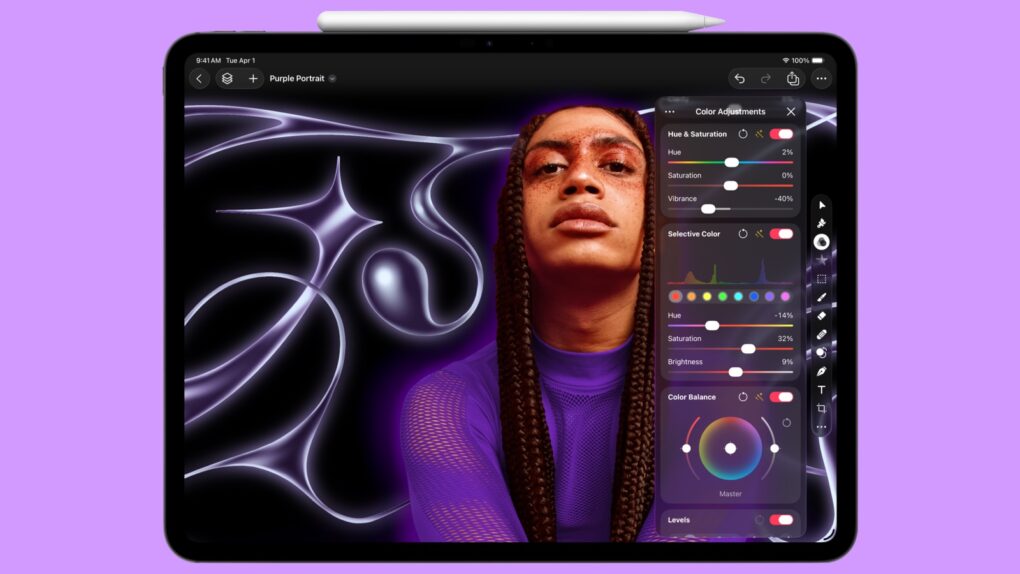
In a big development for mobile creativity, you can finally get Adobe Photoshop on iPhone. Adobe officially launched a new version of the powerful photo editing suite for iPhone Tuesday, bringing it to Apple’s most popular device.

The release comes five years after Photoshop debuted on iPad, giving iPhone photographers and digital artists access to professional-grade editing tools on the go. If you’re working on the go, having a usb c power adapter like this 10-port USB-C charger can help keep your devices powered.

Anker’s new electric cooler integrates with iOS and charges devices

By

Anker Solix EverFrost 2 electric cooler
Keep food cool and gadgets charged on outings. And the biggest model doubles as a freezer.
Photo: Anker

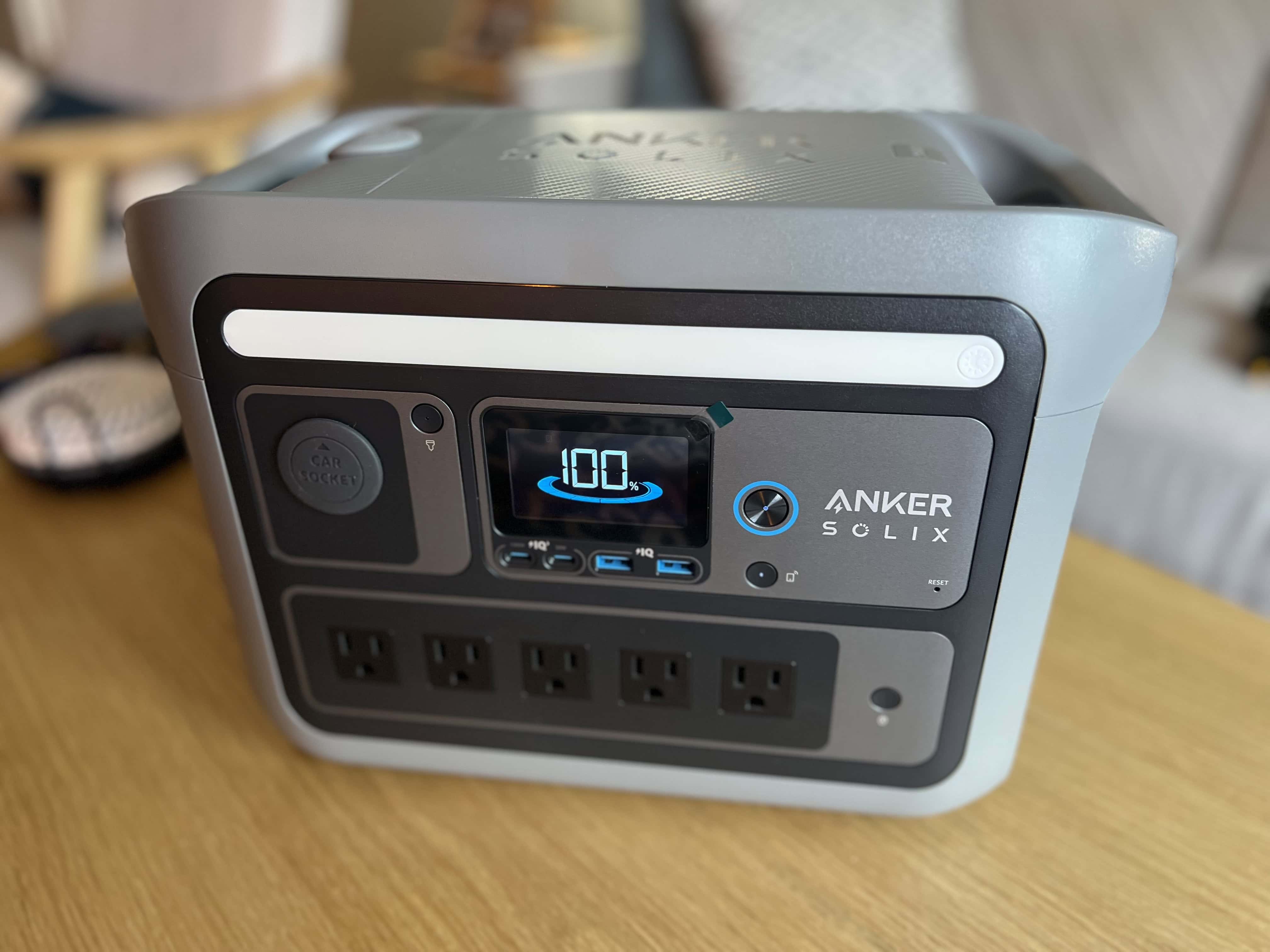
The new Anker Solix EverFrost 2 Electric Cooler gives iPhone users a sophisticated way to manage their outdoor adventures, Anker said Friday. The smart cooler combines advanced cooling technology with iOS app integration, offering Apple users unprecedented control over their outdoor food and beverage storage, complete with Apple device charging.

Save hundreds on a powerful new iPad

By

iPad sales
Whether watching videos or creating amazing art, find the perfect iPad at a sale price.
Image: Cult of Mac

Stop procrastinating on the new iPad, iPad Pro or iPad Air you’ve been wanting. You can buy one now and save up to $200 with the iPad sales currently available.

Apple’s tablets are great whether you only want something to watch video on or are looking for a light-duty notebook. And a wide variety of models are now on sale at up to 17% off!

What rumors reveal about speedy new iPad 11

By

iPad 11 rumors
You don’t have to wait for an official announcement to learn about the iPad 11.
Image: Ed Hardy/Cult of Mac

The latest iPad 11 rumors indicate Apple’s next-gen budget tablet will look quite familiar but benefit from internal upgrades. The wait for a new budget tablet from Apple now stretches well over two years, but the iPad 11 is finally drawing near.

Here’s what to look forward to from the affordable tablet expected to launch by spring.