Mobile menu toggle

iPad - page 38

Inside an indie dev’s ‘overnight success’ [Cult of Mac Magazine 356]

By

It took 10 years of work to create StaffPad, an iPad music app that won an Apple Design Award.
It took 10 years of work to create StaffPad, the iPad music app that won an Apple Design Award.
Cover: Leander Kahney/Cult of Mac

David William Hearn, co-creator of revolutionary iPad music notation app StaffPad, reveals the decade-long quest that earned the app an Apple Design Award.

You’ll find that story, plus the usual roundup of iPhone and Mac news and rumors, in this week’s free issue of Cult of Mac Magazine. It’s packed with Apple how-tos and reviews, too. Download it to read the slick iOS mag on your iPad, or hit the links below to get the stories in your browser.

P.S. Don’t miss our Fourth of July sale in the Cult of Mac Store.

See just how amazing macOS would look on iPad

By

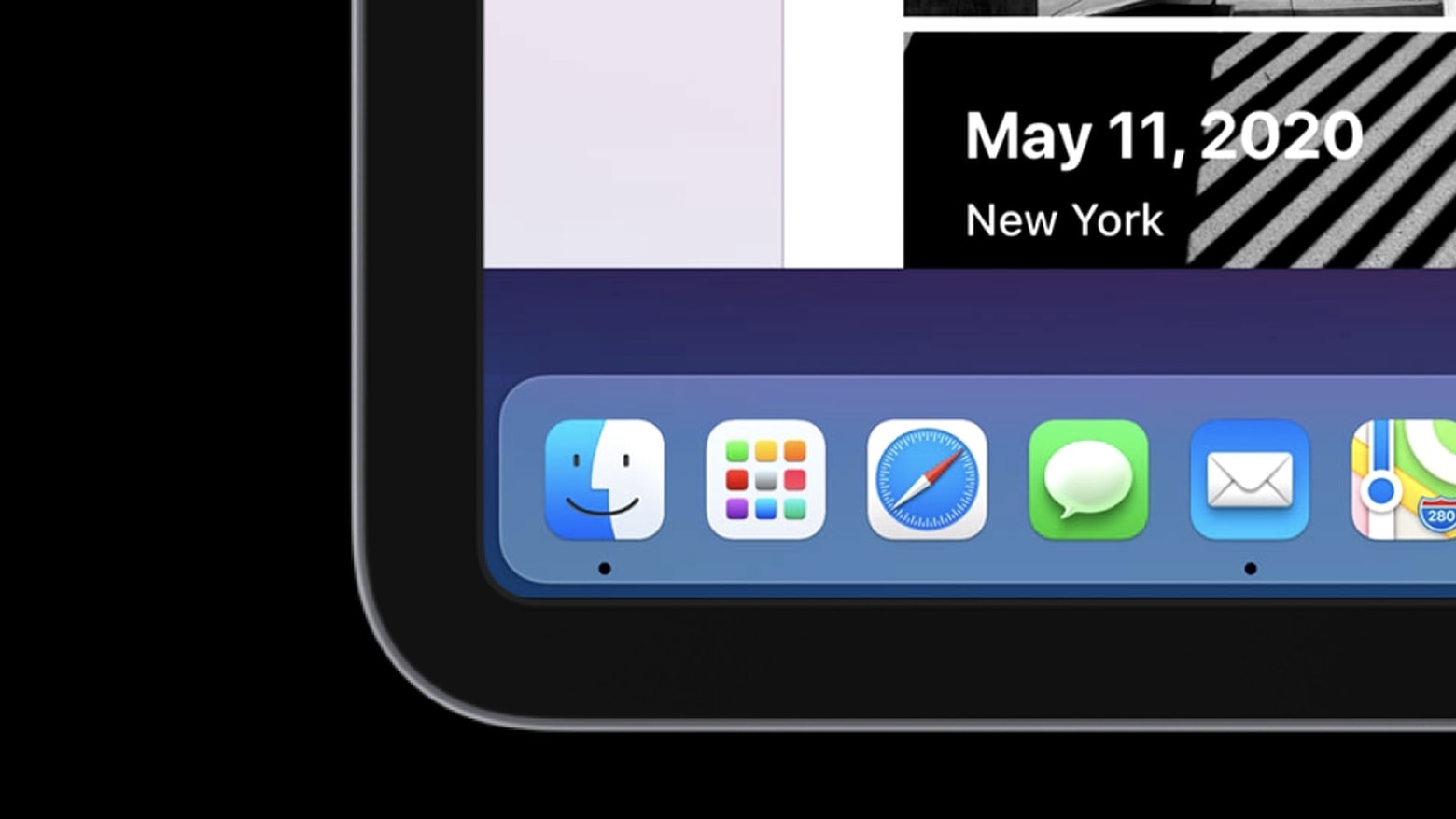
Check this simulation of macOS on iPad created with SwiftUI.
macOS on iPad is a dream of many people. A developer created a glimpse of that possibility.
Photo: Jordan Singer

There’s pent up demand for Apple to bring macOS to iPad, so a clever developer created a simulation in SwiftUI to show what it would look like.

While it appears much like an Apple tablet running the Mac operating system, and even seems to work, this is not macOS Big Sur on an iPad. It’s just something that mimics part of the user interface. Still, it shows those eager for a “MacPad” what one could look like.

Watch a video of the macOS simulation in action:

How to sort podcast episodes so they play in the right order

By

How to sort podcast episodes
You don't always want to hear the most recent episode first.
Image: Killian Bell/Cult of Mac

If you’re starting a new podcast that you want to listen to from the very beginning, you’ll need to change some settings to ensure that the Podcasts app doesn’t automatically play the latest episode first.

It’s a simple tweak that takes just a minute, and we’ll walk you through it in this step-by-step guide.

Found a lost iPhone? Ask Siri who it belongs to [Pro tip]

By

Ask Siri who a lost iPhone belongs to
Siri can help return a lost iPhone to its owner.
Image: Killian Bell/Cult of Mac

Pro-tip-4If you ever stumble across a lost iPhone or iPad, you’ll want to sell it safely return it to its owner as quickly as possible. But how do you find out who it belongs to? Just ask Siri! Find out how with this handy pro tip.

How iOS 14 will make gaming on iPhone and iPad better than ever

By

Fortnite mobile controller
This changes everything.
Photo: Killian Bell/Cult of Mac

iOS and iPadOS 14 will make gaming on iPhone and iPad better than ever, with huge improvements to game controller support. Players can look forward to button remapping, motion controls and more.

And for the first time, you’ll be able to play games on iPad using a keyboard and mouse!

This modular iPad setup is overloaded with options [Setups]

By

iPad Pro Setup
iPad setups are possible, and preferable, with the right stuff.
Photo: @appletechgadgets

iPad setups are often seen as limiting and hard to work with. They require a lot of accessories and peripherals. They do have some advantages though, besides a lower price point. They are more versatile and travel-friendly. And as iPads are getting bigger and more powerful, iPad-based setups are becoming less bohemian.

Photographer Ryszard Sikorski has one of the cleanest setups I have seen. He actually finds an iPad setup quite liberating. “What I like is that I can use [the iPad] how I need it,” he said. “It’s not static.”

Apple expands 0% Apple Card financing to Mac, iPad, AirPods, and more

By

Apple Card is underwritten by Goldman Sachs.
Good news ahead of WWDC!
Photo: Apple

Apple has expanded its 0% Apple Card financing option for products, including the Mac, iPad, AirPods Pro, AirPods, and Apple Pencil. (No Apple Watch, though!)

The company previously launched a 0% Apple Card financing option for iPhone in December. However, this is the first time that Apple has expanded this to cover other Apple products. Tim Cook suggested that Apple would be expanding the program during Apple’s most recent earnings call.

Apple could confirm Mac’s transition to ARM chips at WWDC 2020

By

Full-screen works great on a MacBook.
The move we've all been waiting for is finally getting close.
Photo: Charlie Sorrel/Cult of Mac

Apple reportedly will confirm the Mac’s transition to ARM chips during its Worldwide Developers Conference keynote on June 22.

The company has been using Intel processors inside the Mac since it ditched PowerPC chips in 2006. But speculation regarding a move to custom CPUs has been growing as Apple’s own chips have become incredibly powerful.

We may not see an ARM-powered Mac this year, however. Sources say Apple plans to announce the initiative, code-named Kalamata, at WWDC 2020. That would give developers time to adjust before the first ARM Macs arrive in 2021.

How to remove the Unc0ver jailbreak and return to stock iOS

By

Cleaning an iPhone
Remove your jailbreak in no time at all.
Photo: JEShoots/Cult of Mac

So, you’ve tried out the new Unc0ver jailbreak and decided it’s just not for you. Or maybe it’s time to sell your iPhone or iPad for a shiny upgrade. The good news is removing your jailbreak and returning to stock iOS is easy.

Find out how right here.

Apple Card users could get interest-free payment plans for iPad, Mac

By

Apple Card
Apple hopes the service will boost sales.
Photo: Apple

Apple Card users could soon be offered interest-free payment plans for iPad, Mac, AirPods, and more, one report claims.

Sources say Apple is planning to roll out the new service, which will make many of its pricey products more accessible, in the coming weeks. Users will be able to spread the cost of their purchase over as many as 12 months.

How to easily jailbreak almost any iPhone or iPad with Unc0ver

By

How to jailbreak with Unc0ver
Take control of your iOS devices.
Image: Killian Bell/Cult of Mac

Ready to jailbreak your iOS devices? You’ll be pleased to know it’s easier thank ever thanks to the awesome new Unc0ver tool, which works on almost any iPhone or iPad running iOS 11 through iOS 13.5.

Find out how to use it in this handy guide.

How to install AltStore, the App Store alternative, on iPhone and iPad

By

How to install AltStore on iPhone and iPad.
Play classic Game Boy games, jailbreak, and more!
Image: Killian Bell/Cult of Mac

Riley Testut’s brilliant AltStore is an App Store alternative (kind of) for iPhone and iPad that allows you to install unauthorized third-party apps. In this tutorial, we’ll show you how to install it the right way.

Get rare discounts on Apple Smart Keyboards for iPad — now from just $99

By

Apple Smart Keyboard Folio for the 2020 iPad Pro
Savings on almost all models.
Photo: Apple

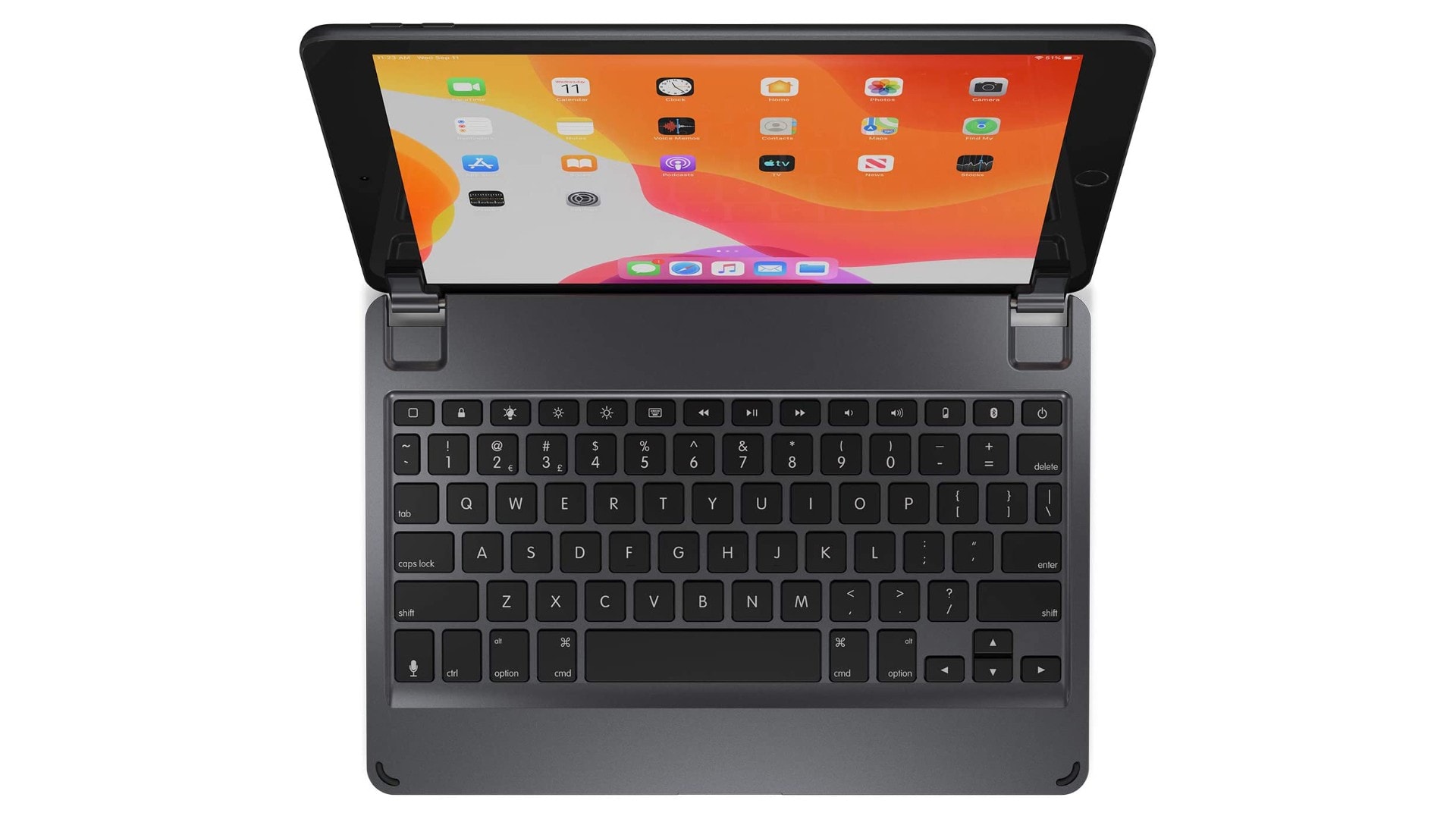
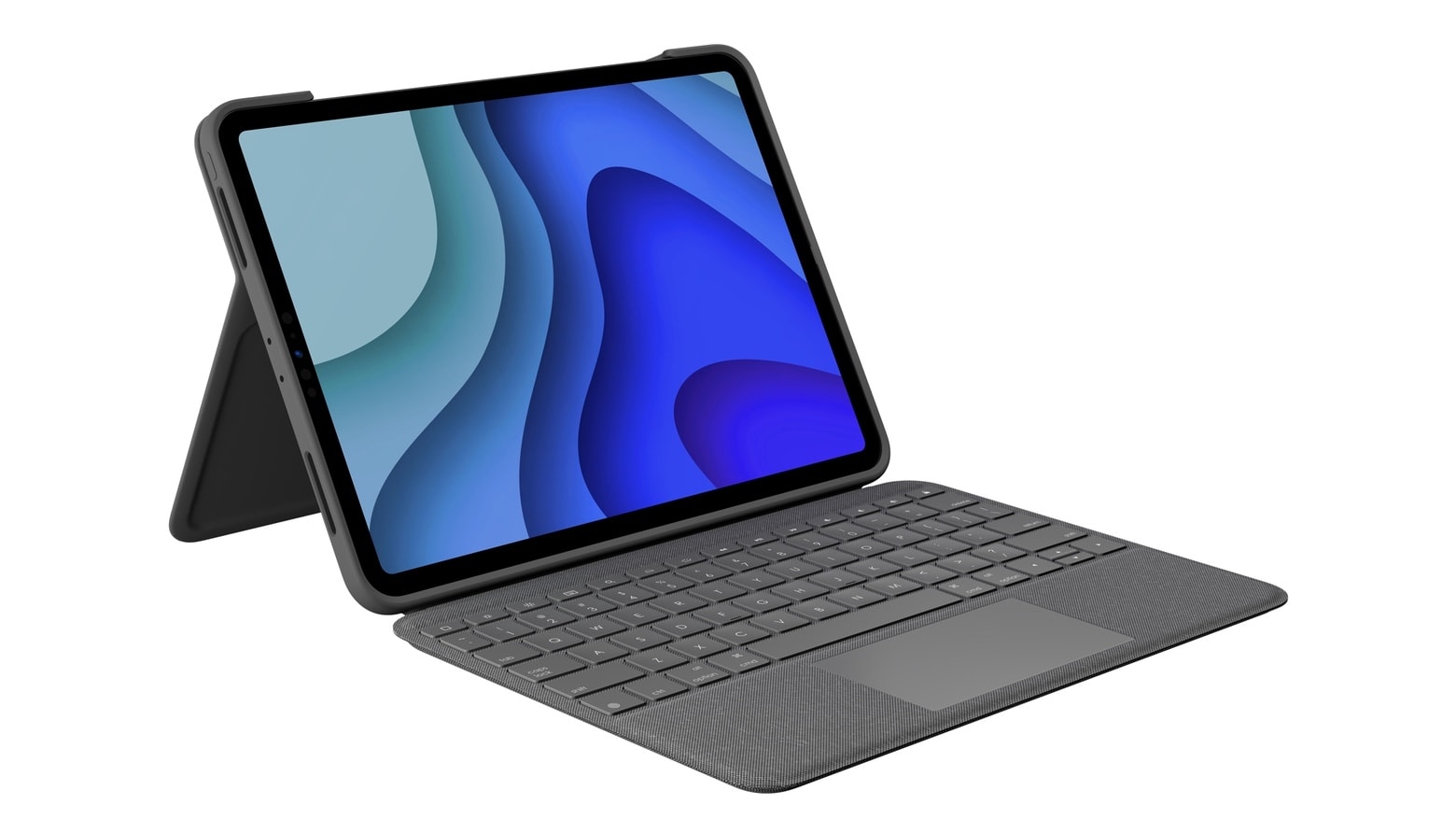
Apple’s brilliant Smart Keyboard is one of the best accessories you can buy if you hope to stay productive on the move without adding too much weight to your bag. And right now, you can get yours from as little as $99 on Amazon.

Enjoy these rare discounts today before they disappear.

How to share a Pages document for online collaboration

By

Collaborate-Pages-iOS
No more sending documents back and forth.
Image: Killian Bell/Cult of Mac

Working from home can make collaboration a little more difficult, but not if you’re using Pages on a Mac or iOS device. The ability to collaborate with others online is now built-in, and it’s surprisingly easy to take advantage of.

We’ll show you how.

Change your wallpaper to freshen up your Home screen on iPhone and iPad [Pro tip]

By

iPhone-wallpaper
A new wallpaper is like a new phone ... kind of.
Photo: Youssef Sarhan

Pro-tip-4Tired of seeing the same old Home screen on iPhone and iPad? You don’t really want to move around all your apps because then you’ll have to get used to finding them again. Instead, treat yourself to a fancy new wallpaper.

Find out how in today’s pro tip.

How to use drop caps in Pages to make your documents pop

By

Pages-drop-caps
Drop caps can make almost any document look better.
Image: Killian Bell/Cult of Mac

Create documents that grab a reader’s attention by taking advantage of the newly-added drop cap tool in Pages for Mac and iOS. It’s easy to use and offers a whole bunch of customizations options.

Here’s how to make the most of it.

Apple could save Messages on Mac with new iPad app port

By

Messages-iPad
Messages is so much better on iPad.
Photo: Apple

Apple looks to be gearing up to port iPad’s built-in Messages app over to Mac. The move could immediately fix Messages’ biggest problems on Mac, including its glaring lack of features.

The desktop version of the app still does not support iMessage apps, Apple Pay, message effects and other key features. Evidence of the move has been uncovered in leaked iOS 14 code, indicating it could be executed this fall when Apple drops its next major macOS update.

Huawei overtakes Apple in first quarter to become China’s No. 1 tablet maker

By

Huawei MatePad Pro is like an iPad Pro, but cheaper
Unlike most, Huawei had a great first three months of the year.
Photo: Huawei

The iPad no longer rules the tablet roost in China, the country Tim Cook previously claimed is Apple’s future biggest market. According to a Tuesday report from the South China Morning Post, Huawei has overtaken Apple to be the No. 1 tablet maker in China for the first quarter of 2020.

China’s tablet shipments fell a massive 30% in the first three months of 2020 due to the coronavirus pandemic. However, while most manufacturers (including Apple) shipped fewer units for the quarter, Huawei actually grew 4.3% year on year. In doing so, it claimed 40.2% of the market, next to Apple’s 31.5%.