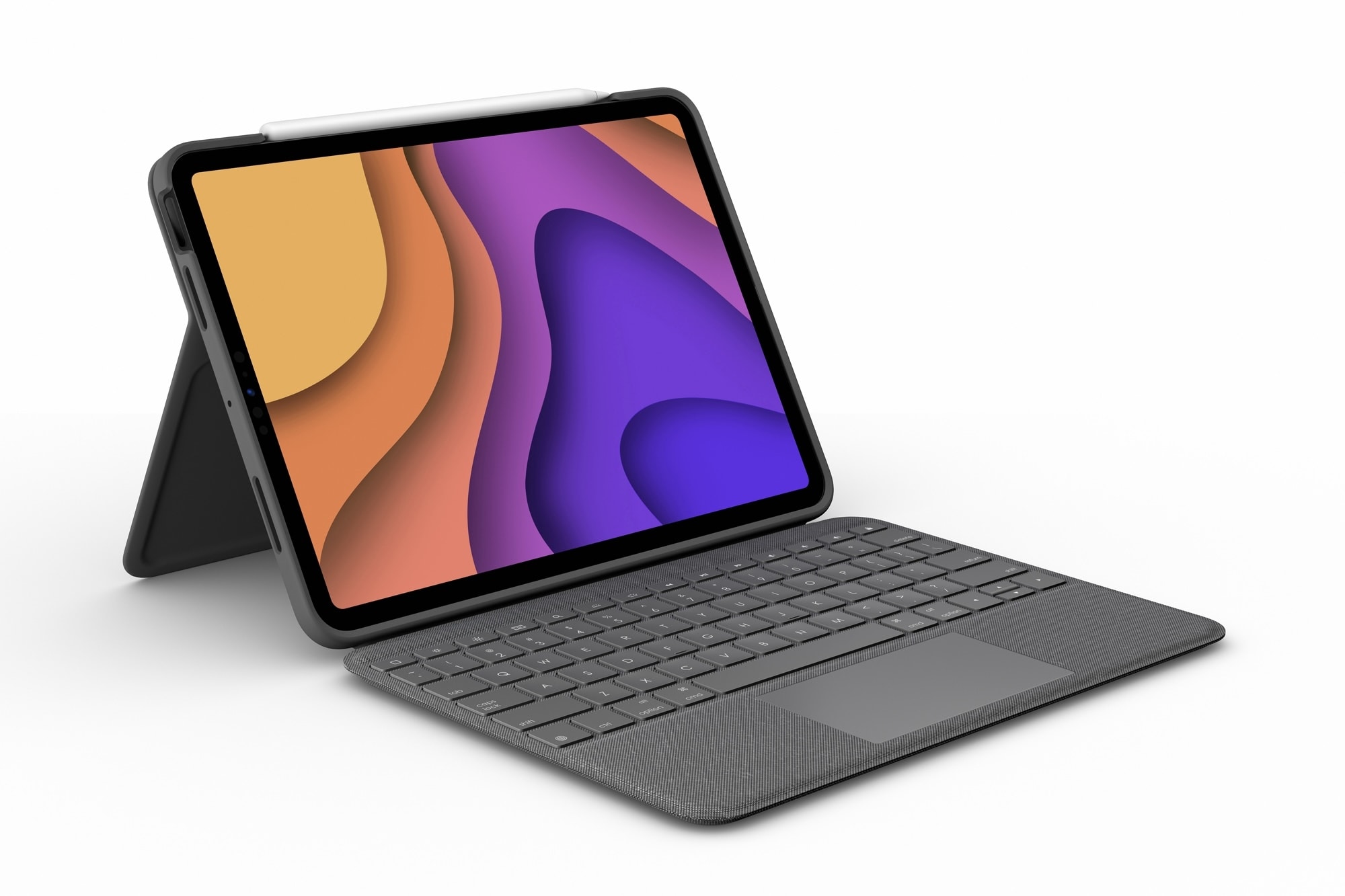
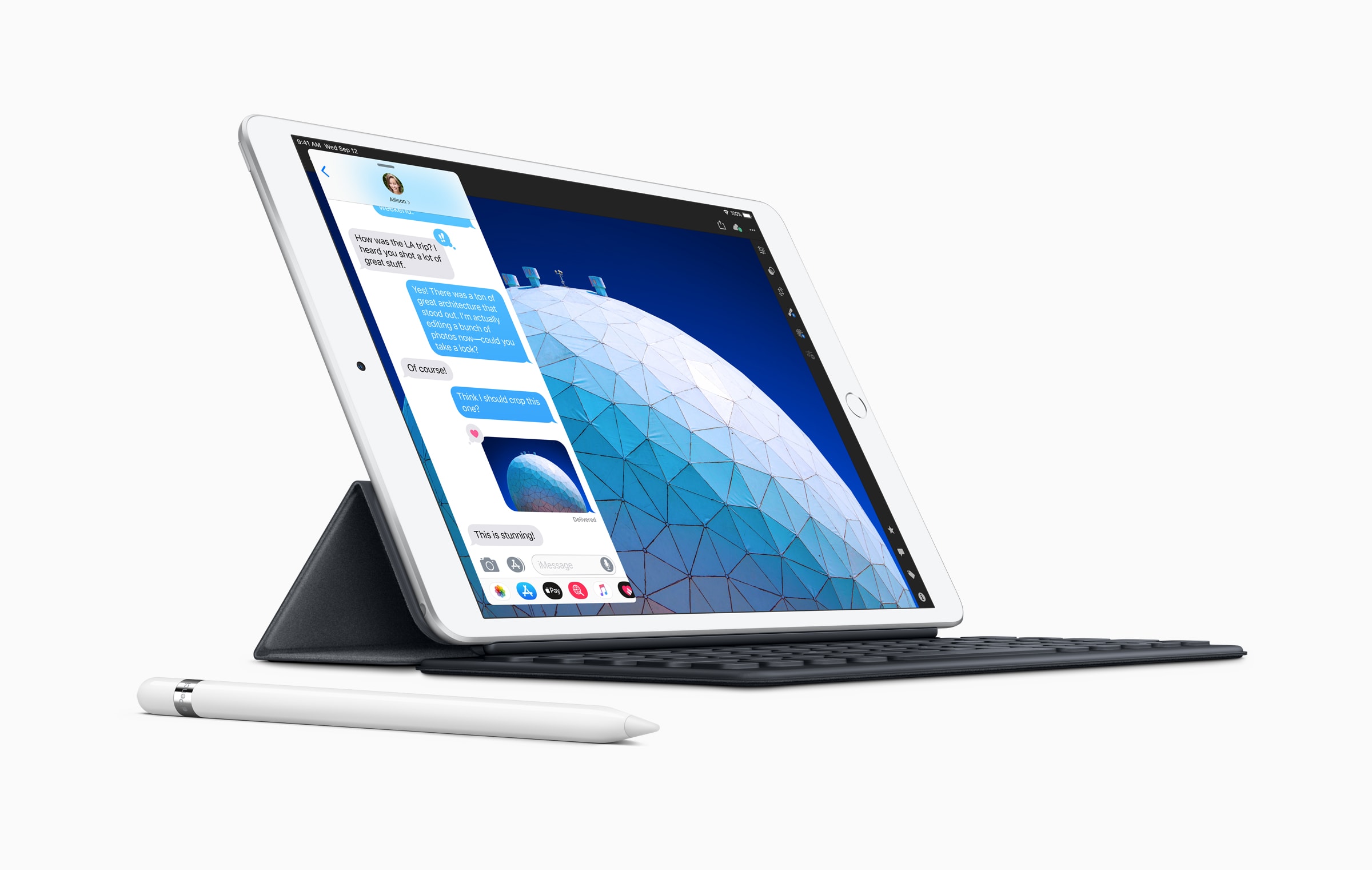
Logitech's Folio Touch for iPad Pro works with iPad Air, too. Photo: Logitech
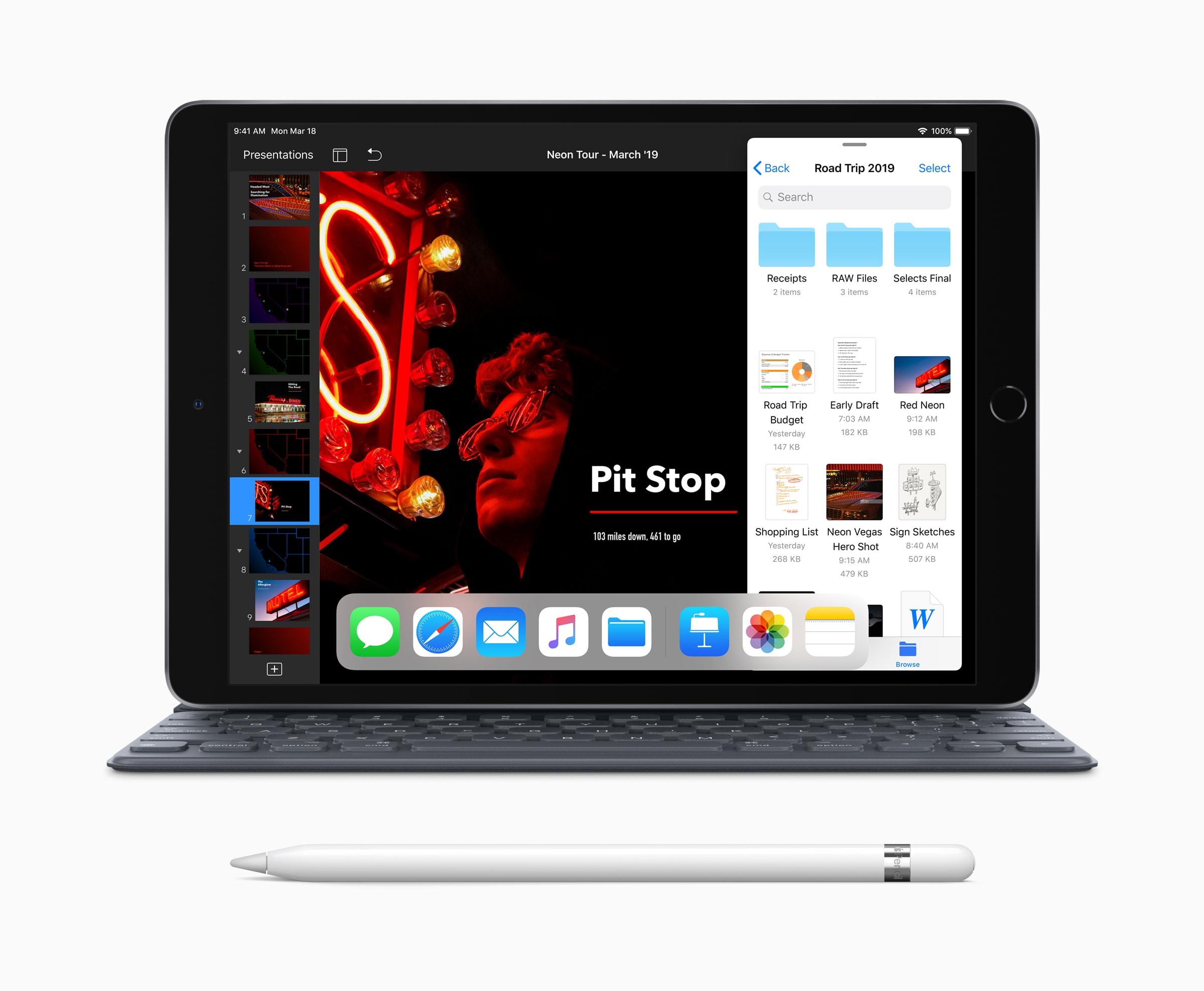
Picking up a new iPad Air next month? If you’re switching from a 11-inch iPad Pro, you will be pleased to know that most of your existing accessories should work just fine with your new tablet.
Both devices are almost identical in size, with the new iPad Air being ever so slightly thicker than the iPad Pro. Unless you have an incredibly tight-fitting case, you shouldn’t have any compatibility issues.
Important new products and services were all highlights of the Apple “Time Flies” September event. Photo illustration: Cult of Mac/Apple
Apple executives took to virtual stages on Tuesday to unveil a parade of important new products at its “Time Flies” event. The much-anticipated Apple Watch made its debut, and a cheaper version too. And the iPad Air got a massive upgrade. Plus, there are new services and more.
Here’s why you shouldn’t overlook anything Apple just announced.
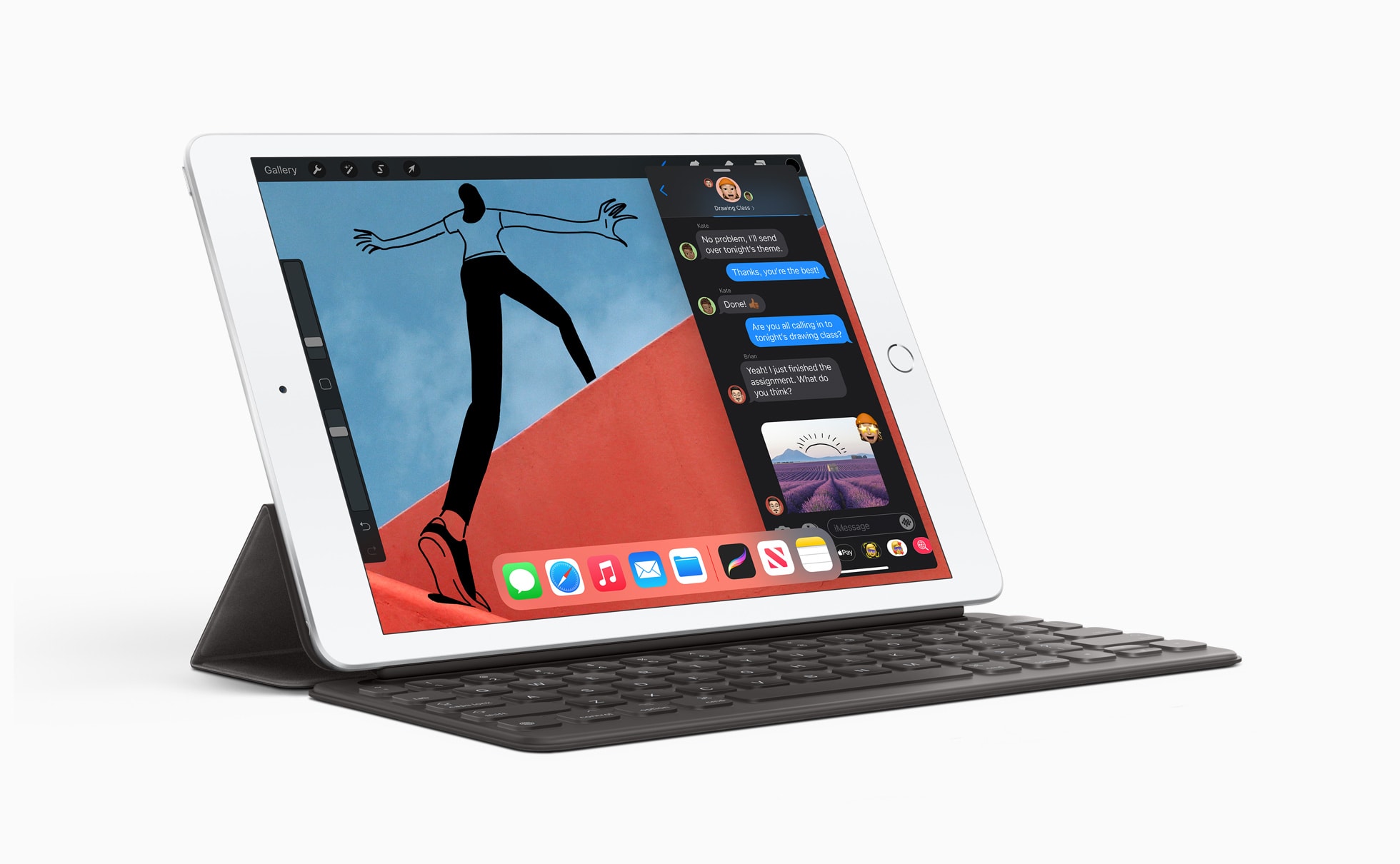
Apple’s entry-level iPad, unveiled Tuesday during the “Time Flies” event, is better than ever with a faster processor and graphics, and gigabit-class LTE. It’s also just as affordable as its predecessor.
Order yours today ahead of its release this Friday for just $329 (or $299 if you’re a student).
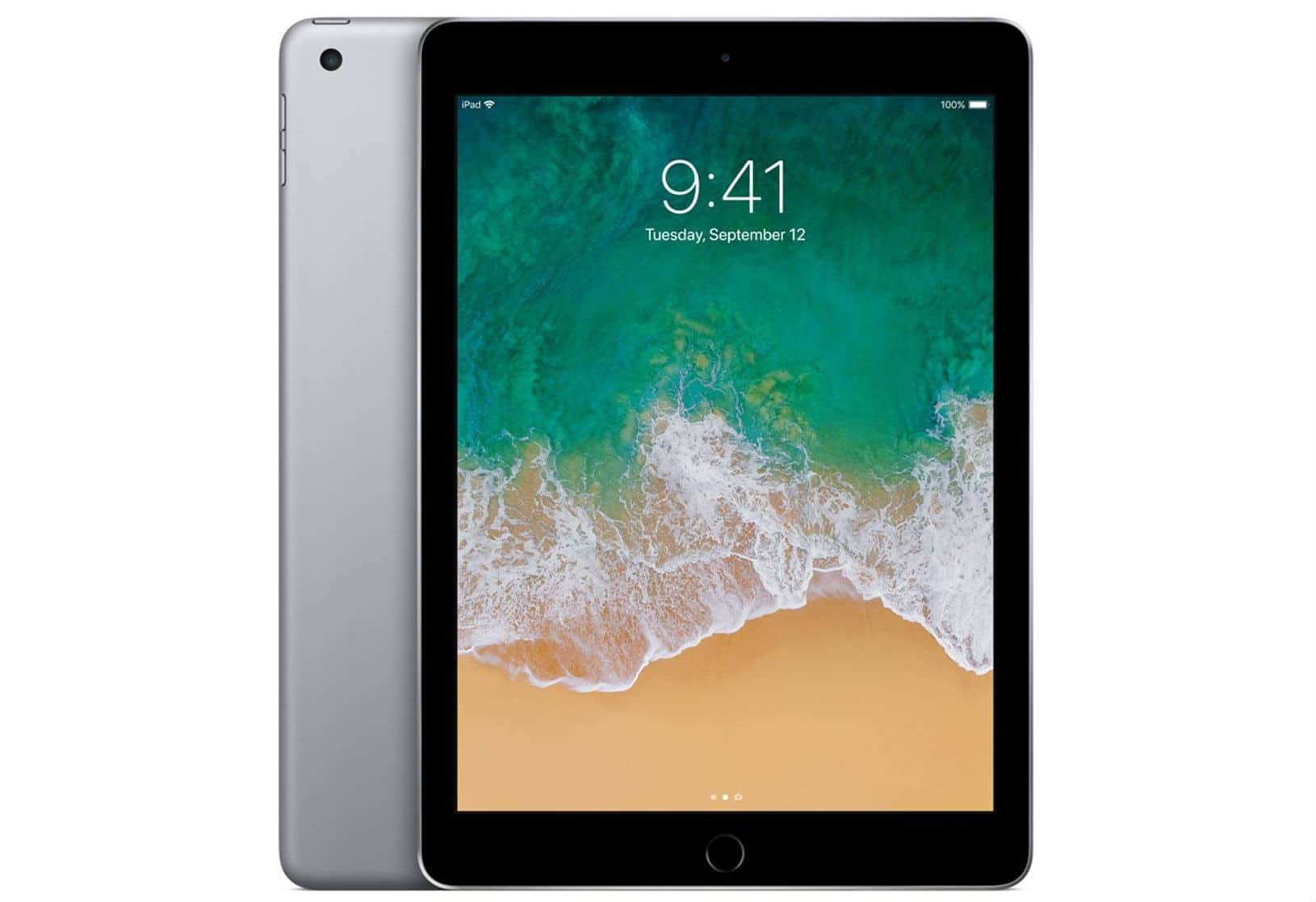
With a snappy A9 processor and gorgeous Retina display, the 9.7-inch iPad is a terrific tablet for almost anyone. And you can get yours right now with 128GB of storage and Wi-Fi connectivity for less than $270.
Woot is blowing out refurbished units, tested and backed by a 90-day warranty, for one day only. Go grab one before they’re all gone!
It's that time of year again. Cover: Leander Kahney/Cult of Mac
It’s officially Apple hardware season. With new gear coming as early as next week, the rumors and leaks are coming in fast and furious. Read the latest to get an idea what to expect in the near future from iPhone, Apple Watch, iPad, Apple TV and maybe even some high-end Apple headphones.
Get those rumors, plus the rest of the week’s top Apple news, how-tos and reviews, in this week’s issue of Cult of Mac Magazine. Download it to read for free on your iPad or iPhone. Or scroll below to get the headlines in your browser.
iPad can be very useful in school. And even more so when the classroom extends out into nature. Photo: Apple
Jodie Deinhammer wrote the book on using iPad in science classrooms. Literally.
The middle school teacher — and Apple Distinguished Educator — has been using tablets to teach since her district first equipped every student with an iPad in 2014. All that experience went into a new e-book for teachers.
The App Store now supports 2.1 million jobs across the U.S. Photo: Apple
The App Store ecosystem created almost 300,000 new U.S. jobs during the COVID-19 pandemic, Apple said Tuesday. It now supports more than 2.1 million people across all 50 states.
Apple pointed out that apps have become even more critical to Americans’ everyday lives as they adapt to new ways of working, learning and connecting during the coronavirus outbreak.
Woot’s latest blowout on Apple devices offers big discounts on 10.2-inch iPad and 2018 iPad Pro refurbs. You can bag yours for as little as $379.99, but you’ll need to act fast. This sale is good for today only.
The 2020 iPad could look a lot like this iPad Pro. Photo: Apple
The 2020 iPad will resemble a smaller iPad Pro, if leaked schematics of this upcoming computer are accurate. It supposedly will offer narrow screen bezels, Face ID, a USB-C port and other features previously reserved for Apple’s high-end tablets.
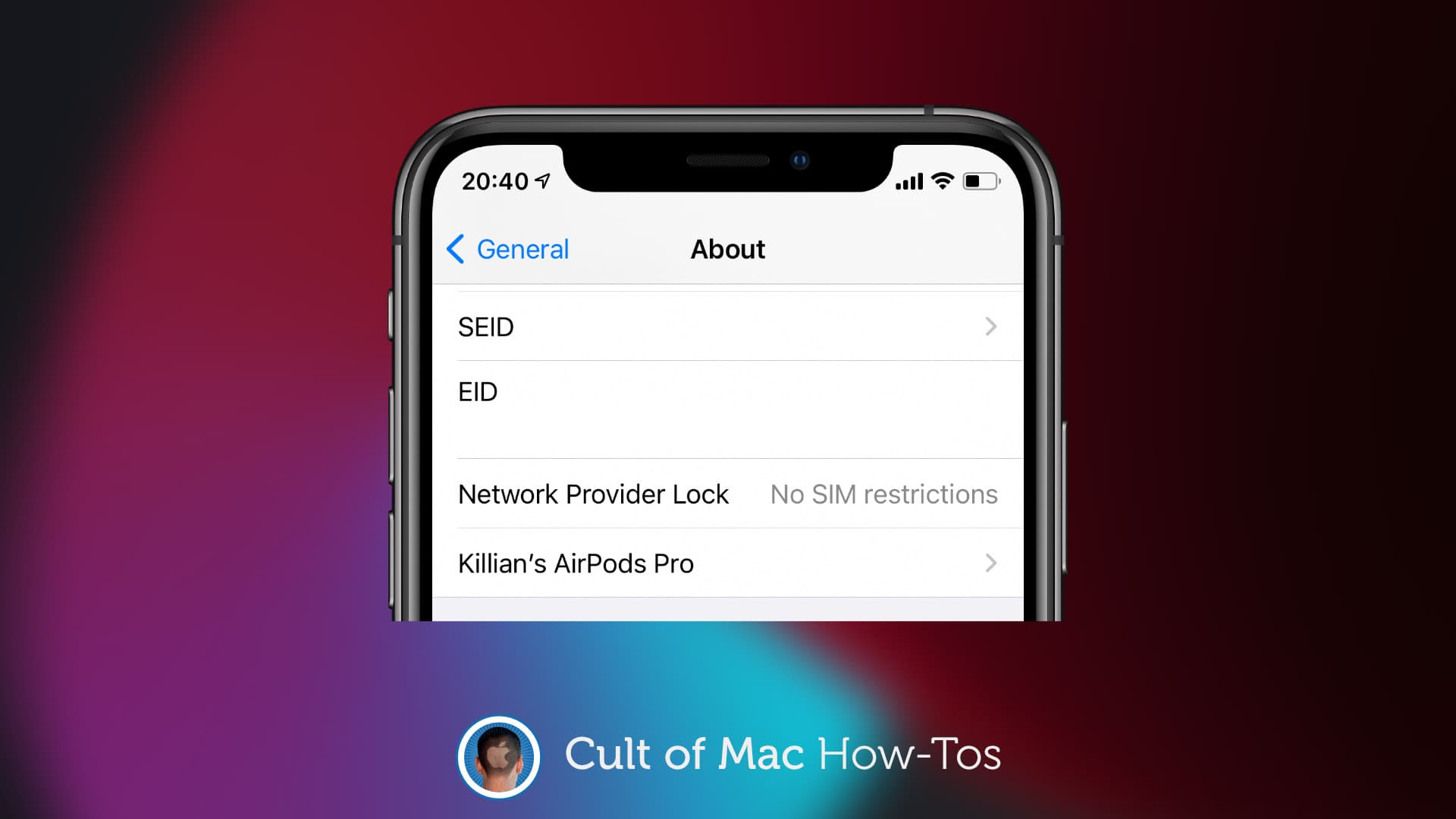
No need to swap SIM cards. Image: Killian Bell/Cult of Mac
If you’re looking to pick up a used iPhone and you want to be sure that it’s unlocked before handing over your cash, you’ll be pleased to know that there’s a quick and easy way to find out in iOS 14.
There’s no need to call any carriers or swap out any SIM cards. Just take a quick dive into the Settings app and you’ll find all the information you need. We’ll show you how.
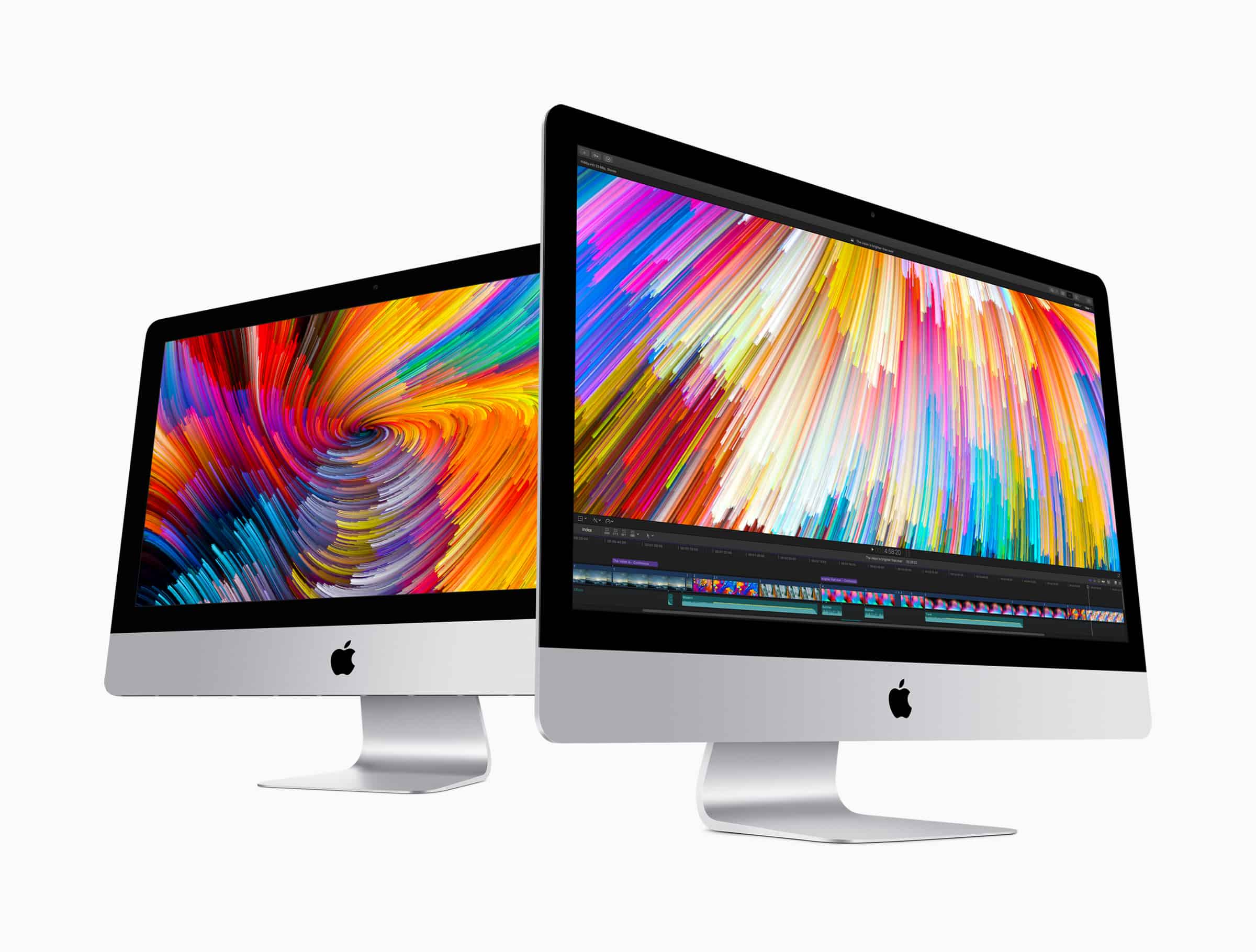
In need of a cheap Mac or iPad? Check out Woot’s latest one-day sale on MacBook, iMac, and iPad refurbs. Prices start at just $209.99, and there is a whole bunch of great devices to choose from.
Stock is selling fast and once it’s gone, it’s gone. Don’t miss out!
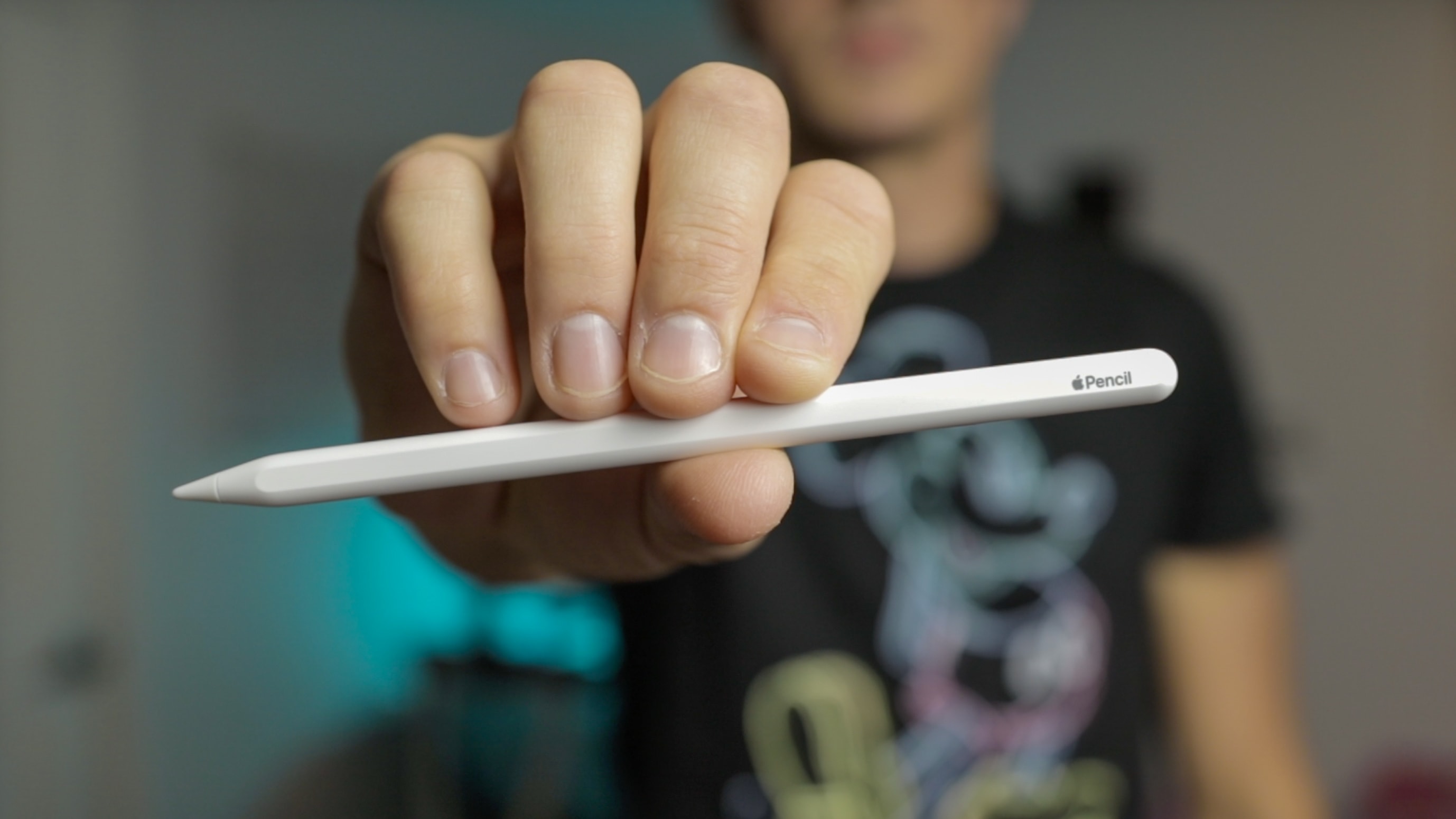
The Apple Pencil is fancy, and finally getting more useful. Photo: Ian Fuchs/Cult of Mac
Back when Apple introduced the Apple Pencil, the company positioned the stylus primarily as a tool for artists. And try as I might, I’ve never been particularly great at drawing. That said, it didn’t stop me from picking up an Apple Pencil to annotate documents, edit photos or use as an alternative way to touch the screen.
Then the Magic Keyboard came along with a fantastic trackpad experience. It offered a different way to interact with the screen without touching it with my finger. But now, with iPadOS 14, Apple has rewritten the story of what Apple Pencil can do, and it’s completely changed how I use my iPad once again.
This proposed 2020 iPad Air concept is mostly a scaled-down iPad Pro. Photo: svetapple.sk
Images that appear to show training manuals or marketing images for the forthcoming iPad Air 4 were posted by an Apple leaker posted Wednesday.
The images, posted by Twitter user DuanRi, show off a design similar to the iPad Pro. If the images are real, the iPad Air 4 will be the first in this series without a Home key. And there’ll be a single rear-mounted camera.
Interestingly, the images also suggest Apple will stick with Touch ID, rather than adopting Face ID for the next-gen iPad Air. The Touch ID sensor will be incorporated into the power button, not under the display (as some previous rumors suggested).
Apple could have a 2020 iPad Air on the docket with an even larger display. Photo: Apple
A listing of multiple unknown tablets by the Eurasian Economic Commission seemingly confirms that Apple will soon introduce a range of new 2020 iPad models.
The same source also says multiple Apple Watch models running watchOS 7 are about to be released.
A simple settings change is all that's needed. Image: Killian Bell/Cult of Mac
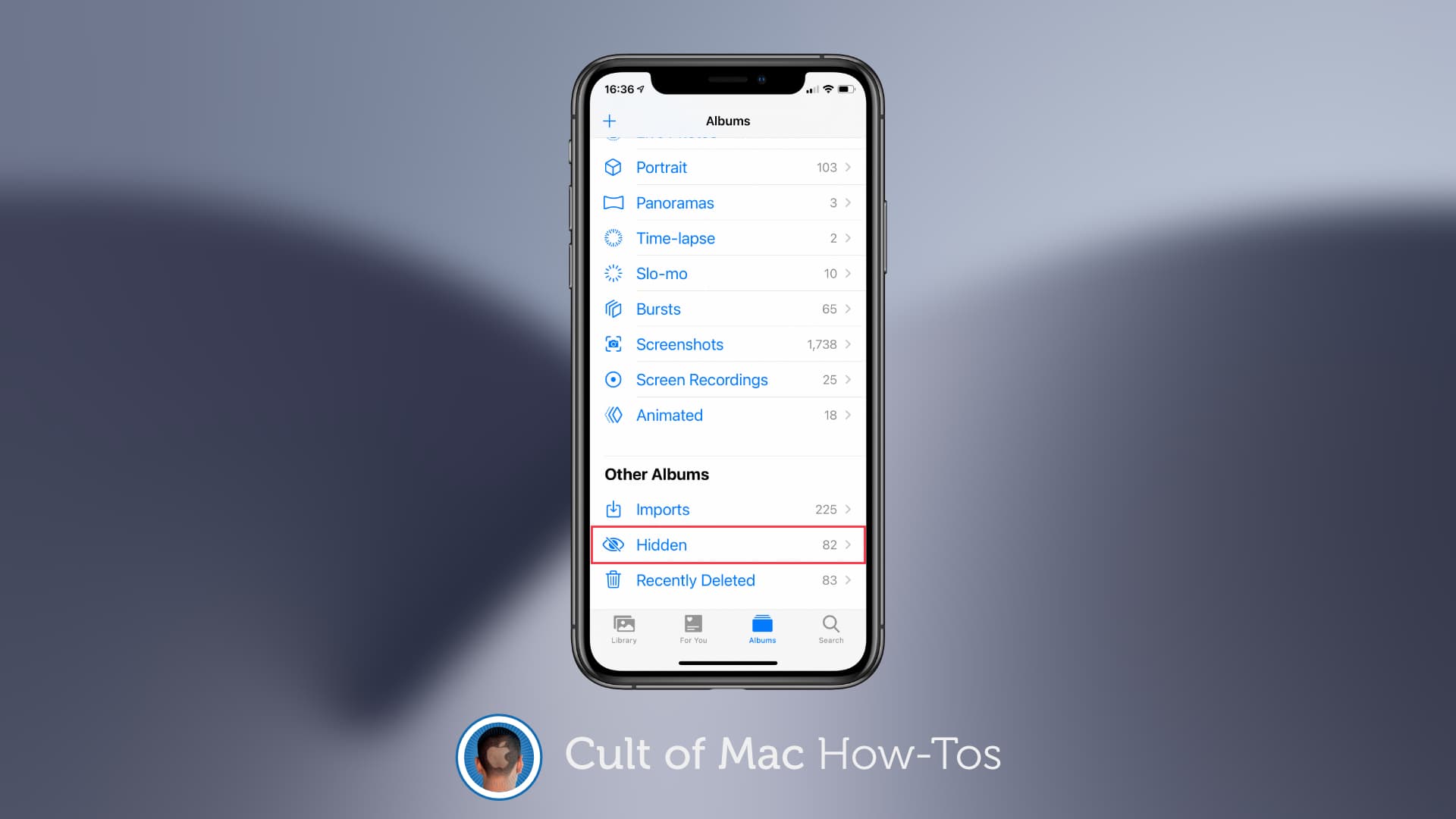
Apple’s newest iOS 14 beta makes it so that the “hidden” folder inside the Photos app no longer appears by default. But there is a quick and easy way to get it back. We’ll show you how.
Are Apple's days as a game-changing innovator behind it? Photo: Apple
Apple’s surge past a $2 trillion market cap this week underlines just how well CEO Tim Cook’s vision works for shareholders. But is this good news for Apple fans?
The first publicly traded U.S. company to hit this milestone, Apple has transformed from one of the world’s dynamic companies into one that can be, well, kind of boring. The strategy that fueled this unprecedented success makes it far less likely that we’ll seen an insanely innovative product coming out of Cupertino in the future.
It's not gone completely ... yet. Photo: Killian Bell/Cult of Mac
Fortnite is currently banned from the App Store following a big fallout between Apple and Epic Games. But for some players, that doesn’t mean it’s gone from iPhone and iPad for good.
So long as you’ve downloaded Fortnite at least once before, it’s still possible to re-download it today. We’ll show you how to do it.
Amazon’s biggest discounts yet on the newest iPad Air have returned for a limited time only. You can save up to $99.01 on Wi-Fi models in silver. The deal won’t last long, so enjoy it while you can!
This week on The CultCast: New Apple hardware is incoming, and thanks to a reliable leaker, we might know the release dates for iPhone 12, Apple Watch Series 6 and more. We’ll tell you what to expect. Plus, it’s Apple stock adventure, part 2! I talk about my massive Apple stock purchase, including how much I spent, why I’m buying in now, and how much my investment is now worth. We talk real numbers!
And if you’ve been thinking about getting a new Mac with the butterfly keyboard, don’t do it until you hear this episode, cause with COVID-19 shutdowns, keyboard repairs are now a total nightmare.
Our thanks to Netgear for supporting this episode. The Netgear Orbi WiFi 6 router gives you ultra-fast speeds and wider coverage throughout your home. Learn why Orbi are so insanely powerful at Netgear.com/bestwifi6.
A catalog of amazing apps, one small monthly fee. Photo: Setapp
Setapp, the brilliant app subscription service from MacPaw, has finally landed on iOS. The service offers eight titles at launch, including task-management app 2Do and wonderful writing tool Ulysses.
A small monthly fee gets you complete, unlimited access to every app in the catalog, with more being added on a regular basis. And if you’re already a Setapp subscriber, you may get the iOS apps for free.
Kids in 2020 will have to learn from home, and Apple is helping with discount iPads for California students. (Brydge keyboard sold separately.) Photo: Brydge
Apple and T-Mobile are collaborating to connect up to 1 million California students in need with iPads already equipped with high-speed internet connectivity.
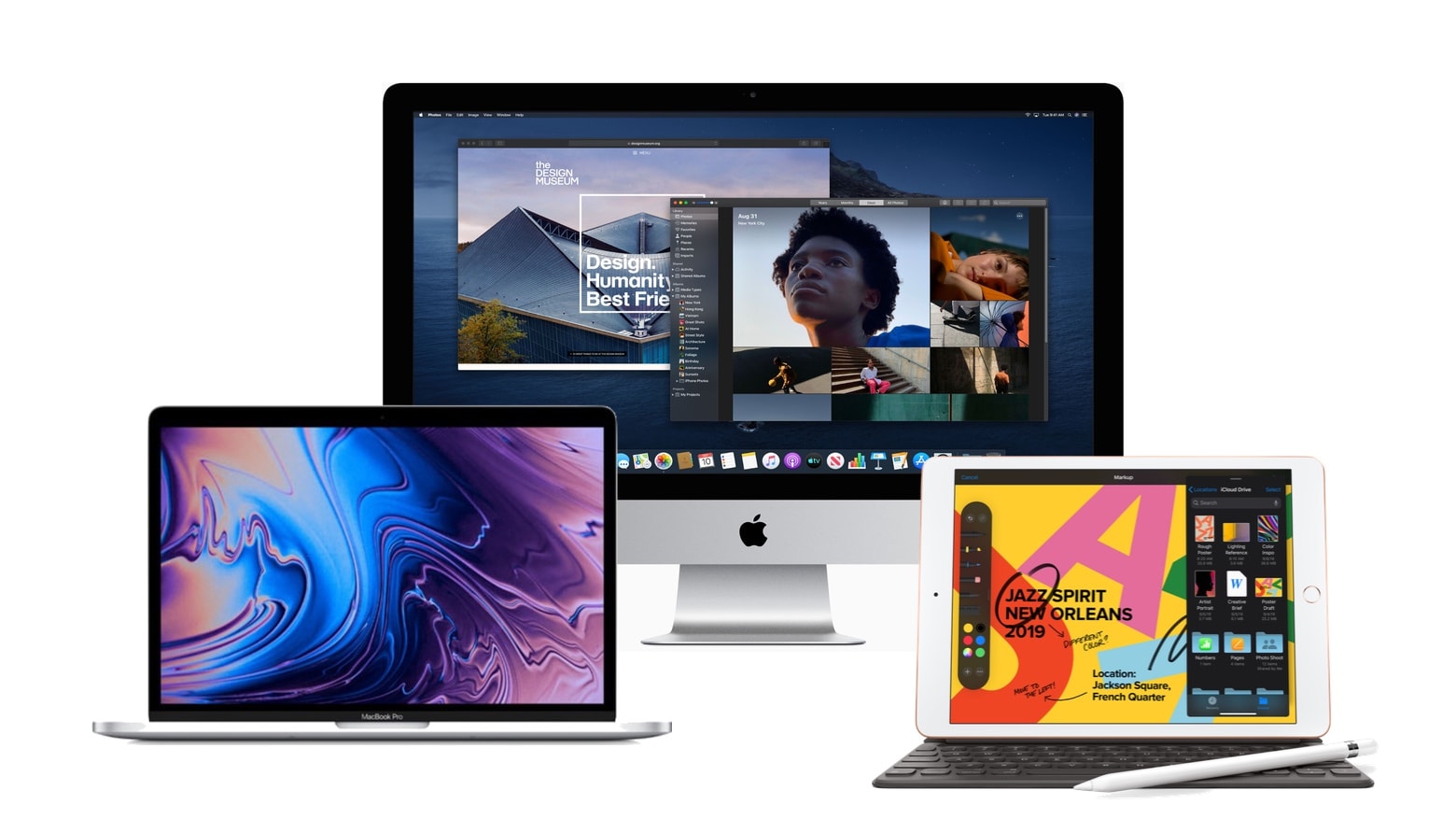
All of these are computers, and all contributed to Apple’s growing share of the global computer market. Photo: Apple/Cult of Mac
Strong sales of iPad and Mac during Q2 2020 propelled Apple closer to taking the lead in the worldwide computer market. But they weren’t quite enough to push Lenovo out of the top spot, according to a market-research firm.
Still, the Mac-maker stayed ahead of rivals HP, Dell and Samsung as the global computer market grew 14% year over year.
It might be worth more than you think. Photo: Apple
It’s a great time to replace your aging iPad, with up to $500 off brand-new iPad Pros for a limited time only. And we can help make your upgrade even cheaper.
Sell your old tablet to Cult of Mac and we’ll pay you the money you deserve. We offer real cash — and fast — and we typically cough up more than other trade-in services.
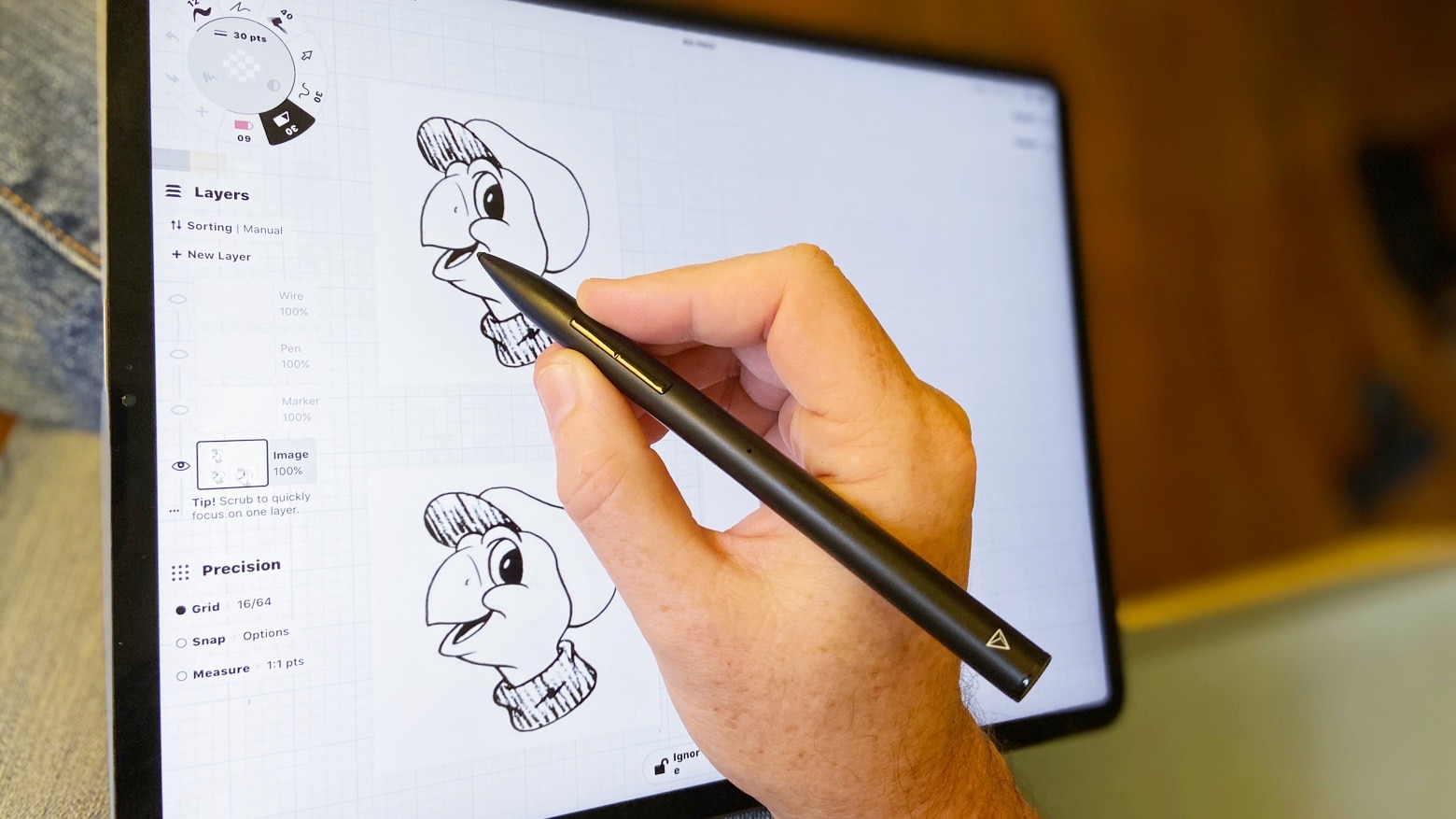
Apple Pencil isn’t the only iPad stylus. With Adonit Note+, you can draw Tippy. Or take notes, sign PDFs, and more. Photo: Ed Hardy/Cult of Mac
iPadOS 14 includes Scribble, finally allowing you to hand write text on an iPad with a stylus. If you don’t already have a stylus, there are some great options out there besides the very expensive Apple Pencil.
Here are some of the best available, so you can take full advantage of your iPad’s capabilities without paying too much.
Don't let Podcasts eat up all your storage. Image: Killian Bell/Cult of Mac
For most podcast listeners, there comes a time when you have way too many unplayed shows, taking up way too much space on your iPhone or iPad. Fortunately, this is a problem with an easy fix.
Take back precious storage space by deleting episodes you don’t need to have saved locally, and prevent the Podcasts app from hoarding content in the future. We’ll show you how.