There's almost always an easy fix. Photo: Daniel Korpai/Unsplash
Just like any other electronic gadget, Apple Pencil can sometimes experience issues that prevent it from working as intended. The good news is that it’s quick and easy to fix almost any Apple Pencil problem.
Try these simple tricks to eliminate connectivity problems, stuttering and more when your Apple Pencil starts acting up.
Avoid sending important messages at inconvenient times. Image: Killian Bell/Cult of Mac
Not a good time to send that important message to a colleague in Slack? The widely used communication platform lets you schedule messages to send later on desktop and mobile. You simply choose the date and time, and Slack takes care of the rest.
The feature comes in particularly handy if you work with colleagues in other time zones and don’t want to bother them after hours. Here’s how to send Slack messages later on iPhone, iPad and Mac so they arrive at appropriate times.
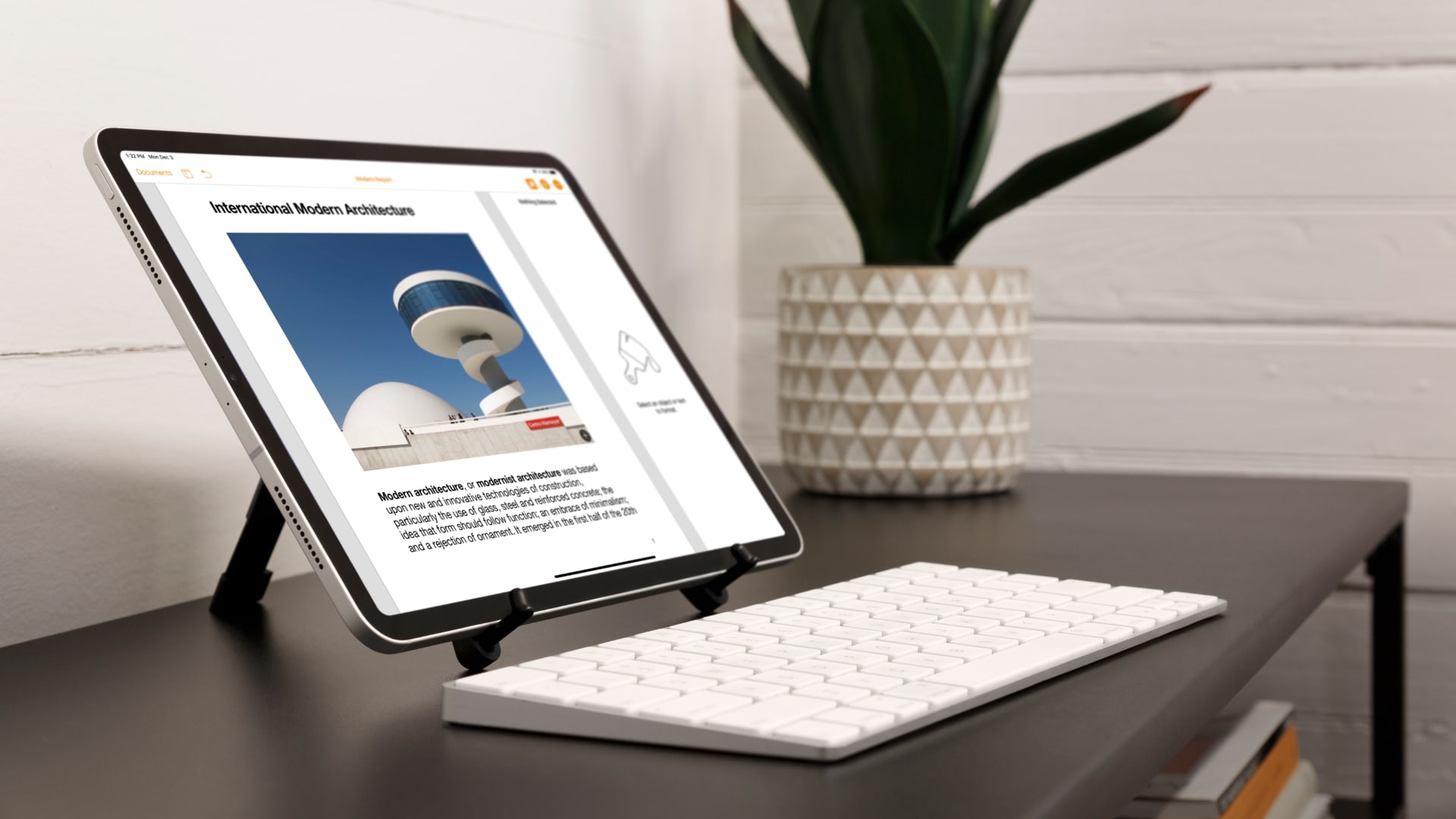
A foldable stand that's fit for anything. Photo: Twelve South
If you find yourself lugging around your iPad on a regular basis, you probably need a stand that’s as mobile as it is effective. Compass Pro perfectly fits the bill with its durable, folding design that’s ready when you need it.
Built by the brilliant minds at Twelve South, the Compass Pro is made from ultra-tough metal and can be adjusted for everything you might want to do with your iPad — including drawing, typing, and watching movies.
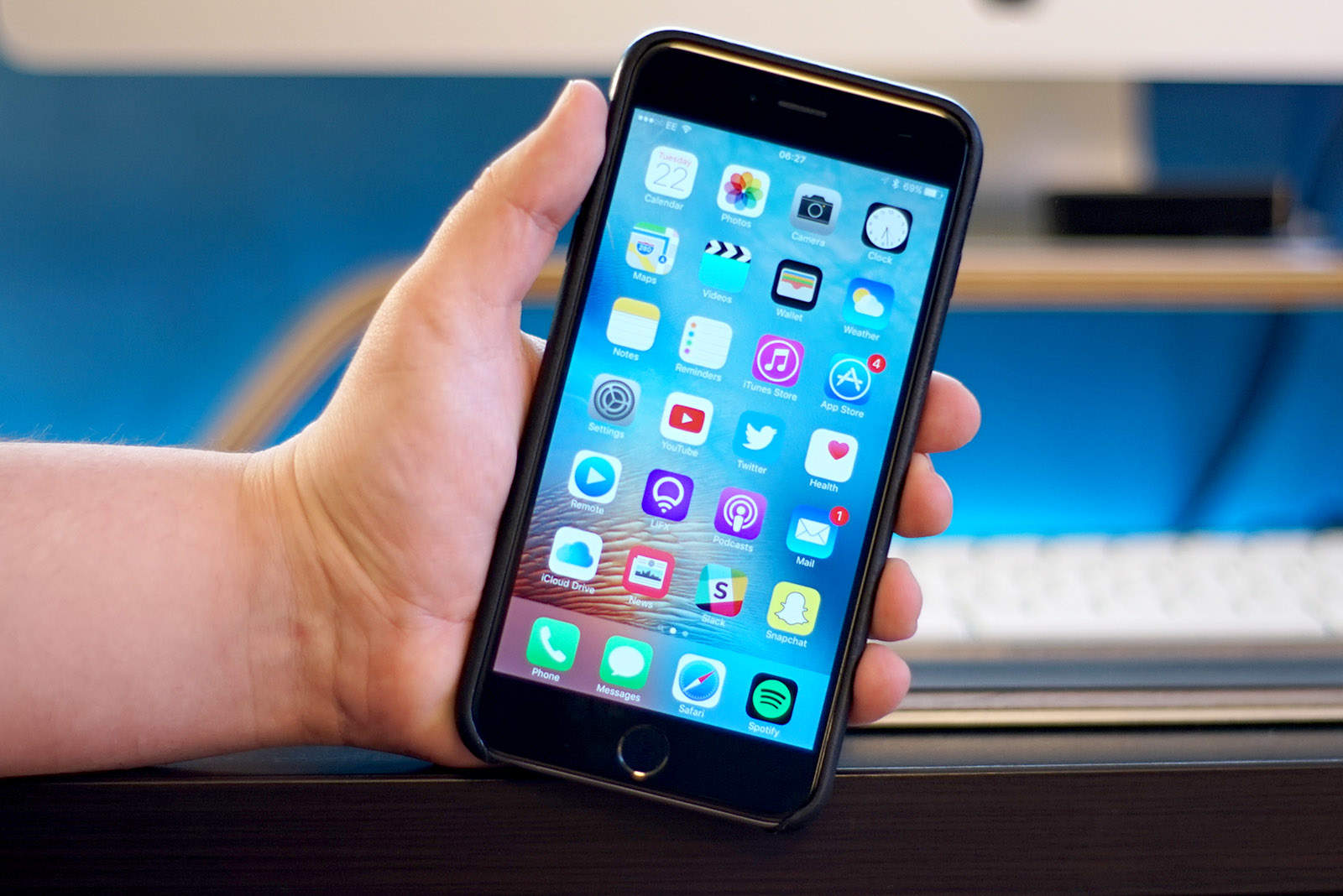
Bad news for anyone still carrying an iPhone 6 Plus. Photo: Ste Smith/Cult of Mac
The iPhone 6 Plus was a game changer for Apple back in 2014. But it’s riding off into the sunset now that it’s been added to Apple’s list of vintage products, limiting its repair options.
And the iPad 4 from 2012 is now officially obsolete.
It's now easier to find out how much you'll need to pay. Image: Killian Bell/Cult of Mac
Got a broken Apple device that needs fixing? The Apple Support app has begun showing repair cost estimates in some locations, giving customers an idea of how much they’re going to have to cough up before they book in.
The estimates appear to be available for “common repair topics” — like replacing broken displays and back panels, or swapping out old batteries — for the most popular iPhone and iPad models in use today.
Nintendo's own method is way too slow. Image: Killian Bell/Cult of Mac
If you’ve ever tried saving Nintendo Switch screenshots to your iPhone or iPad, you’ll know it’s a less than seamless experience. It seems Nintendo didn’t put a great deal of thought into designing its rather primitive transfer tool.
Fortunately, someone else did. Developer Filip Němeček has built an app called SwitchBuddy that makes fetching your Switch screenshots on iPhone and iPad faster, easier, and much more enjoyable. Here’s how to use it.
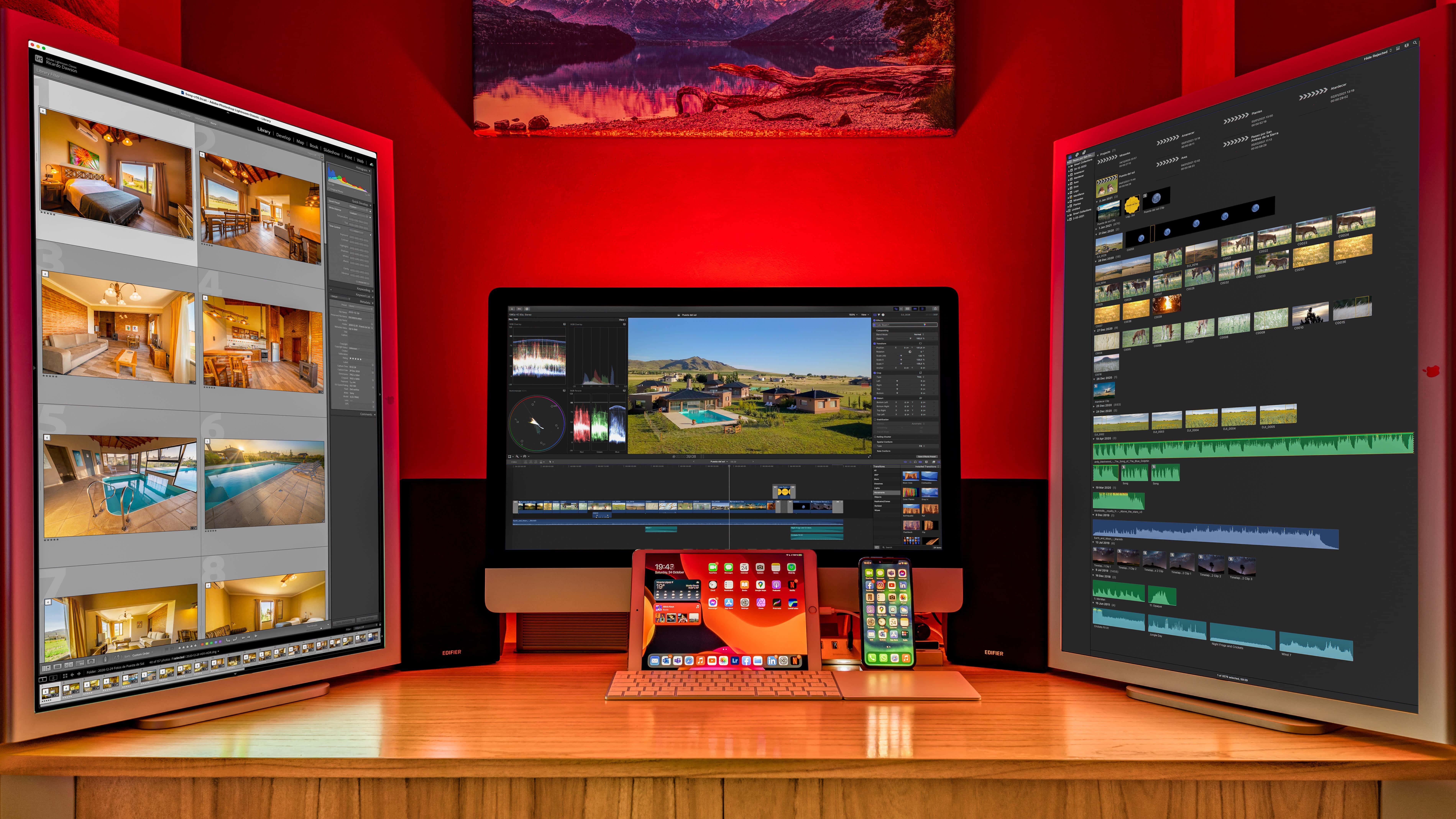
Two items that set this setup apart are the iPad stand and the elevated Edifier speakers. Photo: [email protected]
When you spend loads of time at a desk, it’s natural to wonder how you might remain chained to it but still somehow get exercise. That’s why under-desk treadmills exist, of course. But can you really get things done while walking in place?
Today’s featured M1 MacBook Pro setup answers the question and offers up a couple of other tantalizing tidbits, like a killer iPad stand and affordable bookshelf speakers with isolation pads.
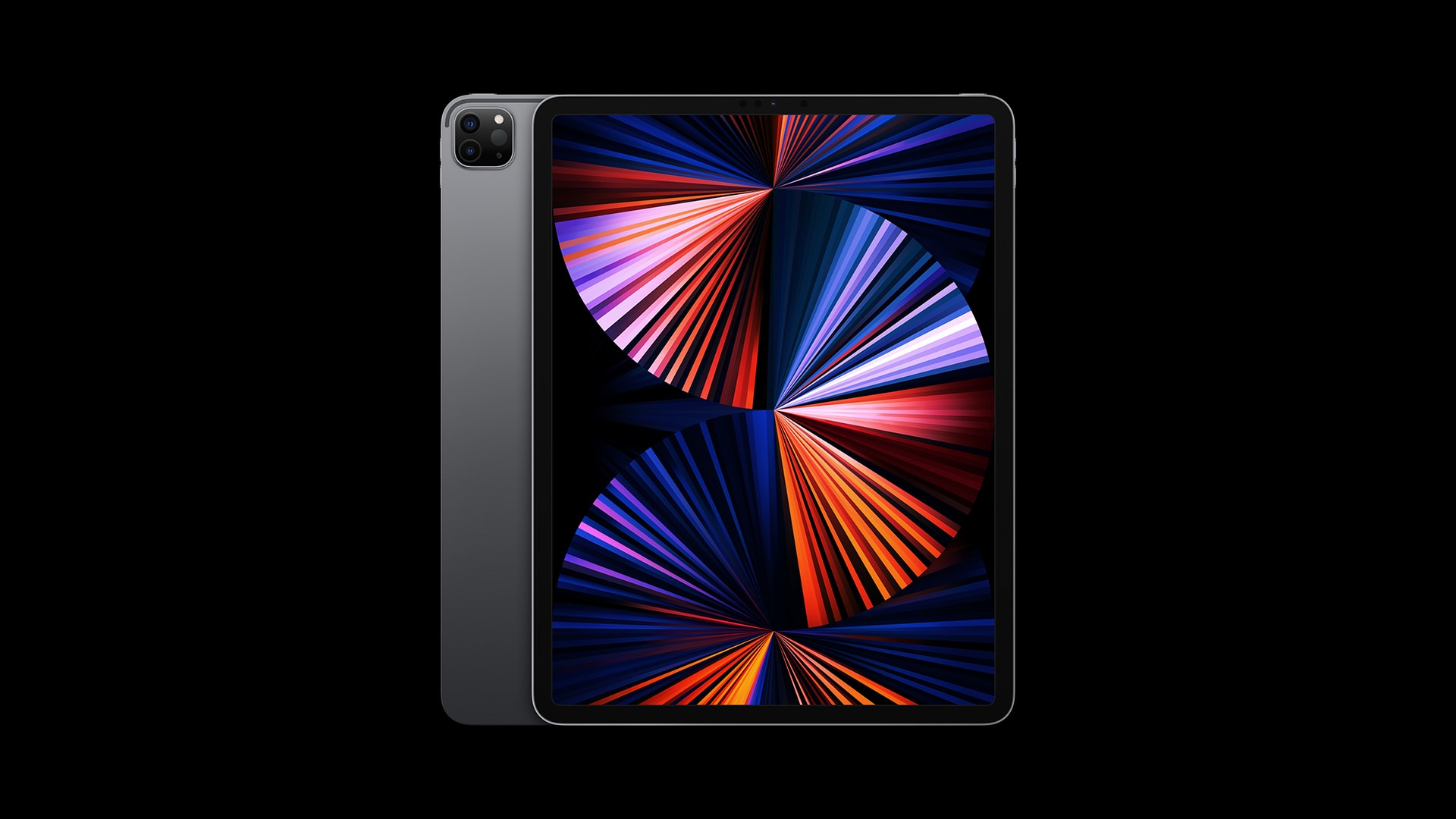
But when will we actually see an OLED iPad? Photo: Apple
LG Display is reportedly making changes to its production plans so it can double its OLED screen output in preparation for a new iPad, according to a new report.
Sources say the South Korean company is shifting equipment to its Paju plant to ensure more efficient production of high-resolution panels that meet Apple’s strict quality standards for iPad.
Order from Apple Stores around the world and you’ll be waiting weeks to get the 10.2-inch iPad. Photo: Apple
Demand for some iPad models outstrips supply. And the result is customers waiting a month or more to receive their tablet. Buyers in some countries who place an order now will be waiting until March to receive it.
The problem is a shortage of the secondary processors used in the mobile computers. Apple just can’t get as many as it needs.
It "just works," and it does so magnificently. Photo: Apple
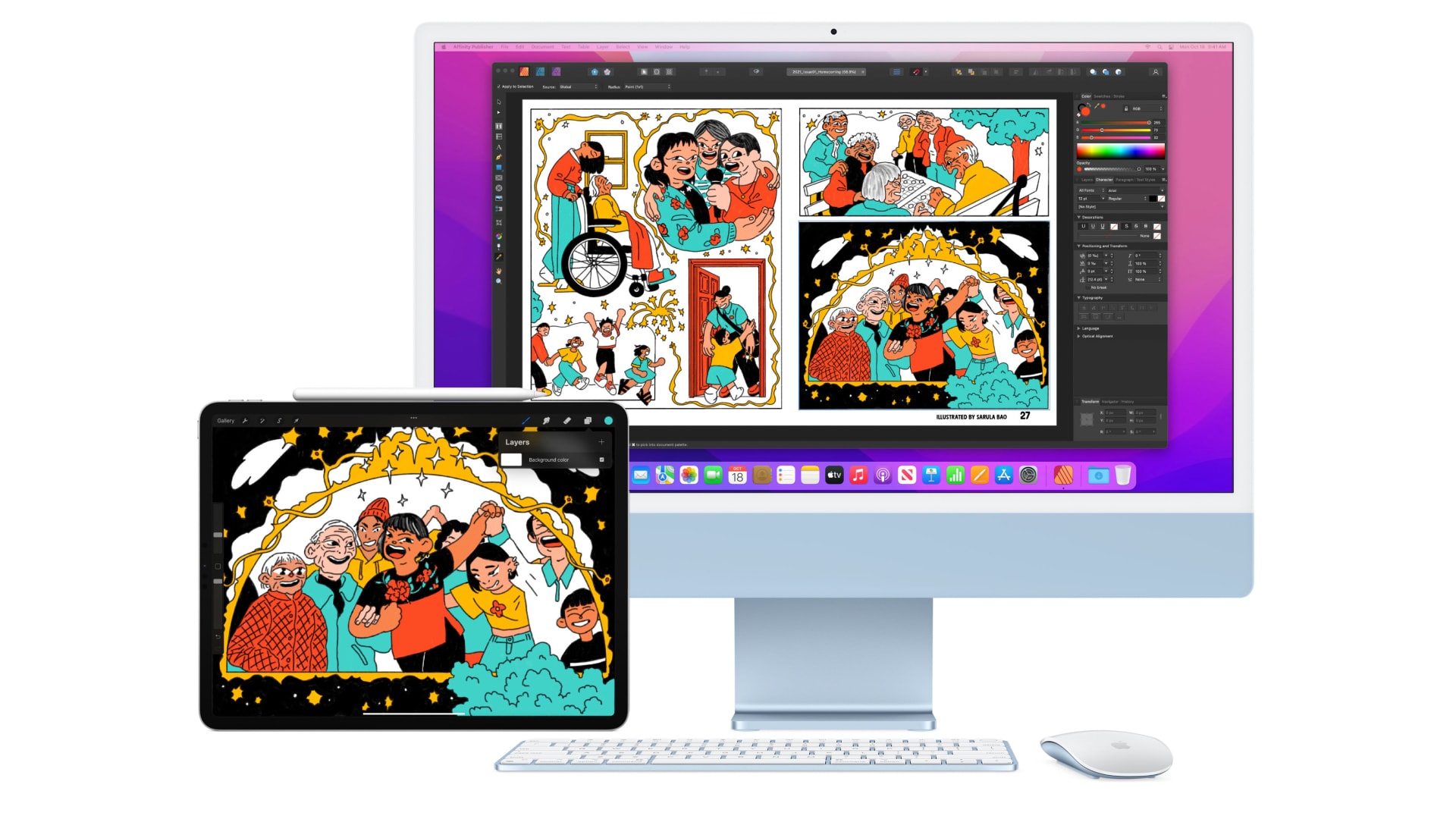
Universal Control, which is finally in testing ahead of its public debut, lets you control a Mac and an iPad with the same keyboard and mouse, bringing the two computers closer together than ever before. It’s particularly handy if you rely on both macOS and iPadOS apps and find yourself regularly switching between them.
The feature looked pretty ambitious and exciting when Apple previewed it during its Worldwide Developers Conference keynote back in June. And now that it’s here (mostly) and we’ve had the chance to try it out, we firmly believe it is one of Cupertino’s most magical features to date.
Here’s why Universal Control will knock your socks off.
Keep your albums and Camera Roll in order. Image: Apple/Cult of Mac
iOS and iPadOS 15 allow you to change the date and time a photo was captured for the first time. The feature is particularly handy for those who frequently import images from other sources.
In this guide, we’ll show you how to take advantage of the feature on iPhone and iPad.
A big improvement for mobile apps on the web. Photo: Apple
Apple’s first iOS 15.4 beta, rolled out to registered developers last week, lays the groundwork for web apps to deliver push notifications.
The feature, long available in Safari for macOS, always stood out as a notable omission on iPhone and iPad. Fortunately for those who use mobile web apps frequently, that looks set to change in the near future.
The global chip shortage hit Apple in the iPads last quarter. Screenshot: Apple
The lone dark spot in Apple’s otherwise bright Q4 earnings report was iPad. And analysts are out with their estimates of how bad the damage was, with Apple’s quarterly tablet shipments possibly dropping as much as 21% year over year.
The only good news for Apple is that the drop off wasn‘t because of low demand. It couldn’t get the necessary parts to make sufficient devices to meet demand.
Is WhatsApp for iPad looking more likely than ever before? Image: WhatsApp/Killian Bell/Cult of Mac
WhatsApp chief Will Cathcart has revealed that the company “would love” to deliver a native iPad app after acknowledging that users have been waiting for it for a long time.
WhatsApp is one of the only major messaging platforms that doesn’t offer a tablet app for iPad or Android. But Cathcart says “the underlying technology is there” now that WhatsApp offers proper multi-device support.
Use Portrait mode to bring background blur to FaceTime on iPhone and iPad. Image: Apple/Cult of Mac
iOS and iPadOS 15 bring a number of big improvements to FaceTime — including voice isolation and the ability to blur your background during video calls like you can on Zoom and other video calling platforms.
We’ll show you how to enable the background blur feature using Portrait mode on iPhone and iPad.
They look great on all Apple devices. Image: Apple
Apple this week dropped a bunch of gorgeous new Unity wallpapers — and a new band and face for Apple Watch — for iPhone, iPad and Mac as part of its Black History Month celebrations.
Here’s how to download them and enable them on your devices.
The problem first surfaced late last year, soon after iOS 15 made its debut, and sporadically prevented many apps from syncing data through iCloud — much to the frustration of users and developers. But it is said to be eliminated now.
No need for third-party sound apps anymore. Image: Killian Bell/Cult of Mac
One of the upgrades to Accessibility in iOS and iPadOS 15 is a new Background Sounds feature that plays relaxing audio tracks to help you stay calm and focused, and to block out background distractions.
Apple is preparing to launch the “widest array” of new products in its history, according to a new report. This fall is expected to bring new iPhone models, a more affordable MacBook Pro, and big refreshes for iMac and Mac Pro.
That’s in addition to a “revamped” MacBook Air, new AirPods Pro, and lots more. Apple is also said to be preparing an iPhone SE refresh for this spring.
In terms of proper ergonomics, the "before" photo set off some alarm bells. Photo: [email protected]
If your computer setup had three screens, including a MacBook Pro, an iPad and a 32-inch external monitor, would you make the iPad the center screen? Would you put your screened devices on stands, or leave them at or near table level? Today’s setup saw a transition that might actually save its owner from years of physical therapy.
“This is what neck pain would look like if it were a setup,” someone said about the “before” photo, above.
A new way to sort and find all your notes. Image: Killian Bell/Cult of Mac
iOS 15, iPadOS 15 and macOS Monterey allow you to use tags inside the Notes app to keep everything organized. They can help you quickly separate notes for different projects, and they make it easier to find things later.
Here’s how to use tags in Notes on iPhone, iPad and Mac.
We have disappointing news for anyone currently thinking about swapping their Android smartphone for an iPhone. Apple just cut its trade-in prices for a bunch of popular handsets from Google and Samsung.
The reductions are pretty significant in most cases. A Galaxy S21+ 5G, previously worth up to $435 according to Apple, now fetches $325 max. The Galaxy Note 20 Ultra, previously valued at up to $545, will now get you only $405 at most.
Apple cut the trade-in values of some Mac and iPad models, too. Luckily, you have other options for recovering more cash from your old gear.
Not a rumor. Proof that a new iPhone and iPad will launch within a few months. Photo: Apple/Cult of Mac
The Eurasian Economic Commission confirmed that Apple plans to release a new iPhone and iPad in the near future. The devices appear in the online database of the regulatory agency.
These are almost certainly the next-generation iPhone SE and iPad Air 5.
Let others know when your notifications are disabled. Image: Killian Bell/Cult of Mac
It’s possible to share your Focus status with select contacts in iOS and iPadOS 15, so that friends and family members don’t think you’re just ignoring their calls and texts.
Here’s how you pick and choose who sees that your notifications are disabled while you’re busy.