The 2022 iPad 10 will reportedly look essentially like the current iPad 9. But just wait until 2023! Photo: Apple
The bad news is the 2022 basic iPad 10 will be a simple “speed bump” update, according to a tipster. But the good news is it will reportedly be followed by a redesigned version in 2023.
While the 10.2-inch iPad doesn’t often make headlines, its $329 price draws in plenty of buyers. Any change is sure to affect many people.
Well, that's not good. Image: Killian Bell/Cult of Mac
A newly discovered bug in Safari 15 allows any website to track your browsing activity and may even reveal your identity if you’re a Google user.
The vulnerability stems from Apple’s implementation of IndexedDB, a storage API widely supported by most modern browsers. And the problem affects users on Mac as well as iPhone and iPad. Here’s what you need to know.
The 2022 iPad Air 5 might look much like its predecessor, but with a FaceTime-friendly front camera. Photo: Apple
The next-generation iPad Air is right around the corner, according to a leak coming out of Asia. The upcoming tablet will allegedly get a better front-facing camera with support for Center Stage. And a general specs boost.
On the inside, the iPad Air 5 supposed to have much in common with the iPad mini 6.
Enter your iPhone or iPad pics now to compete in the 15th annual iPhone Photography Awards. Photo: Apple/Cult of Mac
You have from now until the end of March to enter your most amazing iPhone or iPad photographs to compete in the 15th annual edition of the iPhone Photography Awards. As in past years, for the 2022 contest you submit your pics through the group’s website.
Is that an oversized Apple logo or are you just happy to see me? Concept: Ed Hardy/Cult of Mac
Apple reportedly wants to add MagSafe wireless charging to the new iPad Pro, and it’s reportedly going to make a surprising design tweak to make it happen: increasing the size of the Apple logo on the back of the tablet.
The same unconfirmed report says the 2022 will have an improved camera, larger battery and a processor upgrade.
Translate almost anything in an instant. Image: Killian Bell/Cult of Mac
Live Text in iOS and iPadOS 15 is a terrific new feature that makes the text in your photos interactive. You can use it to copy and paste quotes, call phone numbers, find addresses and more.
Here’s how to use Live Text on your iPhone or iPad to translate signs, posters, and other things written in a foreign language.
Basic Apple Guy's setup, the "kitchen edition," needs to be easy to clean and move. Photo: BasicAppleGuy.com
Blogger Basic Apple Guy, whom we’ll call BAG, has been an Apple fan since high school shop class, when he convinced the teacher that making an iMovie on the teacher’s iMac G3 should fit into the curriculum. Now, decades later, BAG’s passion lives on. It showed when he recently shared one of his computer setups, the “kitchen edition.”
Apple won't offer security updates on iOS 14 anymore. Photo: Ed Hardy/Cult of Mac
Apple is more aggressively encouraging users to update to iOS 15 by stopping security updates for those who don’t.
Cupertino previously made security improvements available as a separate release — and vowed to keep delivering them for those who stick with iOS 14 “until you’re ready to upgrade.” Just a few months later, that’s changed.
Live Text works surprisingly awesomely in iOS 15. Image: Apple/Cult of Mac
iOS and iPadOS 15 introduce a brilliant new feature called Live Text, which not only identifies text in your photos, but also allows you to interact with it. You can use it for all kinds of things, like making a call, sending an email, or looking up directions to an address.
Here’s how to use the feature to copy and paste text from your images on iPhone and iPad.
The feature undermines "European digital sovereignty," they say. Image: Killian Bell/Cult of Mac
European are joining forces in a bid to block iCloud Private Relay — a feature Apple introduced in iOS and iPadOS 15 to bolster its privacy protections. It seems some have already begun disabling it on cellular plans.
A group, which include Vodafone and T-Mobile, has signed an open letter that says Private Relay prevents them from obtaining “vital network data,” and will impact their ability to “efficiently manage telecommunication networks.”
"Why are you ignoring me?" Photo: Ste Smith/Cult of Mac
Some iPhone and iPad users are being plagued by a Messages bug that causes read receipts to be sent even when they are disabled. The problem seems to affect devices running iOS 15 or later.
There is no permanent fix for the issue yet, but there is one thing you can do that may eliminate the problem for a short time.
A newly discovered HomeKit bug can render unsuspecting iPhone and iPad users with a completely unresponsive device. All it takes is for a smart home gadget to be given a super-long name.
Once the bug affects an iOS or iPadOS device, the gadget will continually freeze and restart itself. The only way to fix it is to factory reset the iPhone or iPad — and avoid logging into your iCloud account.
You could get up to $200 back. Photo: Ian Fuchs/Cult of Mac
T-Mobile and Verizon have discontinued the iPad rebate program which offered customers up to $200 back when they activated a cellular device. The move comes after growing complaints about the program’s reliability.
Many users who tried taking advantage of the promotion were met with frustrating responses and poor customer service from both carriers, which reportedly denied the rebate program ever existed on a number of occasions.
The iPad Pro might get a a couple of noticeable design changes in 2022. Graphic: Killian Bell/Cult of Mac
Apple won‘t let the iPad languish in 2022. Most notably, some big improvements are reportedly coming to the display and charging capabilities of the iPad Pro line.
And the iPad Air and iPad won‘t be overlooked, either.
Journey's tiny GaN2 charger is exceptionally small but delivers 30W of power to a variety of devices. Photo: Journey
This GaN2 charger post is presented by Journey, a brand of Alogic.
These days, you really don’t have to live with slow chargers for your iPhone, iPad, MacBook Pro and other devices. That’s because gallium nitride (GaN) technology makes it possible to pack components into small spaces, resulting in tiny but powerful charging gadgets like the Journey 30W USB-C Mini Charger.
It’s fast. It’ll charge almost anything. And because it’s one of the smallest chargers you can get, you can take it anywhere. Even better, Journey’s current promotion offers the little powerhouse for 30% off with the code BLACK30.
Apple is no longer signing iOS 15.1 or iOS 15.1.1. Photo: Ed Hardy/Cult of Mac
Apple has stopped signing iOS 15.1 and iOS 15.1.1, preventing users from downgrading their iPhone after installing the latest iOS 15.2 update.
If you have encountered bugs and other issues with this release, you’ll now have to stick with it until Apple rolls out iOS 15.3, which this week entered beta testing ahead of an official public rollout.
iOS 16 is coming, but not to several iPhone and iPad models. Photo: the Hacker 34
Several older iPhones and iPads reportedly won‘t be able to upgrade to iOS 16 when it debuts in 2022. While that’s sure to disappoint anyone still using these devices, the newest one will be 5 years old at that point. And one of them will be 8 years old.
Apple continues to offer operating system upgrades for its computers for many years, but iOS 16 will supposedly mark the end up of updates for the A8 and A9/A9X processor.
Download the update and start building today. Image: Killian Bell/Cult of Mac
Swift Playgrounds 4, the newest version of Apple’s official development app for iPad, is now available from the App Store. The update lets you build iOS and iPadOS apps using nothing but your iPad for the first time.
When you’ve finished building, you can upload directly to the App Store. And if you also use a Mac, it’s now easy to transfer projects back and forth between Swift Playgrounds and Xcode using App Projects.
You must be running iOS 15.1, iPadOS 15.1 or tvOS 15.1 to use it. Image: Disney
Disney+ just got a new update that adds SharePlay support on iPhone, iPad and Apple TV. The feature allows up to 32 people to get together and watch the same TV shows and movies simultaneously over FaceTime.
SharePlay is available across content from all Disney brands, including Marvel, National Geographic, Star Wars, and more. But you’ll need a device running iOS 15.1, iPadOS 15.1, or tvOS 15.1 to take advantage of it.
A Mac or PC is no longer required. Image: Apple/Cult of Mac
iOS and iPadOS 15.2, which made its official public debut on Monday, makes it easier than ever to reset a locked iPhone or iPad.
You no longer need a Mac or PC to get into a device after forgetting your passcode — so long as you remember your Apple ID and password. Here are the steps you need to follow to perform a reset successfully.
This five-way charger takes up very little room on your desk or nightstand. Photo: Cult of Mac Deals
You shouldn’t need separate charging cables for each of your devices. The Omnia Q5 5-in-1 Wireless Charging Station is one of the first wireless charging stations that works for five devices at the same time. It’s on sale now for $99.95 (regular price: $120), but you can save even more — get an additional 20% off with code GREEN20.
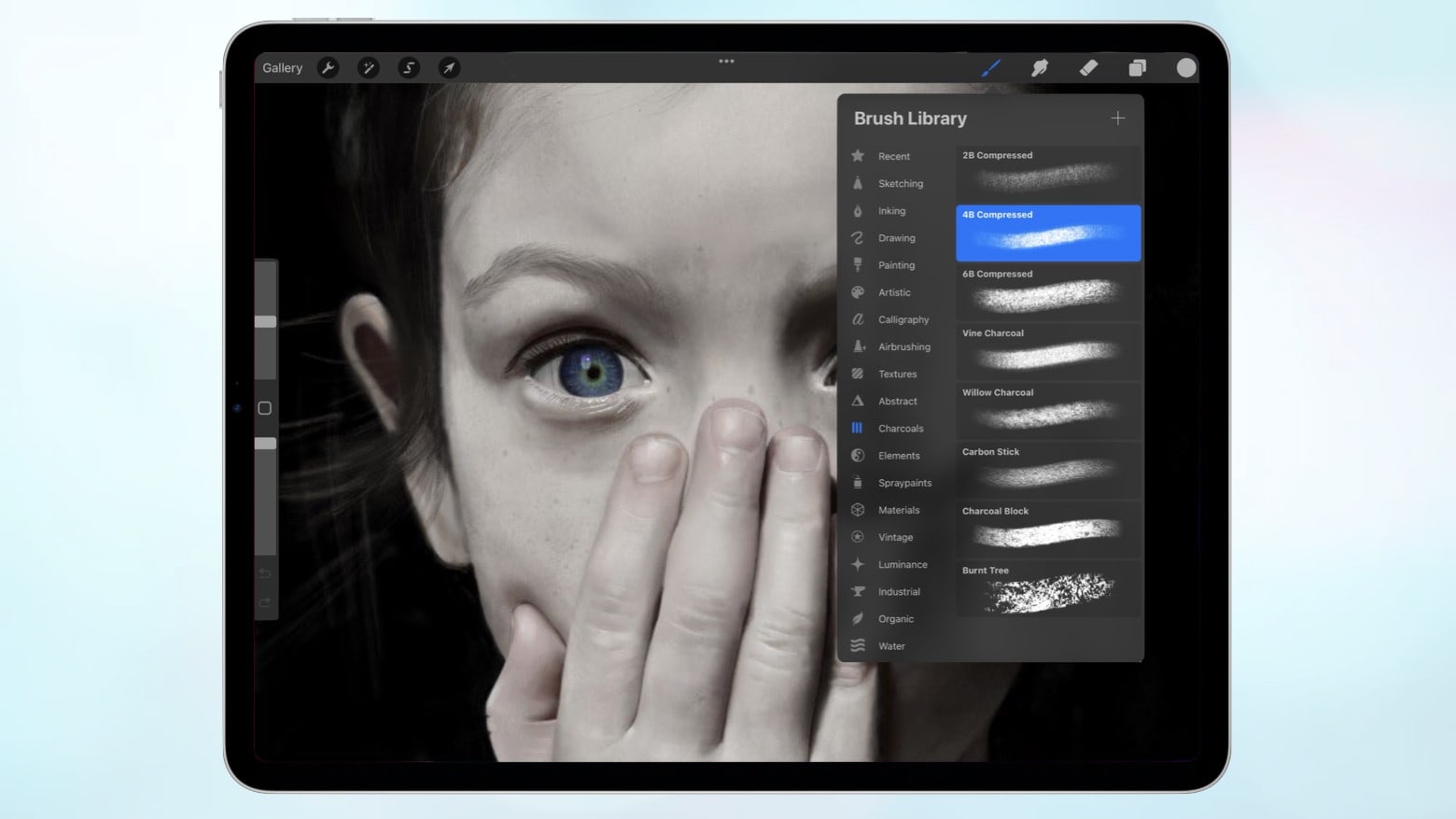
Adobe improves Photoshop for iPad with smudge and sponge tools. Photo: Adobe
Adobe added the smudge and sponge tools to Photoshop for iPad on Tuesday. These are just the latest improvements to the tablet edition of this image-editing application. They’re part of a long-term strategy the software developer has used since the touchscreen-enhanced version of Photoshop launched in 2019.
The images and files you have on iCloud don’t have to be locked away forever if you pass away. Photo: Cult of Mac
Thanks to a new feature in iOS 15.2, you can designate legacy contacts so your loved ones can gain access to data on your iPhone or iPad after your death without your passcode. The Digital Legacy feature means your personal images, files and other data don’t need to remain locked away after your untimely demise.
It’s easy to specify a Digital Legacy contact. And, like writing a will, it’s a smart move almost everyone should make sooner rather than later. Here’s how.
The SpotCam Pano 2 AI security camera offers full-time continuous cloud recording -- forever. Photo: SpotCam
SpotCam recently unveiled its new SpotCam Pano 2, a smart, 5-megapixel cloud security AI camera with free, full-time, continuous cloud recording to make sure you always have your footage. The company, founded in Taiwan in 2013, said it’s the only camera brand to offer that.
No more neck ache when using your laptop. Photo: Laut
Laut’s versatile Workstation stand makes using a MacBook or iPad at your desk even more comfortable. It folds up into a compact package that you can carry anywhere, and it’s made from sturdy aluminum.