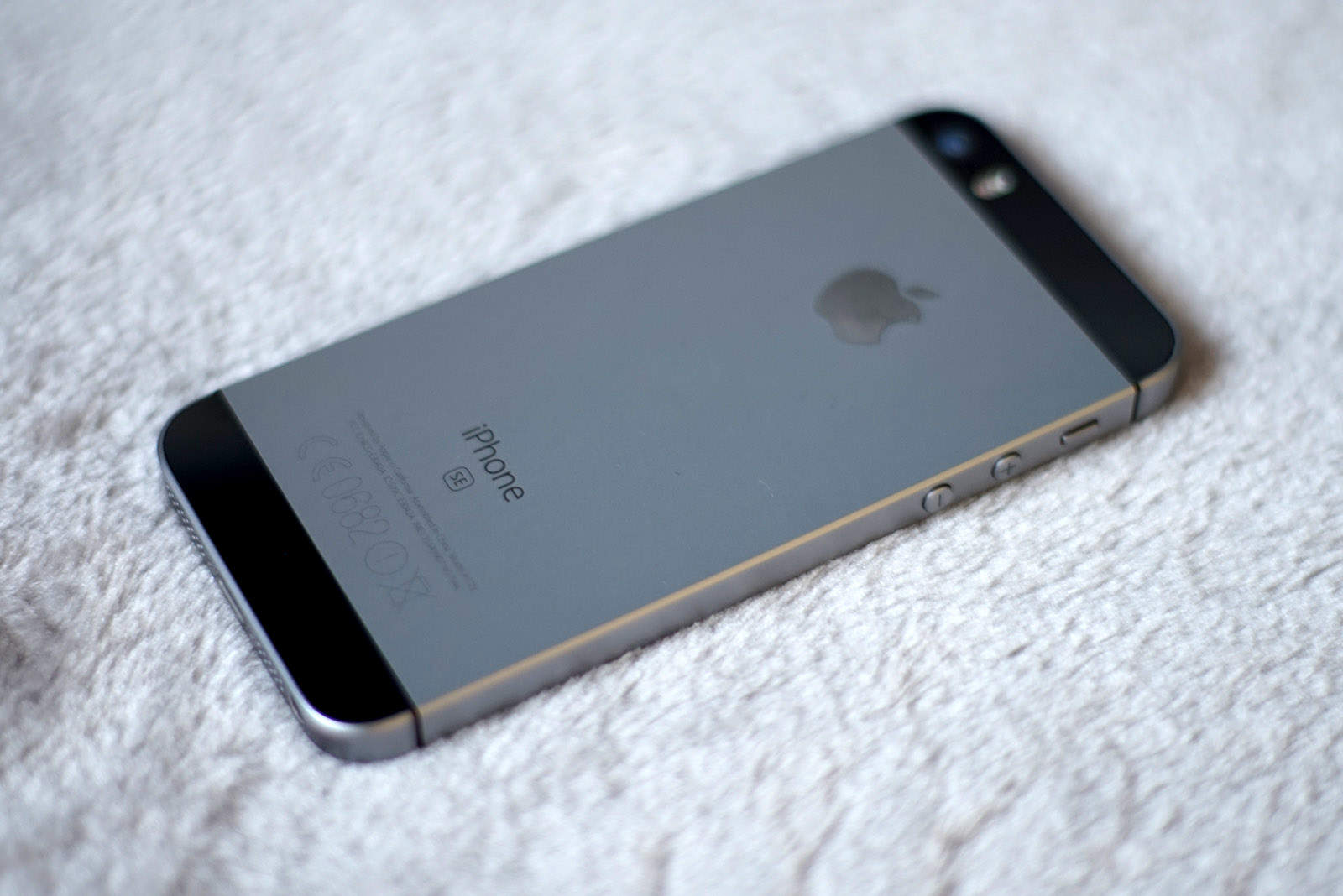
Nothing's better than a free iPhone! Photo: Ste Smith/Cult of Mac
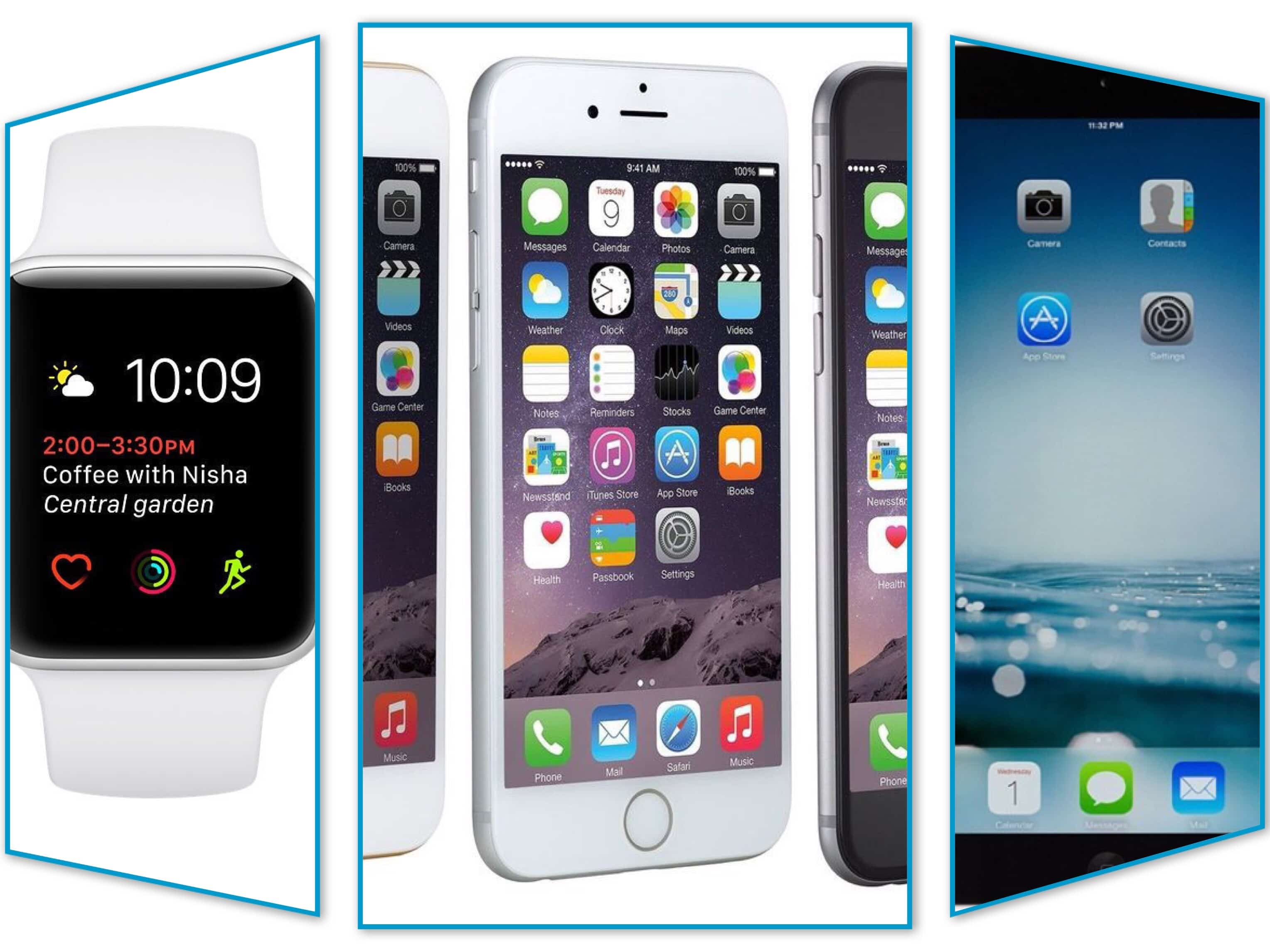
If you’re in the market for a new iPhone, you have lots of options this week. Plus, TechRabbit is running its “best of Apple” sale. Don’t miss out on your chance to save on iPods and MacBooks as well!
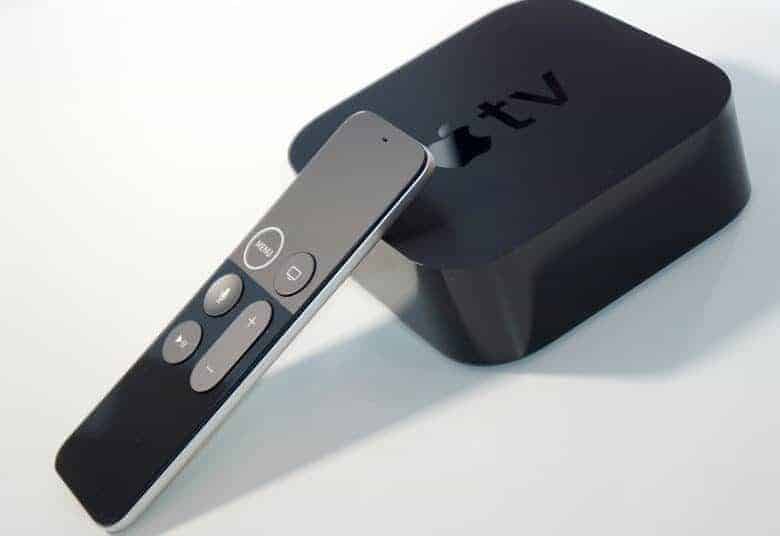
DirecTV Now's Apple TV deal just got a little sweeter. Photo: Ste Smith/Cult of Mac
This week, check off a couple New Year’s resolutions. First, you can cut the cable cord with the best deal yet on Apple TV 4K. Then, get fit with Bose sport headphones and a free heartbeat-tracking app.
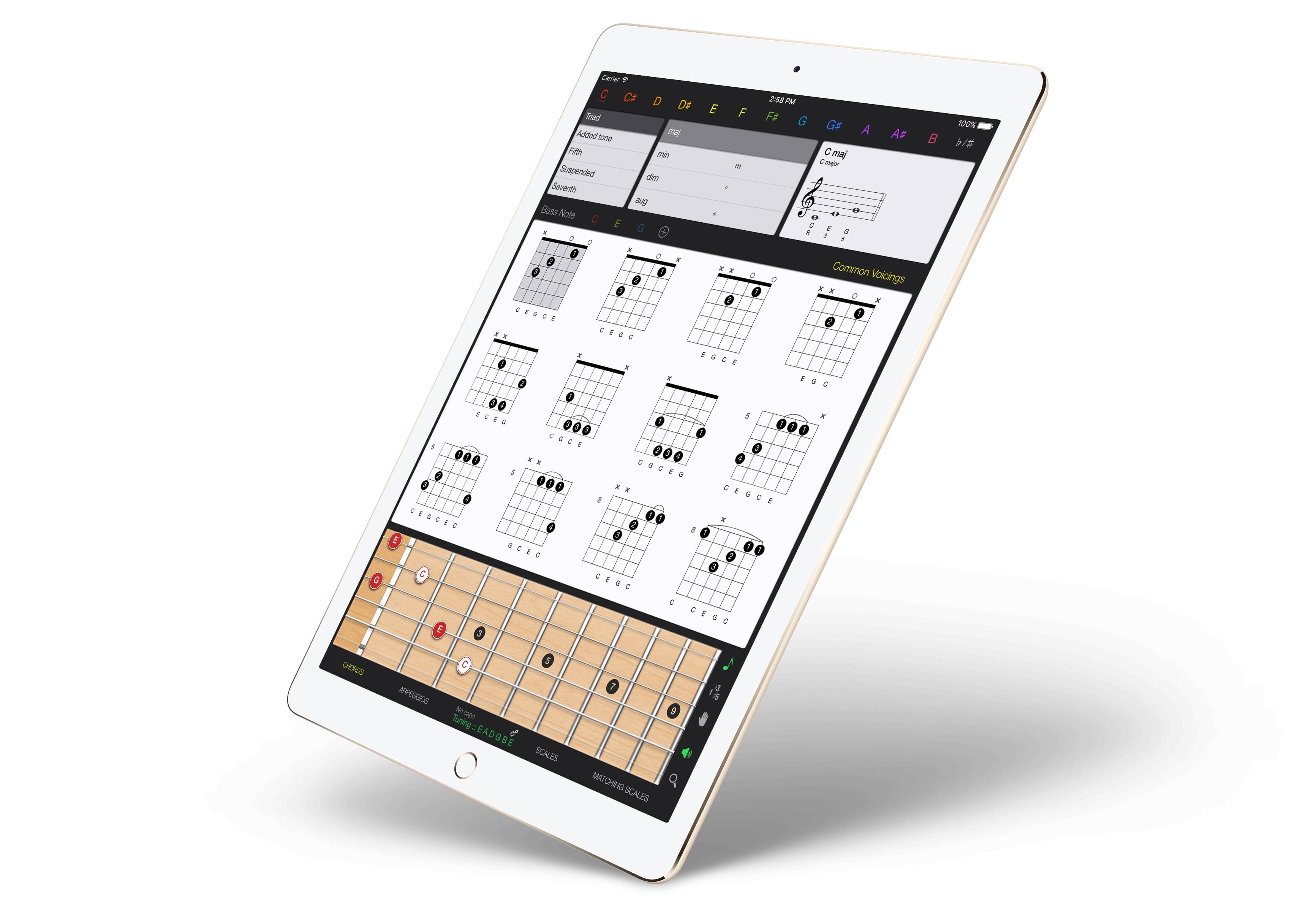
Guitar Gravitas has everything you need, all on one screen. Photo: Mad Harmony
Guitar Gravitas is yet another iOS chords-and-scales app for guitar players, but this one’s worth a look because the layout is so damned useful. Unlike many other scale and chord apps, Guitar Gravitas presents exactly the information you need when you have the guitar in your hands and are ready to practice. It puts as much info as possible onto a single screen, without getting cluttered or confusing.
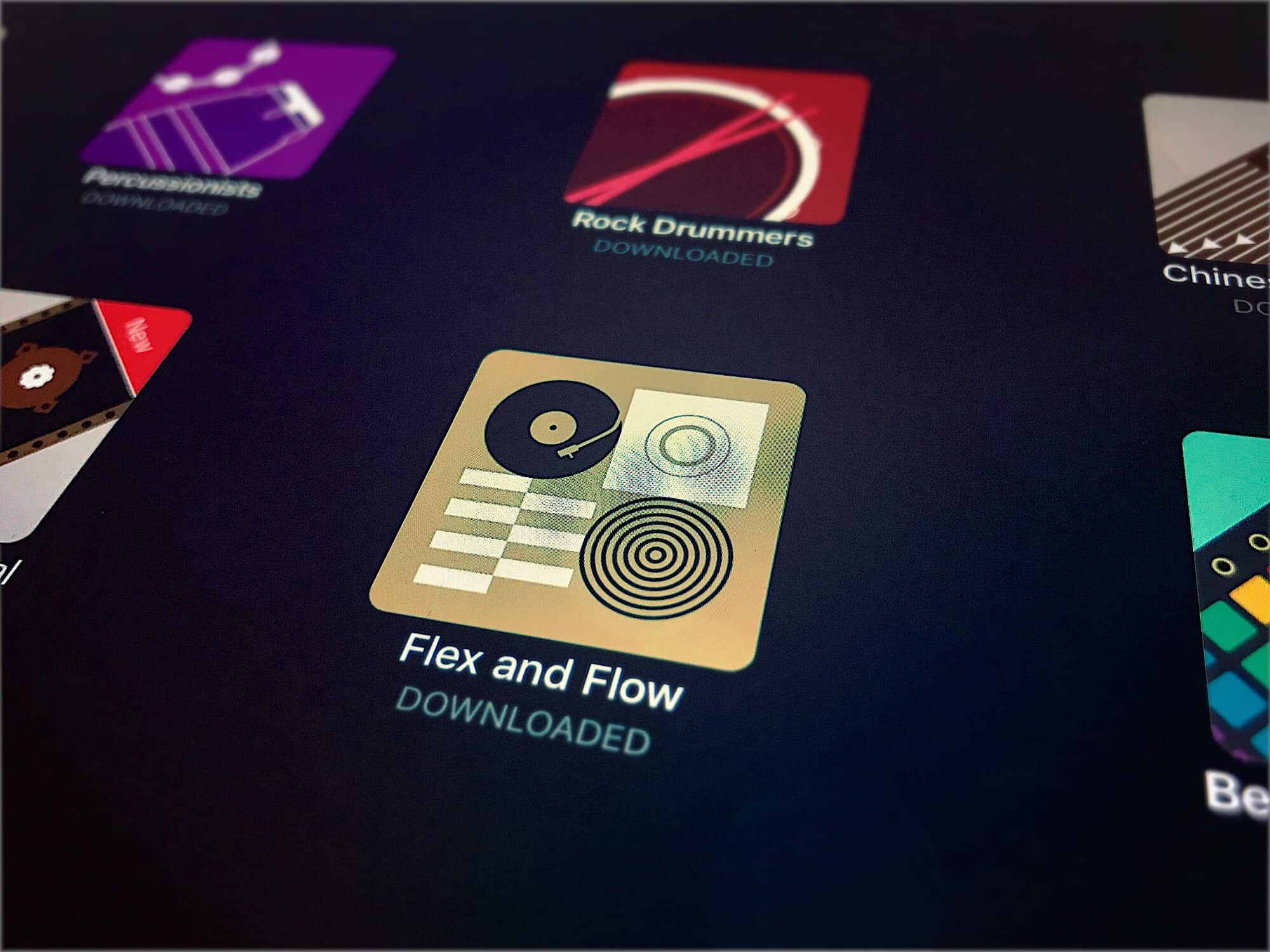
The new Flex and Flow pack is R-A-D rad. Photo: Charlie Sorrel/Cult of Mac
This week, GarageBand saw the first new entry in its Sound Library since the feature was added in version 2.3. The Sound Library is a kind of App Store for music, letting you browse and download all kinds of samples, loops, presets and even brand-new software instruments. These come in sound packs arranged around a theme or genre. The new one is called Flex and Flow, and it brings you chilled hip-hop.
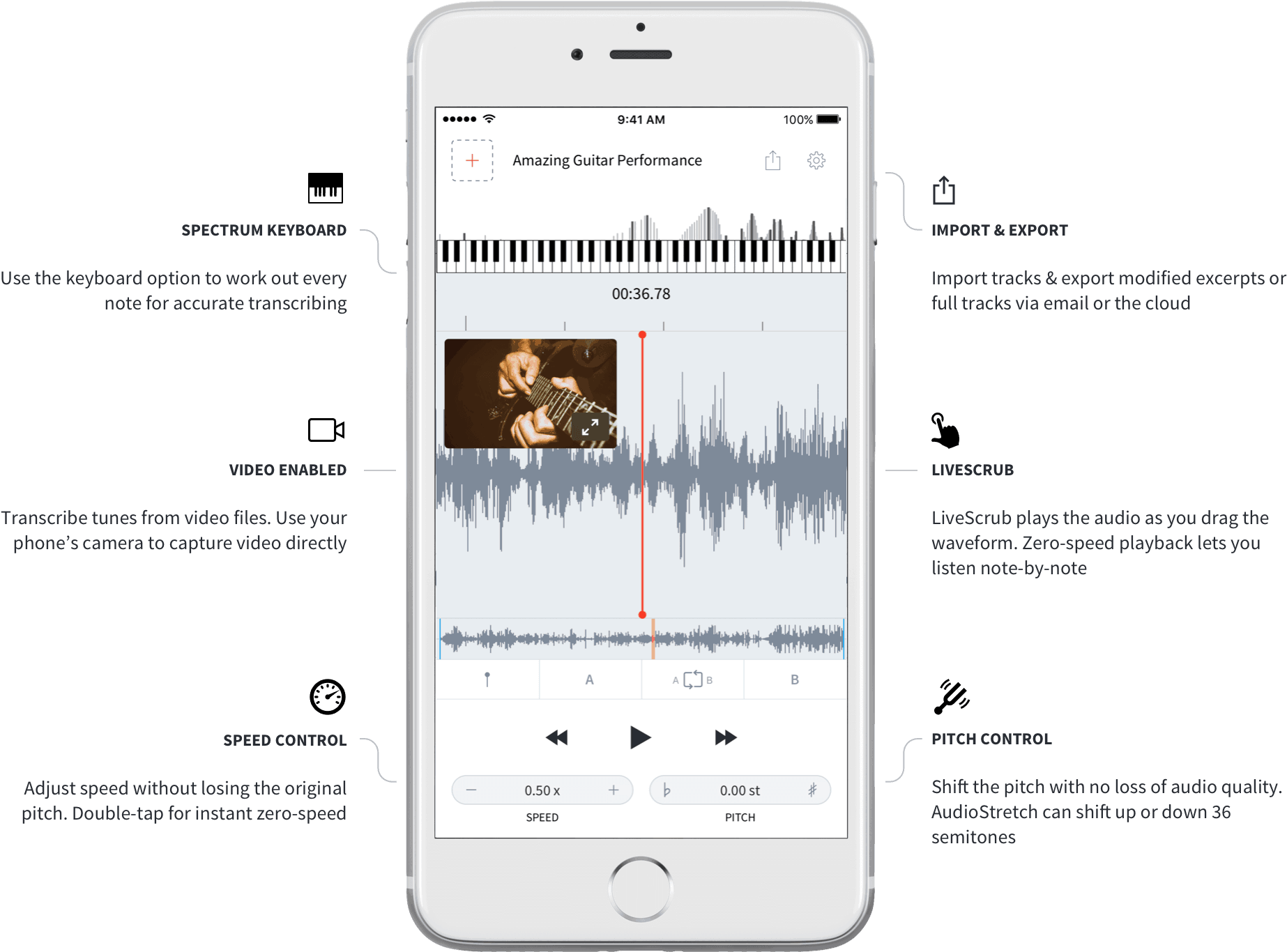
AudioStretch may be the only slow-downer app that does video. Image: Cognosonic
AudioStretch is a “music transcription tool.” It’s a universal iOS app that slows down music, and/or changes its pitch, so you can learn to play songs. We’ve covered another of these, Capo Touch, before on Cult of Mac, but AudioStretch is easier to use. Plus, a recent update added the ability for the music transcription app to work its magic on video.
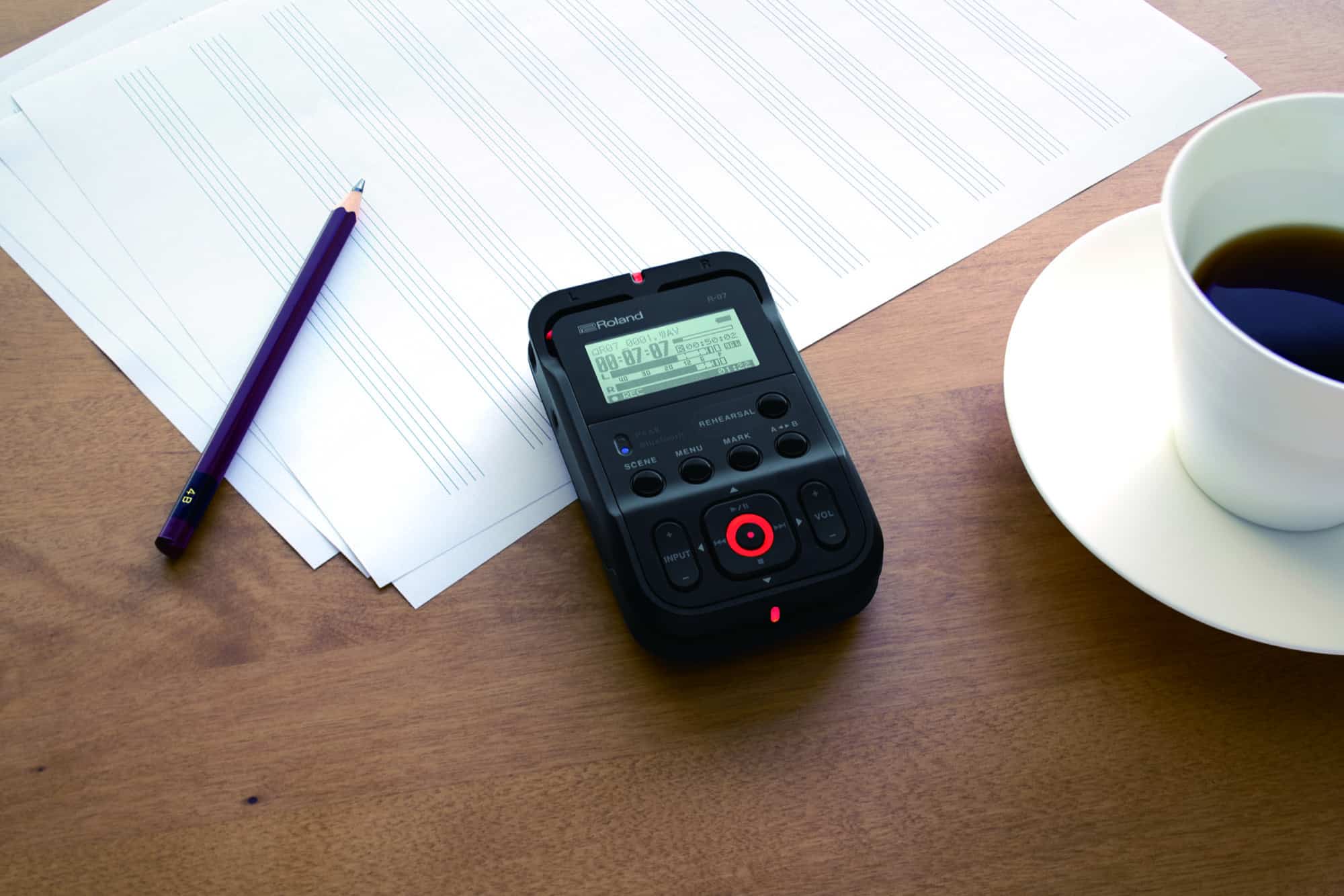
Tiny, and made to work with the iPhone and the Apple Watch. Photo: Roland
You iPhone is pretty handy for making quick audio recordings. Many musicians use the Voice Memos app, and some have upgraded to Music Memos. Unfortunately, the quality of the recordings from those apps isn’t good enough for actual music making.
For a start, it’s not stereo. Second, the iPhone’s mics are fine, but nowhere near as good as even a cheap external microphone. But using your iPhone to record is so convenient. Roland’s R-07 is a pocket audio recorder that works either alone or in tandem with your iPhone. It gives you the quality of a proper recorder with stereo mics — and the convenience of an iPhone app.
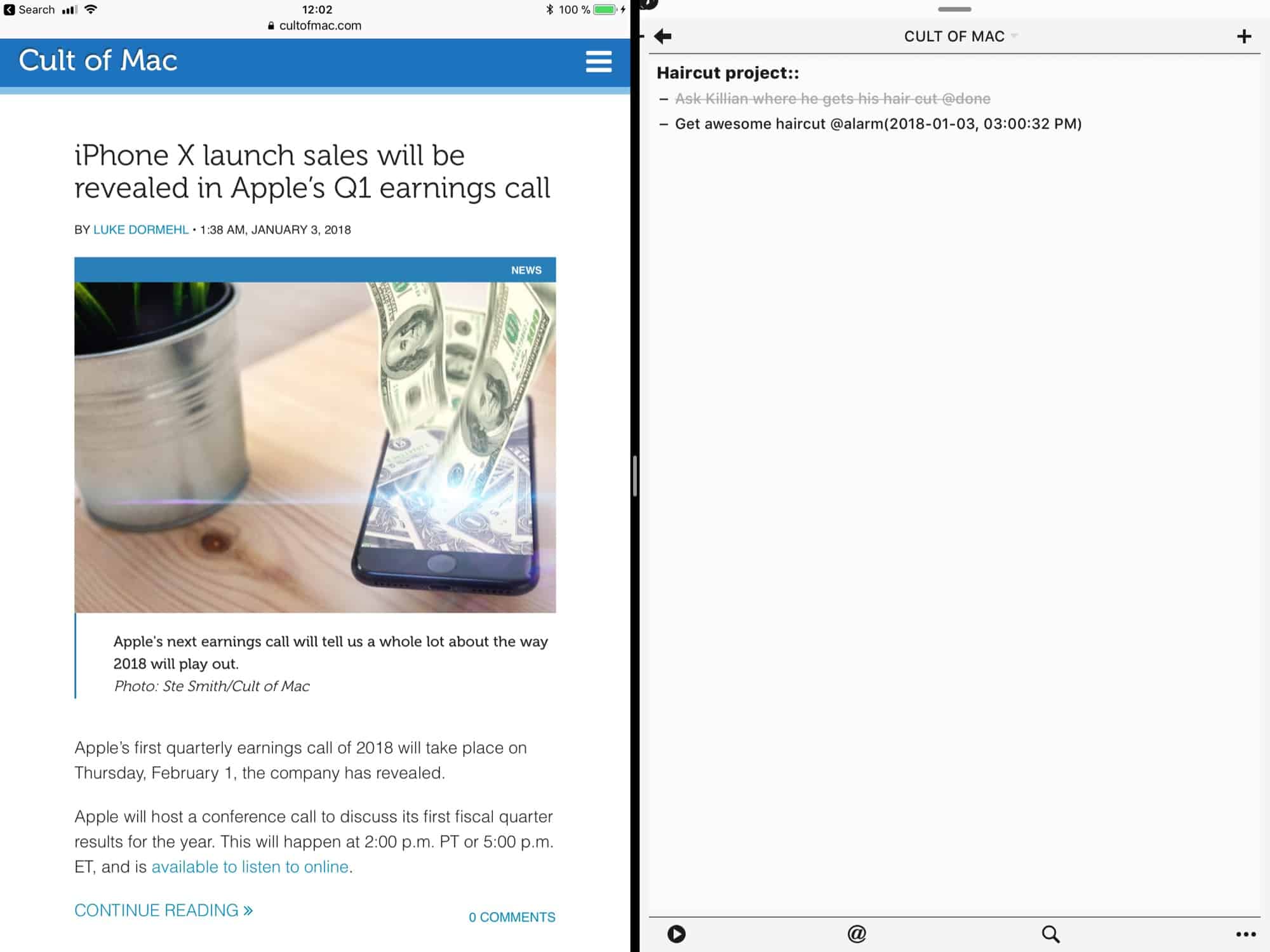
TBH Taskmator doesn't look fantastic in split view, but at least it works. Photo: Cult of Mac
Cult task manager and notes app Taskmator just got an update that brings it into the 21st century. The iPad app, which continues the work of the abandoned TaskPaper for iOS app, finally supports the big screen size of the 12.9-inch iPad, as well as adding some general polish to the user interface and preferences.
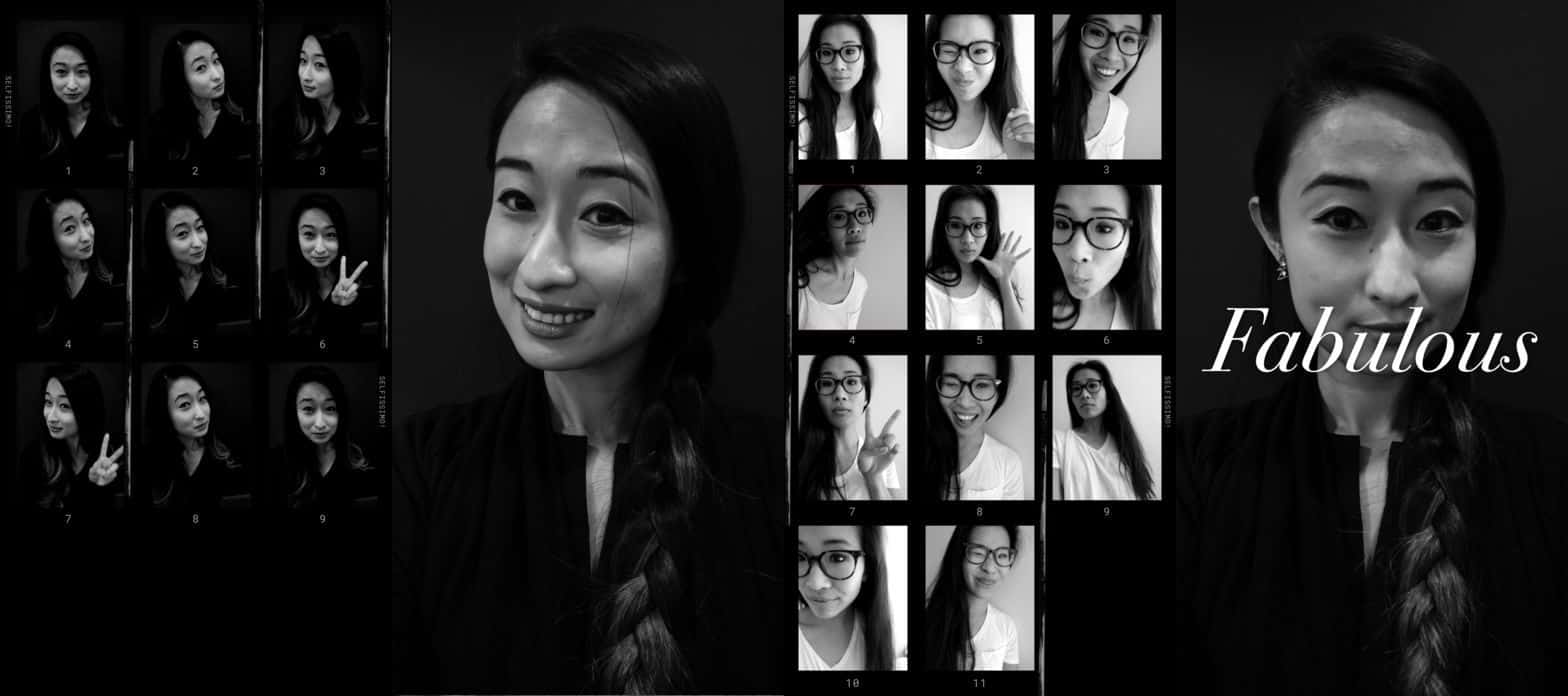
Selfissimo! is one of Google's new experimental iOS photo apps. Photo: Google
Google launched a clutch of “experimental” photography apps for iOS and Android this week. The ones of interest to us are called Selfissimo! and Scrubbies. They’re both single-purpose apps, and they’re both free. What’s more, the two apps are also a lot of fun.
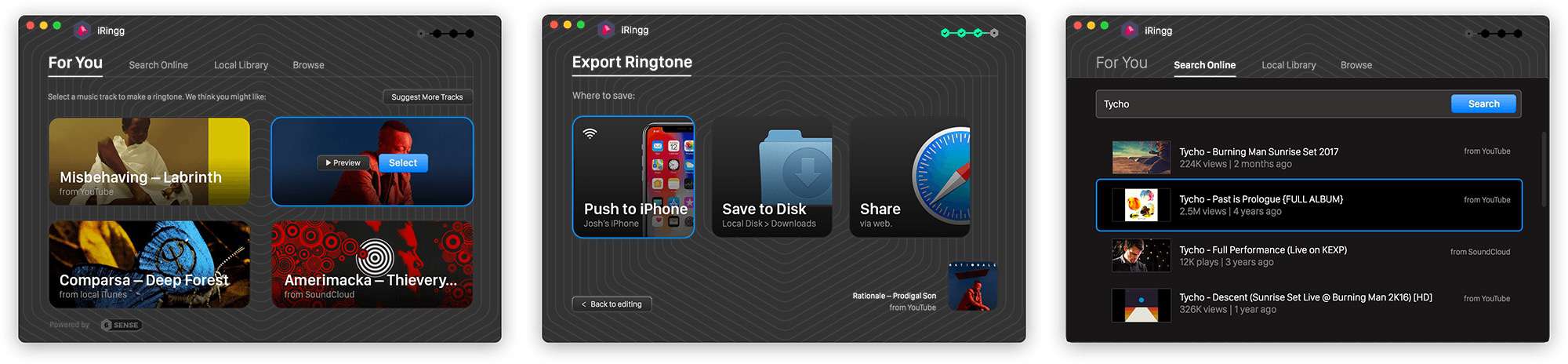
iRingg is like the Microsoft Word of ringtones. Photo: Softorino
If you’re still living in the early-to-mid ’00s, then you may still be interested in personal ringtones for your iPhone. And if you are, there’s no easier way to take a piece of music from your iTunes library, or to rip it from YouTube or SoundCloud, than iRingg.
This app from Softorino lets you quickly create a ringtone and push it wirelessly to your iPhone.
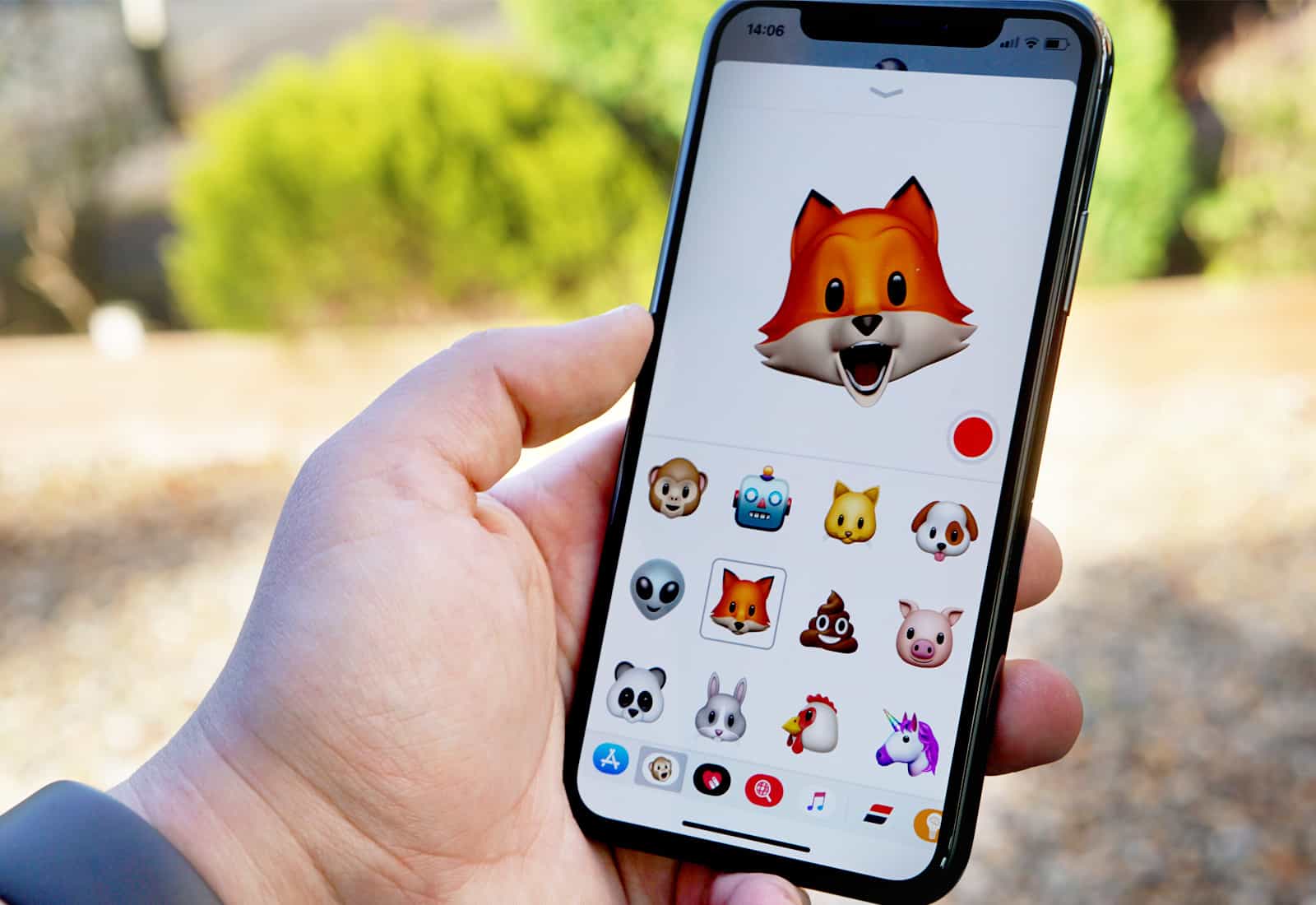
Animoji are too much fun! Photo: Ste Smith/Cult of Mac
Want Animojis on any iPhone? While you need the iPhone X’s TrueDepth sensors to create Apple’s animated emojis, some apps produce results that look very much like Animoji.
In the video below, I’ll show you how one of them works.
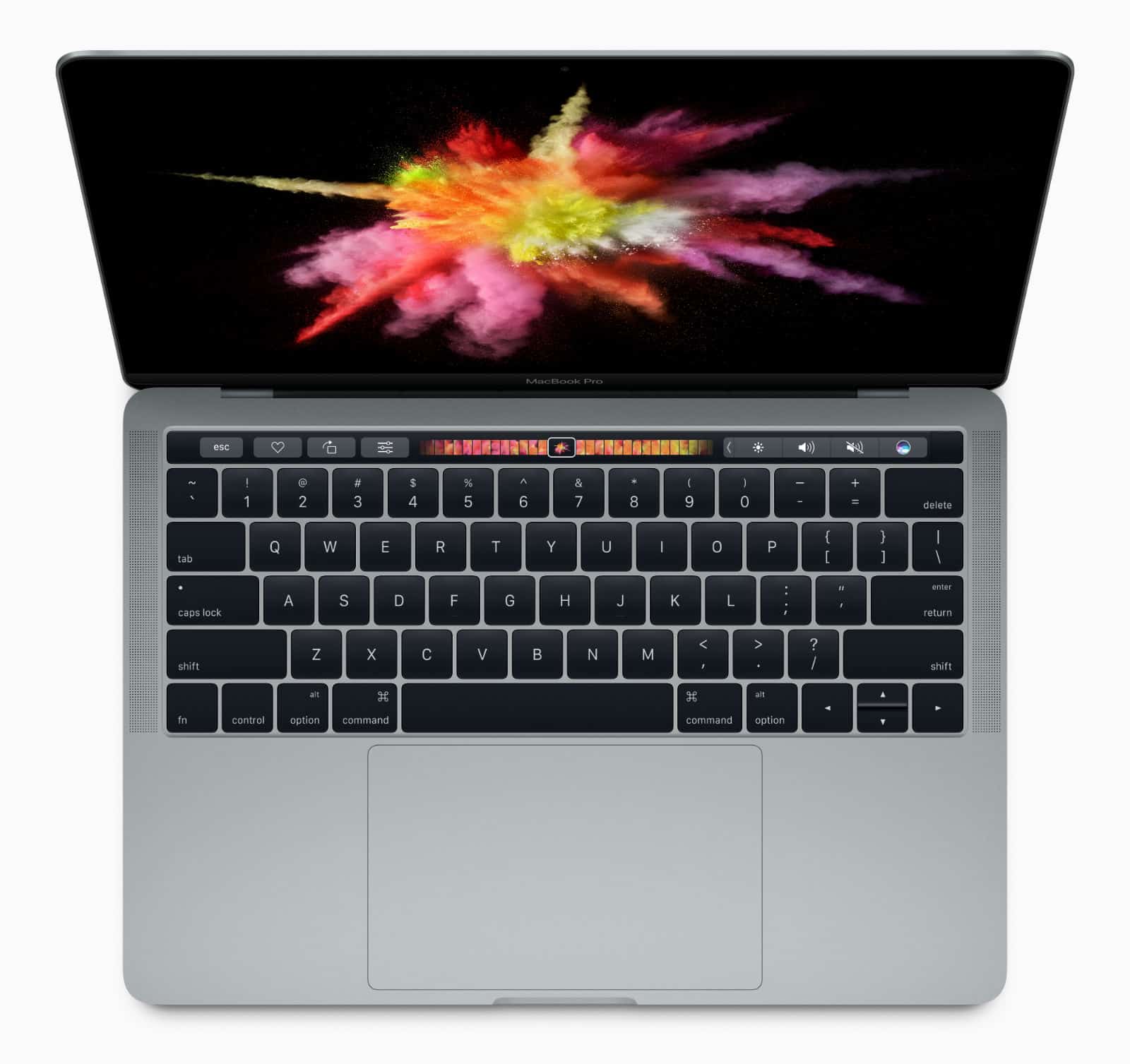
We turned up a couple of great deals on MacBooks this week. Plus, there’s an inexpensive iPhone battery case and a storybook app to get you in the holiday spirit!
All in this week’s roundup of the best Apple deals.
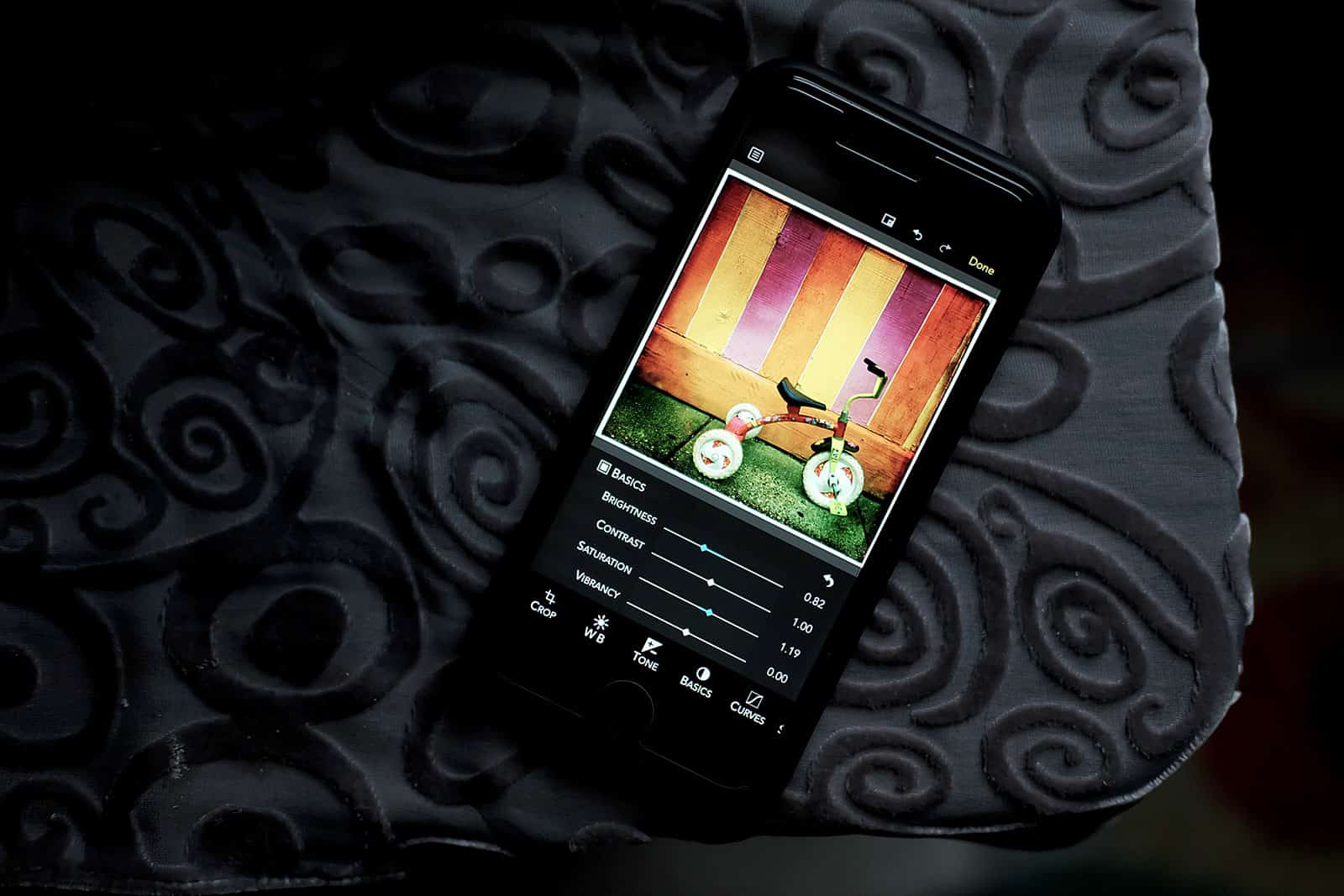
Harness RAW Power with your iPhone or iPad. Photo: David Pierini/Cult of Mac
A “Gentleman Coder” who is the former director of the Apple photo apps teams has launched an IOS app for the photographer who prefers to shoot RAW images.
RAW Power for iOS hit the App Store this week from software company Gentlemen Coders LLC, which was founded by Nik Bhatt. His 14-year stint in Cupertino included being Senior Director of Engineering for the Aperture and iPhoto teams and later the Chief Technical Officer of the Photo Apps group.
PDFs might be the most common document format to cross any digital desktop. They’re a universally recognized, great-looking way to share all kinds of readable content. But they’re also famously unfriendly to last-minute edits. Spot a typo on that resume or a confidential detail on that memo? Better hope you have the original document handy.
That’s least likely if you’re spotting a change that needs making from your mobile device. These are situations that PDFfiller for iPhone aims to solve.
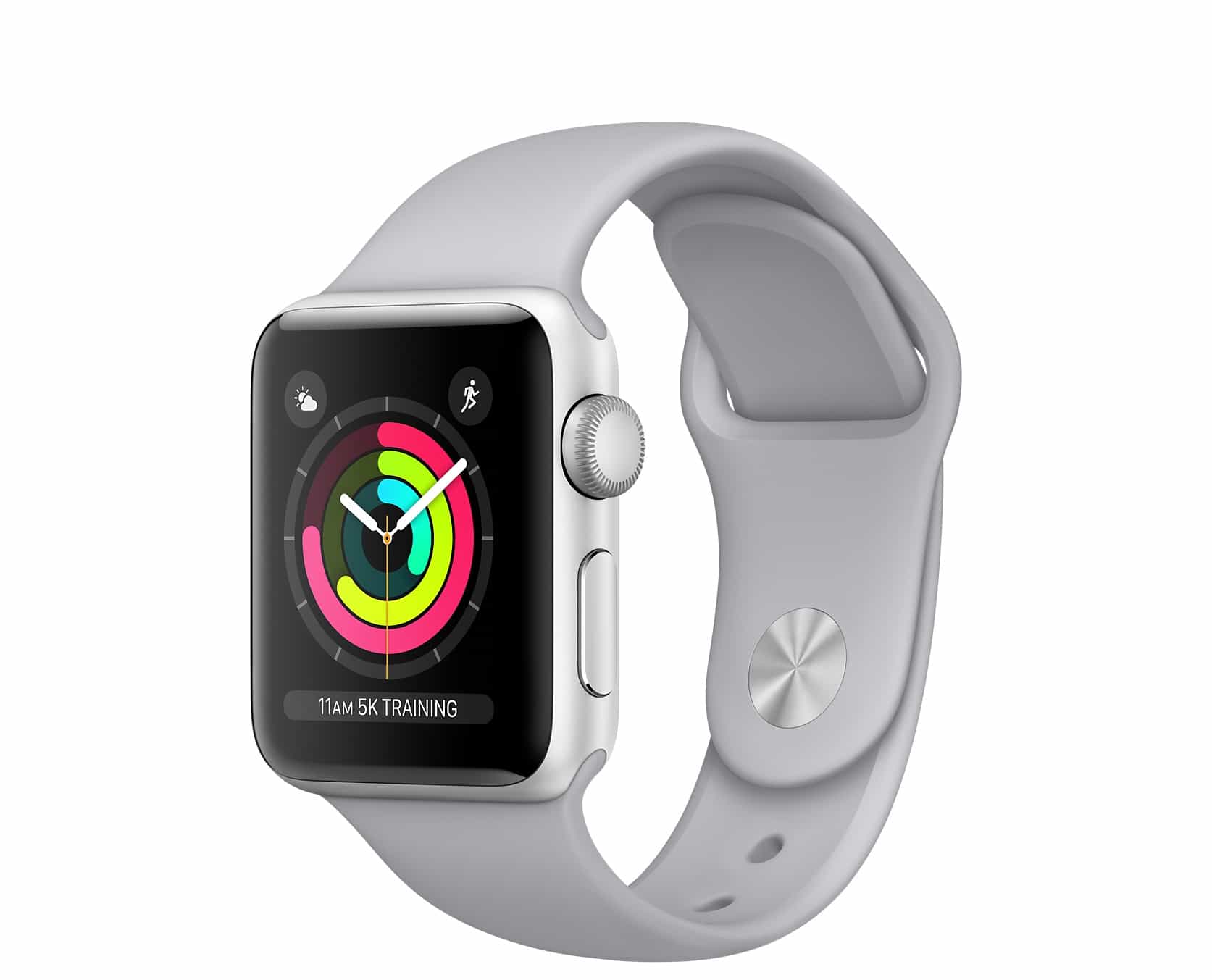
It's the first deal we've seen on the Apple Watch Series 3! Photo: Apple
This week, save on Apple Watch Series 3 thanks to the first deal we’ve see on the GPS model. Or, if you don’t need the latest Apple wearable, you can save even more on an Apple Watch Series 2. Plus: Learn Japanese for free with a smart iOS app.
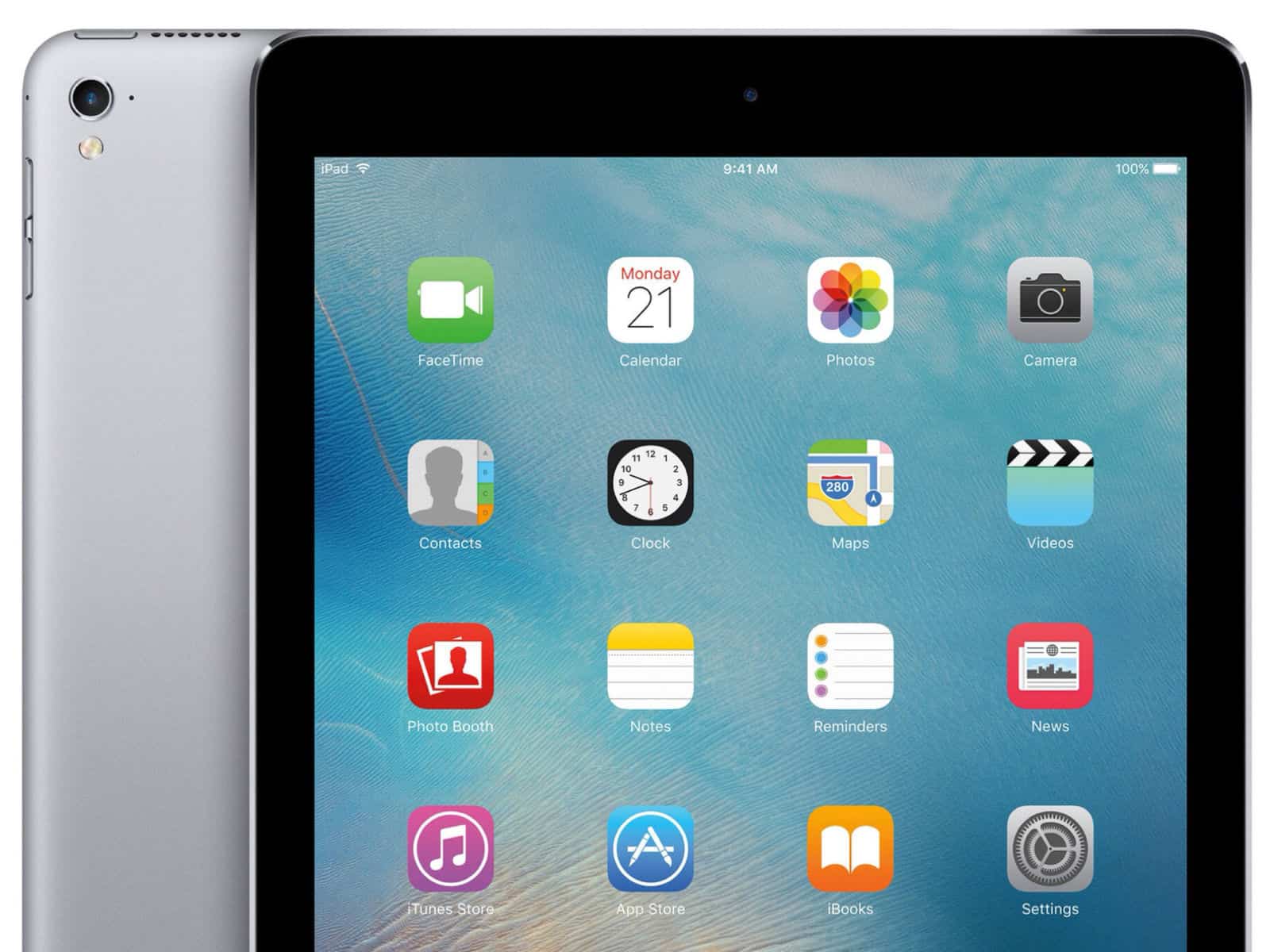
Go large with this deal on a refurbished iPad Pro. Photo: Apple
This week, get a free ghost stories app and save $15 on an iTunes gift card. Oh, and don’t miss out on a giant refurbished iPad Pro (or a Magic Keyboard)!
The "banned" app lets you pray in real-time. Photo: Human Coalition
Apple has reportedly banned an anti-abortion app from the App Store after complaints were made about it from “left-wing bloggers.”
Among the features of the Human Coalition app is a “Prayer Feed,” where users can access a real-time map of the United States, allowing them to join in with the prayers of other users on behalf of “abortion-determined families.”
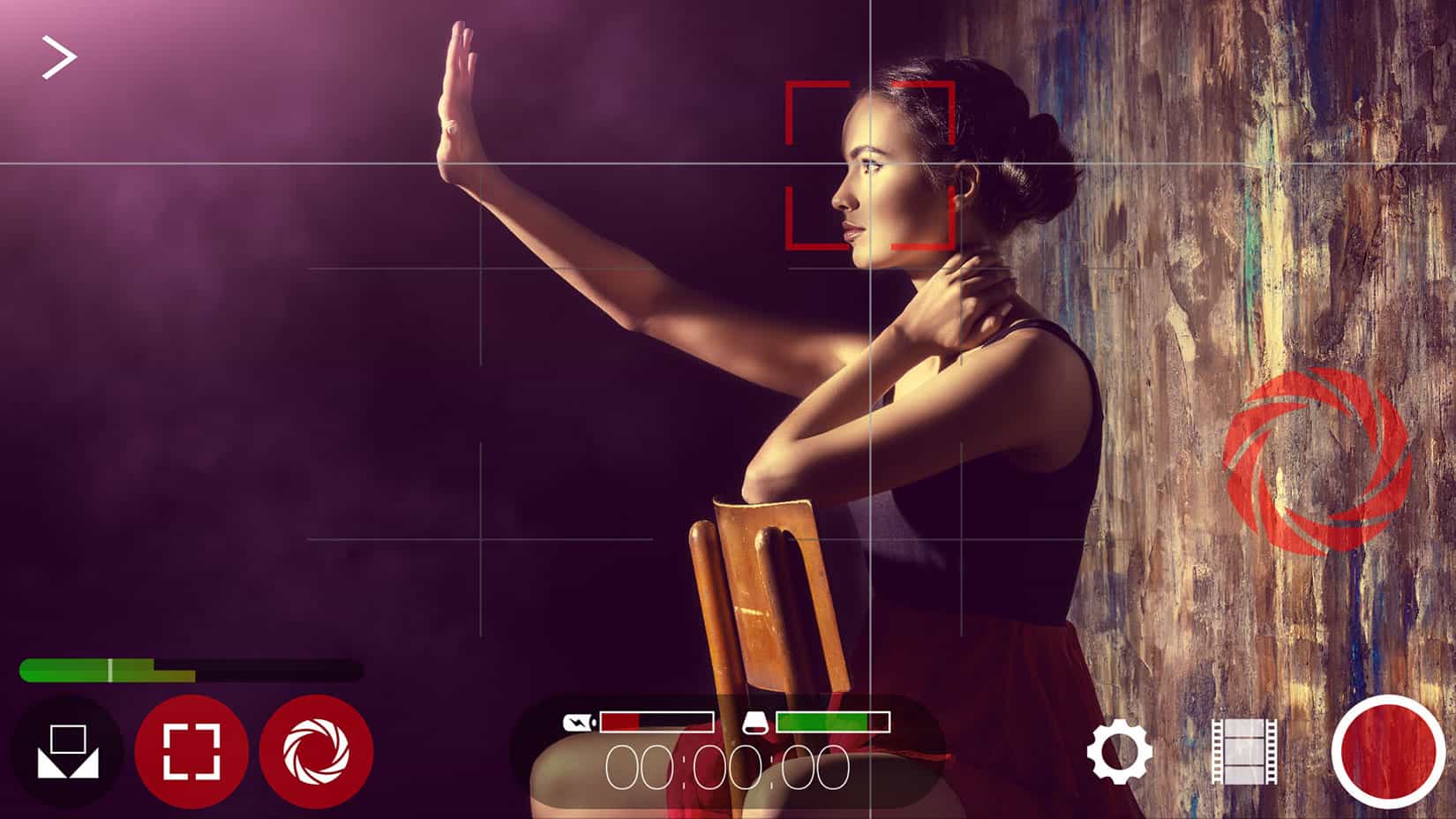
iPhone filmmakers get HEVC support in Filmic Pro update. Photo: Filmic
Filmic Pro, the gold standard iPhone app for filmmakers to achieve near-cinematic quality, released an update today to support the new HEVC format in iOS 11.
HEVC stands for High-Efficiency Video Coding (also called H.265), a compression standard that reduces the file size of videos while retaining much of the quality. This means users can store twice the number of videos on their iPhones or iPad Pros.
The WeatherBug free weather app serves up lightning alerts and other real-time info. Photo: Pixabay CC
This post is brought to you by GroundTruth.
Nearly everybody cares about the weather, because unexpected changes can ruin plans or even bring danger. Among the methods for staying up-to-date on weather forecasts, using a weather app stands out as one of the most effective.
But you should think twice before selecting a weather app.
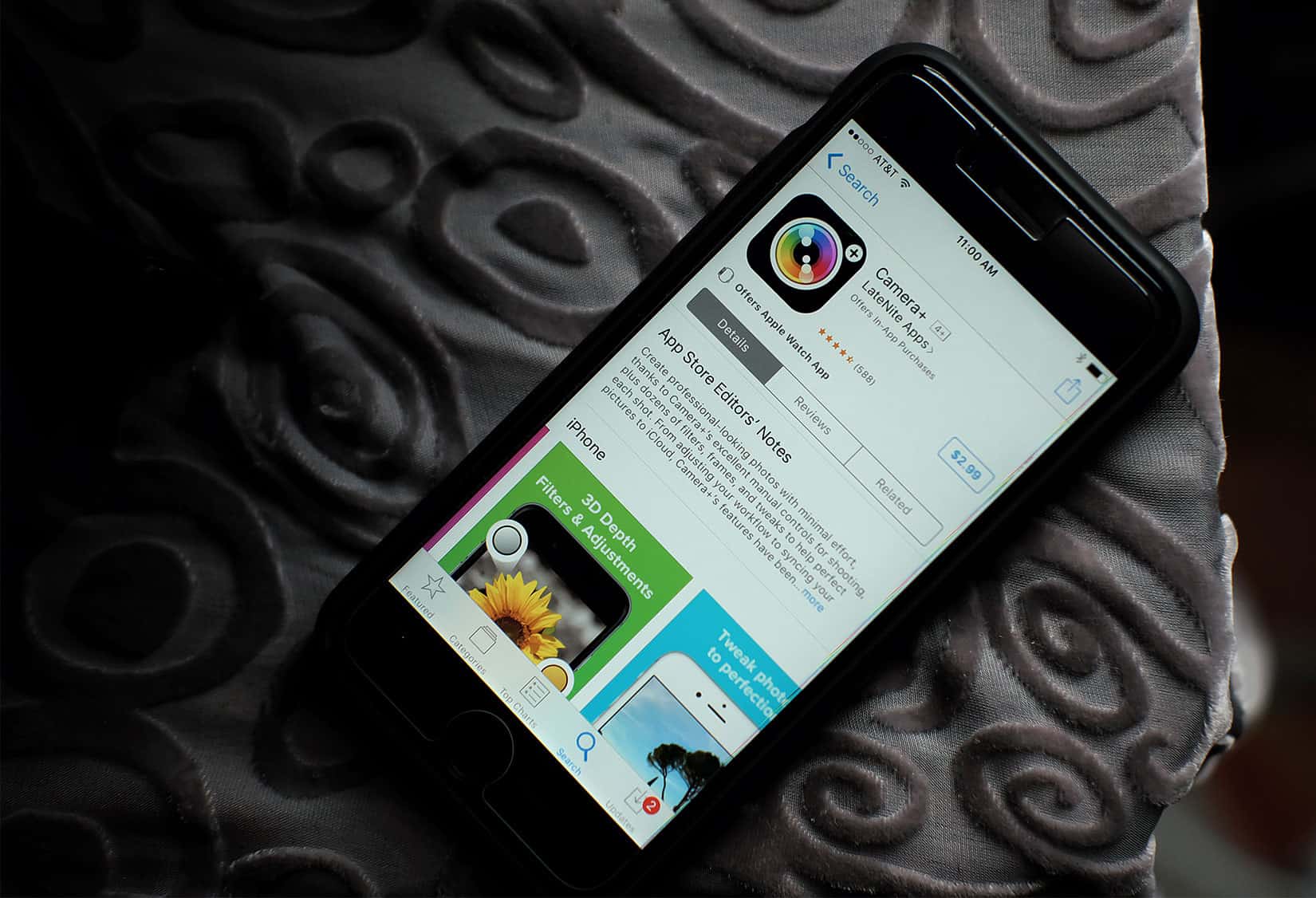
Camera+ adds features like smile mode and depth support. Photo: David Pierini/Cult of Mac
Even when your arm is stretched out as far as possible, it can be a struggle to get a finger or thumb on the shutter of your iPhone camera to take that selfie. An update to the app Camera+ trips the shutter with a smile.
Version 10 of Camera+, one of the more popular apps for iPhone photographers, announced new features this week with improvements that take full advantage of iOS 11.
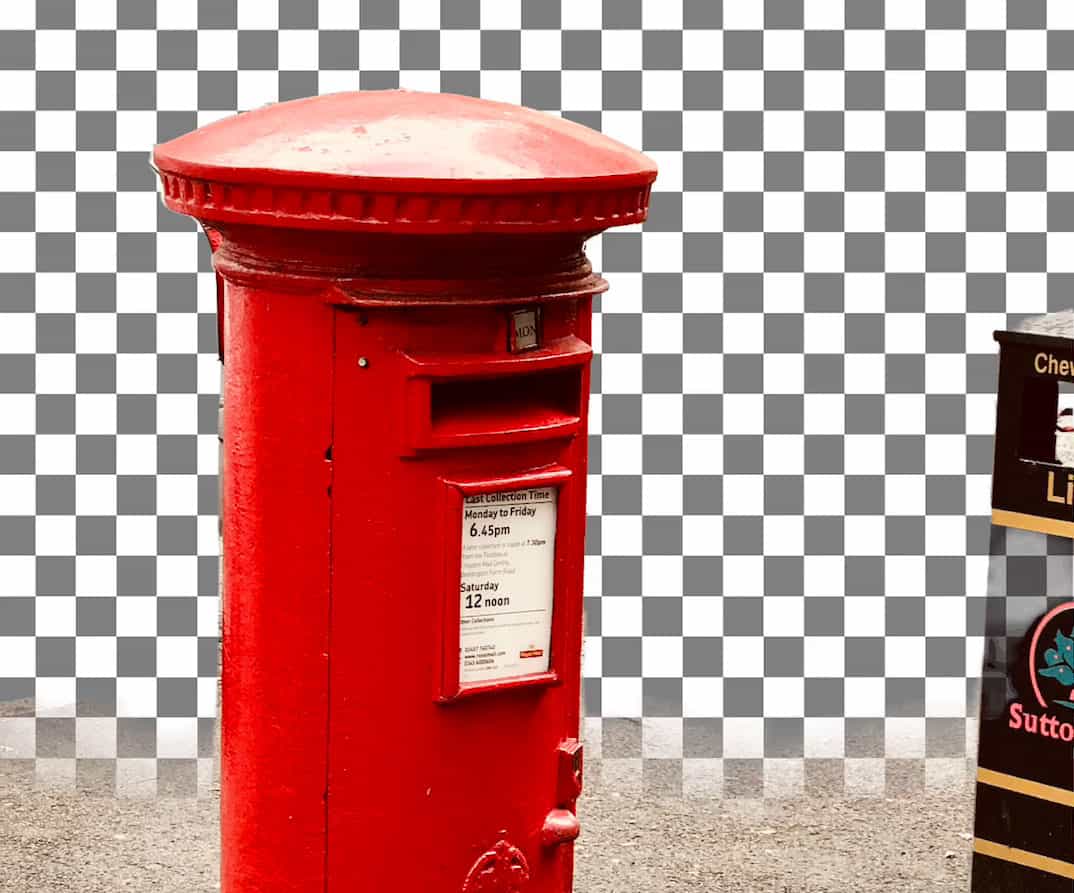
The touch of a finger on a slider bar makes erasing backgrounds in photos simple. Photo: Jon Colverson
Portrait mode on the iPhone does a very serviceable job of blurring out a distracting background. A new app makes it easy to remove the background entirely.
Depth Background Eraser, made for iPhone 7 Plus, 8 Plus and the soon-to-be-released iPhone X, uses the depth data stored in a photo to let your inner artist easily remove any background.
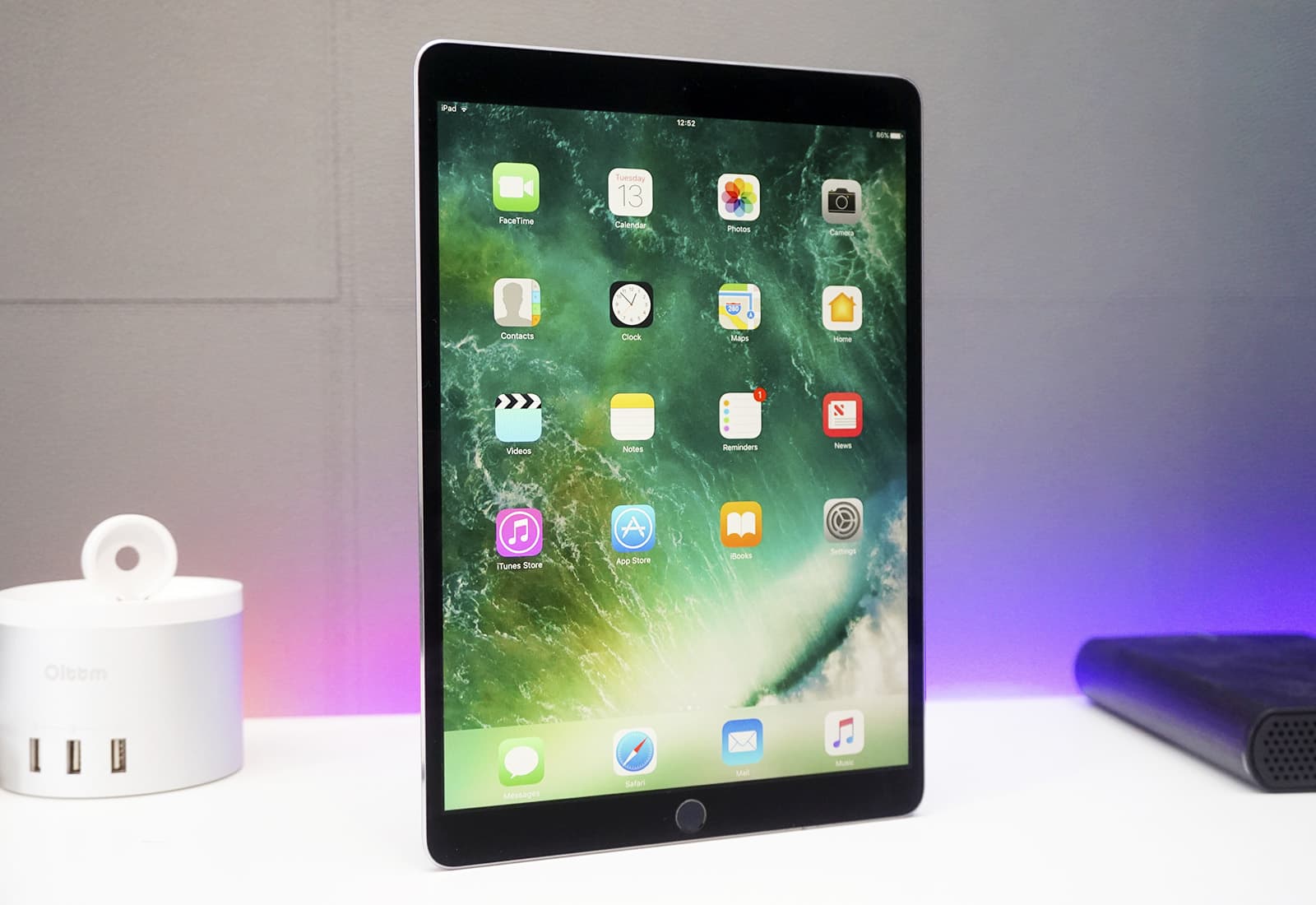
You can save $100 on the new 10.5-inch iPad Pro. Photo: Ste Smith/Cult of Mac
This week, protect your new iPhone 8 Plus with some inexpensive cases. Or consider a crazy-low deal on an older iPhone, a hot buy on the latest iPad Pro or other bargains in our roundup of the week’s best Apple deals.
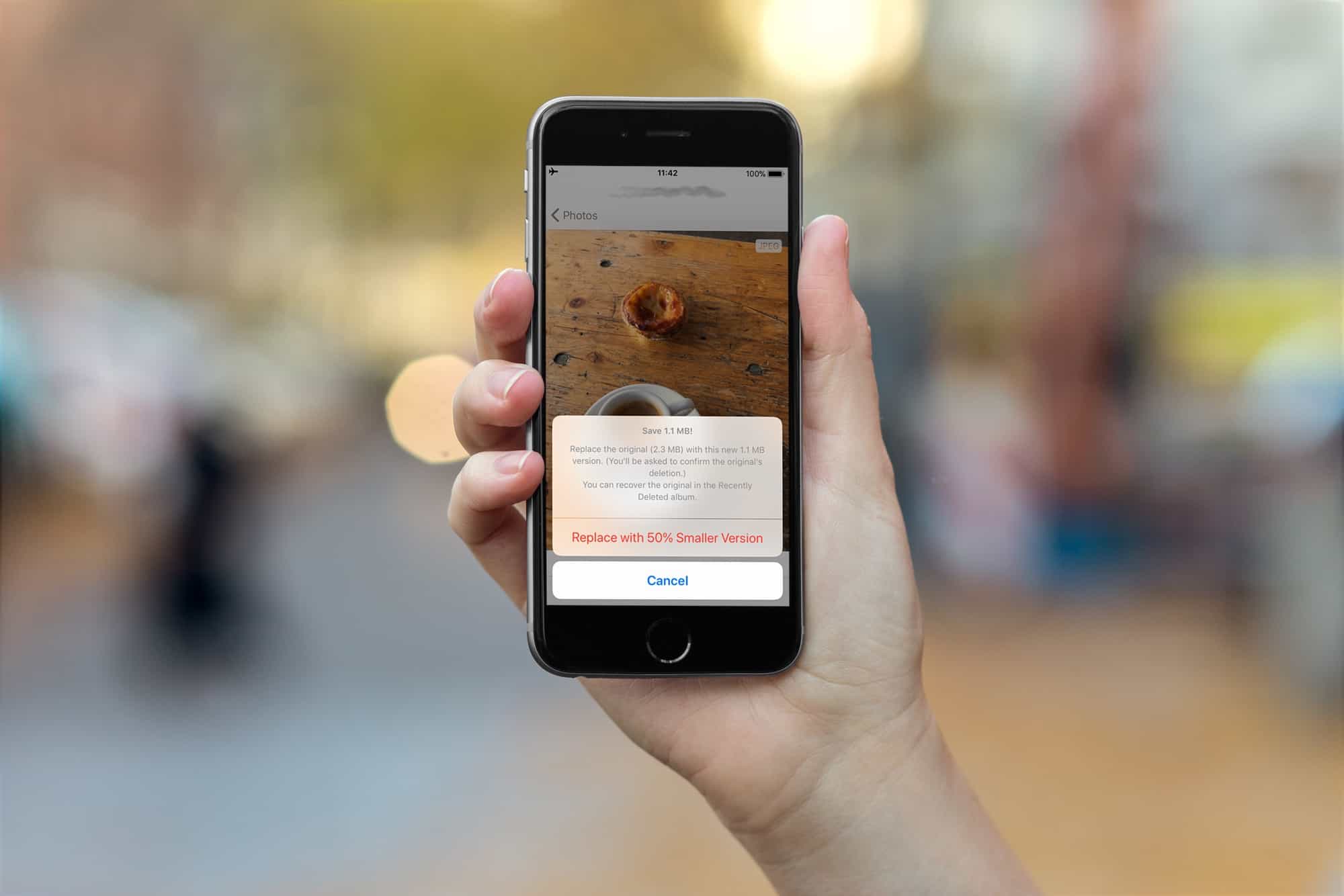
The Half app converts JPG to HEIC, saving space without losing quality. Photo: Cult of Mac
The iPhones 7, 8 and X all capture images in the new HEIC format, which creates images much smaller than JPEGs, with the same quality.
All new images you snap, and movies you capture, will be saved in the new HIEC and HVEC (for movies) formats. But what if you want to convert your older images from JPEG to HEIC to save some space? That’s exactly what Half App does.
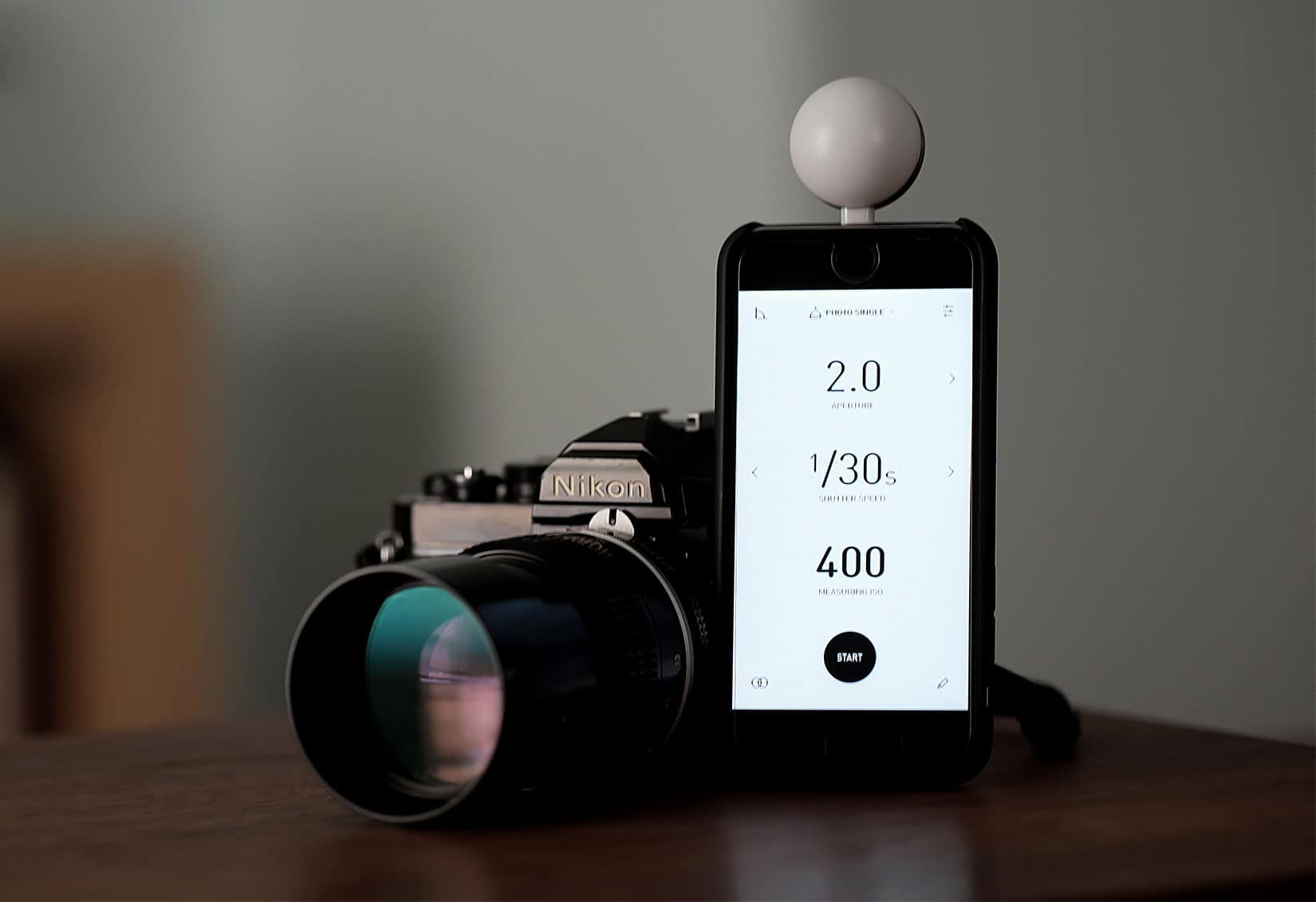
Is that an iPhone or a light meter? It's both. Photo: David Pierini/Cult of Mac
Lumu Power light meter for iPhone
The iPhone democratized photography and disrupted the video and camera industry. Now a new product that plugs into the iPhone’s Lightning port aims to replace an important photographer’s tool — the handheld light meter.
The Lumu Power light meter is a small, plug-in photodiode that looks like a pingpong ball cut in half. The light meter, a product of Lumu Labs from Slovenia, rose out of a Kickstarter campaign in 2015. It’s won favorable reviews from photographers and photo websites as the company works to improve the companion app.