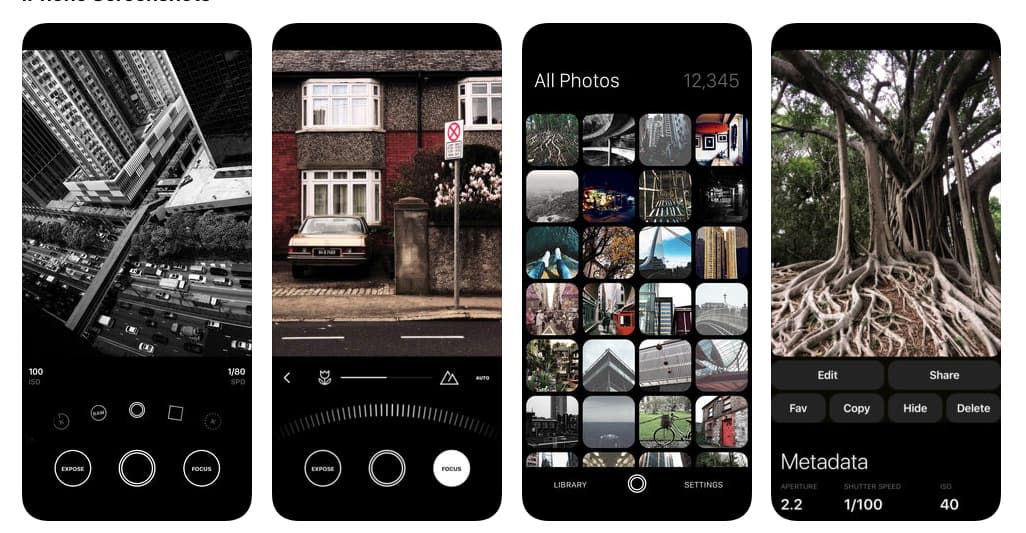
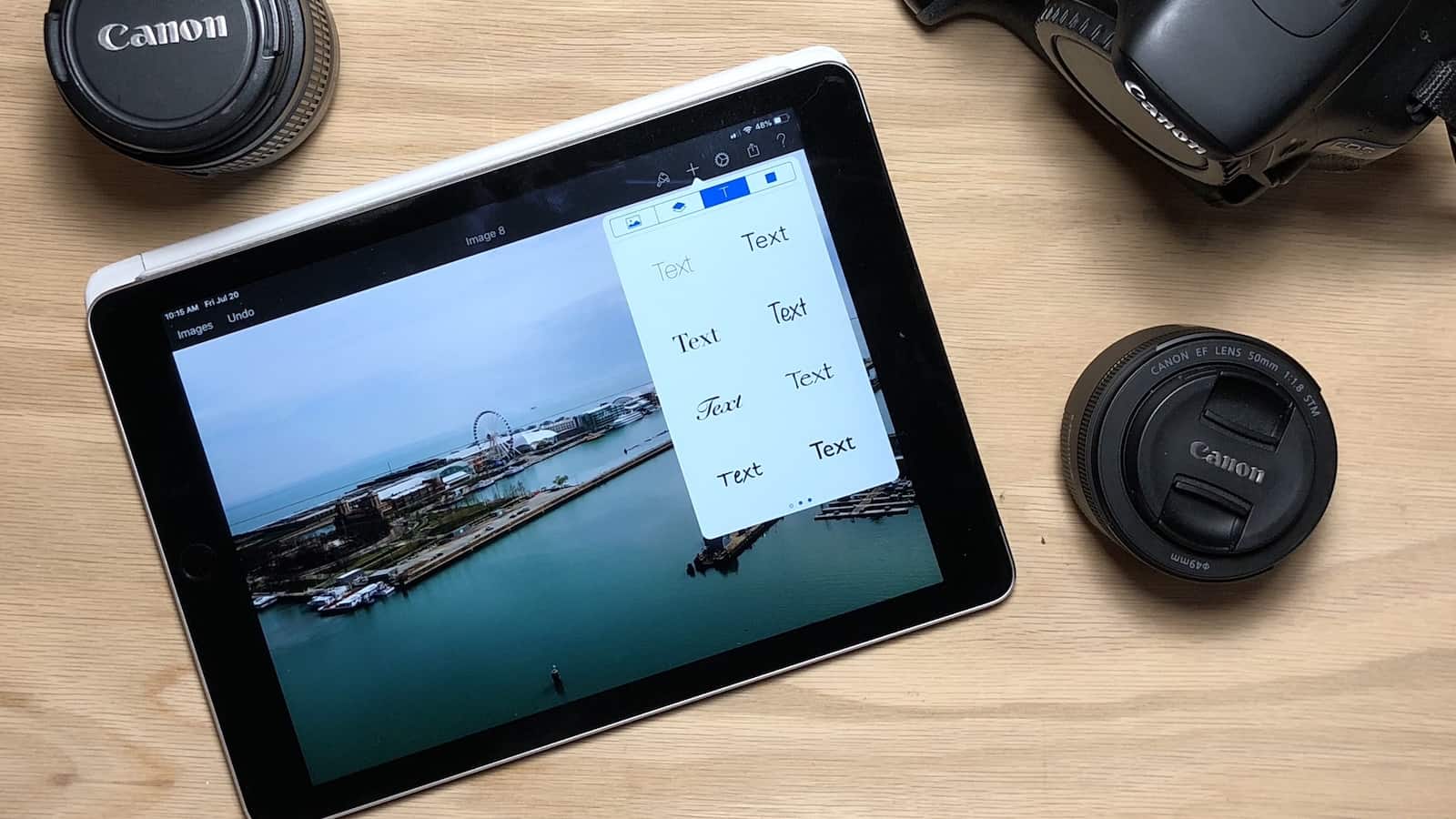
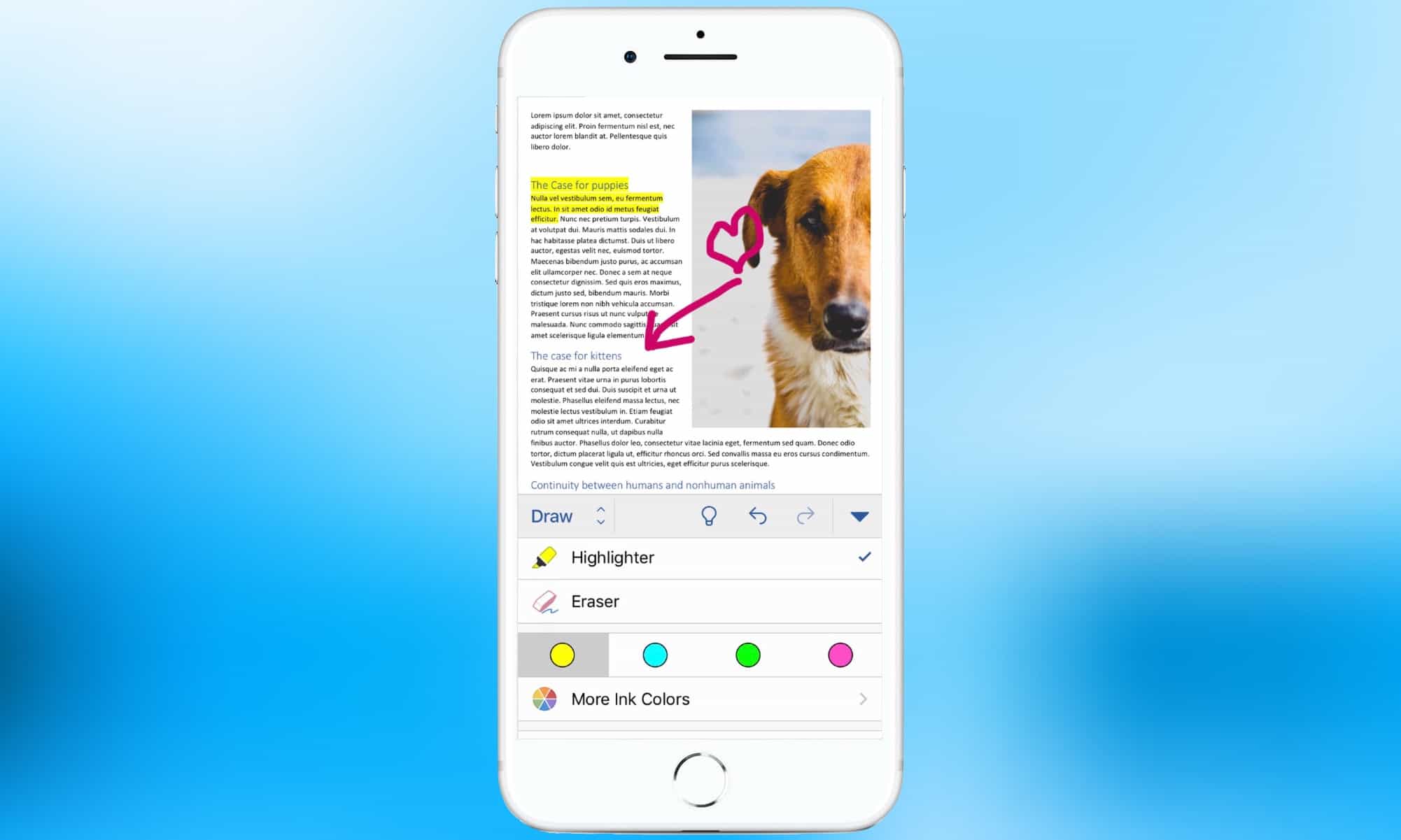
Microsoft Word is one of thousands of titles available only through app subscription fees. Photo: Microsoft
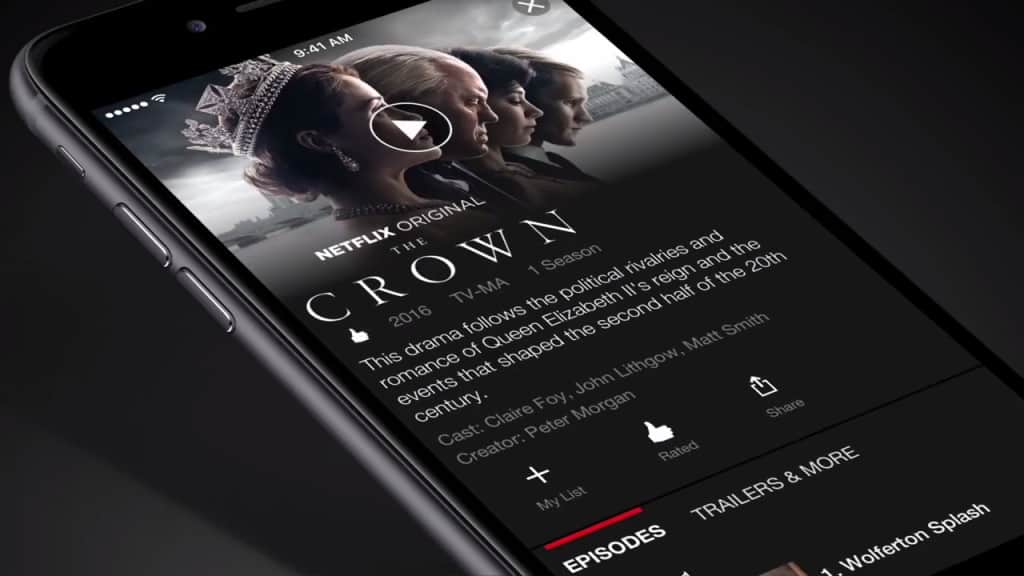
We’re all accustomed to paying a simple, one-time fee for our iOS apps. But developers are increasingly turning to subscriptions. In fact, there were billions paid in app subscription fees in the past year.
Apple reported today that revenue from subscriptions is up 95 percent over last year.
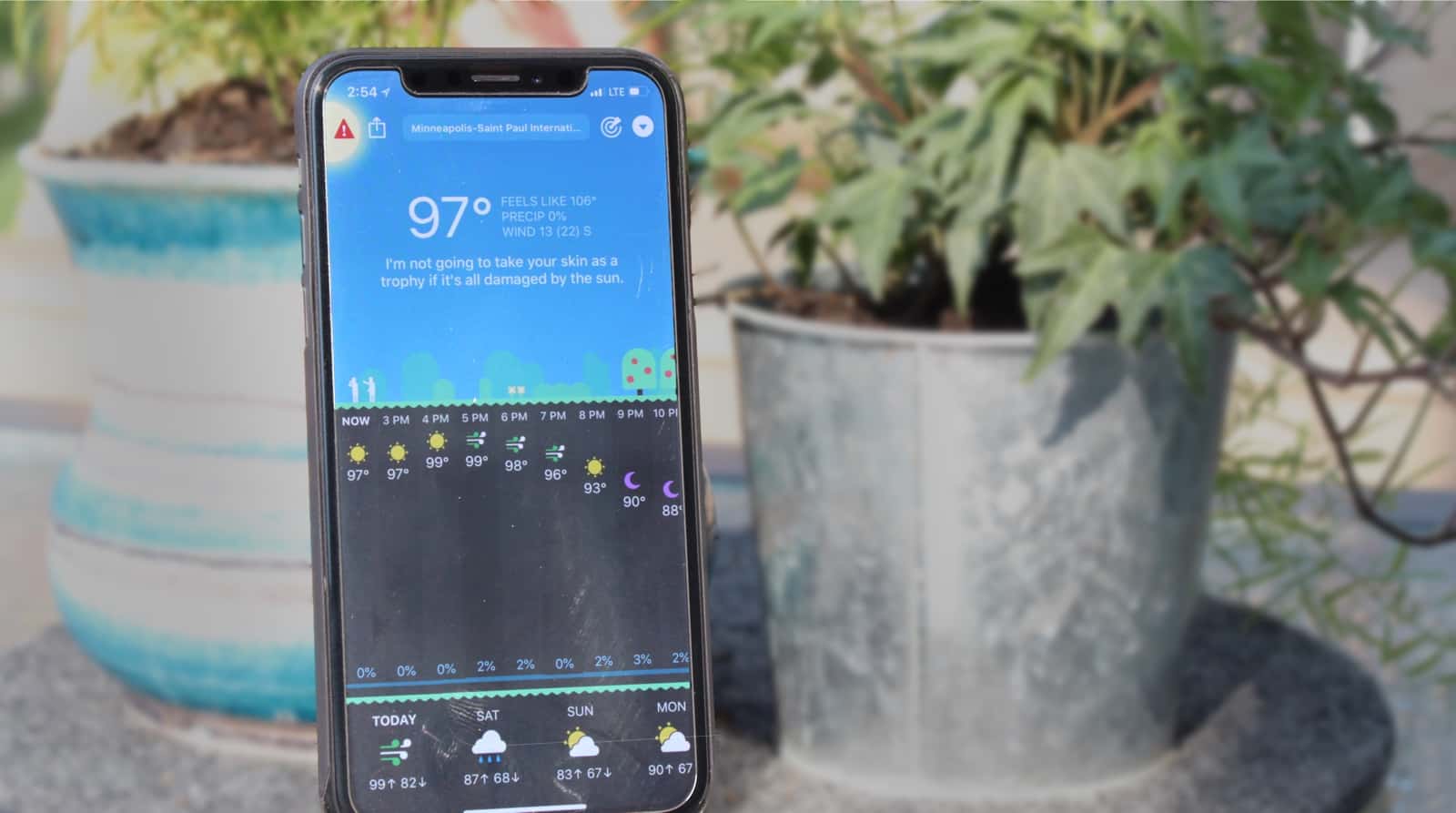
Carrot weather tells it like it is... rain or shine, frigid or inferno. Photo: Ian Fuchs/Cult of Mac
Weather can be exciting, but checking the weather rarely is. Regardless of what’s going on outside, Carrot Weather makes checking the forecast hilarious and fun. Better than that, Carrot Weather offers an Apple Watch app that is best in class for the platform.
Fortnite could pop a big rocket on Saturday. Photo: Ed Hardy/Cult of Mac
Something is going to happen in the Fortnite game tomorrow. What that will be is a bit of a mystery, but it’s causing a lot of buzz.
Whatever the deal is, it’s happening at 1:30 pm Eastern Time on Saturday. In-game TV screens are showing a countdown clock, and that’s when it hits the zero hour.
After going from terrible to mediocre, Apple Maps is set to become good. Photo: Apple
Apple has begun gathering its own data about the U.S. road network, rather than buying this information from other companies. The goal is to significantly improve Apple Maps.
This app was a disaster when it launched 6 years ago, and although there have been significant improvements, it has been the butt of jokes ever since. Apple wants to change that.
Extremely heavy downloads of apps like Fox Sports Go show that World Cup iPhone watching is a thing. Photo: Fox
Living in America, it’s sometimes easy to forget the FIFA World Cup is going on now in Russia. Soccer isn’t one of the Big Four U.S. sports. Heck, most Americans don’t even call it by the right name.
But the fact that new downloads of the Fox Sports Go app grew 950 percent during the first week of the World Cup shows there are vast numbers of people living in this country watching the matches on their phones or tablets.
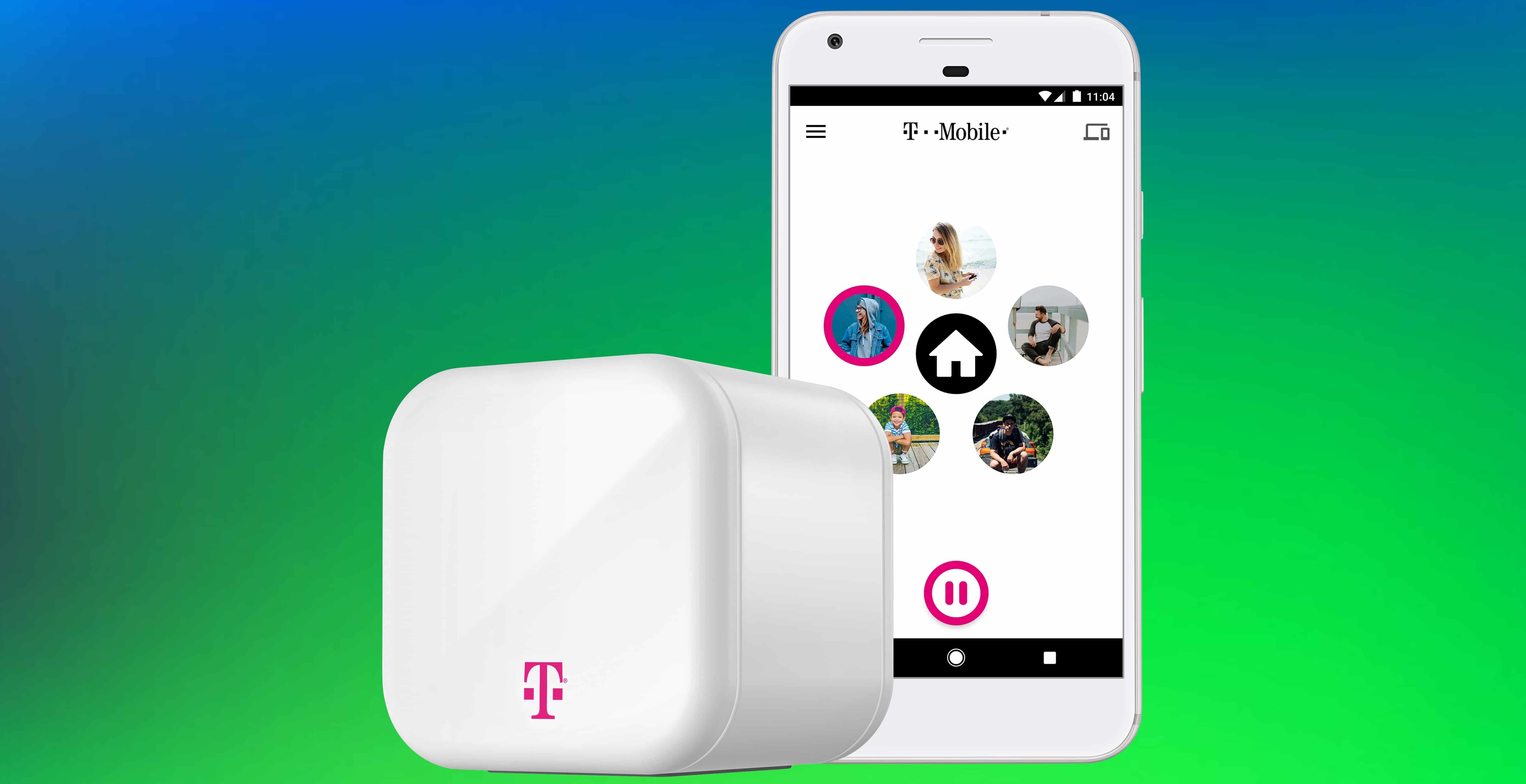
The T-Mobile FamilyMode app and Home Base promise control over every Internet-connected device in your house. Photo: T-Mobile
Parental controls are a hot item. Apple is building them into iOS 12, kid-friendly apps have them, and T-Mobile just unveiled its solution: Family Mode.
This includes iOS and Android apps than can limit what children do online. And the Family Mode Home Base connects to the home Wi-Fi router and lets parents put restrictions on every device in the house.
Understanding your calendar, reminders, and events is fast and easy with Fantastical Photo: Ian Fuchs/Cult of Mac
Managing a busy schedule is something we all deal with from time to time. Relying on a calendar app makes it easier, but entering every meeting, project, or appointment can be a hassle. Fantastical is the best calendar app for adding events to your calendar and managing your schedule.
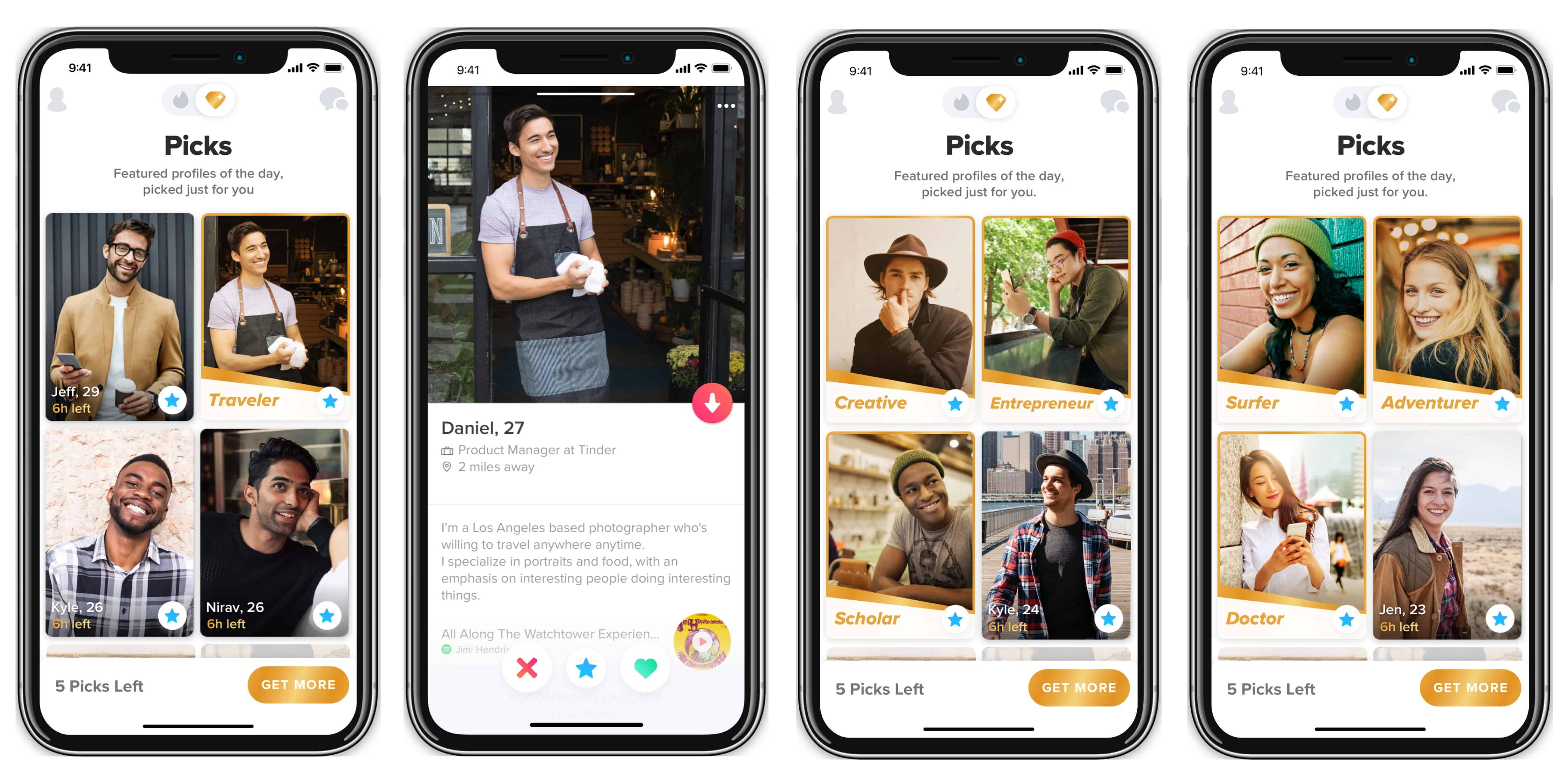
The new Tinder Picks option -- currently testing exclusively on iOS -- helps you find people you have something in common with. Photo: Tinder
Tinder Picks is a feature this dating app is testing that might make it a better way to find people you’re compatible with emotionally, not just sexually.
Picks takes the user’s profile and shows them pictures of people who have similar jobs, educations, and interests.
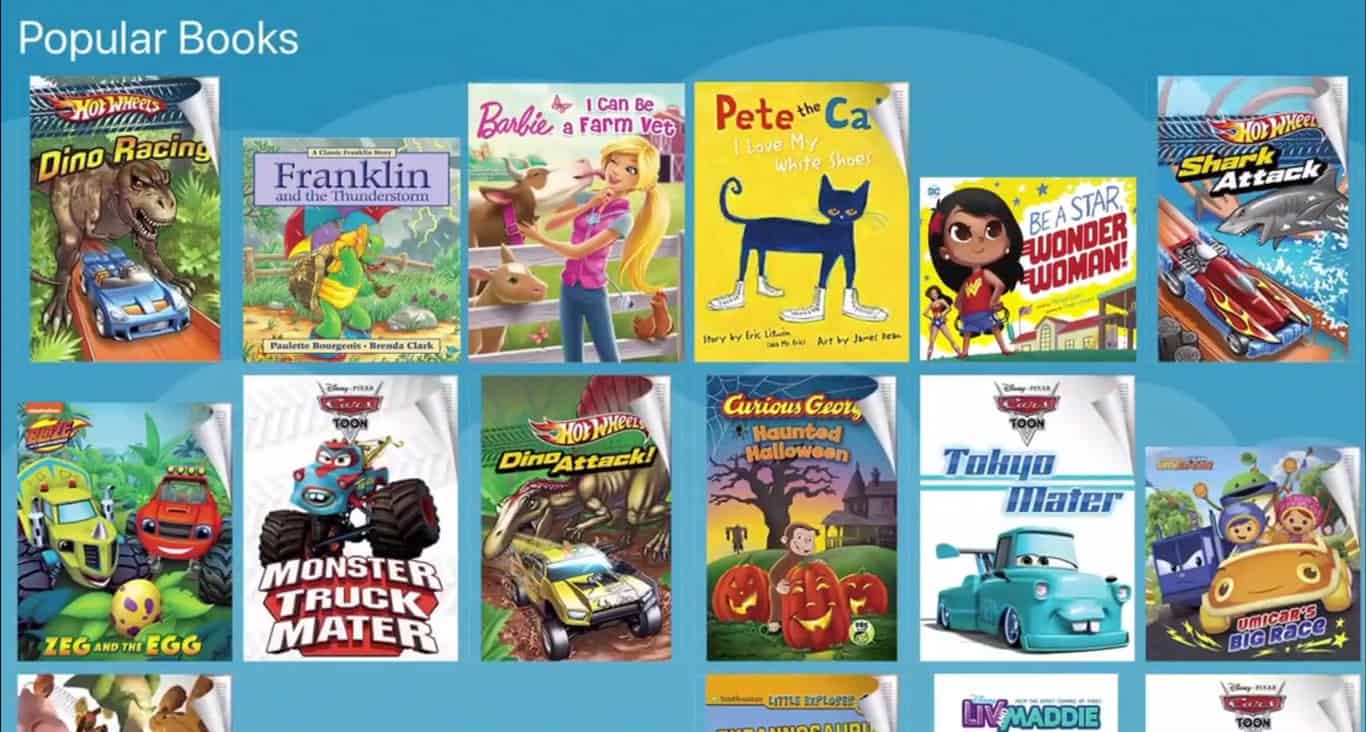
Amazon FreeTime Unlimited offers kids age-appropriate videos, books, and apps. It's now on the Apple App Store. Photo: Amazon
Amazon FreeTime Unlimited just made the jump to to the Apple App Store. This service for children ages three to twelve offers thousands of books, movies, and games for a flat monthly fee.
The service launched years ago on Amazon’s own tablets, but only became available for iPad and iPhone today.
Twitter is going to show you lots of news, all through the app. Hopefully that's what you want. Photo: Jim Merithew/Cult of Mac
A Twitter redesign will put breaking news and sports events at the top of your timeline. Expect updated iOS and Android apps to emphasize current happenings over casual chat.
Apparently being brushed under the rug are pictures of your cat. Twitter seems to want people to be consumers of Tweets, not creators.
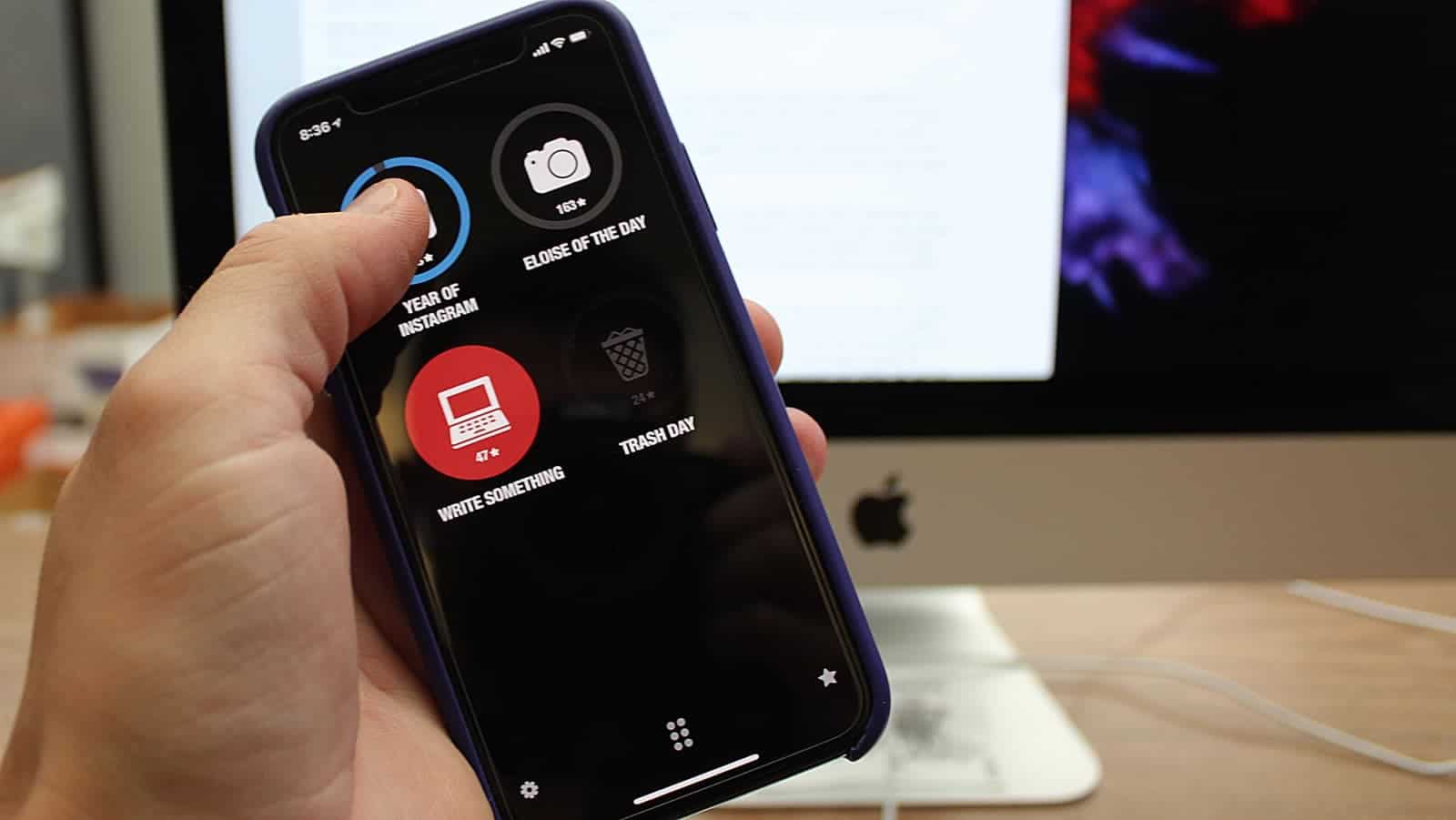
Streaks turns your to-do list into a game of success. Photo: Ian Fuchs/Cult of Mac
To-do lists can be incredibly useful for getting tasks done on time and staying on top of ongoing projects. Unfortunately for some, it’s a source of procrastination, with no reward for keeping up with your daily (or weekly tasks). The Streaks app gamifies your recurring tasks and helps create good habits (or break bad habits) quickly and easily.
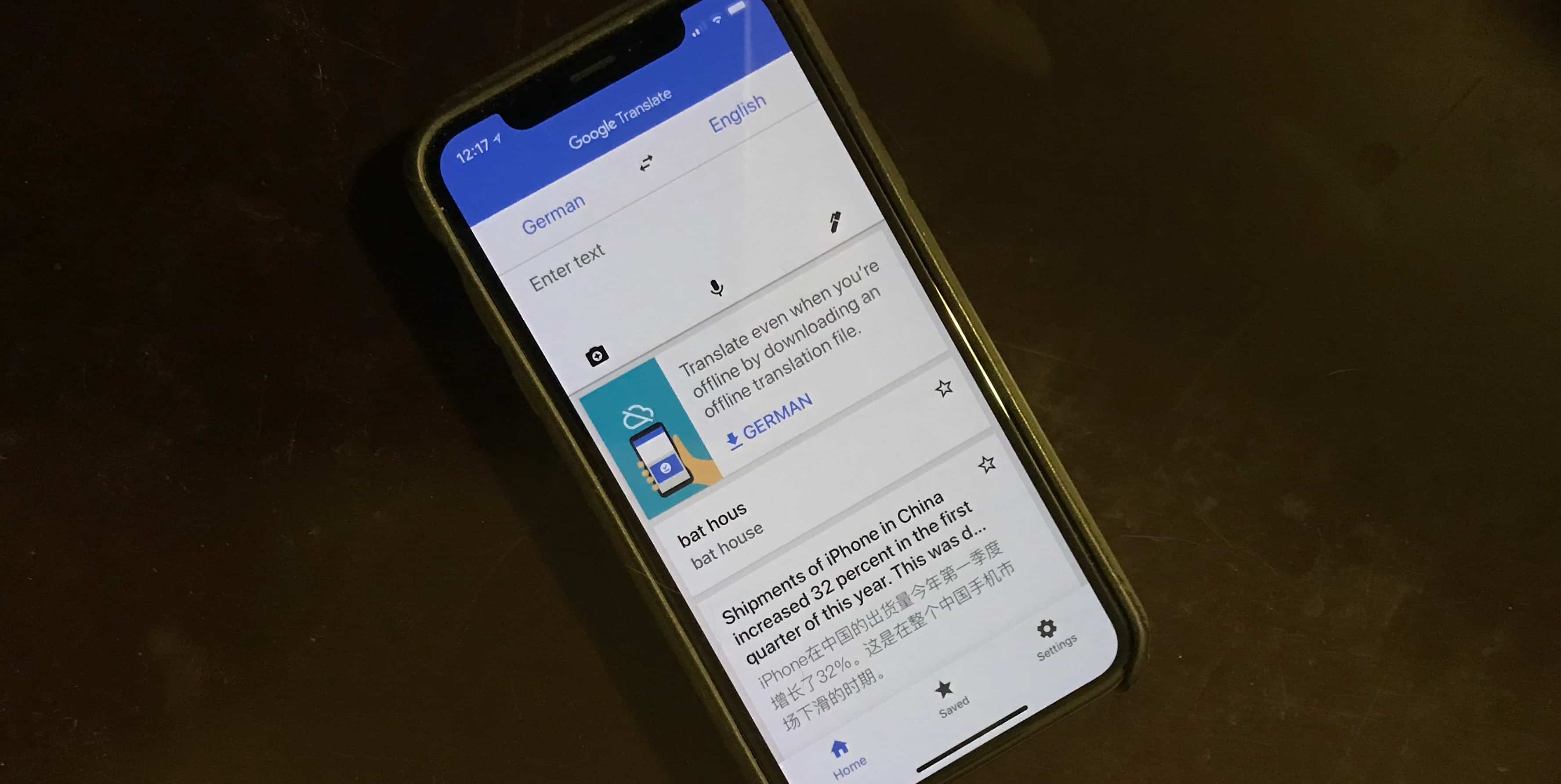
On-device learning should make the Google Translate app much better at its job. Photo: Ed Hardy/Cult of Mac
Neural machine translation (NMT) has made the online version of Google Translate more accurate for years. Today, this AI feature was added to the iOS and Android apps so it can be used offline.
NTM allows the software to learn over time to create better, more natural translations. And this function is available while traveling without a local data plan.
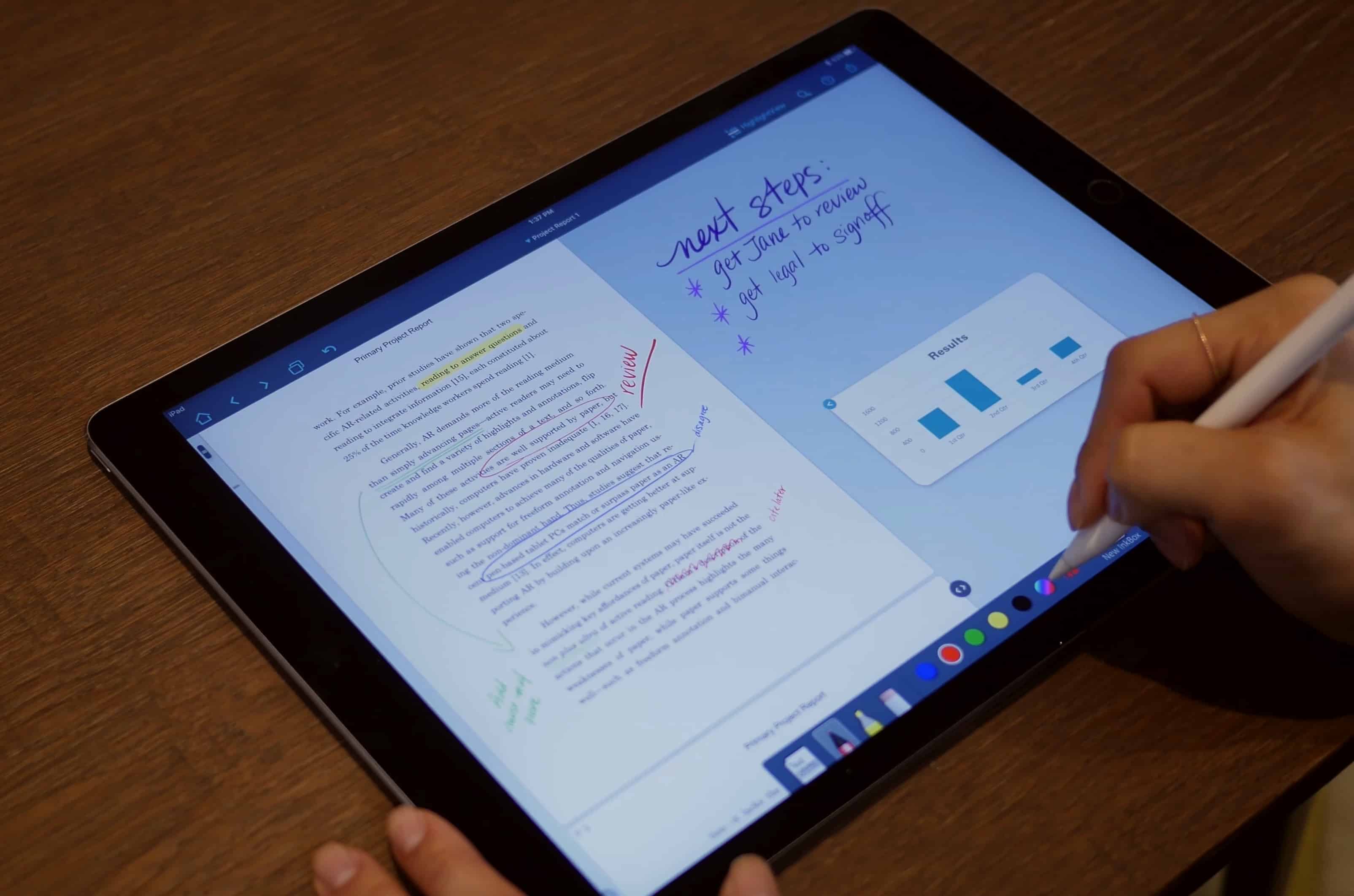
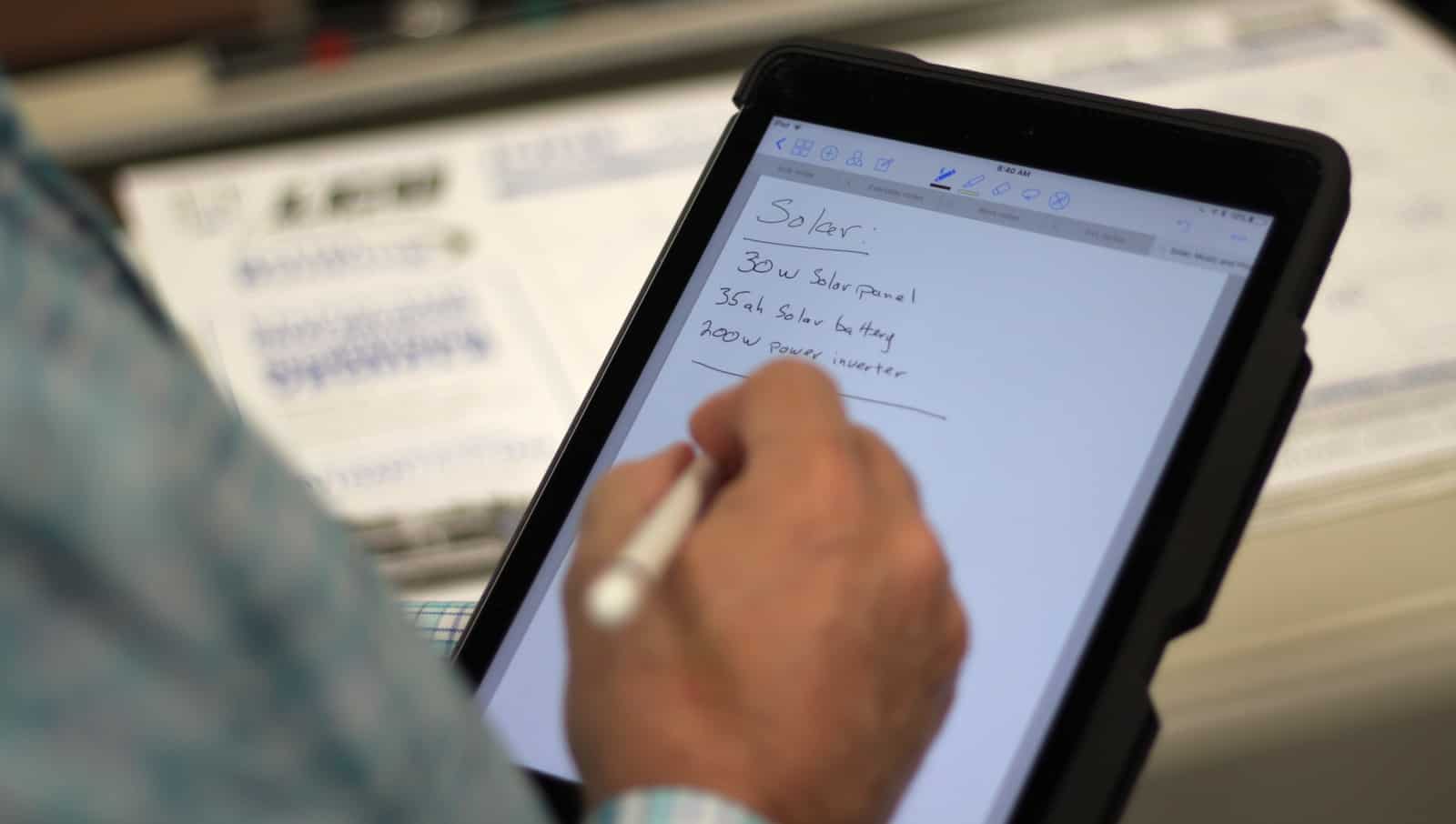
GoodNotes 4 is perfect for writing notes, regardless of the topic. Photo: Ian Fuchs/Cult of Mac
The iPad has become a workhorse in the last few years. Since the introduction of the iPad Pro and Apple Pencil, the transition from pen and paper to digital note-taking is more feasible than ever. GoodNotes 4 is one of the best digital note-taking and document-annotation apps available on iOS.
Waze provides clear turn-by-turn navigation and alerts you to potential hazards. Photo: Ian Fuchs/Cult of Mac
All across the country (and the world), people depend on cars to get from place to place. Unfortunately, not knowing where traffic is slow, or where a police officer is hiding, can cause serious delays. The Waze navigation app takes out the guesswork.
It tells drivers where traffic, construction or the 5-0 might turn a drive into a total bummer. Better yet, the navigation app’s huge user base means real-time data that lets you change course to avoid slowdowns.
Near the end of Monday’s WWDC 2018 keynote, Apple’s Senior Vice President of Software Engineering Craig Federighi addressed a question that’s been circulating in the tech press for a while: Are Mac and iOS merging?
His answer was direct and unequivocal: “No.”
Then he delivered a “sneak peek” of Apple’s long-rumored cross-platform project codenamed “Marzipan.” In line with the past six months of rumors, the idea of the framework is to allow UIKit-based iOS apps to run natively on Mac. While that probably sounds exciting to Mac owners, it could yield an unwelcome unintended consequence. It could trigger a “lost year” for Mac apps.
Google Photos is the photo and video backup app we all wish Apple would give us. Photo: Ian Fuchs/Cult of Mac
Photos and videos are some of our most important mementos, helping us recount our fondest memories. The thought of losing those keepsakes shouldn’t be something that keeps you up at night.
With Google Photos, every photo and video on your iOS device can be safely backed up to the cloud, accessible even if your iPhone or iPad goes up in flames. Even better, Google Photos can help you free up space on your iOS device, so there’s always room to take more pictures.
Instagram could soon offer original shows of its own. Photo: Ian Fuchs/Cult of Mac
There are tons of social networks to choose from. Some help you stay up-to-date with news, while others are focused on friends or family. Instagram is the social network for seeing the world and keeping up with your interests through images. Unlike Twitter or Facebook, Instagram lets photos do the majority of the talking.
Tweetbot for iOS is clean, easy-to-use, and isn't cluttered like the Twitter app. Photo: Ian Fuchs/Cult of Mac
Over the years, the Twitter app has changed significantly. What started as a container for Twitter’s mobile website has grown into the jumbled mess that it is today.
During that time, many third-party Twitter clients blossomed, providing a more streamlined, logical experience. While many faded away, a select few managed to stick around. For several years now, Tweetbot has been one of the best Twitter clients on iOS. It offers a clear design, simple gestures, and provides a better Twitter experience.
Podcast app Castro addresses several missing features with version 3 Photo: Ian Fuchs/Cult of Mac
With podcasts increasing in popularity, Castro has been one of the top third-party podcast players on the market. In version 2, Castro changed the way users manage their unplayed episodes with their podcast triage system. While it was a great update, and included some gorgeous design touches, it was missing some key listening features. With version 3, Castro adds in users most requested features to make it a truly great podcast player.
The Kindle app is the perfect platform for reading e-books on iPad or iPhone. Photo: Ian Fuchs/Cult of Mac
Reading books. It’s something we’ve all done at some point in our lives. People read for fun, learning or taking a break. The trouble is, having a huge collection of books takes up space and can literally weigh you down.
E-books are the solution, and the Kindle app is an excellent way to enjoy the world of literature without straining your back or your physical space. With the Kindle app, you can carry an entire library’s worth of books on your iPad or iPhone.
Dashlane can store all your logins, and makes signing in to websites quick and easy. Photo: Ian Fuchs/Cult of Mac
How many logins and passwords do you have? If the answer is more than one, then ask yourself how many accounts use the same password? If that answer isn’t zero, you need Dashlane. Reused and weak passwords are one of the biggest vulnerabilities on the modern web, but remembering a bunch of unique and complex passwords is nearly impossible. What isn’t hard is using your thumb or face to open a password manager with all your strong passwords.
Square's Cash Boost rewards program offer new ways to save. Screenshot: Gabe Trumbo/Cult of Mac
Square’s Cash App just got far more rewarding. The Cash Boost program now offers cash back at several well-known restaurants and stores, including Shake Shack and Chipotle. Even better, now anybody can participate.
With a little strategy, you can save loads of money on everyday purchases. Here’s how you can earn cash back at restaurants every day with the free Cash App.
Workflow can make the most basic of tasks incredibly simple. Photo: Ian Fuchs/Cult of Mac
Not all tasks are simple or straightforward. Sometimes a task involve multiple complex or repetitive steps. Having the ability to use a “program” to do these tasks quickly and easily makes you more efficient. Unfortunately, we aren’t all programmers. Workflow for iOS makes performing complex or repetitive tasks a breeze, all without needing to know a programming language.
Coda makes it easy to edit code, no matter where you are. Photo: Ian Fuchs/Cult of Mac
The iPhone and iPad are arguably one of the most powerful computers most of us own. While much argument has been had as to whether you can do real work on iOS, apps are a proving ground for what an iOS device is capable of. Coda for iOS harnesses the power of iOS to make a feature rich programming app, turning your iOS device into a shell terminal, FTP client, remote file viewer, and pocketable coding app.
The Acorns savings app automatically invests your spare change for you. Image: Acorns
The Acorns app is a great way to build up small savings. It automatically rounds up every purchase you make to the nearest dollar and invests that spare change for you.
And, if you download the app this month and refer 12 friends, Acorns will give you $1,000. No joke.