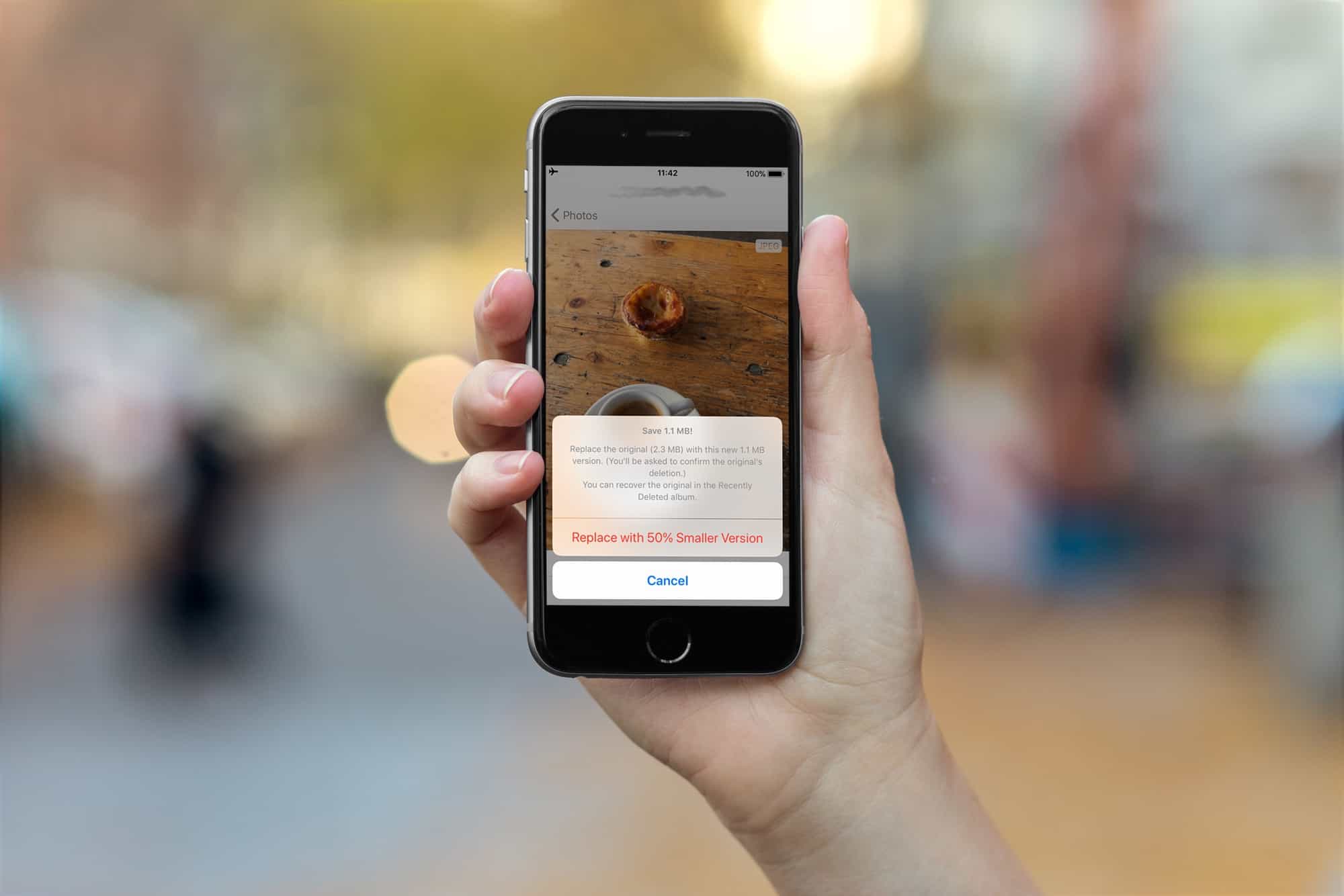
The iPhones 7, 8 and X all capture images in the new HEIC format, which creates images much smaller than JPEGs, with the same quality.
All new images you snap, and movies you capture, will be saved in the new HIEC and HVEC (for movies) formats. But what if you want to convert your older images from JPEG to HEIC to save some space? That’s exactly what Half App does.
The Half app is available for iPhone, with Mac coming soon. It opens to a page showing all your photos, labeled with the file type — JPEG or PNG. To convert one, you just tap it, and then tap the Half It! button below the now full-screen photos.
The app creates a new HEIC file, and tells you how much space you have saved. It also offers to delete the original JPEG for you (you can skip this if you’re wary of the process at first, but all the deleted photos can be found in the Recently Deleted album for the next 30 days anyway).
That’s it. Half works, and it works great. There will be some quality loss, simply because the photo is being recompressed, but in practice it appears to be imperceptible. Half’s developer, Alaric Cole, sent me two files to compare, a JPEG and a “Halved” version derived therefrom. I can’t yet post a HEIC to Cult of Mac, but I can say they look pretty much identical to my eye. I also compared them using the excellent Kaleidoscope app, which compares files and photos at the pixel level, and it looked like this:
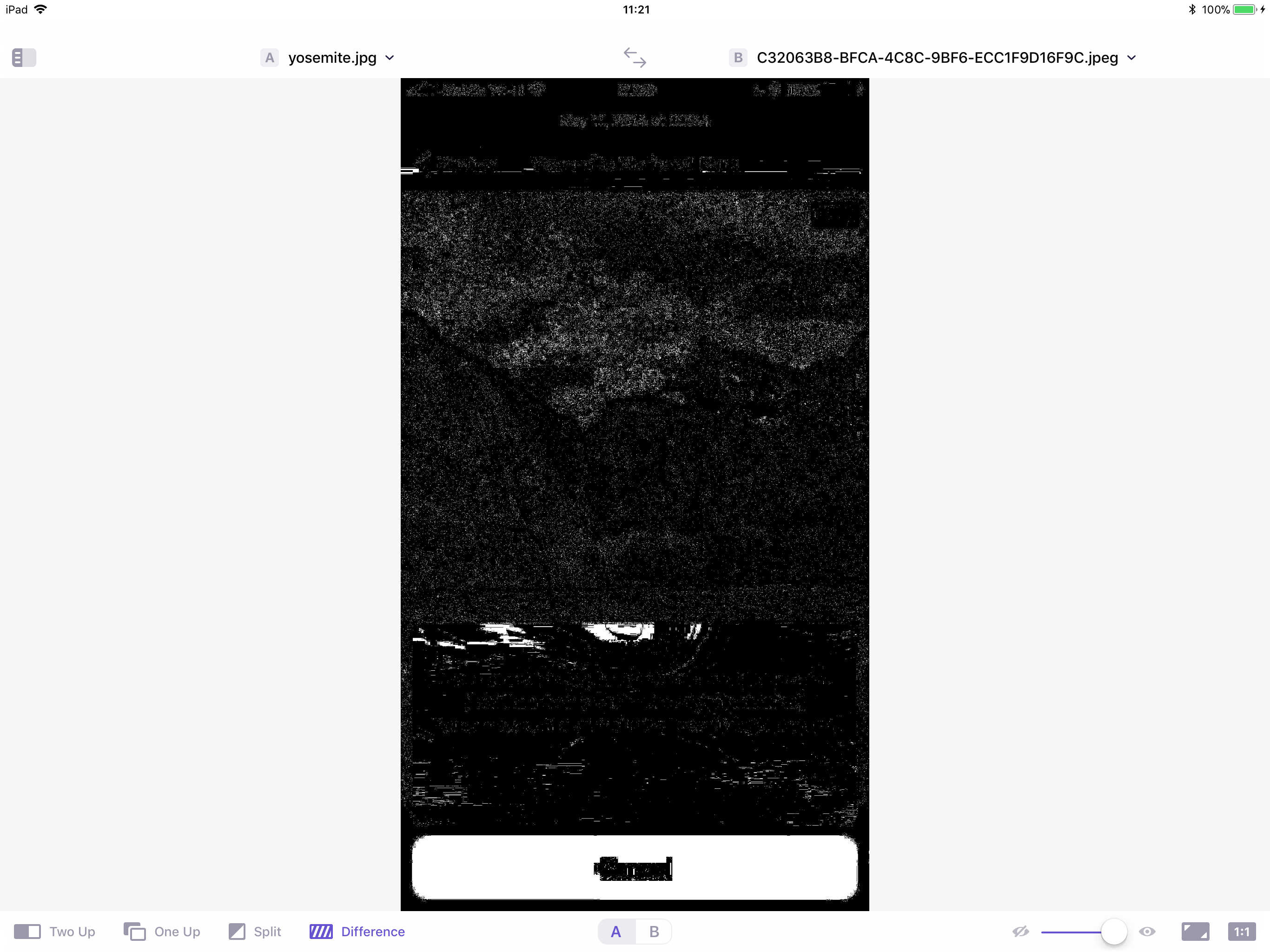
Photo: Cult of Mac
Size-wise, the JPEG comes in at 1.7MB, while the HEIC measures 283KB. That’s quite a saving. I did notice one glitch, though: One of my photos was rotated 90 degrees upon conversion, so perhaps the app isn’t properly respecting the images’ orientation settings.
Coming soon: Half app support for Live Photos and Bursts
This week, Half app will add support for Live Photos and Bursts, as well as a screenshot tool. And “coming soon,” says Cole, are support for videos (as well as the Mac app). I have no interest in re-encoding all my photos, but videos seems like a great idea. I can’t wait.
Price: $2.99
Download: Half from the App Store (iOS)
Price: $2.99
Download: Half from the Mac App Store (coming soon)

Charlie Sorrel writes reviews and how-tos. Follow Charlie on Twitter at @mistercharlie, and at micro.blog on @mistercharlie


18 responses to “Half app converts your JPEGs to space-saving HEIC files”
Are you only able to do one photo at a time or can you select multiple? Preferably the entire library would be nice. That would save me a ton of cloud space but I am not going to sit and do 50K photos one at a time.
Yep, that would be lovely
Yeah, agree! I am hopeful that will come in a future update or as part of the mac version.
I was working in this even before I released this version. Very, very soon
Keep us updated, will buy the app as soon as this is possible !
Great App! I bought it and works wonderfully…batch processing would be a game changer
Thanks for the article, Charlie! What happens when I send a photo compressed by this app to another person … Will they be able to open the photo?
iOS handles this, and automatically converts to a jpeg as needed!
I’m not sure this happens with hardware such as mine — iPhone 6s — which cannot *create* HEIC files. Is it a fact that *any* iPhone capable of running iOS 11 will convert HEIC photos created in another app to .jpg before sending? Or that another phone will convert them to JPEG upon receiving them?
Great app idea and helpful article. Does Half preserve picture metadata? My 20k+ photo library has all sorts of metadata, from geolocation info to keywords, comments, and faces.
Yes, it preserves the metadata. it does change the size of my photos.. for instance 3024 × 4032 at 2mb becomes 1654 × 2206 at 650kb
I see, thanks. So it halves the resolution also. That’s good to know about the metadata.
It doesn’t reduce the resolution of photos. What you are seeing is the preview jpeg that iOS uses for most things. There’s a bug in 1.0 where it gets set incorrectly, but the original is absolutely full res
All metadata is preserved. And it doesn’t change photo resolution at all. (The preview image had some issues in v1, but that’s all fixed.) Half works by recompressing the original image, and it keeps the res the same.
An interesting discovery, using the Investigator app on iPhone, the metadata is stripped from its view on converted files and does show the half resolution. That said, investigator sees both as JPEGs and also has the converted file at half or a third the file size than what the Half app claimed it would be. (Half said it would be reduced by 48% to 1MB and the Investigator app says it is 418kb https://uploads.disquscdn.com/images/ed53751e23960ac7f985a7a98269a11e8089e642910d7bfb969041416f084381.jpg https://uploads.disquscdn.com/images/2320caa07de83ac1dce102c145af8209cbf07b12b3e44a6293ae2debb9bd1961.jpg ).
Sorry guys, but the app does *not* work as promised. It does not do what it says it will: all it does is convert the original JPG to a JPG that is much smaller in dimensions, and of course such a smaller file will be smaller in kB! Examples: original 2048 x 2048 pixel JPG at 1.1MB is converted by Half to a 96 x 960 pixel JPG that is just 100kB, a standard 12megapixel photo is converted from 3024 x 4032 (2.1MB) to a 1000 x 1334 pixel (183kB). And all the meta data is stripped out. No GPS, no camera information. Maybe I’m doing something wrong but the app does *not* convert JPGs to HEIC files with the same resolution and same quality. I want my money back!!
So, using Google Photo’s I can see that does, in fact convert to HEIC, but it does so while stripping the metadata and reducing the resolution. I imagine metadata apps on the phone are not updated to “read” HEIC and Photos is converting to JPEG to allow viewing. Curious though as the Photos app on the iMac is also showing them as JPEGs (updated to 10.13). https://uploads.disquscdn.com/images/bf9e1716a4e99bff367b63156cd7ca4406605e7c3c962315fc14430d5f09cdd6.jpg https://uploads.disquscdn.com/images/22a51aff0812f79c50f551e62ca626e9f91c6d7105ffd20dc190b0b08be1843d.jpg
Great app! Thanks for the recommendation.
Waiting for the batch conversion and it will be the best app for HEIC/HEVC conversion.