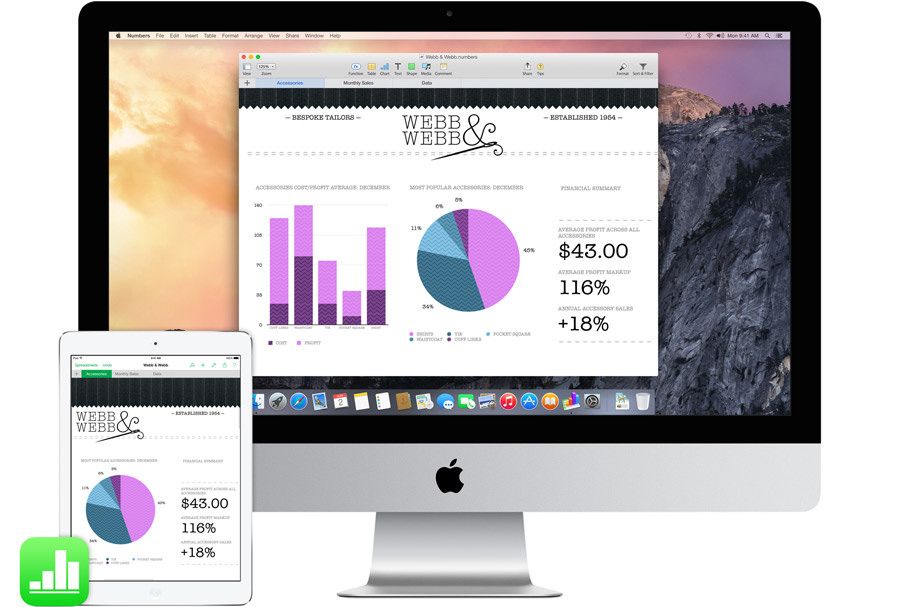
Apple’s Handoff feature lets you start a task on one Apple device and pick it up on another without losing your place. For example, you can begin writing an email on your iPhone and finish it on your Mac, or start browsing a website on your Mac and continue reading on your iPad.
Handoff works with compatible Apple devices signed in to the same Apple Account, with Wi-Fi and Bluetooth enabled. Supported apps display an icon on the other device, allowing you to continue where you left off.
Apple has expanded Continuity features over the years to make switching between its devices more seamless, letting users move between an iPhone, iPad and Mac as if they were parts of a single system.
HomePod, too
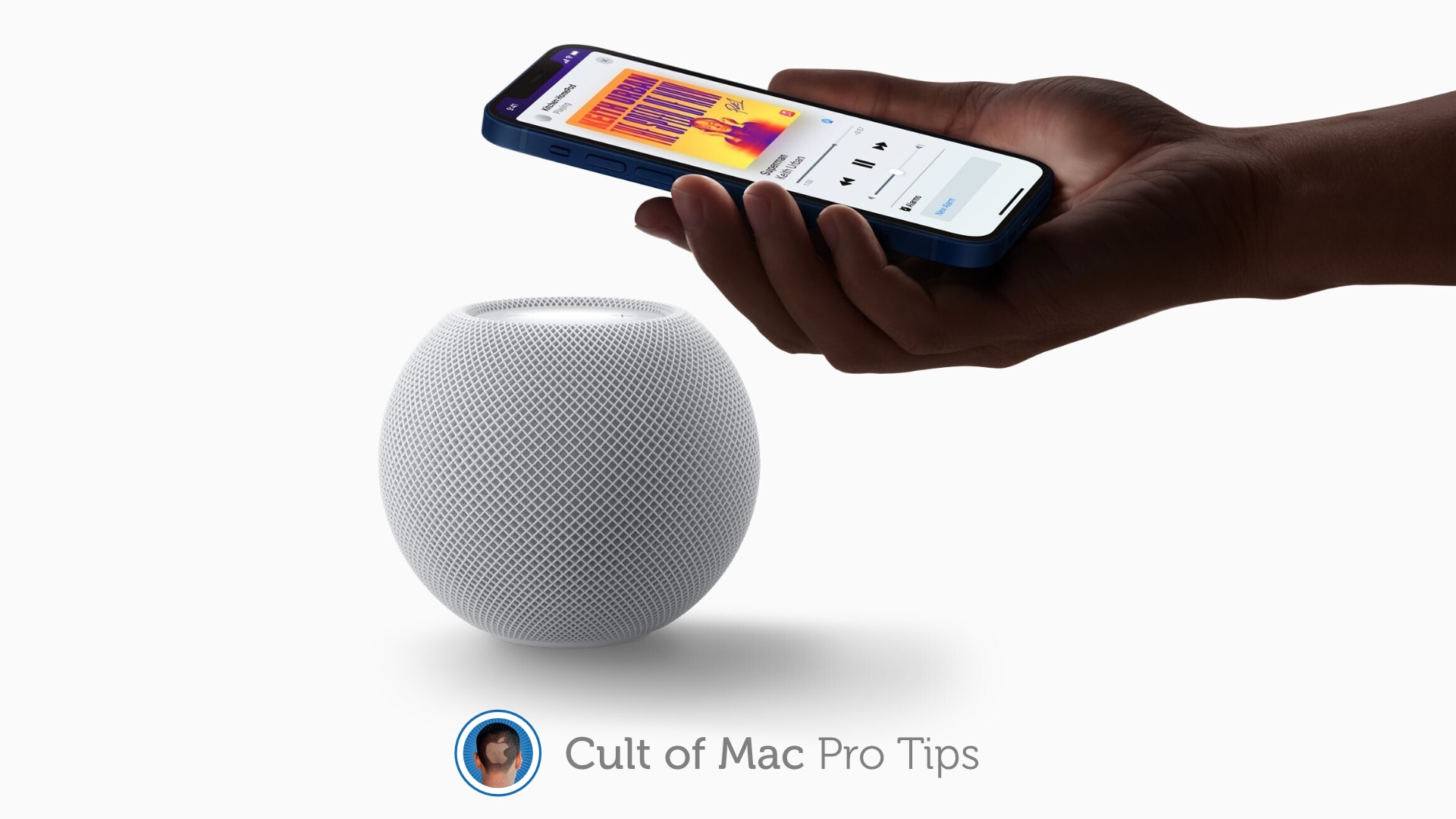
Handoff also works with HomePod, allowing users to transfer audio from an iPhone to the smart speaker simply by bringing the phone close to it. For example, if you’re listening to a song or podcast on your iPhone, you can move the device near HomePod to continue playing the audio through the speaker.
The feature uses Ultra Wideband in compatible devices for proximity-based interactions, making it easy to move music between an iPhone and HomePod without opening an app or manually selecting the speaker.
With Apple HomeView, recipes appear as a visual step-by-step guide. Photo: Apple
Using recipes on the new HomeView will apparently be even easier than Apple’s pitch suggests. Handoff will be able to move a recipe straight from your iPhone to the display, and then the smart screen can automatically display step-by-step instructions with hands-free timers.
That matters a lot in the kitchen, where messy hands and a locked phone rarely mix.
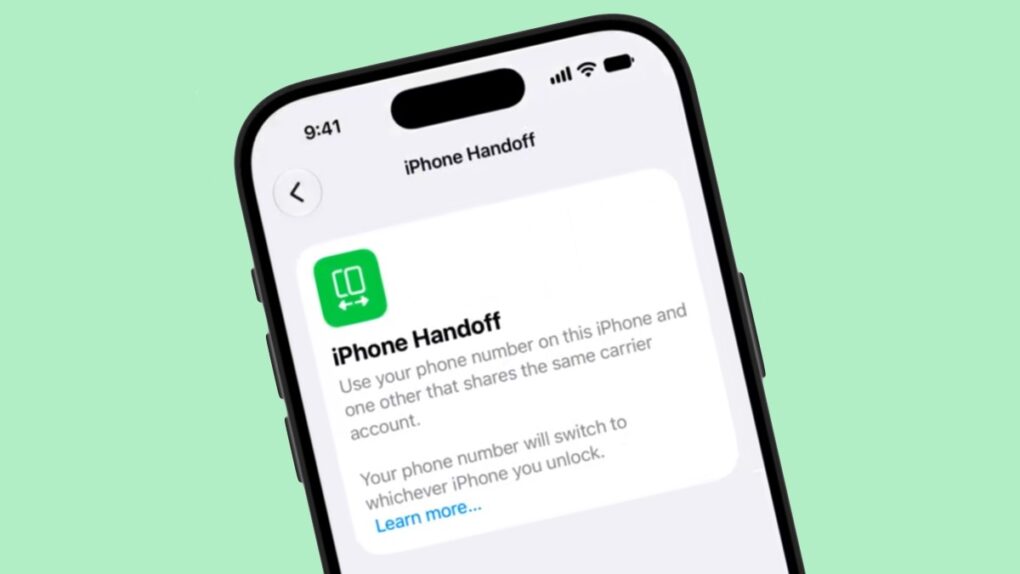
iOS 27’s iPhone Handoff feature could let you move your phone number between a main and companion iPhone. Screenshot: pdfu
iOS 27 will let one phone number work across two iPhones. A new iPhone Handoff feature will soon allow you to swap your cellular line between a main and a companion device, with no SIM swap required.
The feature got the barest mention at WWDC 2026 in June, with zero explanation from Apple. Now, a leaked demo video finally shows how the setup could actually work.
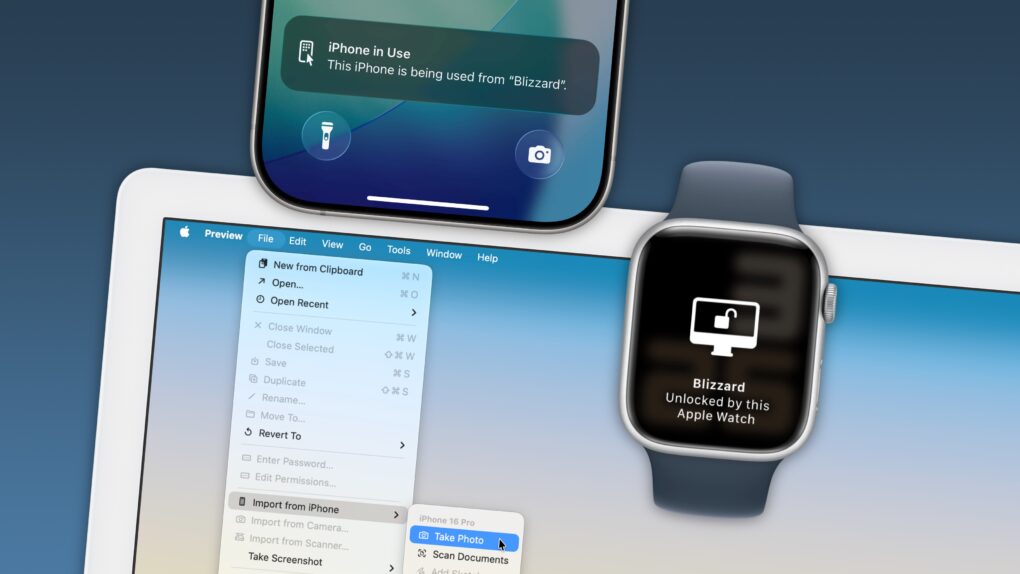
Your Apple devices can work together in more ways than you may expect. Image: D. Griffin Jones/Cult of Mac
Nothing illustrates the power of Apple’s ecosystem like the Continuity features that help your Mac, iPhone, iPad and Apple Watch work seamlessly together.
Thanks to Continuity, your iPhone can serve as your Mac’s webcam — and you can remotely control your iPhone from your Mac. You can start an email on one device and instantly pick it up on another. You can use the same keyboard and mouse with a Mac and iPad, copy and paste across devices and more.
These features flex the power of Apple’s hardware and software — and they would never be possible on a PC.
In this post (and the accompanying video), I will show you some of the time-saving, annoyance-busting Continuity features you can enjoy when you go all-in on the Apple ecosystem.
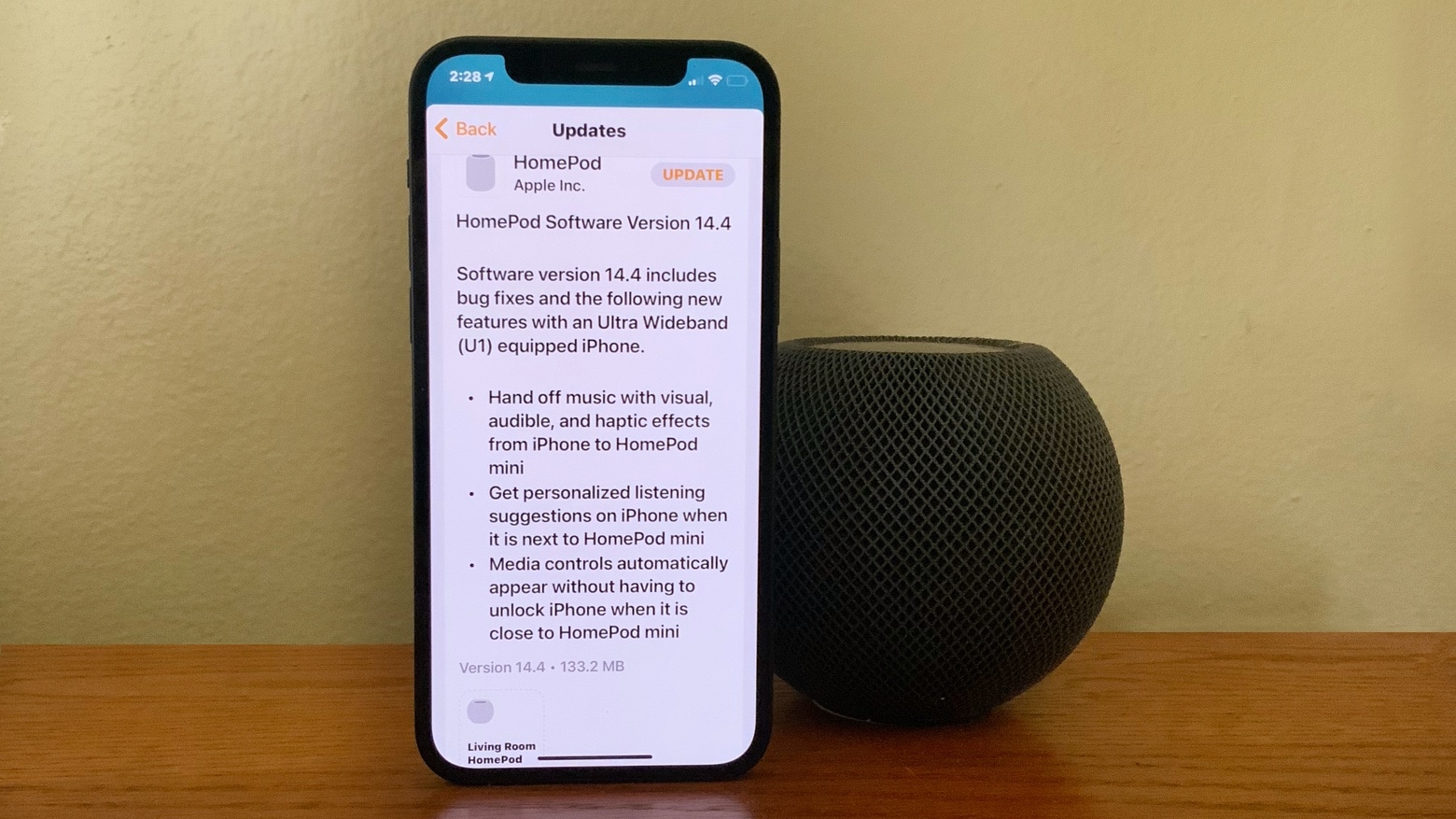
The littlest HomePod isn’t being overlooked. Photo: Ed Hardy/Cult of Mac
The recently released HomePod mini got a raft of new features in a software update released Tuesday. The process of handing off songs from an iPhone to the smart speaker now comes with some visual, audio and haptic effects. And media controls automatically appear on the iPhone when it nears the diminutive HomePod.
Did you know that you can transfer your music from iPhone to HomePod — and vice-versa — in just a tap? It’s quick and simple and works amazingly well, and we’ll show you how to set it up.
Keep your Apple Watch safe with a proper, long, strong passcode. Photo: Chuttersnap/Unsplash
The default passcode length on the Apple Watch is just four digits. And while it’s true that you don’t keep as much sensitive data on the smartwatch as you do on an iPhone, and that your Apple Watch is arguably safer from bad actors because it is always strapped to your wrist, it’s still worth making this passcode more secure. After all, it’s not like you have to enter your strong passcode very often, right?
Today we’ll see how to change your Apple Watch passcode to a longer one. And we’ll also check out a neat feature that lets you skip entering the passcode altogether.
I wanted a Galaxy S10, but I'm stuck with iPhone. Photo: Leander Kahney/Cult of Mac
It’s not easy to give up your iPhone. Even if you’ve already decided you want to switch to another handset, it’s going to be incredibly difficult to let go. Apple has you locked in. And for some iPhone owners, there is no way out.
That’s because it’s not just your iPhone that you’d be saying goodbye to. Many other apps and services you use every day — some without even thinking about it — make switching to another platform nearly impossible.
Here are all the ways Apple makes it hard to jump ship and switch to Android.
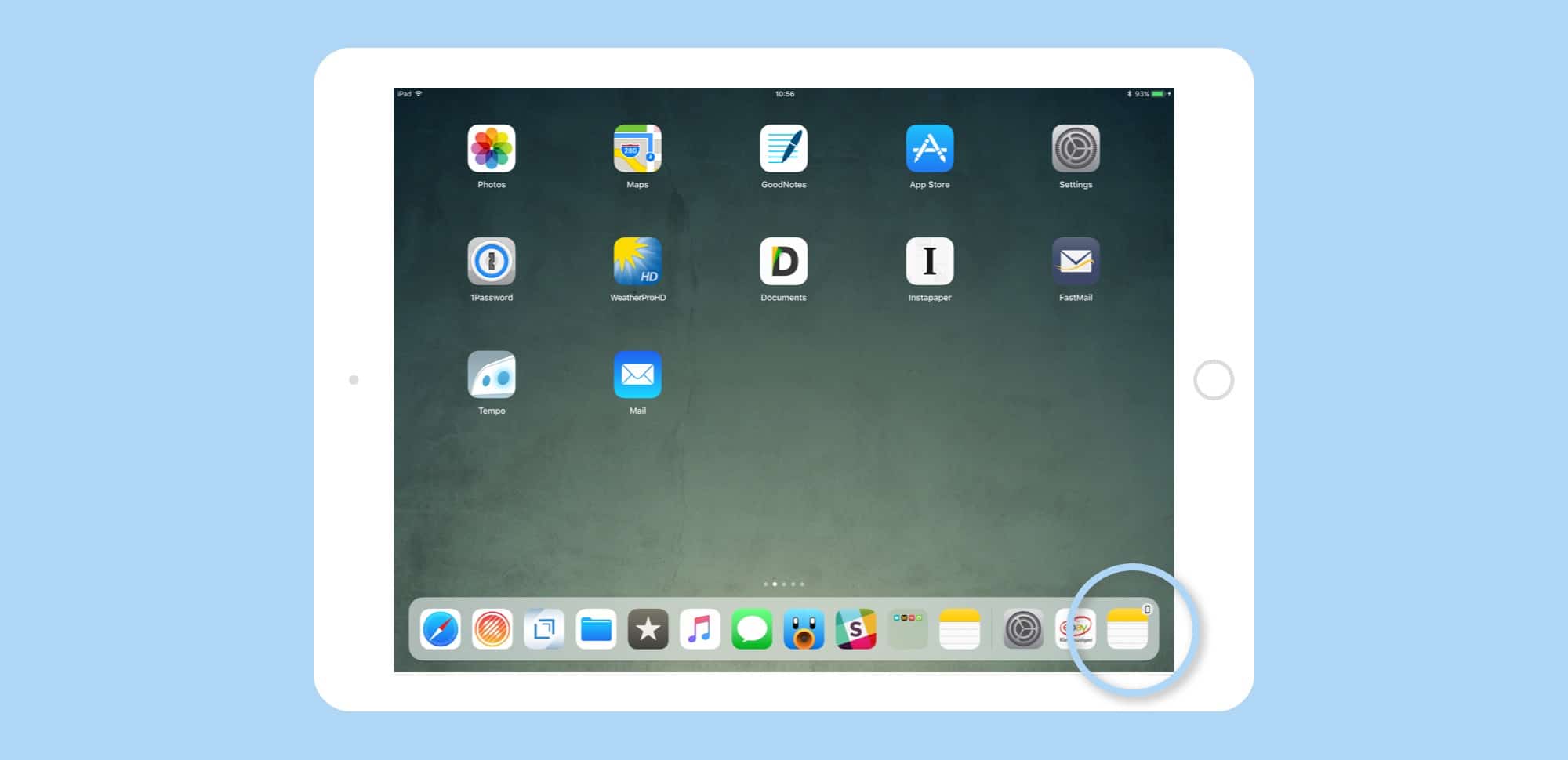
Handoff apps appear in the Dock's rightmost spot. Photo: Cult of Mac
Handoff is one of those iOS/Mac features that seems great, but is limited in use. However, a simple tweak has made Handoff waaaay better in iOS 11. Now, instead of having a tiny app icon appear in the corner of your lock screen, Handoff apps show up right there in the new iOS 11 Dock.
This simple change has gotten me using Handoff again, instead of ignoring it like I have for the past however many years.
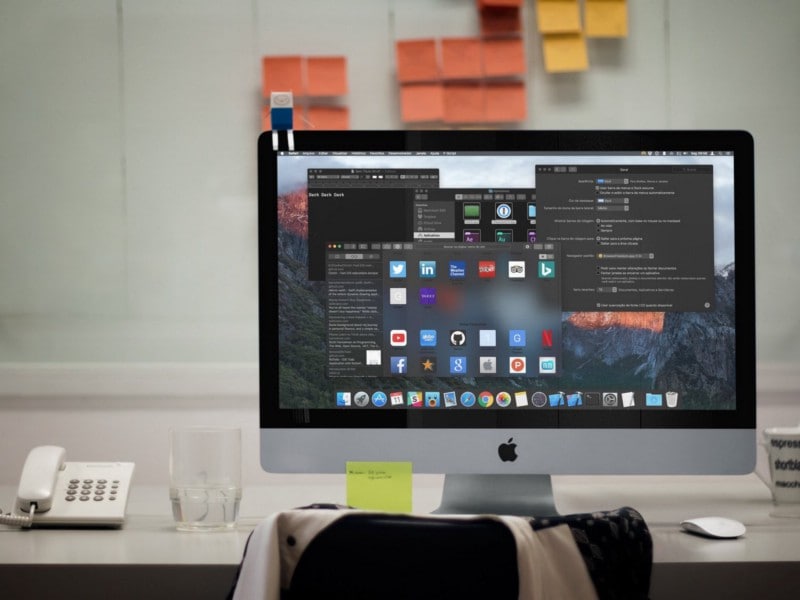
A system-wide dark mode for macOS has been rumored for years. Photo: Guilherme Rambo
There are less than two weeks until Apple introduces the next version of macOS at the WWDC. While the rumor mill has been busting out tons of hardware leaks, details have been scant on the software side of things.
Apple is expected to reveal some amazing features for the Mac with the new software update. We still don’t know everything that will be included in macOS 10.13, but of course, we have our own wish list of the features that we really hope make it onto the Mac.
This is what we want to see in Apple’s next big update:
Coming soon to a Windows PC near you. Or to Macs back in 2014. Photo: Reddit
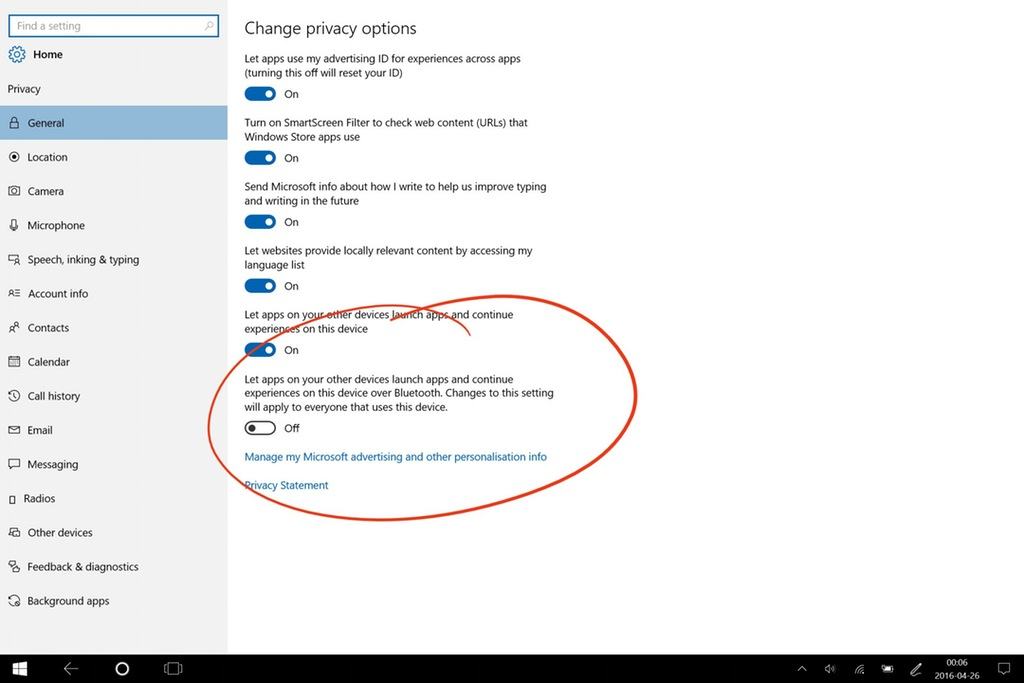
The latest Windows 10 “Redstone” build looks like it’s “borrowing” a concept very similar to iOS and OS X’s Handoff feature — allowing users to seamlessly switch devices as they work, such as moving from a desktop to a smartphone.
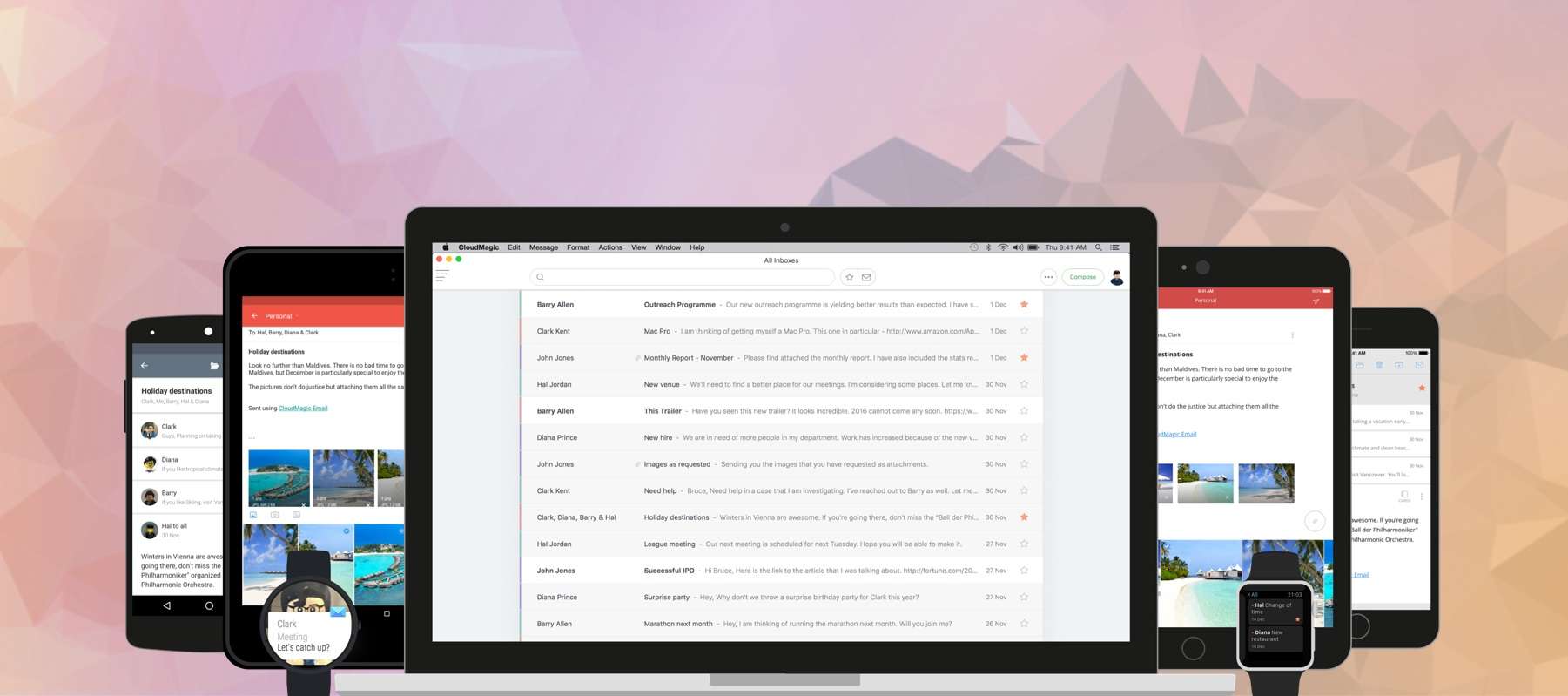
CloudMagic is now available on your desktop. Photo: CloudMagic
For managing multiple mail accounts on the go, nothing beats the brilliant CloudMagic. It packs everything you need in an email app — and a whole lot more — and supports almost every mail service you can throw at it. And now it’s finally available on your Mac!
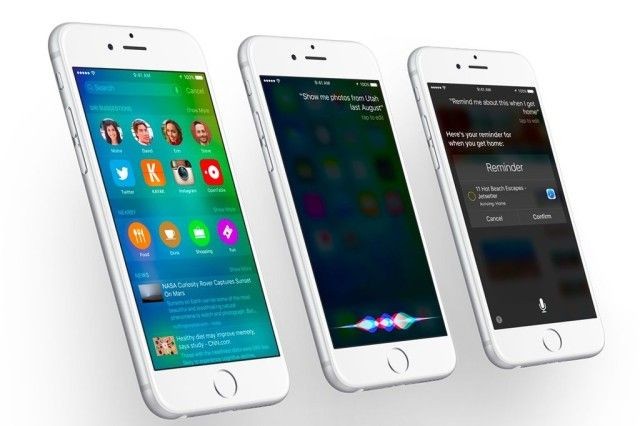
Apple seeded iOS 9 beta 2 to developers today and while there aren’t any groundbreaking new features or drastic improvements, the company did manage to add a bunch of little changes and tweaks across the OS.
Most of the improvements are small design changes, but there are a couple really useful additions too, like adding Handoff to the app switcher, search improvements are more.
Take a look at everything that’s new in iOS 9 beta 2:
An unfortunately named tech for Apple devices, that's what. Photo: Rob LeFebvre/Cult of Mac
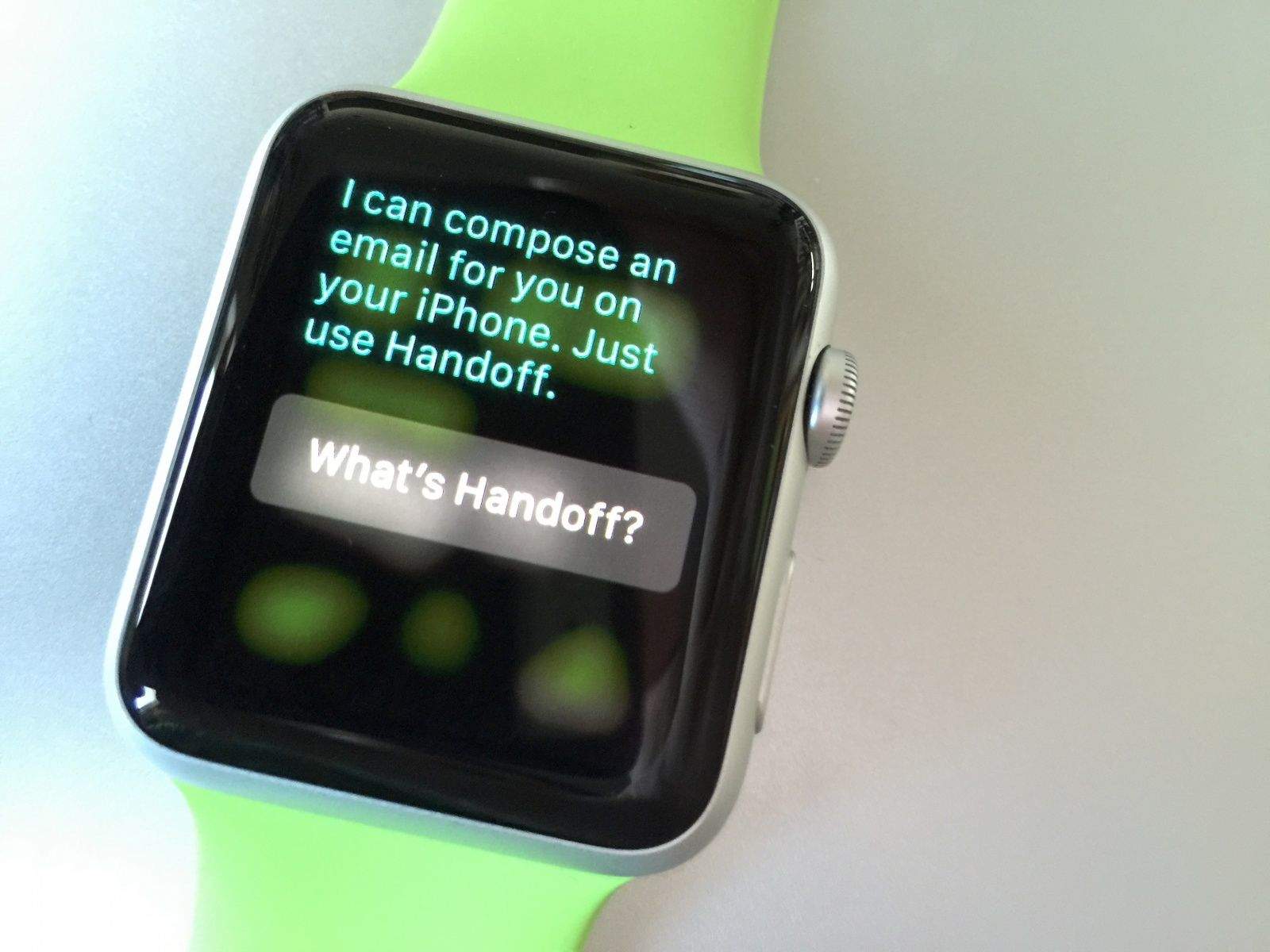
There are some things your Apple Watch just cannot (or should not) do, like sending emails or searching the web.
You can still ask Siri to do these things, but she’ll ask you to take your request elsewhere — namely, to your iPhone. Here’s how Handoff works with Apple Watch.
The new messaging capabilities built into OS X Yosemite make your Mac even more useful for day-to-day communication. With this new set of features (part of Continuity), you can send SMS text messages and make phone calls from your Mac. Than can be super-helpful if you’re forgetful and leave your iPhone in another room.
It doesn’t take too long to set it all up; in fact, we’re going to show you how to set up Continuity in less than two and a half minutes! Check it all out in our video below.
Chrome's fancy new look on iOS. Screenshots: Google
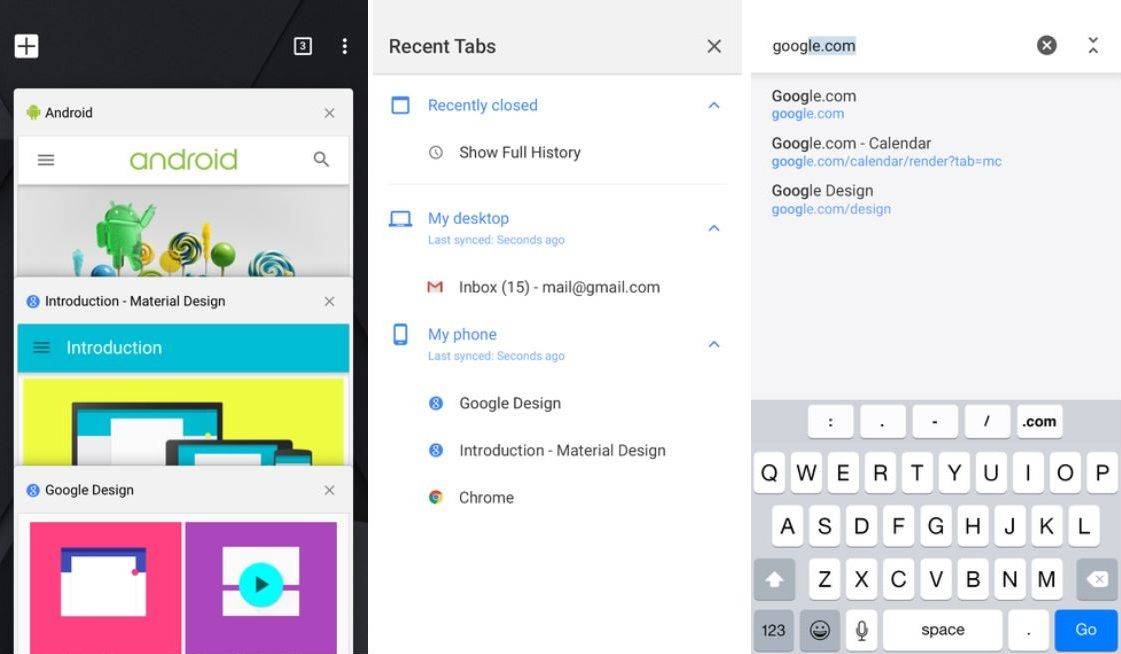
Google’s Material Design makeover isn’t just for those running the latest version of Android; the search giant is also bringing it to its slew of popular iOS apps as well. Chrome is the latest to get the fancy redesign, and it comes with Handoff support and further improvements for iOS 8.
Continuity and Handoff are great — at least the parts that work. Photo: Rob LeFebvre/Cult of Mac
Continuity and Handoff sound great on paper. They let you transfer certain documents and data between your Mac and your iPhone or iPad, provided both are running the latest Apple system software — iOS 8 and OS X Yosemite, which is currently in public beta.
When Continuity and Handoff work, it’s a brilliant display of Apple’s vision for truly interconnected devices. When they don’t, it’s frustrating. Some of the features work flawlessly for me, while others don’t function as advertised (at least on my gear — here’s a compatibility chart that will tell you if your gear is new enough to work with Handoff and Continuity). It’s probably because Yosemite’s in beta — it makes sense that not all features work right now. Your mileage may vary, as they say.
Ready to take the plunge? Here’s how to get set started, plus a brief look at the Handoff and Continuity features I was able to get working (and a few more that I was not).
iOS 8’s Handoff feature looks totally rad. Imagine starting off a task on your Mac and then being able to continue where you left off on your iPhone or iPad without waiting. Just pick up the device and everything has already synced.
But wait! There’s no need to imagine this, because you can already do it right now, and you don’t even need iCloud. Handoff looks truly useful, and will blur the lines between our devices more than ever before, but let’s take a look at some apps that already work seamlessly between platforms.
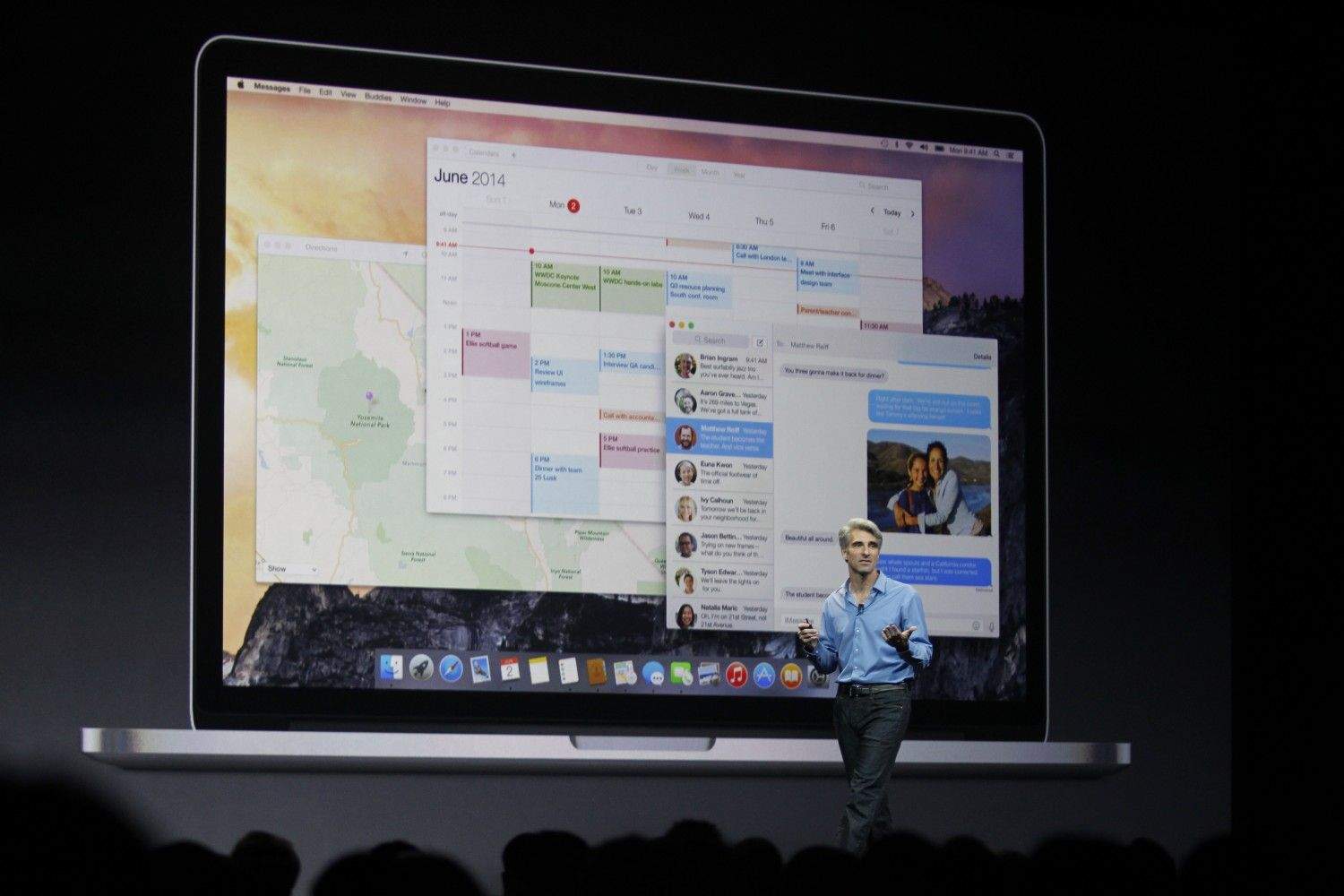
Craig Federighi, Apple's senior vice president of software engineering, unveils OS X Yosemite to the world at WWDC 2014. Photo: Roberto Baldwin/The Next Web
With iOS 8 and OS X Yosemite, Apple is finally showing us its idea of how we’ll compute in the future. Perhaps not surprisingly, this pristine vision of our computing destiny — unveiled after years of secret, patient and painstaking development — aligns perfectly with how we currently use our computers and mobile devices.
The keynote at this year’s Worldwide Developers Conference earlier this month not only showed off a new way to think about computing, based on data not devices, but also silenced pretty much every criticism leveled at the company over the past few years.
Let’s take a look at Apple’s new way of doing things, which fulfills Steve Jobs’ post-PC plan by minimizing the importance of the Mac.
Handoff was one of the most exciting iOS 8 and OS X Yosemite features announced at WWDC, giving you the ability to begin a task (say, an email) on one platform and seamlessly transfer it to another.
It’s a great illustration of Apple’s ecosystem at work — but will it work on your Mac?
With so many new features in OS X Yosemite, we couldn’t fit them all into one video. Today we take a look at Handoff and Phone Calls, two of the hottest additions to Apple’s operating system. These two powerful features will link your Mac and your iPhone like never before.
With every new OS it releases, Apple manages to make some previously essential third-part apps obsolete. And iOS6 is no exception. In fact, the new iOS might even hold a record for the number of apps that it has rendered useless. Let’s take a look.