There are less than two weeks until Apple introduces the next version of macOS at the WWDC. While the rumor mill has been busting out tons of hardware leaks, details have been scant on the software side of things.
Apple is expected to reveal some amazing features for the Mac with the new software update. We still don’t know everything that will be included in macOS 10.13, but of course, we have our own wish list of the features that we really hope make it onto the Mac.
This is what we want to see in Apple’s next big update:
Synced Notifications
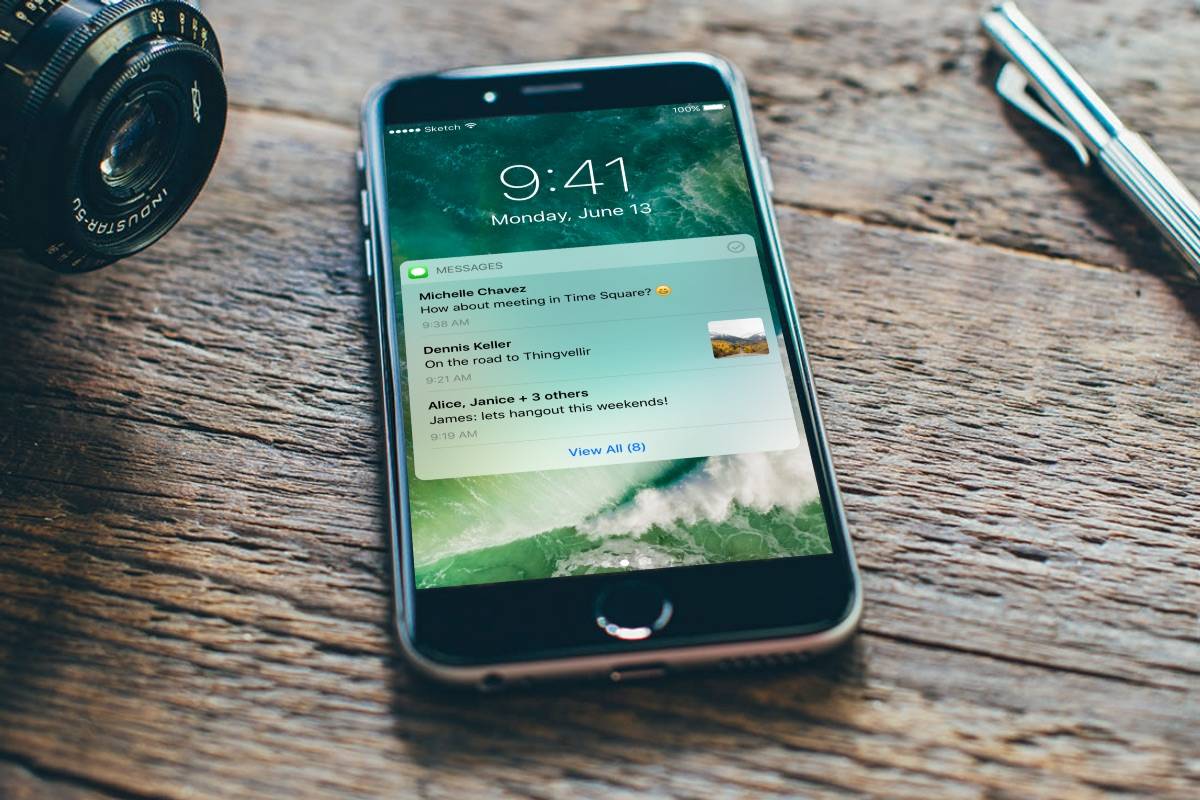
Photo: Zuno Young/Medium
iOS 7 brought support for synced notifications across iOS devices, although the actual implementation part was left to the developers. Developers of popular apps like Tweetbot and Mailbox jumped quickly to enable this feature thus letting you clear notifications on one iOS device and have it removed automatically on any other iPhones or iPads that are synced to your account.
Because the Mac uses a different notification framework, the notification sync feature never made it to the Mac, which is extremely frustrating. Hopefully, Apple figures out a way to sync notifications across all of its platforms for a seamless experience.
Rebuilt iTunes
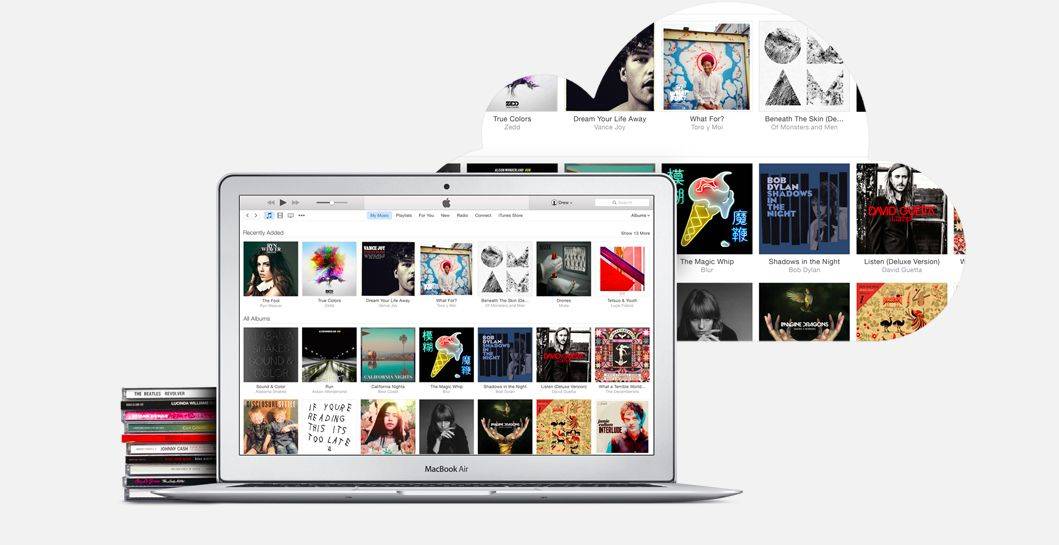
Photo: Apple
15 years after its release, iTunes is without a doubt Apple’s worst software product ever. It’s so bloated its nearly unusable which is what happens when you try to cram a media player, media library, online radio broadcaster, and iOS device management all into one app. In its current state, iTunes tries to do way too much than it probably should.
Apple should split iTunes into separate apps like Apple Music, iOS sync manager and so on. Remember how Apple killed iPhotos and rebuilt it as Photos app from the scratch? It’s high time that iTunes gets the same treatment.
Improved Handoff
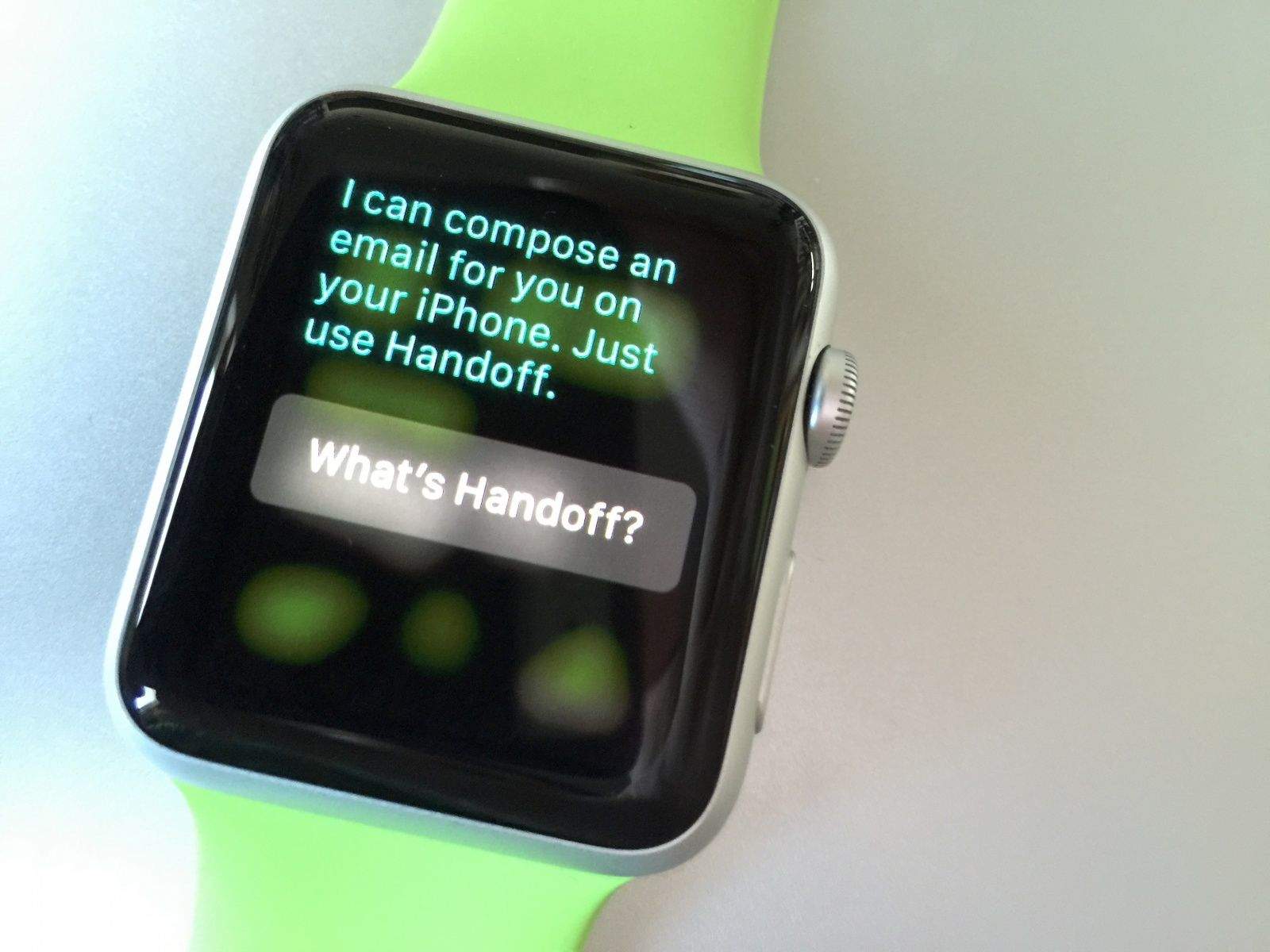
The Handoff feature has been around for a while now, enabling users to seamless transfer tasks from an iPhone app to your Mac, or vice versa. It works great, the only problem is it needs to work with more apps and have more robust features.
Apple Music and iTunes are the perfect candidates for getting Handoff support, especially now that even Spotify supports it. It would also be awesome if you could accept a FaceTime call on your iPhone and then transfer it to the Mac so you can see friends and family on a bigger screen.
Supercharged Siri with HomeKit support
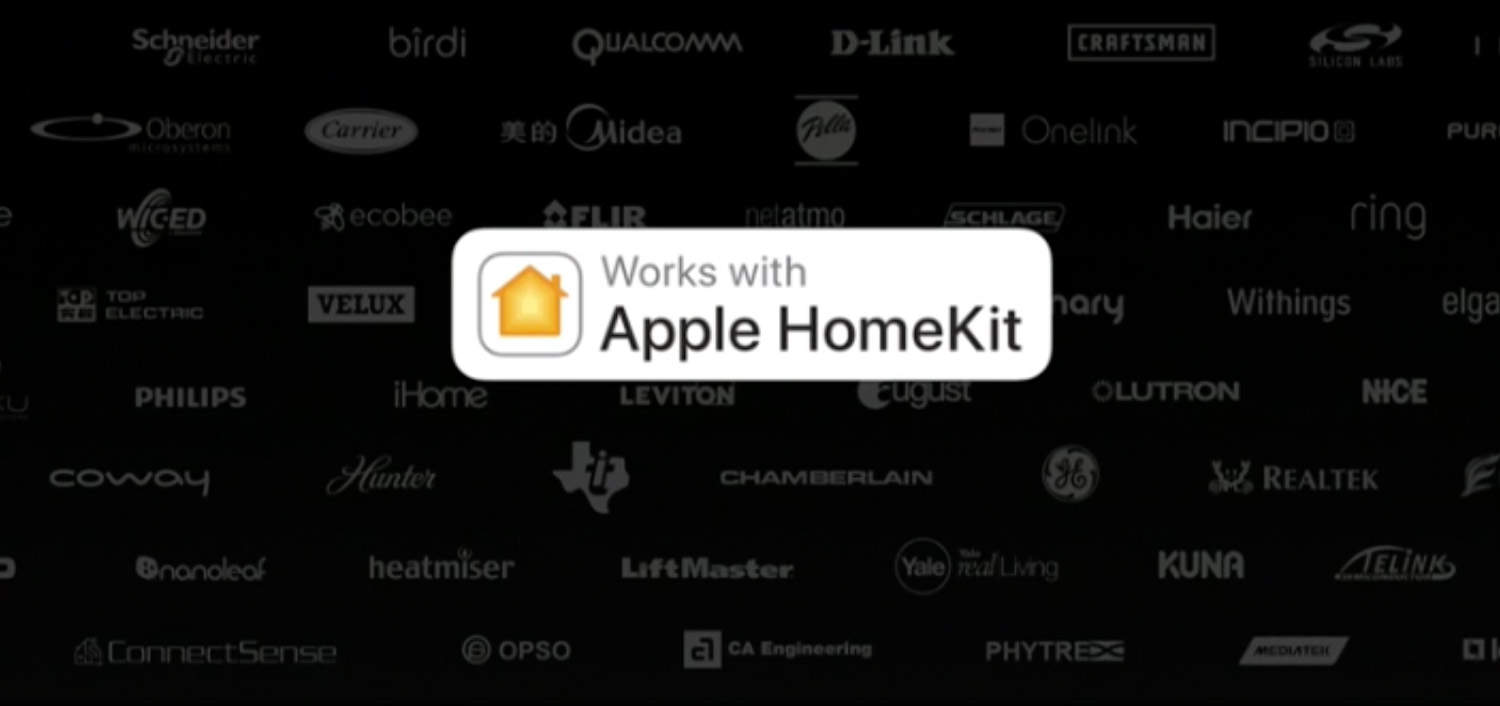
Photo: Apple
With macOS Sierra, Apple finally announced Siri for the Mac, complete with Mac-specific commands. However, there’s no HomeKit support on the Mac — neither as a dedicated app nor integrated into Siri. You can control all the HomeKit enabled devices at your home with Siri on your iPhone, so there’s no reason why Siri on macOS shouldn’t be able to do that.
You can activate Siri hands-free using the “Hey Siri” command on iOS devices. Siri on the Mac doesn’t get to enjoy this luxury, so you’ve to resort to using other workarounds for now. Here’s hoping that Apple pushes Siri for Mac on par with its mobile counterpart in terms of features.
Other major Siri improvement we would love to see is offline support, at least for a limited number of queries like creating a reminder and calling your contacts.
System-wide Dark Mode
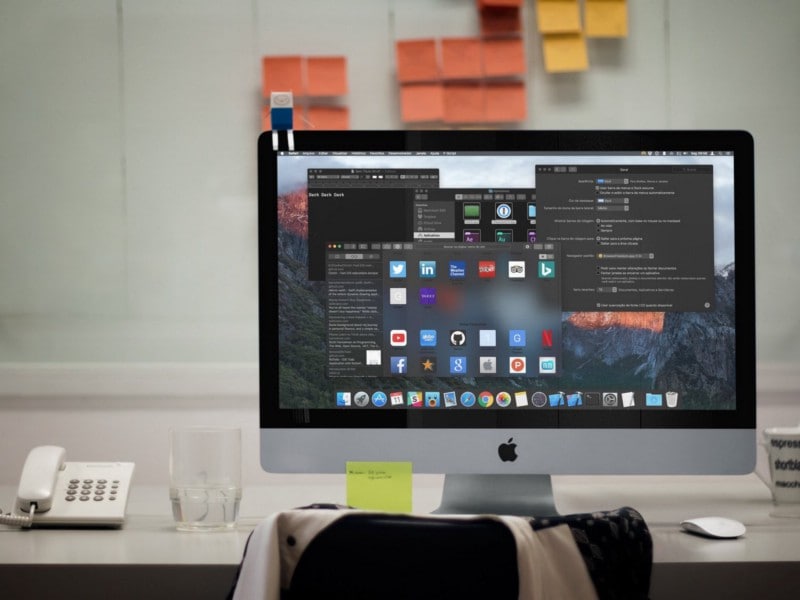
Photo: Guilherme Rambo
Apple introduced a dark theme back in OS X Yosemite, but it was limited to certain elements like the menu bar and the Dock. It might come in handy when you need to blend the rest of the desktop elements with the wallpaper nicely, but there needs to be a system-wide dark mode, too.
A true dark mode was expected to ship with the public release of macOS Sierra last year, but unfortunately, that didn’t happen. Late last year, tvOS saw the introduction of a system-wide dark mode, so there’s some sort of hope that Apple brings it to to the Mac this year.
Polished Finder
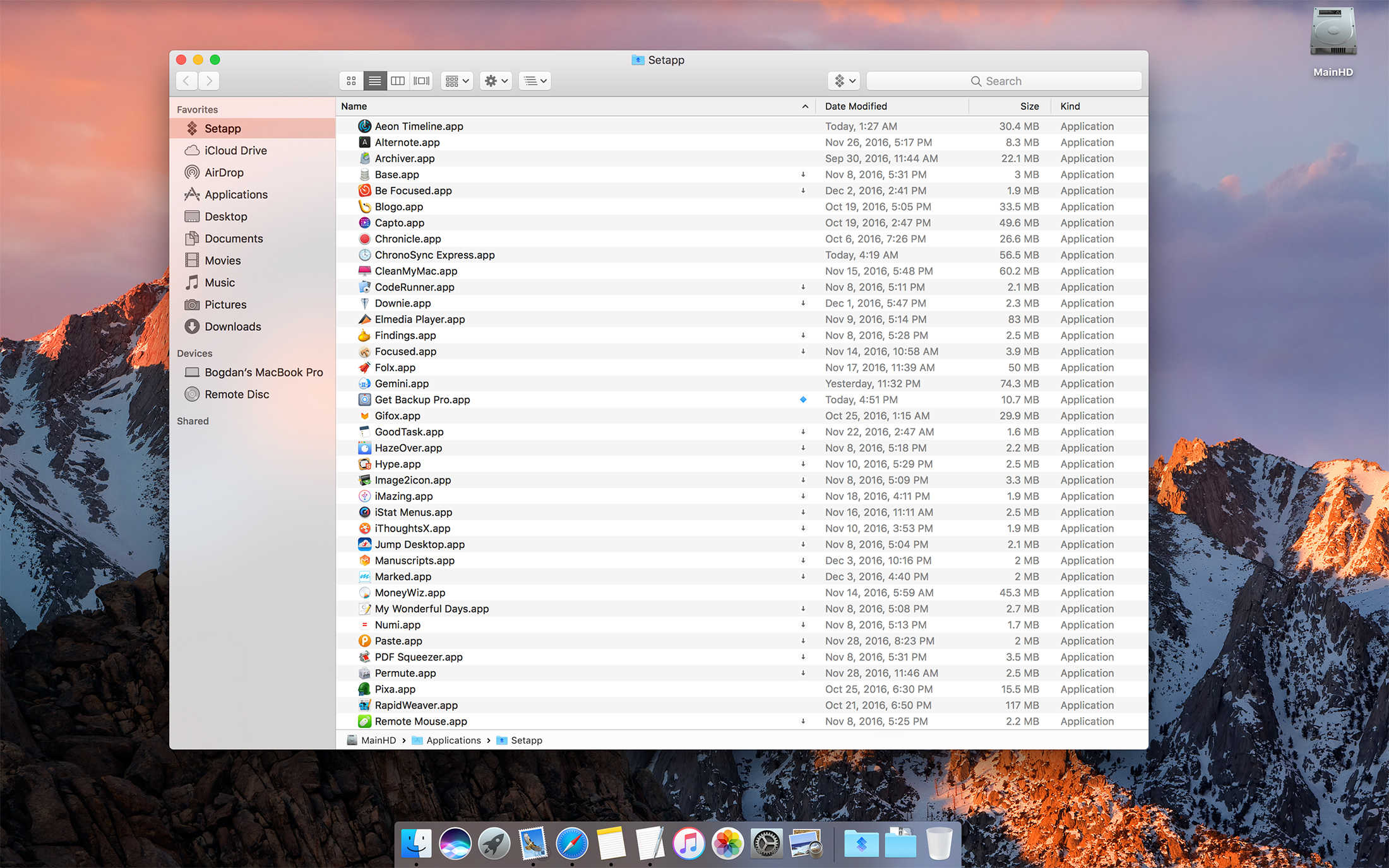
Photo: MacPaw
Mac users have developed a love-hate relationship with the Finder. Despite sporting a large number of tricks up its sleeve, it still needs a lot of polish — in terms of design, functionality, and performance.
Numerous Mac users have complained about the Finder’s performance, especially while scrolling through a large list of files. The “Copy” dialog is pretty rudimentary, and could greatly benefit from new features like the ability to pause copying. This could come in really handy when you need to prioritize a particular copying task over the another. Better window management features like window snapping are long overdue, and macOS’ Split Screen Multitasking is no match for it in the current implementation.
Also, it’s a little embarrassing to admit that there’s no straightforward way to merge folders and cut-paste files. Yes, the Option key enables a lot of such “hidden” features, but it’s probably not a good idea to tuck away such basic features under a key press. I hope Finder gets a new coat of paint as well.
Streamlined Safari
Following the debut on iOS 10.3, Apple File System (APFS) is expected to arrive on the macOS, too. Speaking of file systems, native support for writing to NTFS would be awesome. You can enable it natively without third-party drivers, but again that’s not something regular users would like to tinker with.
Safari is definitely getting better but needs a few basic touches like the addition of favicons in the tab bar and enhancement of the Picture-in-Picture (PiP) mode functionality. The iPhone could unlock your Mac when it’s nearby, just like the Apple Watch. Other much-sought features include a new minimal volume HUD, better format support in QuickTime and inclusion of new apps like Apple News and Podcasts.
What’s on your macOS wish list?
So this was a meticulously crafted list of what we want to see in the next version of macOS. We shall be covering every feature in detail when Apple introduces the next generation of macOS on June 5.
Now it’s your turn — tell us what’s on your macOS 10.13 wish list? Tell us about the features you’re hoping for in the comments below.



18 responses to “macOS 10.13 Wish List: What we want from Apple’s big update”
Hmm, I actually like iTunes. I don’t see any problems with it. Works great.
I like it too. Calling it “Apple’s worst software product ever” is a little dramatic. I never have problems with it.
Sorry, I agree with the article. I hate that they keep moving things around too. Every time I go to use iTunes, I cannot find what I am looking for because they have moved all the functionality around and buried things in new menus. I would love to see “Apple Music” handle music (library, store, etc…) and pass the rest off to other apps, including a dedicated iOS sync app.
iTunes syncs apps, music, podcasts, etc. to iPhone or iPad all simultaneously – as it should be. I for one don’t want to see iTunes split up if it would mean having to run multiple syncs, one for each media!
I have to agree on every topic of the article. When you have a large library it’s really slow. One of biggest gripes is the search window! If you search for an anything and switch between any of the search area i.e., artist, album, playlist, etc, it totally losses whatever you had in the search field. Very frustrating!
iTunes = Apple Music, Apple Movies, Apple Shows
I know it is never going to happen (and probably could never happen unless they built new computers to enable it), but it would be really nice to get Rosetta back. There have been times recently where using old PPC powered apps would have been very useful, but now I have to resort to Parallels and OSX Snow Leopard Server
Right. Let’s hold back the development of macOS, and keep old features around just so you can run some old software. Great idea.
I wasn’t saying like they were going to do it, was just saying it would be nice. No need for the sarcasm ;)
Actually I think it would be nice, too. I keep one computer running Snow Leopard just for that reason. Not sure why that ‘feature’ would have held back continuing the march forward. Other features have been around for ages and don’t seem to. But then I am not a computer software engineer so really don’t understand it all. :-)
How is adding a simple compatibility mode for older apps that OS X once had and was pointlessly removed holding anything new back?
That was a bit rude
My big wish would be for a MAJOR improvement in the accuracy of Siri / Dictation’s listening / understanding skills. Half of what I tell them gets misconstrued so I don’t use them as it’s faster overall for me to just type. Yes, Siri has improved in this regard over the years but not nearly enough. As for Dictation – it’s worthless except as a humorous novelty and means of exemplifying why it will be a long time before computers come close to replacing humans.
I’d like to see some updates to Apple notes. Support note links, tables, forward and back buttons for navigating notes, restrict search to folders, more standard MacOS editor (and better HTML compatibility with copy/paste to/from other apps), presentation mode, etc.
iTunes is pretty bad but it does NOT need to be rebuilt into something lame sounding as “Apple Music”
Photos is TRASH compared to iPhoto, I never use it.
A very uninspired list! First let’s start with an OS that works flawlessly and stays out of the way! Apples OS is being turned into a clunky, gimmicky, flaky, POS PC!!!!! If I want a PC, I’ll pay 1/2 the price! I’m not interested in my $5000 MBP turning lights on in my house. I am, however interested in it being able to run basic f@cking software without it crashing or bogging down the system to beachball heaven!!!!
I’d like to see macOS server services cloud-based (iCloud Pro). Photo library Pro with live collaboration for photo & video applications even between different applications. More live group collaboration across all 1st party apps. Also iCloud libraries peer-syncing i.e. blasting newly shot video across local devices via automatic airdrop rather than via the internet.
Yes, break up iTunes, nobody needs it for sync, it’s time.