The new messaging capabilities built into OS X Yosemite make your Mac even more useful for day-to-day communication. With this new set of features (part of Continuity), you can send SMS text messages and make phone calls from your Mac. Than can be super-helpful if you’re forgetful and leave your iPhone in another room.
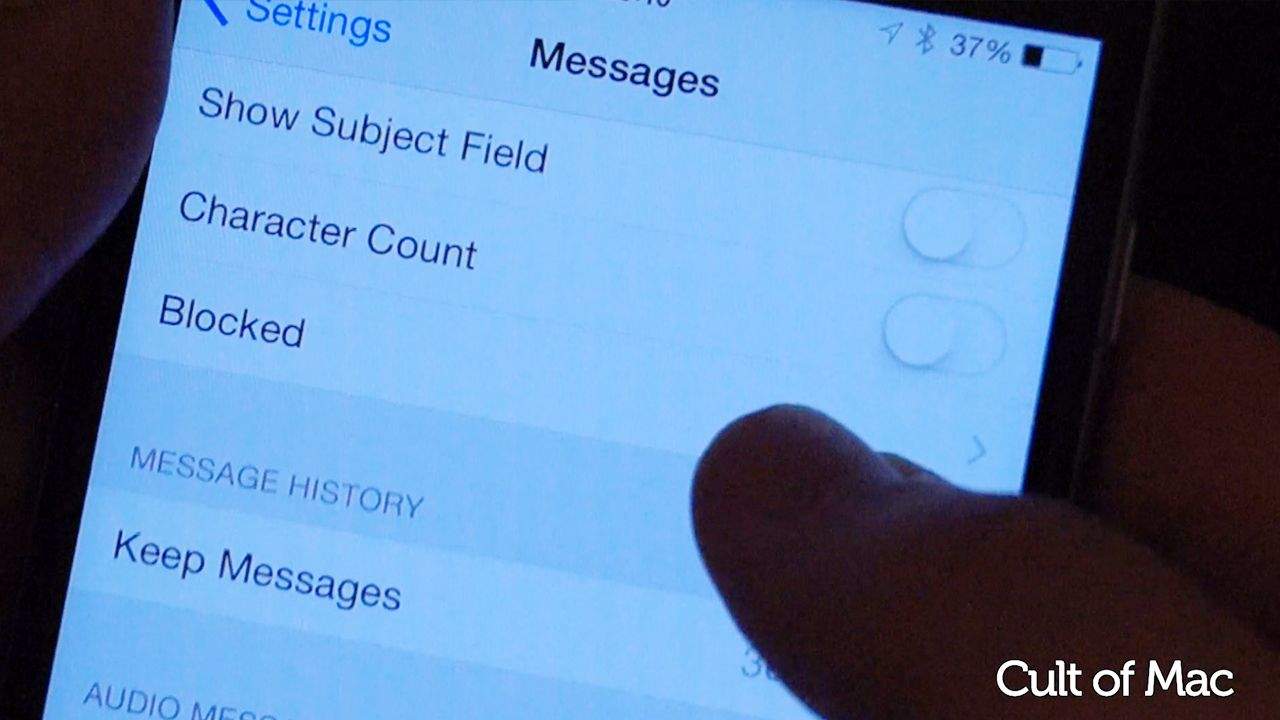
It doesn’t take too long to set it all up; in fact, we’re going to show you how to set up Continuity in less than two and a half minutes! Check it all out in our video below.
As you can see, it’s not too tricky to make this all work. All you need to do is to jump into the Settings apps and connect your devices — then off you go!
You’re all set to make calls and send text messages from your Mac, whether your iPhone is in the same room with you or not.
Want more Cult of Mac videos? Go to Cult of Mac TV on YouTube for all our latest videos. Click subscribe and you’ll never miss a thing.

Ste Smith is Cult of Mac’s video guy based in the UK. Ste has been working in the media industry for over 8 years and is a keen Apple fan. Follow Ste on Twitter @stesmith10 and Facebook.


8 responses to “Messages master class: How to set up Continuity in iOS 8 and Yosemite”
Why do some messages come only to my imac and not my iPhone or my wife’s iPad and her iPhone? Is something set up wrong?
in first, each user must get their own AppleID and set it on their own devices! it’s means you have to chose which one will be your wife’s devices or yours. when it’s done and If you want to share contents with your Family you can make a family in iCloud Option.
In yours case you should get your Apple ID on your wife devices! an ID is your identity and iPhone attach it to phone’s number, if your wife get your ID inside her iPhone it will make some conflict between association to your ID to several cellulars number…
so you have to dissociate all of them in first ;)
Thanks, using your info I figured out it is a User error (surprise!) LOL
For some reason it doesn’t work anymore after I updated the phone (8.2)
I have an iMac 5k and MacBook 13 Retina (late 2012) — initially built the iMac via Migration assistant from a backup of the MacBook. Whenever i set it up from my phone to one or the other, it works, but it replaces the former. So when I get home, I have to activate on my iMac. When I get to work, I have to activate on my MacBook. Very frustrating – it’s as if Continuity thinks they are the same machine. Otherwise, it’s very useful.
Doesn’t work with my settings. I tried to phone but I receive a message that the iPhone must use the same iCloud and FaceTime account which I’m sure they are. Tried several times but nothing works. Curiously enough i can receive calls via my iMac.
It’s been very ‘fragile’ in my experience also. I can get it working after logging out/in to my iCloud accounts across devices, and then magically hit the right sequence and it works. Then, something will cause them to get out of sync again, and I’ll have to repeat.
Hi, thank you for the video and the instructions. Although I followed your instruction and my MacMini supports handoff my call through my iPhone always fails – FaceTime always ends with call failed. Do you think something is wrong with the settings or my iCloud setting (bluetooth is on and same wifi network is used)? Thank you very much for your help.