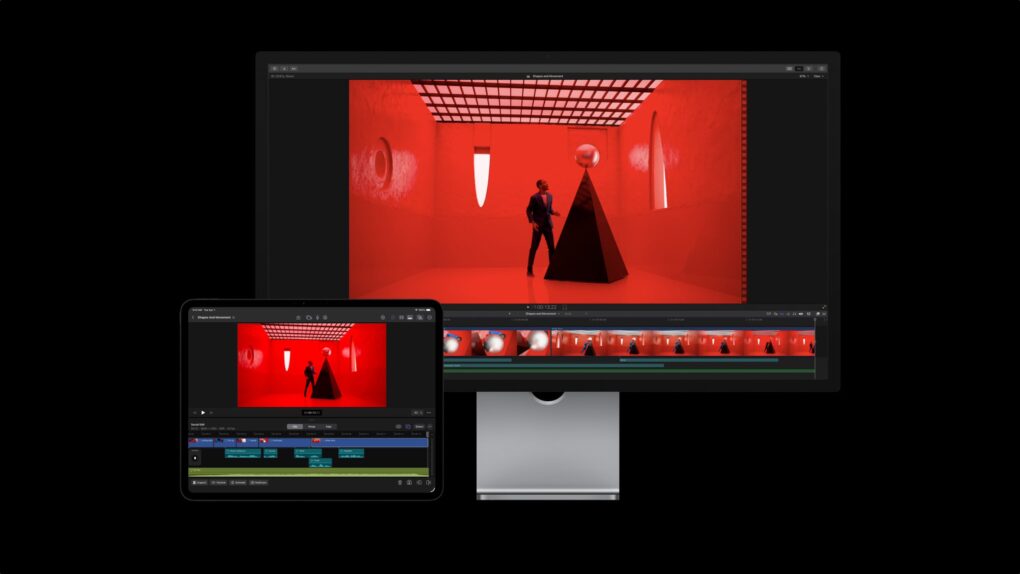
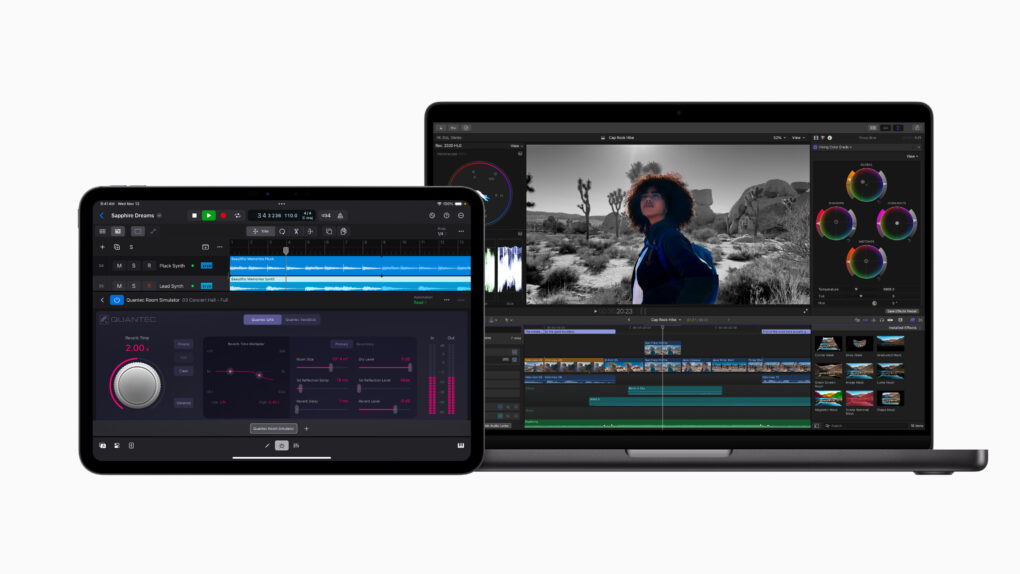
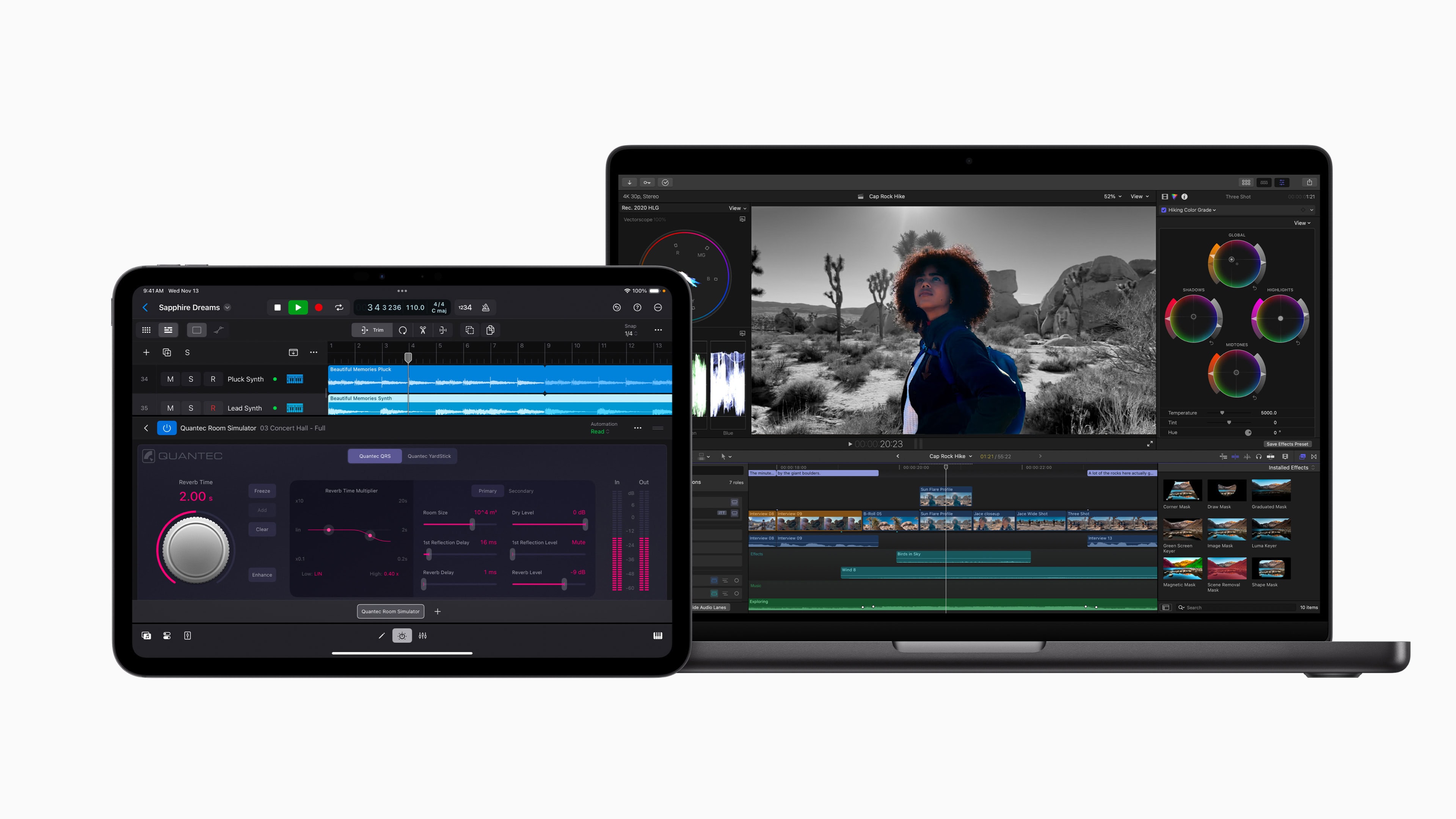
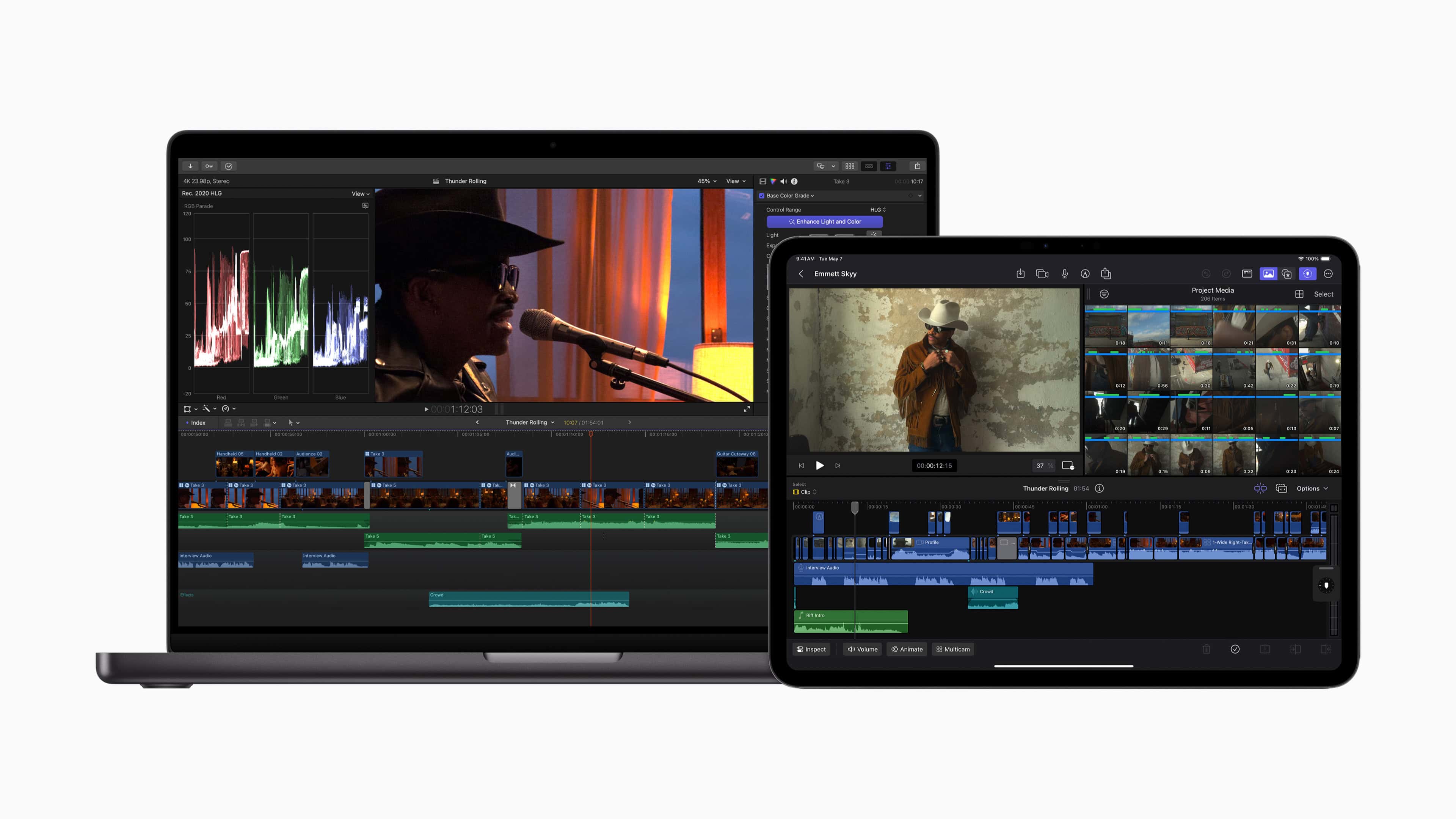
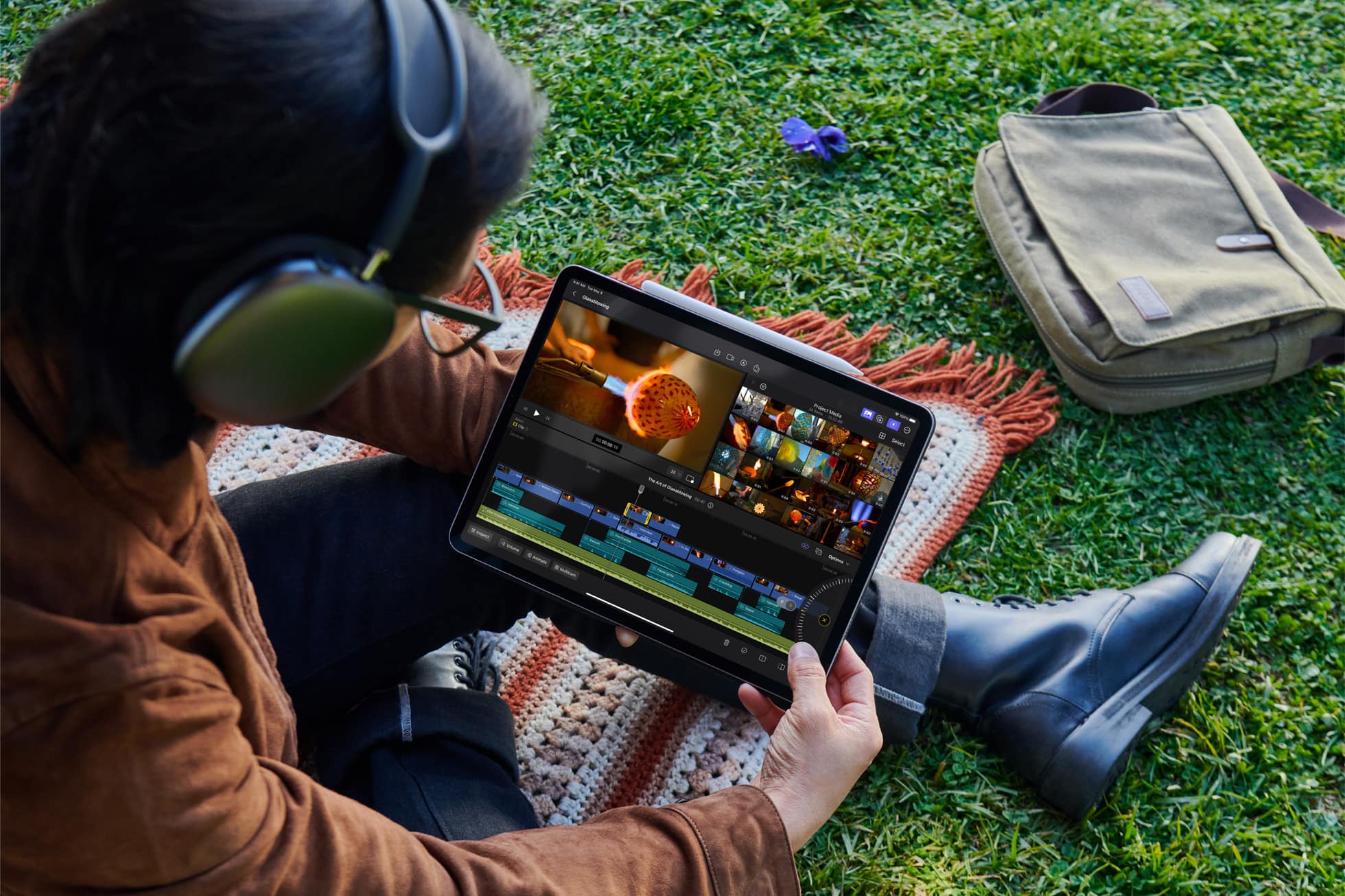
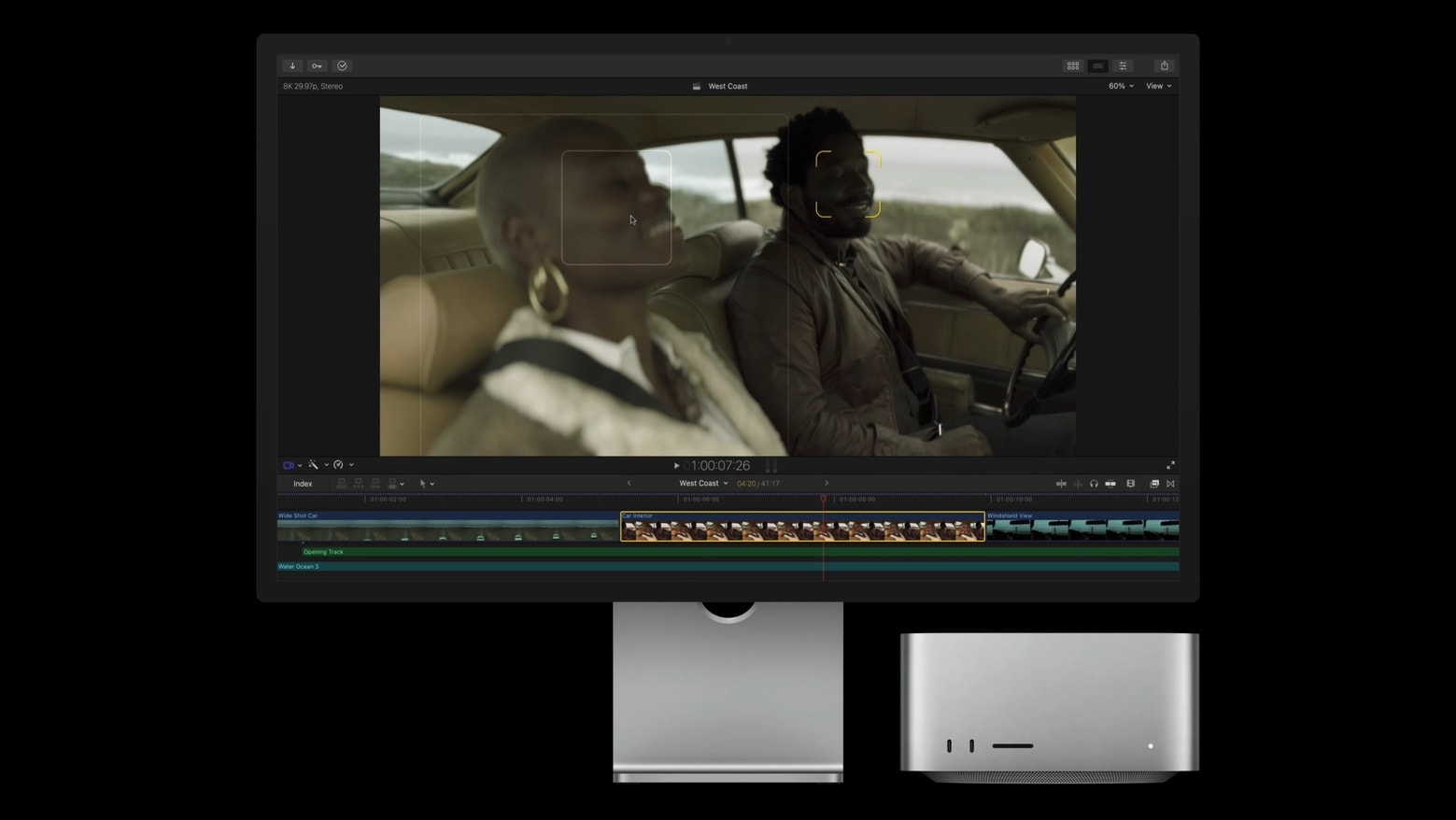
Final Cut Pro is Apple’s professional video-editing software for Mac and iPad, designed for everyone from serious hobbyists and content creators to filmmakers and other video professionals.
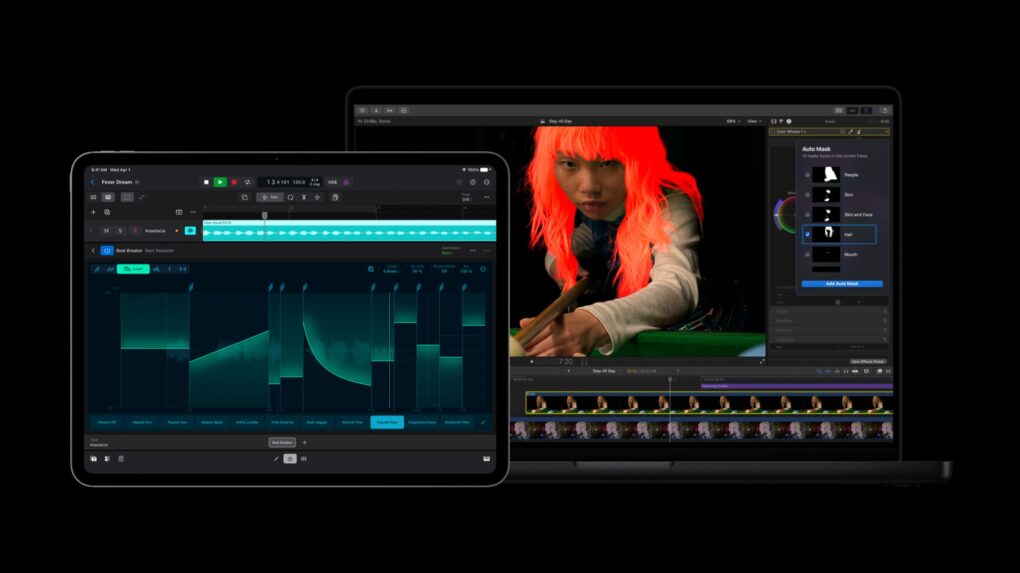
Its main features include a magnetic timeline for arranging and trimming clips, powerful color correction and audio tools, multicam editing, motion graphics and effects, and support for professional formats such as ProRes and Apple Log.
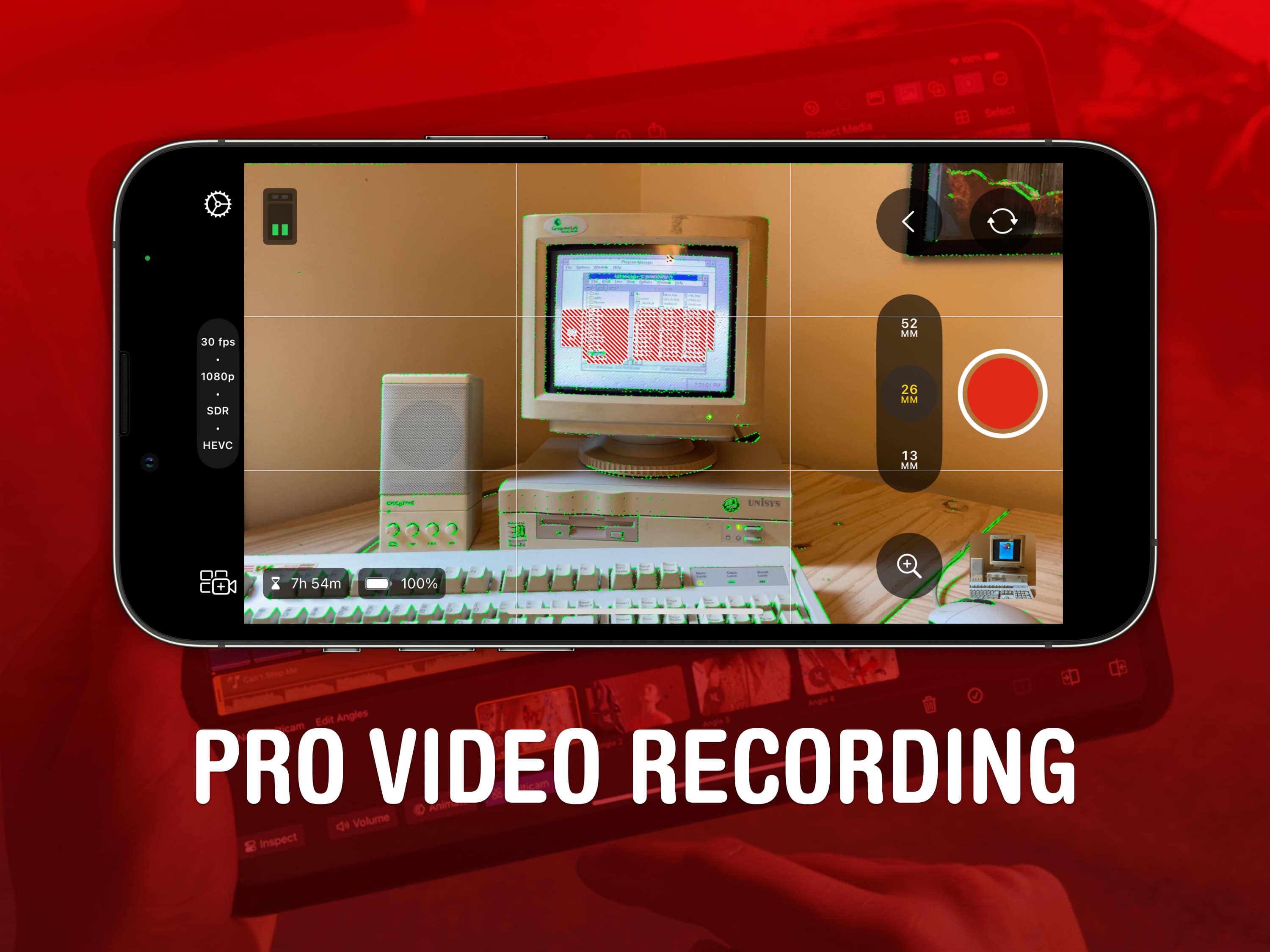
It also integrates with Final Cut Camera, letting creators bring footage shot on an iPhone or iPad into a more advanced editing workflow, while features such as Cinematic mode controls provide additional options for adjusting focus and depth of field during editing.
Final Cut Pro for Mac costs $299.99 as a one-time purchase. The iPad version is sold separately for $59 per year or $5.99 per month, with a one-month free trial. Final Cut Pro is also included in Apple Creator Studio, which costs $12.99 per month or $129 per year.
Apple Creator Studio just got new tools for video, images and more. Image: Apple
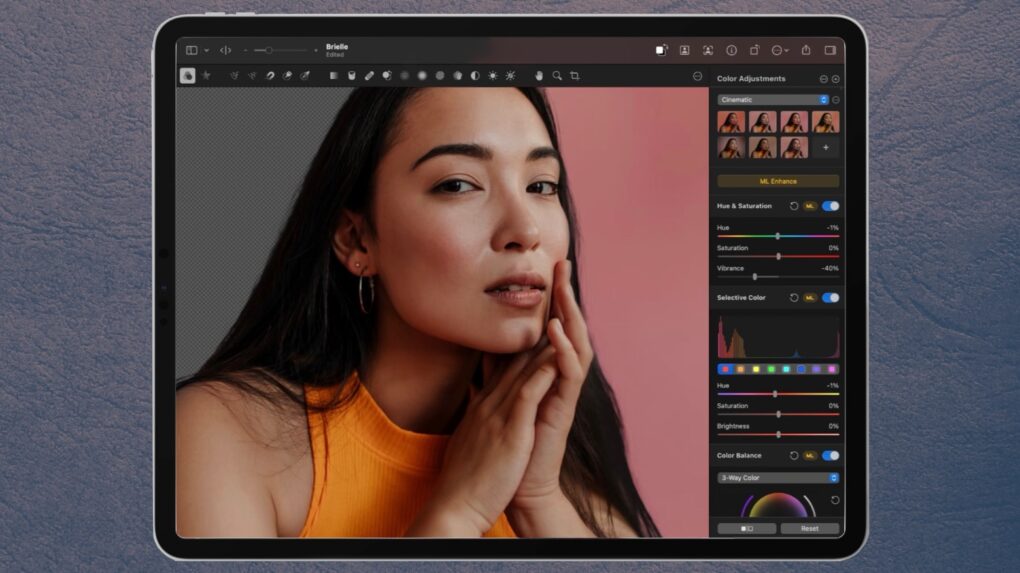
Apple is rolling out a collection of updates to Creator Studio, adding new tools to Pixelmator Pro, Final Cut Pro, and Motion as well as Apple’s productivity apps.
The Apple Creator Studio app bundle got a series of updates. Photo: Apple
Apple rolled out a fresh batch of updates to Apple Creator Studio Tuesday, sharpening AI features inside its flagship video and music apps while weaving Pixelmator Pro’s editing tools directly into Final Cut Pro, Keynote, Pages and Numbers.
The updates expand on the role Mac, iPad and iPhone already play for creative work. They layer in new AI capabilities across editing, photo and music workflows.
Final Cut Pro could gain some stellar new features thanks to a recent Apple acquisition. Photo: Apple
Apple’s recently disclosed acquisition of Color.io suggests a renewed focus on rebuilding Cupertino’s creative software suite.
Through a subsidiary, Apple acquired Patchflyer GmbH in January and hired the company’s sole employee, according to an EU filing. Patchflyer developed Color.io, a web-based cinematic color grading platform used by filmmakers and video professionals. And the purchase looks like part of a long-term strategy to win over creatives.
Final Cut Pro is Apple’s flagship video editor for Mac and iPad. Image: Apple/D. Griffin Jones/Cult of Mac
If you use Final Cut Pro, you’re well aware of how much storage one of its libraries can eat up. Producing weekly videos and podcasts for Cult of Mac, disk space is a never-ending battle for me — and I even splurged on a 2TB hard drive!
The third time I ran into this problem, I tried digging deeper into Final Cut Pro settings to see if there was a better way. I found a bunch of settings that help stop the 800-pound, hard-drive-eating gorilla.
Then, I opened up the Final Cut Pro library bundle itself, and found even more folders, many gigabytes in size, that I could clear out.
Here’s how Final Cut Pro users can reclaim some storage from a runaway video library.
Which is the better creative suite? AI image: ChatGPT/Cult of Mac
Apple Creator Studio and Adobe Creative Cloud take very different approaches to creative software. One focuses on deep hardware integration and streamlined workflows, while the other prioritizes breadth, flexibility and industry-standard tools.
Both of these subscription app bundles promise powerful creative capabilities. However, which one actually makes more sense depends on your requirements, capabilities and workflow.
Our guide to Apple Creator Studio versus Adobe Creative Cloud will help you decide which bundle is right for you.
Director and choreographer Kyle Hanagami uses new AI tools in Final Cut Pro in his productions. Photo: Apple
Apple released significant updates to Final Cut Pro alongside the debut of Apple Creator Studio software bundle for creatives Wednesday. And in a new feature story, it showed how video director, dance choreographer and Blackpink collaborator Kyle Hanagami uses new AI-powered tools for video editing.
Apple no longer offers a standalone Final Cut Pro trial. AI Image: ChatGPT
Following the launch of the Apple Creator Studio bundle on January 13, 2026, Apple has discontinued the individual free trial for its professional creative apps. This means you can no longer individually download Final Cut Pro or Logic Pro on their own to try them out for free.
Instead, Apple now wants you to use the Creator Studio Bundle. It bundles access to all of the company’s pro creative tools in a single subscription.
The Apple Creator Studio suite of apps gives professionals, emerging creatives, entrepreneurs, students and educators the features they need to realize their artistic vision, Apple said. Photo: Apple
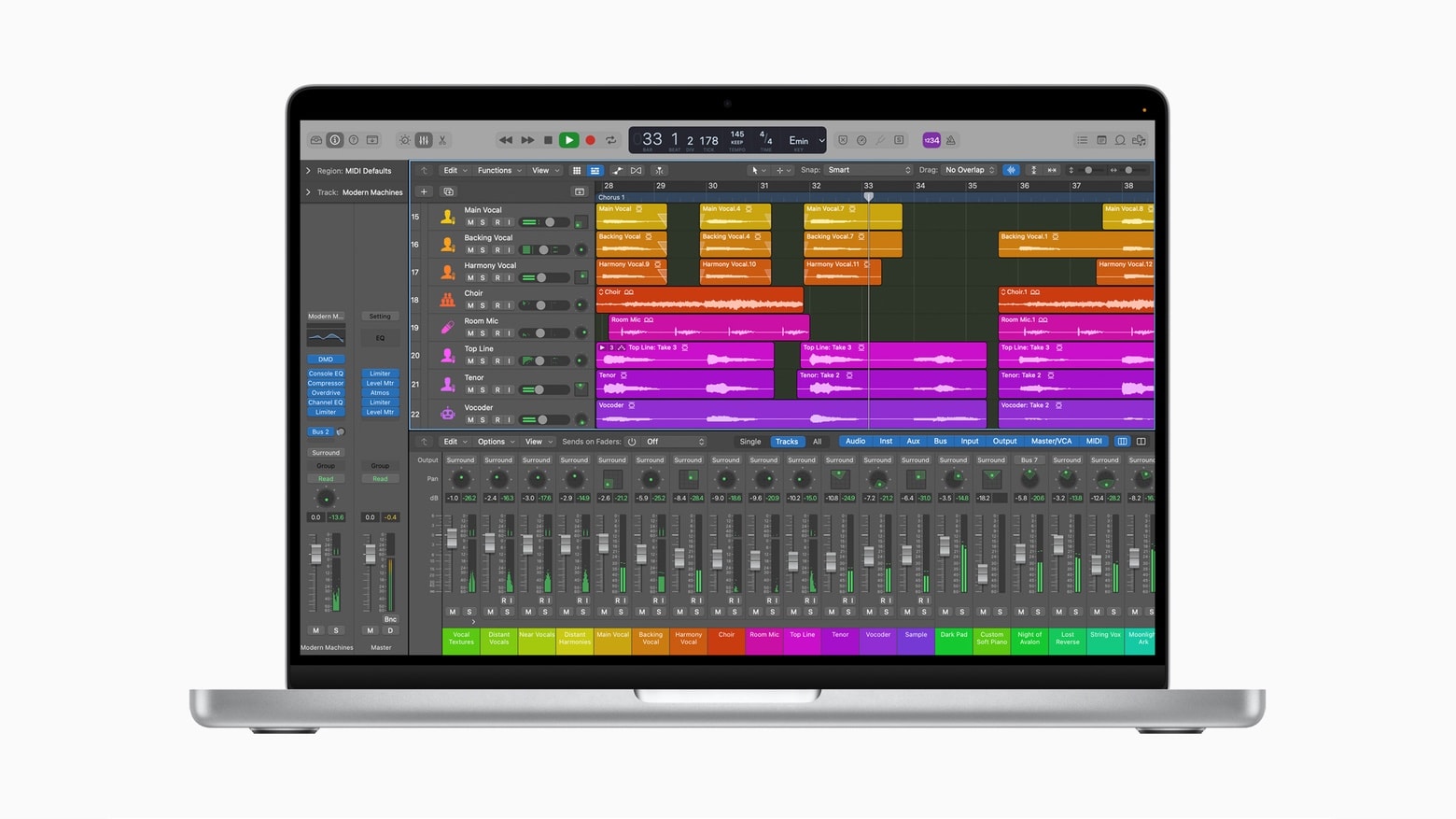
A new Apple Creator Studio subscription bundles six major professional creative apps into a single monthly or yearly plan. The new bundle, announced Tuesday by Apple, includes Final Cut Pro, Logic Pro, Pixelmator Pro, Motion, Compressor and MainStage, plus premium artificial intelligence features in other Apple apps.
“There’s never been a more flexible and accessible way to get started with such a powerful collection of creative apps for professionals, emerging artists, entrepreneurs, students and educators to do their best work and explore their creative interests from start to finish,” said Eddy Cue, Apple’s senior vice president of internet software and services, in a press release.
Pixelmator Pro is one of the Mac apps that could could hit iPad. Image: Ed Hardy/Cult of Mac
Those clamoring for more professional-grade iPad applications could soon get a quartet of them. An analyst found evidence on Monday that Pixelmator Pro and three more Mac apps for graphics professionals are getting ported to iPadOS.
If true, the move should help quiet the critics who complain that the iPad Pro isn’t very “pro.”
Final Cut Pro now works with Image Playground. Photo: Apple
Big updates across Apple’s Final Cut Pro video-editing software lineup introduce AI-driven Image Playground integration, plus improved workflows and enhanced recording options.
Apple released Final Cut Pro updates Thursday that add Image Playground for Mac and iPad users. Plus, iPad users can use the software in portrait orientation for the first time.
Following the launch of M4-powered Macs on November 8, Apple today rolled out Final Cut Pro 11 for Mac. It brings several new AI-powered features, like Magnetic Mask and Transcribe to Captions.
Final Cut Pro for iPad and iPhone also got an update with multiple enhancements.
Final Cut Camera goes above and beyond the regular Camera app. Image: Apple/D. Griffin Jones/Cult of Mac
Final Cut Camera is a new Apple app that offers incredible manual control over your iPhone’s camera system. If you use your phone for professional videography — or even for a hobby project — you should use this free app to take videos rather than sticking with the stock Camera app.
Final Cut Camera comes absolutely packed with professional features the Camera app can’t match. The new app gives you finer control over exposure, white balance, color temperature and more. You can enable image overlays to see which parts of the frame are in focus or overexposed. In short, it’s a highly versatile camera. You can even pair it with Final Cut Pro for iPad to capture footage from multiple iPhones simultaneously.
Final Cut Camera is totally free on the App Store. Keep reading to learn how to use it.
Big updates to Final Cut Pro will boost mobile production capabilities. Image: Apple
UPDATE: The new versions of Final Cut Pro for iPad and Mac — and the new Final Cut Camera app — launched Thursday on the App Store.
Apple updated its video editing application Final Cut Pro with live multi-camera recording on iPad and powerful new AI color correction on Mac. Plus, Final Cut Camera, a free new app for iPad and iPhone, allows for professional video capture in multicam mode or on its own. These updates “take creativity to the next level,” said Will Hui, project manager for creative applications at Apple when they were announced in May.
How much iPad chatter can you handle? Image: Cult of Mac
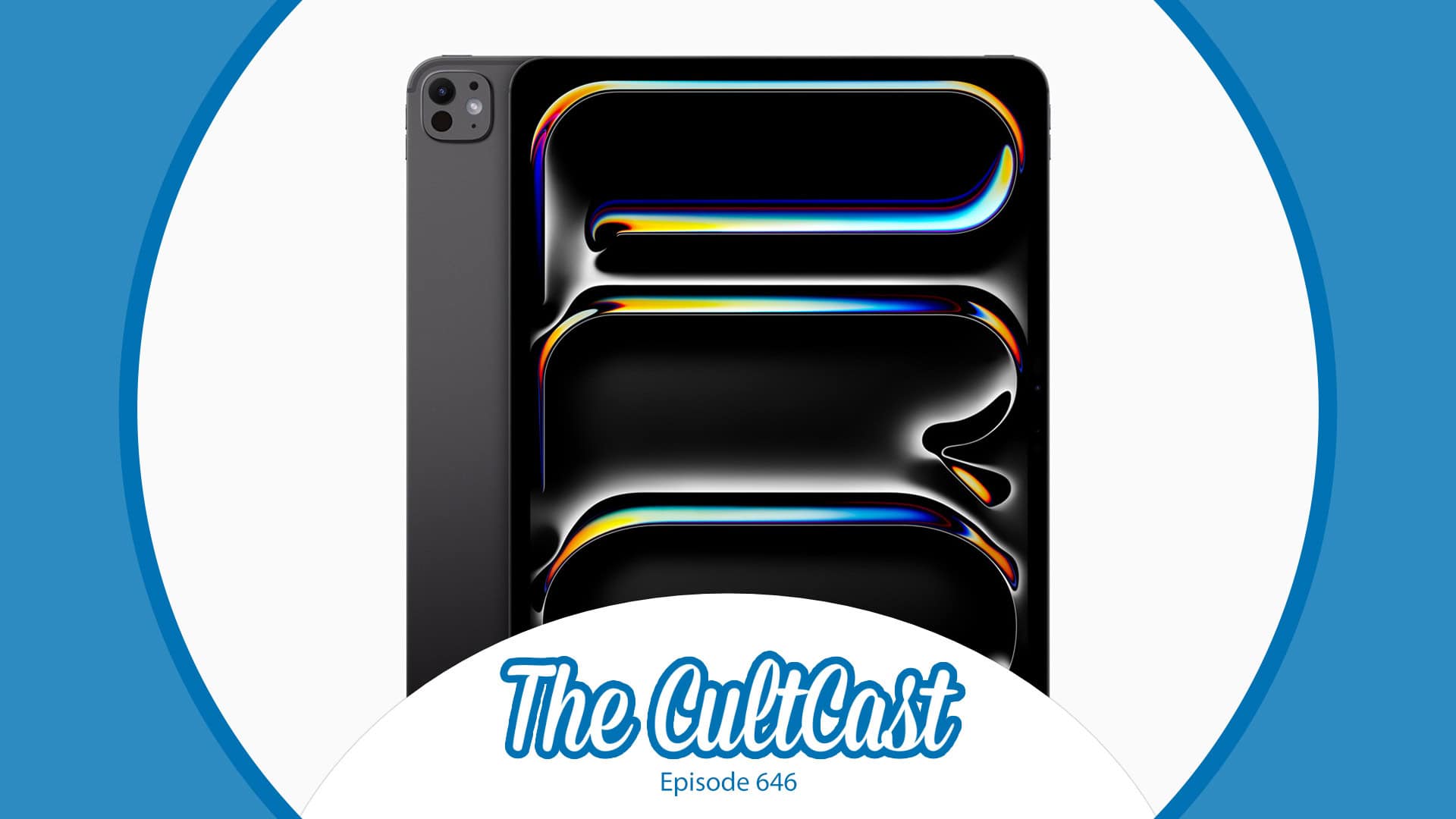
This week on Cult of Mac’s podcast: Apple’s “Let Loose” event is over, and the new iPad Pro and iPad Air are officially here. In our postmortem, we discuss the pros (tons) and cons (not many) of the new tablets. Plus, we go over what we got right and wrong in the run-up to the event.
Also on The CultCast:
Apple Pencil Pro and the new Magic Keyboard for iPad sound great for artists.
Logic Pro and Final Cut Pro gain some cool new features.
The first M4 chip benchmarks look promising.
That eye-catching “Crush!” ad for the iPad Pro lands Apple in hot water.
And we have a winner in our “Let Loose” event predictions challenge.
Listen to this week’s episode of The CultCast in the Podcasts app or your favorite podcast app. (Be sure to subscribe and leave us a review if you like it!) Or watch the video live stream, embedded below.
Updates to Final Cut Pro video-editing software for Mac or iPad offer new features that help streamline workflows. Image: Apple
The upcoming Final Cut Pro version 10.7 brings in improvements to timeline navigation and organization, as well as new changes that Apple says will simplify complex edits.
And Final Cut Pro for iPad 1.3 includes new features intended to enhance using the professional-grade video-editing application on a touchscreen.
Final Cut Pro for iPad's first update is here. Photo: Apple
Apple on Tuesday rolled out the first update for Final Cut Pro for iPad since its release in May this year. The v1.1 release adds support for new keyboard shortcuts and improves the app’s overall stability and performance.
Final Cut’s iPad version is not as feature-rich as its Mac version. Apple is working on reducing that gap, with the latest update taking a small step in achieving this.
Final Cut Pro for the iPad is a lot different from its Mac counterpart. Photo: Apple
After a long wait, Final Cut Pro, Apple’s professional video editing software, is now available for M1 or newer iPads. Editors accustomed to Final Cut Pro on their Mac can easily switch to their iPad as a portable editing machine.
However, before starting with Final Cut Pro on your iPad, you need to know how it differs from the Mac build. Both versions enable pro-level video editing, but they are understandably different in key ways.
Final Cut Pro for iPad gives users the ultimate mobile studio for all their video and editing needs — no matter where they are. Photo: Apple
Responding to years of requests for iPad versions of professional-grade software, Apple released Final Cut Pro and Logic Pro for iPadOS on Tuesday.
These are not “lite” versions of Apple’s video editing and music creation software. They are equivalent to the macOS ones, but adapted for iPad. And that includes additional features.
The wait is over for Logic Pro and Final Cut Pro on the iPad. Image: Cult of Mac
This week on Cult of Mac’s podcast: Apple finally brings Logic Pro and Final Cut Pro to iPad, and apparently uses some clever spycraft to take down a leaker in the process. Talk about killing two birds with one stone.
Also on The CultCast:
One feature in the new Final Cut Pro for iPad makes iPhone owners jealous (and hopeful).
Erfon thinks it’s a great time to buy a Mac.
Humane’s combadge-style gadget might not kill your iPhone, but the company’s vision of a personalized AI sounds promising.
Enter for your chance to win an Urban MacBook Sleeve from SwitchEasy.
Listen to this week’s episode of The CultCast in the Podcasts app or your favorite podcast app. (Be sure to subscribe and leave us a review if you like it!) Or watch the video live stream, embedded below.
Our sponsor: Lectric eBikes
With top-tier build quality, a range of up to 42 miles and speeds up to 28 mph, the Lectric XP 3.0 is one of the best values in e-bikes. Check out the XP 3.0 and Lectric’s other great bikes at lectricebikes.com.
Final Cut Pro for iPad offers pro camera mode when recording video. Photo: Apple
The iPad version of Final Cut Pro that Apple recently unveiled includes a “pro camera mode” with a number of manual settings not included in the standard camera application. iPhone users saw this and quickly started calling for these features to be brought over to iOS, too.
Final Cut Pro, left, and Logic Pro are finally coming to iPads. Photo: Apple
Ever wished your iPad could serve as a mobile AV studio like your MacBook can? The tablet’s time for pro-level audio and video production has come. Apple said Tuesday Logic Pro for audio and Final Cut Pro for video now work on iPad.
And you’ll be able to download them as subscriptions from the App Store starting May 23.
Many film and TV editors say Final Cut Pro is powerful and fun to use. So why can't it be a professional standard? Image: Apple
In April, a group of film and TV professionals signed an open letter asking Apple to address longstanding Final Cut Pro upgrade requests and to better promote the popular and powerful program as a standard editing tool in their industry.
Cupertino offered some reassurance in a public reply to the letter on Thursday.
Many film and TV editors say Final Cut Pro is powerful and fun to use. So why can't it be a professional standard? Image: Apple
In an open letter sent to Apple CEO Tim Cook on Tuesday, more than 100 film and TV professionals called on the company to publicly commit to building its video editing software Final Cut Pro into an industry-standard tool.
The group praised FCP as as “the biggest leap forward in editing technology since the move to digital” but complained it’s not living up to its potential.
The group noted, bitterly, that even the crew on CODA — the first streaming service release to win a Best Picture Oscar, and Apple’s own release — would probably not have chosen to edit it with FCP.
Apple Logic Pro running on the 2021 MacBook Pro shows a lot of dead space because there’s no support for the screen notch. Photo: Apple
The just-launched MacBook Pro models are the first with a screen notch. And this apparently came as a surprise to many of Apple’s own software developers as some of the company’s professional apps don’t support the screen cutouts. Which means they can’t fill the new Mac displays and must leave blank areas.
This won’t make it easier for Apple to convince third-party developers to fully support the latest macOS notebooks.