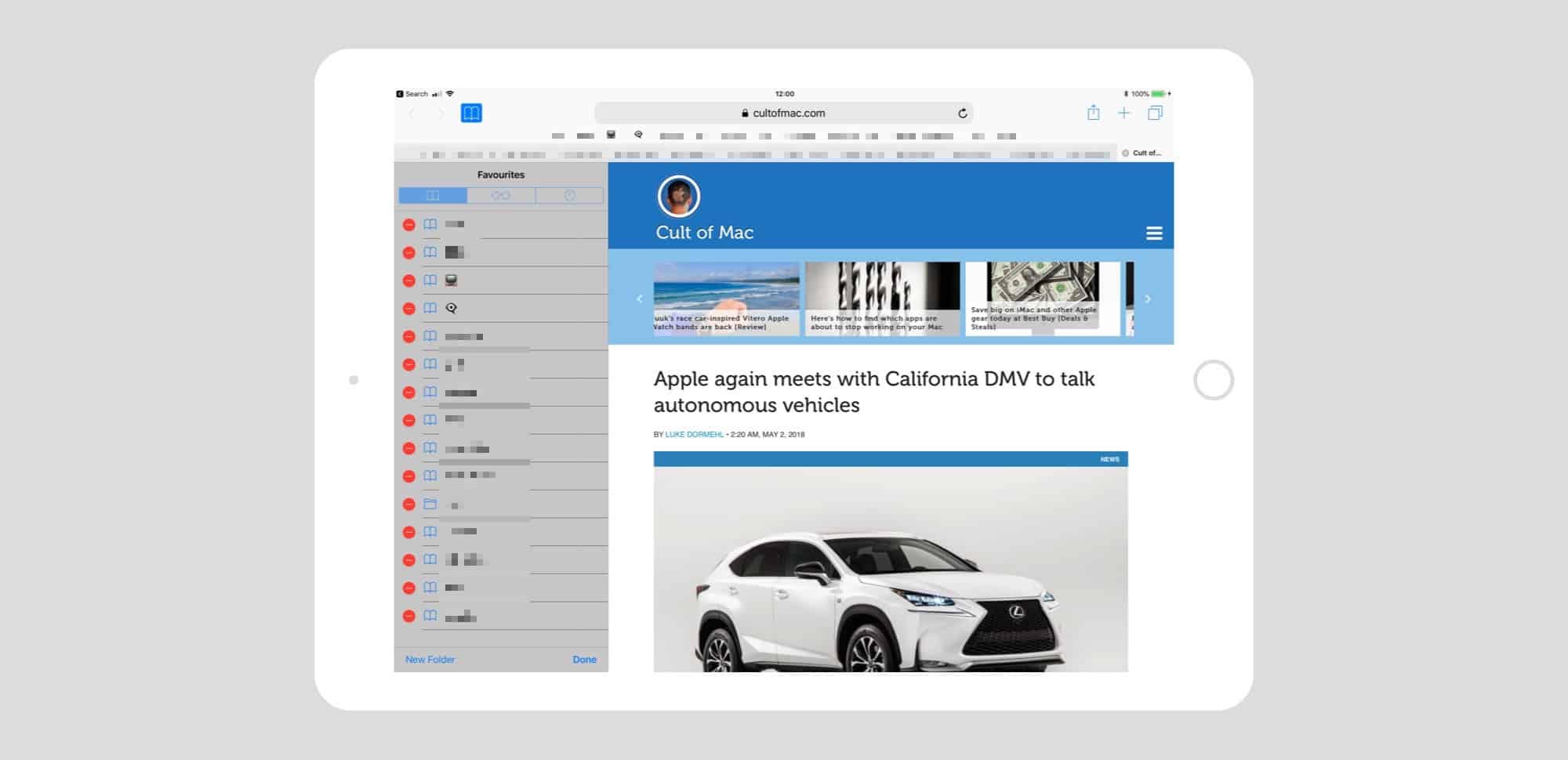
 Safari’s Favorites bar is the handiest part of the whole app. On Mac and iPad, it sits permanently at the top of the screen, ready for you to tap bookmarks and bookmarklets, either for fast access to a site, or to execute some neat JavaScript trick. But it can get cluttered up there.
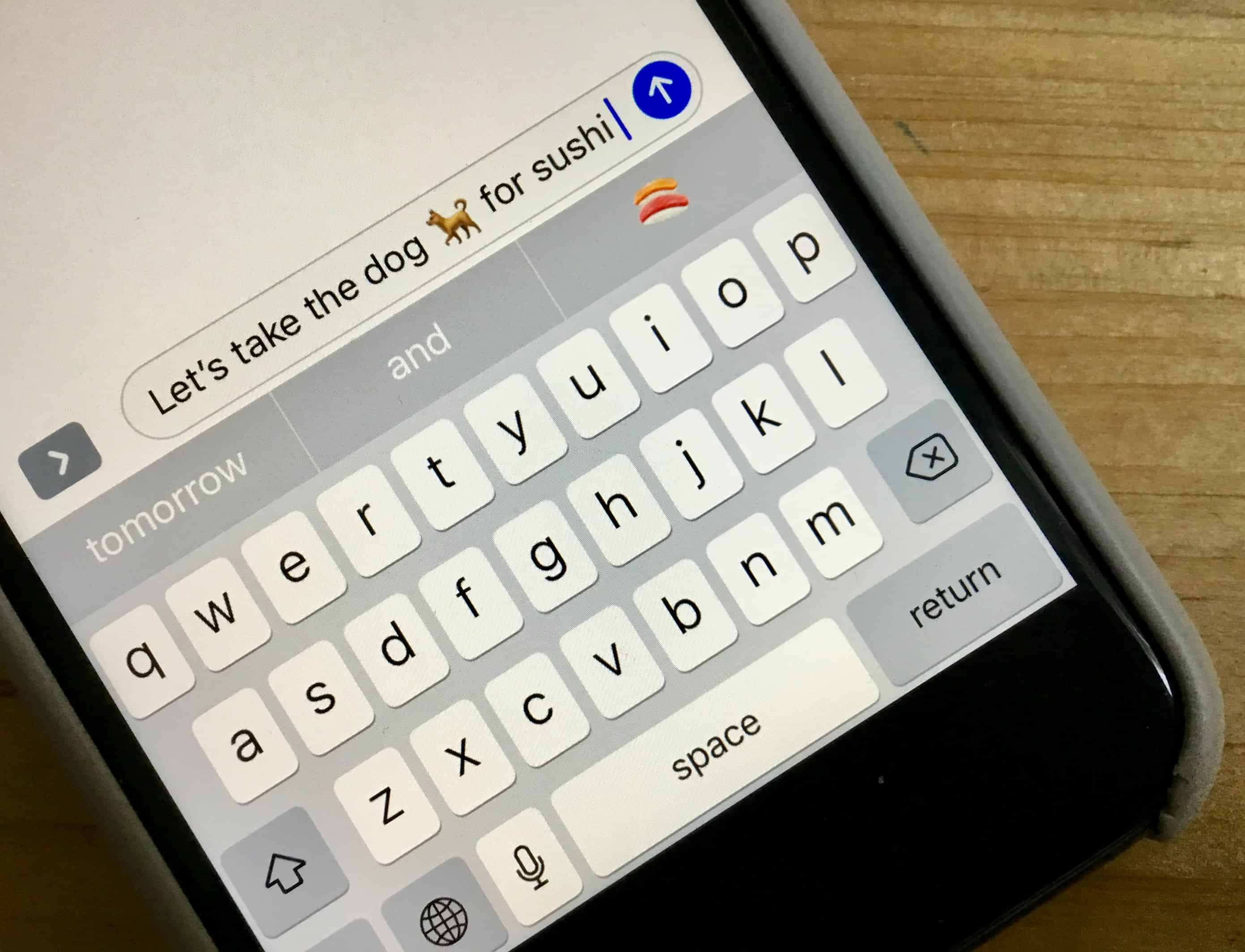
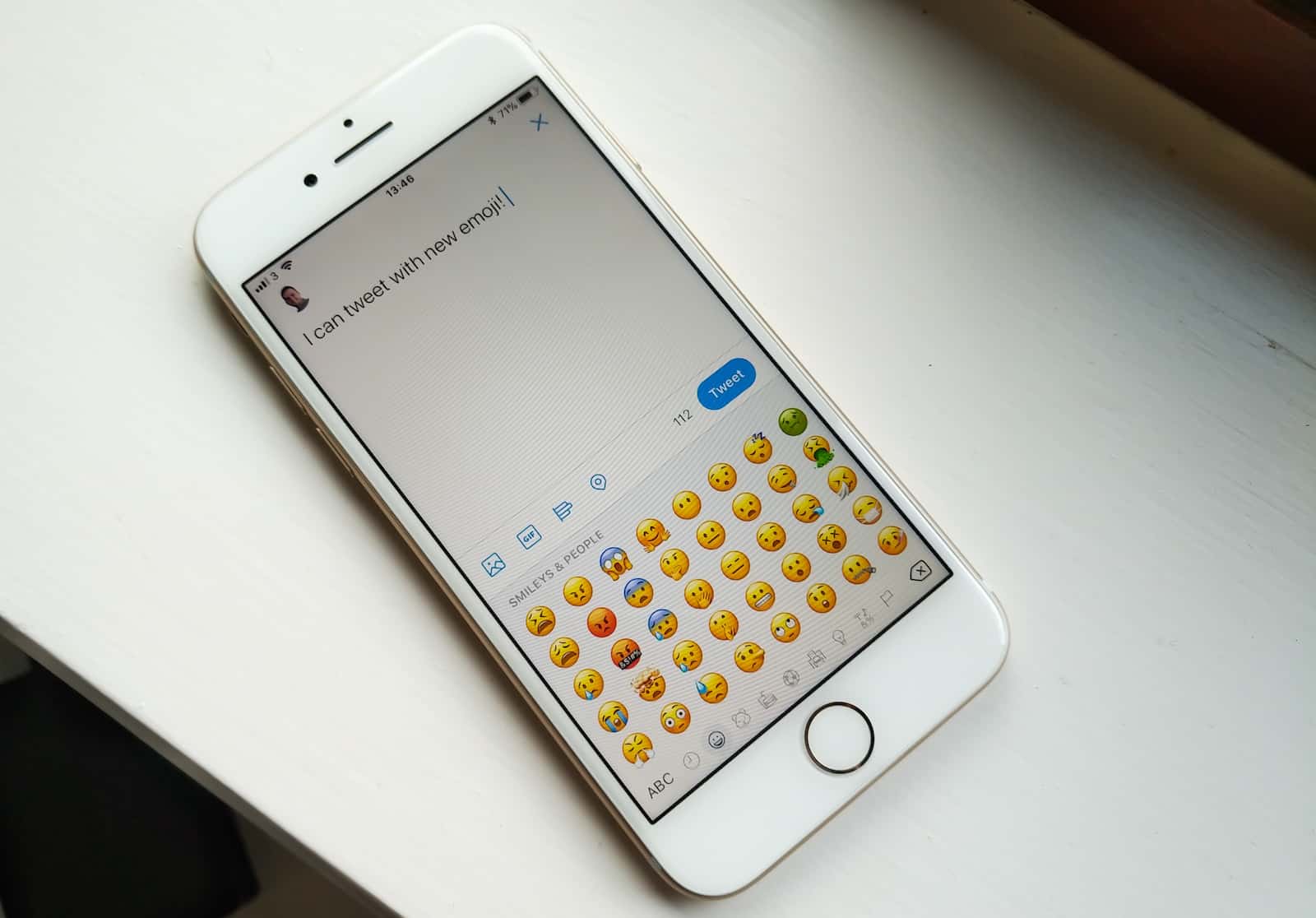
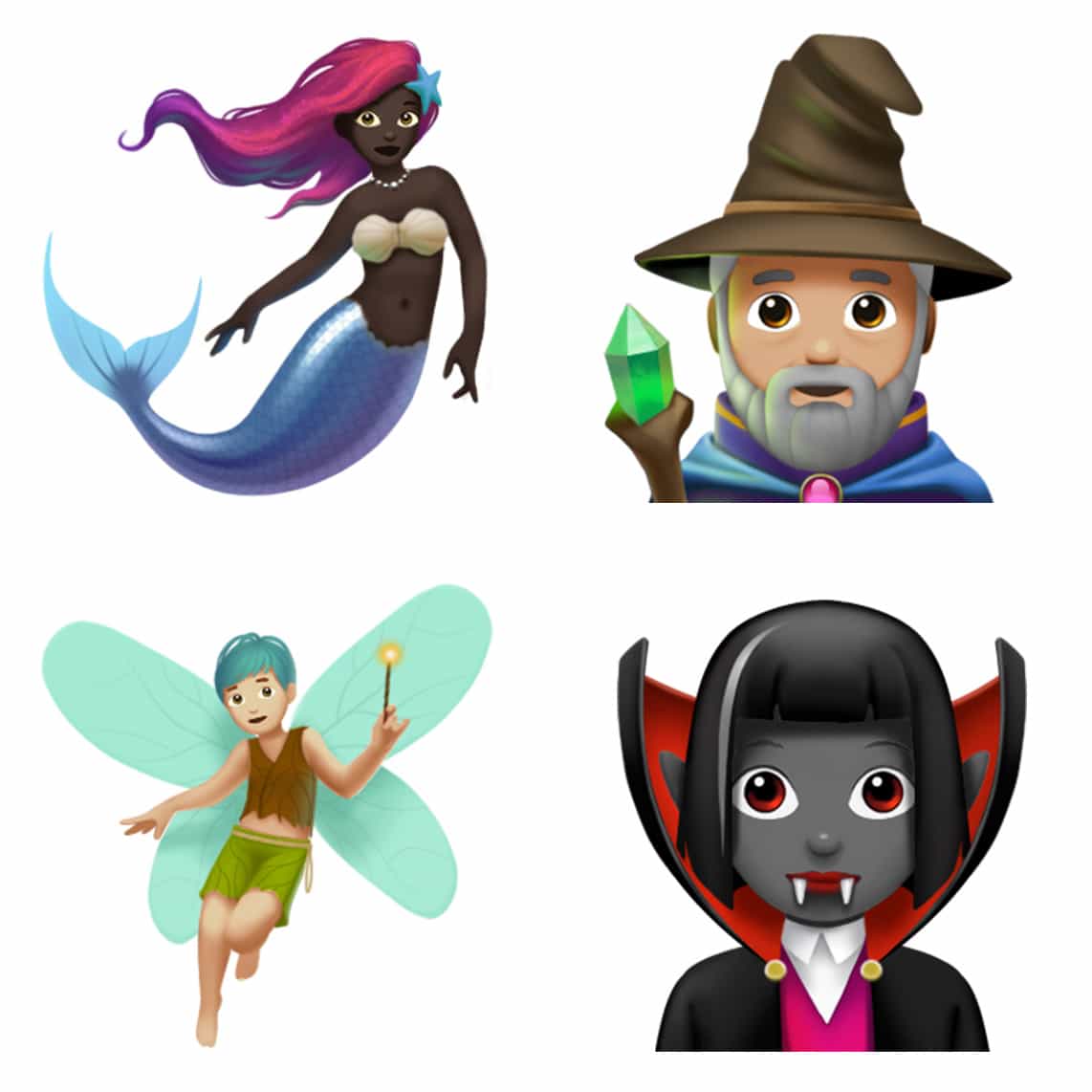
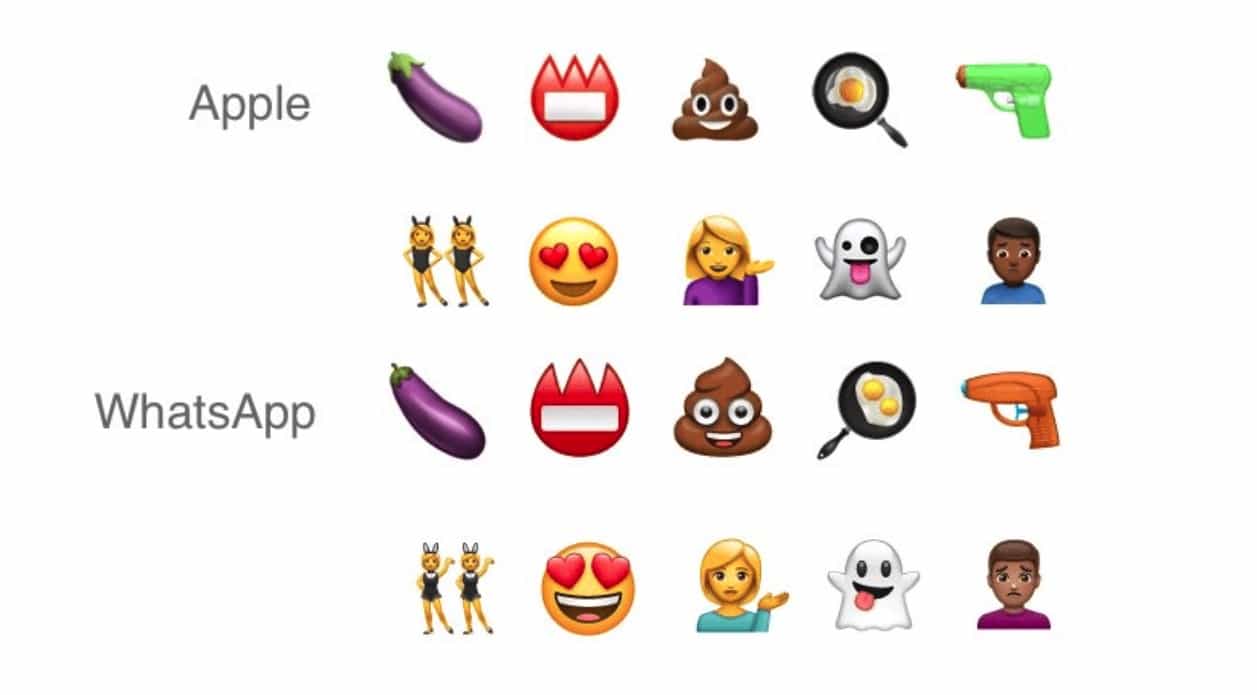
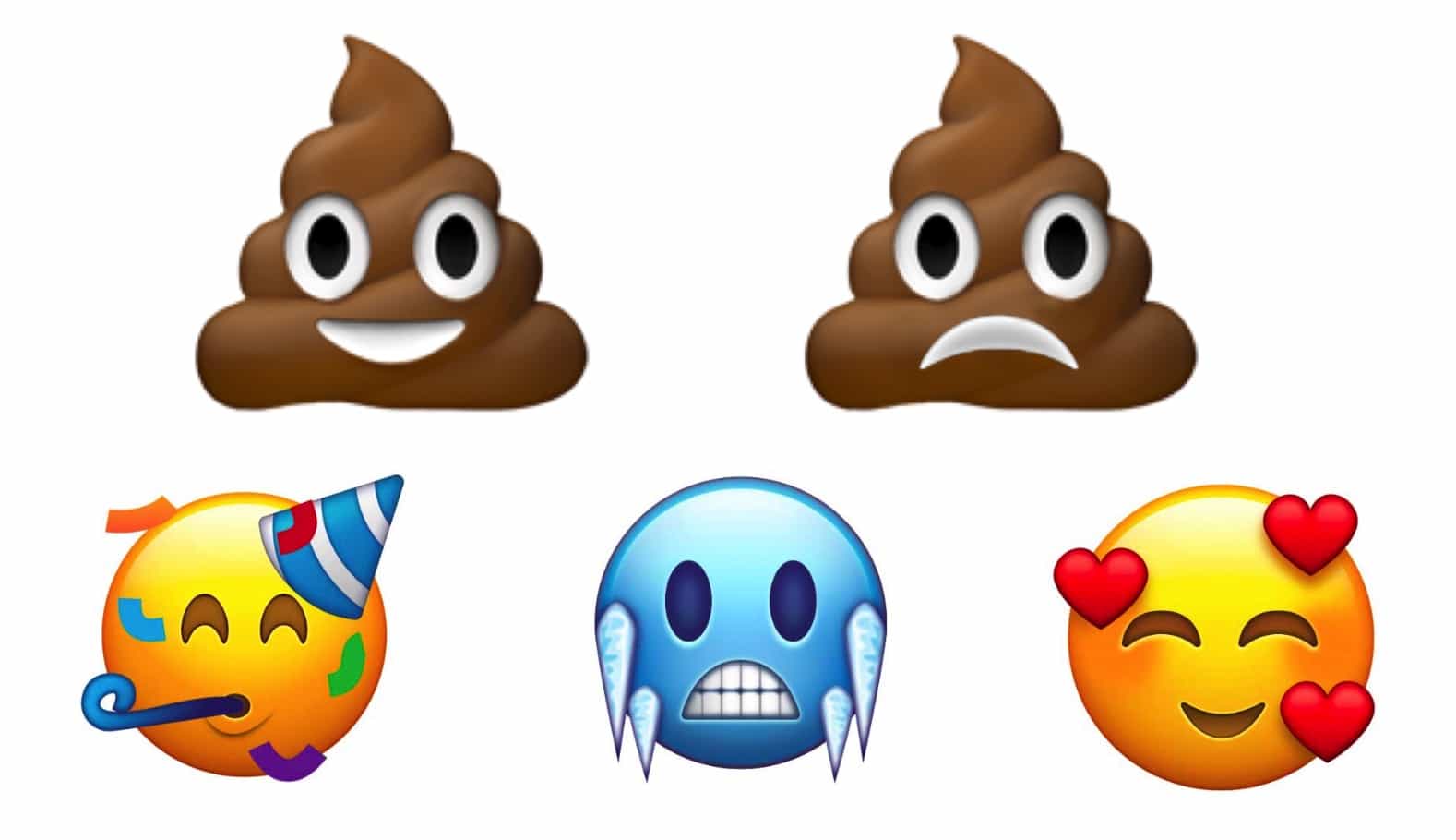
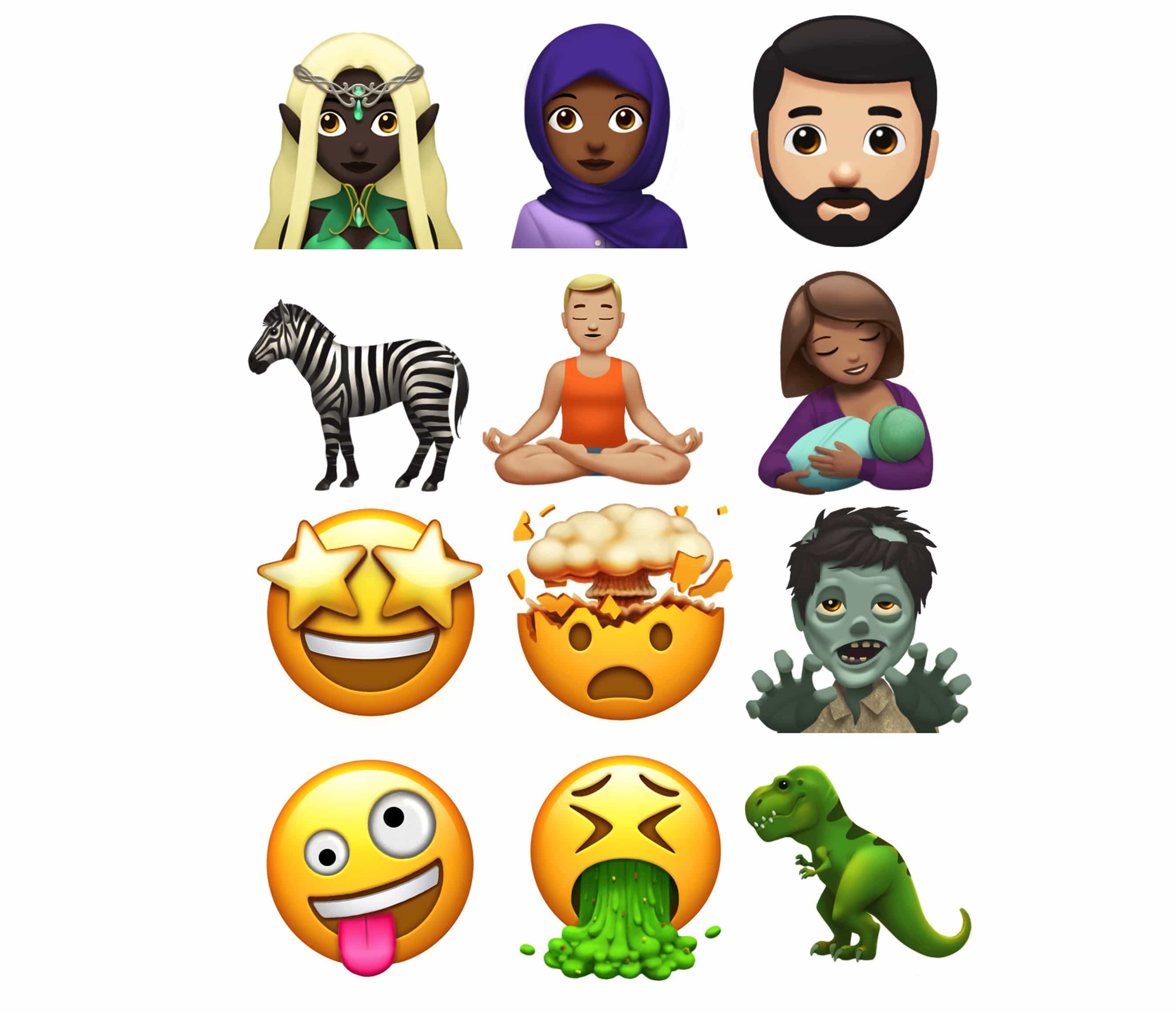
By using Emojis instead of text to label your bookmarks, you can fit more of them in, and you can easily identify them by sight.