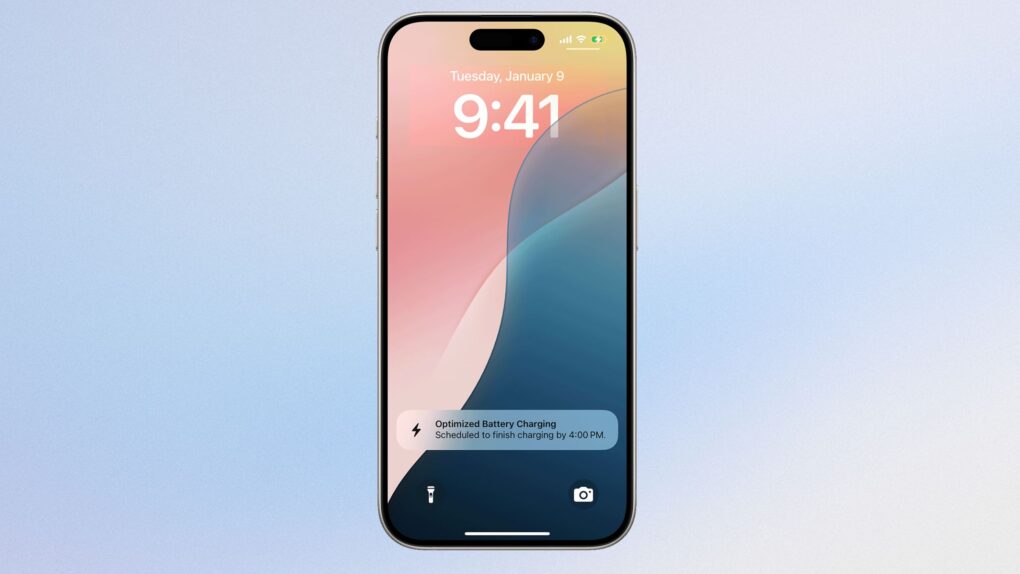
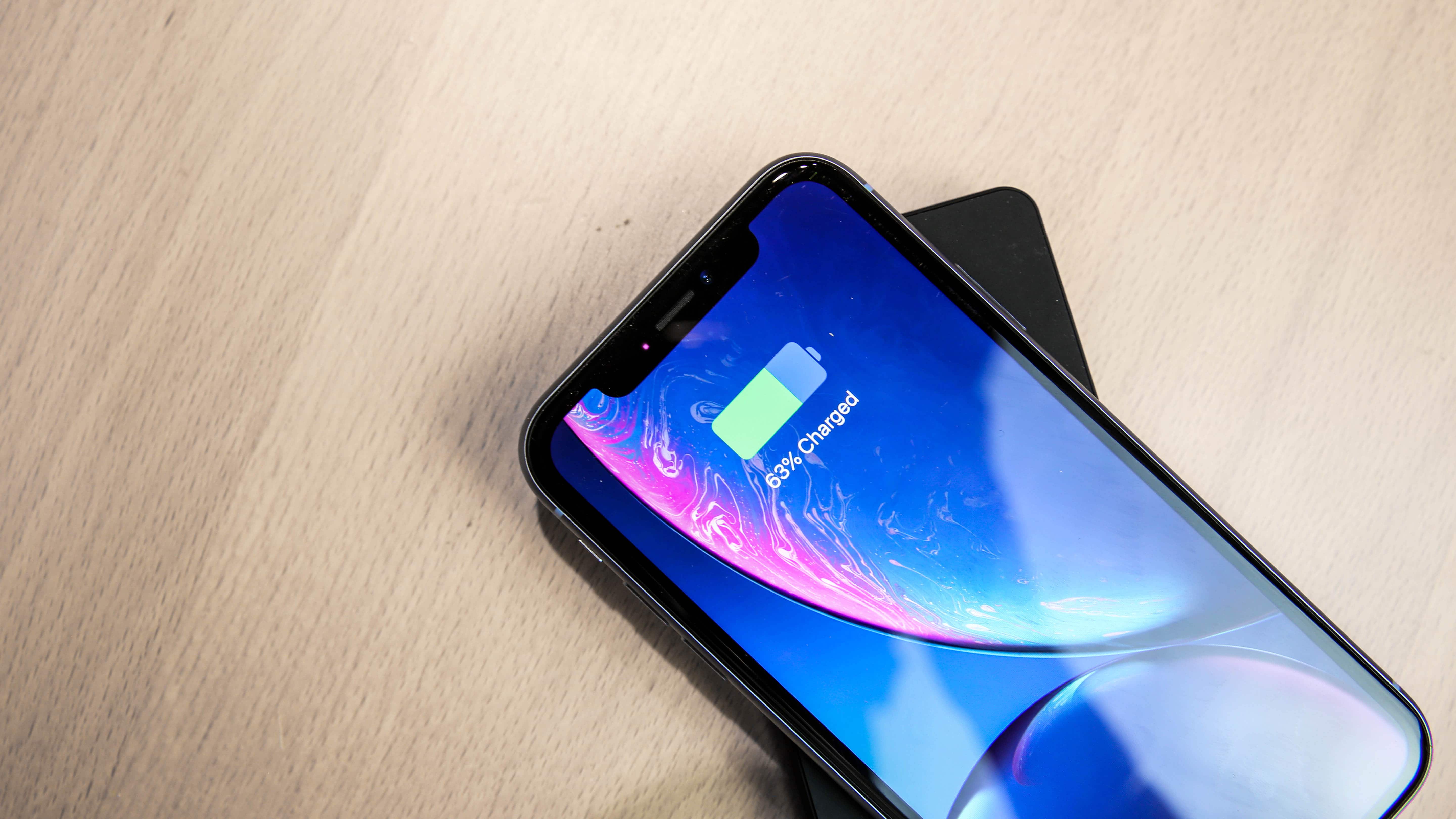
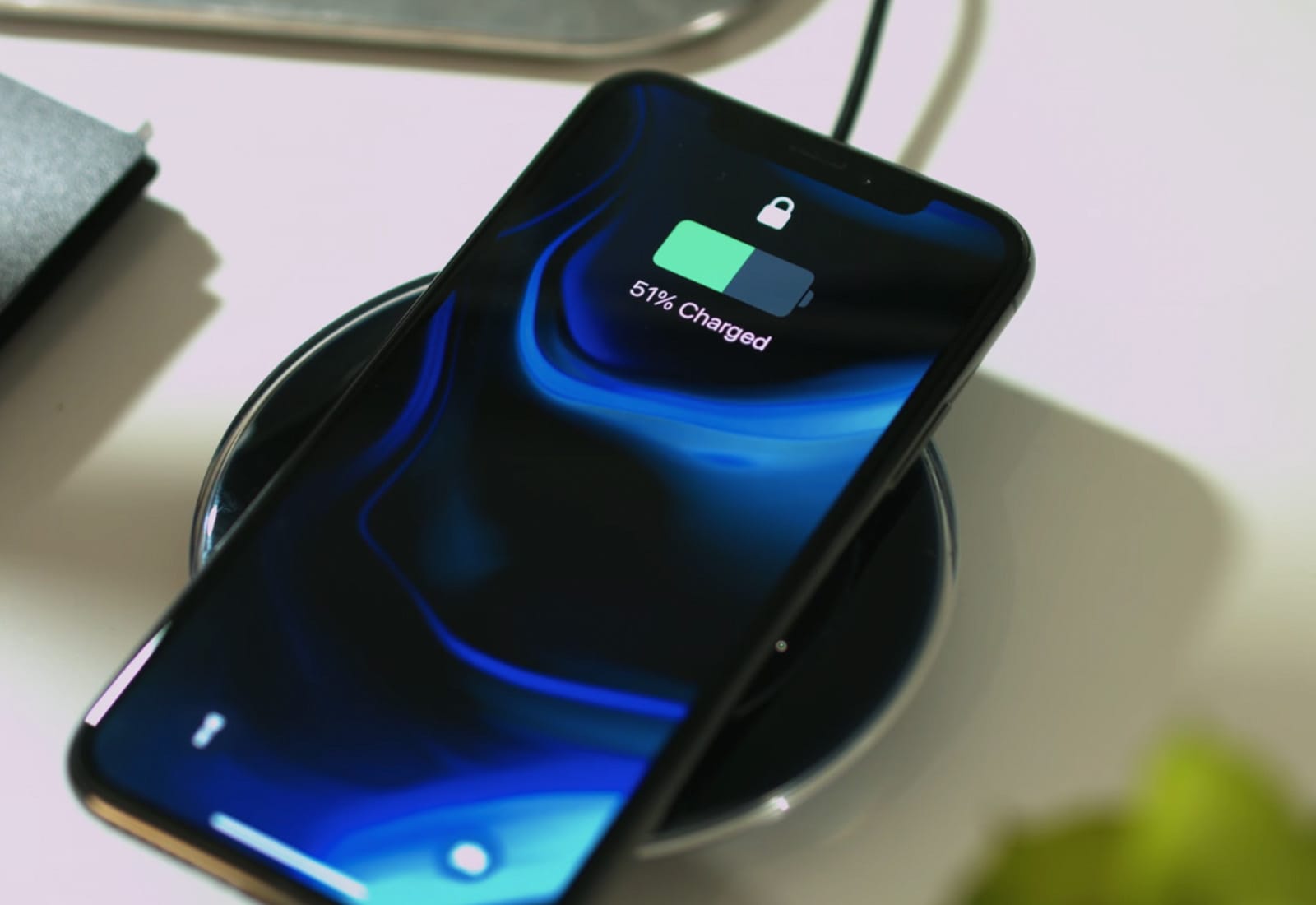
Charging your iPhone to 100% overnight might stress your battery more than you realize, but what actually matters is how long it stays at full charge. Photo: Apple/Cult of Mac
Charging your iPhone to 100% won’t instantly fry your battery. But regularly keeping it at full charge for hours matters more than you might think.
The real culprit isn’t the charge itself — it’s how long your phone stays plugged in at maximum capacity. Apple’s built-in tools do help, but temperature and charging habits matter even more.
Turn on Battery Percentage to get the exact number. Image: D. Griffin Jones/Cult of Mac
Being able to see your iPhone battery percentage right in the status bar is incredibly useful. You can keep an eye on it throughout the day if you’re getting low and need to top up.
The standard battery icon gives you a rough idea of where your iPhone stands. But instantly seeing the exact battery percentage number can give you peace of mind. It’s useful seeing the precise number without pulling down Control Center or checking a battery widget, wherever you are.
For those of you with real battery anxiety, you can even add a widget to your Lock Screen and Home Screen. I’ll show you how.
It’s not a small battery. Photo: D. Griffin Jones/Cult of Mac
If you get a Vision Pro, you’ll soon need to learn how to charge up that battery. Apple only promises two hours of battery life on its revolutionary headset. Although real-world usage is pushing closer to three, if you want your spatial computing to be untethered, you’ll need to charge the Vision Pro battery often.
Here’s how to do it — along with some tips that will keep you (and your data) safe.
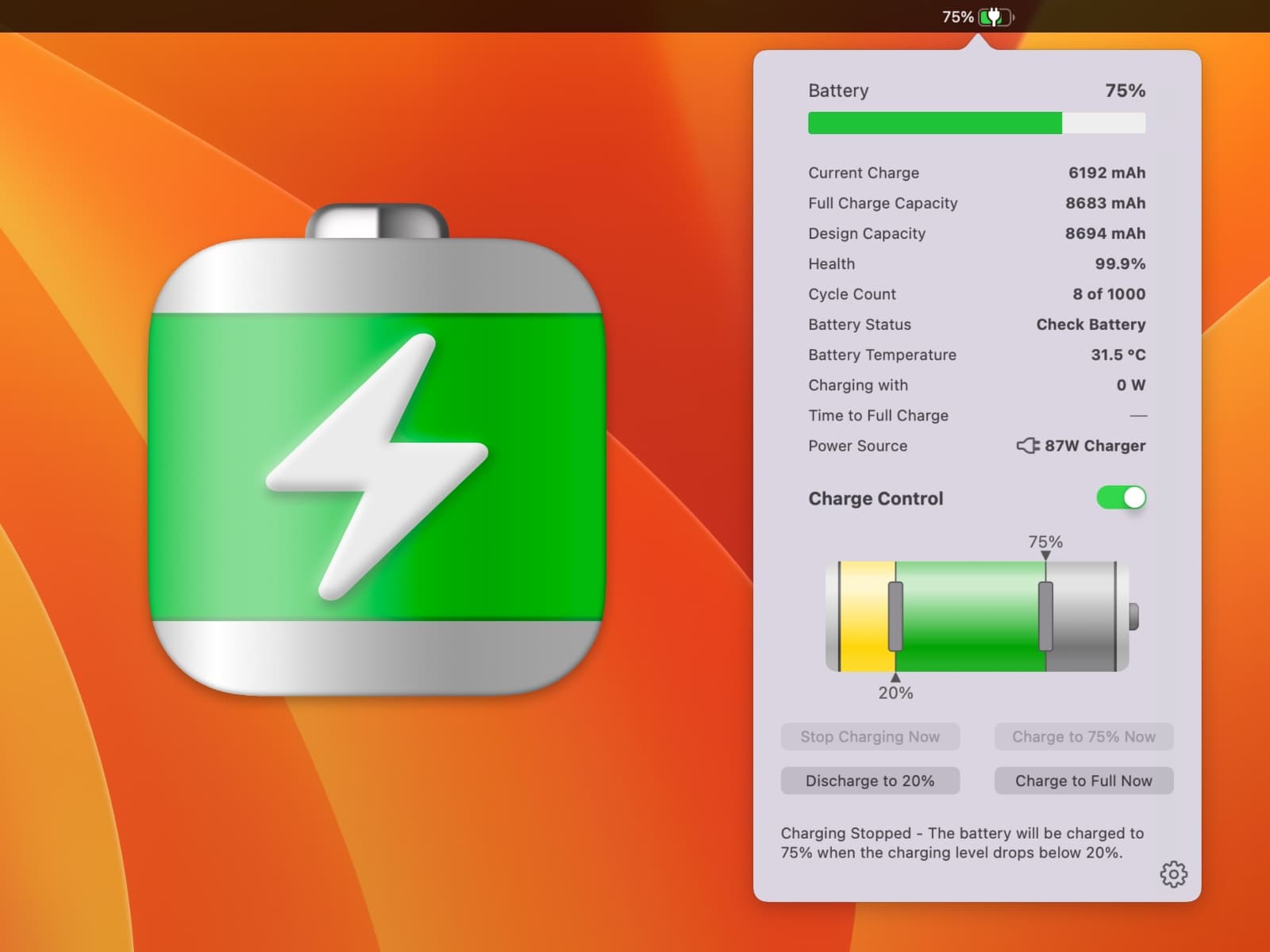
Energiza Pro gives you full control over your battery health. Image: appgineers
How can you best save your MacBook battery life for many years of use? Your laptop’s battery is the most likely component to wear out, and one of the biggest problems is keeping it plugged in all the time. Apple offers some built-in controls, but they’re pretty basic and inflexible. Energiza Pro, on the other hand, gives you far more options, extending your MacBook’s battery life for years to come.
It’s the smart battery manager you need to keep your MacBook alive for longer.
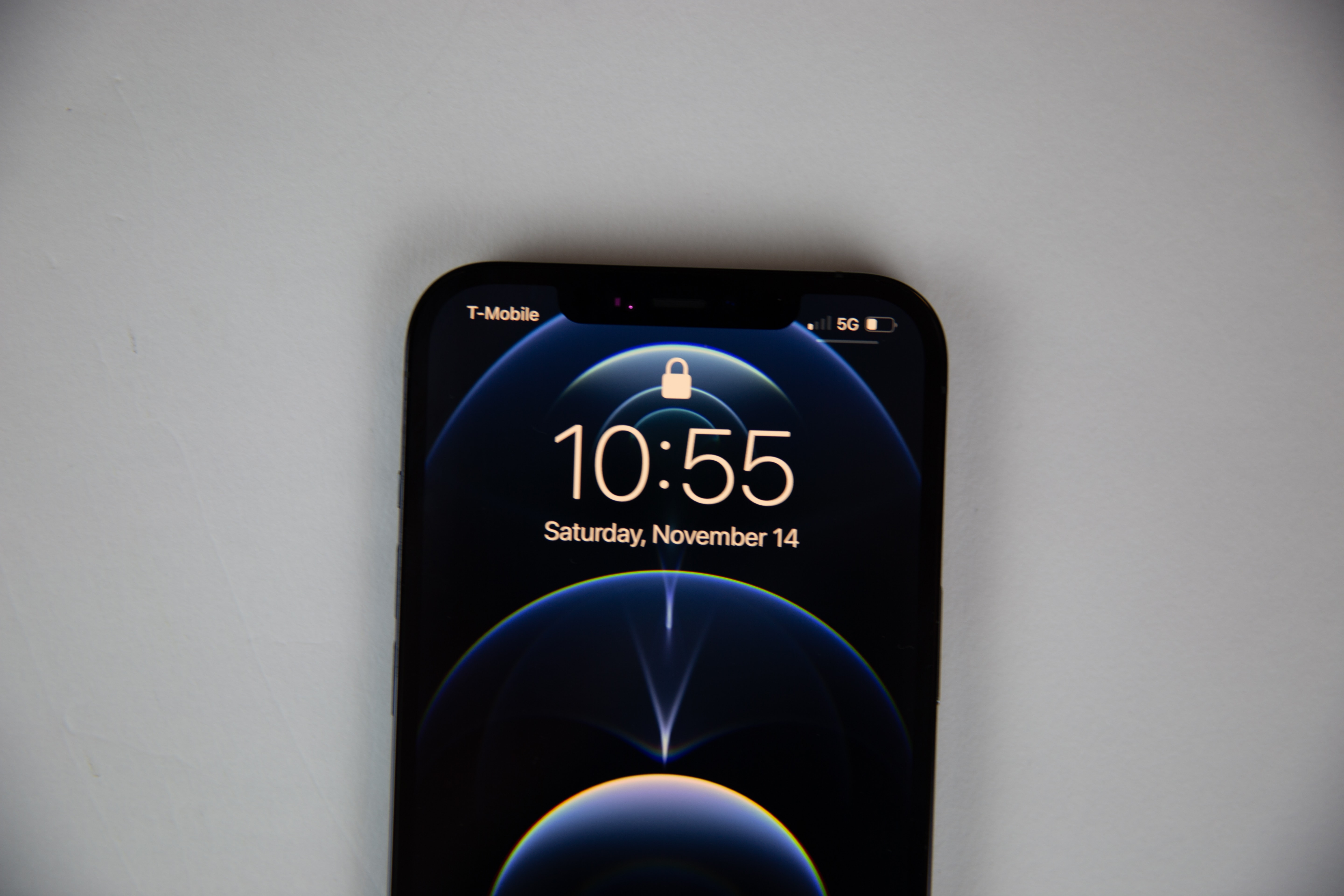
Apple’s premium iOS handset makes very efficient use of the power it stores in its battery. Photo: Lyle Kahney/Cult of Mac
The iPhone 12 Pro Max whipped all other top-tier handsets in a rigorous battery test. Doxomark simulated using the handsets over several days, and also factored in how long they took to recharge. In the final score, Apple’s offering came out way ahead.
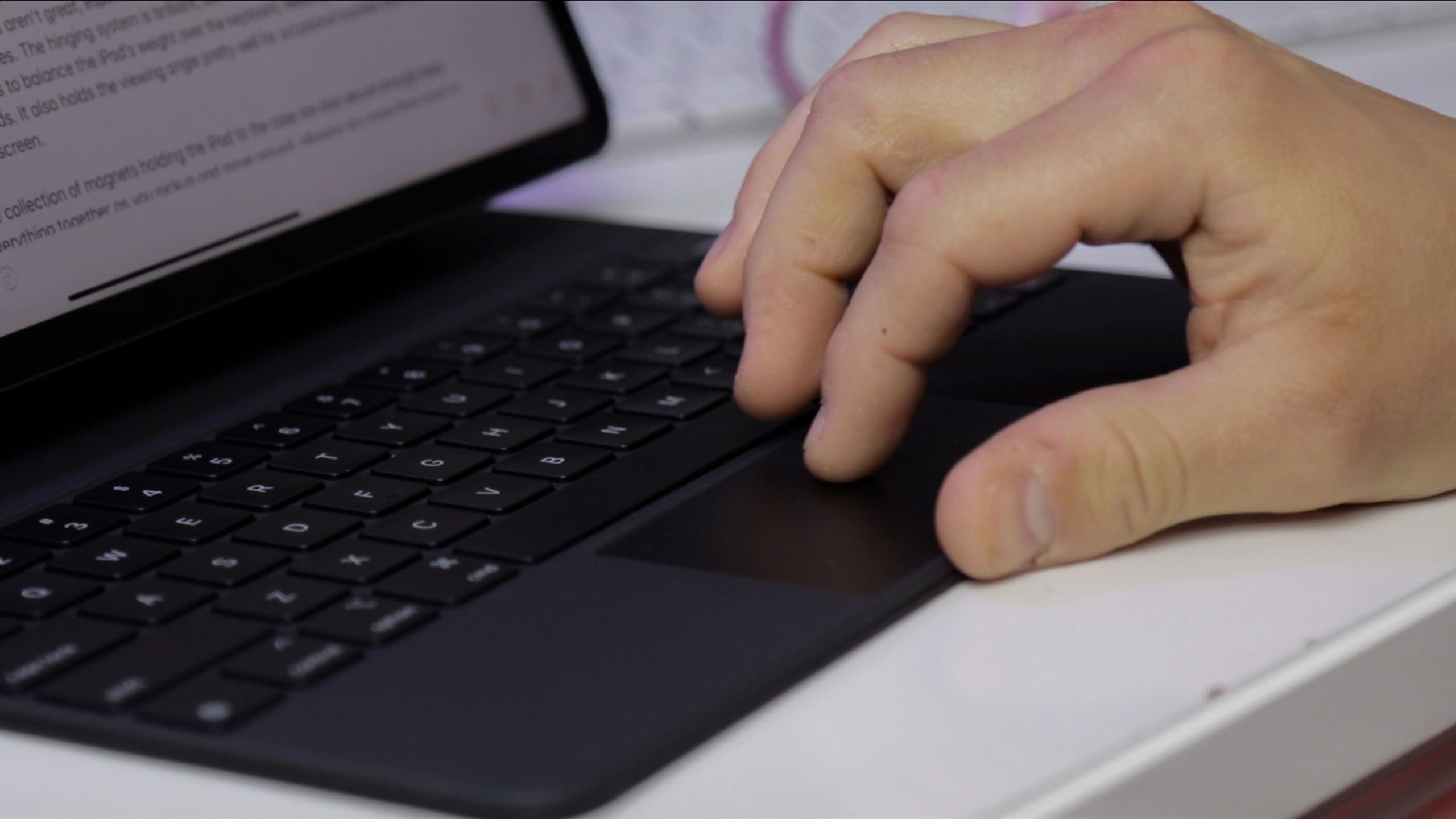
Users are complaining that Apple’s Magic Keyboard drains the battery of their iPad Pro at a shockingly fast rate.
Some claim that their iPad Pro battery level drops by up to a quarter in just a couple of hours while using the Magic Keyboard for typing. Others say their tablet burns through battery life even when the iPad Pro is idle with the Magic Keyboard attached.
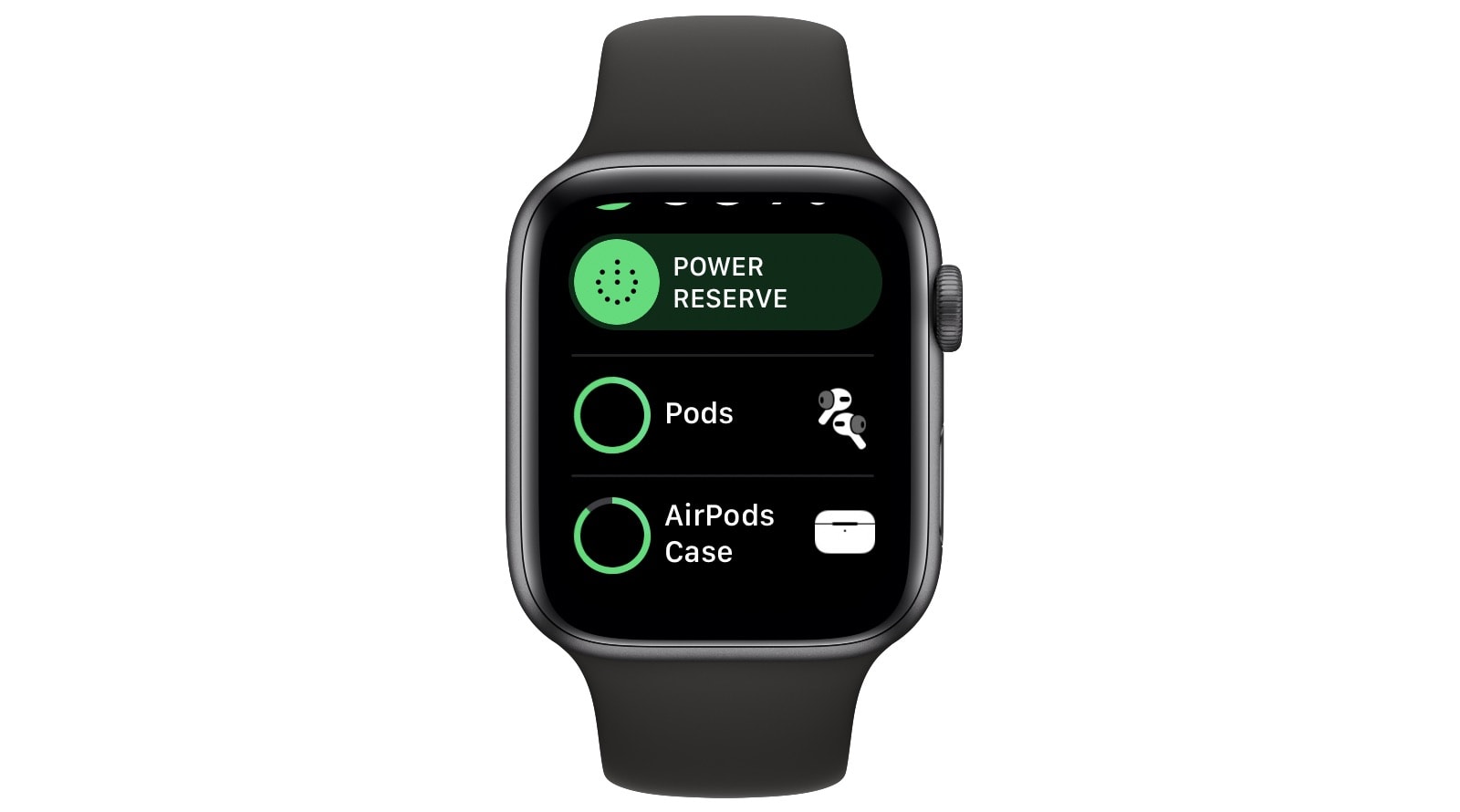
The Apple Watch can tell you about the batteries in your AirPods. Photo: Cult of Mac
There are several ways to check the remaining battery life on your AirPods and AirPods Pro. You can flip open the AirPods’ case, and wave it near your iPhone or iPad to see a pop up battery screen. Or, if the AirPods are currently connected to your iPhone, you can swipe to the batter widget in the Today widget screen. But did you also know that you can check your AirPods’ battery from your Apple Watch?
A lawsuit from plaintiffs from the Democratic Republic of Congo claims that Apple is among the companies willfully exploiting the use of underage labor for cobalt mining for lithium-ion batteries.
It claims that “young children” are being forced to work full time dangerous mining jobs. They are “regularly maimed and killed” by hazards such as tunnel collapses.
My Apple Watch Series 5 gets seriously good battery life. I can easily get 24 hours out of it, but I don’t really stress it by doing multiple daily workouts or by streaming audio directly to Bluetooth headphones. But what if your watch has trouble lasting the whole day? Or if you’re traveling, and not able to just stop and charge the watch whenever it needs a quick boost?
Today, we’ll check three settings that can prolong your Apple Watch battery life.
It could be one of many new faces. Photo: Ian Fuchs/Cult of Mac
Apple’s recent watchOS 6 upgrade brought a host of new features and faces to Apple Watch. But it has also had a nasty impact on battery life for lots of upgraders.
Apple Watch Series 5 owners are reporting that their new wearable isn’t lasting as long as Apple promised it would in between charges. However, they’re not the only ones who are suffering.
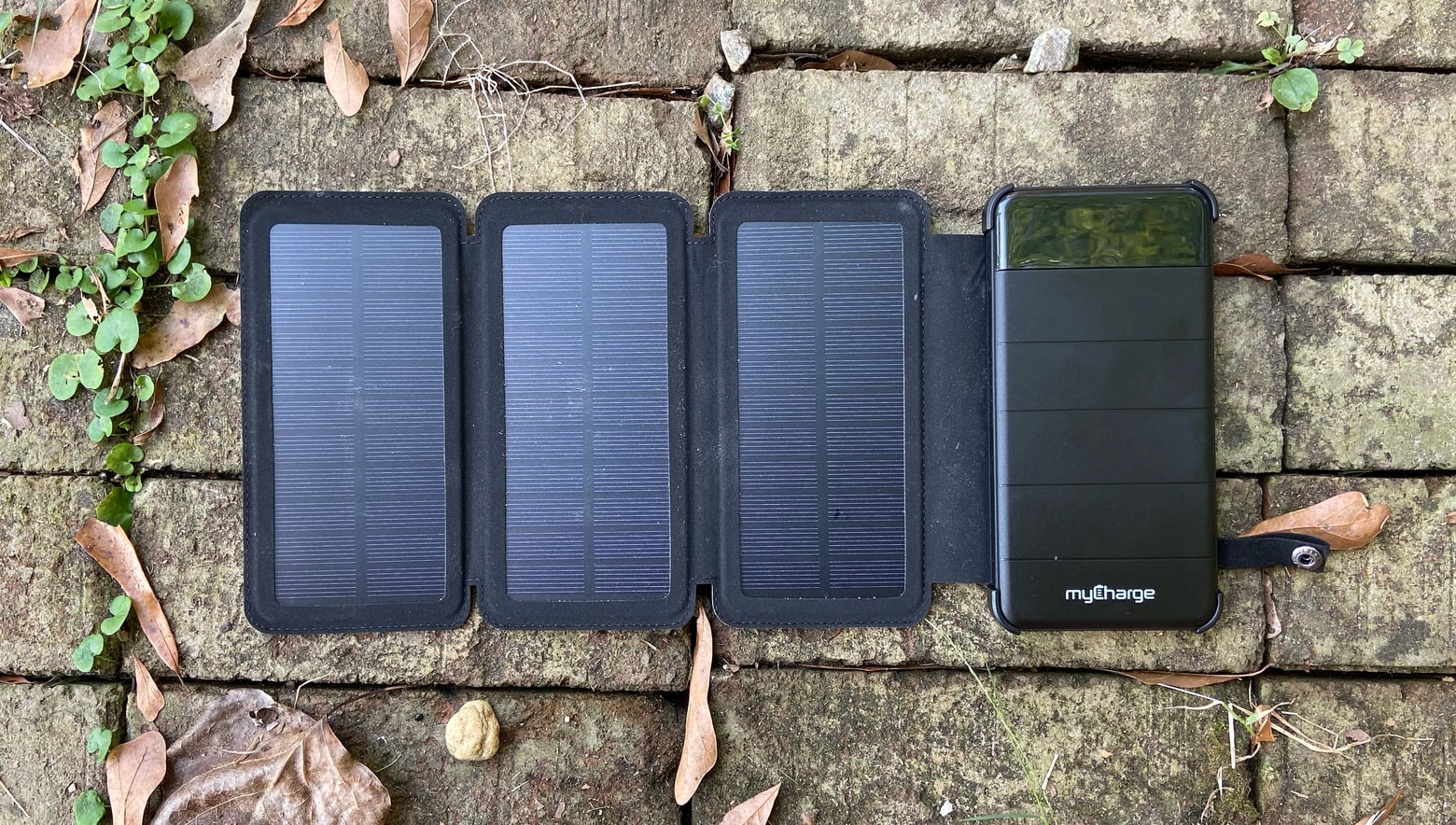
Put the Solar PowerFold in the Sun for a few hours to bring a useful charge to your iPhone. Photo: Ed Hardy/Cult of Mac
A solar-powered battery should be part of any disaster-preparedness kit, and the myCharge Solar PowerFold can keep an iPhone up and running just by sitting in the sun for a few hours.
We tested the ability of this very portable device to capture the thermonuclear power of our nearest star. Here’s how it went.
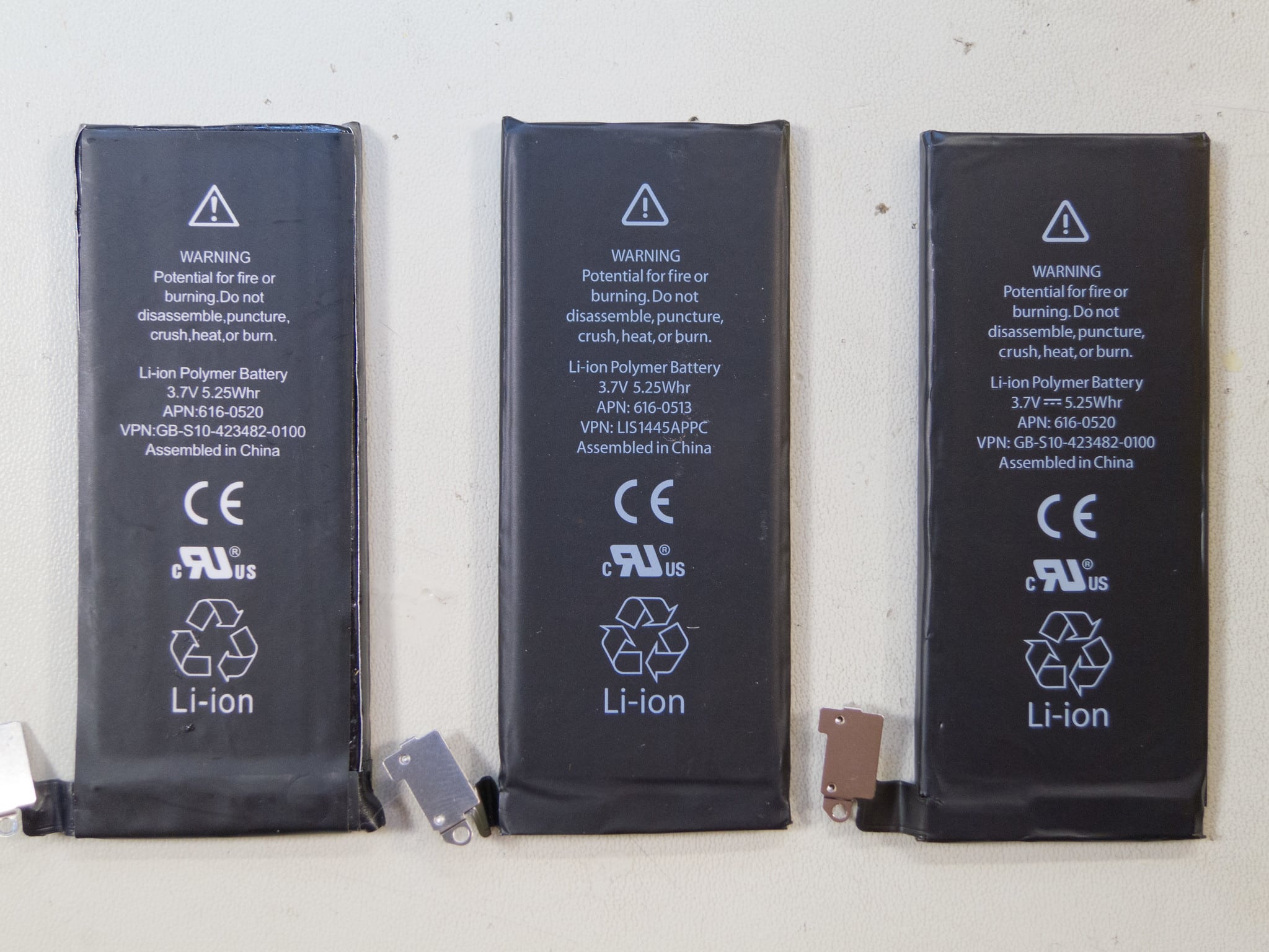
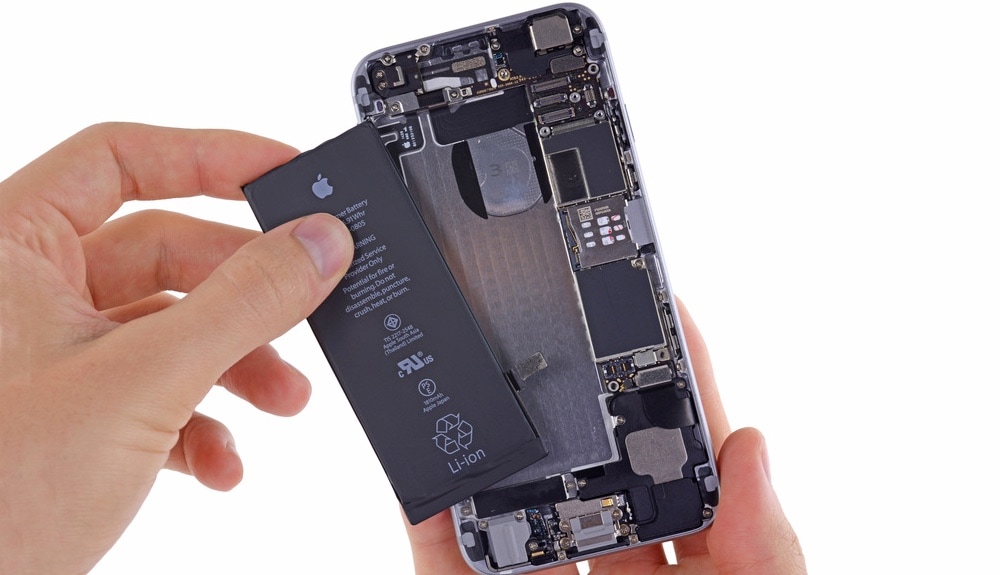
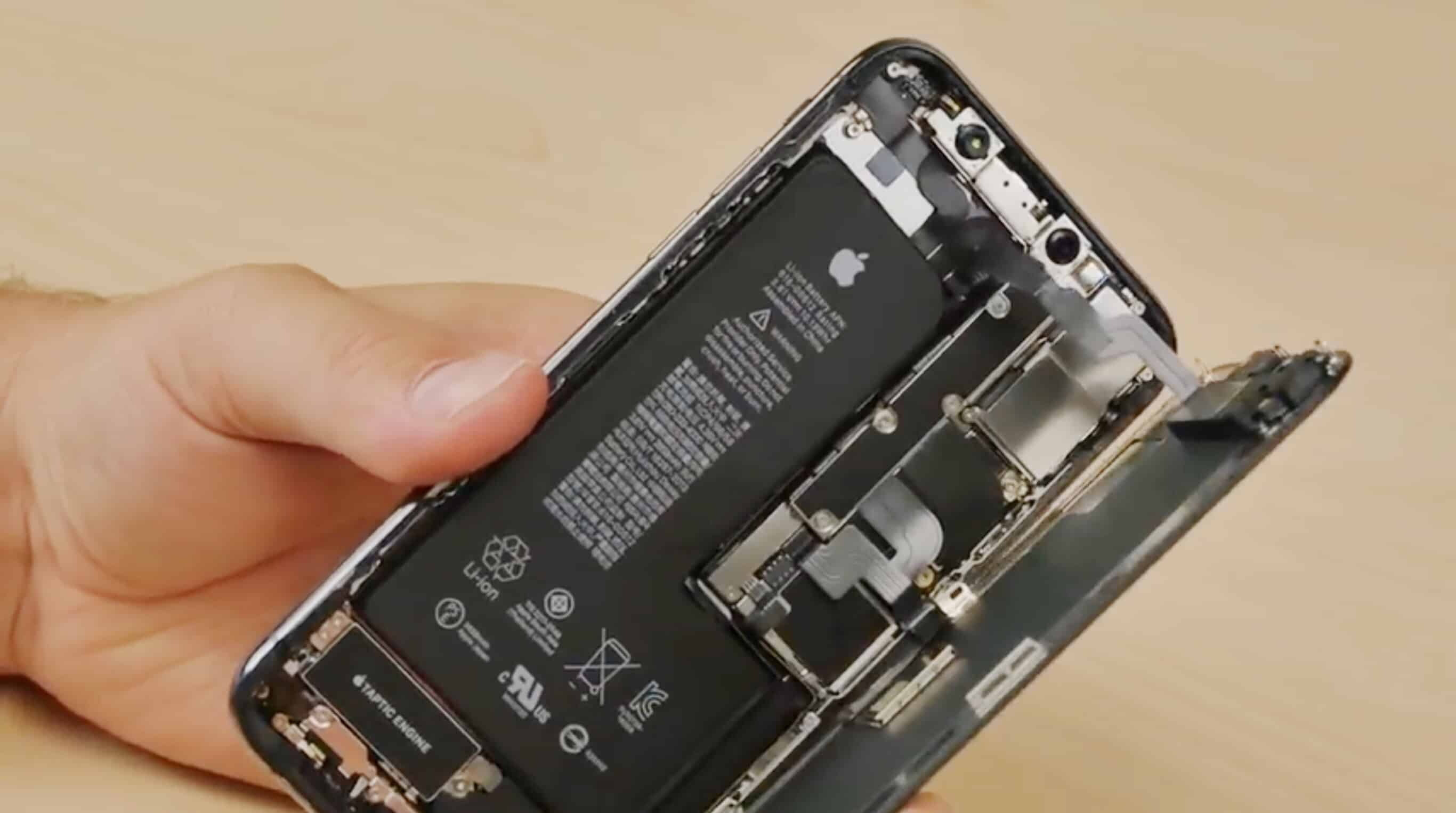
Be careful on who you let replace your iPhone battery. Photo: iFixIt
Apple confirmed it added a new “feature” to iPhones last year that displays an ominous warning when users get their battery replaced by an unauthorized service provider.
The iPhone-maker drew heavy criticism from right-to-repair advocates last week when the news of the new battery warnings surfaced. Facing claims that it is trying to funnel customers toward more expensive battery repairs, Apple has finally come out with a statement insisting that the change was made with the safety of customers in mind, but not everyone’s buying it.
You'll need to get your iPhone battery replacement carried out by one of Apple's chosen repairers. Photo: Kristal Chan/Cult of Mac
Apple has long been trying to push users to shun third-party repairers and go through Apple for device repairs. Now it’s activated a previously dormant software lock on iPhone to try and crack down on battery replacements by third-party repairers.
That’s even the case if they’re replacing your battery with an official Apple battery.
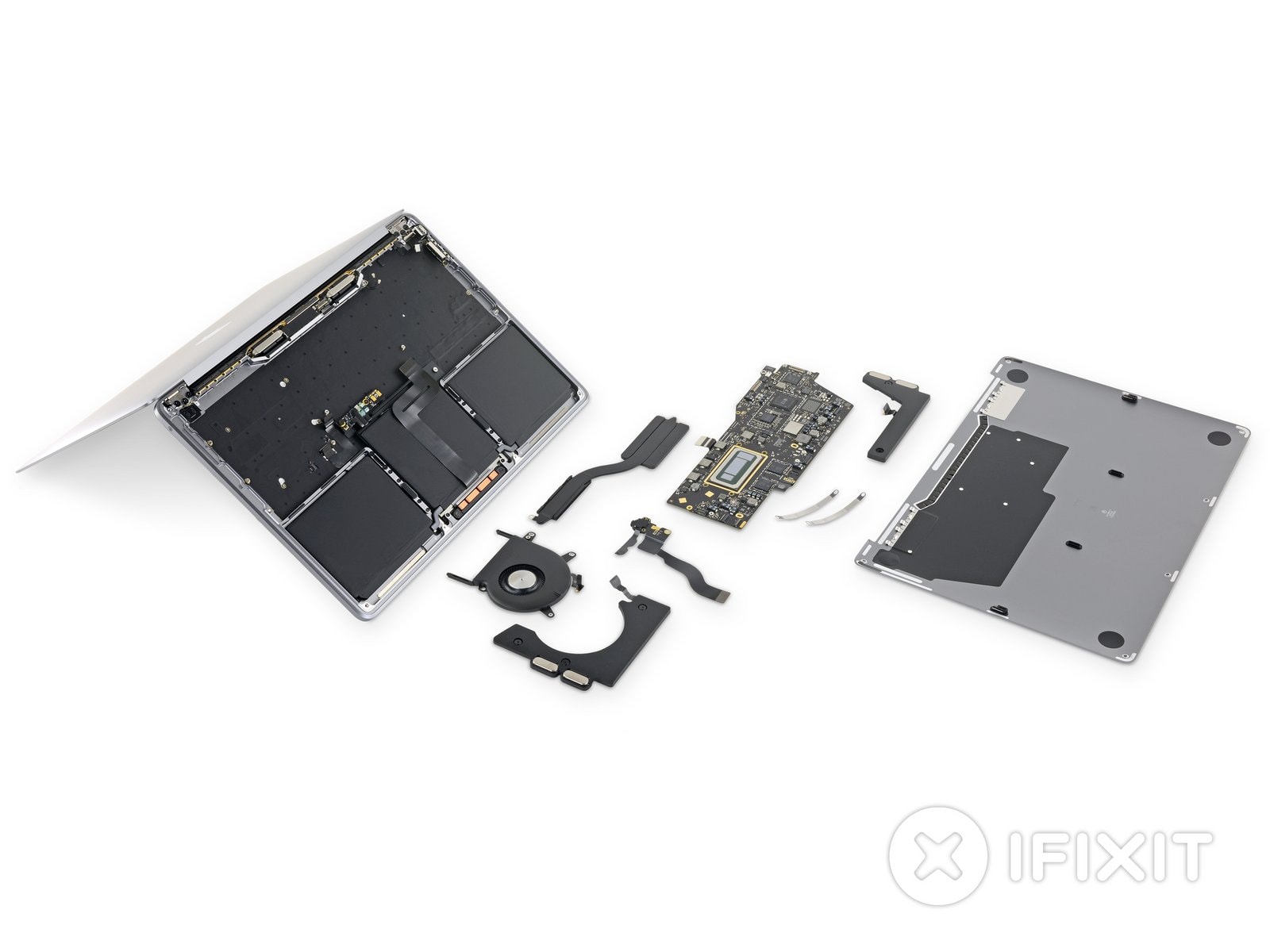
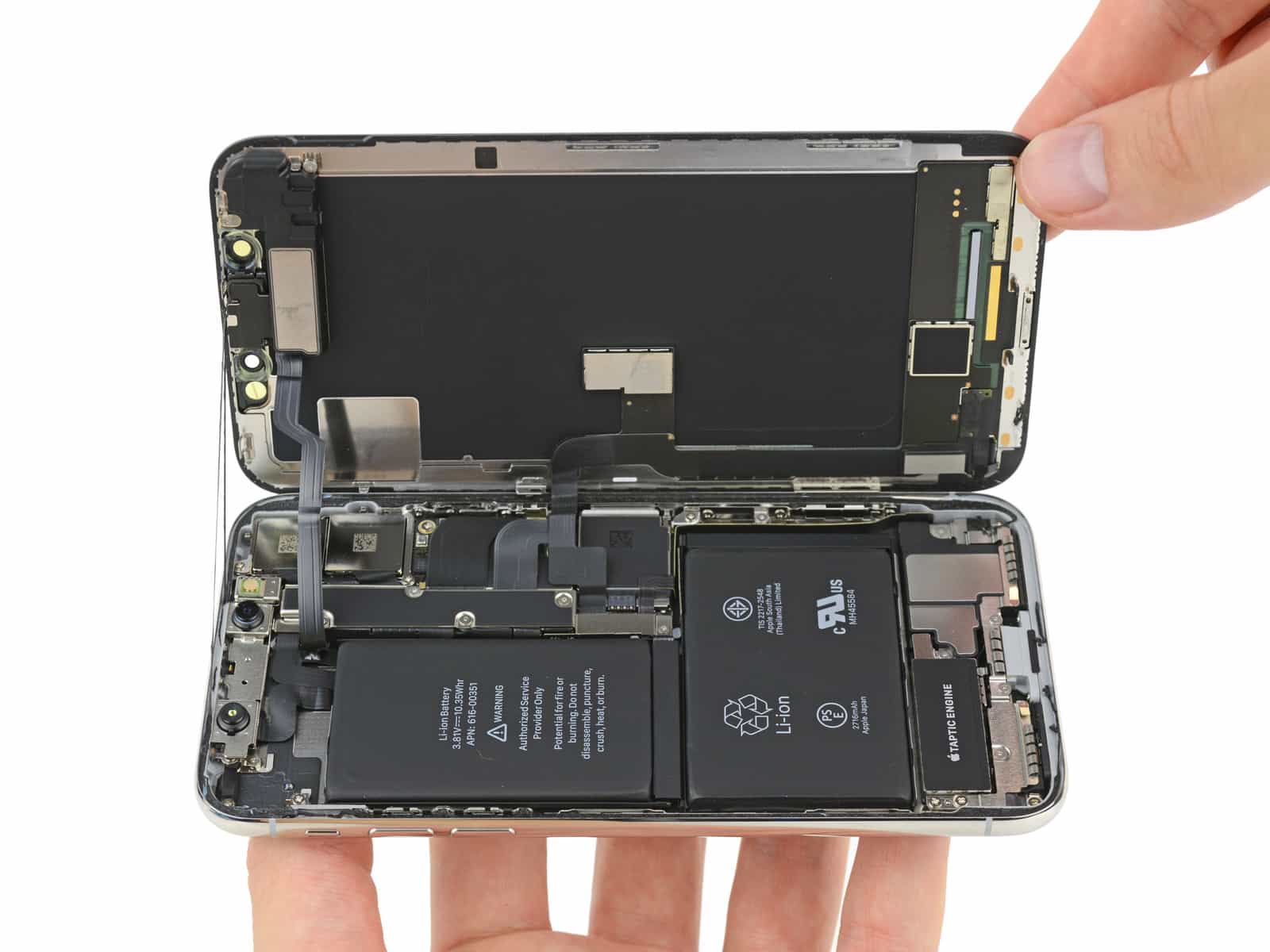
Here’s what’s inside the new 13-inch MacBook Pro. Photo: iFixit
iFixit just got its hands on Apple’s newest 13-inch MacBook Pro, which can only mean one thing: It’s time to take a look at what’s inside its svelte aluminum shell.
The new model ships with a Touch Bar, Touch ID, and the Apple T2 Security Chip as standard. It also boasts newer Intel chips that promise up to 83% faster multi-core performance.
But that’s not all you get for your money. There’s a bigger battery inside it, too — plus some other surprising tweaks. And not every change is a good one.
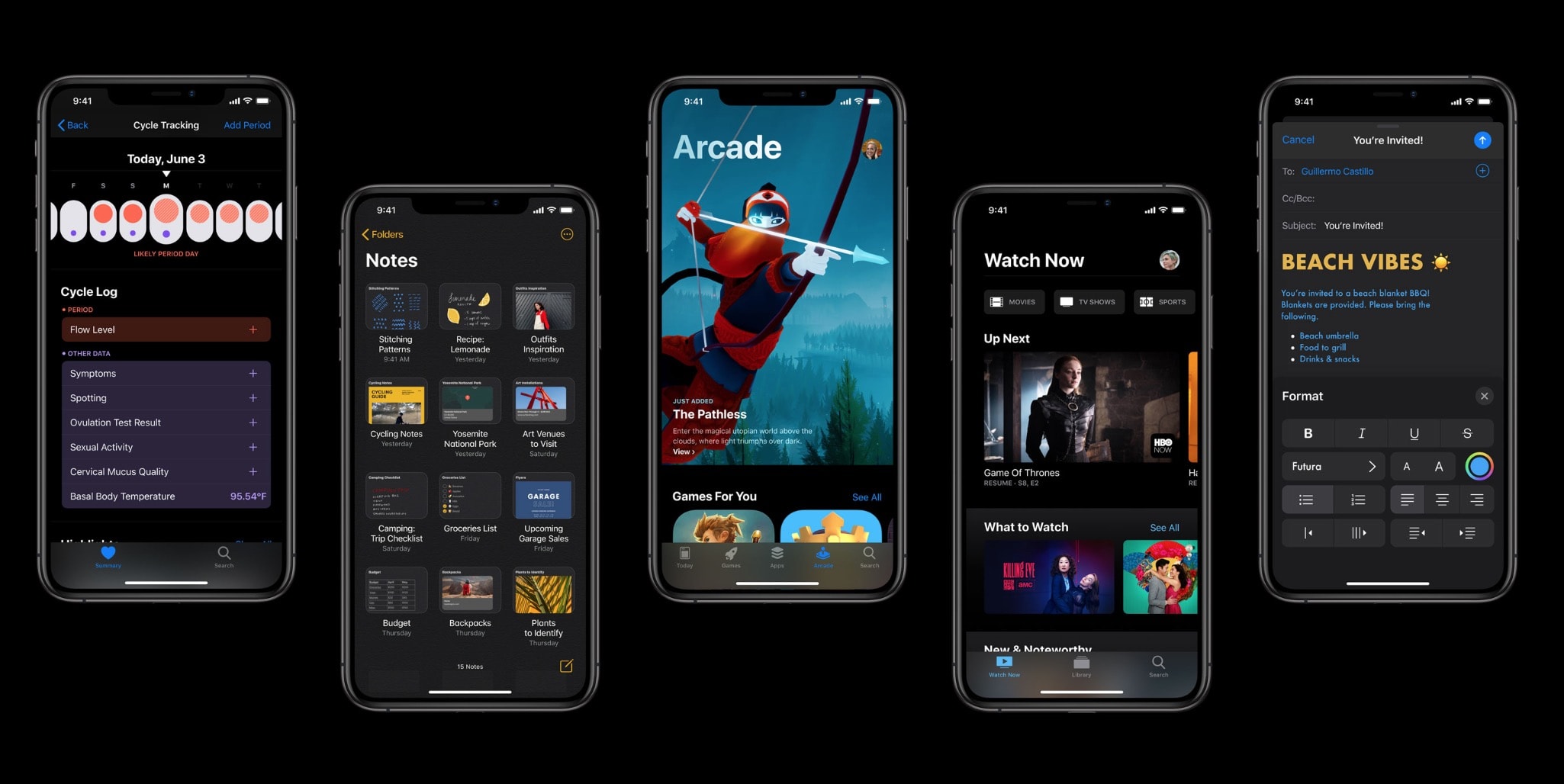
iOS 13 could help keep your iPhone battery from aging too quickly due to overcharging, thanks to a new feature hidden away in the raft of new updates.
Apple came under fire for lowering CPU speeds on iPhones with older batteries during the end of 2017. $29 battery replacements were offered as an apology. Now it appears that Apple has come up with another novel solution to ease battery woes.
Apple's offer has ended, but iFixit's one continues. Photo: iFixIt
Apple’s cheap battery replacement program might have come to an end, but the folks over at iFixit have extended their own $29.99 replacement program for the rest of 2019.
The company’s kits provide everything you need to replace the battery for your iPhone, with batteries available for handsets going all the way back to 2011’s iPhone 4s.
Apple hiring someone to be in charge of battery development is a strong sign future iPhone batteries could be made in-house. Photo: FixjeiPhone
Apple‘s new global head of battery developments is very familiar with these critical components. Most recently, new Apple hire Soonho Ahn served as a vice president at Samsung SDI, a division of the Korean conglomerate that specializes in battery tech.
If Ahn’s new title doesn’t seem familiar, that’s because he appears to be the first person to hold this position at Apple.
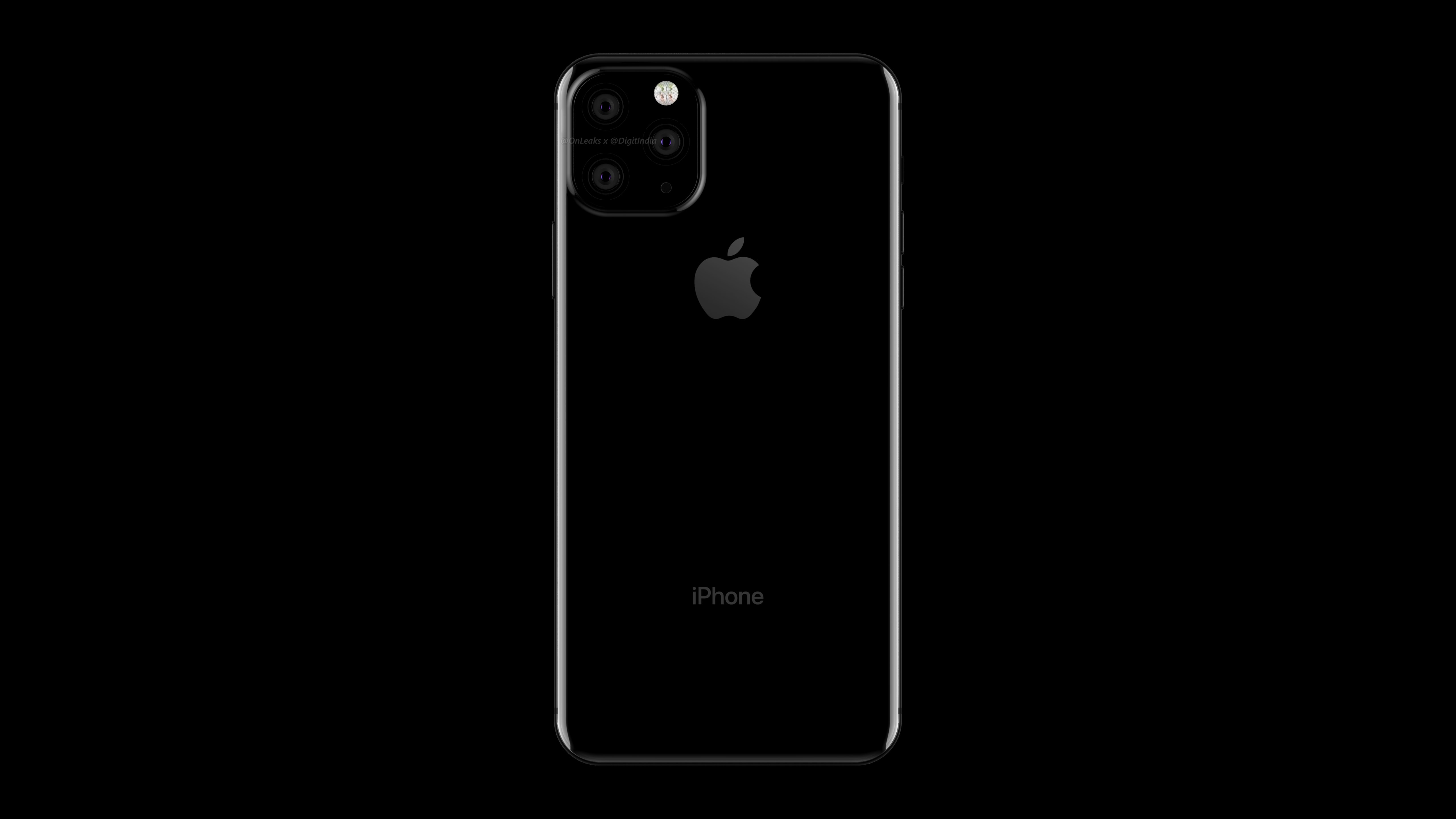
Better cameras, batteries, and more. Render: OnLeaks/Digit.in
This year’s iPhone refresh will bring big upgrades for some of the handset’s most important features, according to a new rumor.
One tipster claims that we can look forward to an even better camera with 3x optical zoom, a bigger battery, faster wireless charging, and a more responsive screen.
Apple's first 5nm chips are expected to ship in iPhone and iPad this year. Photo: iFixit
Apple reportedly replaced a whopping 11 million iPhone batteries last year — 10 times as many as anticipated.
Apple CEO Tim Cook has already cited this as one of the reasons why new iPhone sales are slowing. It is believed the company expected to perform between 1 and 2 million replacements under its heavily-discounted $29 program.
Don't let this happen to you. Photo: Charlie Sorrel/Cult of Mac
Apple’s revenue is hurting this quarter. Part of that is down to China, but part of it is Apple’s own stupid fault. The iPhone is just too damn good.
Unlike most crappy Android junk, which slows down and falls apart almost as soon as you’ve opened the box, the iPhone lasts for years. Even if you, the original owner, replace it after just a couple of years, then it’s likely that you’ll hand it down to a friend of a family member who will enjoy it for a few more.
The iPhone is a great investment, then (for you, if not for share traders) but you can make it last a lot longer. Try these tips to make your iPhone last you for years.
Treat yourself to a new iPhone battery this holidays. Photo: iFixit
Amidst all the holiday festivities, don’t forget that Apple’s $29 battery replacement offering is coming to an end one week from now.
The special offer was announced by Apple as an apology this time last year. It followed stories about the company intentionally slowing down older iPhones. One year on, Apple has taken steps to fix the problem. But you’ve only got until next Monday to take advantage of your cheap battery replacement.
Would you take better battery life over a thinner iPhone? Photo: Jim Merithew/Cult of Mac
Apple’s former “chief evangelist” Guy Kawasaki thinks the company has made a massive mistake by prioritizing sleek smartphone design over improved battery life.
“If Apple introduced a phone that had double the battery life but was also thicker I’d be buying it tomorrow,” he told The Australian Financial Review. “You have to charge your phone at least twice a day, and God forbid you ever forget to do that.”
Battery replacements will be faster, more affordable, and environmentally-friendly. Photo: Apple
Buyers of the new MacBook Air will be pleased to know that it’s much easier to perform a battery replacement.
Apple has glued its battery in place again, but according to a leaked internal document, it will provide authorized repairers with the tools required to remove it so that it can be easily swapped out when necessary.
You should really consider the iPhone XR. Photo: Apple
The first iPhone XR reviews are out just a few days before the handset makes its official debut, and one thing’s clear: This is one of Apple’s best smartphones to date.
Despite being a more affordable alternative to the iPhone XS, the iPhone XR is just as good in many areas, and even better in a few others. It makes some sacrifices to be more affordable, but it certainly lives up to the promises where it counts.