Lewis Wallace is the managing editor of Cult of Mac and author of our weekly newsletter, The Weekender.
He's a San Francisco-based writer and editor specializing in technology and culture. He loves his iPhone, hates Siri, and appreciates any hardware that combines form and function.
Prior to Cult of Mac, he juggled words and ideas as culture editor at Wired.com, homepage editor at TechTV, news product manager at NBCi, copy editor at PC World, reporter at The (Hayward) Daily Review and editor in chief of EveryBody's News in Cincinnati.
He earned a bachelor of general studies degree with a journalism certificate from the University of Cincinnati. While in school, he worked as the entertainment editor of The News Record and as editor in chief of Clifton Magazine.
Prep your credit card for maximum impact. Photo: Apple
Hey, big spender. Act fast and you can snag a refurbished 28-core Mac Pro — for just $43,859.
It’s totally tricked out, so it’s the most expensive Mac Pro currently in Apple’s refurb store. Grab your credit card, and it can be sitting on your desk by Wednesday!
Over the years, Apple designers came up with plenty of ingenious iMac designs. Cover: Leander Kahney/Cult of Mac
Which iMac design stands as the best ever? Apple has unleashed some pretty radical revisions to its all-in-one computer over the years, and we ranked them all.
Find out which iMac came out on top in this week’s free issue of Cult of Mac Magazine. You can download it now from the iOS App Store. It’s stuffed with the latest Apple news, reviews and how-tos (plus some cool new Apple concepts). Or you can read the week’s top stories in the link roundups below.
There's an art to spoiling Apple's biggest secrets.
Jon Prosser is the hot new Apple reporter on the scene. On Twitter and his Front Page Tech channel on YouTube, he delivers Apple scoops with a healthy side helping of humor. So, is Prosser the new Mark Gurman?
Read our take in this week’s issue of Cult of Mac Magazine. As always, the free iOS mag is filled with Apple news, reviews and how-tos.
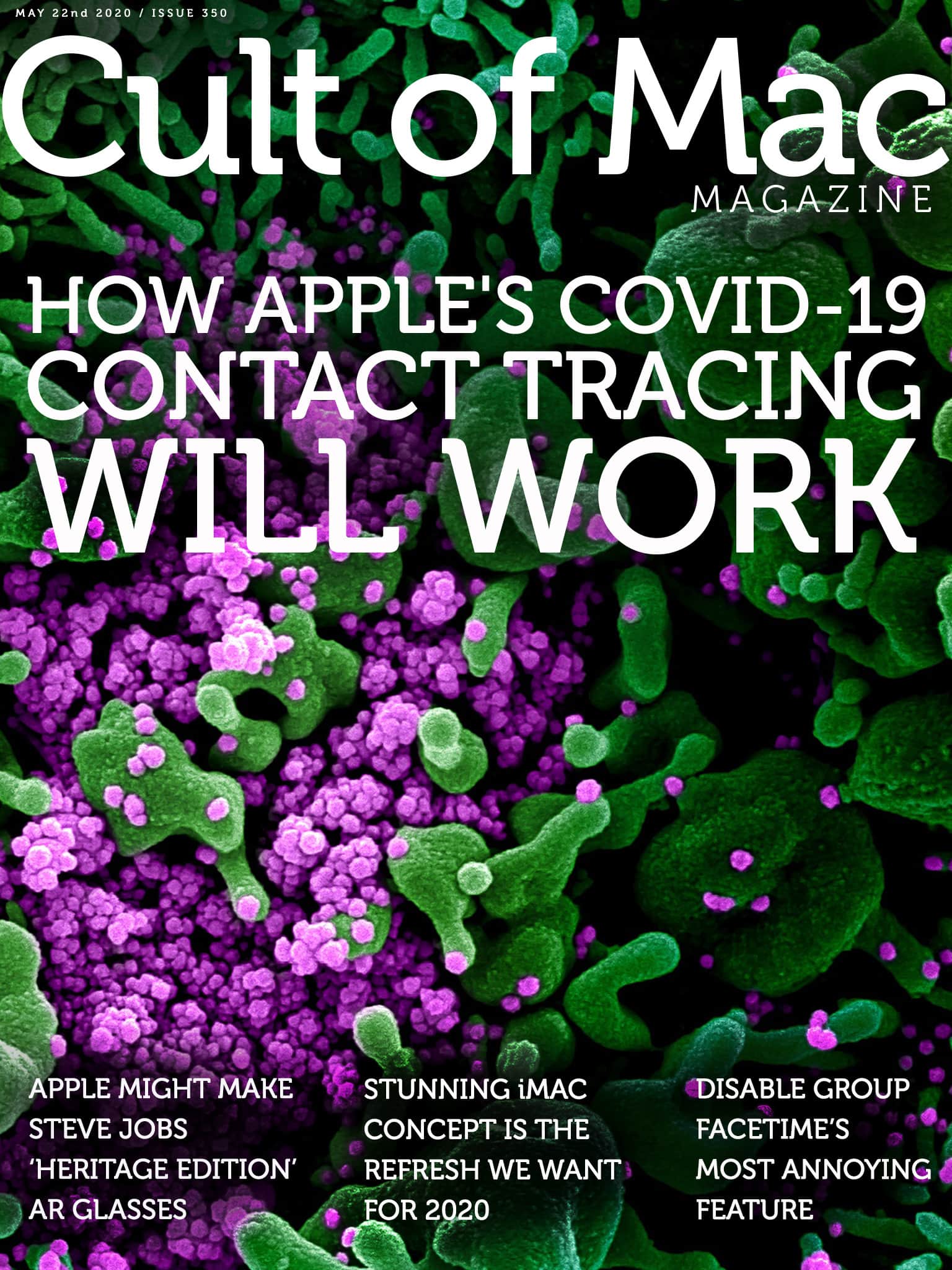
Here's how Apple's COVID-19 contact-tracing system works. Cover: Leander Kahney/Cult of Mac
When Apple released iOS 13.5 this week, it paved the way for privacy-focused contact-tracing apps to fight COVID-19. However, these apps don’t yet exist. And, despite some panicked reports online, your iPhone isn’t going to start snooping on you as soon as you upgrade your operating system.
Elsewhere in the free iOS mag, you’ll get the scoop on our podcast interview with Jon Prosser, the Apple leaker who’s making headlines. Plus, the usual Apple news, reviews and how-tos. Download it now and get to reading, or get the stories in the links below.
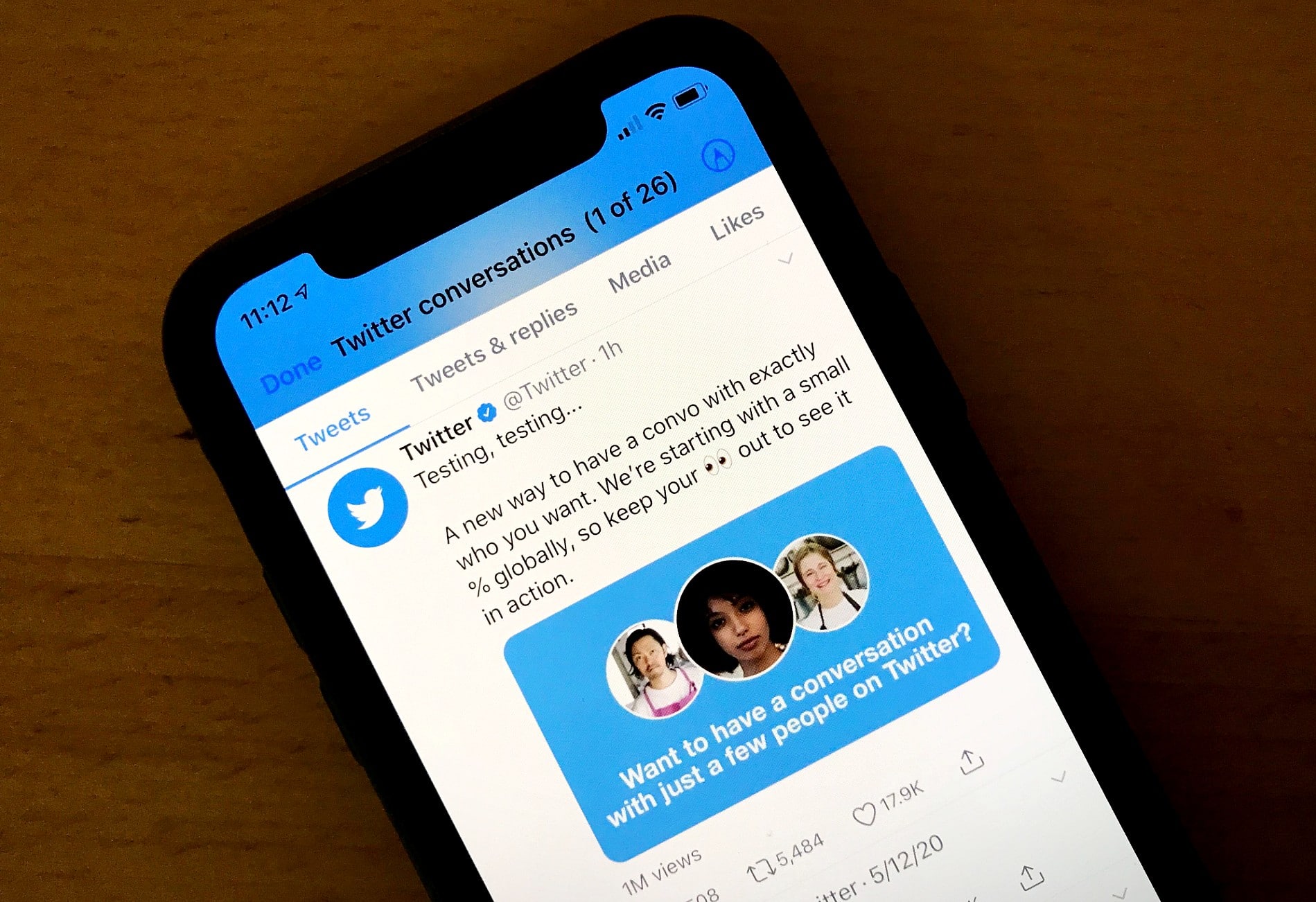
Imagine a Twitter where only specified people can reply to a given tweet. Photo: Lewis Wallace/Cult of Mac
Twitter is expanding testing of a new feature that lets users specify exactly who can reply to their tweets. The new conversation settings, which Twitter said Wednesday it is rolling out to a small percentage of users, lets people limit replies to people they follow or to certain individuals.
It’s Twitter’s latest attempt to tame toxic conversations on the free-wheeling platform. (As you might expect, not everyone is thrilled with the concept.)
This week’s issue also includes plenty of other tips and how-tos to help you get the most out of your Apple devices. Plus, you’ll get some juicy Apple news and rumors, including a report on a total Newton nerdfest attended by Apple co-founder Steve Wozniak himself.
The Handmaid's Tale centers on Offred (played by Elisabeth Moss). Photo: George Kraychyk/Hulu
If you thought life during COVID-19 lockdown seems awful, trust me — it’s got nothing on Gilead. That’s the fictional setting of The Handmaid’s Tale, a riveting dystopian TV show that’s racked up awards for Hulu since its 2017 debut on the streaming service.
I’ve burned my way through the first season, and I can’t take my eyes off this terrifying vision of a perverted future.
These are the apps and updates that caught our eye this week. Image: Cult of Mac
We got a pair of welcome new diversions this week: Hugely popular racing game Forza Street finally roared onto iOS, and a great Lego Star Wars title got a long-overdue update.
But we also got more-serious new apps and updates. New political app Moxy gives you information and tools to keep you engaged in current events. And a couple of essential iOS productivity tools got some handy new features.
Get all the details in our weekly roundup of the best new and updated apps.
Why so seriously slow? Adding Dark Mode is no cakewalk. Cover: Leander Kahney/Cult of Mac
If your favorite apps don’t yet support Dark Mode, there’s a good reason. Making their apps work with Dark Mode can be a total pain in the butt for devs.
Get an inside look at the travails of adding this popular feature in this week’s free issue of Cult of Mac Magazine. Download it now for that story, plus the rest of the week’s top Apple news, reviews and how-tos. (There’s plenty on the new 13-inch MacBook Pro, too.)
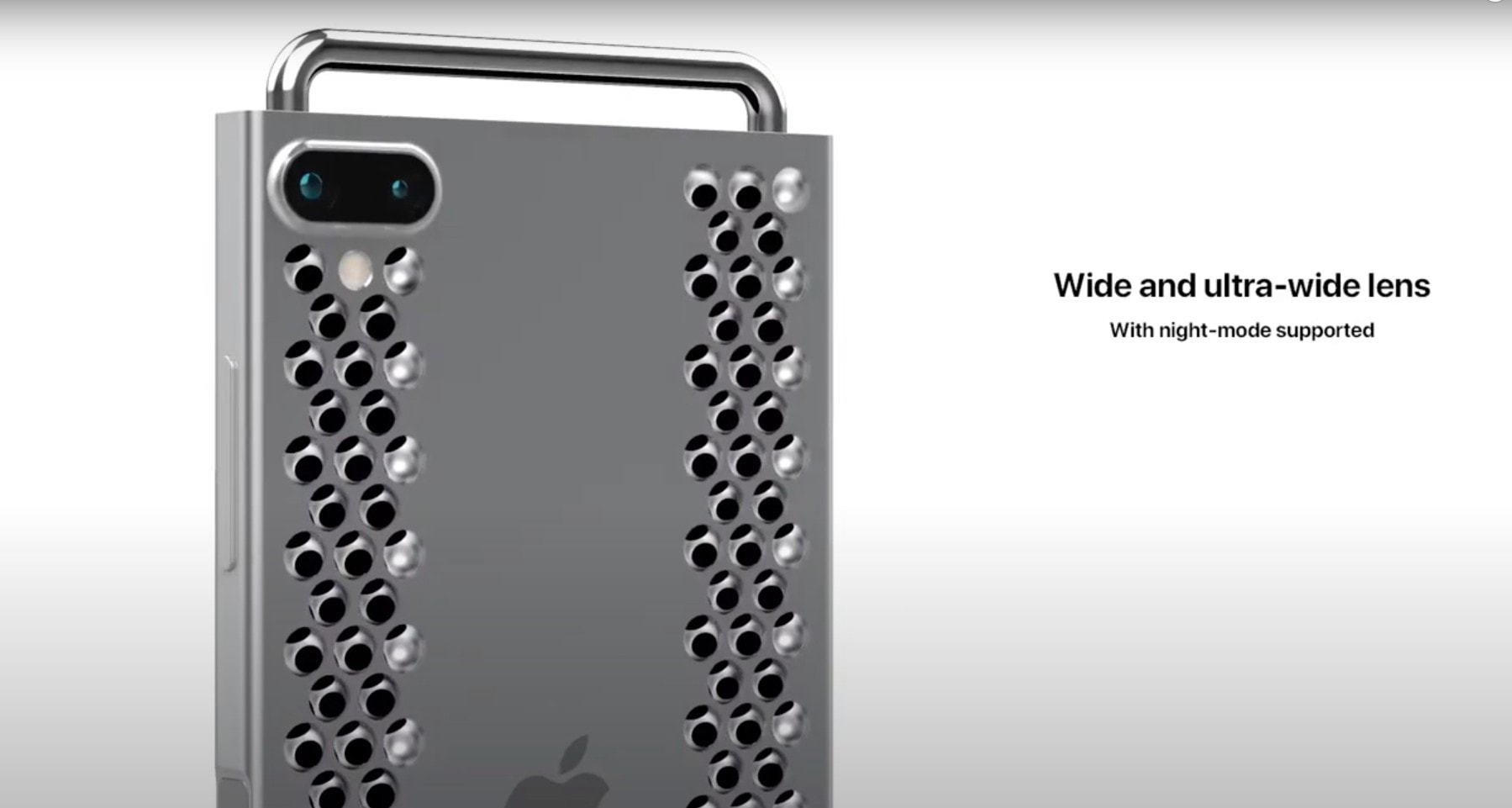
Apple’s never going to bring the Mac Pro’s cheese-grater design to iPhone, but that doesn’t mean we can’t get a laugh out of the idea. A cheeky new iPhone 12 XDR Pro concept video shows just how ridiculous that would look.
It’s short, it’s sweet … and it’s the craziest iPhone concept we’ve seen in a while.
Level Lock takes a stealth approach to HomeKit. Photo: Level Home
A new “invisible” HomeKit-compatible lock means you won’t need to sacrifice fancy door hardware to get smart lock functionality. Level Lock replaces your existing deadbolt’s guts, hiding seamlessly inside your door.
It’s an innovative approach to smart lock design. That’s not too surprising, though, considering Level Home was founded by a couple of ex-Apple employees.
This week's issue will look great on your iPad Pro. Trust us. Cover: Leander Kahney/Cult of Mac
We love the new Magic Keyboard, which adds a trackpad and lets an iPad Pro float almost magically. Read the full Magic Keyboard review and find out everything we like (and a couple things that could be better).
Plus, we’ve got even more reviews, the week’s top Apple news, and a bunch of great how-tos and pro tips. Download the free iOS mag now or get the links below.
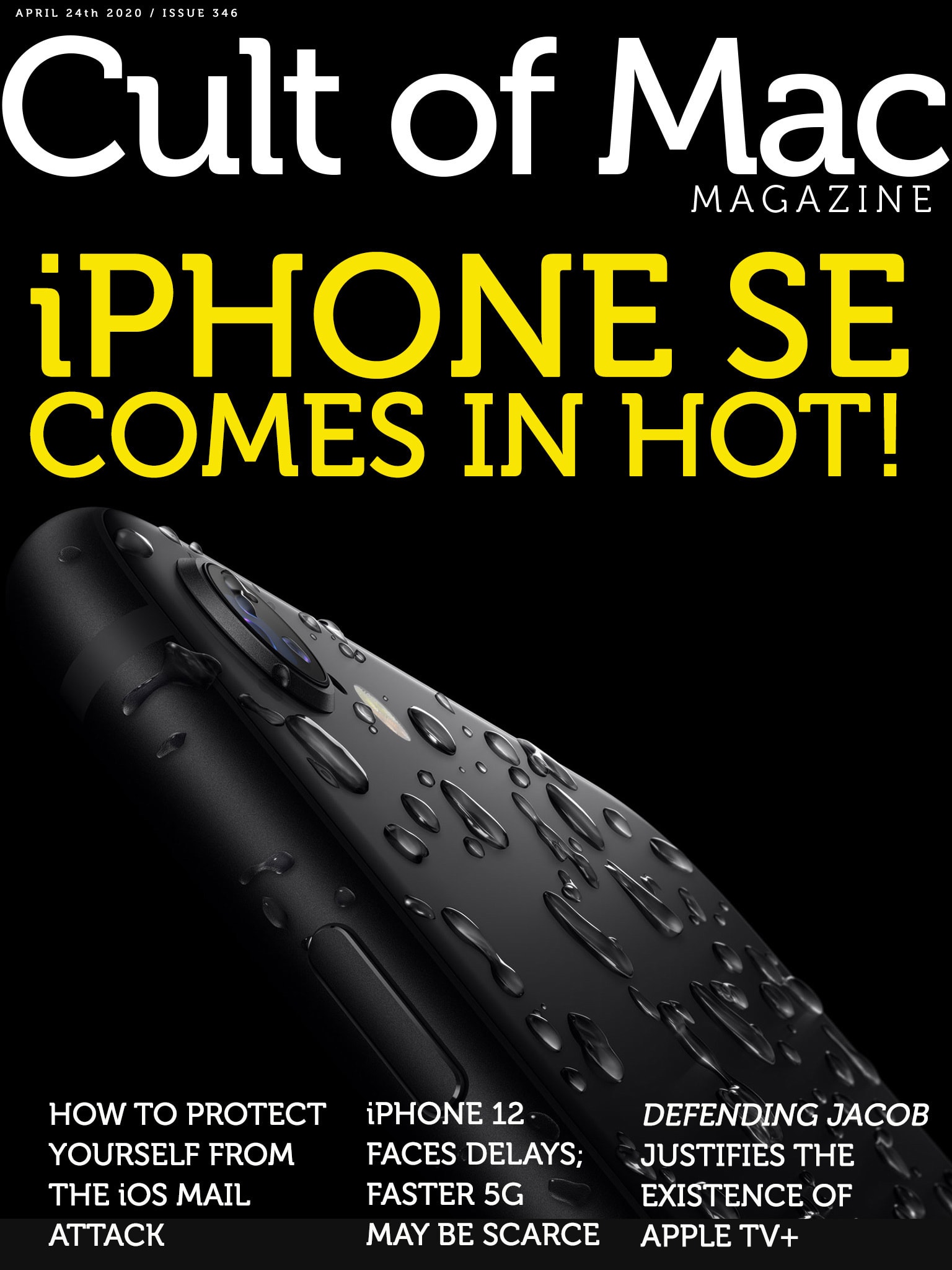
Meanwhile, the iPhone 12 faces delays due to the worldwide COVID-19 shutdown. Get those stories and more in this week’s free issue of Cult of Mac Magazine. Download the app now for a smooth read on your iOS device of choice. Or hit the links below for the week’s top Apple news, reviews and how-tos.
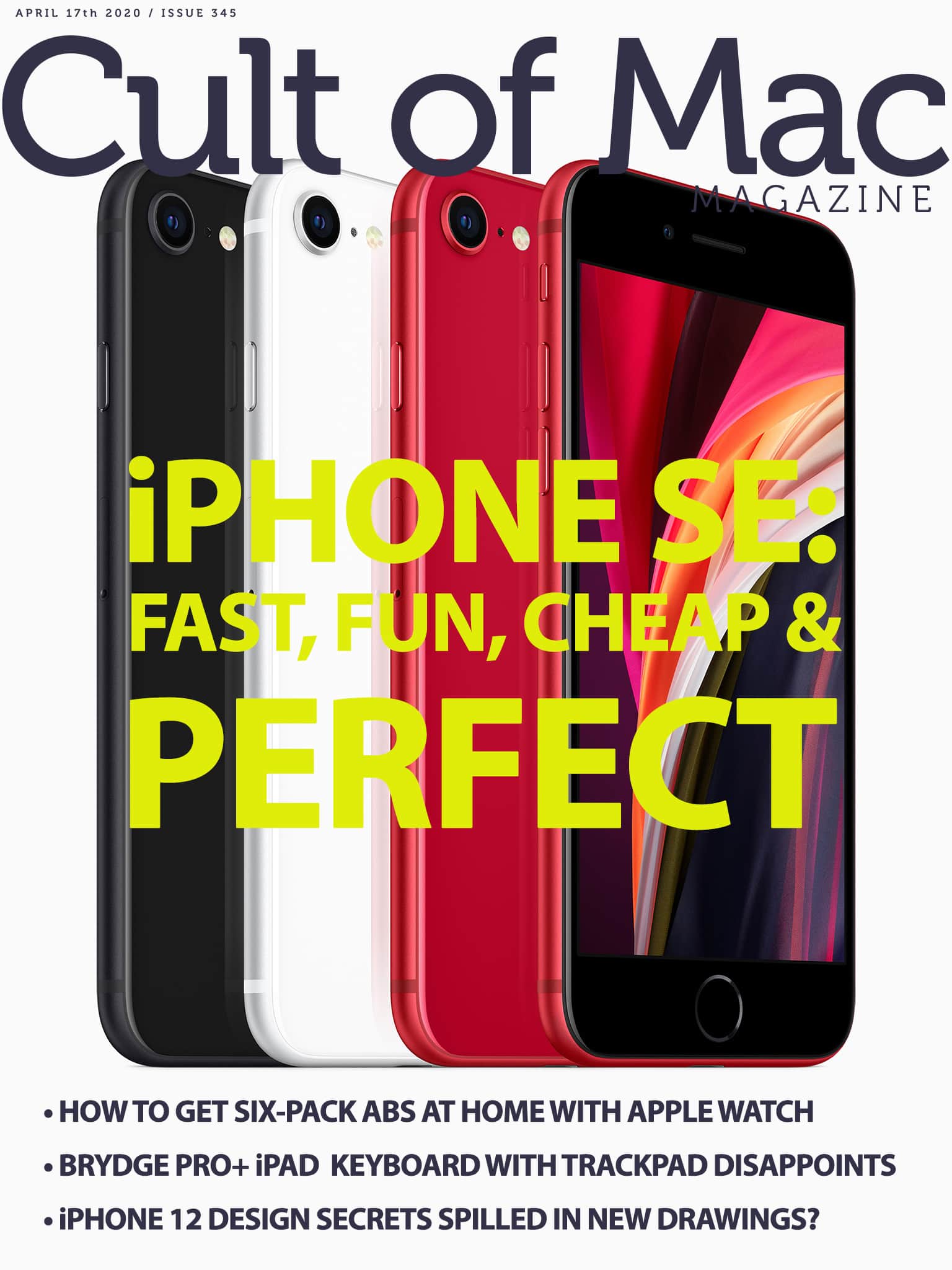
Apple threads the needle with its new budget iPhone. Cover: Leander Kahney/Cult of Mac
With screaming-fast internals, key flagship-level features and a budget price tag, the new iPhone SE ticks all the boxes in these uncertain times. Apple cut a few smart corners to make the magic happen.
Read all about the 2020 iPhone SE in this week’s free issue of Cult of Mac Magazine. Grab yours today and get to reading. (Alternatively, hit the links below for the week’s top Apple news, reviews and how-tos.)
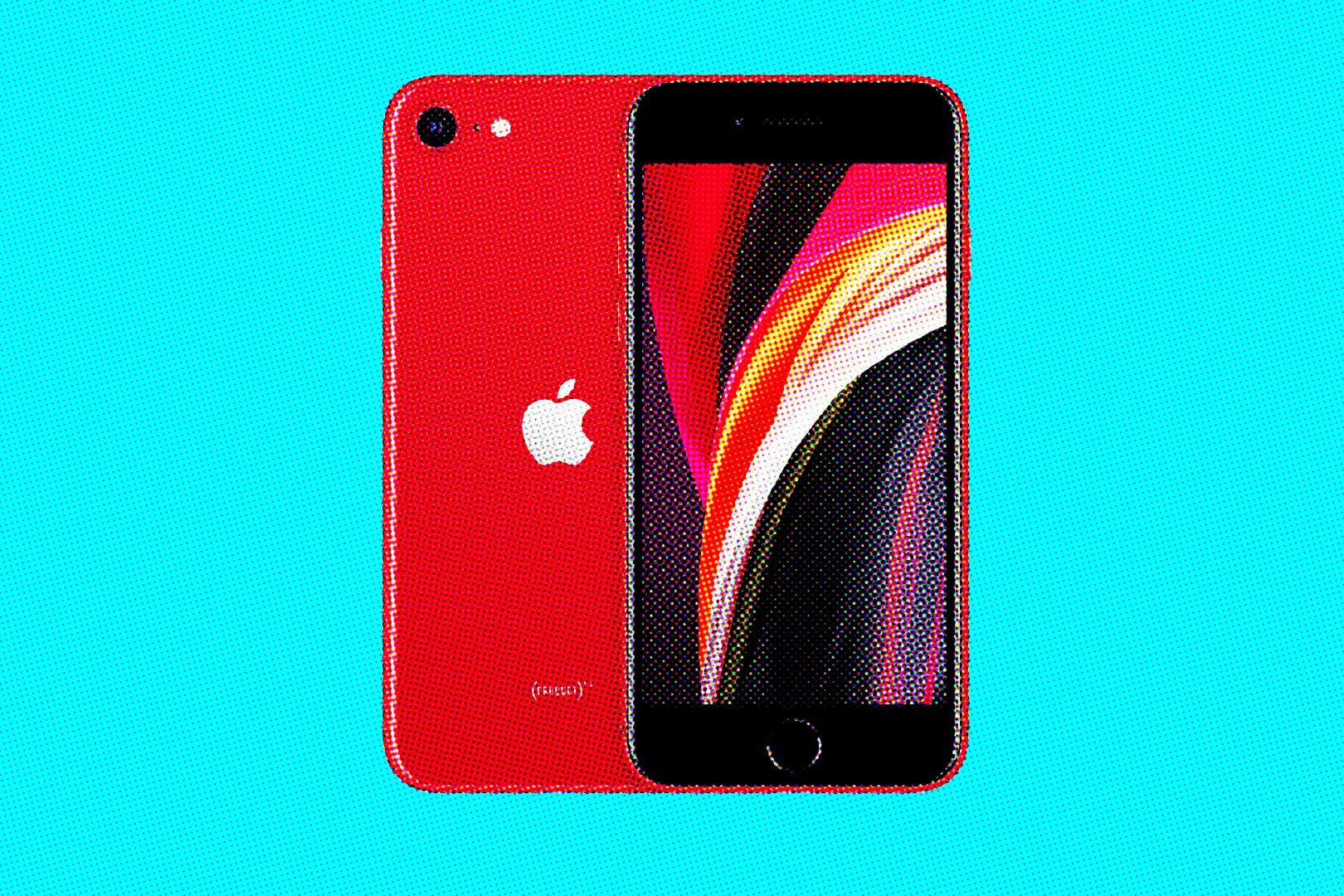
The 2020 iPhone SE seems perfect for the times. Image: Killian Bell/Cult of Mac
Talk about good timing. Apple unleashed its new budget-priced iPhone SE successor Wednesday, smack in the middle of a worldwide health crisis that’s wreaking havoc on health care, economies and behavioral norms.
With flagship-level specs packed into a familiar design — and priced at just $399 — the 2020 iPhone SE is the perfect iPhone for the current pandemic. It delivers tons of features we can all use during this rotten time, with a price tag that’s totally appropriate.
Just exactly what kind of tool(s) do you need? Cover: Leander Kahney/Cult of Mac
If you’re asking whether the iPad Pro is a laptop replacement, you’re asking the wrong question. Apple’s tablet is more like a Swiss Army knife that can tackle tasks that a MacBook can never master.
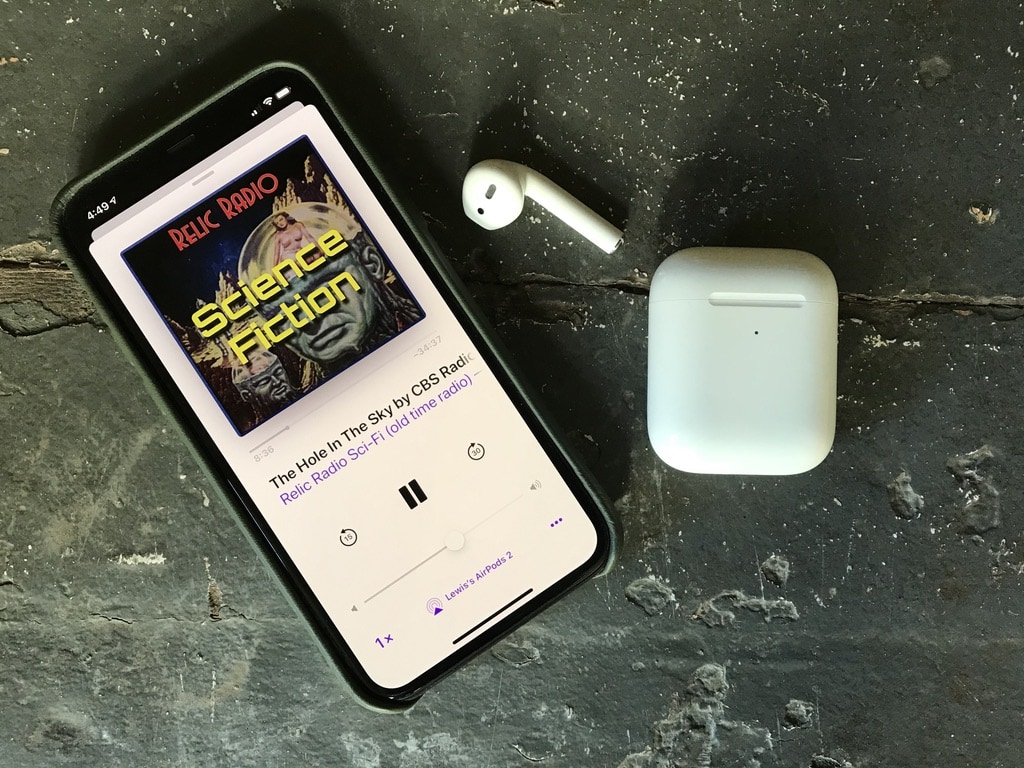
Vintage radio podcasts are perfect for taking your mind off the coronavirus pandemic. Photo: Lewis Wallace/Cult of Mac
The nonstop onslaught of coronavirus news is making me a little crazy. Headlines asides, COVID-19-related content even infects the stream of shows in my Podcasts app. To ease my coronapanic, lately I’ve been binging on something a lot more relaxing: vintage radio podcasts from Relic Radio.
Served up through a variety of free podcasts, these old-time radio dramas really help take my mind off the rapidly unfolding COVID-19 horror show.
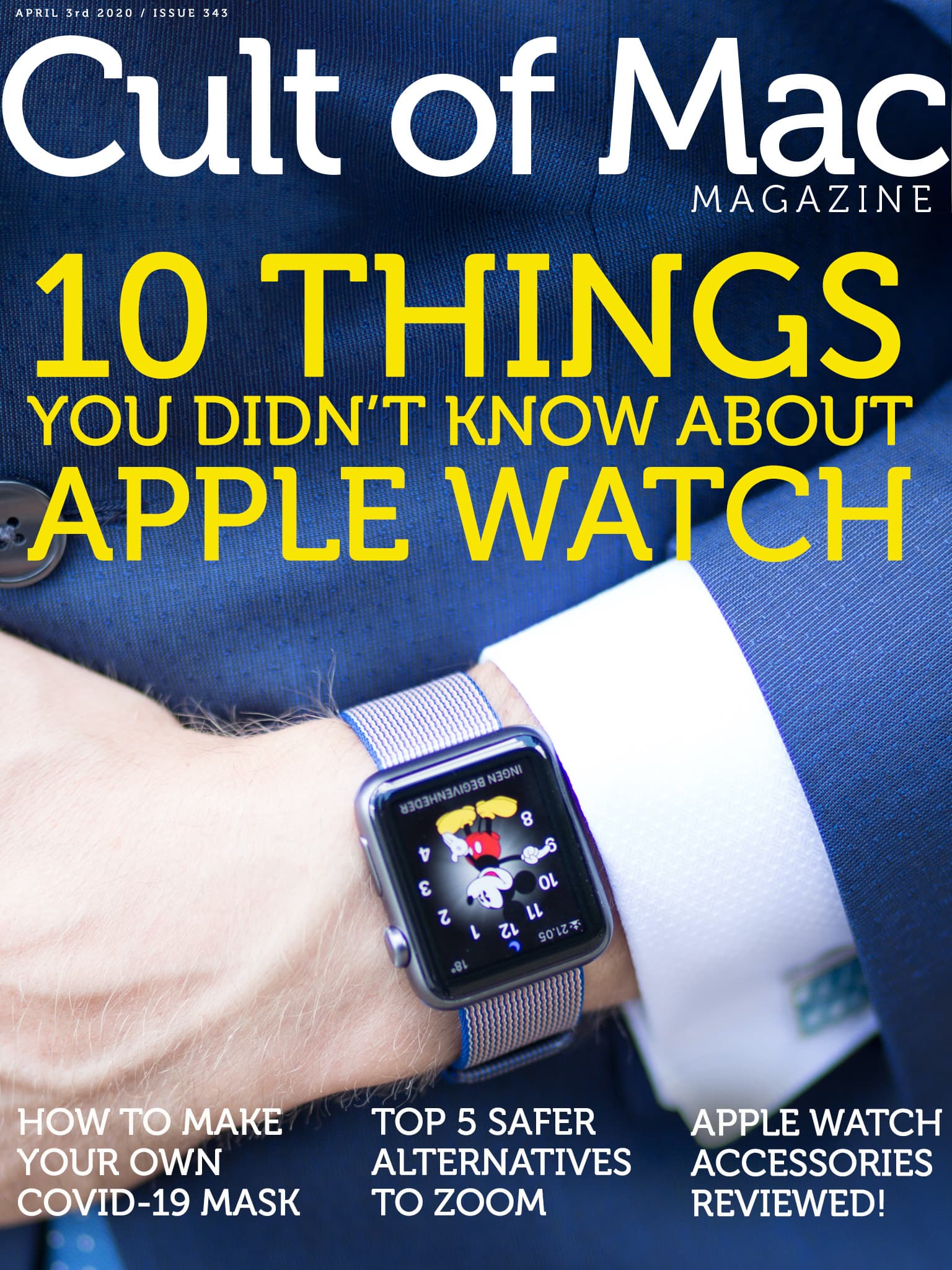
If you must dwell on COVID-19, how about a timely how-to? Learn how to make your own DIY mask (thanks to clever instructions from a legendary Apple coder). Get the low-down on that project as well as more Apple news, how-tos and reviews in this week’s free issue of Cult of Mac Magazine.
Download it from the iOS App Store now. Or get the week’s top stories below.
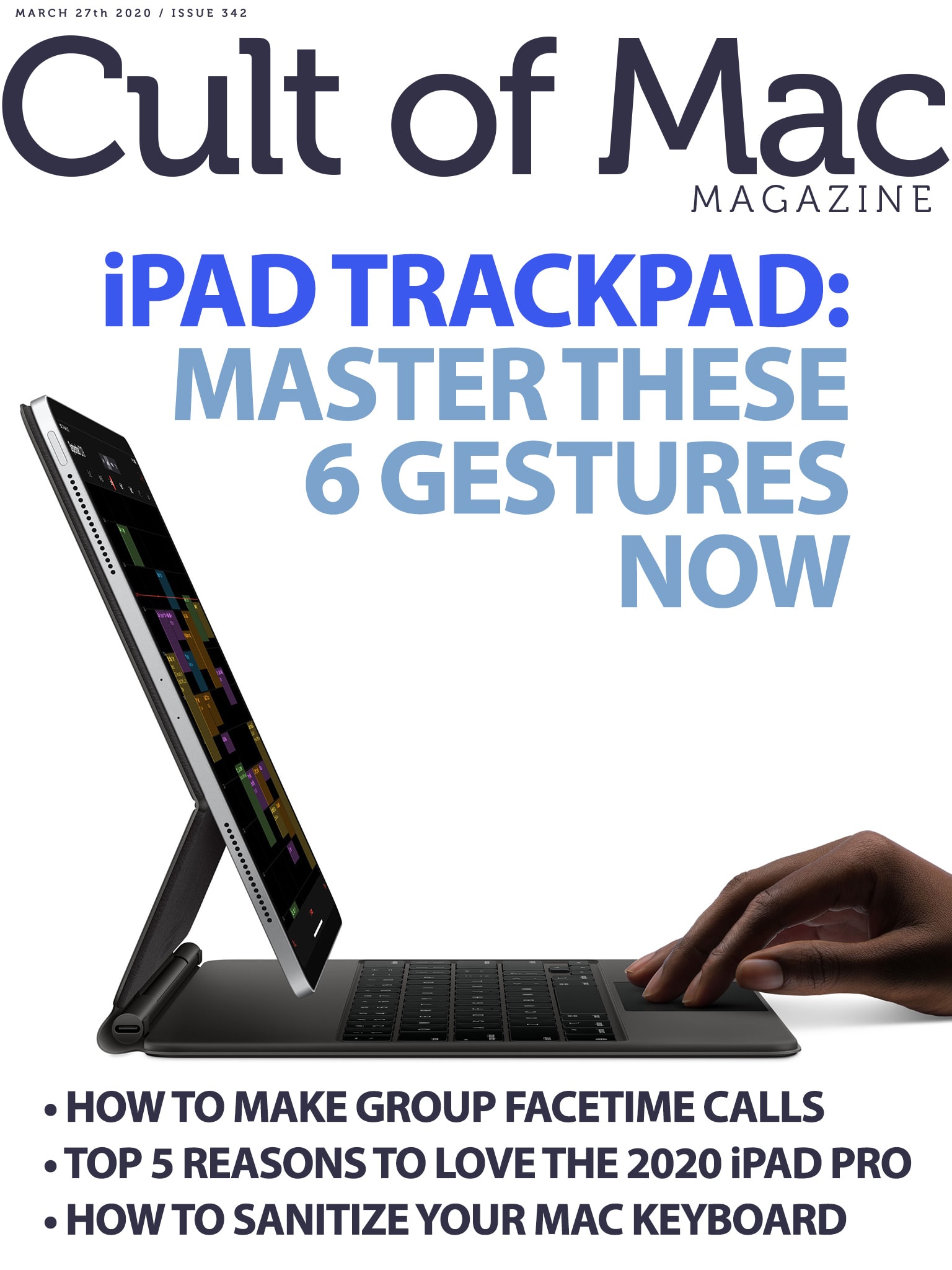
These handy gestures will change the way you use your iPad. Cover: Leander Kahney/Cult of Mac
If you use (or plan to use) a trackpad with your iPad, you definitely need to know these six handy gestures. From the three-finger swipe to the slammer, they will transform the way you use your tablet.
Get the lowdown on those essential iPad gestures, plus the rest of what’s new in iPadOS 13.4, iOS 13.5 and macOS Catalina 10.13.4, in this week’s free issue of Cult of Mac Magazine. Download it for easy reading on your iPad or iPhone. You’ll also get the rest of the week’s top Apple news, reviews and how-tos.
Find out what makes that practically blasphemous statement true in this week’s free issue of Cult of Mac Magazine. Download it now and read it on your iPad or iPhone. Or get the links below for our blowout coverage of the new iPad Pro. You’ll also find the rest of the week’s top Apple news, reviews and how-tos.
iOS leaks: We got 'em! Cover: Leander Kahney/Cult of Mac
iOS 14 leaks came fast and furious this week. We rounded ’em all up in one place to give you a look at possible new features coming to iPhones and iPads this year. Yep, basically it’s everything we think we know about iOS 14.
You’ll find it all in this week’s free issue of Cult of Mac Magazine. Download it now and read it on your iPad or iPhone. Or get the links below.
Bonus: Enter now for your chance to win an Apple TV (or other streaming hardware), delightfully paired with a free one-year subscription to the streaming service of your choice.
Juice three devices at once with this charging stand. Photo: Logitech
Logitech says its new charging station, the Powered Wireless Charging 3-in-1 Dock, is “one wireless charger to charge all your Apple devices.” If you’ve got an iPhone 8 or newer, an Apple Watch and AirPods with a wireless charging case, the funky-looking stand should do the trick.
The Qi-certified charger packs some advanced charging capabilities that should make juicing up your Apple gear fast and safe.
Get those how-tos, plus the rest of the week’s top Apple news and product reviews, in this week’s free issue. Download it now and read it on your iPad or iPhone. Or get the links below.
The Hyperboom brings the bass. Photo: Ultimate Ears
Ultimate Ears upped the ante on its Bluetooth speaker lineup Tuesday, unveiling the ginormous new Hyperboom. The 13-pound block-rocker comes with features that make it seem like the perfect party speaker. But the $399 price tag might bust your beer budget.