The new 128GB iPad with Retina display is now available to order from the Apple online store. The device is priced from $799, and it’s currently shipping in 1-3 business days. You’ll also be able to find it in your local Apple retail store.
I have a history of losing money when I bet on my own predictions, so if you’re smart you should probably ignore this one: Vine – Twitter’s video-sharing app – will wither and die. Animated GIFs, on the other hand, have already managed to outlive MySpace and GeoCities, so it’s a safe bet (even for me) that they’ll keep on keeping on.
Which is all a rather roundabout way of introducing VineGifR, a Mac app which will take your futureless Vines and GIF-ify them.
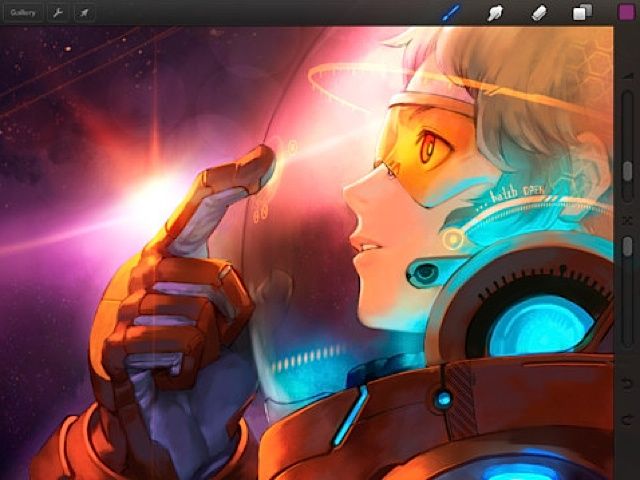
If your iPad doodles are a little primitive, there are a few apps that can get you canvasing the art greats from Caravaggio to Picasso and creating some deft original strokes of your own.
So says Sumit Vishwakarma in a talk for Macworld/iWorld 2013, adding that if you’re willing to forgo one cinnamon latte at Starbuck’s, that money spent in apps will take your work to the next level.
Vishwakarma is an iPad art advocate whose work has been featured at the first Mobile Art Festival in Los Angeles, the Apple flagship store in San Francisco, and the Mobile Creativity & Innovation Symposium. He also teaches free workshops to promote iPad art and animation to kids, teens and adults.
Along with Evernote’s big Penultimate announcement yesterday came another big update. Evernote Hello, the person-remembering app, is now at version 2.0. It adds two great features: business-card scanning and a tie-in with social networks.
Yes, you’ve seen both these before, but not quite as slick as this.
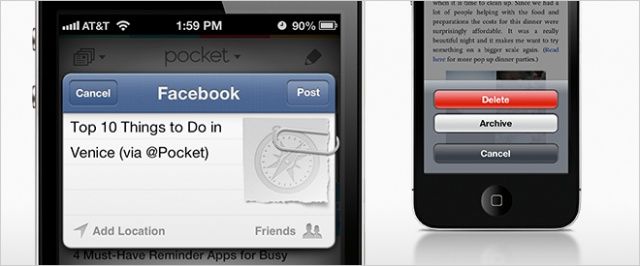
Pocket, the link-saving service formerly known as Read It Later, has been updated on iOS with a few new additions. Most notably, Facebook sharing has been added and tied into iOS 6’s direct Facebook integration. That means zero setup required inside the Pocket app.
A couple workflow-related improvements have also been made.
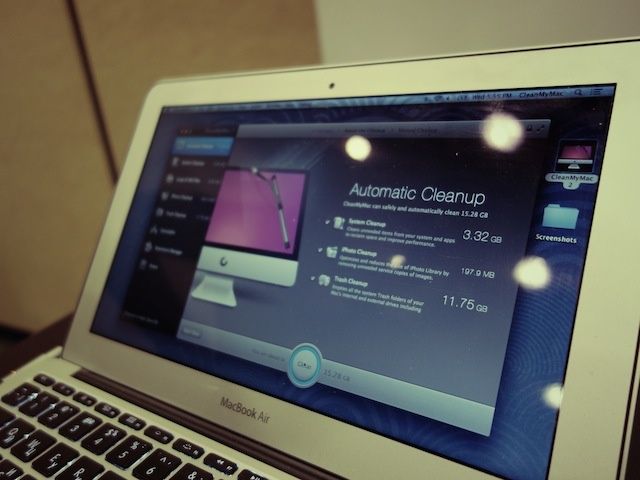
SAN FRANCISCO, MACWORLD/iWORLD 2013 – Maintaining a Mac is a lot easier than a PC but it still requires some work. After a few years of use, your hard drive space starts to shrink and finding the right files to delete isn’t always obvious.
MacPaw is releasing a new app to help people free up more space on their Macs. It’s called CleanMyMac 2 and it will dive deep into your harddrive to clean out all the crap you don’t need.
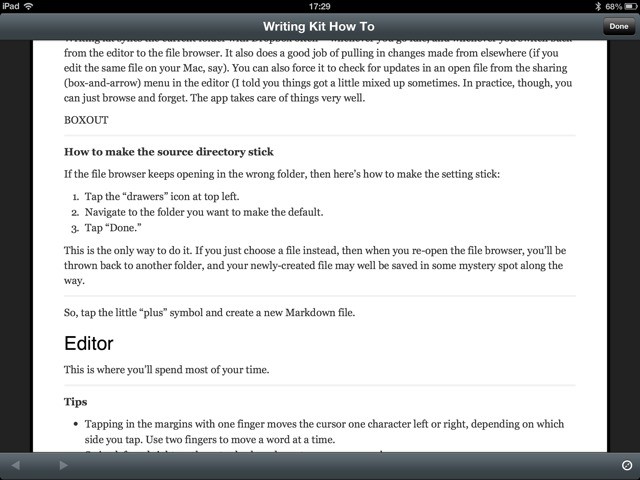
Writing Kit is one of the best text editors on the iPad (and iPhone), but it can be a little confusing at first. It’s made for people who write for a living, and specifically for those who write for the web. To this end, Writing Kit contains not only a world-class Markdown-friendly text editor, but a web browser, quick-research tools and connections to an embarrassment of other web services.
Once you get used to it, Writing Kit will quickly become your writing app of choice. With that in mind, here’s a guide to help you make the most of it.
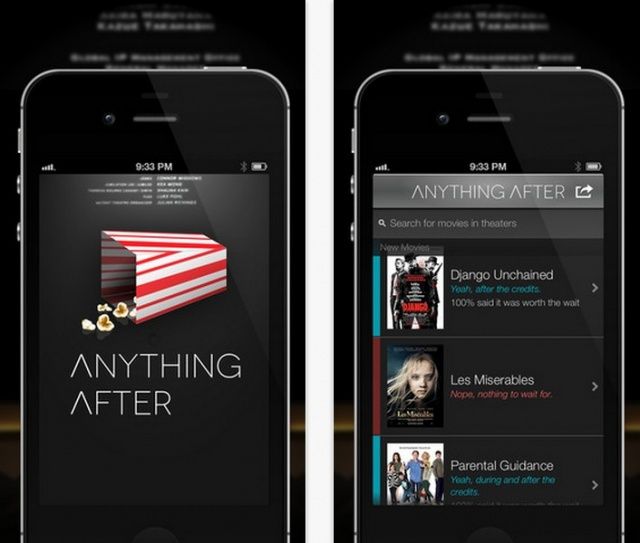
Are you the kind of person who jumps up at the end of a movie, skipping the credits to get to the parking lot (or restroom – thanks, giant soda tub) before everyone else? If so, you’ve probably missed some pretty neat after credit experiences, called stingers. These are extra little bits of movie, teasers, or even bloopers, that are shown after the credits roll to reward the die-hard movie goers for their patience. The recent run of Marvel movies, for example, all teased the eventual Avengers movie at the end of Captain America, The Hulk, and Iron Man. If you left early, you’d have missed it.
Luckily, now, there’s an app to make sure you never do, and, conversely, you don’t sit around for an entire credit roll for no reason.
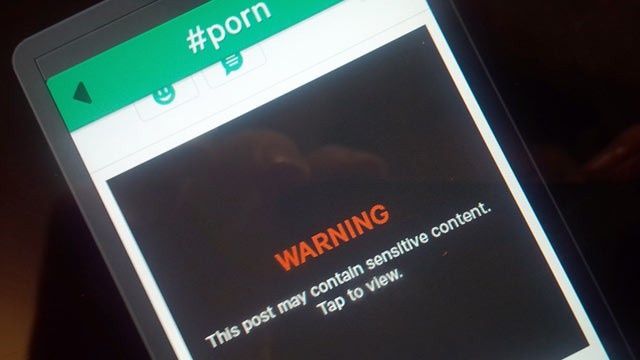
You’ve probably seen quite a few headlines today about Twitter’s new Vine iPhone app displaying pornography. Vine went live in the App Store last week, and the video sharing service has garnered quite a bit of attention due to its parent company, Twitter.
Vine was made an Editors’ Choice by Apple in the App Store, but the app has been de-promoted following all the porn hubbub. Apple has yet to give an official comment on the issue or pull Vine from the App Store completely.
What does all this mean for Vine, and more importantly, the App Store’s policies on porn?
You don't have to jailbreak to give your iPhone a little extra personality.
Jailbreaking your iPhone gives you the ability to tweak and customize nearly every facet of iOS, but new jailbreaks are few and far between these days. For example, there still hasn’t been a full jailbreak for iOS 6 from last summer, although one is on the distant horizon.
People jailbreak their iPhones for all sorts of reasons, whether it be free tethering, themes, or quick access to settings. The most common reason to jailbreak is actually more of a philosophy. There are millions of iPhone owners out there who want to be able to have greater control over their iOS experience. What if you want to hide stock apps you don’t use, or even just get rid of your carrier logo?
Fortunately, you can actually do those last two things on a non-jailbroken iPhone with relative ease, and here’s how:
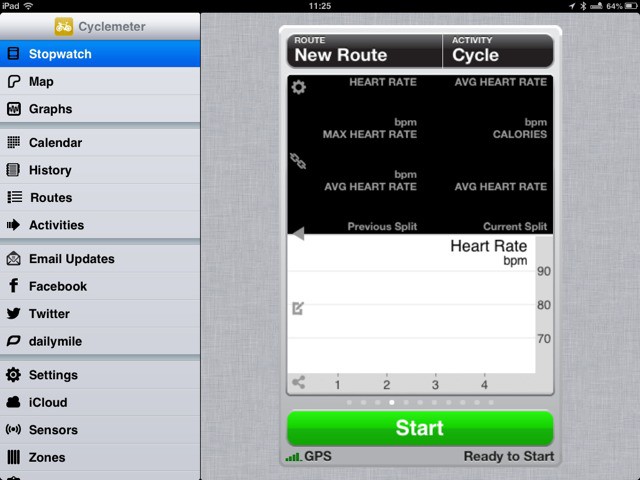
Cyclemeter, long my favorite iPhone app for tracking and recording my rides using GPS, has been updated to support the iPad. This makes it — as far as I know anyway — the only app which will natively turn your iPad mini into a dash-mounted in-flight computer for your bike.
You should probably check if your cash is still in your wallet… ’cause according to Apple’s recent earnings call, they just made all the money. We put some perspective on just how huge Apple’s Q1 cash hoard was on our all-new CultCast, then expertly deconstruct Tim Cook’s cryptic words about new and unannounced products.
But wait, there’s more! From iOS 7, to bigger-screen iPhones, to our favorite Mac apps, we answer your Facebook questions in our newest segment, CultCast Q&A.
Get a fun weekly dose of all things Apple! Subscribe to The CultCast now on iTunes, or easily stream new and previous episodes via Apple’s free Podcasts App.
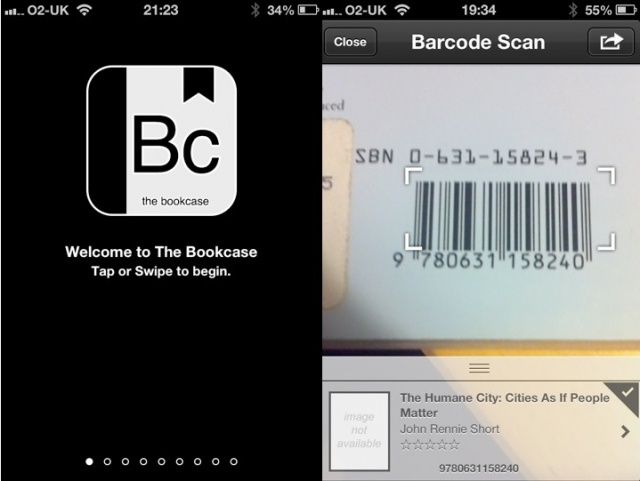
The Bookcase is a three-dollar pocket database for your book collection, one that takes its role very seriously and might be best suited to people with a professional requirement to manage a large library.
App.net might be quickly turning into the recumbent bicycle of internet services, frequented only by anorak-wearing beardoes, but a new ADN client has a feature so neat that it should be included in any app which logs into a third-party service.
It’s called Riposte, and when you log in for the first time, it has a button that will send you straight off to 1Password.
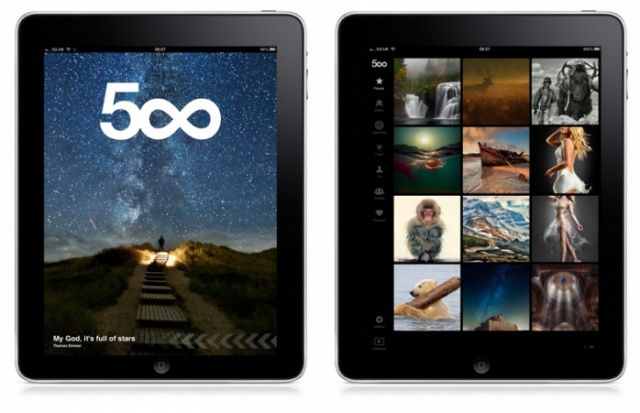
Apple has pulled the apps of popular photo-sharing site 500px over concerns that it is too easy to search for nude photographs within the app. This, despite the fact that 500px’s method of dealing with searches for nude images is even more prohibitive than that of the official Flickr iPhone app. Could Flickr be next?
Thread is a contacts app for the iPhone and iPad which follows the current trend in flat, minimalist interface design. If you’re a fan of the latest Twitterific, or Letterpress, then you’re going to love the look of Thread.
If you’re into iOS but don’t know how to turn that passion into revenue, then the latest Cult of Mac Deals offer will be just what the doctor ordered. With The Master iOS Programming Course, you’ll be able to turn your iOS passion into a new lucrative hobby – and for just $47 to boot!
Write is yet another Dropbox-friendly text editor for the iPhone, but even in its present state as a teaser video and landing site, it looks amazing. In fact, it looks like it could become my favorite iPhone editor.
Alien Skin makes the human-like disguises that the lizard creatures in “V” used to pass themselves off as humans, and… Kidding! Alien Skin makes high-end Photoshop plugins and Mac photo-processing software. It also makes an iPhone app called Alt Photo, which distills the features of its desktop app Exposure into an iPhone-sized package.
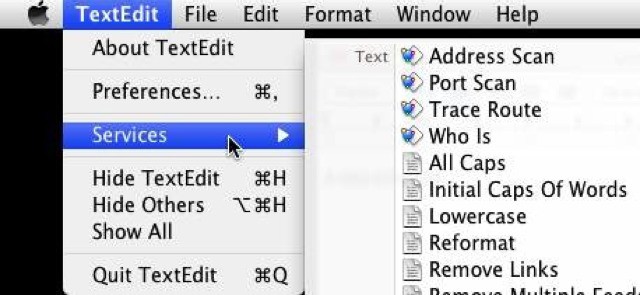
Brett Terpstra, the hardest working nerd on the internet, has come up with yet another super-useful single-serve utility. It’s called Clip Text File, and it grabs the contents of a plain text file and copies it to your clipboard, all without opening the file.
EXIF data: It’s the unsung hero of iPhoneography, and digital photography in general. It’s where location data is stored so you can see your pictures on a map. It remembers when you took that photo, what ISO you used, along with all kinds of other handy data (focal length, flash on or off, even the white balance setting you used).
But on iOS, the EXIF data is mostly hidden from you. But with EXIF-fi, you can not only read it but edit it.
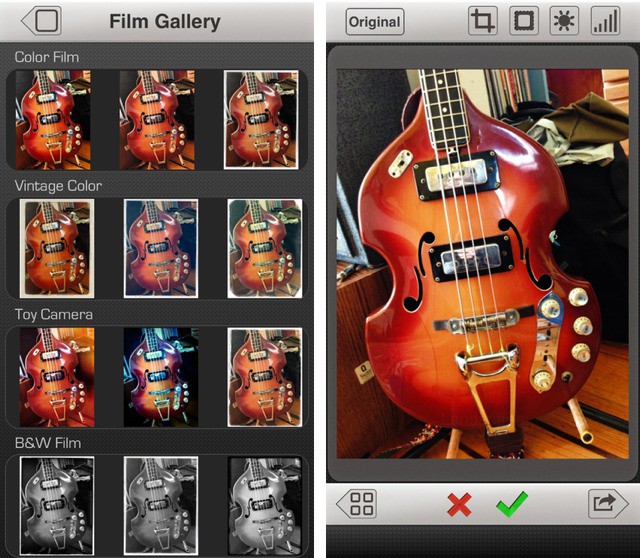
I have far too many photo apps on my iPhone and iPad, but I only ever use one of them to shoot pictures – the built-in camera app. Why? Because it is fast and good. It captures the best the sensor has to offer, and it is accessible right from the lock screen.
But there is a new app which might tempt me away. It’s called PureShot, and it is pretty great.
This week’s must-have apps roundup begins with PodDJ, the first iOS app from Pod2g, the mastermind behind a number of hugely popular jailbreaks for iPhone, iPad, and iPod touch. We also have a terrific app called 1 Second Everyday, which will help you put together a movie that includes one second from every day for the rest of your life; a handy timer app for iPad, and more.
If you’re into iOS but don’t know how to turn that passion into revenue, then the latest Cult of Mac Deals offer will be just what the doctor ordered. With The Master iOS Programming Course, you’ll be able to turn your iOS passion into a new lucrative hobby – and for just $47 to boot!
Reduce is a slick and polished universal app which puts your photos on a diet. It’s aimed at photographers, but will be great for anyone who needs to shrink a lot of images, and who doesn’t hate themselves. Why? Because Reduce is the first such app I’ve tried that doesn’t make me tear my hair out.