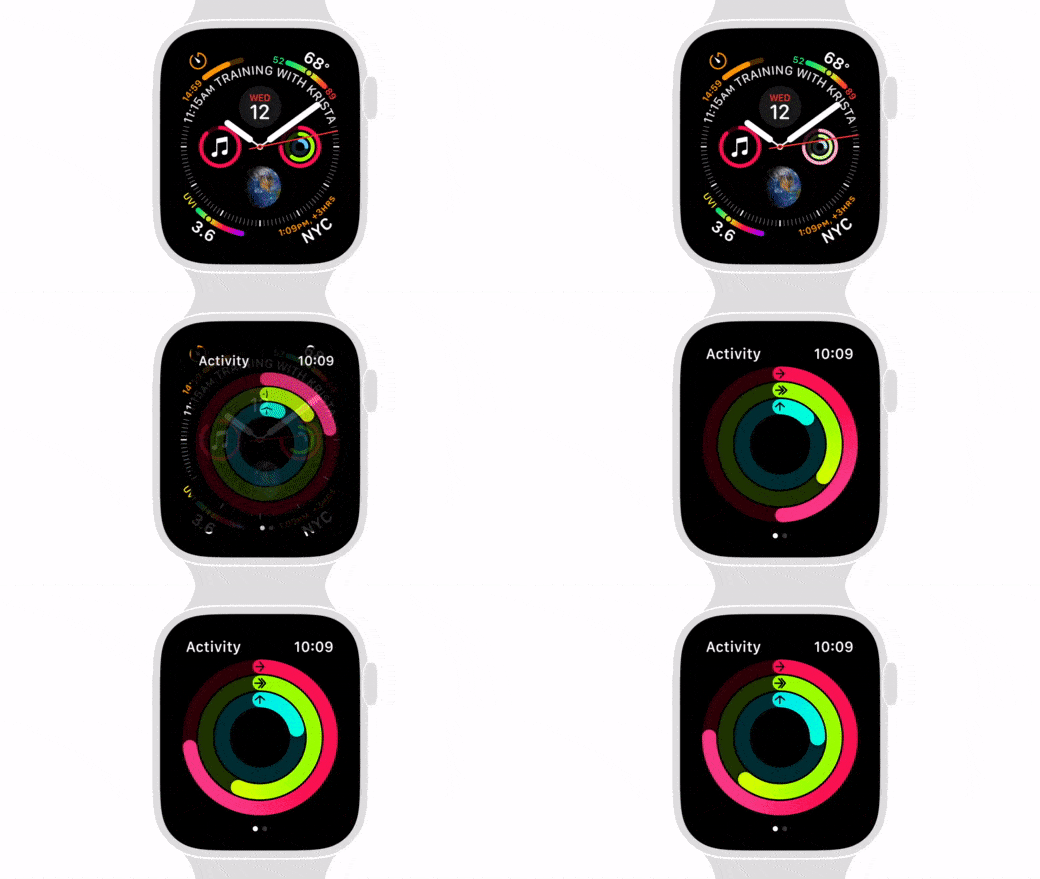
Feeling brave? You can try the latest betas for iOS 15 or iPadOS 15. But stay away from testing macOS Monterey. Graphic: Ed Hardy/Cult of Mac
It’s been a very weird summer for Apple’s beta program, with major changes happening months after the initial unveiling of the operating system upgrades. But iOS 15 and iPadOS 15 have finally reached the point where they’re stable enough for average users to try them out. The same goes for watchOS 8.
That's the end of FlickType as we know it. Photo: FlickType
FlickType, maker of the accessible iPhone keyboard that has become popular among those with vision impairment, has confirmed it is discontinuing its app after years of obstacles and “abuse” from Apple’s App Store approval team.
The announcement comes after FlickType last week submitted an update to fix bugs related to iOS 15 and got “incorrectly” rejected by Apple. The team says Apple has ignored repeated requests for clarification and support.
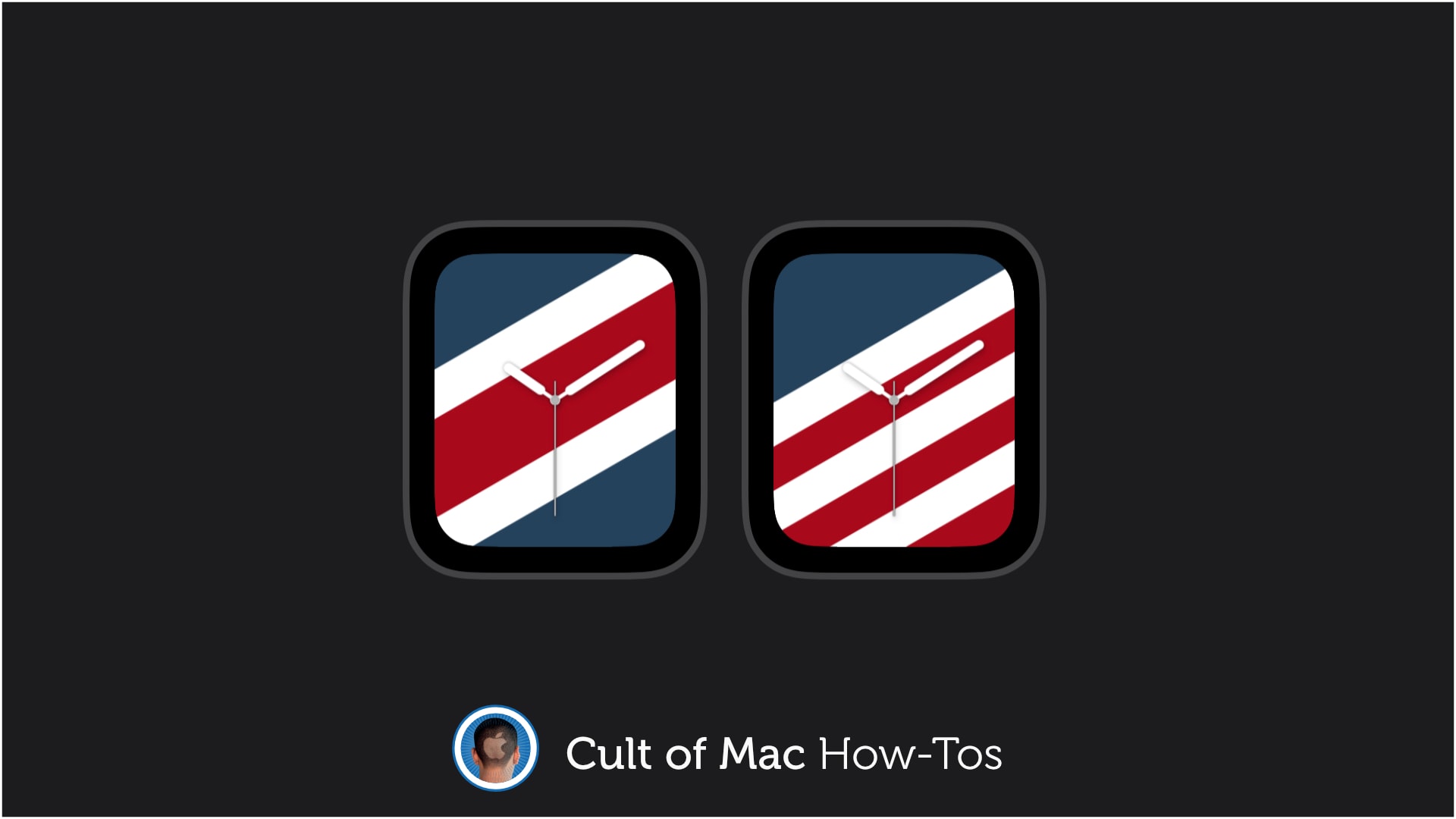
You don't have to spend $49 on a band to get the face. Image: Killian Bell/Cult of Mac
Apple introduced new International Collection bands for Apple Watch on Tuesday, priced at $49 each. There are 22 available and each comes with an accompanying Stripes face you can download from Apple’s website.
But you don’t need to buy a band to get your hands on the new faces. We’ll show you how to download them right now to show support for your country at this year’s Summer Olympics.
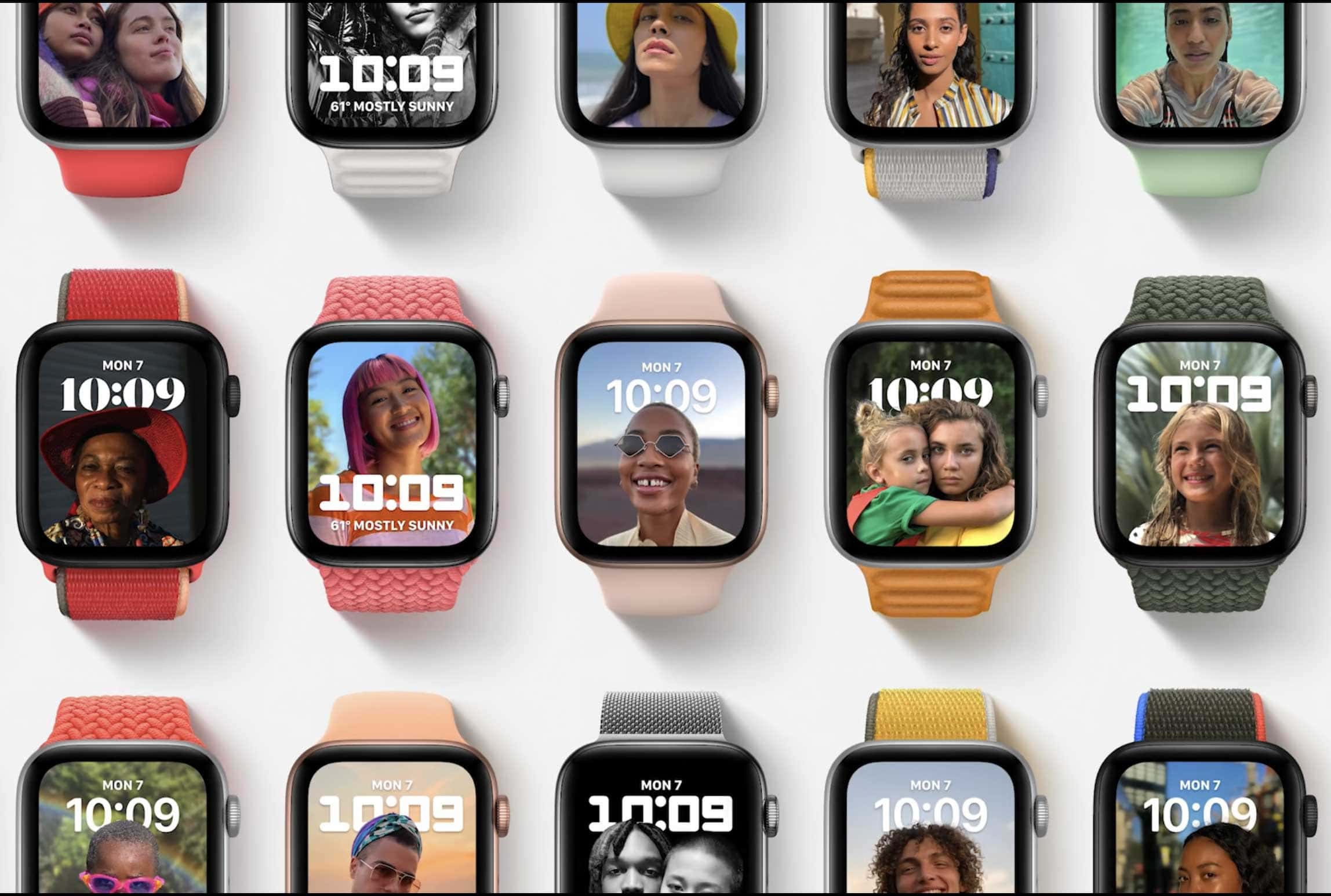
watchOS introduces a new Portrait mode watch face with depth effect Photo: Apple
We got our first glimpse of the OS that will be gracing everyone’s wrists this fall when Apple showed off watchOS 8 during Monday’s WWDC keynote.
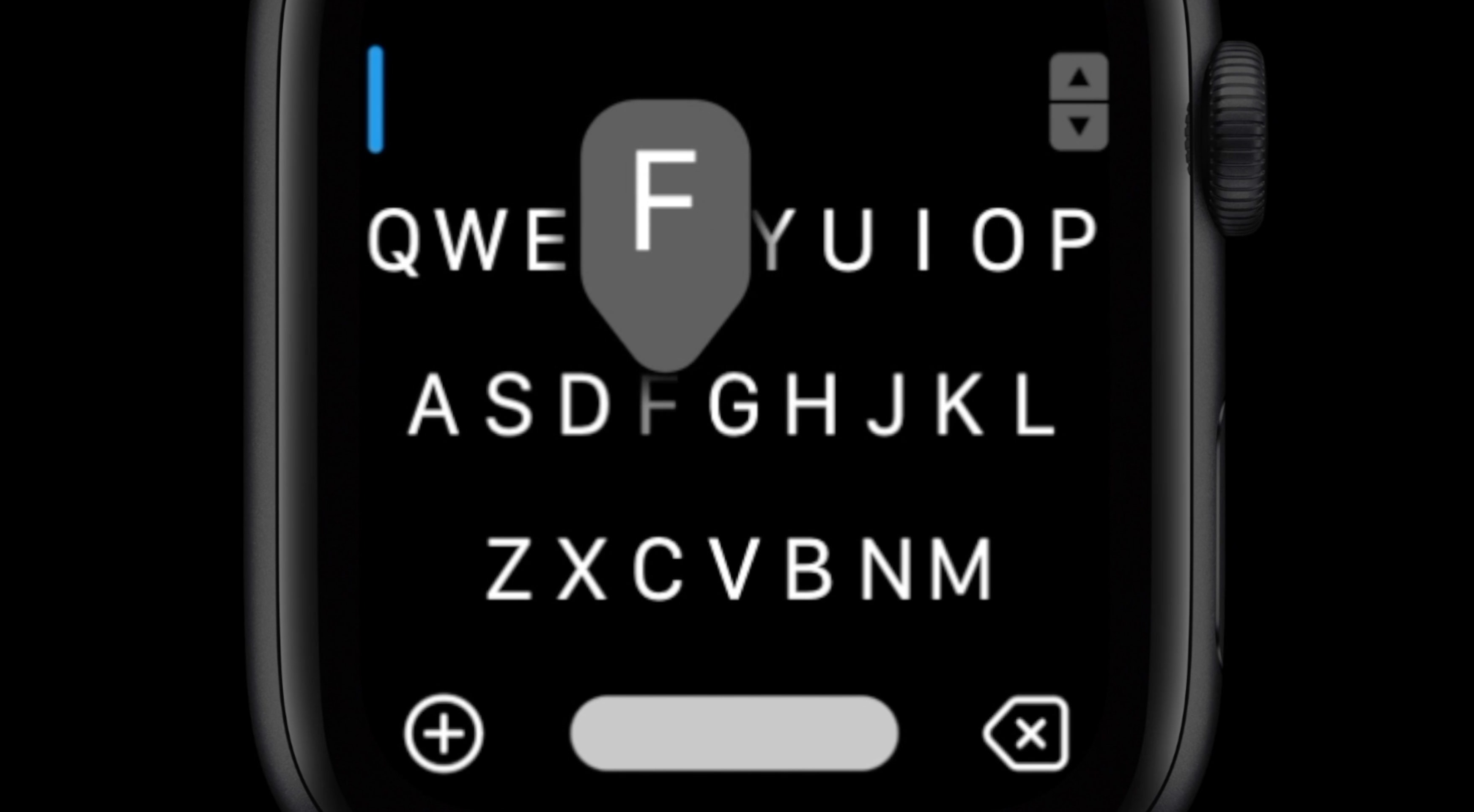
This update looks like more of an evolution than a revolution. Text editing gets a little easier. And we’ll get various small enhancements for the apps we already know and love, like photo sharing and a redesigned Music app.
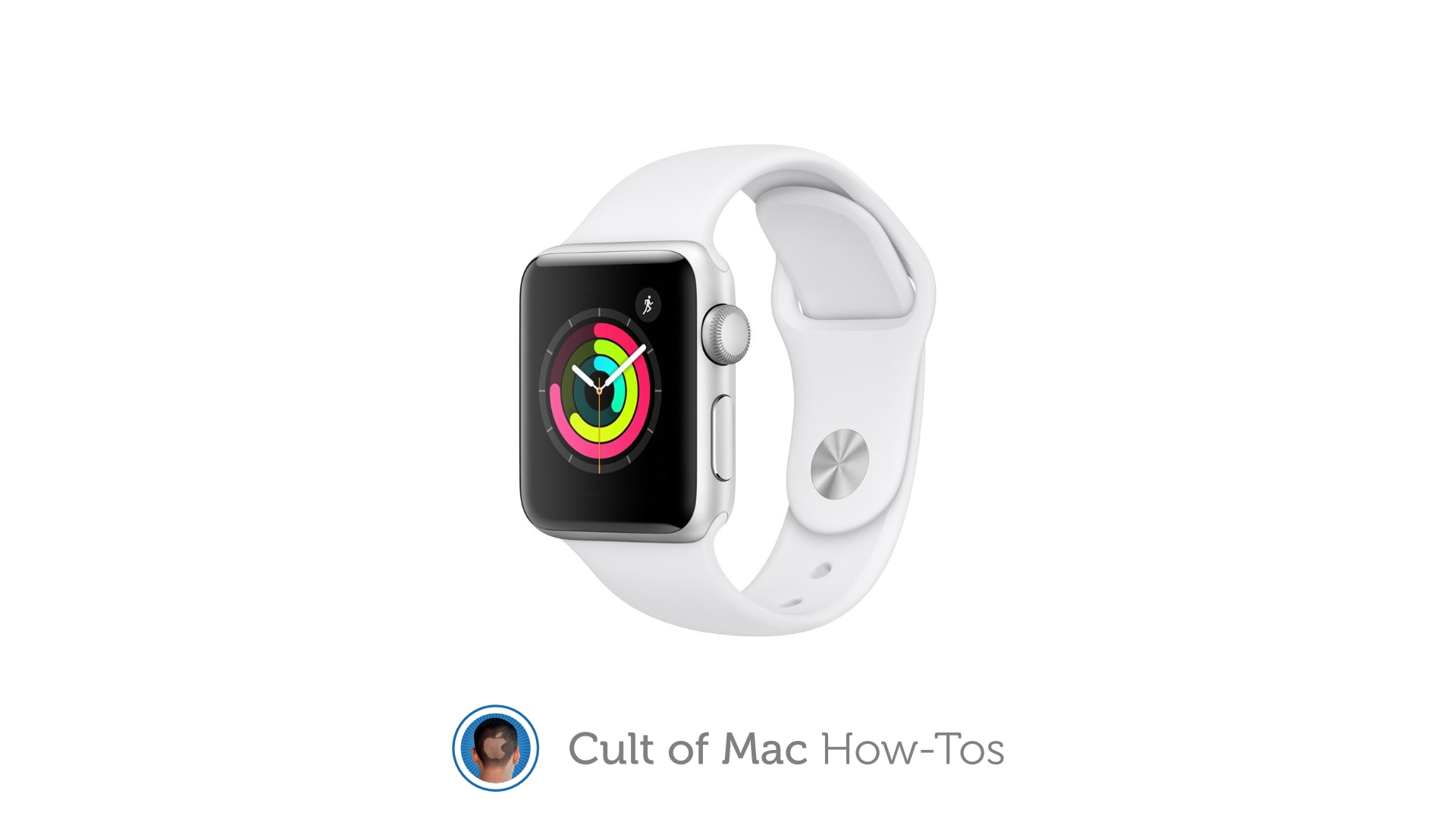
With just 8GB of storage, some Apple Watch 3 models are struggling to keep up. Image: Apple/Cult of Mac
Many Apple Watch Series 3 owners are unable to update to the latest watchOS release because their device doesn’t have enough storage space. But Apple says there is a way to get around this issue.
The solution is to reset your Apple Watch, wiping all data and settings, before updating. We’ll show you how.
Set your alarms! The WWDC 2021 keynote kicks off at 10 a.m. PST. Image: Apple
Apple’s annual Worldwide Developers Conference is scheduled for June 7, and on Monday the iPhone-maker revealed that the all-important keynote address for WWDC 2021 will be held at 10 a.m. PDT on that day. This is almost certainly when they wraps will come off the next major upgrades for iOS, macOS and the company’s other operating systems.
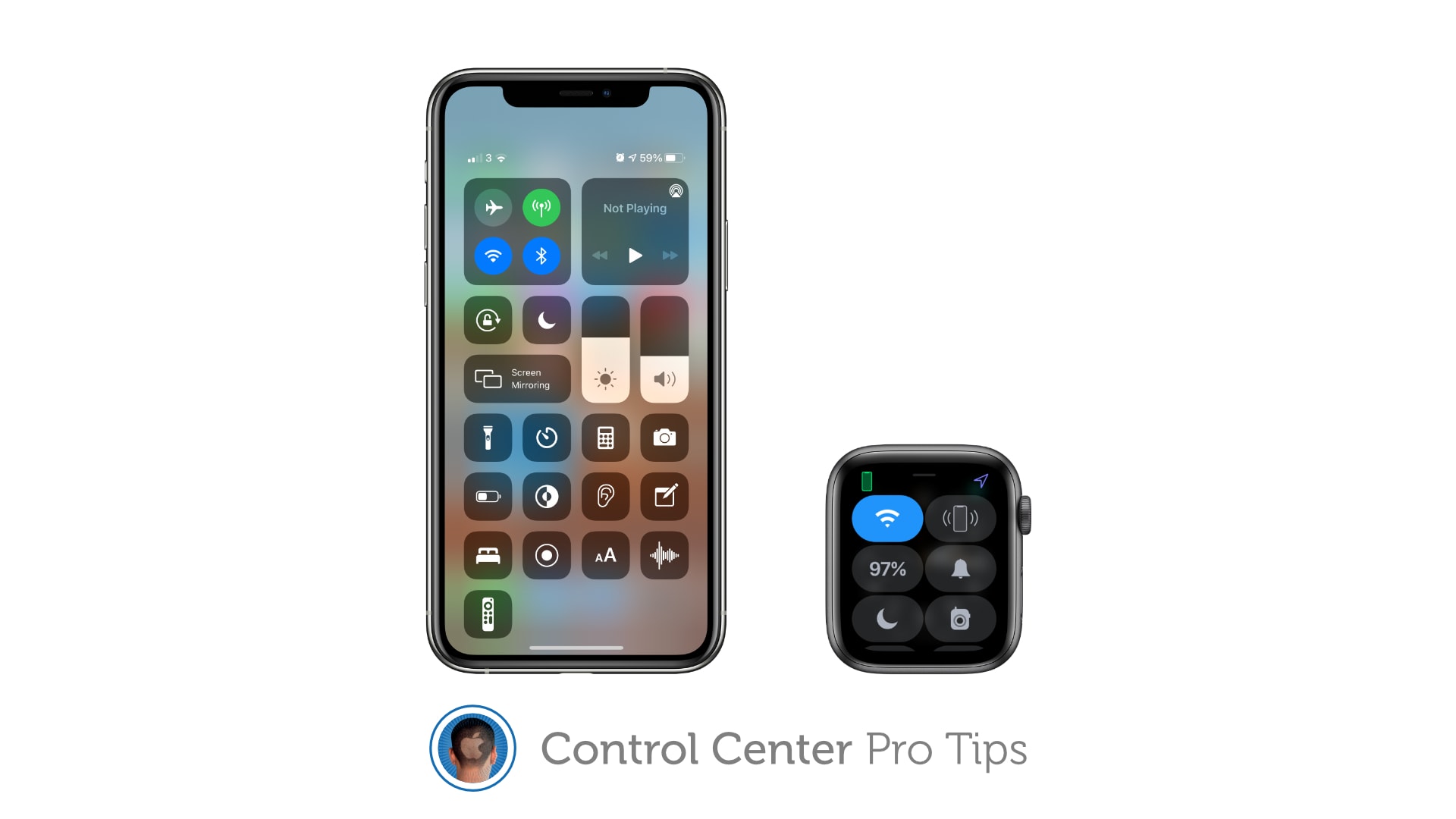
And to remove tools and shortcuts you never use. Image: Killian Bell/Cult of Mac
We want to help you master Control Center, one of the most powerful and underutilized features on Apple devices. Cult of Mac’sControl Center Pro Tips series will show you how to make the most of this useful toolbox on iPhone, iPad, Apple Watch and Mac.
Make your favorite Control Center tools and shortcuts easier to find by reorganizing and cleaning up your Control Center window. It’s easy on iPhone, iPad, and Apple Watch — and we’ll show you how.
Make your iPhone easier to track down — even in the dark. Image: Killian Bell/Cult of Mac
We want to help you master Control Center, one of the most powerful and underutilized features on Apple devices. Cult of Mac’sControl Center Pro Tips series will show you how to make the most of this useful toolbox on iPhone, iPad, Apple Watch and Mac.
Can’t remember where you left your iPhone? Use Control Center on your Apple Watch to “ping” it so that you can quickly track it down. You can even have your iPhone light up so that it’s easier to find in the dark.
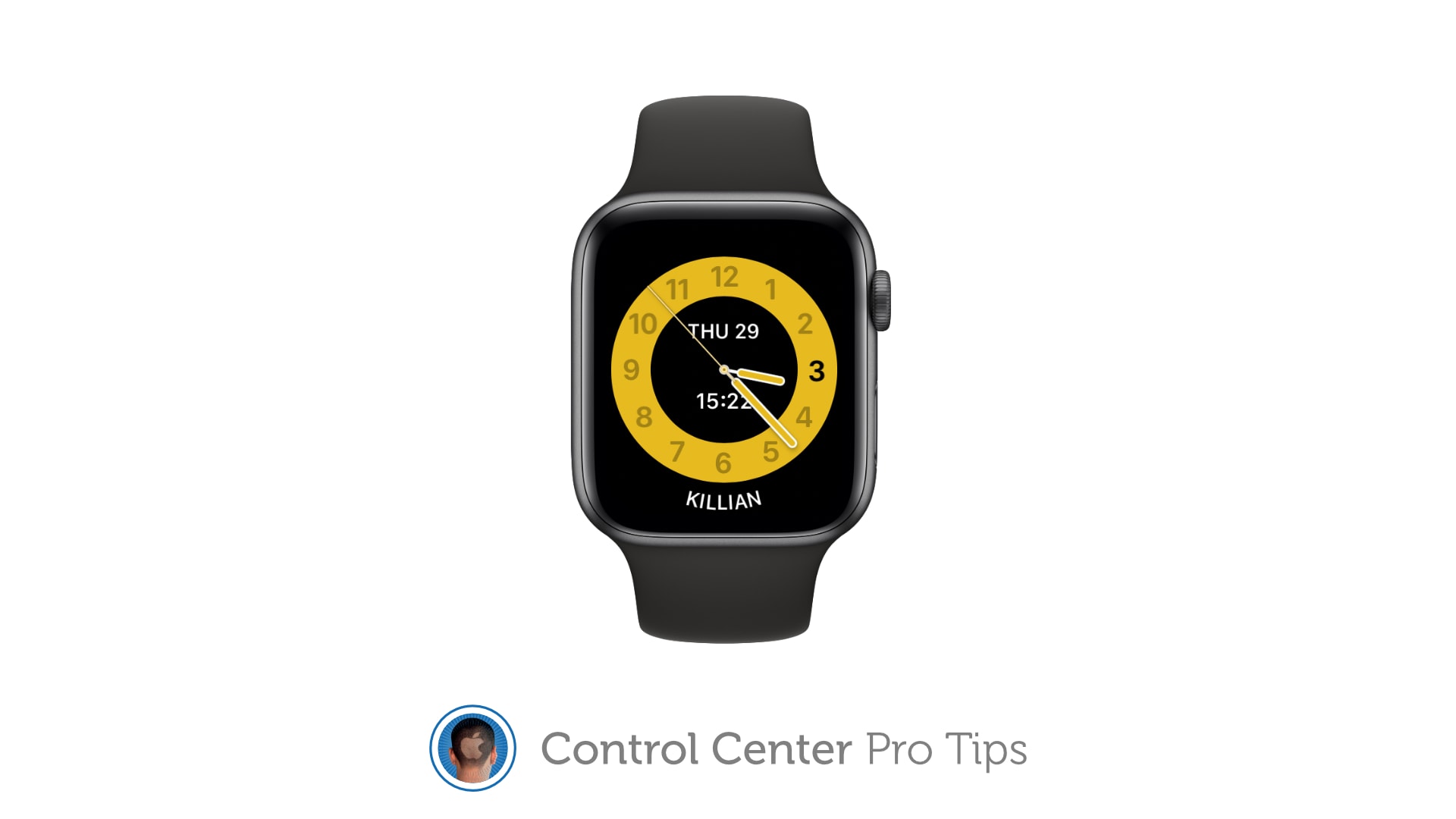
Schooltime prevents Apple Watch from being a distraction in the classroom. Image: Killian Bell/Cult of Mac
We want to help you master Control Center, one of the most powerful and underutilized features on Apple devices. Cult of Mac’sControl Center Pro Tips series will show you how to make the most of this useful toolbox on iPhone, iPad, Apple Watch and Mac.
Schooltime is a handy new feature, introduced in watchOS 7, that keeps Apple Watch quiet and prevents it from being a distraction in the classroom. It can be added to your Control Center options so that enabling Schooltime at any time takes just a swipe and a tap.
Get a better view in the dark. Image: Killian Bell/Cult of Mac
We want to help you master Control Center, one of the most powerful and underutilized features on Apple devices. Cult of Mac’sControl Center Pro Tips series will show you how to make the most of this useful toolbox on iPhone, iPad, Apple Watch and Mac.
Searching for something in a dark room? You can turn your iPhone, iPad and even your Apple Watch into a flashlight with just one tap inside Control Center. We’ll show you how.
The quickest, easiest way to silence your device. Image: Killian Bell/Cult of Mac
We want to help you master Control Center, one of the most powerful and underutilized features on Apple devices. Cult of Mac’s Control Center Pro Tips series will show you how to make the most of this useful toolbox on iPhone, iPad, Apple Watch and Mac.
Heading into an important meeting and need your iPhone to keep quiet? Don’t worry about turning off your device or messing around inside the Settings app; toggle Do Not Disturb mode with one tap in Control Center.
Enable Low Power Mode to get you through a long day. Image: Killian Bell/Cult of Mac
We want to help you master Control Center, one of the most powerful and underutilized features on Apple devices. Cult of Mac’s Control Center Pro Tips series will show you how to make the most of this useful toolbox on iPhone, iPad, Apple Watch and Mac.
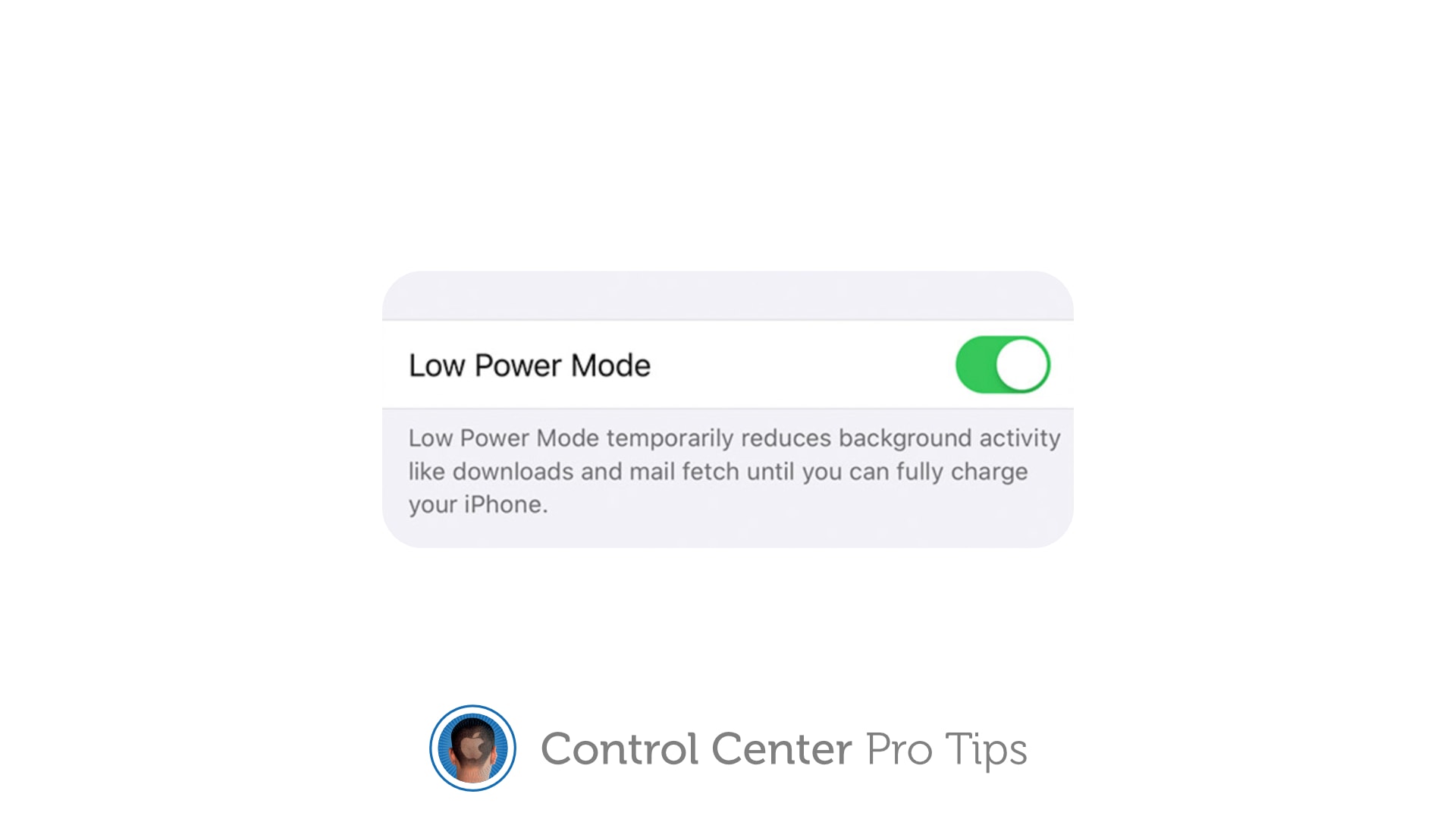
Worried your iPhone or iPad battery isn’t going to last you all day? Activate Low Power Mode inside Control Center to minimize how much energy your device is consuming when it’s not being used. It’s super-simple to use, won’t get in your way, and it makes a big difference.
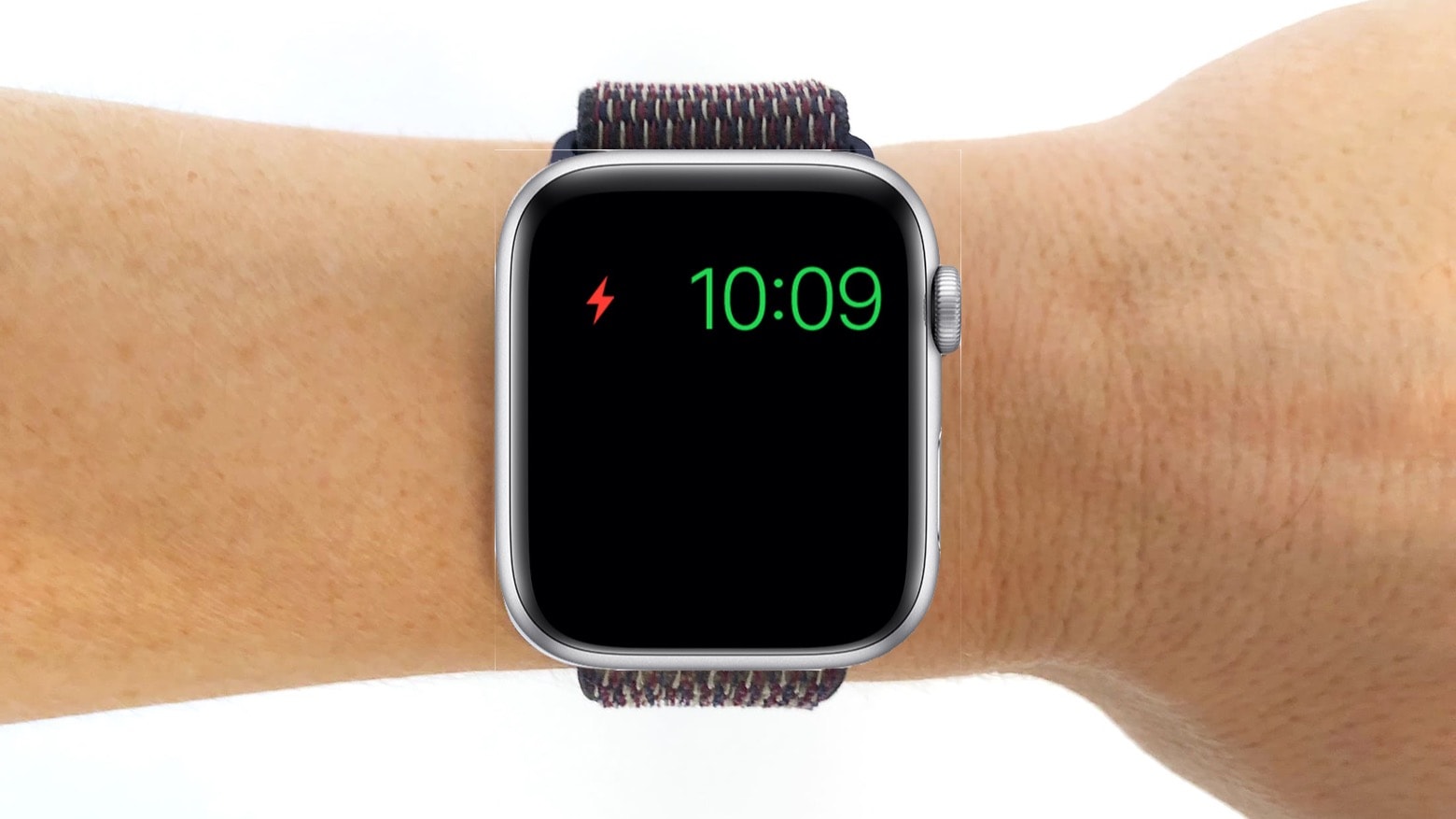
We’ll show you how and explain a similar feature — Power Reserve — that you can activate on Apple Watch.
Being able to to unlock your iPhone while wearing a face mask is the best reason yet to get an Apple Watch. Photo: Ivan Samkov/Pexels CC
iOS 14.5 is the best update of the pandemic era because it works with your Apple Watch to remove the hassle of unlocking your iPhone while wearing a face mask. You don’t have to type in your passcode every single damn time. The phone just unlocks. Like it’s supposed to.
But the trick does require an Apple Watch. If you’ve been on the bubble about getting one, this feature should go a long way toward convincing you. It serves as yet another elegant example of how Apple’s ecosystem offers users simple solutions to modern life’s annoyances.
Get your Apple Watch sounding good again. Image: Killian Bell/Cult of Mac
We want to help you master Control Center, one of the most powerful and underutilized features on Apple devices. Cult of Mac’sControl Center Pro Tips series will show you how to make the most of this useful toolbox on iPhone, iPad, Apple Watch and Mac.
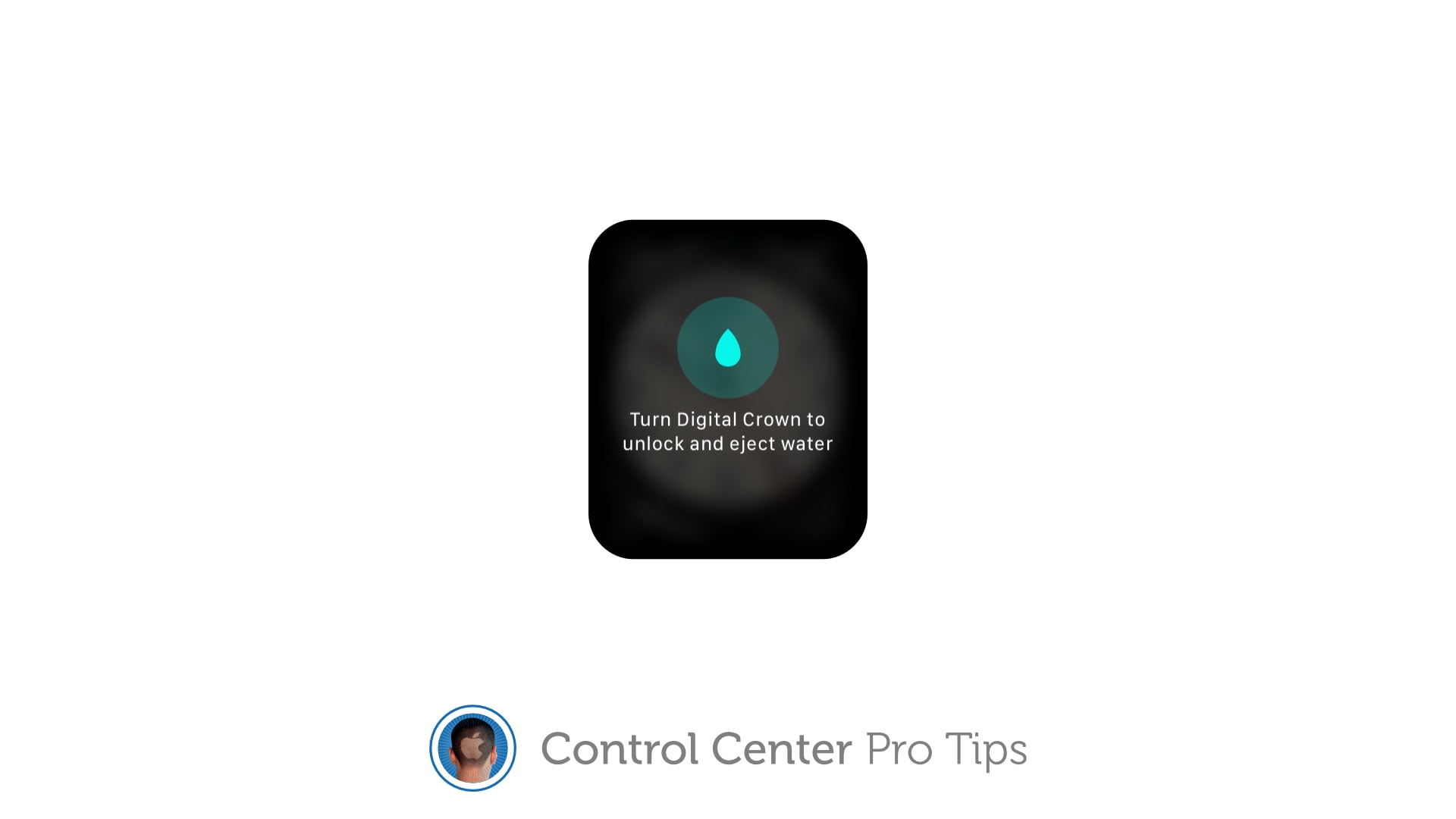
Have you noticed your Apple Watch isn’t sounding so good after getting wet? That’s likely because there is liquid lodged inside its speaker. But don’t worry — you can quickly clear it with just one tap in Control Center.
The quick and easy way to change connections. Image: Killian Bell/Cult of Mac
We want to help you master Control Center, one of the most powerful and underutilized features on Apple devices. Cult of Mac’sControl Center Pro Tips series will show you how to make the most of this useful toolbox on iPhone, iPad, Apple Watch and Mac.
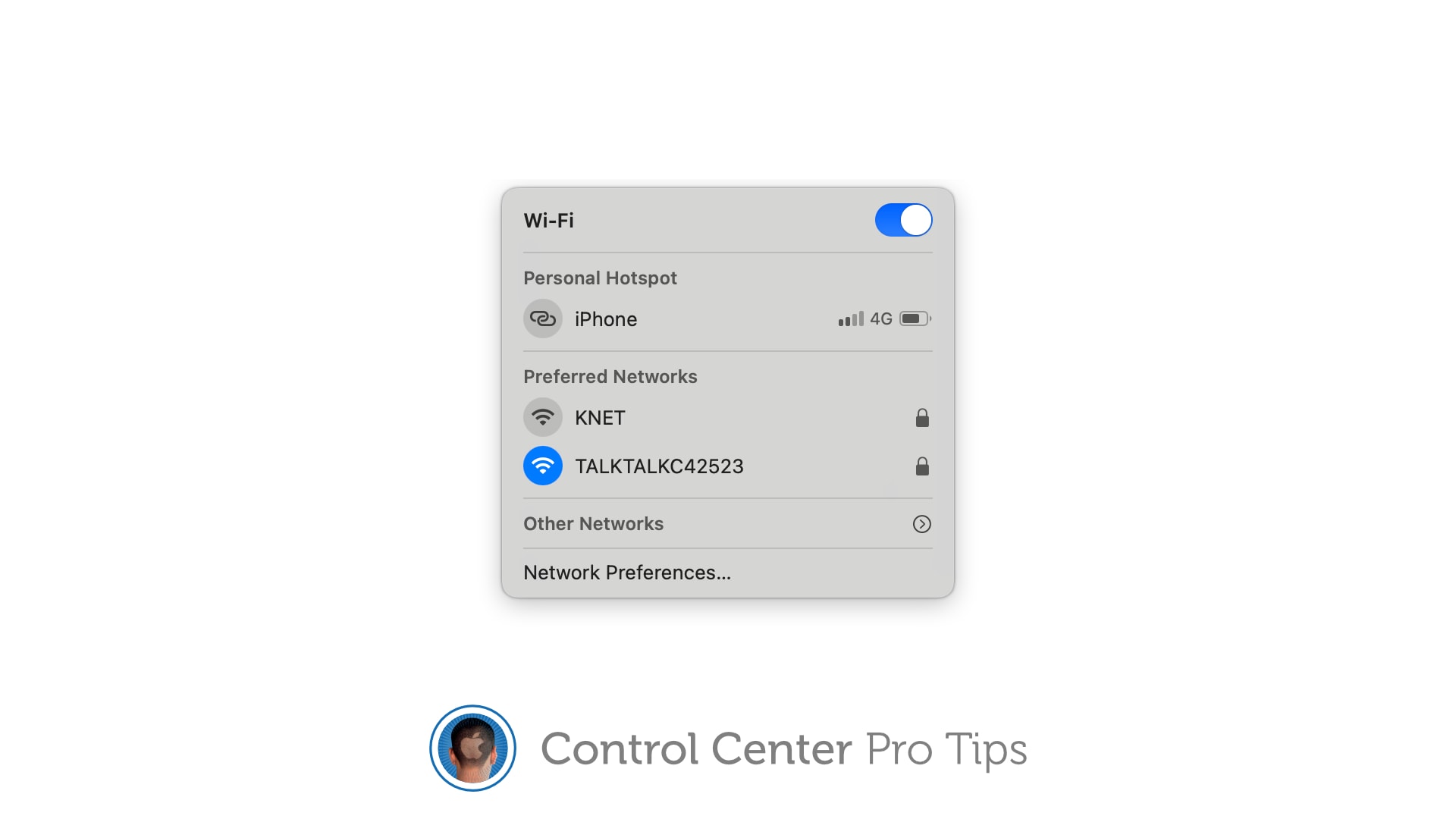
There’s no need to mess around inside System Preferences or the Settings app when you want to change Wi-Fi networks. Open Control Center on your Apple device and make the switch in a snap.
We’ll show you how on iPhone, iPad, Apple Watch, and Mac.
Power Reserve reduces drain on your Apple Watch’s battery. But there’s a bug. Photo: Cult of Mac
To prevent your Apple Watch Series 5 or Apple Watch SE from refusing to charge when it’s in Power Reserve, you need watchOS 7.3.1. Apple rushed this update out on Monday specifically to fix this bug.
Any Apple Watch hit with this bug drains until it’s dead, and can‘t be recharged. But Apple will repair the affected devices at no cost.
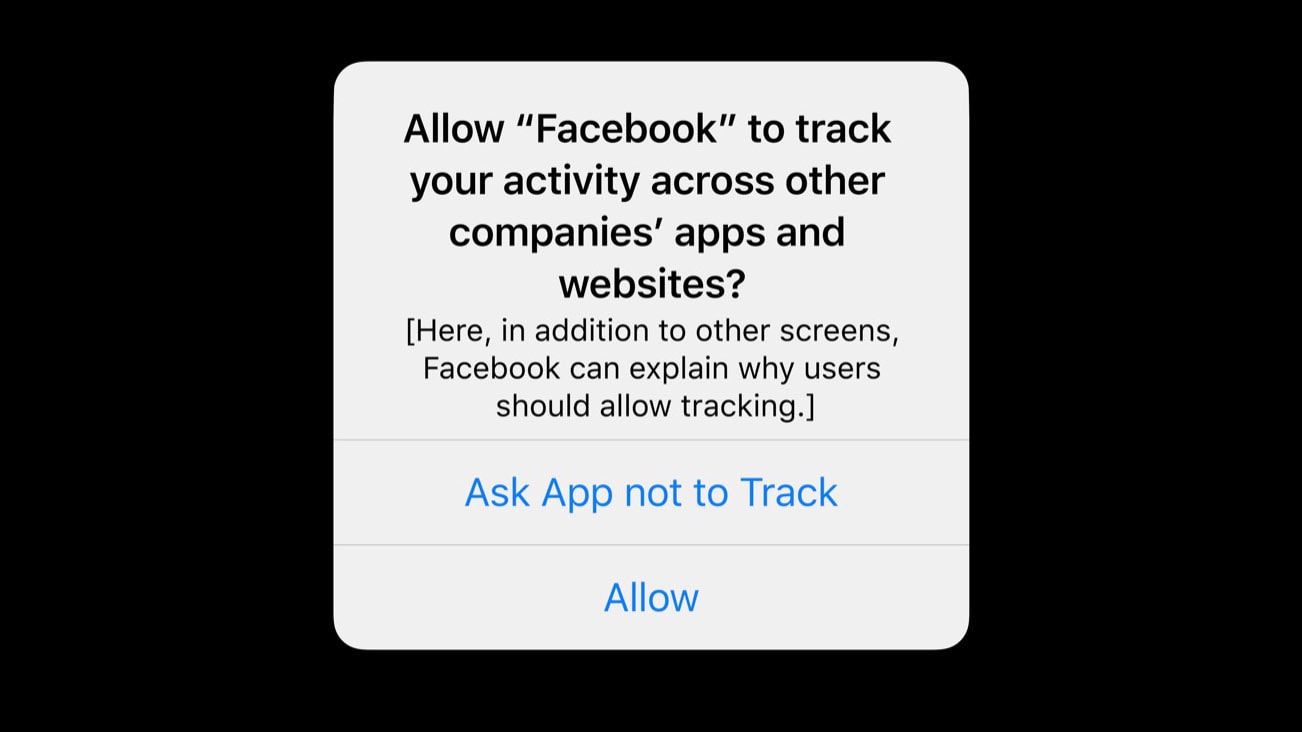
With iOS 14.4 and iPadOS 14.4, applications will have to ask if they can track you. Graphic: Apple
Apple seeded to developers the release candidates for iOS 14.4 and the iPad equivalent on Thursday. It’s probably the last step before a public release. Among other changes, these new versions will apparently give iPhone and iPad users the option to block third-party applications from tracking them.
Devs can also install watchOS 7.3 RC and tvOS 14.4 RC, which became available Thursday too. But macOS Big Sur 11.2 is still on Beta 2.
Digital car key support in watchOS 6.2.8 has the potential to make Apple Watch much more useful. Photo: Ed Hardy/Cult of Mac
Starting Wednesday, an Apple Watch can be used to unlock a car, replacing the key, thanks to the release of watchOS 6.2.8. But it’s early days yet for this feature, as it doesn’t yet have wide support.
In addition, this software update enables people in a handful of additional countries to take advantage of the ECG in Apple’s wearable.
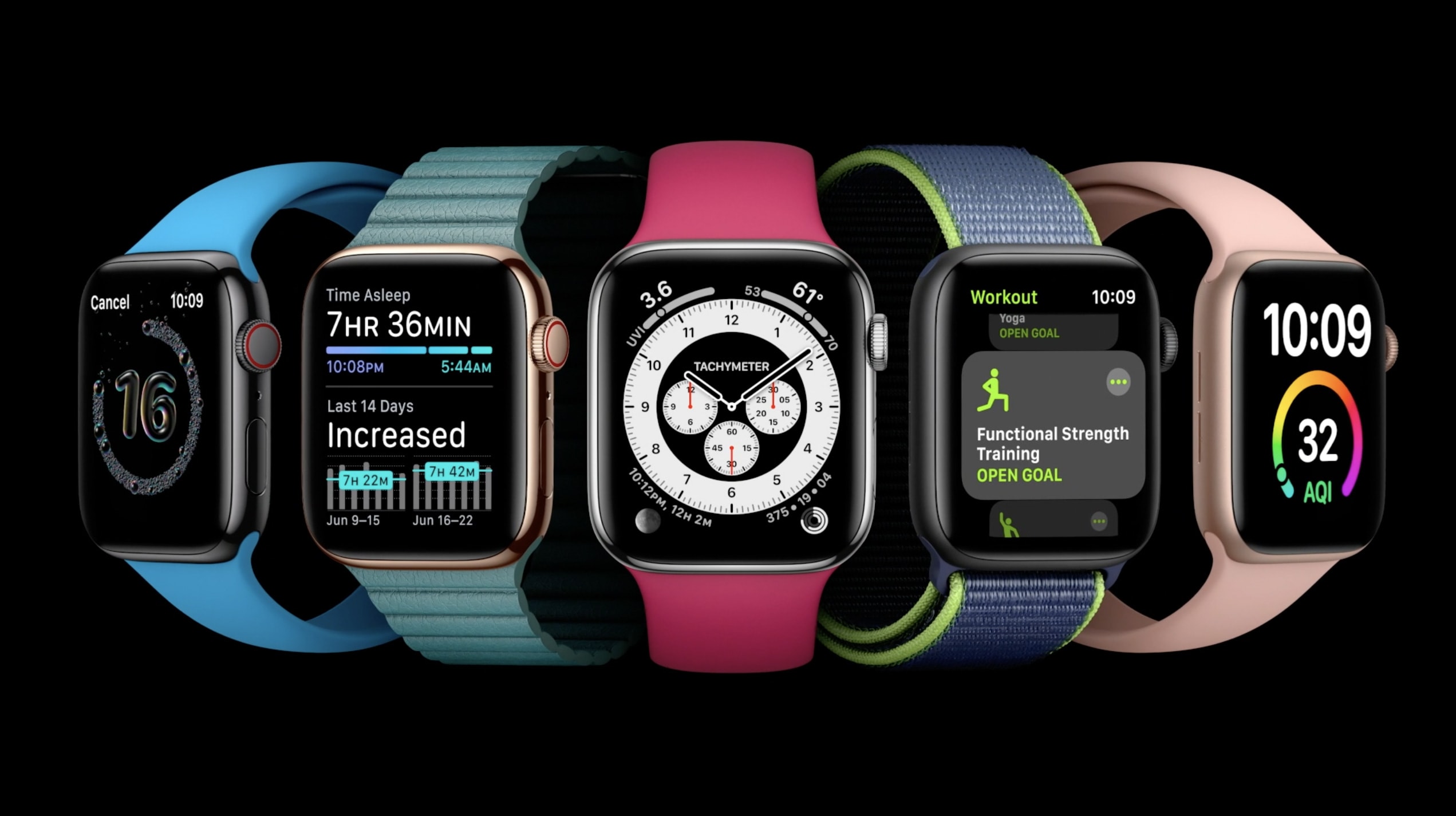
watchOS 7 introduces new complications and watch face sharing Photo: Apple
Apple revealed Monday what it has up its sleeve for Apple Watch when watcOS 7 debuts this fall. Thanks to rumors and leaked betas over the past few months, we already expected many of the Apple Watch features showcased during the WWDC 2020 keynote, like watch face sharing and sleep tracking.
Still, Apple still unleashed some surprises, including a redesigned and renamed Activity app. There’s even an automatic handwashing-detection feature that could help people keep COVID-19 and other nasties at bay.
Get ready for some big revelations! Image: Apple & Killian Bell/Cult of Mac
Apple execs won’t get to feed off the usual live audience’s energy during next Monday’s WWDC 2020 keynote, but that doesn’t mean there’s nothing to get excited about.
As usual, Apple will stream the big event for all the world to see. But, due to health concerns related to the COVID-19 pandemic, the entire Worldwide Developers Conference will take place online this year. Read on for our rundown of what we expect to see during the WWDC 2020 keynote, which kicks off at 10 a.m. Pacific on June 22.
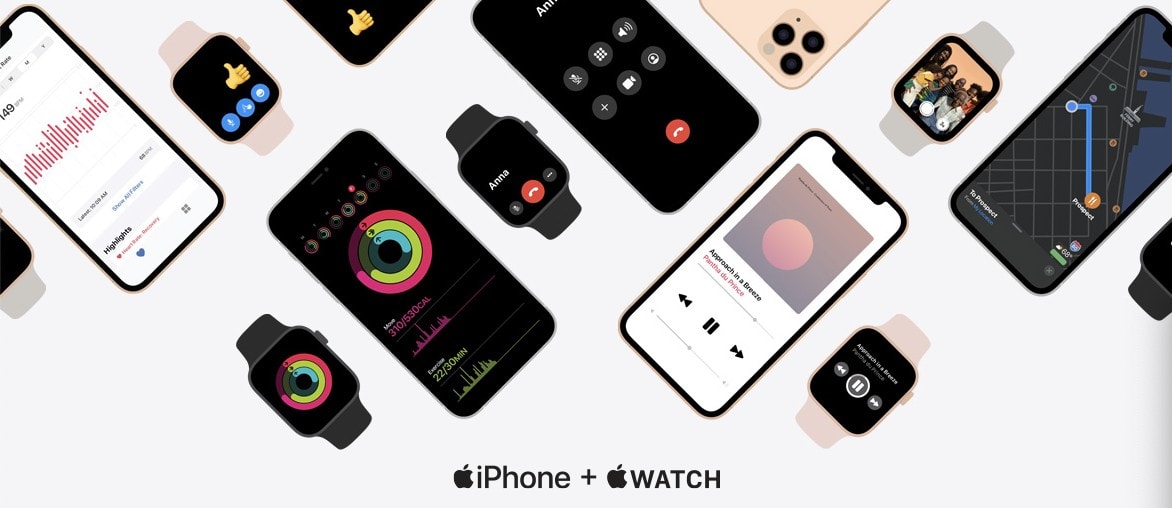
In case you’re still not convinced you need an Apple Watch to go with your iPhone, Apple on Tuesday published a new webpage that reminds visitors how powerful the two can be together.
The page highlights some of Apple Watch’s best features, like the ability to take calls, reply to messages, act as a remote for iPhone’s camera, and its ability to track your heart rate and all your workouts.
Fall detection on Apple Watch can be a real life-saver for those who are unsteady on their feet, but it isn’t enabled by default (unless you’re 55 or over). Here’s how to activate it on Apple Watch Series 4 or later.
Increasing your Move goal can help you be even more active. Photo: Apple
You might need to exercise a little more if you hope to stay fit while stuck at home for most of the day during a global pandemic. Give yourself a little push by increasing your Move goal on Apple Watch.
It’s easy to do, and if you’re one of the many Apple Watch owners who likes to complete their Move goal every day, it will help you burn a few additional calories to make up for spending most of the day on the couch.
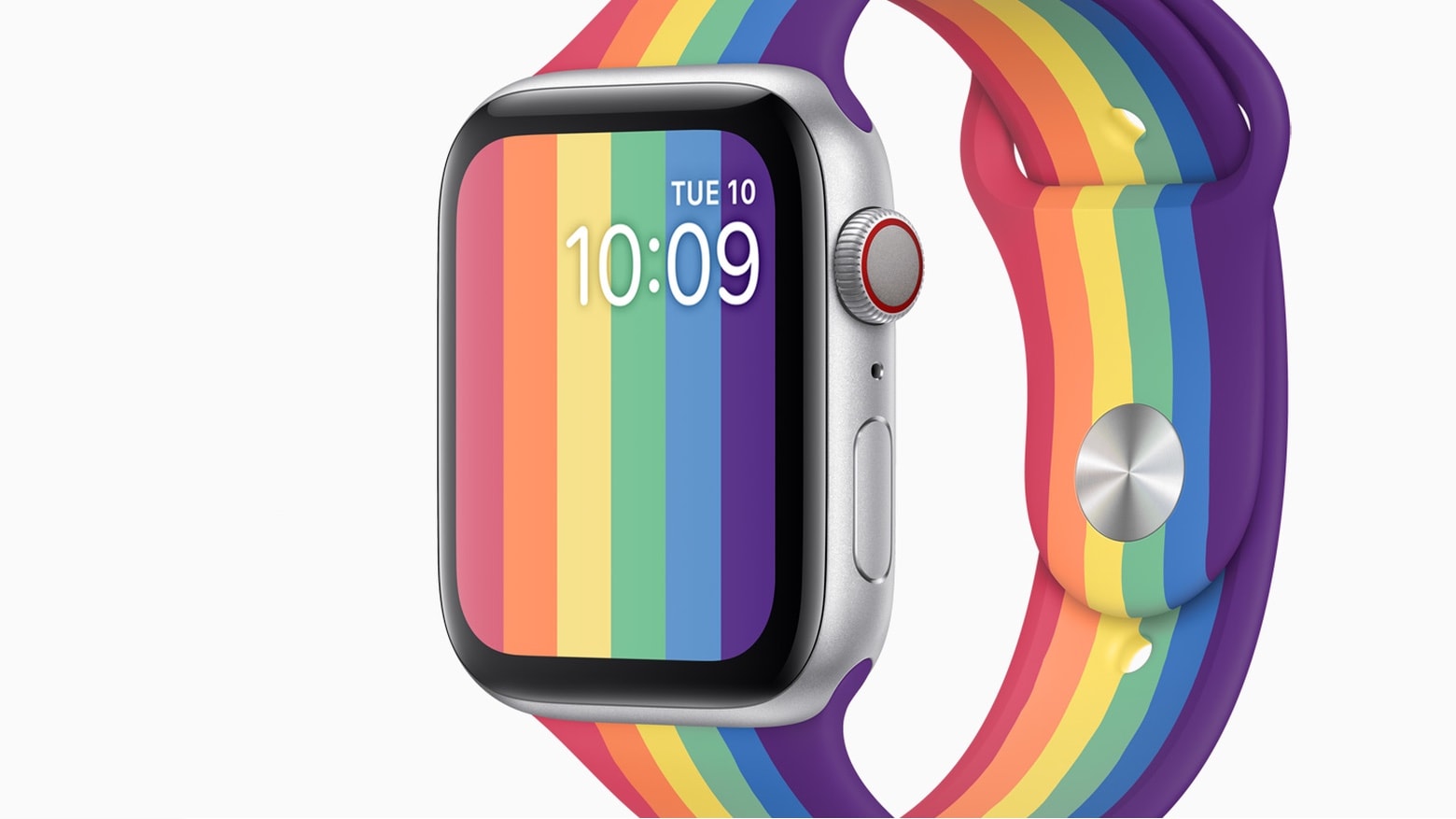
This Apple Watch Pride face debuted in watchOS 6.2.5. And this band also launched today. Photo: Apple
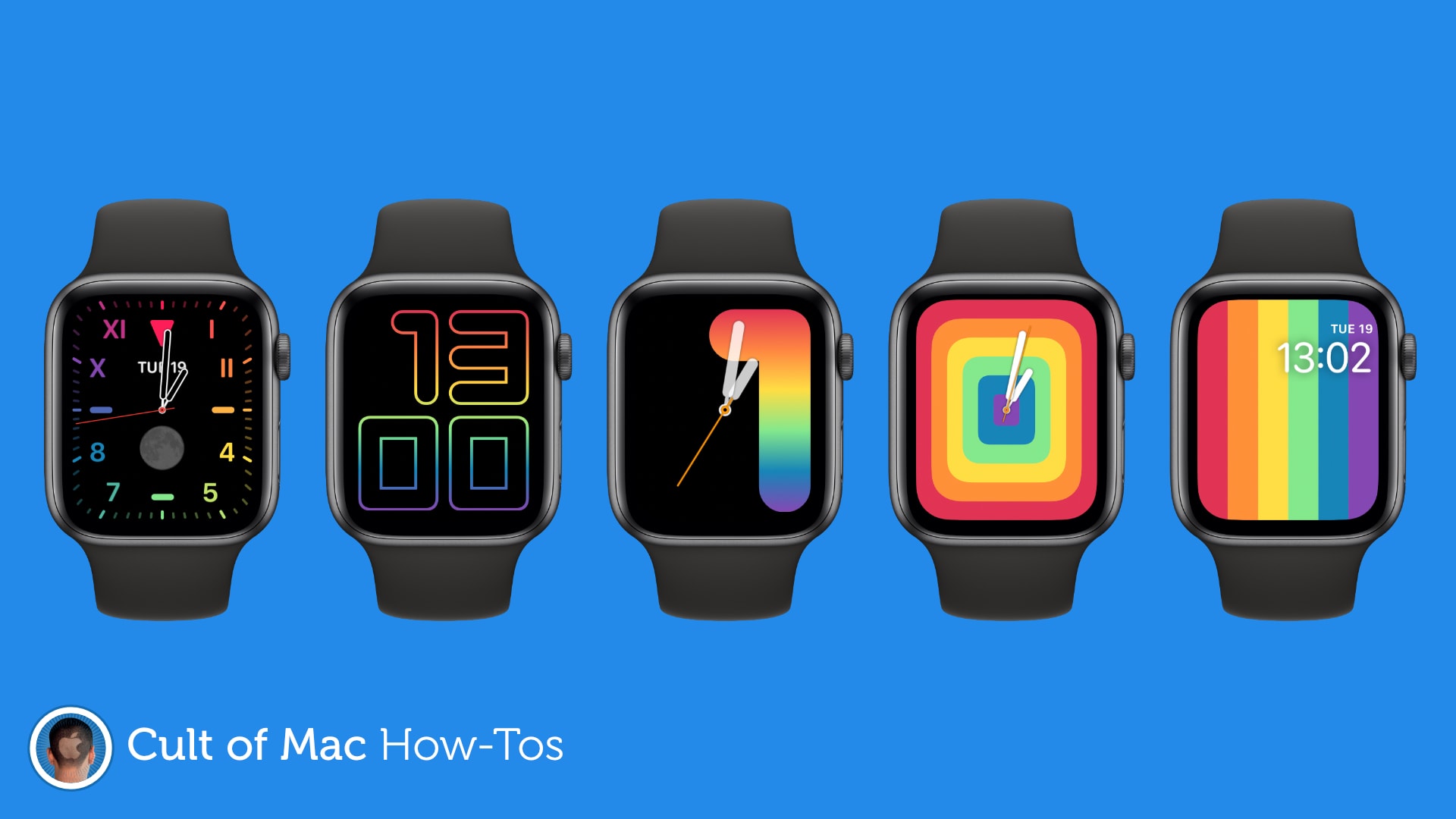
Monday’s release of watchOS 6.2.5 includes a trio of new faces in the Pride series. It was timed with the debut of new matching Watch bands in the Apple Store.
In addition, Apple Watch wearers in Saudi Arabia just got access to the ECG features of Apple Watch Series 5 and Series 5.