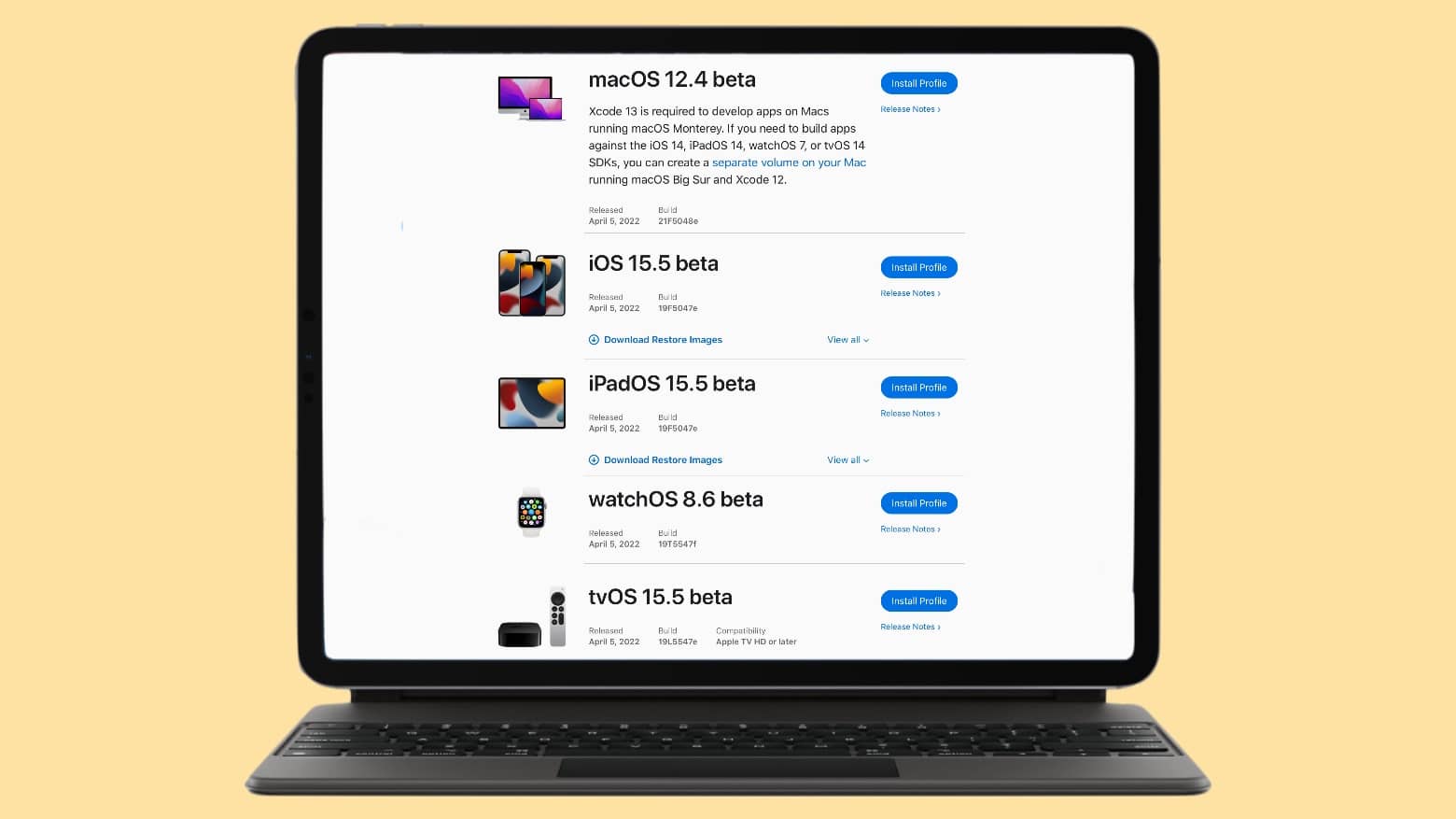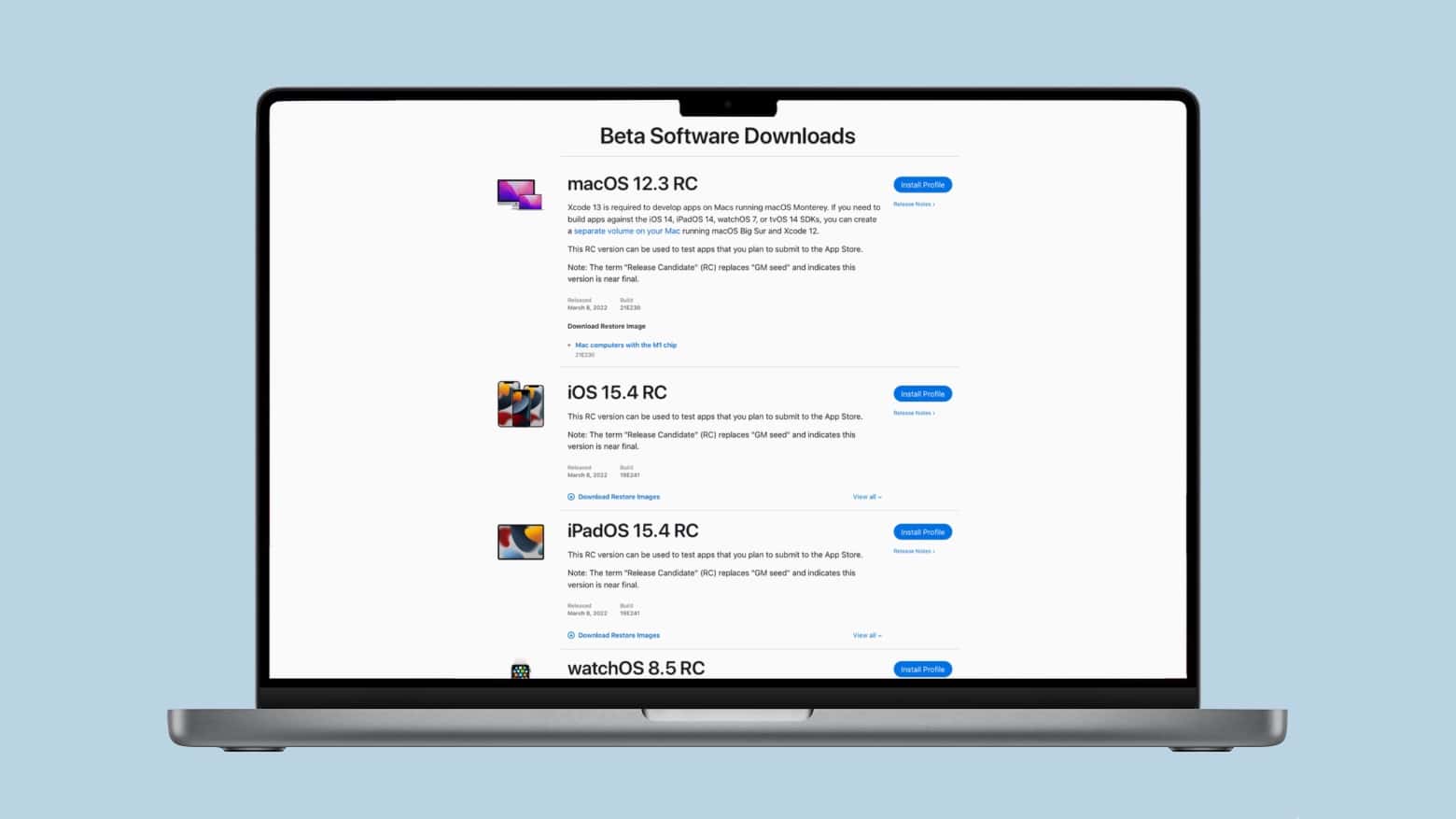

It’s now been three weeks since any Apple operating system was in public beta testing. It seems work has stopped on significant updates to iOS 15, macOS Monterey and the other OSs.
And that’s a good thing. Here’s why.
It’s now been three weeks since any Apple operating system was in public beta testing. It seems work has stopped on significant updates to iOS 15, macOS Monterey and the other OSs.
And that’s a good thing. Here’s why.
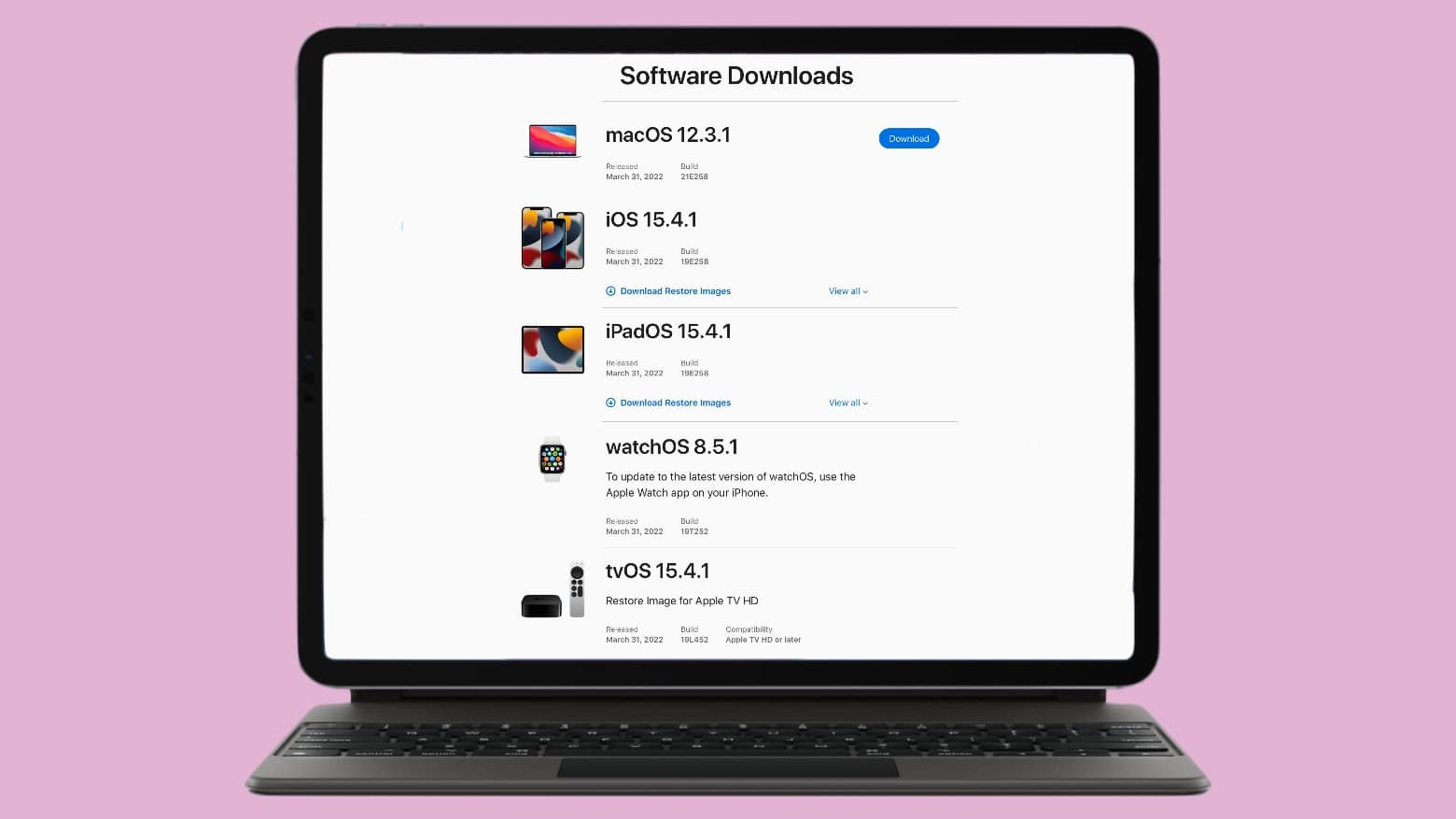
Apple introduced bug fix updates for every one of its operating systems on Thursday. These updates should improve the battery life on iPhone and iPad. And for Mac users, the new version fixes well-publicized bugs recently introduced by macOS 12.3.
However, there are no new features in macOS Monterey 12.3.1, iOS 15.4.1, iPadOS 15.4.1, watchOS 8.5.1 and tvOS 15.4.1 — Apple just fixed small problems. All five updates are available to download immediately.
If weather apps were judged solely on snarky attitude, there would be one clear favorite: Carrot Weather. But even judged by factors like tracking the weather and variety of features, it’s a darned good app. And now, with a major update released Wednesday “to celebrate the triumphant return of allergy season,” it’s even better.
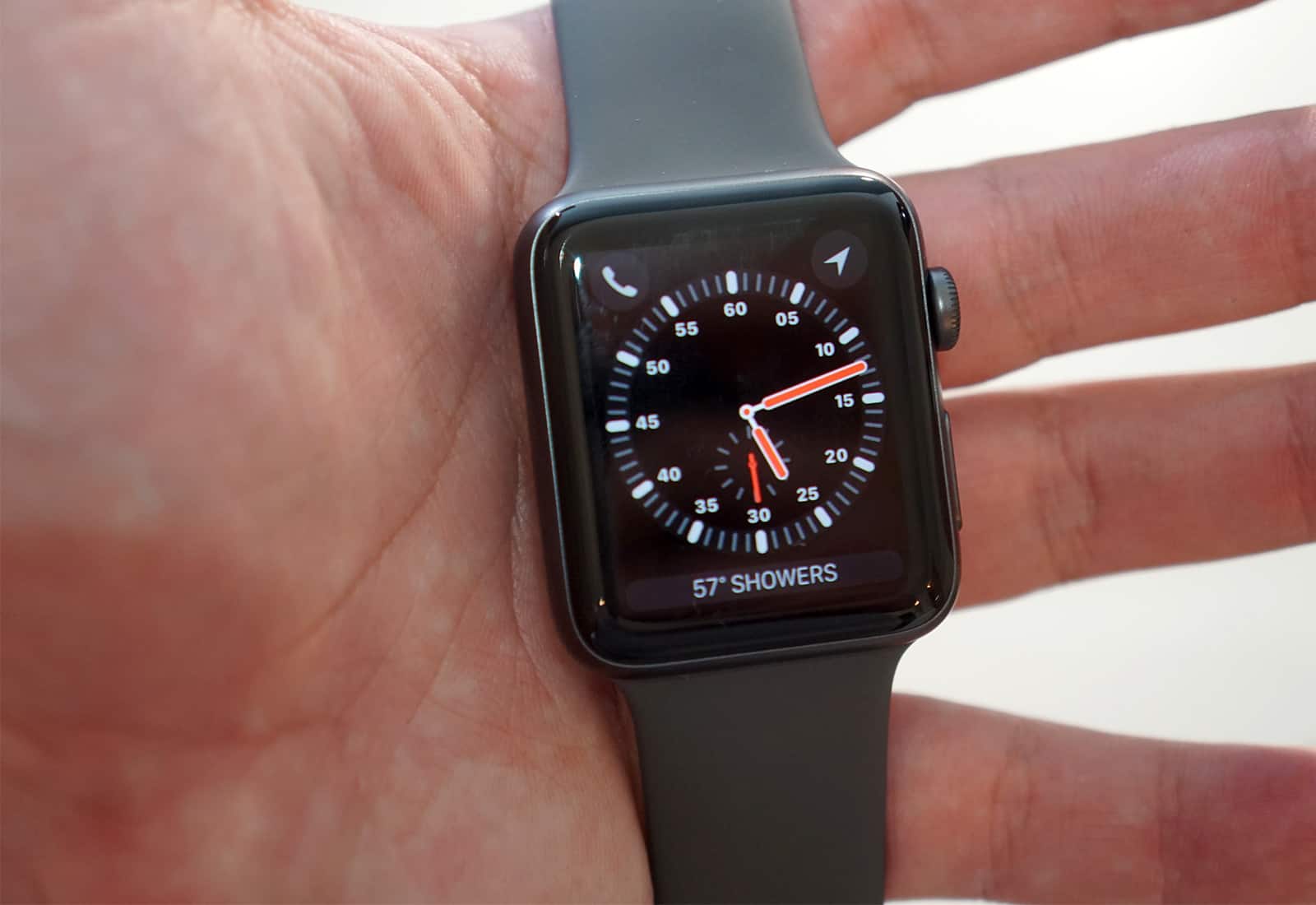
Apple might discontinue the Apple Watch Series 3 later this year, according to a new report.
The device stuck around this long — five years after its 2017 introduction — as a more-affordable alternative to newer Apple Watch models. But in recent years, performance and storage constraints caused all kinds of frustrations for Apple Watch Series 3 owners.
Apple released macOS Monterey 12.3 and iPadOS 15.4 on Monday. These give Mac and iPad users access to the long-delayed Universal Control.
Plus, iOS 15.4 also went to the public. And watchOS 8.5 and tvOS 15.4 too.
Apple seeded to developers the release candidates of macOS Monterey 12.3 and iPadOS 15.4 on Tuesday. That’s the final step before introducing them to the public, which will finally give Mac and iPad users access to the long-delayed Universal Control.
The iOS 15.4 Release Candidate also went to developers, so iPhone users will soon be able to unlock their iPhone with Face ID while wearing a mask. Plus, the watchOS 8.5 RC and tvOS 15.4 RC were seeded as well.
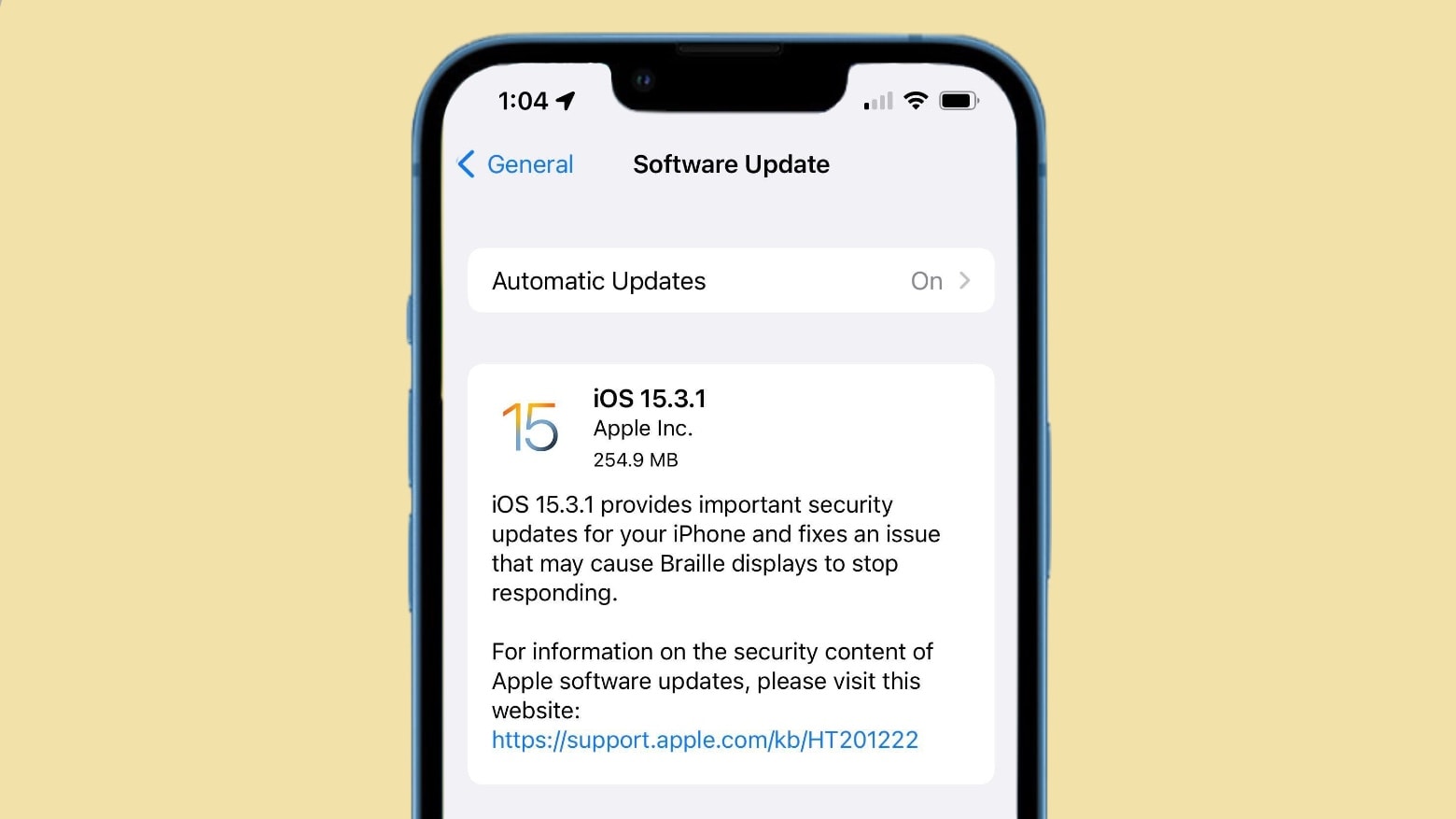
Apple recommends iPhone and iPad users install a system software update released on Thursday. It removes a security hole on all web browsers, and also includes an accessibility fix.
There are also fresh updates for watchOS as well as macOS available.
Apple introduced watchOS 8.4.1 on Wednesday, and promised that it offer “bug fixes.” It didn’t reveal what these are, but Apple Watch users are hoping it takes care of a nasty problem with the Wallet app.
The update definitely includes no new features.
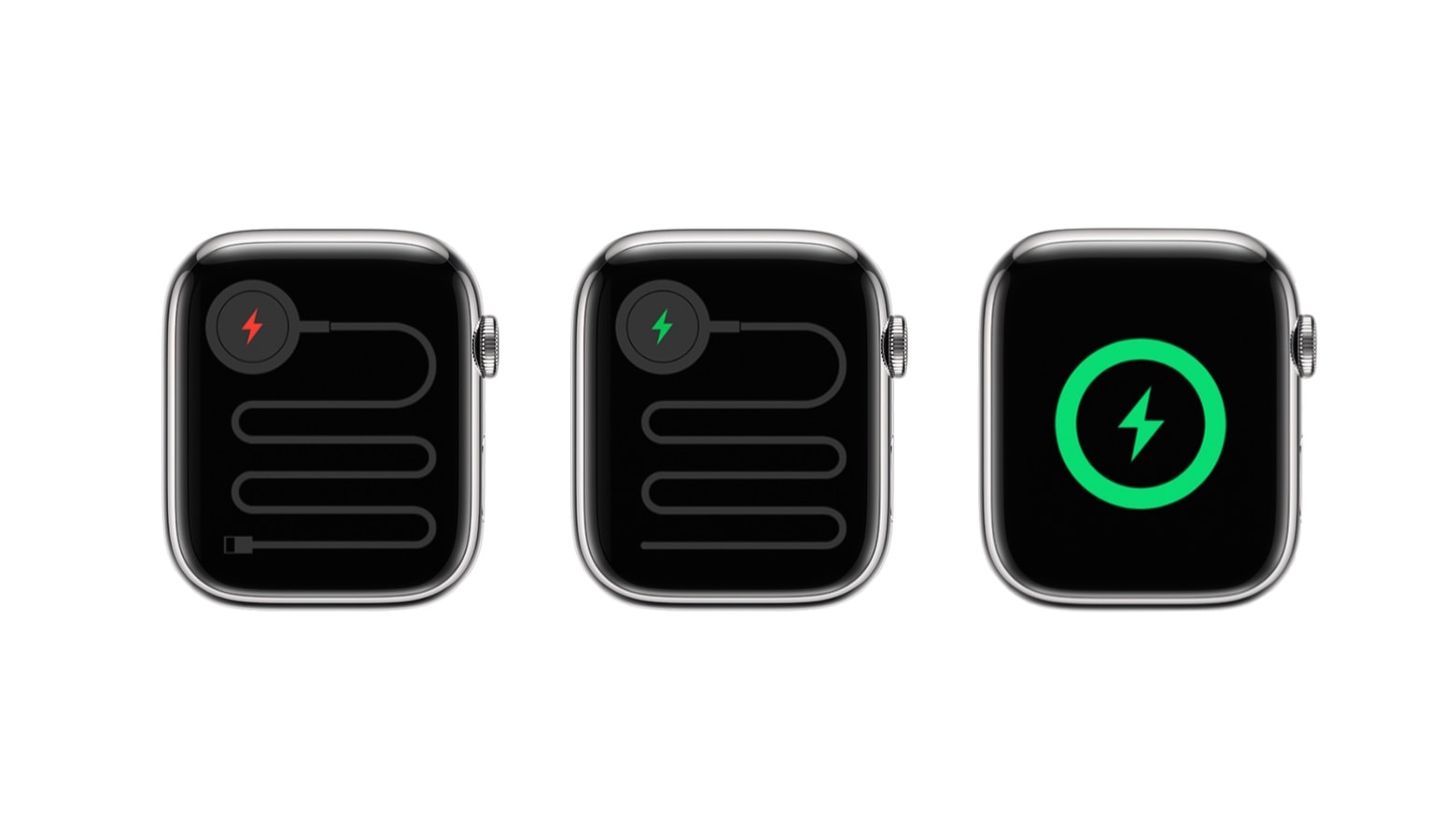
Apple Watch wearers can now install watchOS 8.4. And many will want to do so soon because the new version removes an irritating bug that prevented some third-party chargers from working.
This is just one of a slew of system software updates from Apple on Wednesday, including macOS Monterey 12.2, iOS 15.3 and iPadOS 15.3.
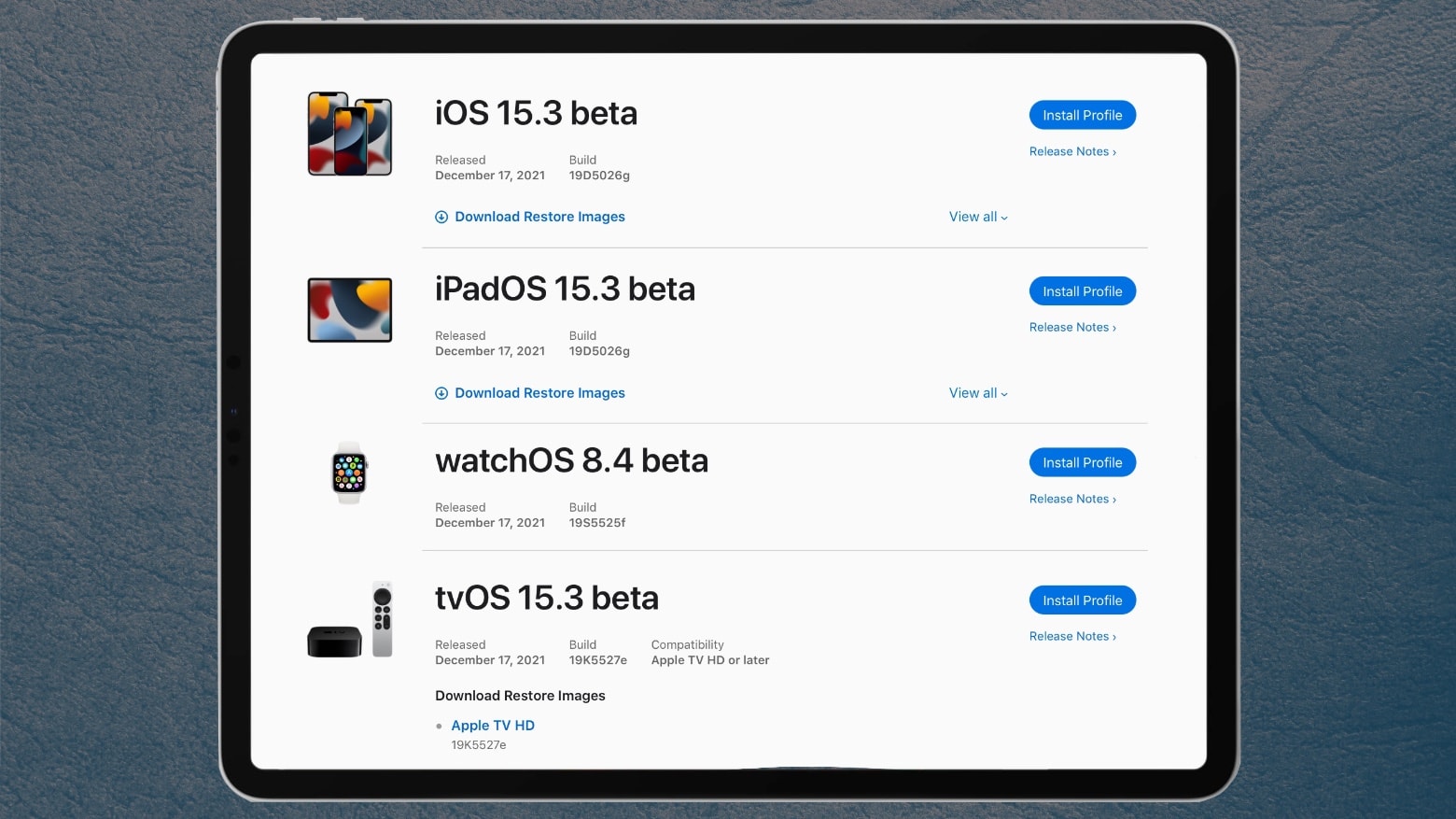
Apple seeded the initial iOS 15.3 beta to developers later than usual Friday, along with the iPadOS equivalent. And on Monday, Apple added iOS 15.3 beta 1 and iPadOS 15.3 beta 1 to the Apple Beta Software Program. So far, no one has been able to find any new features in them.
watchOS 8.4 beta 1 and tvOS 15.3 beta 1 also went to developers Friday.
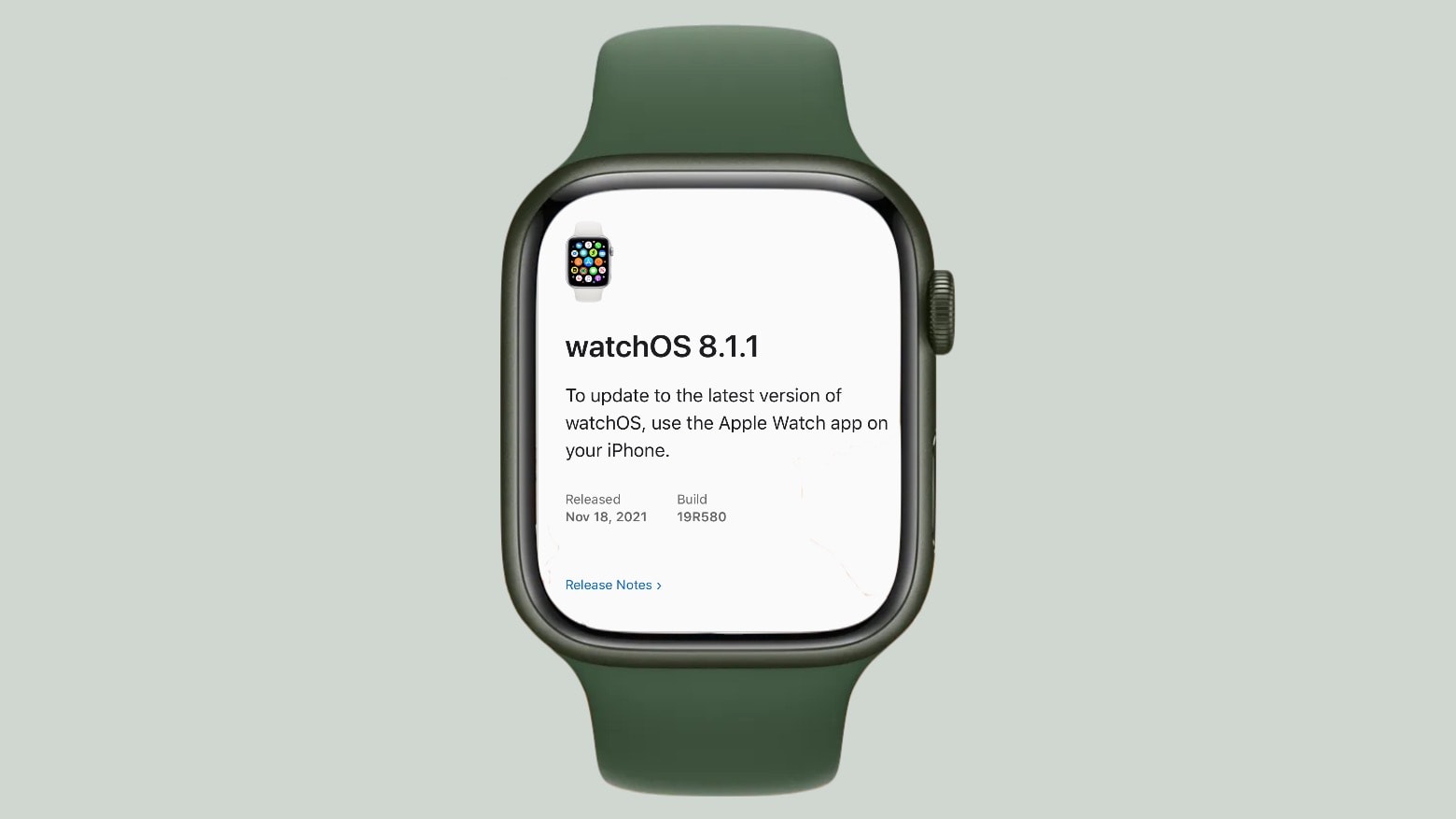
Apple Watch Series 7 wearers should install a small “bug fix” update that debuted on Thursday. If you don’t have that model, don’t waste time looking for the new version — watchOS 8.1.1 is apparently only for the recently released Series 7.
Beware using Mail on your Apple Watch. Security researchers have found that receiving messages on your wrist compromises Mail Privacy Protection in iOS 15 by revealing your IP address to senders.
Mail Privacy Protection — available across Mac, iPhone and iPad — is designed to prevent this from happening by masking your actual IP address. But it seems that using Mail on Apple Watch completely undermines it.
Apple today confirmed that it will continue to accept App Store submissions over the holiday period for the first time.
The company usually takes a short break in December, during which App Store submissions are closed and developers must scramble to get their updates out. That changes this year, but Apple warns that reviews may be delayed.
Apple seeded Release Candidates for iOS 15.1, iPadOS 15.1 to developers on Monday, adding the long-awaited SharePlay feature. The release candidates for watchOS 8.1 and tvOS 15.1 were also seeded. This means the beta testing process for all of these is almost over.
In addition, developers also got access to the macOS Monterey Release Candidate. Apple promised to introduce the final version to Mac users on October 25.
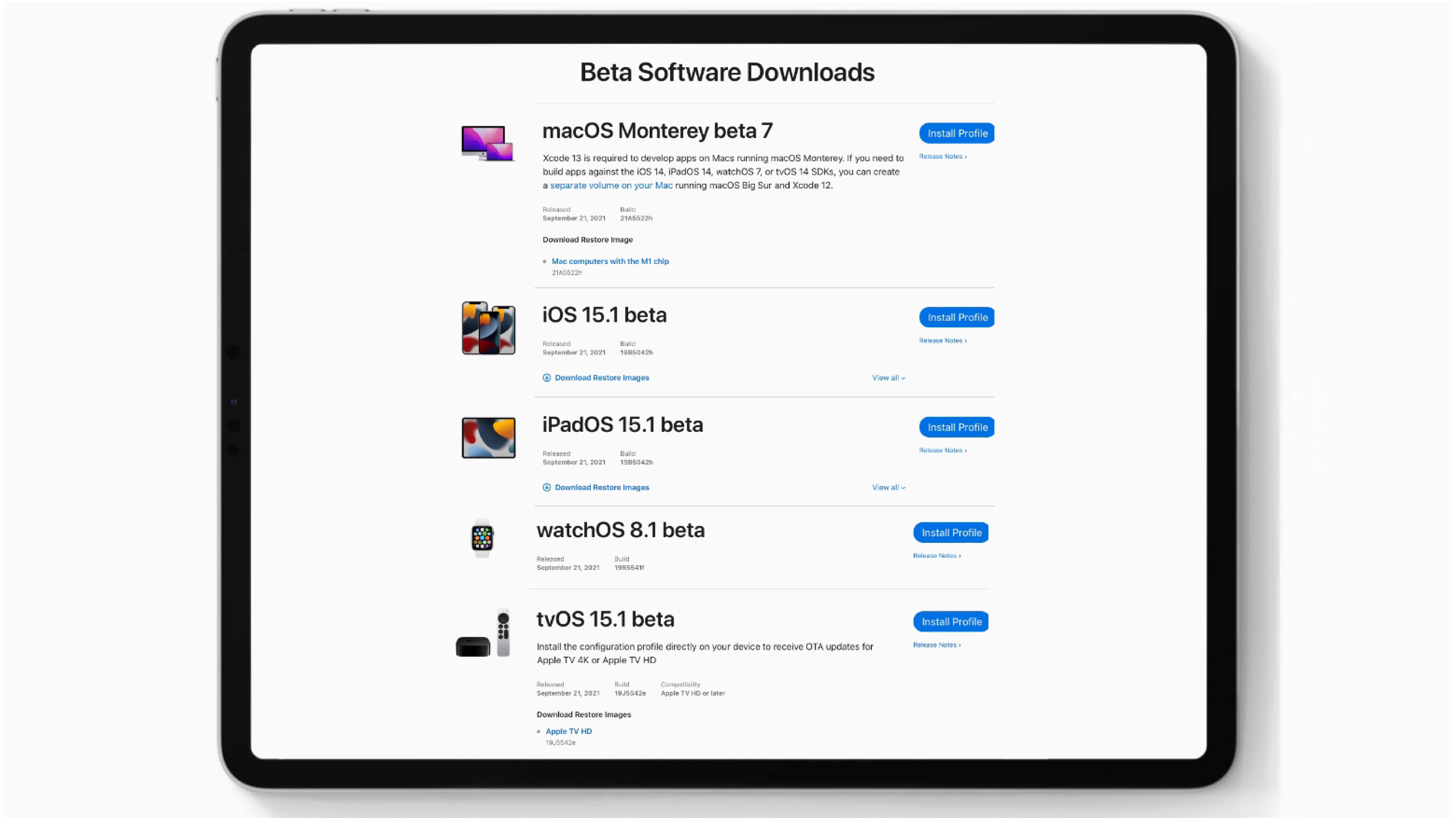
Apple seeded the first beta of iOS 15.1 to developers on Tuesday, just a day after the general public got access to iOS 15. The company also gave devs access to the initial betas for iPadOS 15.1, watchOS 8.1 and tvOS 15.1. These are expected to include some of the features promised earlier but removed from the versions that debuted on Monday to give additional development time.
In addition, Apple released to macOS Monterey beta 7 to developers.
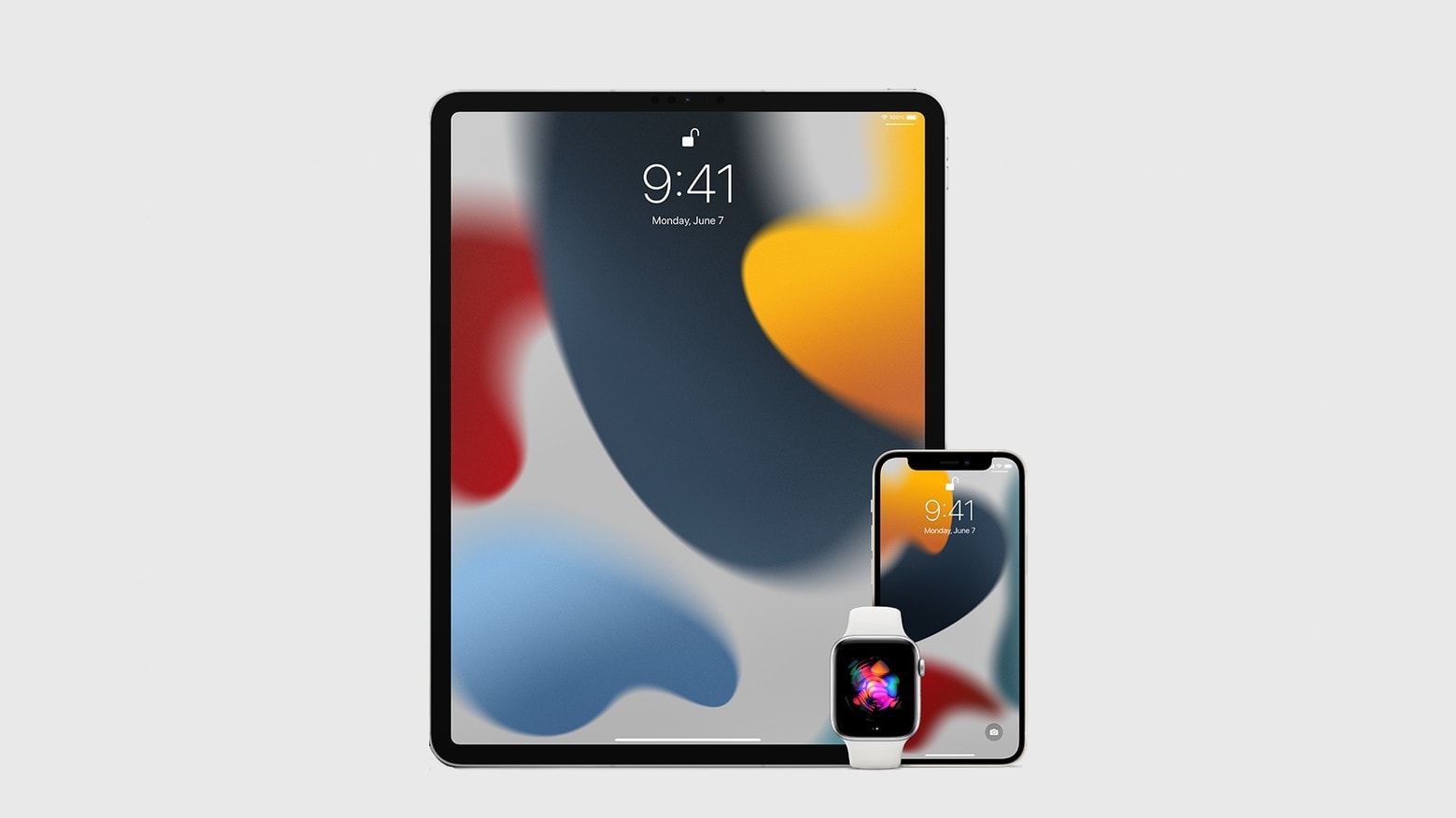
If you’ve been eagerly waiting for iOS 15, iPadOS 15 and watchOS 8 since June, then rejoice! Everyone can finally install them. iPad gets plenty of new features, while iPhone and Apple Watch get a handful of nice improvements.
Here are the cool enhancements you can look forward to, whether you jump on the updates Monday or decide to wait.
It’s been a very weird summer for Apple’s beta program, with major changes happening months after the initial unveiling of the operating system upgrades. But iOS 15 and iPadOS 15 have finally reached the point where they’re stable enough for average users to try them out. The same goes for watchOS 8.
But that’s not true of macOS Monterey.
FlickType, maker of the accessible iPhone keyboard that has become popular among those with vision impairment, has confirmed it is discontinuing its app after years of obstacles and “abuse” from Apple’s App Store approval team.
The announcement comes after FlickType last week submitted an update to fix bugs related to iOS 15 and got “incorrectly” rejected by Apple. The team says Apple has ignored repeated requests for clarification and support.
Apple introduced new International Collection bands for Apple Watch on Tuesday, priced at $49 each. There are 22 available and each comes with an accompanying Stripes face you can download from Apple’s website.
But you don’t need to buy a band to get your hands on the new faces. We’ll show you how to download them right now to show support for your country at this year’s Summer Olympics.
We got our first glimpse of the OS that will be gracing everyone’s wrists this fall when Apple showed off watchOS 8 during Monday’s WWDC keynote.
This update looks like more of an evolution than a revolution. Text editing gets a little easier. And we’ll get various small enhancements for the apps we already know and love, like photo sharing and a redesigned Music app.
Many Apple Watch Series 3 owners are unable to update to the latest watchOS release because their device doesn’t have enough storage space. But Apple says there is a way to get around this issue.
The solution is to reset your Apple Watch, wiping all data and settings, before updating. We’ll show you how.
Apple’s annual Worldwide Developers Conference is scheduled for June 7, and on Monday the iPhone-maker revealed that the all-important keynote address for WWDC 2021 will be held at 10 a.m. PDT on that day. This is almost certainly when they wraps will come off the next major upgrades for iOS, macOS and the company’s other operating systems.
New hardware is possible but far from certain.
We want to help you master Control Center, one of the most powerful and underutilized features on Apple devices. Cult of Mac’s Control Center Pro Tips series will show you how to make the most of this useful toolbox on iPhone, iPad, Apple Watch and Mac.
Make your favorite Control Center tools and shortcuts easier to find by reorganizing and cleaning up your Control Center window. It’s easy on iPhone, iPad, and Apple Watch — and we’ll show you how.
We want to help you master Control Center, one of the most powerful and underutilized features on Apple devices. Cult of Mac’s Control Center Pro Tips series will show you how to make the most of this useful toolbox on iPhone, iPad, Apple Watch and Mac.
Can’t remember where you left your iPhone? Use Control Center on your Apple Watch to “ping” it so that you can quickly track it down. You can even have your iPhone light up so that it’s easier to find in the dark.
We’ll show you how.
We want to help you master Control Center, one of the most powerful and underutilized features on Apple devices. Cult of Mac’s Control Center Pro Tips series will show you how to make the most of this useful toolbox on iPhone, iPad, Apple Watch and Mac.
Schooltime is a handy new feature, introduced in watchOS 7, that keeps Apple Watch quiet and prevents it from being a distraction in the classroom. It can be added to your Control Center options so that enabling Schooltime at any time takes just a swipe and a tap.
We’ll show you how.