Mobile menu toggle

Top Stories - page 44

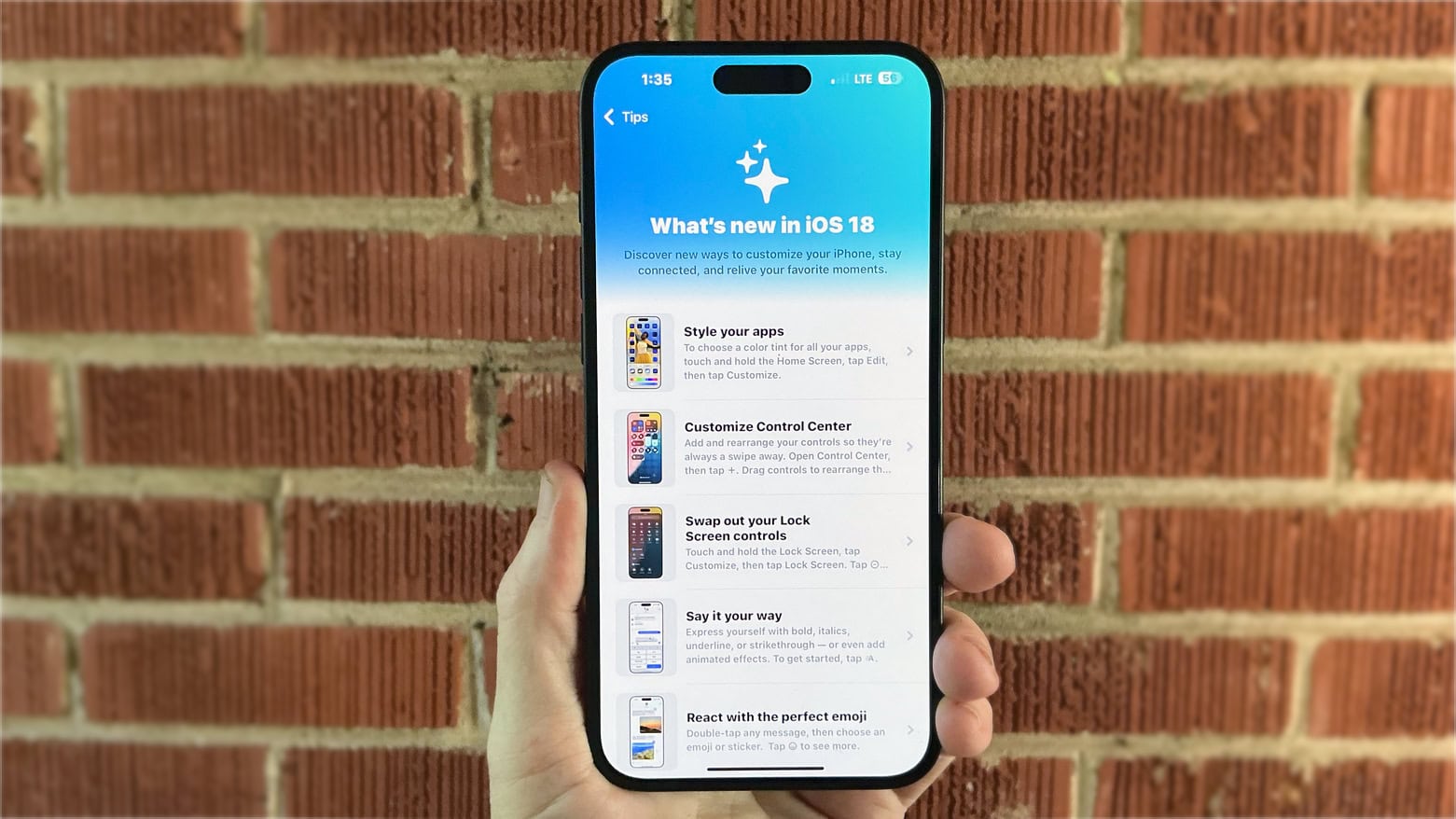
Try the 5 best new Messages features in iOS 18

By •

New Messages Features
These are the hottest features coming in Messages.
Image: D. Griffin Jones/Cult of Mac

In iOS 18, Apple’s Messages app gains five great new features that will make texting all the more fun. New message effects let you bold text in iMessage and animate it for extra emphasis. If you’re the forgetful type, you can schedule your messages to send later — automatically. You can reply to a message using any emoji you like. Finally, texting will get easier with your friends on Android — and in the middle of the Gobi desert.

Watch our video or keep reading to see the best new Messages features after you upgrade to iOS 18. (You can find the new iPhone operating in Settings > General > Software Update.)

iPhone 16 Pro: Not much new, but everything is better [Review] ★★★★☆

By •

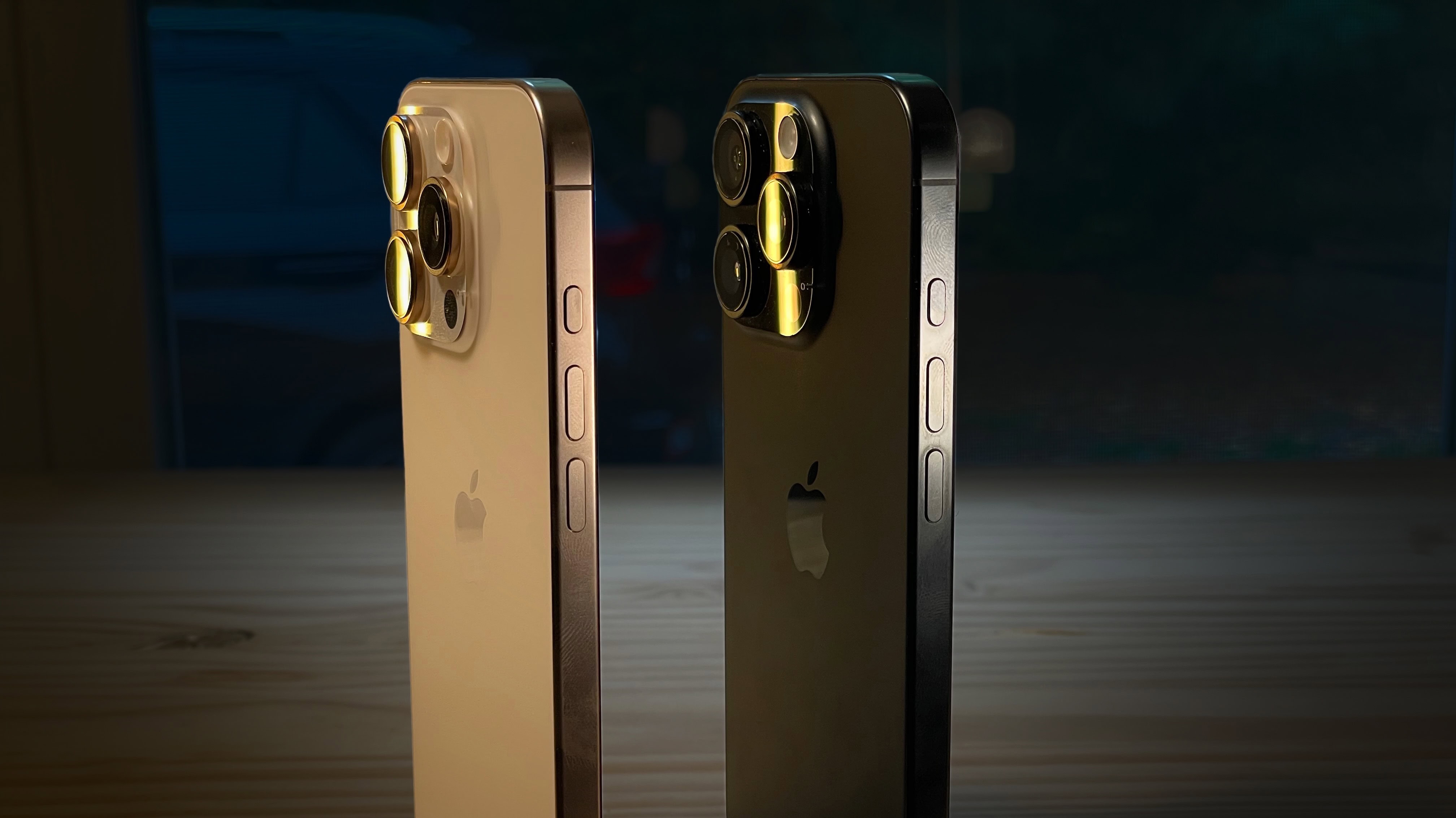
Desert and Black Titanium iPhone 16 Pro standing up, with a dark background★★★★☆
Desert Titanium and Black Titanium.
Image: D. Griffin Jones/Cult of Mac

The iPhone 16 Pro is a much-refined iPhone. All the features that make the it pro have been improved. The cameras are better, faster and higher-resolution. The screens are bigger, the bezels smaller, the chips faster. Even Siri works better!

But the bright colors of the iPhone 16 are swaying a lot of people back to the entry-level models, and I don’t blame them. The iPhone 16 Pro is for those who want the top 10%, the uncompromising best-of-the-best — if you can live with a gray phone.

This year, the best gets a little better all around. Keep reading or watch the video.

Why you should choose iPhone 16 or 16 Plus over iPhone 16 Pro [Review] ★★★★★

By •

iPhone 16 Plus Review★★★★★
iPhone 16 Plus might be a better choice for you than the Pro Max.
Photo: Ed Hardy/Cult of Mac

I’d like to save you between $200 and $400. It’s easy: Don’t assume you must buy an iPhone 16 Pro or Pro Max to get an excellent handset. The more-affordable iPhone 16 and iPhone 16 Plus are both brilliant.

Traditionally, customers choose the basic iPhone because they’re willing to forgo cutting-edge features to get a cheaper device. But the gap between iPhone 16 and iPhone 16 Plus versus the Pro versions proves quite narrow. My time reviewing Apple’s latest iPhones shows that if you go with a “regular” iPhone this year, you will give up less than you think in exchange for significant savings.

Apple Watch 10: The best gets gloriously better [Review] ★★★★★

By •

Apple Watch 10 deals★★★★★
Apple Watch 10 is quite the looker (seen here with Sport Loop).
Photo: David Snow/Cult of Mac

I find going to the mall for an Apple Store sales event exciting yet brutally soul-sapping, even when a preorder makes pick-up relatively easy. But it’s well worth it when it results in the excellent new Apple Watch Series 10 on my wrist. I actually couldn’t wait to write this Apple Watch Series 10 review.

Larger, thinner, lighter and more lushly curvaceous than predecessors, the 10th anniversary Apple Watch is, technically, a redesign. But it feels like a bunch of iterative improvements more than a huge overhaul. And yet those small changes simply add up to great — with only a couple of small caveats.

Some users really hate iOS 18’s revamped Photos app

By •

Photo of an angry man to illustrate the backlash to the iOS 18 Photos app redesign.
The Photos app's big redesign in iOS 18 really enraged some people.
Photo: Sander Sammy/Unsplash License/Modified by Cult of Mac

When Apple pushed out iOS 18, it trumpeted big changes to the Photos app (though it already rolled some back after negative feedback). Now, with the app’s public release, many users’ initial excitement has turned to disappointment and even anger on social media. The iOS 18 Photos app backlash is real — some people really hate it.

And amid that angst — and for that audience — developer LateNiteSoft put out the new Photon Library app designed along the lines of Apple’s old Photos app.

“We’re bringing back tabs, basic photo grids, a list of albums you can simply scroll through, and we even added some quick access to your Favorites!” Noël Rosenthal, a product manager atLateNightSoft, told Cult of Mac.

Ugreen Uno 2-in-1 wireless bot charger smiles for a reason [Review] ★★★★☆

By •

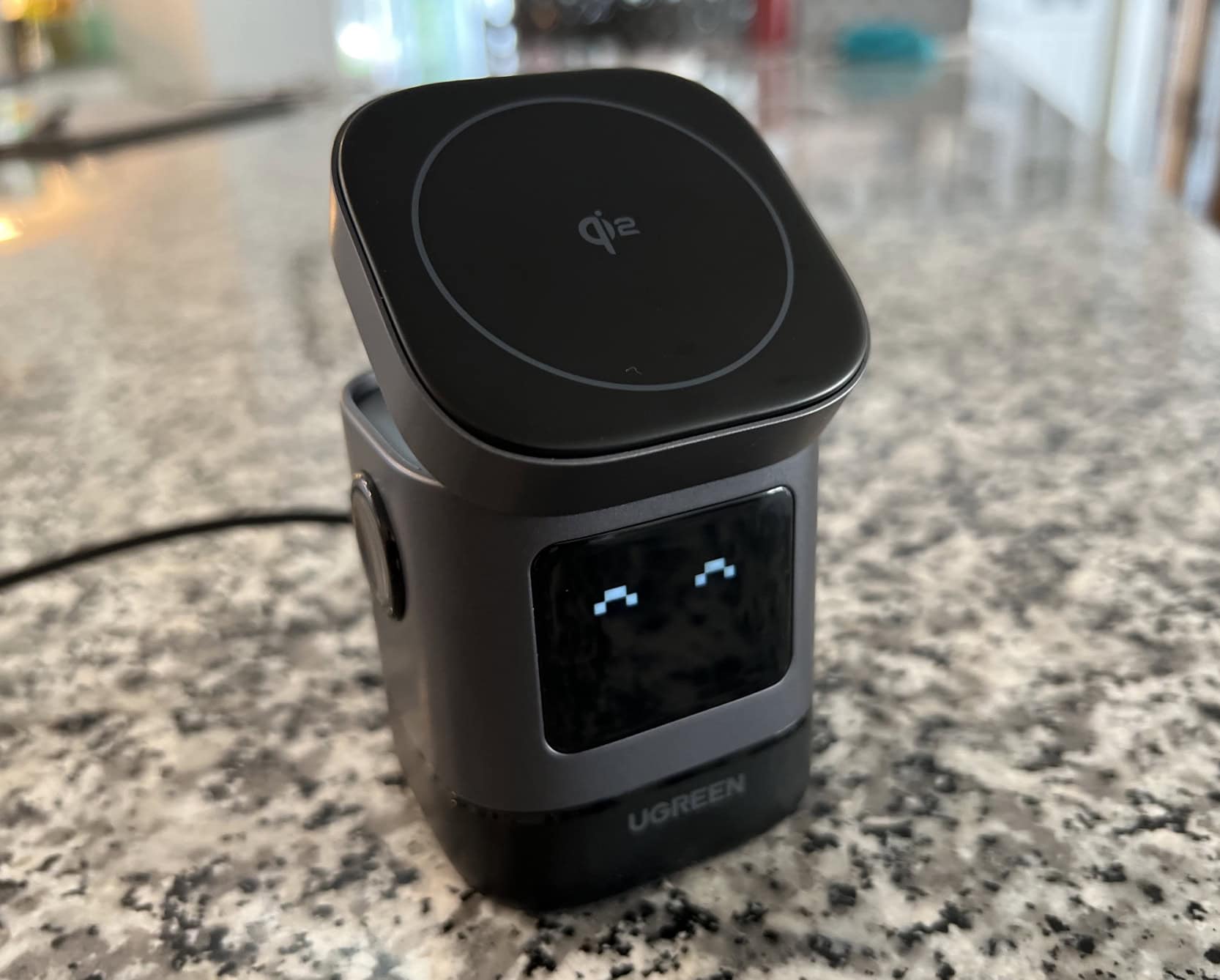
Ugreen Uno 2-in-1 Magnetic Wireless Charging Station★★★★☆
The little bot charger gives you a digital smile to indicate charging status. Here, eyes-only means it's plugged in, on standby.
Photo: David Snow/Cult of Mac

The charging station’s compact design makes it one of the smaller MagSafe-compatible docks I’ve seen that supports 15W fast charging. Measuring just 3.07 x 2.36 x 2.36 inches, it’s small enough for travel if you have space in your bag or for keeping your workspace tidy because it doesn’t take up much space. The charger’s build quality is top-notch, featuring a tilting top charging panel for MagSafe iPhones that adjusts up to 70 degrees for a better viewing angle. This flexibility allows me to easily see notifications or watch videos while my device charges. It’s great for Standby mode, too. If you’d like to know more about similar charging solutions, check out this review.

iPhone 16 Pro and Pro Max review roundup: A bit bigger, a bit better

By •

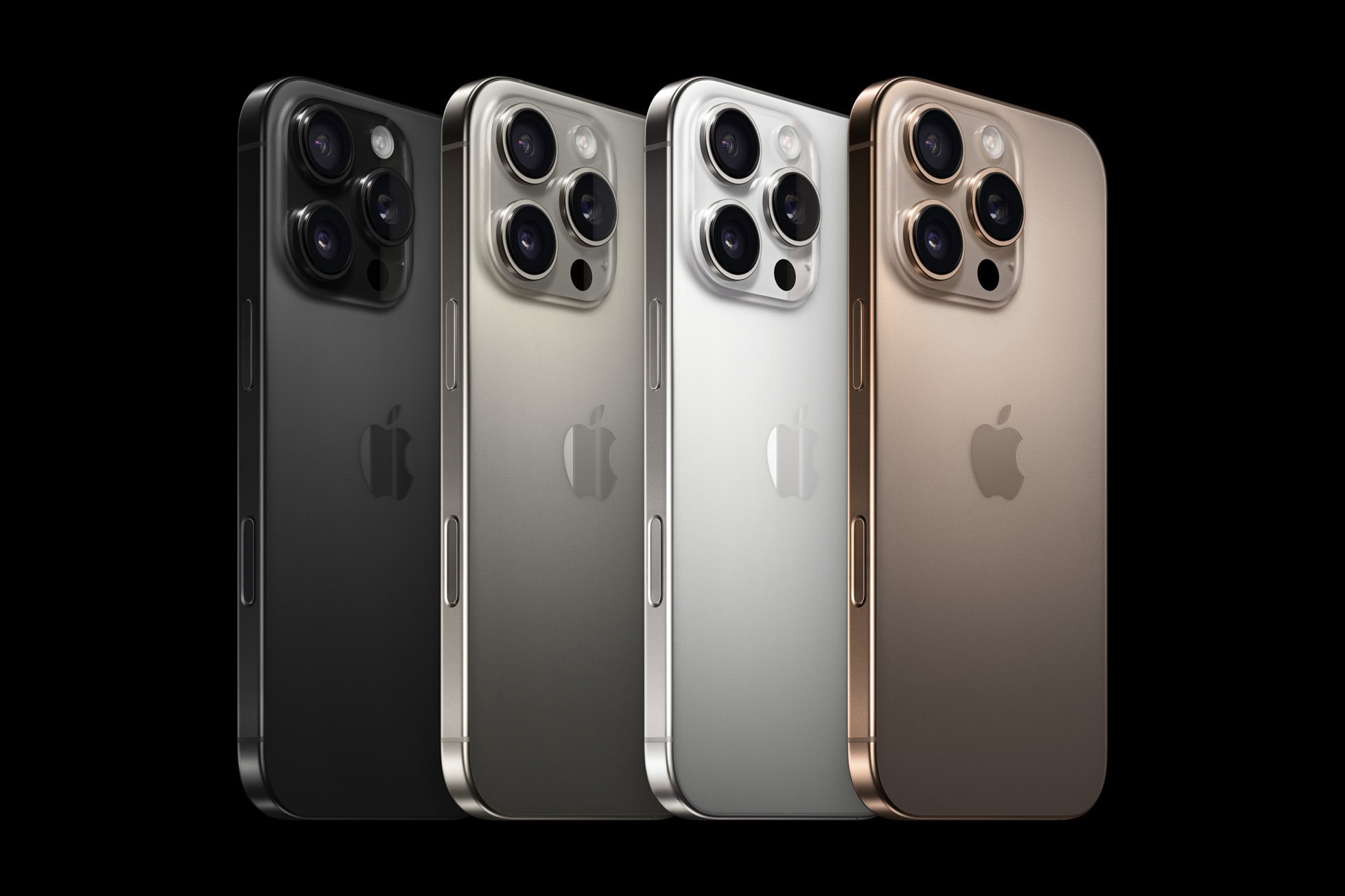
iPhone 16 Pro colors
From left, black, natural, white and the all-new desert titanium are your iPhone 16 Pro model color choices.
Photo: Apple

With iPhone 16 Pro and Pro Max on order for pickup or delivery starting Friday, early reviews of the premium handsets are rolling in. Our iPhone 16 Pro and Pro Max review roundup finds a lot to like in the biggest upgrades — mainly increased screen size and the cameras’ beefed up functionality.

But with Apple Intelligence still to come to test the awesome new A18 Pro chip, upgrades seem largely iterative, leaving much of the attention focused on the big jumps iPhone 16 and Plus took this year.

iPhone 16 and 16 Plus review roundup: Updates worthy of an upgrade

By •

iPhone 16 review roundup
Early reviews say iPhone 16 and 16 Plus are worthy upgrades from older models.
Photo: Apple

Early reviews for the iPhone 16 and iPhone 16 Plus say the base handsets close the gap between them and the Pro models. With the new Action and Camera Control buttons, the powerful new A18 chip, camera improvements and the promise of upcoming Apple Intelligence functionality, users with older models have plenty of reason to upgrade from older models (especially iPhone Series 14 and older). Read our iPhone 16 review roundup to find out more.

Elevate your setup with a Casa Hub Stand Ultra with USB-C, HDMI and more

By •

Product photo of the Casa Hub Stand Ultra laptop and tablet stand with USB-C hub.
Make your work more comfortable with the Casa Hub Stand Ultra for laptops or iPads.
Photo: Cult of Mac Deals

Say goodbye to awkward angles and neck strain with the Casa Hub Stand Ultra. This laptop stand with a built-in USB-C hub and magnetic iPhone dock is your ultimate ergonomic upgrade. Whether you’re working from home or enjoying some Netflix on your laptop, this stand offers the perfect height adjustment to keep you comfortable and/or productive for hours.

It works with laptops and iPads. And right now, you can get the Casa Hub Stand Ultra for just $139.99 (regularly $159).

Hall effect magnetic keyboards: The next big thing for Mac gamers?

By •

NuPhy Field75 HE Keyboard
The NuPhy Field75 HE Keyboard packs Hall effect magnetic switches under those key caps.
Photo: NuPhy

As a Mac user, you’re no stranger to cutting-edge technology, like the hottest new mechanical keyboards. But have you heard about Hall effect keyboards, which are gaining popularity, especially among gamers? Let’s dive into why people turn to these specialized magnetic mechanical keyboards and what they could mean for your Mac gaming setup. They’re not actually new, but more of them have hit the market lately. And a lot of people think they offer big advantages.

Apple Watch 10 review roundup: More refined than revamped

By •

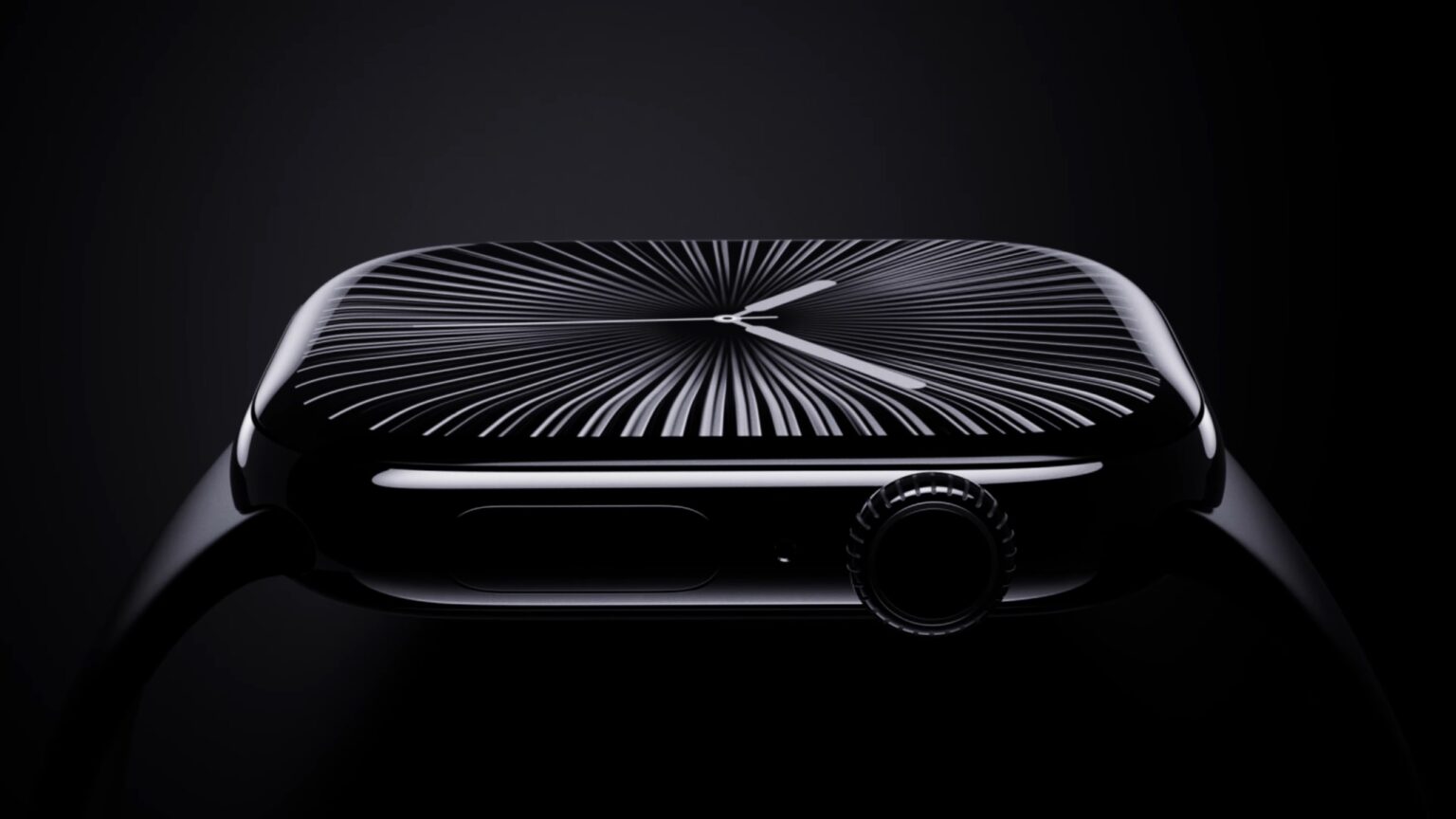
Apple Watch 10 review roundup
That glossy Jet Black color is new to the Apple Watch 10 aluminum cases this year.
Photo: Apple

As Apple Watch celebrates its 10th anniversary, Series 10 has arrived with a suite of refinements rather than revolutionary changes, our Apple Watch 10 review roundup found. And that’s despite the fact that a redesign took place to make the wearable larger yet slimmer. Let’s dive into what reviewers say this latest iteration brings to the table, including a larger display, faster charging and sleep apnea detection.

Everything new in watchOS 11

By •

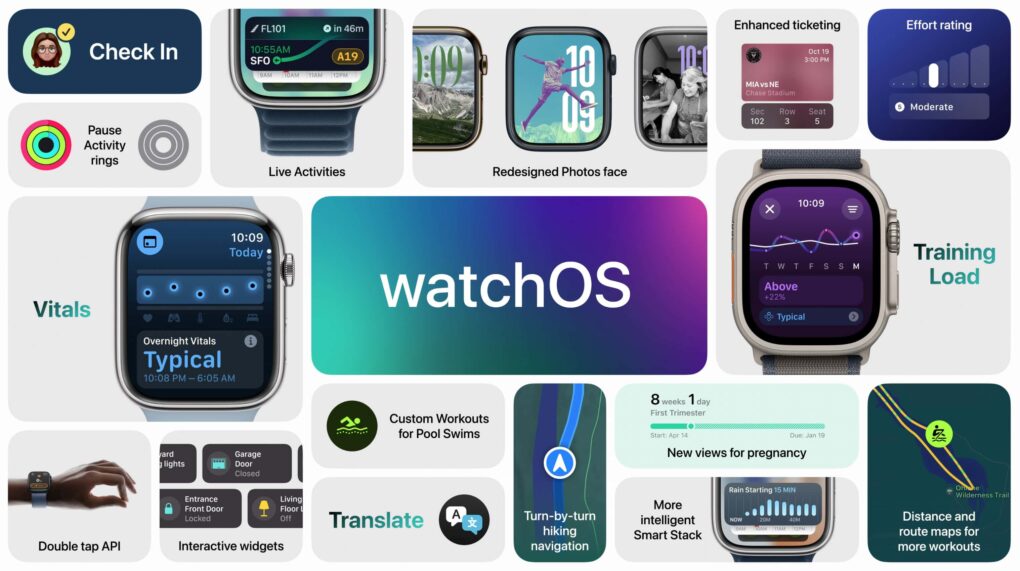
watchOS 11 features
watchOS 11 brings some notable usability improvements.
Image: Apple

watchOS 11 is a smaller update with a few great features people have wanted for years. You can pause your Activity streak without losing it, customize the beautiful new Photos face and set different Activity goals for each day of the week. It comes with some new apps, as well — Vitals, Tides, Translate and a new training load feature.

Apple released watchOS 11 on Monday. After you update, here’s the big list of things you can check out.

Everything new in macOS Sequoia

By •

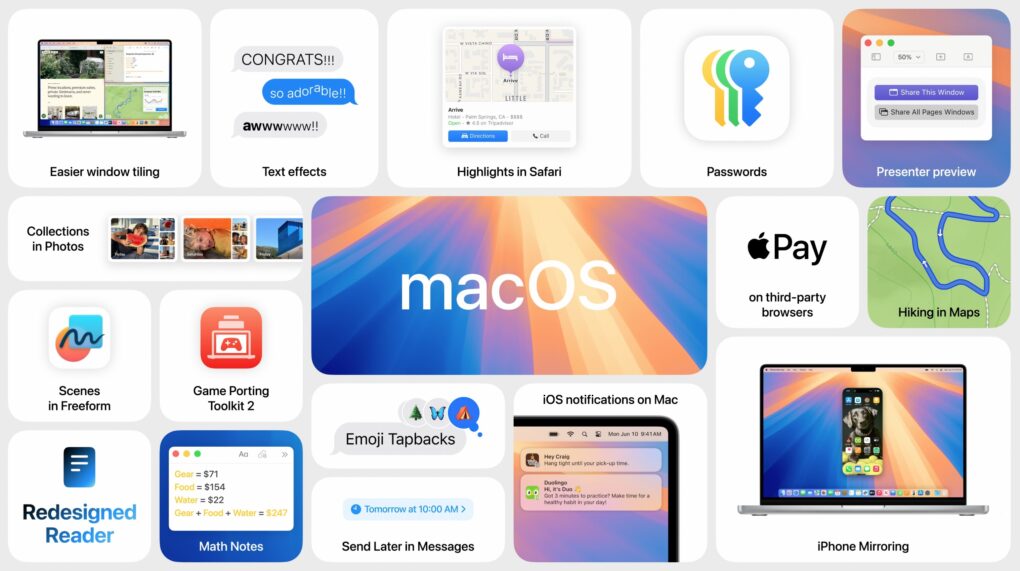
macOS Sequoia features
macOS Sequoia brings your iPhone and Mac closer.
Photo: Apple

macOS Sequoia is a pretty comprehensive update with some fantastic new features, like iPhone mirroring, window tiling, and text message formatting. Although Apple Intelligence — the AI features coming to Mac, iPhone, and iPad — will continue grabbing headlines for the next year, it won’t arrive until later in the fall. Plus, only Macs with Apple silicon will support Apple Intelligence. Additionally, users can look forward to a new shaking head emoji, expanding the ways people can express disagreement or disapproval in messages.

Still, macOS Sequoia brings some game-changing new features — and it’s out right now. Find it in System Settings > General > Software Update. It’s compatible with most of the same Macs as macOS Sonoma, dropping support for the 2018 and 2019 MacBook Air.

After you update, here’s the big list of things you can check out.

3 easy lighting tips to make your iPhone videos shine

By •

Photo of an iPhone in an article about phone lighting tips that will make your videos shine.
Your iPhone takes some fantastic video with just a little attention to lighting.
Photo: Jim Merithew/Cult of Mac

Lighting is a crucial part of any video shoot, whether you’re filming a scene for an indie movie with an expensive camera or using your iPhone to capture video of your kid’s soccer game. These easy phone lighting tips can really boost the quality of your videos, whether you’re using the latest iPhone or an old Android device.

Bouncy kickstand makes Zagg’s rugged iPad case unbearable [Review] ★★☆☆☆

By •

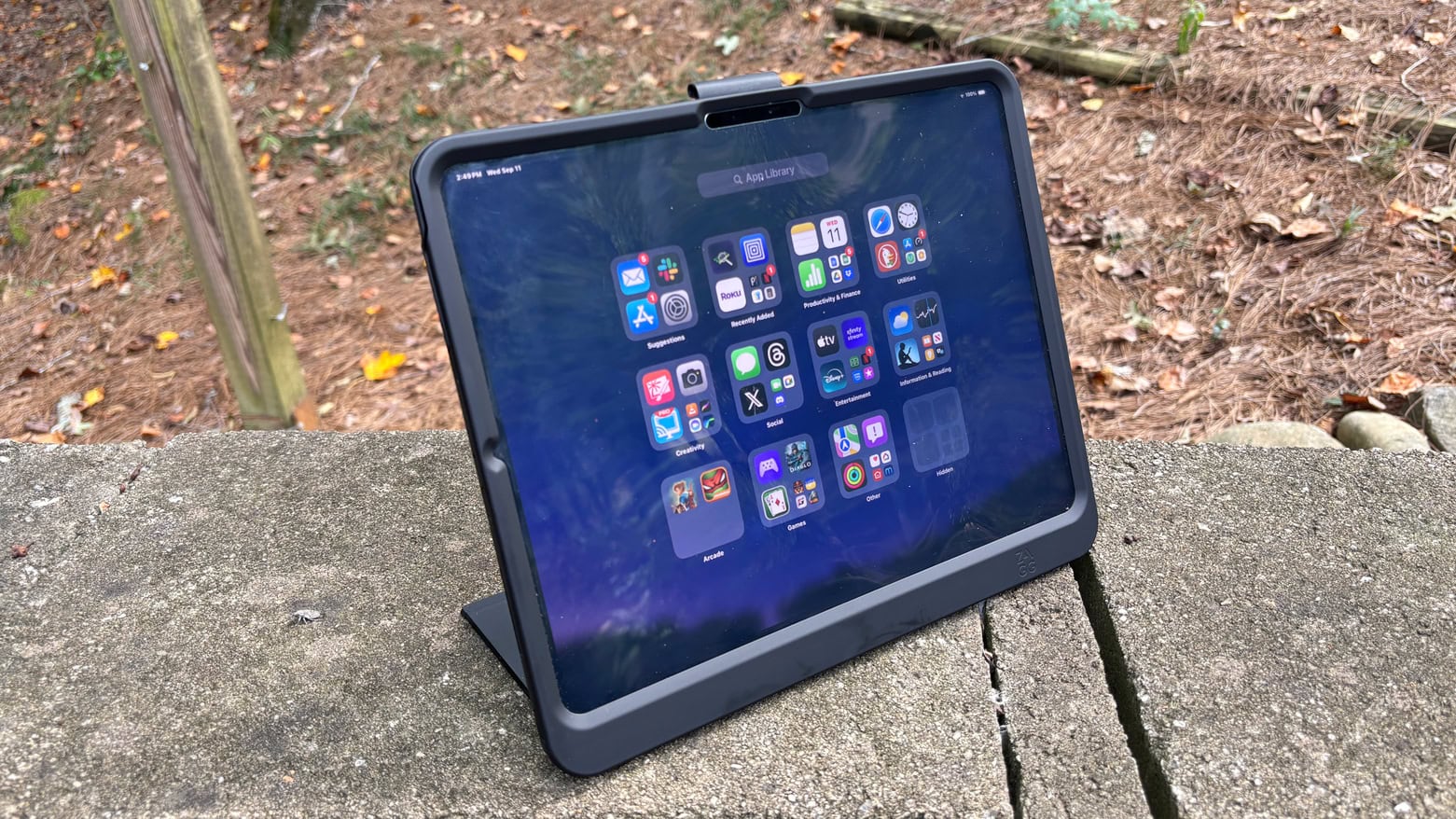
Zagg Denali review: Rugged but flawed iPad case★★☆☆☆
You'd think something really bouncy would be fun. But not when it's your iPad.
Photo: Ed Hardy/Cult of Mac

Zagg offers an array of excellent accessories for Apple devices. Its Denali case for the latest iPad Pro models is not one of them. The case protects the tablet from drops of 6.5 feet and includes a snap-on screen protector and kickstand, but a couple of significant design problems make this a product to walk away from.

I (unfortunately) tested the Denali with my 13-inch iPad Pro so I’m well familiar with its issues.

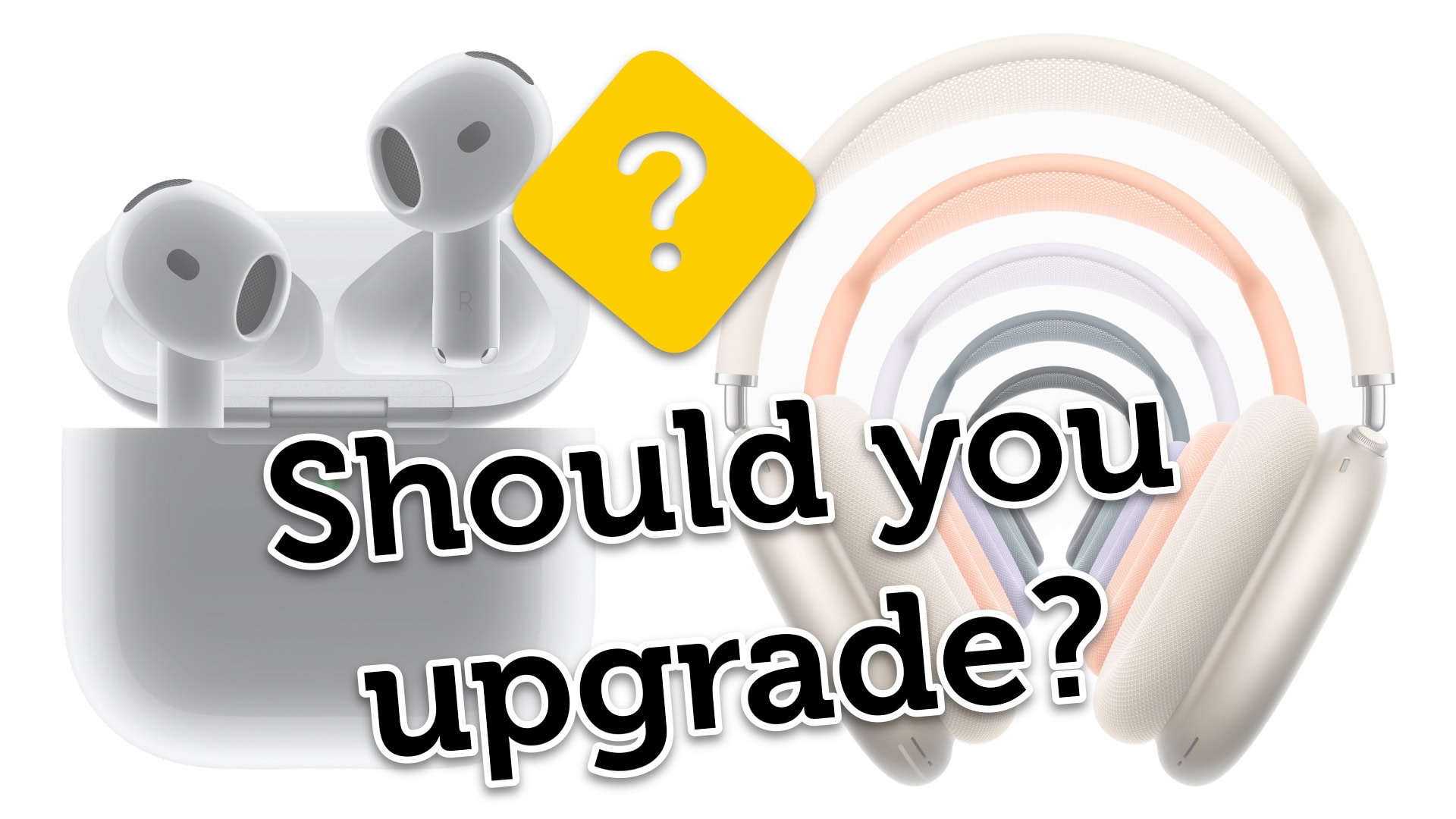
Should you upgrade to the new AirPods 4 or AirPods Max?

By •

Should You Upgrade?
Is it time to buy new AirPods?
Image: Apple/D. Griffin Jones/Cult of Mac

Is it time for you to upgrade and buy the new AirPods 4? The fourth-generation AirPods boast advanced noise cancellation features previously only available on AirPods Pro 2. Meanwhile, the refreshed AirPods Max swap out the legacy Lightning port for USB-C and bring new color options.

Now that the new headphones are available to preorder, you might be wondering whether it’s worthwhile to upgrade. That depends on what AirPods model you own. I put together a buying guide and a video to help you decide.

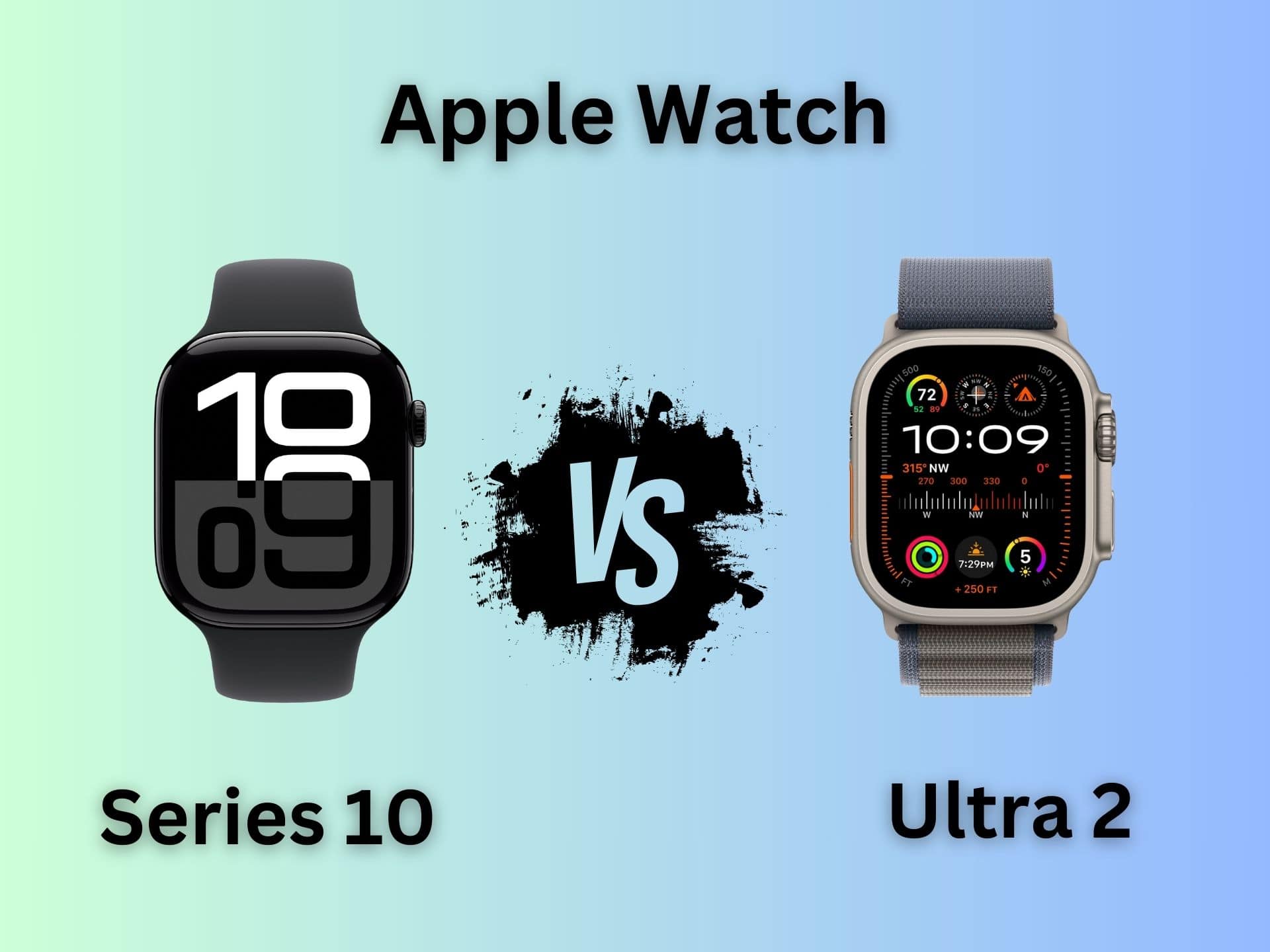
Apple Watch Series 10 vs. Apple Watch Ultra 2: Which should you buy?

By •

Apple Watch Series 10 vs. Apple Watch Ultra 2
Which Apple Watch is right for you? Series 10 goes head to head against Ultra 2.
Photo/Graphics: Apple/Rajesh Pandey

The Apple Watch Series 10 packs significant upgrades over its predecessor. However, Apple did not give the same love to the Apple Watch Ultra this year. Instead of a third-gen Ultra, Apple only unveiled a new black titanium finish for the Apple Watch Ultra 2. That makes an unusual comparison — Apple Watch Series 10 versus Apple Watch Ultra 2 — an intriguing proposition.

The “regular” Apple Watch Series 10 comes closer to its rugged Ultra sibling than ever before. But between the two, which is the right pick for you? Read our Apple Watch Series 10 versus Apple Watch Ultra comparison to find out.

All the gorgeous San Francisco locations in Apple’s ‘It’s Glowtime’ event

By •

San Francisco's Coit Tower, which featured in Apple's 'It's Glowtime' event.
The beautiful city of San Francisco shone as the backdrop to Apple's 'It's Glowtime' event.
Photo: Apple

While getting blitzed by an avalanche of mind-numbing specs during Apple’s “It’s Glowtime” event, I kept marveling at how good San Francisco looked. The beautiful City by the Bay provided the backdrop to Monday’s event, with many of the presenters standing in front of gorgeous San Francisco landmarks.

San Francisco is my hometown (I’ve lived here nearly 30 years now), and it’s been getting beat up by stories about urban decay in recent years. But it’s still one of the world’s most beautiful cities, and it looked great during Apple’s live stream. Here’s a quick rundown of all the eye-popping SF locations.

What we did not get at Apple’s September event

By •

What we did NOT get at Apple's September event
We're still waiting for some much-anticipated Apple products.
Photo: Ed Hardy/Cult of Mac

Apple It's Glowtime Event:Apple’s “It’s Glowtime” event wrapped up Monday with several upcoming products not even having been mentioned, much less launched. Some of these were not expected to debut, like new Macs and iPads, but others were supposed to be on the agenda, like a new Apple Watch SE.

Here’s what to look forward to at an October Apple event, plus the products that’ll likely come even later.

iPhone 16 Camera Control makes getting the shot a click away

By •

Camera Control Button iPhone 16 Pro
The Camera Control button on iPhone 16 and iPhone 16 Pro gives you instant access to your camera AND camera settings
Photo: Apple

Apple It's Glowtime Event: The new Camera Control on the iPhone 16 and 16 Pro models provides instantaneous camera access and other advanced features. With it, you can launch the Camera app, zoom in and out of your shot, initiate an AI-powered visual search and more — all with a simple tap, click or slide on the new capacitive button.

Bigger iPhone 16 Pro and Pro Max beef up cameras and AI processing power

By •

iPhone 16 Pro and Pro Max
Apple said iPhone 16 Pro models are the most advanced iPhones ever made (which it says every year, naturally).
Photo: Apple

Apple It's Glowtime Event:The new iPhone 16 Pro and Pro Max handsets boast size increases, thinner bezels for larger screens, a leap in battery life and new features, including impressive camera and audio upgrades. And on top of that, the new A18 Pro chip brings enough raw processing power to handle resource-intensive Apple Intelligence functions, Apple said Monday at the “It’s Glowtime” event.

“iPhone 16 Pro has a stunning new design with innovations inside and out. It starts with a big improvement to the gorgeous pro displays,” said Greg “Joz” Joswiak, Apple senior VP of Worldwide Marketing. “They’re even larger at 6.3 inches on iPhone 16 Pro and 6.9 inches an iPhone 16 Pro Max for the largest iPhone display ever, helping you see more and do more. These are by far our best iPhone displays ever.”

And they’re the best iPhones ever, which Apple CEO Tim Cook was sure to mention, as he always does.

Apple ‘It’s Glowtime’ event rumors: iPhone 16 and more

By •

Artwork from Apple's
The iPhone 16 lineup will steal the spotlight, but Apple has much more in store.
Image: Cult of Mac

The most important day of Apple’s year comes Monday, September 9. But there’s no reason for you to spend the weekend wondering what’s on the agenda for the “It’s Glowtime” event — we can spill the beans now: iPhone 16, AirPods 4, Apple Watch Series 10 and more.

We also already know what’s not coming at the September event, like MacBooks. Read on for all the details.

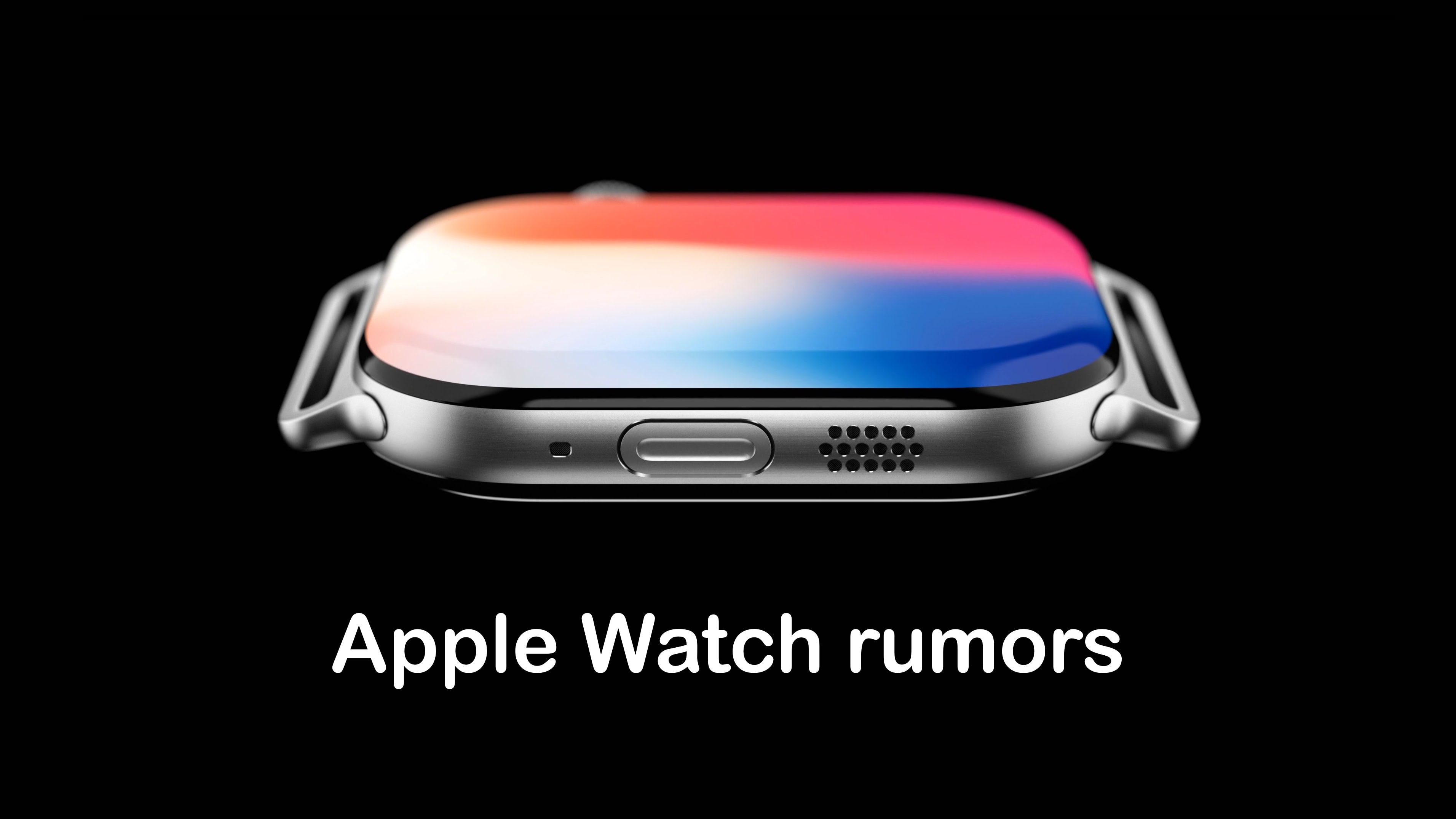
Apple Watch rumors: Series 10, SE 3, Ultra 3 are on the way

By •

Apple Watch Series 10 rumors
A slimmer Apple Watch Series 10 could be one of the wearables revealed September 9.
Image: concept_central/Cult of Mac

Both Apple Watch Series 10 and Apple Watch SE 3 could be among the many products on the agenda for Apple’s “It’s Glowtime” event on September 9. The situation with Apple Watch Ultra 3 is a bit more murky, however.

And speaking of murky, we don’t know whether any of these will offer blood oxygen monitoring in units sold in the United States.

4 new features coming to AirPods with iOS 18

By •

iOS 18 will bring several improvements to AirPods
iOS 18 will make your AirPods even better.
Photo: Rajesh Pandey/Cult of Mac

Like iPhones, Apple regularly updates AirPods with new features. iOS 18 will continue that trend by introducing several enhancements for Apple’s earbuds. They include interacting with Siri using head gestures, lowering audio latency while gaming, and more.

Read on to see what new AirPods features iOS 18 will bring to further improve the best earbuds for Apple fans.