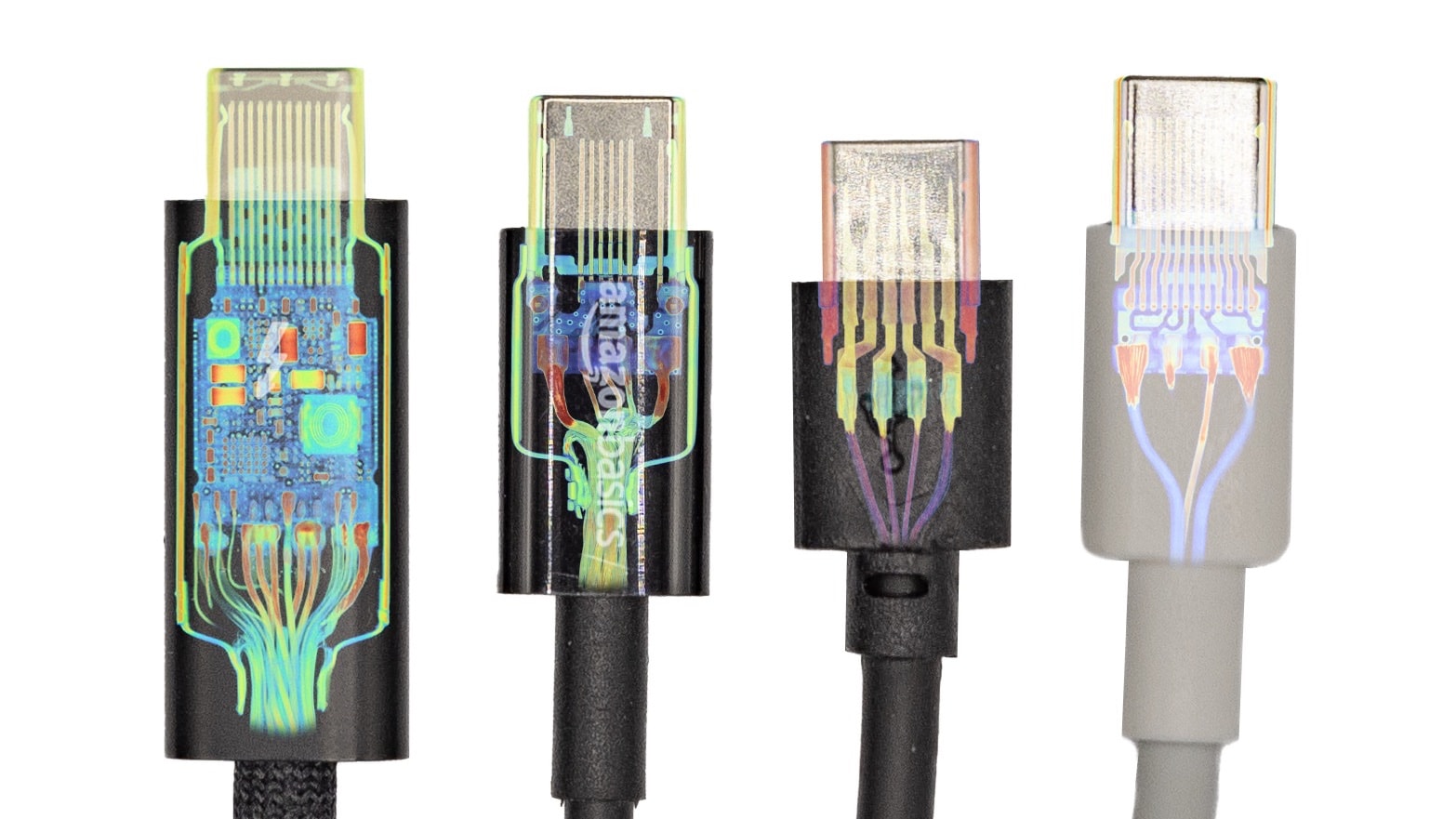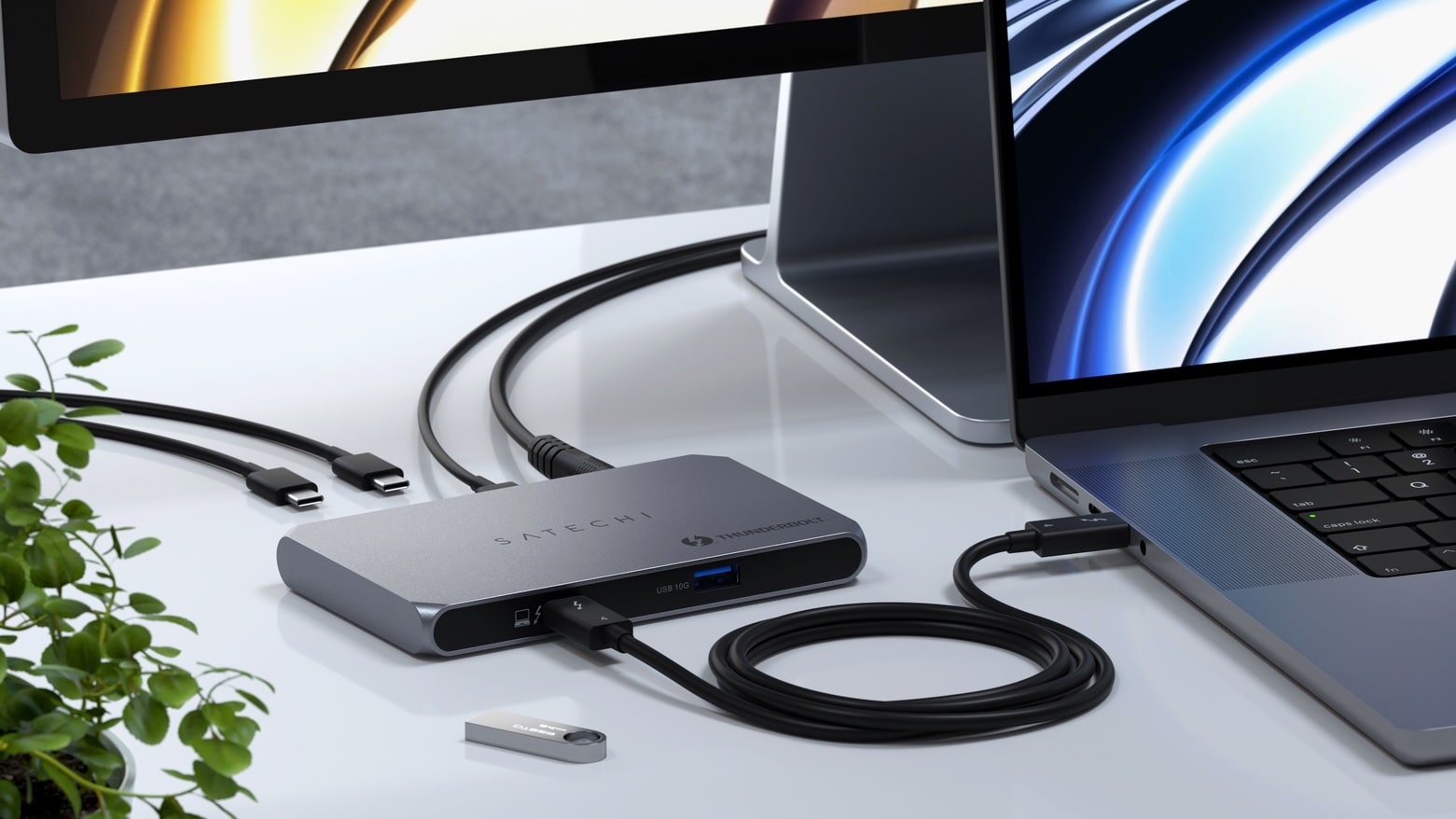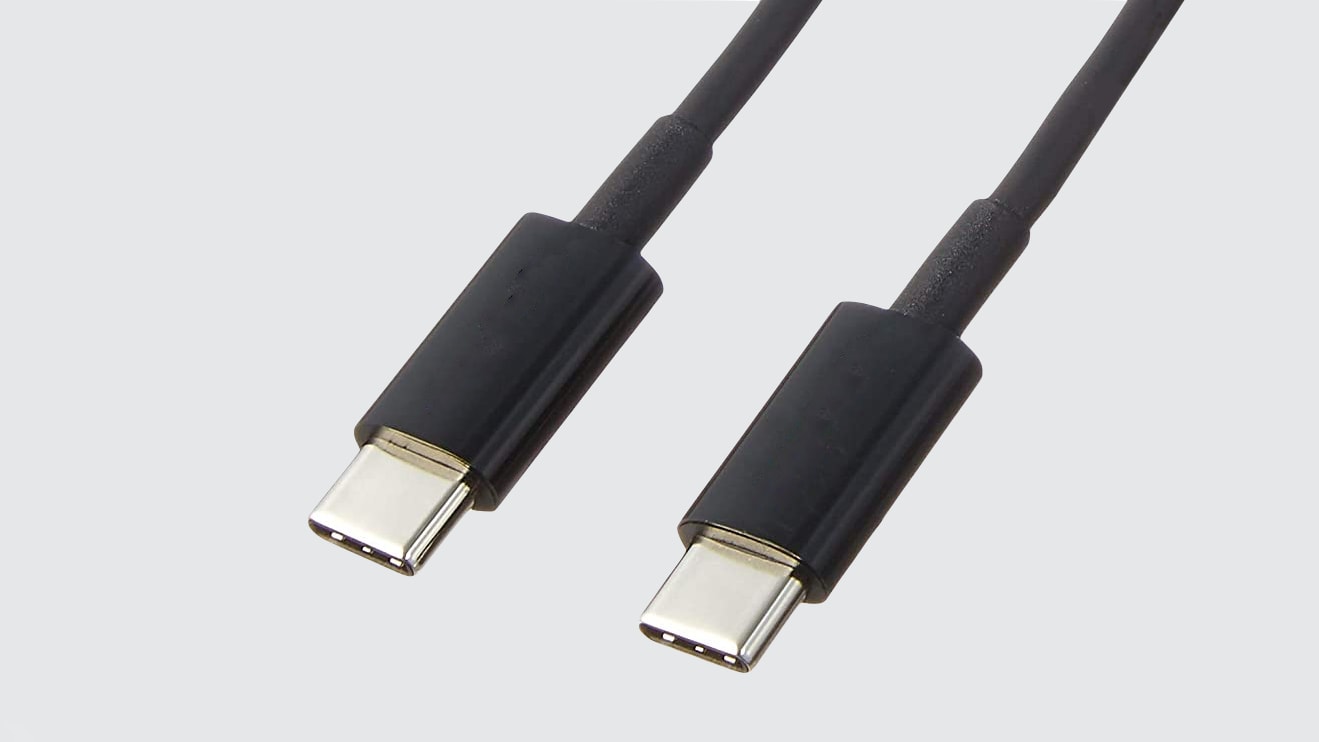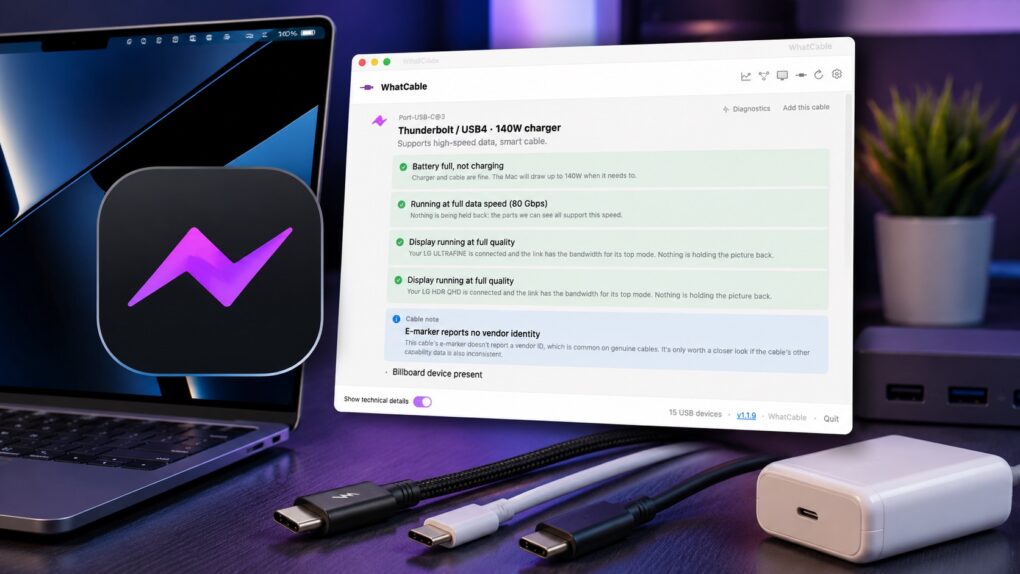
A free Mac app called WhatCable solves the biggest problem with USB-C cables: They all look alike, but they are not all the same.
Plug a USB-C cable into your Mac, and WhatCable can tell you how much power it can deliver, how fast it can transfer data and more. And a pro version for power users serves up even more data about the cables in your collection. The app’s earning accolades online (and hit No. 4 on ProductHunt), so I decided to put it to the test.

![This USB-C dock powers your Mac, iPhone and more from one hub [Review] ★★★★☆ The Spacemate RD1 Pro’s compact vertical design packs 15 ports, a front display, and a built-in Qi2 wireless charger.](https://www.cultofmac.com/wp-content/uploads/2026/07/baseus-spacemate-rd1-pro-featured1-1020x574.jpeg)
![Hub adds 3 high-speed Thunderbolt ports without the bulky power brick [Review] ★★★★★ Sanho HyperDrive Thunderbolt 4 Power Hub review: You can never have too many high-speed data ports, and the HyperDrive Thunderbolt 4 Power Hub adds three more to your Mac or iPad Pro.](https://www.cultofmac.com/wp-content/uploads/2022/08/HyperDrive-Thunderbolt-4-Power-Hub-review.jpg)