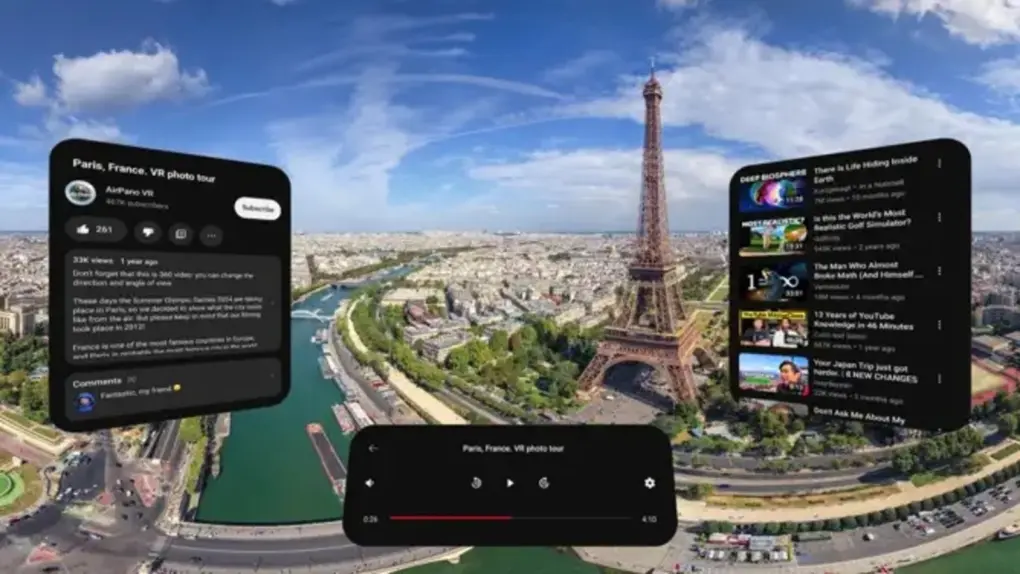
Vision Pro headset owners can finally watch YouTube content on an official app from Google. Photo: App Store
After two long years of waiting, Apple Vision Pro owners can finally watch YouTube the way it was meant to be experienced on a spatial computing headset. Google launched its official YouTube app for visionOS on Thursday, ending one of the most conspicuous app absences on Apple’s $3,499 mixed-reality device.
No ads. Picture-in-picture. Background play. All in one extension. Perfect, no notes. Image: D. Griffin Jones/Cult of Mac
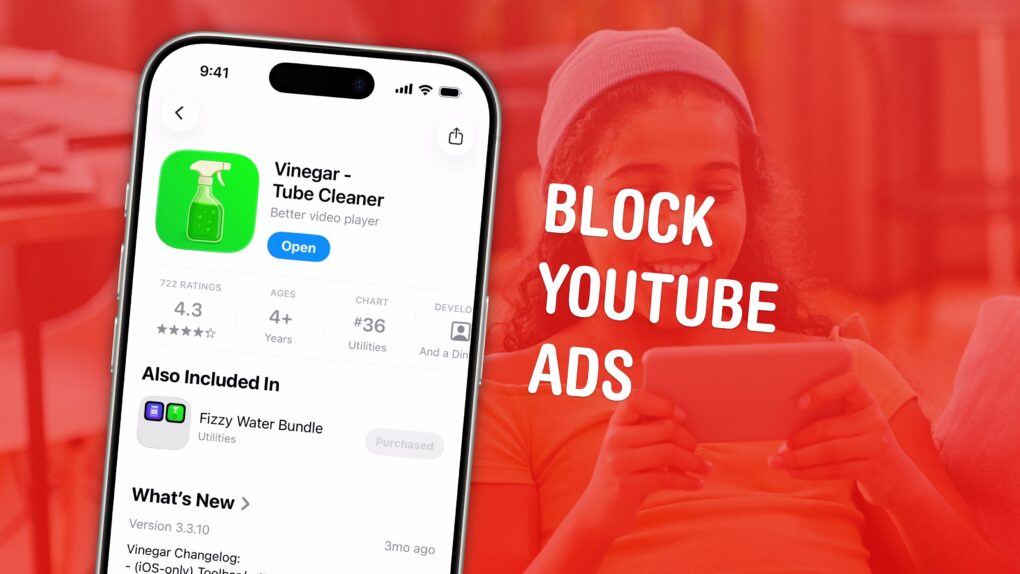
If you love YouTube but hate YouTube ads, Vinegar is the best Safari extension you can download. It can block YouTube ads on your iPhone and Mac and restores many native system features like playing videos in the background, picture-in-picture, and more.
YouTube ads are freaking insufferable. But if you don’t want to plunk down the dough for YouTube Premium (currently $13.99 per month), you can pay a one-time fee of just $1.99 to buy Vinegar and block YouTube ads on all your Apple devices.
The iPhone 17 event is on Tuesday, September 9. Image: Arne Müseler/Wikimedia Commons/Apple
How can you watch Apple’s iPhone event? You can stream the keynote on YouTube, on the apple.com website or on your smart TV. It starts at 10 a.m. Pacific time on Tuesday, September 9.
At the September event, Apple unveils new iPhones, Apple Watches and other accessories. The iPhone 17 series will be the highlight — with the iPhone 17 Air being a standout new model. Rumors point to the Apple Watch Ultra 3 getting a faster processor, satellite messaging and (possibly) blood pressure monitoring. Some of these features might make it to the Apple Watch Series 11. A couple of other new devices might put in an appearance at Apple’s September event, too. We’ve heard rumors of AirPods Pro 3, an updated Apple TV 4K and AirTag 2.
Here’s how you can watch it all live, whether you’re watching at home or secretly at work.
Makes converting video files to audio easy with the 4K YouTube to MP3 app for Mac, Windows and Ubuntu. Image: 4K YouTube to MP3
Need to convert YouTube videos to MP3 files easily, so you can transform your favorite streaming content into high-quality audio files that are a breeze to store and play? One simple way is to download and use 4K YouTube to MP3, a powerful Mac app designed specifically for audio extraction.
This specialized converter focuses on delivering crystal-clear audio files from YouTube videos, podcasts, music and other content across popular platforms including Facebook, SoundCloud and Twitch.
May 24, 2013: Apple begins phasing out the option to download movie trailers from its once enormously popular iTunes Movie Trailers website.
The move signals a major change in the way people consume digital content as the internet evolves. Downloads will continue to decline, as streaming services like YouTube and Netflix pick up steam.
YouTube videos looking worse? You are not alone. Photo: YouTube
YouTube videos appearing blurry or excessively buffering on your iPhone? Videos streaming on 144p or 360p resolution despite being on a fast Wi-Fi connection?
You’re not alone in facing these problems. Don’t point fingers at your ISP either — the issue stems from YouTube’s end.
YouTube Premium Lite is a cheaper alternative to YouTube Premium. Logo/Text: YouTube/Rajesh Pandey/CultOfMac
YouTube introduced a new, cheaper paid tier in the US called YouTube Lite. While the “Lite” plan is light on perks, it also carries a lower monthly subscription fee of $7.99 per month.
YouTube Premium Lite retains the biggest advantage of paying for YouTube: an ad-free viewing experience. Well, almost.
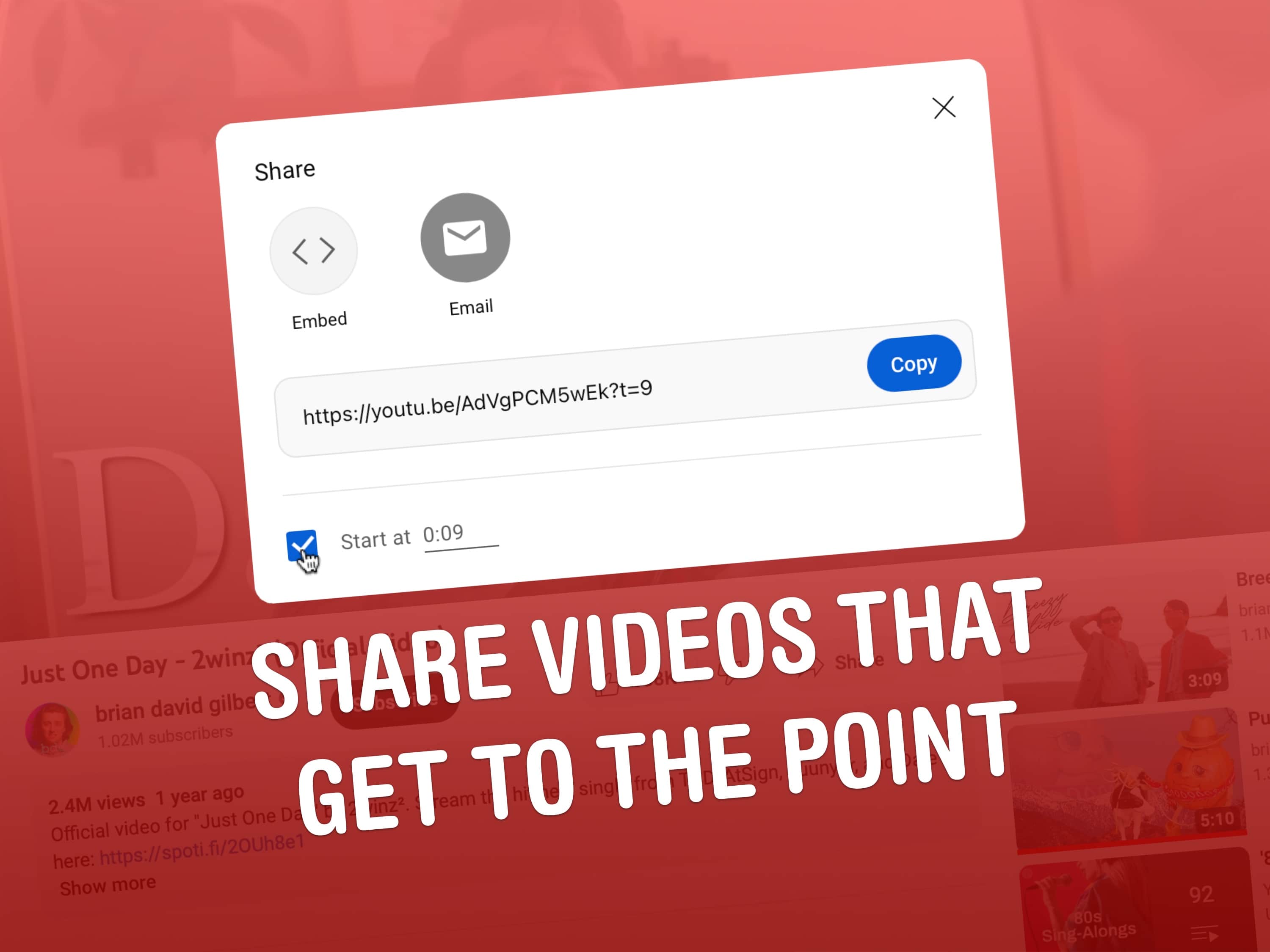
Copy a link to a YouTube video that starts partway through and save everyone some time. Image: D. Griffin Jones/Cult of Mac
Say you want to send someone a YouTube link with a timestamp, to show them a specific part halfway through. Doing this is really easy from both the YouTube website or the app.
Let me show you how to share a YouTube video that starts at a specific time.
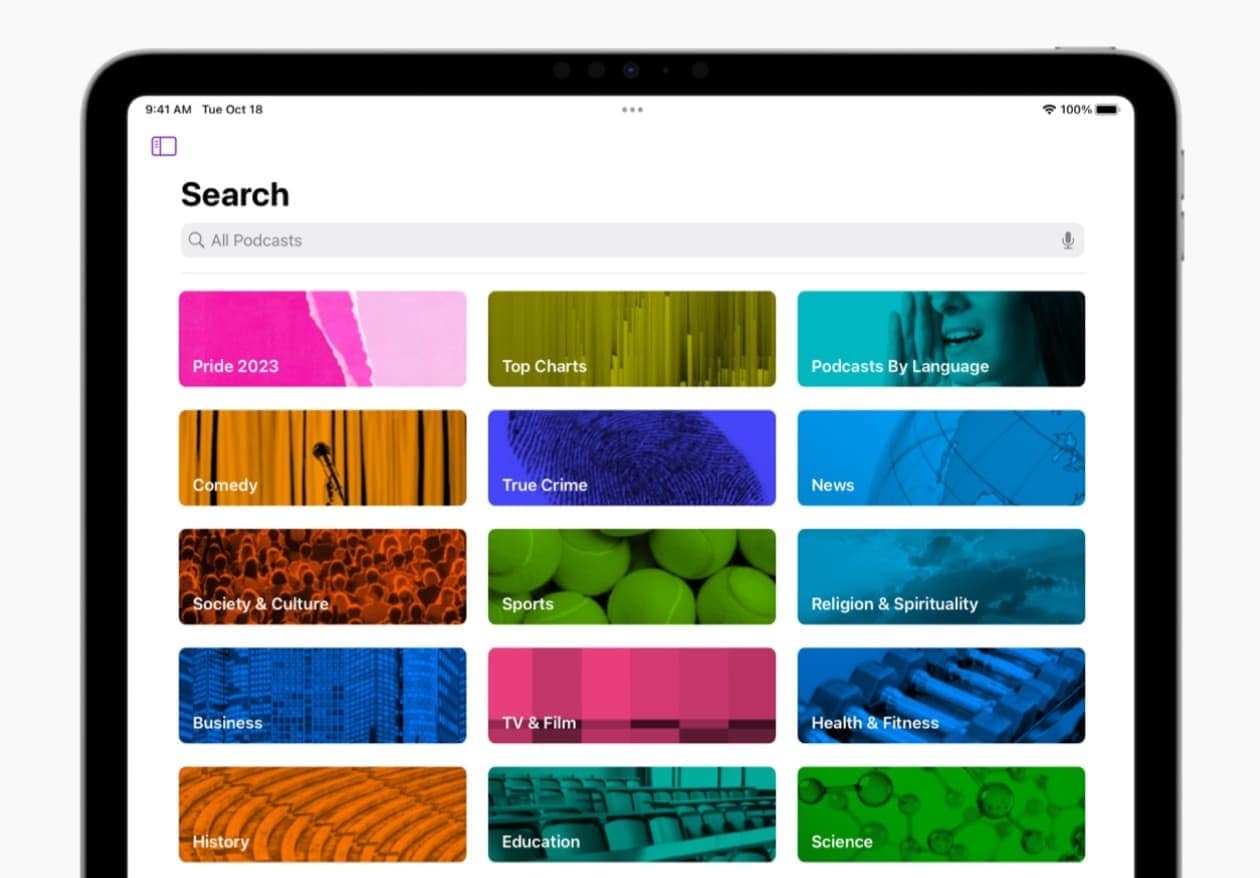
More people are finding and enjoying podcasts on YouTube and Spotify these days. Photo: Apple
In a significant shift in the podcasting landscape, YouTube has emerged as the leading platform for podcast consumption in the United States, surpassing long-time market leader Apple Podcasts and streaming giant Spotify, which is now in second place, according to recent studies. Meanwhile, former leader Apple Podcast loses market share, falling to third place. And that marks a turning point in how Americans access and consume podcast content.
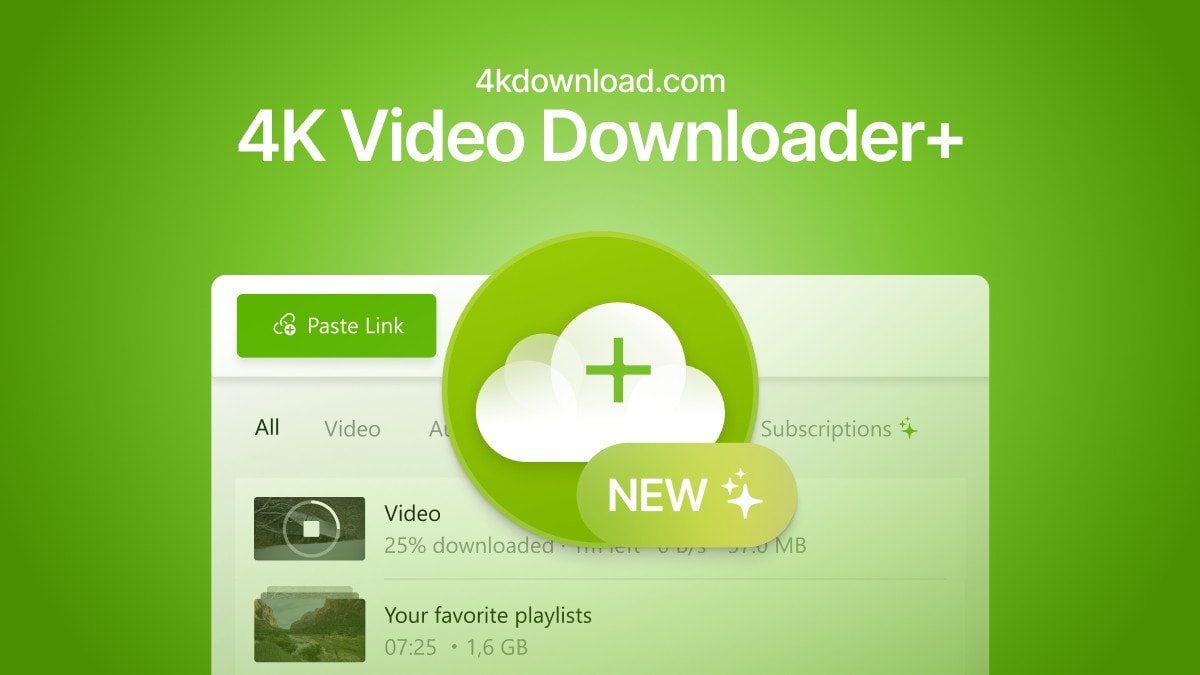
Finally, there's an easy way to convert videos and audio from all the popular platforms. Image: Open Media
The easiest way to convert a YouTube video to an MP4 for free is with an app called 4K Video Downloader for Mac and PC. This tool gives you all kinds of options for converting video and audio from YouTube, TikTok, Facebook, Soundcloud, Twitch and more.
If you want to save videos or podcasts to your computer to include in a video of your own, this app is the easiest way to download the highest-quality original.
It has other uses, too. If you’re going on a flight, or if you simply have a slow internet connection, you can use it to download what you want to watch in advance. If you’re privacy-conscious but you still want to watch a TikTok sent to you by a friend, you can download the clip without visiting the website.
Now Apple's Shazam functionality can identify songs even when you wear headphones. Photo: Apple
Shazam, Apple’s popular app that can name any song in seconds, added a cool new feature Thursday in version 17.3 — it now works even when you wear headphones.
And that’s true for music playing around you or within apps like Instagram, TikTok and YouTube, Apple said.
A federal judge blocked federal government contact with social media sites. Photo: Cult of Mac Deals
A federal judge in Louisiana issued a broad injunction Tuesday limiting federal government contact with social media sites over what the Biden administration may see as disinformation spreading out of control.
The ruling is one of many upcoming that frame a fight over the constitutionality of curbing social media’s influence in light of the First Amendment’s right to freedom of expression.
Learn to create viral YouTube videos with this $49 master class bundle. Photo: Cult of Mac Deals
Social media channels come and go, but there’s a reason YouTube has not only endured but thrived. Animators, comedians, athletes, singers and teachers can all find an audience on this free-form video platform — but that doesn’t mean all of them will. Making a viral video and, ultimately, a successful YouTube channel, is equal parts art and science, and the 2023 All-in-One YouTube Masterclass Bundle can teach you both.
Even better, this educational bundle is now only $48.99 (regularly $2,400). It’s never been more affordable to learn the tips and tricks of seasoned YouTubers to get a head start on your own goals on the platform.
Google is adding a collection of new features and enhancements for YouTube Premium. Photo: Cult of Mac Deals
YouTube will soon get support for SharePlay, as well as videos with higher bitrates. And queuing up videos and jumping between devices will get easier, too.
The enhancements are part of Google efforts to get more subscribers for YouTube Premium.
Apple TV+ said you can ask this guy questions on Thursday. No, seriously. Photo: Apple TV+
Jon Stewart, longtime host of The Daily Show and current host of The Problem with Jon Stewart on Apple TV+ — and to many folks a sort of comedic conscience of the nation — will take your calls on Thursday, February 23.
That’s the same day the streaming service said six new episodes of Stewart’s show would air weekly starting Friday, March 3.
Meanwhile, he’s doing a livestream on the The Problem‘s YouTube channel at 9 p.m. ET / 6 p.m. PT. “He’ll be taking your calls,” the show tweeted.
Become a successful YouTube creator with this top-rated master class. Photo: Cult of Mac Deals
Creating a successful YouTube channel is no small feat, but it’s one of the best things you can do for yourself and your business. Always wanted to start but haven’t made the move? Now’s the time to follow a tried-and-tested strategy and finally make it happen with this YouTube course bundle.
You can grab it on sale today for just $48.96. And with 12 informative courses included, that works out to just $4 a course.
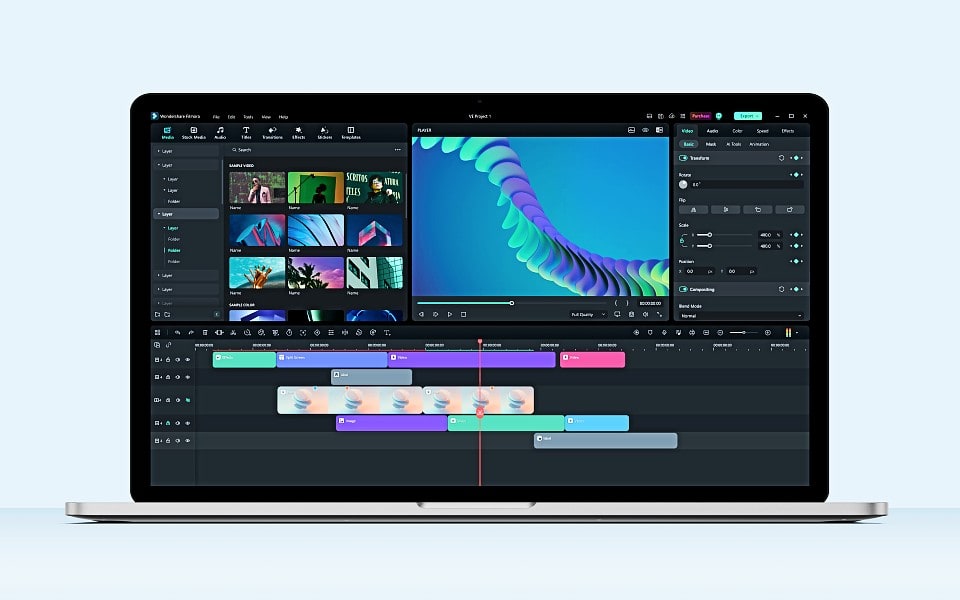
Wondershare Filmora 12 is fun and easy to use for video editing. Image: Wondershare
If you create content for YouTube and TikTok, you know the quality of your video is key to getting your work noticed. But not just anyone can make great videos — unless they have the right tools. One of the best tools you can use to easily put your creativity to work making videos quickly is Wondershare Filmora.
What makes it great? Anyone at any skill level can use Filmora to import and edit video, add special effects and transitions, and share the finished product. And the new version of the software, Filmora 12, adds more than a dozen great new features.
Finding the exact moment in a YouTube video you're looking for is a lot easier with Precise Seek. Screenshot: Google
Google upgraded the iOS YouTube application with a number of enhancements, including pinch to zoom in videos and a new way of showing thumbnails while rewinding will make it easier to find an exact location.
There are other changes too, and some of the enhancements are coming to the desktop version.
Time to pay more to watch ad-free videos on YouTube. Photo: YouTube
Google is raising YouTube Premium’s Family plan pricing in the US, Canada, and several other parts of the world. In the US, the YouTube Premium family plan will now cost $22.99 per month, up from $17.99.
YouTube’s Premium plan for families is getting a similar price hike in Canada, with the rate increasing from CA$17.99 to CA$22.99. The higher subscription prices will go into effect from November 21.
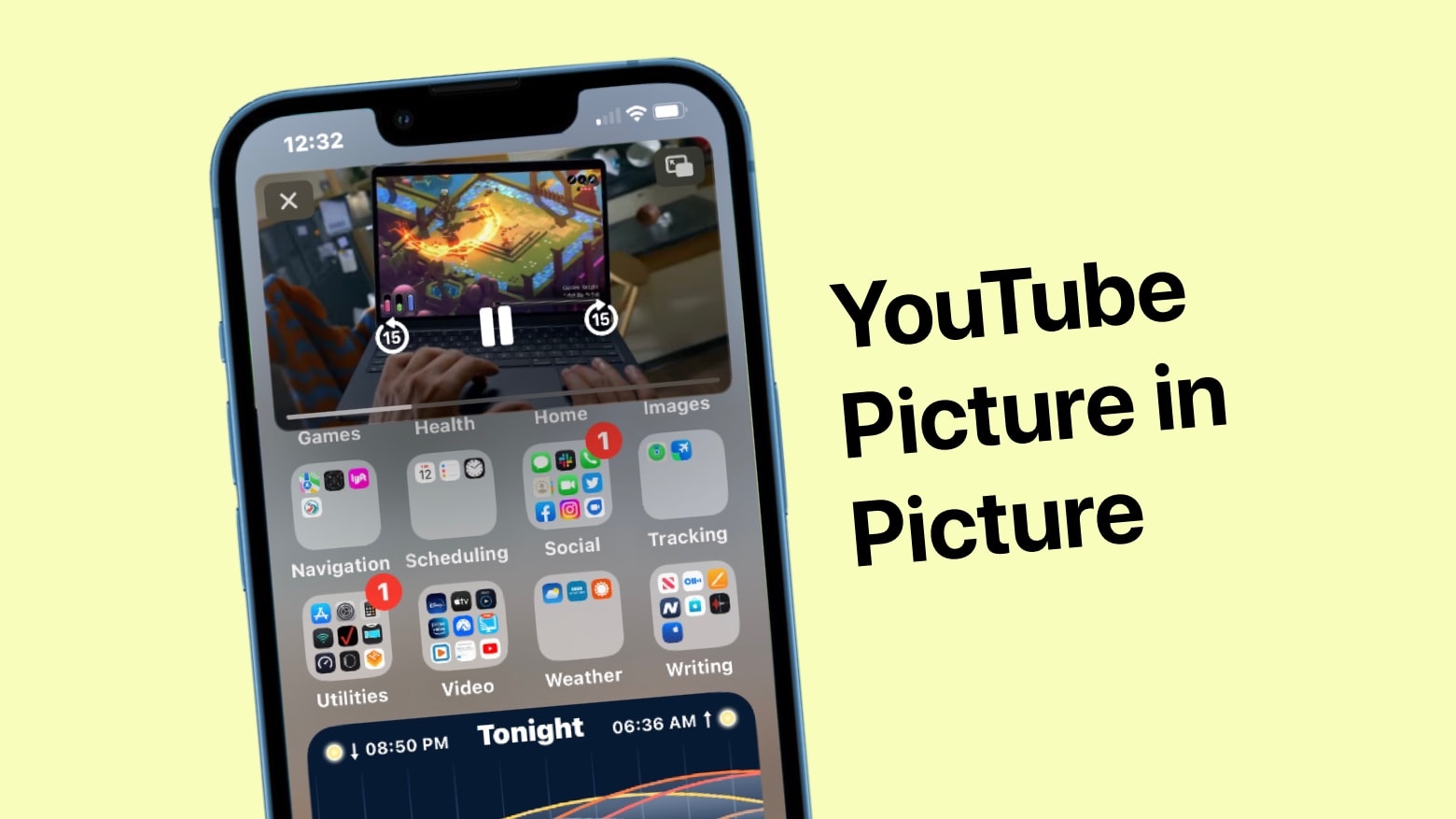
The wait is over. YouTube picture-in-picture is now available for all iPhone and iPad users. Image: Ed Hardy/Cult of Mac
YouTube has brought picture-in-picture support to all U.S. users of its iOS and iPadOS apps. The feature is rolling out now, and will allow users to watch videos in a mini player while also using other applications.
The convenient feature has been in beta testing for many months
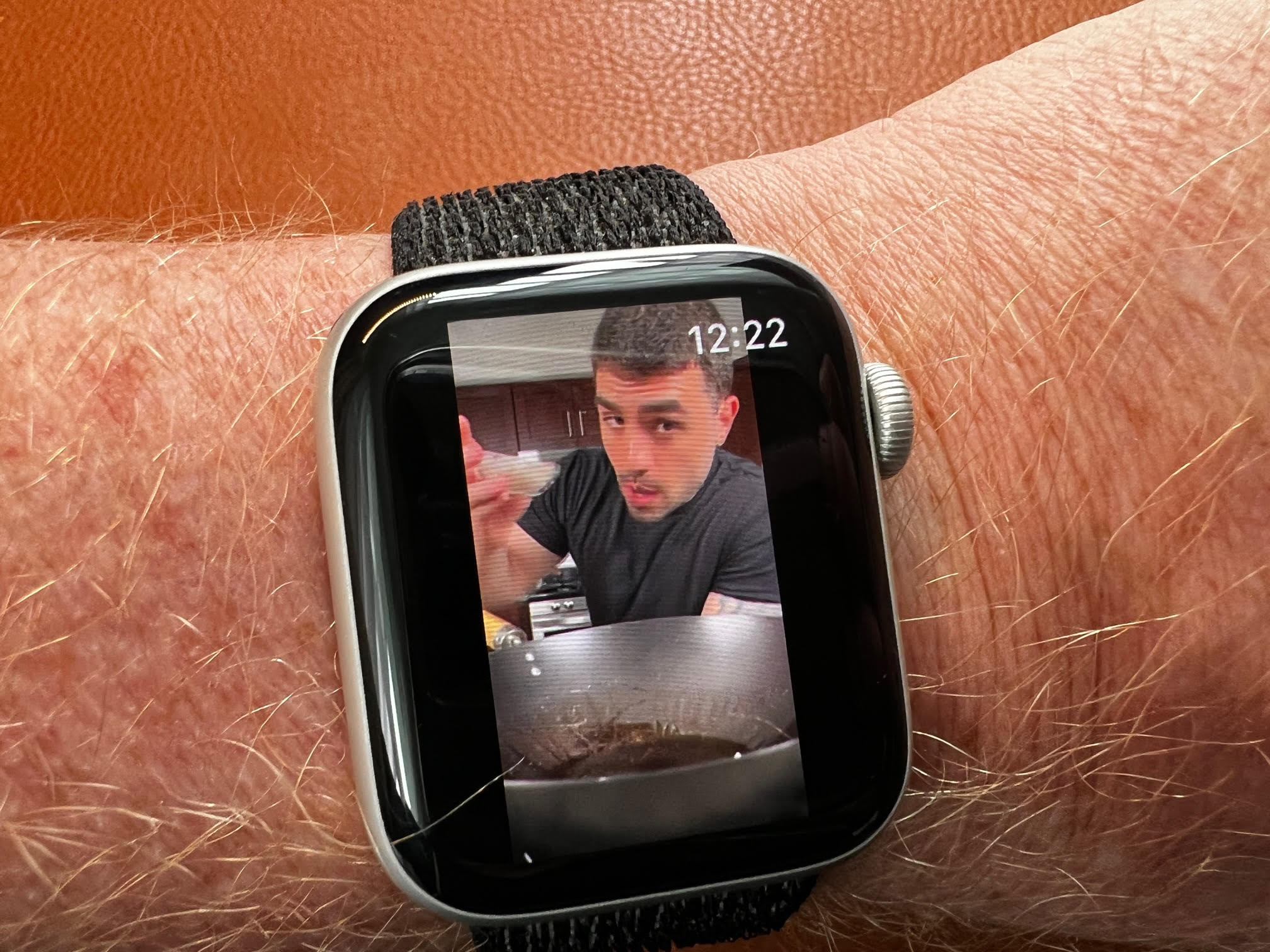
That YouTube guy is showing me how to make Pad Thai. Photo: David Snow/Cult of Mac
Thanks to a new app called WatchTube, you can now play YouTube videos directly on your Apple Watch. A 2-inch OLED screen may not be your idea of a night at the cinema, but it’s not impossible to imagine the app being useful.
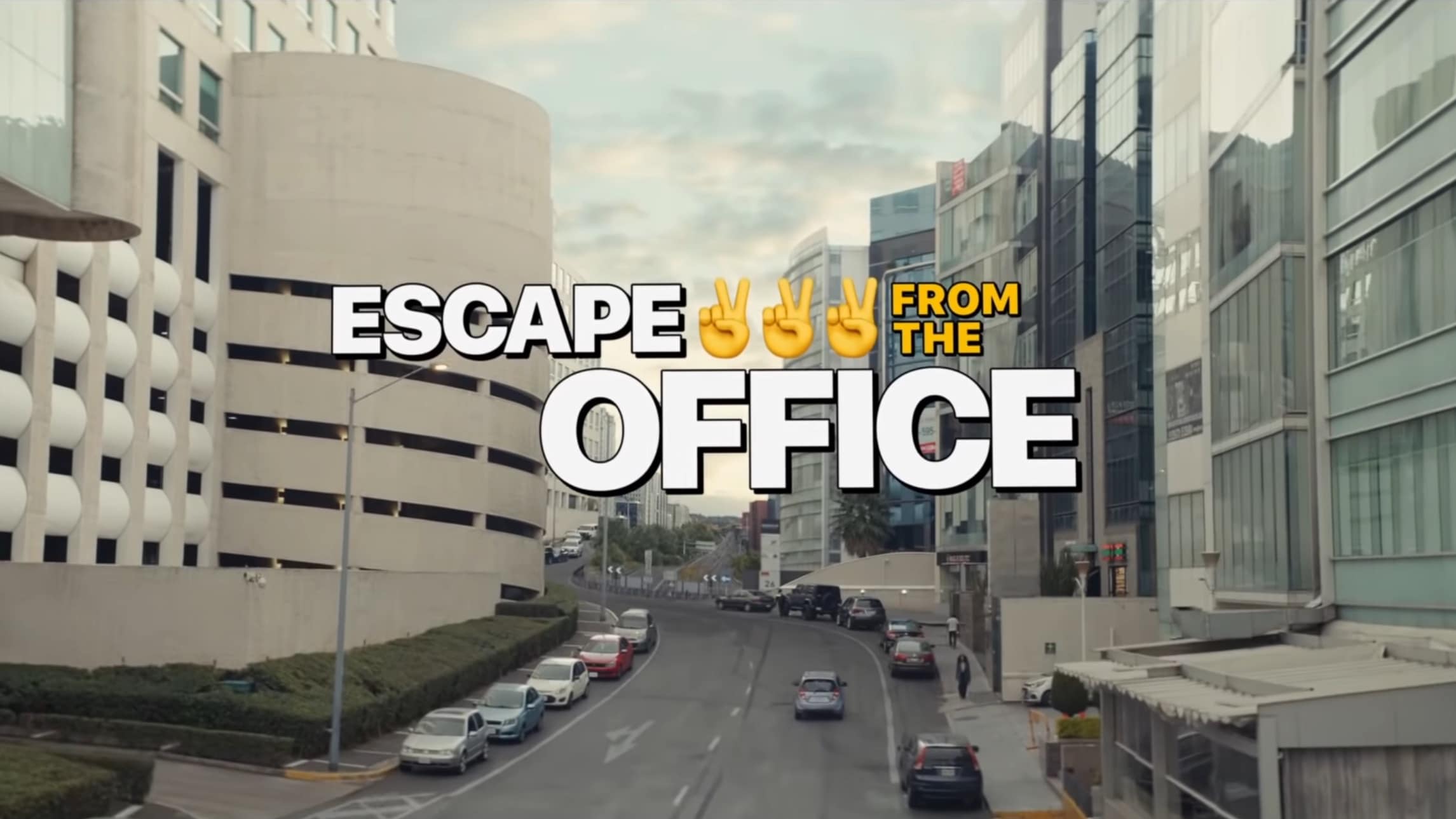
Escape from the Office is more than an ad for Apple products. It's fun and aspirational. Screenshot: Apple
Apple successfully created an extended video advertisement that people want to watch. Escape From the Office made it on YouTube’s own most most popular global ads of the past year.
It’s about a group who sets out to create a small business after ditching corporate life. They use Apple products, of course, but that’s not truly the focus.
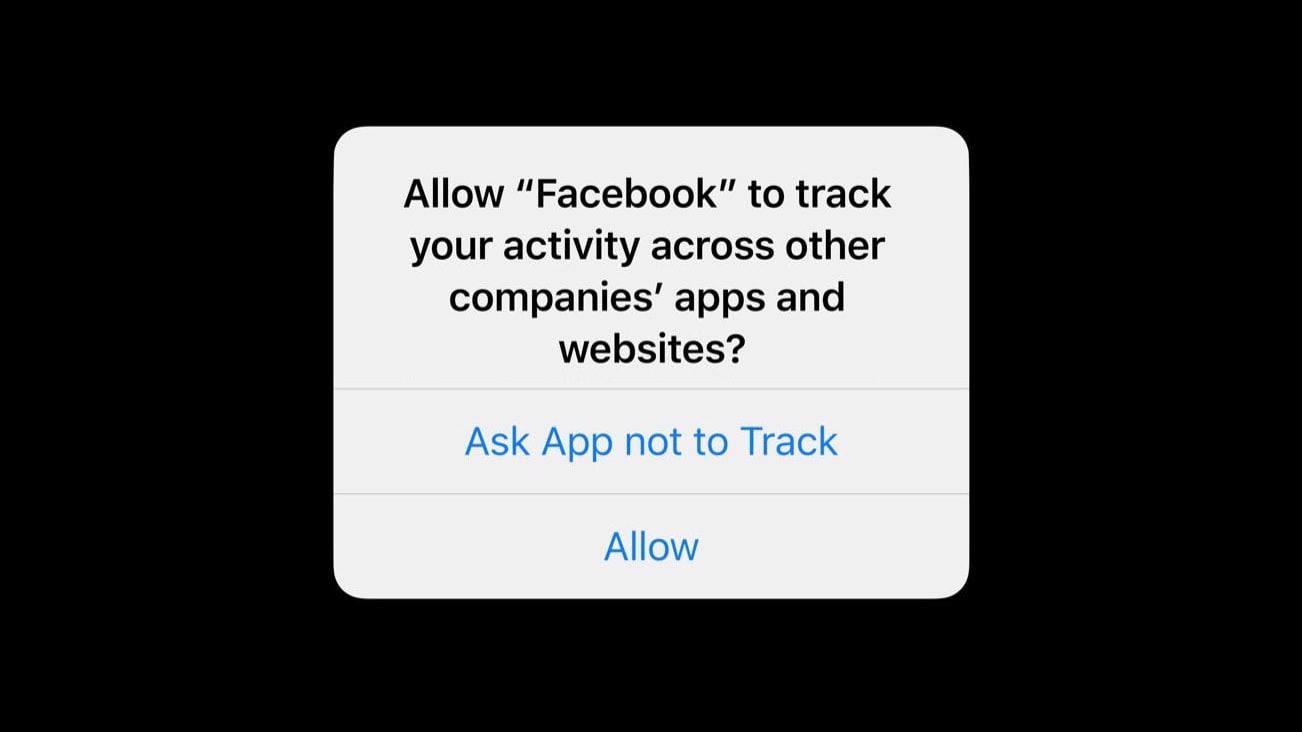
Turns out the answer to this question was “do not track” 80% of the time. Photo: Apple/Cult of Mac
A tweak to iOS privacy settings made in 2021 has already cost Facebook $8.1 billion, and the social-networking company’s losses will increase by another $12.8 billion in 2022, according to an industry report.
Forcing applications to ask permission before tracking their users’ online activity hurt other companies, too. But nowhere near as much as Facebook.
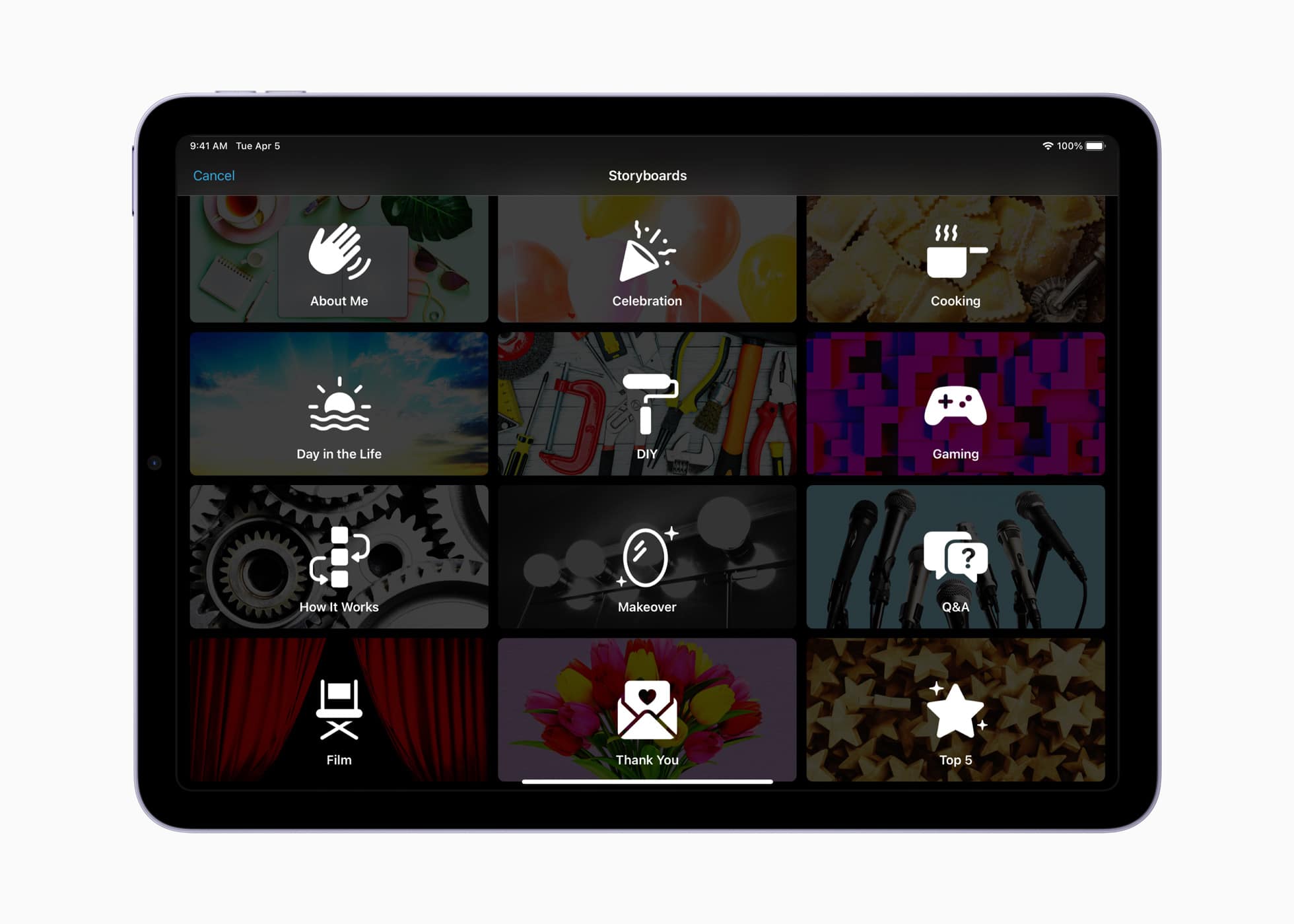
Storyboards provide a shot-by-shot guide to the most common social videos. Photo: Apple
iMovie has long been Apple’s default tool for creating quick, gorgeous videos on your iPhone or iPad. With Tuesday’s update to iMovie 3.0, Apple added a pair of new creative tools designed to help “aspiring content creators and moviemakers learn to edit and improve their video storytelling skills.”
The ultimate goal? To make creating compelling videos easier than ever.


 May 24, 2013: Apple begins phasing out the option to download movie trailers from its once enormously popular iTunes Movie Trailers website.