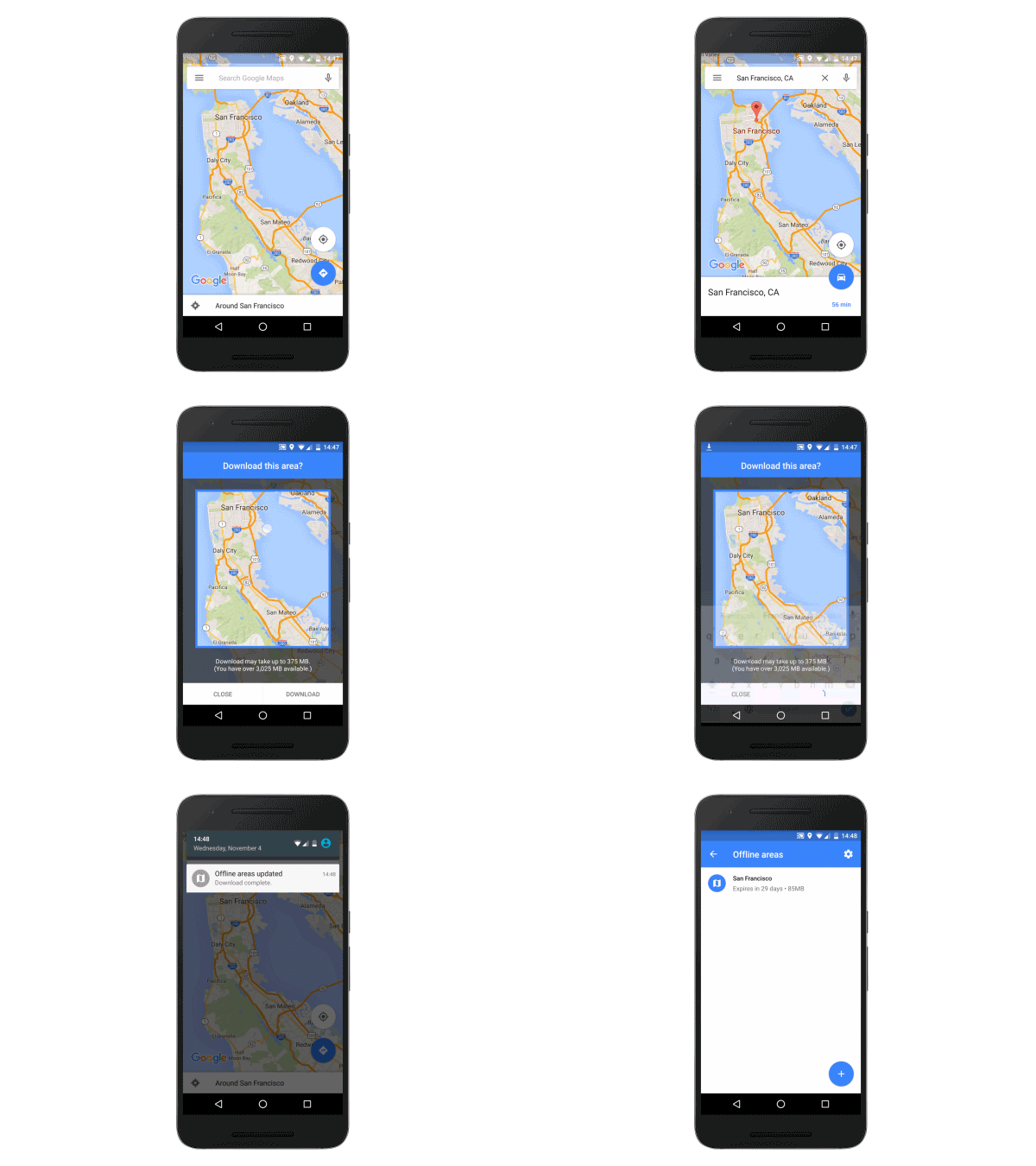
Google Maps is getting offline navigation to ensure you never get stranded in a strange place when your data connection disappears. Users can download entire areas onto their smartphone, then get turn-by-turn directions even while they’re offline.
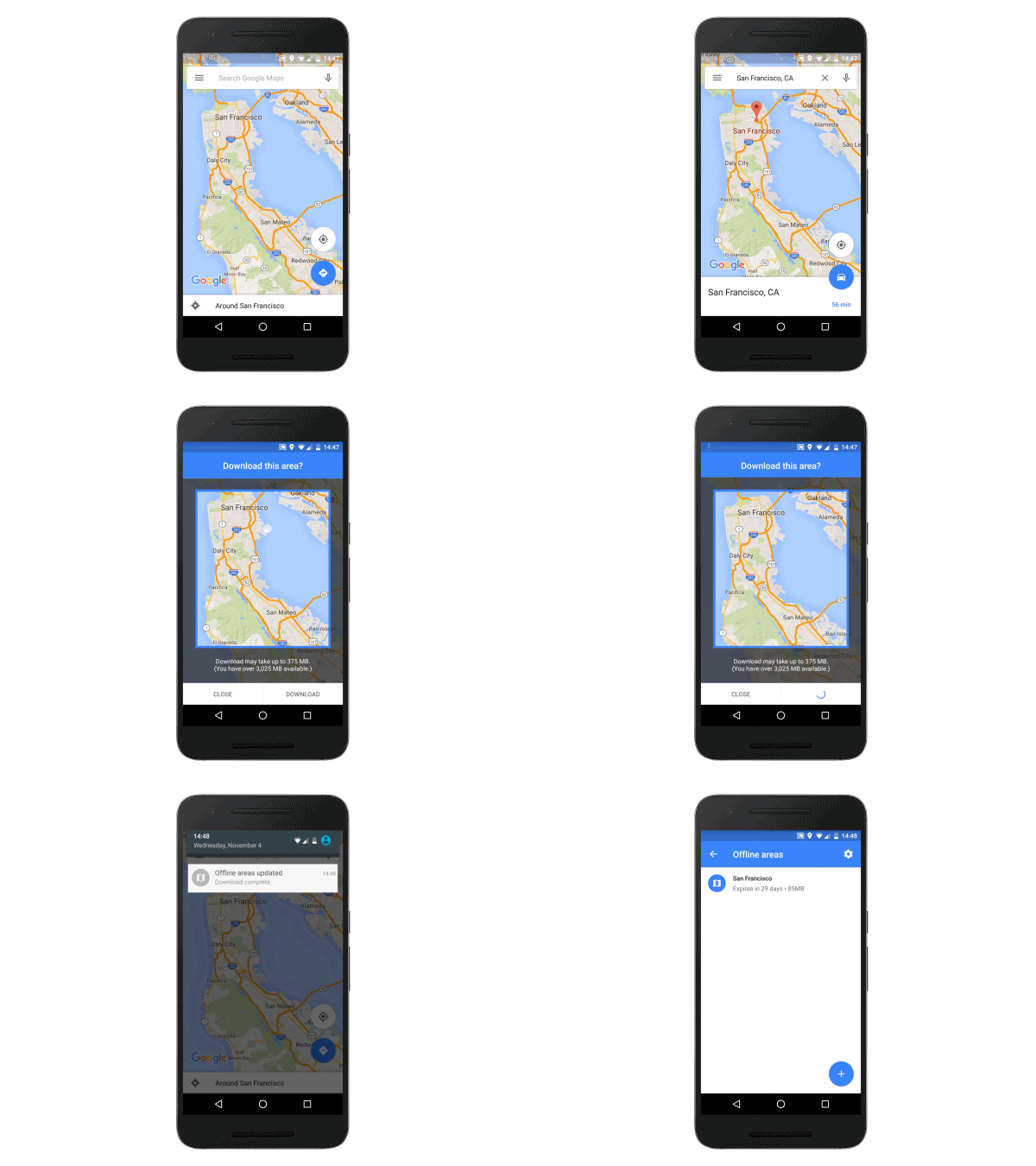
Google Maps is getting offline navigation to ensure you never get stranded in a strange place when your data connection disappears. Users can download entire areas onto their smartphone, then get turn-by-turn directions even while they’re offline.


Apple’s retail guru Angela Ahrendts took to the stage at Fast Company‘s ongoing Innovation Festival to talk her role as senior vice president for retail and online stores.
With the highest sales-per-square-foot of any U.S. retailer, the Apple Stores were hardly in need of a total overhaul, but Ahrendts nonetheless discussed the ways she’s trying to tweak the physical shopping experience for the better — with some fascinating insights.

Tim Cook is in my home country of Jolly Old Blighty (read: the U.K.) at the moment, promoting the imminent launch of the iPad Pro.
While there, he’s given an interview to the Telegraph newspaper, in which Apple’s CEO touches on everything from the new Apple TV to the U.K.’s rumored “snooper’s charter” to, of course, Apple’s super-sized tablet.
Check out the lessons we learned below.
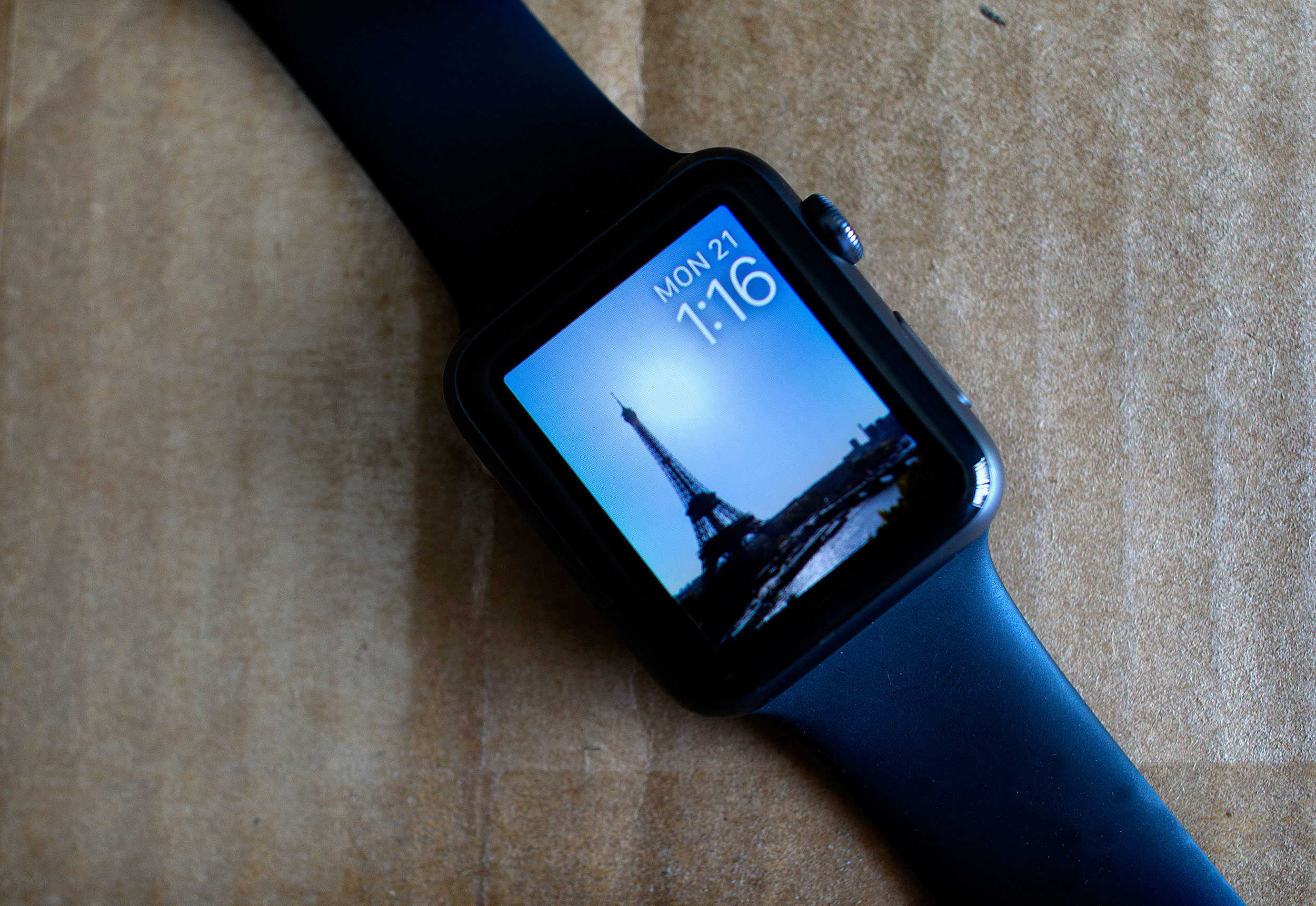
Apple Watch owners have had some time to play around with the wearable’s custom faces since the feature launched with watchOS 2, and some creative tech and sci-fi fans have come up with delightfully nerdy ways to spruce up their devices.
A few users have taken to making specially formatted faces that showcase their love of games, movies, and TV shows, but the really enterprising ones have found ways to include coordinated Apple Watch bands into their designs.
Here are some of the coolest ones we’ve tracked down.
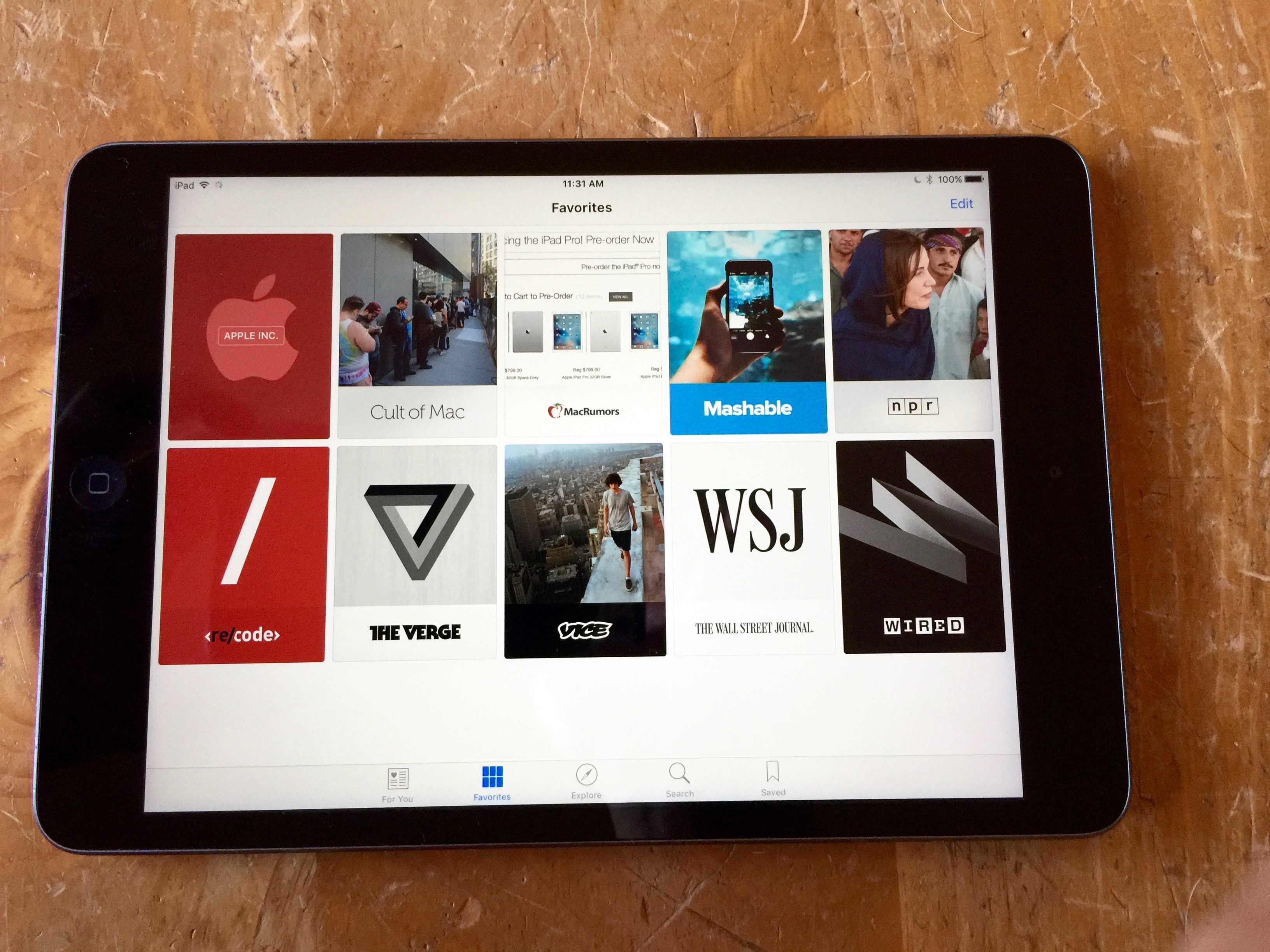
The latest trend in news consumption is curation. Apple News — replacement for the earlier, less-than-successful Newsstand — does just that. It may not be the first app to repackage the web for easy reading (looking at you, Flipboard), nor maybe even the best, but chances are it’s already on everyone’s iOS 9 iPhone or iPad, making it a clear winner for mindshare.
News is pretty fantastic, as it allows you to customize and set up the News channels and outlets you want to check on regularly without having to rely on any specific outlet for updates. News pulls from your favorite websites RSS feeds and repackages it all in an intuitive, newspaper and magazine-like format for easy browsing and reading.
Let’s take a look at how to set it up and use the iOS 9 News app to your best advantage.

We didn’t think it was possible to improve on the amazing second installment of The Room, but developer Fireproof Games has delivered.
The third entry in the puzzle series, The Room Three, takes everything we already loved about the franchise’s Myst-style puzzles and mysterious, Lovecraftian horrors and makes it bigger and smarter. And then it throws in a new character, the most coherent and engaging plot yet, and multiple endings, which it didn’t even need to do, but all of it is great.
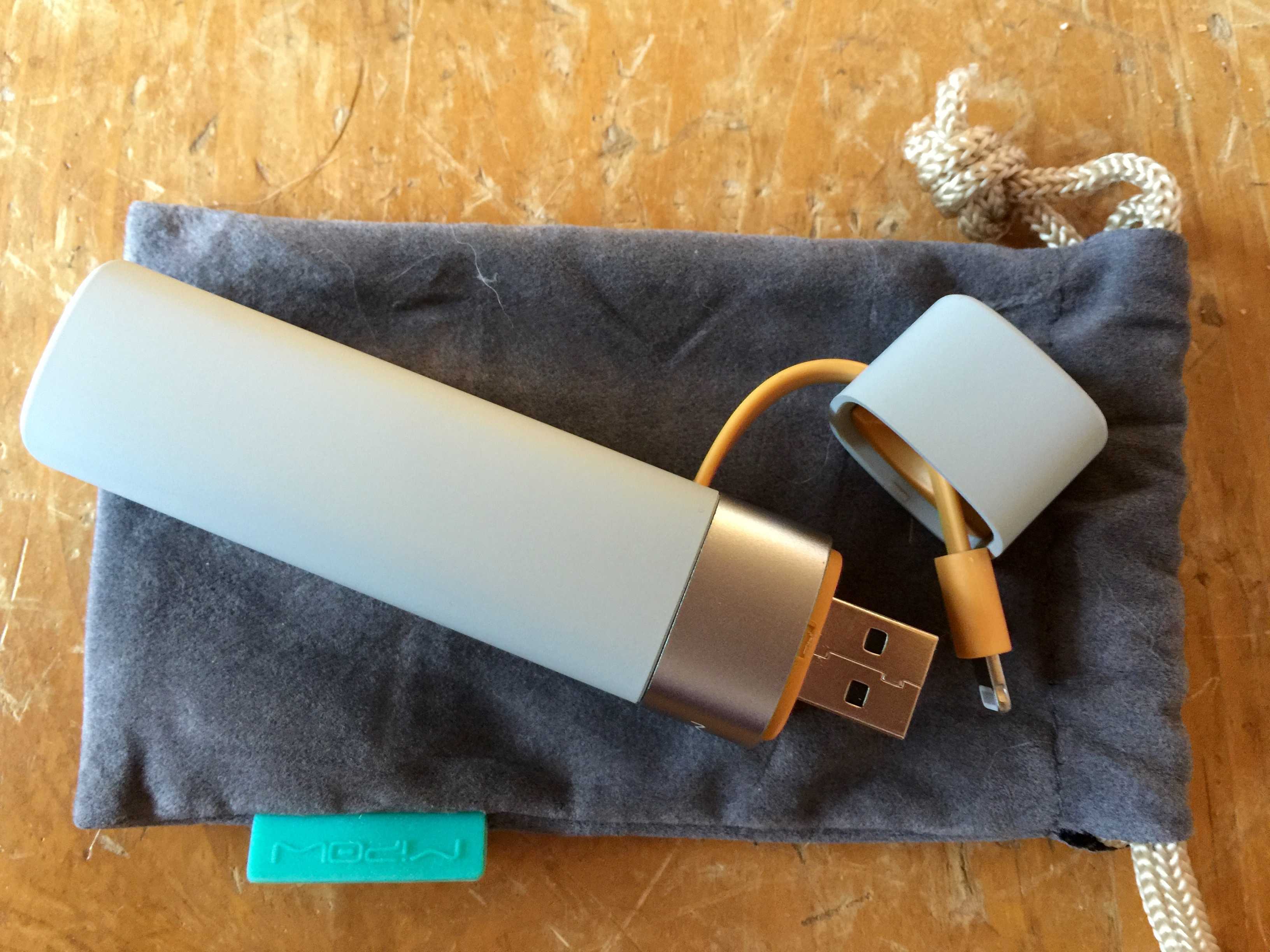
If you’ve ever carried around one of those tube-shaped power packs for your iPhone or iPad, you know the one thing it really needs is a way to tell how much juice is left in the thing.
The Power Tube 3000 provides this in spades, with a simple three-light display on the tube itself and an app that lets you know exactly how much power you have left — and what that translates to in terms of usage.
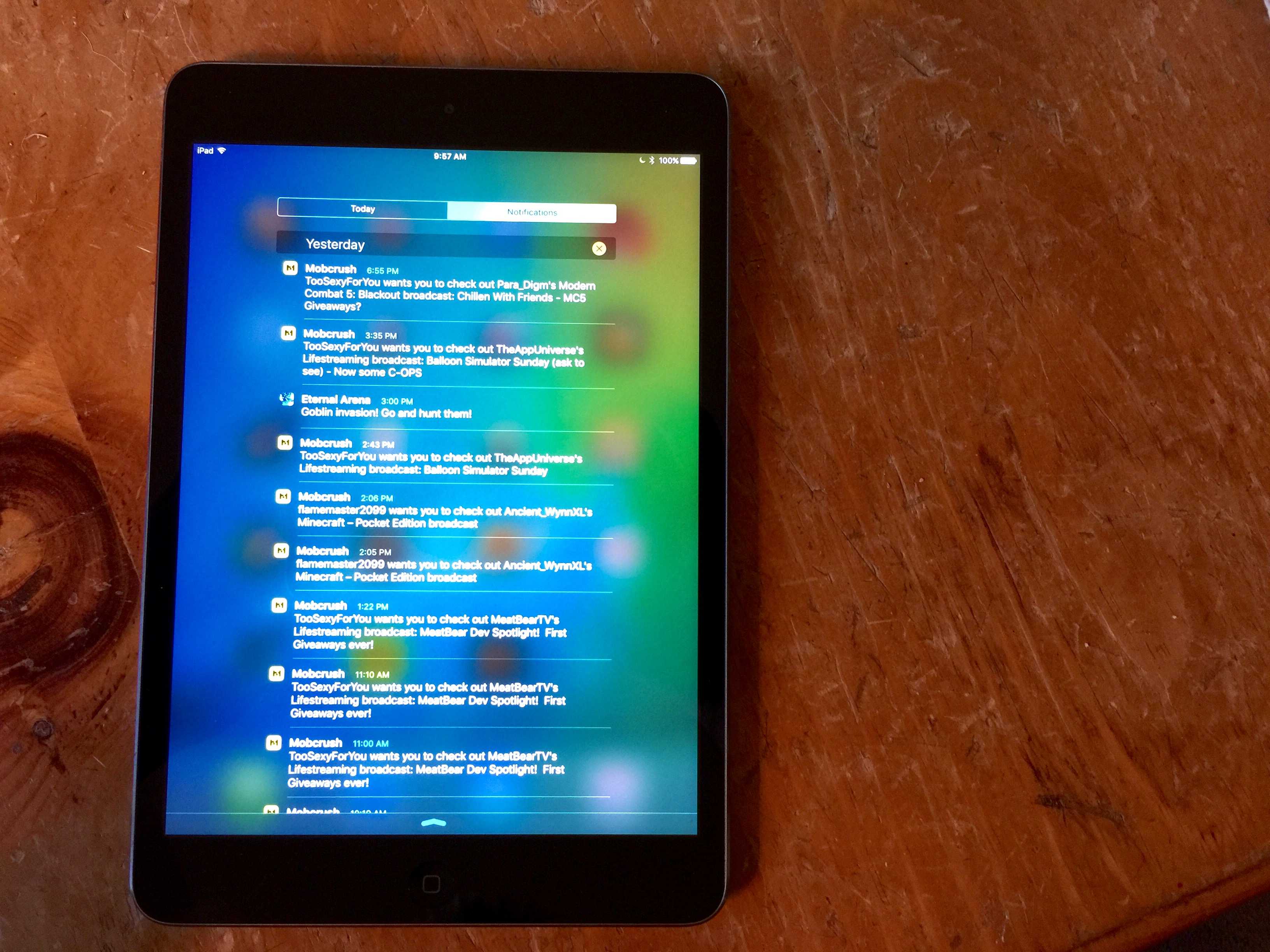
 You know how it is — you unlock your iPhone with Touch ID so fast that you miss some important Notifications. You swipe down from the top of your iOS device’s screen to see what you missed and — ugh — you realize that your Notifications are sorted by app. How will you ever figure out which new Notification you missed?
Luckily, there’s a fairly simple way to get your iPhone and iPad to list your Notifications in date order, assuring you never miss one again.
Here’s how.
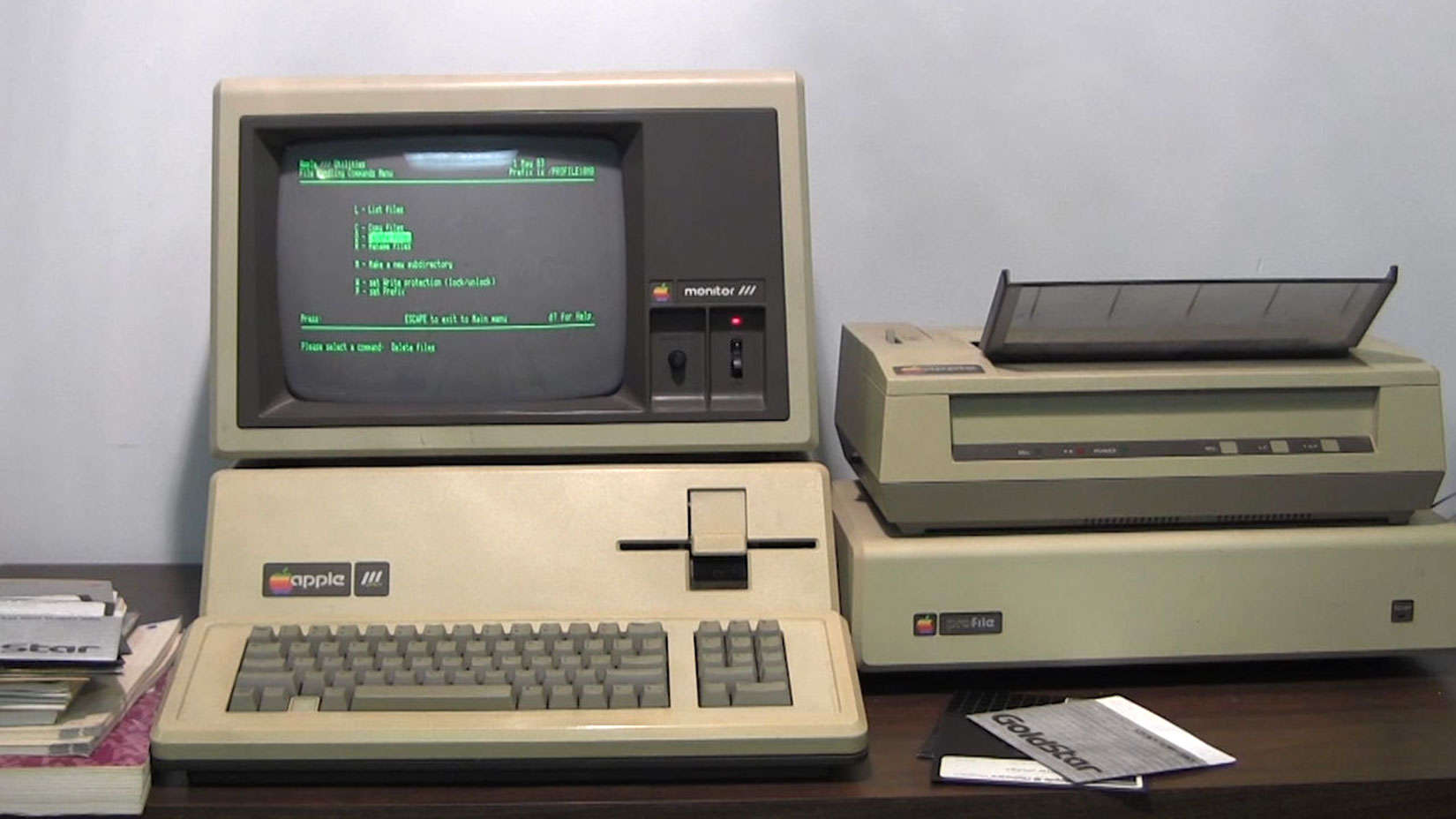
As far as computers go, the Apple III was a rather rotten Apple. The first 14,000 were recalled with hardware problems galore and even with bugs eventually worked out, Apple never could erase the computer’s “lemon” label.
But if you’re willing to give the Apple III a second chance, there is a working one for sale, complete with manuals, startup disks and, quite possibly, the good karma of a famous swami.
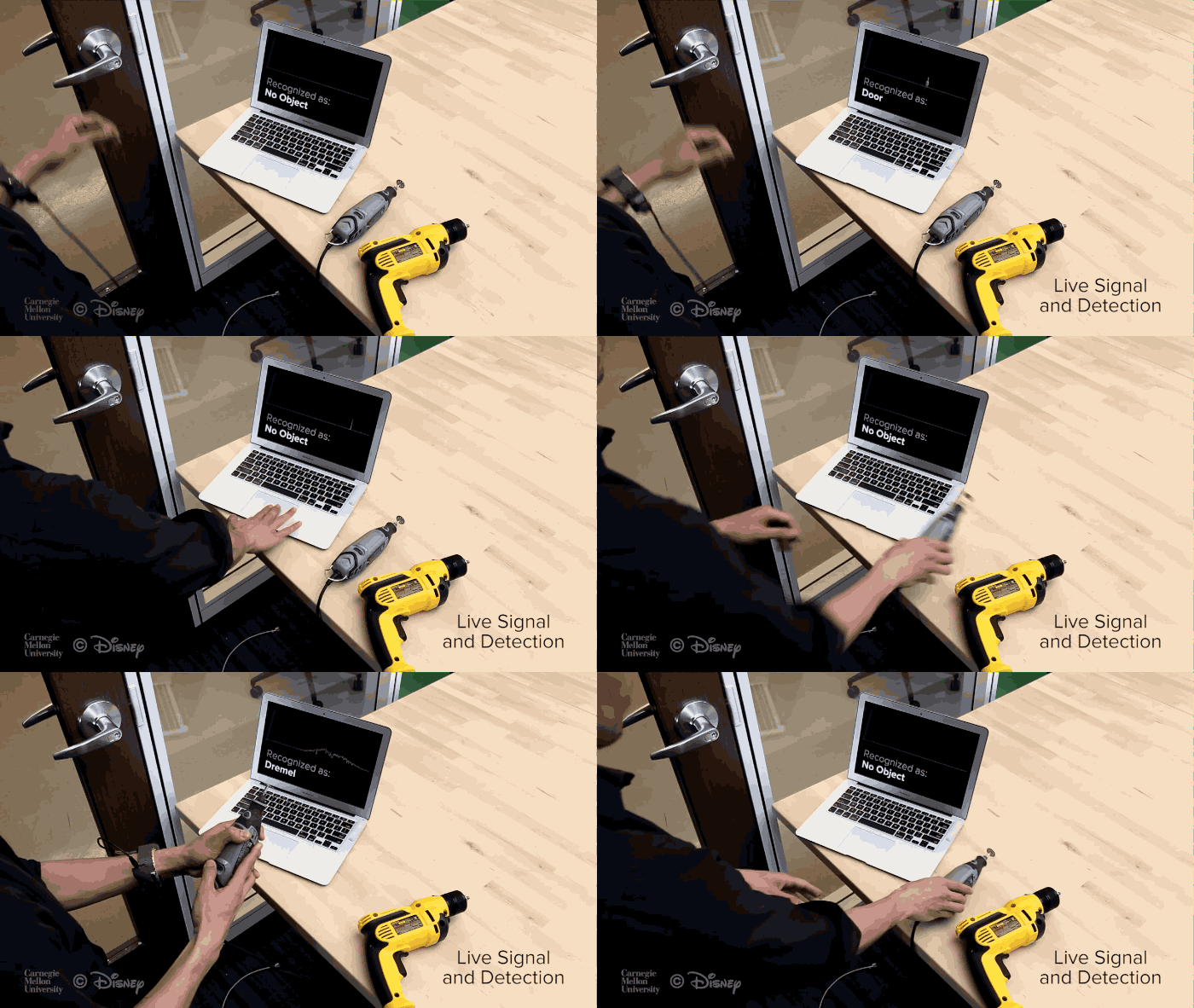
Apple Watch is great at interacting with other smart devices, but a cheap hack allows it to recognize everyday (dumb) objects based on their invisible electromagnetic signals.
All it takes is a $10 chip that can be installed on any smartwatch. Check out the demo below:

Staying productive in business requires inspiration from study and the examples of others. That’s why we’ve gathered some of the best resources for the budding tech entrepreneur, lessons from one of the top minds at Apple, fundamental startup courses and a lifetime of coding courses. Check out what we’ve rounded up:
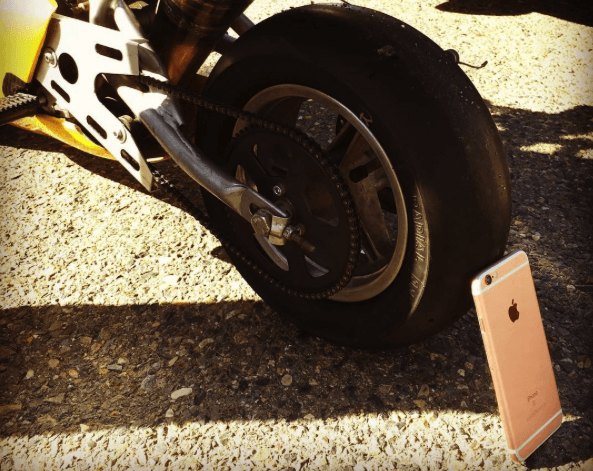
What happens when a rose gold iPhone 6s undergoes a bizarre “burnout” stress test beneath the wheels of an Italian Ducati pocket bike? A completely implausible scenario that would never in a million years happen to a handset in the real world, that’s what!
But, hey, if seeing brand new iPhones destroyed in bizarre ways is what gets your engines revving, click below for the oddly-compelling video.
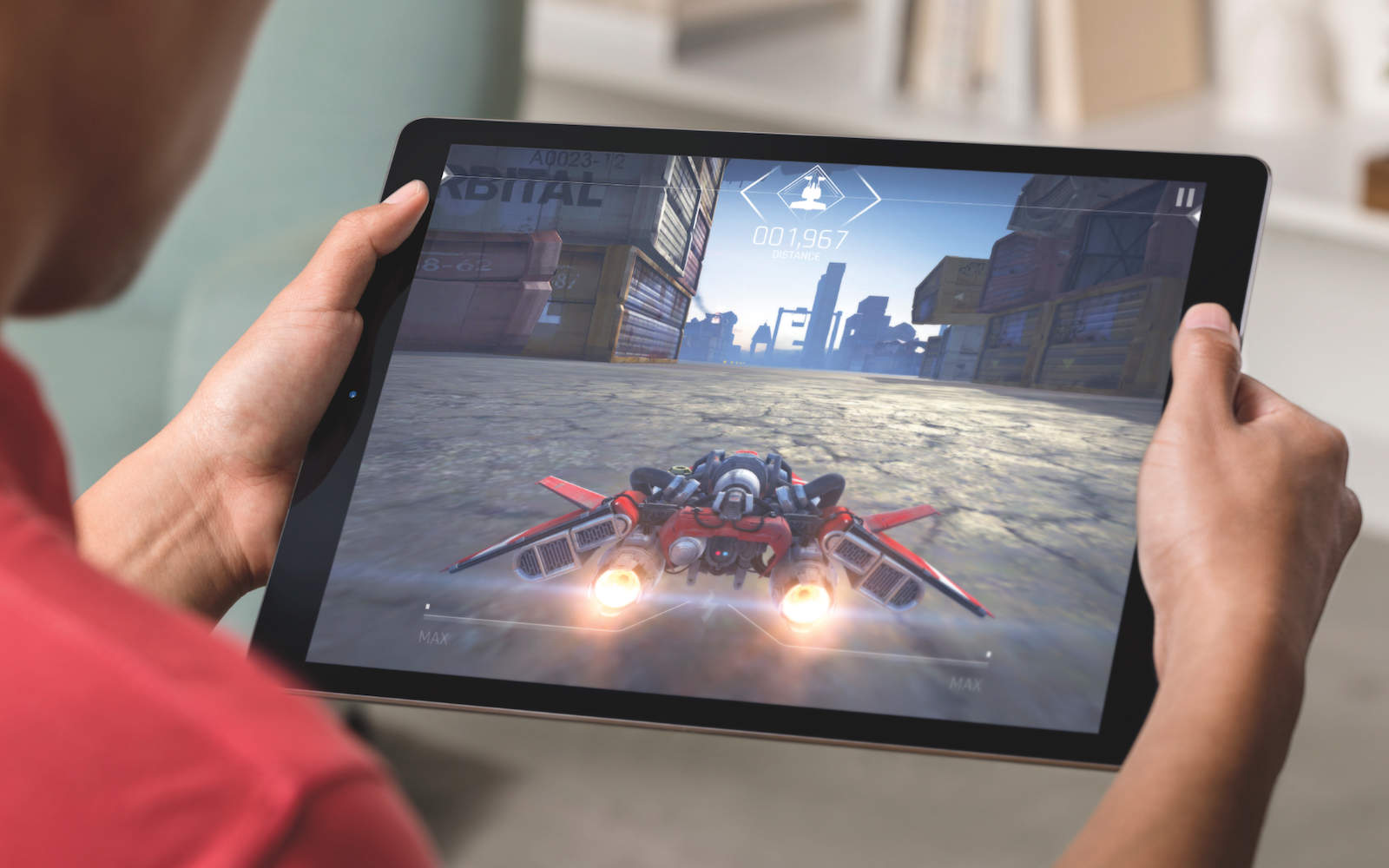
Apple has confirmed that its super-sized iPad Pro tablet will be available to order online Wednesday, with stocks available in retail stores from the end of this week.
More than 40 countries will be covered by the launch, including the United States, Canada, China and much of Europe. Apple will start selling accessories for the iPad Pro at the same time, with the Apple Pencil and Smart Keyboard available for $99 and $169 respectively.


TAG Heuer is ready to take on the Apple Watch.
Its first smartwatch, powered by Android Wear and called the Carrera Connected, is set to make its debut later this week, and it will retail for $1,500.

Aaron Sorkin and Danny Boyle’s Steve Jobs movie had another disastrous showing at the box office over the weekend. With earnings declining more than 69 percent from the previous weekend to just $823,000, the movie was dumped from 2,072 screens — more than any other film.
By comparison, the new Bond movie Spectre took $73 million in its opening weekend.

It’s going to be cold soon, and the gloves are about to come back on. That shouldn’t mean we can’t use our most important devices though, so we’ve gathered a couple garments that can keep you in touch with your tech while you stay warm.
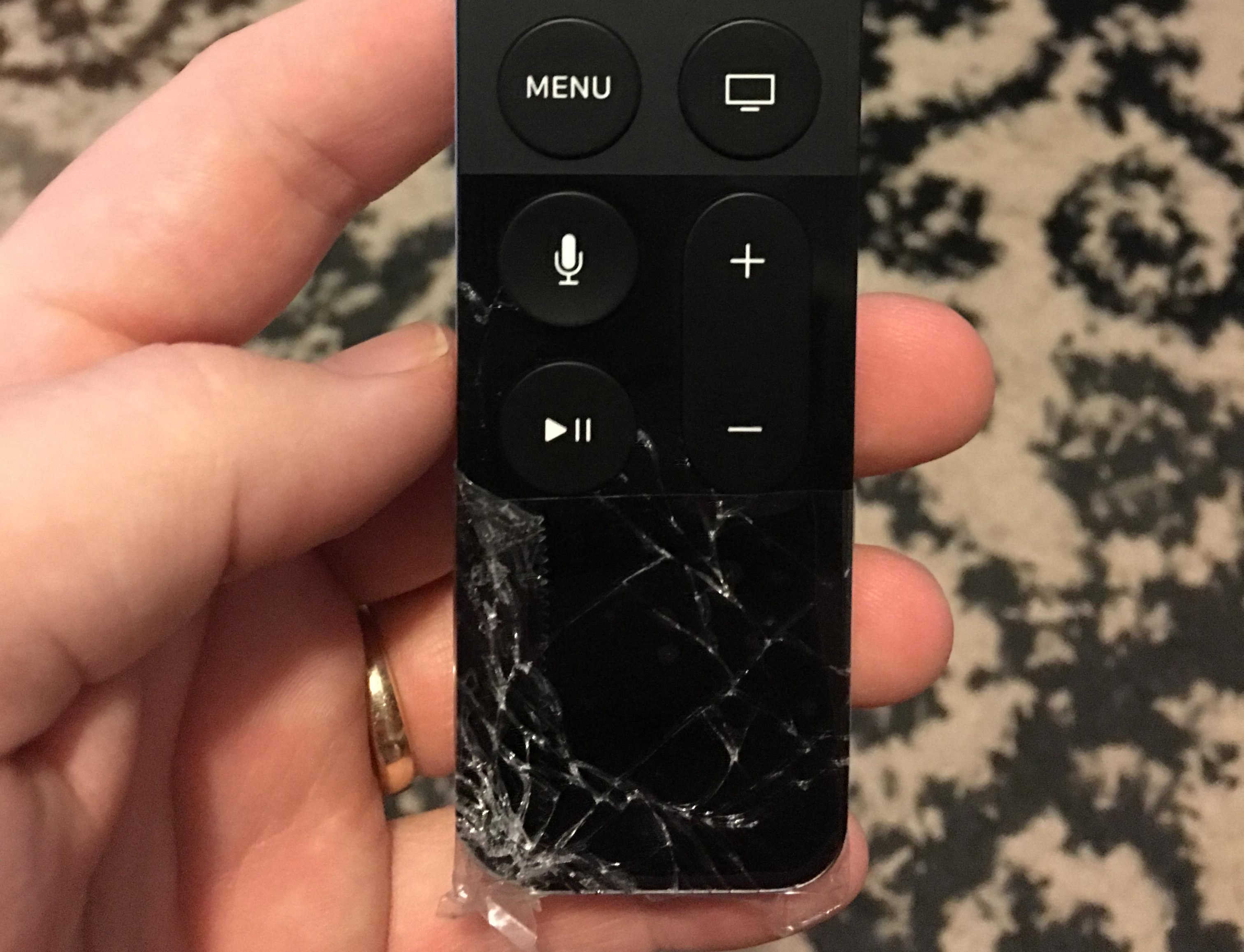
This week: the new Apple TV remote is unnervingly easy to break; home-buttonless iPhone 7s; the UK wants your Apple devices to be less secure; and we pitch our favorite new Apple TV apps!
Our thanks to Lynda for supporting this episode. Lynda is like the Apple Music of online education, with over 3000 expert-taught video courses you can stream straight to computer or mobile device. Learn how to use Logic’s new super powerful Alchemy synth, or develop Mac apps for OS X—learn all you want for free for 10 days at lynda.com/cultcast.
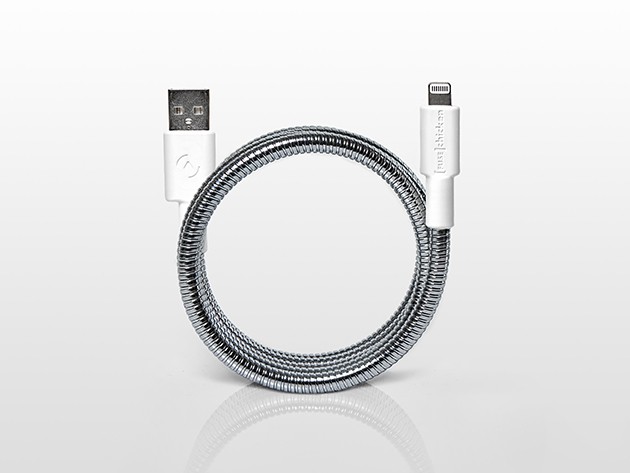
When charging your phone or transferring data between devices, it’s only a matter of time before the soft white plastic of the stock Lightning cable frays and breaks. Given how much we use and rely on our devices, that’s just got to stop, which is why Titan’s MFi-certified Lightning cable is a must-have. It’s built tough enough to outlast us all, so you can take the worry of a busted cable out of your mind by putting one of these in your bag for $27.95.
Titan’s cable is wrapped twice in flexible industrial-grade steel, with its USB and Lightning connectors sealed and protected from fray. The MFi rating means Apple vouches for it to keep your devices safe, and it’s even backed by a limited lifetime warranty. Rough handling and time itself are no match for this Terminator-grade charging cable.
Get a Titan MFi-Certified Lightning Cable for just $27.95 at Cult of Mac Deals.
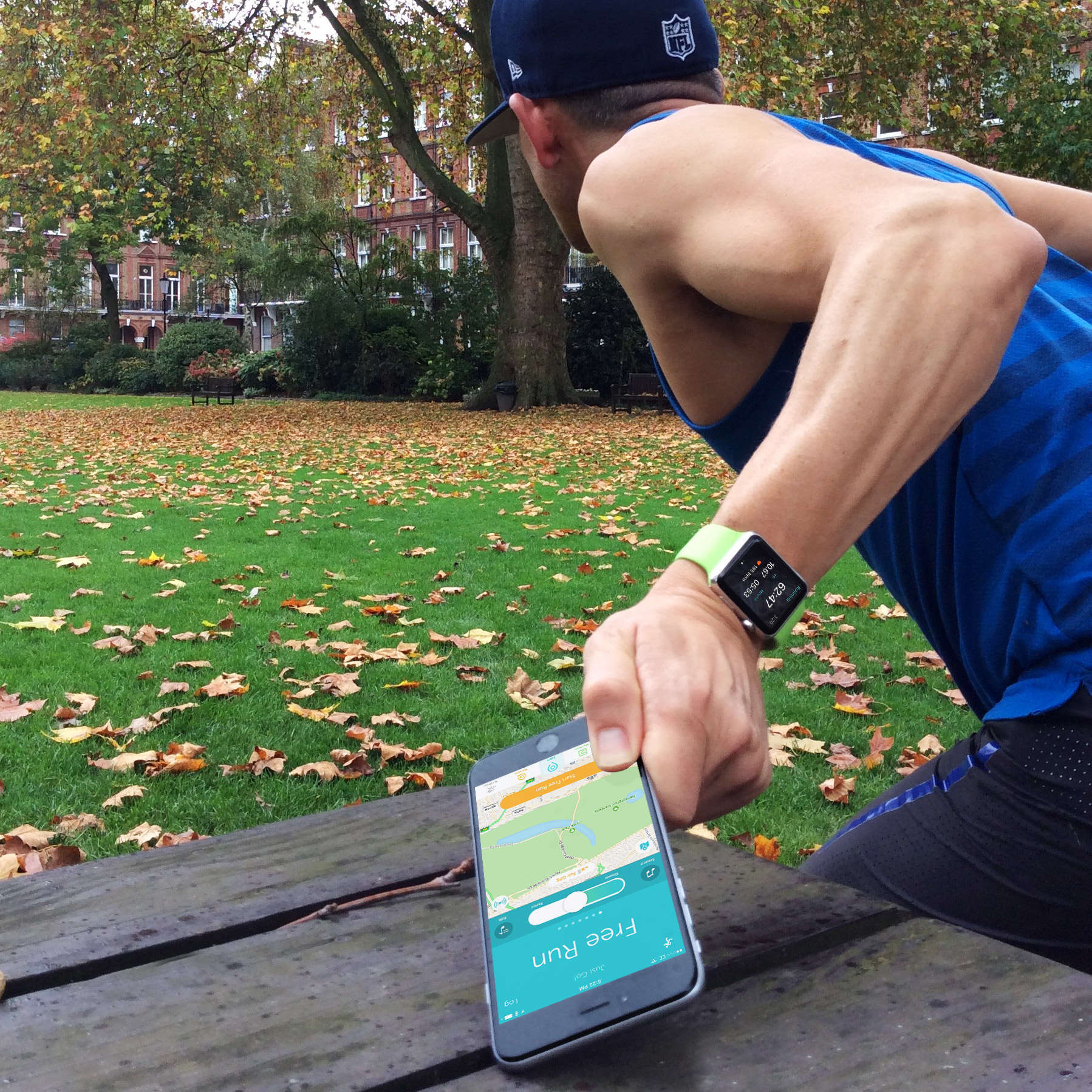
Runkeeper is one of the first big-name running apps to offer full watchOS 2 support, which means you can log a run on your Apple Watch even if you leave your iPhone behind.
The Apple Watch’s built-in Workout app has always offered this feature, but it is new for third-party apps. I had never tried it before, but Runkeeper got me curious. So I left my iPhone charging at home, put on a pair of Nikes and went out for a run.

The billboards and ads featuring beautiful photographs shot with an iPhone 6 are nearly gone. Apple is now promoting a new iPhone. But that does not mean Apple has forgotten the photographers whose work helped sell phones and treat the world to art in public spaces.
Photographers from the “Shot on iPhone 6” campaign have been getting packages in the mail, a pair of cloth-covered coffee table books featuring their work. The books were apparently a surprise and included a pair of white gloves for handling with care.
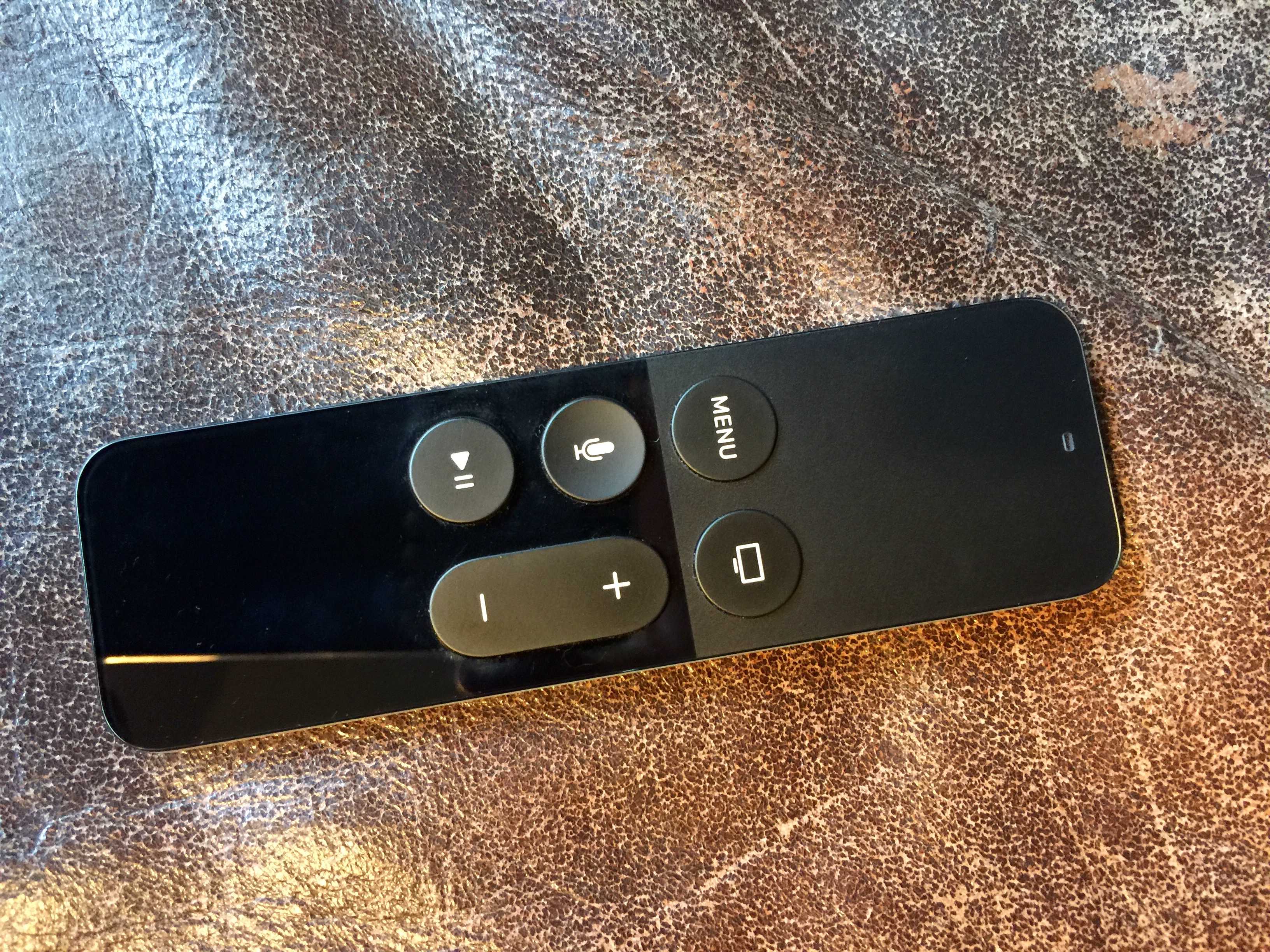
If you’ve tried to type in any sort of long password or search terms into your new Apple TV using the fancy Siri Remote, you know you’ve had a tough time.
Even if you adjust the tracking to make it a little more accurate, scrolling through letters and clicking on the touch surface can be a nightmare of inaccurate clicks and missed targets.
The fine folks over at The Loop found a different way to navigate single items like this, and it’s totally amazing.
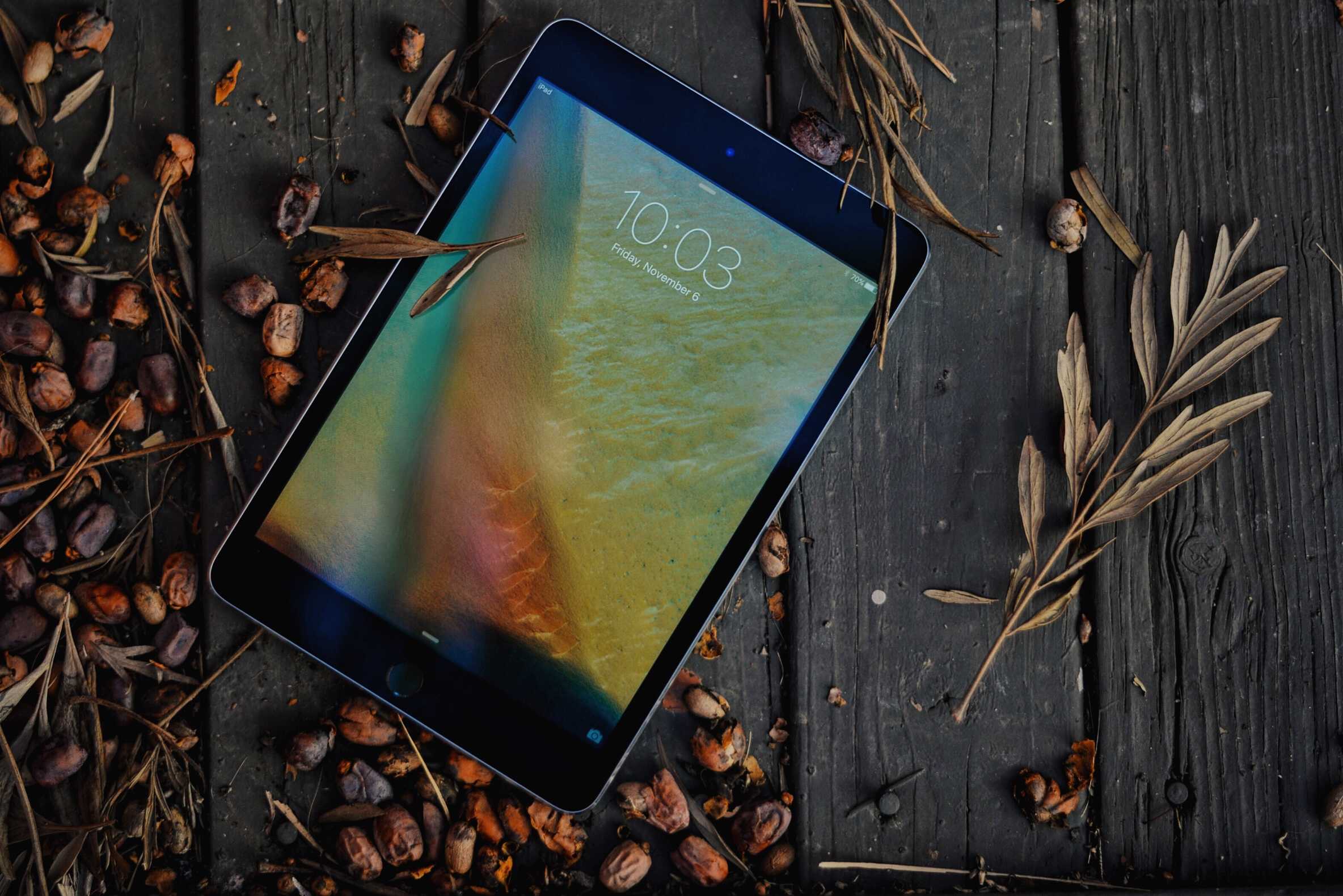
The iPad Pro is the Apple tablet of my dreams.
I’ve been lusting after Apple’s crazy-big iPad since the first whispers of the device echoed around the rumor mill a few years ago. When Apple finally unveiled the Pro at the September keynote, I was beyond stoked to fork over more than $1,000 for an iPad big enough to host Thanksgiving dinner on.
The display is breathtaking. The graphics are mind-blowing. The Apple Pencil is magical. Even the freaking speakers are better. But after weeks of debating whether the Pro is really worth it, I’ve realized its diminutive little brother, the iPad Mini 4, is really the perfect tablet for me.
Here’s why the mini 4 might be the best iPad for you, too:

Happy Friday, everyone! That of course means another Cult of Mac Magazine positively brimming with amazing how-to, news, and feature articles to keep you informed and entertained all weekend long.
We’ve got a fair pile of Apple TV how-tos aimed at getting you set up and running hot with Apple’s new set-top box, as well as a round up of the five best games to play on your big screen and several hidden tricks you need to know about the new Siri Remote.
We hope you like all that and a ton more in this week’s Cult of Mac Magazine, the best slice of Apple news and info this side of Cupertino. Be sure to grab yourself a copy today.
Here’s the rundown for this week.
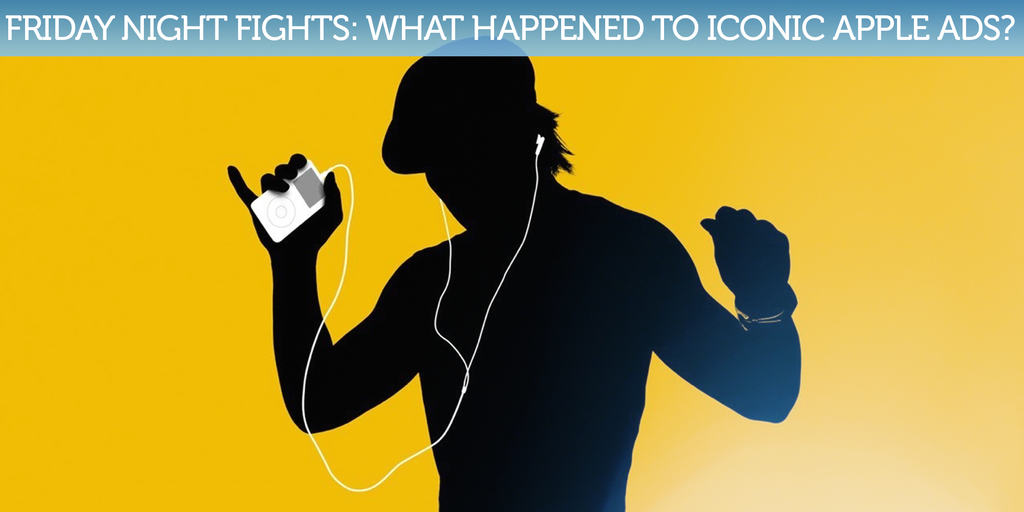
Chances are you can vaguely remember the last Apple ad you saw, but do you remember it in the same way you remember the company’s “1984” commercial for the original Macintosh, or its wonderful “Think Different” campaign? It’s been a while since we saw anything quite as iconic.
 Apple still creates great commercials we can’t help but talk about, but many fans would say those ads aren’t as good as they once were. Has Apple lost its marketing magic, or is it just too difficult to create truly iconic ads in the digital age?
Join us in this week’s Friday Night Fight between Cult of Android and Cult of Mac as we battle it out over these questions and more!
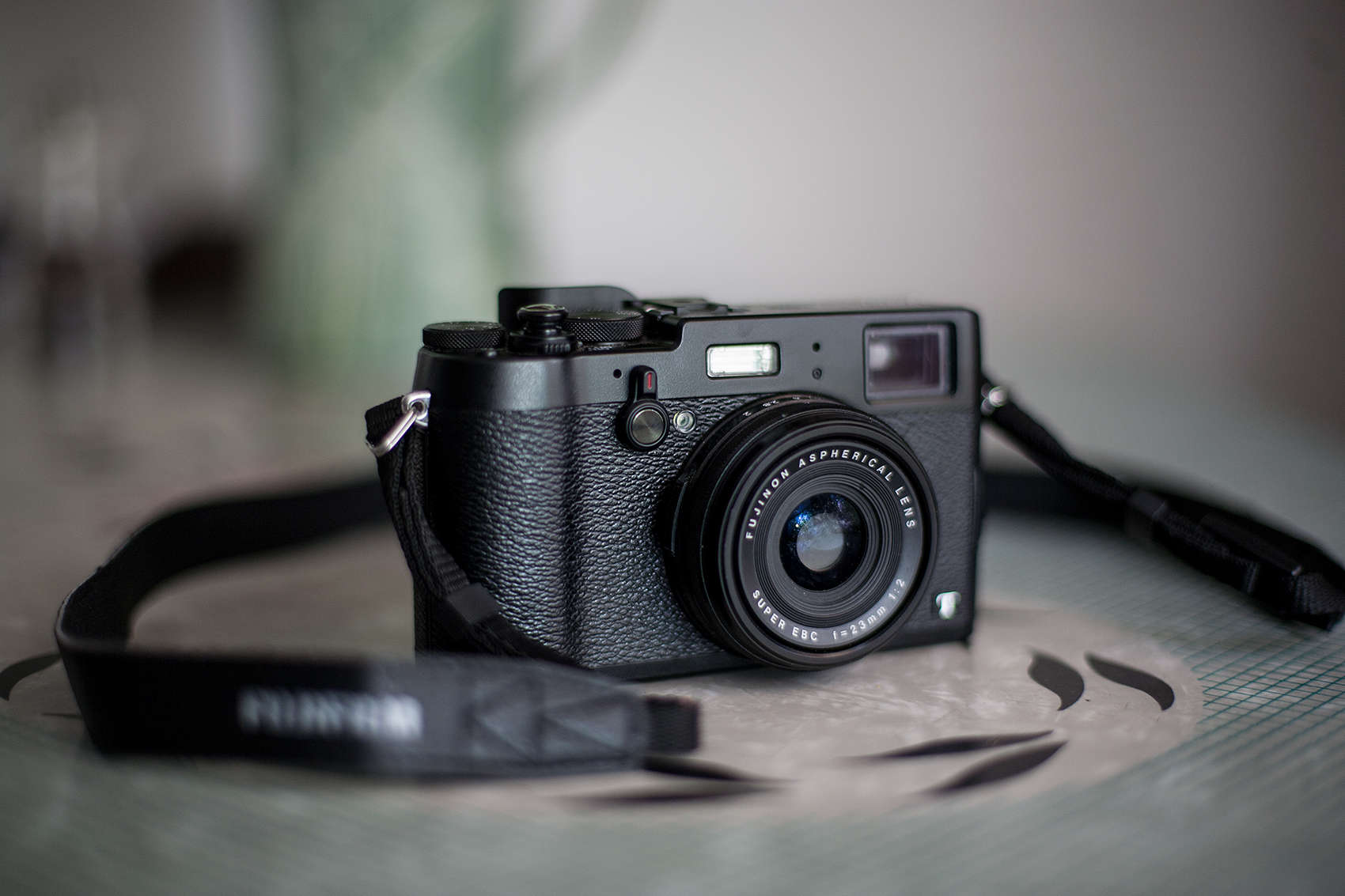
My professional DSLRs are starting to look good in retirement. Just ask my neck, back and right shoulder, which are still angry after years of toting the heavy cameras and lenses around.
In their place to sate my photographic wanderings is the Fujifilm X100T, a diminutive, mirrorless, rangefinder-style camera that records gorgeous files. Its exterior is also easy on the eyes — it tends to stop passersby, who ask questions like, “Is that a Leica?”