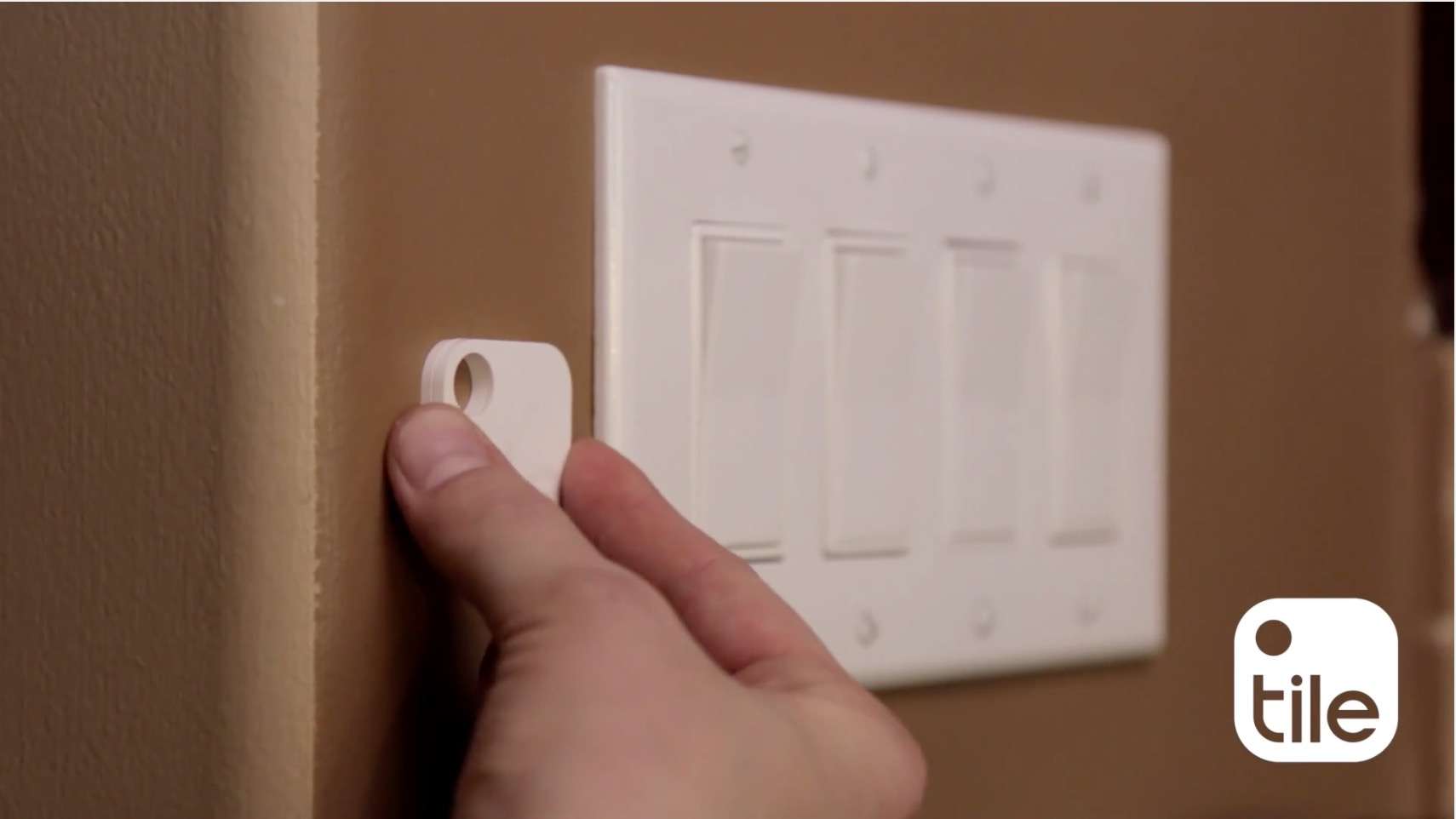
Stick your Tile somewhere like a wall, where you won't lose it. Photo: Tile
Chances are, you’ve lost your iPhone a time or two, even in your own home. I’ve found myself stalking around the living room, kitchen, and even bathroom trying to remember just where I left that darn iOS device.
Tile, the popular “find your stuff” tracker, has a trick you can use to find your lost iPhone, even if you’ve put the iPhone on silent.
Are you ready to hoop it up in Messenger, or whatever they're calling it these days? Photo: JD Starnia/Pixabay. Licensed under CC0 1.0
Maybe you’ve heard of a little sportsball contest that’s starting this week, and maybe you haven’t. If you haven’t, just know that that’s why your neighbors are going to be shouting like maniacs for the next few weeks.
My loud, a-hole neighbors aren’t the only ones excited about March Madness; Facebook’s Messenger app is also getting into the spirit with a hidden game that will test your skill, precision, and tolerance of emojis.
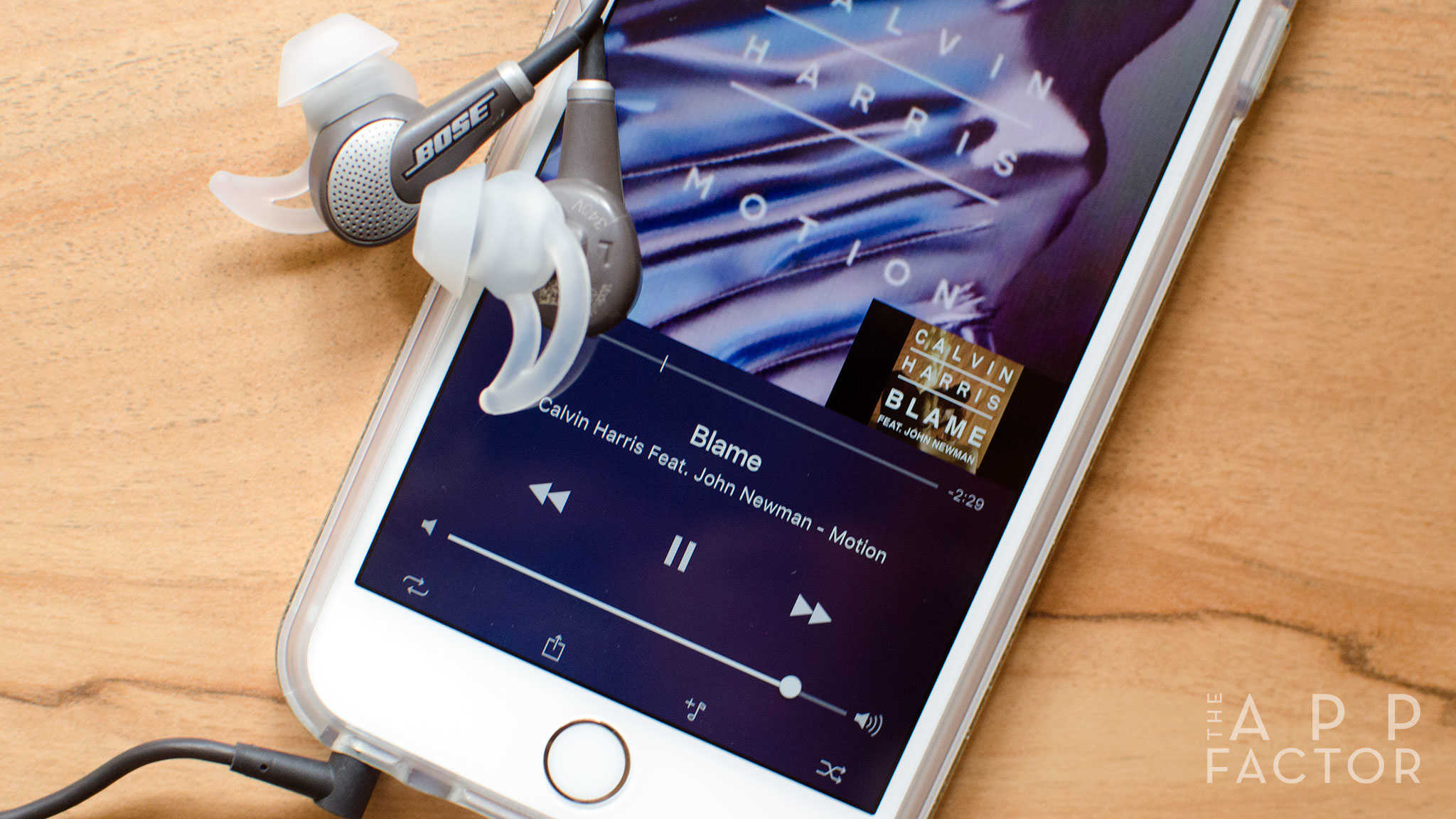
I recently expressed my frustrations with Apple Music and why I didn’t plan to continue using the service. I want to love Apple Music. Siri integration and the ability to have a singular place to listen to all my music, both streamed and purchased, would be a dream come true.
Unfortunately, Apple Music currently has far too many shortcomings and quirks for me to take it seriously. However, with the help of these third-party apps, I’ve found using Apple Music to be far less painful — and, in some cases, even enjoyable.
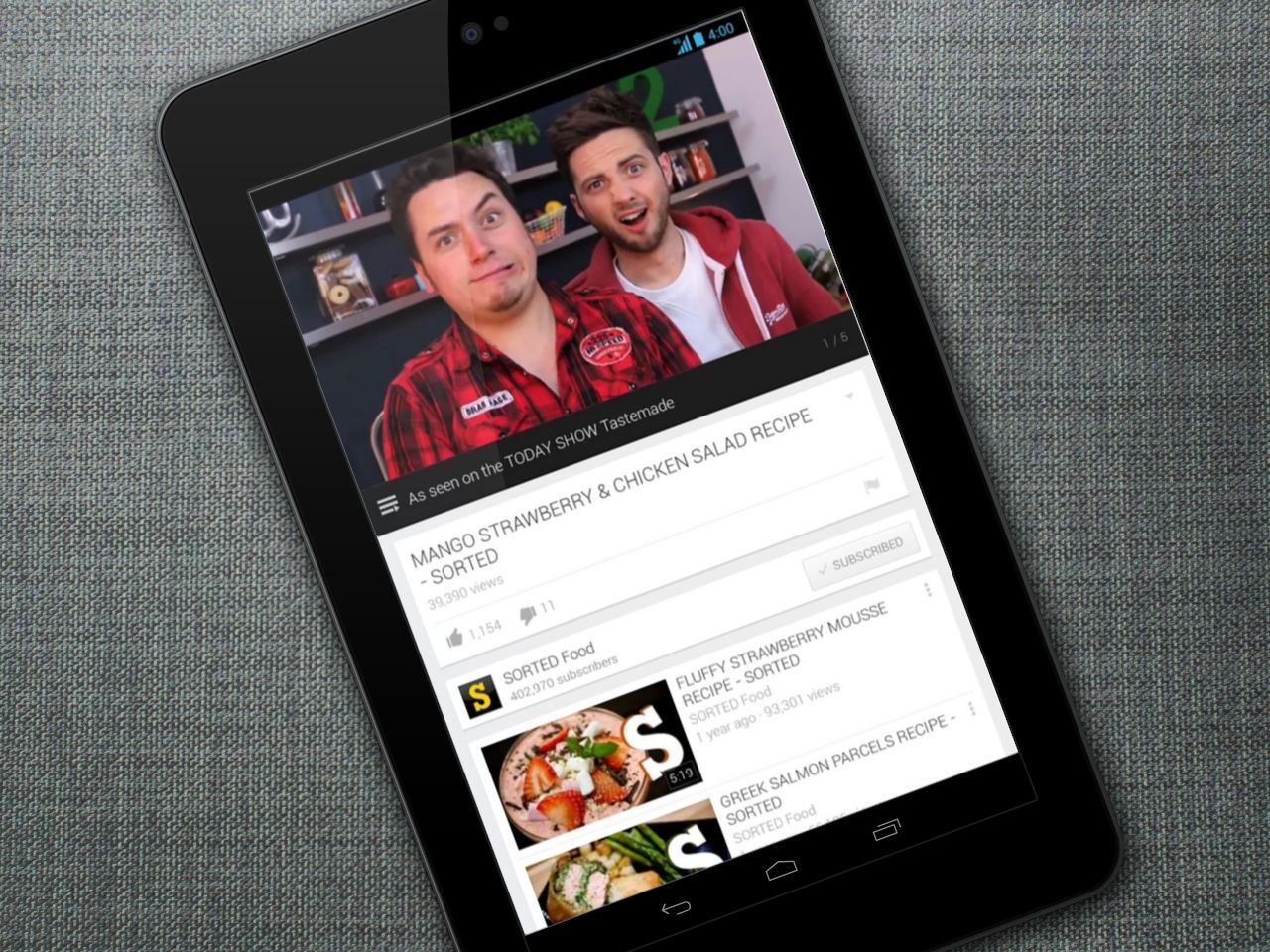
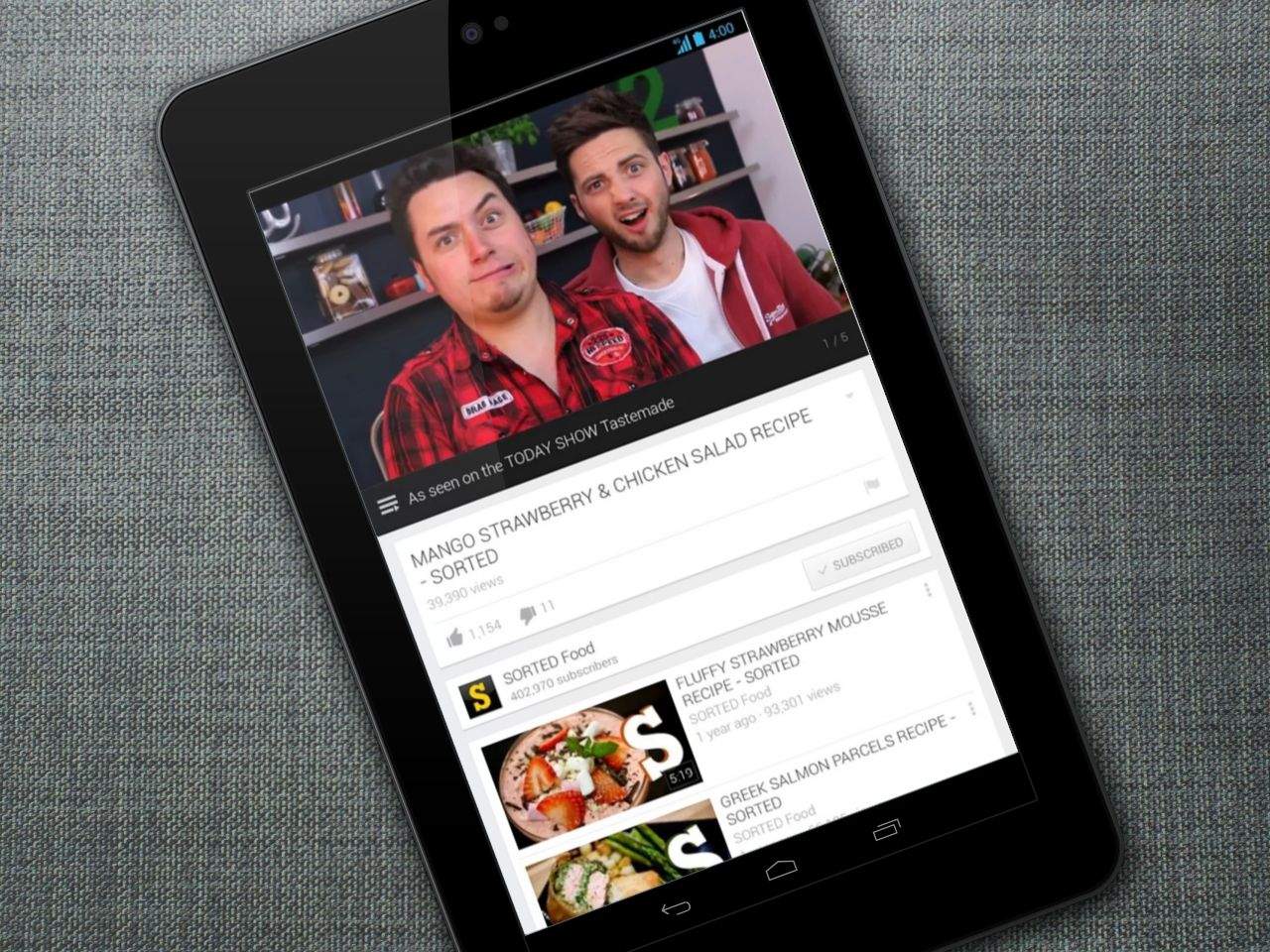
Binge On YouTube with T-Mobile. Photo: Killian Bell/Cult of AndroidBinge On YouTube with T-Mobile. Image: Killian Bell/Cult of Android.
T-Mobile Binge On, the awesome service that lets you enjoy all the videos your eyes can handle without eating into your data plan, now supports YouTube, Discovery GO, and a whole bunch of other streaming services.
Yes, another frustrating game that'll keep you coming back. Photo: Fabled Realm
Jump Legends is a new adventure game for iOS with something very interesting going for it. Your character is an adventurer that’s traveling and jumping through various obstacles to collect different rewards and treasures.
Ultimately, your only responsibility in the entire game is to simply tap so your character jumps as needed. In Jump Legends, this proves extremely challenging because your journey changes every single time you lose.
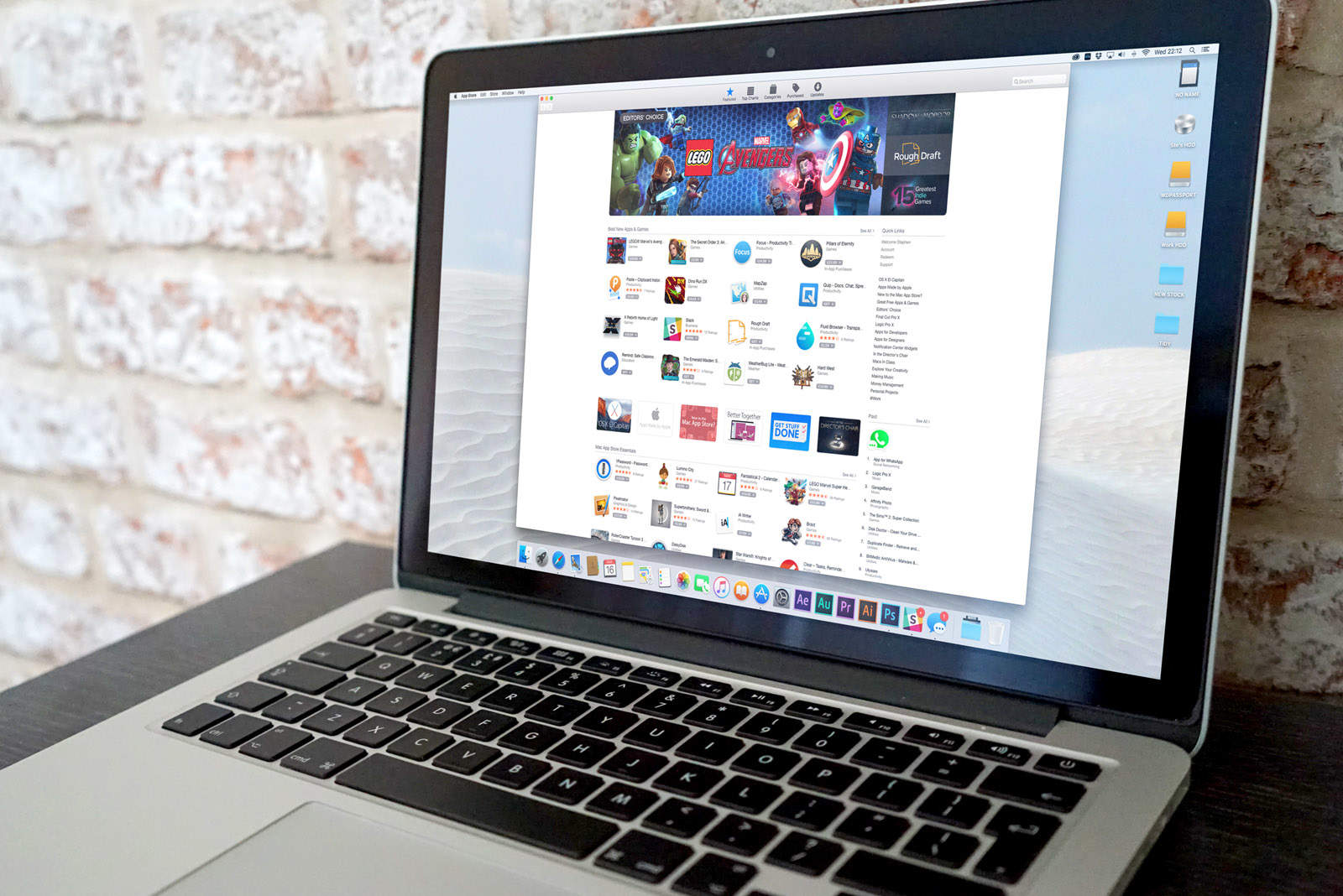
The Mac App Store could use some support. Photo: Ste Smith/Cult of Mac
This is a guest post by Karthik Suroju, a digital marketer at CloudMagic.
The iOS App Store is a one-stop destination for everything consumers need on the iPhone and iPad. However, that’s not the case with the Mac App Store. At the beginning of January 2016, there were 1,234,267 apps for iPhones, 662,984 for iPads and a mere 27,011 for Macs.
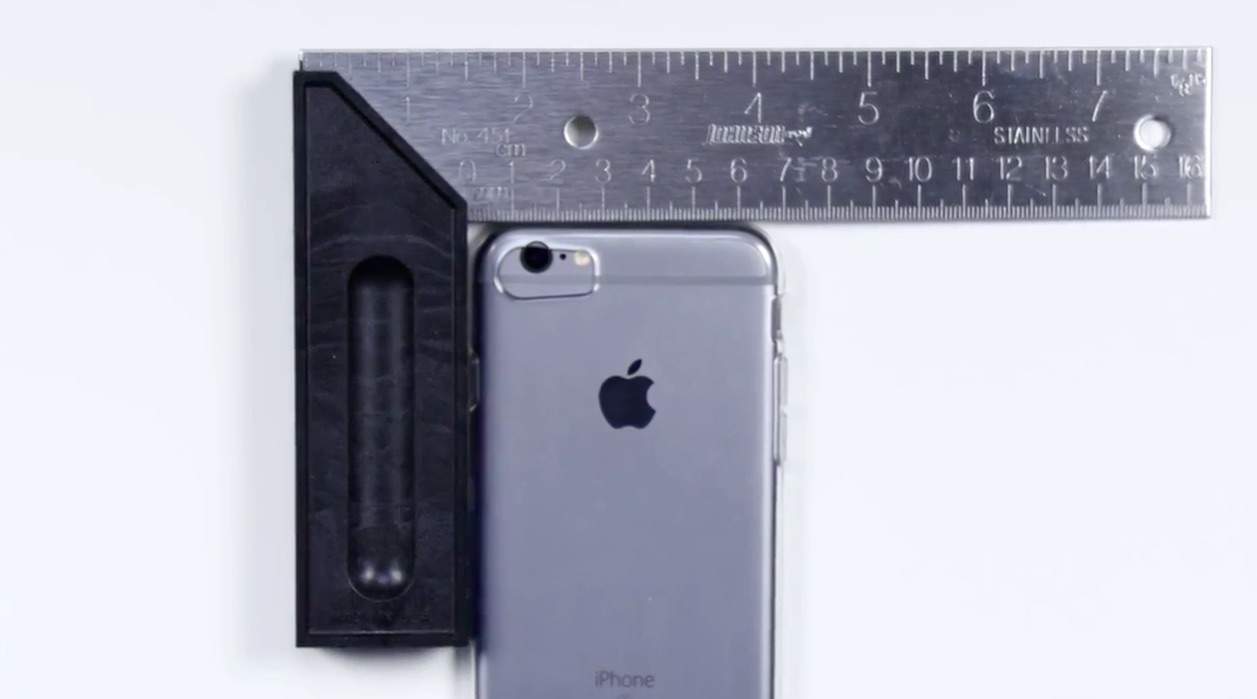
iPhone 6 inside an iPhone 7 case. Photo: Unbox Therapy
New video of an alleged iPhone 7 case appears to show major changes destined for Apple’s next-gen smartphone.
If it is accurate, the case appears to confirm that Apple will kill the headphone jack and add stereo speakers to the bottom of the device, which should be revealed later this year.
Protect your online activity and stay on task with this duo of apps. Photo: Cult of Mac Deals
Among the top concerns for anybody who spends a lot of time on the computer are how to stay safe online, and how to stay on task. This pair of awesome apps addresses both, with VPN Unlimited creating a private, protected link to the web, and To Do Checklist preserving your productivity. The best part, right now you can get both for just $39.
Tim Cook is pushing for end to end encryption. Photo: Jim Merithew/Cult of Mac
Apple CEO Tim Cook has vowed to continue fighting ‘the good fight’ for the American people in its war against the federal government over encryption.
Cook sat down for a lengthy interview with Time as part of the magazine’s March 28 cover story on Apple, saying that he’s a “big optimist that we ultimately arrive at the right thing” in the battle between privacy and national security, however the company is prepared for a long and important battle.
The long ranging interview touches on everything from Apple’s case with the FBI, cybersecurity, civil liberties, and even Donald Trump. We read the entire transcript so you don’t have to and pulled out the 11 most revealing bits below:
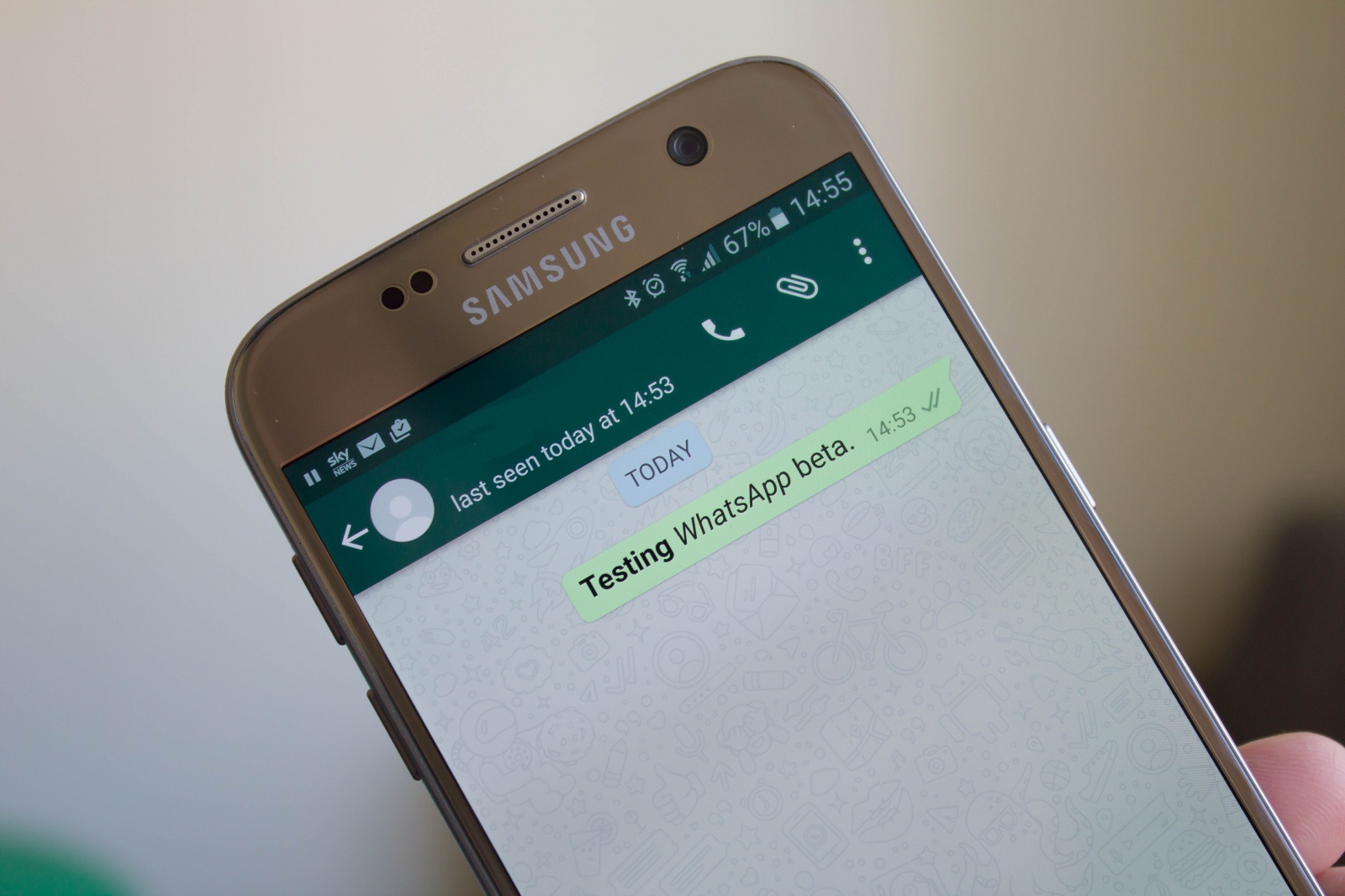
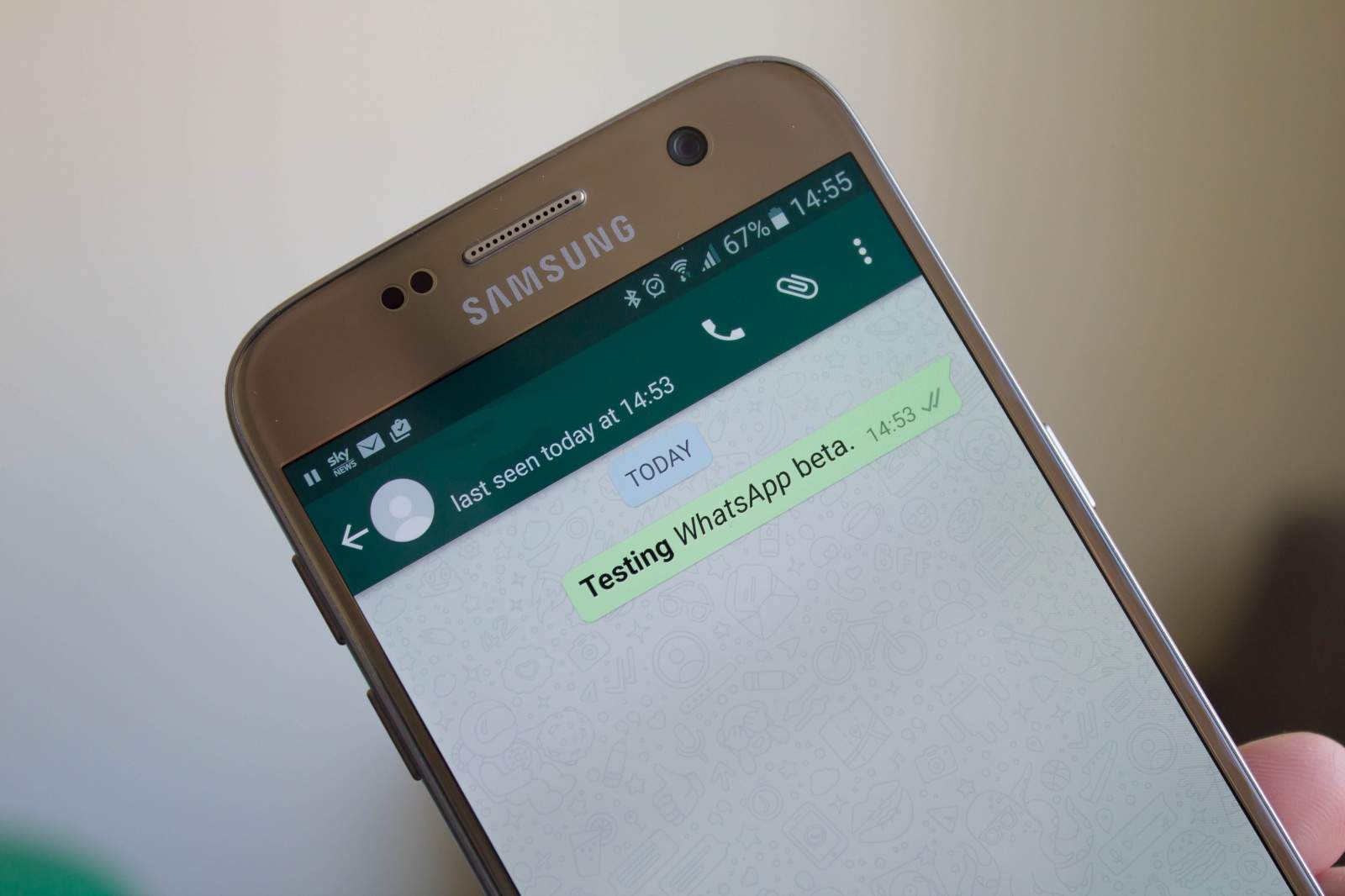
Bold and italics in WhatsApp. Photo: Killian Bell/Cult of AndroidBold and italics in WhatsApp. Photo: Killian Bell/Cult of Android
WhatsApp makes it easy to express yourself with emojis and images and other kinds of modern media — but what if you prefer the good old written word?
Until now, the platform has only supported basic text with zero formatting options. But in the latest WhatsApp beta, users have the option to use bold and italic text in their messages.
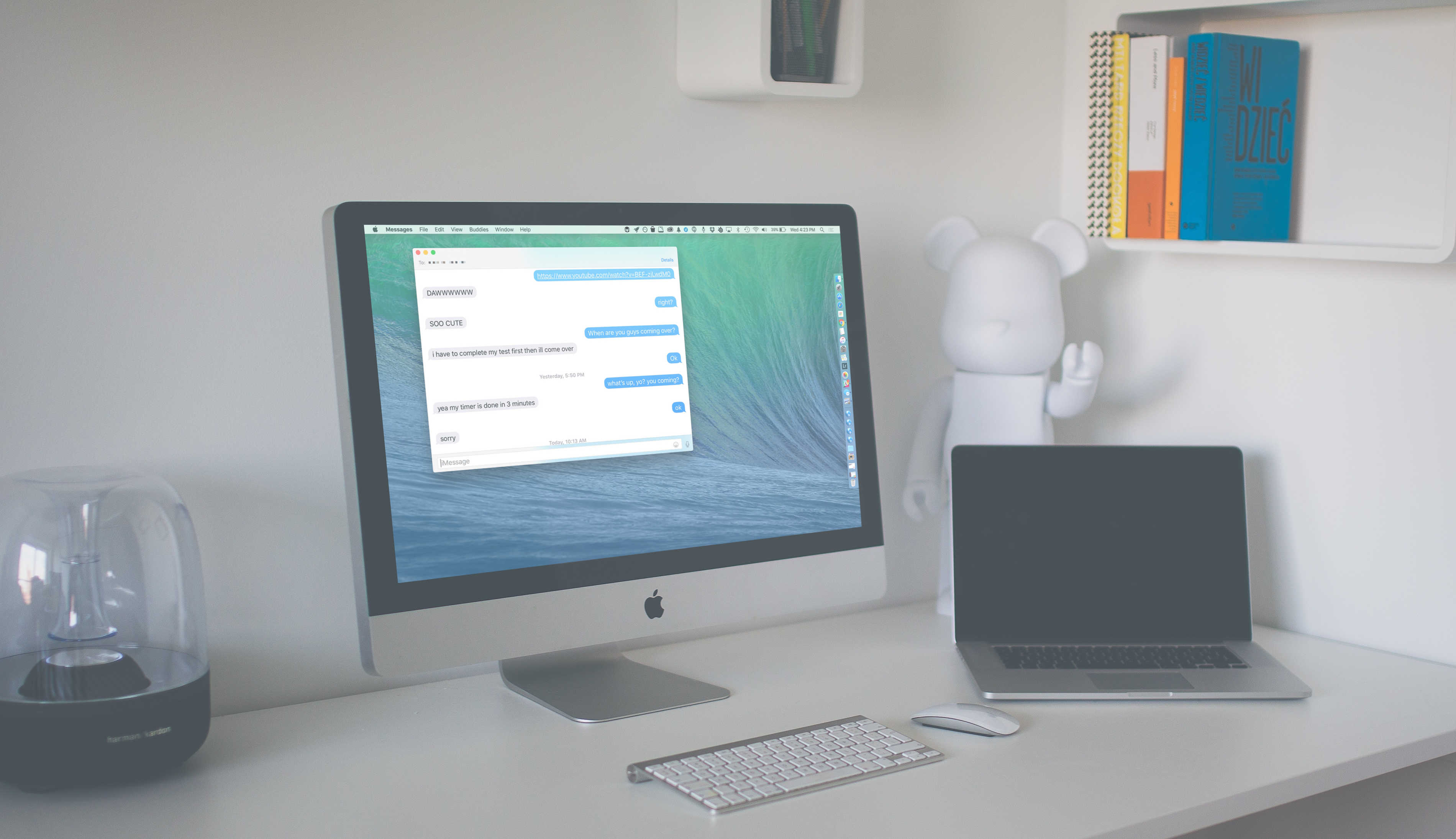
Keep only what you want, get rid of the rest. Photo: Rob LeFebvre/Cult of Mac (Original image by Patryk Sobczak/Unsplash)
When it comes to the Messages app, saving all your iMessages can be a good thing, letting you go back in time and see the delightful conversations you’ve had with your loved ones or even just checking to see where you’re supposed to meet up on Friday.
Of course, there might be a few of them, however, that you’re not super keen on saving. You may not want to get rid of an entire iMessage conversation thread, but there might be bits of it you’d rather forget.
Here’s how to get rid of parts of your iMessages while saving only your most treasured iMessages in OS X.
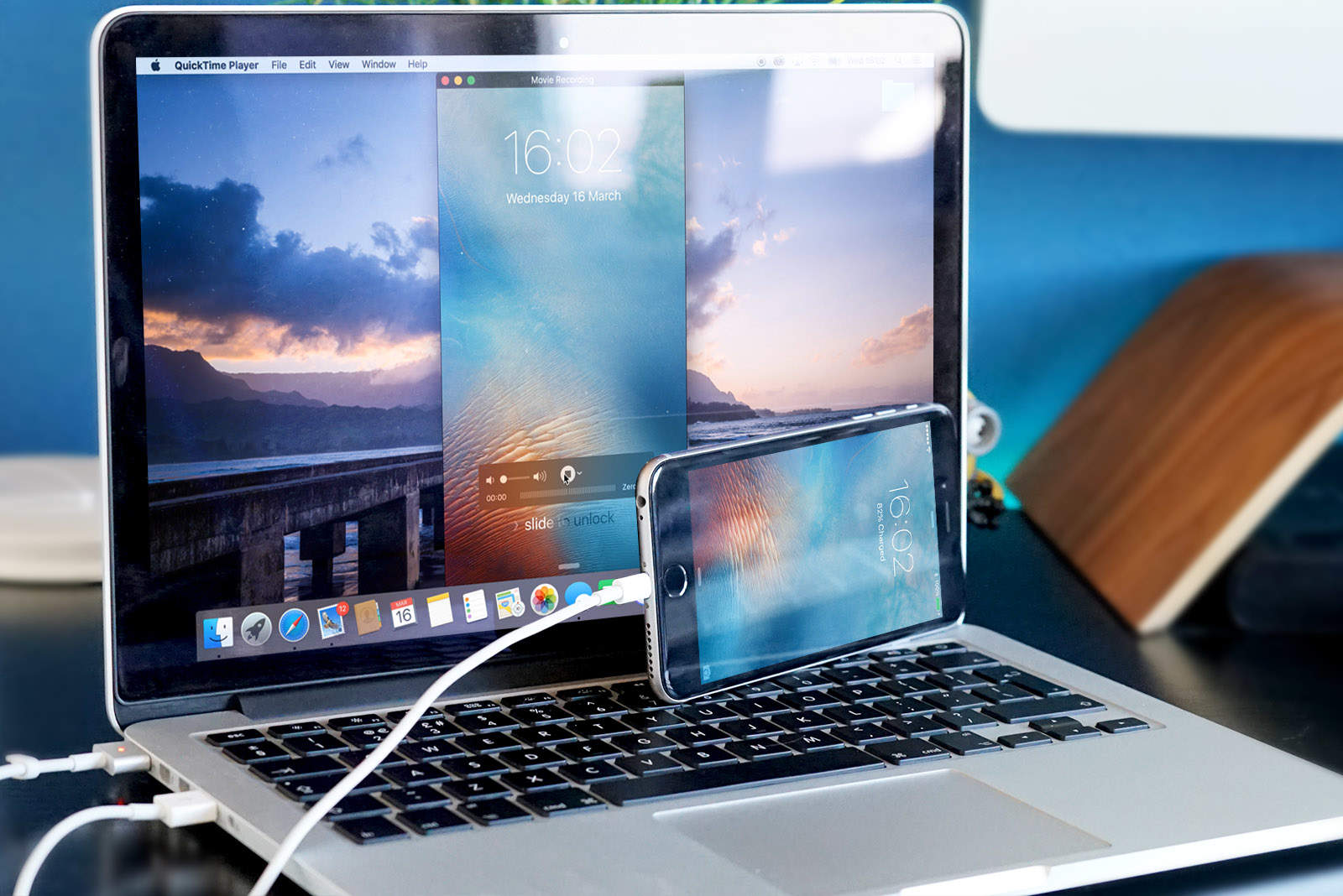
Start capturing your iOS gaming with this handy trick! Photo: Ste Smith/Cult of Mac
There are many reasons you may want to record your iPhone screen: demonstrations, tutorials, gaming and much more.
Sure, there are apps out there that can do this for you, but the only downside is that they use up valuable storage space on your iPhone or iPad. In this week’s Quick Tips video, I’m going to show you how to record your iOS device to your Mac in under a minute.
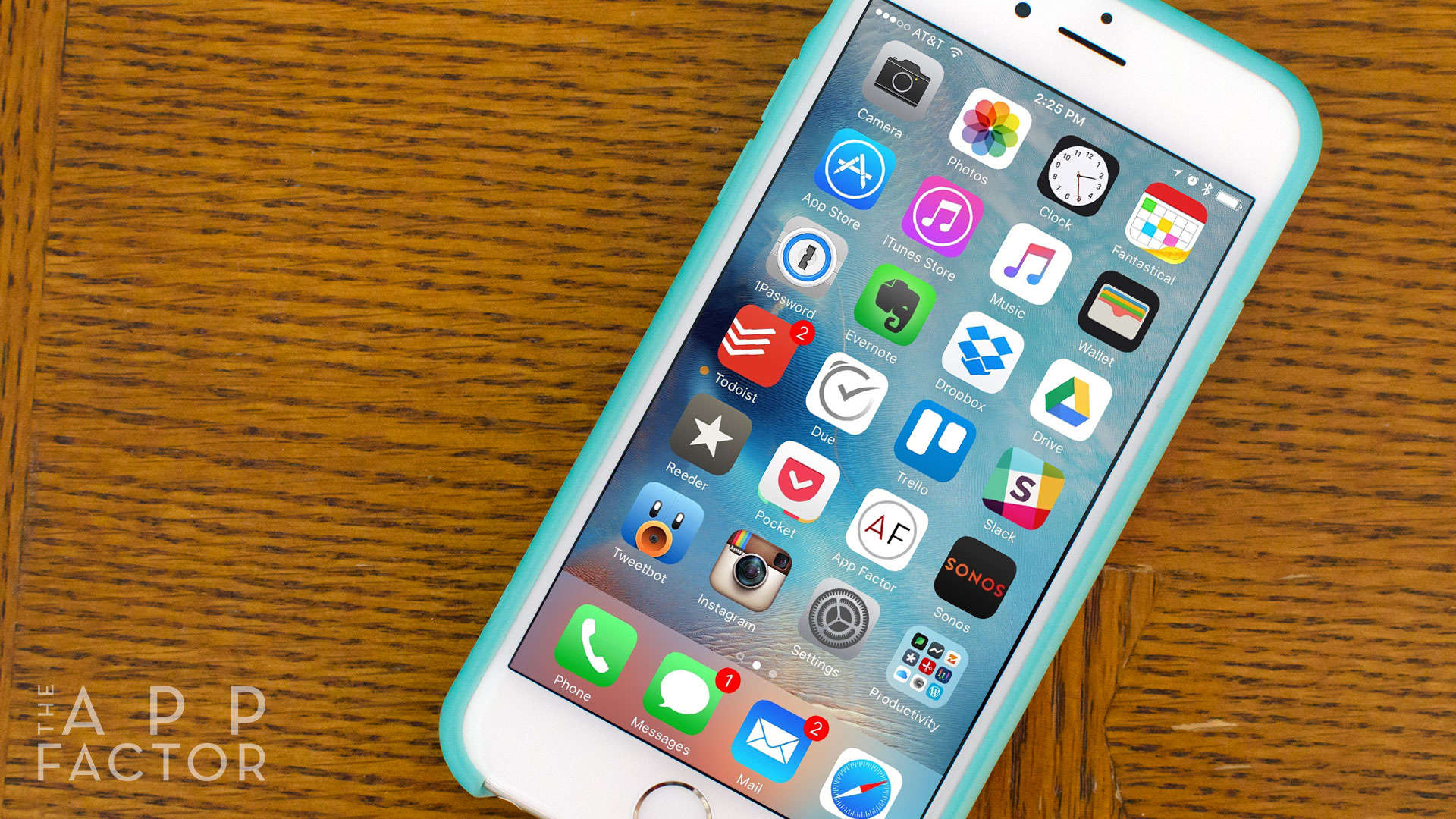
If your iPhone feels a little sluggish, here are 4 easy tips to help speed it up again! Photo: Ally Kazmucha/The App Factor
Is your iPhone slow? Whether you’ve just updated iOS or you’ve been experiencing performance issues for a while, there are several things you can do to get things humming again. Regardless why your iPhone is slow, here are my top four tips to help you speed it up again.
See ya, Safari! Photo: Killian Bell/Cult of Android
Googlebot, the giant webcrawler that Google uses to scan webpages and update its index, is ditching its iPhone disguise to become an Android.
Rather ironically, the tool has been masquerading as an Apple device running iOS 8.3 for years, but it will soon become a Nexus 5X running Android 6.0.1 Marshmallow to become more efficient.
143 million customers in the U.S. may have been impacted by the attack. Photo: Colin / Wikimedia Commons
Researchers have just discovered a new malware threat for iOS devices that uses Apple’s own FairPlay DRM system as a delivery vector.
Dubbed “AceDeciever” by the researchers, the malware in question can technically infect any type of iOS device, jailbroken or not, if a user downloads a third-party app.
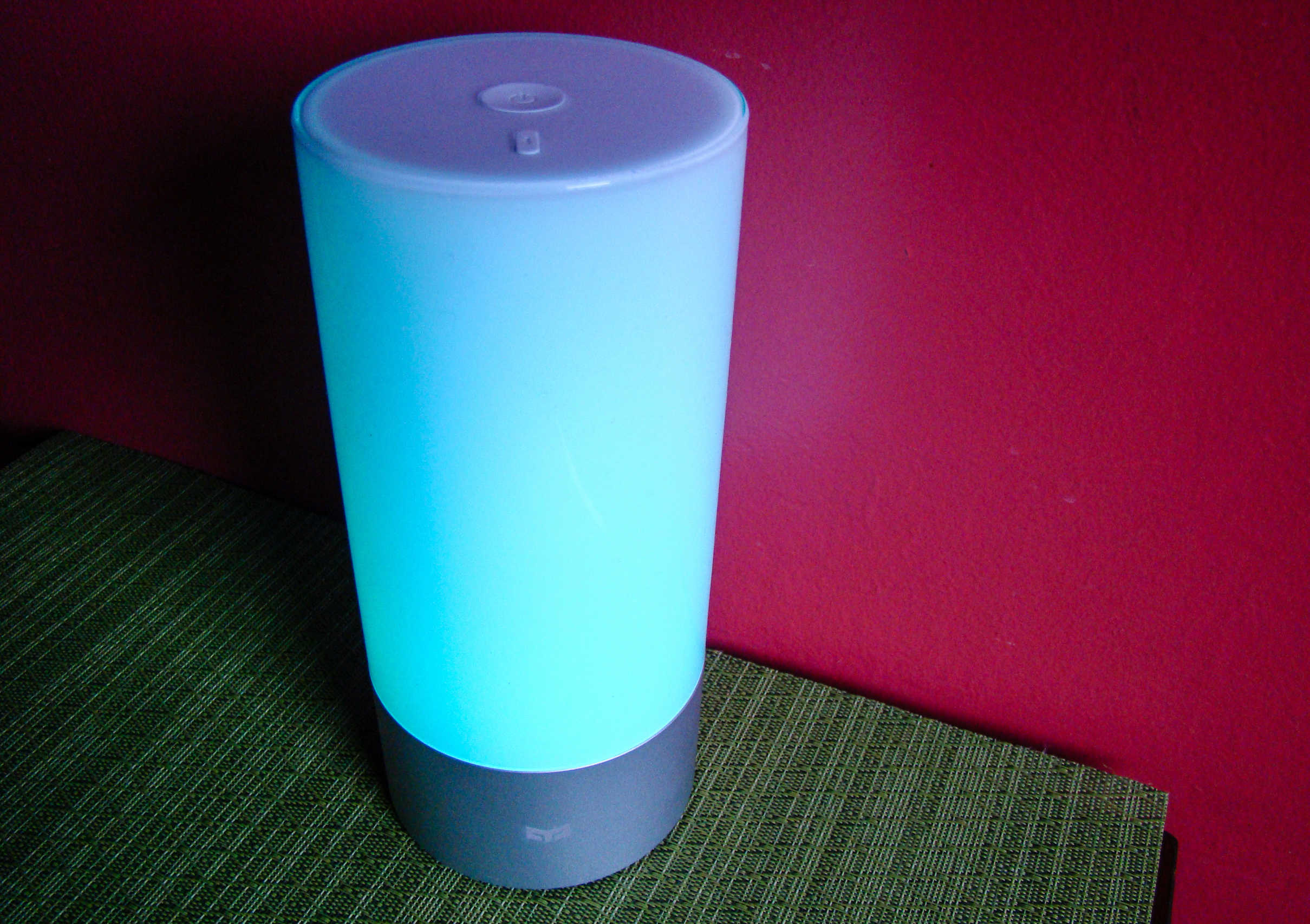
Colorful as all heck with brightness controls that actually work for reading. Photo: Rob LeFebvre/Cult of Mac
Best List: Yeelight by ipegtop
Most smartbulbs I’ve tried only let me use my iPhone to change the color of the bulb and to turn it off and on. I’ve never found one bright enough to read by, either, making me wonder if it’s even possible with the current technology.
The Yeelight is my answer: It’s a fantastic, app-controlled, touch-enabled smartlamp that’s colorful enough to set a fun mood while also being bright enough to use for my before-bed reading ritual.
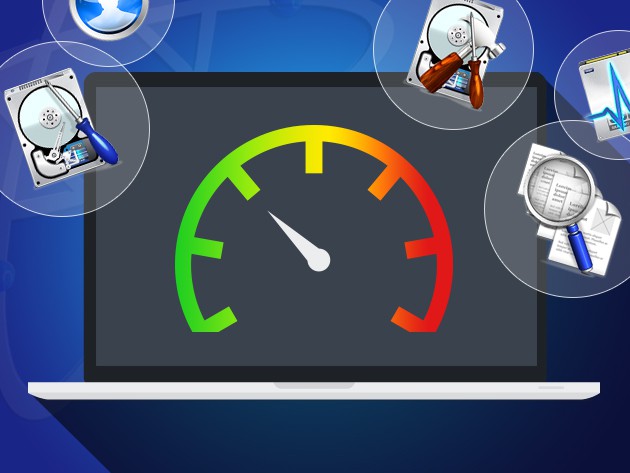
Drive Genius 4 is used by Apple Store geniuses to diagnose and address hard drive issues. Photo: Cult of Mac Deals
If your hard drive takes a dive, it takes your computer along with it. Drive Genius 4 is an ideal and easy way to make sure your hard is running at peak performance, spotting potential problems early and even bringing it back from the dead in the event of a crash. Today you can get it for just $39.99.
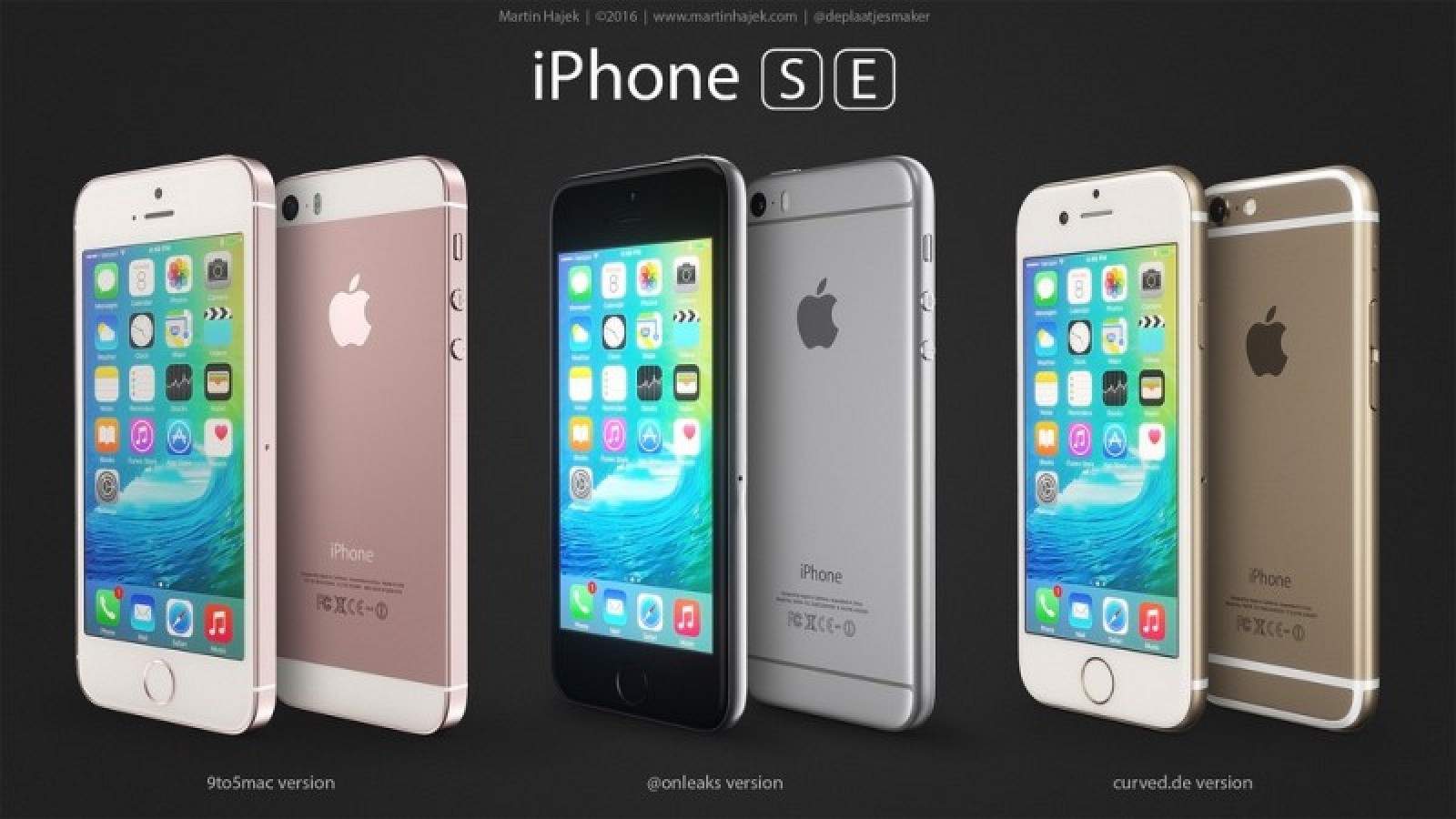
iPhone SE will be the star of Apple's March 21 keynote. Photo: Martin Hajek
The invites are out and the rumors are in. Apple’s first event of 2016 is going down March 21, when the company will loop fans in on some shiny new products coming soon to Apple Stores.
Apple is expected to introduce a new 4-inch iPhone aimed at budget customers and people who want to be able to hold their smartphone with one hand, but a new 9.7-inch iPad that’s every bit as impressive as the iPad Pro could steal the show (along with some other new goodies).
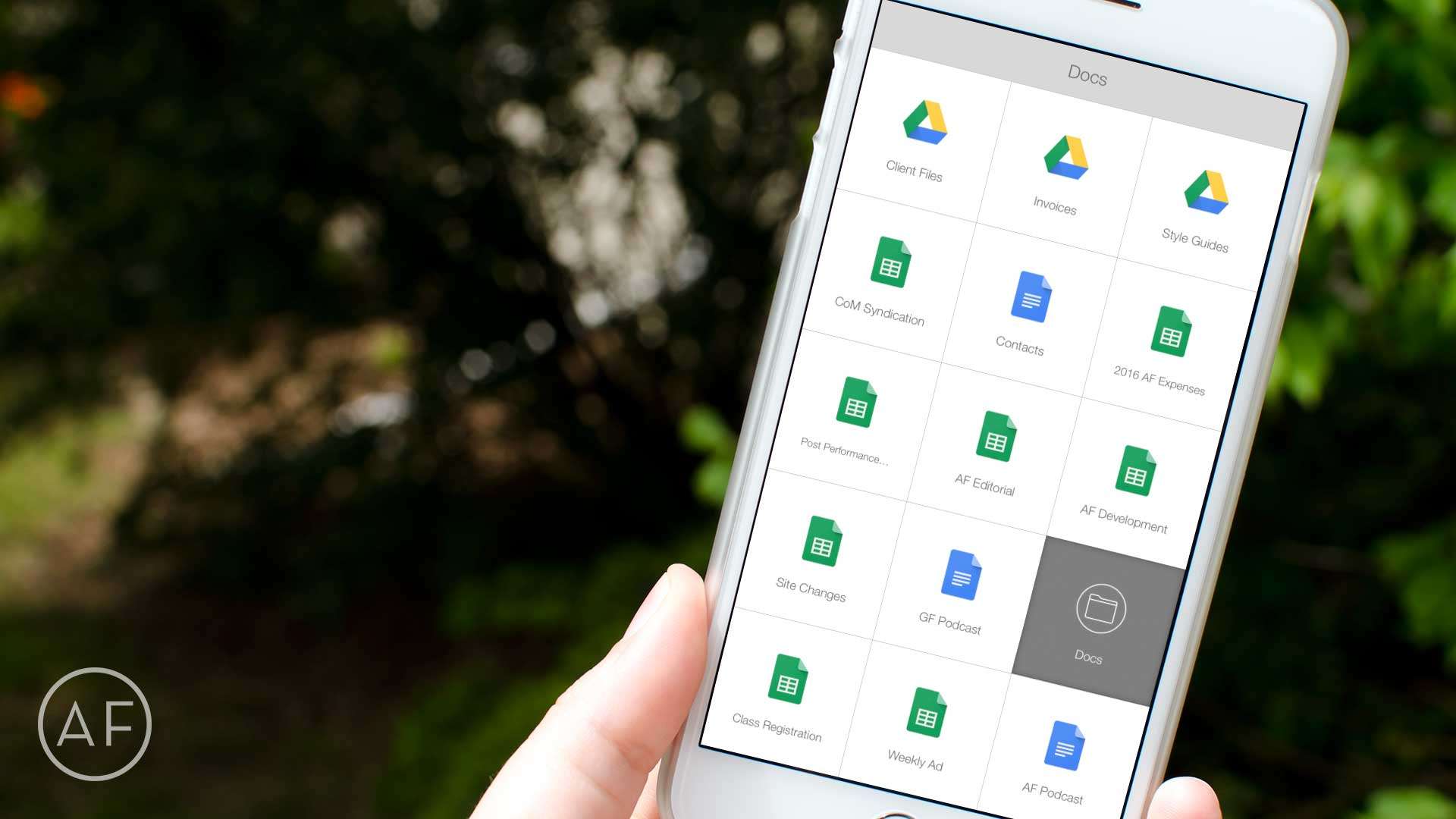
Want even faster access to your most-used Google Drive files? Let Launch Center Pro do the heavy lifting! Photo: Ally Kazmucha/The App Factor
Launch Center Pro has solved many workflow problems for me over the years. Most recently it’s been an immense time-saver when it comes to accessing Google Drive files I need often. While the Google Drive app itself is decent enough, it only acts as a hub to Google’s other apps, which is somewhat annoying.
That’s why I started using Launch Center Pro to speed up the process. Here’s how you can, too.
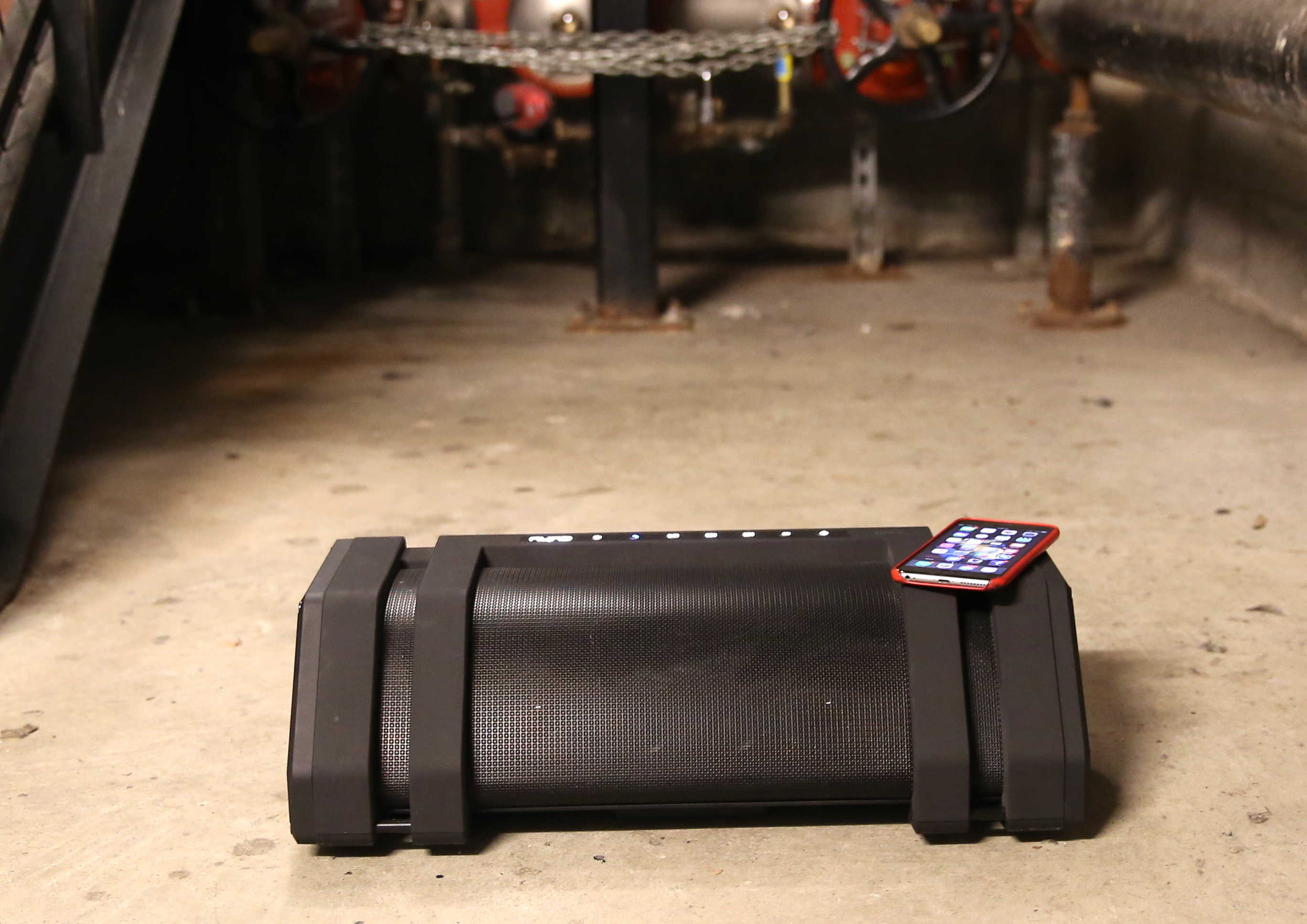
Nyne's new boombox is the biggest Bluetooth speaker we've ever seen. It's called -- what else? -- the Rock! Photo: Leander Kahney/Cult of Mac
As a teenager in the 80s, I love a good boombox. The bigger, the better, like Radio Raheem’s.
That’s why I was keen to check out Nyne’s new Bluetooth Boombox, called — what else — the Rock. It’s the biggest Bluetooth speaker I’ve ever seen, promising to put out 65 watts of raw music power.
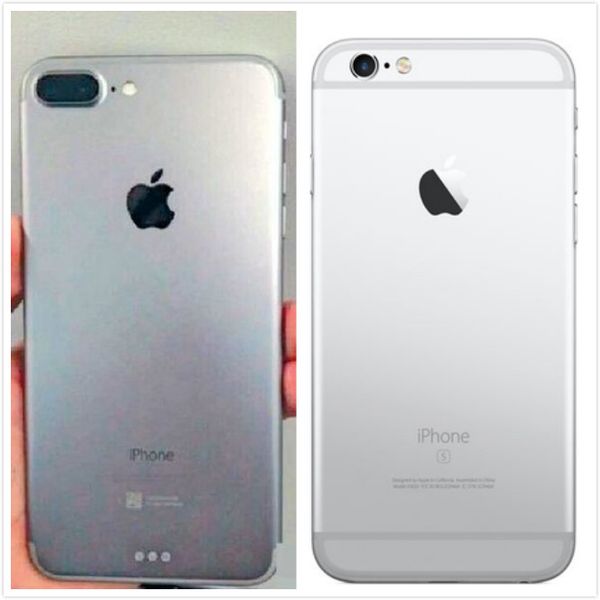
"Leaked" iPhone 7 with Smart Connector (left) and iPhone 6s. Photo: Bastille Post
The iPhone 7 may come with a Smart Connector if photos of what appears to be an early iPhone 7 Plus unit can be believed.
Photos of the alleged iPhone 7, leaked by a Chinese website, show Apple integrating a dual-lens camera into the design of the rear case. If the case is accurate, it looks like Apple won’t be ditching its protruding camera lens this year.
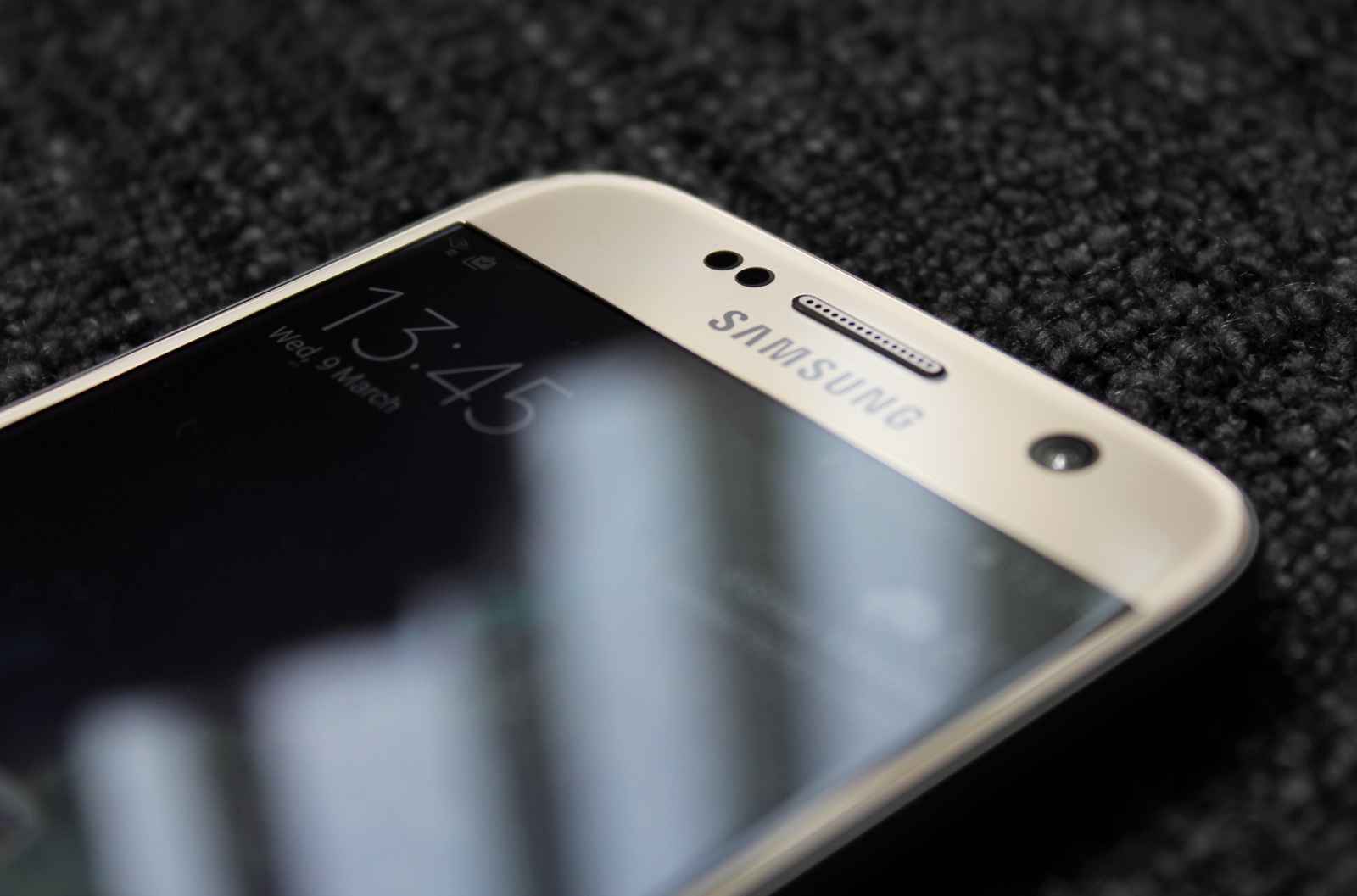
Samsung's Galaxy S7 mini could be pretty special. Photo: Killian Bell/Cult of AndroidSamsung’s Galaxy S7 mini could be pretty special. Photo: Killian Bell/Cult of Android
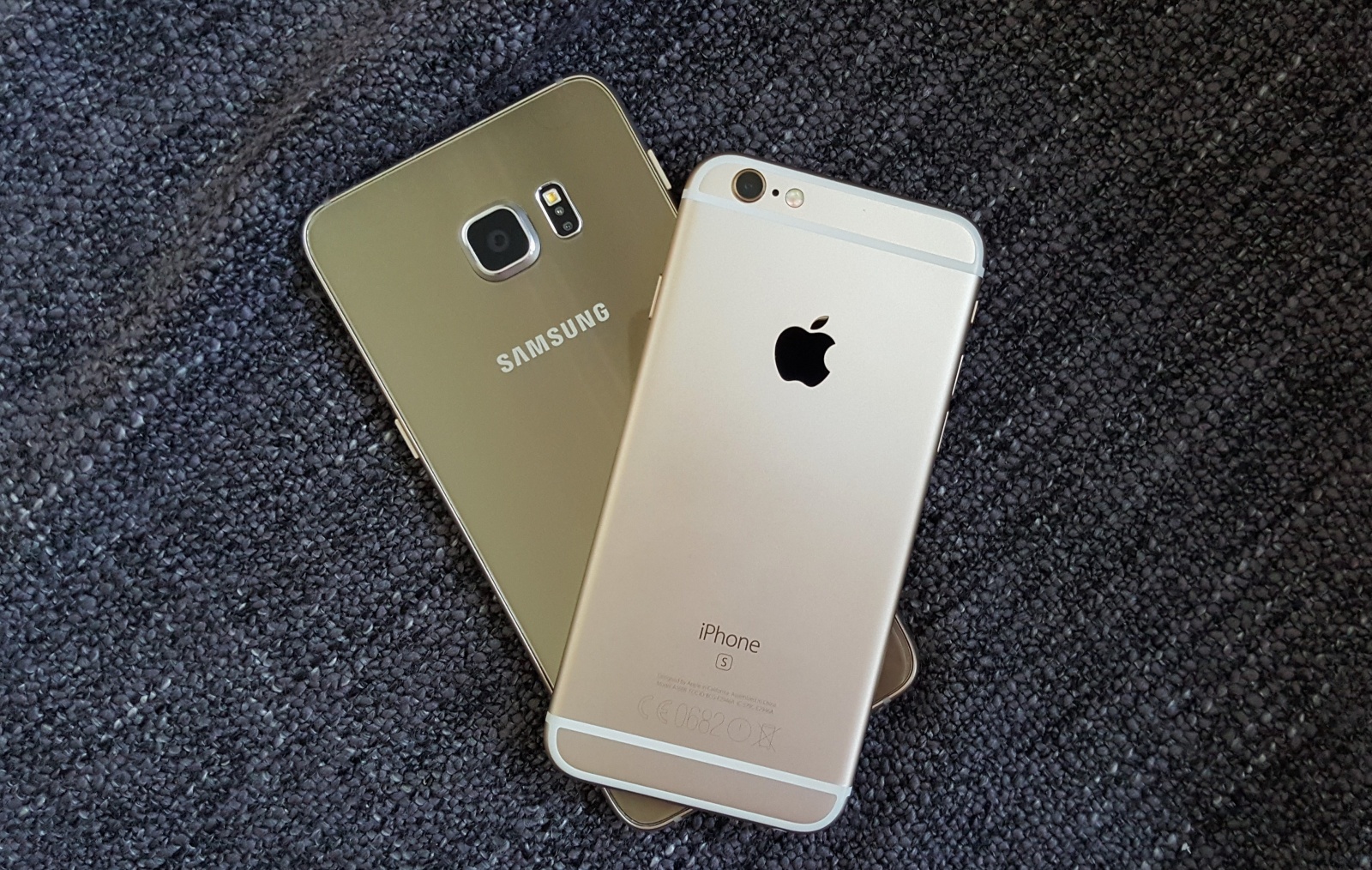
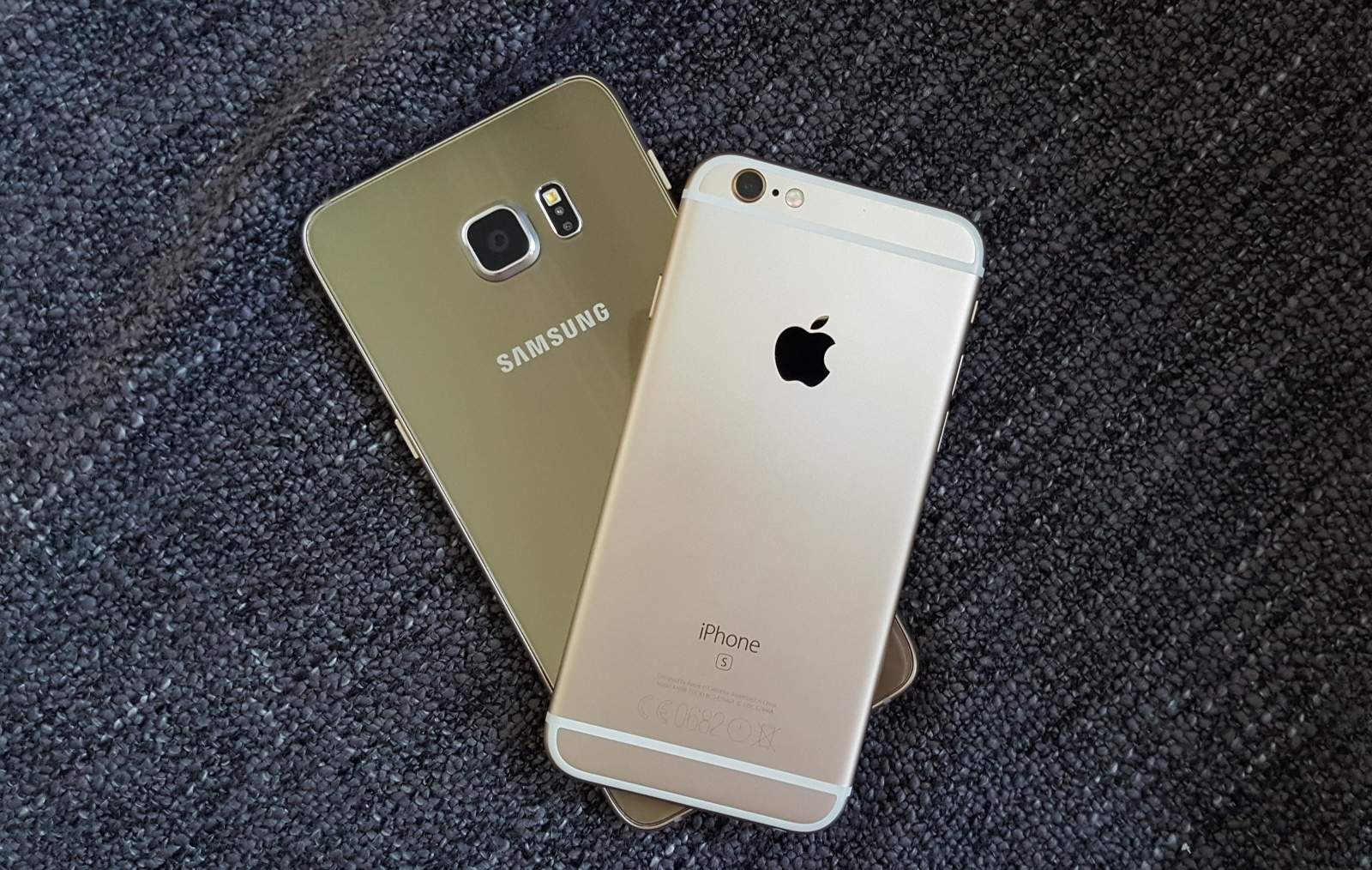
Samsung is already developing a Galaxy S7 mini that will go head-to-head with Apple’s upcoming iPhone SE, according to a new report — and it won’t be a disappointing version of its latest flagship like previous iterations of the Galaxy S mini series have been.
Instead, the new device is expected to pack exactly the same processor — and exactly the same punch — as its bigger brother.