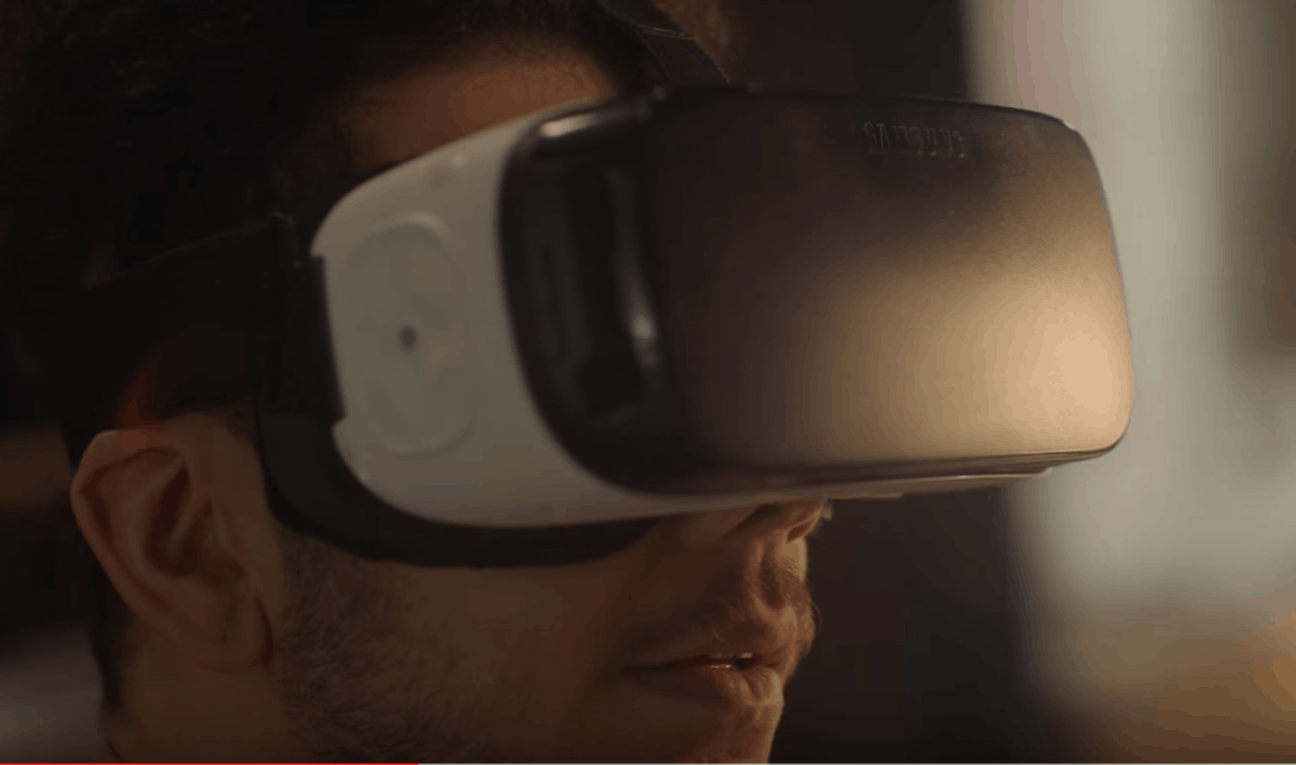
As virtual reality headsets take off in a big way, every one of us has wondered what VR porn is like. If you haven’t, you’re lying.
Now, thanks to Pornhub, it’s free to find out.
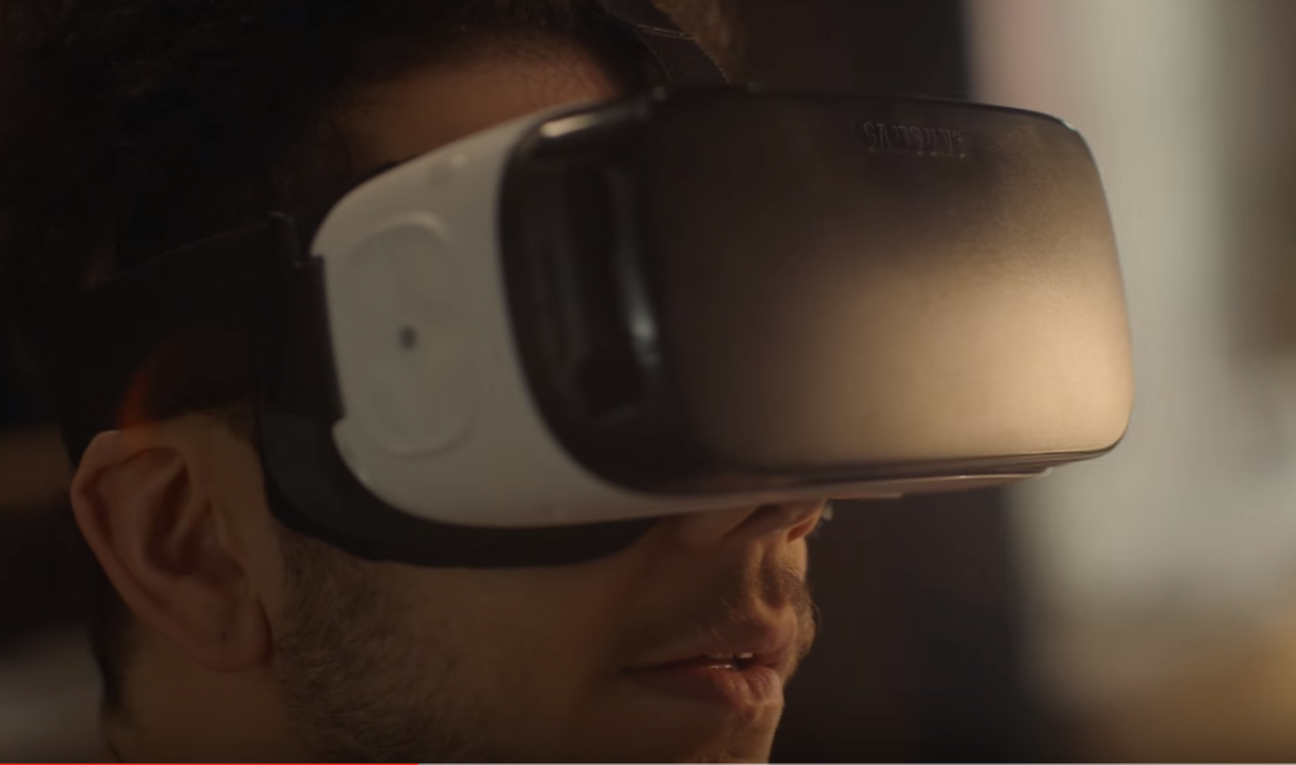
As virtual reality headsets take off in a big way, every one of us has wondered what VR porn is like. If you haven’t, you’re lying.
Now, thanks to Pornhub, it’s free to find out.

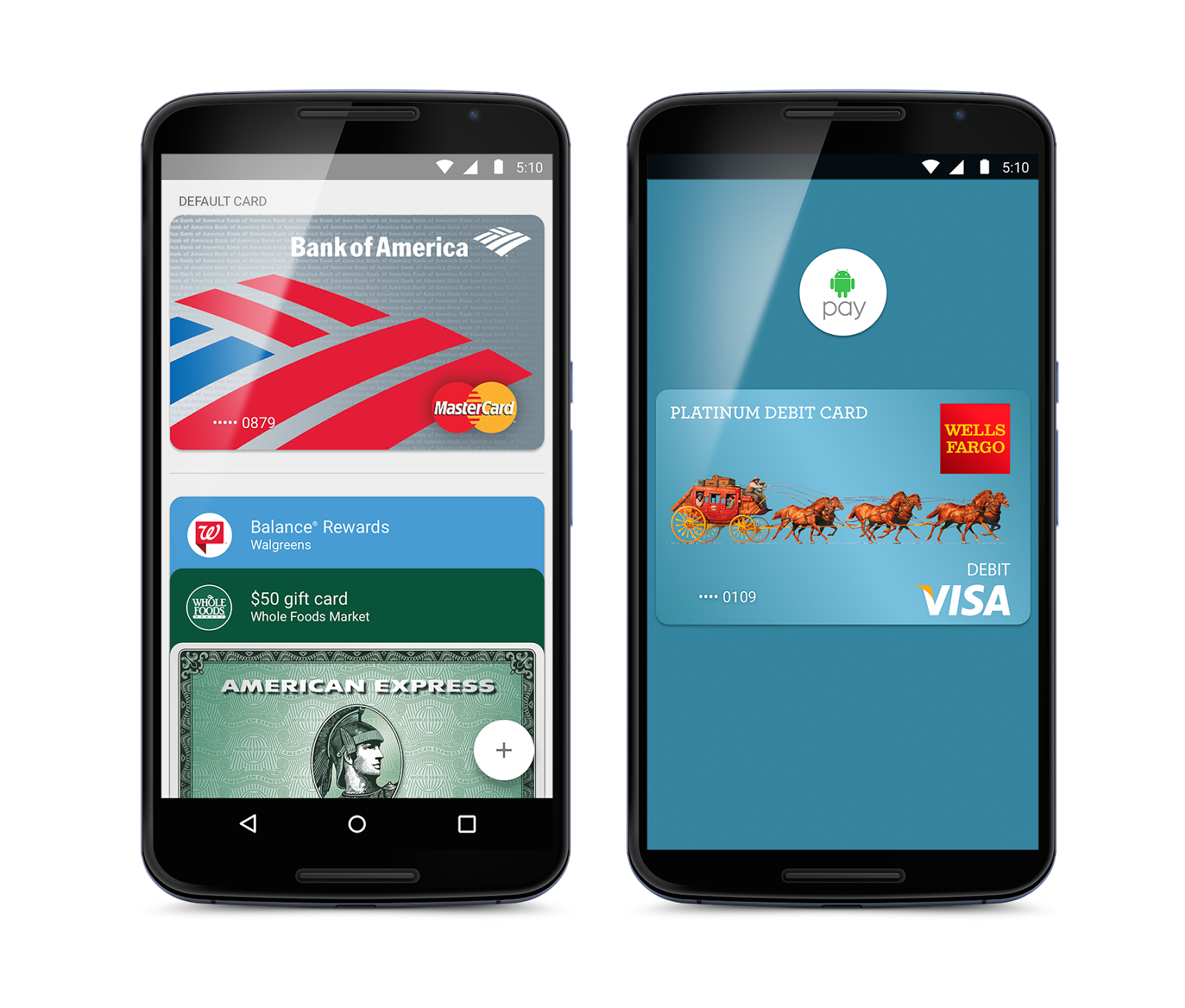
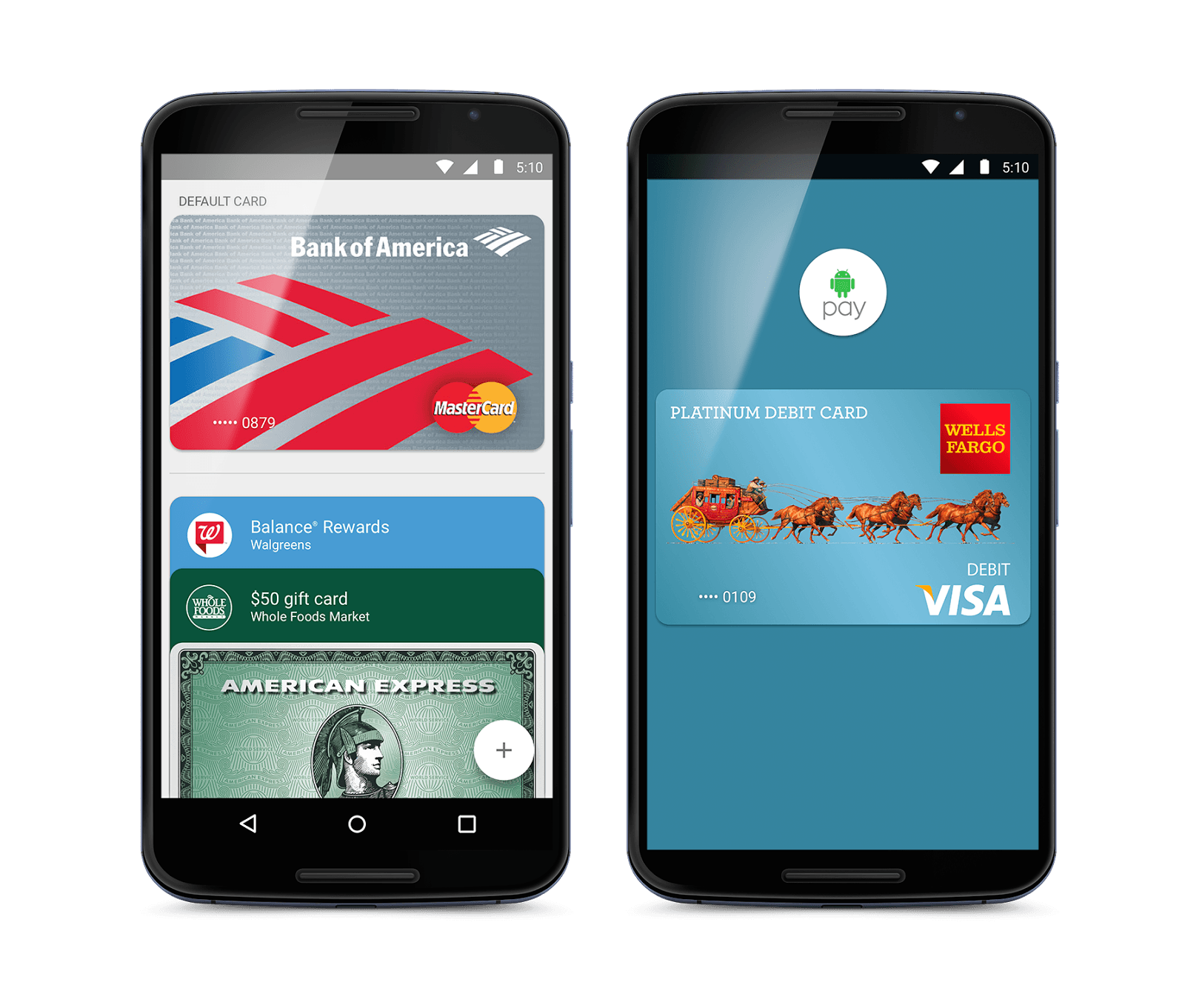
Android Pay, Google’s answer to Apple Pay, is finally expanding to new markets.
Google has announced that the service will be making its debut in the United Kingdom “in the next few months,” and it will launch with support from a long list of banks and retailers.
So you want to code for iOS 9. If you’re serious about it, you’ll have to be ready to dig in with both hands, to get a grip on the concepts, techniques and languages of mobile development. That’s exactly what this in-depth course offers in covering development for iOS 9 and Swift 2. With 77 video lectures walking you through actual coding, and clocking in at over 15 hours, this is an ideal opportunity to get your coding chops together, for just $19.99.
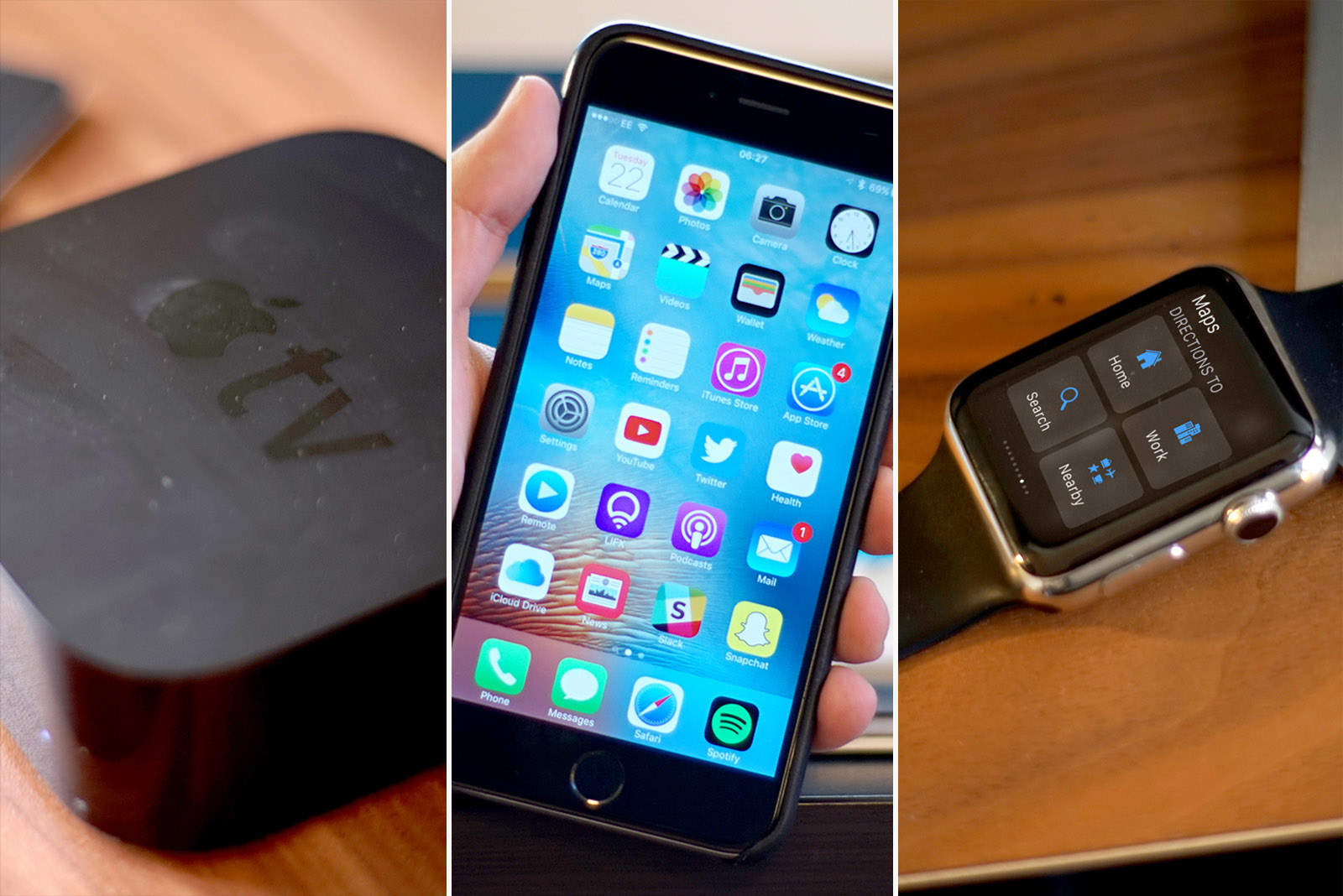
Along with the iPhone SE and new 9.7-inch iPad Pro, Apple unleashed a slew of new software updates this week, bringing all-new features to your iPhone, iPad, Apple Watch and Apple TV.
Find out what’s awaiting you in the new Apple updates, as well as how to update all your Apple devices, in a series of Cult of Mac videos you can watch below.
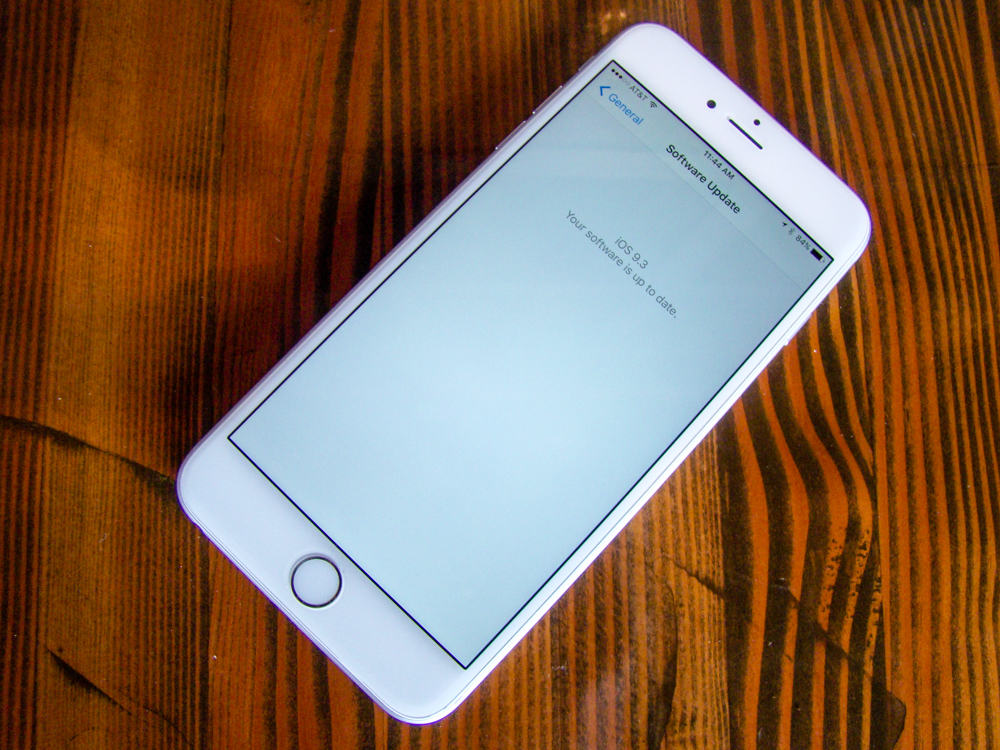
iOS 9.3 is perhaps the biggest “dot” upgrade Apple has created for its mobile platform. Apple usually doesn’t show off incremental iOS upgrades at its carefully staged keynotes, but iOS 9.3 clocked some time at Monday’s iPhone SE event, and you should update right now.
If nothing else, you’ll get some great new features like Night Shift to make your mobile digital life just a bit better. Here’s how to get iOS 9.3 on your iPhone or iPad.

Are you a budding photographer, who owns (or has access to) an iPhone, iPad or iPod touch? If so, you may be interested in entering this year’s IPPAwards, a.k.a. The iPhone Photography Awards.
Entrants are competing for the prestigious IPPA Photographer of the Year Award title, along with a assortment of other prizes.
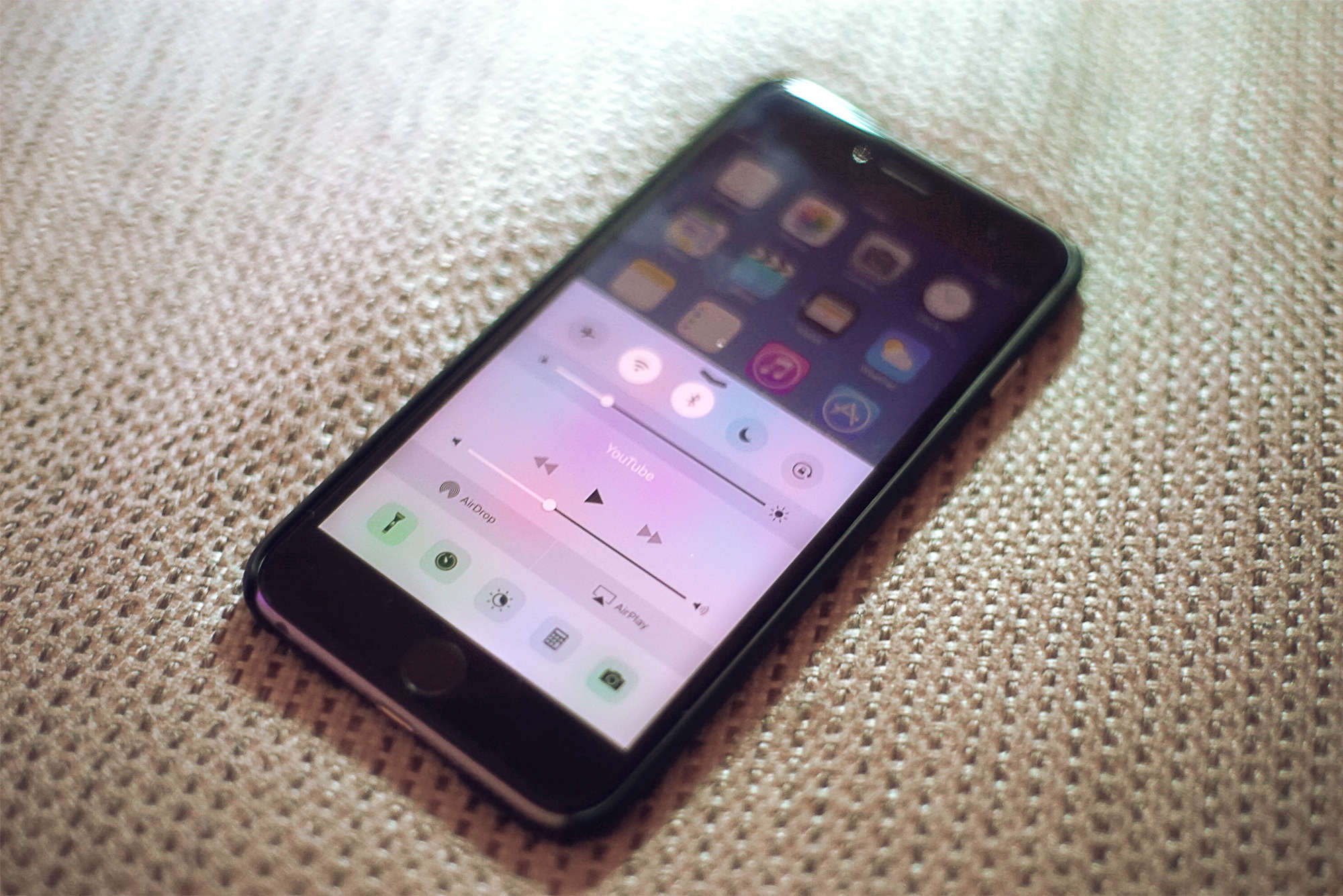
iOS 9.3 is out now for everyone, and the upgrade delivers some great new features that make Apple’s mobile platform better than ever.
With sweet additions like password-protected Notes, sleep-saving Night Shift and data-friendly Wi-Fi Assist, iOS 9.3 might be Apple’s biggest “dot” release yet.
Here’s a quick rundown of all the coolest things you can do once you’ve downloaded the iOS 9.3 update, which Apple released Monday.
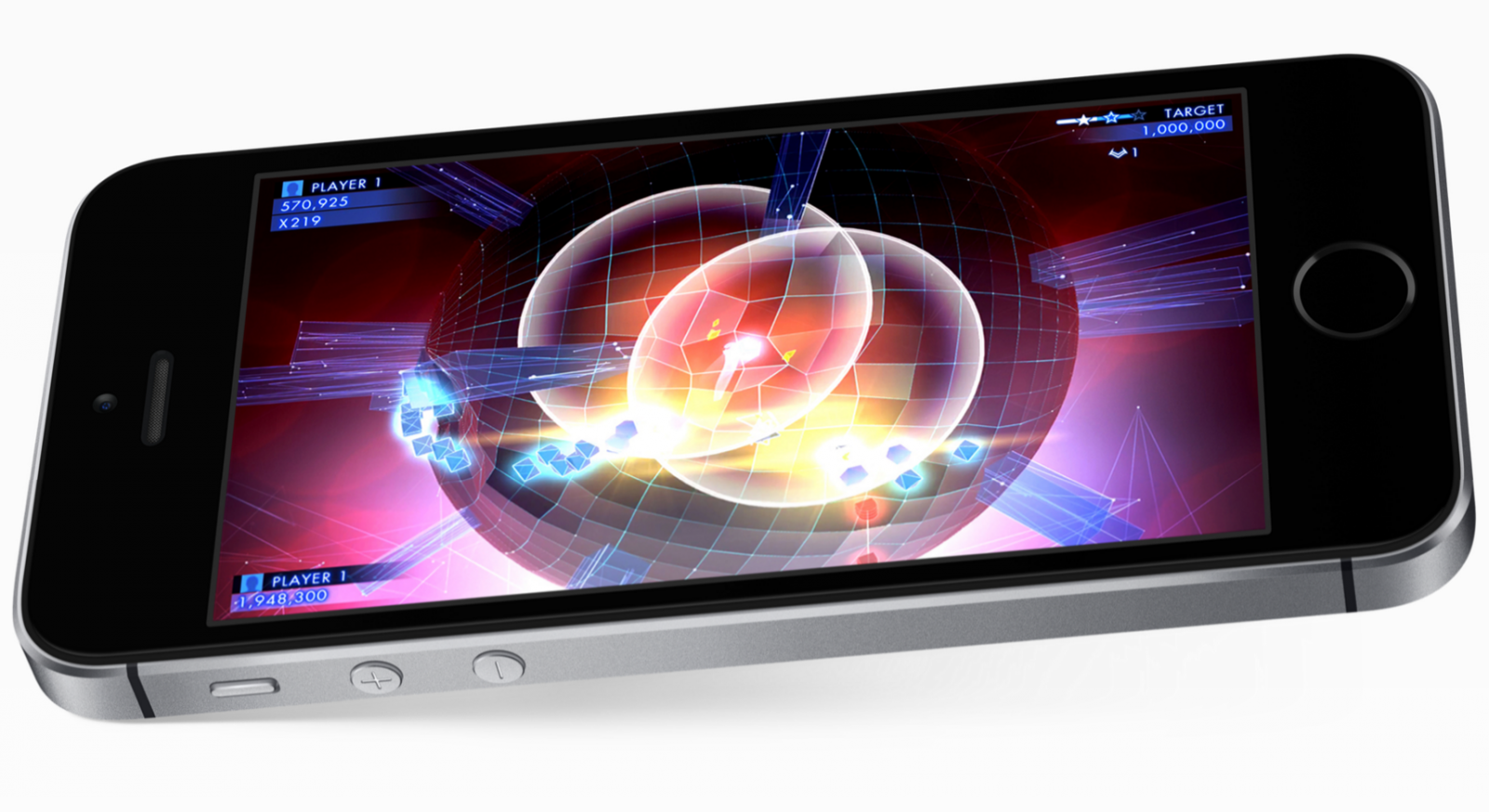
Die-hard Android fans probably had little interest in Apple’s keynote Monday, but believe it or not, plenty will be interested in the new iPhone SE.
With high-end specifications and a 4-inch display, it’s a compact smartphone for those who want the latest features without a supersized screen — and there’s nothing like it on Android.
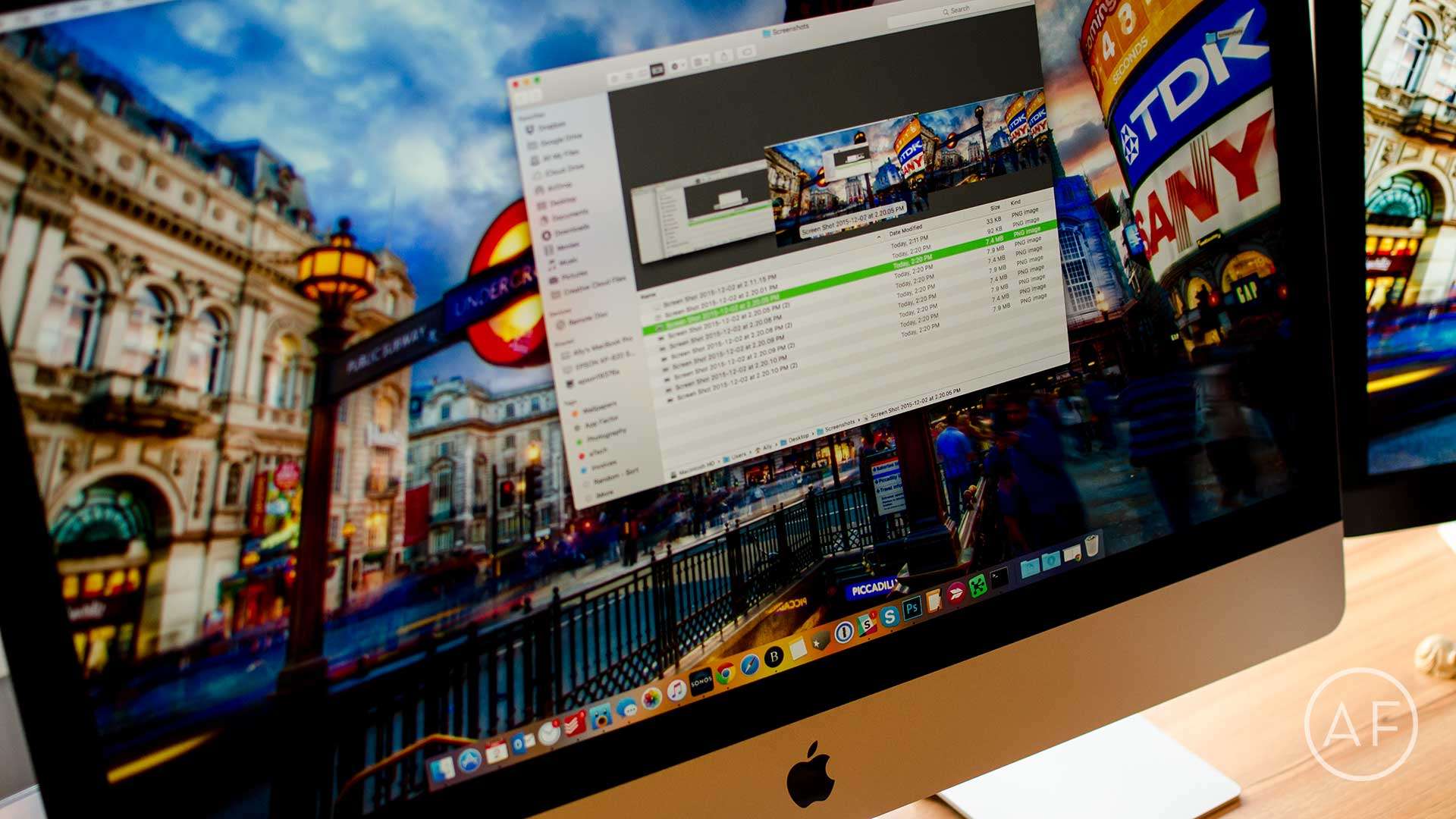
 I take a lot of screenshots on my Mac. This typically results in my desktop being cluttered with files I don’t really need to be there once I’m done with them.
That’s why I decided to change the location where my Mac screenshots are stored. My desktop is now clean and I still have quick access via a folder on my desktop. Here’s how you can do the same.
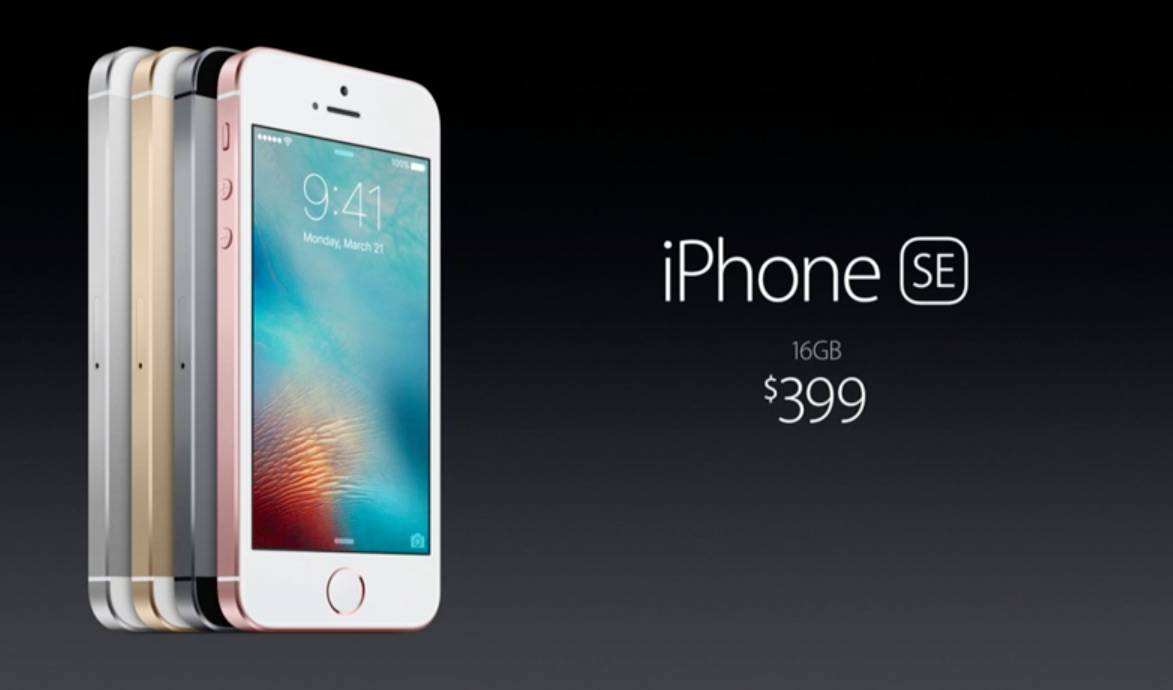
I was wrong. I can admit that now.
When I first wrote about the rumors that Apple would launch a new, improved 4-inch iPhone way back in 2014, I was skeptical that there was enough of a market to make Apple rush back to the 4-inch form factor so soon after abandoning it with the 4.7- and 5.5-inch iPhone 6 and 6 Plus.
Readers immediately wrote to correct me: They (or, often, their wives, girlfriends or children) wanted nothing more than a small iPhone they could easily clutch in the palm of their hands. Well, we got exactly that!
So, now that the iPhone SE has been announced, how do you feel about it?
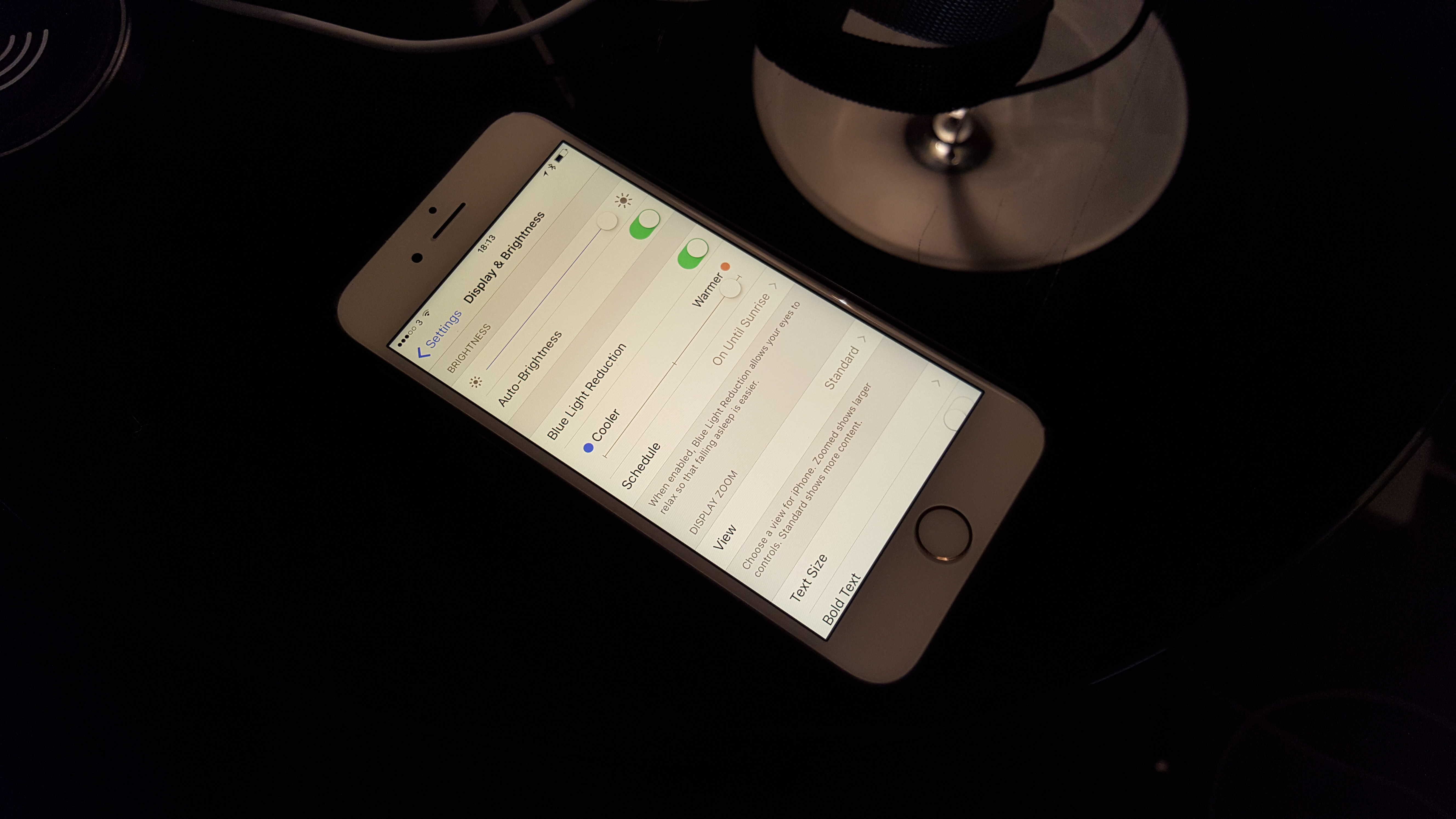
Yesterday, the launch of iOS 9.3 added Night Shift to Apple’s mobile devices. It’s a really cool feature that might help make you healthier. Jailbreakers have enjoyed an app with the same functionality for years, but now it’s legitimate and poses less of a risk of completely jacking up your iPhone or iPad.
Night Shift gives you the option of warming up the light your display emits so that you get less harsh, blue rays before bed. The idea is that your screen’s usual output tricks your body into thinking that it’s still daytime, and that can make it harder to fall and stay asleep. So if you’re used to checking some e-mails or reading some news before you conk out, it might help you rest easier.
Here’s how to activate Night Shift’s soothing beams.
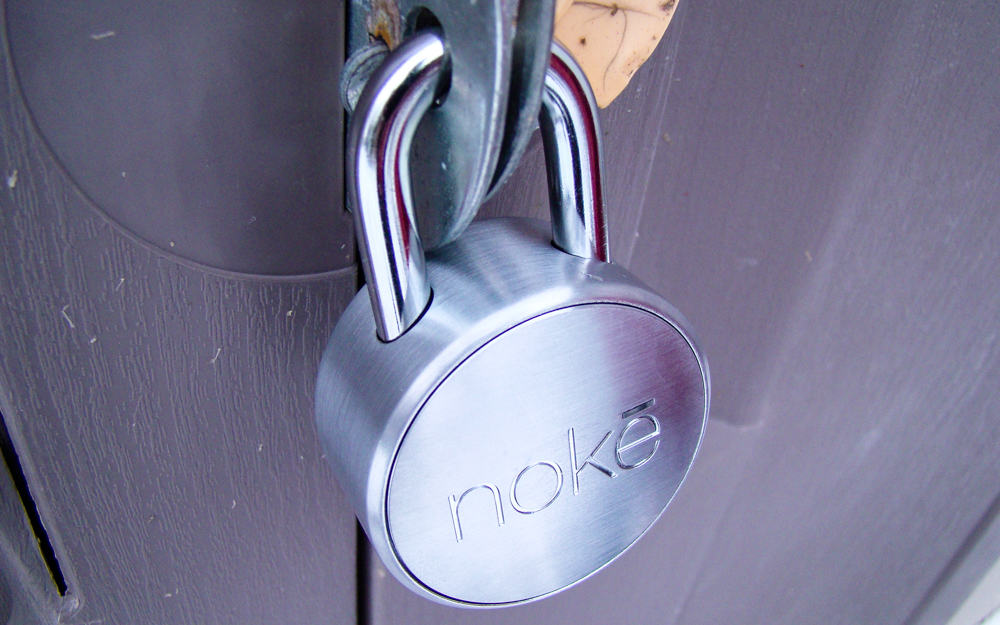
Padlocks are essential for sheds, locker rooms and bicycles, but damn do I continue to forget my combination or lose my key.
Noke (the “e” is long, for “no key”) has this problem solved for iPhone-toting folks like me with its fantastic, easy-to-use smartlock that will never ask you for a combination again. Heck, even if your iPhone is missing, you can use Noke’s special key fob that ensures you’ll never be locked out from your gym clothes (or lawnmower) again.
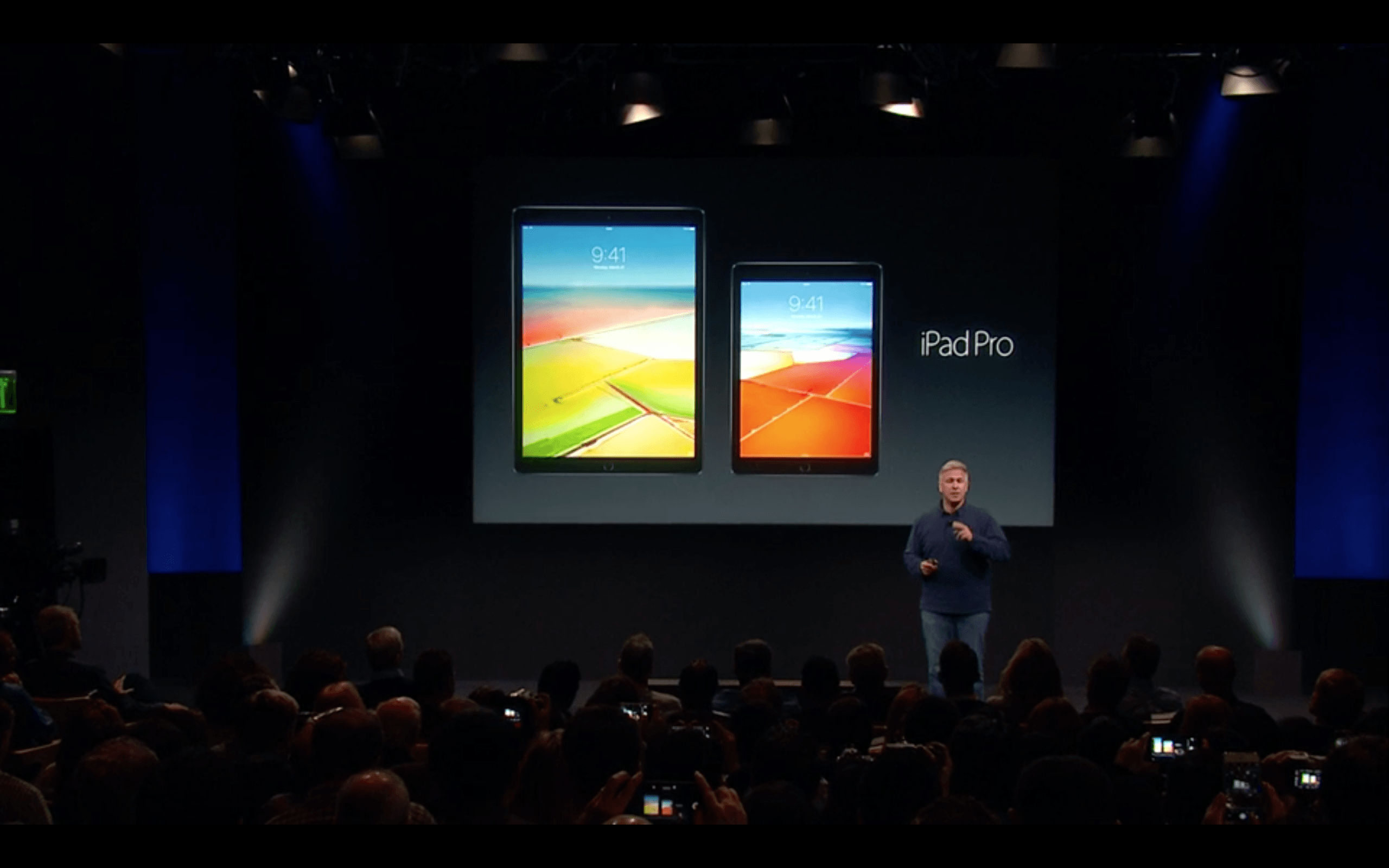
The new iPad Pro packs Apple’s fastest chip ever, but it turns out the tablet is actually slower than the 12.9-inch version.
Both iPad Pros use the A9x processor. However, when Phil Schiller was gushing about the new 9.7-inch iPad Pro’s “grunt” during Monday’s iPhone SE keynote, he didn’t mention that Apple underclocked the new processor and reduced its horsepower.

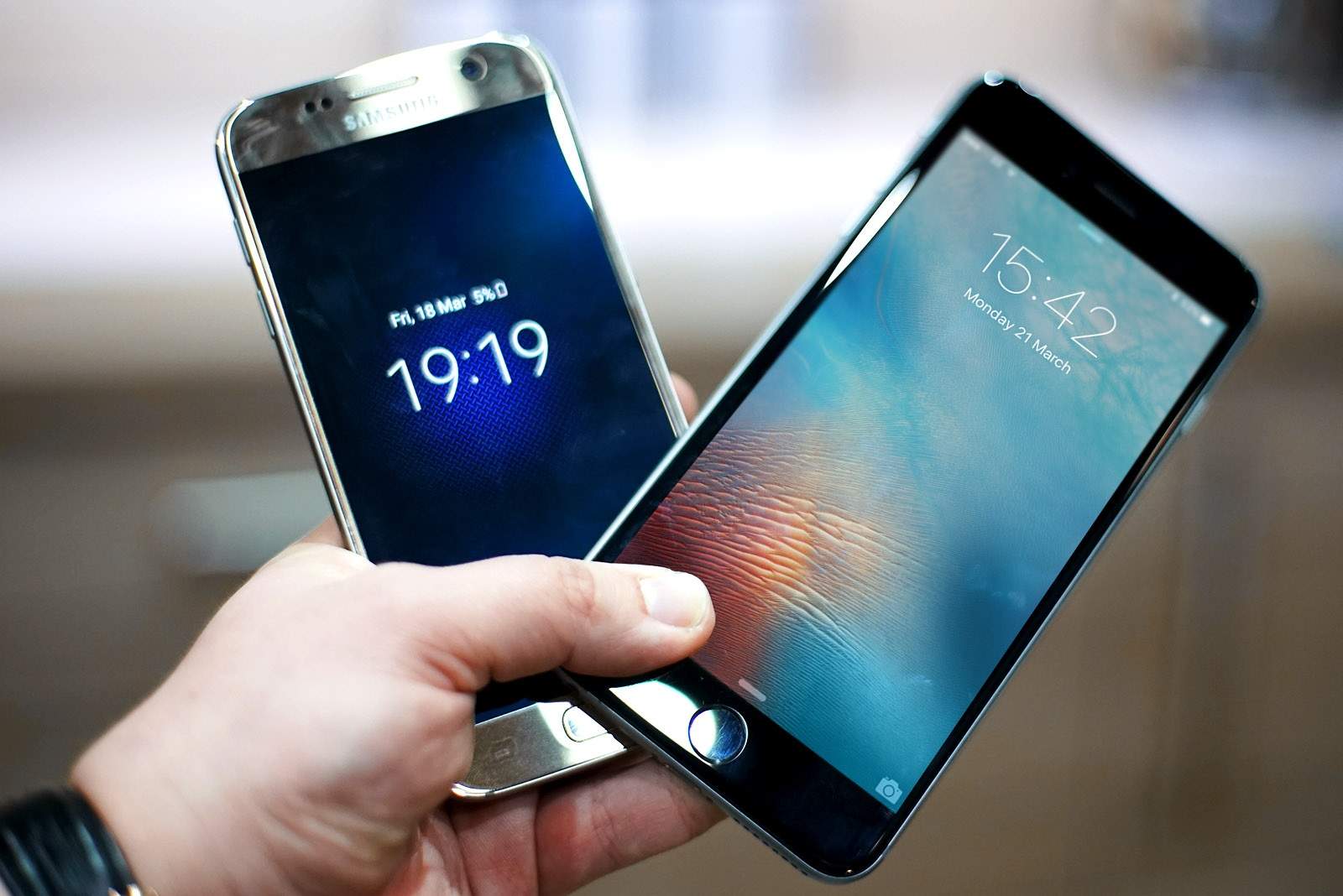
After unboxing and filming the review for the Samsung Galaxy S7, I realized that I had never used Android as a daily driver. I had always sided with iOS in any “fanboy” debates, and I had never given the little green robot a chance.
To change this, I set myself the challenge of using Android and the S7 for a week as my primary smartphone. Check out the video down below to see how it worked out.
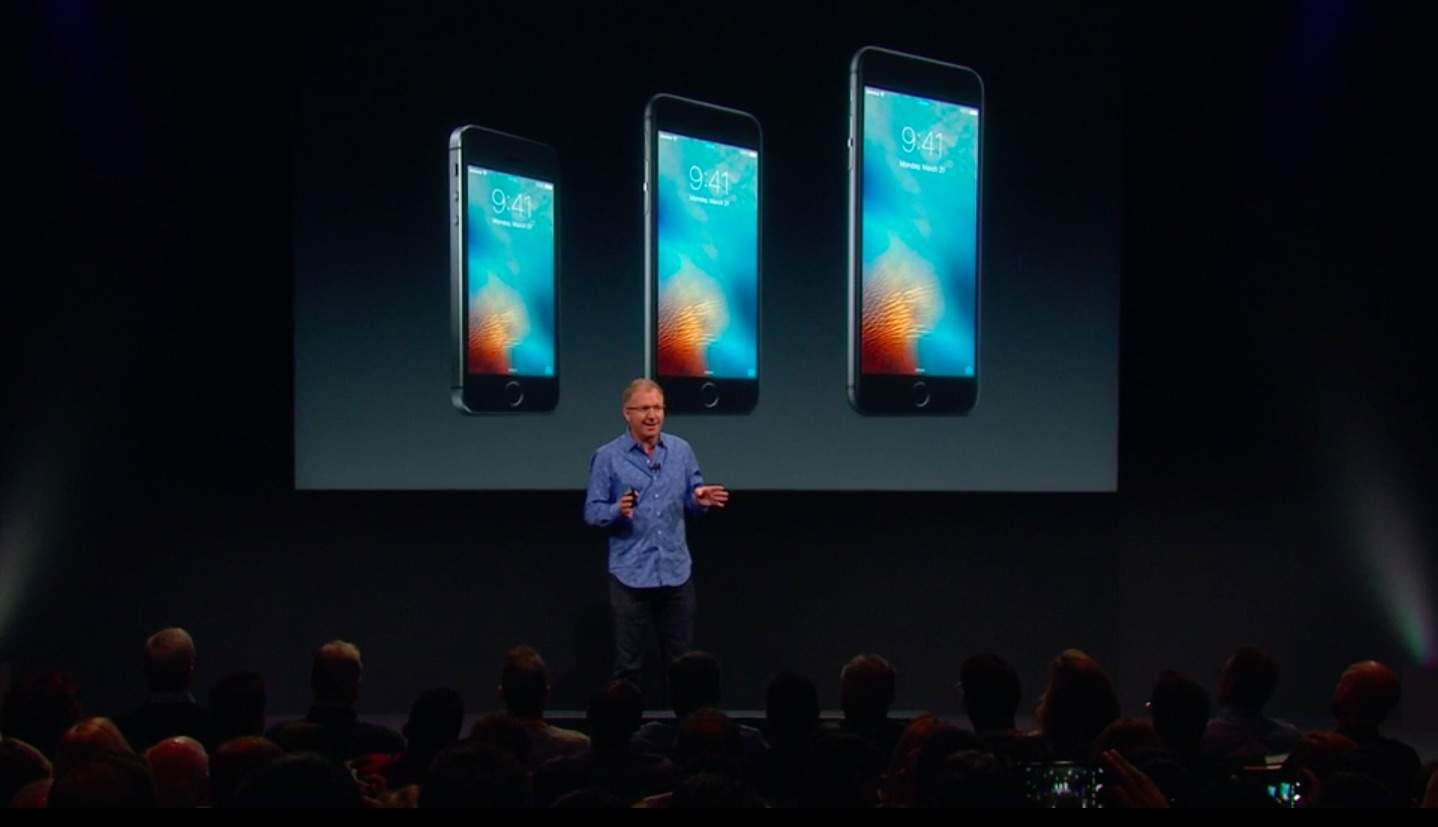
Apple’s iPhone SE keynote was one of the company’s shortest events ever. Apple struggled to cram enough interesting stuff to keep us awake during the 64-minute snoozefest that was just as much about recycling, renewable energy and protecting Chinese yaks as it was about the new 4-inch iPhone, a smaller iPad Pro and nylon Apple Watch bands.
We’ve boiled the event down to just the highlights so you can watch the entire keynote in a mere 90 seconds.
Enjoy:
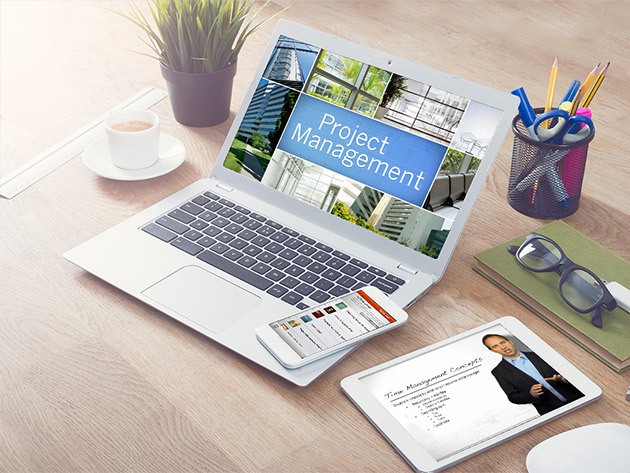
The robots haven’t taken our jobs yet, but as we wait for that glorious (or terrible) day it’s getting more and more important to keep up with an increasingly competitive professional marketplace. Luckily, there are a lot of great resources for learning the new skills of today’s trades, and we’ve gathered a handful of the best. From project management to coding and data analysis, there’s not a resume that can’t benefit from these courses.
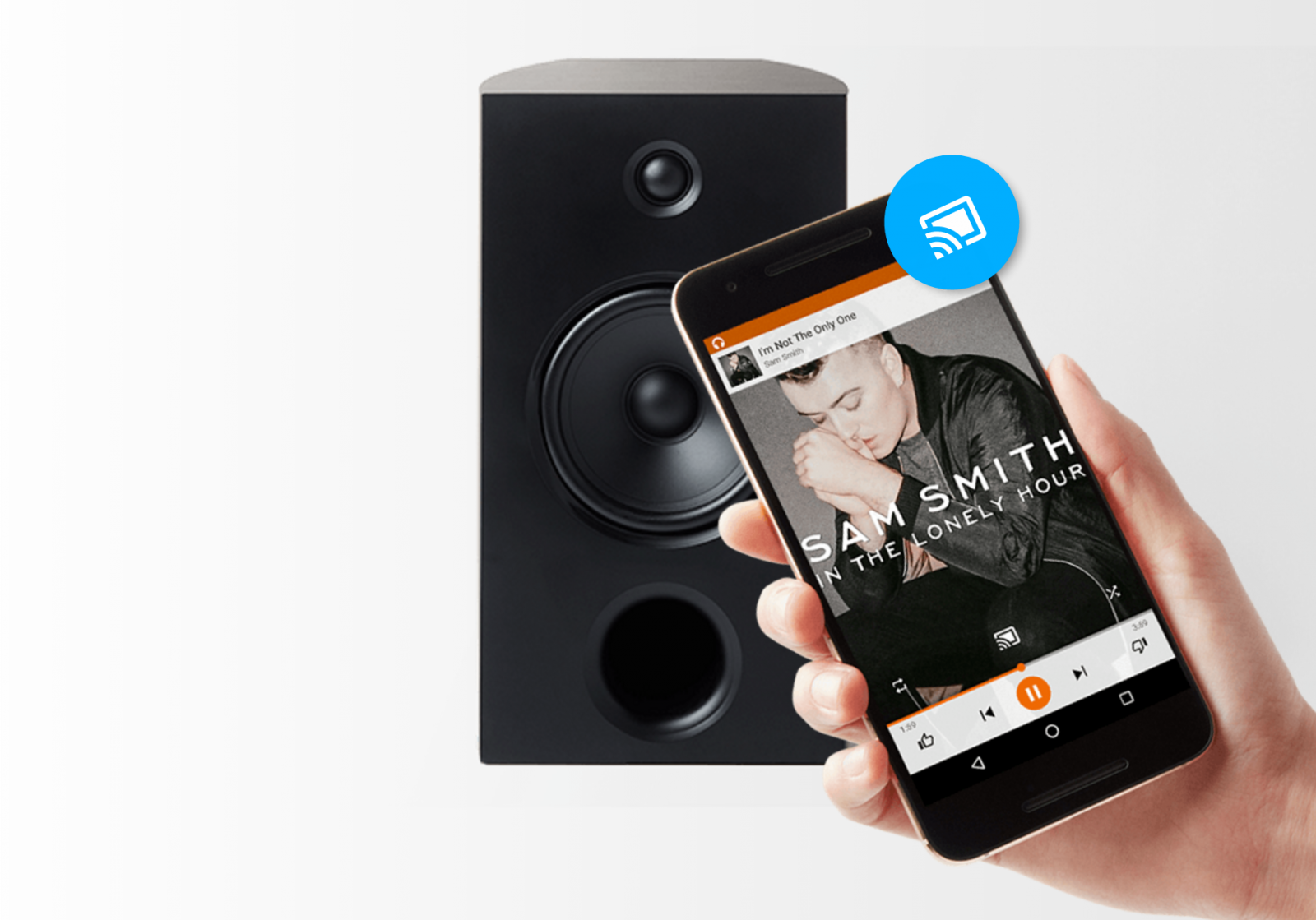
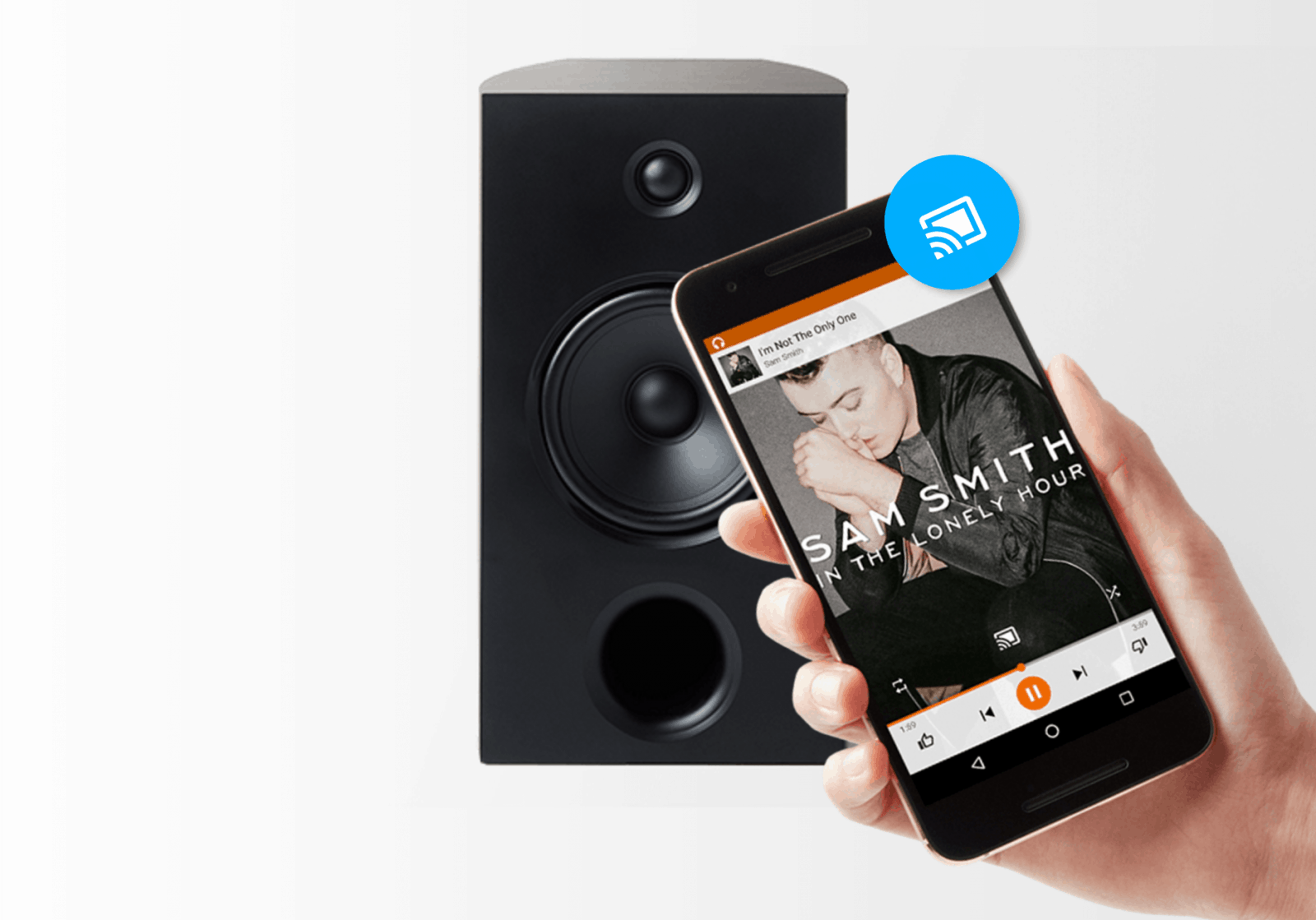
Google’s Chromecast platform has been given a brand new name: Google Cast.
The new name makes more sense given the platform’s ability to stream more than just Chrome tabs, but the Chromecast dongle lineup will retain the old moniker for now.
Are you a third-party dev, advertiser, or Apple employee hoping to use targeted ads or personalized recommenders based on Apple customer data? There’s an app for that. Good luck with that!
That’s according to a new report, which states that Apple has an internal committee consisting of three expert “privacy czars,” who have have to sign off on any and all collection of Apple user data.
And if you thought the App Store review process could drag on, you’ve got another thing coming: debates over individual uses of data at Apple can, in some cases, continue for upwards of one year.
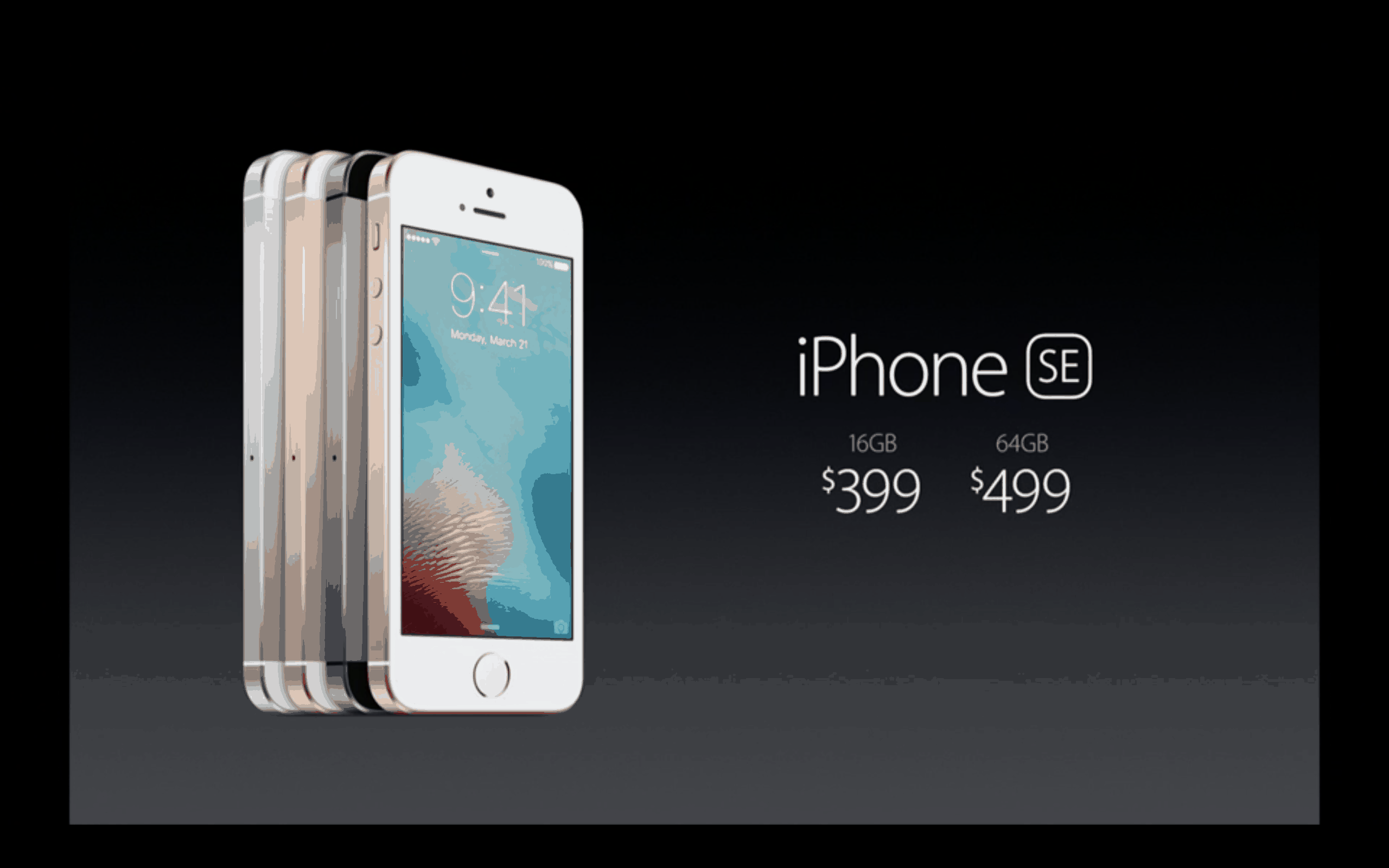
Bigger isn’t always better. With the iPhone SE, Apple has designed a tiny smartphone that’s destined to become a gigantic hit.
The device, unveiled during Apple’s “Let us loop you in” event Monday, looks like a totally amazeballs iPhone — and it comes with an Android-low price. Here’s why this little dynamo will take the world by storm.
A cynic would call it greenwashing, but the most surprising thing about Tim Cook’s “Loop you in” event was what it said about how he’s running Apple.
When Steve Jobs was around, Apple’s product events were about the products, and little else. Yeah, Jobs would often start with corporate issues, but he usually boasted about how the company was absolutely crushing it.
By contrast, the first 25 minutes of Monday’s event — almost half of the hour-long presentation — focused on things only tangentially related to Apple products. Cook and his lieutenants discussed government snooping, privacy, recycling, the environment, renewable energy, creating platforms for sustaining customers’ health — and even protecting Chinese yaks.
Jobs used to touch on issues like these, but under Cook, they’ve taken center stage. Cook has turned Apple’s product events into showcases for corporate responsibility.
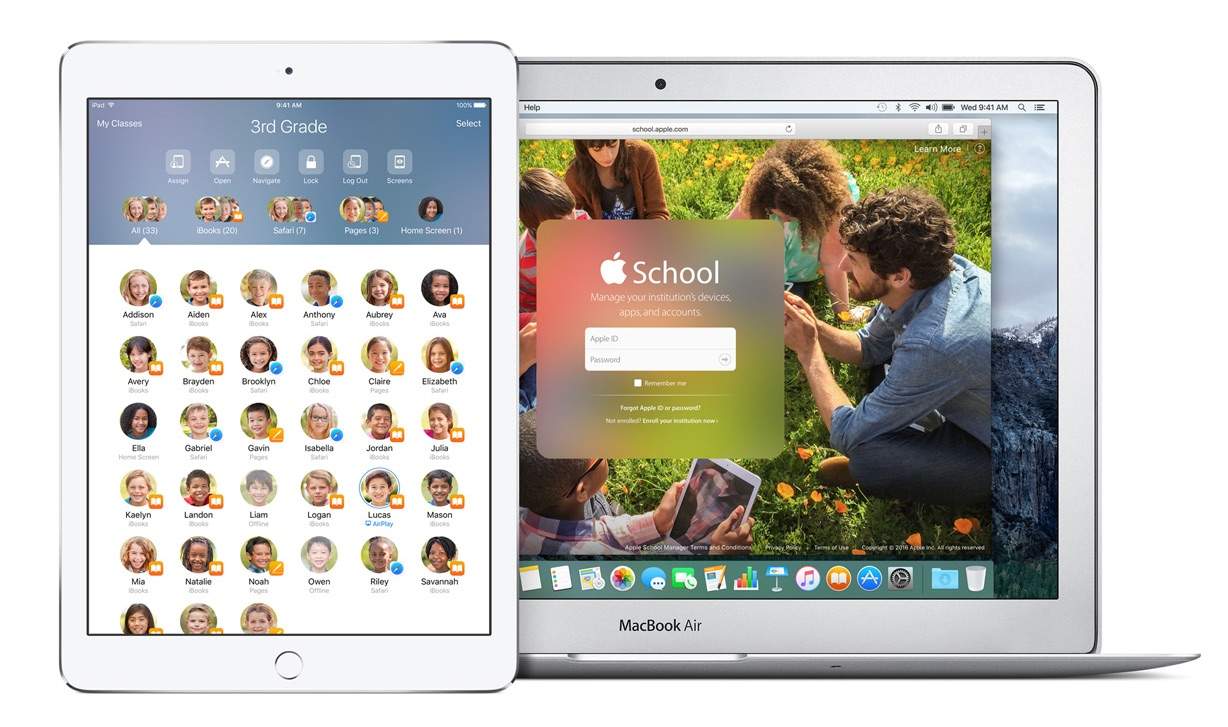
Apple is putting more tools in the hands of educators today with the official launch of the new Classroom app for iPad that promises to opens up new, more engaging ways of teaching and learning on the iPad.
The new app is part of the new iOS 9.3 education features Apple has added that allow teachers to manage student devices, share work and assignments, as well as track students’ progress to help them stay on track.
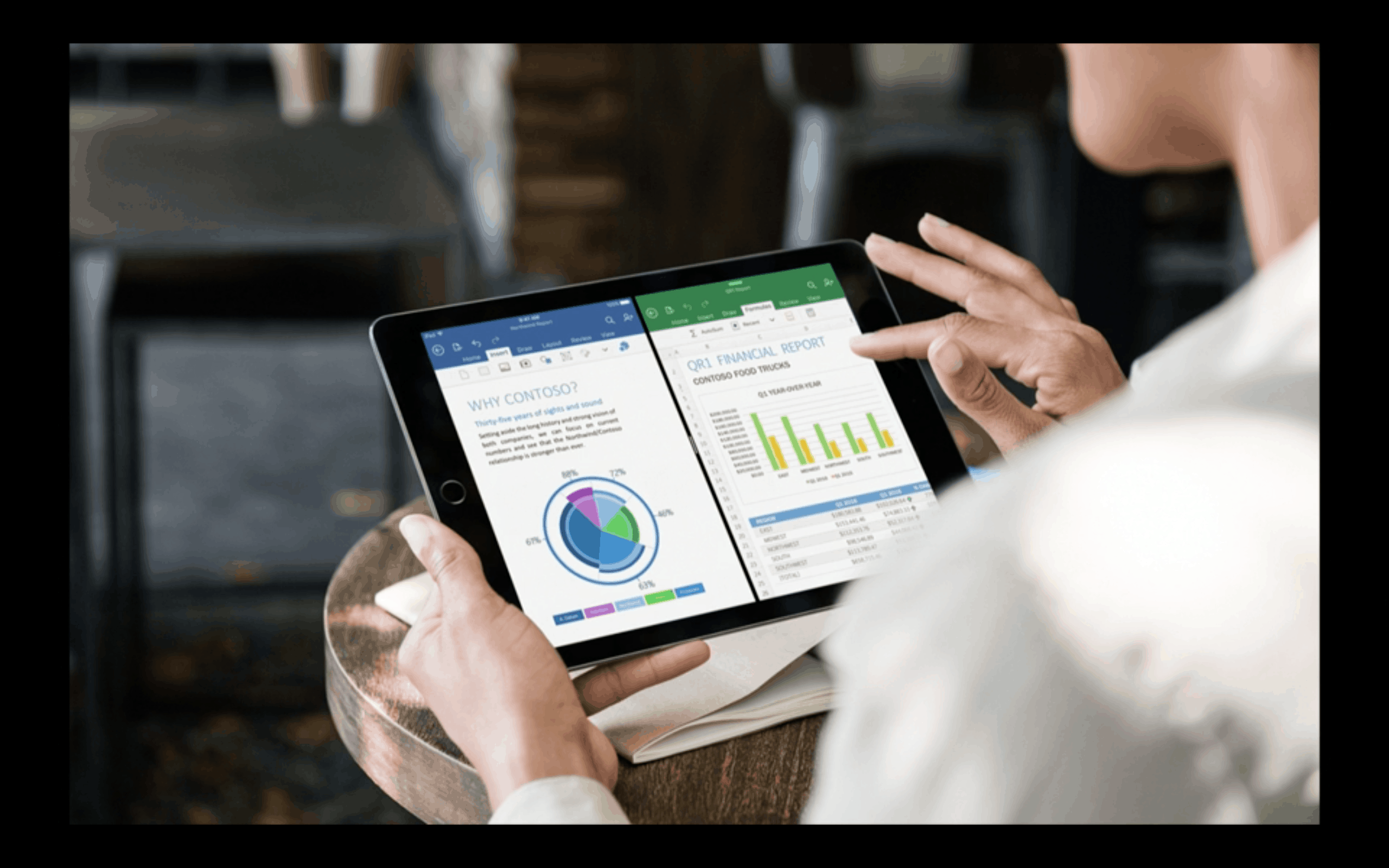
Small was the new big at Apple’s “Let us loop you in” keynote today. And while some felt the 64-minute unveiling was the most snooze-worthy event ever, Apple used it to unleash the most important iPad its made since the original tablet launched in 2010.
The new 9.7-inch iPad Pro is much more than just a smaller variant of the 12.9-inch super slate Apple came out with last year. It’s a machine built to target Apple’s next big customer pool: the 600 million people still using 5-year-old PCs.
“That’s just sad,” Apple VP Phil Schiller said onstage, describing the unfortunate souls toiling with aging Windows machines. And the new, right-sized iPad Pro is exactly what those people need.
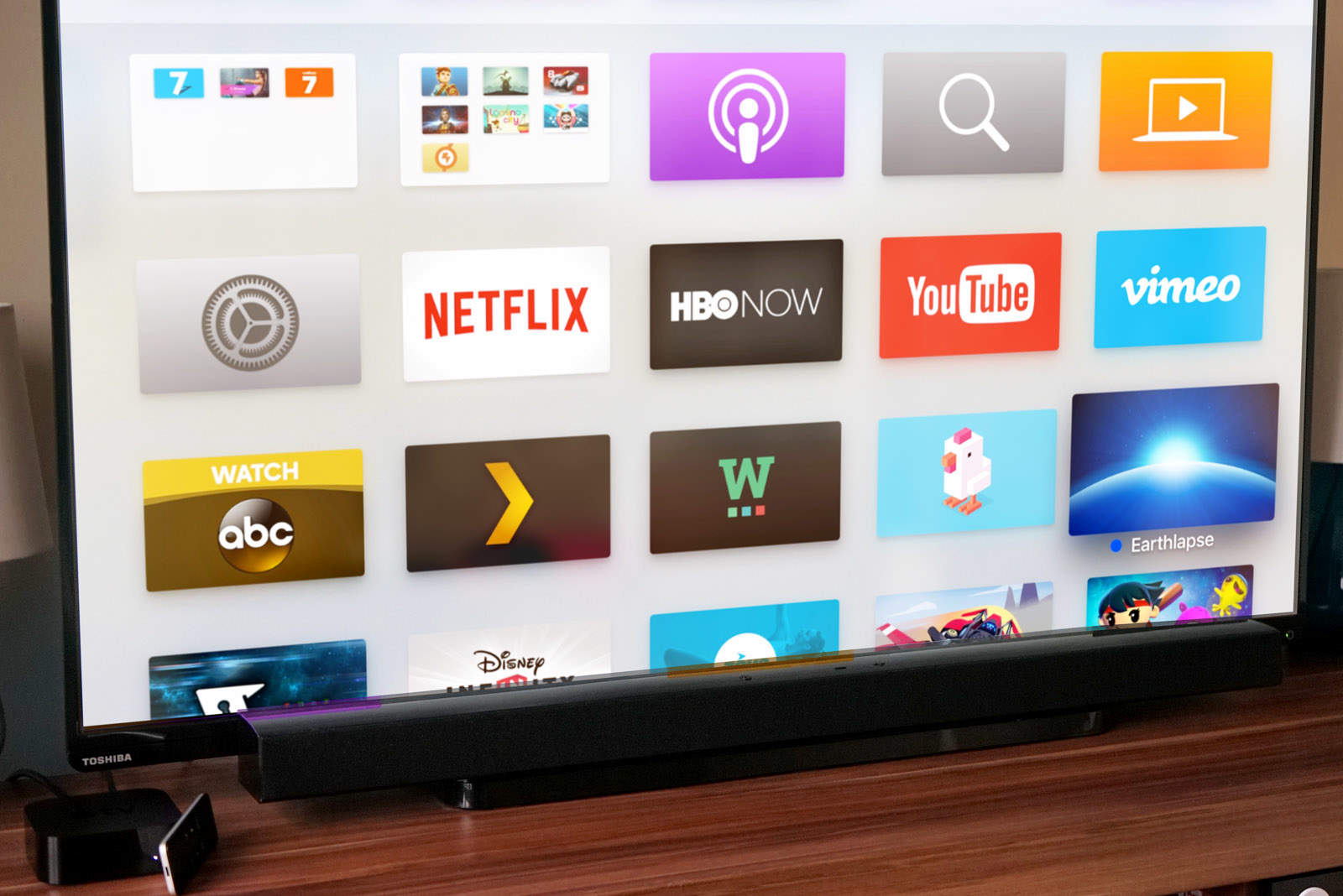
The latest Apple TV has 5,000 apps and every one I’ve installed on my Home screen is a pain in the ass to find.
That is, until now. Apple just introduced tvOS 9.2, which brings the organizing power of folders to your 4th Generation Apple TV, and boy are we excited.
Here’s how to organize all those media and gaming apps on your Apple TV with folders.
The fourth-generation Apple TV is ready for a new update to tvOS (9.2), bringing Siri dictation to the whole system, including search, user names and passwords. It’s also got a new Folder system like iOS does, which will let you organize your Home screen to your heart’s content, and it will support Apple wireless keyboards and your iCloud Photo Library on the big screen.
If you want to update your Apple TV right now and get all these great new features, just follow the directions below.
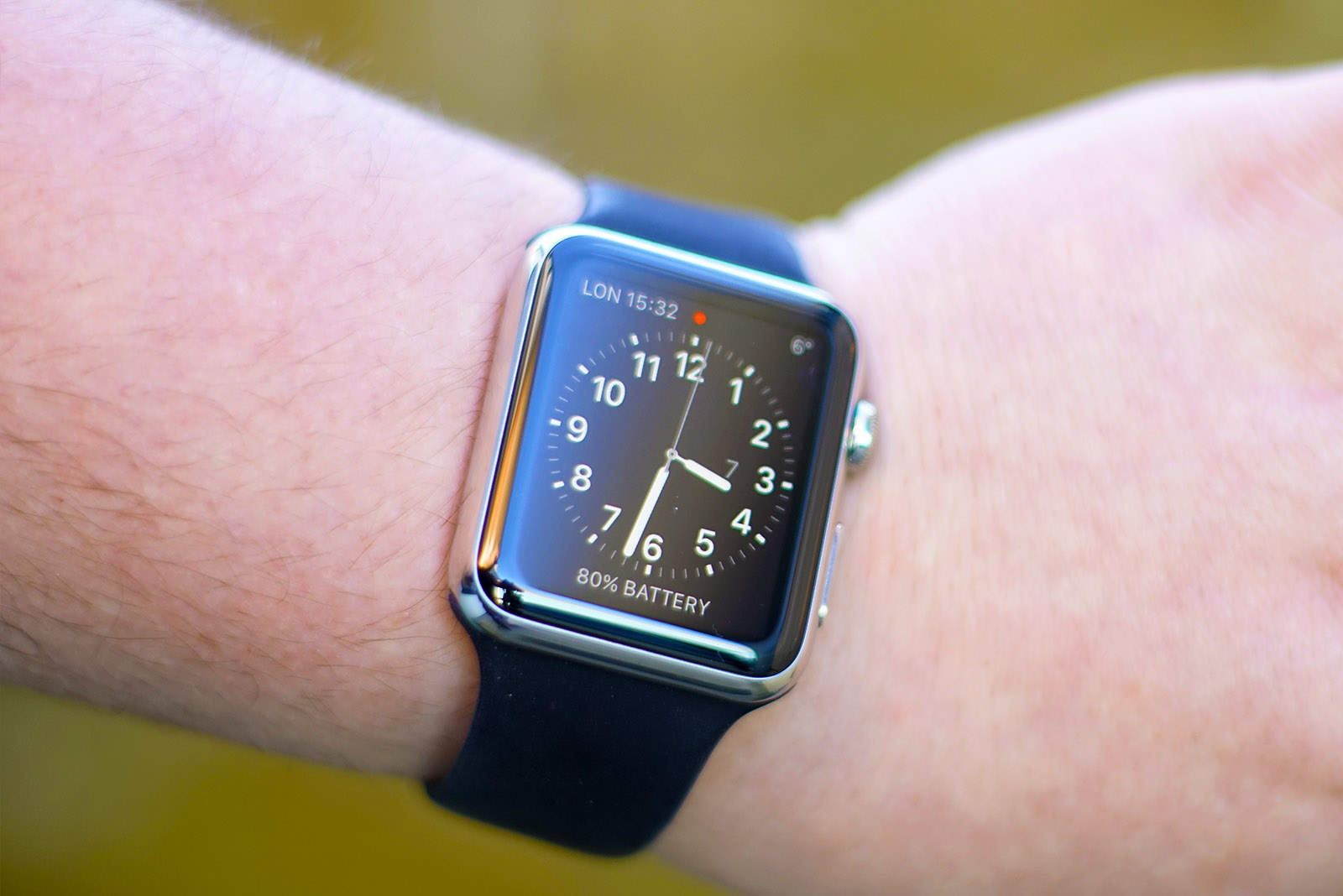
Now that Apple’s little keynote is over, the tech company from Cupertino is pulling the switch on a ton of new OS updates, including watchOS, the system that powers your Apple Watch.
If you want to upgrade to the latest OS now, watchOS 2.2, here’s what you need to do.