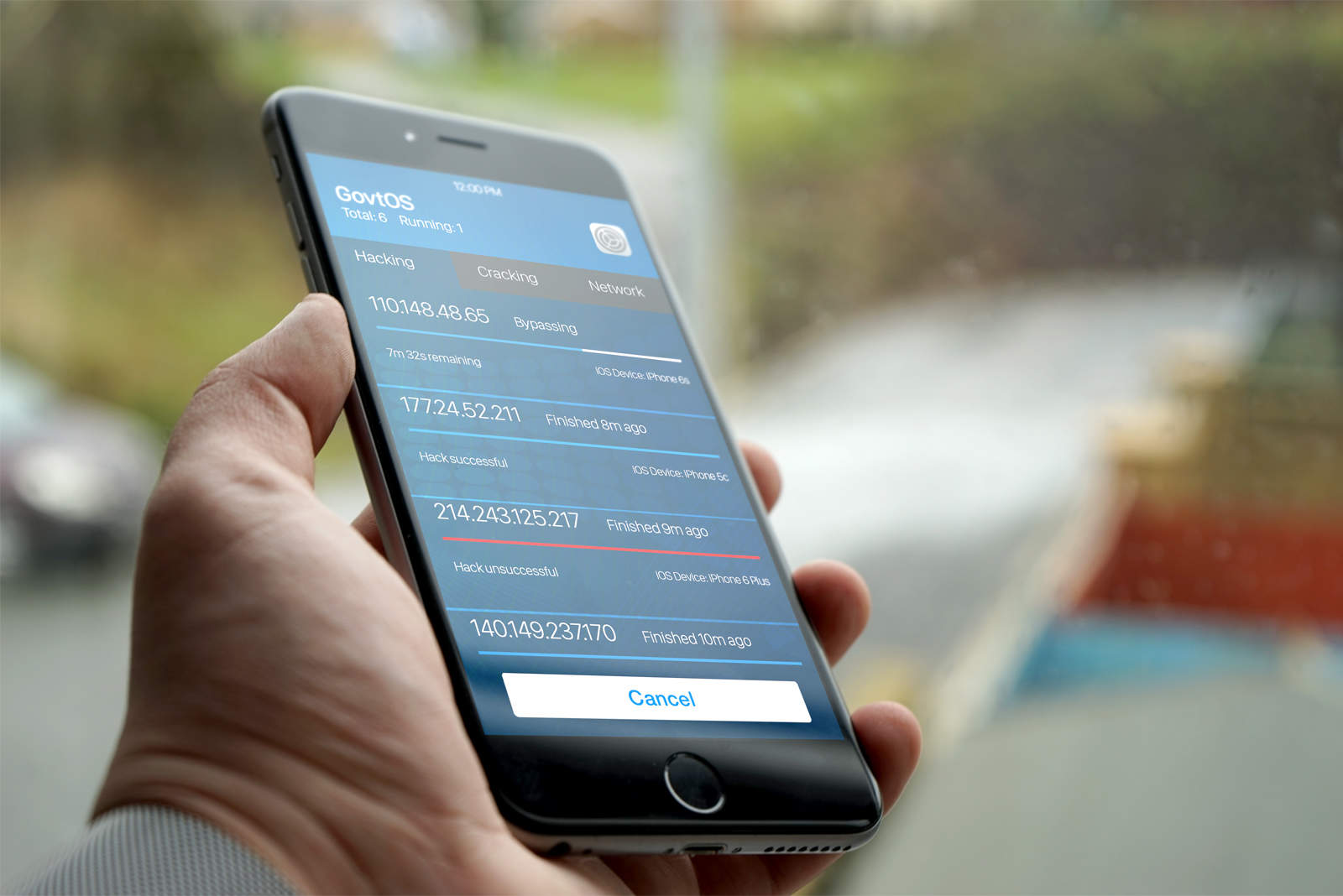
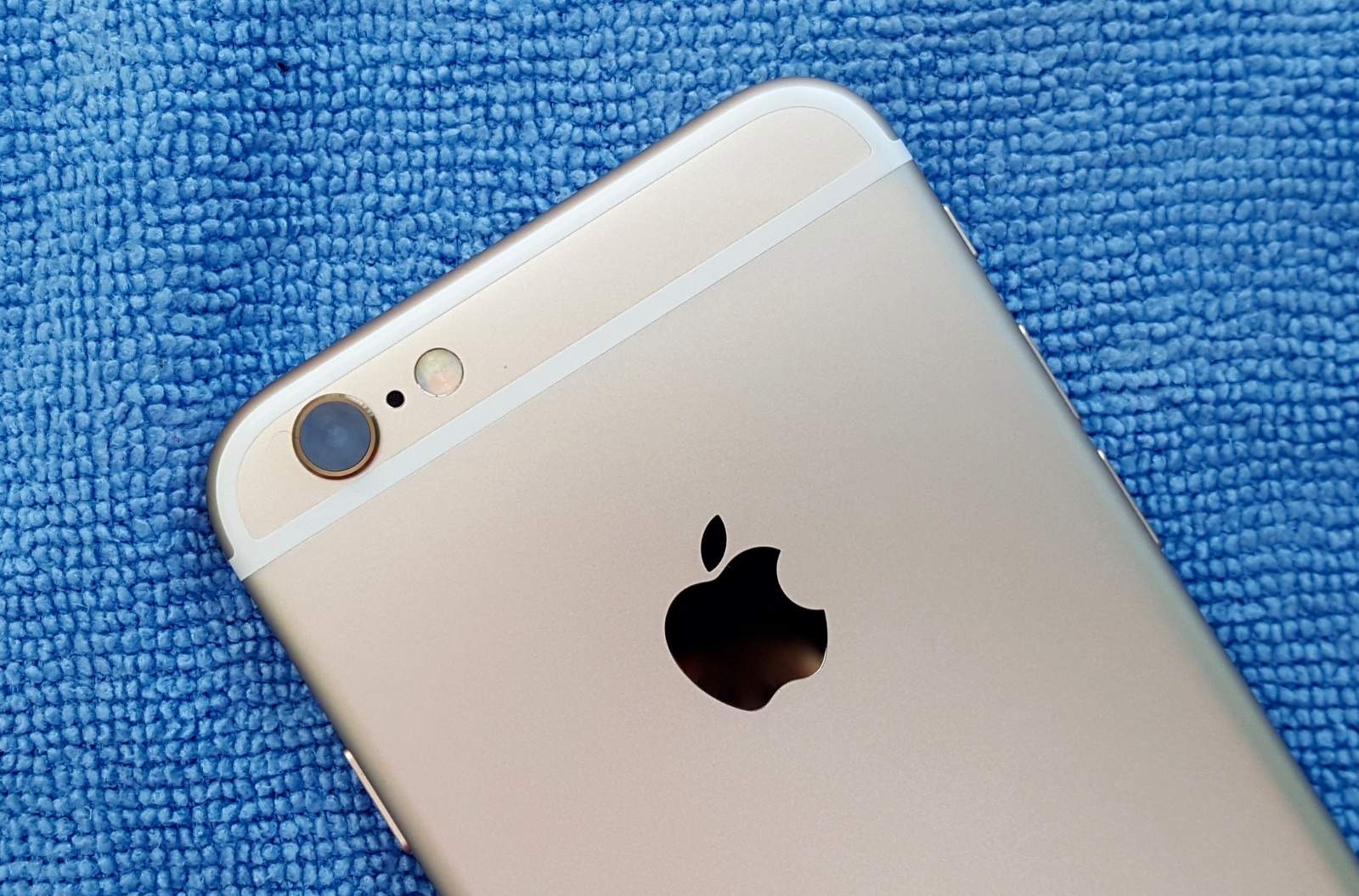
The iPhone 6 is much tougher to hack than the iPhone 5c. Photo: Ste Smith/Cult of Mac
Israeli tech firm Cellebrite, a.k.a. the mobile forensics firm which helped the FBI hack the iPhone 5c at the center of the San Bernardino shooting case, is reportedly “optimistic” about hacking the more secure iPhone 6.
The story in this instance involves an Italian father, Leonardo Fabbretti, wanting to access the iPhone photos, notes and messages belonging to his adopted son Dama, who passed away from bone cancer last September at the age of 13.
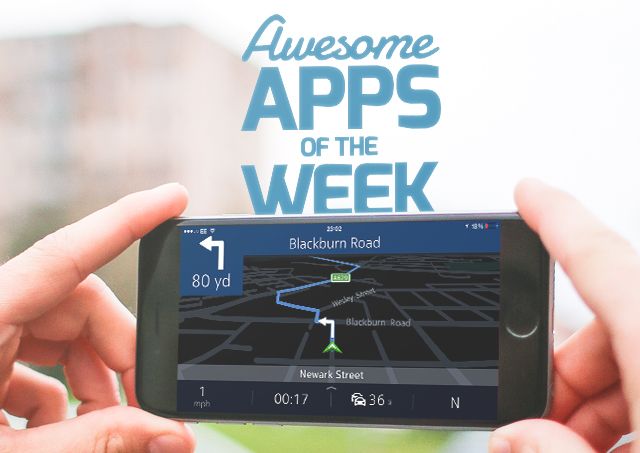
What are the week's top apps? Photo: Ste Smith/Cult of Mac
Is there a better way to spend Sunday than by checking out the latest apps to grace the App Store over the past seven days?
This week I’ve chosen to focus less on games than productivity apps (although there’s a neat Reddit client thrown in for good measure!) From a great custom keyboard to a full-to-bursting update for GarageBand, check out our picks for apps of the week below.
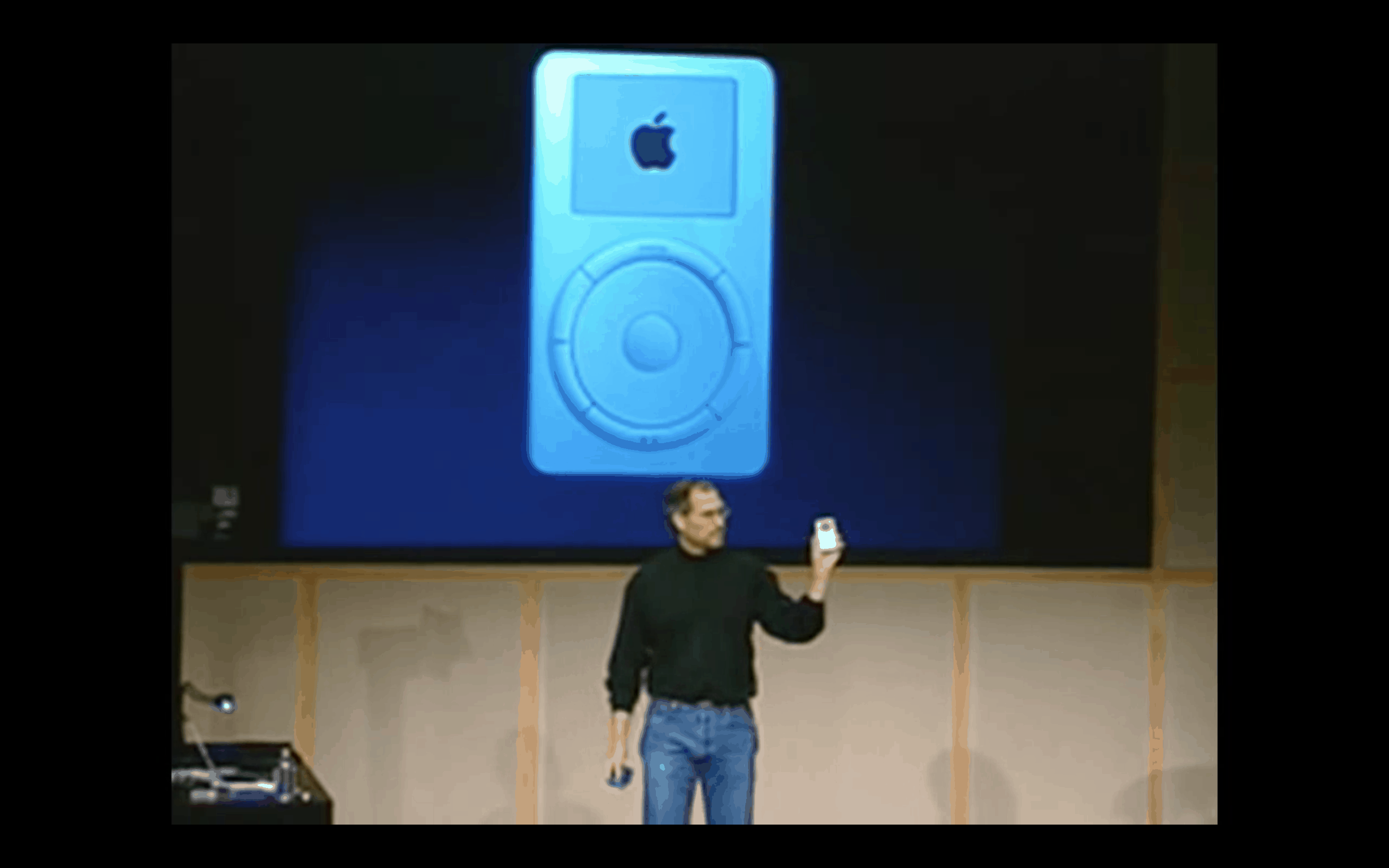
It's a "thousand songs in your pocket..." Photo: Apple
This week on The CultCast: We look into the past at some of the most pivotal moments in Apple’s 40-year history. Plus: Why the iPhone 7 Plus may be your only choice for dual cameras; what it’s like downsizing from the iPhone 6s to the SE; and we pitch our favorite new tech and vote on which is best in an all-new Faves N Raves!
Our thanks to Squarespace for supporting this episode of Cult of Mac’s weekly podcast. It’s simple to build a website that looks beautiful on any device that visits at Squarespace.com. Enter offer code CultCast at checkout to get 10 percent off.
We’ve all heard the stories of angels and unicorns coming out of Silicon Valley, the startups whose clever idea explodes into the next big thing. Startups are a major part of the business landscape, but even its most towering figures started from square one, and right now you can give yourself a map to move a number of squares further than that with this massively Startup School 2016 Bundle. It’s more than 60 hours of technology and business instruction that’ll teach you the ropes of startups, no dorm room required, and right now you can get it for just $49, a full 97% off the normal price.
Gymaholic plugs the gaps in Apple Watch's fitness offering
Fitness is not just about walking, running and cycling, despite what your Apple Watch may have you believe. Strength training is also important. Without it, your fitness routine is like a one-hand clap. Whether you are aiming for a ripped beach body or just to improve your overall health, you need to lift some weights.
Apple Watch and iPhone do not offer built-in support for strength training, but the good news is there are plenty of third-party apps that can plug the gap. Apple Watch weightlifting apps can help in three ways: by telling you what to do; showing you how to do it; and keeping a log of what you’ve done.
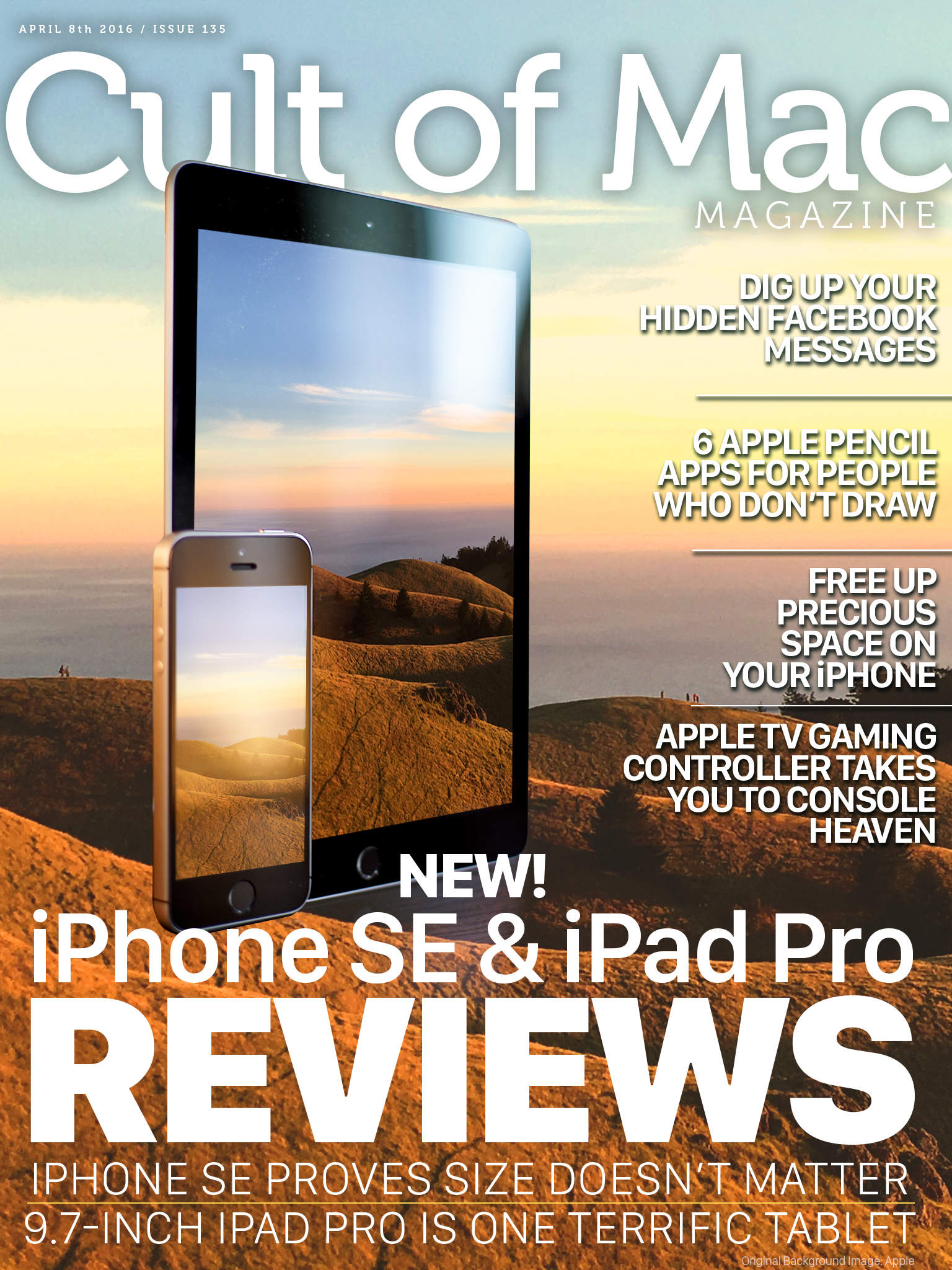
All the great new gear is here! Cover Design: Ste Smith/Cult of Mac
The new iPhone SE is small but powerful and the new 9.7-inch iPad Pro is as satisfying a tablet as ever.
These two great new Apple products get their moment in the spotlight as we bring you iPhone SE and iPad Pro reviews in this week’s digital magazine.
Plus, we’ve got a ton of how-tos like finding hidden Facebook messages and freeing up precious iPhone space, more hardware reviews, and a bunch of news about our favorite company.
Head on down to see this week’s top stories, and be sure to check out your own copy of Cult of Mac Magazine this week.
Sharing screens isn't as hard as it used to be, thanks to the built-in Messages app. Photo: Unsplash.com
There are many times when family or friends need help with their Macs, or they aren’t sure how to do something. Trying to walk them through it blind is challenging at best. Luckily, a little-known feature in Messages exists that allows me to share my screen instantly with another Mac user or request direct access to their screen.
Prior to screen sharing being native to the Messages app, you’d have to use a third-party solution such as Team Viewer to help someone with a Mac issue. Messages is far more convenient and, in my experience, an app that almost 100 percent of Mac owners actually use and already understand.
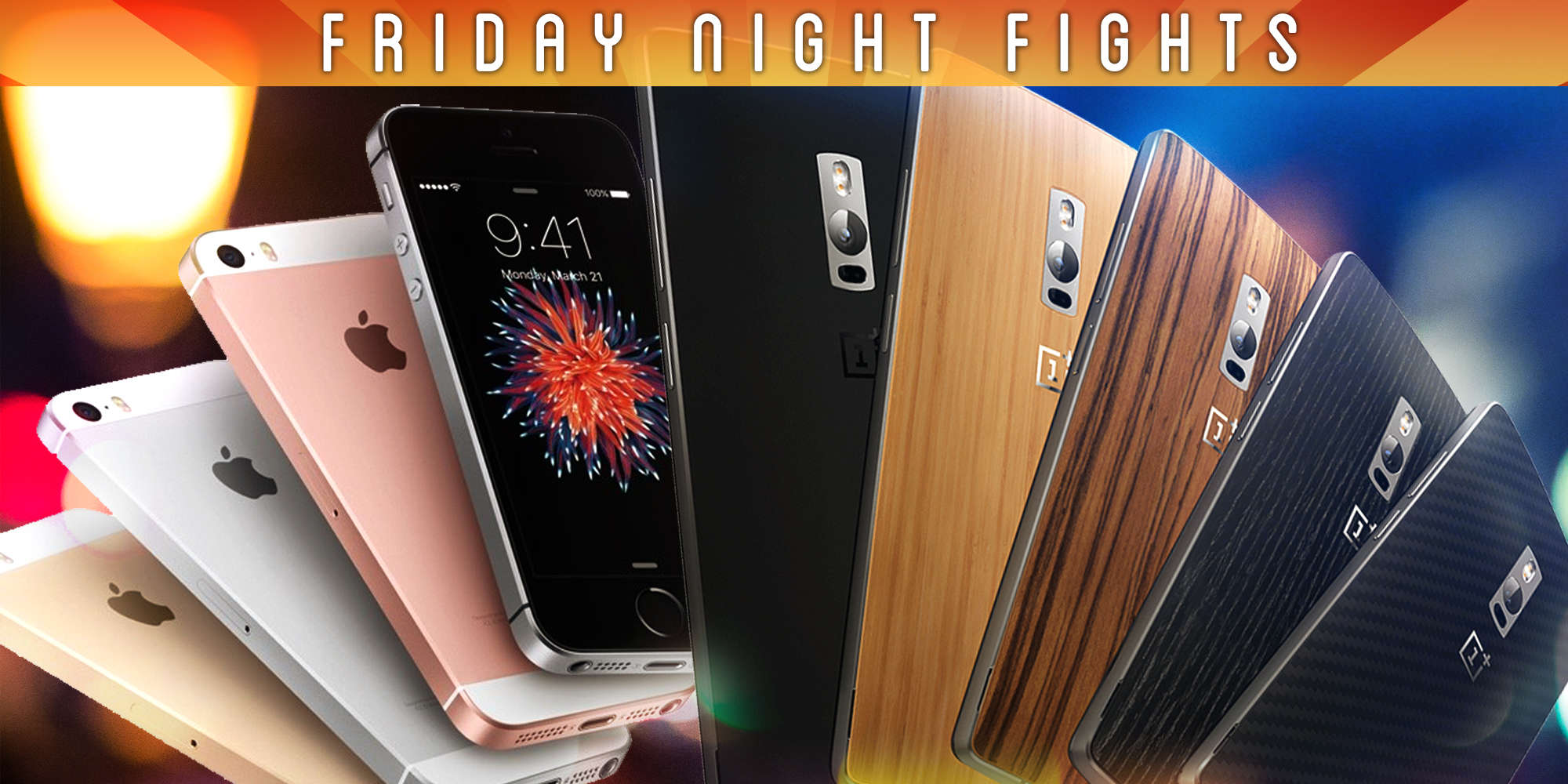
iPhone SE is nicely priced at $399, but it's still not cheap. Photo: Ste Smith/Cult of Mac
The iPhone SE is finally starting to sell out after making its official debut last week, greeted by glowing reviews from fans and critics. It’s the best 4-inch phone money can buy, but is it enough to win over the millions of consumers buying affordable Androids?
It certainly has the looks, and with the same internals as the iPhone 6s, the iPhone SE has plenty of power, too. But while its $399 price tag ($499 if you want a decent amount of storage) makes it much cheaper than Apple’s high-end devices, it’s still not cheap.
Will the iPhone SE really worry Android makers, then, or is it another iPhone 5c — a slightly cheaper version of its larger siblings that will be only moderately successful?
Join us in this week’s Friday Night Fight between Cult of Android and Cult of Mac as we attempt to answer those questions.
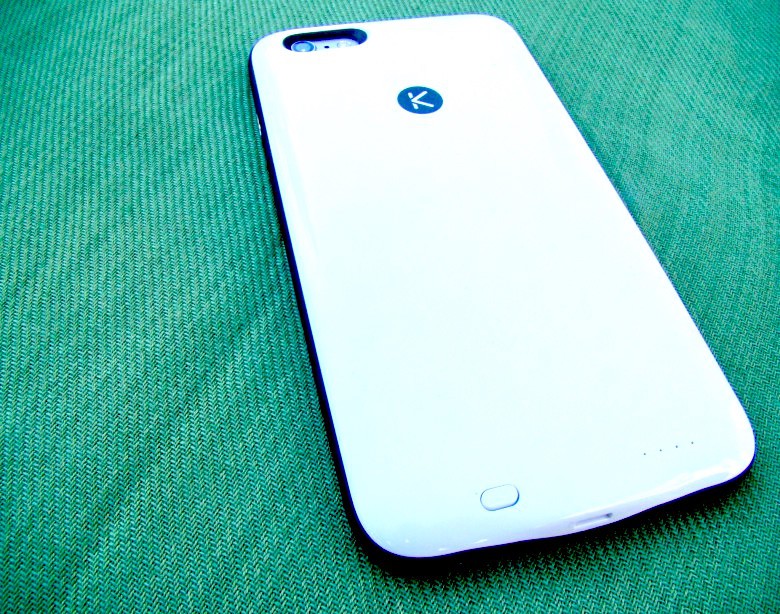
This great battery case has power, style and extra storage. Photo: Rob LeFebvre/Cult of Mac
Best List: Kuner iPhone battery case by KUKE
Even Apple admits that its powerful iPhones need a little extra battery boost from time to time. But if you’ve taken a look at the $99 devices, you might not be super convinced they’re worth the price, or even all that attractive.
The Kuner iPhone battery case really kicks the Smart Battery case’s butt: it’s thinner, prettier to look at, and even gives you extra storage space for videos, music and documents. Take that, Apple Smart Battery case.
Get caught up with the language of the web itself by signing up for this set of 8 essential courses. Photo: Cult of Mac Deals
The internet is pretty much made of JavaScript, which means it’s one of the most important languages to master if you’re even a little bit interested in web development. This bundle of 8 courses will get you caught up with the most widely used client-side scripting language. Clocking in at more than 65 hours of lesson content, you’ll add a critical new line to your resume, and right now you can get this essential lesson bundle for just $59.
Apple's not always been opposed to helping the government. Photo: Jim Merithew/Cult of Mac
Here in 2016, Apple may be at odds with the FBI on the subject of iPhone unlocking — but things weren’t always that way!
According to a new report, when the FBI first asked Apple to help it unlock an iPhone, way back in 2008, Apple didn’t just comply with the order; it actually helped prosecutors to draft the court order.
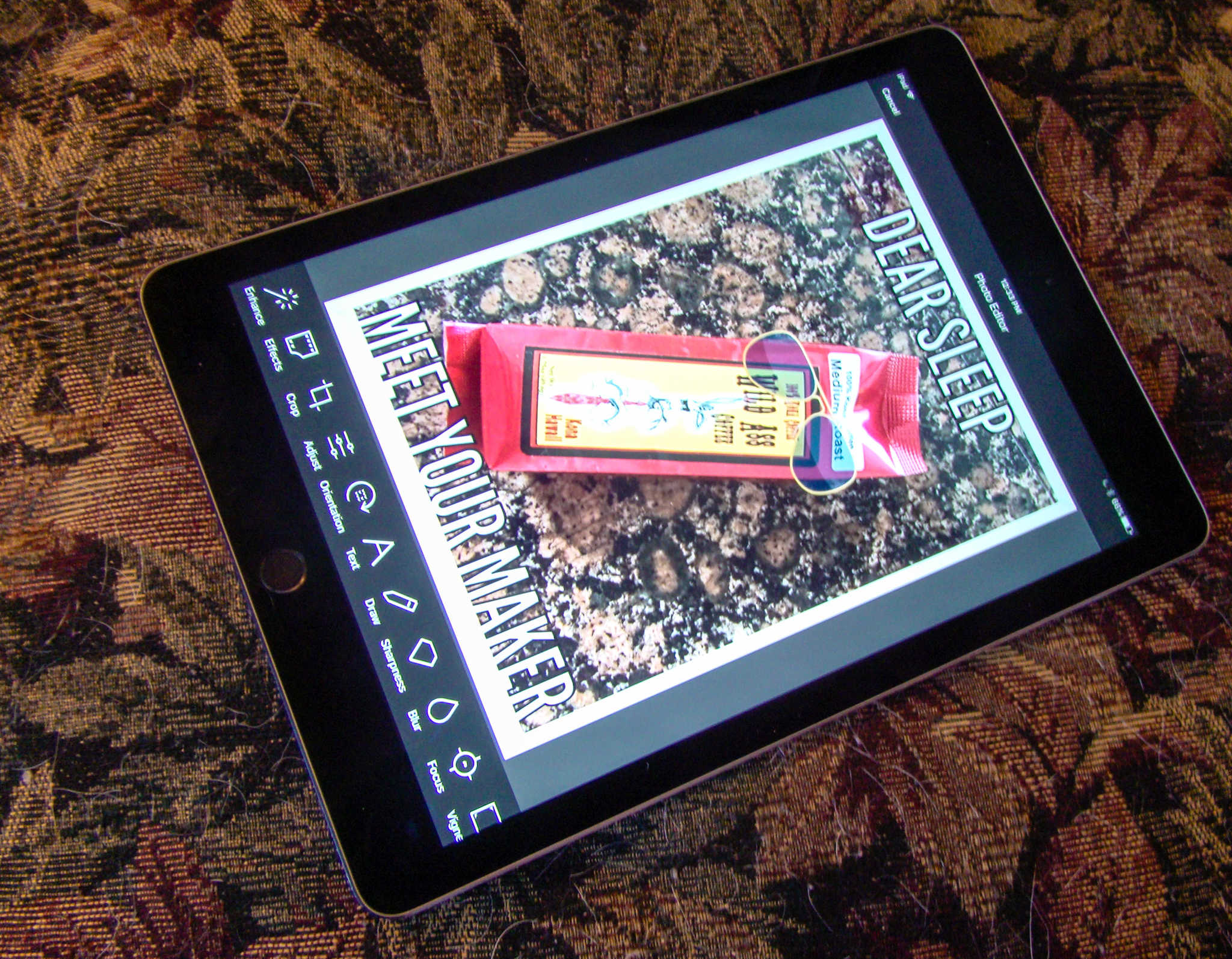
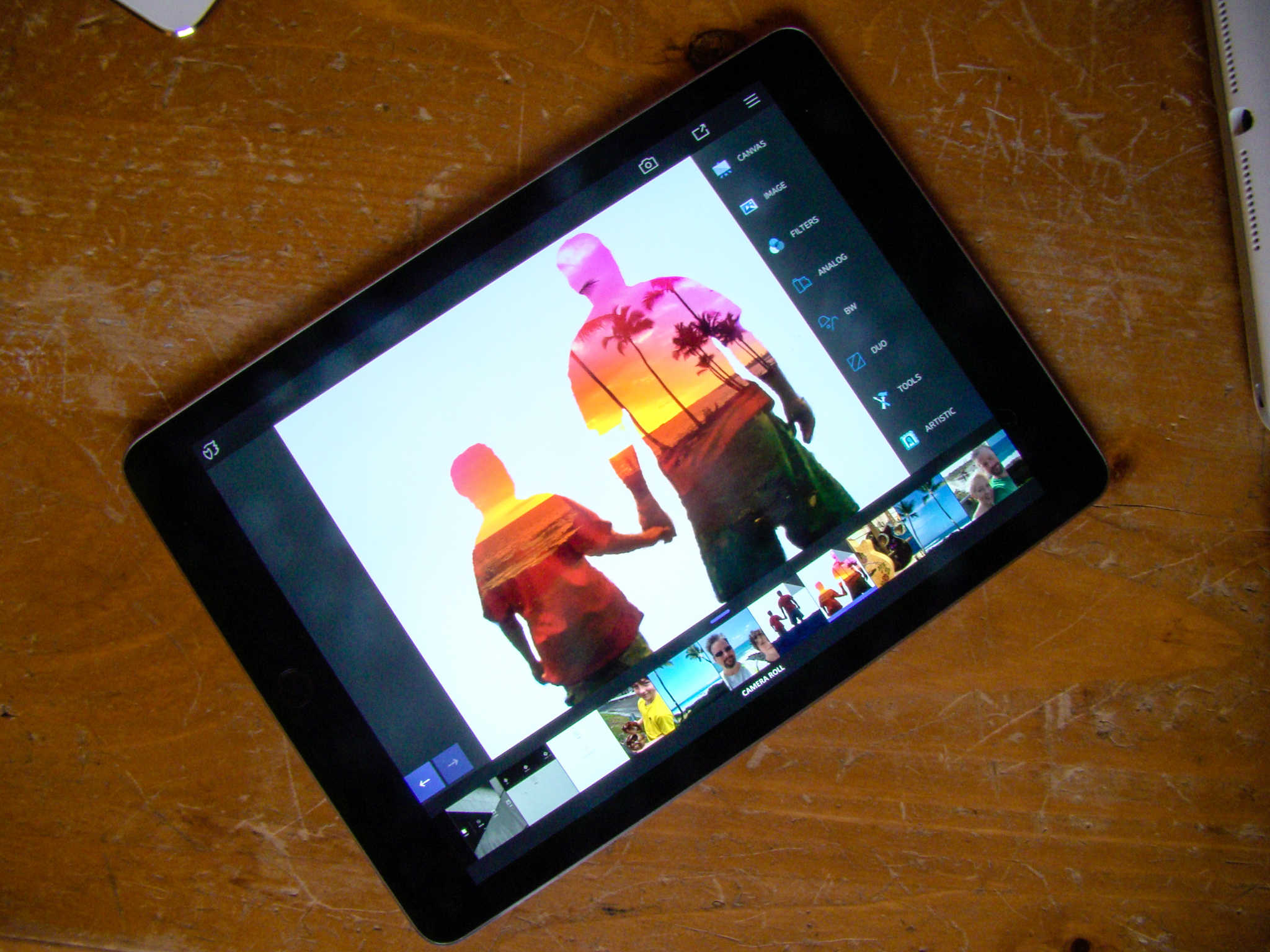
Photo-editing app Aviary is a meme-making machine. Photo: Rob LeFebvre/Cult of Mac
Have you ever wanted to make your own memes? You know, the funny pictures with the bold text on the top and bottom that all the kids are going crazy for these days?
With Photo Editor by Aviary, you can do just that, plus add stickers, frames, and even do some pretty great photo editing right in the same app.
Here’s how to make your own hilarious memes with Aviary (though we don’t guarantee your memes will actually be funny — that’s up to you).
You’ll have to pry the iPhone SE out of my tiny hands. Photo: Ste Smith/Cult of Mac
For the last year and a half I’ve been using the massive iPhone 6 Plus. I love its 5.5-inch screen for watching videos, checking my social media pages, and browsing the web.
But after spending the last week with the diminutive, 4-inch iPhone SE, my thoughts on whether I need such a big phone have changed.
Apple is a strong supporter of the LGBT community. Photo: Tim Cook/Twitter
Apple has voiced its displeasure at a new Mississippi law that lets government workers and some private citizens refuse to sell goods and services to LGBT citizens on the basis of their religious beliefs.
“We want Mississippians to know that our stores and our company are open to everyone, regardless of where they come from, what they look like, how they worship or who they love,” said an Apple representative, arguing that the Protecting Freedom of Conscience from Government Discrimination Act “empowers discrimination.”
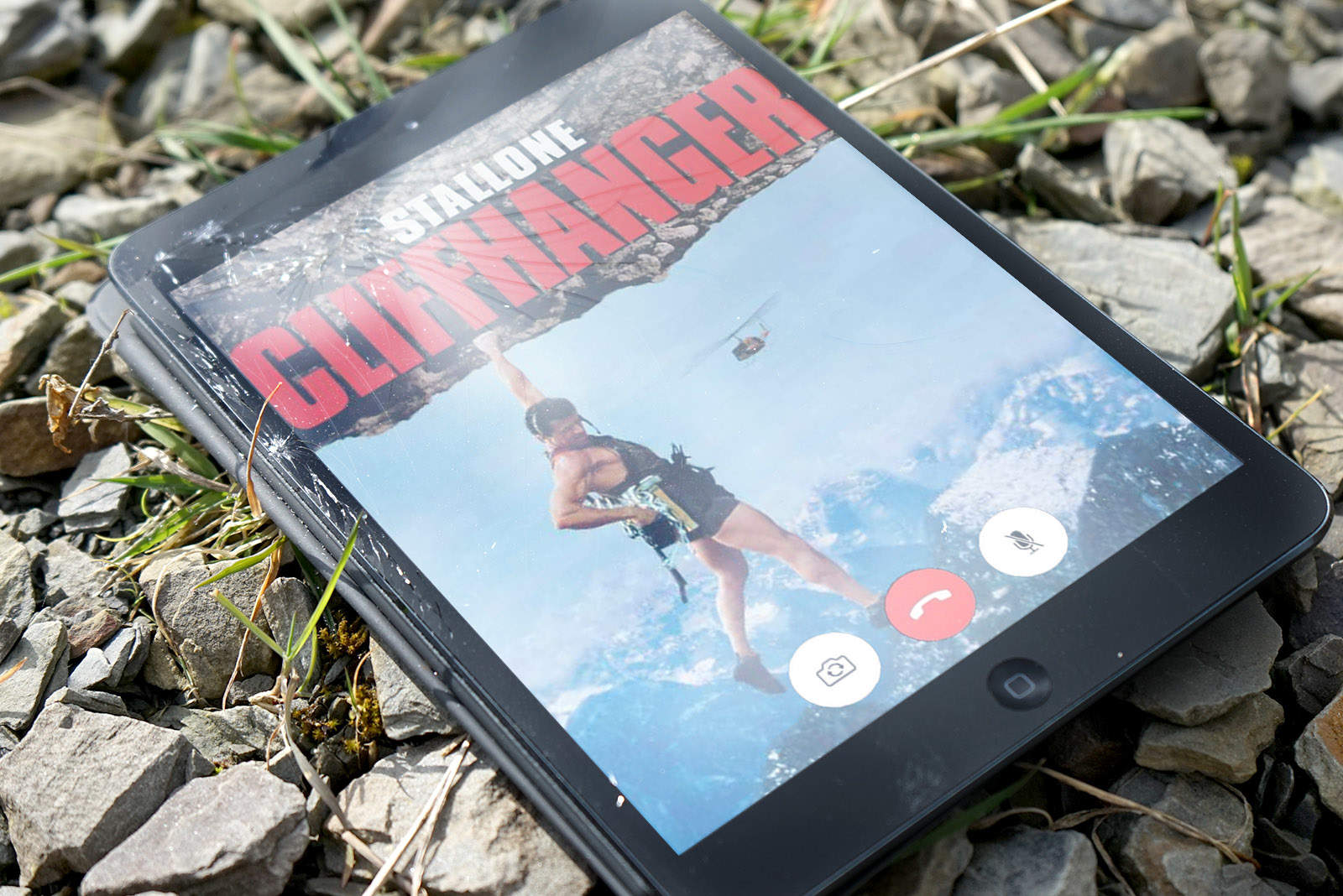
Decidedly less so was the plight of Apple user and, apparently, godawful mountain climber Michael Banks. His idea? To climb 600 feet up Morro Rock in California — so that he could get a volcanic outcrop as his background — and then pop the question via FaceTime. Before getting hopelessly stuck, of course.
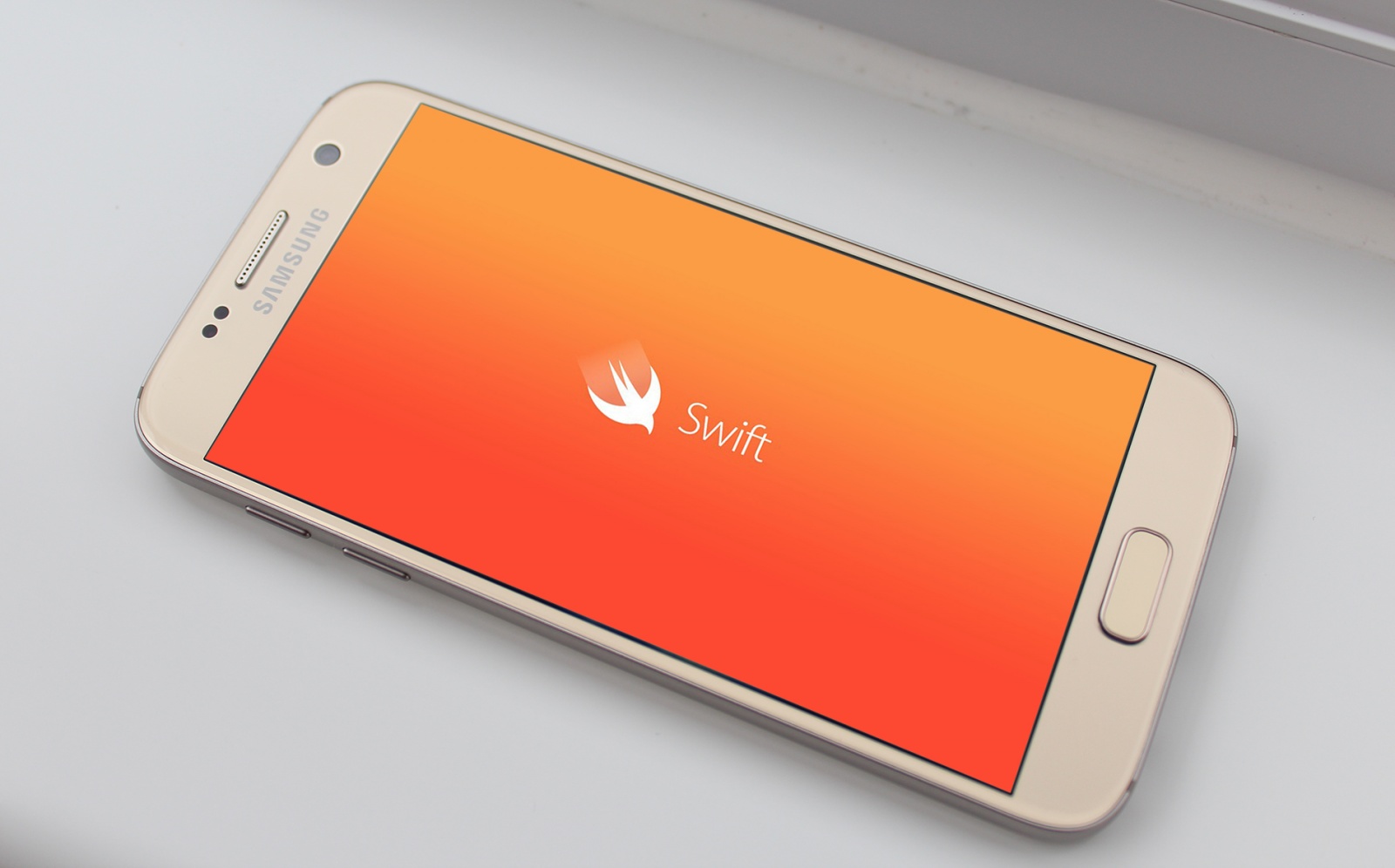
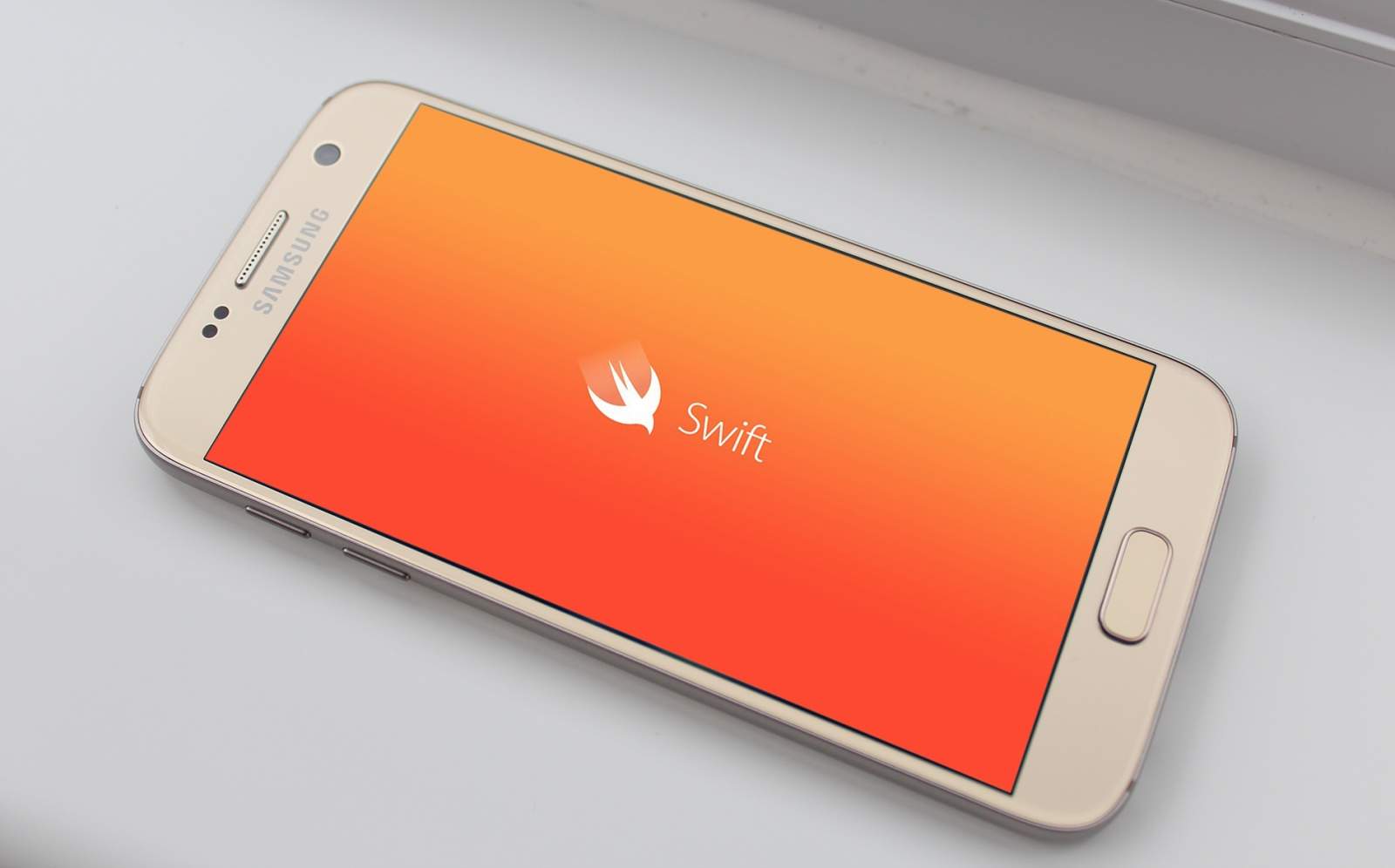
Swift on Android?! Photo: Killian Bell/Cult of Android
Although Apple’s Swift language might be open source now, the last place you’d expect to see it is on Android. But according to some sources, Google is considering making Swift a “first class” language for the iPhone’s biggest rival.
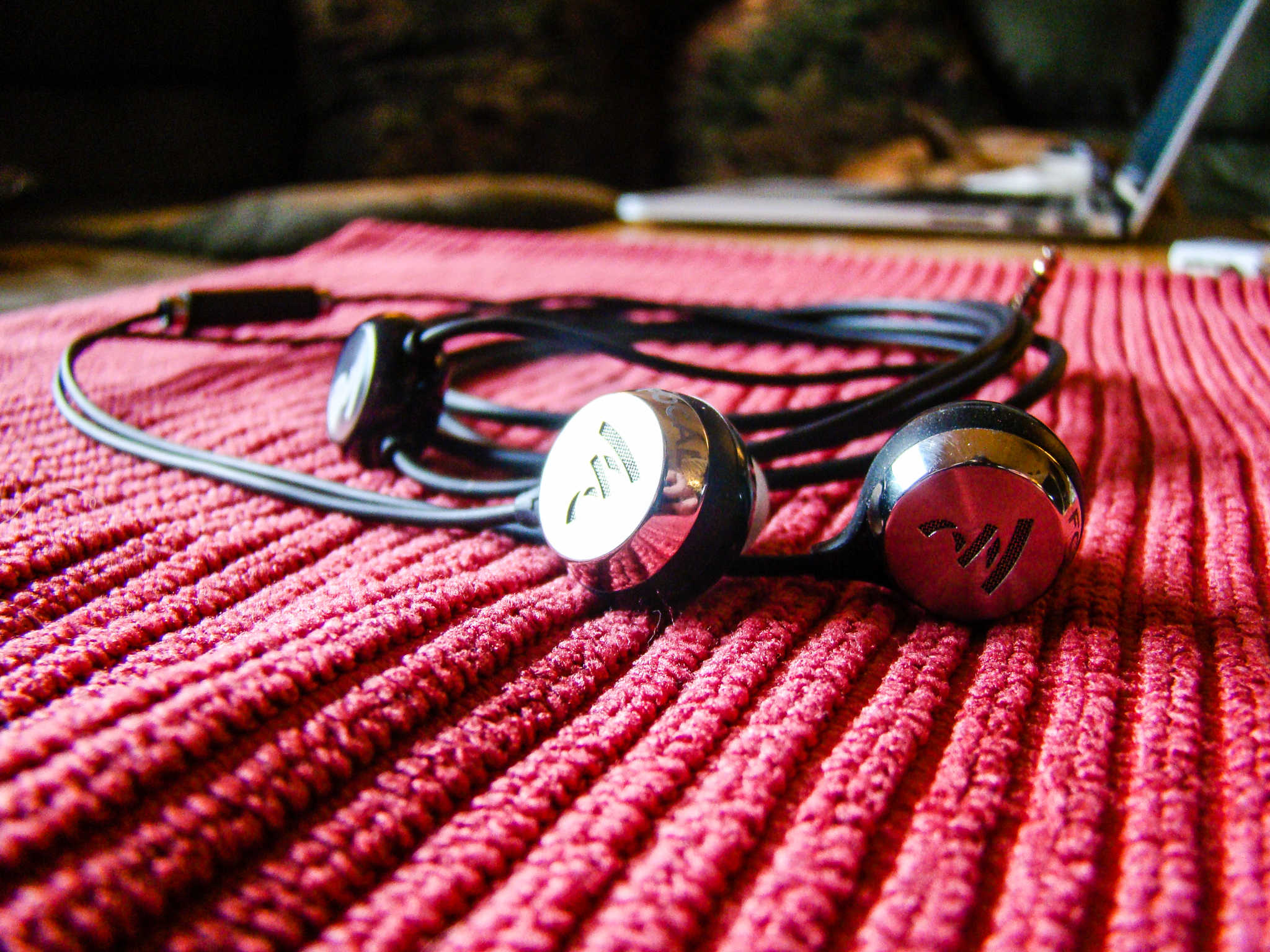
So comfy, you'll forget you're wearing them, except for all the music. Photo: Rob LeFebvre/Cult of Mac
Best List: Sphear in-ear monitors by Focal
When I think earbuds, I don’t think comfort. They’re light and let you take naps while in, but there’s really only so long I can handle keeping them in my ears.
That’s why this new set of “in-ear monitors,” called Sphear is so exciting — I’ve had them in to watch Netflix on an iPad, gone for a long training run, and just wore them around the house while working and making dinner for my kids.
Every time I put them in, they impress me with their balanced tone and high-quality sound. Most of all, though, I forget I’m wearing them. They’re that comfortable.
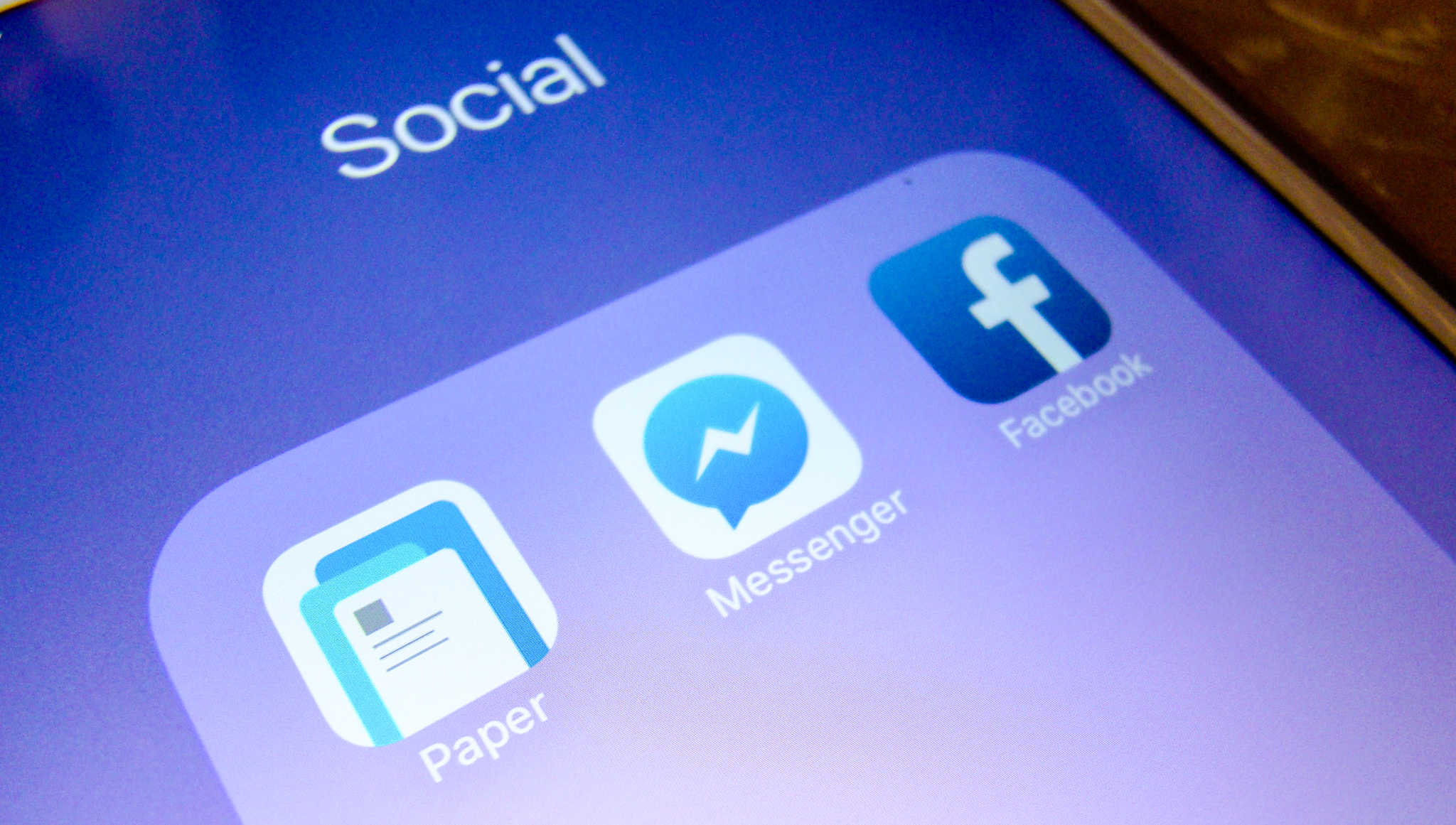
Facebook Messenger is more and more becoming my default chat tool as it’s the one app most of my buddies have, either on their laptop or mobile device, regardless of platform.
Thing is, Messenger filters a bunch of messages you’ve received, and I’m willing to bet you didn’t even know they were there.
If you want to find all those hidden Facebook messages, here’s how.
Take your iPhone or iPad to the next level with these cool accessories. Photo: Cult of Mac Deals
You love your iPhone, you love your iPad, but what if you could make them even more worthy of your (let’s be honest, slightly creepy) affection?
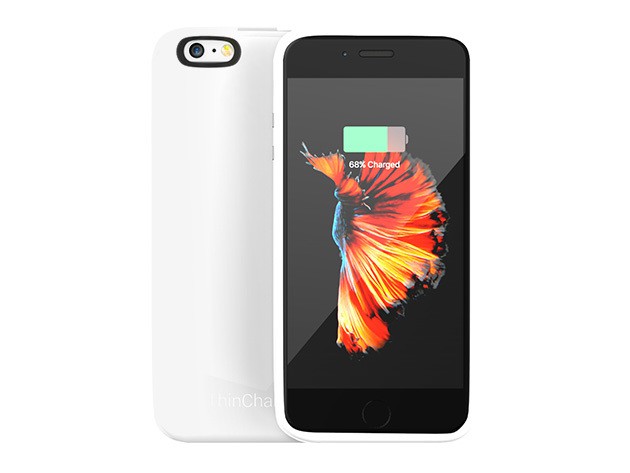
We’ve found four peripherals that’ll enhance, protect and expand the capabilities of your favorite iDevice. From glow-in-the-dark charging cables to slim charging cases and flexible mounts, there’s something here anybody can enjoy. Take a look!
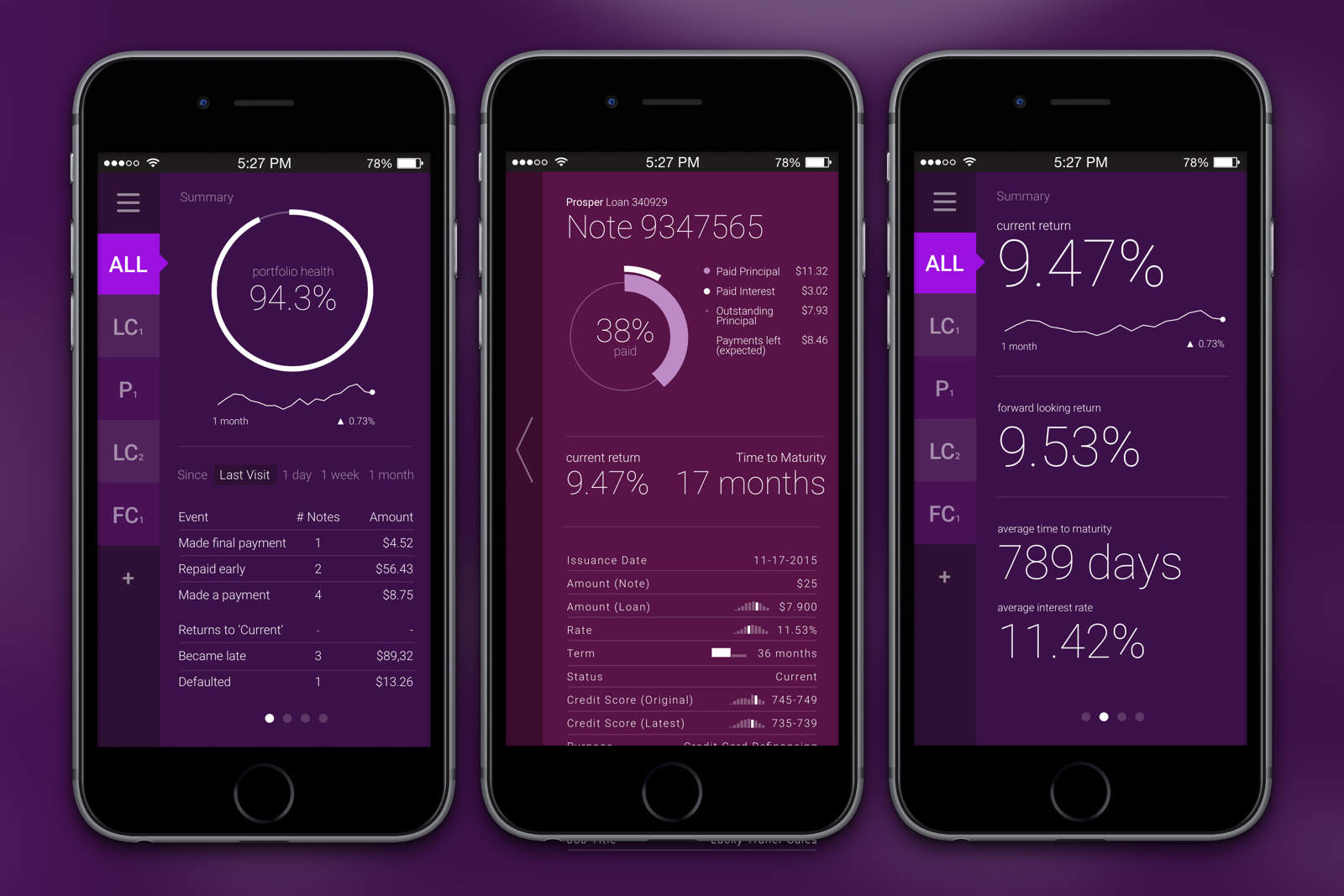
See your LendingClub, Prosper and Funding Circle portfolios at a glance. Photo: LendingRobot
LendingRobot today launched a pretty important mobile app for peer lenders. It’s LendingRobot Dashboard, and it lets these lenders monitor all their portfolios across three separate services: LendingClub, Prosper and Funding Circle. It’s the only mobile app available that allows investors to connect from across multiple marketplaces and see their portfolios at a glance.
President Barack Obama is playing it cool when it comes to encryption. Photo: Pete Souza/Wikipedia CC
The White House is refusing to publicly support new draft legislation that would give judges the right to force tech companies like Apple to help law enforcement break encrypted data.
The measure was put forward by Sens. Richard Burr and Dianne Feinstein, respectively the Republican chair and top Democrat of the Senate Intelligence Committee. Both Burr and Feinstein have been contacted by the FBI regarding a briefing on how the bureau was able to circumvent iPhone encryption on an older Apple device.
Remember when hackers were the good guys? Photo: Hackers, United Artists
The FBI’s not cluing Apple in on how it allegedly hacked the iPhone 5c at the heart of the San Bernardino investigation, but that doesn’t mean it’s not happy to spill the secret to select members of Congress.
According to new reports, the feds have began briefing certain anti-encryption U.S. senators about the way in which it managed to access data on the handset belonging to shooter Syed Farook.
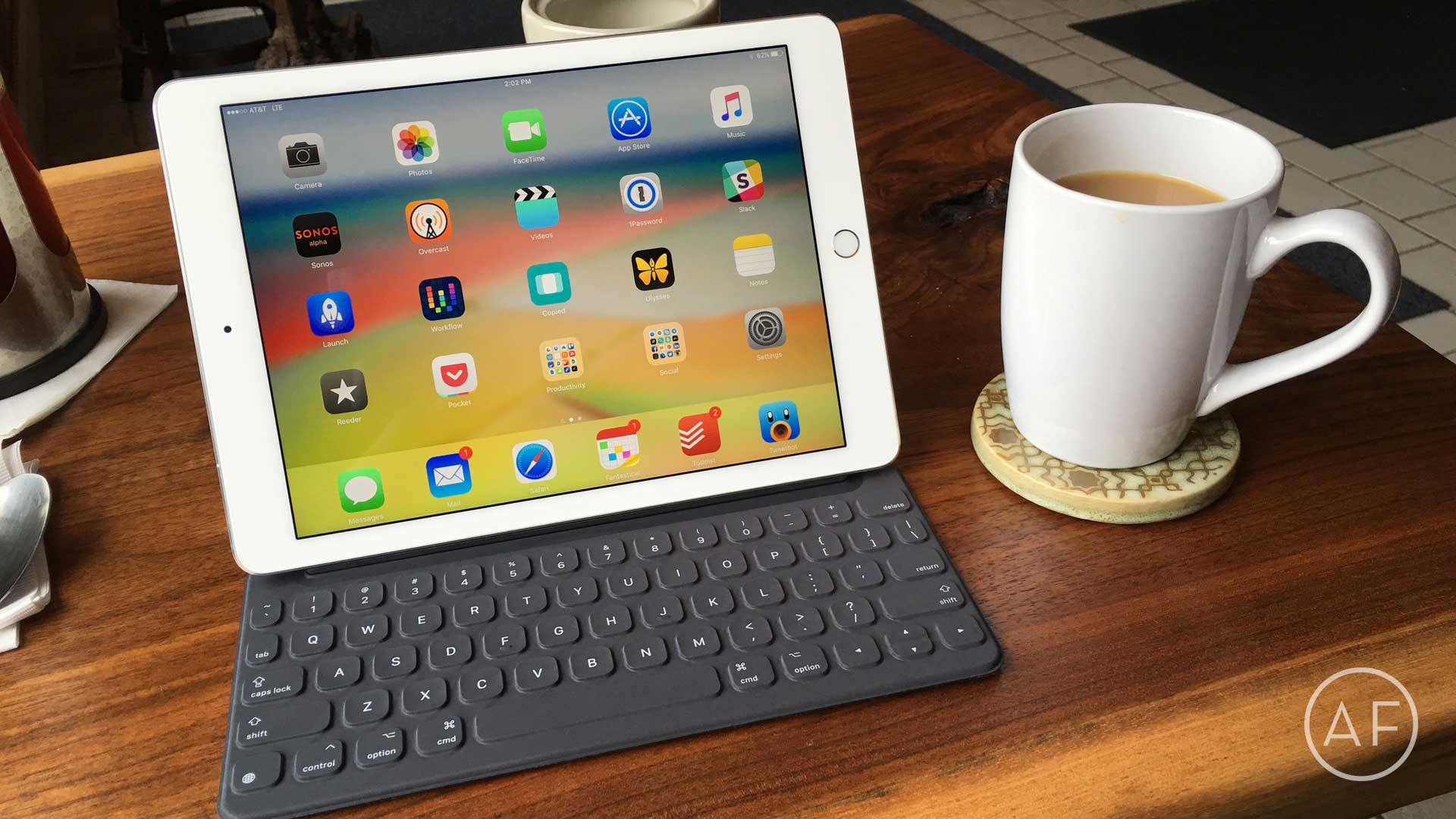
Apple has extended service on the Smart Keyboard for iPad Pro to address "functional issues." Photo: Ally Kazmucha/The App Factor
Back in November, I purchased a 12.9-inch iPad Pro and a Smart Keyboard to go with it. I was so used to my Belkin keyboard paired with my iPad Air 2 that I quickly became frustrated with the Smart Keyboard’s lack of a shortcut row. Before long, I returned the Smart Keyboard (and the 12.9-inch iPad Pro).