It's that simple! Video: Domino'sIt’s that simple! Video: Domino’s
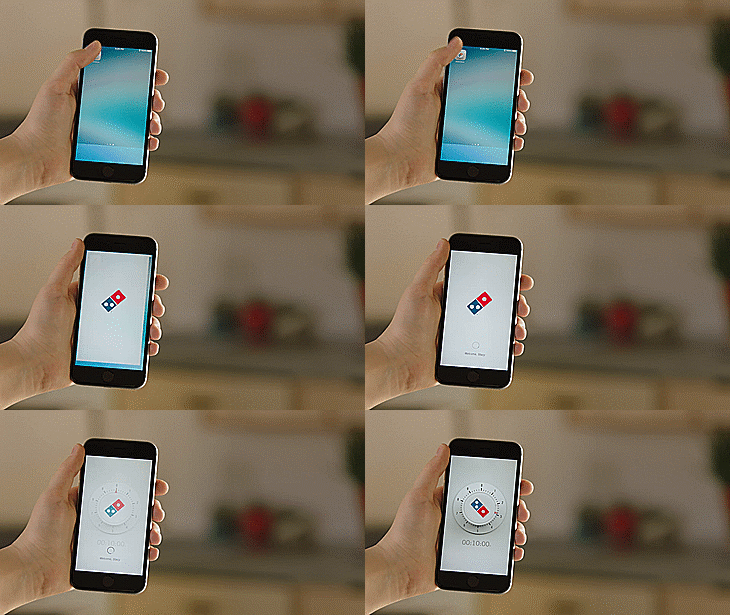
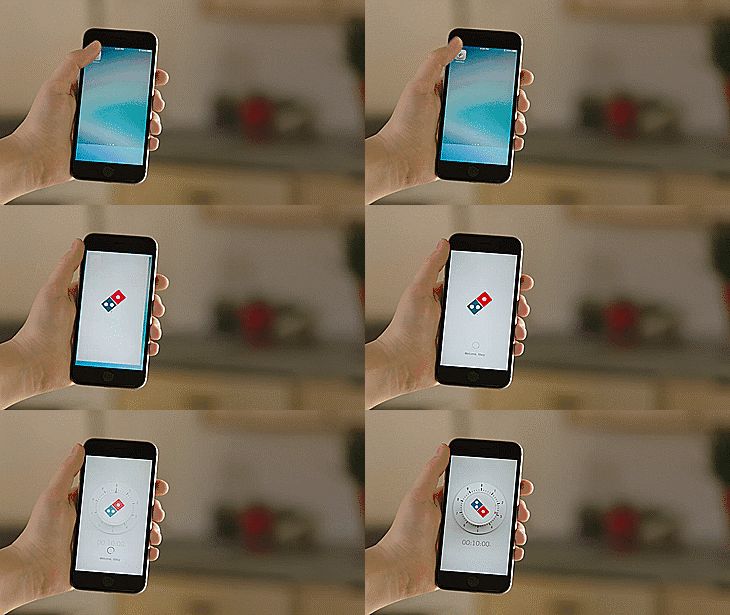
When that pizza craving hits, the faster you get your hands on a slice of pie, the better. Don’t waste any time when ordering your next one, then — use Zero Clicks.
With this new service from Domino’s, ordering your favorite pizza is as easy as opening an app.
Game like a pro on your Apple TV with the Nimbus gaming controller. Photo: Ste Smith/Cult of Mac
A few weeks ago, I found myself at the local Apple Store chatting to a sales associate who was demonstrating the SteelSeries Nimbus gaming controller. I had a quick go at the controls only to find myself duly impressed by the way it works as an Apple TV gaming controller.
I was intrigued enough to take another, closer look at this gaming pad to see if it’s worth picking up. Watch the video below to see my SteelSeries Nimbus review.
This awesome feature lets you enjoy your favorite PS4 games while you’re in another room, or even away from home — and it’s super simple to setup. Here’s what you need to do.
It's time to start writing Apple TV apps. Photo: Cult of Mac Deals
Apple TV keeps getting better and better, meaning there are more and more reasons to learn to develop for this increasingly popular platform. Even if you’ve never programmed a day in your life, this Apple TV developers course will have you building working tvOS apps by the time you’re finished.
Providing ground-up training in the key frameworks Swift 2 and tvOS, it’s all you’ll need to get started developing for Apple TV, and right now you can sign up for just $19.
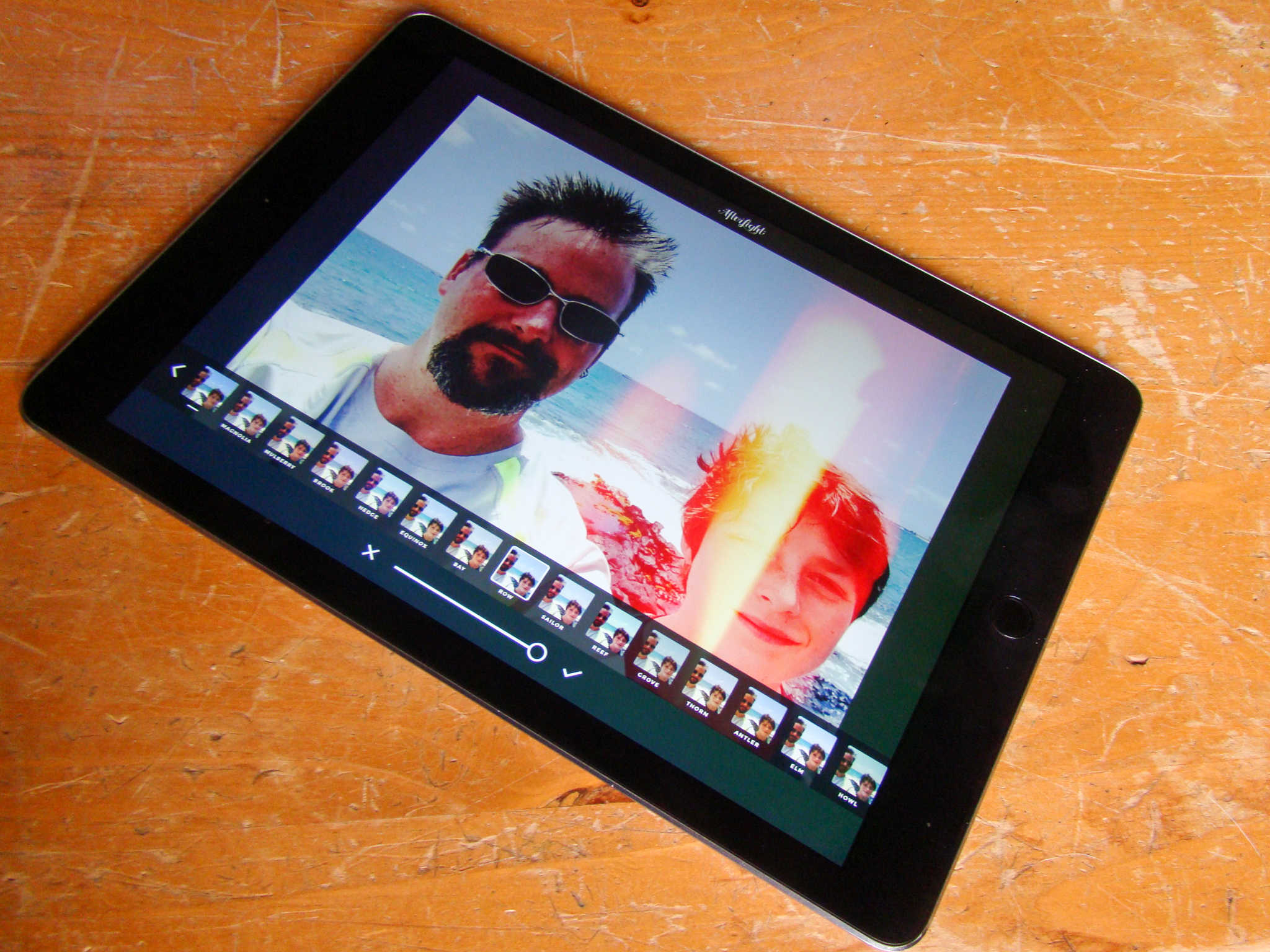
You'll be the envy of all your Instagram buddies with AfterLight's amazing set of tools. Photo: Rob LeFebvre/Cult of Mac
Instagram has a fair amount of filters, but boy everyone uses them all the time. You know a photo’s come from the photo-sharing social network when you can call out the filters on it: X-Pro, Hefe, Clarendon!
If you’re looking to stand out from the crowd, check out AfterLight, a sweetly-priced iOS app for iPad (and iPhone) with over 74 amazing filters and effects (and that’s just the free ones) to make your photos the envy of all the other basic Instagram users out there.
Here’s how to make best use of AfterLight’s massive toolset.
According to a senior FBI official, the organization won’t reveal what — if anything — it’s learned until it’s finished examining all the data on the handset.
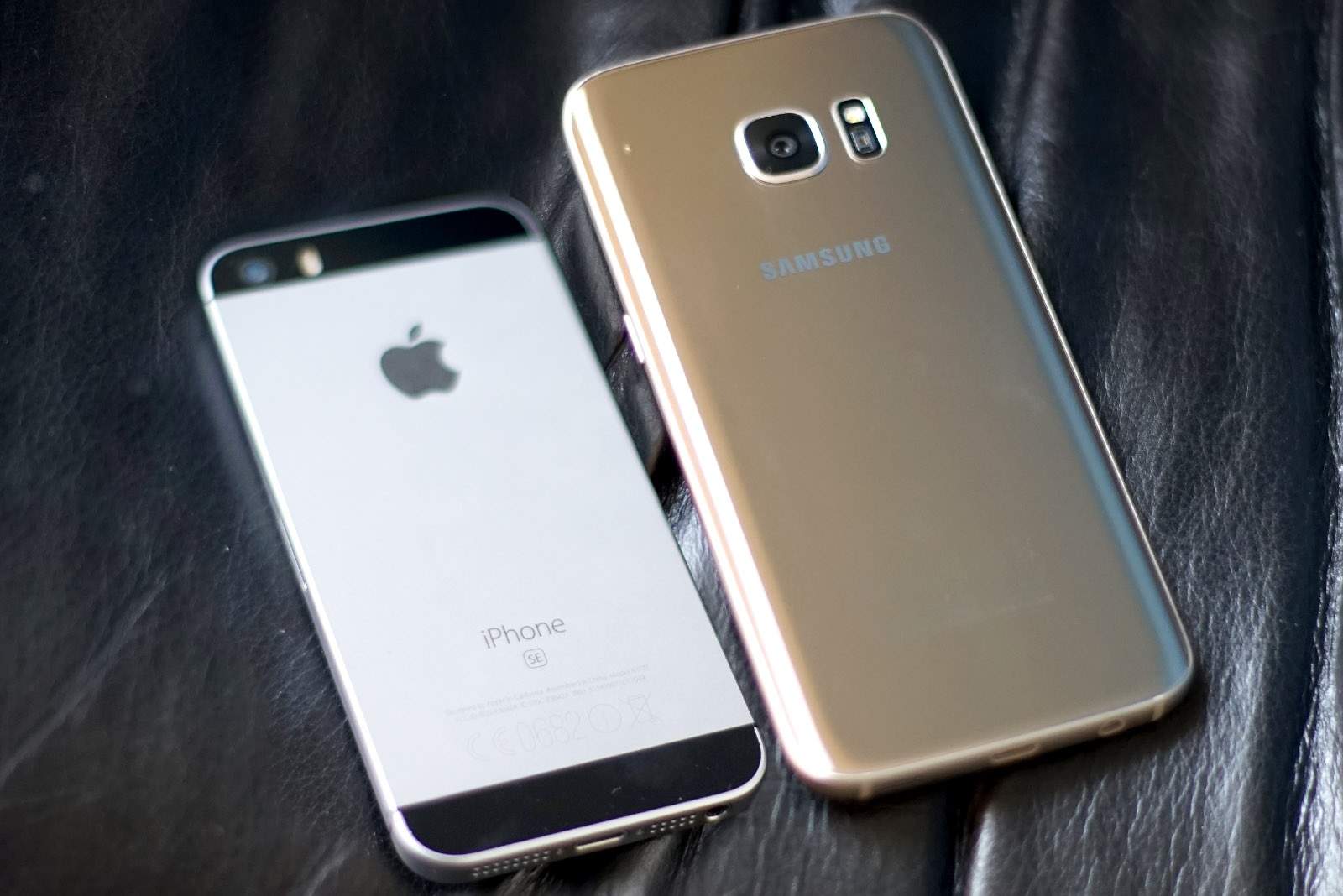
iPhone SE to the rescue? Photo: Ste Smith/Cult of AndroidiPhone SE to the rescue? Photo: Ste Smith/Cult of Android
Apple’s new iPhone SE might be able to take sales from Android in some emerging markets, but it certainly won’t be able to stem the bleeding in many countries, where Google’s platform continues to rob iOS of its market share.
According to the latest figures, Android is up in China, Europe, and even the U.S. as the iPhone’s share falls.
Apple's got a major milestone coming up. Photo: Jim Merithew/Cult of Mac
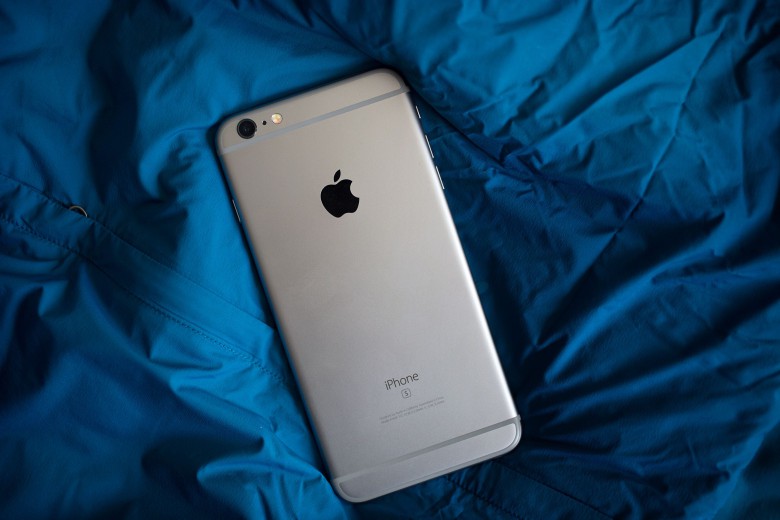
Apple is set to sell its one billionth iPhonesometime this summer, with Wall Street analysts predicting it’ll take place in July.
To mark the momentous occasion, I’d love to see Apple offer something to the billionth iPhone customer. After all, it’s not the first time the company has done (or in one case planned to do) such a thing…
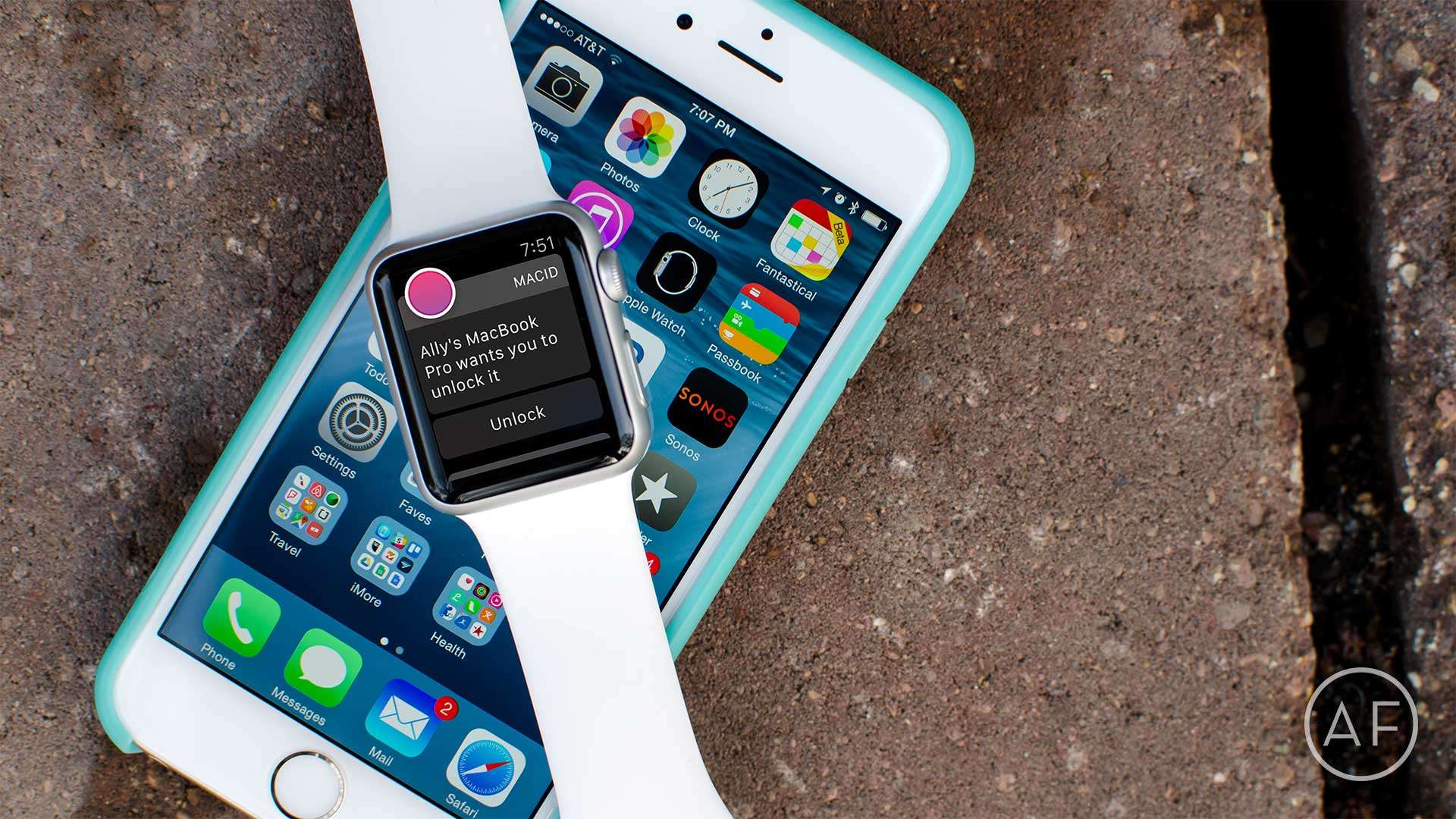
Tired of dealing with login passwords on your Mac? Skip them altogether with MacID! Photo: Ally Kazmucha/The App Factor
There aren’t a lot of apps I use regularly on my Apple Watch. The ones that I do use regularly consist of utilities that make my life easier, or apps that help me track things, like water intake or how many tasks I have left for the day. One of my favorite utilities is MacID, which offers even faster access to my Mac with my Apple Watch (or my iPhone).
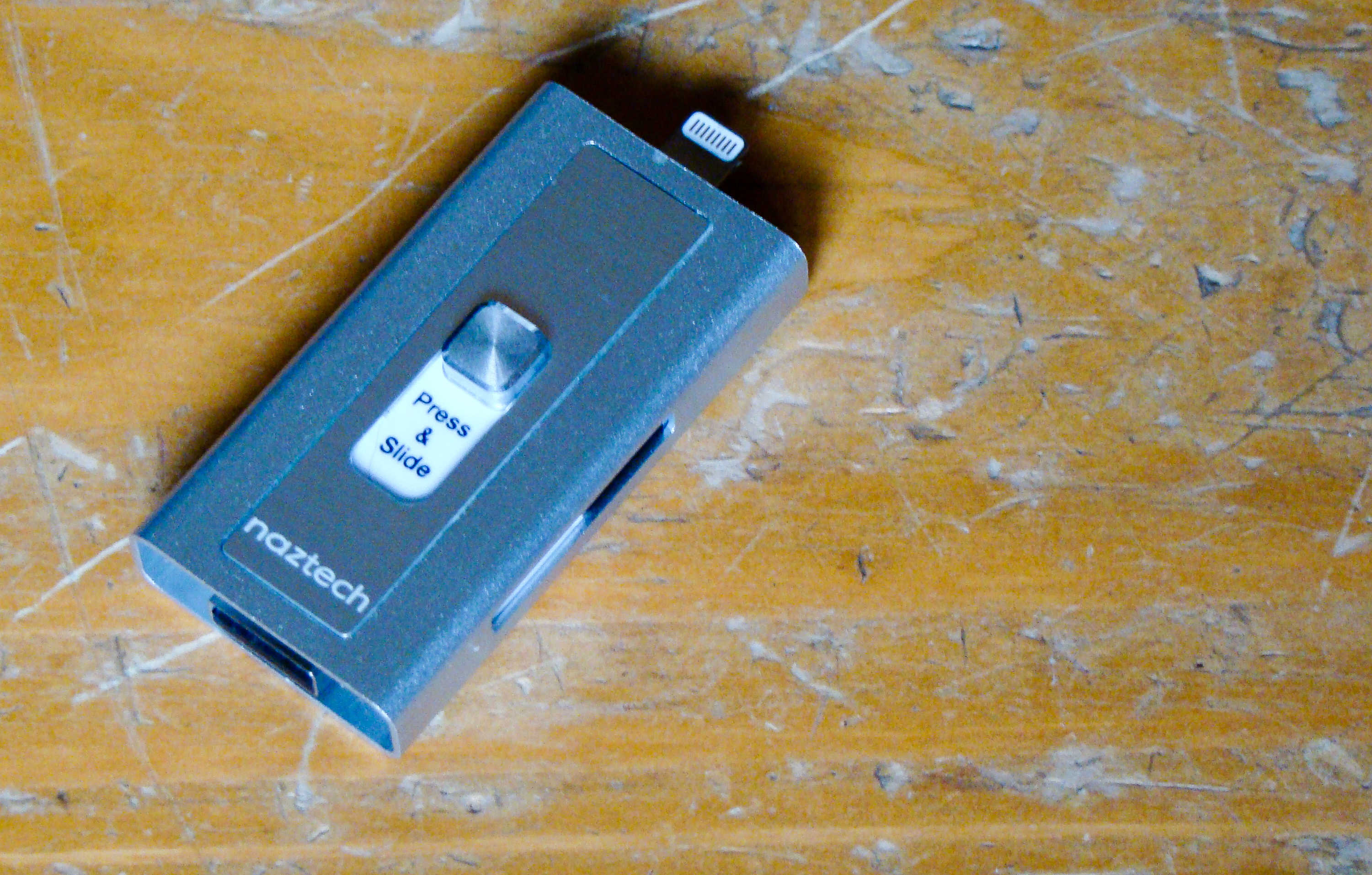
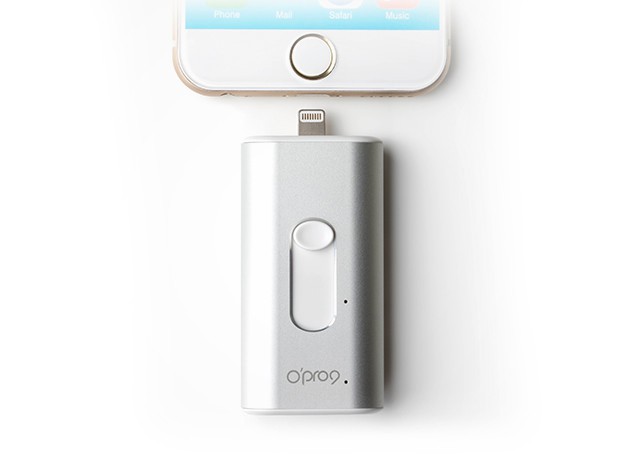
This flash drive will connect to your Mac and your iPhone. Photo: Rob LeFebvre/Cult of Mac
Best List: Xtra Drive by Naztech
We’ve all been using flash drives on our Macs for ages, ever since Apple dropped the disk drives from its computer lineup.
iPhones and iPads don’t have a USB port, so it’s hard to use the same external thumb drives on the go.
The new Xtra Drive from Naztech is the best of both worlds, providing a single microSD card-based solution that has both a USB and a Lightning connector that will let me back up and transfer files from my iOS device to any computer.
WhatsApp just made cross-platform messaging safer. Photo: Killian Bell/Cult of AndroidWhatsApp just made cross-platform messaging safer. Photo: Killian Bell/Cult of Android
Apple’s battle with the FBI may not have achieved much in court, but it did do some good.
Following in the iPhone-maker’s footsteps, WhatsApp today began rolling out end-to-end encryption for every single one of its 1 billion users. The move will make intercepting messages near impossible for authorities — and even WhatsApp itself.
It's so close you can almost taste it! Photo: SonyIt’s so close you can almost taste it! Photo: Sony
Sony is giving PlayStation 4 owners the ability to play their favorite games on Mac and PC. Its latest firmware update for the PS4, which will roll out to all tomorrow, introduces Remote Play for desktops for the first time — plus other new features.
VSCO on iPad is a fantastic, free option for photo editing. Photo: Rob LeFebvre/Cult of Mac
VSCO is a fantastic photo app for iPhone and iPad, and it lets you shoot some killer photos as well as edit them directly in the same app once you’ve taken your masterpiece.
The app is universal, which means it works well on iPhone and iPad, natively. The extra screen real estate, however, makes VCSO on iPad a fantastic choice just for editing any photos you like, whether you took them with your iPad, iPhone, or any other camera you might have.
It's possible for Siri to be too helpful. Photo: Jim Merithew/Cult of Mac
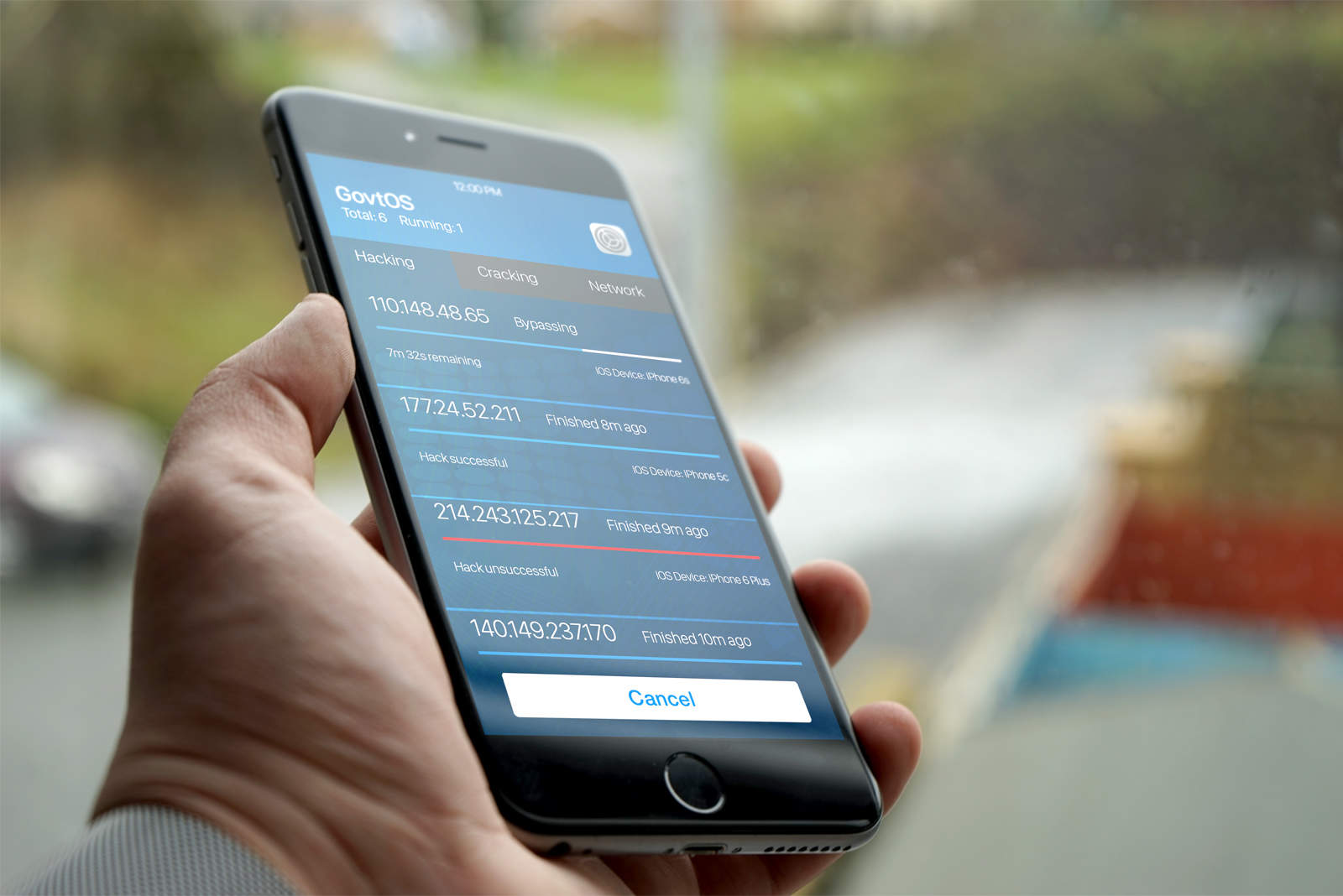
Siri might be a (halfway) decent digital assistant, but Apple’s AI helper makes for a lousy security guard.
We’ve heard about a bunch of “sneaky” ways that evildoers can use Siri to get access to your photos, contacts or completely unlock your phone without entering a passcode or using Touch ID. Luckily, most of these “security problems” are bogus, but a newly discovered one is for real.
The good news, however, is that this Siri exploit only affects certain iPhone models and is completely preventable.
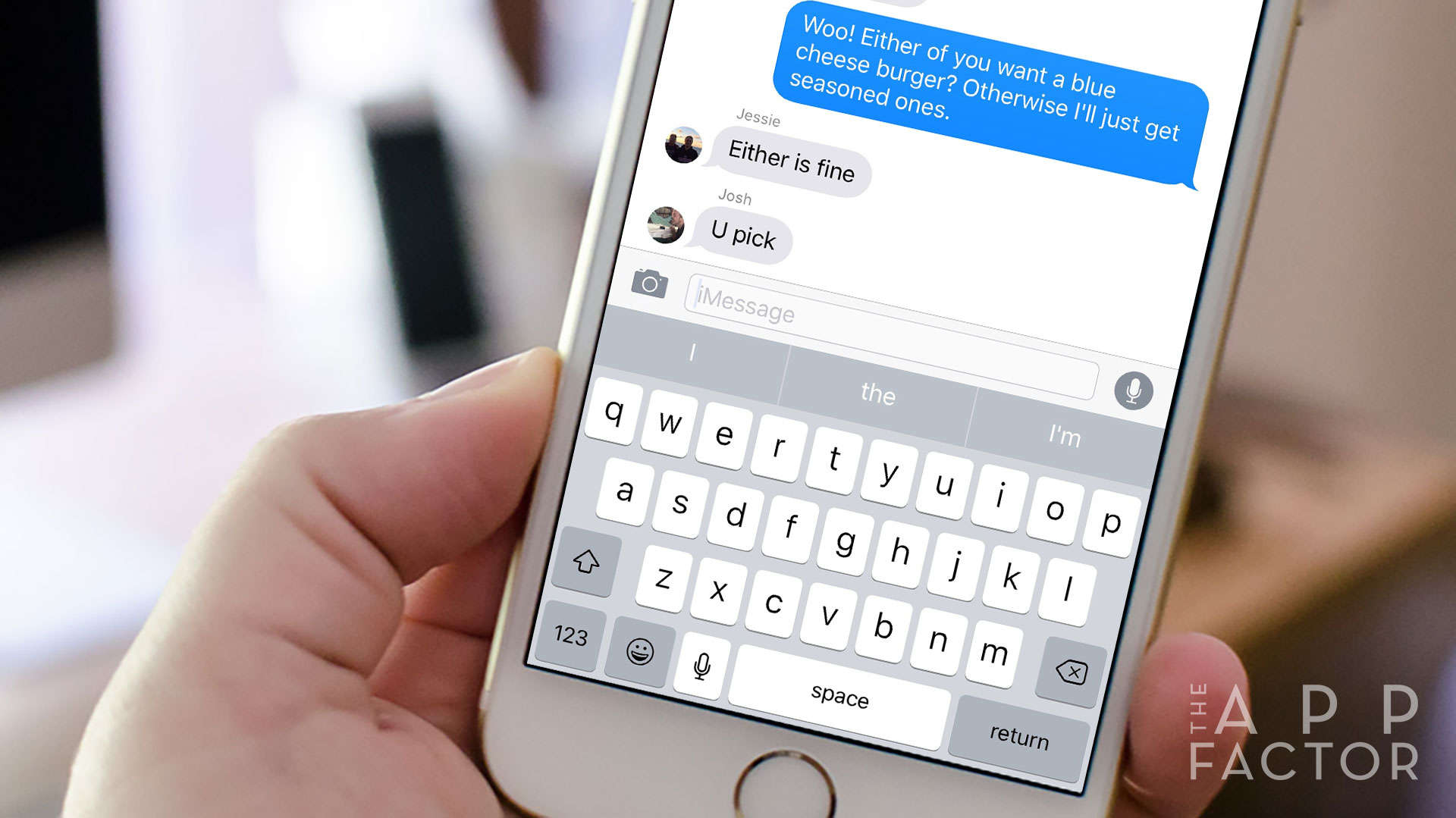
If you’re running out of local or iCloud storage space on your iPhone (or iPad), it may be time to check how much space the Messages app is taking up. By default, your iPhone or iPad is set to save any messages you send and receive forever. This can result in iPhone “out of storage” messages, slow performance, and slow-loading performance when scrolling through threads.
Unless you really need to save every single message, there’s a quick way to potentially save gigs of space in just a few taps. Here’s how!
Disabling LTE on your iPhone can be useful at times. Photo: Sam Mills/Cult of Mac
Why would you want to disable the fast mobile network speeds of LTE? Sometimes you’ll hit an area with spotty LTE coverage and your iPhone will bounce between 3G, LTE or even EDGE. That can kill your battery and you’ll want to disable LTE to avoid that.
Or maybe you just want to turn off your data to avoid any overages, or because you feel better when not constantly connected while on the go. Whatever your personal reason, here’s how to disable LTE on your iPhone.
The PRVKE pack (pronounced "provoke") puts fashion and function on your shoulders. Photo: David Pierini/Cult of Mac
Backpacks evoke certain expectations. Sexy is usually not one of those expectations.
Yet that is the first feeling I had when checking out the PRVKE Pack, a smartly engineered backpack for photographers designed by brothers Ryan and Spencer Cope. Their company is called WANDRD, and wander is exactly what you will want to do with this bag.
Instantly add 32 gigs of fast, secure storage to your iOS device with this pocket-size drive. Photo: Cult of Mac Deals
Plenty of people complain about the limited space on their iPhone or iPad, but what can you really do about it? Well, getting an iSafe Drive Lite is a great start. It’s a palm-size drive that adds 32GB of secure storage to your iOS phone or tablet. It’s also the first-ever MFI-certified storage device built specifically for iOS, and right now you can get one for just $69.
In particular, Apple is being opposed by rival handset makers who worry that letting Apple do this will severely damage initiatives to promote local manufacturing, hurt recycling — and (last but certainly not least) damage their own businesses of selling cheap phones.
Which apps made our list this week? Photo: Ste Smith/Cult of Mac
It’s another lazy Sunday, which means that it’s time to unwind in your favorite chair with a sampling of the week’s finest apps. And, boy, have we got a fine selection for you!
Whether you’re after Nintendo’s first mobile title; a game which will keep your brain working as it entertains you; or a major update for everyone’s favorite self-destructing messaging app, we’ve combed through the week’s offerings to bring you the essential downloads.
Have fun sorting all of this out. Photo: Neven Mrgan
Every once in a while, a game hits the App Store that contains such a bizarre concept that it only makes sense once you start playing it. And sometimes, that’s a good thing, but usually, it isn’t so much. Luckily, Grayout, a text-based game from developer Neven Mrgan, falls firmly into the first category.
The problem is that the mechanic that plays out across Grayout‘s 90-plus screens makes it incredibly difficult to describe. But we’re professionals here, so let’s give it a try.
It's time to get your VPN on. Photo: Cult of Mac Deals
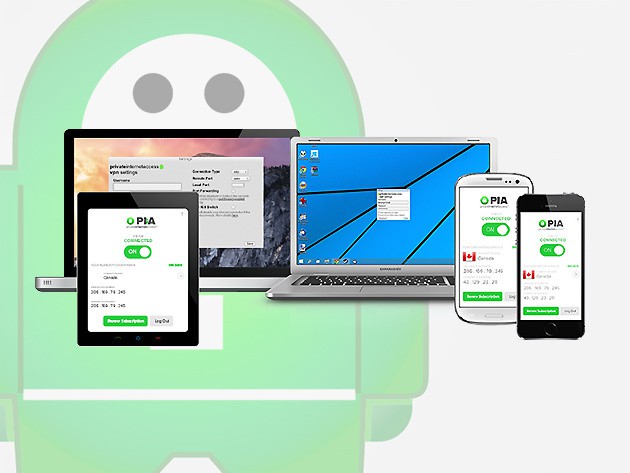
Getting online can be scary business, with data thieves, hackers, even the government’s snooping eye always looming. One of the best ways to stay secure and anonymous while browsing is via a virtual private network, or VPN, which creates a secured digital tunnel between you and your web activity. And right now you can get a full 2 years of peace of mind with Secure Internet Access VPN for only $59.95.
iPad Pro is even better at 9.7 inches. Photo: Ste Smith/Cult of Mac
Apple really, really wants you to replace your laptop with an iPad — especially if that laptop is powered by Windows. But before that switch can even be considered, the iPad needs to do everything your laptop can and more. That’s where iPad Pro comes in.
With its new A9X chip, it’s the most powerful iPad to date. It does everything your old iPad did, but it does it better. It’s compatible with the Apple Pencil and Smart Keyboard, and now it’s available in a smaller form factor with a 9.7-inch display.
This new model is easier to carry around all day, but it packs almost exactly the same punch as the 12.9-inch iPad Pro — and the same stellar speakers. It has also adopted the incredible 12-megapixel iSight camera from iPhone 6s, with the dual-tone LED flash.
You also get to play as dinos, if that's a bigger draw for you. Photo: WB Games
Developer Traveller’s Tales’ Lego games series has a long history of making even the crappiest of blockbusters charming and enjoyable. It all started with its very first title, Lego Star Wars — which provided a more entertaining version of the rise and fall of Anakin Skywalker than the movies did — and it continues to this day with Lego Jurassic World (out now for iOS after a console and PC debut).
It probably helps that fully three-quarters of Lego Jurassic World‘s content has nothing to do with the latest, dumb film entry but is, in fact, levels re-creating the awesome 1993 original and those other two movies that weren’t quite as good. But because it’s a Lego game, it’s fun, humorous, and clever, even when the source material isn’t.