Mobile menu toggle

Top stories - page 521

iPhone X users report overheating, excessive data consumption
By

iPhone X
Ready to ditch your iPhone X already? There's still time to get a great price!
Photo: Ste Smith/Cult of Mac

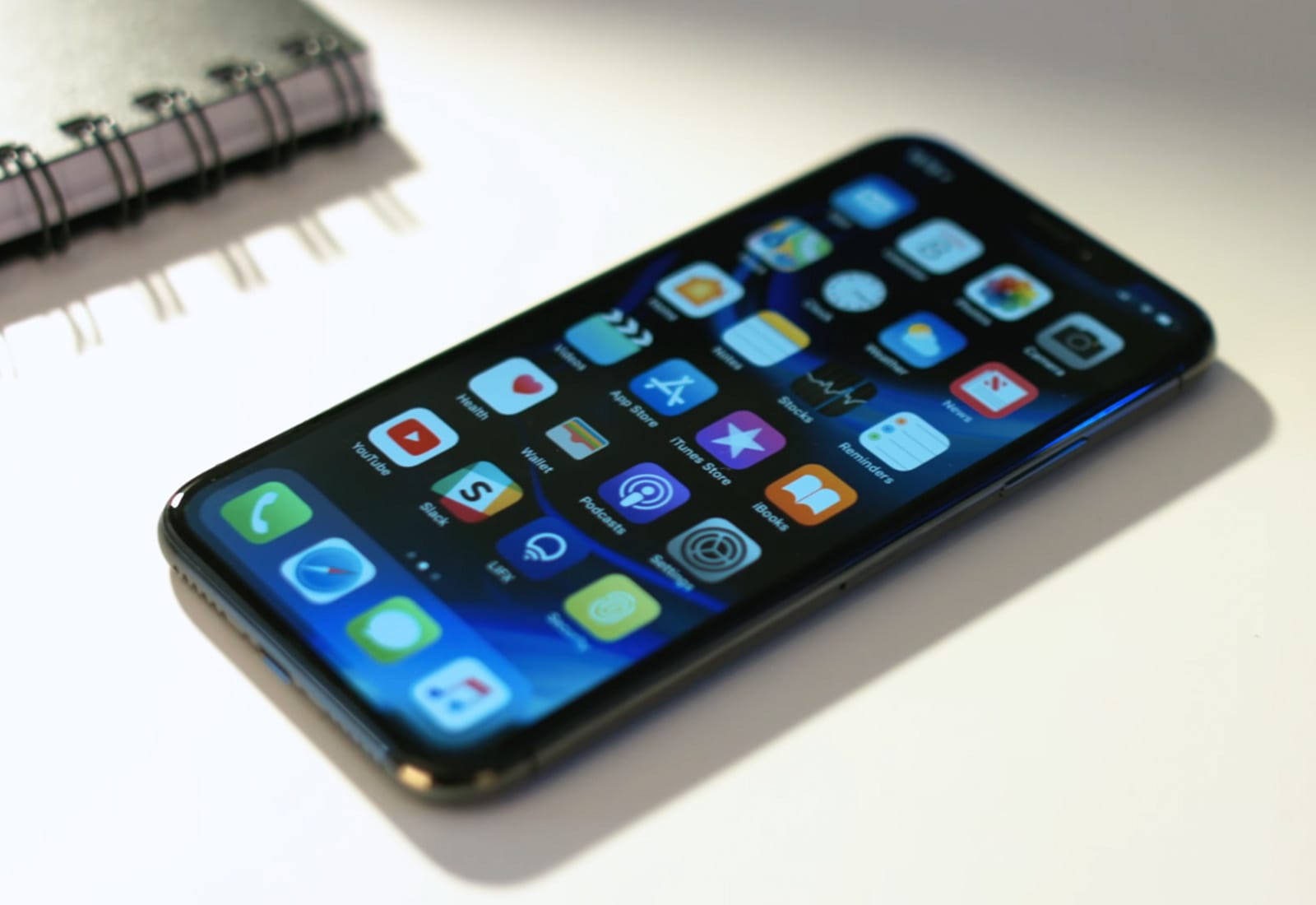
Life with an iPhone X isn’t as rosy as it should be for some adopters. Many report that their handsets are plagued by frequent overheating and excessive data consumption. Some have even resorted to placing their handset in a freezer to cool it down.

Death Road to Canada, and other awesome apps of the week

By

Awesome Apps
'Appy weekend!
Photo: Ste Smith/Cult of Mac
A well-timed January update of one of my favorite games of the last year — combining road trip action and zombie invasion — is just of one of the picks for this week’s “Awesome Apps of the Week.”

In addition, we’ve got a great arcade-style space blaster, a superb data-heavy weather app given an iPhone X polish, and an excellent task manager. Check out our picks below.

Name your price for a complete coding education [Deals]

By

This is a great opportunity to add the super marketable skill of coding to your resume.
Photo: Cult of Mac Deals

It’s as true in 2018 as it was in 2017: coding is one of the most marketable skills you can learn. Learning any new skill can feel intimidating, but with the right instruction it’s possible for anyone to add coding to their resume. And with the right deal, it can be affordable to almost anybody too.

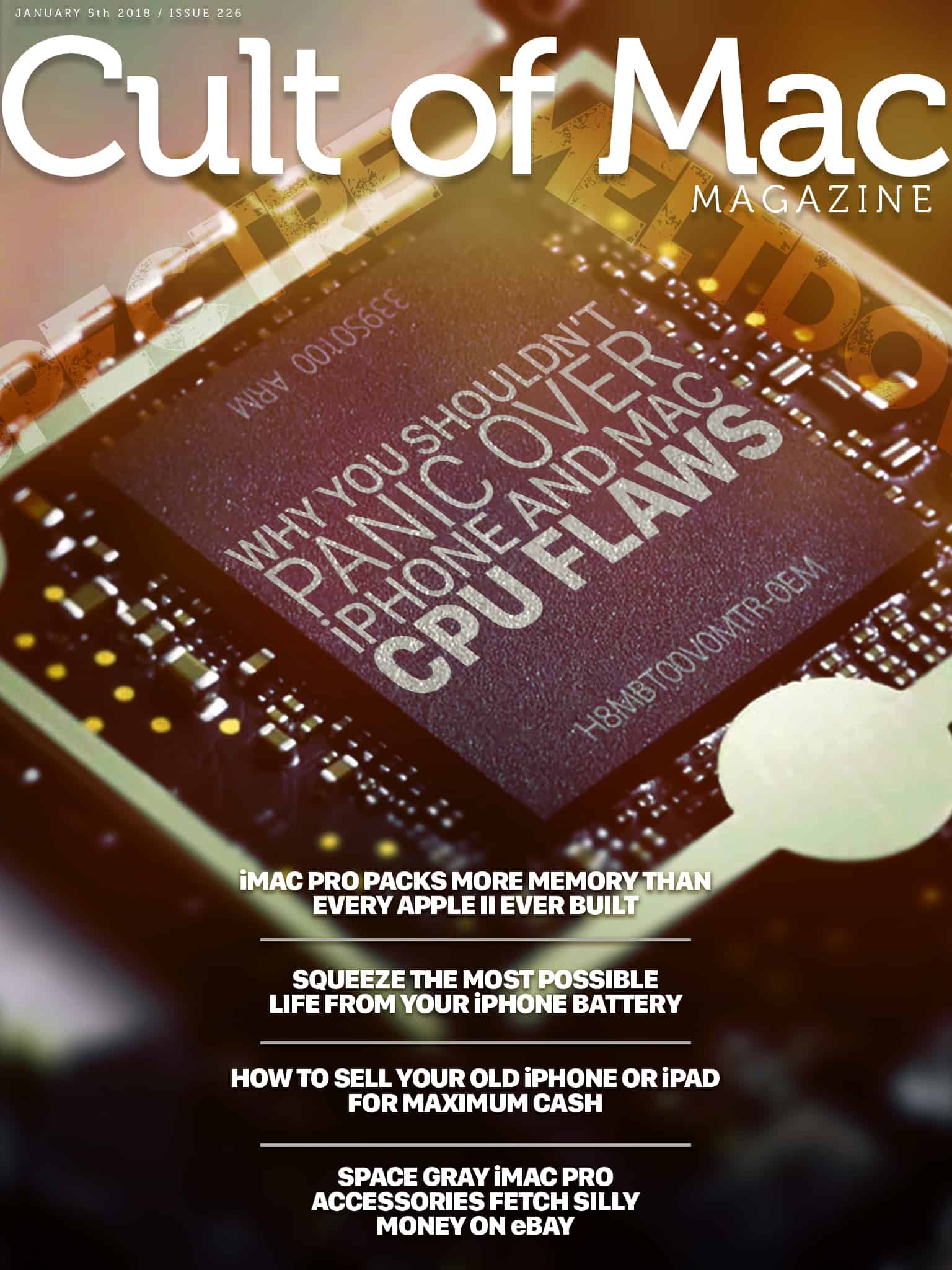
Cult of Mac Magazine: Why you shouldn’t panic over iPhone and Mac CPU flaws, and more!

By

cover
Apple's A series chips could also be vulnerable to a nasty flaw.
Photo: Ste Smith/Cult of Mac

A nasty CPU flaw that leaves computer users’ most sensitive data at risk is also present in iPhone and iPad processors, Apple confirmed Thursday. The “Spectre” bug has been discovered in the mobile ARM processors that power iOS devices, as well as Apple TV — but there’s probably no need to panic.

In this week’s issue, you’ll find that story and more. Learn how to get the longest life out of your iPhone battery. Get a sneak peek at next year’s emojis. Get your free subscription to Cult of Mac Magazine from iTunes. Or read on for this week’s top stories.

How to reopen a recently closed tab in Safari on iOS

By

Reopen recently closed tabs in Safari.
None of these Tabs is yet open.
Photo: Joe Shlabotnik/Flickr CC

You’ve done it. We’ve all done it. You’ve closed a tab in Safari and instantly realized that it was the wrong one.

It’s not the end of the world. You can open a fresh tab and schlep over to the history panel to hunt down that URL. Or, if you remember something about the title of the page, you can start typing it into Safari’s URL bar and watch for suggestions that match. But there’s a much easier way to access all your recently closed Safari tabs — and it’s just one long-press away.

What to expect from Apple in 2018

By

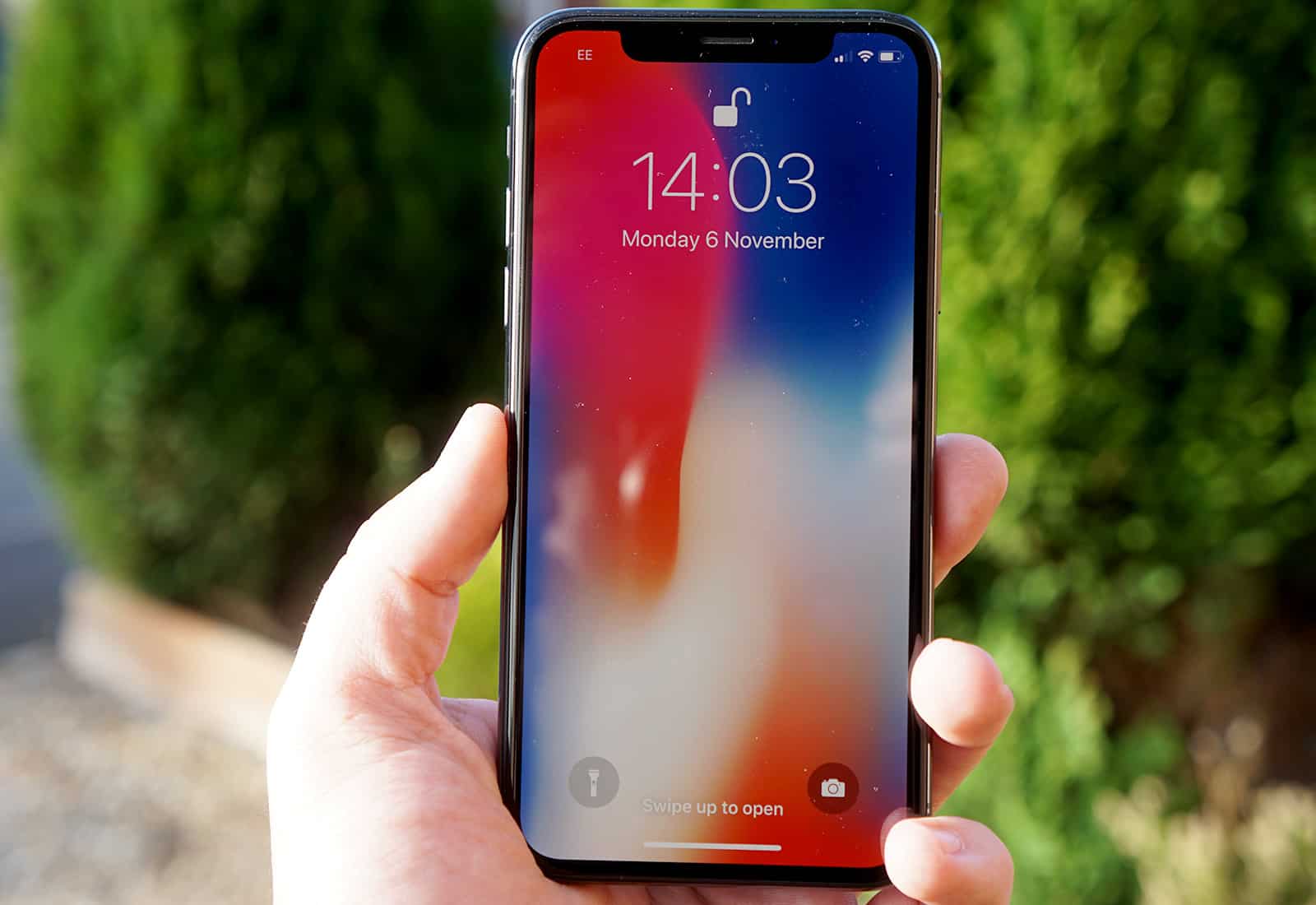
iPhone plus model next to iPhone X
Could we see a iPhone X Plus this year?
Photo: Ste Smith/Cult of Mac
We’re only five days into the new year and I’m personally already itching to see what Apple has planned for this year.

While 2017 was a disappointment of a year in general, Apple released some brilliant products. But what better way to get excited about the year than rounding up all of the rumors for what to expect this year.

iPhone and iPad are susceptible to widespread CPU flaw, too [Update]

By

Apple A5 chip
Apple's A series chips could also be vulnerable to a nasty flaw.
Photo: Apple

A nasty CPU flaw that leaves computer users’ most sensitive data at risk is also present in iPhone and iPad processors, Apple confirmed Thursday.

The “Spectre” bug has been discovered in the mobile ARM processors that power iOS devices, as well as Apple TV — but there’s probably no need to panic.

How to use iOS 11’s Files with (some) unsupported apps

By

file

Photo:

iOS’ Files app is one of the best new features in iOS. It lets you move files from app to app almost as easily as in the Mac’s Finder. The problem is, not all apps support it. To use an app with Files, that app needs to either accept files dragged onto it via drag-and-drop, or it needs to integrate the Files picker.

But you can still use Files with some older apps, or apps from developers who don’t want to add support: Many file-based apps will open up a web server to let you load stuff in via a browser on a Mac or PC. We can exploit this old-fashioned workaround with a workaround of our own, effectively adding local Files support. And don’t worry, it’s dead easy.

Master the art of user interface design [Deals]

By

These 6 courses in UX and UI design clock in at nearly 40 hours of comprehensive content.
Photo: Cult of Mac Deals

As machines and computers become a greater part of daily life, the need grows for people who can build interfaces to connect us. So user interface and interaction design are among the most profitable skills you can learn.

iPhone X display beats rival OLEDs in screen burn-in test

By

Photo of iPhone X in a person's hand, used to illustrate iPhone X review
Don't worry about burn-in on your iPhone X.
Photo: Ste Smith/Cult of Mac
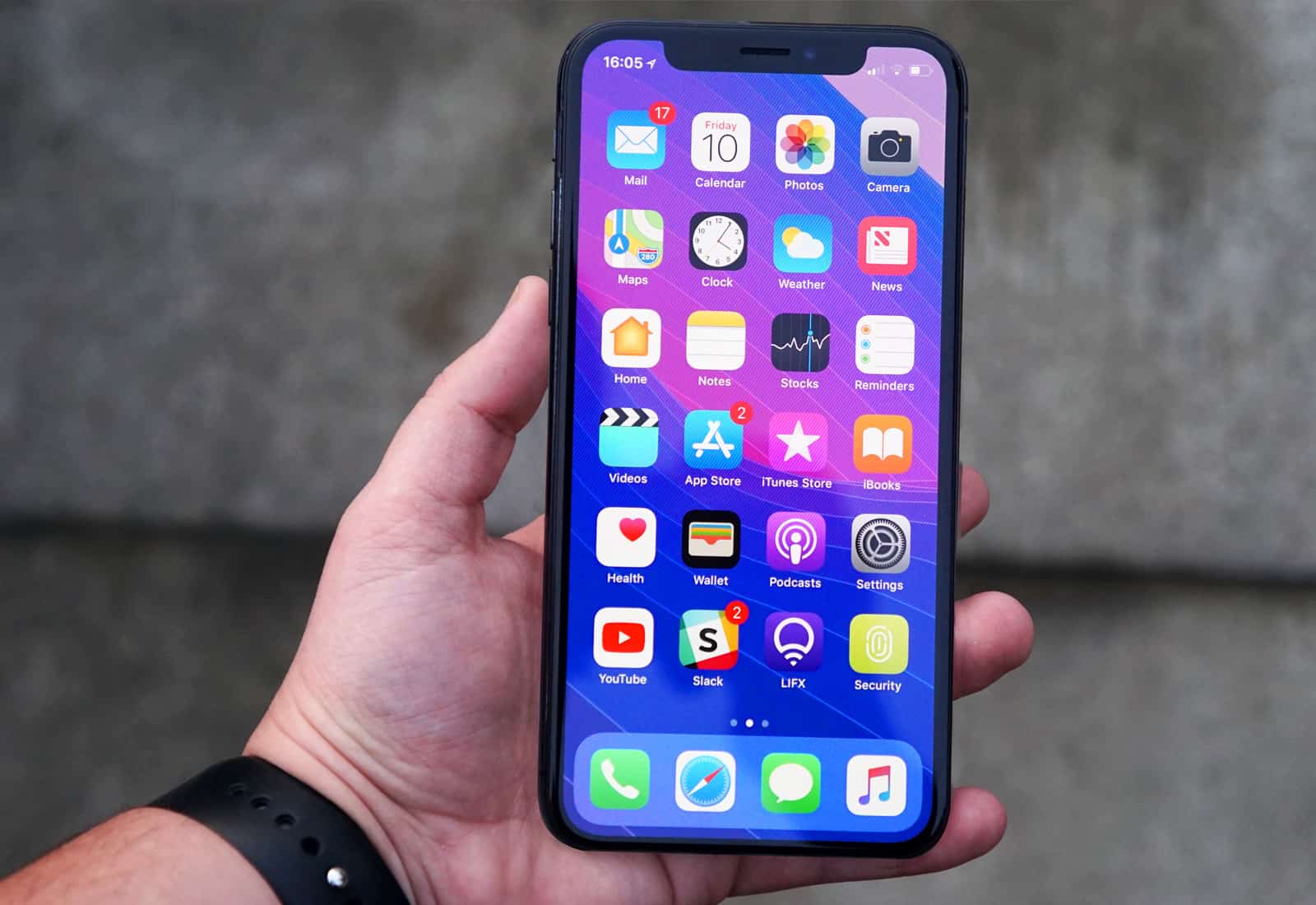
Don’t let the possibility of screen burn-in put you off the iPhone X.

A new test proves Apple’s handset is much more resistant to burn-in than its OLED rivals. It would be near impossible for the device to suffer screen burn during normal use.

iMac Pro packs more memory than every Apple II computer ever built

By

Apple II
This amazing stat comes from Apple's first ever applications software engineer.
Photo: Computer History Museum

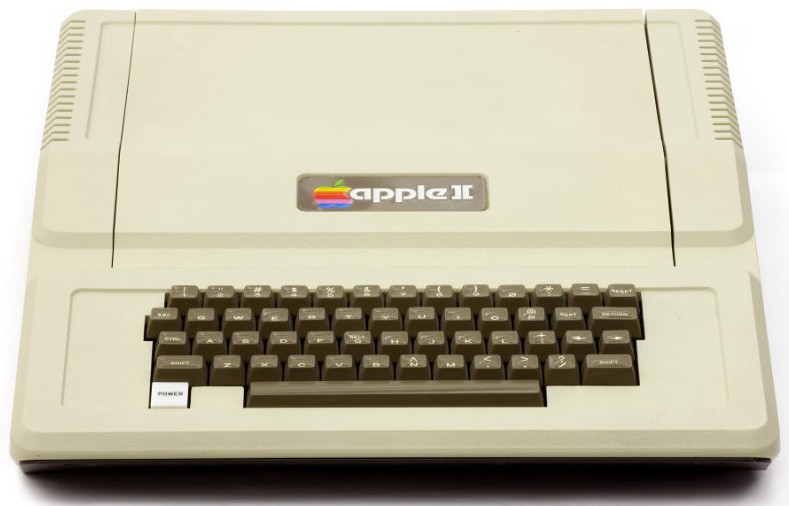
A midrange model of Apple’s new iMac Pro comes with a massive 11 times as many bytes of electronic memory as the Apple II, the company’s first breakthrough computer.

Doesn’t sound all that impressive? We’re not just talking about a single Apple II unit. Instead, that figure refers to the sum total of all electronic memory ever installed on all 6 million Apple II computers ever built!

How to add an EQ and effects master track in GarageBand for iOS

By

garageband master track
Here's a cellist, who has mastered her own track, as it were.
Photo: Charlie Sorrel/Cult of Mac

One of the craziest omissions in GarageBand for iPad and iPhone is the lack of a master track for mixing. A master track sits in your GarageBand window alongside your recorded instruments, and lets you apply EQ and effects — bass, treble, reverb, and so on — to the entire song. Even in the amazing new GarageBand 3.2, there’s no proper master track.

But there is a workaround that is both easy, and as good as having the real thing. Let’s check it out.

Apple ‘re-programs’ its Chicago Apple Store roof to deal with snow

By

Chicago Apple Store 1
Apple has fixed falling icicles at its Chicago Apple Store with a software update.
Photo: Apple

Apple has responded to the recent cold weather in Chicago by “re-programming” the roof of its new Apple Store on Chicago’s waterfront so that it doesn’t form dangerous icicles.

As we reported at the end of last month, Apple’s flagship Chicago Apple Store on North Michigan Avenue recently ran into problems when the roof, designed to look like a giant MacBook, seemingly struggled to cope with the snowfall — resulting in the closure of the retail store’s outdoor area.

Aggressive smart speaker pricing could hurt HomePod sales

By

HomePod
Apple's rivals are figuratively or even literally giving their smart speakers away.
Photo: Apple

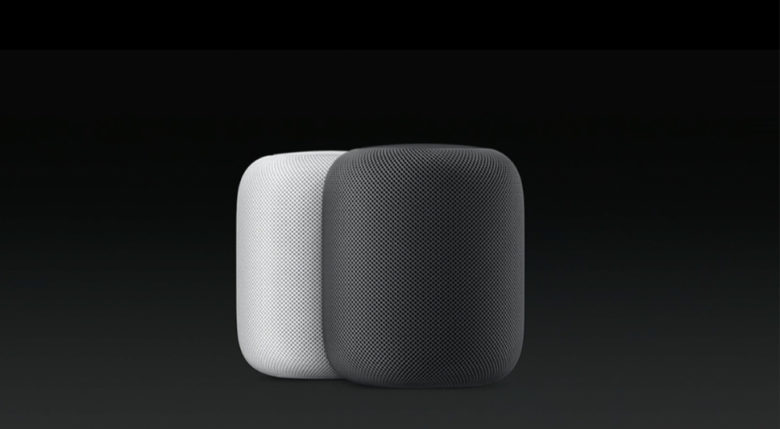
Amazon and Google’s aggressive pricing of smart speakers could hurt Apple’s HomePod, claim analysts.

A new report notes that both Amazon’s Echo and Google’s Google Home family of devices were so heavily discounted over the holidays that they likely lost their companies a few dollars per unit. This is in sharp contrast with the kind of pricing that Apple plans for its $349 device, when it goes on sale in early 2018.

How to sell your old iPhone or iPad

By

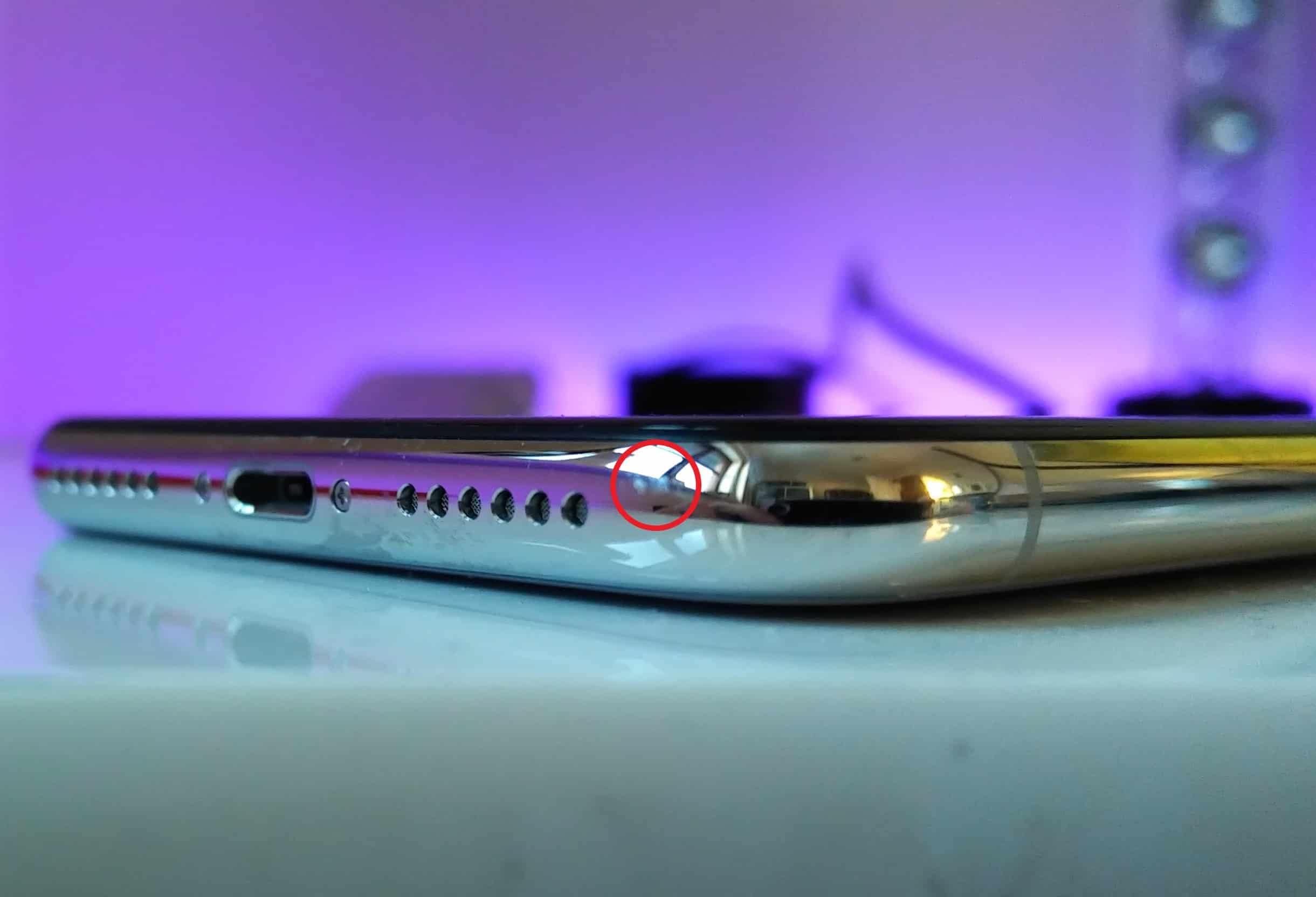
iPhone X scuffs
Be honest about wear and tear on your old iPhone.
Photo: Killian Bell/Cult of Mac

Maybe you got a new iPhone or iPad for Christmas. And now you must deal with offloading your old device. (Thanks a lot, Santa.)

You can give away your old iPhone, or sell it, but before you do either of those you need to do a little prep work. Today we’ll see how to find out how much your old iPhone or iPad is worth, and then how to make it safe to sell.

The best iPhone screen protectors

By

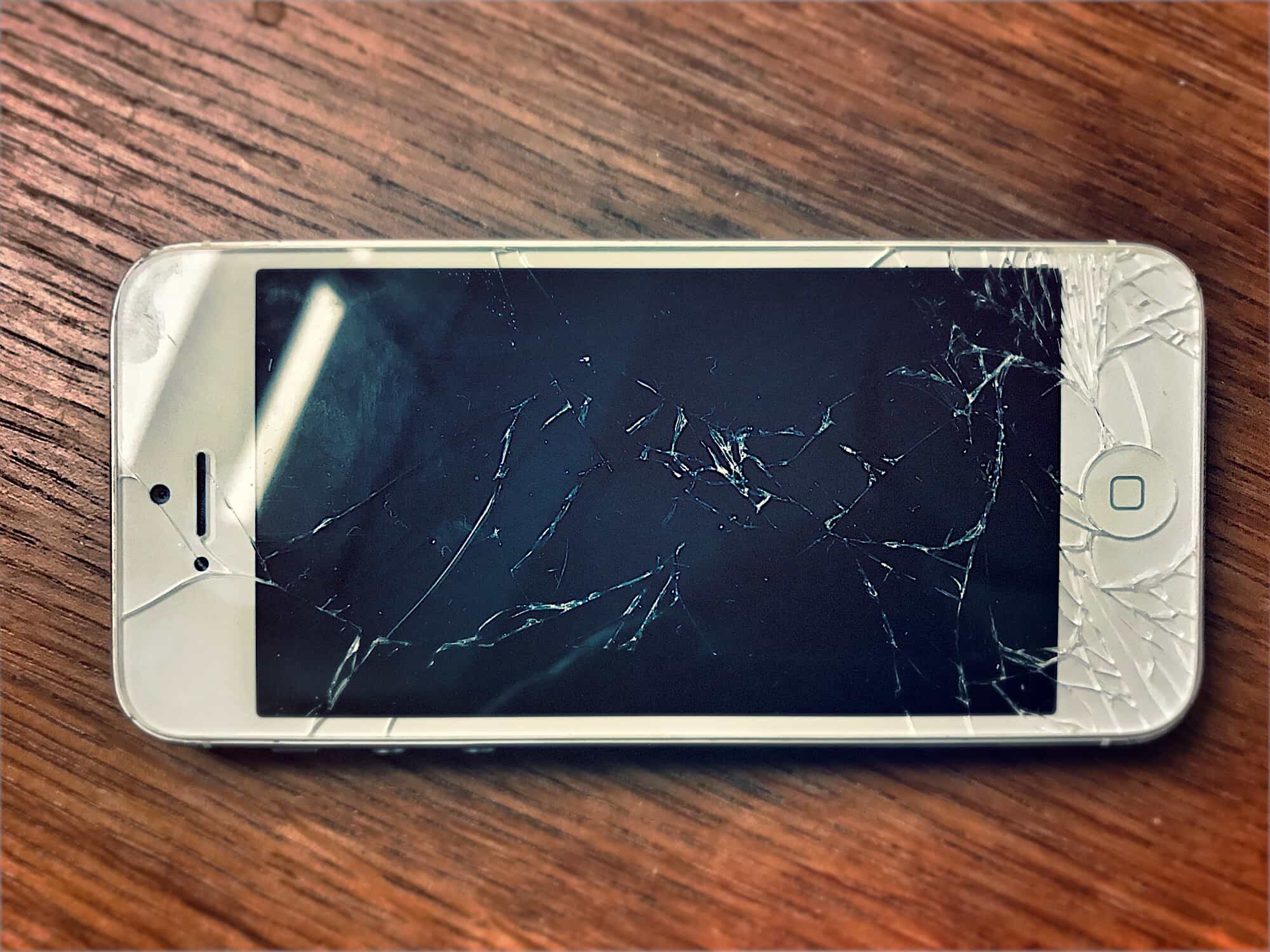
cracked-iphone
Don't let this happen to you.
Photo: Charlie Sorrel/Cult of Mac

Dropping your iPhone may crack it, but the most likely way to ruin the screen is to scratch it. You might drop your iPhone into your bag and let it rattle around with your keys. You may absent-mindedly slip some change into your dedicated iPhone pants pocket. Or your significant other might pick up your week-old iPhone and a nail file in the same hand, gouging the screen so badly that the scratches are all you’ll ever see from then on.

To prevent this, you should get an iPhone screen protector. Here are the best you can buy.

From Silicon Valley to Da Vinci: 2017’s most gripping tech books

By

Best books
What was the cream of the book crop this year?
Image: Ste Smith/Cult of Mac
Cult of Mac's 2017 Year in Review: Best tech books of 2017 Looking for a great book to bury yourself in to escape the winter chill (or simply the demands of visiting relatives)? Fortunately, as far as tech-focused books go, 2017 was a great year.

Here are our choices for the best of the best.

Apple in 2017: A year of epic proportions

By

Apple year in review 2017
Did any company have a better 2017 than Apple?
Image: Ste Smith/Cult of Mac

Cult of Mac's 2017 Apple year in review 2017 was a pretty damn good year for the world’s most profitable tech company.

Apple did much more than rake in more cash than any company this year. Cupertino also pushed out its most impressive product lineup ever, laid the groundwork for the future of augmented reality, moved into a new spaceship campus, battled other tech giants and got tossed into the political spotlight.

Apple dominated the tech scene in 2017 more than any other company. Here’s a recap of some of the year’s most memorable Apple moments.