Mobile menu toggle

Top stories - page 464

No really … iPhone XS is a total steal, says Tim Cook

By

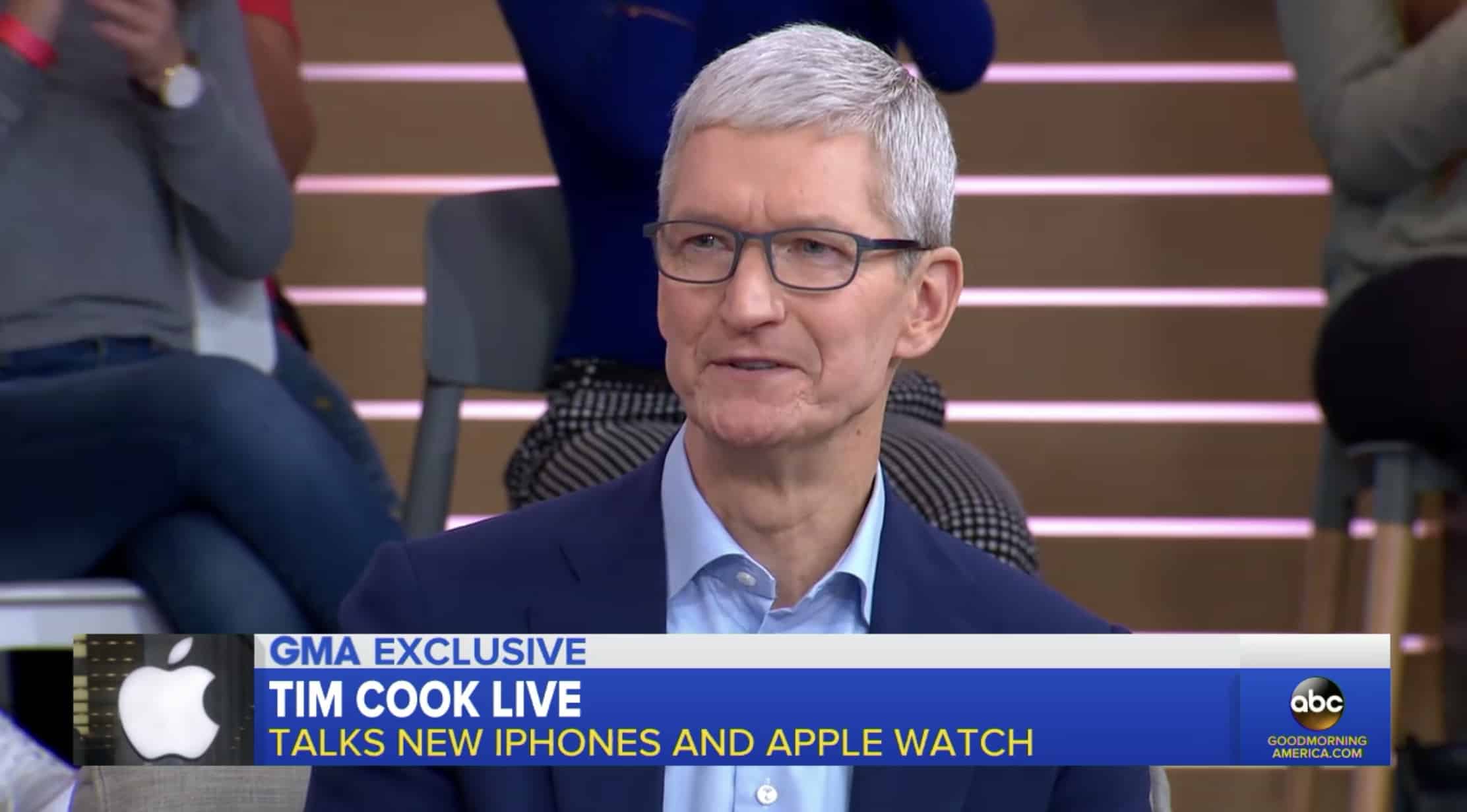
Tim Cook on Good Morning America
iPhone XS Max is just “a dollar a day.”
Photo: ABC

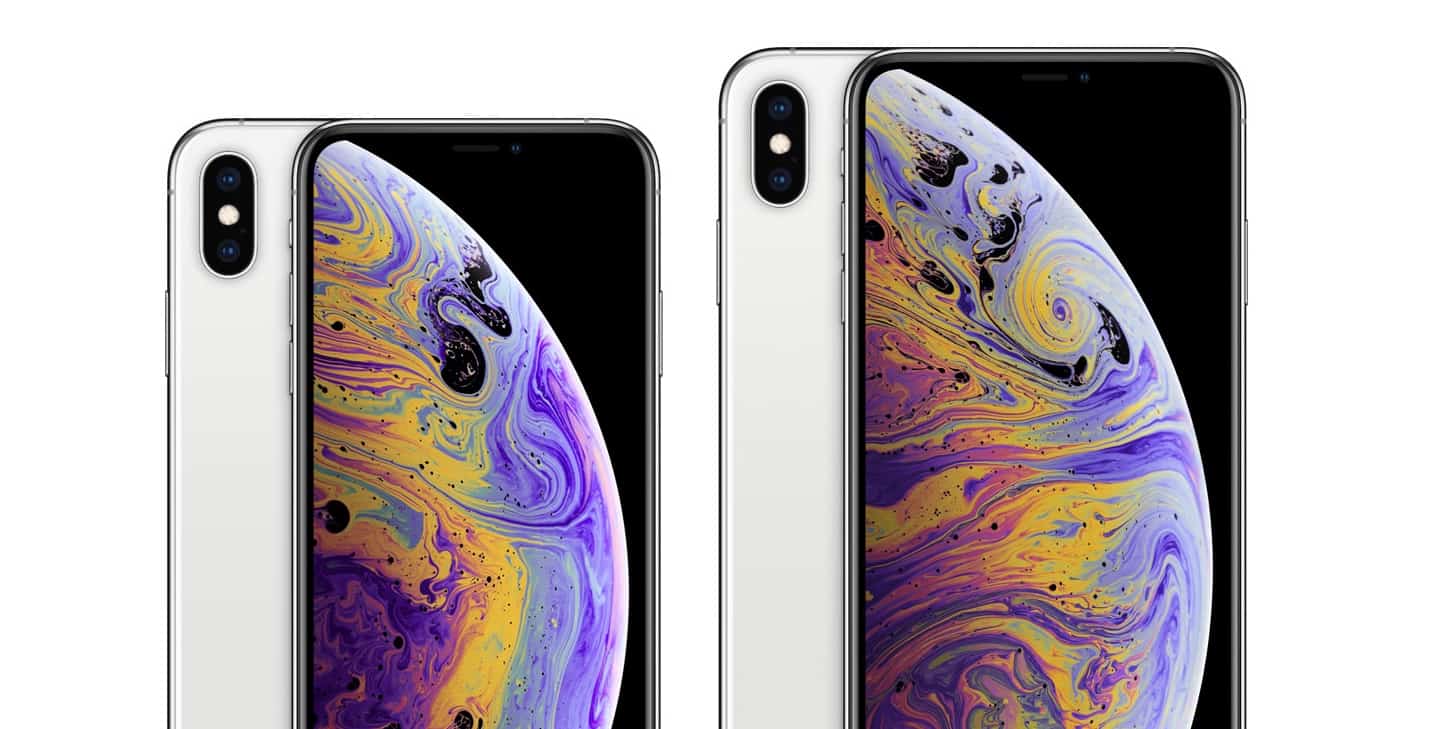
Apple’s latest iPhone lineup is its most expensive yet, with prices starting at $999 for the iPhone XS and $1,099 for the iPhone XS Max. But Apple CEO Tim Cook doesn’t see a problem with that.

In an interview with Good Morning America this week, Cook again defended Apple’s price tags, talked about Apple Watch Series 4, and explained why some devices have avoided price hikes amidst America’s trade war with China.

Today in Apple history: NeXT customers get early taste of OS X

By

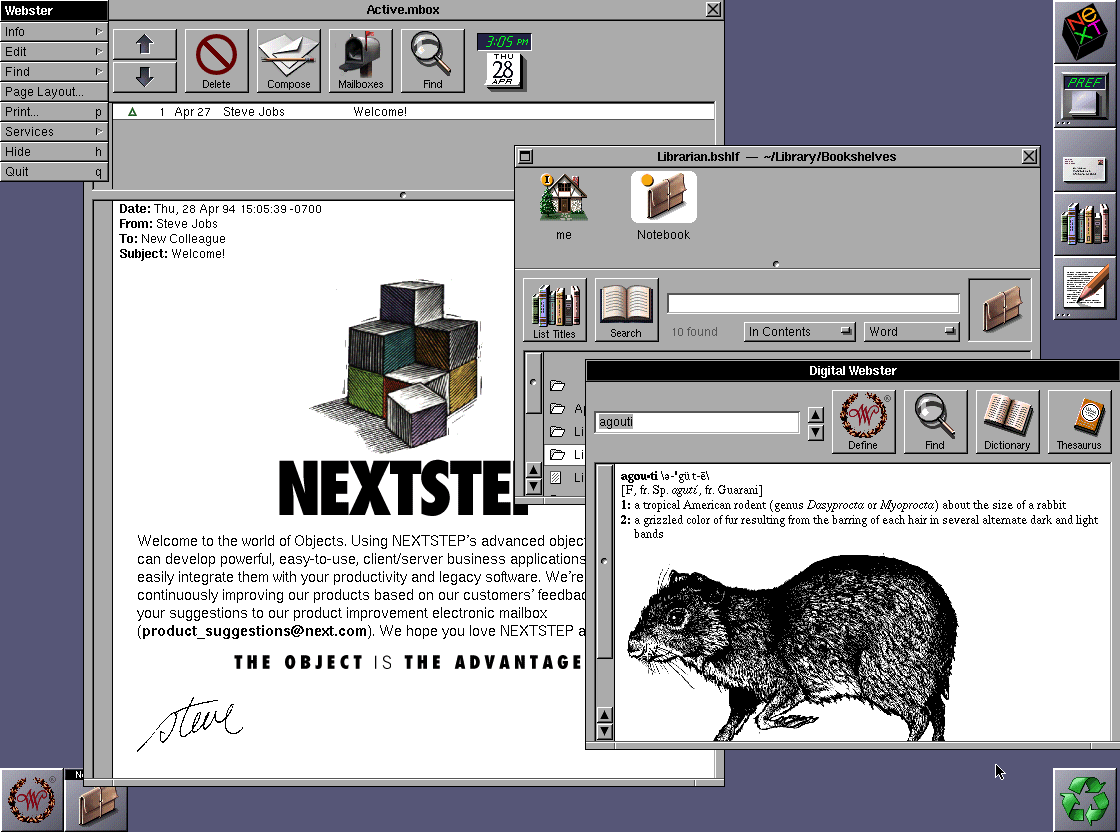
NeXTstep
NeXTStep was an operating system ahead of its time.
Image: NeXT

September 18: Today in Apple history: NeXTStep gives NeXT customers an early taste of OS X September 18, 1989: Steve Jobs’ company NeXT Inc. ships version 1.0 of NeXTStep, its object-oriented, multitasking operating system.

Incredibly advanced for its time, NeXTStep is described by The New York Times as “Macintosh on steroids.” In an ironic twist, the operating system Jobs plans to use to compete with Cupertino turns out to be one of the things that saves Apple a decade later.

Benchmarks prove iOS 12 is Apple’s fastest yet

By

iOS 12
Apple promised a speed increase from iOS 12. How well did it deliver?
Photo: Apple

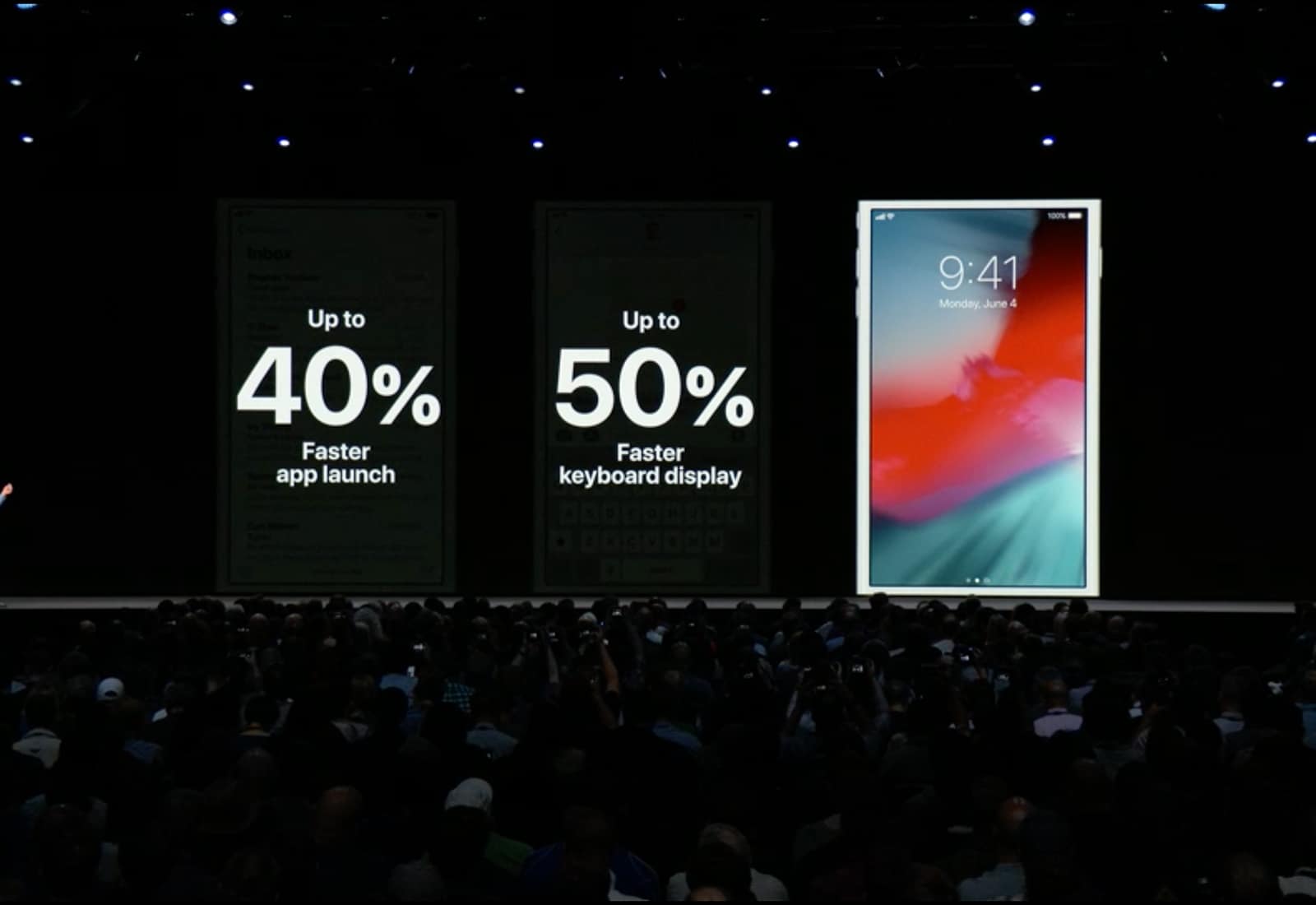
Since the day Apple first unveiled iOS 12 back in June the company has been saying that this new version of its mobile operating system be faster than any of its predecessors. Now that it’s out, we can test that promise.

We put a iPhone X running iOS 12 through benchmark tests and compared the results to this device running iOS 11. Spoiler: you’re going to like the results.

Hands on with the hot new Apple Watch faces in watchOS 5

By

watchOS 5 Face
watchOS 5's animated faces bring new life to the Apple Watch
Photo: Ste Smith/Cult of Mac

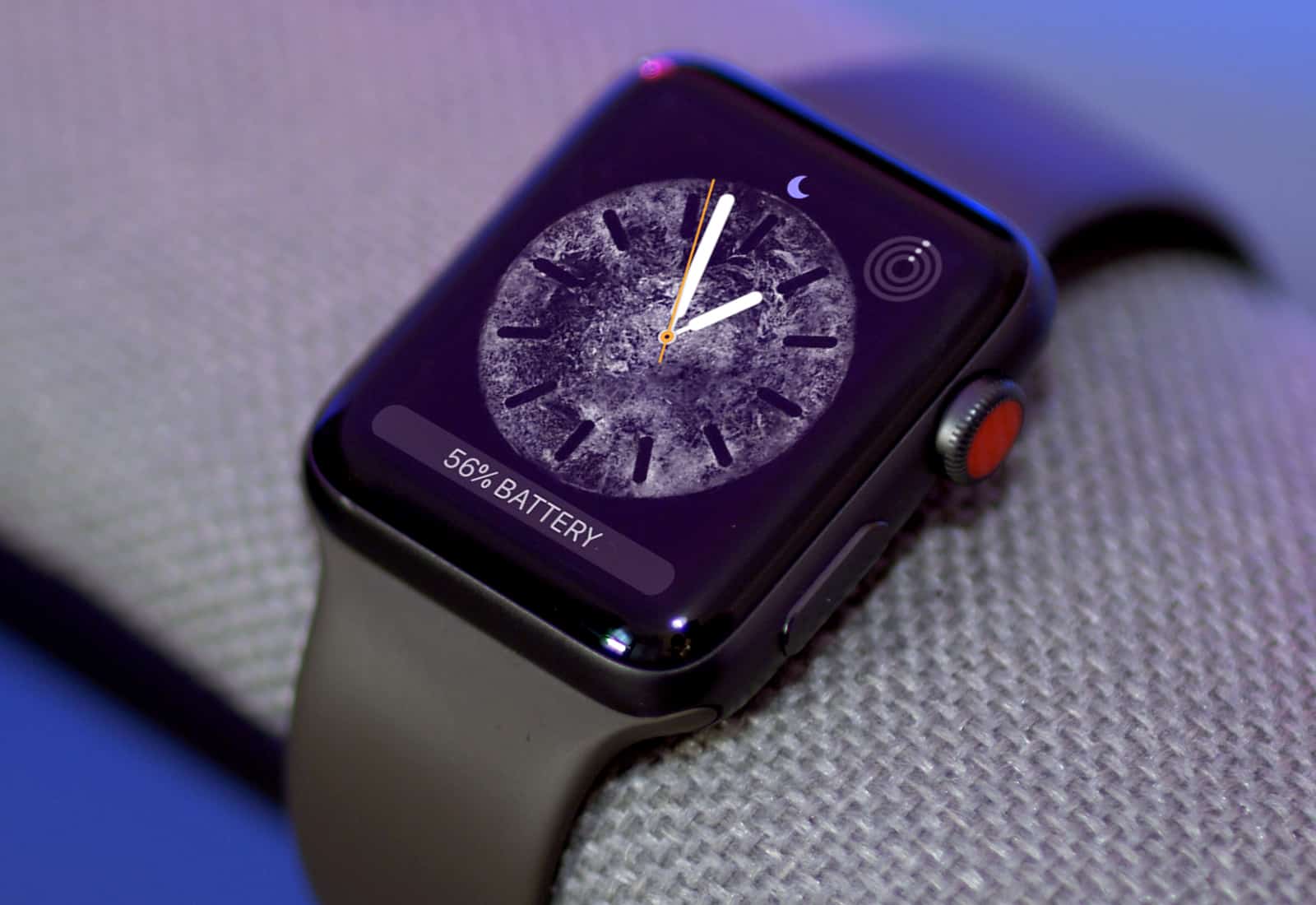
If you watched last week’s Apple Watch Series 4 unveiling and are dying for those new animated watch faces — but don’t want to buy a new watch — you’ll be happy to know that watchOS 5 brings the best of them to Apple Watch Series 1 and up.

They’re not quite as nice as what you’ll get with the new larger Series 4 watches coming Friday, but they’re still pretty great. Here’s a hands-on look at the new Apple Watch faces.

How to use Apple’s new Shortcuts app

By

A shortcut.
A shortcut.
Photo: Charlie Sorrel/Cult of Mac

Shortcuts is Apple’s new automation app for iOS 12. It integrates with Siri and lets you build all kinds of amazing automated workflows, from shutting your house down when you go to sleep, to downloading videos from YouTube and saving the them to iCloud.

Shortcuts is really just the new name for Workflow, an iOS automation app that Apple bought a year or so back. Let’s take a look at what Apple has put in Shortcuts.

How to share Dropbox-style links in iOS 12 Photos app

By

You can now share links to your photos, including photos of grapefruits.
Photo: Charlie Sorrel/Cult of Mac

iOS 12 adds a great new feature in the Photos app. Now, when you share a photo, you can choose to copy a link to that photo, and share that instead. This is a lot like sharing a file from Dropbox. You can even copy a link to a whole slew of files and share them by sending a single URL.

Shared photos are stored in iCloud, and the link is accessible to anyone that has it, for up to a month. Let’s see how it works.

Grab Safari 12 today for safer, better browsing

By

Get Safari 12 today, even if you're not running macOS Mojave.
You can upgrade to Safari 12 right now, even if you're not running macOS Mojave.
Photo: Apple

Turns out you don’t have to upgrade to macOS Mojave to enjoy the benefits of Safari 12. Apple just released it for two earlier versions: High Sierra and Sierra.

This browser update works hard to protect your privacy, and offers plenty of other improvements too.

How to use Photos’ amazing new search in iOS 12

By

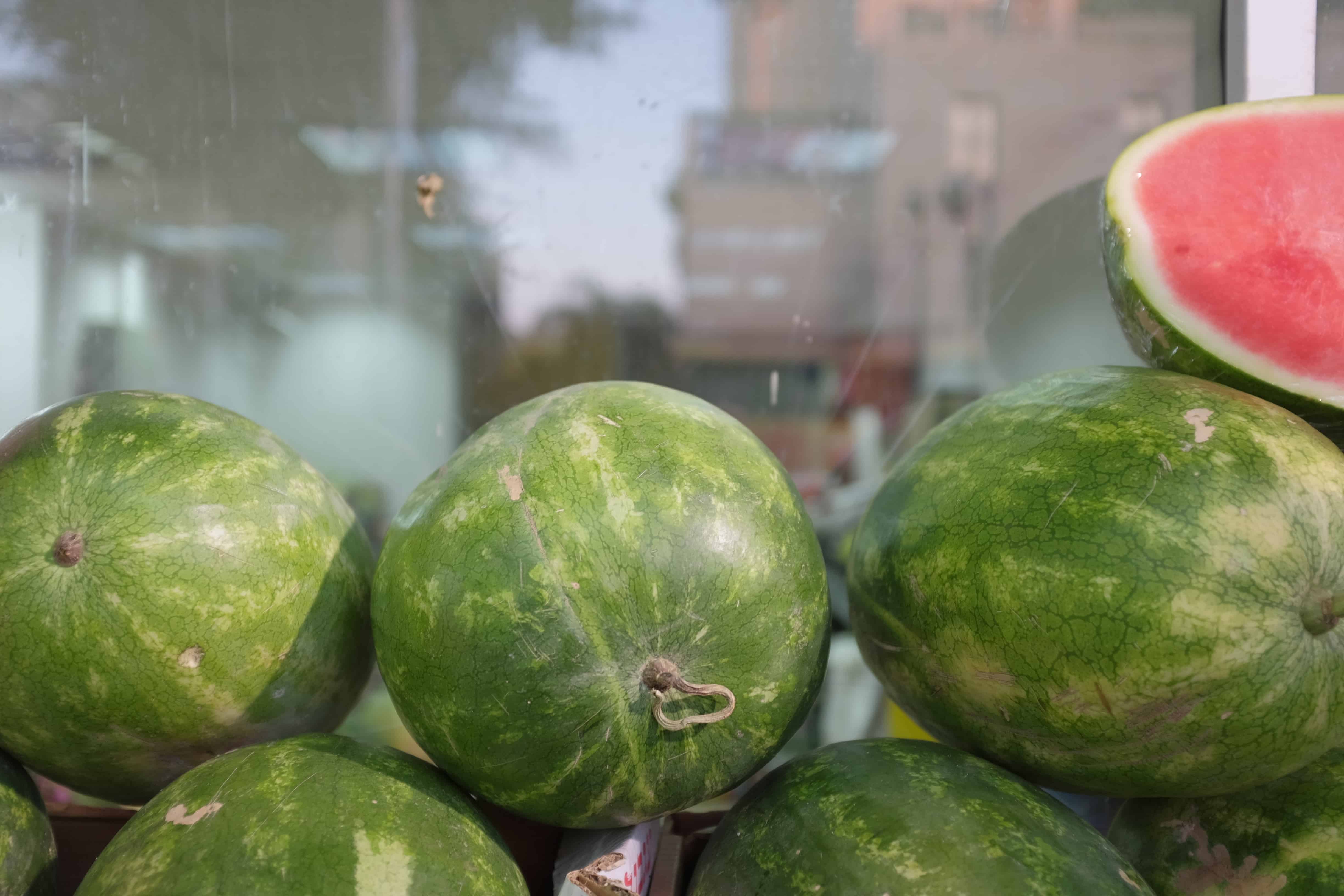
iOS 12 Photos thinks that cabbages are melons.
Photo: Charlie Sorrel/Cult of Mac

Photos already has a pretty decent search function on iOS 11. Thanks to Apple’s machine-learning tech, and AI categorization, you can search for thousands of “scenes.” These include the places you took the photo, but also anything from abacus to zucchini, people in the images, and times the images were taken.

This has gotten even better in iOS 12. You can still search on many thousands of categories and keywords, but now you can combine searches. For instance, you could search for several different people, and see photos only containing them all. OR you can combine search terms like Christmas, Food, and 2015, for instance. Let’s take a look.

These apps just got an iOS 12 and Siri Shortcuts overhaul

By

Not every shortcut is worth taking.
Photo: Charlie Sorrel/Cult of Mac

iOS 12 launches today, and there are a whole bunch of updates to apps that take advantage of the new features available in iOS 12. If you visit the App Store’s updates page, you’ll see that many apps are adding support for Siri Shortcuts. Shortcuts in iOS 12 can refer to several related new things, but in this case, Siri Shortcuts lets you interact with, and control apps just by talking.

For instance, say “Hey Siri, check my commute” to get a report of the disruptions, departures, and your ETA at work from Citymapper, or say “Show today,” and see a list of today’s tasks in Things app.

Handy Shortcuts app launches alongside iOS 12

By

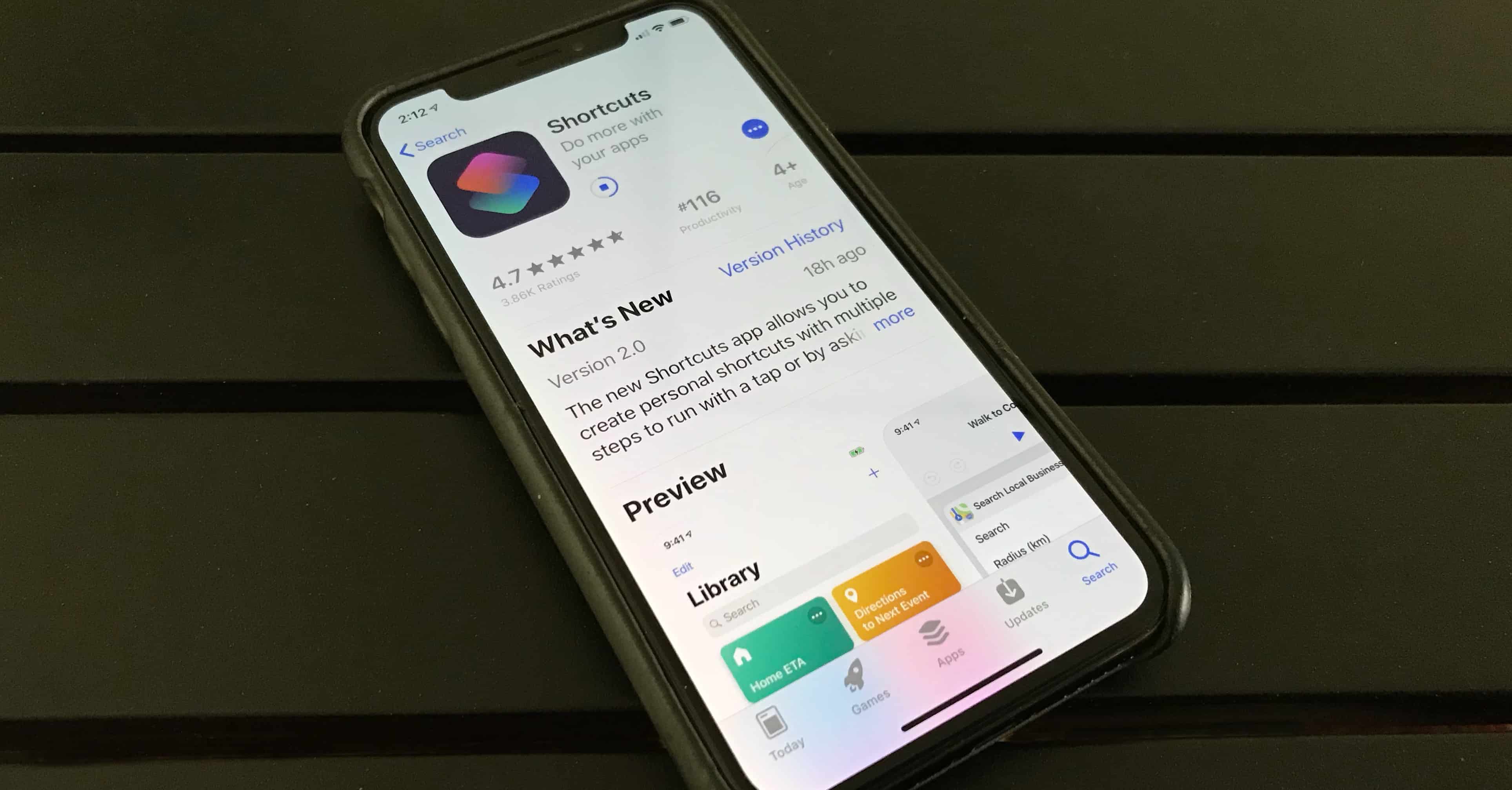
Shortcuts app from iOS 12
Apple's new Shortcuts automation app has to be downloaded separately from iOS 12.
Photo: Ed Hardy/Cult of Mac

The full version of iOS 12 is now available for everyone. One of its cool new features is Siri Shortcuts, but those who want to automate functions on their iPhone also need to download a separate application from the App Store.

The new utility lets people create scripts that collect several actions together, then launch them with a voice command. The idea is to let you automate actions that you perform regularly.

How to downgrade to iOS 11.4 after installing the iOS 12 beta

By

iOS 12 Downgrade
Downgrade from the iOS 12 Developer beta back to trusty 11.4.
Photo: Ste Smith/Cult of Mac

There’s an awful lot of coverage of iOS 12 out there at the moment, including early reviews, lists of all the new features, and tutorials that show you how to install the update. But what if you’re already running iOS 12 and you deeply regret upgrading early? How do you downgrade to back to iOS 11.4?

New updates can sometimes be buggy. We think it’s pretty stable but if it’s messing with your iPhone or iPad in a big way there’s still a way to go back to iOS 11.4. That’s exactly what we’re going to show you how to do in our latest video. Check it out below.

See every new iOS 12 feature in action

By

iPhone X iOS 12
iOS 12 is packed full of speed improvements and new features, see them all in action!
Photo: Ste Smith/Cult of Mac

After months of testing, Apple finally release iOS 12 to the public this morning.

See all the cool new iOS 12 features in the video below.

iPhone XS preorder volume fails to impress analysts

By

iPhone XS and iPhone XS Max
iPhone XS sales were probably lower than Apple hoped. Still, the likely reason is another iPhone model.
Photo: Apple

Apple started taking pre-orders for both iPhone XS series models on Friday. One analyst says sales of these new models weren’t as strong as the first weekend of the iPhone X.

It seems that interest in the more affordable iPhone XR is cutting into demand for Apple’s new flagship smartphones.

Download iOS 12 now to make your iPhone and iPad faster

By

iOS 12
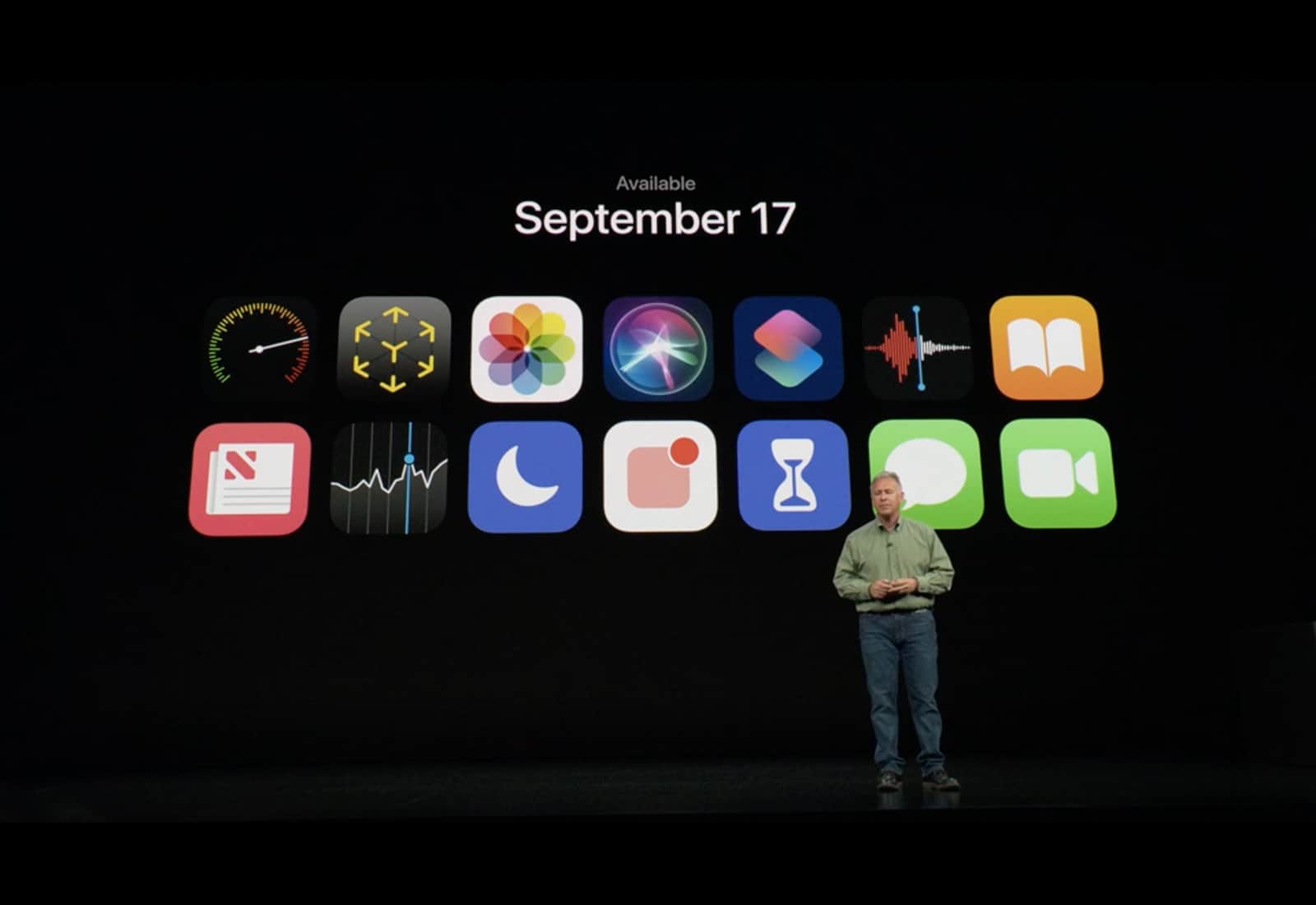
iOS 12 launched on September 17.
Photo: Apple

The biggest iOS update of 2018 is finally here.

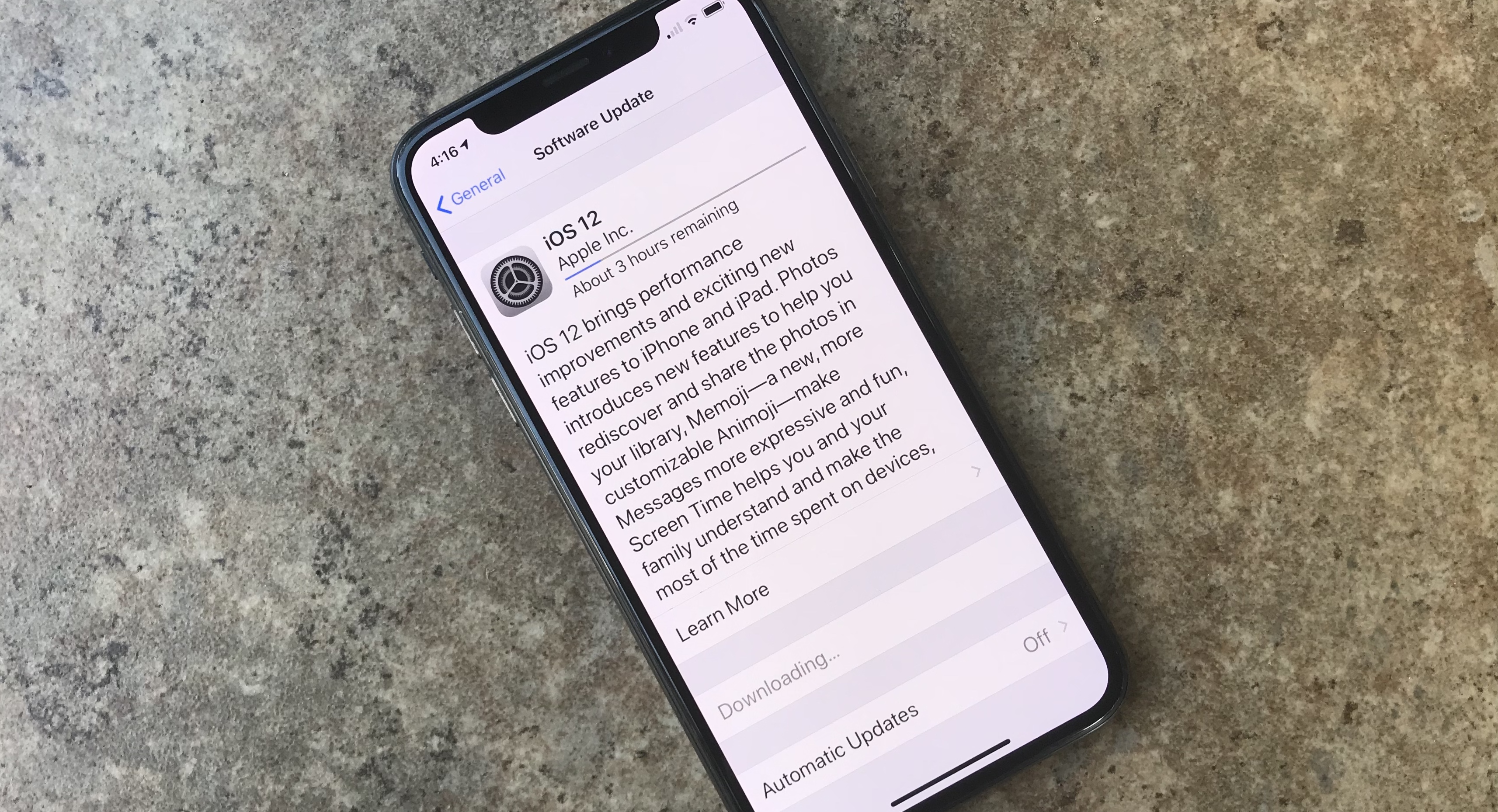
After months of beta testing, Apple finally released iOS 12 to the public, making it available as an over-the-air update. The new iPhone and iPad operating system comes with tons of new features and performance improvements that will make even older devices faster than ever. Best of all, if you have a device that can run iOS 11, iOS 12 will work on it — no problem.

Here’s how to download it.

Everything you need to know about iOS 12

By

The official iOS 12 release date is next week, but you can download it now.
You've got iOS 12. Here's how to make the most of it.
Photo: Ed Hardy/Cult of Mac

iOS 12 is out now, and you probably already downloaded it and installed it on your device. But what does the new version of iOS actually do? Apple introduced Screen Time, the great new Do Not Disturb, and the powerful Siri Shortcuts at the WWDC 2018 keynote in June. But until you dig into them, you won’t have an idea how great these new features are, along with many more.

There are also plenty of tweaks to Safari, some great new security features, Bedtime and even a couple of new Apple apps (on the iPad at least).

Here’s everything you need to know about iOS 12 and how to take advantage of all its new features.

Make your daily tasks into fun flow charts [Deals]

By

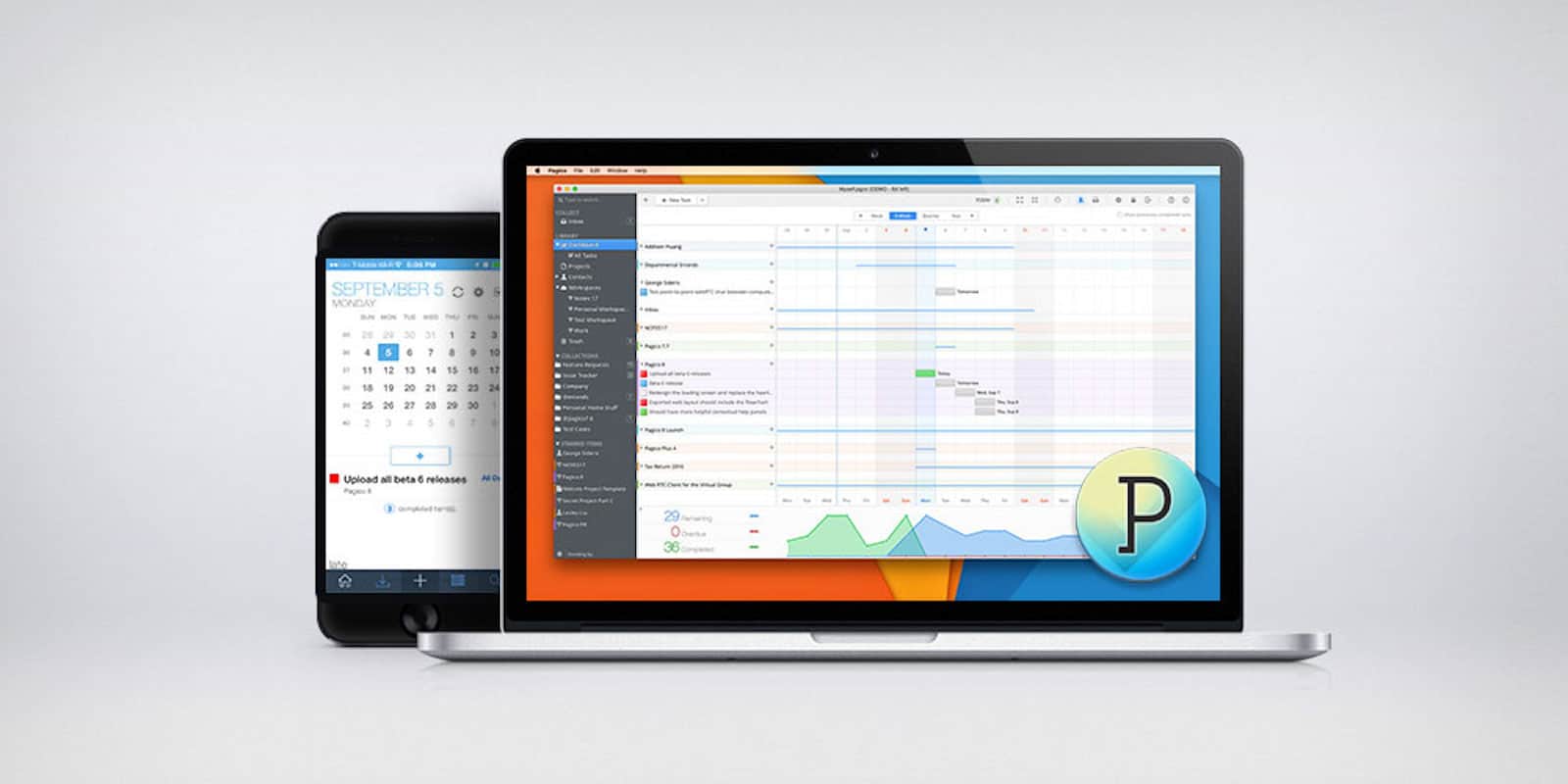
Pagico goes way beyond pen and paper to help you stay on-task and organized, and looks great in the process.
Photo: Cult of Mac Deals

We all know adulting is hard, and staying on top of day-to-day tasks is a big task unto itself. Paper and pen are great for staying organized and capturing ideas. But we live in the digital age, so it pays to have digital tools.

Cult of Mac Magazine: New iPhones, New Apple Watch, and much more!

By

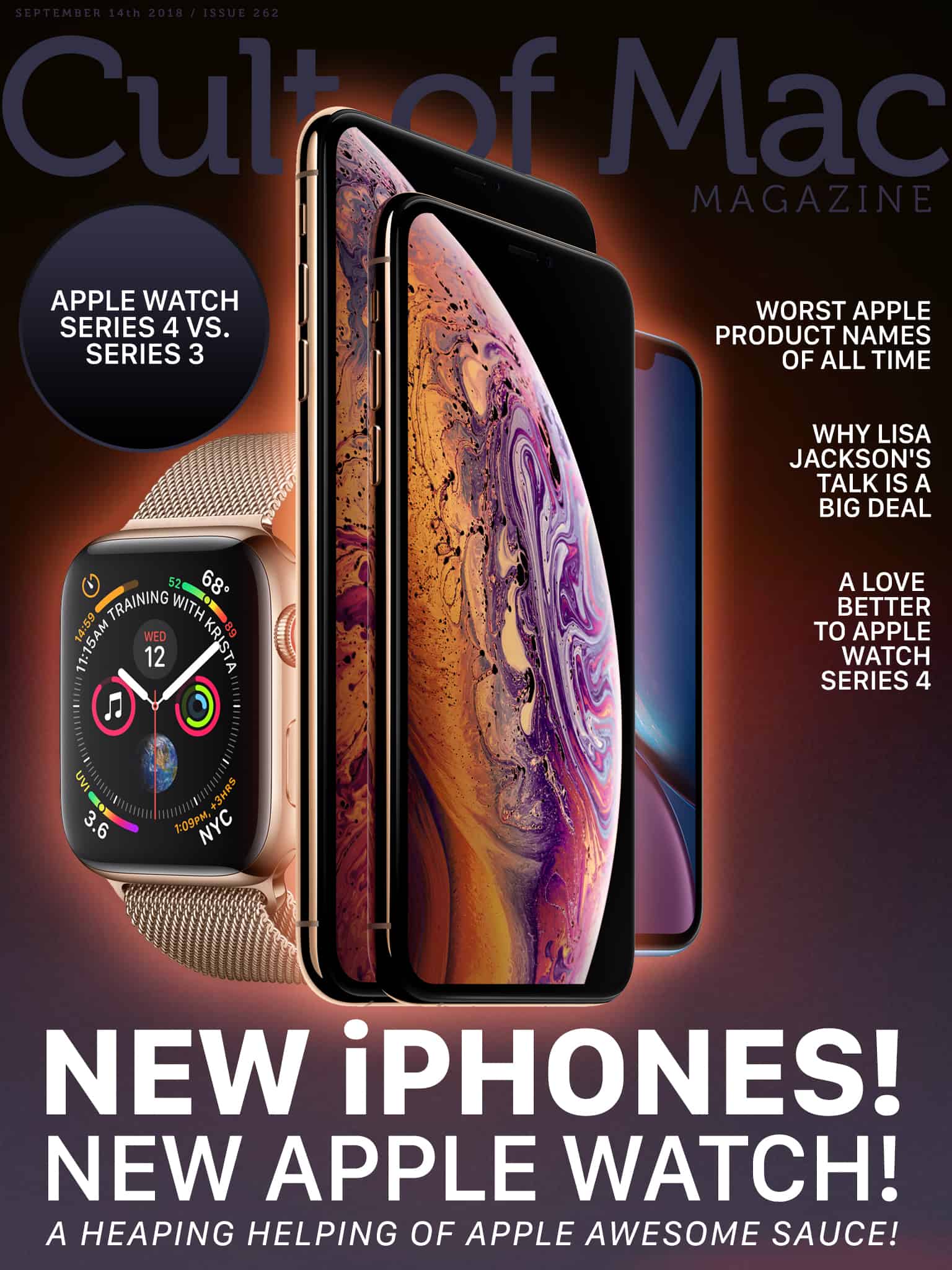
cover
In this week's Cult of Mac Magazine: New iPhones (loads of 'em).
Photo: Ste Smith/Cult of Mac

In this week’s Cult of Mac Magazine: New iPhones (loads of ’em). New Apple Watches that could save your life. While some big leaks spoiled this week’s Gather Round event, we still got some surprises.

And now we’ve got plenty to talk about, starting with head-to-head comparisons: iPhone XS vs. iPhone XR and Apple Watch Series 4 vs. Series 3.

You’ll find these stories and much more. Get your free subscription to Cult of Mac Magazine from iTunes. Or read on for this week’s top stories.

Best bands to pimp out Apple Watch Series 4

By

double tour
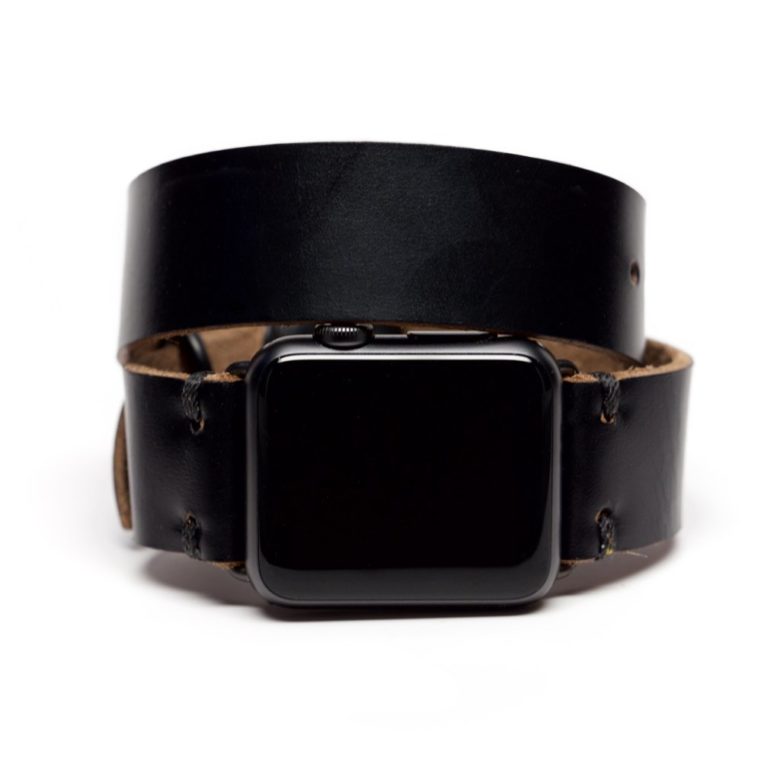
OleksynPrannyk's Double Tour in Black.
Photo: OleksynPrannyk

Apple Watch Series 4 orders open midnight September 13 (tonight!) with shipping beginning on September 21.

In the meantime, grab yourself a strap or two befitting Apple’s fourth-generation smartwatch. The 40mm band works with the 38mm straps; the 44mm band works with the 42mm straps. You’re going to love the Series 4 and Cult of Mac’s lineup of best bands to outfit it. 

Why Apple makes it nearly impossible to fix your own iPhone

By

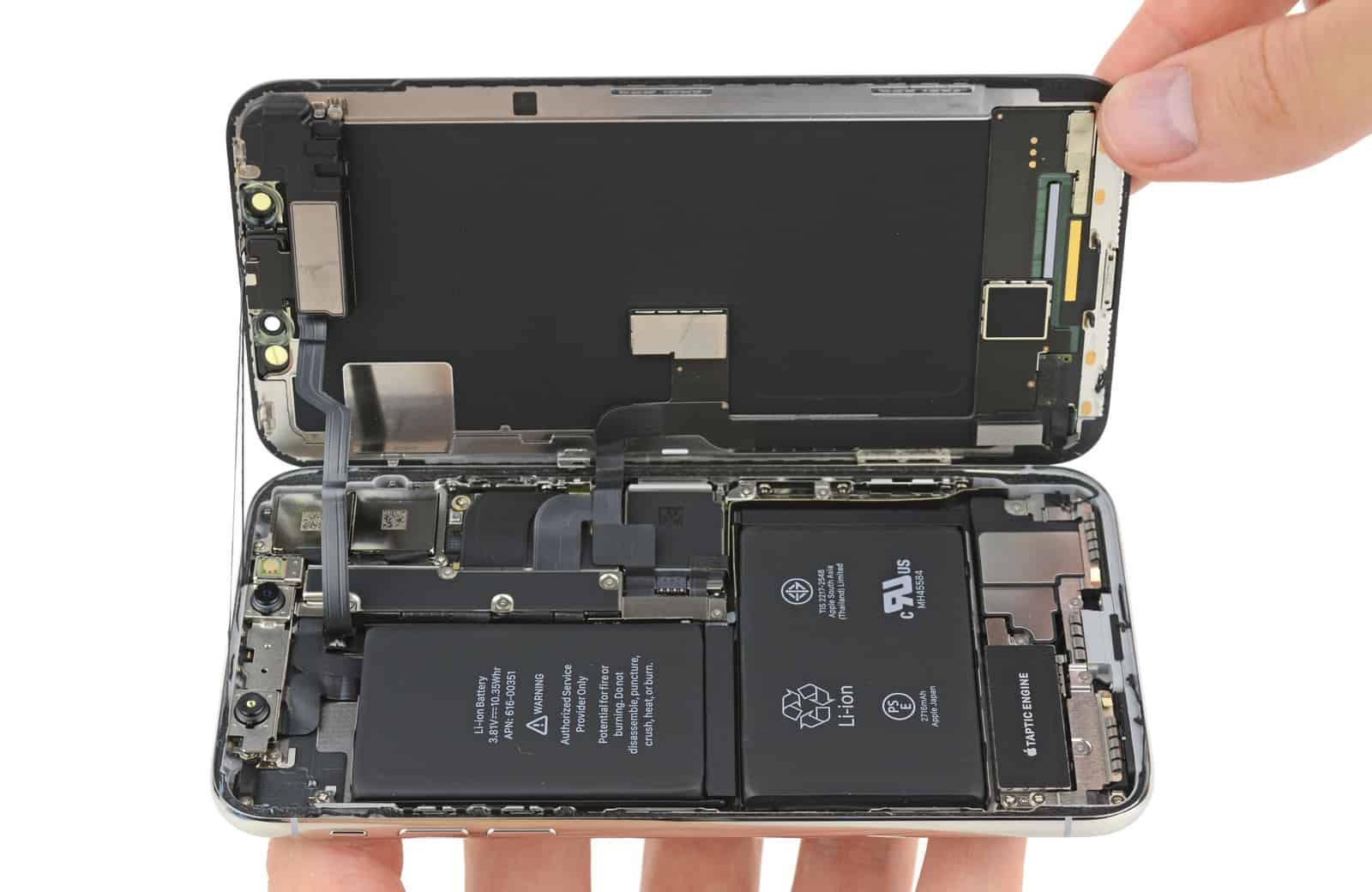
This opened iPhone X looks a lot like a snake's mouth. That's appropriate.
Photo: iFixit

Whenever a new iPhone or iPad is released, Apple gets criticized for how hard it is to work on. Special tools are required and everything is glued together. Replacing your own screen or battery is nigh impossible.

But it turns out the company is doing you a favor. Because iPhone repair is surprisingly dangerous.

Get educated on what running an online business takes [Deals]

By

These four courses offer invaluable tools and insights for making money online.
Photo: Cult of Mac Deals

The internet is a boon for business, but only if you know how to use it. So we’ve rounded up four courses covering the how’s and why’s of marketing online. Courses cover the basics of e-commerce and building a business plan, starting a dropshipping business and more. There’s plenty for the aspiring online entrepreneur, and all at super deep discounts.

iPhone XS Dual SIM won’t come until later this year

By

Apple watch
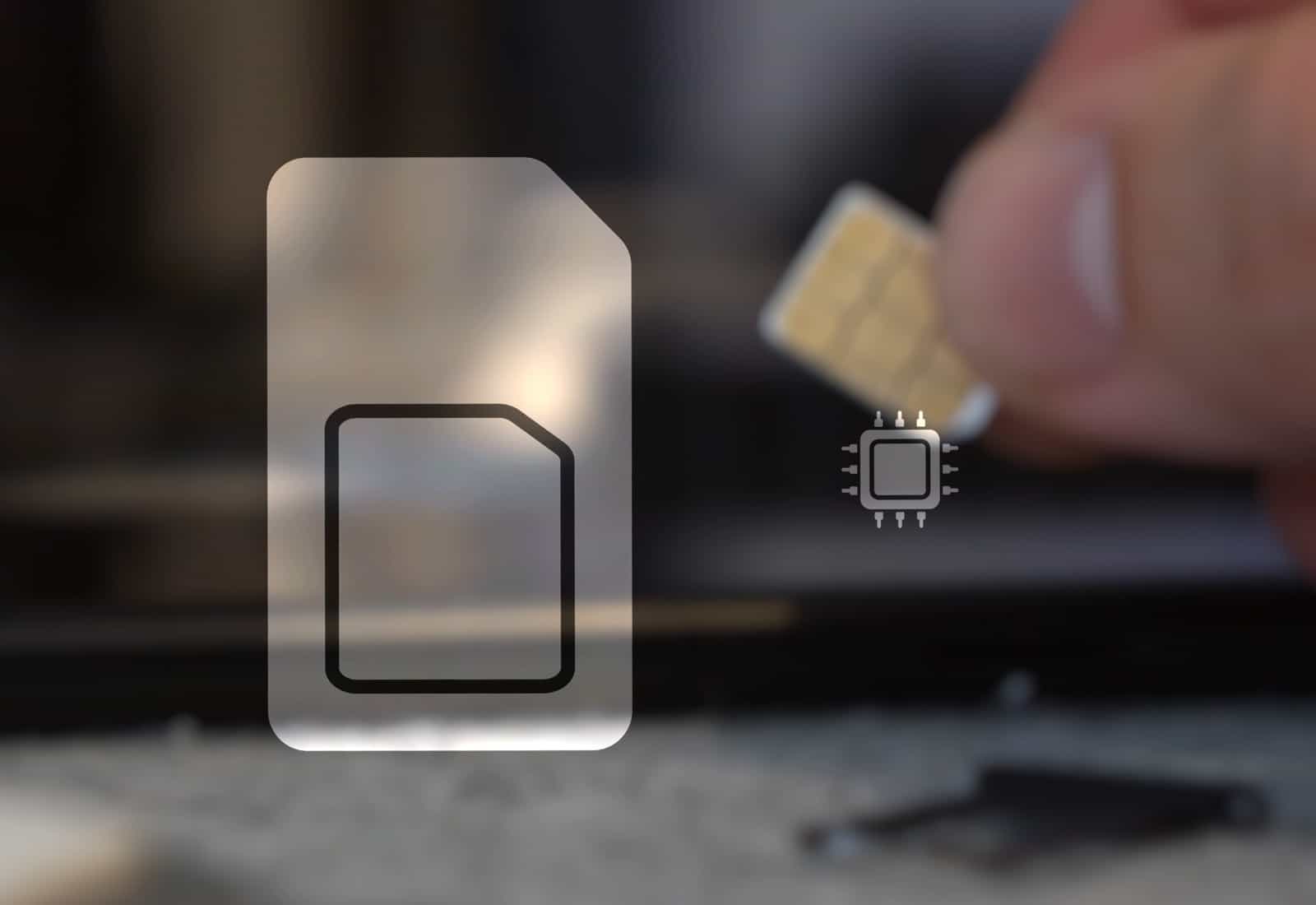
An eSIM is tiny even compared to a nano-SIM. And the one built into the iPhone XS models.will bring a nice benefit. Eventually.
Photo: Ste Smith/Cult of Mac

Apple touted support for using multiple SIM cards at once in its new top-tier iPhones during their announcement. But there’s a problem the company “forgot” to mention: this feature won’t be available when the iPhone XS and XS Max reach customers’ hands next week.

This is just one of several features in Apple’s 2018 product lineup that aren’t coming as soon as expected.

These Beats-style noise-canceling headphones won’t break the bank [Deals]

By

Don't drop hundreds of bucks on a set of headphones when you can spend way less for the same features.
Photo: Cult of Mac Deals

We’ve all been conditioned to look with envy at a set of Beats headphones. But that’s mostly marketing, and the allure of expensive toys. Turns out it’s possible to get comparable sound quality for a fraction the cost.

Today in Apple history: The final Apple II model arrives

By

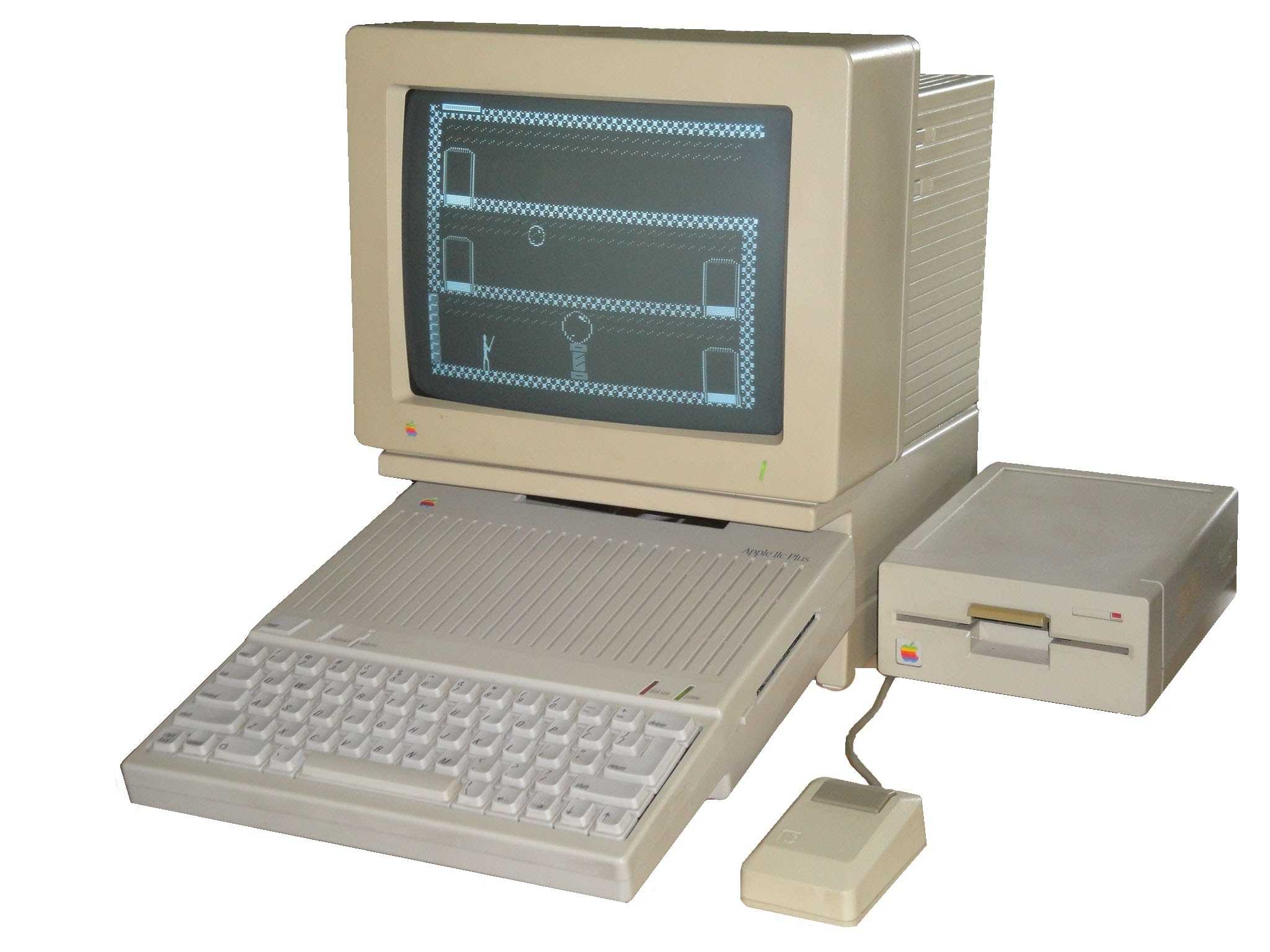
The Apple IIc Plus was the sixth and final model in the Apple II line.
The sixth and final model in the Apple II series of computers.
Photo: TanRu Nomad

September 15: Today in Apple history: Apple IIc Plus, the final Apple II model, arrives September 15, 1988: Apple releases the Apple IIc Plus, the sixth and final model in the Apple II computer series. It’s a great machine, with impressive capabilities, but suffers from poor marketing and support.

With the Mac around, Cupertino simply doesn’t seem interested in the Apple computer anymore.