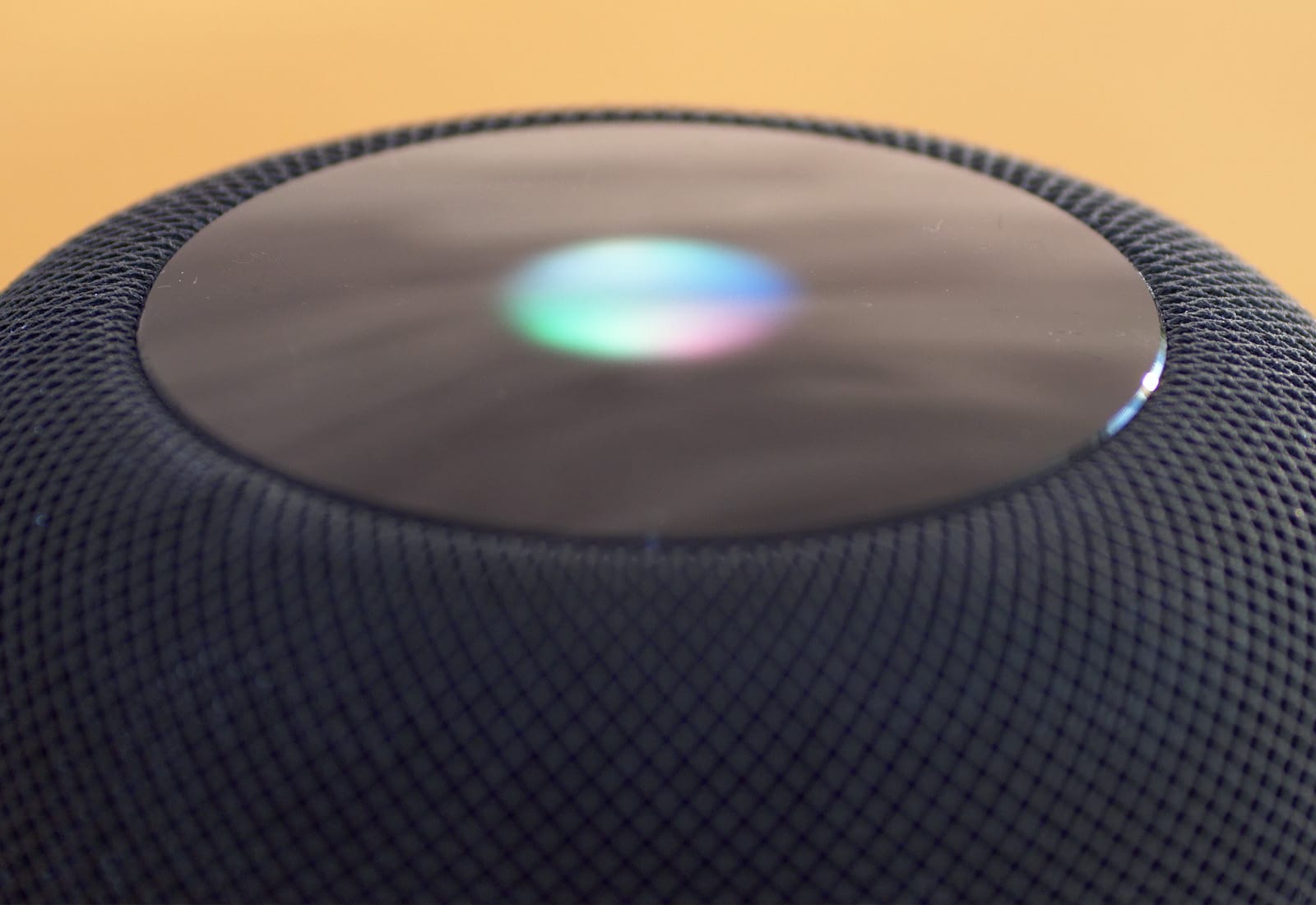
Apple is in business to make a profit, and HomePod sales are bringing in more revenue than any of its rivals. Photo: Ste Smith/Cult of Mac
Weak HomePod sales caused it to fall off of the list of top 5 smartspeakers during the second quarter of this year. But there’s a very important metric where this product is beating all its rivals.
And it’s a category where Apple excels: making money.
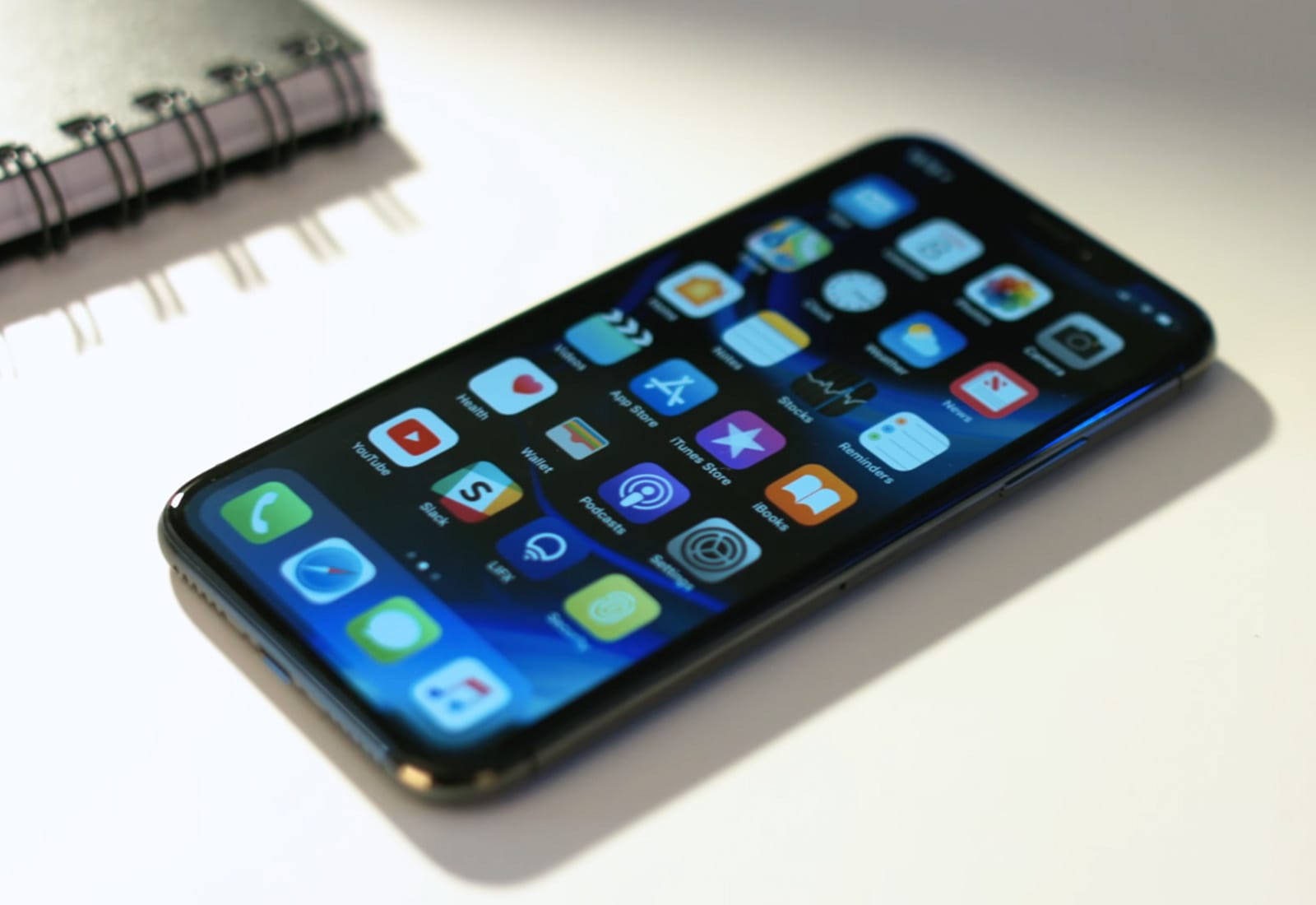
Sales of the iPhone X were vastly higher than the equivalently-priced Samsung Galaxy Note 9. Photo: Ste Smith/Cult of Mac
Samsung sells more phones than Apple, and its high-end devices like the Galaxy S9 get lots of attention. That means Samsung sells as many top-tier models as Apple, right? Nope, not even close.
Apple sells close to twice as many premium phones as its top rival. In this case, “premium” is any handset costing over $400. Which is a fairly low bar.
The Cult of Mac dress code makes it hard to use Face ID at work. Photo: Charlie Sorrel/Cult of Mac
In iOS 12, iPhone X owners gain the option of adding an alternate appearance in Face ID. If you’re a drag queen, if you regularly wear protective head and face gear for your job, or if you’re Bono and you’d like to be able to use your iPhone for that one hour a day that your doctor recommends you remove your sunglasses, an alternate appearance will help your iPhone recognize you.
Can you use it to let a second person access your iPhone? Perhaps. Here’s how to set it all up.
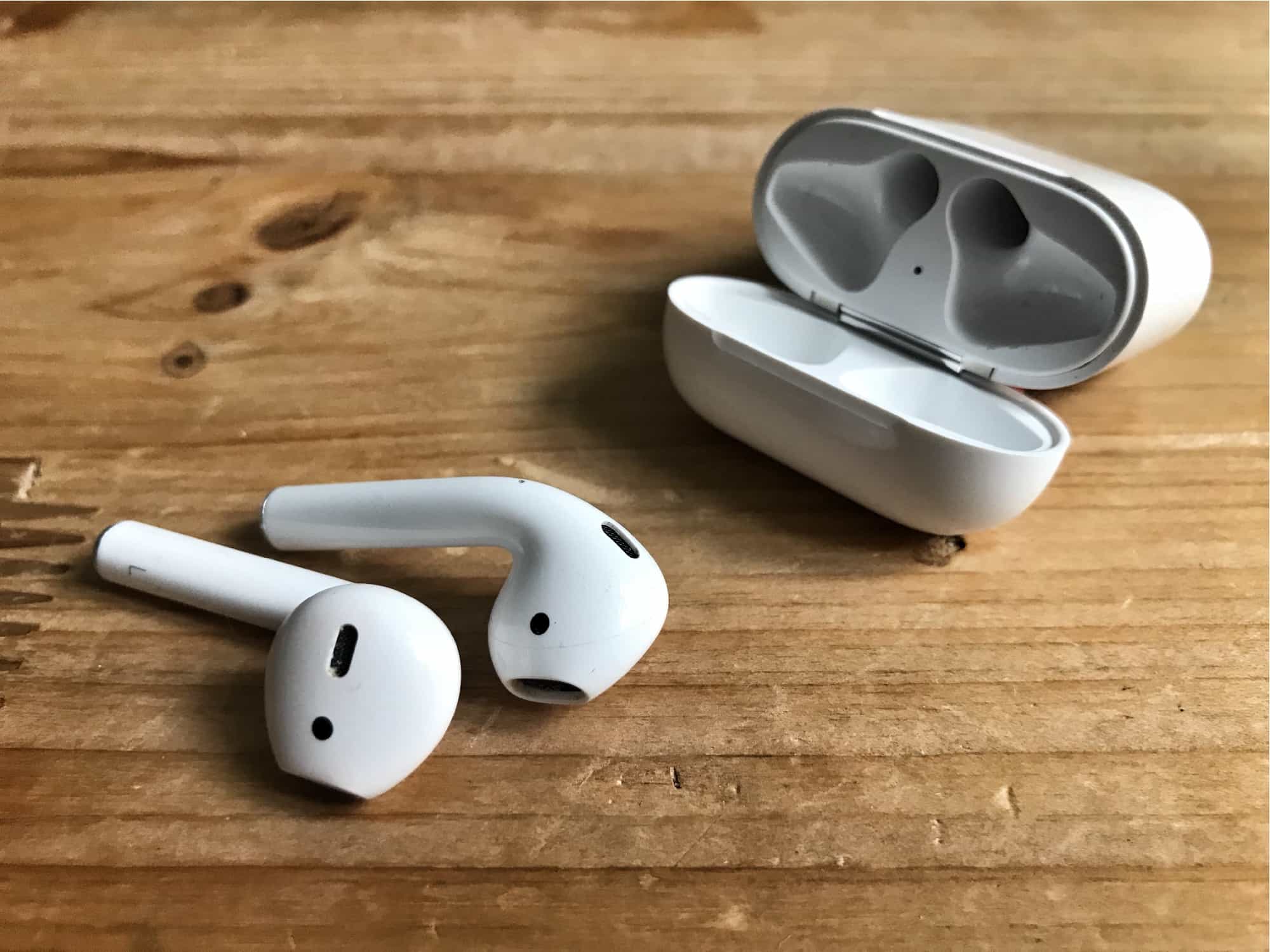
AirPods plus iOS 12 equals Live Listen. Photo: Cult of Mac
Back in 1979, the original Sony Walkman had an odd feature. If you pressed an orange button on the end, a built-in mic would connect to the user’s headphones, letting the person hear what was going on in the outside world. This may be the first case of technology being used to mitigate the bad manners surrounding personal audio.
Now, in iOS 12, this type of feature is back — and way more useful than it was in music’s greatest-ever decade. Live Listen is a new iOS 12 feature that pipes live audio from the iPhone’s mic directly to your AirPods. Why? Well, it’s an accessibility feature, but it can be used for much more.
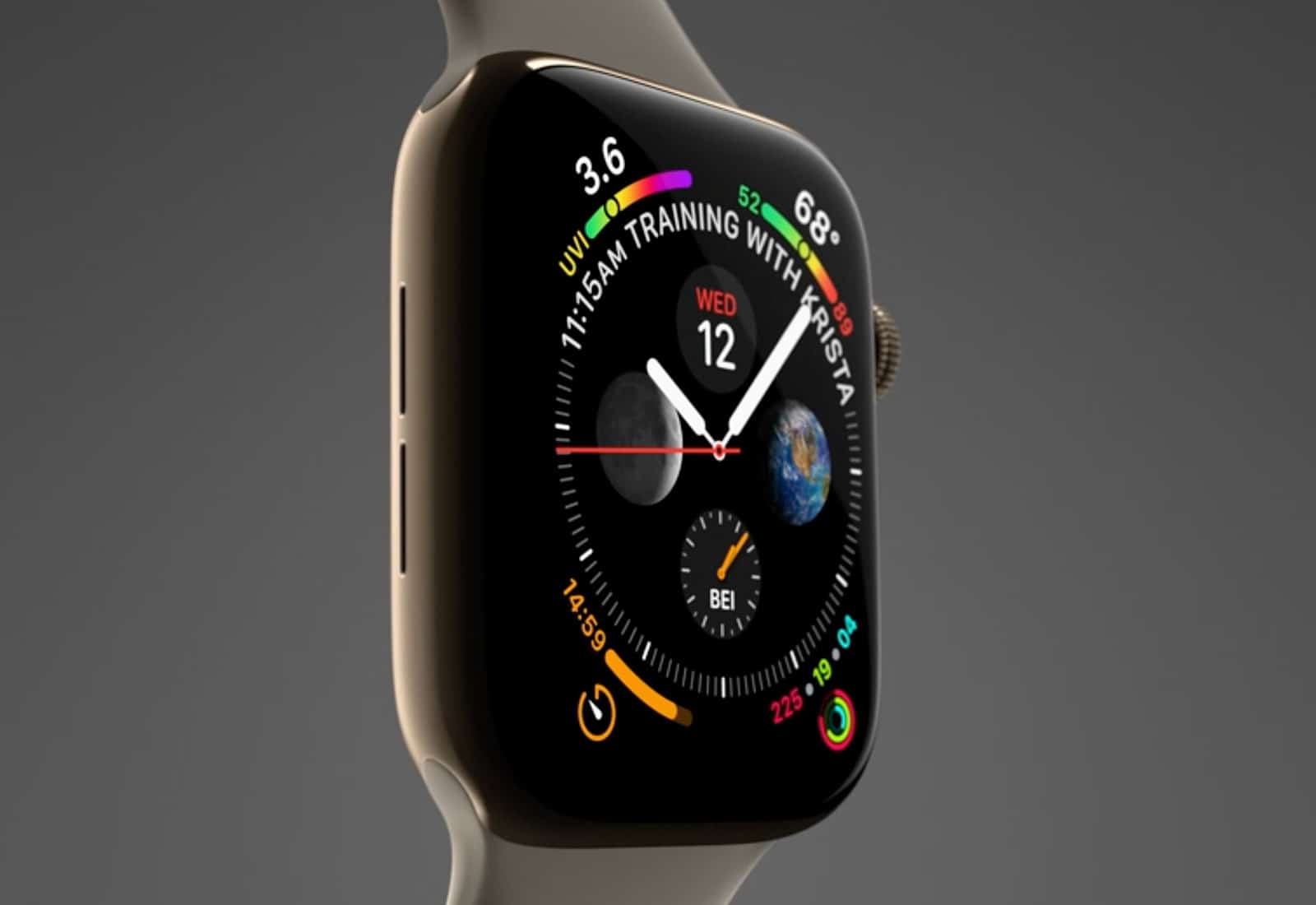
Apple Watch Series 4 is significantly better than the earliest versions of this wearable. Photo: Apple
Apple’s next-generation wearable launches Friday, so the first batch of Apple Watch Series 4 reviews appeared today. The experts with early access sound quite positive about this device.
They like the new display and the faster performance. The new ECG heart monitor function can’t yet be tested, however.
A desert, not unlike the Mojave, where you could go on safari. Photo: Charlie Sorrel/Cult of Mac
In iOS 12 and macOS Mojave, Safari gets solid improvements that will win you back from Chrome — especially if you value your privacy. But while safeguarding your security on the web fuels many of Safari’s great new features, there’s much more goodness to anticipate on iPhone, iPad and Mac.
Let’s take a look at the Mac and iOS versions of the Apple web browser.
Austin Mann in Zanzibar with the iPhone XS. Screenshot: Austin Mann/Vimeo
Travel photographer Austin Mann, among the first to get an iPhone XS for testing, expected to be underwhelmed before his shoot in Zanzibar off the east coast of Africa.
However, the upgrades to the camera left him impressed, saying “I’ve never worked with a camera that can balance light like this – not even close.”
Trackpads -- not just for the Mac any more. Photo: Charlie Sorrel/Cult of Mac
Users of 3-D Touch-capable iPhones, and of iPads in general, have long been able to use the devices’ fantastic trackpad mode. It’s a great way to quickly move the keyboard’s insert point (aka cursor) precisely where you want it — and it just got even better.
In iOS 12, this neat trick comes to all iPhones, even those without 3-D Touch. Bonus tip: The update also makes it even easier to use trackpad mode on your iPad.
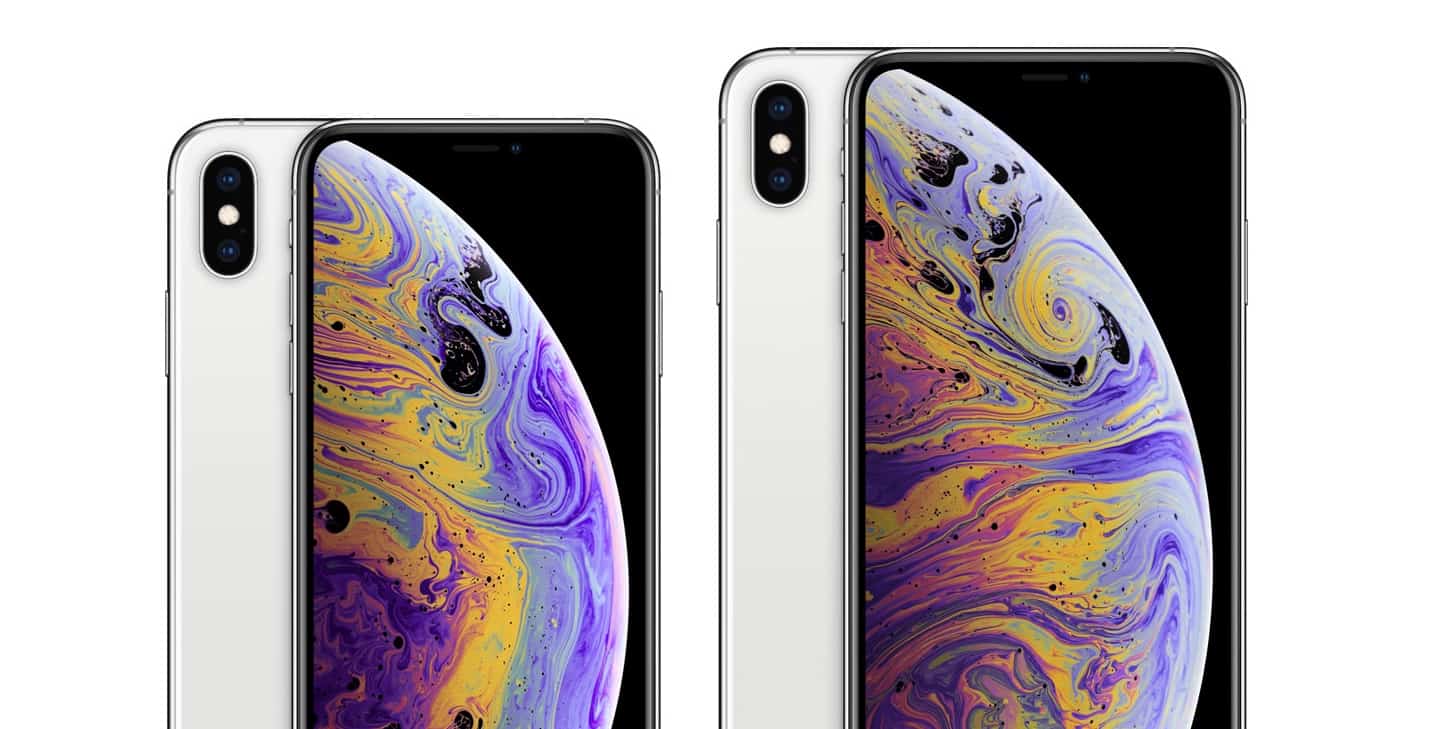
Here’s some things you didn’t know about Apple’s new iPhone lineup. Photo: Apple
There are some things Apple never tells us about its iOS devices, so we have to wait until they go on sale and find out more for ourselves. But thanks to one regulator, we now know some important details about the new iPhone lineup.
Here are the battery sizes and RAM capacities of iPhone XS, iPhone XS Max, and iPhone XR.
Is this gentleman about to share a password using AirDrop? Photo: Charlie Sorrel/Cult of Mac
iOS 12 adds the ability to share passwords via AirDrop, which is super-duper useful. Maybe you want to send your Netflix password to your spouse so you can watch a movie on his iPad, or maybe you need to share the password you just created for the local grocery delivery service.
In short, any situation in which you previously used a service like 1Password or Dashlane to show your password in large type so somebody else could copy it, you can now use AirDrop instead. Here’s how.
Learn how to use 3D printers, CAD software, CNC machines and more with this bundle of a dozen instructional e-books. Photo: Cult of Mac Deals
Thanks to technology, anyone can become a designer and manufacturer without leaving the garage or office. 3D printing, CNC machines, CAD — these are the tools of today’s DIY makers.
If that all sounds interesting, but you’re not quite sure what any of it means, this bundle of e-books is for you.
Ever since iOS 11, your iPhone and iPad have been able to detect a QR code in the camera frame, and pop up a banner at the top of the screen to open the link embedded within it. This is a great way to quickly extract a URL from a billboard, or from a particular nerdy lost-cat poster stapled to a utility pole.
Now, iOS 12 brings a dedicated QR-scanning shortcut that you can invoke right from your iPhone’s lock screen. Let’s see how to scan QR codes in iOS 12.
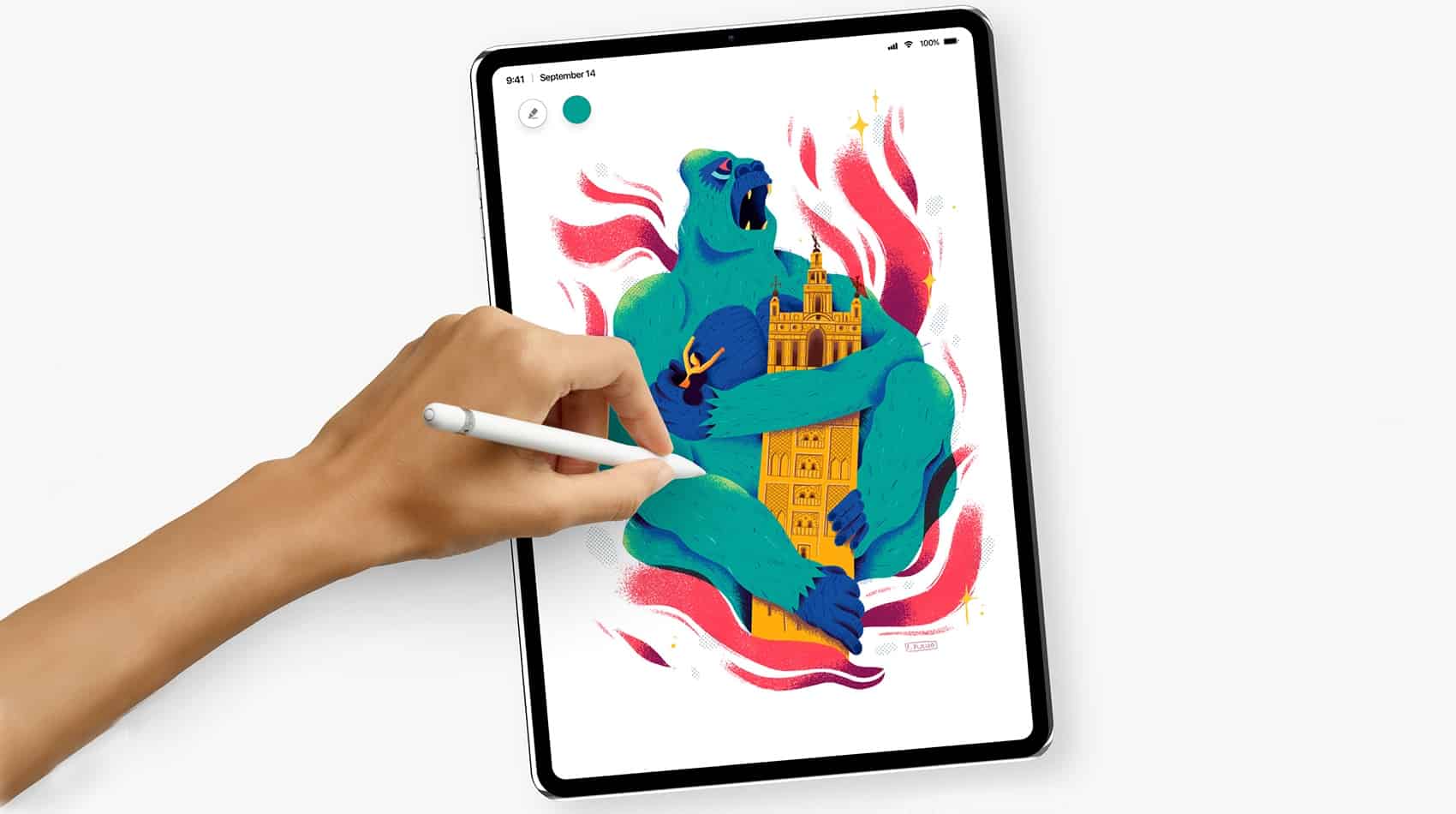
Looks like the rumored 2018 iPad Pro models are coming after all. Photo: Álvaro Pabesio
The September Apple event came and went without any mention of the iPad Pro models that had been the stars of so many rumors. But there’s still hope! Buried deep in the just-released iOS 12.1 beta 1 is a clear reference to an iPad on the docket for this fall.
So be patient. The redesigned tablets we’ve heard so much about could be coming soon.
This is how it feels to use iOS 12's new Markup tools Photo: Charlie Sorrel/Cult of Mac
iOS 12 doesn’t really have any huge new standout features. It’s more a collection of really solid improvements to iOS 11. It sounds odd to say that my favorite new feature is Do Not Disturb during Bedtime, but it’s made a big difference in how I use my iPhone.
Likewise with today’s Pro Tip. iOS markup for screenshots, PDFs and Photos was already good, but new options for the pen tools make it great.
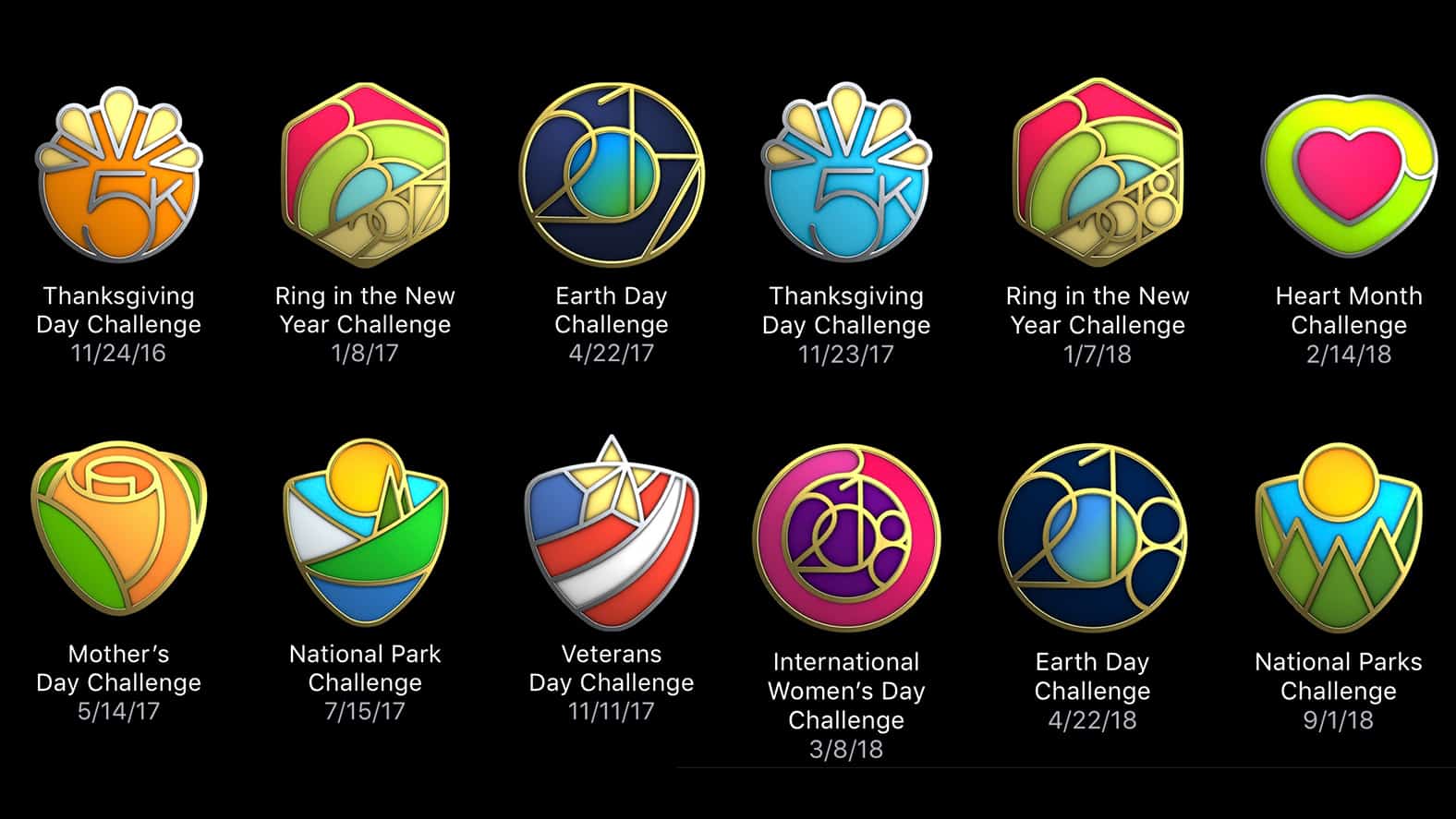
iOS 12's collection of "limited edition" Activity challenge badges is missing a few awards. Screenshot: Ian Fuchs/Cult of Mac
With the release of iOS 12 earlier this week, Apple made broad sweeping improvements to the OS. Unfortunately, the update also came with a small bug for fitness zealots sporting a cabinet full of limited edition Activity challenge badges. If that just described your Apple Watch badge collection, you can cool your cycling shorts, everything will be ok.
Voice Memos' iOS 12 redesign is way more than just a lick of paint. Photo: Charlie Sorrel/Cult of Mac
Even if you never make a voice memo, you might be interested in Apple’s updated Voice Memos app. Powerful new features in iOS 12 make it much more than just a way to record voice snippets.
In fact, in iOS 12, Voice Memos morphs into a full-fledged audio recorder and audio editing app. As such, it’s useful for people recording interviews, and for musicians working on ideas. Let’s take a look around.
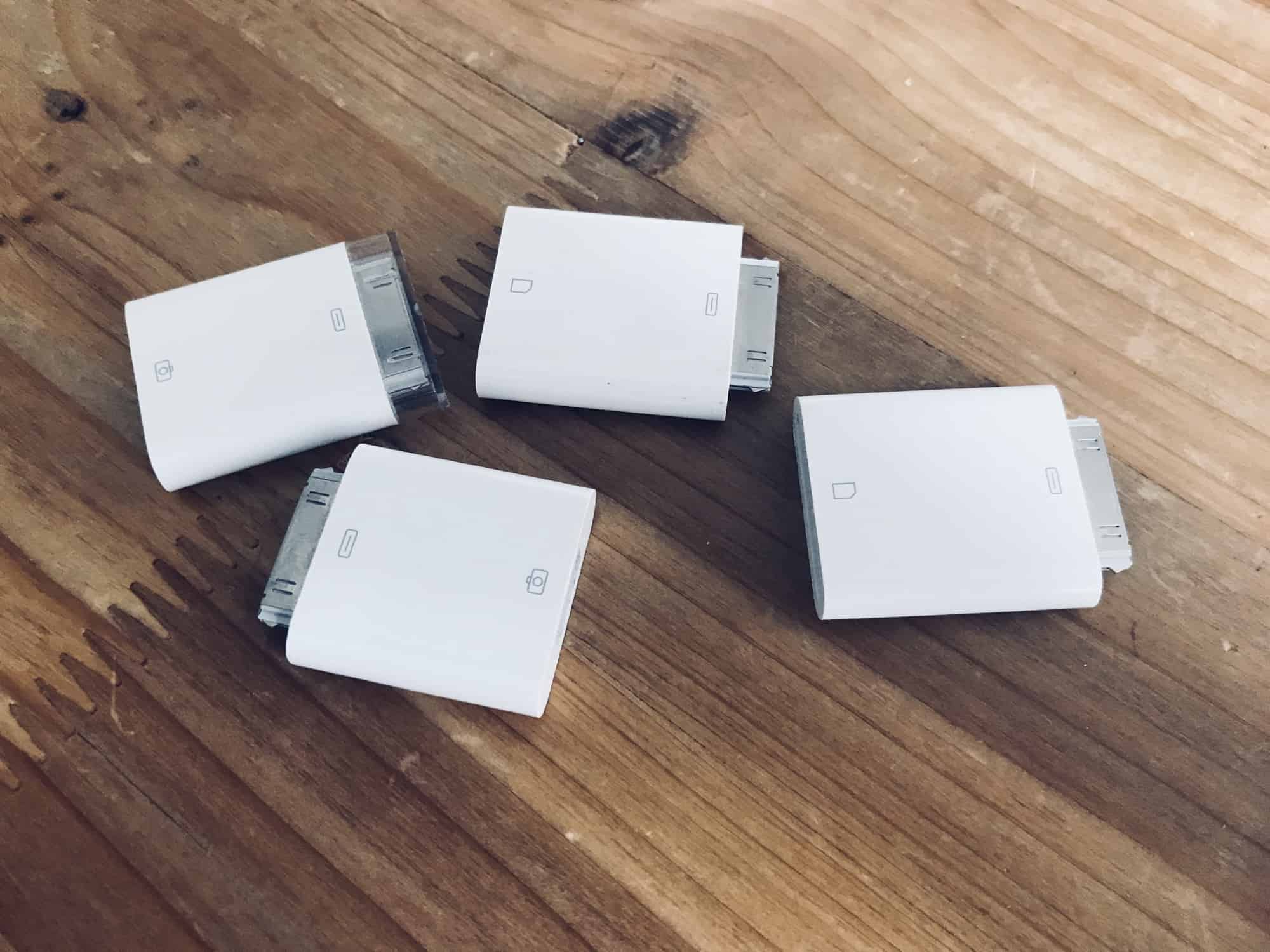
Somehow this happened… Photo: Charlie Sorrel/Cult of Mac
In iOS 11 and earlier, importing photos from a camera to your iPad photo library was always a bit clunky. You plugged the SD card in using the Lightning SD card reader, or hooked up the camera to a USB adapter, and then the Photos import took over your entire screen.
Also, all the images you imported wound up dumped right into your main photo library, leaving you to manually select them later if you wanted to add them to albums.
In iOS 12, Apple improved all of this. Let’s take a look at the great new photo import features in iOS 12.
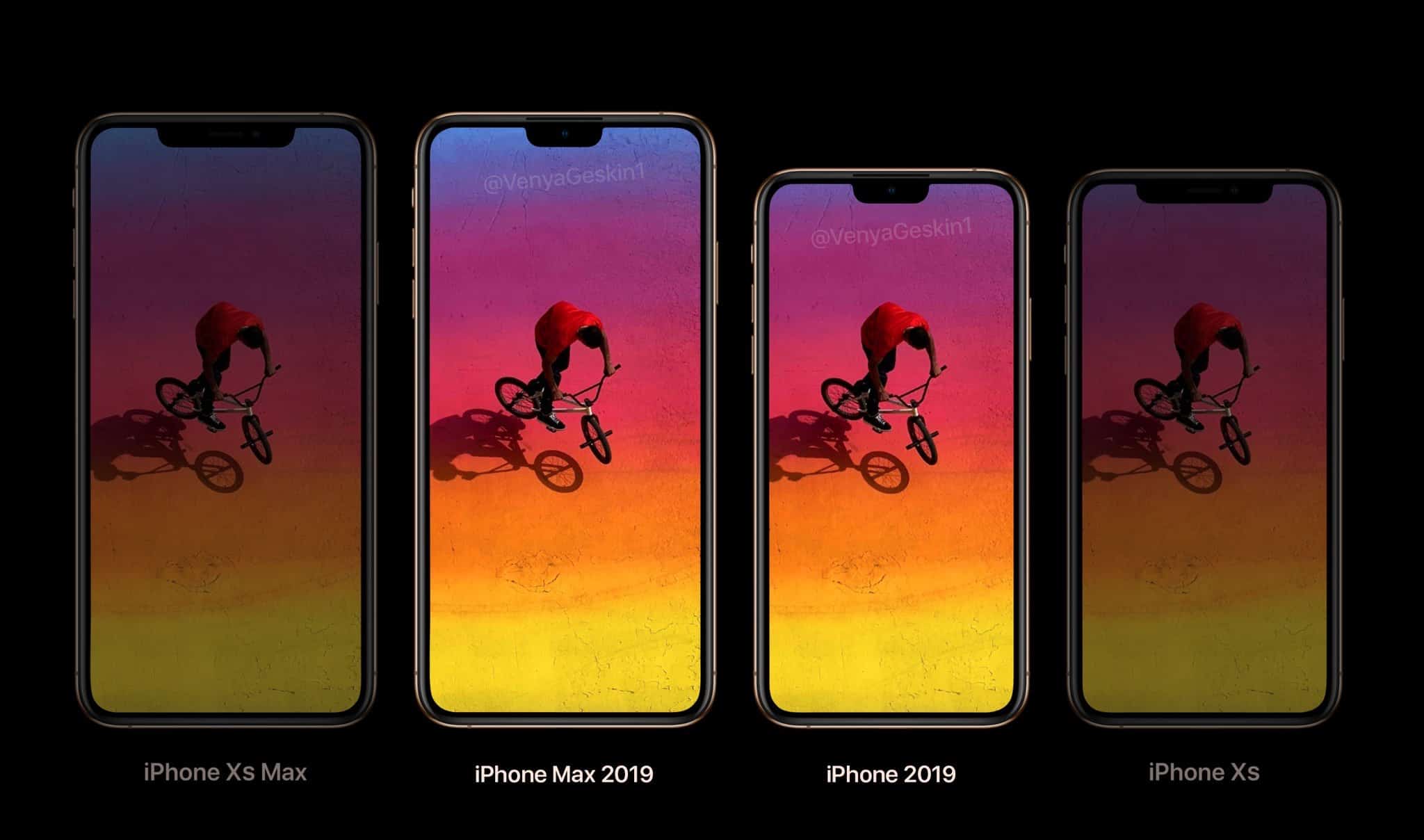
Can you spot the change in the 2019 iPhone models? Photo: Ben Geskin
The 2018 iPhones aren’t even out yet and we already have our first rumor about next year’s models. If you’re hoping for big changes in the 2019 iPhones, better temper your expectations. It seems the next-generation of Apple handsets will include displays the same size size as this year’s iPhone XS and XS Max.
But there reportedly will be one significant difference. One that many people will like.
You could enjoy this peaceful situation all day long. Photo: Charlie Sorrel/Cult of Mac
iOS 12’s best new feature may be Do Not Disturb at Bedtime. That sounds boring, but ask anyone who has been using it and they’ll tell you that it rocks. Apart from being active overnight, the main difference between regular Do Not Disturb and the new “at Bedtime” flavor is that all notifications are hidden from the lock screen until you deliberately swipe up on the screen to reveal them.
Regular Do Not Disturb suppresses audio and vibrating alerts, but the notifications still appear on the lock screen. You’ll see them any time you pick up your iPhone or unlock your iPad. This can make the difference between enjoying your hooky afternoon at the beach in peace or worrying the whole time because you accidentally saw that Slack message from your boss.
Wouldn’t it be great if you could take the regular Do Not Disturb and make it hide your alerts all day long? The good news is that you totally can.
Instant Tuning lets you tweak alert settings as you get them. Photo: Charlie Sorrel/Cult of Mac
“Instant Tuning” is the rather odd name that Apple gave an excellent new iOS 12 feature. You know how some apps on your iPhone keep popping up notifications you never want or need? And you keep telling yourself that you will dig into the Settings app and switch them off? Only you never, ever get around to this annoying busywork? Instant Tuning is for you.
Now, when a notification comes in, you can access the notifications settings for that app right there in the notification itself. This is huge, and makes culling your notifications way easier. Which in turn makes your most important notifications, like text messages or that sweet eBay auction you’re following, stand out more.
Halide can now add custom background blurs in iOS 12. Photo: Halide
iOS 12 gives your favorite apps access to some amazing new abilities. One is integration with the brand-new Siri Shortcuts, which lets you automate your apps, or to interact with them by talking to Siri. But that’s not all. Camera apps now have access to the the depth information from Portrait Mode, so they can do some pretty special effects.
Safari’s password autofill has also been opened up, so apps like Dashlane and 1Password are now available with a single tap. Let’s take a look at the best new iOS 12-ready apps already available.
The iPhones may change but the words describing remain the same. Screenshot: James Brown/YouTube
When you compare the iPhone 4 to the iPhone XS, virtually everything has changed. All except the script Apple uses when introducing its new handsets to the public.
This is the tongue-in-cheek observation of James Brown, a YouTuber and Reddit user who posted a video comparing the use of adjectives from Steve Jobs in 2010 with Apple executives talking about the iPhones XS and XS Max at last week’s new product showcase.
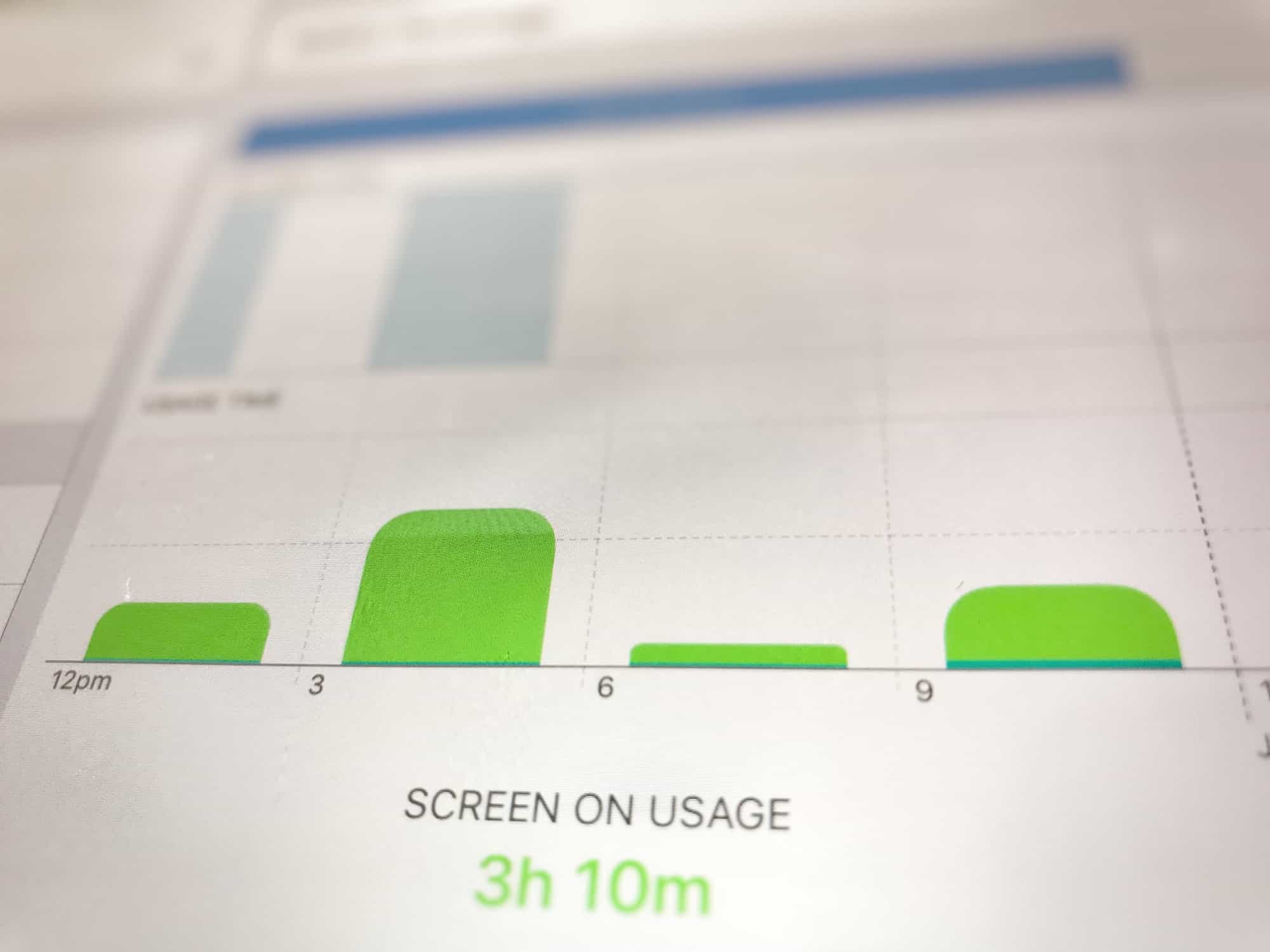
Slice and dice the battery info however you like. Photo: Charlie Sorrel/Cult of Mac
The new iOS 12 Battery information section brings a massive improvement over the previous version. Whereas before you could see which apps used how much battery, and for how long, now you can see the charts that look like the Tim Cook section of an Apple Keynote. You can see your battery use in incredible detail, broken down by such categories as Screen On Usage and Screen Off Usage.
But that’s not all. You can see how fast the battery ran down, how the levels were at any time during the last 24 hours, and also a longer-term overview that shows your usage over time.
It’s so detailed that it can be a bit intimidating, so today we’ll take a look at how to read those charts, and how to get the best out of them.
Is this Apple's secret iOS gesture-making machine? Photo: Charlie Sorrel/Cult of Mac
iOS 12 was clearly designed for an iPad where Face ID replaces the Home button. Apple has revamped the tablet’s gestures for iOS 12, bringing us an easy way to return to the Home screen, and an iPhone X-style gesture to access the Control Center.
If you’re a long-time iPad users, these changes will seem a little jarring at first. You’ll soon get used to them, though, and even learn to love them. The new Control Center gesture, in fact, is a lot better than the old one.