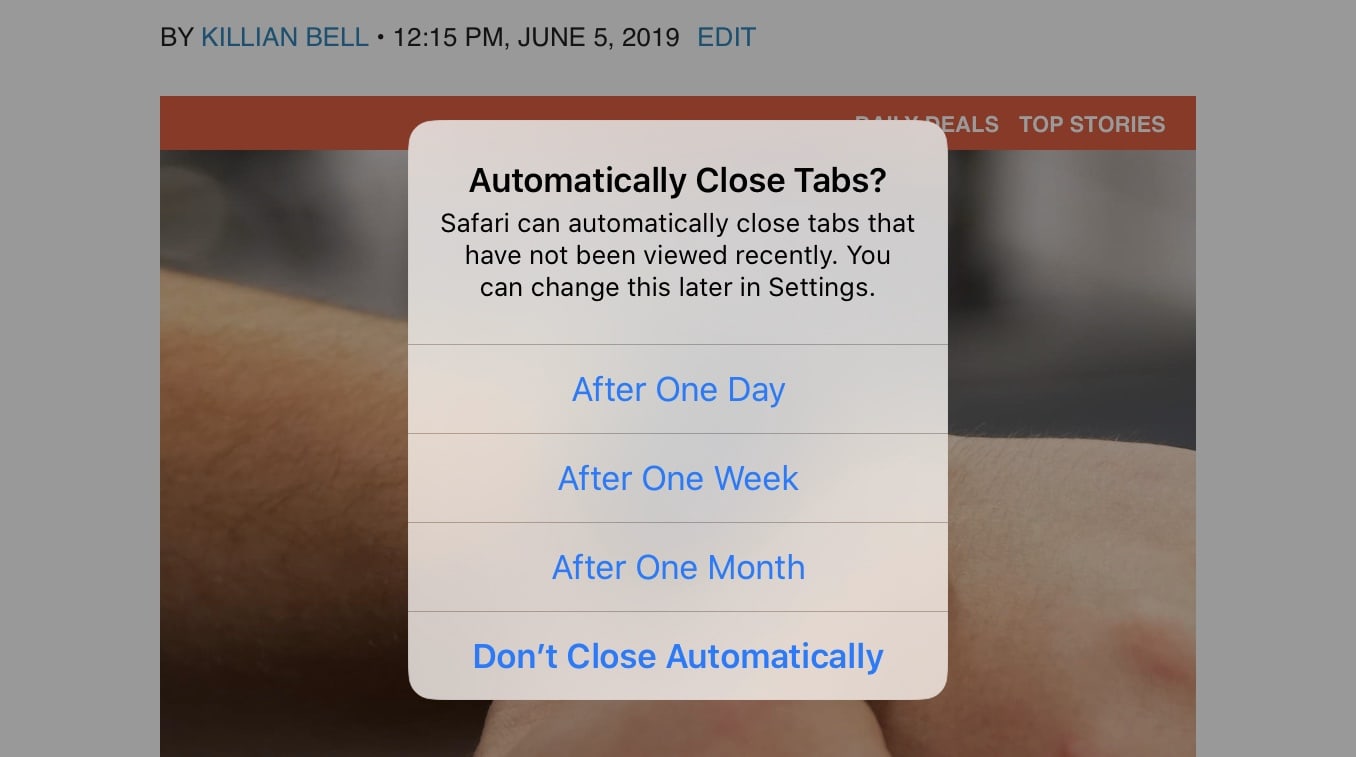
Safari is getting a huge upgrade on iPad with the release of iPadOS, but there are some improvements that iPhone users can also enjoy in iOS 13. One of those is a new feature that saves you from forgotten tab chaos.
You won’t have to worry about closing dozens of tabs you forgot all about anymore.
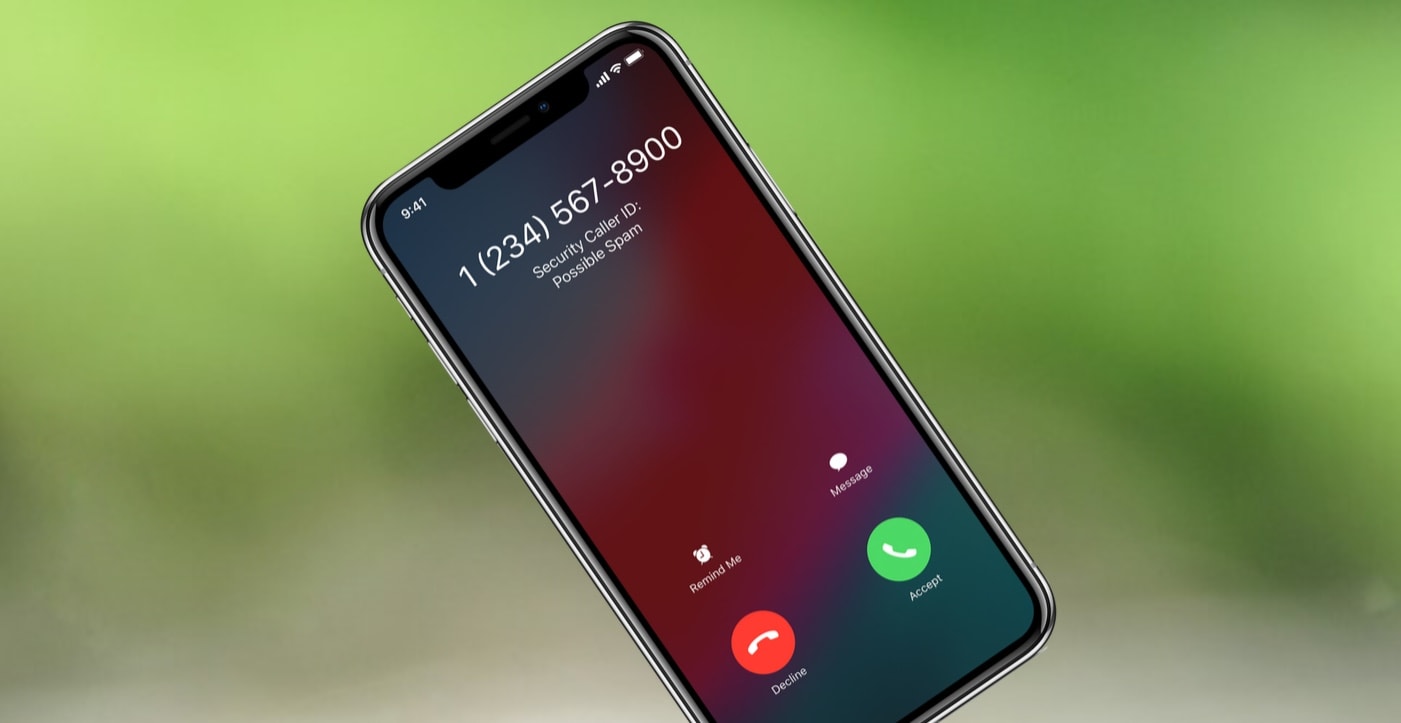
With iOS 13, calls like these can go straight to voicemail. Photo: Apple/Cult of Mac
Billions of spam calls were made last year, but Apple is doing what it can to save us from the frustration of robocalls. iOS 13 will let users automatically send incoming calls to voicemail if they came from someone unknown. And this system is actually smarter than just checking the user’s phone book.
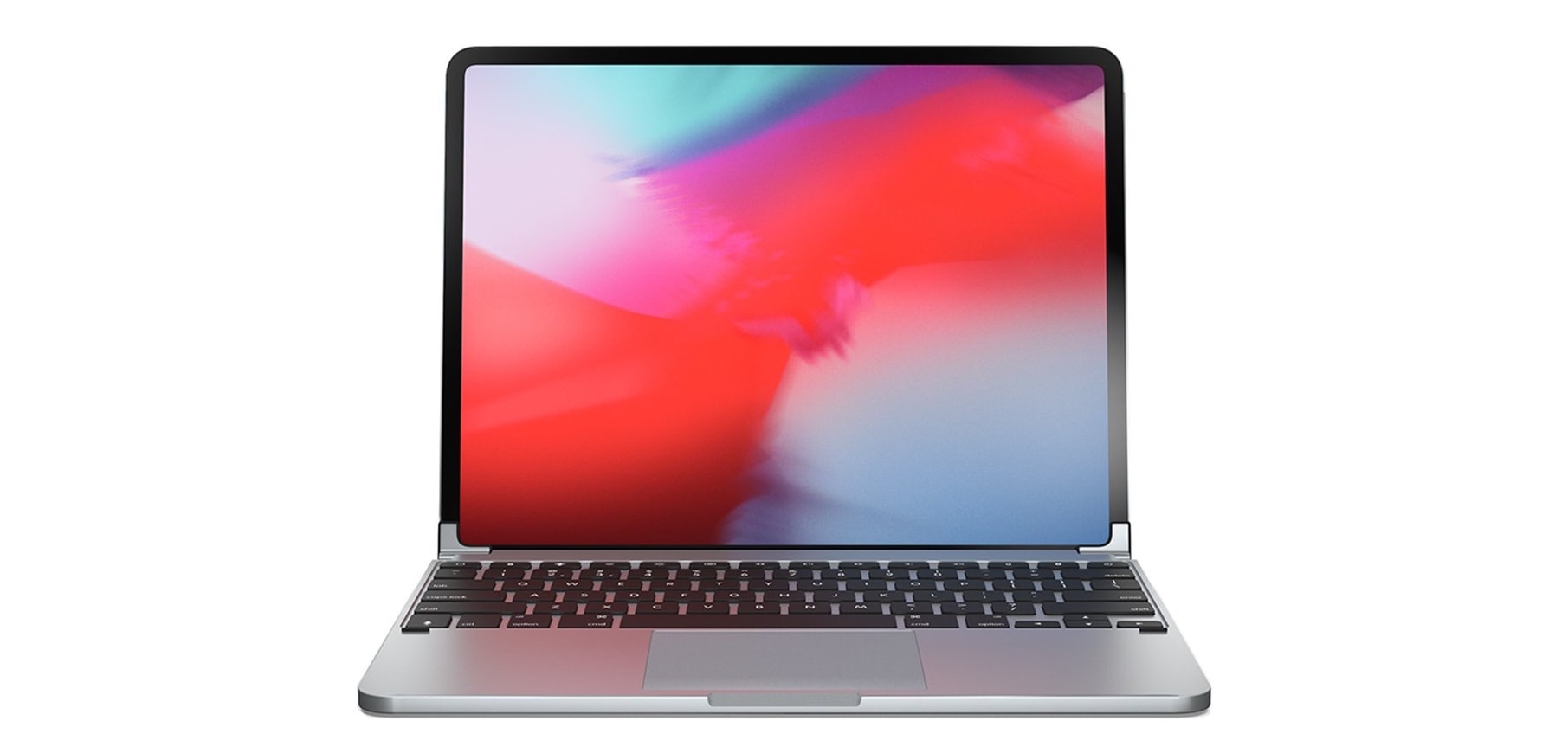
This is an iPad Pro case, believe it or not. Photo: Ed Hardy/Cult of Mac
Twelve South’s BookBook vol. 2 goes beyond just protecting your expensive iPad Pro; it adds old-world charm. This case transforms Apple’s tablet into an elegant leather-bound hardcover book.
We tested the updated version of the BookBook with our 2018 iPad Pro, so don’t miss our hands-on review.
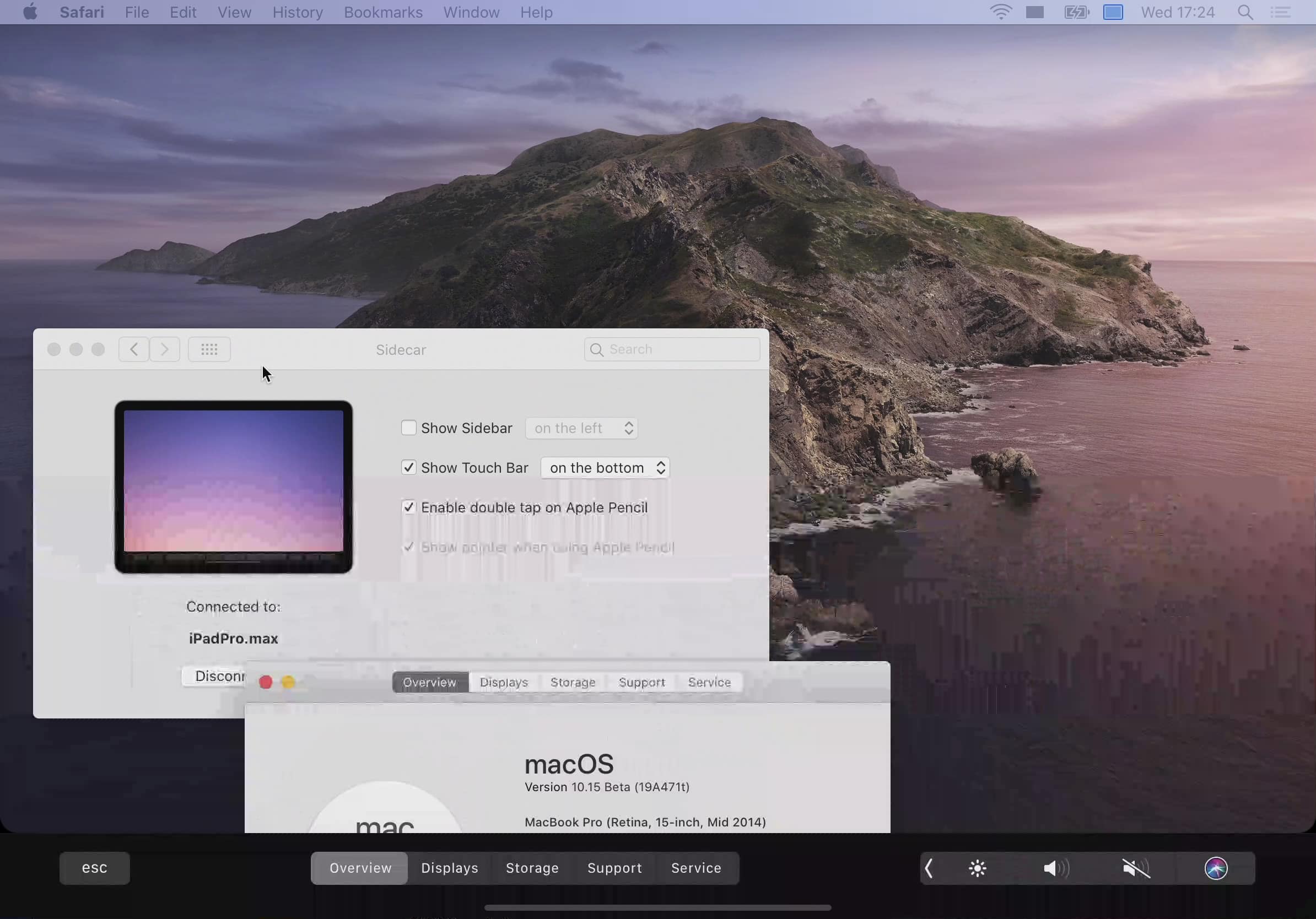
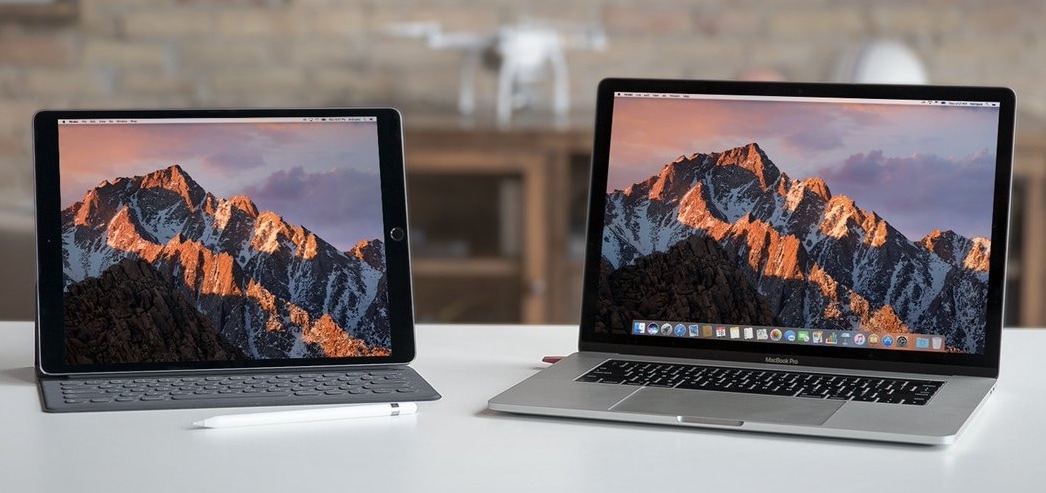
Some might see the MacBook Pro’s Touch Bar as a gimmick, but Apple isn’t giving up on it yet. Its new Sidecar feature in macOS Catalina brings the same function to other compatible Macs with the help of iPad.
Apple will finally bring mouse support to iPad (and iPhone) when it rolls out major software updates this fall — and that’s awesome. Finally, you will gain full control over your device without needing to lift a finger.
But I think Apple takes the wrong attitude when it comes to mouse support on iOS.
Its current approach could hold back development of the feature later on, and could negatively impact people who really need it. It also goes against Apple’s mission to make the iPad a laptop replacement.
This handy iPhone platform offers super stable video, long battery life, and easy access to camera controls. Photo: Cult of Mac Deals
The camera on the iPhone has reached an unbelievable level. In terms of image quality, it’s competitive with dedicated, high end cameras. So when it comes to video, the weakest – and wobbly-est – link is still the hand that holds it.
Third-party solutions are far from dead. Photo: Astro HQ
Not many Apple computers will be left out in the cold when its big macOS Catalina upgrade rolls out this fall. But even if your Mac is compatible, it might not be able to take advantage of every feature.
Sidecar, which lets you use an iPad as a second screen, will only support a limited number of machines. If your Mac is getting a little long in the tooth, you’re probably going to be out of luck.
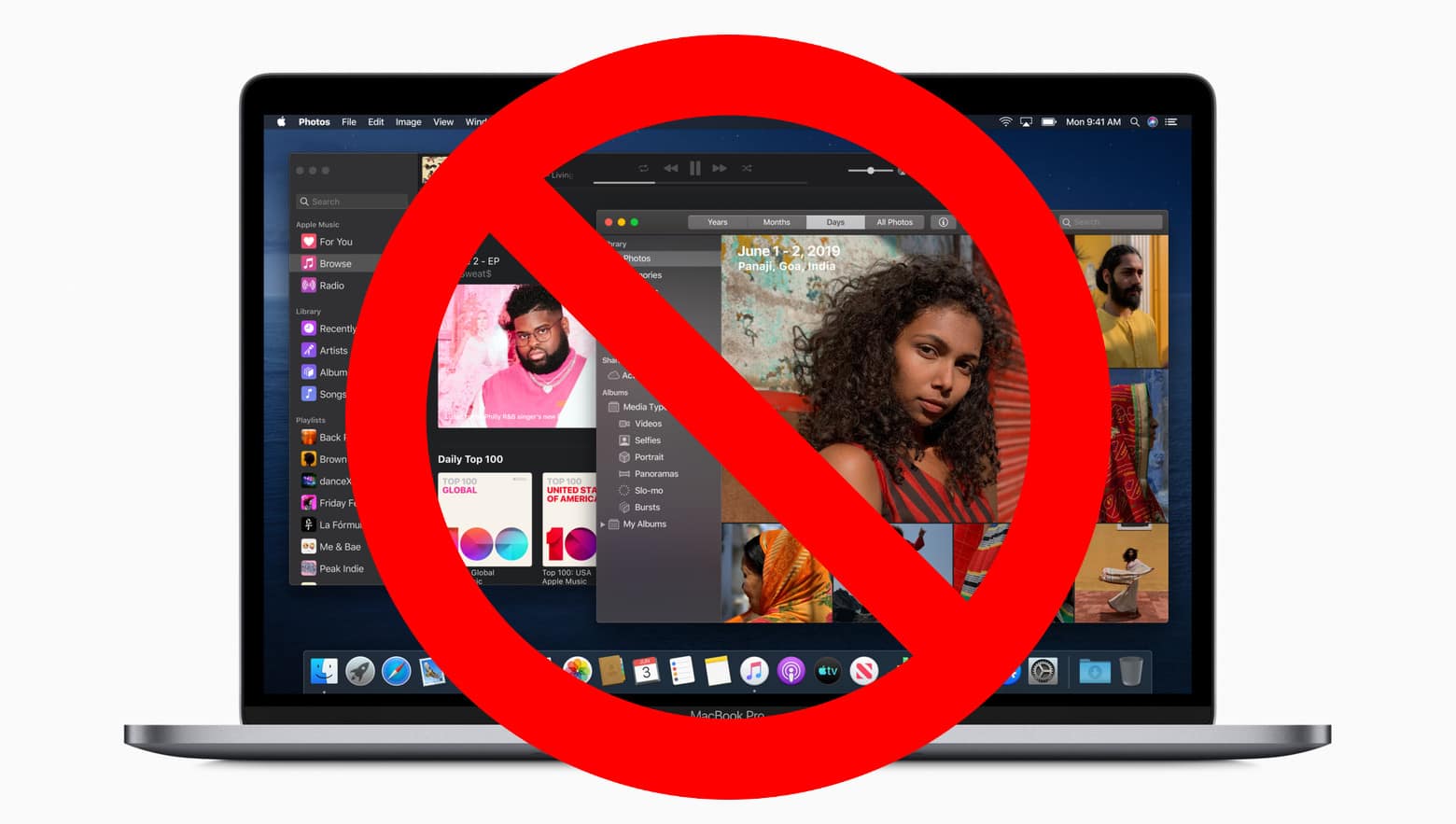
Apple’s plan to ditch iTunes starts this fall with the release of macOS Catalina, which will offer standalone apps for Music, Podcasts, and TV.
WWDC offered a brief glimpse at how other things — like syncing iOS devices — would work after the update. Now Apple has published a new support document that explains everything for those who are still confused.
The document promises that “all of your favorite iTunes features” will still be available in Catalina. And it tells you where they will be.
There are some older Macs that can’t upgrade to macOS Catalina. Photo: Apple/Cult of Mac
Apple is hard at work on the replacement for macOS Mojave. The next version will include new features focused on privacy, accessibility and performance. But that‘s a bit hollow for notebooks and desktops that can’t install the upgrade.
Fortunately, Apple extended support for macOS Catalina to as many devices as possible.
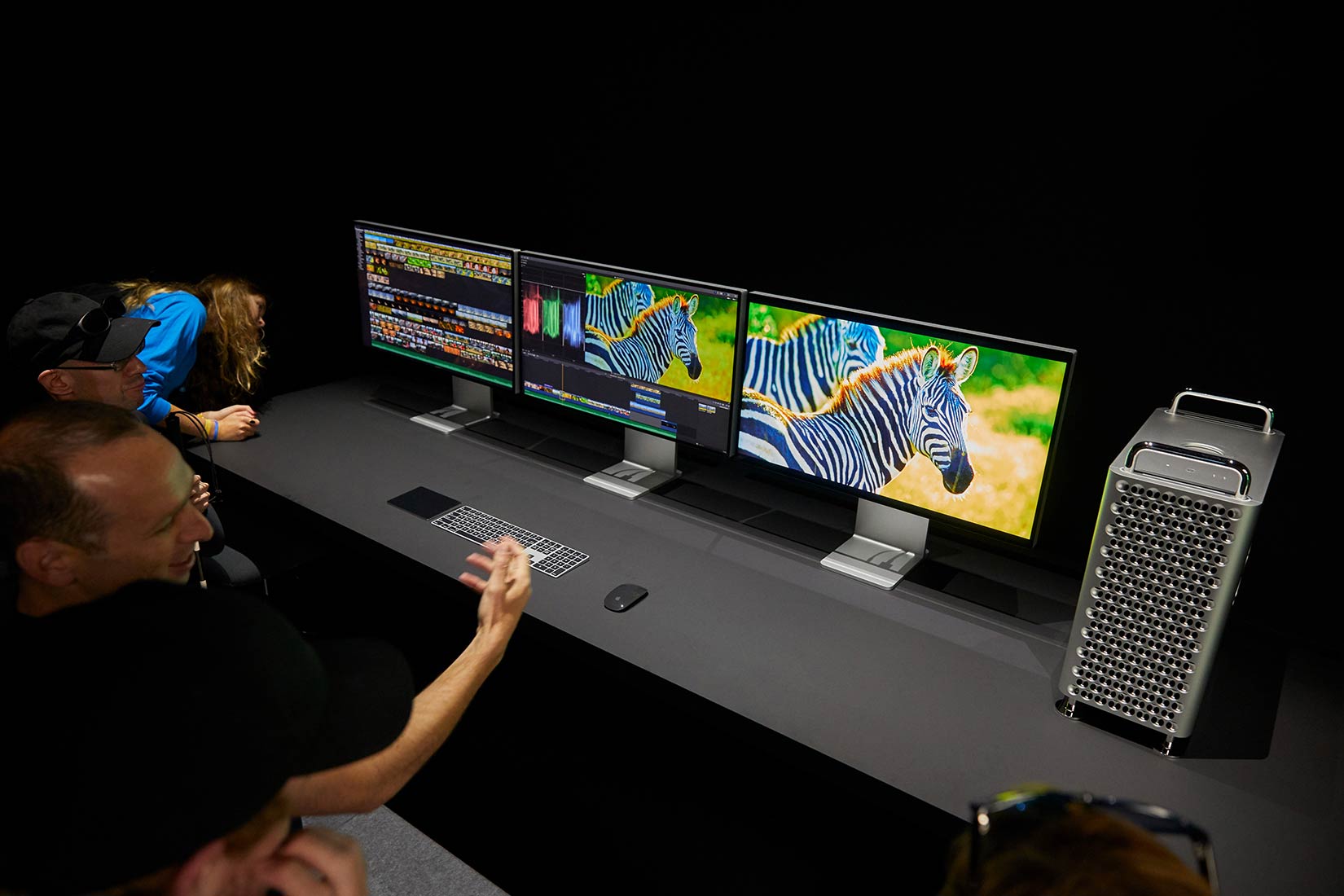
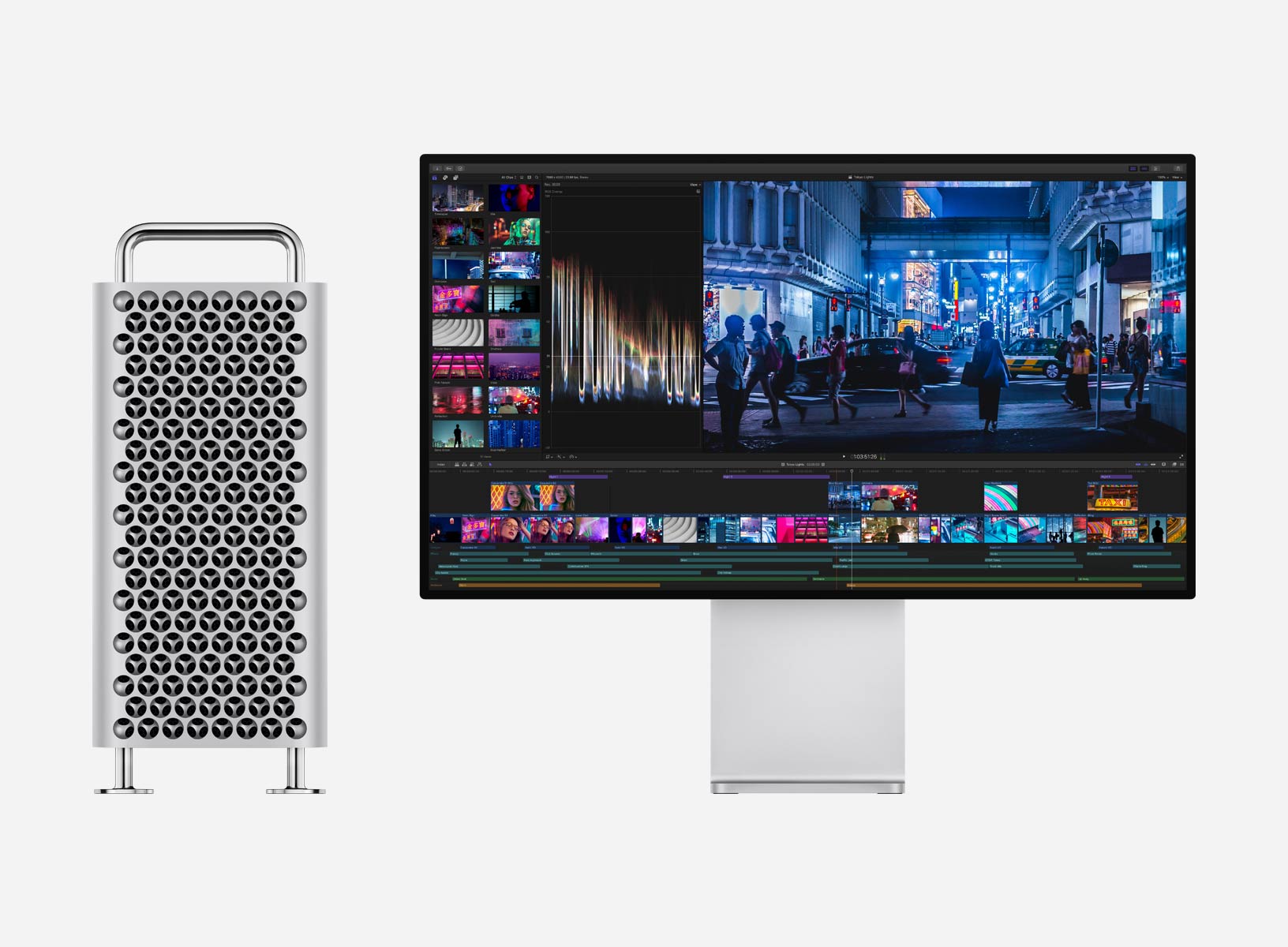
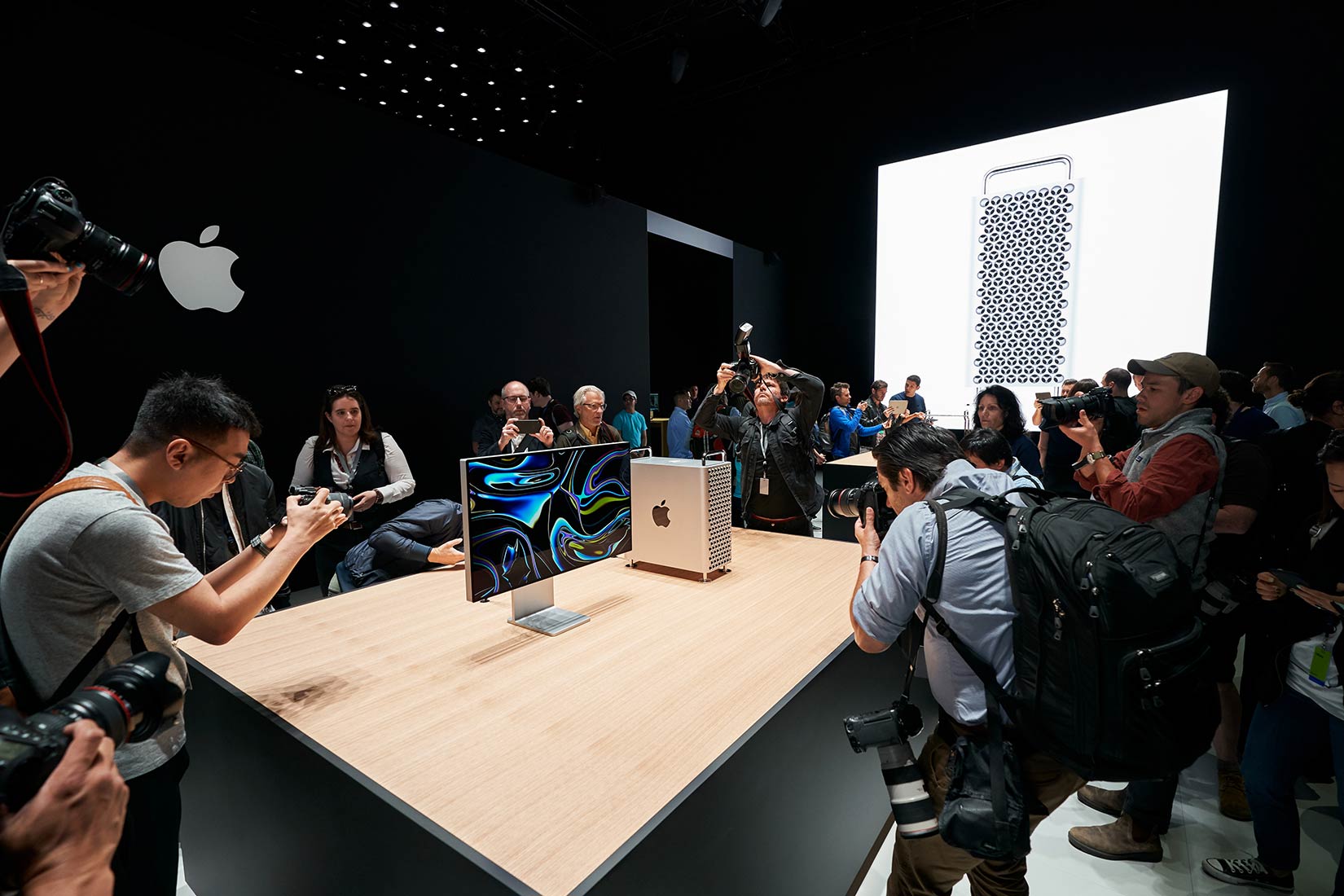
The new Mac Pro drew a lot of attention in the demo room. Photo: Apple
That outrage you’re feeling over the cost of Apple’s new Mac Pro is your first clue this computer is not for you.
In fact, it’s not a computer, it’s a workstation. And for those who work in jobs requiring fast, sophisticated set-ups, the new Mac Pro — even once they pay for all the beefy components — comes with a fair price tag.
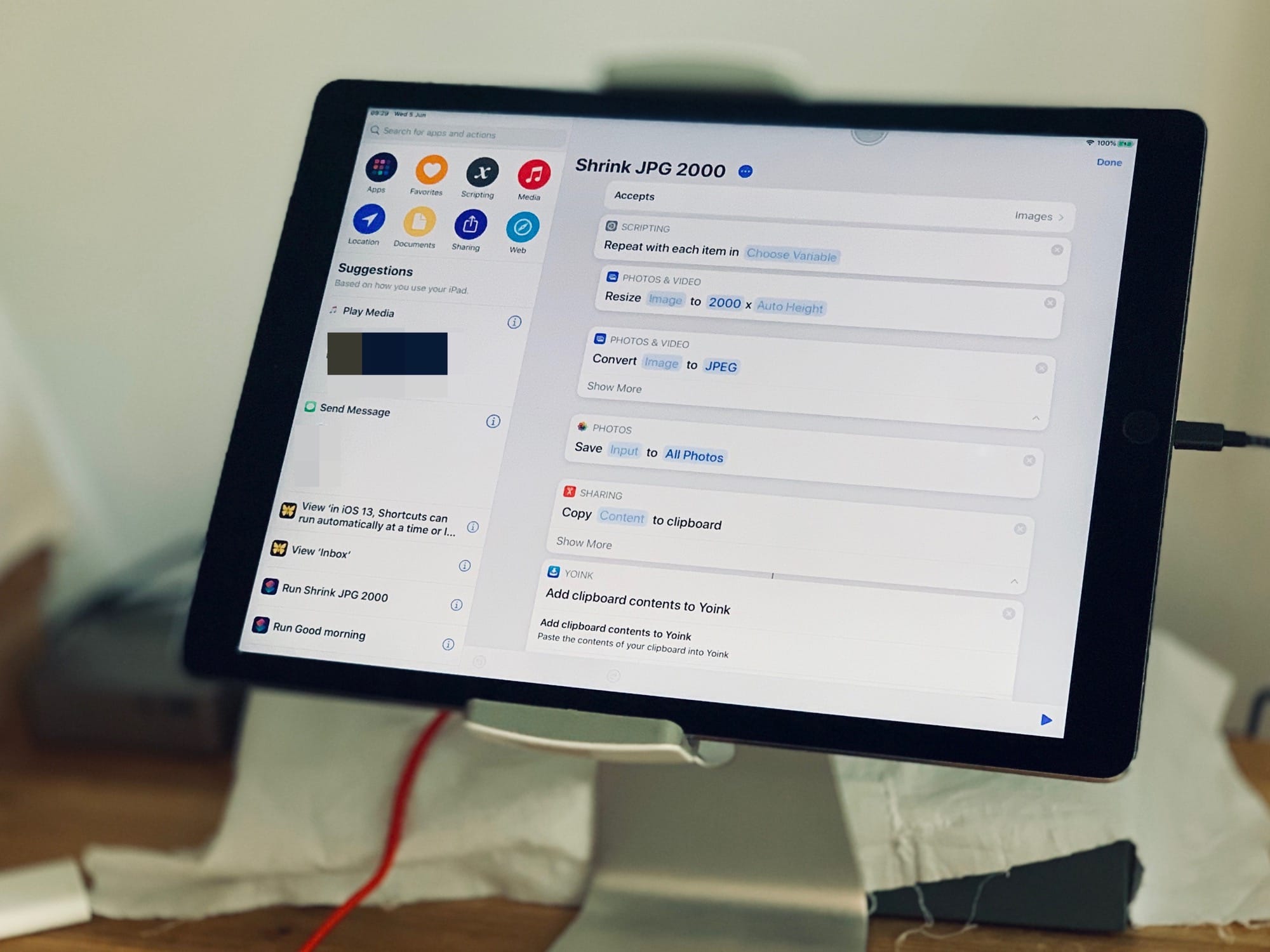
This is Shortcuts in iOS 13. It looks great. Photo: Charlie Sorrel/Cult of Mac
Apple’s Shortcuts app is already great, but in iOS 13 it gets even better. You can still create simple or complex workflows to do all kinds of tasks, from downloading YouTube videos or setting a quick meditation timer to resizing a whole folder of photos. But until now, you had to trigger those shortcuts manually.
In iOS 13, your iPhone or iPad can run a shortcut at a preset time or when you arrive at a specific location. This is huge.
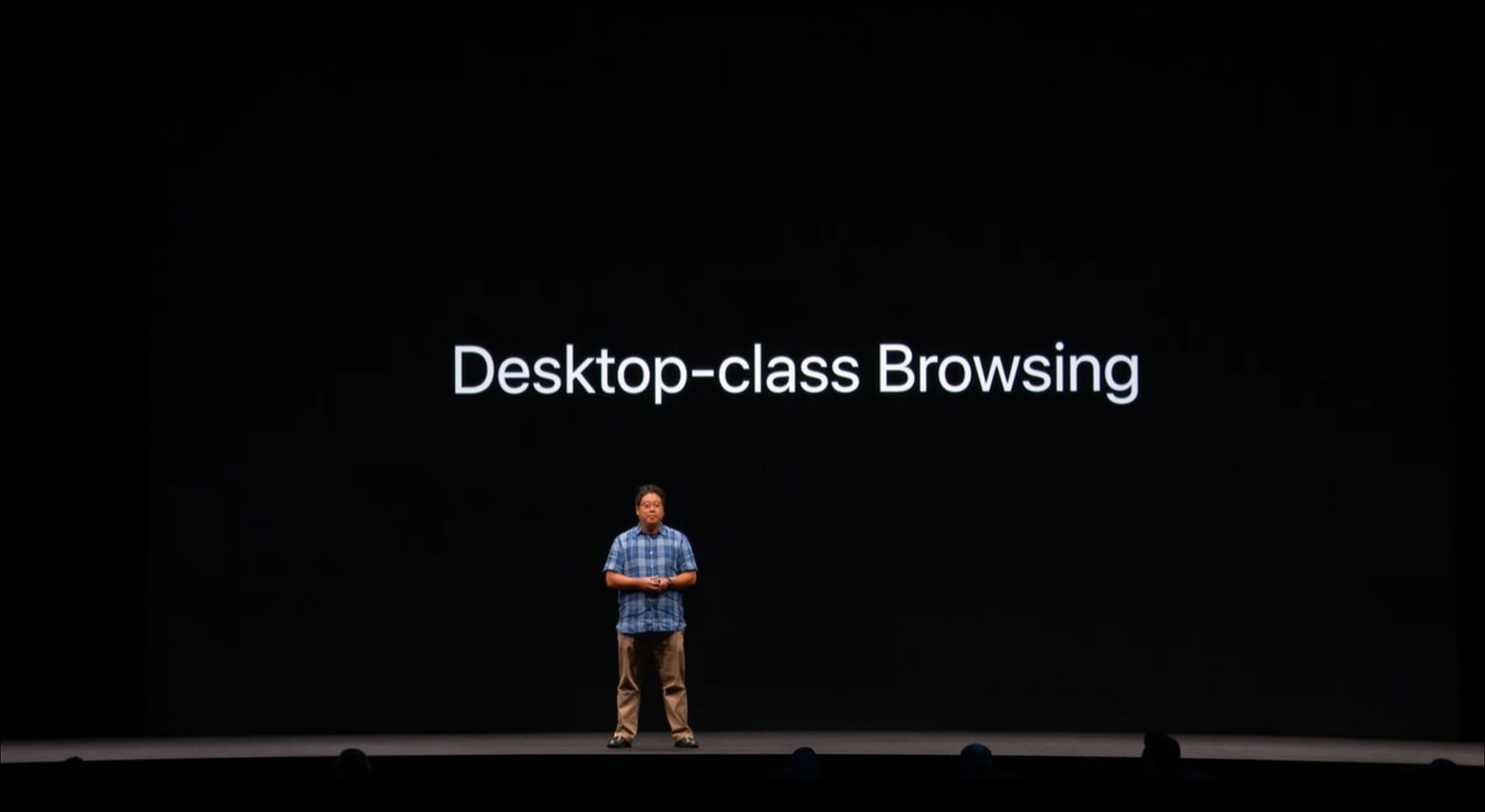
At WWDC, Apple Safari and Desktop Engineer Charles Ying promised iPadOS will include a full-featured browser. Photo: Apple
Apple promised the Safari browser coming to iPads later this year will be “desktop class.” That’s a vague term, but tests with the first beta of iPadOS 13 show that it comes very close to the macOS version. There’s still room for improvement, though.
Even so, this is a major milestone for Apple’s tablets. Limitations in Safari have held the iPad back for far too long.
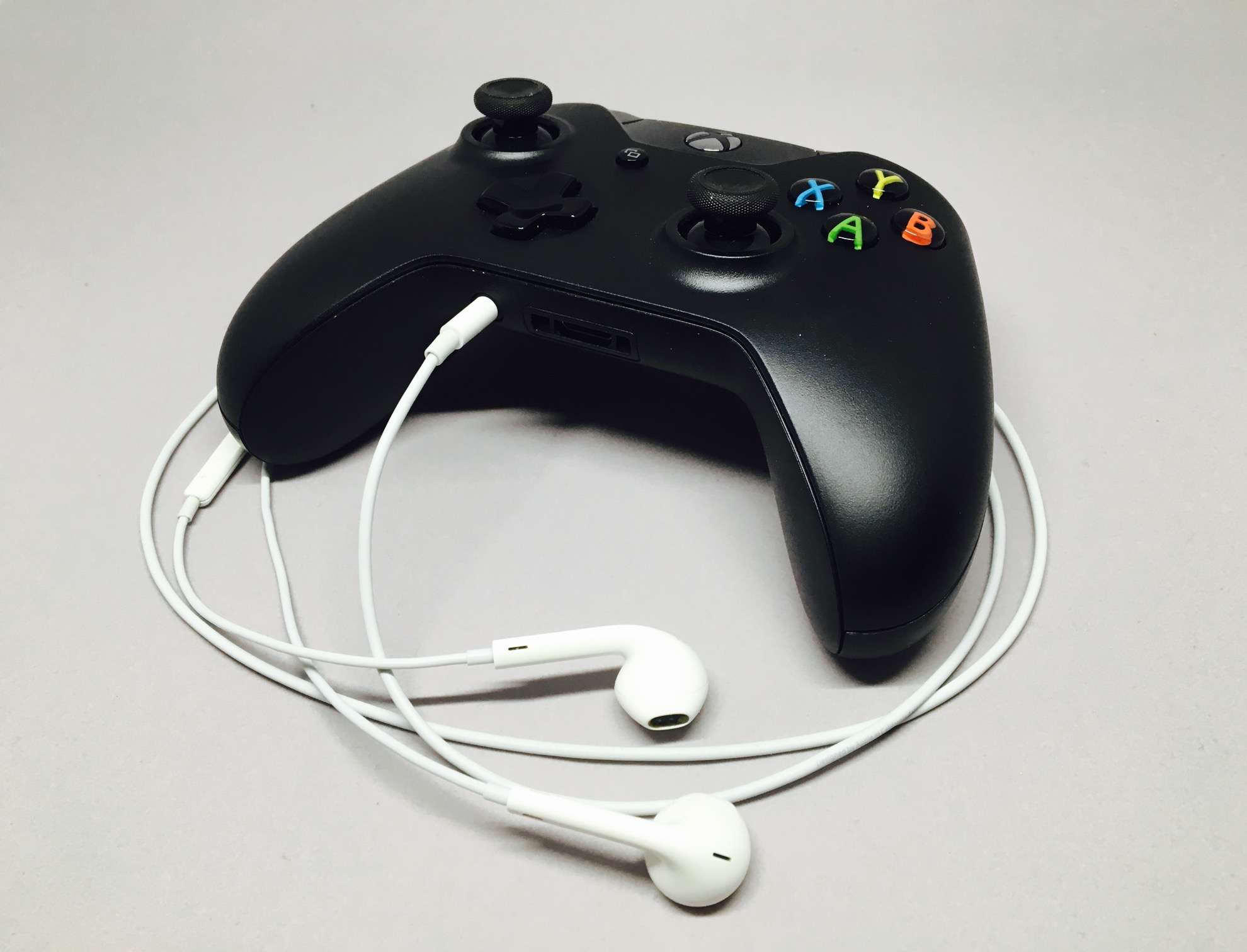
Controller support is better than ever. Photo: Evan Killham/Cult of Mac
iOS 13, iPadOS, and tvOS 13 will finally allow you to play games with a PlayStation 4 or Xbox One controller.
That means there’s no need to purchase a pricey MFi controller that is restricted by Apple’s outdated gamepad guidelines. Simply connect one of the controllers you already own and you’re good to go.
Aside from looks, there are many similarities to the G5, plus a couple of ideas from other older Apple machines. Here are some of the clearest design influences on the new Mac Pro.
Gain the skills and strategies you need to make money as a copywriter. Photo: Cult of Mac Deals
Copywriting is a great way to make some extra dough. You can do it from anywhere, on your own schedule, and on all kinds of different topics. But it’s not easy to start from scratch, so it really pays to get some guidance.
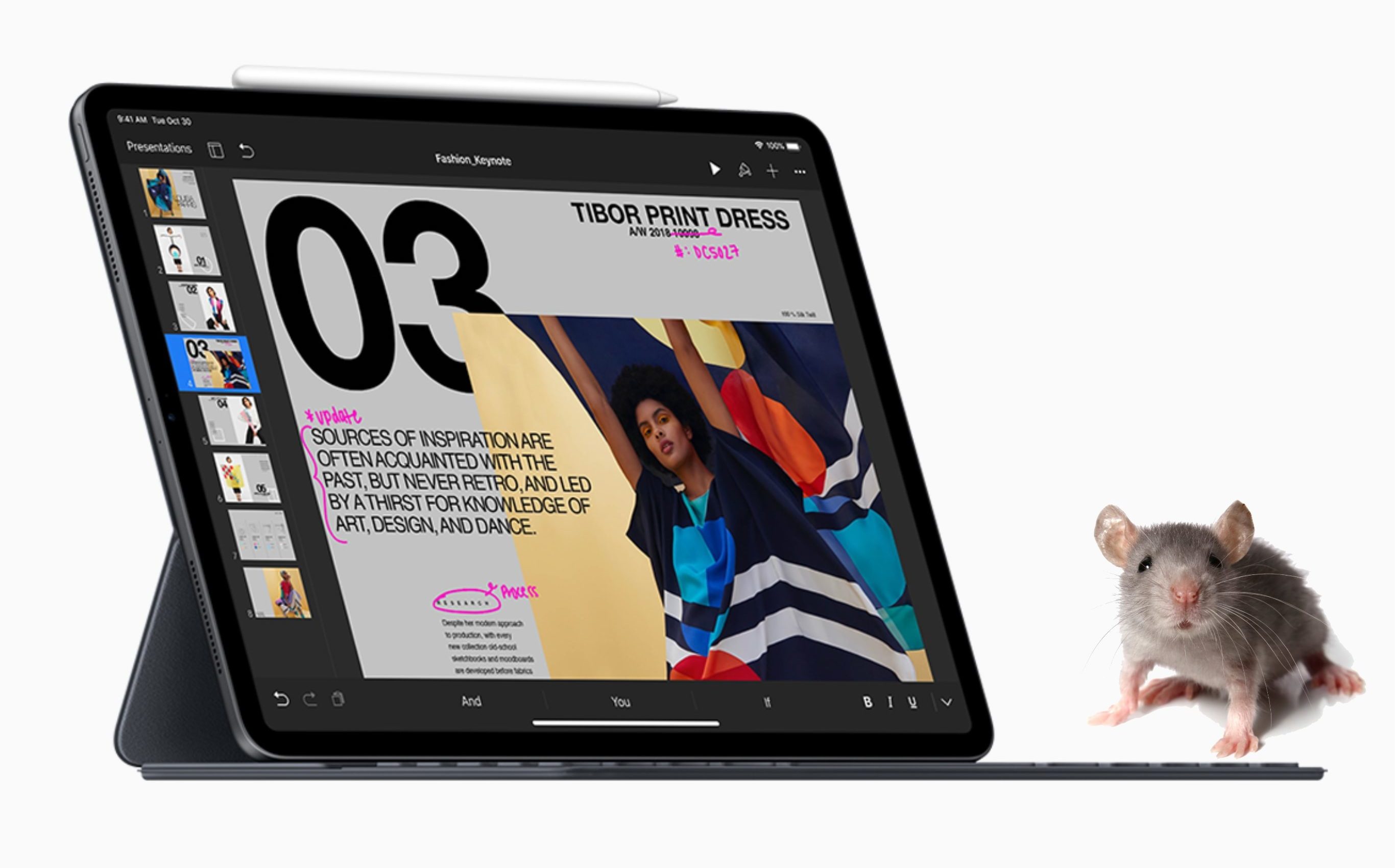
Not everyone should use a mouse. Especially not this kind. Photo: Apple/Cult of Mac
You might think it would be pretty simple for Apple to add mouse support to its mobile operating systems. But that’s not so. The company reportedly spent years developing its newest accessibility feature.
Apple is also keen to stress that mouse support in iOS 13 and iPadOS is for certain users — those who cannot easily use touch. It was not added to replace touch for the average iPhone and iPad user.
You won’t need iTunes to install the iOS 13 and iPadOS betas when they go public, Apple’s Craig Federighi has confirmed.
Registered developers who want to get their hands on the software now must download the update package and restore their device through iTunes. They must also have the new Xcode 11 beta installed.
That won’t be the case when Apple expands the reach of its betas next month.
Every major OS from Apple is getting updated this year! Graphic: Ian Fuchs/Cult of Mac
Apple’s WWDC 2019 keynote introduced tons of new features and changes coming this fall. From a new tvOS design and Apple Watch faces to Dark Mode on iOS and a reimagined iPad home screen, there’s so much to keep track of.
If you missed the keynote, or just want the highlights, have no fear. We wrapped up all the headlining features of the epic 2 hour, 20-minute presentation into less than 8 minutes.
Trackpads -- not just for the Mac any more. Photo: Charlie Sorrel/Cult of Mac
The iPadOS beta is out, and it has one killer feature — mouse support. Not only can you use any Bluetooth mouse or trackpad to control the text-selection cursor on the iPad, you can use the mouse just like you would on a Mac — clicking buttons anywhere in the entire iPad user interface.
The feature is not on by default. It’s not even a regular checkbox. To enable mouse and trackpad support on your iPad, you have to dig into the Accessibility settings.
The iPad is now almost as capable as the Mac. Almost. Photo: Charlie Sorrel/Cult of Mac
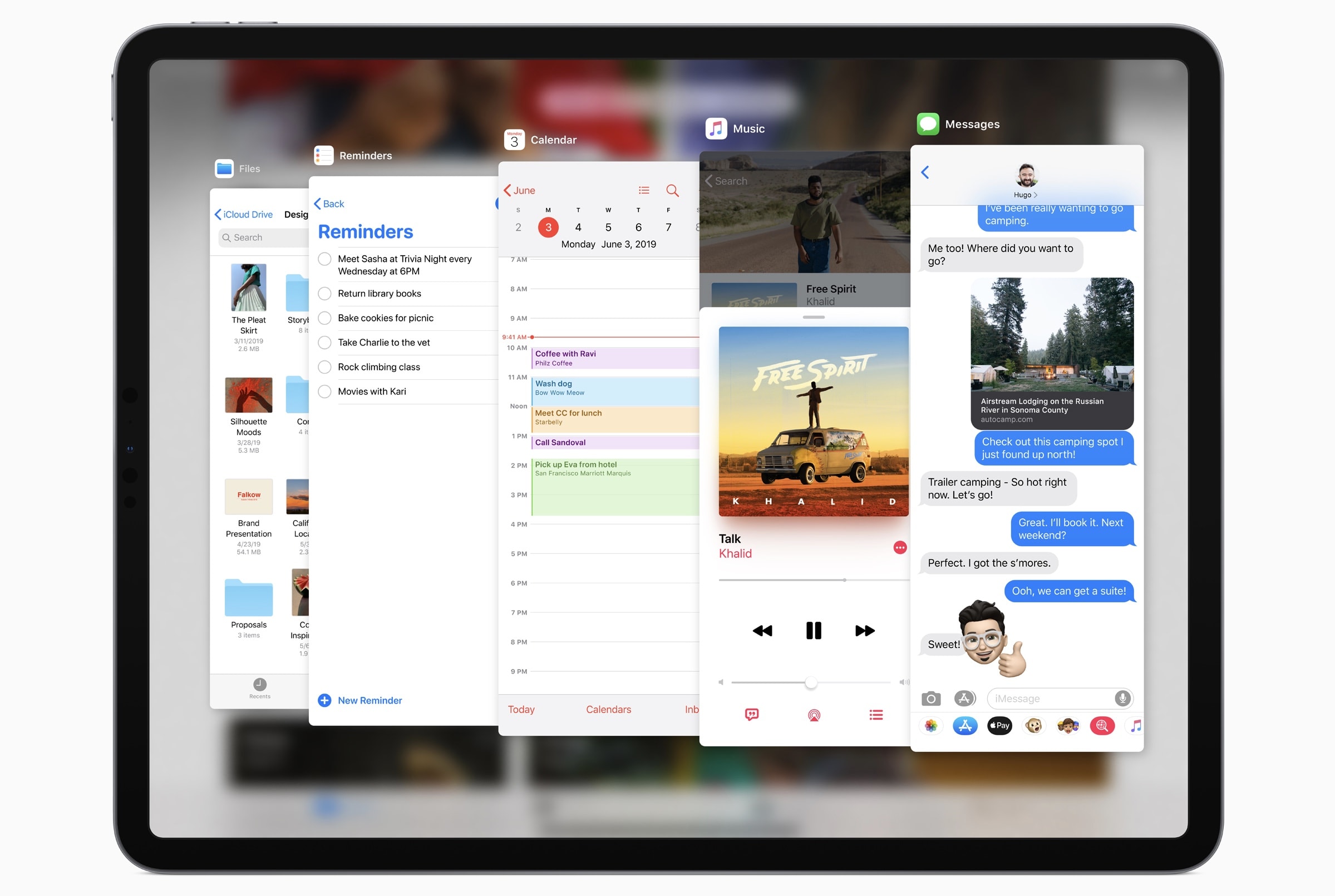
At first look, iPadOS — Apple’s new operating system designed specifically for the iPad — doesn’t seem to have added so much. If you discount the iOS 13 features that the iPad shares with the iPhone, the iPadOS extras look rather pedestrian. But these small changes show a big change of direction for the iPad. Apple is turning it into a new kind of mobile computer, instead of a big iPhone.
Imagine that you saw somebody roll a rock a few feet away from another rock. Maybe it crests a small bump in the grass. But then, when you take a step away, you see that the rock is now perched on the edge of a canyon. To mix metaphors, iPadOS is like Wile E. Coyote floating over the big drop. Only the drop goes up instead of down, or something.
Apple has a pretty good idea on how to make photographers and filmmakers happy. Photo: Apple
The WWDC keynote delivered exciting news for every Apple user, but for photographers of all stripes, Monday was their jackpot.
Professional photographers and filmmakers finally got a new Mac Pro that can handle ambitious workflows.
Operating system updates due out this fall for Mac, iPhone and iPad will bring a slew of new features for editing and organizing.
The iPad will be an even more capable tool in the field and changes to the iPhone camera should tamp down those worries that Apple was falling behind the likes of Huawei, Samsung and Google.
And we’re not even talking about the new hardware coming this fall.
Fees Apple charges iOS developers to appear in the App Store are the focus of a new lawsuit. Photo: rawpixel.com/Pexels CC
A law firm is looking for iOS developers to join a class-action suit against Apple for the way it runs the App Store. The lawyers accuse the company of “anticompetitive practices.”
One of their goals is to open up distribution of iPhone and iPad apps, which currently can only be downloaded through Apple. The lawsuit also wants a decrease in the commissions devs must pay.
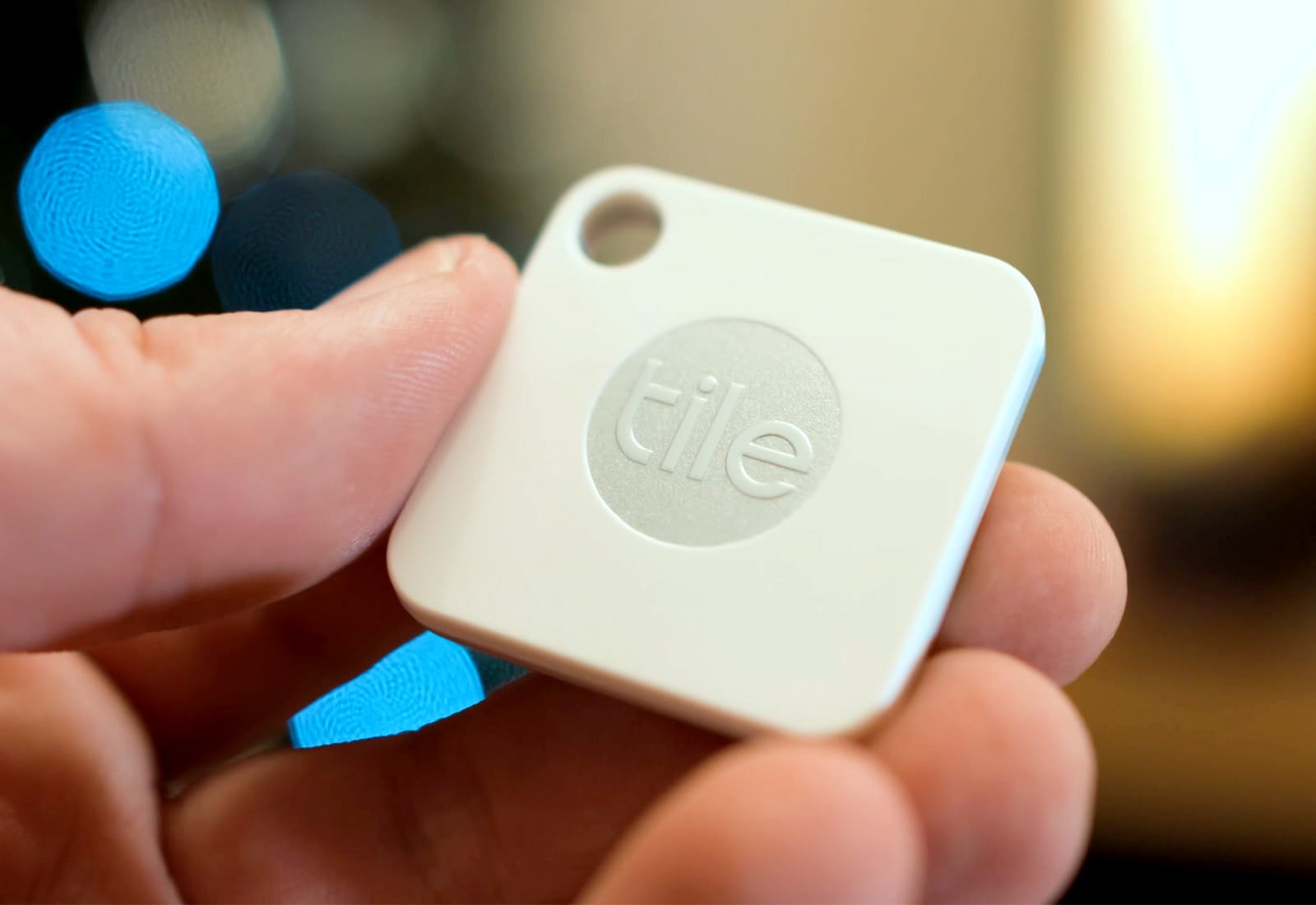
Apple wants to take on Tile. Photo: Ste Smith/Cult of Mac
References in iOS 13 all but corroborate earlier reports that Apple is working on its own item-tracking accessories.
It is thought Apple plans to compete with Tile by offering “tags” that can be attached to bags, keys, and other valuables. You will then be able to track them using the new Find My app coming this fall.
Apple has published its full WWDC 2019 keynote video for those who didn’t get a chance to watch the epic event live — and those who want to watch it all over again.
The video includes previews of everything Apple announced Monday, including iOS 13, macOS 10.15, iPadOS, watchOS 6 and more. It also lets you relive the new Mac Pro’s spectacular unveiling.