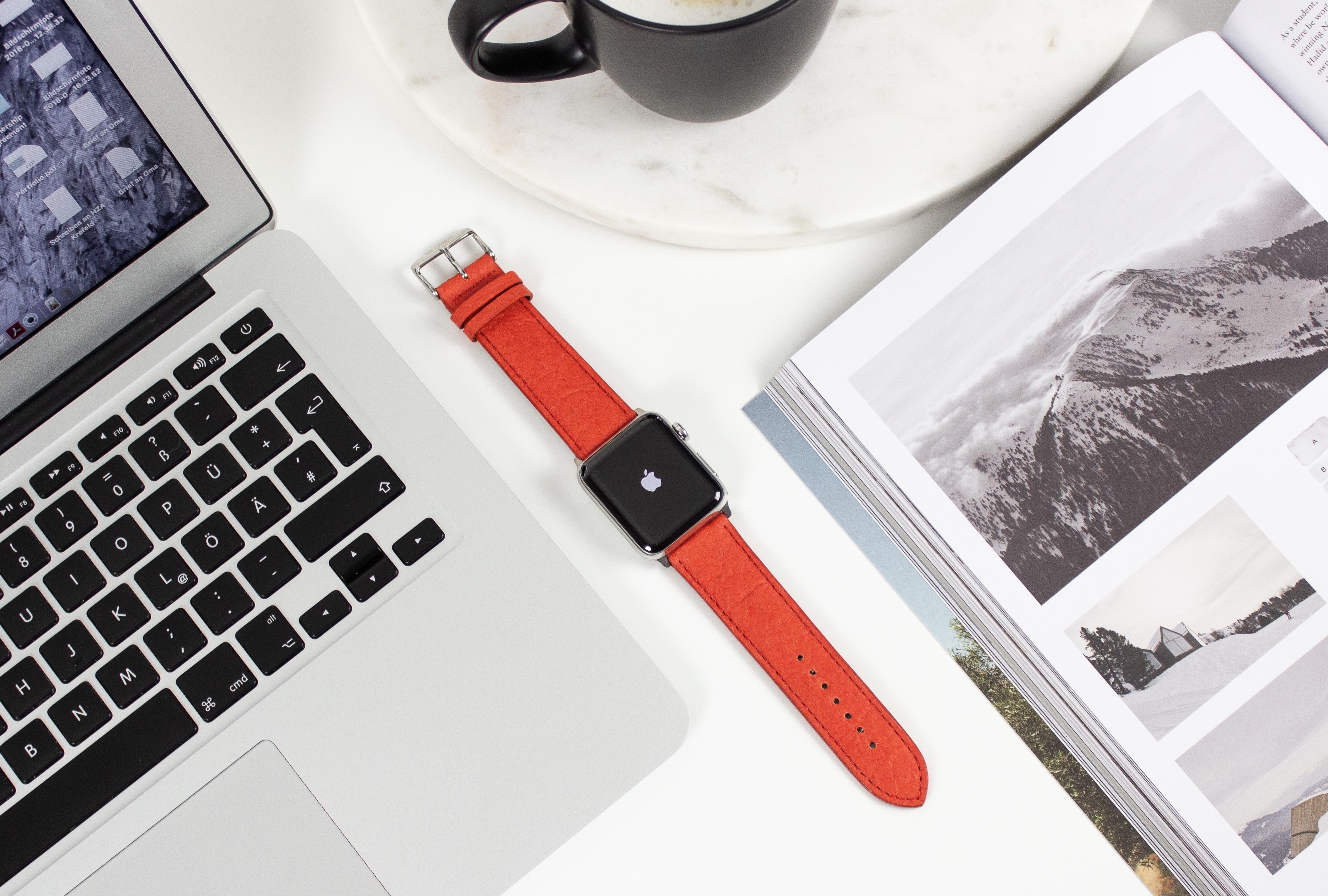
Piñatex makes beautifully brilliant Apple Watch bands. Photo: Mezando
Get fruity with one of Mezando’s magnificent Apple Watch bands. Made from pineapple leaves, they’re super-sustainable and available in a range of styles and color options.
They offer all the charm and durability of a leather strap, but without the obvious drawbacks.
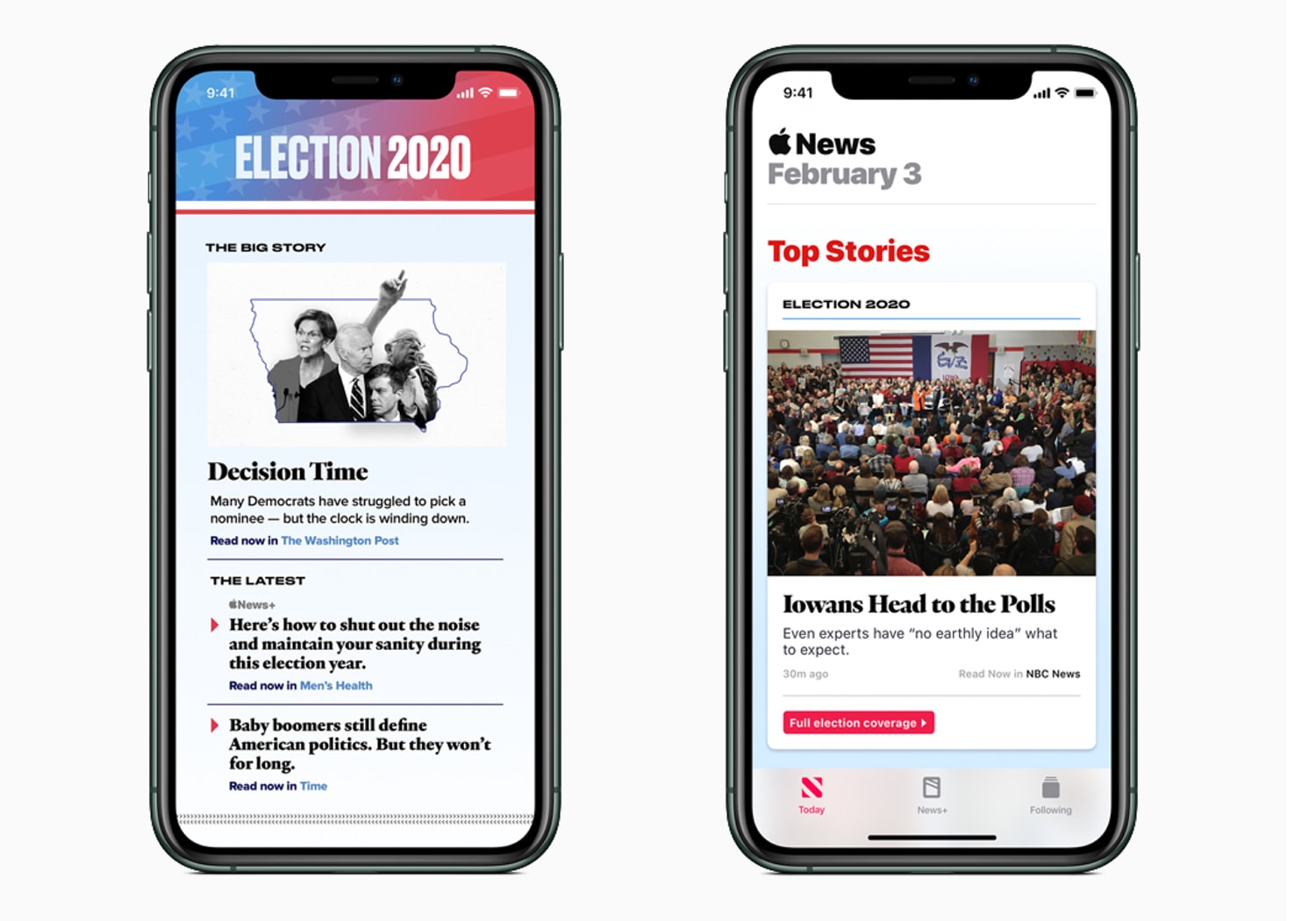
Improving on its coverage from two years ago, Apple News is doubling up efforts for the 2020 elections. Photo: Apple
Apple News debuted Monday it’s 2020 presidential election coverage and announced plans for various live-stream video coverage of the presidential race beginning with the next Democratic debate in New Hampshire on February 7.
Easily carry and protect your 15" laptop with a durable 18.5" ballistic nylon backpack, or an impact-absorbing laptop bag. Photo: Cult of Mac Deals
Traveling with your laptop can be nerve-wracking. For many of us, our computers are our livelihoods, so the very idea of them becoming lost or damaged is downright unacceptable. That makes protecting your MacBook with a quality case a no-brainer.
Coronavirus is starting to have a big impact on Apple. Photo: Killian Bell/Cult of Mac
iPhone shipments could fall 10% during the first quarter of 2020 as a result of the coronavirus outbreak.
Reliable TF International Securities analyst Ming-Chi Kuo has reduced his forecast to 36-40 million units. His latest report, seen by Cult of Mac, also warns that it’s too early to tell what kind of impact the epidemic might have on Q2.
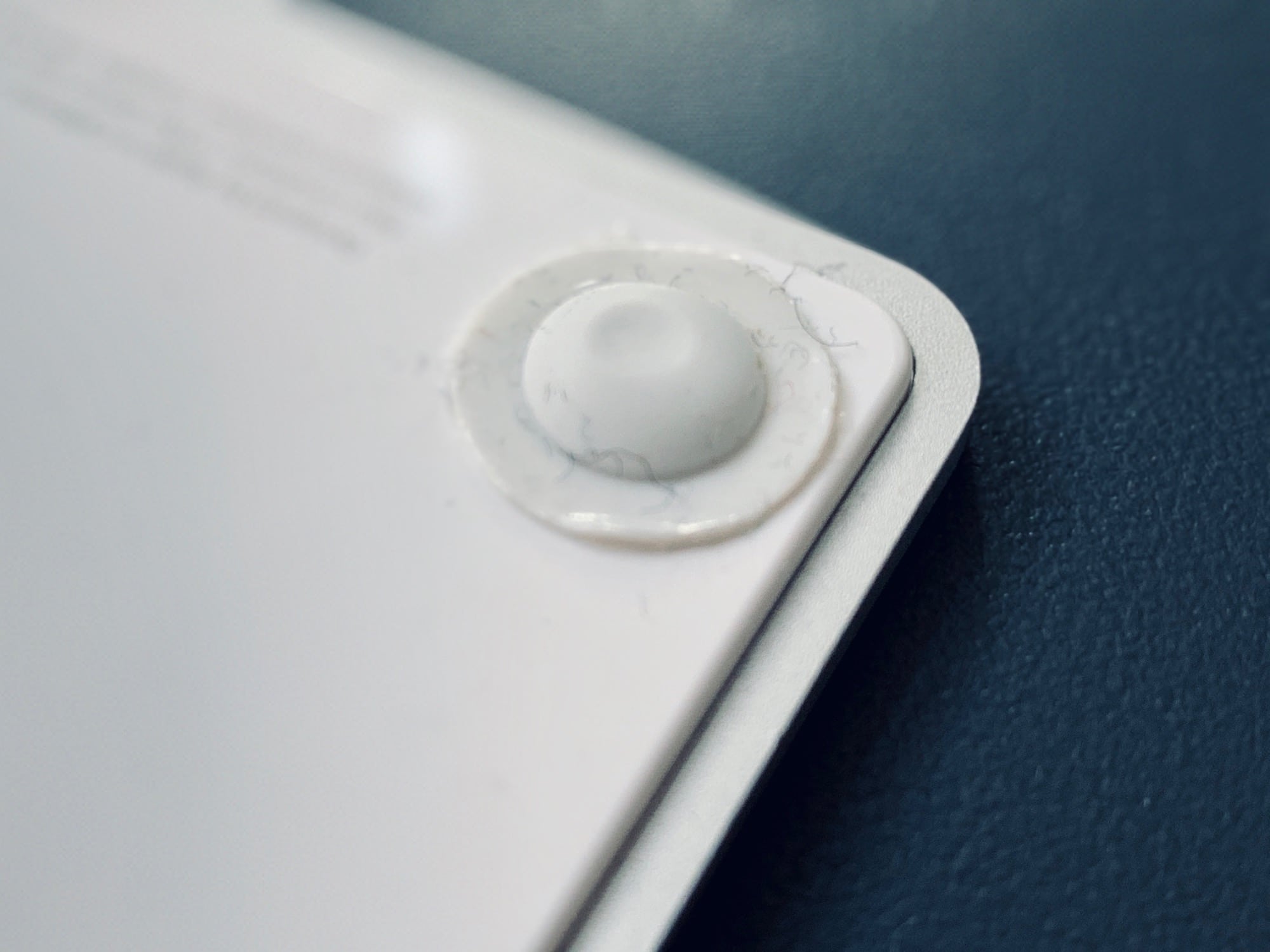
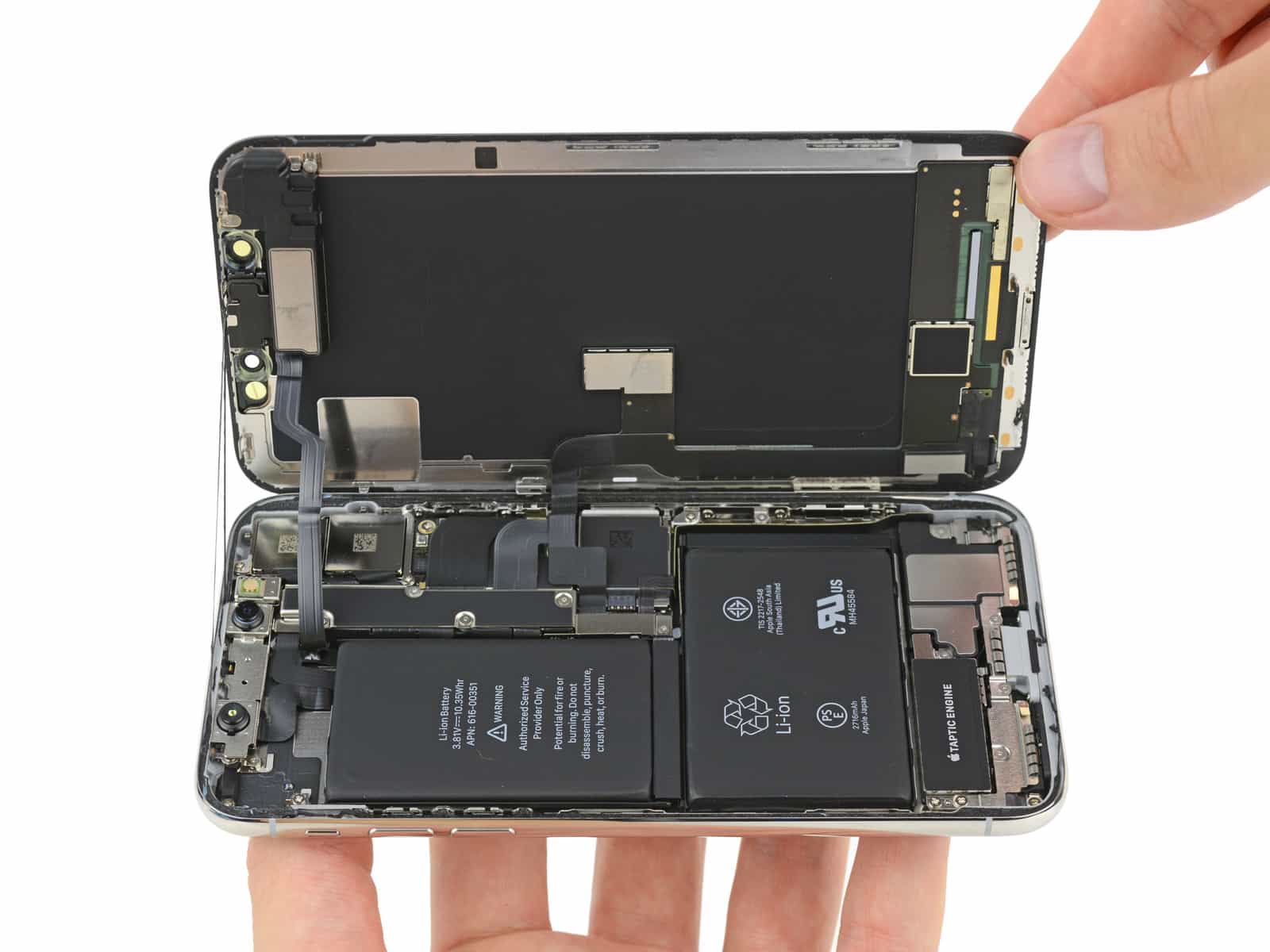
Apple's first 5nm chips are expected to ship in iPhone and iPad this year. Photo: iFixit
If you have a broken Apple product and you can’t make it to the Genius Bar, you might be able to ask Apple to come to you. The company is now offering at-home repairs in select cities throughout the United States.
You can schedule a visit from Go Tech Services, an Apple Authorized Service Provider, through the Apple website.
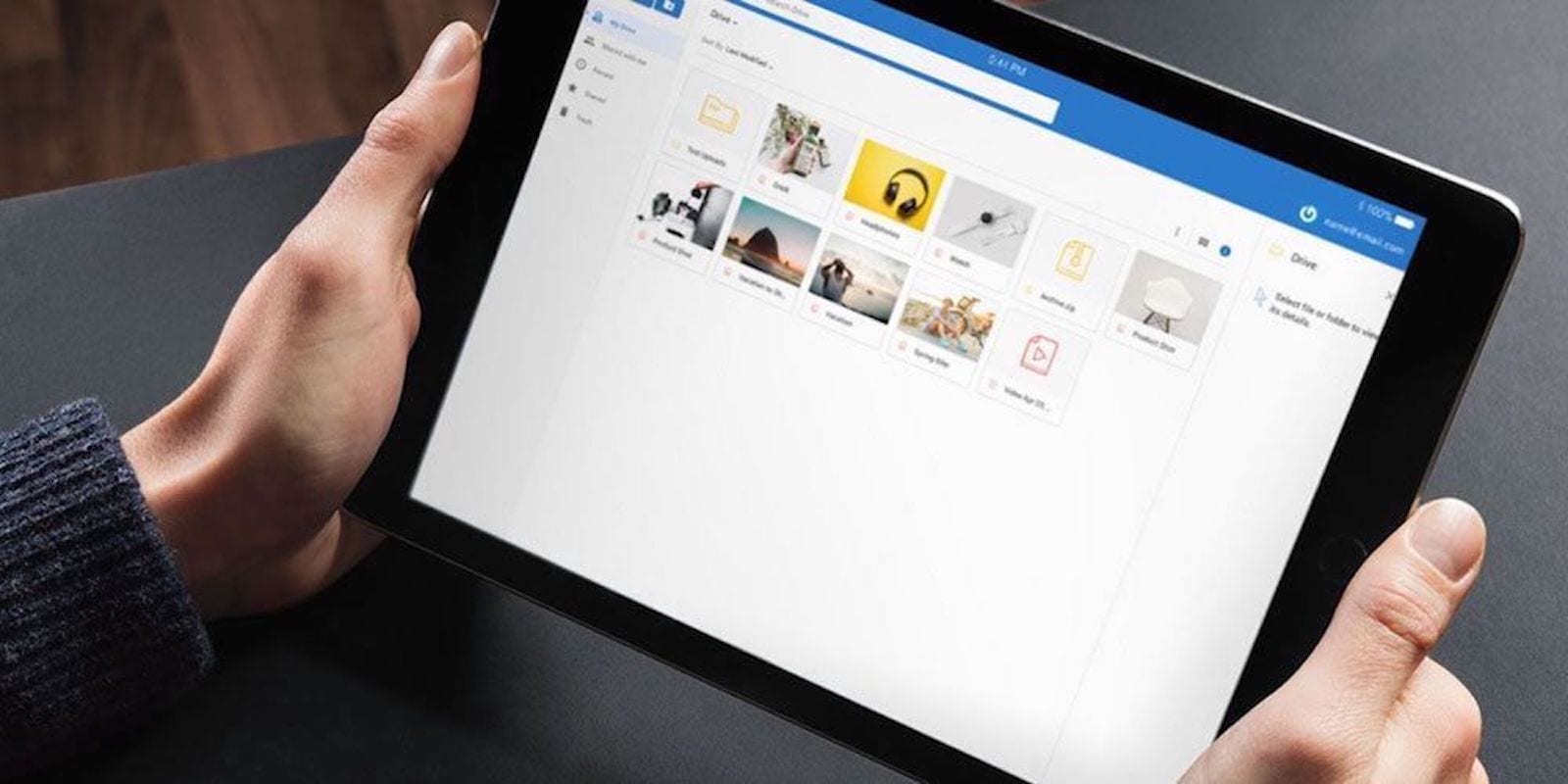
Thunder Drive offers secure cloud access via your web browser, so you can access it from any device. Photo: Cult of Mac Deals
By now, cloud storage is an essential part of our digital day to day lives. Unfortunately it’s still comes at a privileged price, so when there’s a chance to score massive storage for a song, our ears perk up. In this case, it’s lifelong access to 2TB of space for under $60.
This week we pay more for our calendars, shoot with both iPhone cameras simultaneously, share six-second videos like it’s 2015, and save some bookmarks. Take a look at the week’s best iOS apps, both new and updates.
Apple currently operates 42 retail stores across mainland China. Photo: Apple
Apple will close all its offices, 42 retail stores and contact centers across the Chinese mainland through February 9 as the outbreak of the new coronavirus has sickened more than 14,500 and killed more than 300 people.
It was great while it lasted! Photo: Unofficial Apple Archive
Apple took a proverbial sledgehammer to the Unofficial Apple Archive, an online collection of more than 15,000 classic Apple ads and assorted other materials, last weekend. Cupertino’s legal team issued a slew of takedown notices to Vimeo and the Unofficial Apple Archive’s host provider, Squarespace, resulting in thousands of vintage Apple ads vanishing in the blink of an eye.
While I understand the reason for the takedowns, I really, really wish Apple hadn’t tried to wipe the ads off the internet. Fortunately, Apple could set things straight — by embracing both its past and its most ardent fans.
Secret Oops! puts its virtual 3D game board in your living room. Screenshot: Ed Hardy/Cult of Mac
Mix a bumbling spy, a secret base, and a lot of augmented reality and you’ll get Secret Oops!, the latest addition to Apple Arcade. This innovative children’s game from MixedBag shows a virtual 3D game board in the real world through the magic of AR.
I explored the possibilities of Secret Oops!; read on to see what I found.
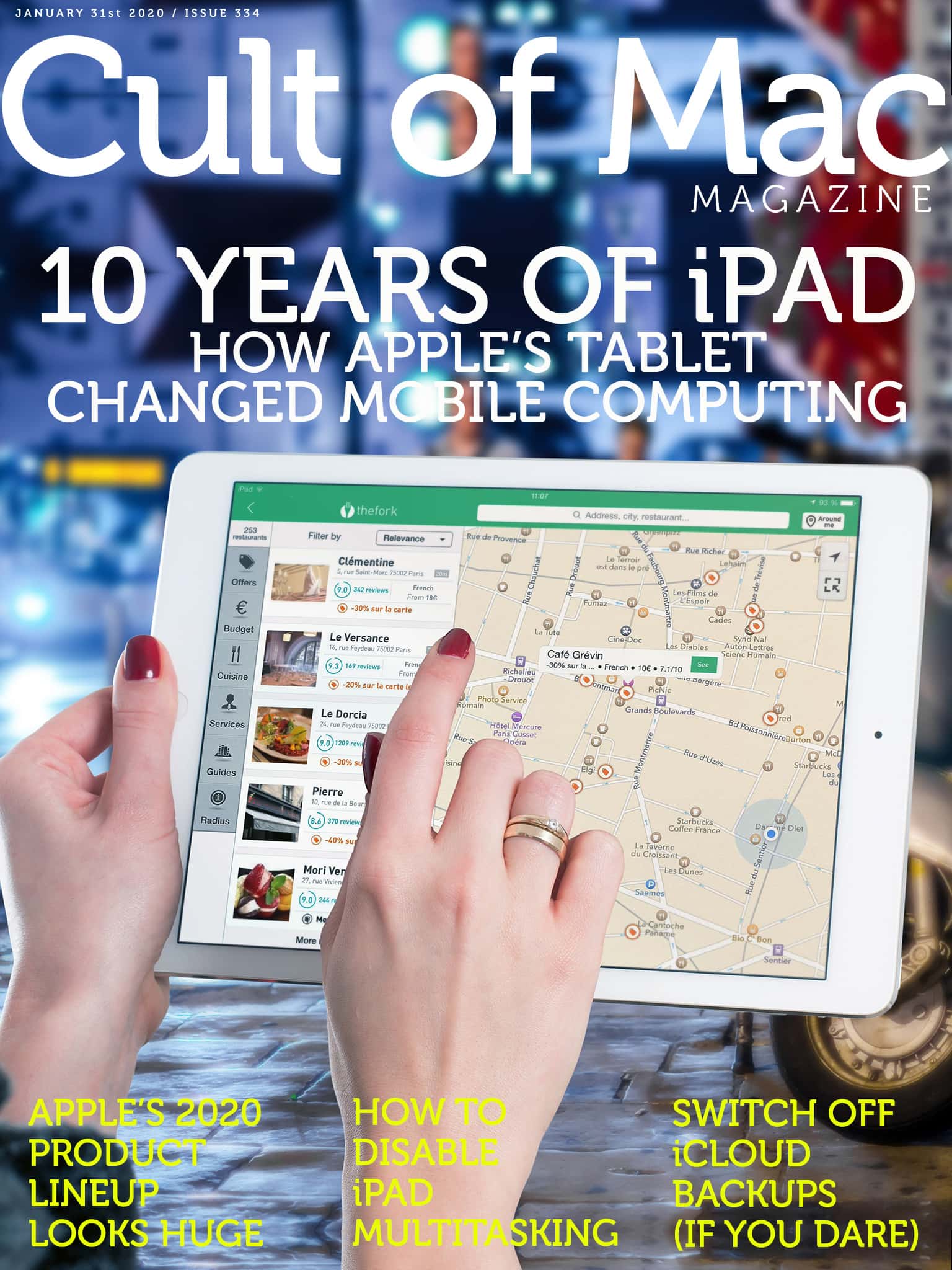
A decade ago, the iPad changed everything. Cover: Leander Kahney/Cult of Mac
When the iPad came out 10 years ago, some people dismissed it as nothing but a super-sized iPhone. In reality, Apple’s tablet changed mobile computing forever.
Double your laptop screen size with a lightweight, attachable 1080p monitor. Photo: Cult of Mac Deals
Designers, illustrators, recording engineers, stock brokers…. Plenty of us use two screens so we can maximize productivity at the computer. That can make laptops feel like a downgrade, but with this simple upgrade, you can carry your dual-screen arrangement with you.
Clicking can be a drag. Photo: Charlie Sorrel/Cult of Mac
I prefer the Mac’s trackpad to a mouse in every way but one. It’s more comfortable, it relieves RSI, it can be used equally easily by the left or right hand, and it does scrolling and multitouch. But the one thing it’s terrible at is actually clicking. Specifically, clicking and dragging to move a window, or to make a selection. And I’m still using the original Magic Trackpad, the one that runs on AA batteries. It has physical switches in its feet, so clicking is a lot harder at its top edge.
Enter the three-finger drag. This Mac accessibility setting lets you tap with three fingers to simulate a click and drag. And it does a lot more than just making it easier to move windows around the screen.
Super Bowl 54 is on multiple platforms through streaming Apple TV devices, even in 4K. Logo: NFL
Super Bowl LIV (or 54, if you don’t prefer Roman numerals) will take place Sunday in a matchup between the San Francisco 49ers and the Kansas City Chiefs.
For Apple TV users, there are lots of ways to watch, for free and not so free. Here’s your complete guide.
Keep an inept agent alive in Secret Oops!, an augmented-reality title on Apple Arcade. Photo: Apple/Mixedbag
Secret Oops! is an innovative augmented-reality game that asks players to save the world’s dumbest spy. Guide Special Agent Charles through an AR landscape, with multiple players using an iPhone or iPad to see the same virtual board in the real world.
Apple is ramping up production on a budget iPhone. Photo: Cult of Mac
Apple is already in trial production of a budget-friendly iPhone with mass production set to begin in a couple of weeks, according to supply-chain insiders.
Rumors of either an iPhone SE2 or iPhone 9 have been swirling for months with an unveiling likely in March.
Take the weekend to learn coding, business management, freelance skills and more. Photo: Cult of Mac Deals
The weekend is a great time to relax, but it’s also a great time to focus on self improvement. You could practice an instrument, go to the gym, or any number of other healthy activities. Or, with these short, information-packed lessons, you can improve your professional prospects. These cover coding, management, data analytics and freelance content creation, so there’s something for everyone.
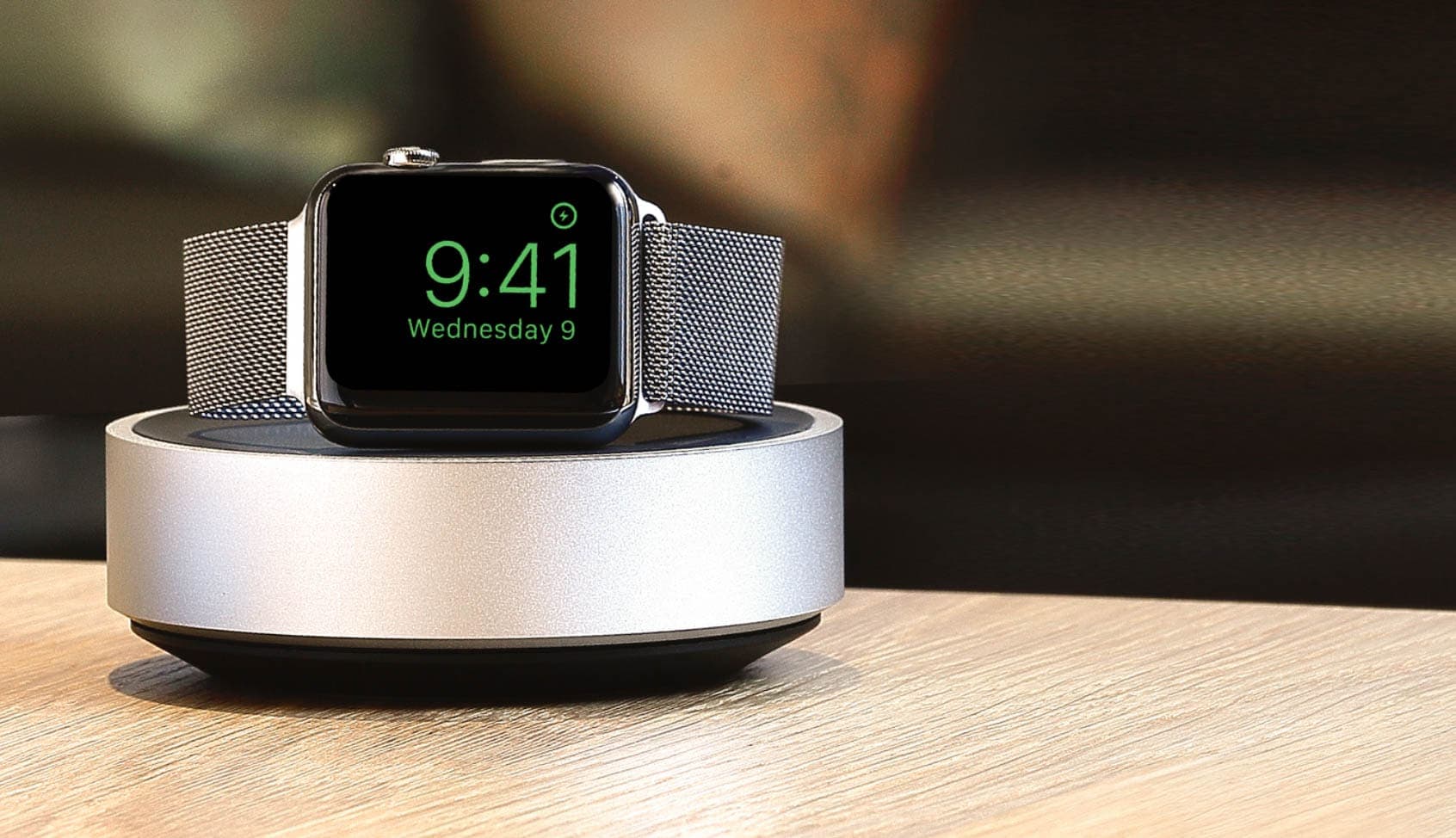
You’ll find iPhone cases and screen protectors, Apple Watch charging stands, and portable battery packs all reduced to some of their lowest prices to date. Prices start at just $7.95!
But be quick — this sale must end tomorrow, January 31.
BlackHole is a free, open-source tool to route audio anywhere on your Mac. You know how the audio from YouTube in Safari comes out the speakers or headphones of your Mac, and that’s about it? Well, with BlackHole, you can intercept that audio. Then you can record it, redirect it to another app or do basically anything you like.
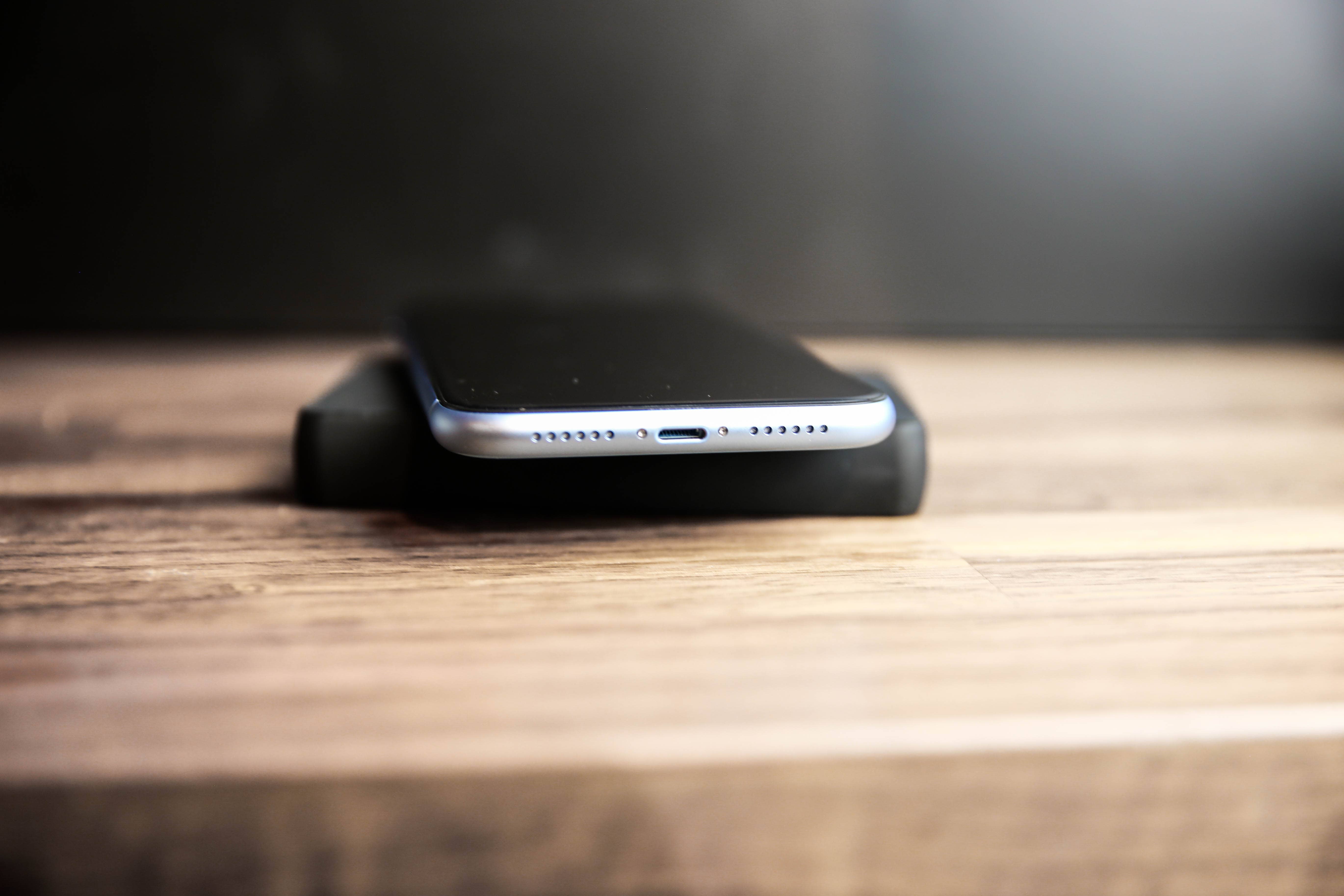
The days every iPhone has a Lightning port may well be numbered. Photo: Kristal Chan/Cult of Mac
In a move that seems squarely aimed at killing Apple’s Lightning port, a large majority of the European Parliament voted in favor of establishing a common charger standard for mobile devices.
This is only a step in a process that is likely to see the Lightning connector banned from devices sold in Europe, but it’s a significant one.
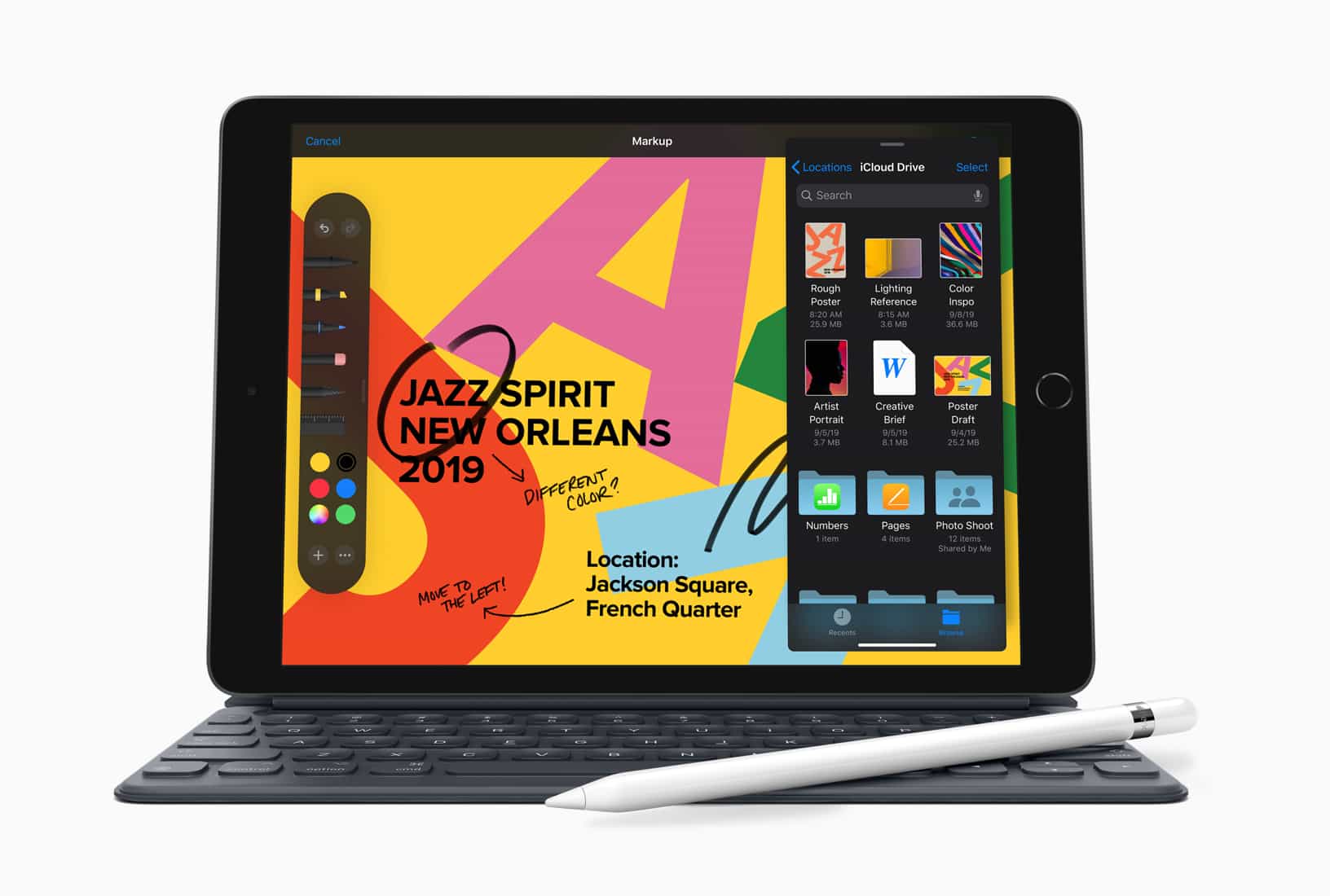
The first 10.2-inch iPad brought a surge of iPad sales. Photo: Apple
Apple has a real hit on its hands with the 10.2-inch iPad it launched last fall. It helped push Apple to a 22.7% year-over-year increase in tablet shipments last quarter, according to a market-research firm.
iPadOS devices continue to vastly outsell all their rivals, and Apple increased its lead in the final three months of 2019.
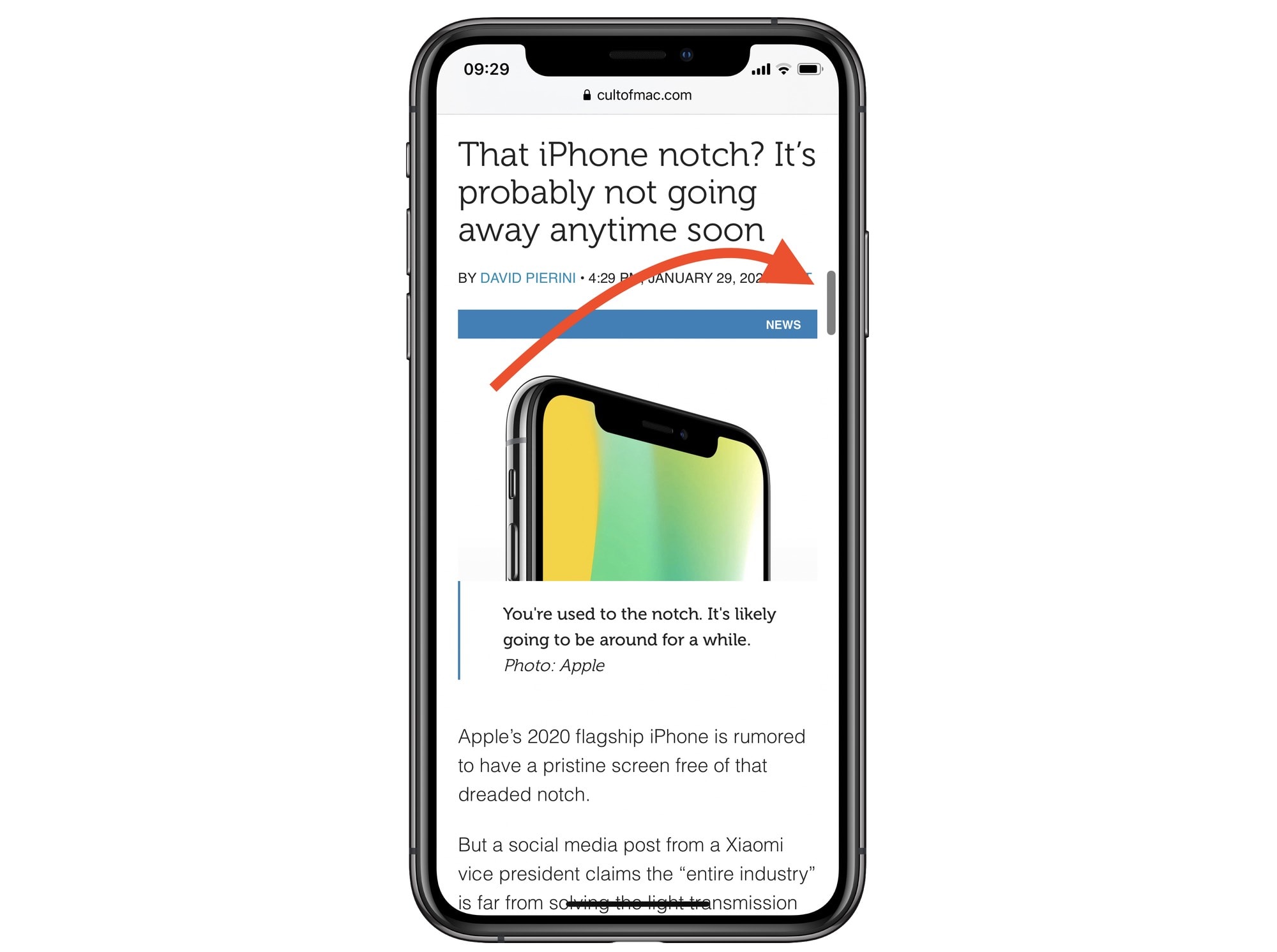
Get ready for scroll-bar scrubbing. Photo: Cult of Mac
We all know how to scroll through long documents or lists on iOS, right? You swipe on the screen, and then keep doing it, over and over, as fast as possible, like some kind of maniac. And, at some point in the future, you will probably arrive at the other end of the list. Scrolling to the very top is easy — just touch the top of the screen. But in iOS 13, you can grab the scroll bar that appears on the right side of the screen, and use it to navigate.
This is a really, really useful feature. Here’s how it works.
It offers more detail and Apple's answer to Street View. Photo: Apple
Apple today rolled out its major Maps redesign to all users in the United States. It packs big improvements, including better road and pedestrian data, more precise addresses, and more detailed land coverage. It also offers Look Around, Apple’s answer to Google Maps’ Street View, in select locations.
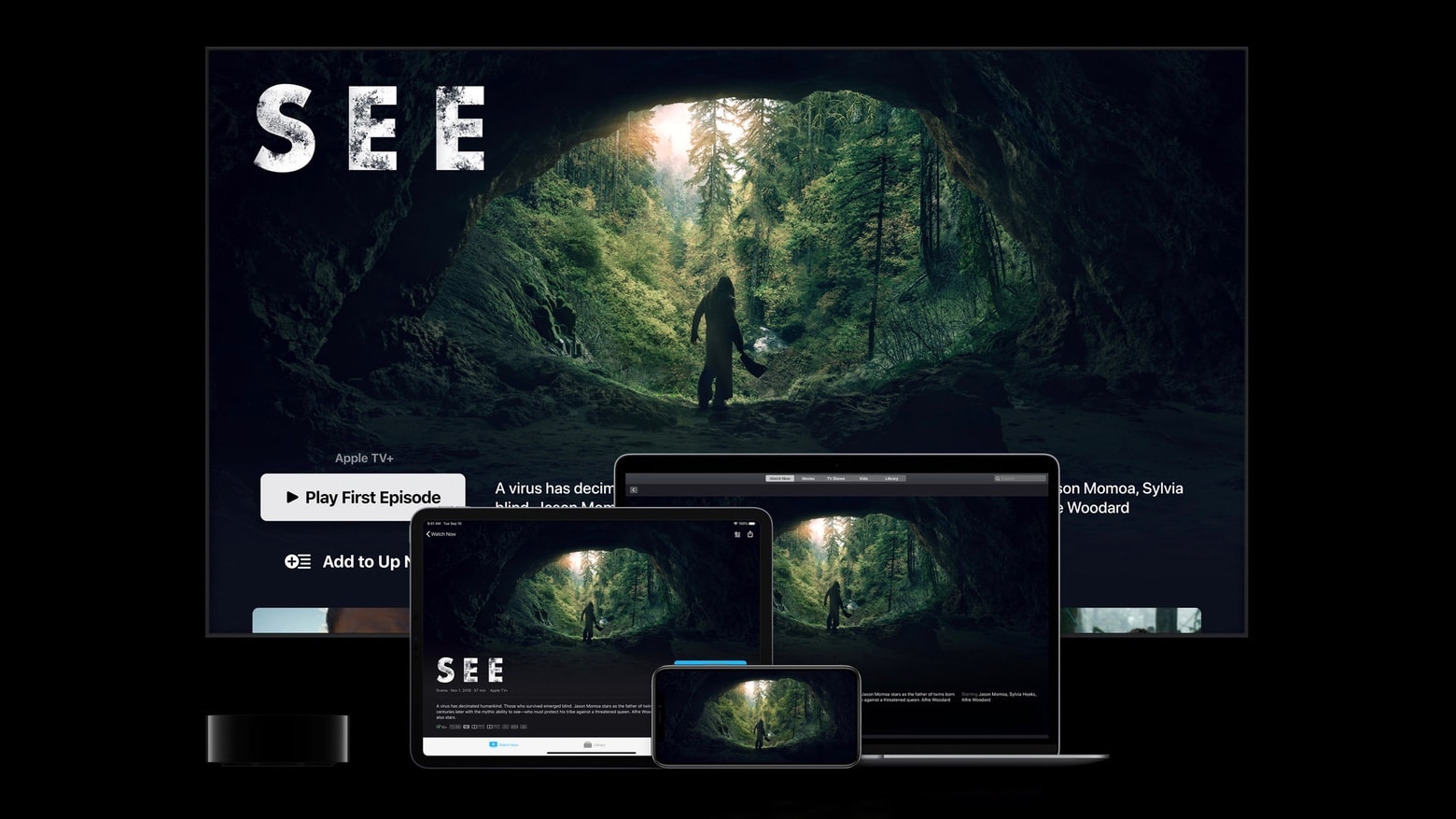
A single Apple TV+ subscription can be played on a wide variety of Apple computers. Photo: Apple
A free year of Apple TV+ goes to everyone who buys a new iPhone, Mac or iPad. But time to sign up for this deal is running out for those who made their purchase just before the launch of Apple’s streaming video service.
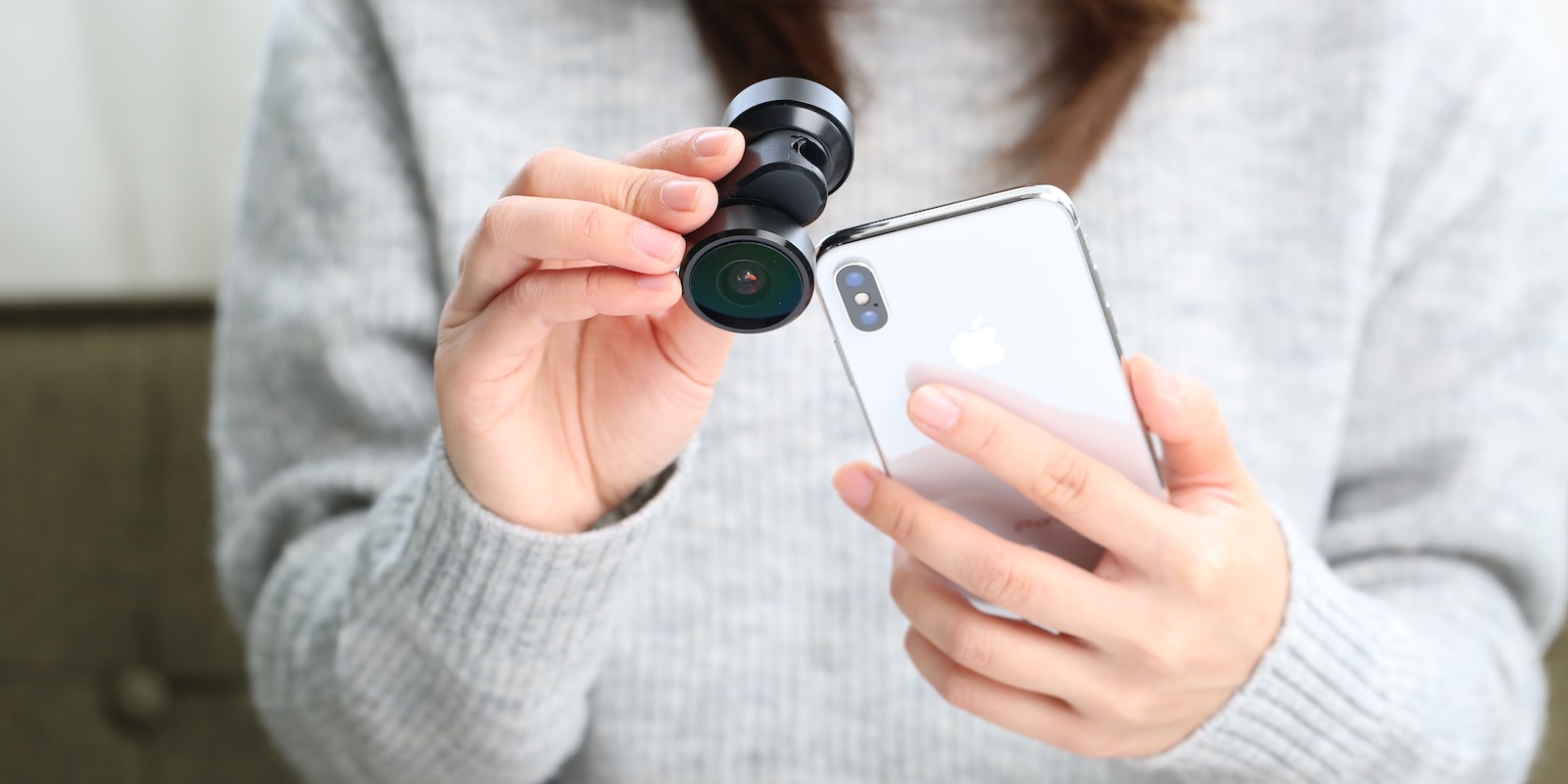
This clip-on lens instantly adds anamorphic, 8mm wide-angle, fisheye and 360° shots to your iPhone. Photo: Cult of Mac Deals
As good as the iPhone camera is, it’s limited by its lens. It’s true of DSLRs and it’s true of smartphones: To expand and improve your camera’s abilities, you get new glass. This clip-on lens does just that, so your iPhone can get an instant upgrade.




![Why Apple should celebrate its history with an Official Apple Archive [Opinion]](https://www.cultofmac.com/wp-content/uploads/2020/01/Unofficial-Apple-Archive-scaled.jpg "Why Apple should celebrate its history with an Official Apple Archive [Opinion]")