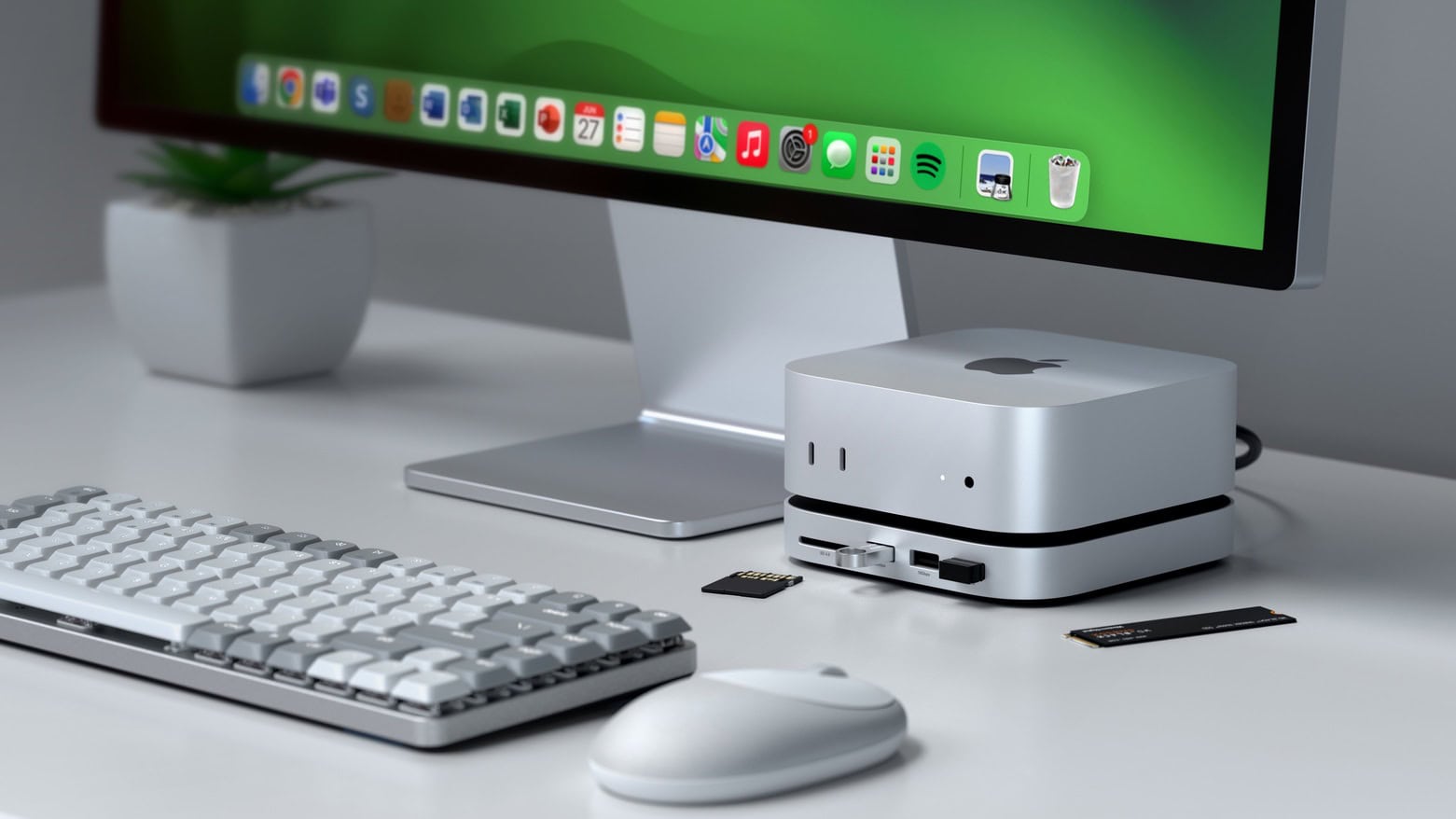
Max out your Mac mini with this hub. Photo: Satechi
The wait for the Satechi Mac mini M4 Stand & Hub with SSD Enclosure isn’t as long as expected. The accessory — which adds front-facing ports and more storage — can be ordered now, though quantities are limited.
It seems a nice addition for Apple’s tiny new desktop. It even makes pressing the computer’s hidden power button easier.
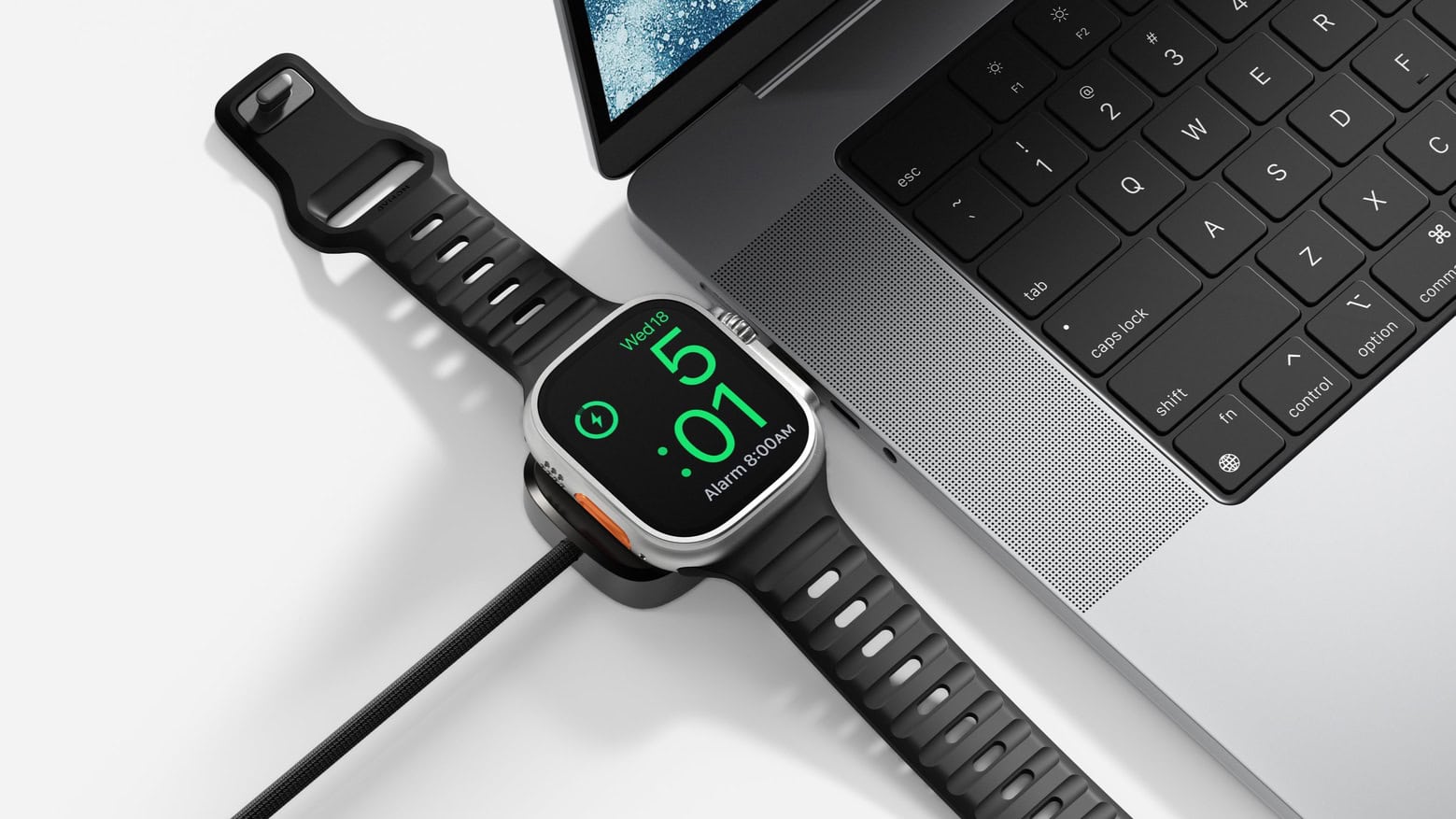
Nomad Universal Cable for Apple Watch charges your wearable and your Mac at once. Photo: Nomad
When you need to juice up your iPhone and Apple Watch, a single cable isn’t going to do you much good… unless it’s the latest innovation from Nomad. The new Universal Cable for Apple Watch charges the wearable while also sending current to another USB-C device, like a MacBook or iPad.
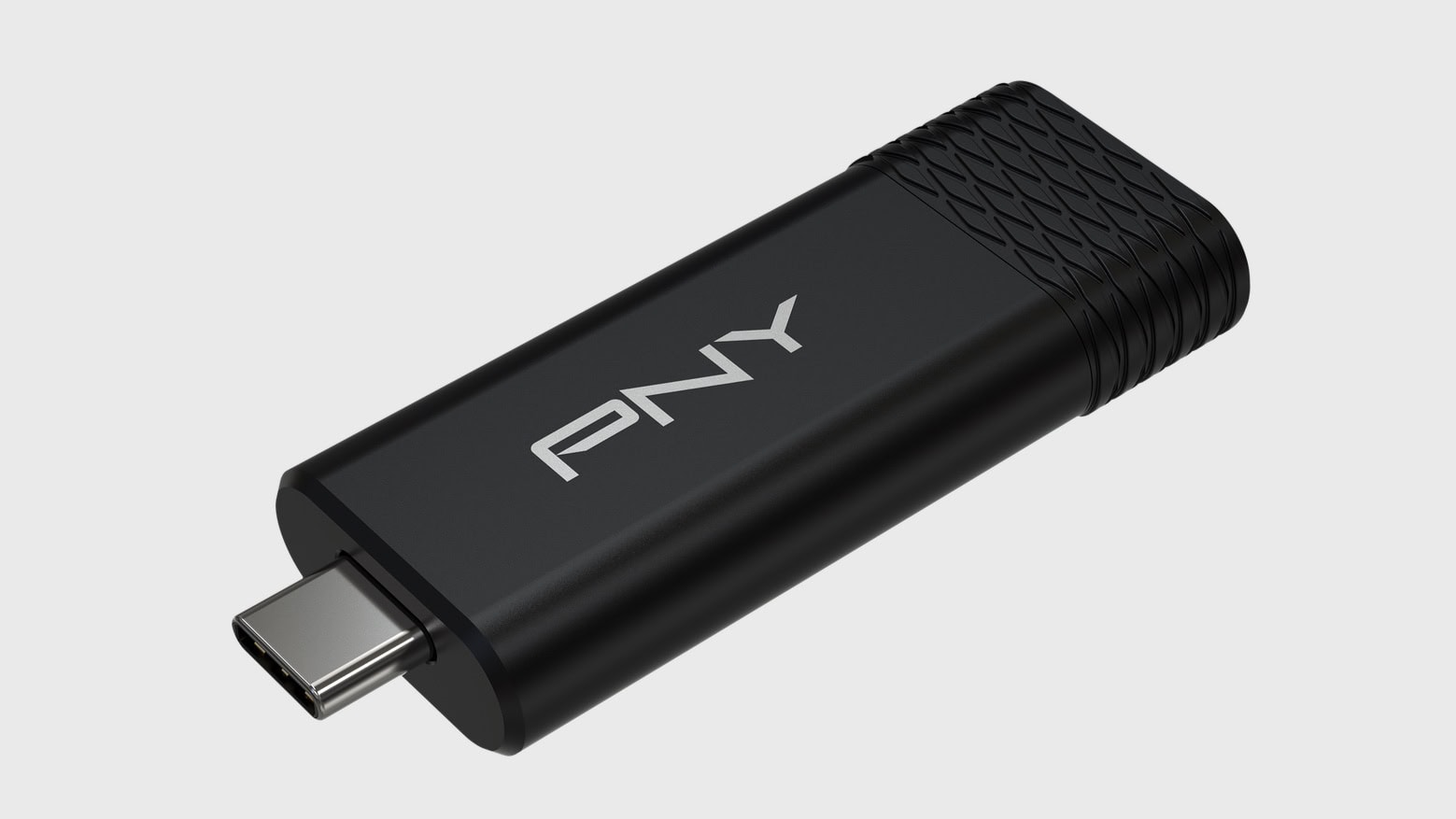
The PNY PRO Elite V3 might be the affordable external storage you’re looking for. Photo: PNY
A new mobile SSD called the PNY Pro Elite V3 holds terabytes of data and can transfer that data at up to 1,000MB/s. But perhaps its standout feature is price: the 2TB variant comes in at just $145.
PNY also just introduced two other speedy USB-C drives that top out at 256GB — but cost less than $25.
★★★★☆
It fits in nicely in any Mac setup. Photo: D. Griffin Jones/Cult of Mac
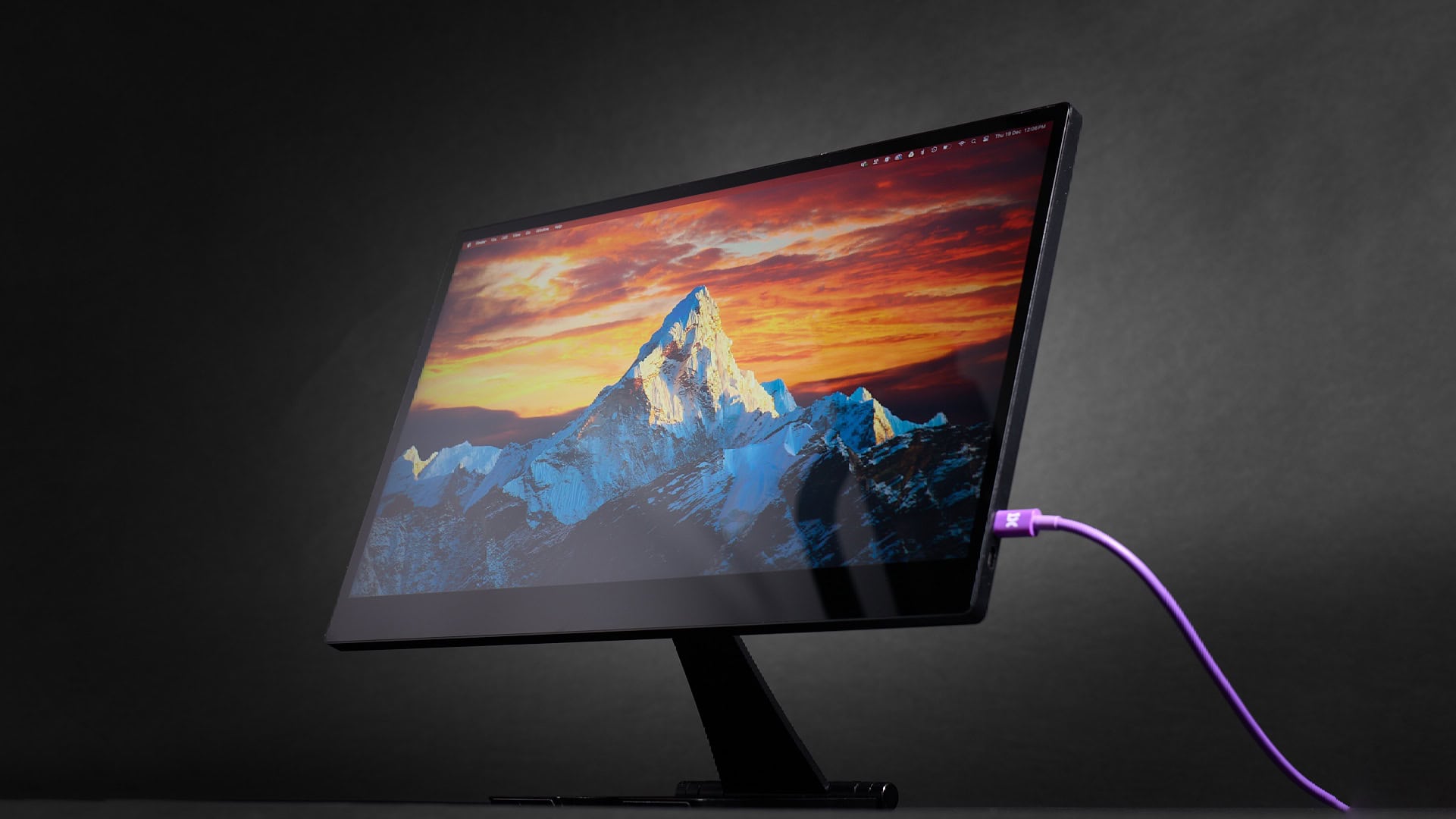
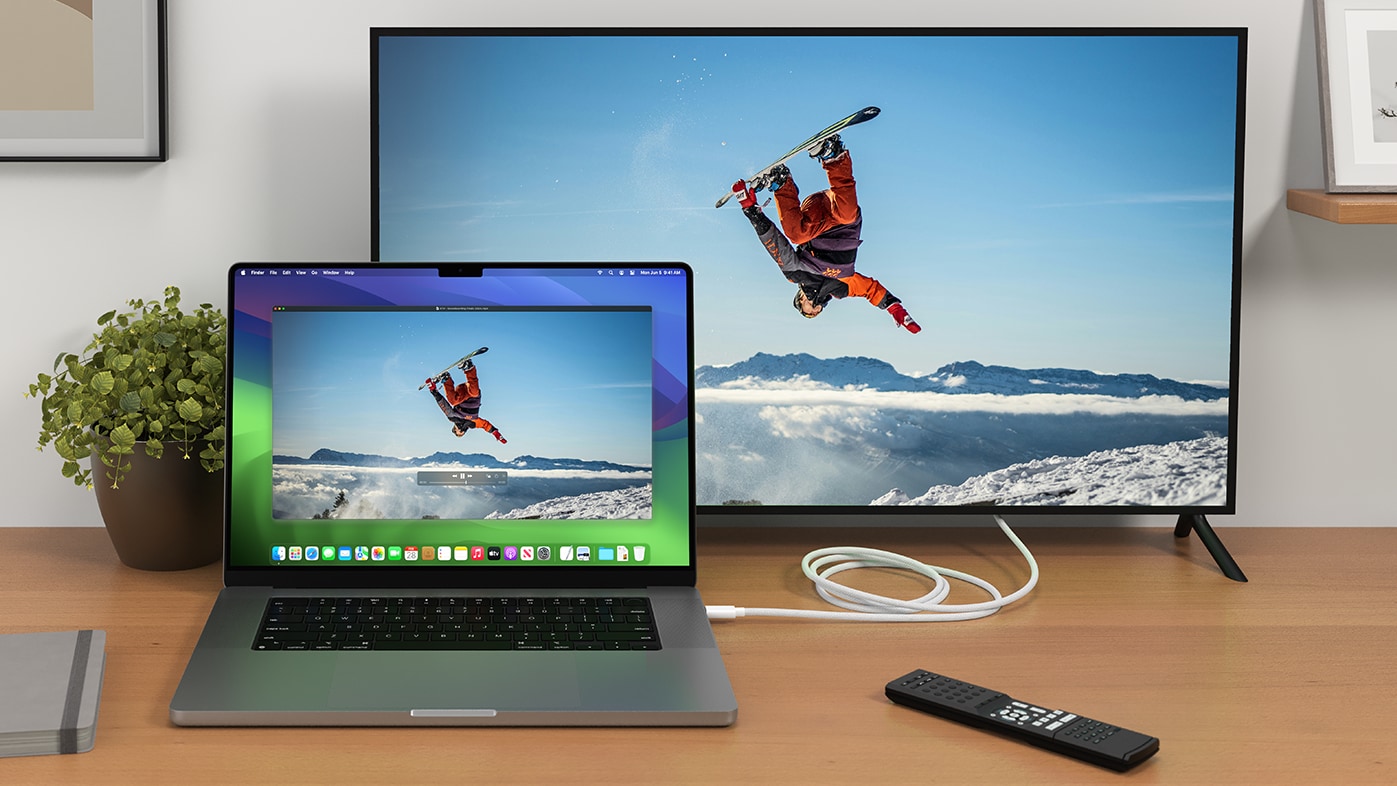
As you’ll read in our hands-on review of the BenQ DesignVue PD2730S, this Apple Studio Display alternative offers similar specs at a lower price. The new BenQ display delivers the same 27-inch screen, 5K Retina resolution, frame rate, color gamut and Thunderbolt connectivity as Apple’s pricey monitor.
This formula might ring a bell — BenQ’s new high-end display is the second Studio Display alternative to hit the market. The BenQ display proves nicer than the Asus ProArt 5K I reviewed two months ago, but it also costs more ($1,199 compared to $799).
One thing is for sure: Both are still a steal compared to the Studio Display, which starts at $1,599. Read on to see how these monitors stack up.
Max out your Mac mini with this hub. Photo: Satechi
The Satechi Mac mini M4 Stand & Hub with SSD Enclosure expands the capabilities of Apple’s tiny new desktop with additional front-facing ports and more storage. It even makes pressing the computer’s hidden power button easier.
Satechi gave a sneak peek of the product in November, but on Monday revealed the full specifications, including a price and release date.
★★★★☆
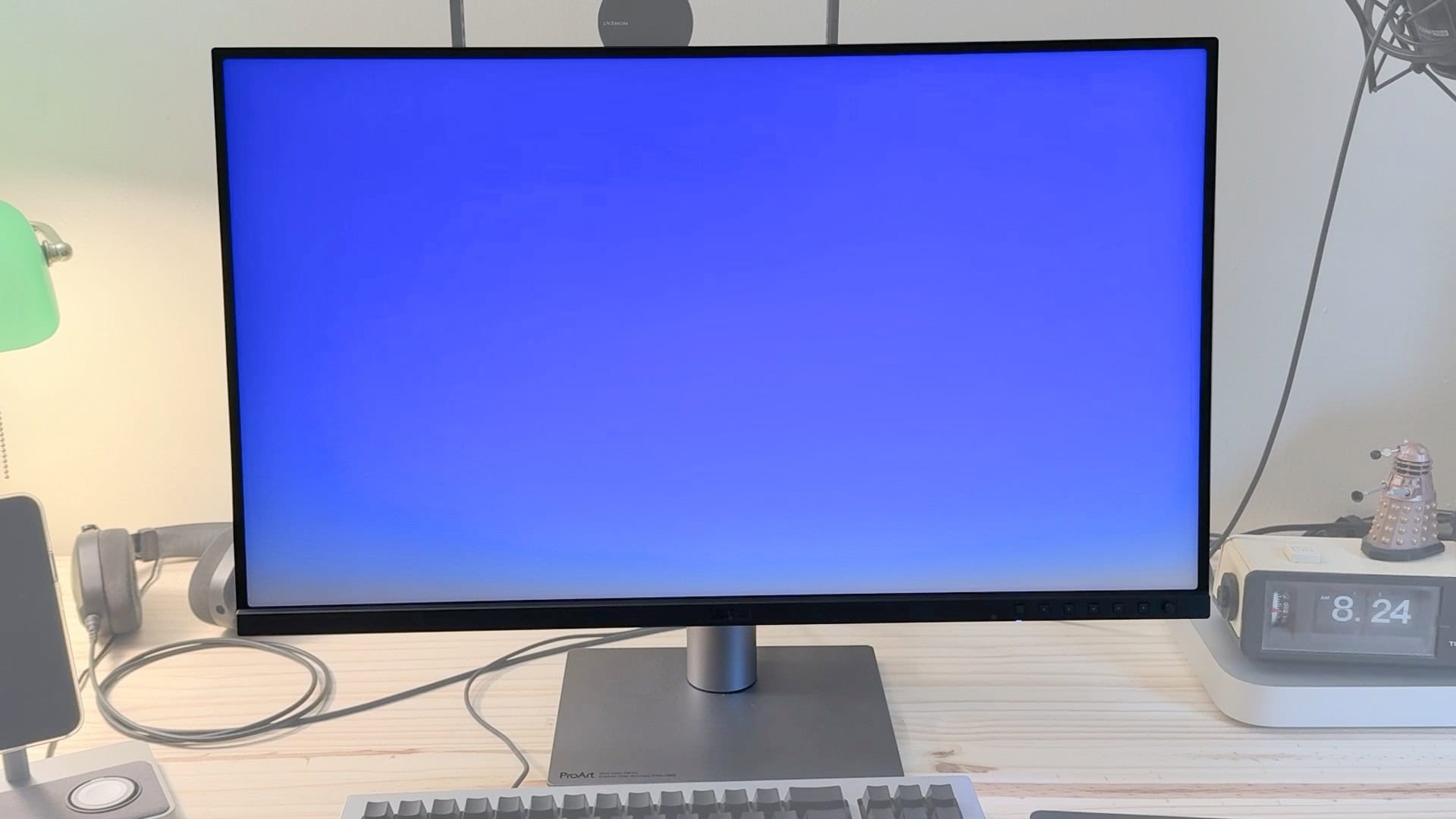
This display can be the new centerpiece of your Mac setup. Image: D. Griffin Jones/Cult of Mac
Asus’ new ProArt 5K desktop monitor costs just half of what you’ll pay for Apple’s Studio Display but offers many of the same features. The Asus ProArt 5K PA27JCV boasts the same 27-inch screen, Retina resolution, standard framerate and P3 wide color gamut as Apple’s midrange monitor. It also comes with a built-in USB hub and KVM, which proves great if you still use a few USB-A accessories or flash drives.
Admittedly, Asus’ 5K desktop monitor misses some of the Studio Display’s premium features. The stand wobbles and the body is made of creaky plastic. Plus, the panel isn’t quite as bright as Apple’s display, and it doesn’t come with a webcam.
Still, with very similar specs — and a budget-friendly $799 list price, compared to the Studio Display’s $1,599 (or $1,999 if you dare to desire an adjustable stand) — Asus is making an offer that’s hard to refuse. Keep reading or watch our video review.
This stand, hub and SSD enclosure might be just the accessory your Mac mini M4 needs. Photo: Satechi
The just-announced Satechi Mac mini M4 Stand & Hub with SSD Enclosure adds an array of front-facing ports to Apple’s slimmed-down desktop. There’s also room inside for an NVMe SSD.
The multi-purpose accessory is designed to match the size and appearance of the Mac.
★★★★☆
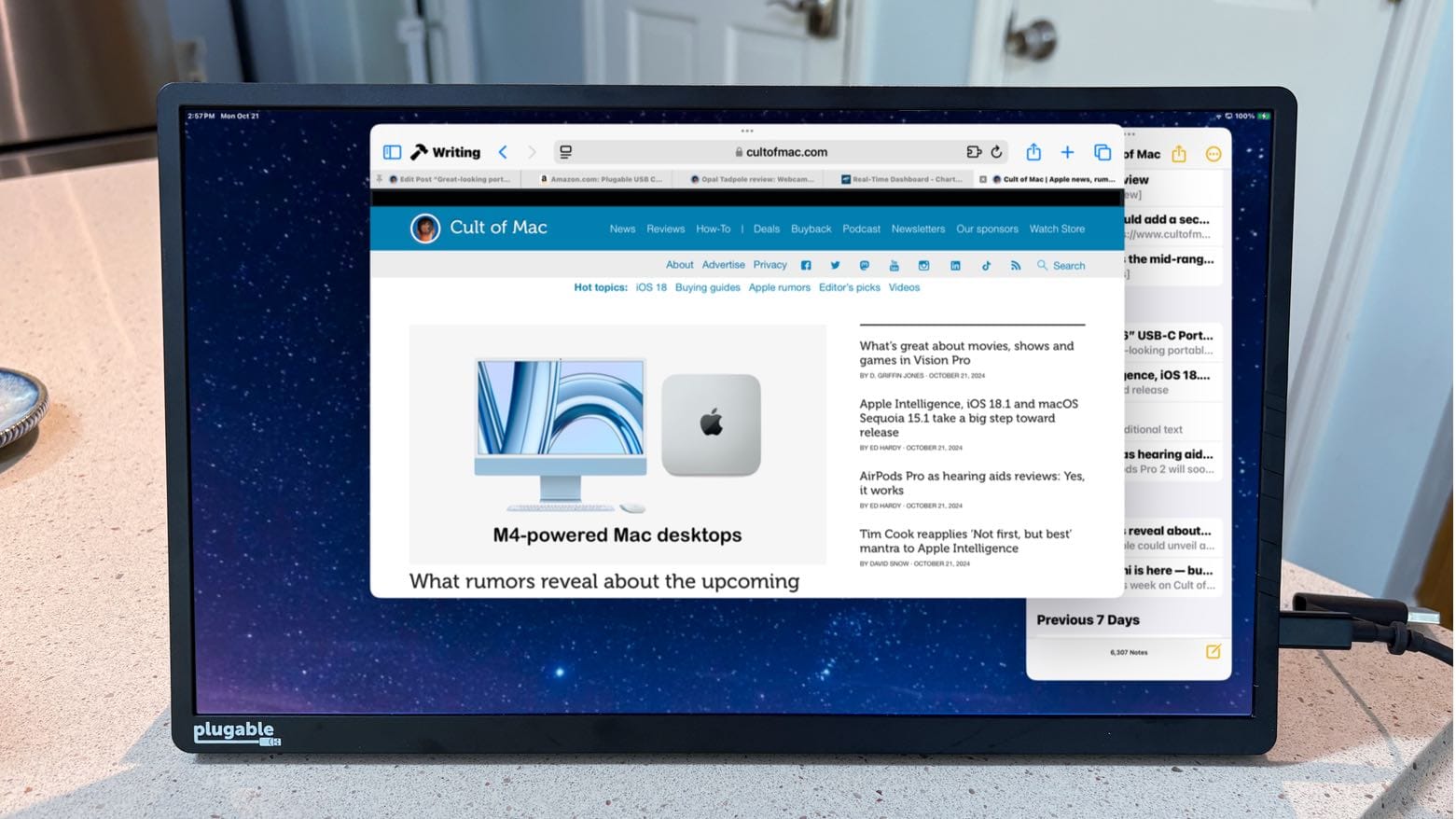
You might not need a USB-C hub if you use this great-looking portable monitor. Photo: Ed Hardy/Cult of Mac
The Plugable 15.6” USB-C Portable Display connects to MacBook or iPad to add more screen space, but that’s only the start: it’s also a hub with a pair of high-speed USB-C ports available for external drives, a keyboard, etc.
As a person who regularly works outside of the office with an iPad Pro, I’m more than qualified to test this accessory for road warriors who are perpetually short of USB-C ports. Here’s why I love it.
★★★★☆
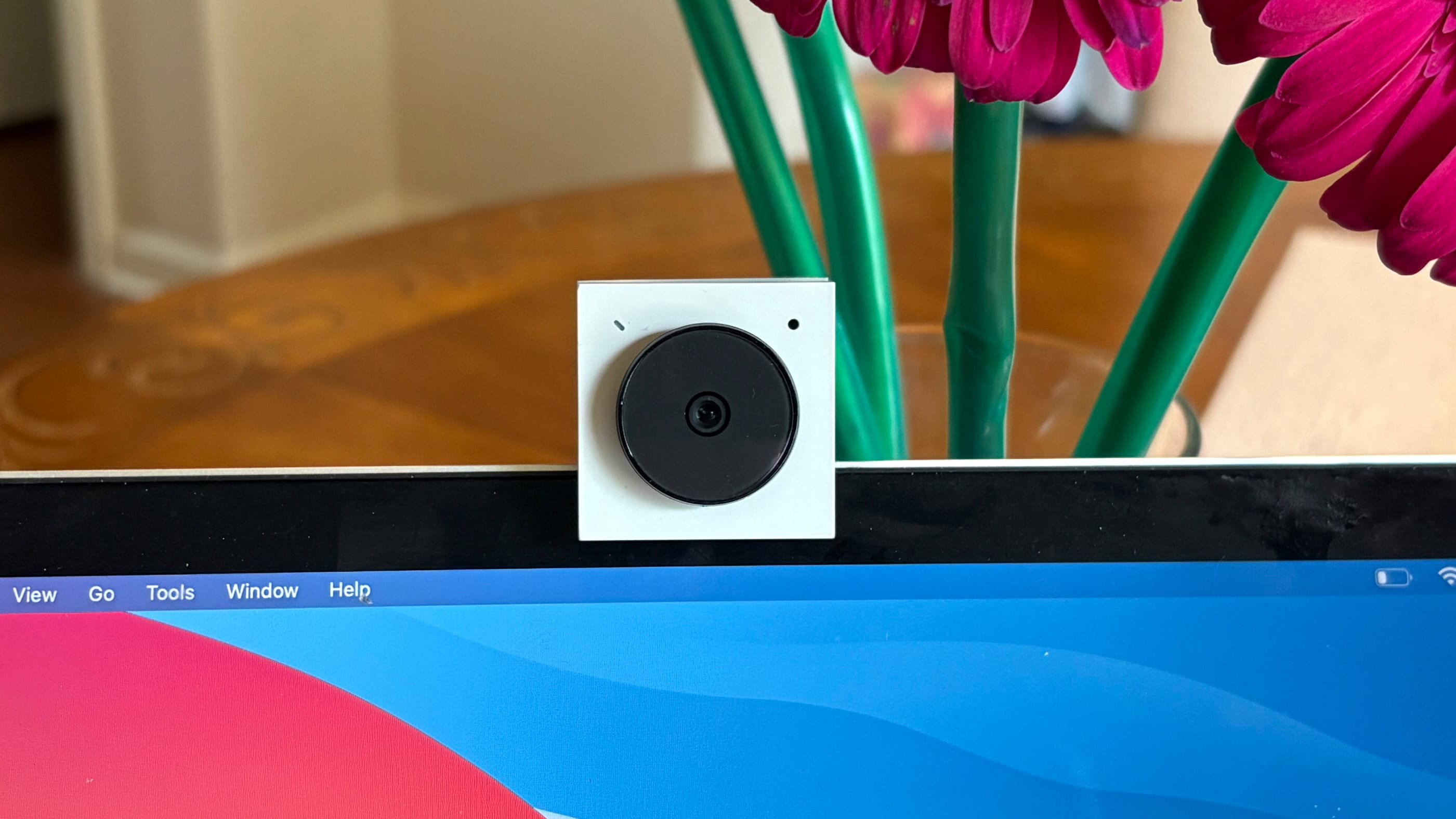
Get big video from the tiny Opal Tadpole webcam. Photo: Ed Hardy/Cult of Mac
Opal Tadpole acts as a replacement for the webcam in your laptop or tablet. Clip the well-built gadget to an older MacBook and you’ll look better on video calls.
I tested one with multiple computers to see how Tadpole stands up in real world use — and whether it might make a good gift this holiday season.
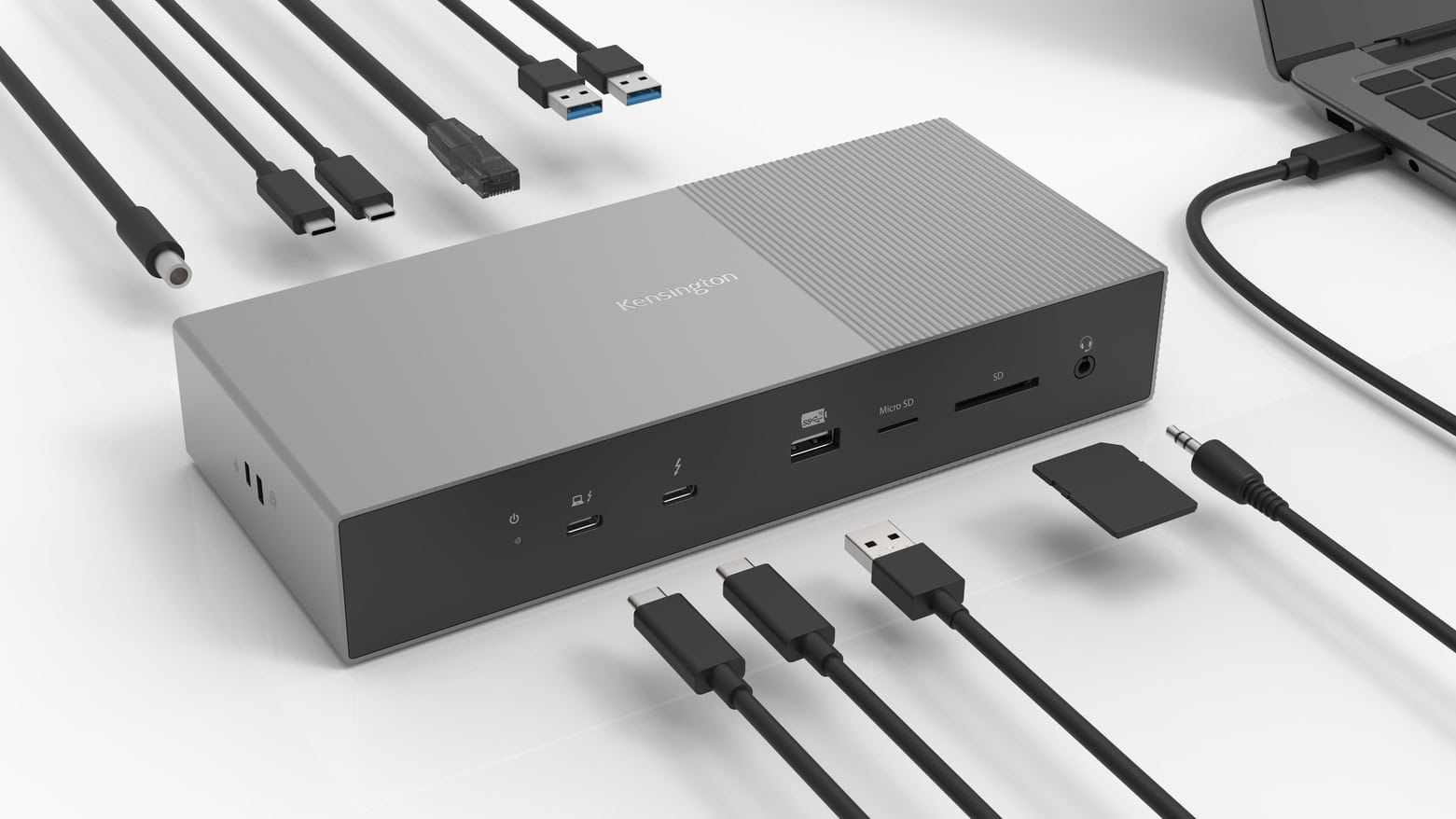
The Kensington SD5000T5 EQ Thunderbolt 5 Triple 4K Docking Station offers cutting-edge features to creative professionals. Photo: Kensington
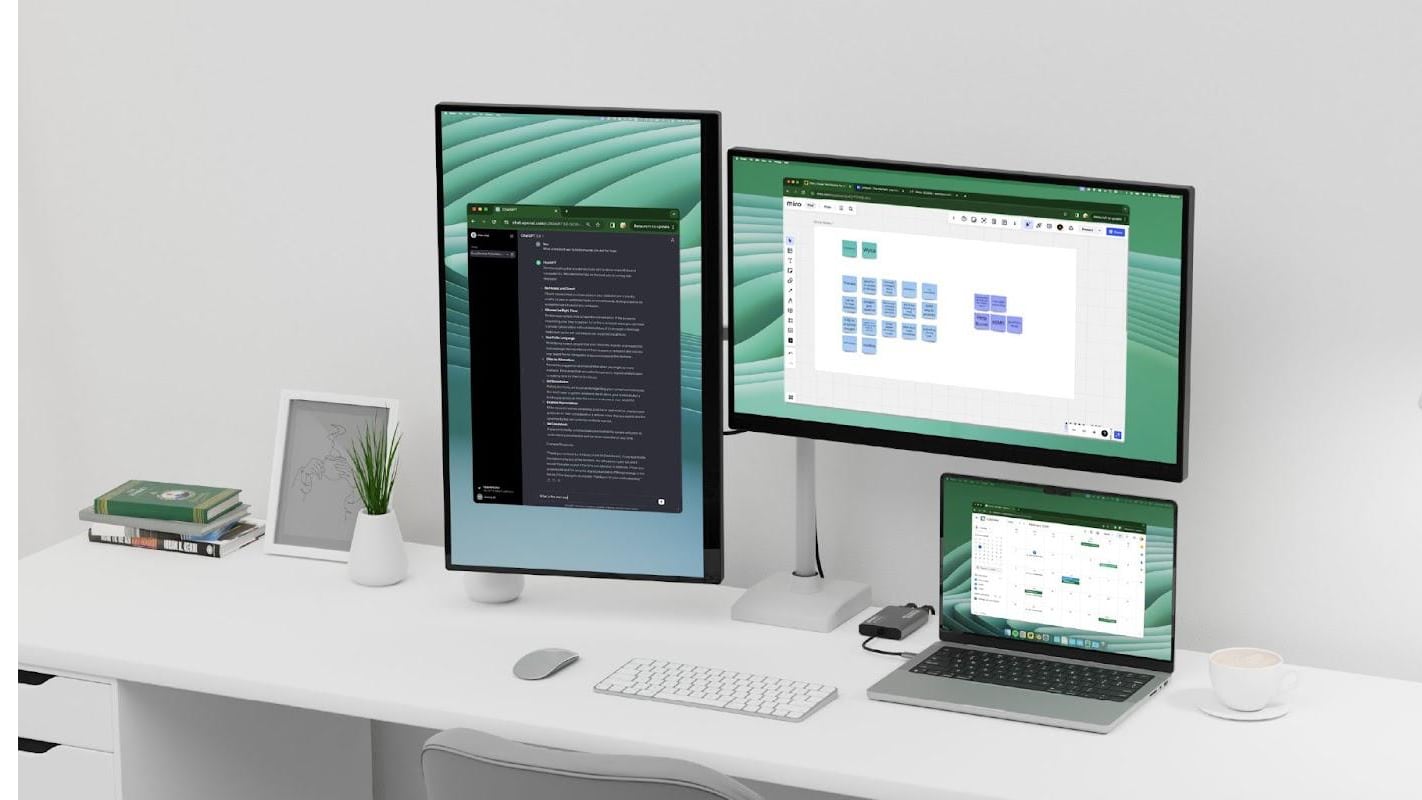
The Kensington SD5000T5 EQ Thunderbolt 5 Triple 4K Docking Station is the first Thunderbolt 5 dock to get Intel certified. It boasts 11 ports and delivers data transfer speeds up to 120 Gbps (15,000 MBps).
The dock is intended for professionals and content creators.
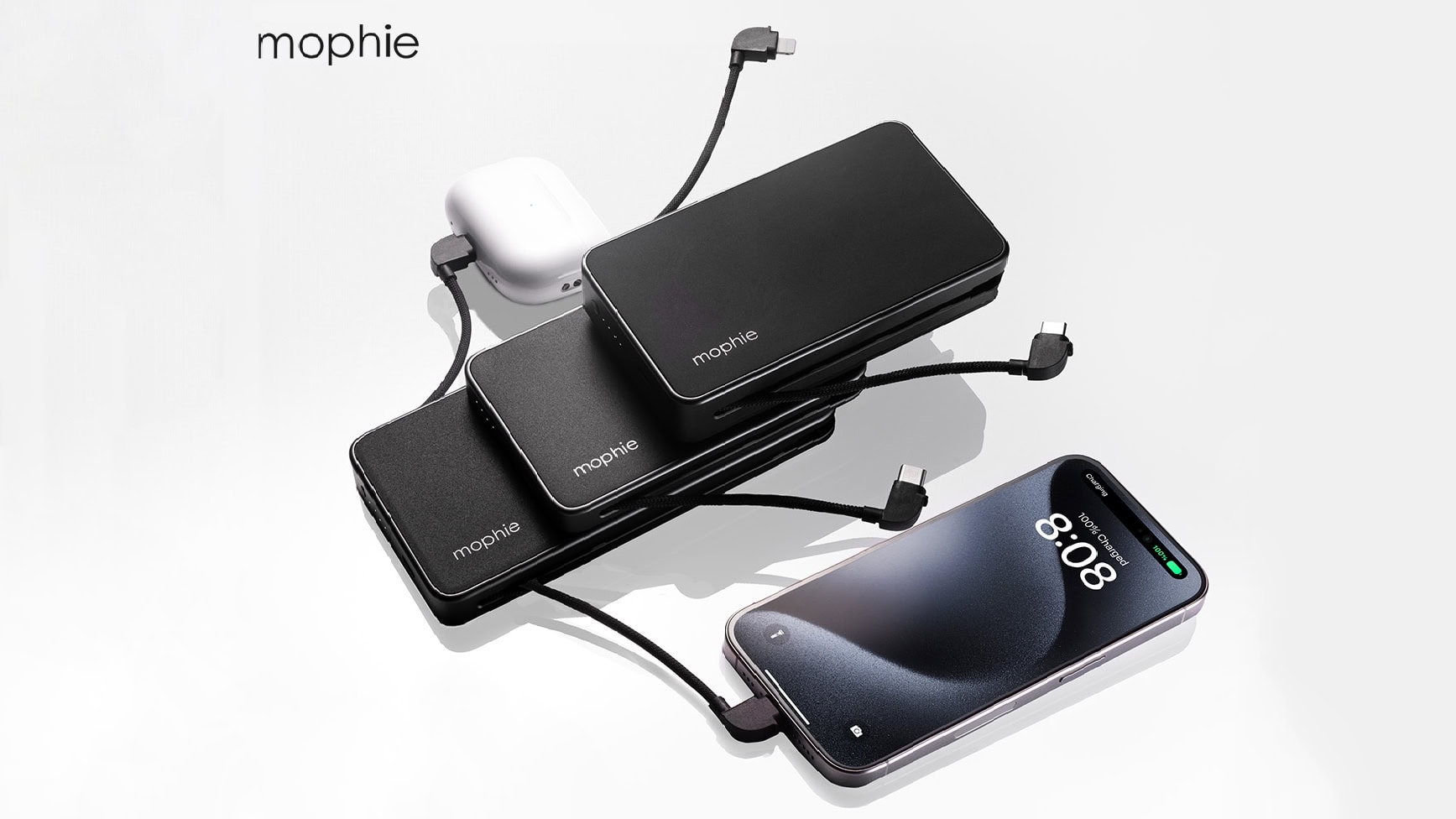
Three models of increasing capabilities make up the new mophie powerstation plus line. Photo: Zagg/mophie
The new mophie powerstation plus ultra plugs directly into a wall, and built-in cables let it plug straight into your iPhone or Mac. But it’s no simple wall adapter — it’s also a 10,000mAh power bank.
mophie also introduced on Tuesday two more models in the 2024 powerstation plus line with a variety of features.
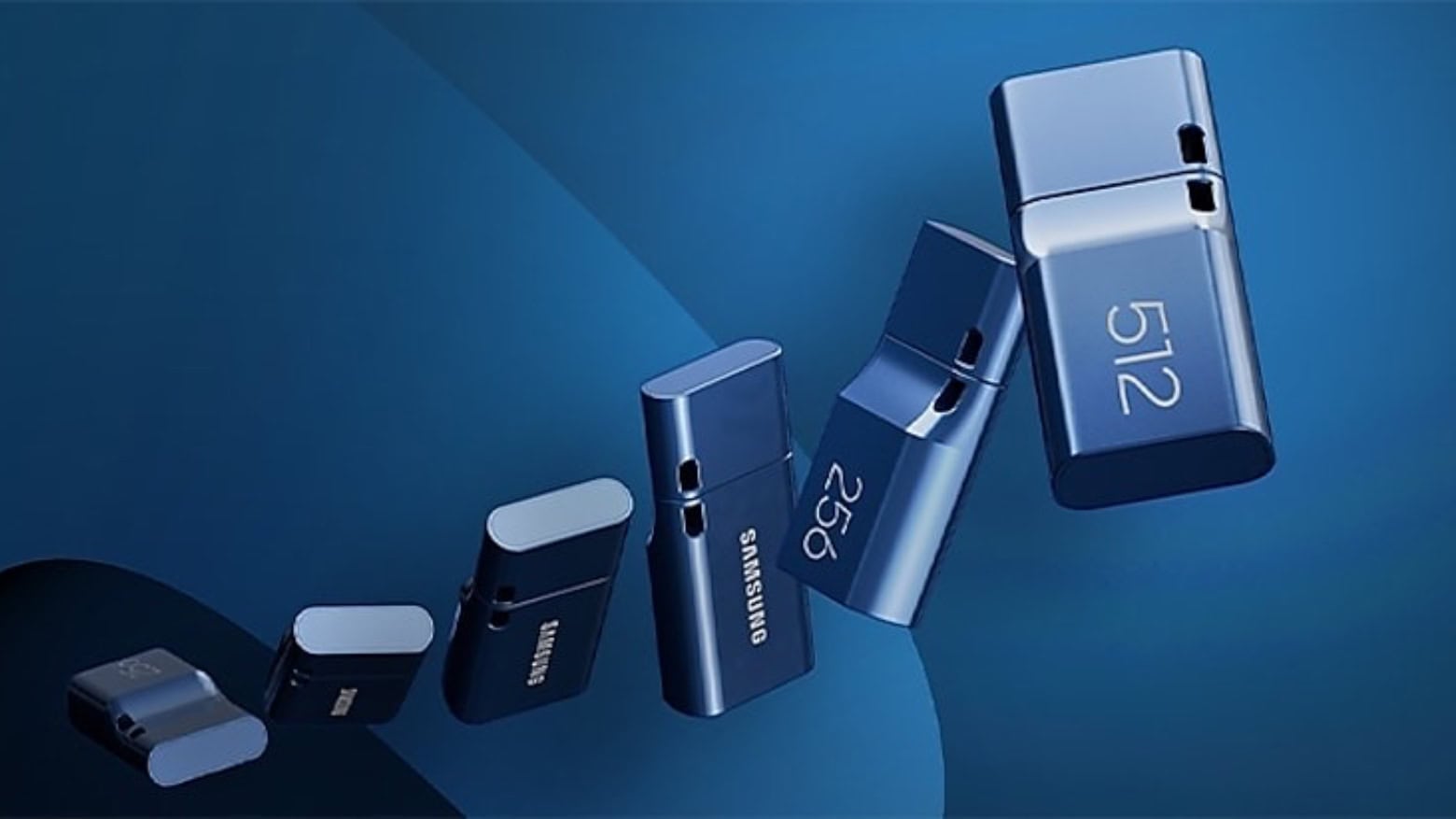
This Samsung USB-C flash drive is small but offers outsized storage capacity. Photo: Samsung
The itty-bitty Samsung USB Type-C Flash Drive is now available with up to 512GB of storage capacity — twice as much as before. And the company’s miniature USB-A version also doubled in capacity.
Plus, the 256GB versions are on sale at some nice discounts.
★★★★☆
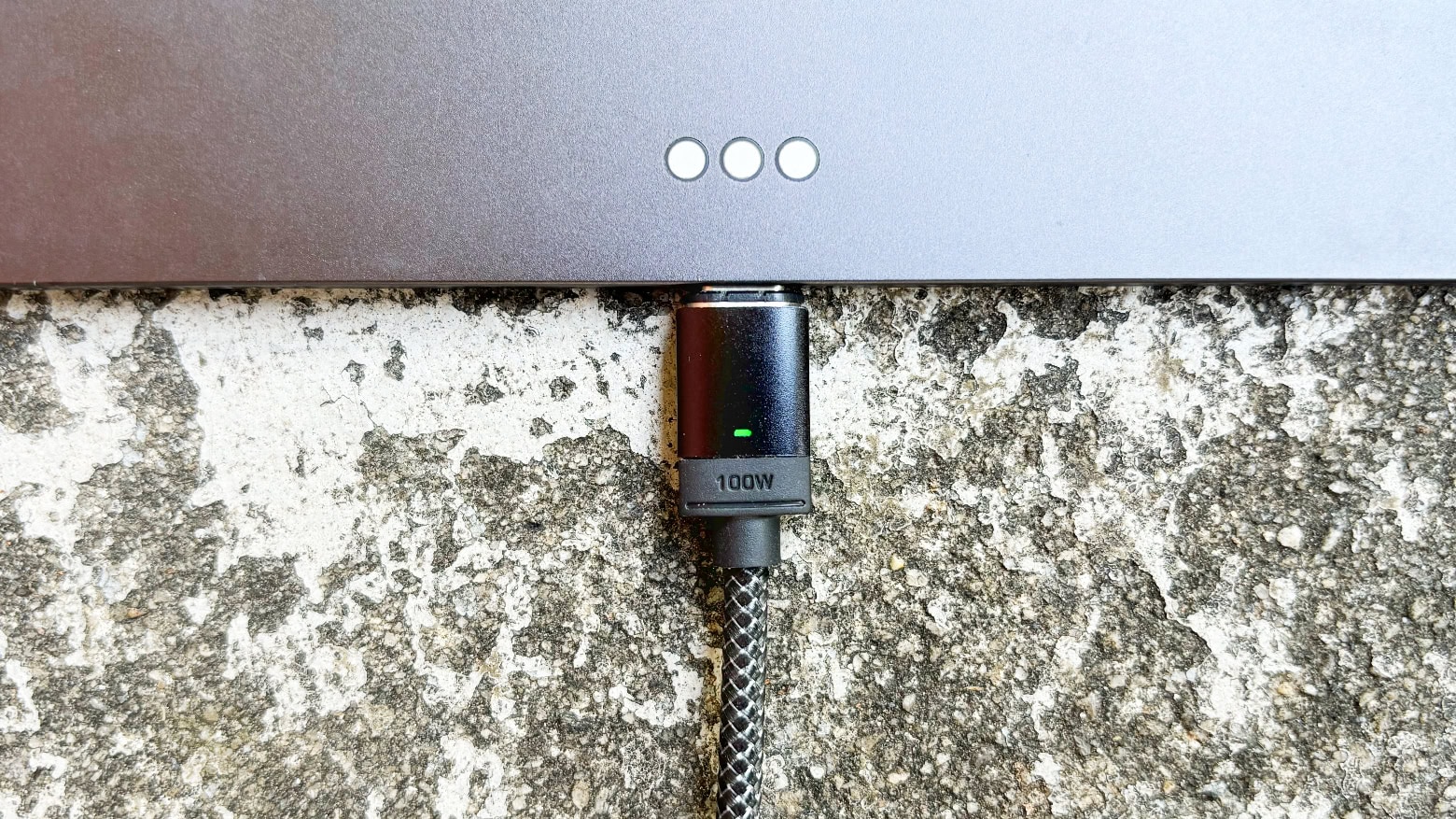
Chargeasap Connect Pro can juice up an iPad but also your old micro-USB devices. Photo: Ed Hardy/Cult of Mac
Chargeasap Connect Pro is a charging and data cable with a built-in power meter and swappable magnetic connectors. It’s ready to power up a broad variety of devices at up to 100W, and iPhone at up to 27W.
The high-quality cable is 4.75 feet long, and it comes with three magnetic connectors. And with the meter, you always know how much current is flowing.
I tested it with my Apple devices, and a bunch of others, too. Here’s how it performed.
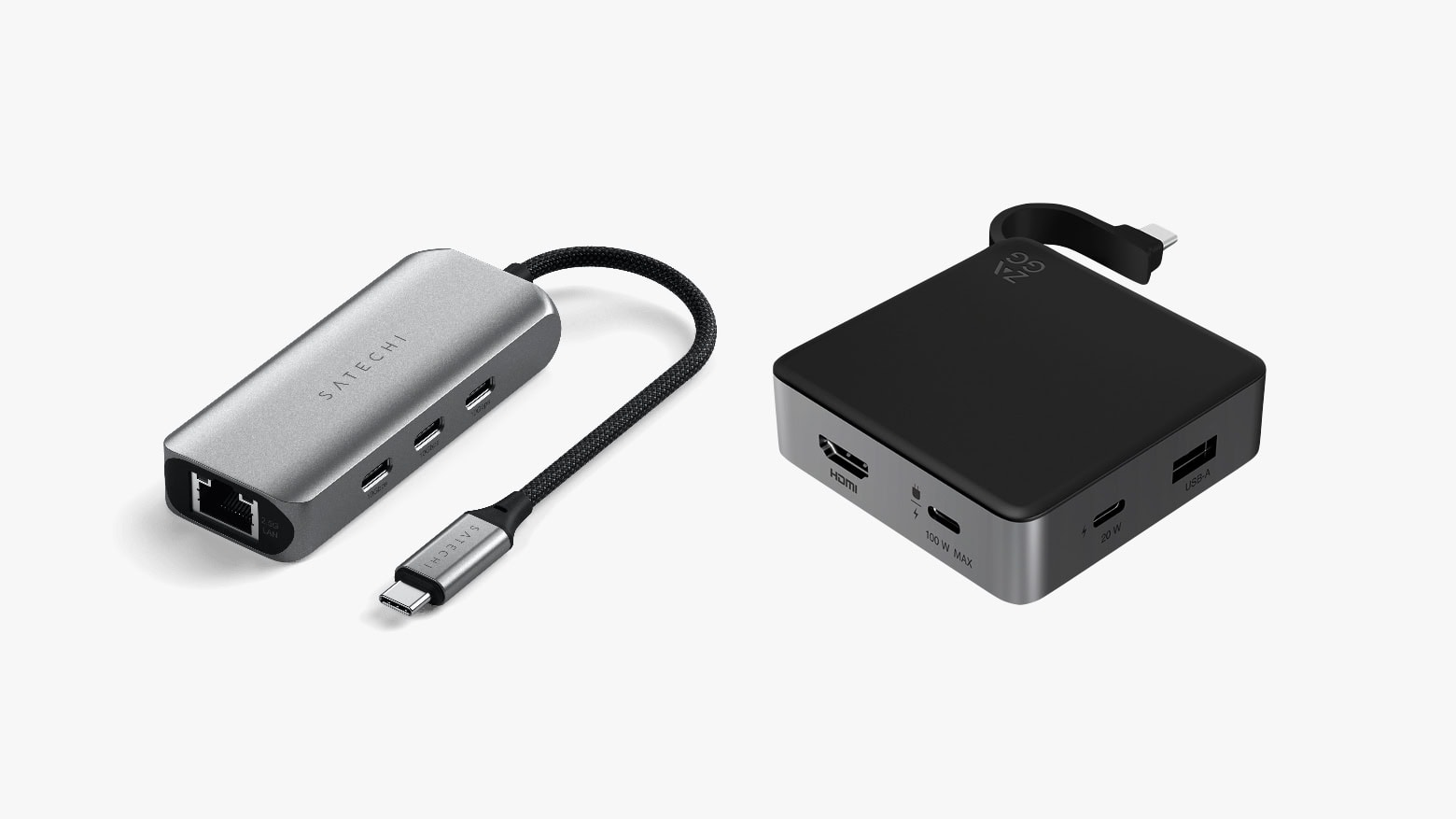
Both Satechi (left) and Zagg (right) offer small travel hubs with additional USB-C ports. Photo: Satechi/Zagg
The new Satechi 4-in-1 USB-C Hub With 2.5 Gigabit Ethernet expands a Mac with a trio of high-speed USB-C ports and fast networking. It launched Thursday at an affordable price. Alternatively, there’s the Zagg 4-Port Hub, which offers a pair of USB-C ports, USB-A and HDMI.
Either of these hubs can make a MacBook into the center of an extensive office setup on the go.
This no-frills external hard drive is a Cult of Mac Deals exclusive. Photo: Cult of Mac Deals
Cloud storage is great, but like any technology, it has a time and place. When you want guaranteed storage that doesn’t require an internet connection to access, what you really need is an external drive. This 2TB portable SSD keeps your data close and your devices unclogged. And for a limited time, it costs just $44.97.
This SSD quickly sold out the last few times we offered it. Now it’s back in stock, and it’s available again as a Cult of Mac Deals exclusive … while supplies last!
★★★★☆
UGR Tech Dual USB-C + USB-A 3.2 High Speed Flash Drive is better than you might think. Photo: Ed Hardy/Cult of Mac
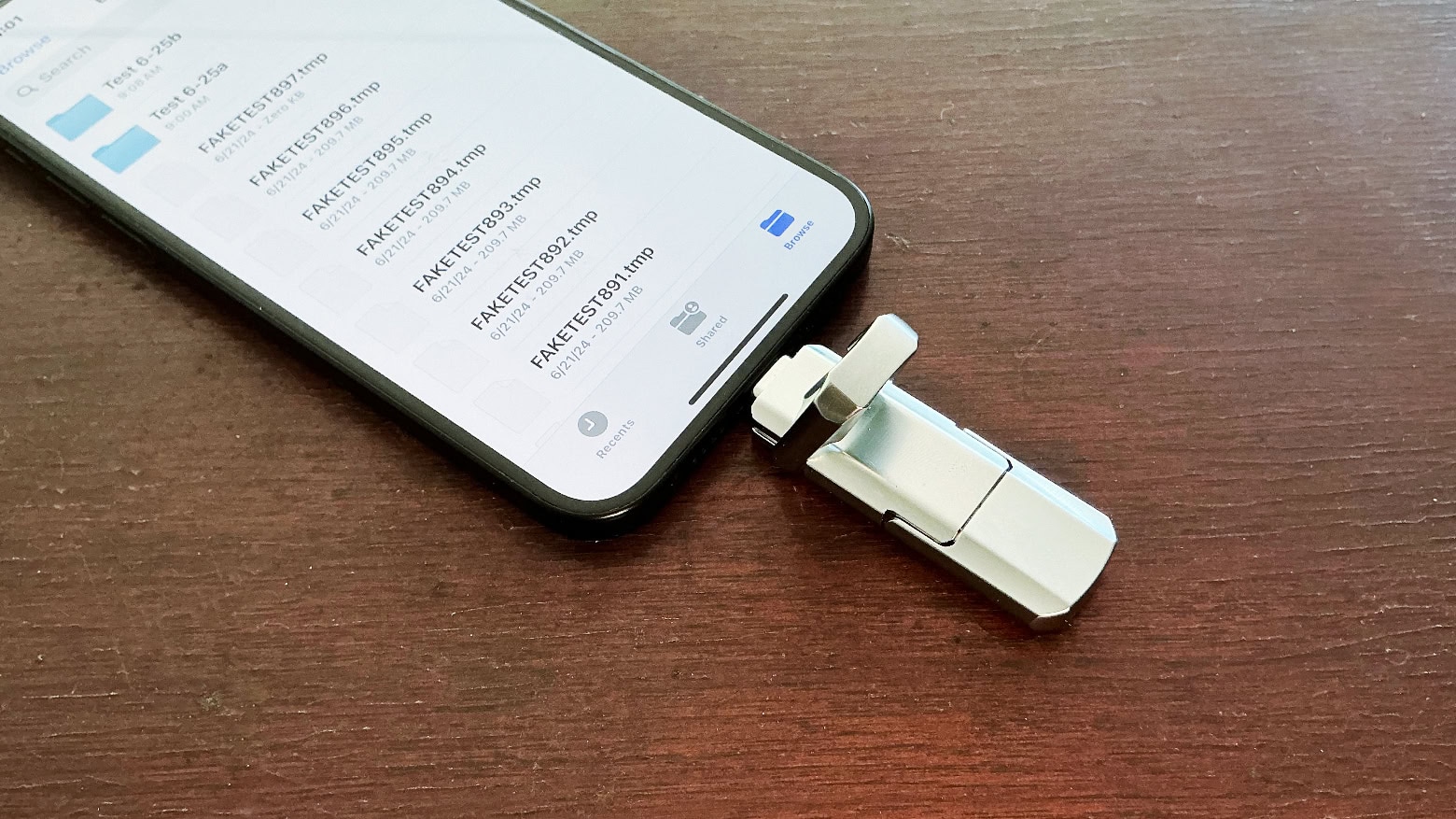
UGR Tech Dual USB-C + USB-A 3.2 High Speed Flash Drive plugs into your new Mac or iPad but it can also be used with devices that still have an old full-size USB port.
It’s a low-cost flash drive so I was very suspicious. But the aluminum exterior is quite rugged, the design is clever and the accessory passed a fraud test.
Logitech MX Keys S Combo for Mac includes a new keyboard and mouse for your desktop.
Mac users in the market for a new desktop keyboard have new options from Logitech. There are small and large models and an ergonomic one, too. Plus a mouse.
The additions to the lineup include MX Keys S for Mac, MX Keys S Combo for Mac, MX Anywhere 3S for Mac, MX Keys Mini for Mac (in Space Gray), and Ergo Series Wave Keys for Mac.
WD My Passport HDD is now available in capacities up to 6TB. Photo: Western Digital
Western Digital expanded its WD, WD_BLACK and SanDisk Professional product lineups with 2.5-inch portable HHDs that, for the first time, can hold 6TB of data.
Despite what some might expect, pricing is not through the roof. The new high-capacity hard drives (not SSDs) are available for under $200,and all cost less than $230.
★★★★☆
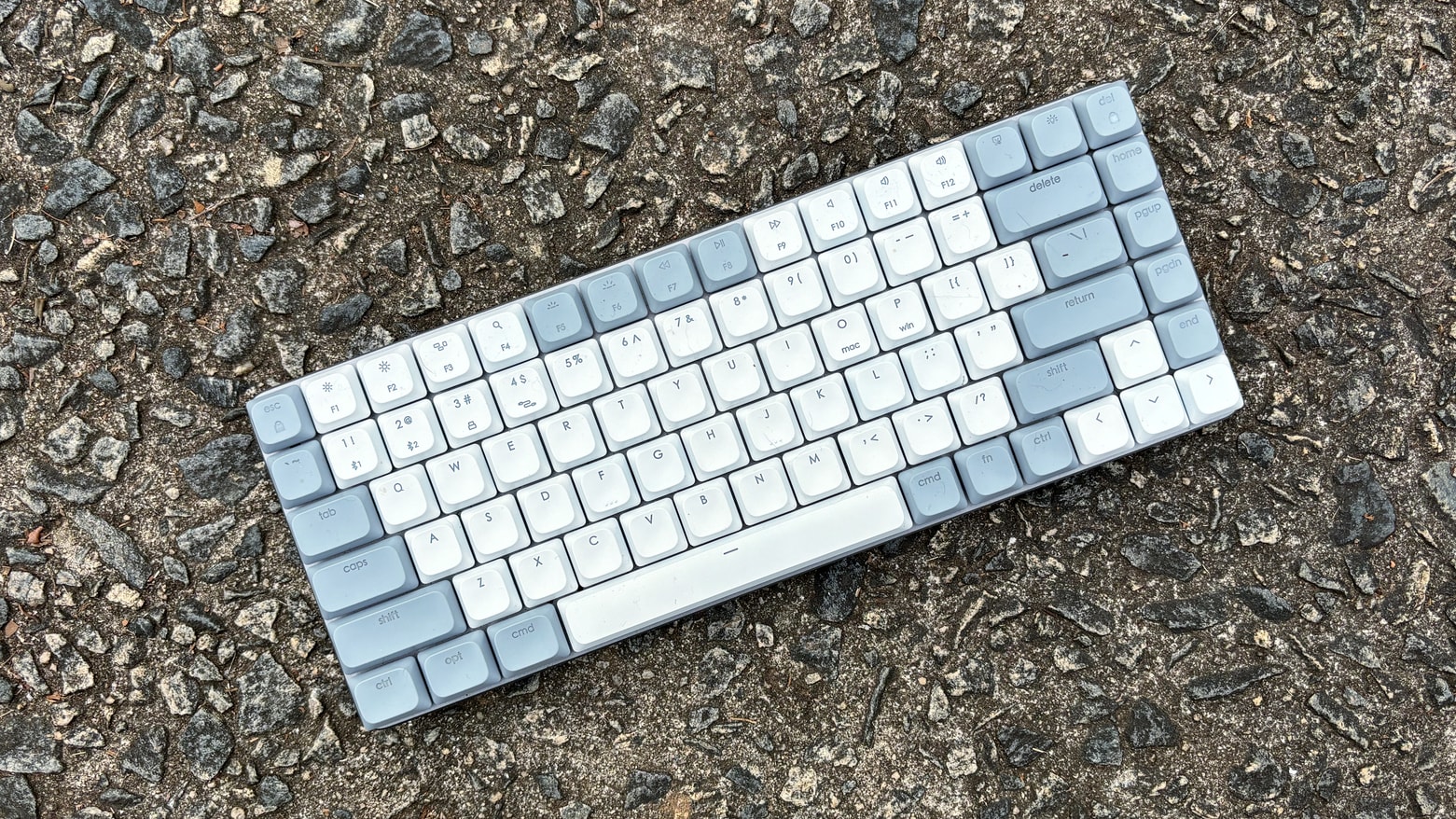
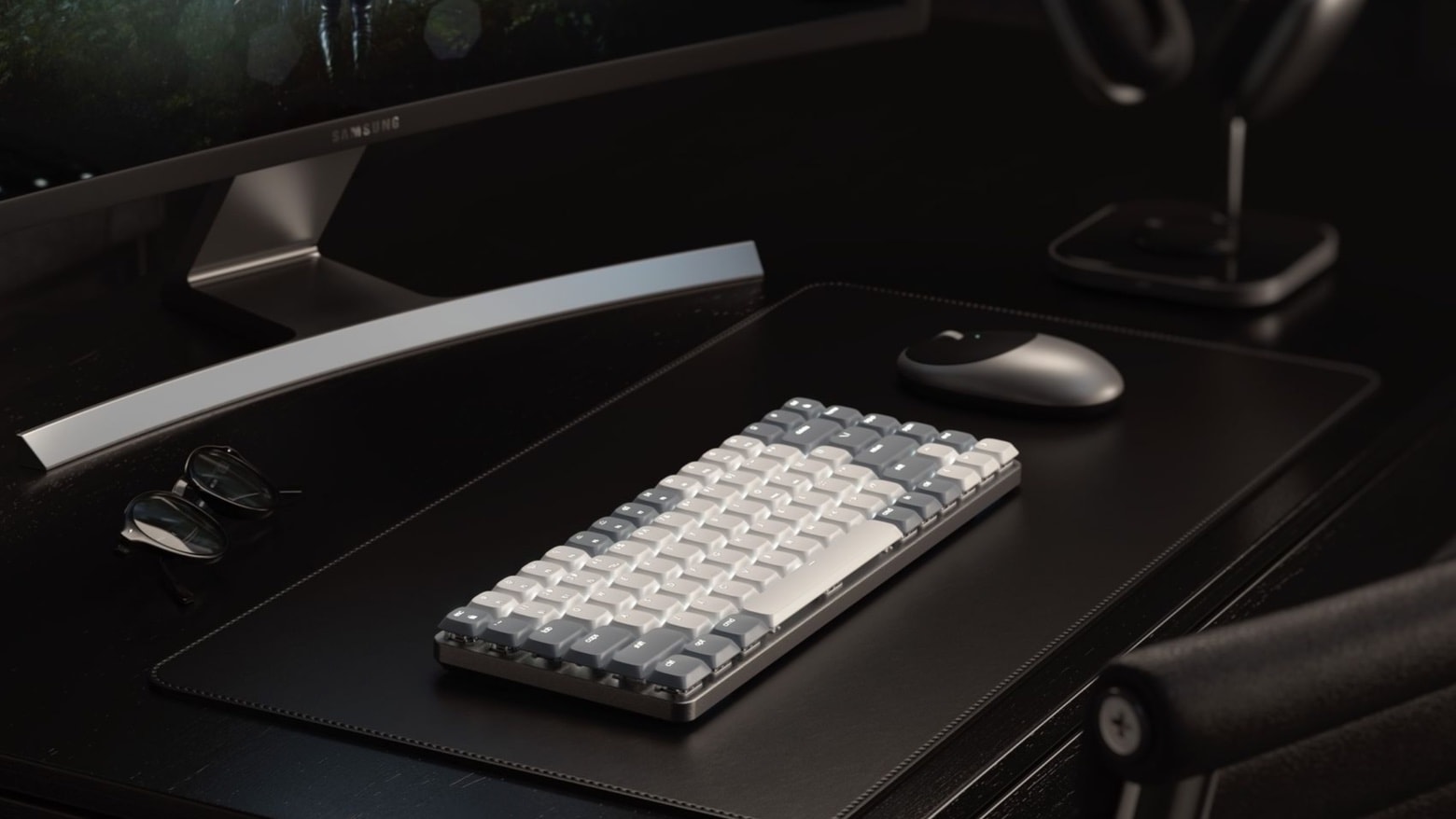
Satechi SM1 offers mac users a compact mechanical keyboard with multiple connectivity options. Photo: Ed Hardy/Cult of Mac
The Satechi SM1 Slim Mechanical Backlit Bluetooth Keyboard offers a 75% layout with low-profile brown switches so it’s easy to type on while not taking up much room on your desk. This mechanical keyboard for Mac can connect with up to four computers, including your iPad and iPhone, plus Windows machines. And it uses a variety of connectivity methods: Bluetooth, wired and more.
I’ve used it for several weeks now in my home office. I found a lot to like.
Satechi's first mechanical keyboard won't take up much room on your desk. Photo: Satechi
The Satechi SM1 Slim Mechanical Backlit Bluetooth Keyboard offers a 75% layout with low-profile brown switches. It can connect with up to four computers, whether Mac, iPad, iPhone, Windows, etc.
The wired/wireless keyboard debuted at CES 2024, and is available now.
★★★★☆
espresso 17 Pro offers just about everything you could want in a mobile screen. Photo: Ed Hardy/Cult of Mac
The espresso 17 Pro checks every box in a premium portable display. It sports a 4K resolution, touchscreen with stylus support, and a sleek design ready for on-the-go use.
The 17-inch screen is brilliant as a productivity enhancement when away from the office, but it’s also intended for digital artists to use everyday. Or just anyone who’d like a touchscreen Mac.
I tested the espresso 17 Pro in my home office and while traveling. Here’s why I love it.
★★★★★
Quickly repurpose an NVMe SSD into a Mac external drive with this enclosure from Hyper. Photo: Ed Hardy/Cult of Mac
Have an M.2 NVMe drive you want to use with your MacBook or iPad? Put it in the HyperDrive Next USB4 NVMe SSD Enclosure and you can access the contents at speeds up to 40Gbps.
I plugged a solid state drive of mine into this very rugged enclosure to put it to the test.