Mobile menu toggle

Mac accessories - page 3

Kingston’s securely encrypted SSD unlocks with built-in touchscreen [Review] ★★★★

By

Kingston IronKey Vault Privacy 80 review★★★★
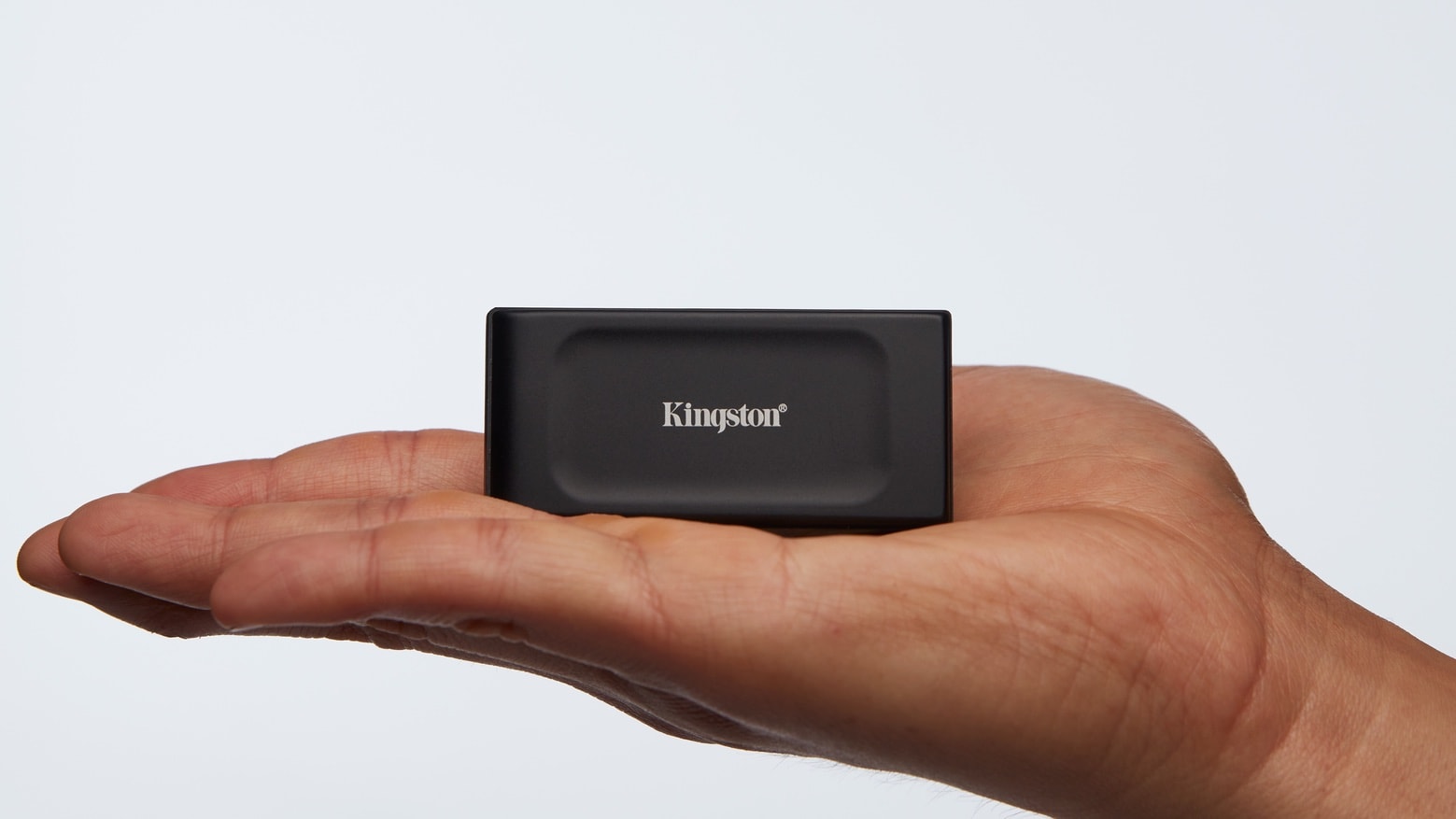
Unlock the 256-bit encryption on the Kingston IronKey Vault Privacy 80 by tapping in a passcode on the convenient touchscreen.
Photo: Ed Hardy/Cult of Mac

The Kingston IronKey Vault Privacy 80 External SSD includes a touchscreen and hardware encryption to protect user data. Unlock it by tapping in a password or numeric passcode onto the touchscreen.

It’s available in capacities ranging from 480GB to nearly 2TB. And it’s accessible from just about any device with a USB port — no special software needed.

I went hands-on with the secure SSD. Here’s why I like it.

Add fun to your vacation with this brilliant pico projector [Review] ★★★★☆

By

Add fun to your vacation with this amazingly small pico projector★★★★☆
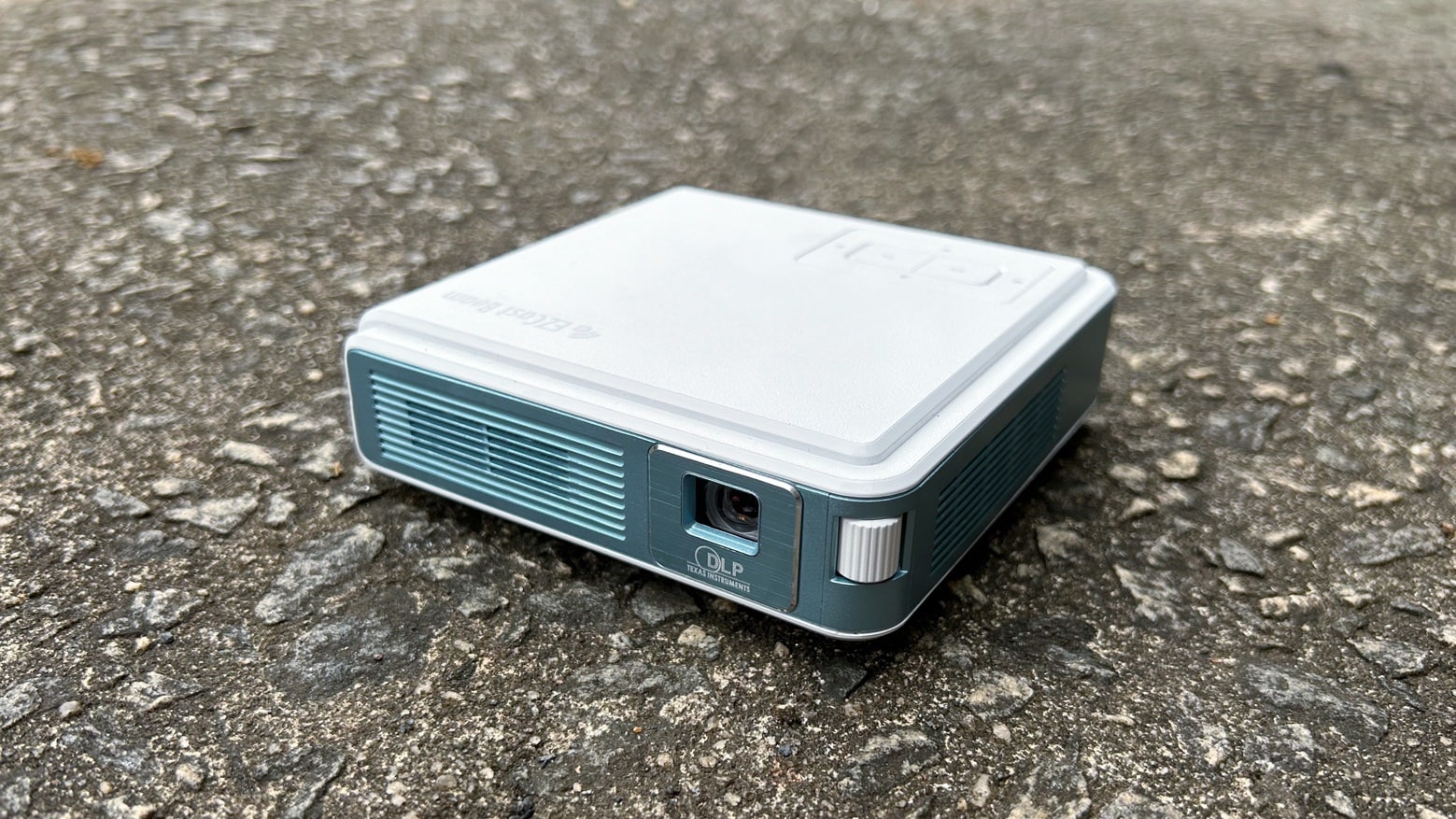
The EZCast Beam J4a pico projector goes anywhere and works brilliantly with Mac or iPad.
Photo: Ed Hardy/Cult of Mac

With the EZCast Beam J4a, you can carry a big-screen TV everywhere you go. The pico projector is amazingly small, but is ready to show movies, games or presentations wherever you need it to. Just plug it into your Mac or iPad.

I love this thing. Absolutely freaking love it. But that doesn’t mean it’s perfect. Read on to see what I mean.

Budget-friendly 15.6-inch external screen makes you more productive wherever you go [Review] ★★★

By

Arzopa Portable Monitor A1C review★★★
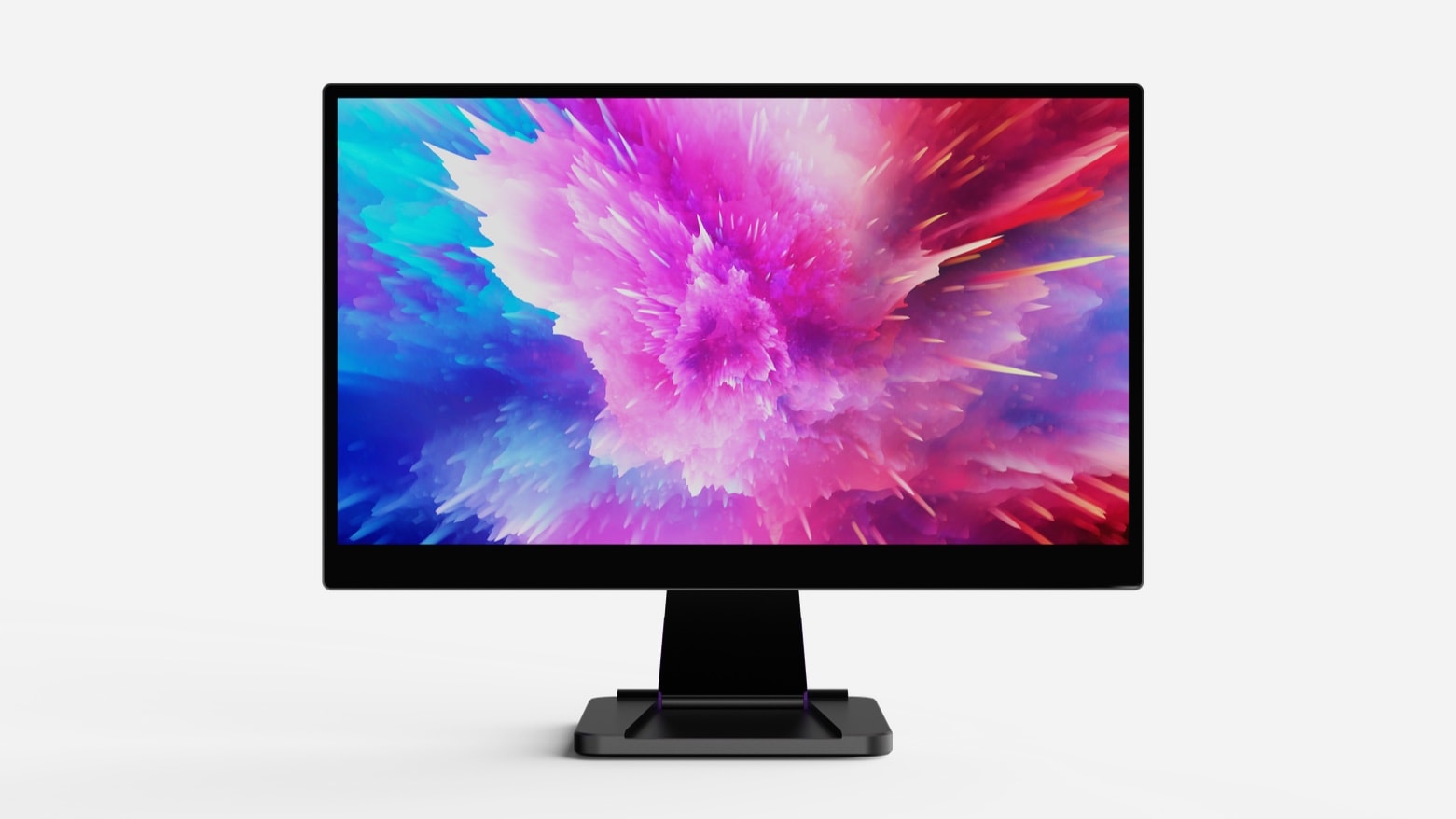
The Arzopa Portable Monitor A1C (shown here with a simulated screen) offers more room to work at a very attractive price.
Photo: Ed Hardy/Cult of Mac

The Arzopa Portable Monitor A1C is a 15.6-inch, 1080P monitor ready to be connected to a Mac, iPad or gaming device over USB-C or HDMI. Given its relatively low price, the screen is one of the better options available for those on a tight budget.

It’s currently available at a price below $100, which is significantly lower than the cost of rival products.

I tested the portable display in my home office and on a recent vacation. Here’s what I found.

New Satechi 12-port dock supports trio of 4K monitors on all Macs

By

Satechi Triple 4K Display Docking Station
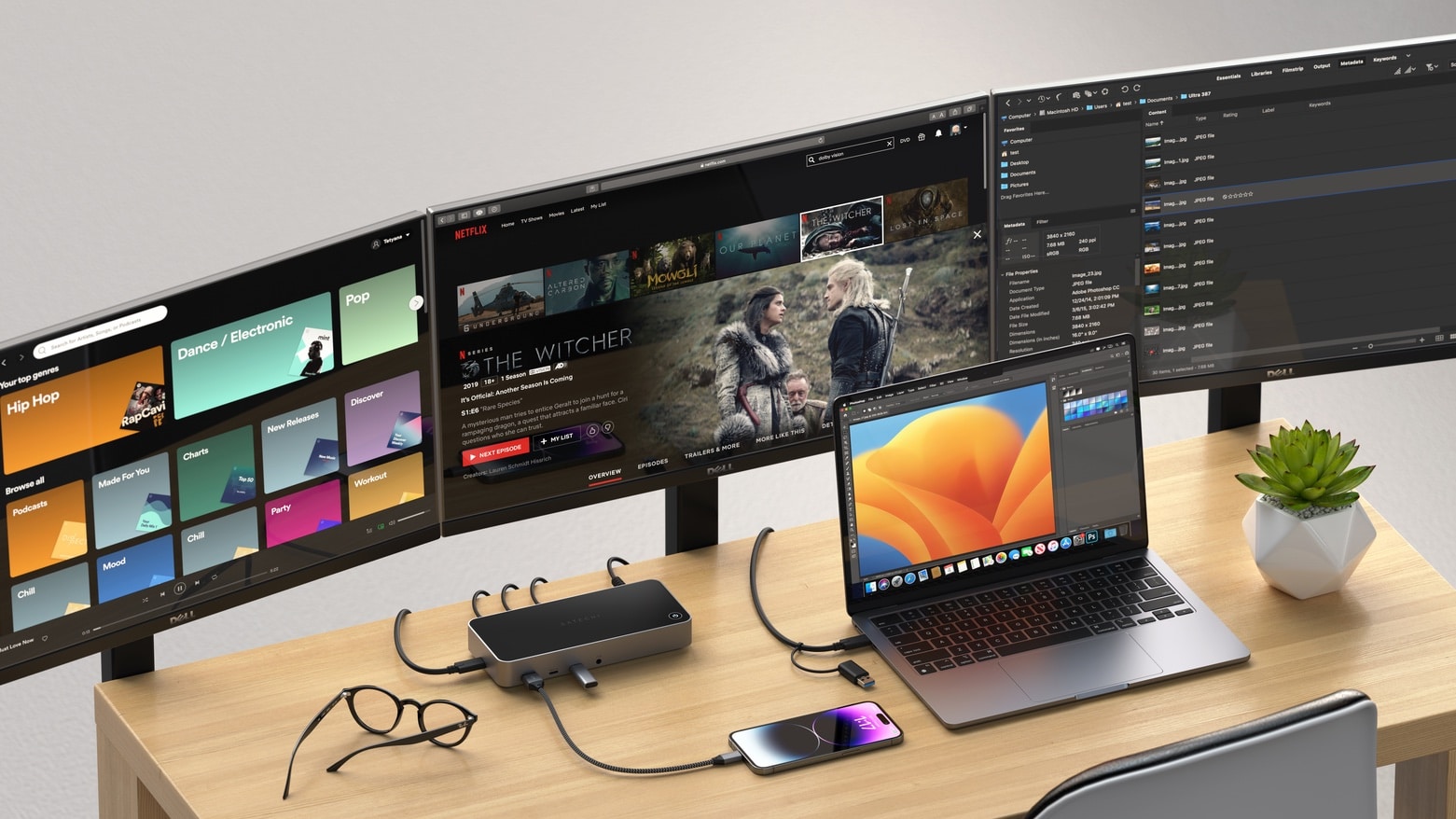
Even if your Mac isn’t supposed to be up to handling three external monitors, it can with this new dock from Satechi.
Photo: Satechi

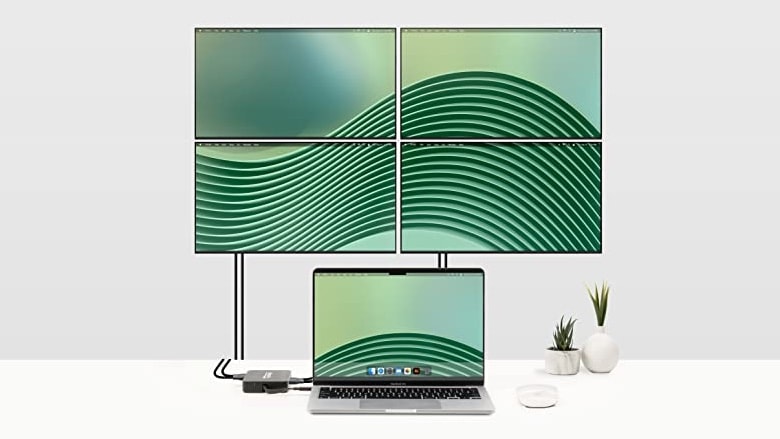
The Satechi Triple 4K Display Docking Station offers a dozen ports of a variety of types. Among the range of accessories that can be connected are up to three 4K/60Hz displays. And that includes Macs that ordinarily support only one external monitor.

Also included are multiple USB ports and Ethernet.

This clever multiport hub is also an accessory case [Review] ★★★★☆

By

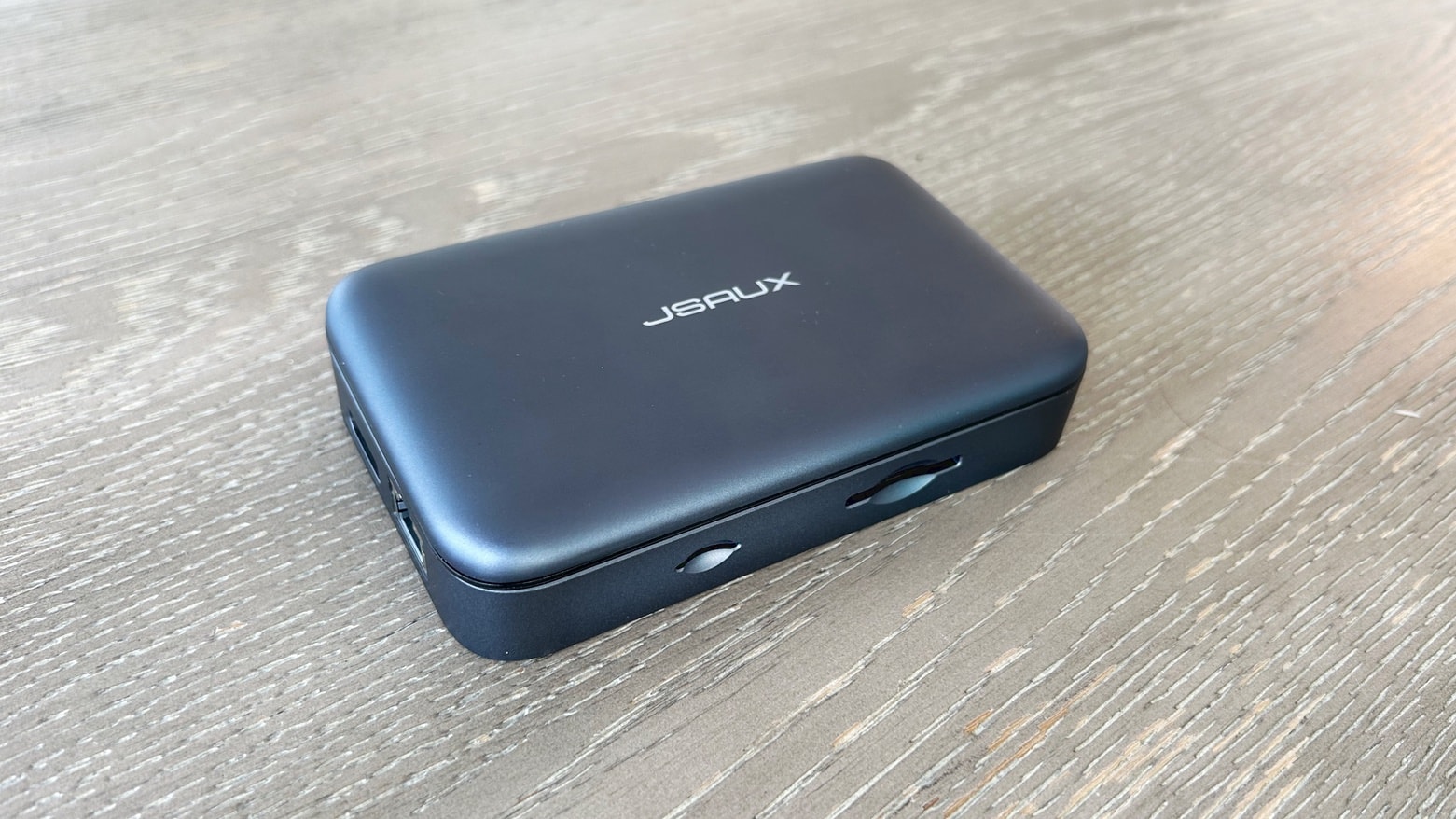
JSAUX Omnicase 2 Pro review★★★★☆
The JSAUX Omnicase 2 Pro includes just about all the ports a traveler needs.
Photo: Ed Hardy/Cult of Mac

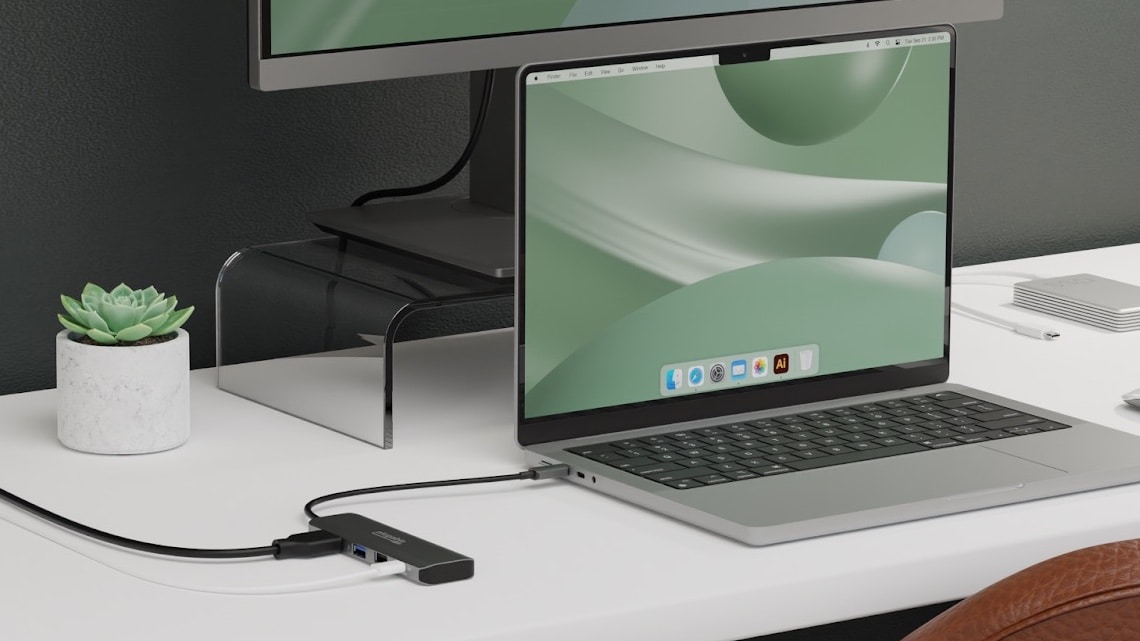
The JSAUX Omnicase 2 Pro is an 11-in-1 USB-C travel hub that offers USB and video ports plus SD card readers. And it sets itself apart from rival hubs with a built-in case for storing a cable, various adapters and SD cards. It’s ready to connect a Mac or iPad to USB accessories, monitors, Ethernet, memory cards and more. And it includes adapters if you run into connection problems.

I tested the multiport hub out to see how well it works. Here’s what I found.

Who needs HDMI? This gadget connects Mac or iPad to TV wirelessly [Review] ★★★★☆

By

Who needs HDMI? This gadget connects Mac or iPad to TV wirelessly★★★★☆
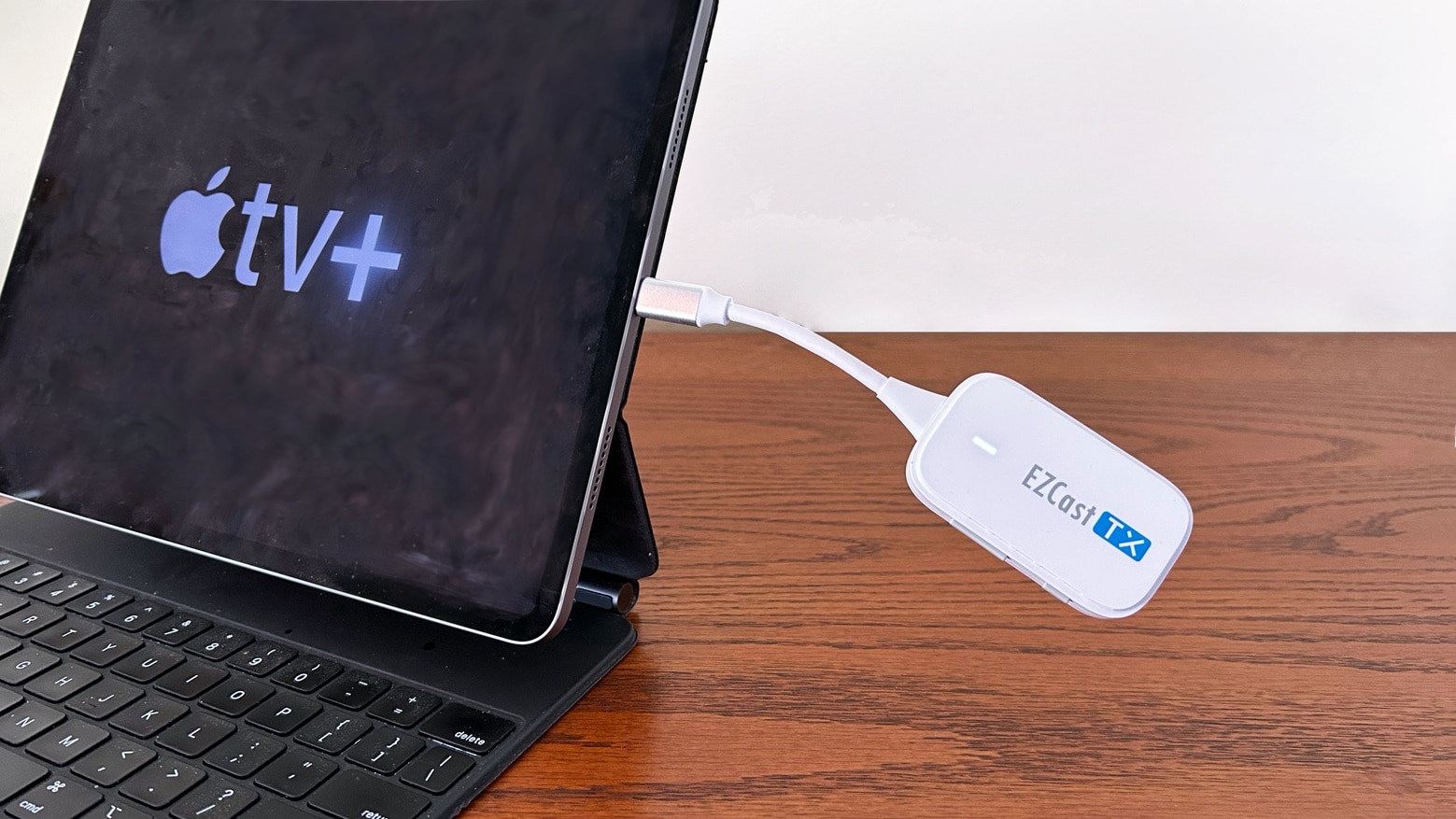
Don't use a cable when the plug-and-play EZCast Pocket is so much more convenient.
Photo: Ed Hardy/Cult of Mac

EZCast Pocket lets a range of computers connect wirelessly to an external display. No additional software is needed — it’s very nearly as easy to use as a cable, but without the cable clutter.

I tested the affordable and very portable wireless video adapter in my home and on a business trip. Here are its strengths and occasional weaknesses.

Note: When this review was first published in March, there was so much interest that EZCast Pocket sold out almost immediately. Amazon once again has the product in stock so we’re re-publishing the review.

Double data transfer speeds with Belkin’s affordable new USB-C hub

By

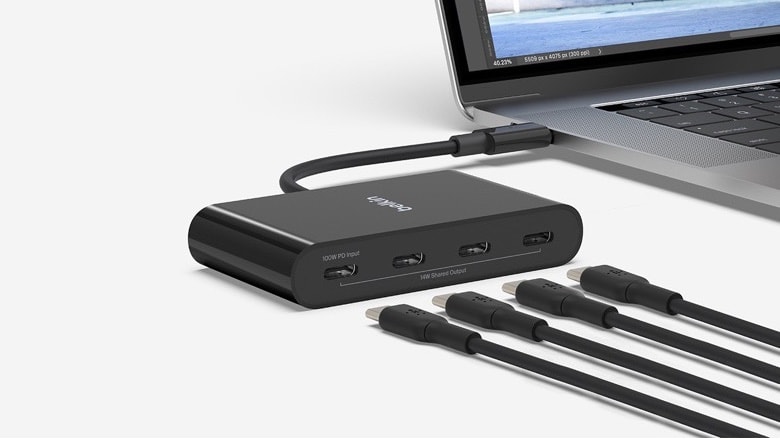
Belkin Connect 4-Port USB-C Hub
You won't be hurting for USB-C ports with this hub. And it's made of recycled plastic.
Photo: Belkin

The Belkin Connect 4-Port USB-C Hub expands the number of accessories that can be plugged into a Mac or iPad without flattening your wallet. And its connections are fast: 10Gbps. That’s 2X the speed of other USB-C hubs.

As a bonus, the product is made with 72% post-consumer recycled plastics. It’s part of a commitment the company has made to using PCR plastic.

Add 3 high-speed ports to Mac with this svelte Thunderbolt hub [Review] ★★★★

By

Add 3 high-speed ports to Mac with Satechi Thunderbolt Slim Hub★★★★
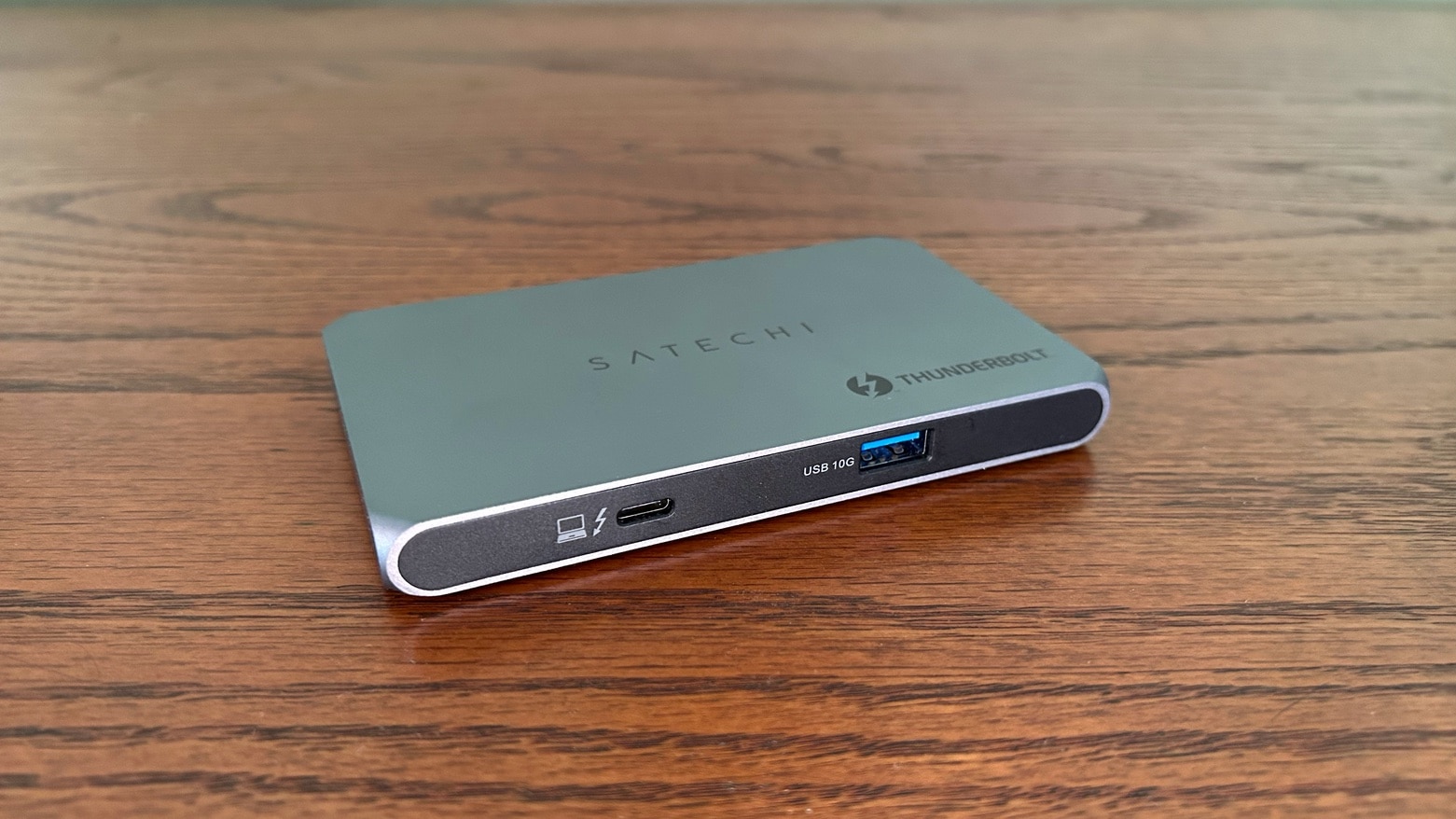
Expand the capabilities of your Mac with Satechi's surprisingly small three-port Thunderbolt 4 hub.
Photo: Ed Hardy/Cult of Mac

The Satechi Thunderbolt Slim Hub doesn’t take up much room on your desk, but it packs in a trio of very high-speed USB-C/Thunderbolt ports, plus a USB-A port.

The Thunderbolt 4 accessory is good enough to earn a CES 2023 Innovation Award. I put to the test in my home office.

Get a 500GB external hard drive for just $32.99

By

At 500GB, this external hard drives offers extra space for storage or transferring data.
Carry this external hard drive with you anywhere, and have your data always at hand.
Photo: Cult of Mac Deals

You might ask yourself, “Do I need an external hard drive?” After all, you may be just like the average user — content with the 250GB or so capacity of your computer.

However, if you are a gamer, a movie buff or have a massive collection of downloaded material, consider adding more storage space. But even if you aren’t, there are other productive uses for having an external hard drive. For any of your storage needs, this sleek, portable hard drive can do the trick. It’s now on sale for $32.99 (regularly $39).

Best add-on portable displays for MacBook or iPad

By

Espresso Display V2
Take an external display with you when you travel. Here are some of the best.
Photo: espresso Displays

External screens for MacBook or iPad aren’t just convenient in the office — they’re also great to use on the go. There are a range of portable external displays on the market, including some with touchscreens.

Here are my recommendations for the best screens ready to go with you to a coffee shop or Paris.

Connect 3 displays to any Mac with these new docking stations

By

Connect 3 displays to any Mac with these new docking stations
The Plugable UD-768PDZ (at left) and UD-3900PDH are USB-C docks that add up to three external displays to a Mac.
Photo: Plugable

Plugable expanded its product line with two new triple display USB-C docking stations. These can add three screens even to Macs that are ordinarily limited to one external monitor.

The UD-3900PDH and UD-768PDZ docks also feature additional ports, including USB-A, Ethernet and SD card readers.

These tiny robots are actually a charger and a Bluetooth speaker

By

Power your devices with GravaStar Alpha65
This mecha is really a 65W three-port charger for your iPhone, iPad or Mac.
Photo: GravaStar

There’s no reason your USB-C charger has to be dull. Rather than being the usual white or black box, GravaStar’s Alpha65 looks like a miniature robot. But it really is a 65W charger with multiple USB ports.

And the company’s Supernova is both a Bluetooth speaker and a portable lantern even though it looks like a mini mecha.

OWC’s new high-speed Thunderbolt dock takes 11 useful ports on the road [Review] ★★★★

By

OWC Thunderbolt Go Dock review★★★★
OWC's latest dock includes Thunderbolt 4 ports plus USB-A, HDMI and more.
Photo: Ed Hardy/Cult of Mac

The OWC Thunderbolt Go Dock was designed to be taken on trips, which is unusual for a hub that uses this extremely fast connection standard. While portable, it still has room for eleven ports in a range useful types, including Thunderbolt 4 (of course), USB-A, HDMI, USB-C and more.

I put the dock through a series of real-world tests to see how well it performs.

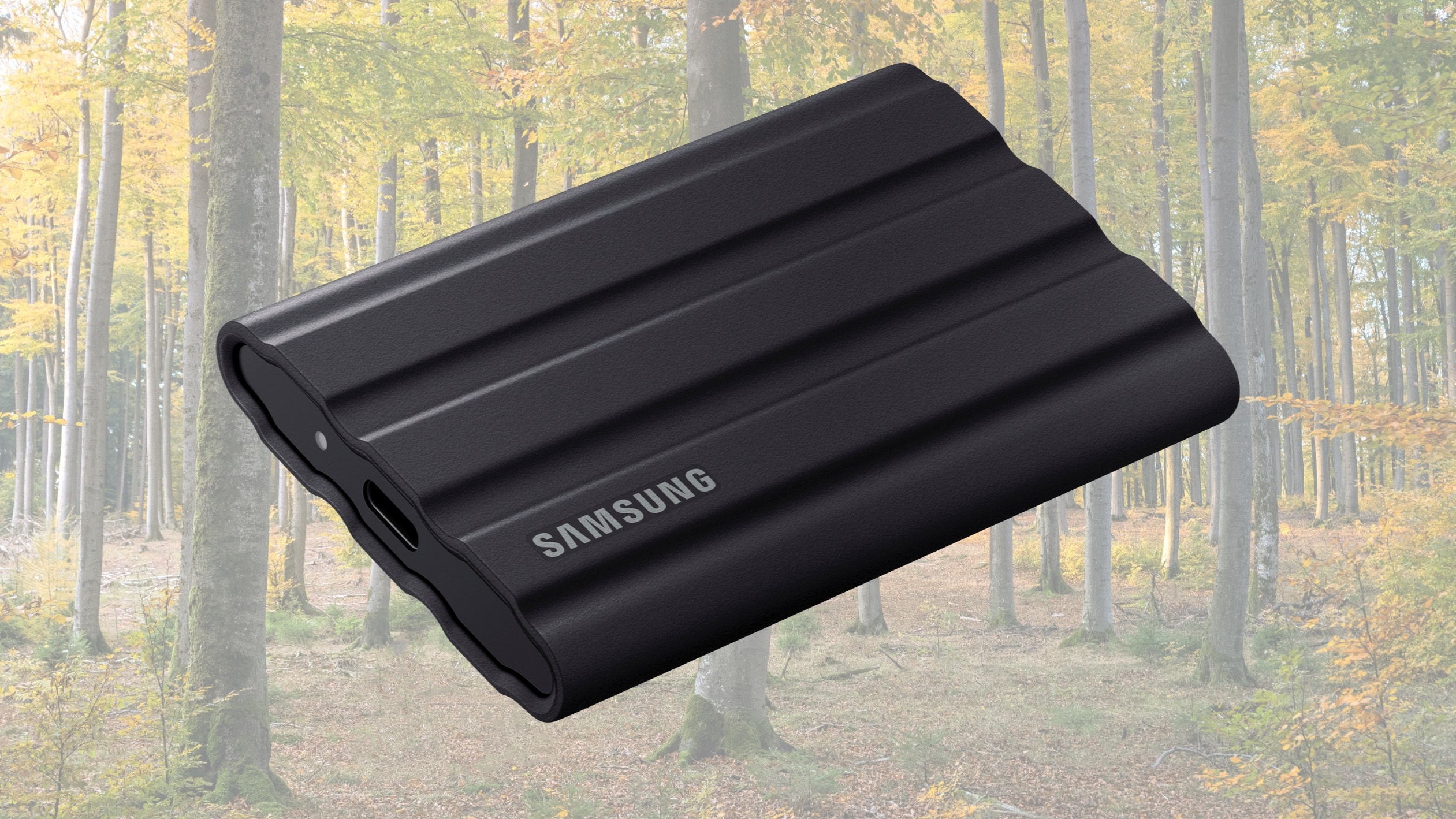
Rugged Samsung SSD expands to 4TB of storage

By

Rugged Samsung SSD expands to 4TB of storage
Take 4TB of additional storage wherever you go with this tough SSD.
Photo: Samsung/Cult of Mac

The Samsung T7 Shield rugged SSD launched in 2022 with a maximum of 2TB of capacity and is now available with twice that.

T7 Shield is a a credit-card size external SSD intended for outdoor content creators or travelers. It works with Mac and iPad plus a wide variety of devices.

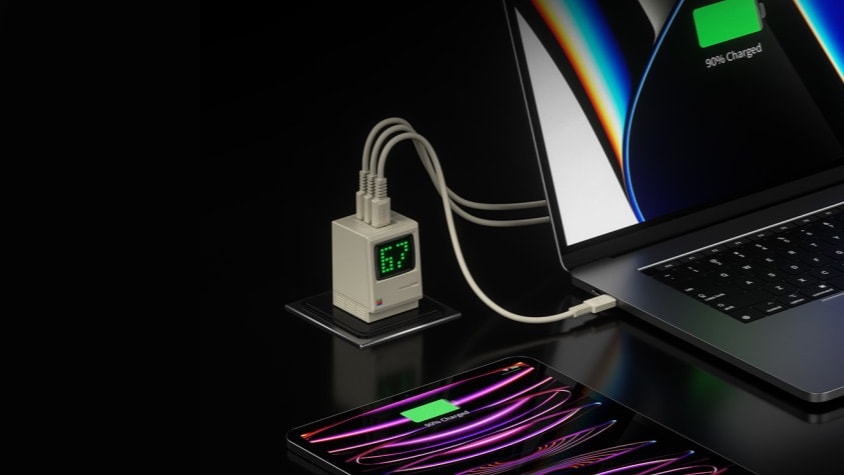
Get nostalgic with powerful wall charger shaped like tiny Macintosh

By

Get nostalgic with powerful wall charger shaped like tiny Macintosh
This 3-port wall charger looks like a tiny retro Macintosh.
Photo: Sharkgeek

Who says nostalgia can’t be practical? The Sharkgeek Retro 67 is shaped like the original Macintosh, but the palm-size wall charger pumps up to 67 watts through a trio of USB-C ports.

The accessory for MacBook, iPad or iPhone can be preordered now.

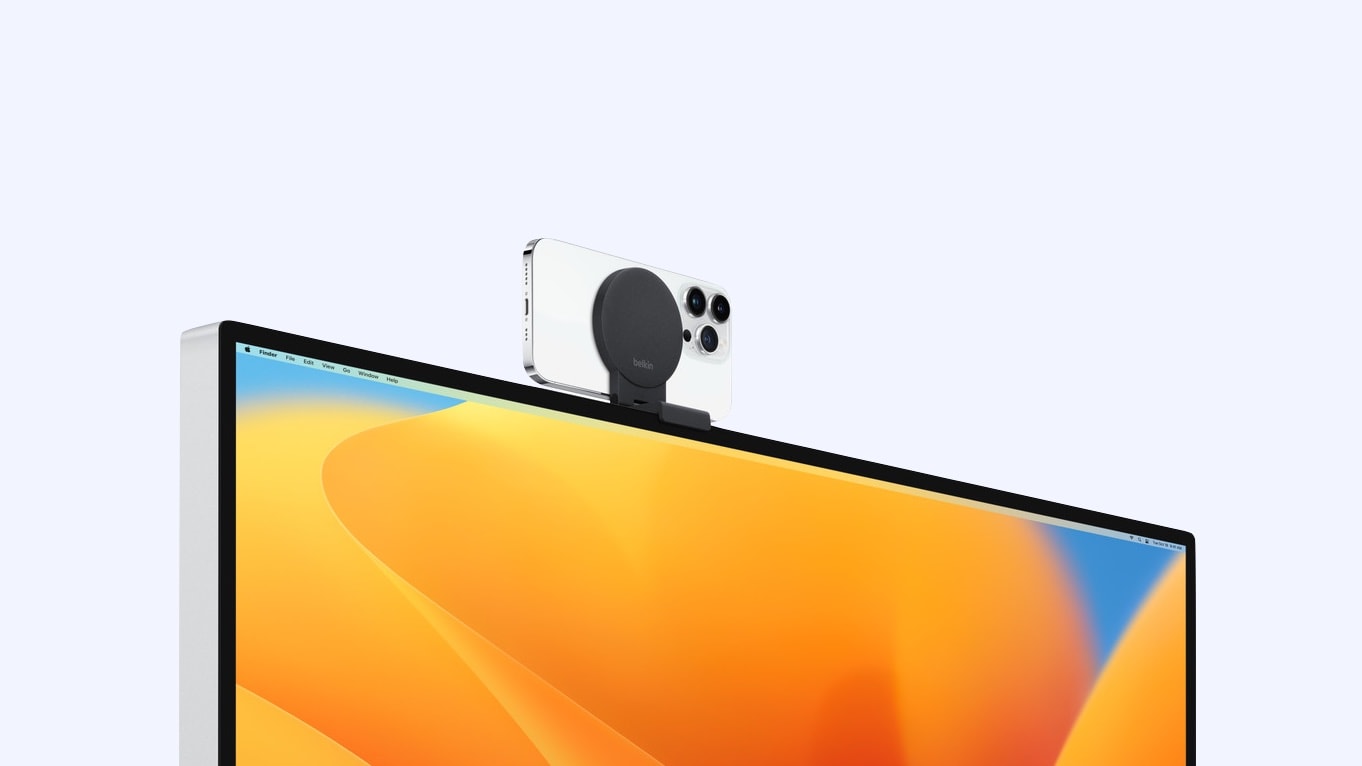
Use an iPhone as a Mac webcam with new Belkin mount

By

Use an iPhone as a Mac webcam with new Belkin mount
Mac desktops can easily take advantage of Continuity Camera thanks to a new Belkin iPhone mount.
Photo: Belkin/Apple

Continuity Camera in macOS Ventura upgrades video calls by bringing the iPhone’s high-res camera to the Mac. It’s necessary to mount the iPhone on the computer though, but Belkin has just what’s needed for desktop Macs.

The accessory-maker released a very similar iPhone mount designed for MacBooks this fall.

This rugged mouse will conquer your multicomputer setup [Review] ★★★★

By

This rugged mouse will conquer your multicomputer setup [Review]★★★★
The rugged Zagg Pro Mouse mouse pairs with multiple computers and charges wirelessly.
Photo: Ed Hardy/Cult of Mac

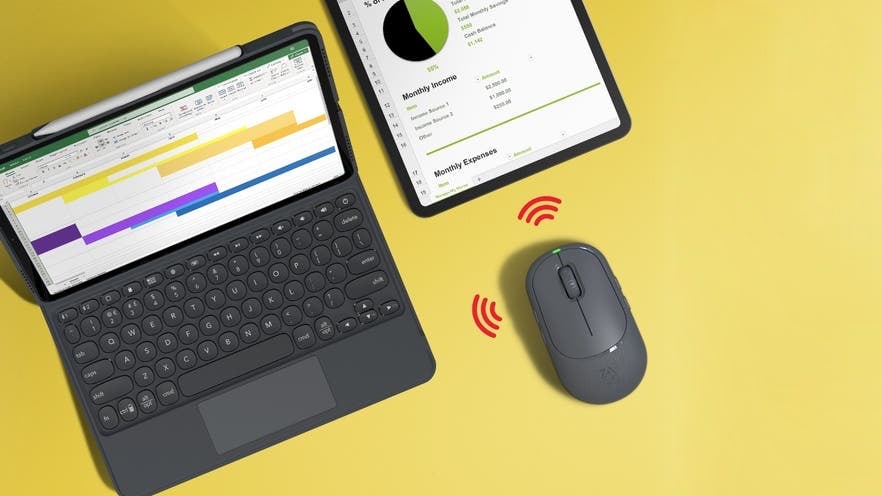
Your iMac, MacBook and iPad can easily share the Zagg Pro Mouse. With the press of a button, the rugged Bluetooth mouse switches between multiple computers. As a bonus, the accessory supports wireless charging.

I tested it in my multicomputer office for a couple of weeks. Here’s what it’s like to use every day.

Charge Apple devices from almost any power source with this 5-in-1 multiport cable [Review] ★★★★☆

By

Charge your Apple devices from almost any power source with this 6-in-1 multiport cable★★★★☆
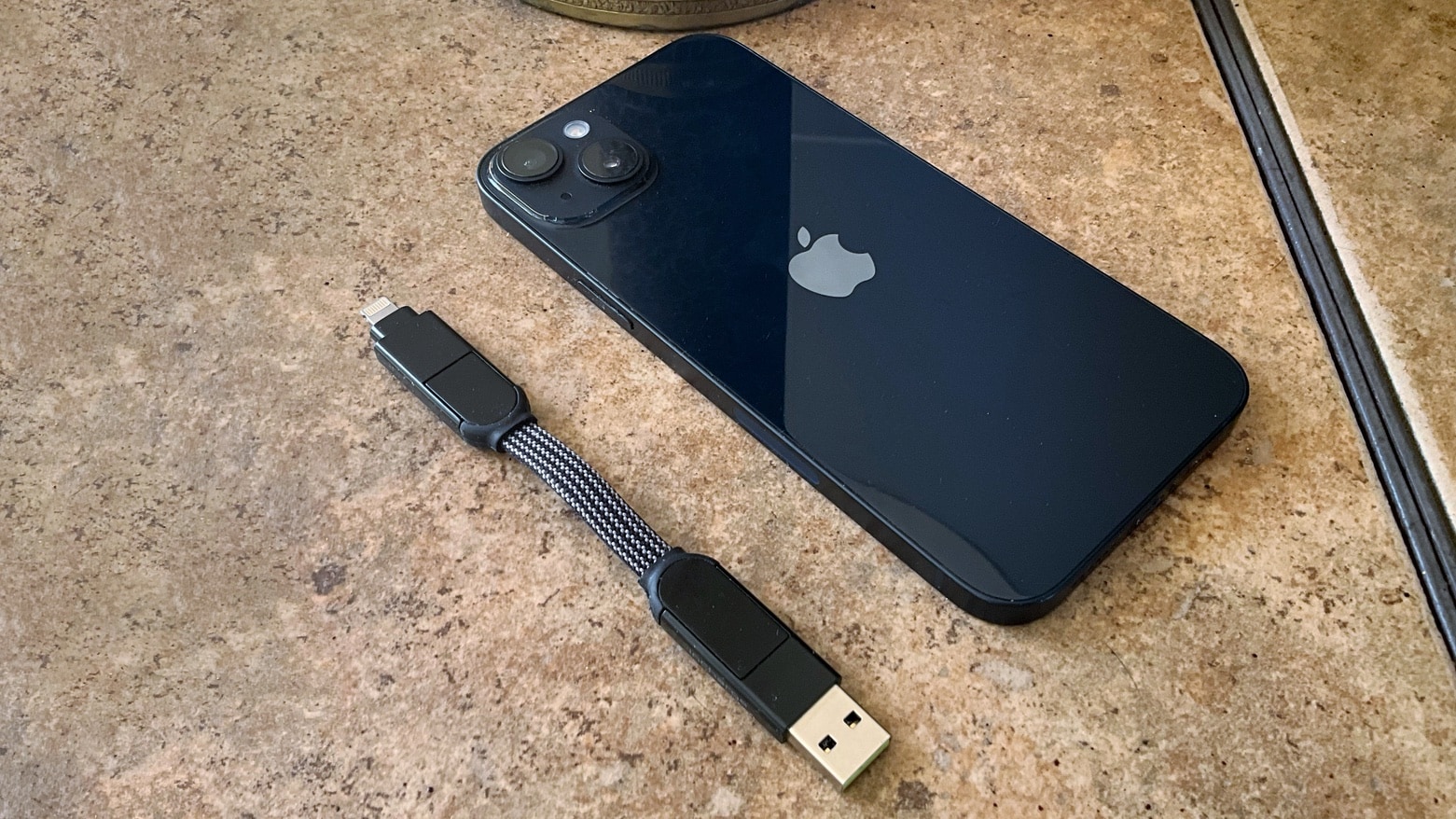
Never find yourself without an iPhone charger if you add inCharge X to your keychain.
Photo: Ed Hardy/Cult of Mac

It’s happened to all of us. Your iPhone battery is on empty and there are plenty of chargers around but no Lightning cable. The same thing can happen with a iPad and even a Mac. The inCharge X from Rolling Square is just what you need. It’s tiny enough for you to take it everywhere, but adaptable enough to enable almost any type of Apple device to get power from almost any charger.

Rolling Square also makes inCharge X Max, which is just as flexible but with a 5-foot cable built in.

I tested both. Here’s why I think they’re brilliant.

Zagg Pro Mouse charges wirelessly, pairs with multiple computers

By

Zagg Pro Mouse charges wirelessly, pairs with multiple computers
Zagg Pro Mouse can easily flip between several computers.
Photo: Zagg

Zagg built plenty of features into its new Pro Mouse. That include support for wireless charging so keeping it topped up just means occasionally placing it on a charging mat.

And the Bluetooth accessory can pair with Mac, MacBook and iPad simultaneously so it’s ready to switch to whichever one you’re using. Plus it works on glass.

Logitech mechanical mini keyboard makes superb Mac companion [Review] ★★★★☆

By

Logitech mechanical mini keyboard makes superb Mac companion [Review]★★★★☆
Mac users looking for a small mechanical, keyboard should consider this one from Logitech.
Photo: Ed Hardy/Cult of Mac

The Logitech MX Mechanical Mini is a keyboard optimized for Mac. It features low-profile mechanical switches and backlighting, and can be paired with up to three computers

I’ve been using the Bluetooth keyboard in my home office for weeks. Here’s why I’ve come to love it.

Belkin’s new mount turns iPhone into ultimate Mac webcam

By

Craig using Camera Continuity on macOS
The Belkin iPhone Mount with MagSafe is here now that macOS Ventura and Continuity Camera are nearing launch.
Photo: Apple

Continuity Camera in macOS Ventura upgrades video calls by bringing the iPhone’s high-res camera to the Mac. But a way to attach the handset to the laptop is necessary. That’s where Belkin’s iPhone Mount with MagSafe comes in.

With macOS launching soon, it’s time for the accessory to debut, too.

Kensington’s new 11-port dock offers Macs super-fast Thunderbolt 4 connections

By

Kensington's new 11-port dock offers Macs super-fast Thunderbolt 4 connections
Connect a wide array of accessories to a Mac with the Kensington SD5780T Thunderbolt 4 dock.
Photo: Kensington

The Kensington SD5780T is a desktop dock that connects to a Mac over Thunderbolt 4 at up to 40 Gbps. And it includes almost a dozen ports of various types to enable to everything from a mouse to a high-speed external drive.

The dock can also fast charge a MacBook.

This tiny 1 TB SSD connects to all your computers [Review] ★★★★★

By

OWC Envoy Pro mini review★★★★★
OWC Envoy Pro mini is both a small thumbdrive and a powerful external SSD.
Photo: Ed Hardy/Cult of Mac

The OWC Envoy Pro mini is a small external SSD with both USB-C and USB-A connectors so it works with Mac and iPad but also Windows, Android and more. It’s rugged, fast and comes with up to 1TB of storage.

I ran the tiny drive through a battery of tests. It passed with flying colors.