Mobile menu toggle

Mac accessories - page 5

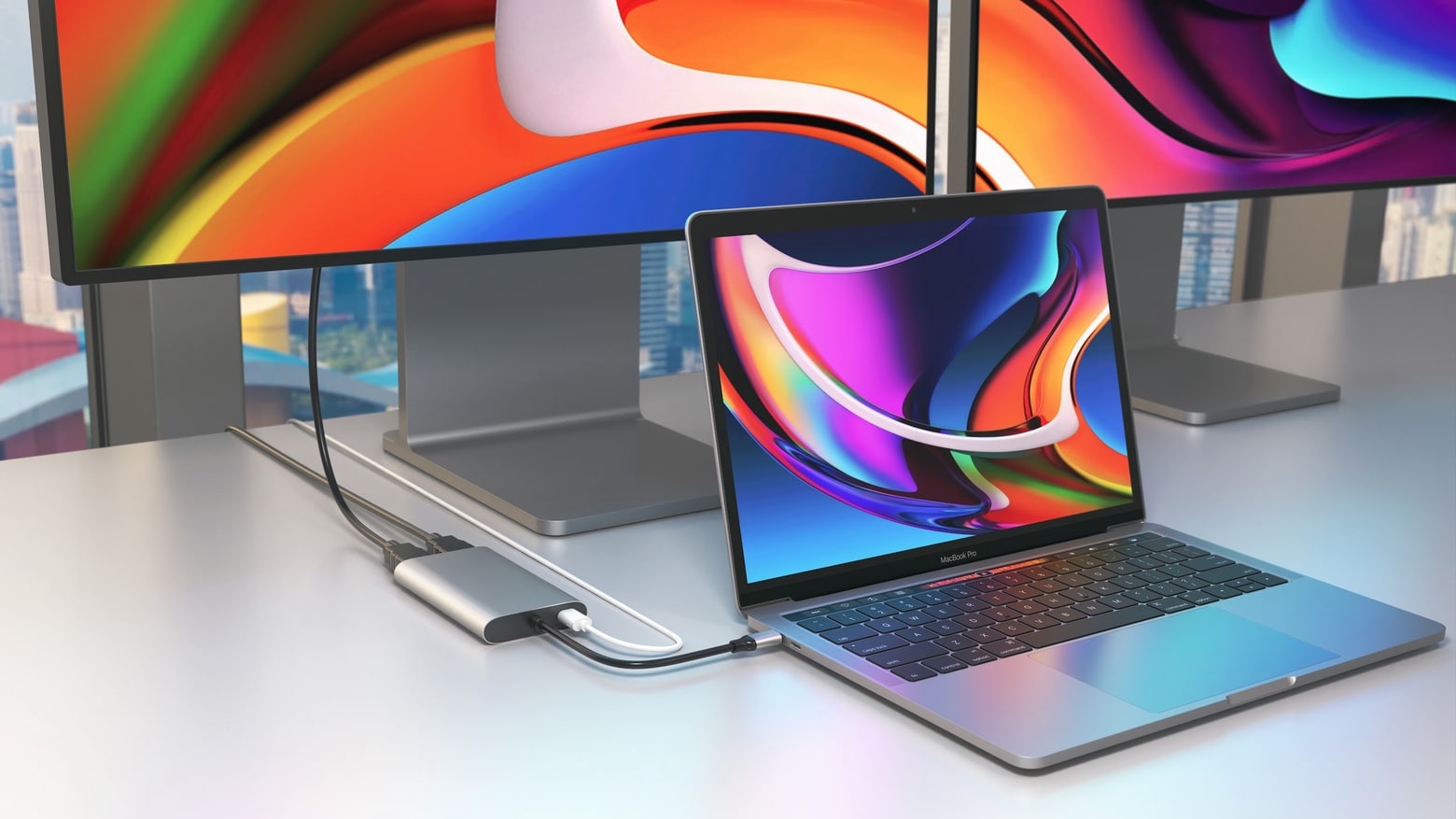
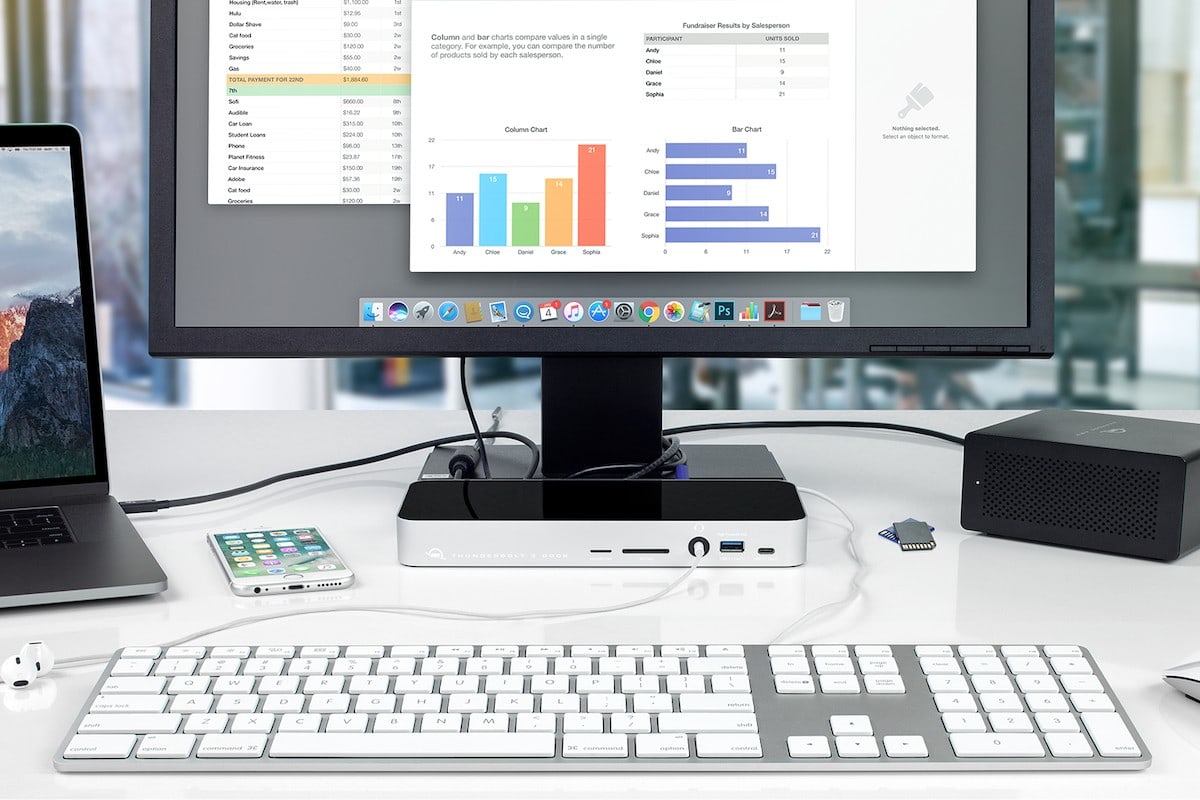
Belkin’s Thunderbolt hub packs a whopping 12 ports

By

Belkin’s Thunderbolt hub packs a whopping 12 ports
The Belkin Connect Pro Thunderbolt 4 Dock can be the center of your home office.
Photo: Belkin

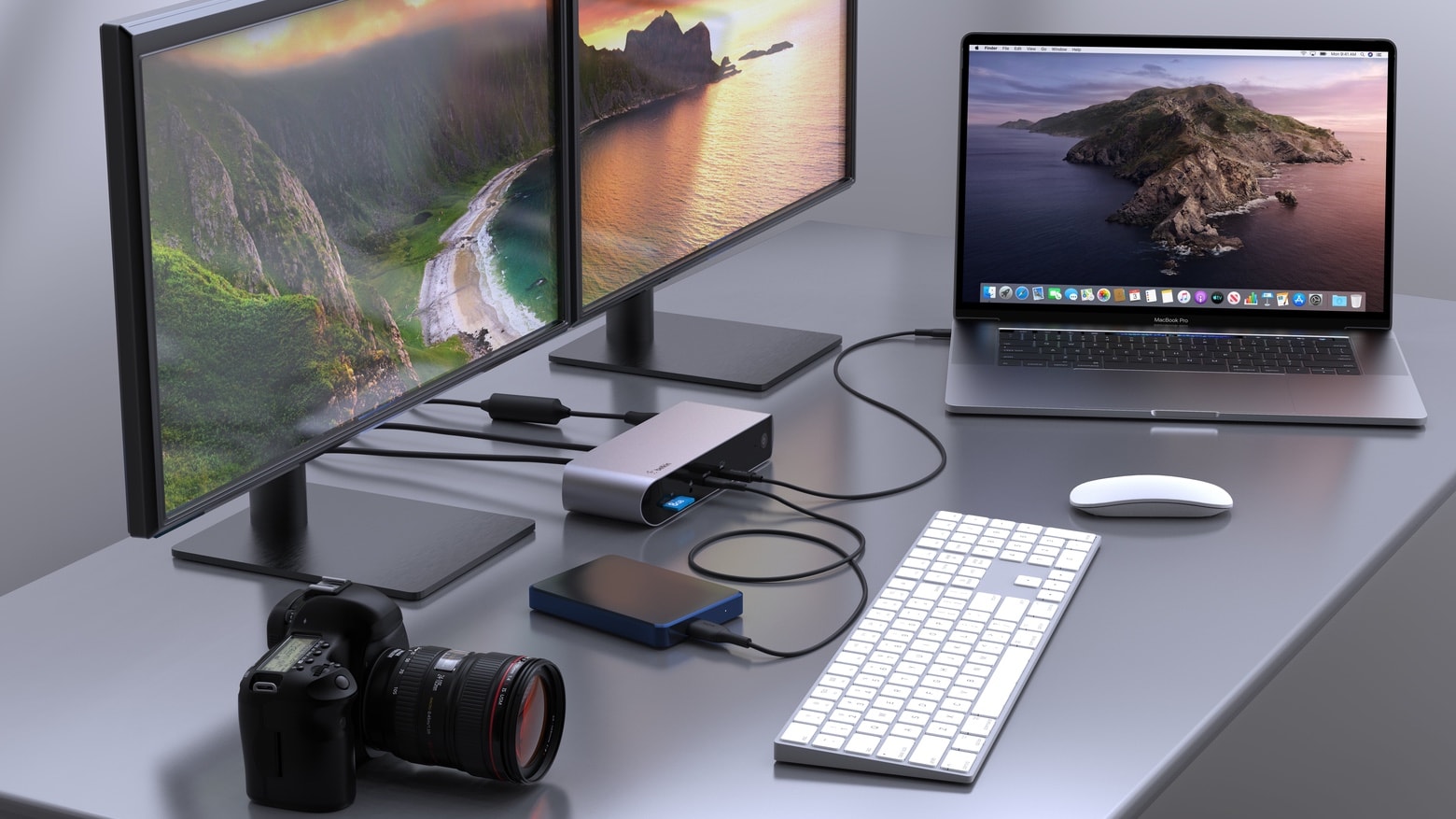
With a dozen ports, the Belkin Connect Pro Thunderbolt 4 Dock lets users connect a Mac to multiple accessories for data, video, Ethernet and power. All through a single high-speed cable connection.

Belkin also introduced a Thunderbolt 4 cable capable of handling data transfers at 40 Gbps.

This gorgeous 15.6-inch portable monitor will make your eyes pop [Review]

By

InnoView Portable Monitor INVPM001 review
The InnoView Portable Monitor is ideal for work, school, gaming or video.
Photo: Ed Hardy/Cult of Mac

The InnoView 15.6-inch Portable Monitor might be everything you’re looking for in a second screen for your MacBook. First off, it’s beautiful. And it’s very slim and lightweight. Plus it works with a wide variety of devices: Mac, iPad, even iPhone with the right adapter.

I used InnoView’s on-the-go display for both work and entertainment. Here’s all the many ways it impressed me. And its one flaw.

Put terabytes of high-speed storage on your desk with OWC’s NVMe U.2 SSD array [Review]

By

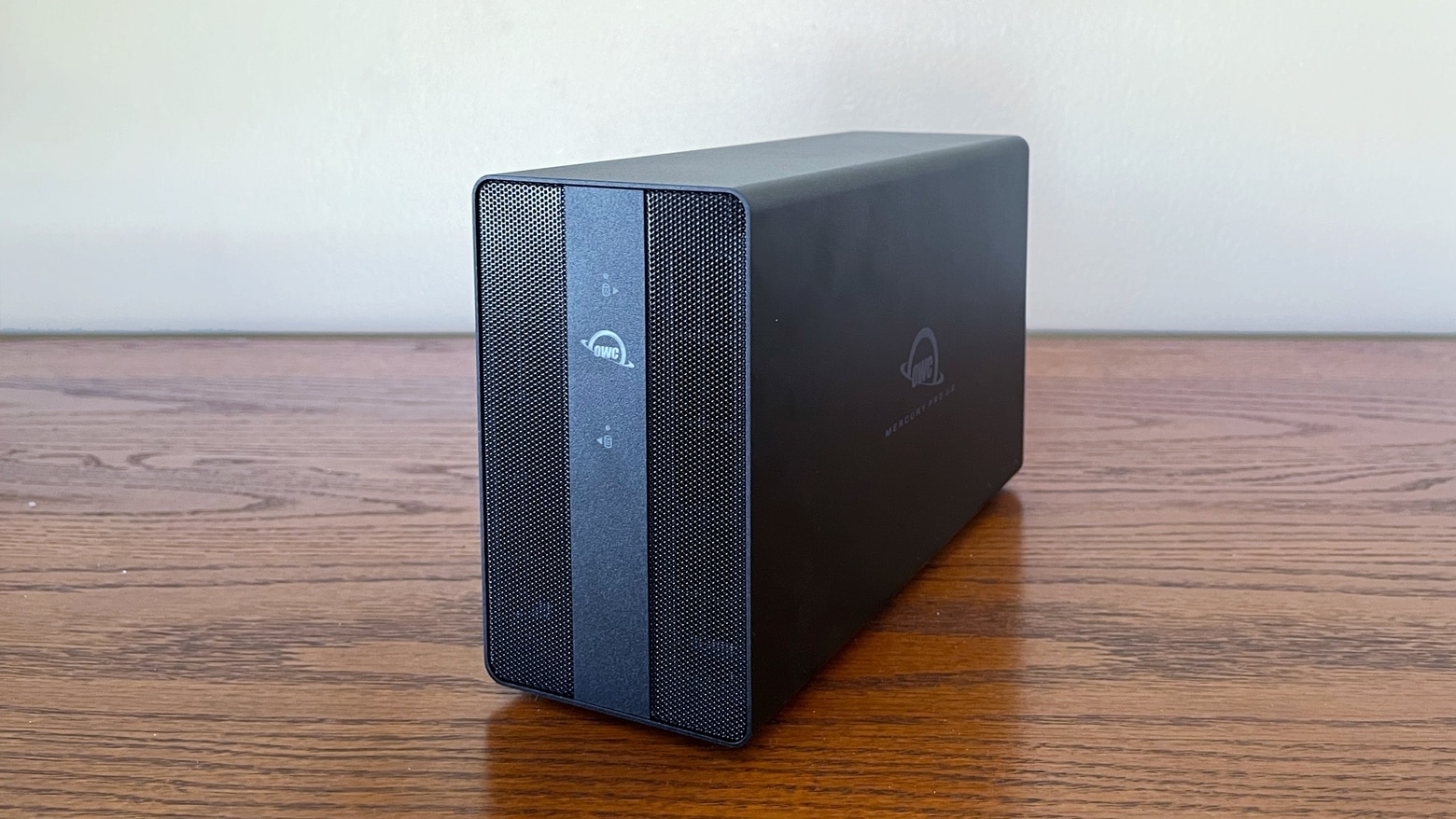
OWC Mercury Pro U.2 Dual review
You can start the OWC Mercury Pro U.2 Dual with a fairly modest amount of storage than grow it to 64TB.
Photo: Ed Hardy/Cult of Mac

The OWC Mercury Pro U.2 Dual can handle up to eight U.2 SSDs. And it can be pre-configured with up to 64TB. That’s a lot of storage capacity. Or put in your own SSDs. And the external drive enclosure uses Thunderbolt for high-speed connections to your Mac. Plus there’s RAID support.

I put the drive holder through testing. Here’s what I found.

HyperDrive Turntable Dock for iMac will get your head spinning

By

HyperDrive Turntable Dock for iMac will have your head spinning
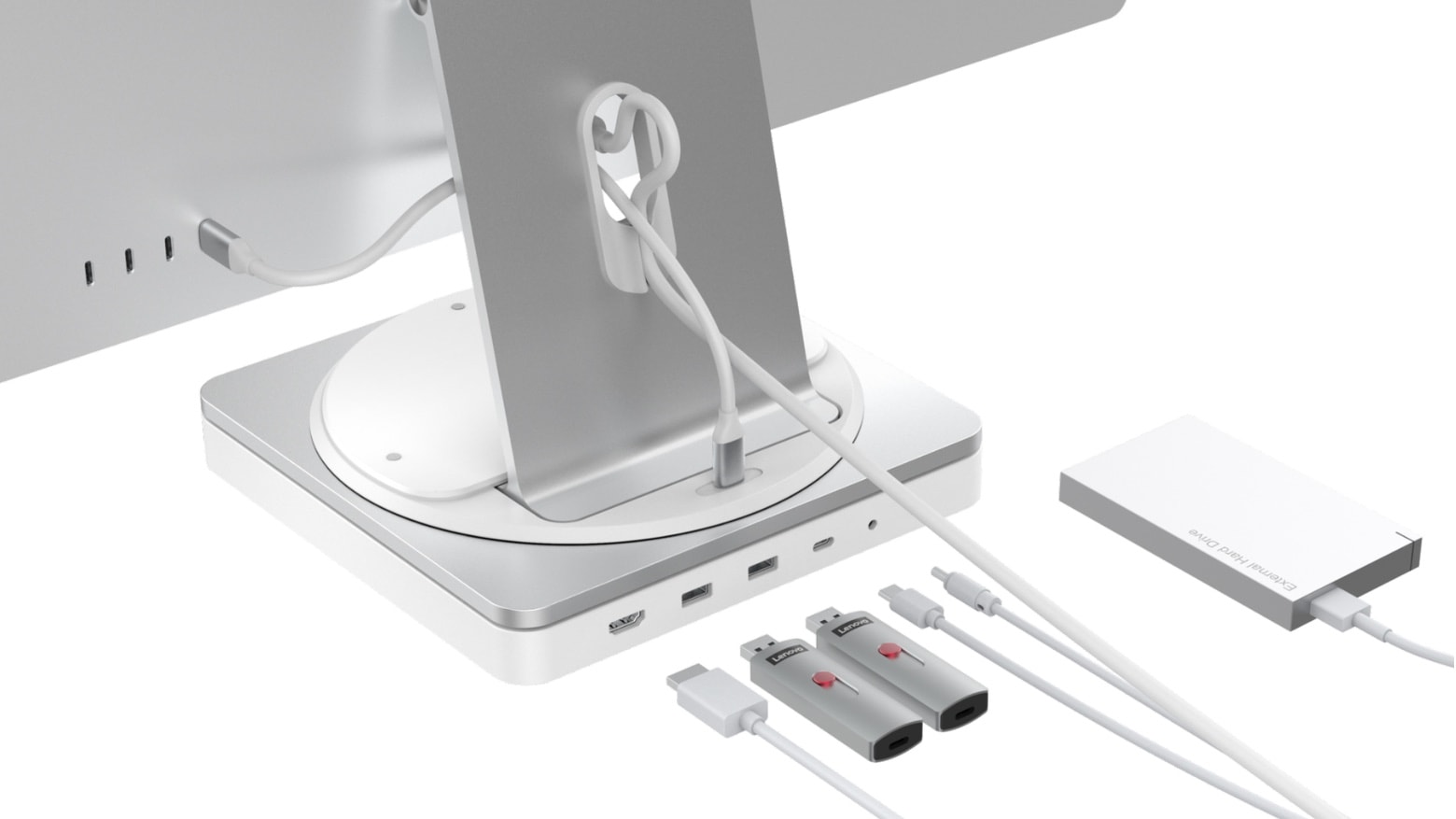
Take your iMac for a spin with the HyperDrive Turntable Dock
Photo: Hyper

The HyperDrive Turntable Dock for iMac includes a 360-degree swivel mechanism that makes turning the computer a breeze. Plus, it has room for an SSD and 10 useful ports.

Hyper also unveiled on Monday the HyperDrive Thunderbolt 4 Power Hub, which combines a docking station and 100W computer charger.

Both are nominated for CES Innovation Awards.

Portable hub adds plethora of USB-C and USB-A ports [Review]

By

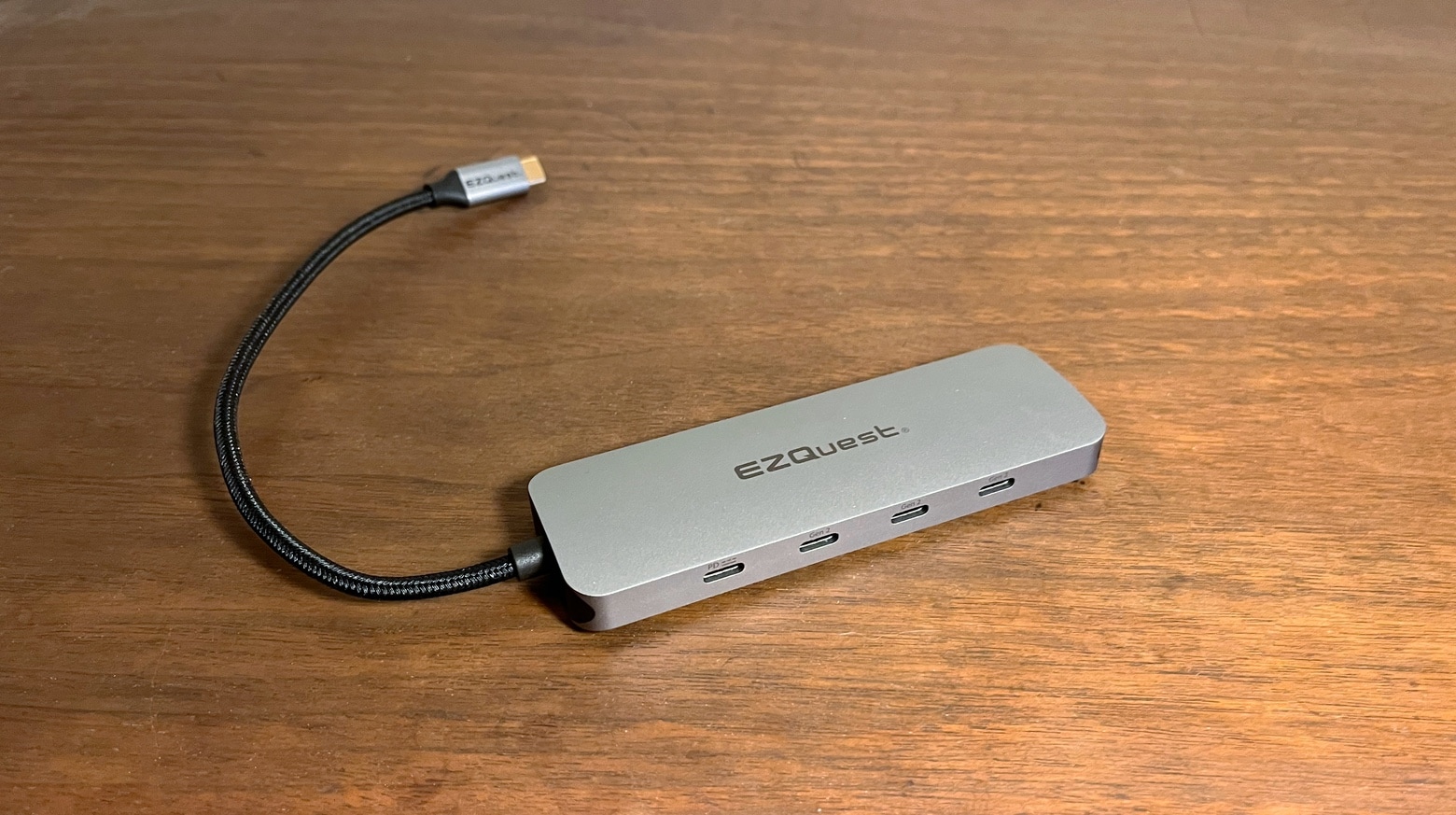
EZQuest USB-C Gen 2 Hub Adapter review
The EZQuest USB-C Gen 2 Hub Adapter takes just one port but adds four USB-C ports. And three USB-A ones.
Photo: Ed Hardy/Cult of Mac

You can never be too thin, too rich or have too many USB ports. The EZQuest USB-C Gen 2 Hub Adapter adds four USB-C ports and three USB-A ones, making room for an array of peripherals for your Mac or iPad.

I put the USB-C hub through real-world testing. Here are its strengths and weaknesses.

New Satechi Mac dock adds multiple Thunderbolt and USB-A ports, plus more

By

New Satechi Mac dock adds multiple Thunderbolt and USB-A ports, plus more
The Satechi Thunderbolt 4 Dock adds almost a dozen ports. And it enables high-speed data transfers over most of them.
Photo: Satechi

Satechi’s just-launched Thunderbolt 4 Dock includes a whopping eleven ports, including three Thunderbolt 4 and four USB-A ports. And there’s also a range of other ports for connecting additional peripherals.

Plus, Satechi launched a pair of USB-C hubs on Wednesday.

Accell’s new Thunderbolt 4 dock offers high-speed data transfers, plenty of ports

By

Accell’s new Thunderbolt 4 dock offers high-speed data transfers, plenty of ports
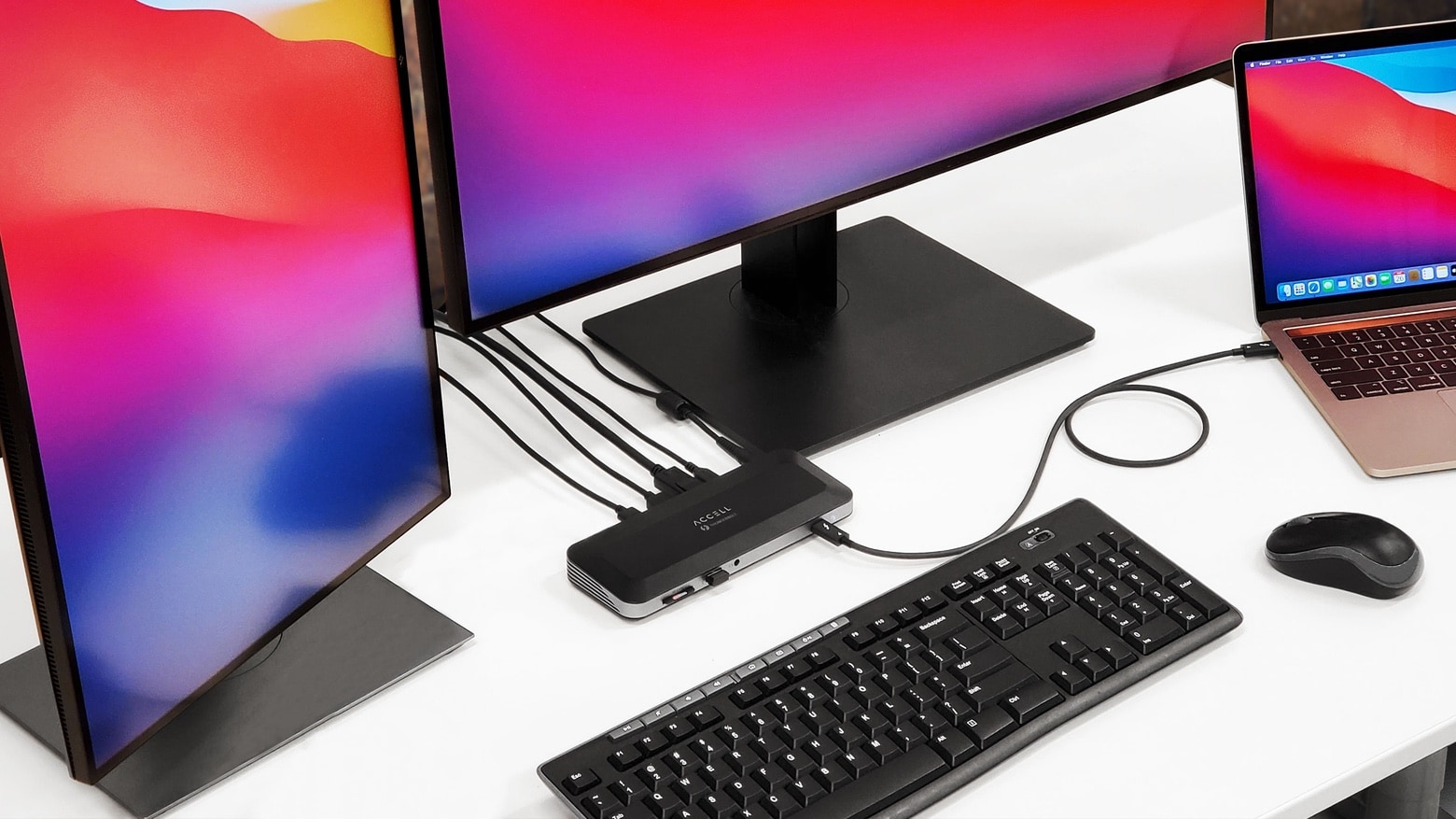
The Accell Thunderbolt 4 Docking Station is ready for professional workloads.
Photo: Accell

The Accell Thunderbolt 4 Docking Station allows multiple peripheral connections to Mac through a single Thunderbolt 4 cable. It turns a single Thunderbolt port into two, while also offering DisplayPort, USB-A, Ethernet and more.

The professional-grade hub is available for purchase starting Monday.

Logitech Pop keyboard and mouse make depressing desks more colorful

By

Logitech Pop keyboard and mouse
Available this month.
Photo: Logitech

Logitech’s new Pop collection hopes to make dark, drab desks a thing of the past. Both its Pop Keys keyboard, which features real mechanical keys, and the Pop Mouse sport quirky designs with bright and colorful finishes.

Prices start at $39.99, and they work great with Apple devices, including Mac and iPad. You can order yours this month.

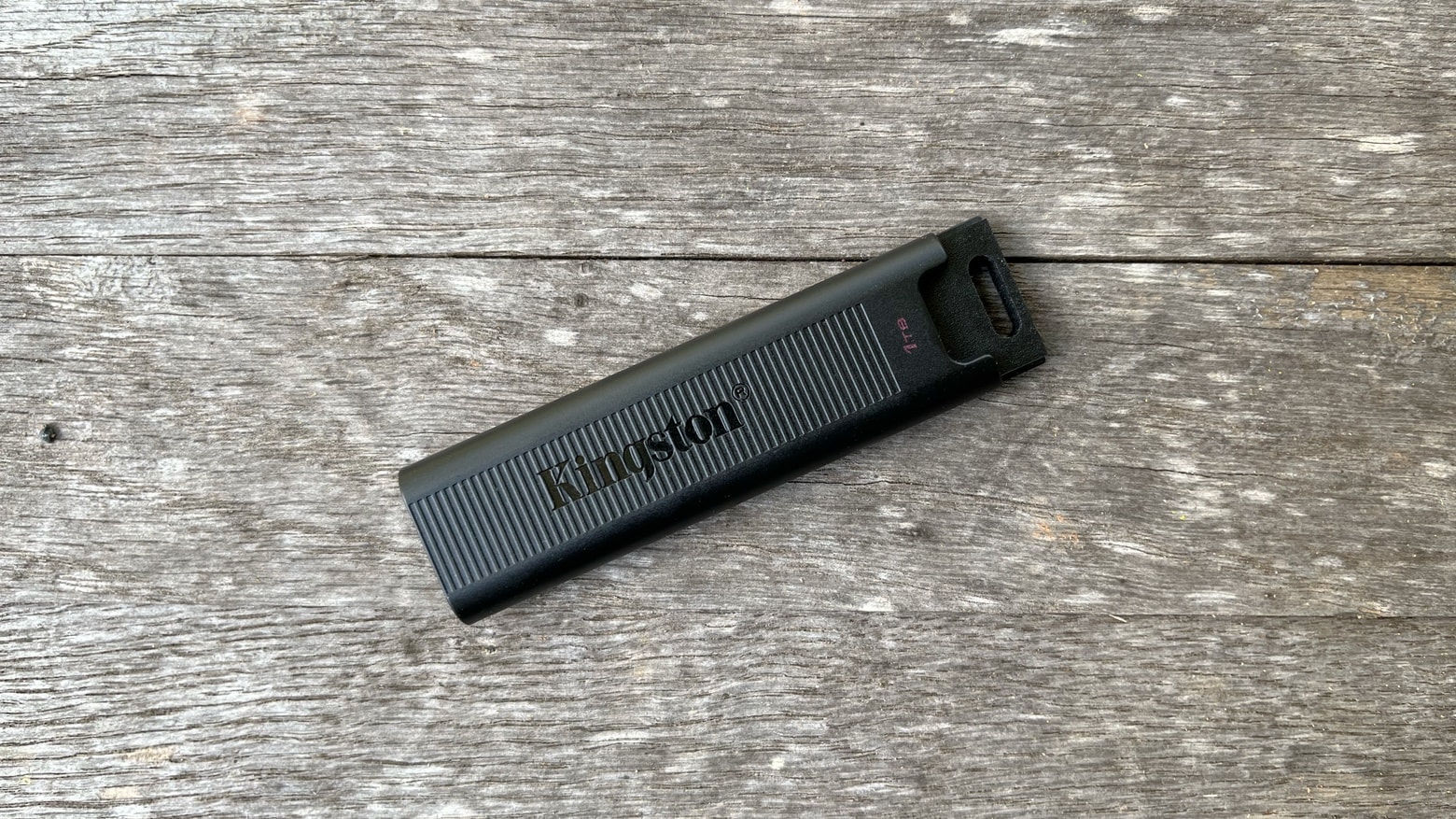
Kingston DataTraveler Max will make you toss your old flash drives [Review]

By

Kingston DataTraveler Max review
The Kingston DataTraveler Max is so fast it leaves old USB-A flash drives in the dust.
Photo: Ed Hardy/Cult of Mac

The Kingston DataTraveler Max is blazing fast. It supports USB 3.2 Gen 2 so the new flash drive can transfer data at up to 1,000MBps. And it uses USB-C so can be plugged into any Mac and most iPads.

I tested Kingston’s speed claims under real-world conditions. And data transfers are so quick it made me want to pitch out all my old flash drives.

Add dual 4K monitors to M1 MacBooks with Hyper’s new adapters

By

Add dual 4K monitors to M1 MacBooks with Hyper's new adapters
With the HyperDrive Dual 4K HDMI 3-in-1 USB-C Adapter you can easily connect a pair of displays to an M1 MacBook.
Photo: Hyper

A pair of adapters just launched by Hyper let MacBooks with an Apple M1 processor connect to dual HDMI monitors. Apple says the macOS notebooks can only use one external display, but users found a workaround. And Hyper built this workaround into its latest accessories.

There’s a basic HyperDrive Dual 4K HDMI adapter, plus a second version that offers additional ports.

This portable Thunderbolt SSD is so tough it’s been to space [Review]

By

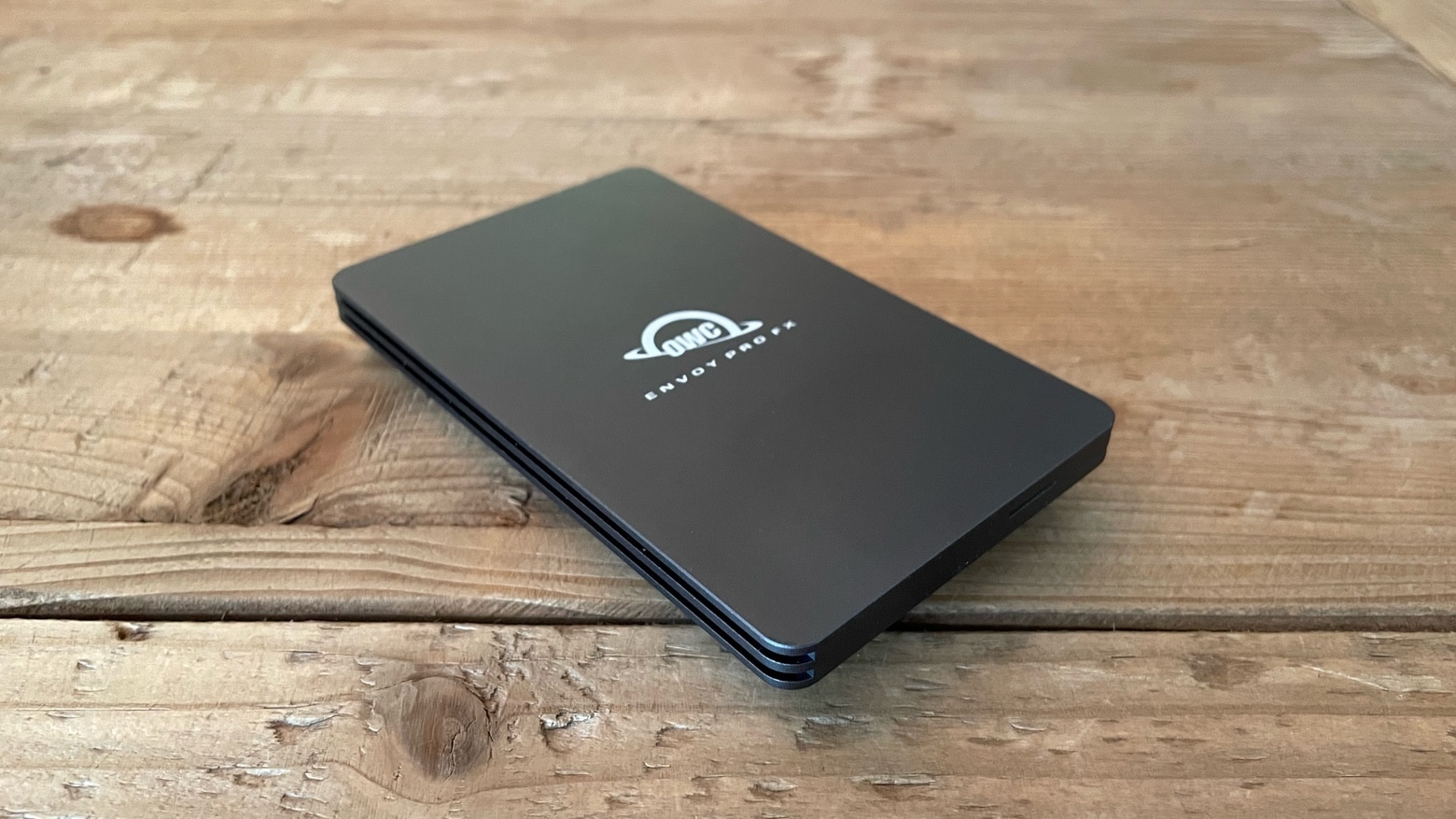
OWC Envoy Pro FX review
OWC Envoy Pro FX
Photo: Ed Hardy/Cult of Mac

No matter how hard you are on your gear, you aren‘t going to destroy the OWC Envoy Pro FX. The 2 terabyte SSD is waterproof and offers military-level drop toughness. Plus the USB-C accessory supports Thunderbolt 3 so data transfers are super fast.

I put the solid state drive through testing. Here’s how it stood up.

Mac Pro gets even faster graphics with AMD’s new Radeon Pro GPUs

By

Mac Pro gets even faster graphics with AMD's new Radeon Pro GPUs
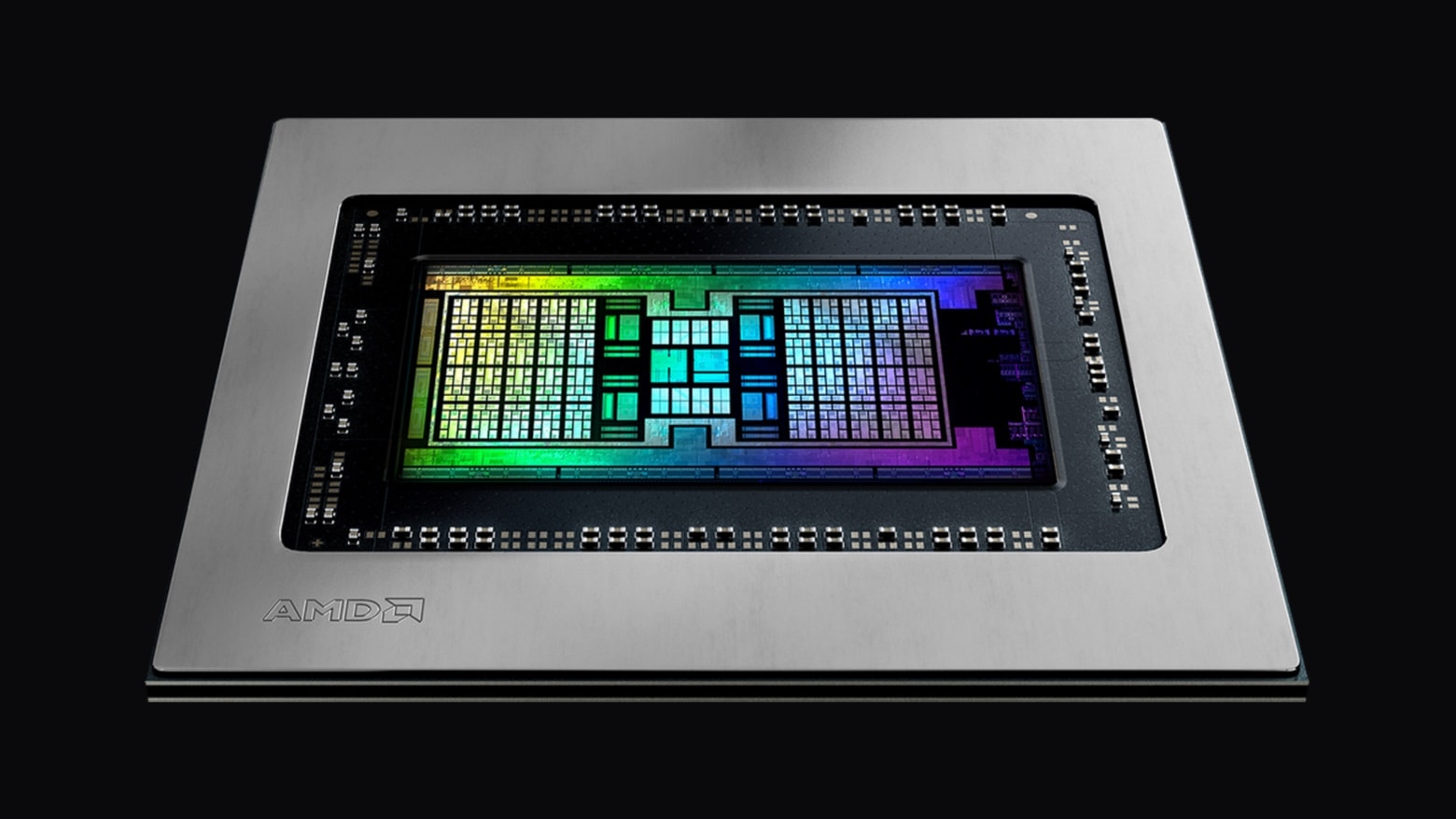
The AMD Radeon PRO W6000X series graphics cards are engineered to a wide variety of demanding professional graphics applications.
Photo: AMD

AMD launched new Radeon Pro W6000X series GPUs for Mac Pro on Tuesday. These add-on graphics processing units for Apple’s most powerful macOS desktop are designed for demanding professional applications, including 3D rendering, 8K video compositing, color correction and more.

Got data? The biggest-ever portable encrypted SSD just came out

By

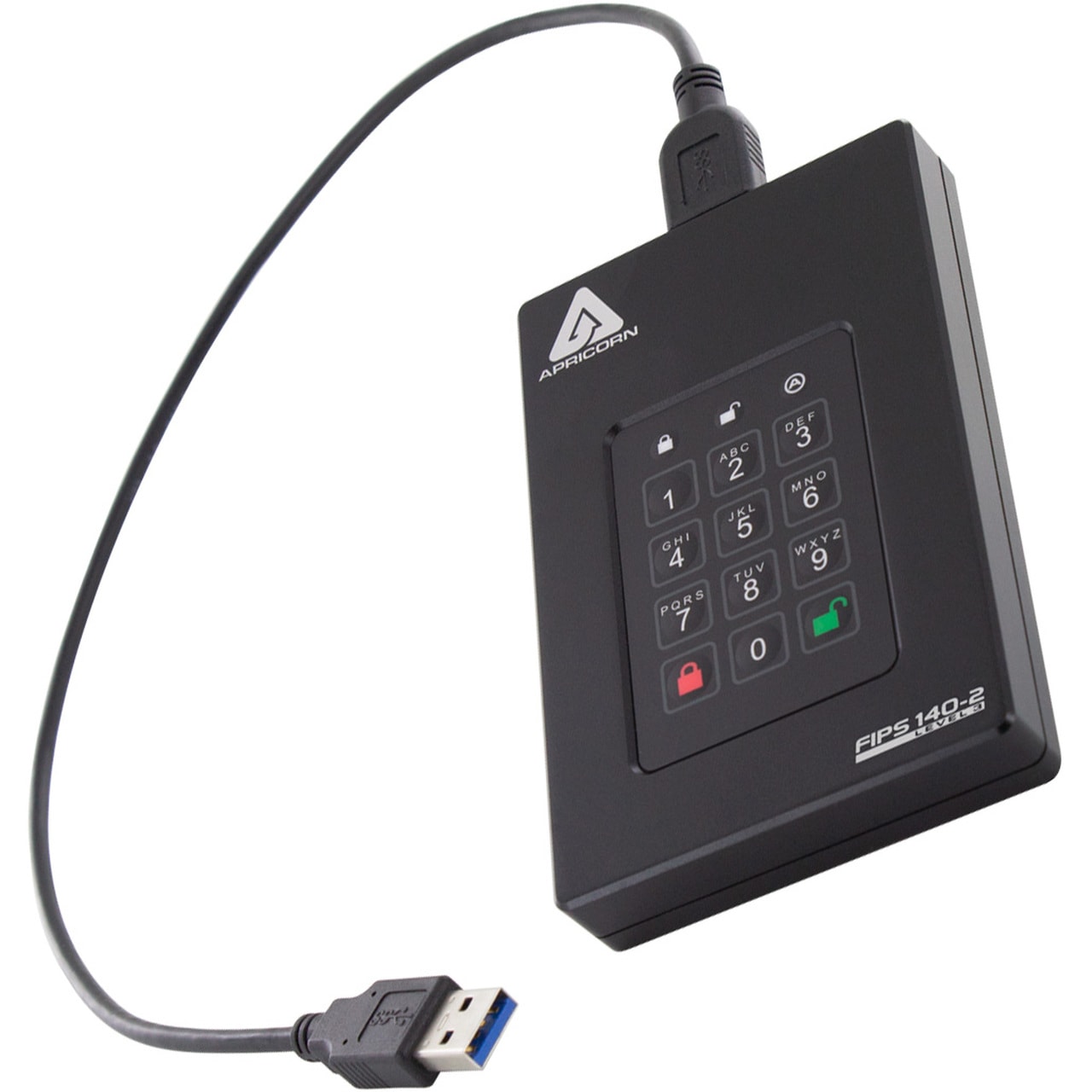
Apricorn's new 20 TB Fortress L3 is the biggest-ever portable encrypted SSD.
Photo: Apricorn

The headline should probably read, “Got data? And money?” Storage device-maker Apricorn released on Thursday what it bills as the largest-ever portable encrypted solid state drive. It holds 20TB of data and costs $12,999.

But don’t worry, you can get a much smaller one for as little as $239.

Satechi improves Mac mini stand/hub combo with new SSD enclosure

By

Satechi Type-C Stand & Hub for Mac Mini with SSD Enclosure
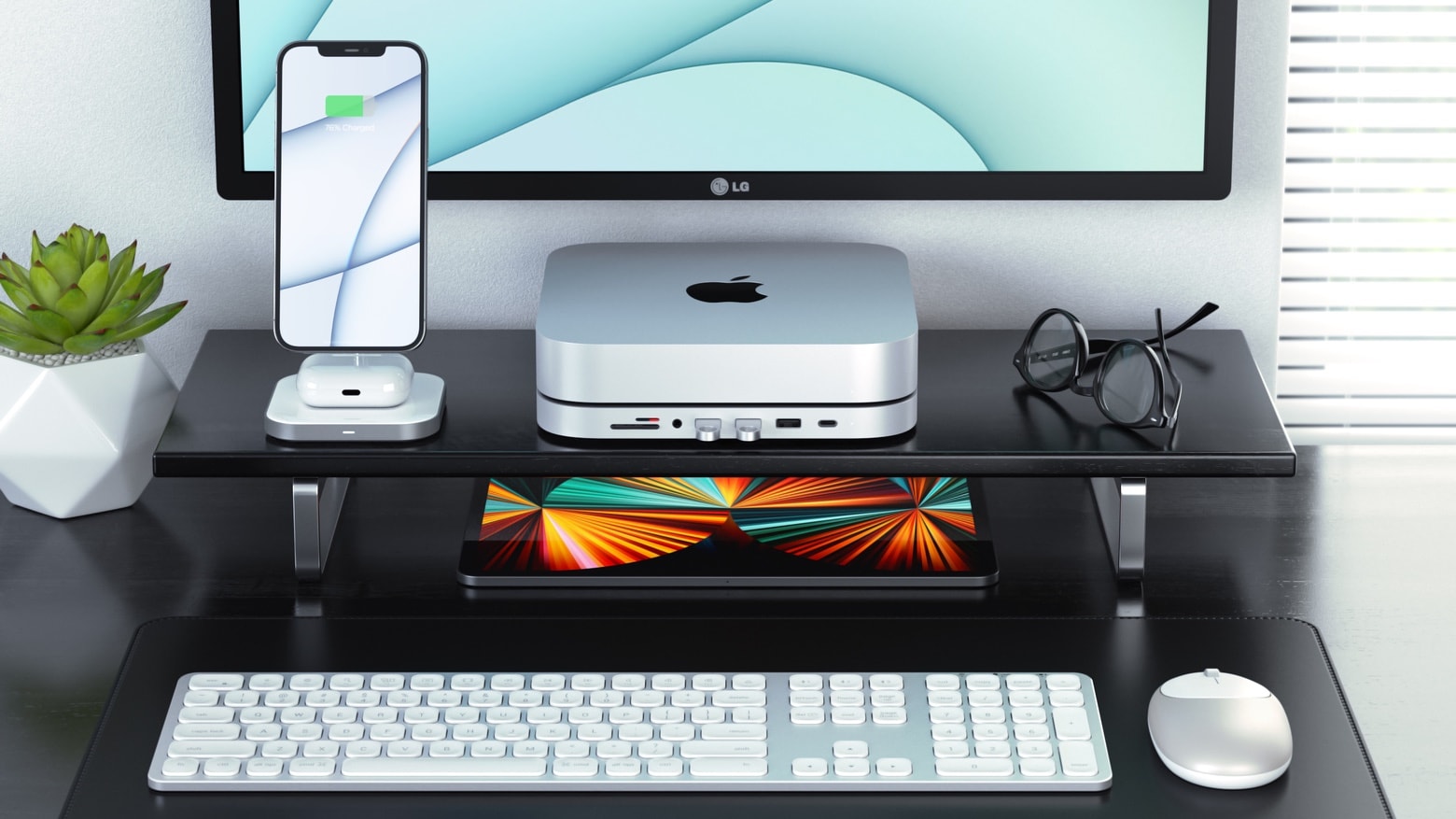
Add front-facing ports and additional storage to your Mac mini with an improved Satechi Stand & Hub.
Photo: Satechi

Satechi’s stylish Mac mini stand includes an array of front-facing ports. A new version adds space for a sold-state drive to further increase the macOS desktop’s storage capacity.

The Satechi Type-C Stand & Hub for Mac Mini with SSD Enclosure launched Wednesday. And it’s currently on sale.

No cloud, no problem: How to auto-store your photos and videos

By

backup stick
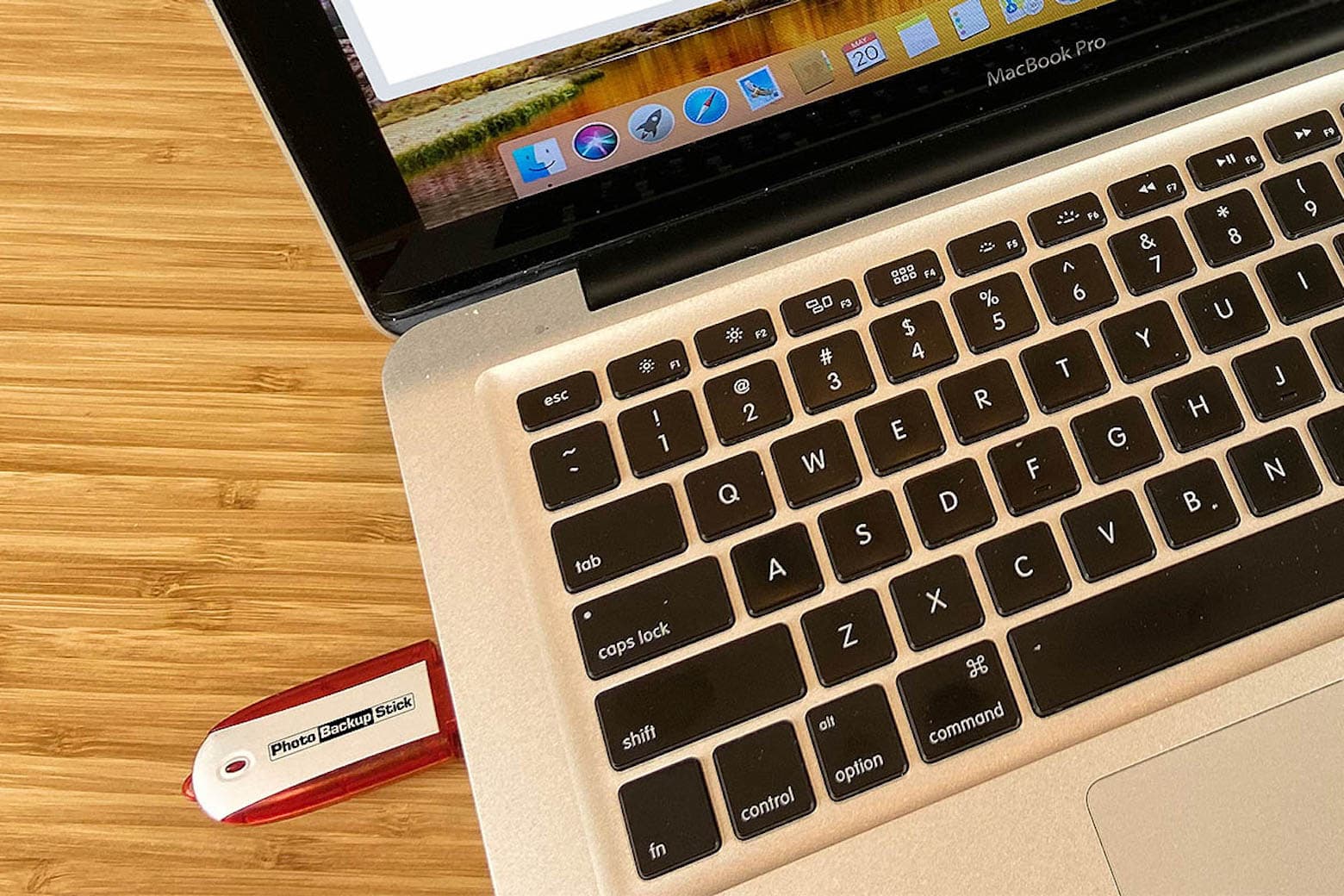
This backup stick protects and stores your photos and videos from virtually all devices.
Photo: Cult of Mac Deals

We all go through a similar thought process when our phones, laptops or iPads break, get lost or are stolen. Somewhere between trying to remedy the situation and coming to terms with the loss comes the sharp realization that all your content is gone. Saying goodbye to your photos is never fun, but you can prevent this nightmare from happening by taking precautions now.

What’s better than using cloud storage? Keeping your photo and video content in the palm of your hand. While the cloud can be convenient, the Photo Backup Stick automatically backs up pictures and videos — without having to rely on an internet connection. It can eliminate the need to pay for monthly cloud-storage fees.

Keep your Mac going strong with this high-end Thunderbolt gear

By

Expand the life and capability of your Mac setup with OWC Thunderbolt products.
Photo: Other World Computing

This post is presented by Other World Computing, owner of MacSales.com.

For 30 years, Other World Computing and its website, MacSales.com, have offered Mac users great ways to upgrade and extend the life of their equipment rather than buying a new computer.

That goes for practically any product an Apple customer could want or need. But when it comes to Thunderbolt connectivity equipment — external drives, docks, hubs, cables — OWC really goes the distance.

Get ready for lossless Apple Music with Belkin Soundform Connect [Review]

By

Belkin Soundform Connect review: AirPlay 2 adapter for legacy speakers
The Belkin Soundform Connect brings the high-quality audio of AirPlay 2 to legacy speakers or soundbars.
Photo: Ed Hardy/Cult of Mac

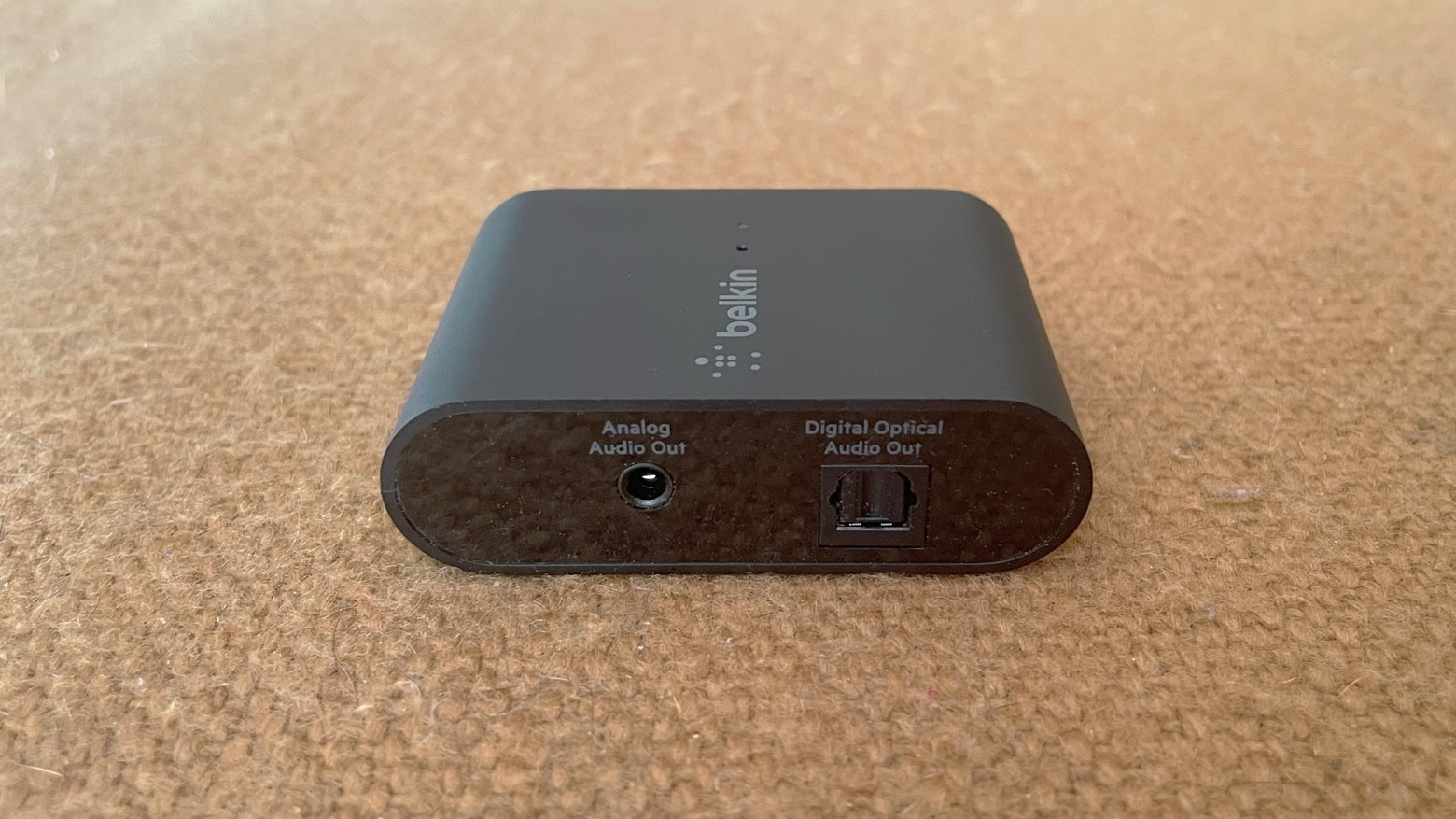
The Belkin Soundform Connect could be just what you need to connect your speakers to Apple Music’s upcoming high-quality lossless audio. The wireless adapter allows iPhone and Mac users communicate with any speaker over AirPlay 2 using Wi-Fi rather than Bluetooth.

I ran some tests, and I’m impressed with the usefulness of this tiny accessory.

SanDisk’s 2-in-1 flash drive lets iPhone, Mac, iPad securely exchange files [Review]

By

SanDisk iXpand Flash Drive Luxe review
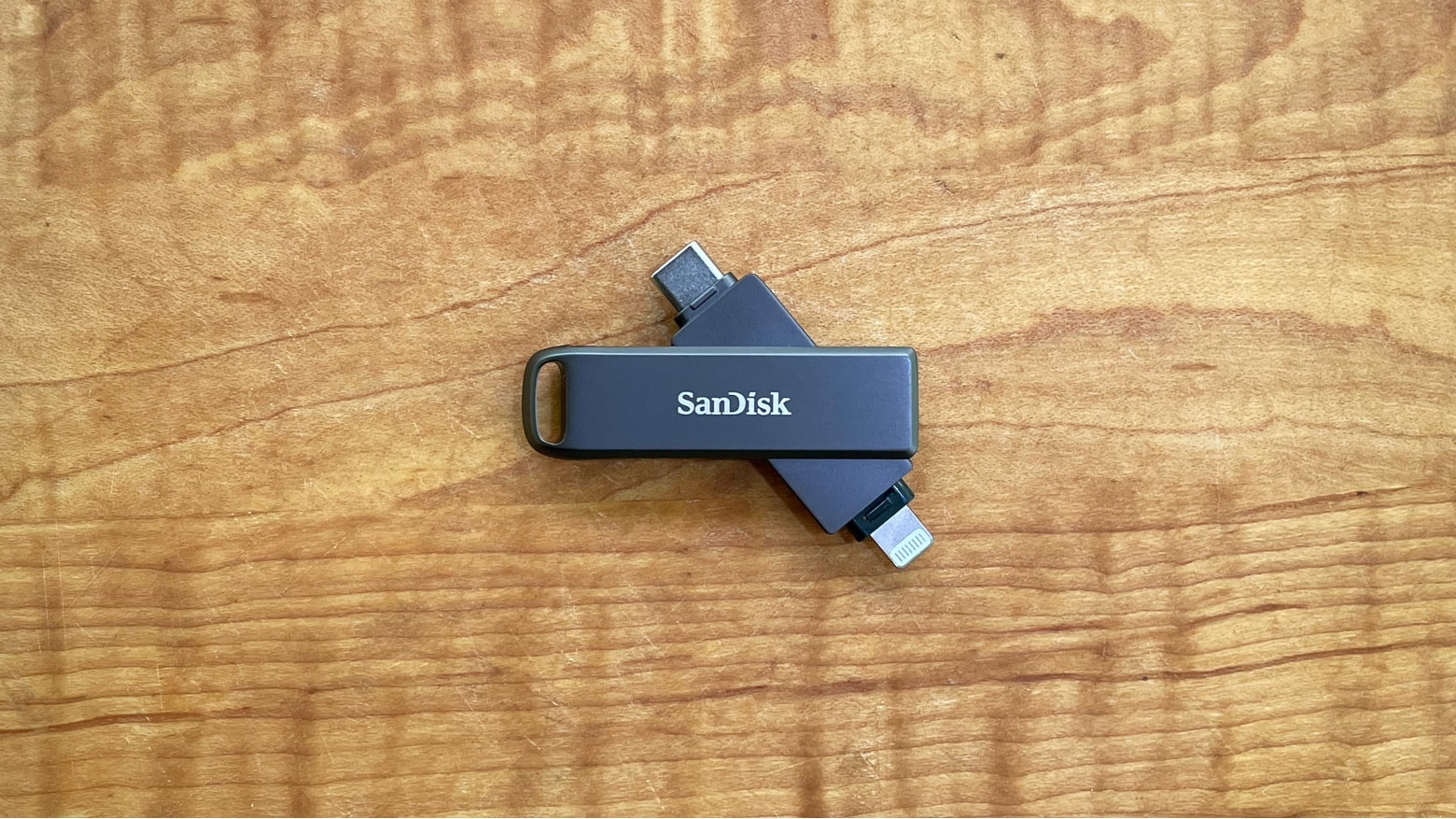
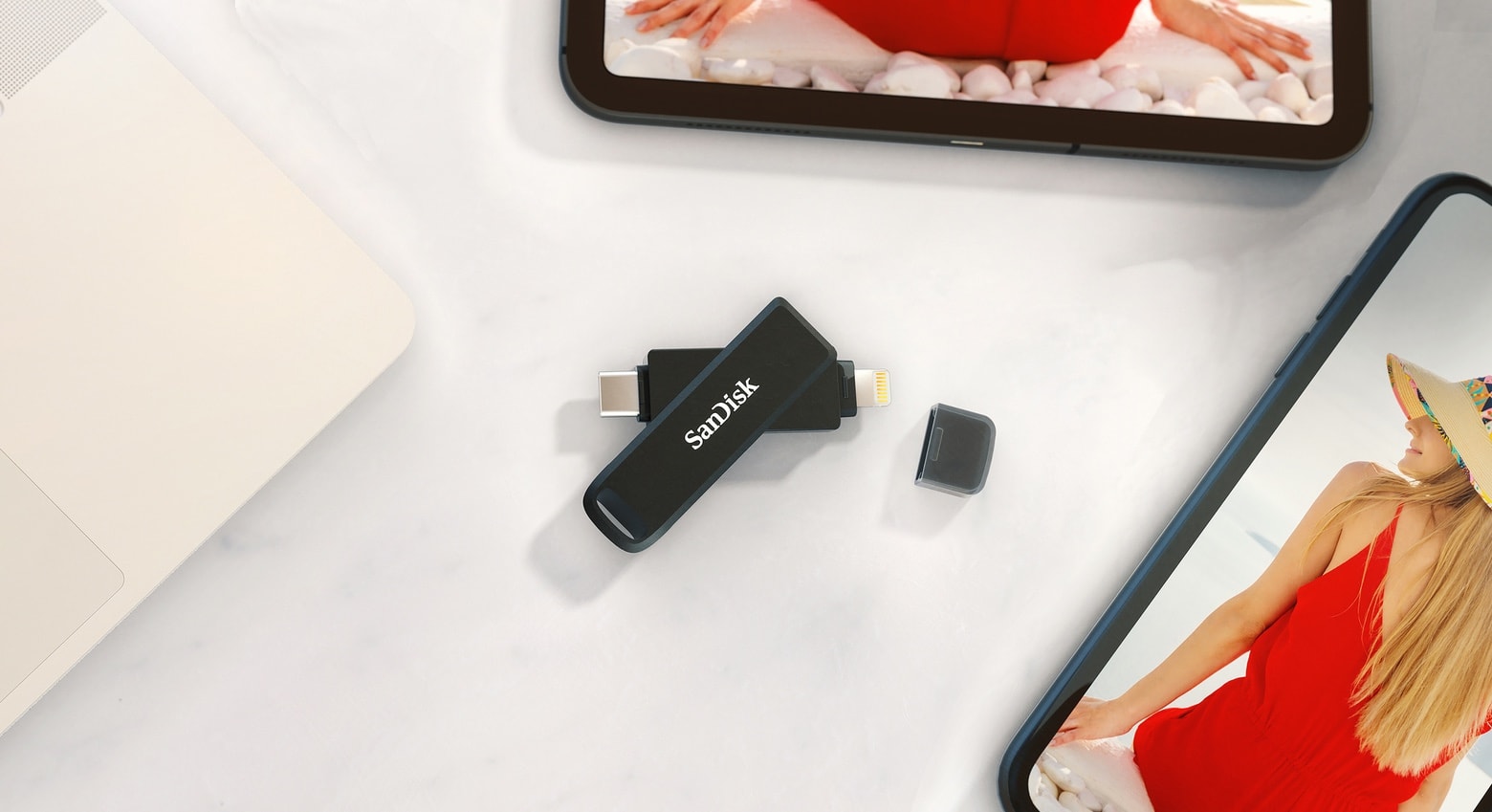
The SanDisk iXpand Flash Drive Luxe has both USB-C and Lightning connectors for maximum compatibility.
Photo: Ed Hardy/Cult of Mac

The SanDisk iXpand Flash Drive Luxe includes both Lightning and USB Type-C connectors so it plugs into almost any computer. You can easily access the same collection of files from an iPhone, Mac or iPad without resorting to iCloud, etc. Even better, the drive is small and comes in an all-metal casing.

I tested the iXpand Luxe with multiple devices. Here’s its strengths and weaknesses.

SanDisk Luxe flash drive uses Lightning and USB-C to support all Apple devices

By

The SanDisk iXpand Flash Drive Luxe debuted on Wednesday
Securely share a collection of files between your iPhone, Mac and iPad with a new 2-in-1 flash drive from SanDisk.

The SanDisk iXpand Flash Drive Luxe lets you access its files on all your Apple computers, no adapters needed. It supports Lightning and USB Type-C, so it can plug into an iPhone, Mac or iPad. The same goes for many Windows and Android devices.

Working from home? These 11 essential upgrades will save your sanity.

By

Any of these 11 heavily discounted products will have a profound impact on your WFH experience
Any of these 11 products will have a profound impact on your WFH experience.
Photo: Cult of Mac Deals

In theory, you only need a laptop and a table to work from home. But as the months pass, a subpar setup will take its toll on your productivity — and your body. A few choice upgrades can make all the difference.

From dedicated desks to ergonomic mice, here are 11 products that can improve your WFH experience — now on sale for up to 39% off MSRP.

Plugable 7-in-1 USB-C hub promises top-tier performance on a budget

By

Plugable USBC-7IN1E promises high quality for a low price.
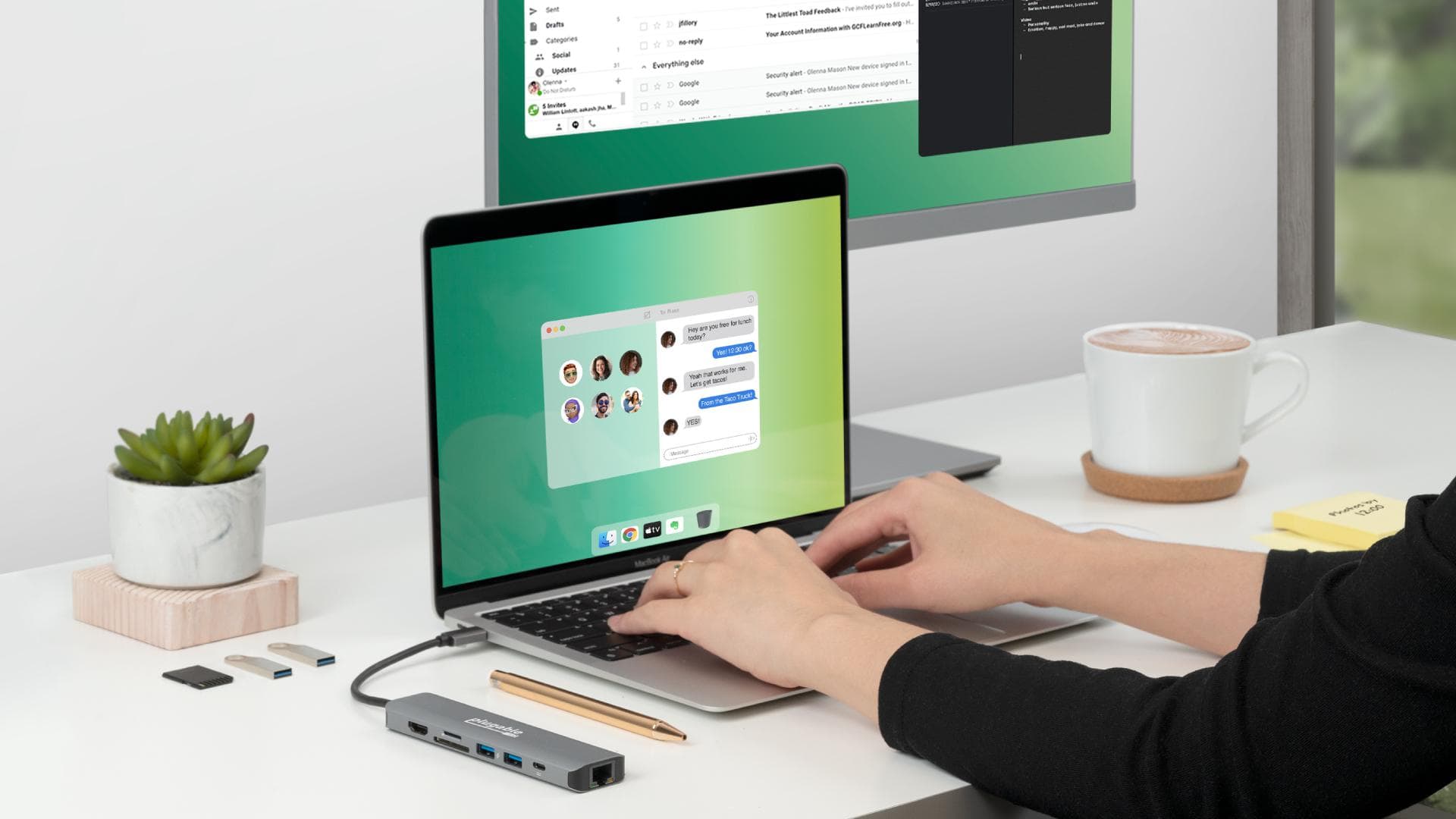
Plugable’s USB-C adapter offers plenty of ports. All of which can be used at the same time.
Photo: Plugable

CES 2021 bugPlugable freely admits its new 7-in-1 USB-C hub for Mac or iPad is entering a crowded market. But the accessory maker promises its new USBC-7IN1E multiport adapter stands out from cheap competitors with better hardware.

Nevertheless, the cost is just $30.

Add a high-definition touchscreen to any Mac

By

Desklab Portable Touchscreen monitor
Instantly expand your computer, tablet and more with an add-on toucshcreen monitor.
Photo: Cult of Mac Deals

A second screen can make a huge difference in productivity. For some people, it’s a critical part of their workflow. But even more interesting is the possibility of adding a screen with full touchscreen capabilities, so you can essentially use it as an extra monitor or a tablet.